
Somrat10369/Windows-11-Productive-Rice-Configs
Somrat10369/Windows-11-Productive-Rice-Configs has 33 GitHub stars and 2 forks. GitHot measured 0 stars in 24 hours. Last checked 2026-11-12 19:03 UTC. Last push 2026-11-04.
Windows 11 productivity setup with GlazeWM, YASB, Flow Launcher, Yazi, Windhawk, Oh My Posh, PowerShell, and Linux-inspired dotfiles. Complete guide for building a fast, minimal Windows workflow.
Measured star growth
- in 24h
- 0
- in 7 days
- Collecting history
- in 15 days
- Collecting history
- in 1 month
- Collecting history
Net star changes over overlapping periods, not daily totals. Missing measurements are left blank. Stars measure attention, not software quality.
README.md
Original
A personalized Windows setup built around productivity, keyboard-driven workflows, and a cohesive desktop aesthetic. Window management, shell customization, terminal tooling, browser styling, and dynamic theming — collected in one place.




Showcase
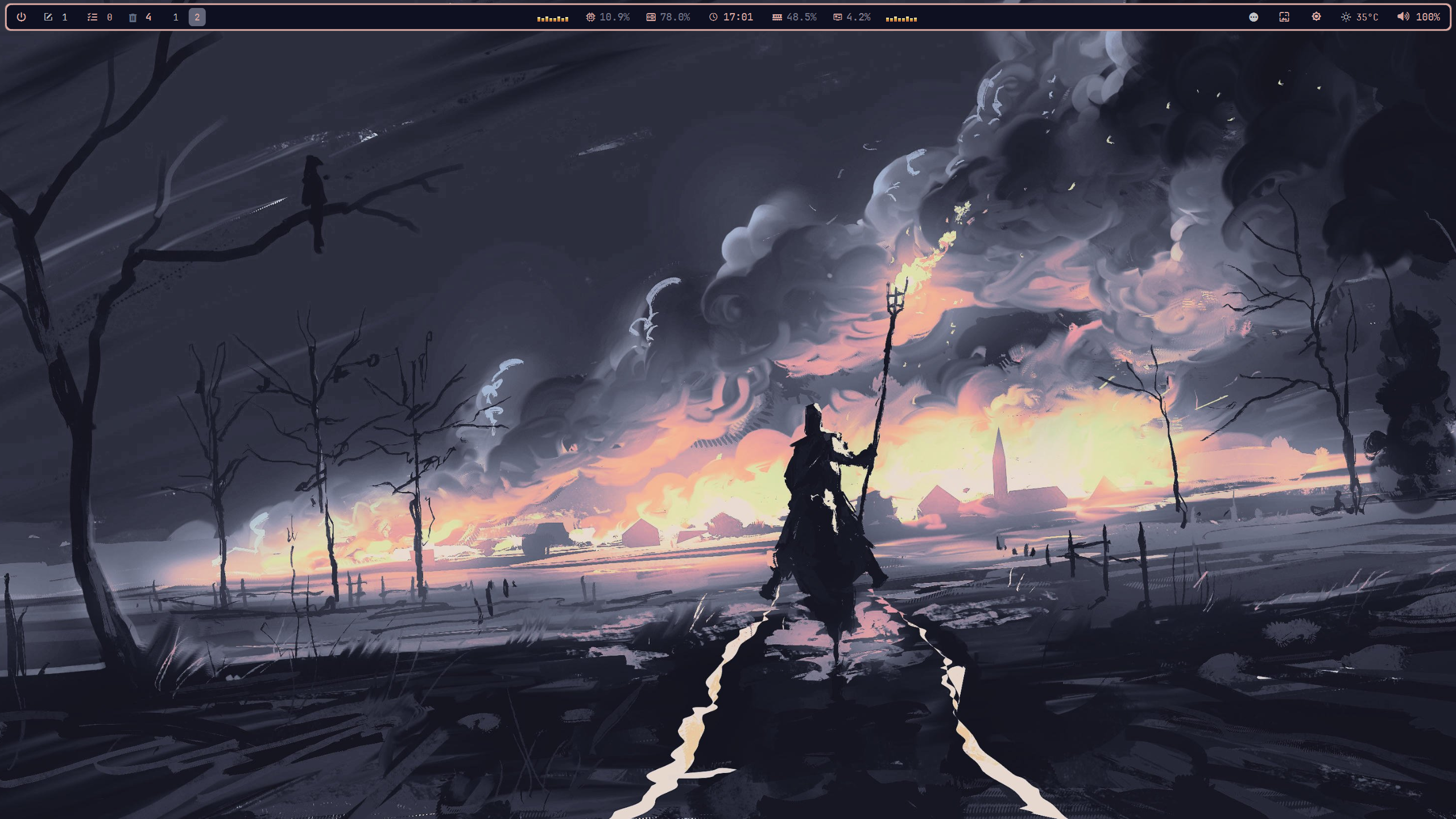
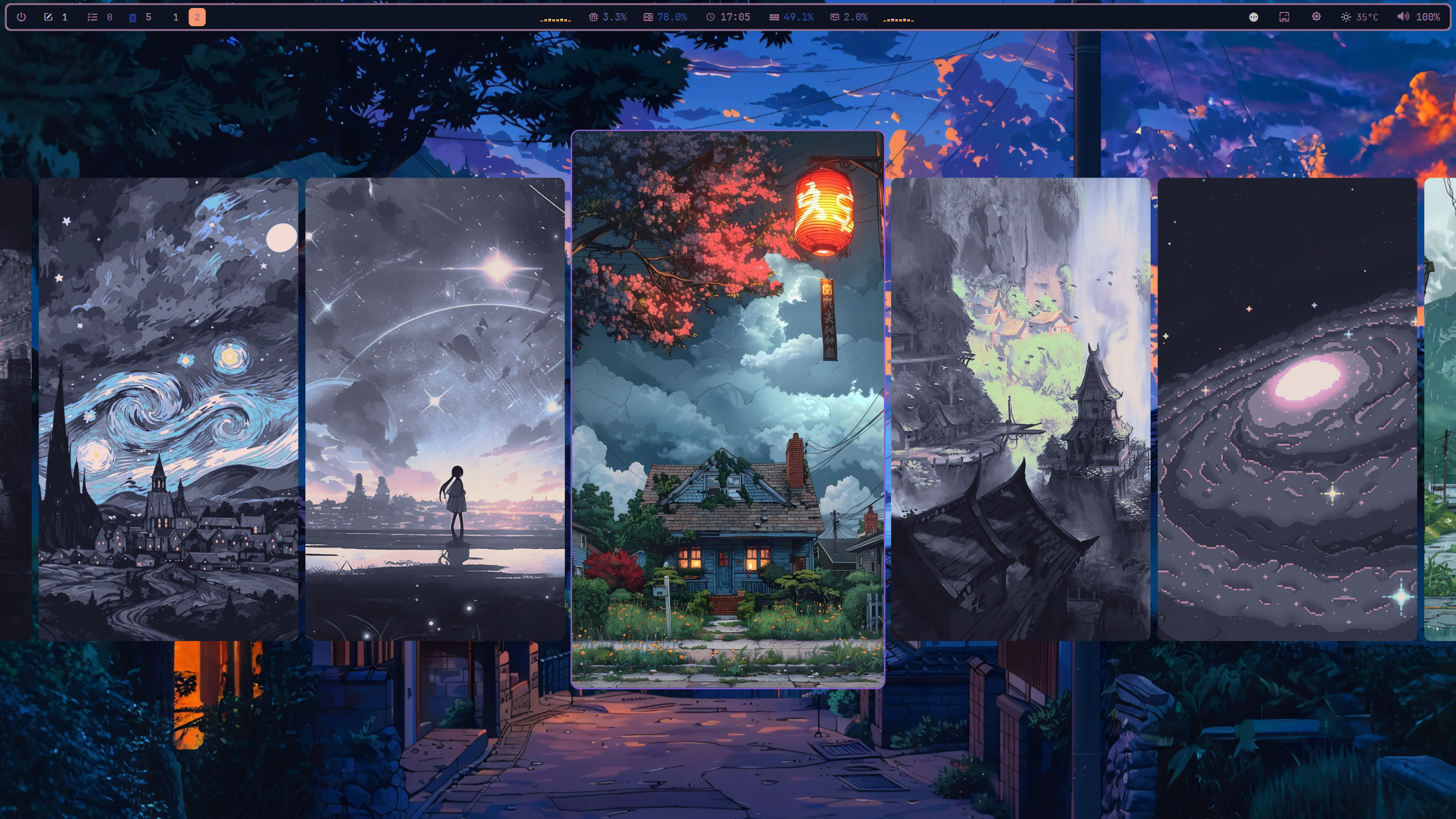
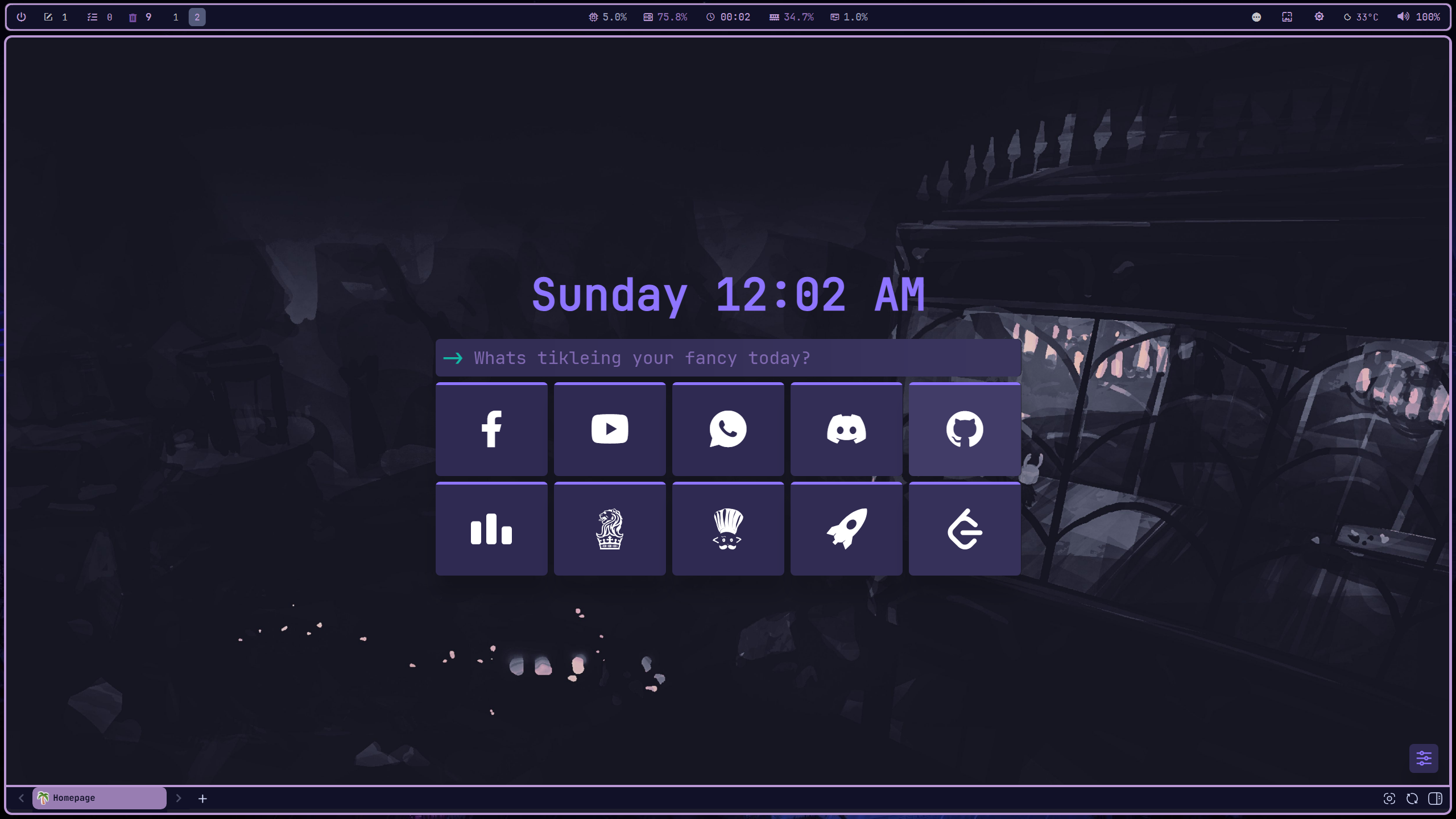
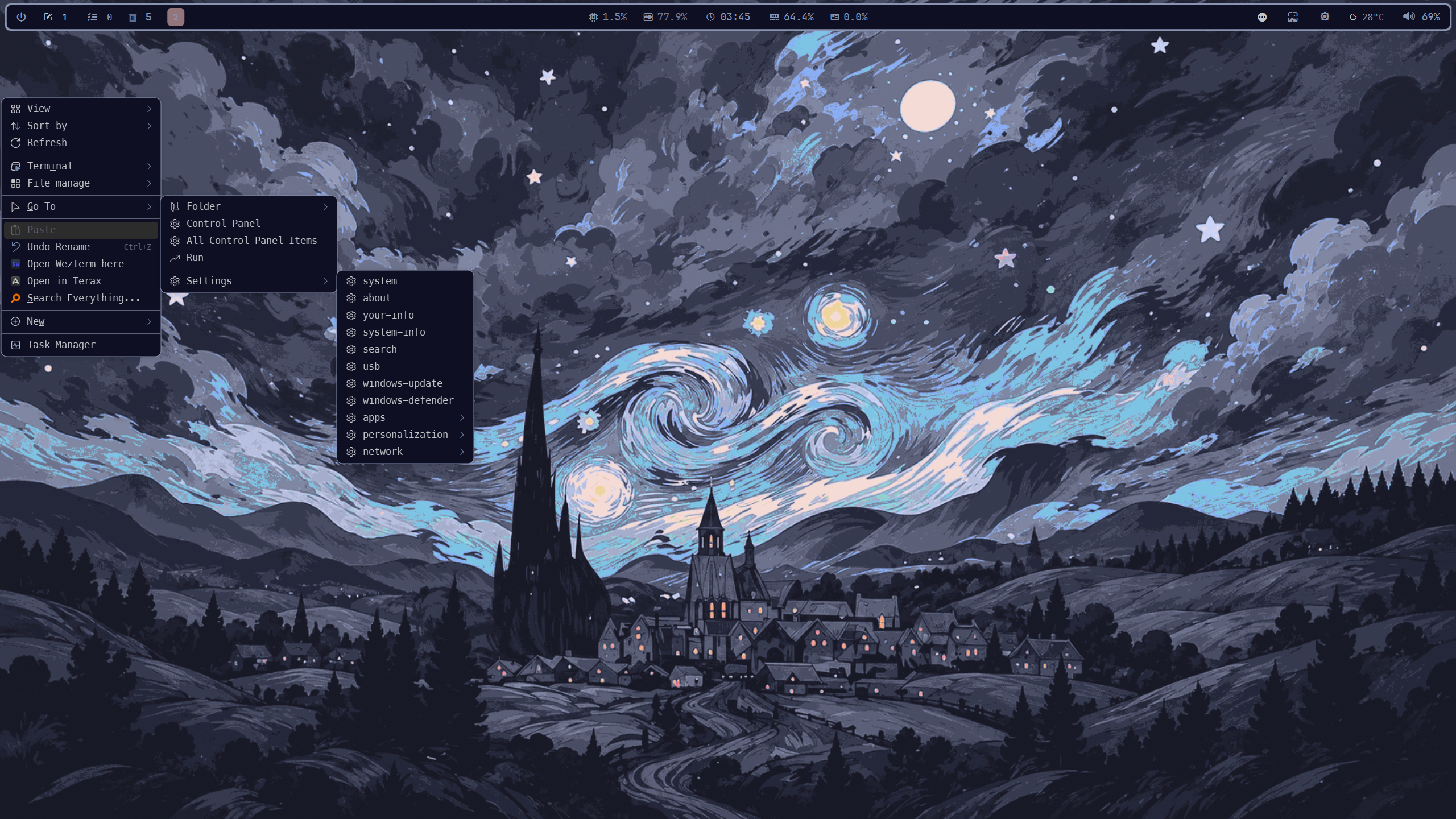
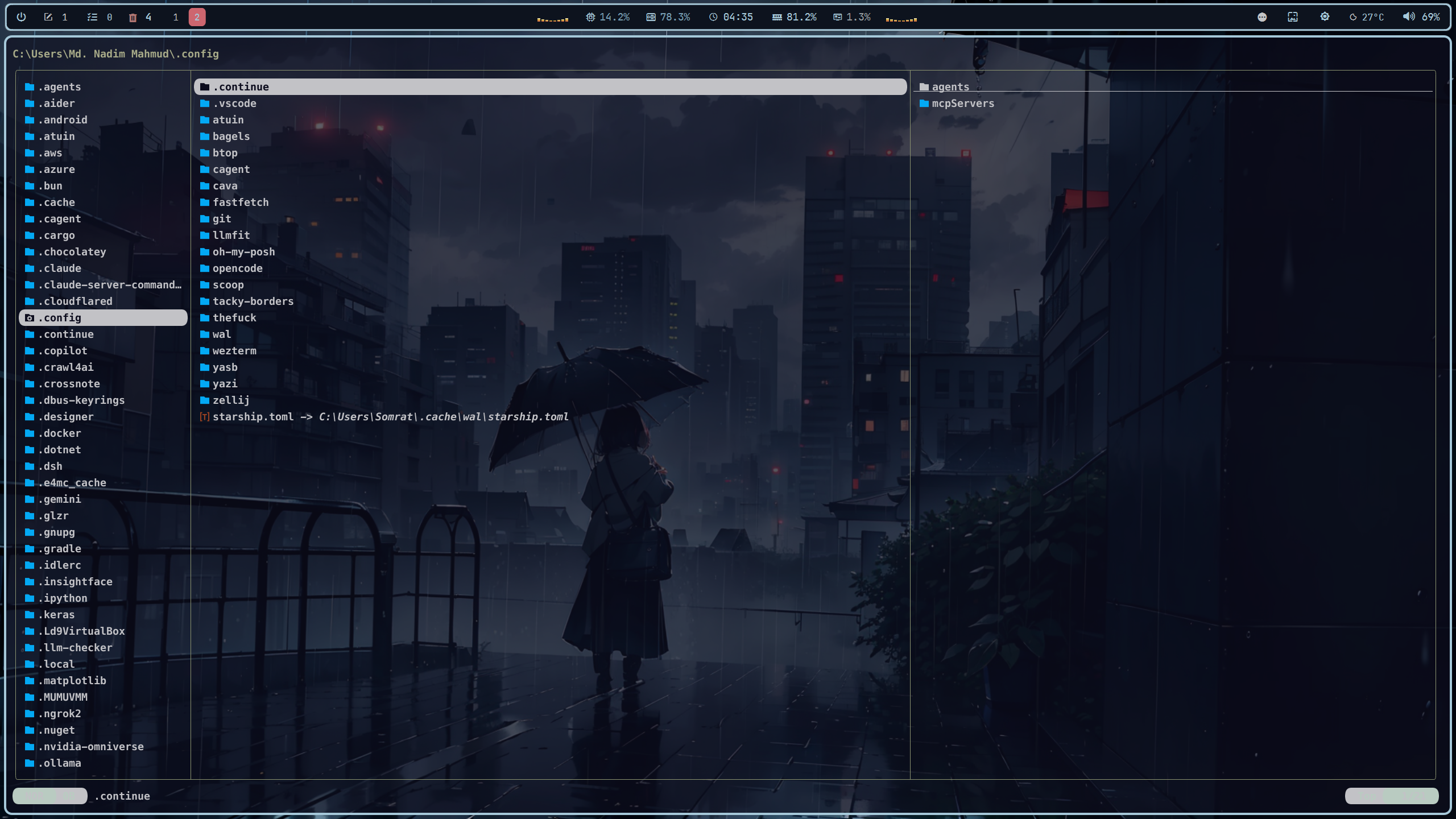
A look at the desktop and the applications that make up the setup.
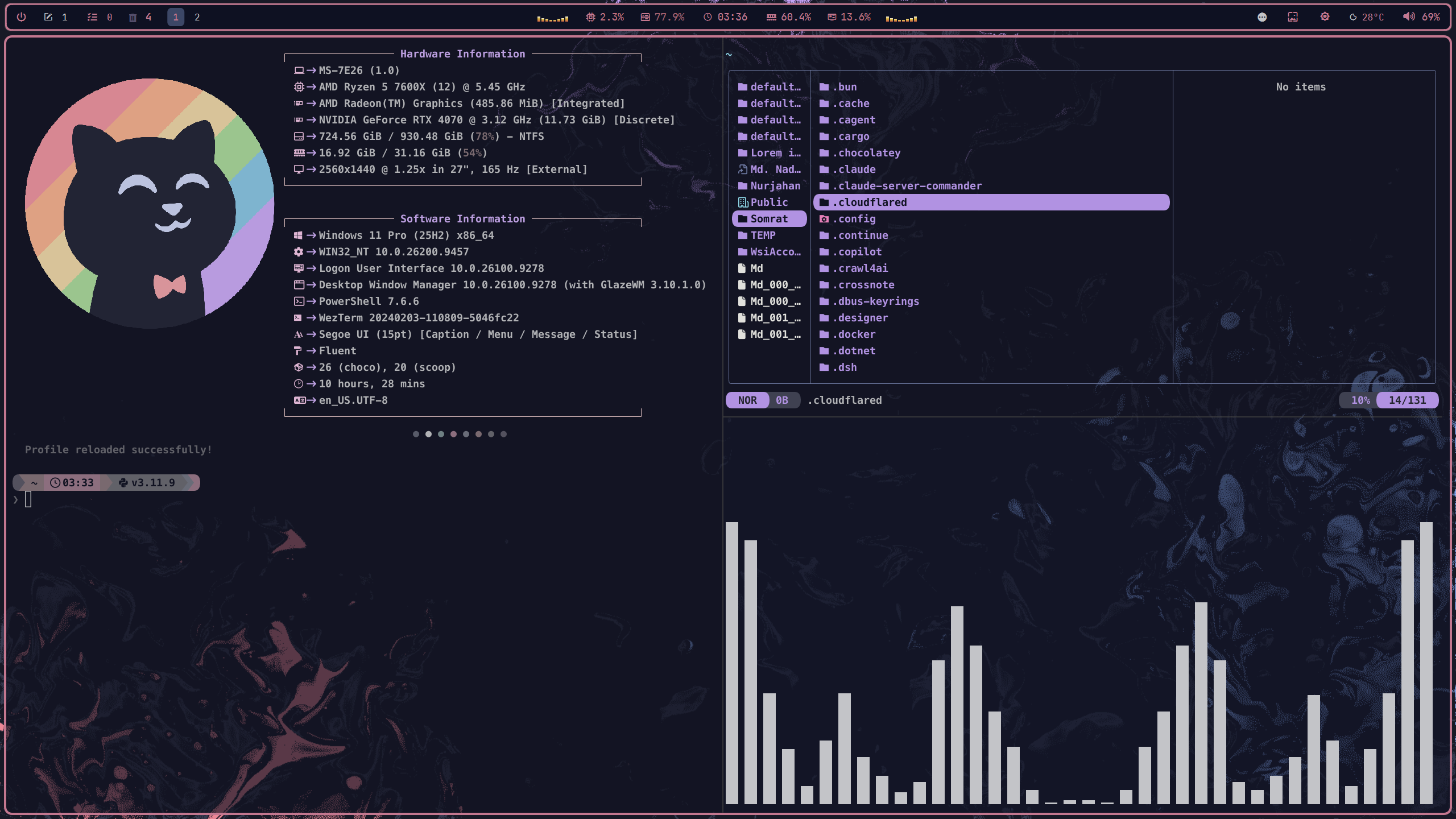
More screenshots
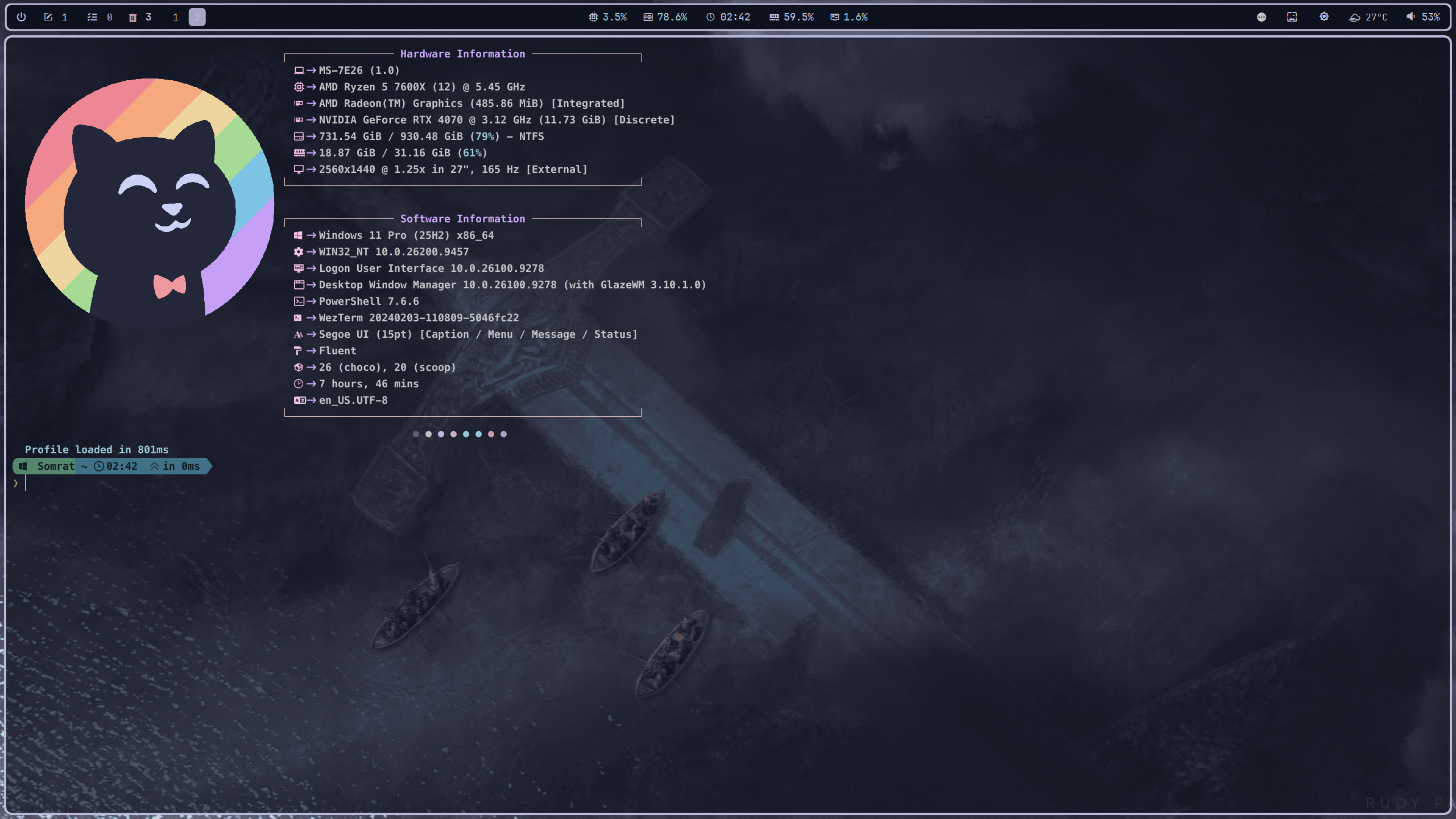
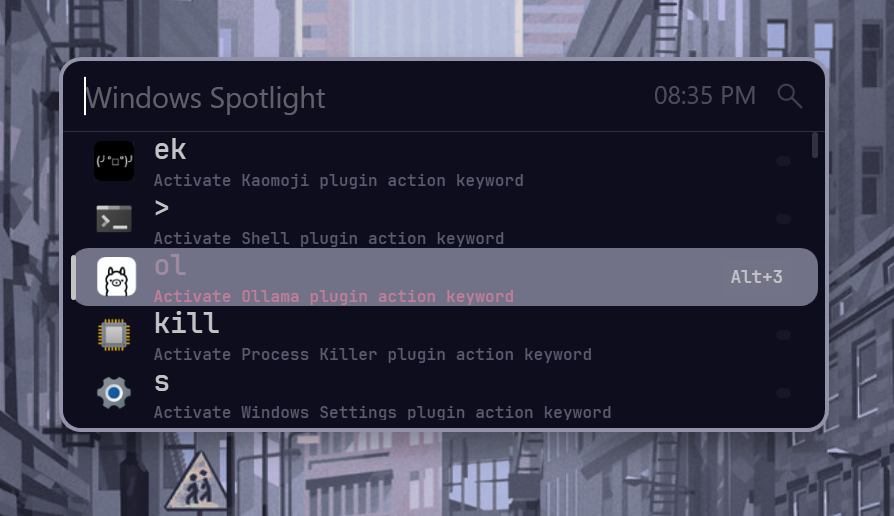
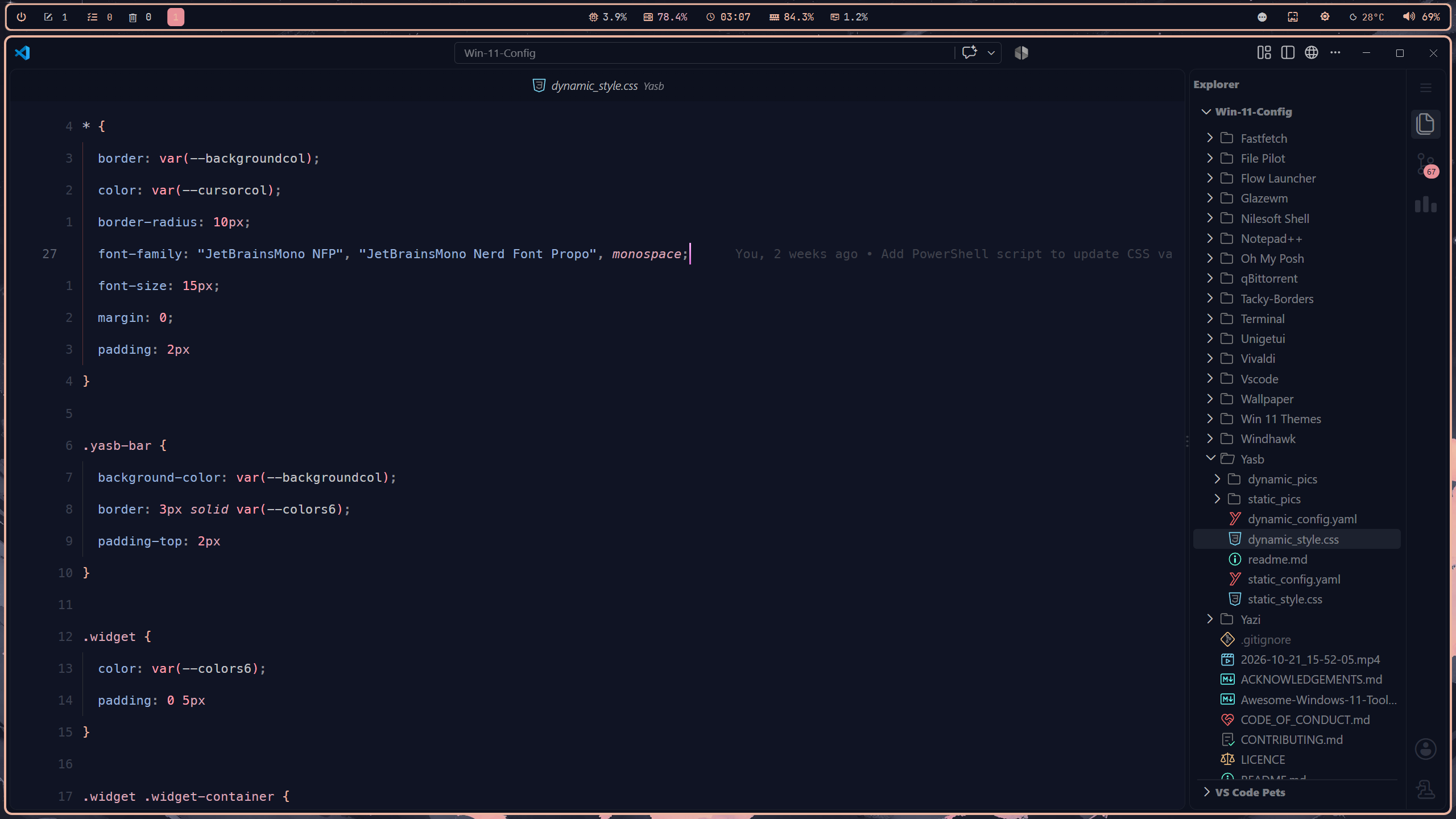
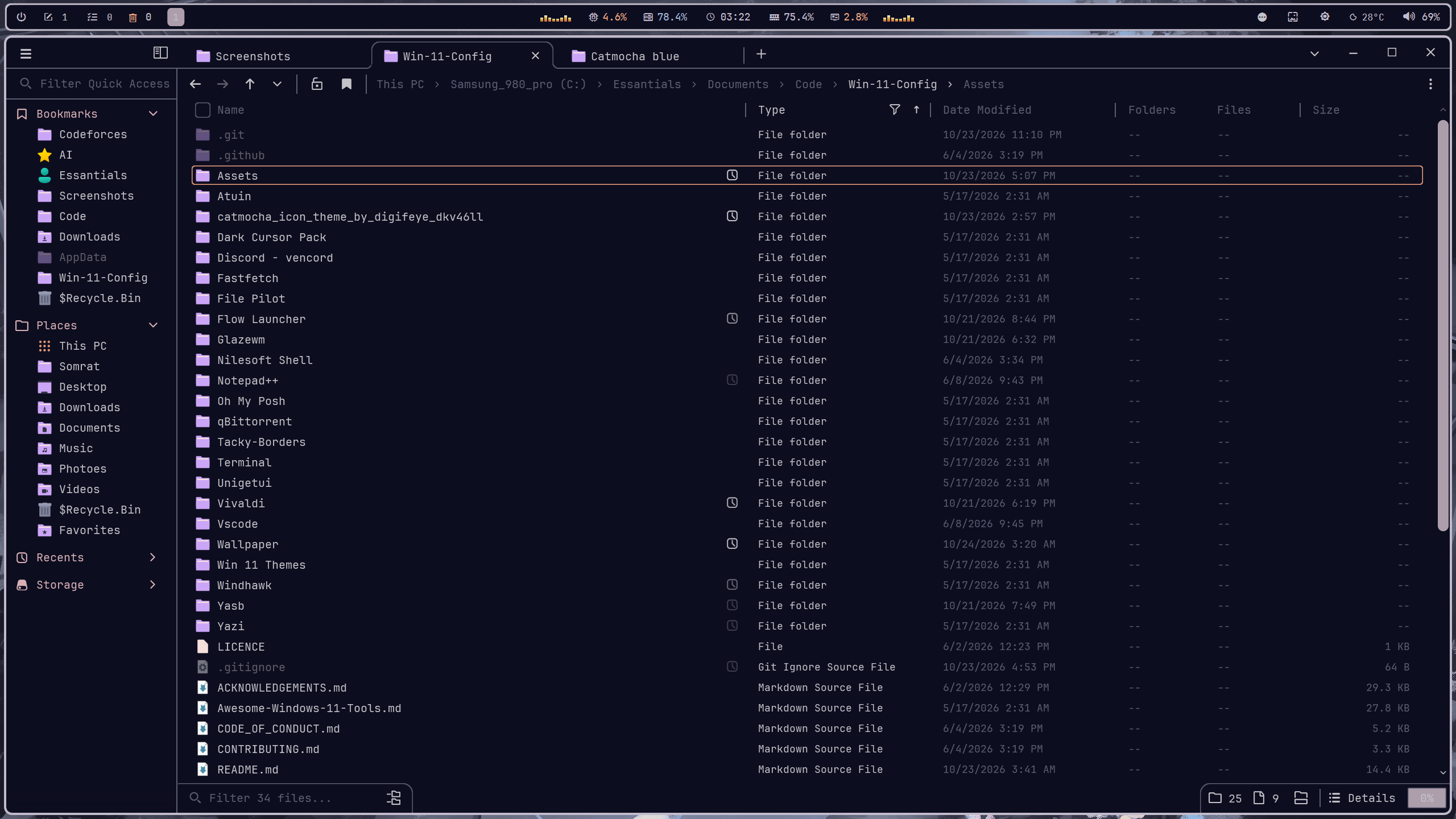
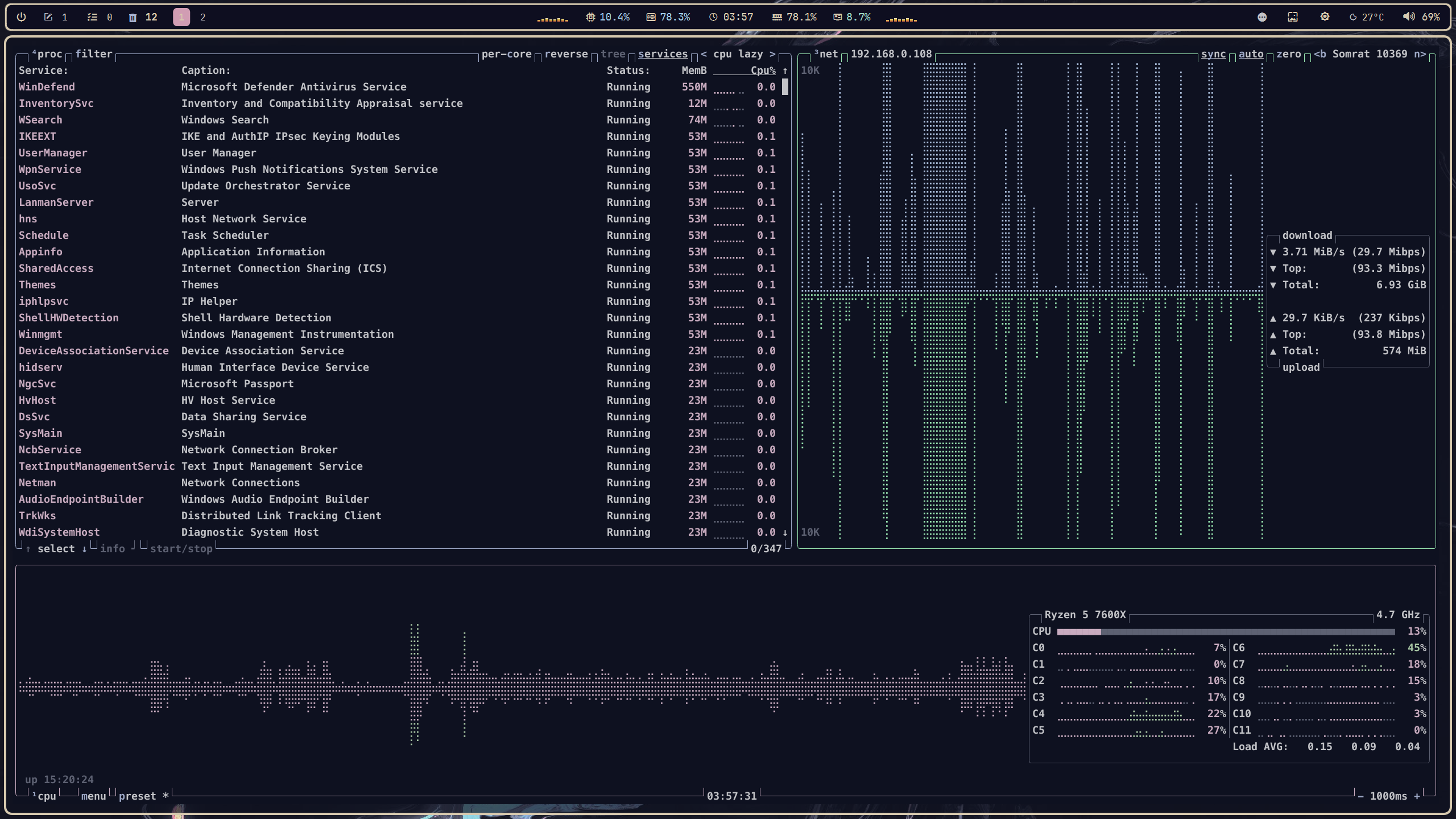
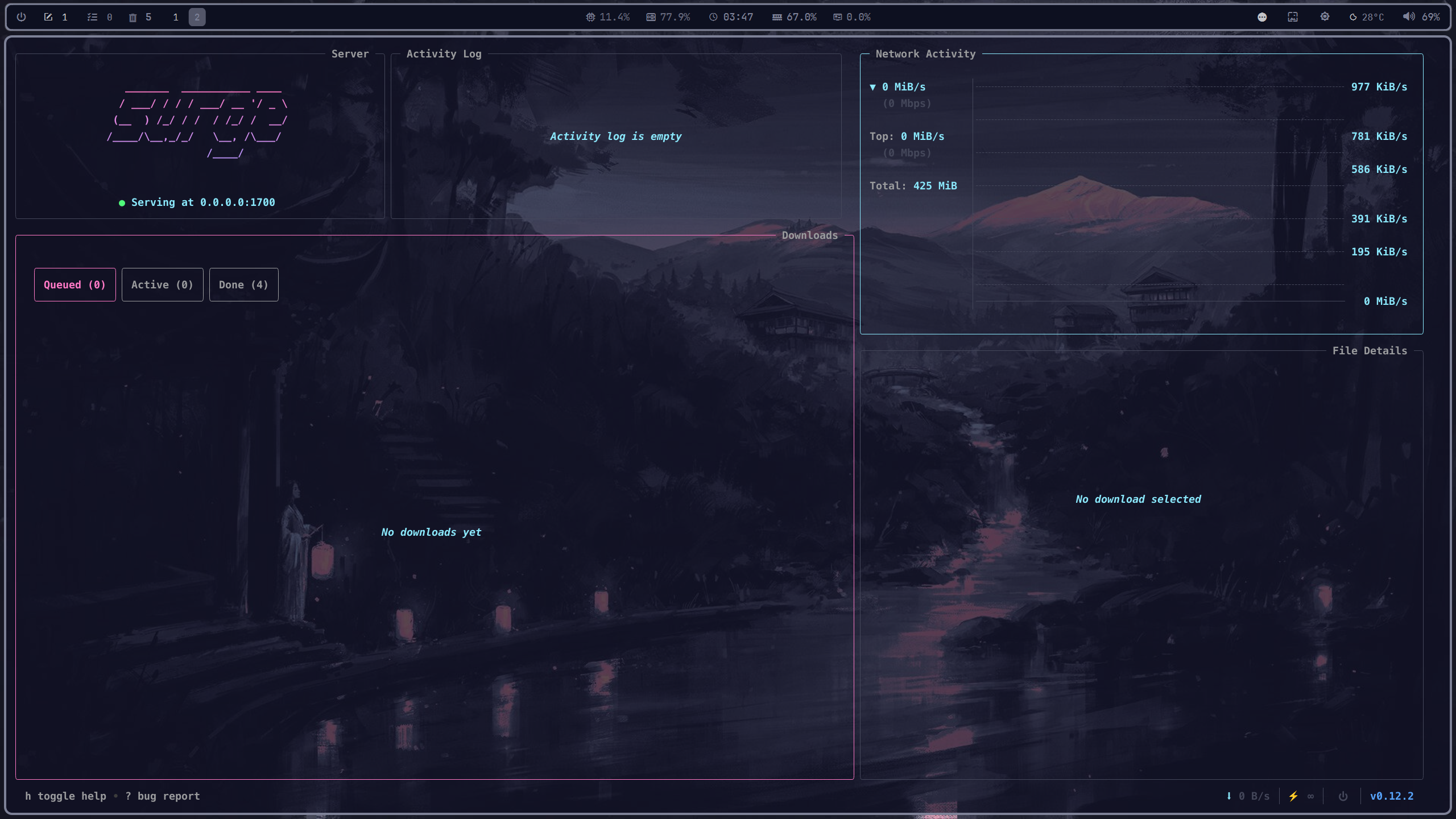
What this repository is
This is my personal collection of Windows customization files, application configurations, and tools. It aims to reduce friction in everyday workflows, provide more keyboard control, and create a consistent visual style across the desktop.
- Window management: GlazeWM and keyboard-driven workflows.
- Desktop interface: YASB, Windhawk, Nilesoft Shell, and Tacky-Borders.
- Terminal environment: WezTerm, PowerShell, Oh My Posh, Atuin, and Fastfetch.
- Applications: Vivaldi, VS Code, Flow Launcher, File Pilot, and Yazi.
- Theming: Pywal, wallpapers, and a dark cursor pack.
- Discovery: A separate collection of useful Windows tools and utilities.
This is a collection of configurations, not a one-click installer. Each application has its own setup requirements, and components can be used independently.
Configurations
Browse the directories below for each component's configuration and documentation.
| Component | What to explore |
|---|---|
| GlazeWM | Tiling window management and keyboard-driven workflows |
| YASB | Custom desktop bar |
| Windhawk | Windows interface modifications |
| Nilesoft Shell | Context-menu customization |
| Tacky-Borders | Window-border customization |
| Vivaldi | Browser appearance and interface styling |
| WezTerm | Terminal configuration and shell workflow |
| Oh My Posh | Shell prompt styling |
| Atuin | Shell history workflow |
| Fastfetch | System information display |
| Pywal | Dynamic color palette and theming |
| Flow Launcher | Application launcher |
| File Pilot | File-management workflow |
| Yazi | Terminal file manager |
| VS Code | Editor configuration |
| Wallpaper | Desktop wallpapers |
| Dark Cursor Pack | Cursor theme assets |
Most application directories include their own README with component-specific installation, configuration, keybinding, and troubleshooting details. Start there rather than treating this page as a second manual.
Dynamic theming with Pywal
The Pywal configuration is part of the theming workflow, bringing wallpaper-derived colors into supported parts of the setup through templates and application styling. The aim is a cohesive desktop without manually editing every application's colors whenever the visual theme changes. See the Pywal directory for the actual templates and setup details.
Useful Windows tools
The separate Awesome Windows 11 Tools list collects additional software worth exploring. Use it as a discovery list, not as a requirement to install everything here.
Getting started
- Browse before copying. Choose the components you actually want.
- Read the component documentation. Check prerequisites, paths, dependencies, and installation instructions.
- Back up existing configurations. Replacing settings can overwrite your current setup.
- Apply changes incrementally. Configure one component at a time to isolate problems.
- Adapt rather than blindly copy. Some paths and settings may need changes for your machine.
These files reflect my own environment. Your setup may require different dependencies or adjustments.
Contributing
Suggestions and corrections are welcome. See CONTRIBUTING.md before opening a contribution. For security-related reports, refer to SECURITY.md.
License
See LICENCE. Individual applications, themes, fonts, and third-party assets may have their own licenses; check the relevant upstream projects before redistributing them.
⭐ Show Some Love
If you enjoy this collection, consider leaving a star. It helps others discover it and motivates adding more!


Explore related projects
n8n-io/n8n
Fair-code workflow automation platform with native AI capabilities. Combine visual building with custom code, self-host or cloud, 400+ integrations.
210,323 starslanggenius/dify
Build Agentic workflows, RAG pipelines, with rich AI model and tool support on one collaborative workspace. Deploy on cloud, VPC, or self-hosted, so teams move from prototype to production without rebuilding the stack.
161,046 starsmicrosoft/PowerToys
Microsoft PowerToys is a collection of utilities that supercharge productivity and customization on Windows
140,888 starsstablyai/orca
Orca is the place for working with a fleet of agents (e.g. Grok Bot, Claude Code). Run any coding agent with your own subscription. Available on desktop, mobile and remote runtime.
123,389 stars