
Siccity/GLTFUtility
Siccity/GLTFUtility has 1,112 GitHub stars and 229 forks. GitHot measured +1 in 7 days. Last checked 2026-11-11 00:13 UTC. Last push 2024-10-21.
Simple GLTF importer for Unity
What you can do
- Runtime import API
- Runtime export API
- Static mesh (with submeshes)
- UVs (up to 8 channels)
Measured star growth
- in 24h
- Update delayed
- in 7 days
- +1
- in 15 days
- Collecting history
- in 1 month
- Collecting history
Net star changes over overlapping periods, not daily totals. Missing measurements are left blank. Stars measure attention, not software quality.
README.md
Original


GLTFUtility
Allows you to import and export glTF files during runtime and in editor. glTF is a new opensource 3d model transmission format which supports everything you'll ever need from a format in Unity. Read more about glTF here
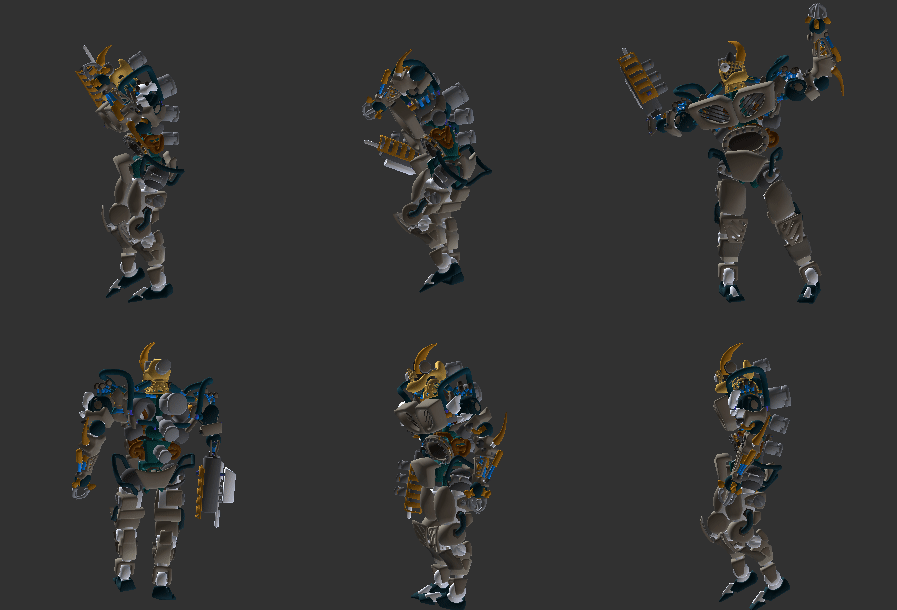
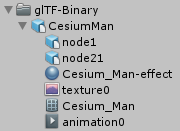
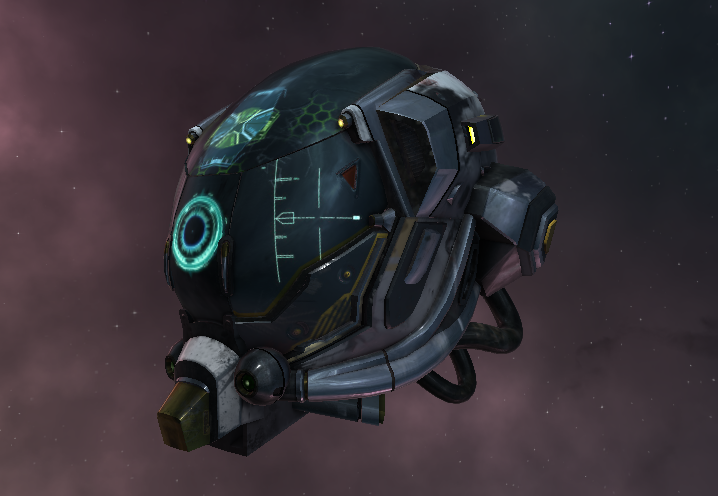
What makes GLTFUtility different?
Focusing on simplicity and ease of use, GLTFUtility aims to be an import-and-forget solution, keeping consistency with built-in functionality.
Installation
Using Unity Package Manager (Help)
"com.siccity.gltfutility": "https://github.com/siccity/gltfutility.git"
Using git
- Get Newtonsoft.JSON from one of these sources
- Official upm package:
"com.unity.nuget.newtonsoft-json": "2.0.0-preview", - Unofficial git repo: https://github.com/jilleJr/Newtonsoft.Json-for-Unity
- Official upm package:
- Clone GLTFUtility by itself or as a submodule
- Clone into your assets folder
git clone [email protected]:Siccity/GLTFUtility.git - Add repo as submodule
git submodule add [email protected]:Siccity/GLTFUtility.git Assets/Submodules/GLTFUtility
- Clone into your assets folder
Manual download
- Get Newtonsoft.JSON from the asset store
- Download GLTFUtility-master.zip and extract to your project assets
Features
System
- Editor import
- Editor export
- Runtime import API
- Runtime export API
- GLTF format
- GLB format
- Multithreading
- URP #75
- HDRP #73
- LWRP
Spec
- Static mesh (with submeshes)
- UVs (up to 8 channels)
- Normals
- Tangents
- Vertex colors
- Materials (metallic/specular, opaque/mask/blend)
- Textures (embedded/external)
- Remote textures (during async only)
- Rig
- Avatar/Mask #70
- Animations (multiple)
- Morph targets (with experimental names)
- Cameras
Extensions
- KHR_texture_transform (partial support)
- KHR_materials_pbrSpecularGlossiness
- KHR_lights_punctual #25
- KHR_draco_mesh_compression #27 WARNING: Said to cause issues on WebGL.
- KHR_mesh_quantization
Known issues
ArgumentNullException: Value cannot be nullin build but not in editor.- This is most likely due to shaders being stripped from the build. To fix this, add the GLTFUtility shaders to the Always Included Shaders list in Graphic Settings.
- Draco compression does not work on iOS and UWP
- More info on #133
Runtime import API
// Single thread
using Siccity.GLTFUtility;

void ImportGLTF(string filepath) {
   GameObject result = Importer.LoadFromFile(filepath);
}
// Multithreaded
using Siccity.GLTFUtility;

void ImportGLTFAsync(string filepath) {
   Importer.ImportGLTFAsync(filepath, new ImportSettings(), OnFinishAsync);
}

void OnFinishAsync(GameObject result, AnimationClip[] animations) {
   Debug.Log("Finished importing " + result.name);
}
Important shader note
To ensure that Unity includes the GLTFUtility shaders in builds, you must add these shaders to the 'Always Included Shaders' list.
- Open Edit -> Project Settings
- Open Graphics
- Scroll to Always Included Shaders
- Under Size, increase the value by 4 and hit Enter.
- In the Project panel, navigate to Packages/GLTFUtility/Materials/Built-in.
- In this directory are 4 .shader files.
- Drag and drop each of the 4 files into one of the 4 newly created rows in Always Included Shaders.
Explore related projects
codecrafters-io/build-your-own-x
Master programming by recreating your favorite technologies from scratch.
561,625 starspublic-apis/public-apis
A collective list of free APIs
497,970 starsmorluto/rea
Reverse engineer anything with agents, from app behavior down to native binaries.
450,201 starsopenclaw/openclaw
The AI that really does things. Any OS. Any Platform. The lobster way. 🦞
394,303 stars