
SeCherkasov/SkerrySSH
SeCherkasov/SkerrySSH has 30 GitHub stars and 1 forks. GitHot measured 0 stars in 24 hours. Last checked 2026-11-15 06:17 UTC. Last push 2026-11-02.
What you can do
- Connections - SSH, Mosh, jump hosts and SSH config import.
- Terminal - Up to four panes per tab, synchronized input, output search and session recording.
- SFTP - Dual-pane file manager, file editor and transfer queue.
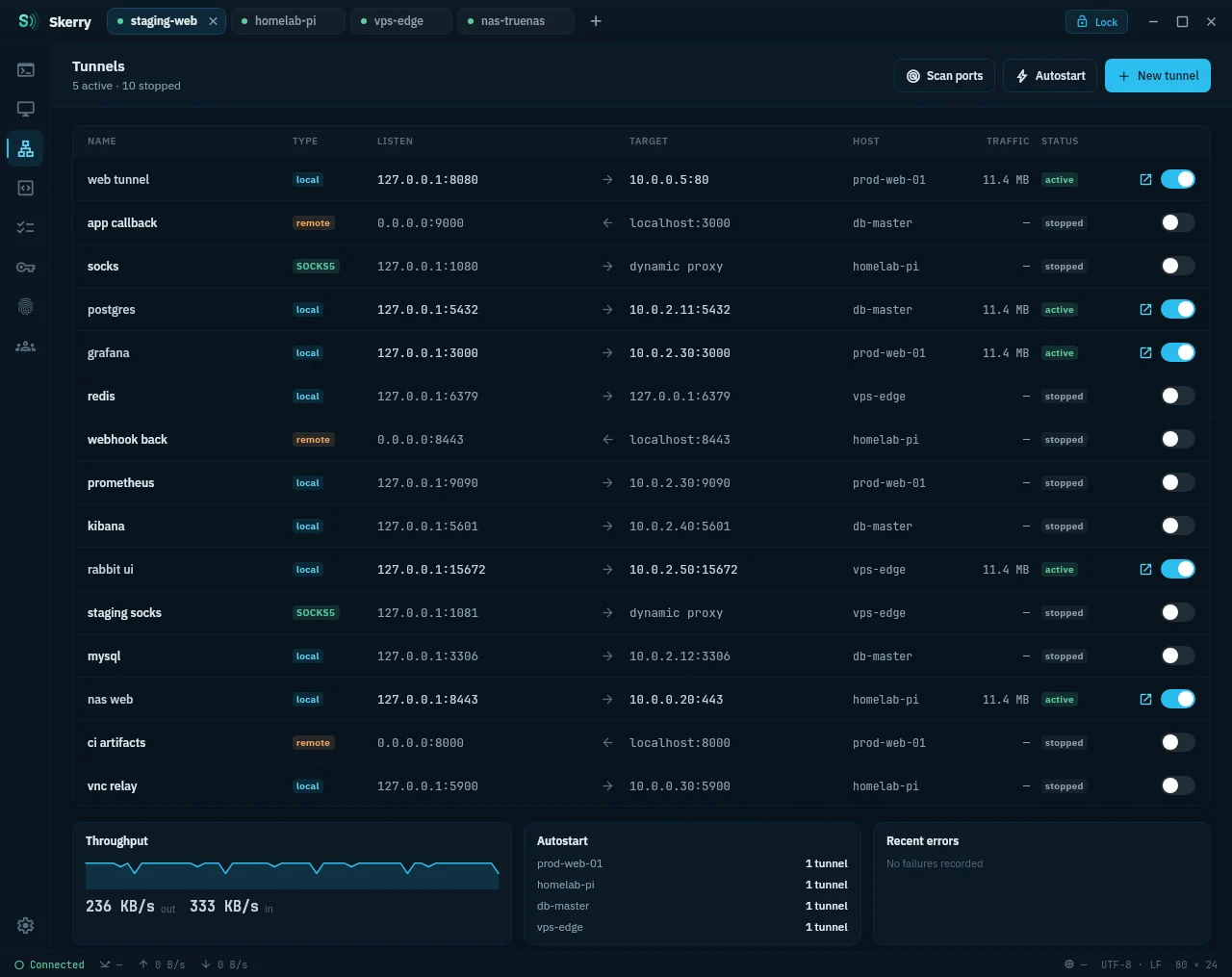
- Tunnels - Local, remote and SOCKS forwarding with saved configurations.
Measured star growth
- in 24h
- 0
- in 7 days
- Collecting history
- in 15 days
- Collecting history
- in 1 month
- Collecting history
Net star changes over overlapping periods, not daily totals. Missing measurements are left blank. Stars measure attention, not software quality.
About
Open-source cross-platform SSH client (Linux/Windows/MacOS/Android)
Developer ToolsREADME.md
Original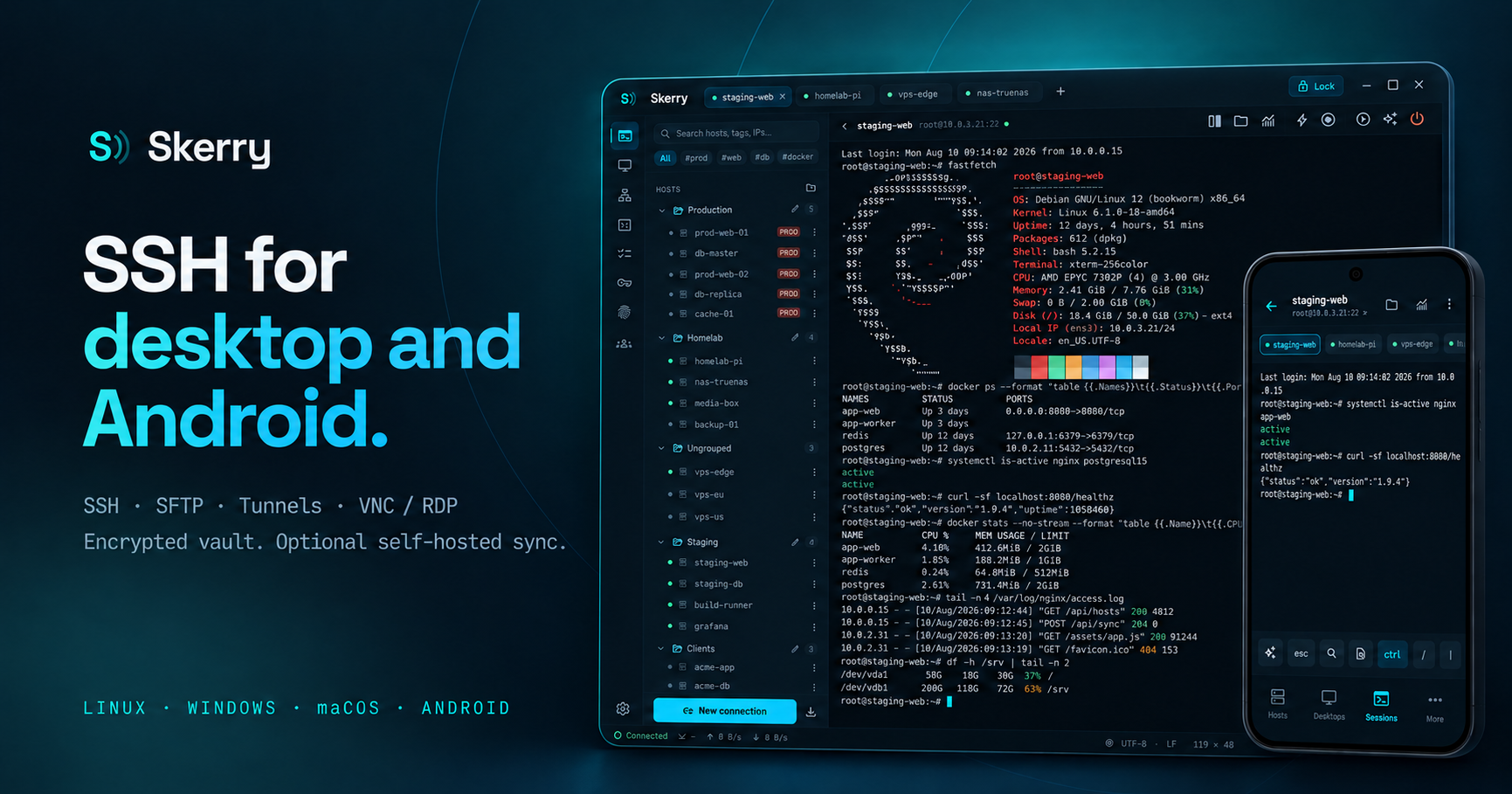
Skerry is an open-source SSH client for Linux, Windows, macOS and Android. Includes SFTP, port forwarding, VNC/RDP and an encrypted credential vault.
Local use requires no account. Device synchronization is optional and uses a self-hosted server.
Download Skerry · User guide · Report a bug




Features · Screenshots · Install · Privacy · Development
Features
| Component | Capabilities |
|---|---|
| Connections | SSH, Mosh, jump hosts and SSH config import. |
| Terminal | Up to four panes per tab, synchronized input, output search and session recording. |
| SFTP | Dual-pane file manager, file editor and transfer queue. |
| Tunnels | Local, remote and SOCKS forwarding with saved configurations. |
| Remote desktops | VNC and RDP with clipboard exchange. |
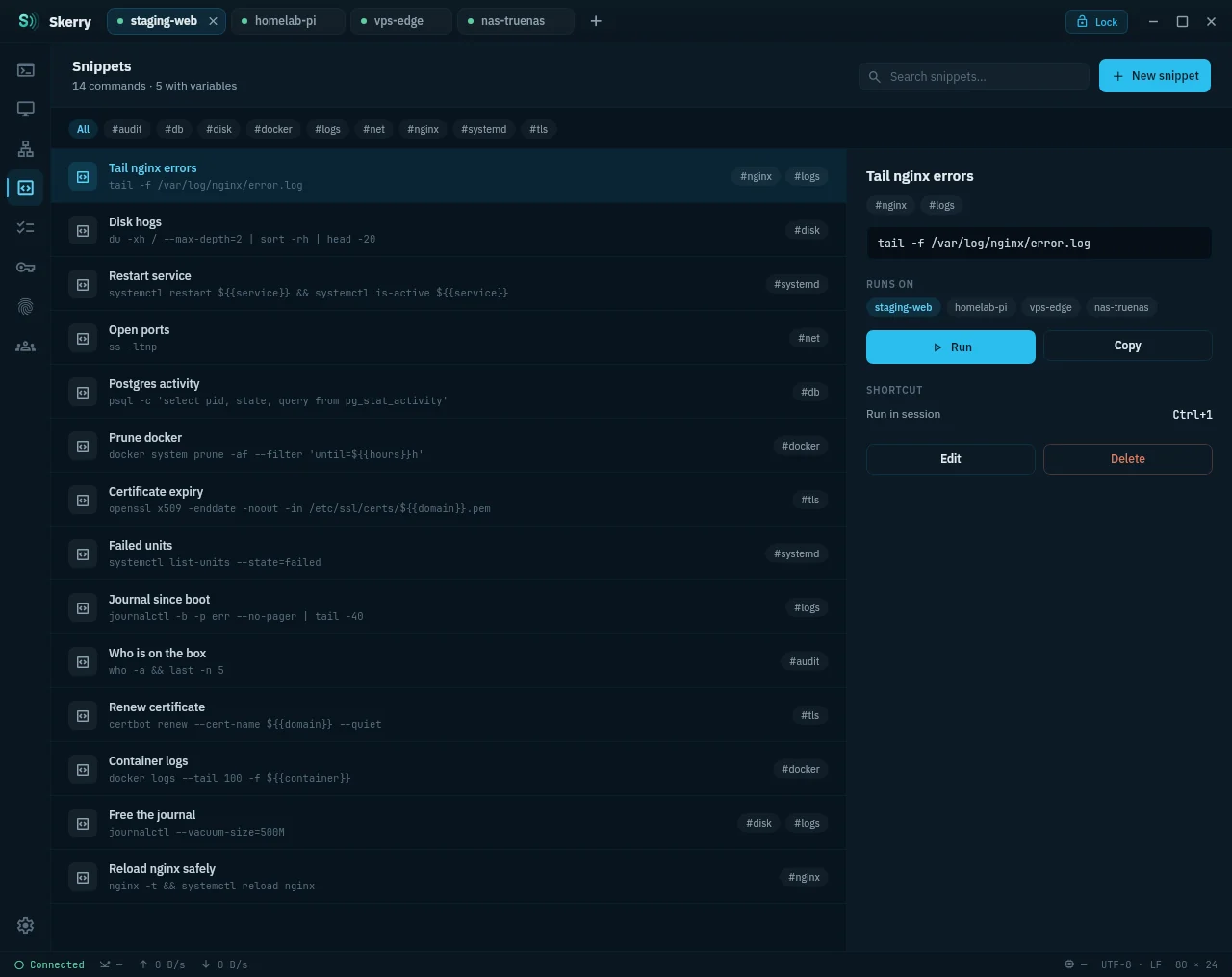
| Operations | Host metrics, alerts, Docker/Kubernetes shells, snippets and runbooks. |
| Production guard | Confirmation of risky commands on hosts tagged prod. |
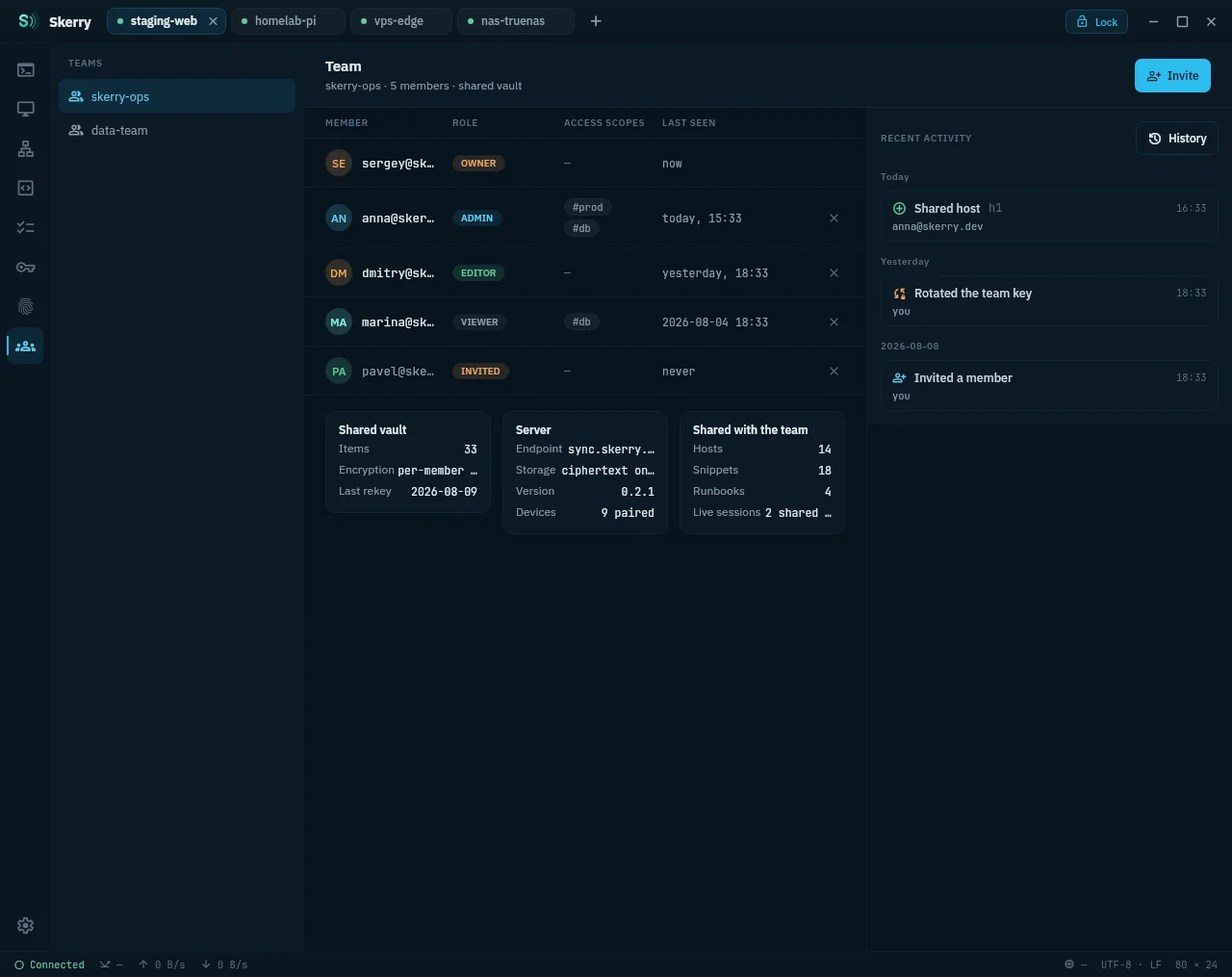
| Collaboration | Encrypted sharing of hosts, snippets and runbooks; live terminal sharing. |
Additional capabilities
- Connections: SSH certificates, keyboard-interactive authentication, Telnet and serial connections; import from
~/.ssh/config. - Terminal: command history, input broadcast and asciinema v2 recording with playback.
- Files and tunnels: file viewing, name filtering and one-click forwarding of discovered ports.
- Sessions: VNC/RDP settings can be changed while connected; shared terminals support viewing or keyboard control.
- Runbooks: sequential command execution and file transfer steps.
Screenshots
Split terminals |
SFTP commander |
Encrypted vault |
Runbooks |
Click any image for the full-size view.
Android
The Android interface includes an extra terminal key row and biometric vault unlock.
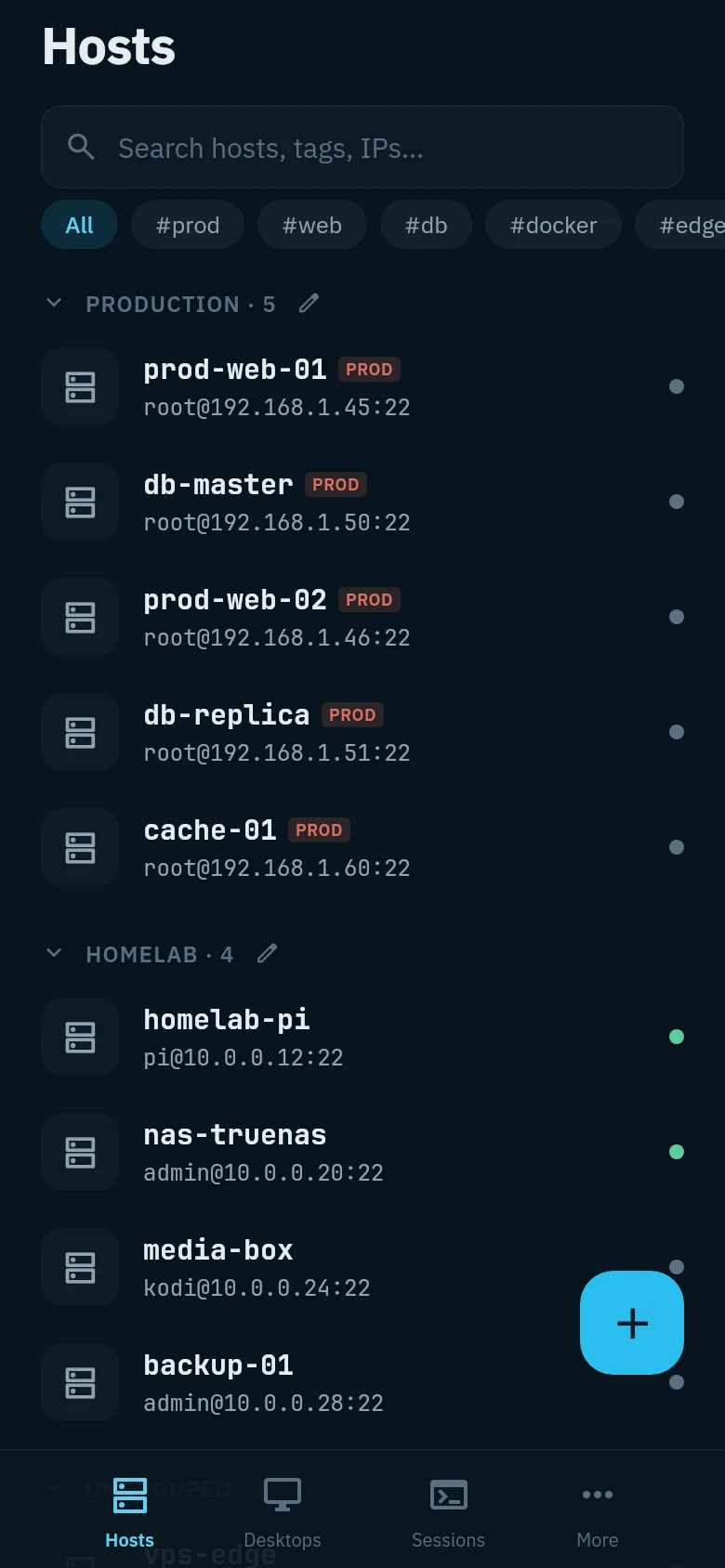
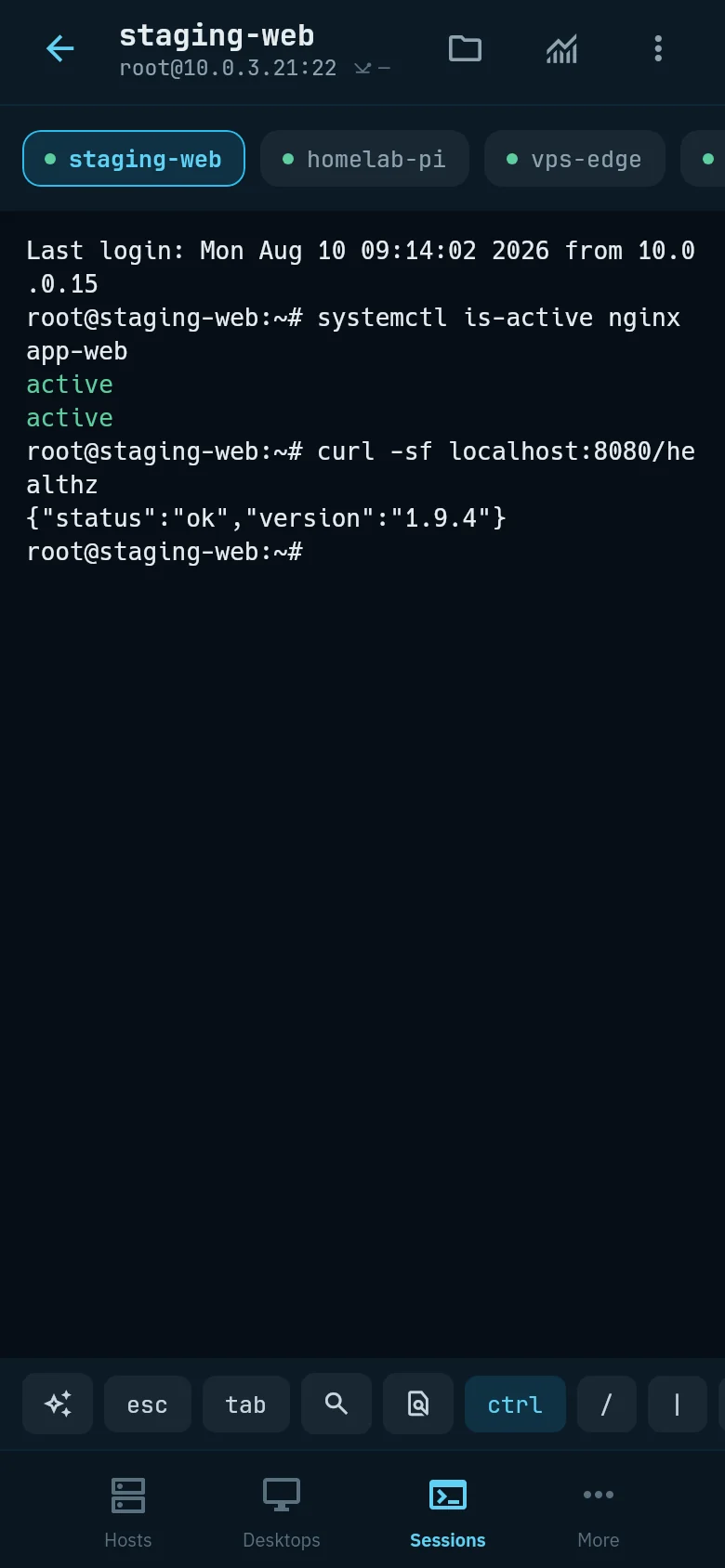
Dark, light and system themes. UI in English, Russian, Simplified Chinese, Turkish and German.
More views — terminal, tunnels, snippets, AI and teams
Terminal
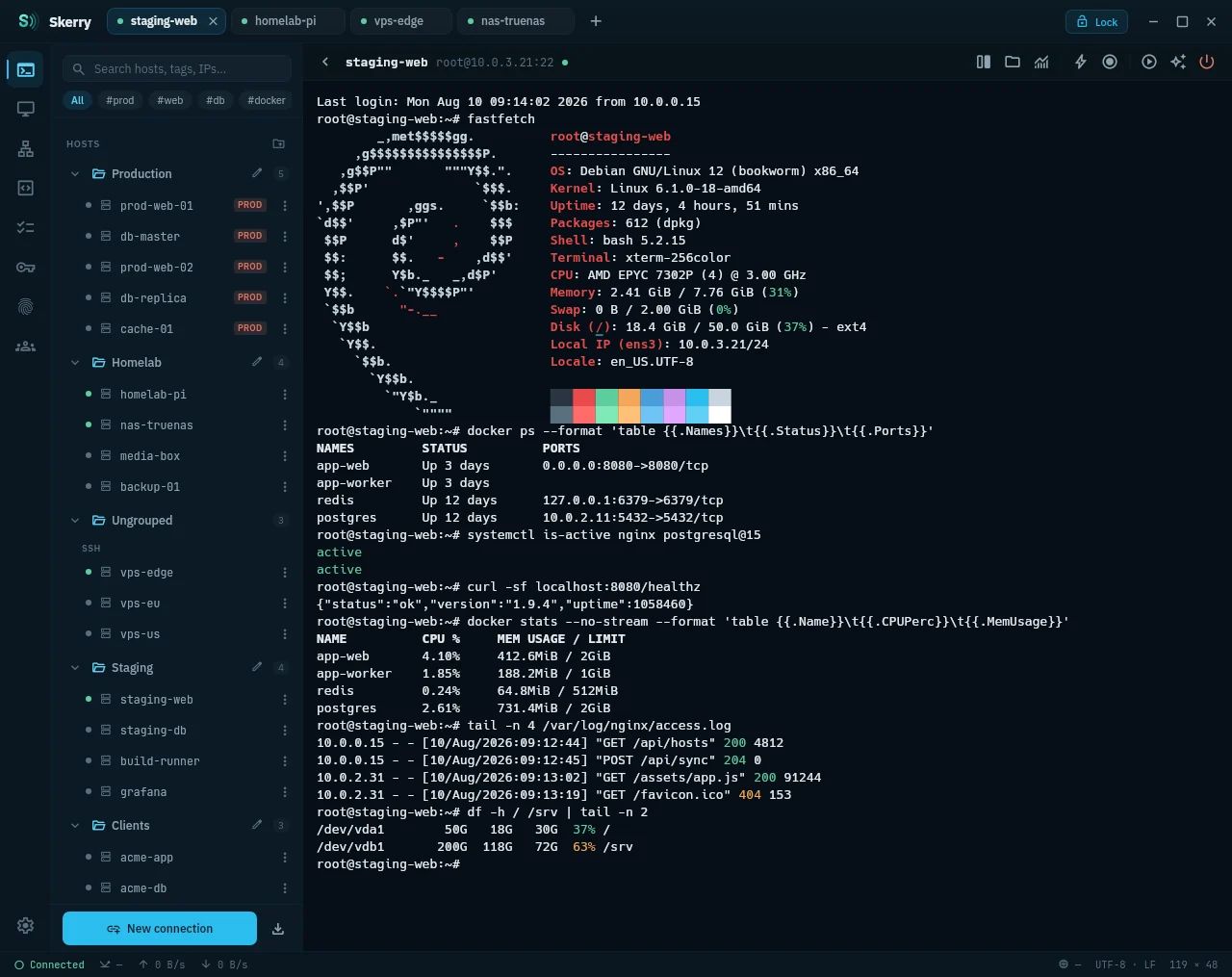
Port forwarding
Snippets
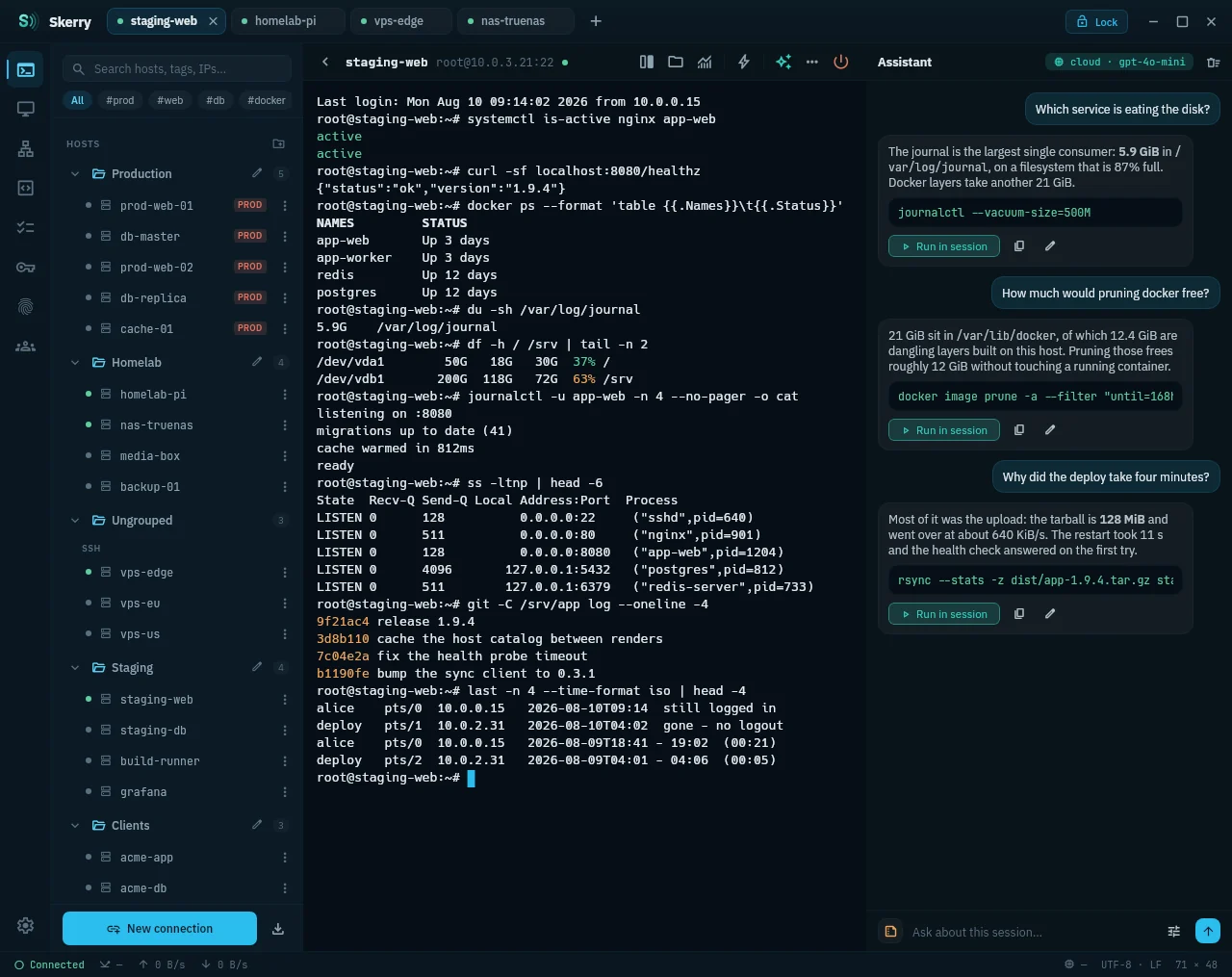
AI settings
Teams
The banner is a presentation illustration based on the app's interface. Screenshots use demonstration hosts and data.
Install Skerry
Download the package for your platform from the latest release. Skerry is actively developed and is currently pre-1.0.
| Platform | Architecture | Packages |
|---|---|---|
| Linux | x86_64 · arm64 | .deb · .rpm · .AppImage |
| Windows | x64 | .msi · .zip |
| macOS | Apple Silicon · Intel | .dmg |
| Android 8.0+ | arm64-v8a | .apk |
The Windows ZIP archive is portable.
- Install Skerry and create a local vault with a master password.
- Add a host and its credentials, or import your SSH config on desktop.
- Open a session. Files, monitoring and forwarding are available alongside it.
Keep your master password safe: it cannot be recovered.
Installation notes — signing, checksums and macOS version numbers
Desktop installers are currently unsigned; macOS builds are not notarized. Windows SmartScreen or macOS Gatekeeper may ask you to allow the app on first launch. On macOS, use System Settings → Privacy & Security to allow the downloaded application.
Releases include SHA256SUMS.txt. On Linux, verify the downloaded packages from their directory:
sha256sum -c --ignore-missing SHA256SUMS.txt
macOS Get Info shows a 1.x.y bundle version because of packaging requirements. The actual
Skerry version is shown in the application's About screen.
Linux, Windows, macOS and Android are actively developed. iOS/iPadOS is deferred; no iOS target ships yet.
Vault and synchronization
- Local vault: Argon2id and XChaCha20-Poly1305 protect keys, passwords, identities and certificates. The master password and plaintext encryption keys stay on the device.
- Optional synchronization: a self-hosted server stores encrypted records, wrapped keys and sync metadata. It is designed to be unable to decrypt vault contents.
- Device and team access: QR-code pairing and end-to-end encrypted sharing of hosts, snippets and runbooks.
Deployment, TLS and backups are covered in the sync server guide. Use HTTPS over untrusted networks; the server needs a TLS reverse proxy.
The cryptography has not been independently audited. See the security policy and threat model for limitations and private vulnerability reporting.
AI and privacy
AI supports local GGUF models through llama.cpp and OpenAI-compatible endpoints with your own API key. The default host policy allows local models only. Cloud requests go directly to the configured provider when the host policy permits them.
The session assistant includes the last two command outputs by default. Set the context selector to zero to omit them. Suggested commands require confirmation before execution; risky commands require an additional confirmation.
Host policies and data sent to the model
| Policy | Behavior |
|---|---|
| Strict · default | Local model only, with secret redaction. |
| Balanced | Cloud allowed; recognizable secrets are redacted before sending. |
| Permissive | Cloud allowed without redaction. |
| Off | AI disabled for this host. |
- Session assistant: question, conversation history and the selected number of recent command outputs.
- Explain: selected output or the last command block.
- Host lists and vault records: not automatically attached.
- Redaction: best-effort pattern matching, not a guarantee. Quick-chat always redacts recognizable secrets, including in local mode.
Development
Built with Kotlin Multiplatform, Compose Multiplatform and Ktor. Client builds need JDK 21 and the Android SDK, even for desktop. Set ANDROID_HOME or sdk.dir in local.properties.
./gradlew :composeApp:run               # Desktop
./gradlew :androidApp:installDebug      # Android
./gradlew :server:run -PserverOnly      # Server
Server-only builds do not need the Android SDK. Configure SKERRY_JWT_SECRET as described in server setup.
Contributing · Development & verification · Dependency versions · Issues & feature requests
License
Clients: GPL-3.0. Sync server: AGPL-3.0. Bundled font licenses and attribution are in licenses/.