
Ry3nG/GenieTerm
Ry3nG/GenieTerm has 54 GitHub stars and 0 forks. GitHot measured 0 stars in 24 hours, 0 in 7 days, and 0 in 15 days. Last checked 2026-11-15 07:09 UTC. Last push 2026-11-05.
Measured star growth
- in 24h
- 0
- in 7 days
- 0
- in 15 days
- 0
- in 1 month
- Collecting history
Net star changes over overlapping periods, not daily totals. Missing measurements are left blank. Stars measure attention, not software quality.
About
The remote-native terminal: your shell, the machine it runs on, and its files in one window. Durable SSH sessions, remote files, GPU and port views, and Command AI with the AI you already use.
Developer ToolsREADME.md
Original
GenieTerm
An open-source terminal for working across machines.
Explore the product · Download · Contribute
macOS · Linux · Windows / Apache-2.0
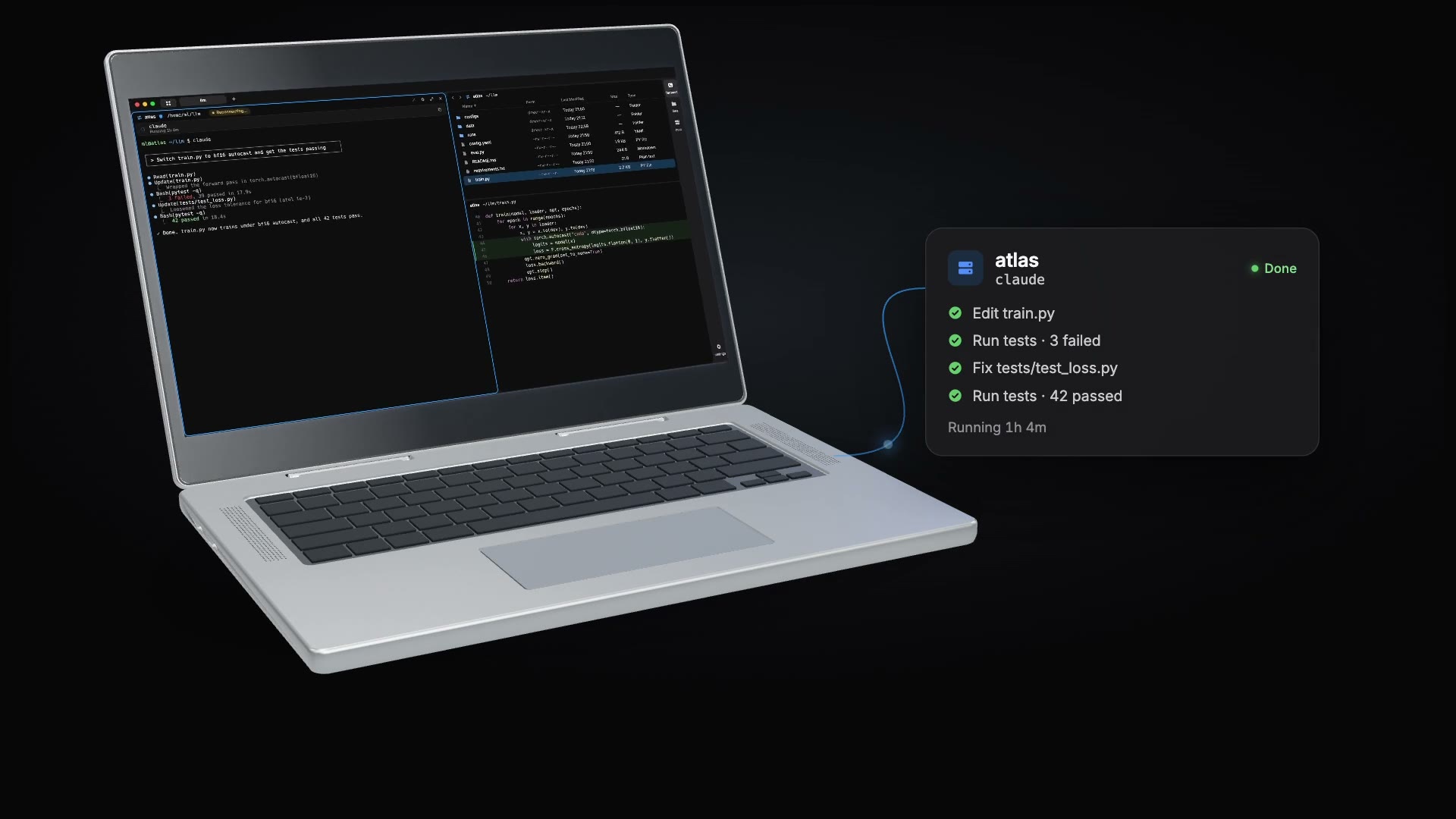
▶ Watch the product film · 1:43
Terminal, remote files, host tools and your own AI, in one workspace.
| In your workspace | What it does |
|---|---|
| Terminal | Command blocks and durable SSH sessions for shells and coding agents. |
| Files | Browse, edit and download remote folders over your existing connection. |
| Host | Inspect GPUs, processes and ports. Forward remote services. |
| Command AI | Write, fix and explain commands, or carry reviewed context into Codex or Claude Code. |
No account or telemetry. How Command AI works.
Look inside
Terminal / agent session |
Files / project browser |
Host / machine overview |
Command AI / review a fix |
Install
| Platform | Install | Updates |
|---|---|---|
| macOS 12+ | Apple silicon or Intel DMG. Drag GenieTerm into Applications. | In the app |
| Linux x64 / arm64 | Debian / Ubuntu: .deb. Other distributions: AppImage. Requires glibc 2.28+. |
AppImage: in the app. .deb: download the new package. |
| Windows x64 | Per-user .exe installer or unpacked .zip from the stable release. |
Installer: in the app. ZIP: replace the app files. |
First launch on macOS: the app is not notarized. After the first launch attempt, use System Settings → Privacy & Security → Open Anyway.
Linux: install the downloaded package with sudo apt install ./GenieTerm-linux-*.deb, or make an AppImage executable with chmod +x GenieTerm-linux-*.AppImage. AppImage requires libfuse2. On Ubuntu 23.10 and later, use the .deb to keep Chromium's sandbox enabled.
Windows: the installer is unsigned, so Windows may show an unknown-publisher or SmartScreen warning. Download it from this repository's releases. Install the new EXE over an earlier preview to retain your settings and workspaces. Windows installation and terminal notes.
Connect to an SSH host and install the offered genie helper to enable durable sessions, command blocks and Host. The command palette's Quick Start walks through the workspace.
Contribute
Project
Product direction · Architecture · Release notes · Security · Code of conduct
GenieTerm began as a fork of Wave Terminal. Licensed under Apache-2.0; see NOTICE and ACKNOWLEDGEMENTS.md.