
Rivers47/Kikoenai
Rivers47/Kikoenai has 57 GitHub stars and 5 forks. Star changes are not measured yet. Last checked 2026-11-18 07:05 UTC. Last push 2026-11-13.
Measured star growth
- in 24h
- Update delayed
- in 7 days
- Collecting history
- in 15 days
- Collecting history
- in 1 month
- Collecting history
Net star changes over overlapping periods, not daily totals. Missing measurements are left blank. Stars measure attention, not software quality.
About
Self hosted ASMR server
Self-hostedREADME.md
OriginalKikoenai
A self-hosted media server for ASMR works.
This is a fork of the original monorepo Kikoeru project, which was forked to make a Chinese frontend, which was then forked by Kikoeru-project, which was yet again forked by Number178.
Another heavily modified closed source version seems to exist.
So this repo is created to make the project monorepo again and to continue the development of the project.
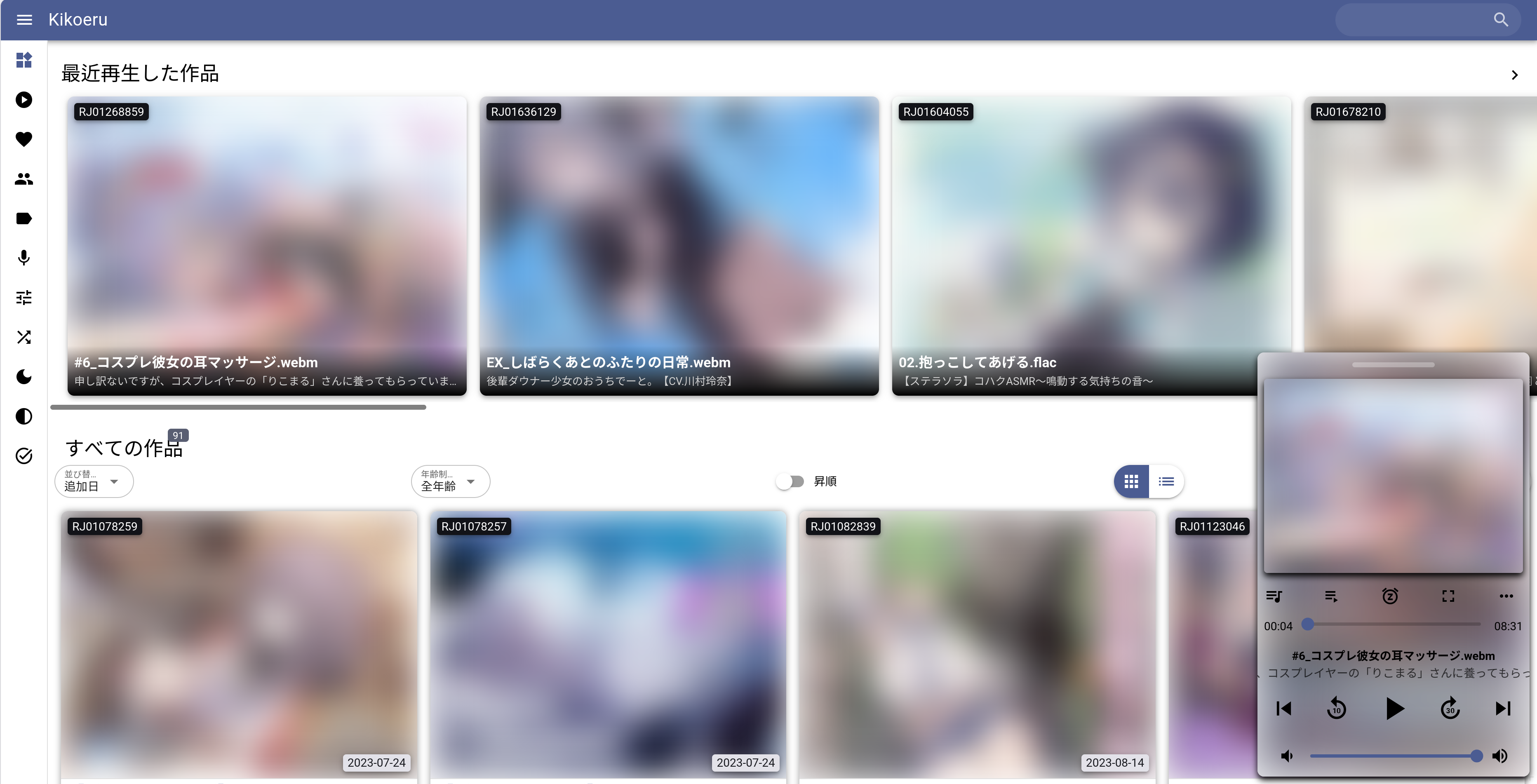
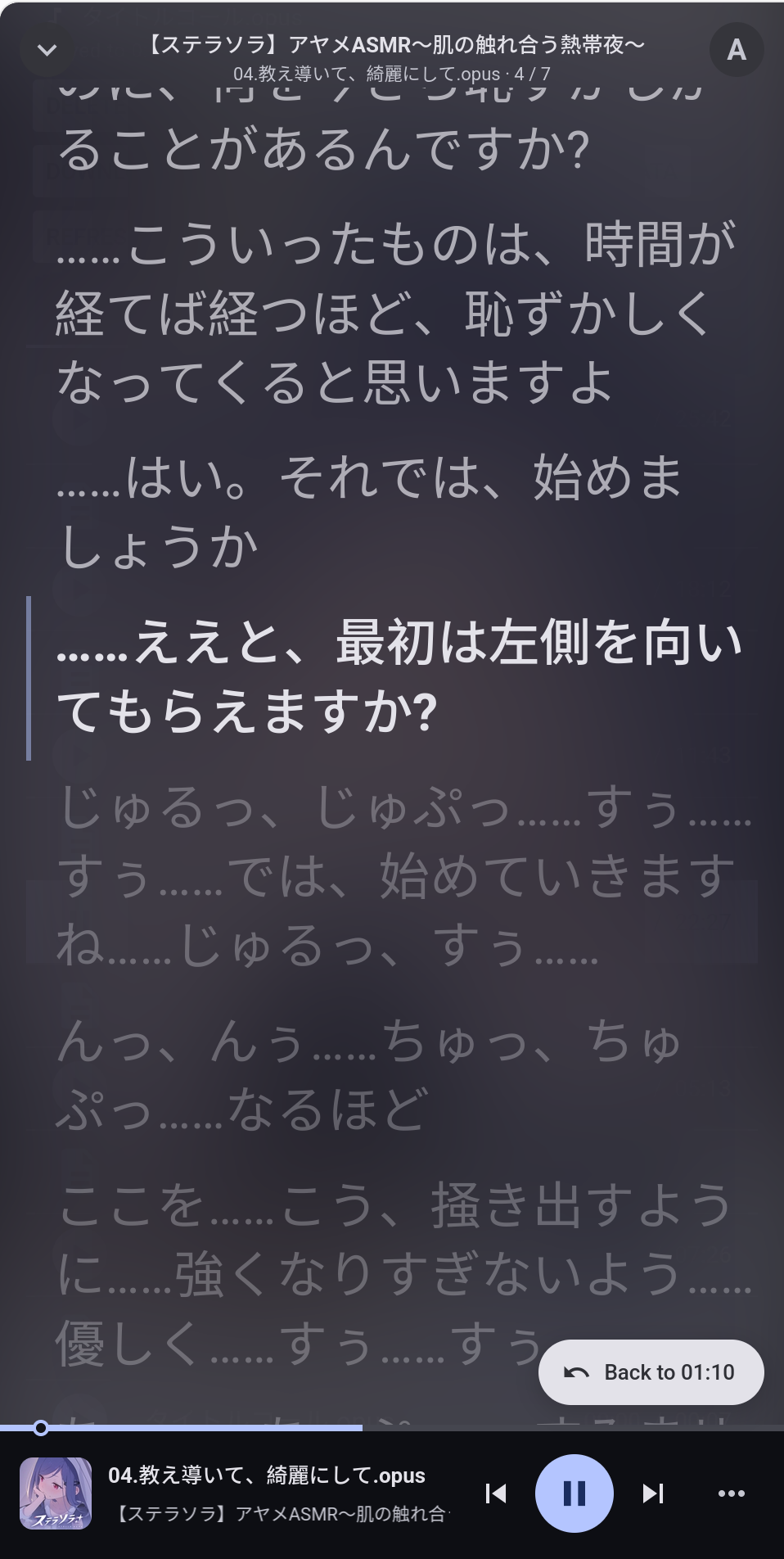
Project screenshot
 |
 |
Structure
kikoenai/
├── package.json            # Root workspace config
├── backend/                # Express API server (kikoeru-express)
│   ├── app.js              # Server entry point
│   ├── routes/             # API routes
│   ├── database/           # SQLite + Knex
│   ├── filesystem/         # Scanner & file utilities
│   ├── scraper/            # Metadata scrapers (DLSite, etc.)
│   └── dist/               # Frontend build output (auto-generated)
├── frontend/               # Vue 3 / Quasar PWA (kikoeru-quasar)
│   ├── quasar.config.js
│   ├── src/
│   │   ├── components/     # Vue components
│   │   ├── pages/          # Route pages
│   │   ├── store/          # Vuex state
│   │   ├── router/         # Vue Router
│   │   └── boot/           # App boot files
│   └── src-pwa/            # PWA service worker
└── scripts/
    ├── dev.sh              # Start both in dev mode
    └── build.sh            # Build frontend for production
Quick Start
Windows
Download the zip from the release page. Double click Kikoenai.bat. Put your works in VoiceWork\.
When upgrading, copy the exe to the old folder.
First Login
On first run, a default administrator account is created: username admin,
password admin.
Library Organization
First add a library in Settings -> Library -> Add new folder. Than go to Scan -> Scan For New Works.
The server scans for folder names containing RJxxxxxxx for DLsite works;
or d_xxxxxx or dxxxxxx for Fanza(DMM) works.
You can configure the search depth in settings.
Container
An OCI container image is built at here
All persistent data lives under
/appdata, mount it to a volume or a persistent path.
podman run \
  -v kikoenai-appdata:/appdata \
  -v /path/to/your/voiceworks:/usr/src/kikoeru/VoiceWork \
  -p 4545:8888 \
  ghcr.io/rivers47/kikoenai:latest
Sample rootless quadlet config
[Unit]
Description=ASMR server

[Container]
Image=ghcr.io/rivers47/kikoenai:latest
ContainerName=kikoenai

Volume=/path/to/appdata:/appdata

Mount=type=bind,src=/path/to/works,dst=/usr/src/kikoeru/VoiceWork,ro=true
AutoUpdate=registry
User=%U:%G
UserNS=keep-id

[Service]
Restart=always

[Install]
WantedBy=multi-user.target default.target
Alternatively, use the provided compose-example.yaml with with your container compose tool of choice.
Edit /path/to/your/voiceworks to your folder that contains the voice work files.
The server will be up on port 4545 on the host.
Firefox LNA issue
Due to a bug in Firefox. If you use a local DNS with a public looking hostname
that points at a LAN IP, axio error could occur. The frontend will silently retry to
fix it. Or you can add the domain to network.lna.skip-domains in about:config
Change base URL
Set basePath
in config/config.json or through the web UI.
"basePath": "/kikoeru"
The app is then at https://example.com/kikoeru/.
[!TIP] Your reverse proxy must pass the prefix through, not strip it.
proxy_pass http://127.0.0.1:8888; # NOT http://127.0.0.1:8888/ — that would strip /kikoeru
In Caddy, use handle, not handle_path.
If you change the config, restart the server, and you might need to unregister the service worker in browser, or just reinstall the app.
Advanced configuration
For more advanced usage please see the Github Wiki page
Development
# Install all dependencies
npm install

# Start both backend and frontend in dev mode
npm run dev
# Or use: ./scripts/dev.sh
This starts:
- Backend at http://localhost:8888 (Express API with hot-reload via nodemon)
- Frontend at http://localhost:8080 (Quasar dev server with HMR, proxies
/apito backend)
Production Build
# Install dependencies
npm install

# Build frontend and prepare for production
npm run build

# Start the production server
npm start
Individual Package Scripts
Each package retains its own scripts, accessible via npm workspaces:
npm run dev:backend    # Backend only (nodemon)
npm run dev:frontend   # Frontend only (quasar dev)
npm run build:frontend # Build frontend only
Integration
The frontend builds directly into backend/dist/, which is served as static content by the Express server. This is configured via distDir in frontend/quasar.config.js.
TODO
- Migrate packages to their modern versions
- Support multiple languages
- Support other metadata websites
- Unify code language to English
- Fix PWA issues
- Refresh metadata for a single work
- Optimize DB query speed
- Tests
- Edit metadata
- Add user defined work
- DB migration from number178's closed source version
- DB migration from Kikoeru-project's version
- Container build
- iOS support for opus
- Migrate frontend to shadcn
- metadata cache server to replace hvdb/asmrone
- Smarter Play status, hide finished work in history
- Advanced search
- Fix machine translations of UI and missing tag translations
- Switch to Pinia
License
GNU General Public License v3.0