
PastFly/Selective-Remote
PastFly/Selective-Remote has 83 GitHub stars and 2 forks. GitHot measured 0 stars in 24 hours. Last checked 2026-11-15 05:50 UTC. Last push 2026-11-06.
Measured star growth
- in 24h
- 0
- in 7 days
- Collecting history
- in 15 days
- Collecting history
- in 1 month
- Collecting history
Net star changes over overlapping periods, not daily totals. Missing measurements are left blank. Stars measure attention, not software quality.
About
Open-source RDP, SSH, SFTP and port forwarding client for macOS
Developer ToolsREADME_EN.md
OriginalSelective Remote
Your infrastructure. One workspace.
Русский · English
A native Mac app that keeps connections, files, and commands together. Work across SSH, RDP, SFTP, and tunnels without losing context between tools.
Current release: v0.31.0 (162) · macOS 14+ · Apple Silicon · free and open source
Download v0.31.0 · Website · Cloud · Guides
Every image below is a real capture of the 0.32.0 (163) candidate with synthetic demo data. This interface has not been released; the available download is v0.31.0 (162).
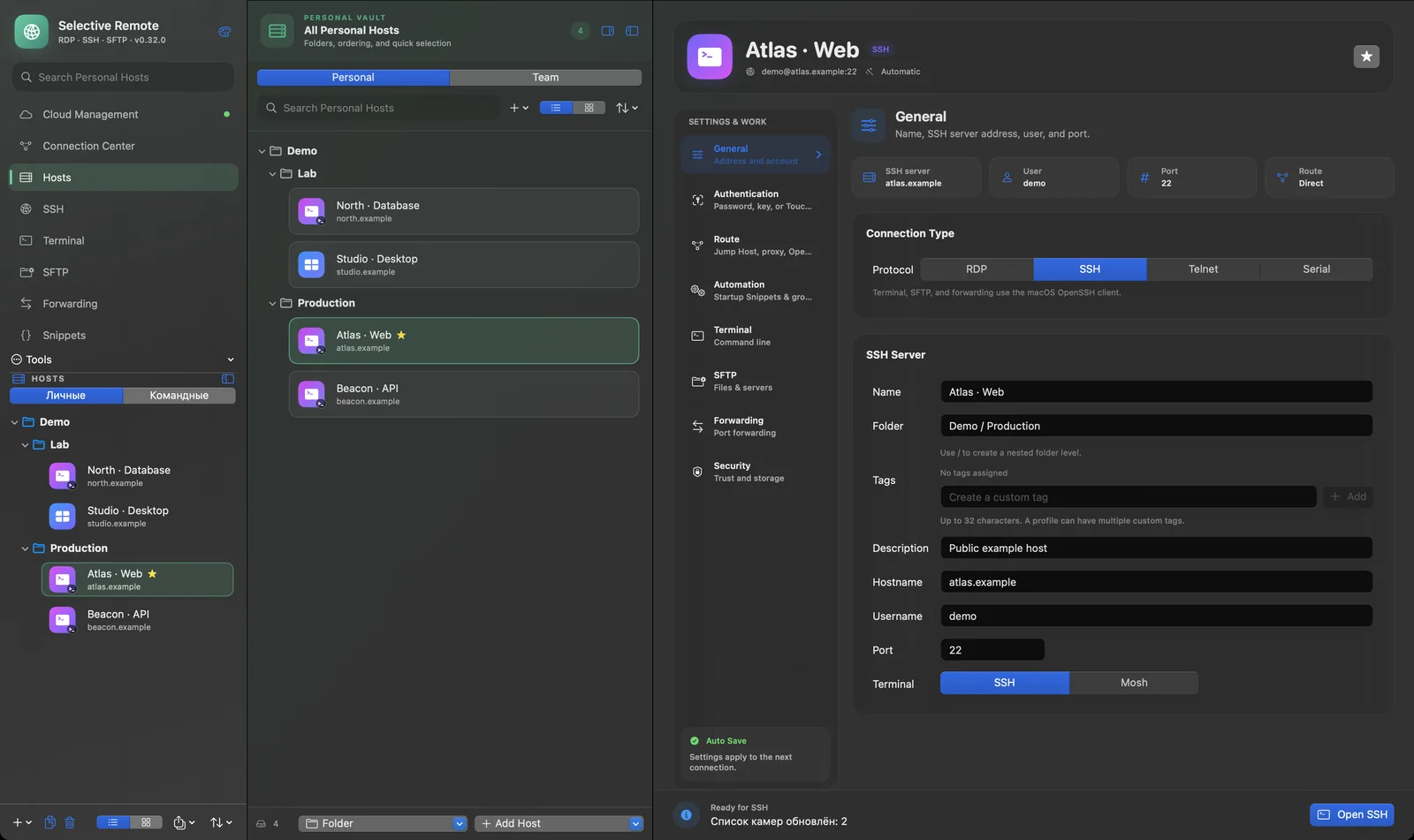
Connect. Organize. Work.
- Connect: SSH and RDP on your chosen Mac displays; Telnet and Serial when needed.
- Organize: profiles, groups, favorites, and tags keep infrastructure easy to find.
- Work: Terminal, dual-pane SFTP, SSH tunnels, and Snippets stay in one app.
Available now in v0.31.0: SSH Workspace, local Terminal, SFTP, Forwarding Manager, Connection Center, diagnostics, macOS Keychain, and encrypted local backups. Explore the features and quick start.
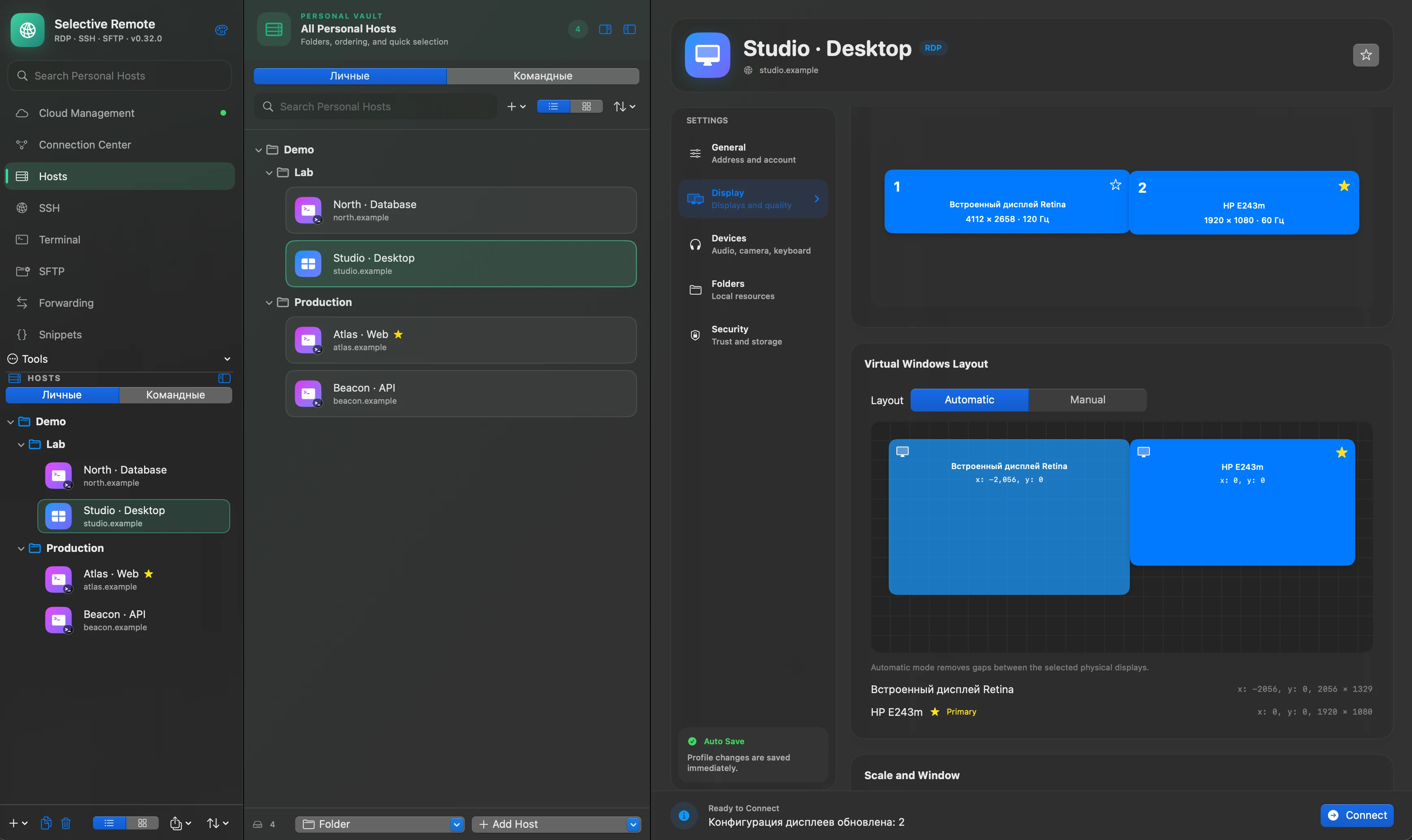
RDP across two or more displays
Choose which Mac displays show the remote desktop for each RDP profile: one, two, or more. Set the primary Windows monitor and arrange the virtual displays automatically or by hand. Your selection is saved with the profile. Multi-monitor RDP guide.
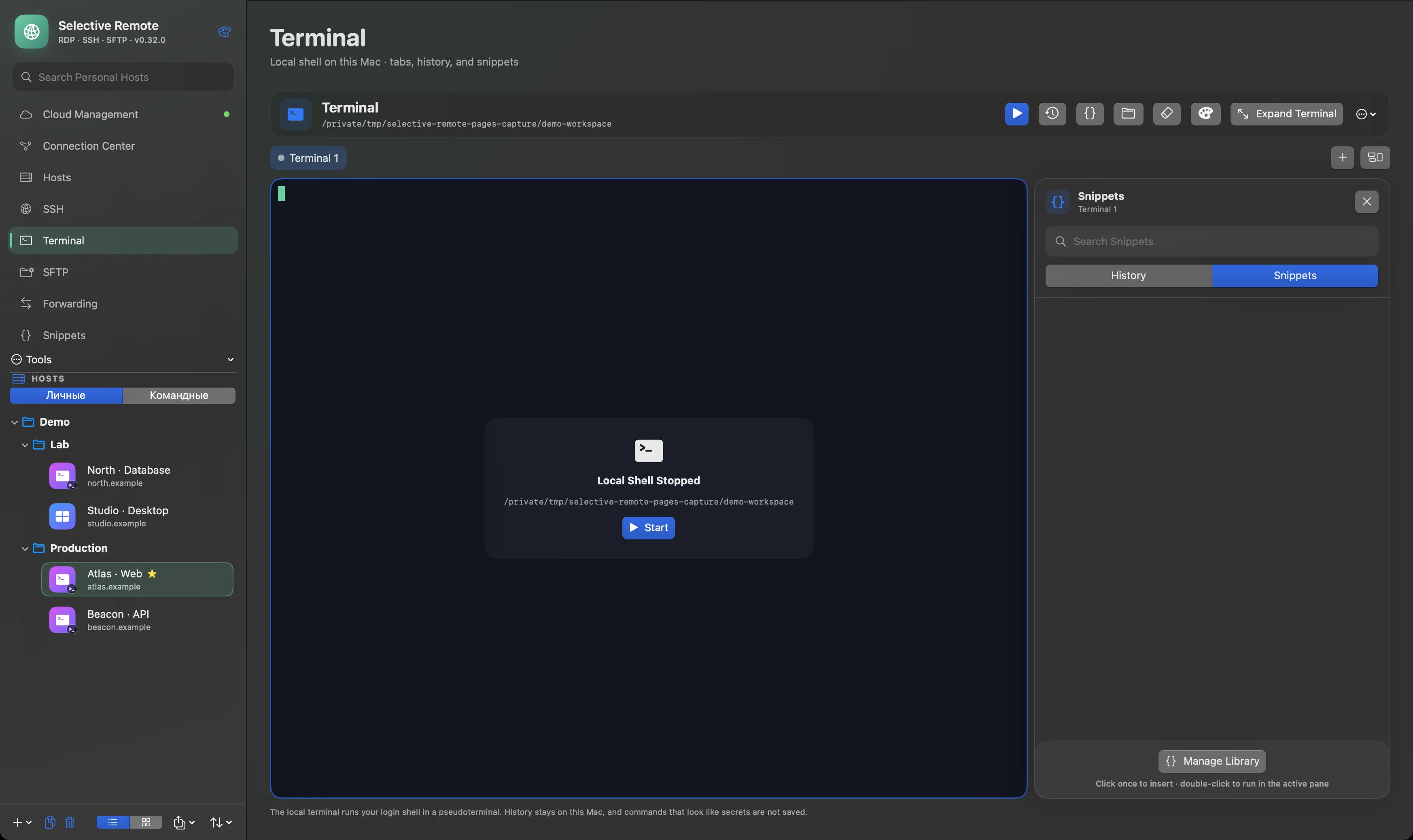
Terminal and commands
Tabs and panes keep sessions close; Snippets store reusable commands. The local demo shell in this capture is intentionally stopped.
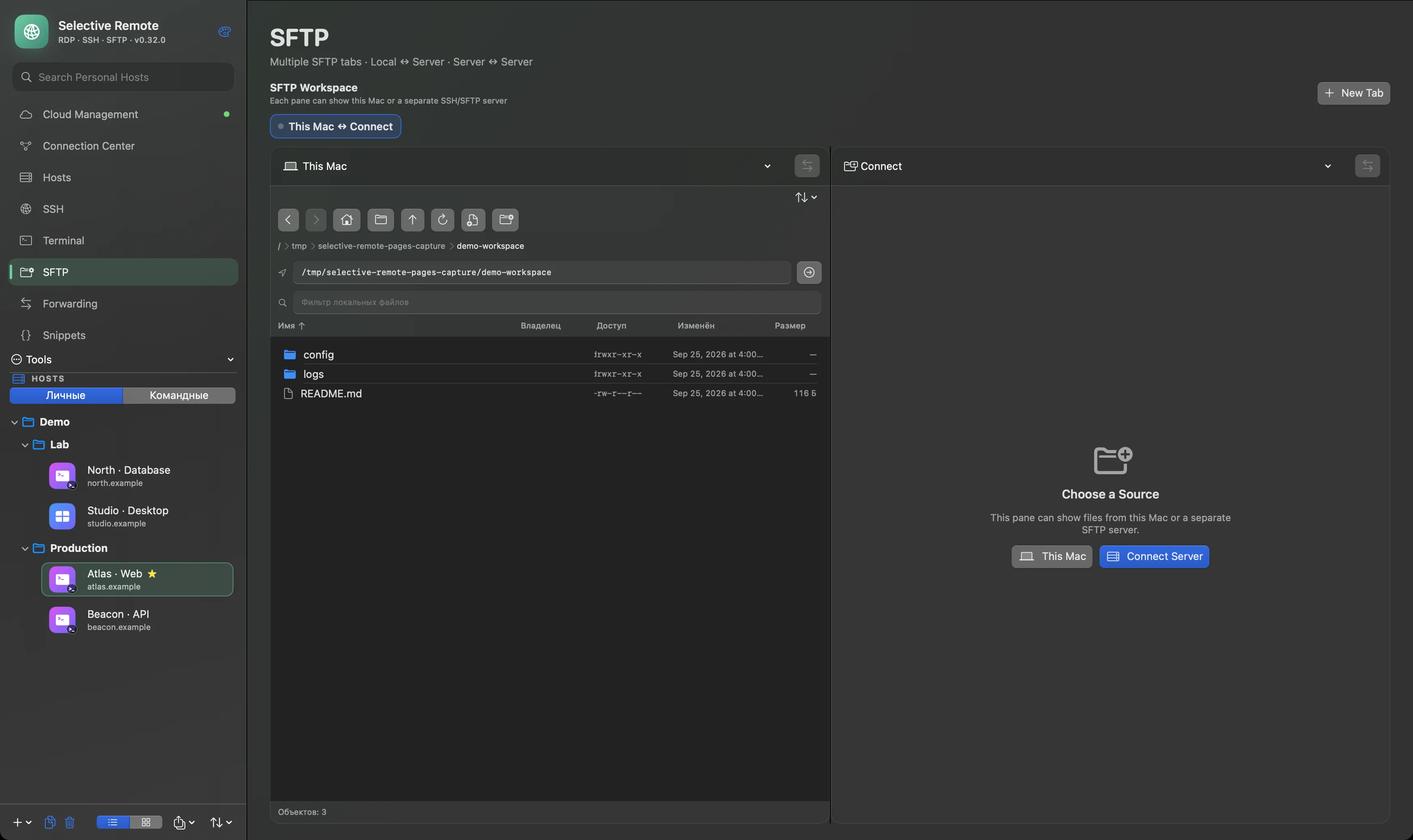
Files across Mac and servers
Dual-pane SFTP supports Mac ↔ Server and Server ↔ Server transfers. The capture shows only local test files; no server is connected.
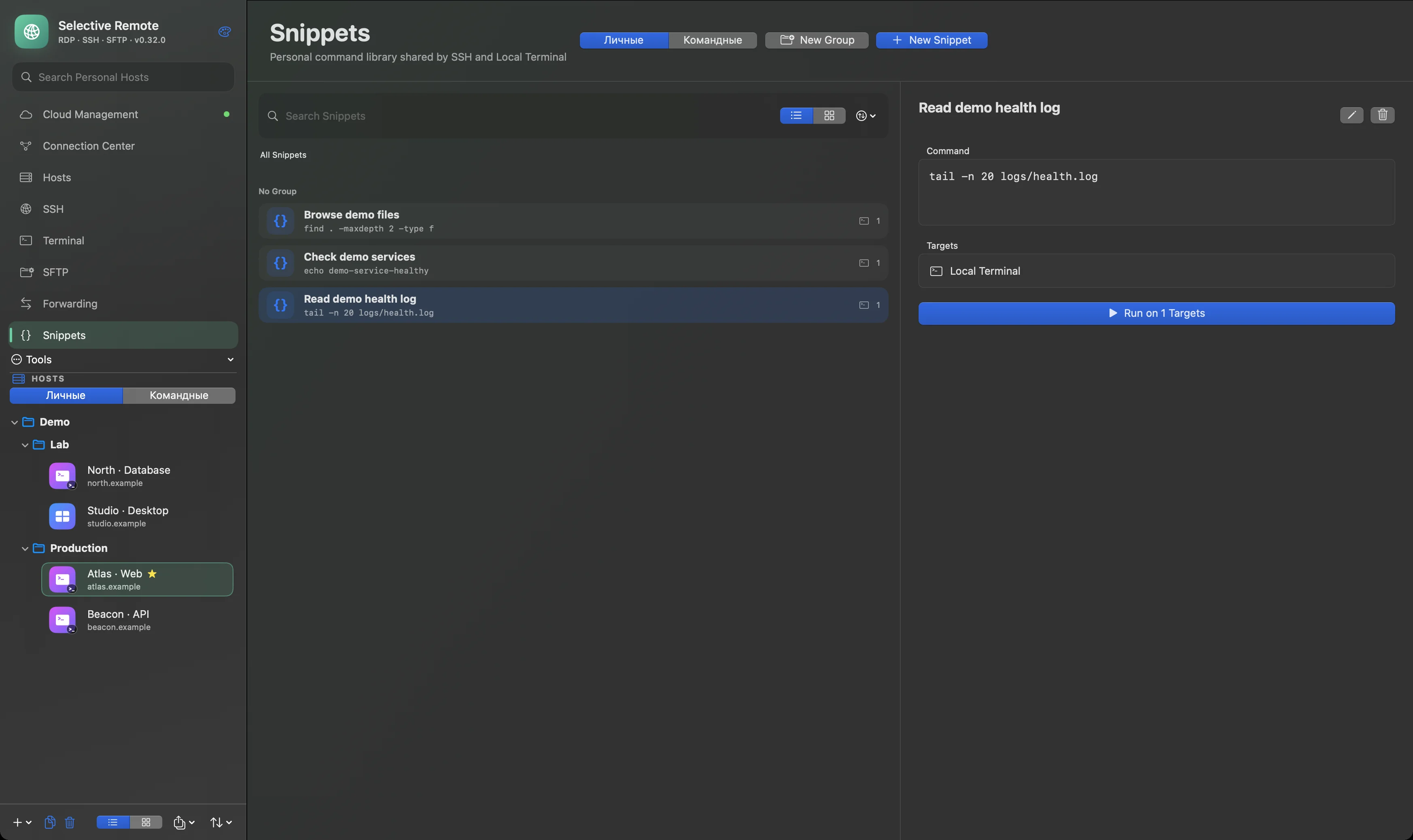
Snippets for repeatable work
The command library is shared by SSH and the local terminal. The capture contains three synthetic demo commands.
Coming in 0.32
Mac ↔ Cloud integration, Personal Vault, and Team Vaults are planned for 0.32. Personal Vault is designed to synchronize client-encrypted Hosts, Credentials, and Snippets across trusted Mac and browser devices. Team Vaults add shared data, roles, and invitations. These are upcoming capabilities, not part of the current v0.31.0 download. Local work remains available without an account.
Cloud architecture and trust model · Open Cloud
Security and open source
SSH secrets are stored in macOS Keychain; new SSH host keys are not accepted automatically. Profiles do not export saved passwords, and full backups are encrypted. The source is available under the MIT license. Security details · Report a vulnerability.
Installation
- Download the DMG from release v0.31.0.
- Open the image and drag Selective Remote into Applications.
- Launch the app. If macOS requests approval for a community build without Developer ID, allow it in System Settings → Privacy & Security or from Finder's context menu.
The ready-made DMG targets Apple Silicon and macOS 14 or newer. Server access and permissions for redirected devices depend on your workflow.
For development: swift test, swift build -c release, then optionally bash scripts/build_and_install.sh. Build instructions · Publishing · Release preparation.
Guides
Community and support
Website · GitHub · Telegram · Support the project · Русский
Support is optional and does not unlock features. Release news is shared on Telegram.