
Orz-3/mini
Orz-3/mini has 2,209 GitHub stars and 303 forks. GitHot measured 0 stars in 24 hours. Last checked 2026-11-07 22:47 UTC. Last push 2025-10-10.
mini icon
Measured star growth
- in 24h
- 0
- in 7 days
- Collecting history
- in 15 days
- Collecting history
- in 1 month
- Collecting history
Net star changes over overlapping periods, not daily totals. Missing measurements are left blank. Stars measure attention, not software quality.
README.md
Original

mini项目
本项目诞生之初是为了适配Quantumult X 1.07版本新增的机场订阅img-url特性,经过不断发展,包含了机场订阅图标,Task图标,节点地区图标,策略组图标等
本项目可用于QuantumultX 1.07及以上版本,Loon 2.1.10(278)以上,和Pharos Pro 1.3.3及以上版本中
注意: 本项目图标可用于订阅,Task,策略组等位置的远程引用
Telegram频道: mini
Telegram群组: mini
Quantumult X使用方法:
1、订阅图标
打开QuanX 配置文件-编辑,找到[server_remote]字段,在想要增加图标的相应订阅中修改,在enable=true之前加上
img-url=https://raw.githubusercontent.com/Orz-3/mini/master/Alpha/name.png
注意此句和前后句都要用英文逗号隔开,并且逗号后先要空一格
完整示例:https://raw.githubusercontent.com/crossutility/Quantumult-X/master/server-complete.txt, tag=Sample-02, as-policy=static, img-url=https://raw.githubusercontent.com/Orz-3/mini/master/Alpha/name.png, enabled=false
2、策略图标
2.1 UI中使用
长按想要更改图标的策略组,弹出菜单选择编辑,在图标一栏填写
**https://raw.githubusercontent.com/Orz-3/mini/master/Color/name.png
2.2 文本编辑:
打开QuanX 配置文件-编辑,找到[policy]字段,在想要增加图标的相应策略段落中修改,在enable=true之前加上
**img-url=https://raw.githubusercontent.com/Orz-3/mini/master/Color/name.png 注意此句和前后句都要用英文逗号隔开,并且逗号后先要空一格
完整示例:static=policy-name-1, Sample-A, Sample-B, Sample-C, img-url=https://raw.githubusercontent.com/Orz-3/mini/master/Color/name.png
Loon使用方法:
1 UI中使用
点击下方“策略”选项卡,在策略界面点长按想要更改图标的订阅/策略组,弹出界面中,在图标一栏填写
**https://raw.githubusercontent.com/Orz-3/mini/master/Color/name.png
2 文本编辑:
打开Loon配置选项卡,点击编辑-文本编辑,找到[Remote Proxy]/[Proxy Group]字段,在想要增加图标的相应订阅/策略段落中修改,加上 **img-url=https://raw.githubusercontent.com/Orz-3/mini/master/Color/name.png 注意此句和前句要用英文逗号隔开
注:请将使用方法中的name.png替换成相应文件的文件名
Pharos Pro使用方法:
在Pharos Pro主页对应订阅上左滑,点击编辑,在弹出界面的图标一栏中填入 https://raw.githubusercontent.com/Orz-3/mini/master/Alpha/name.png
task图标使用方法:
1、文本编辑中使用
打开QuanX 配置文件-编辑,找到[task_local]字段,在想要增加图标的相应签到脚本段落中修改,在enable=true之前加上 img-url=https://raw.githubusercontent.com/Orz-3/mini/master/Color/name.png 注意此句和前后句都要用英文逗号隔开,并且逗号后先要空一格
2、UI中使用
主界面右下角点击风车开启菜单,然后找到调试一栏下的构造请求,点击进入构造请求界面,左滑相应task,点击编辑,在图标一栏填写 https://raw.githubusercontent.com/Orz-3/mini/master/Color/name.png
🔘彩色版本 https://raw.githubusercontent.com/Orz-3/mini/master/Color/name.png
🔘透明版本 https://raw.githubusercontent.com/Orz-3/mini/master/Alpha/name.png
注: task图标的透明和彩色版本文件名完全一致,仅所在库不同
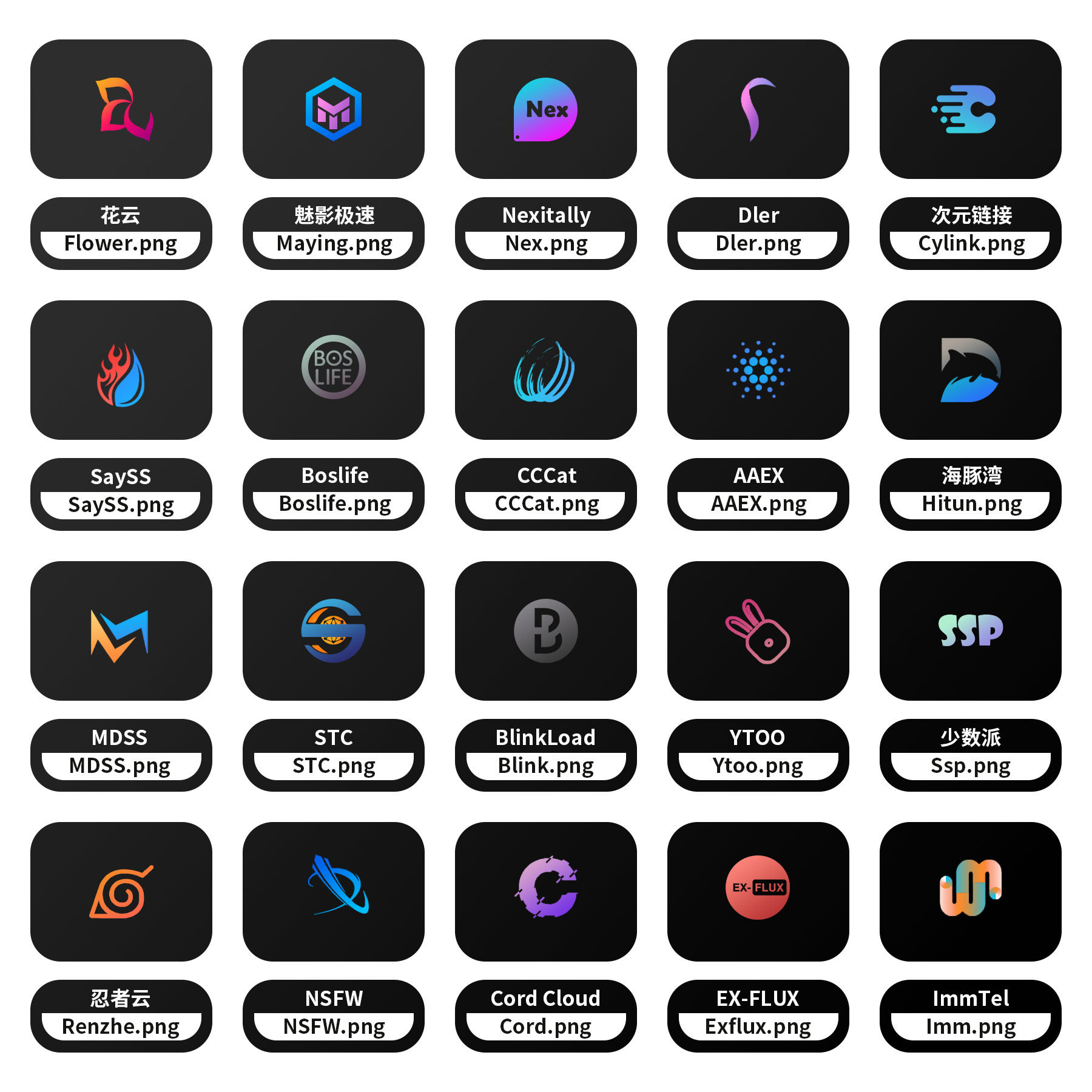
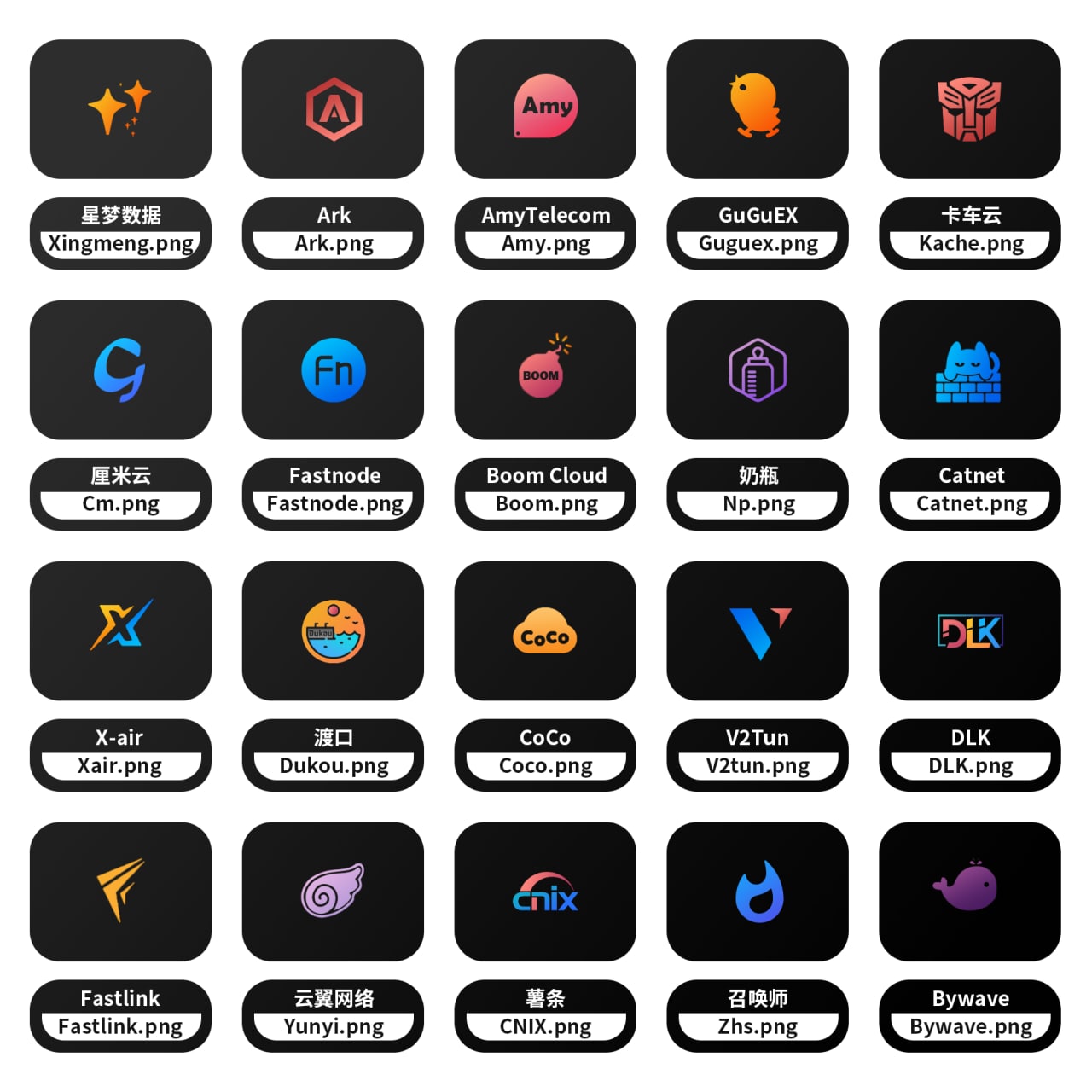
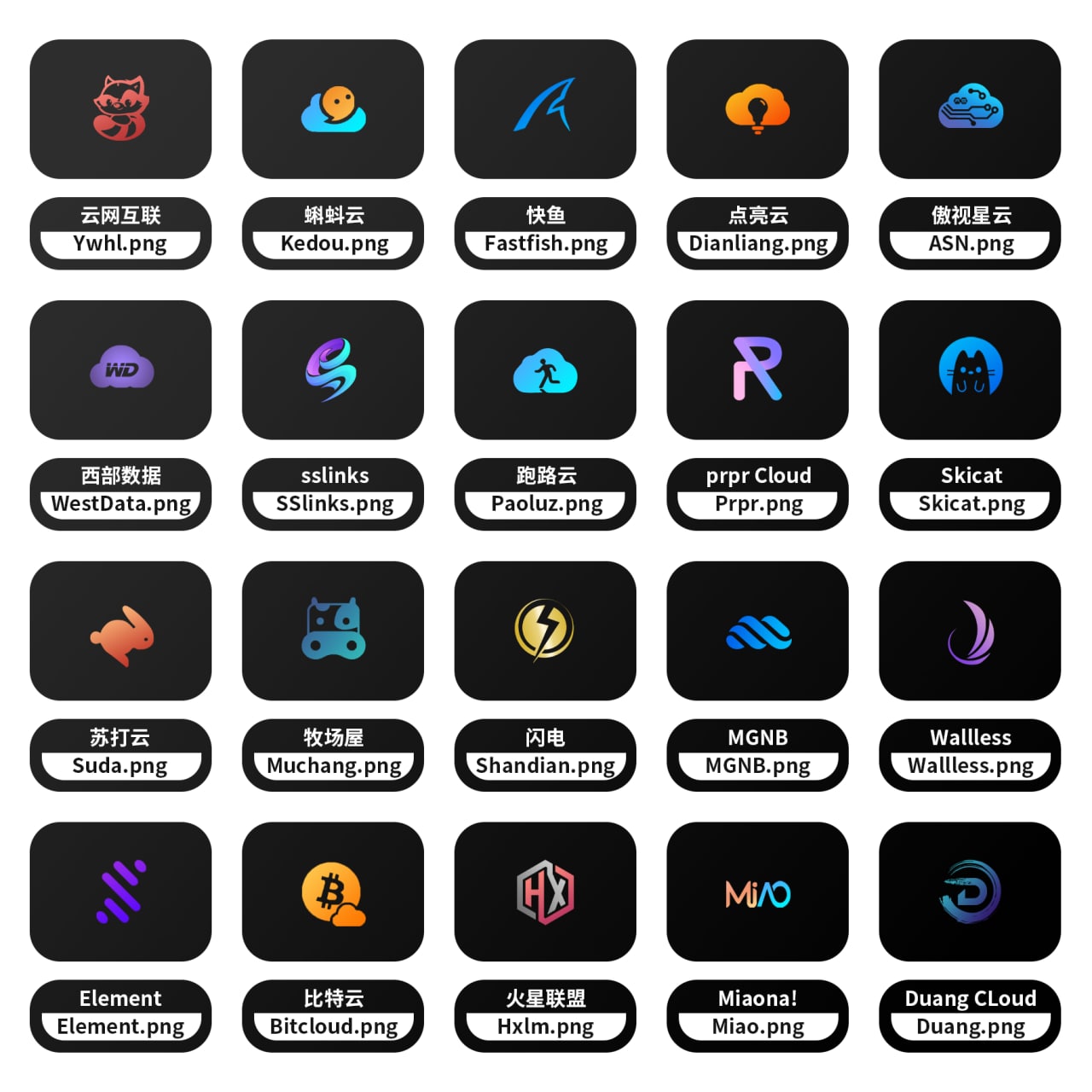
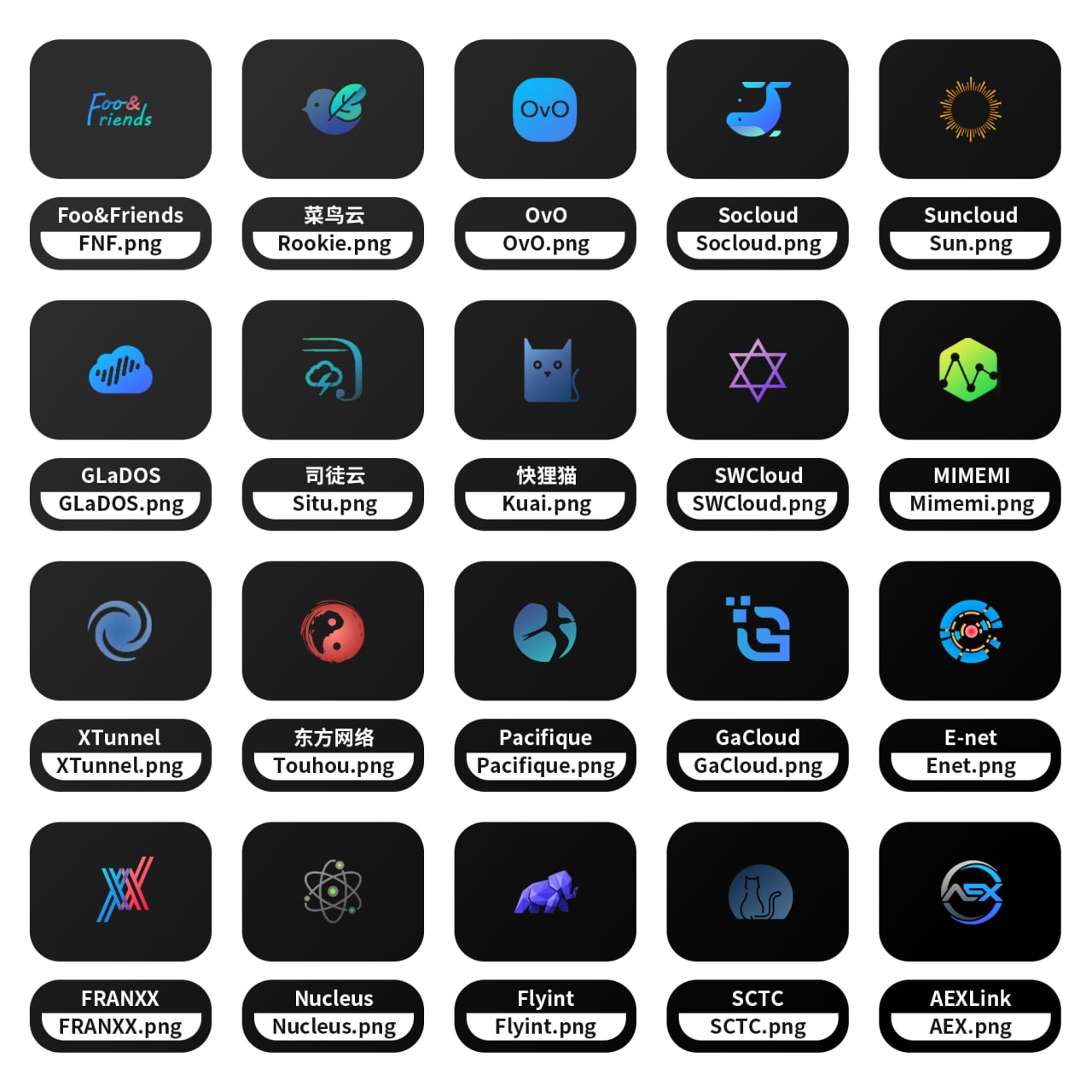
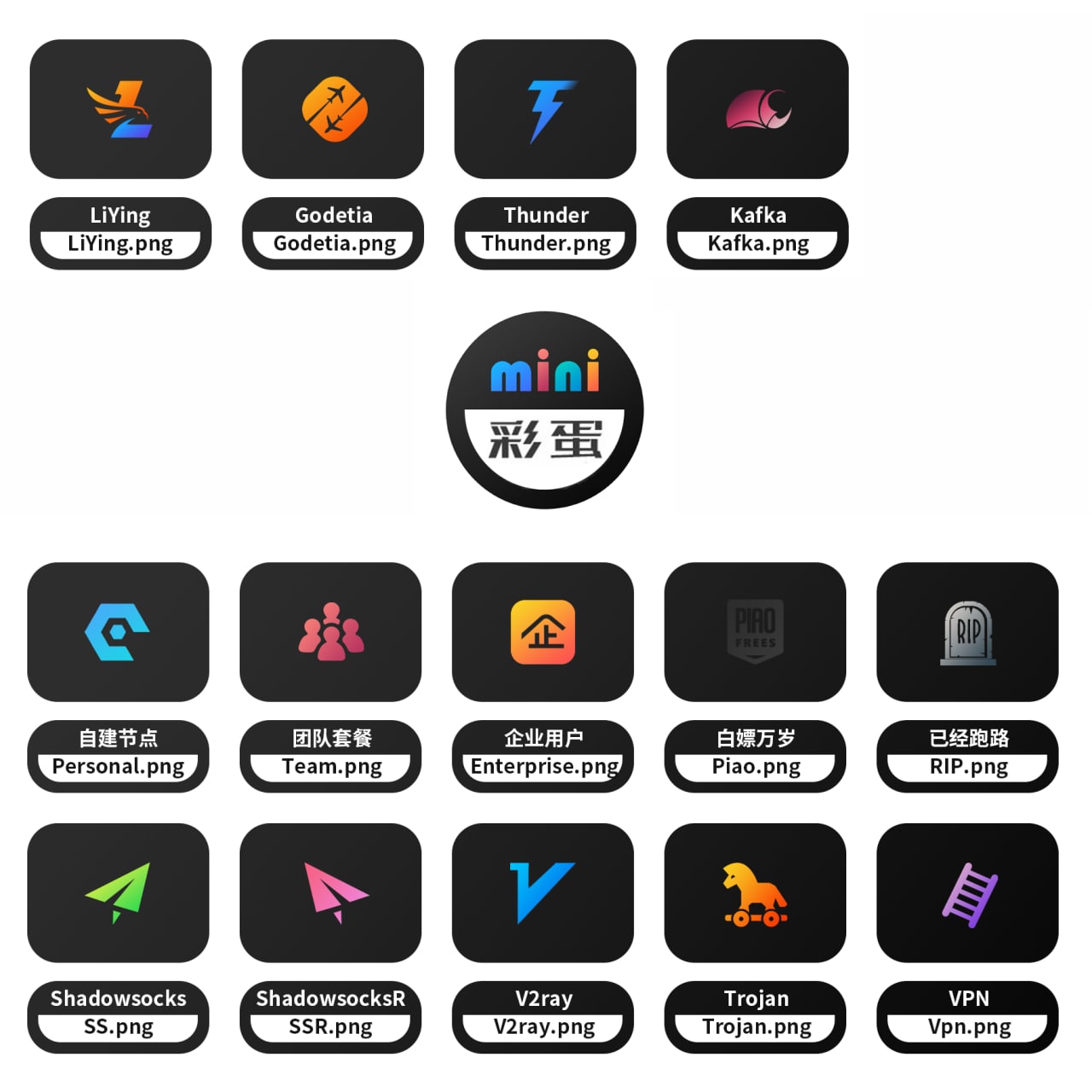
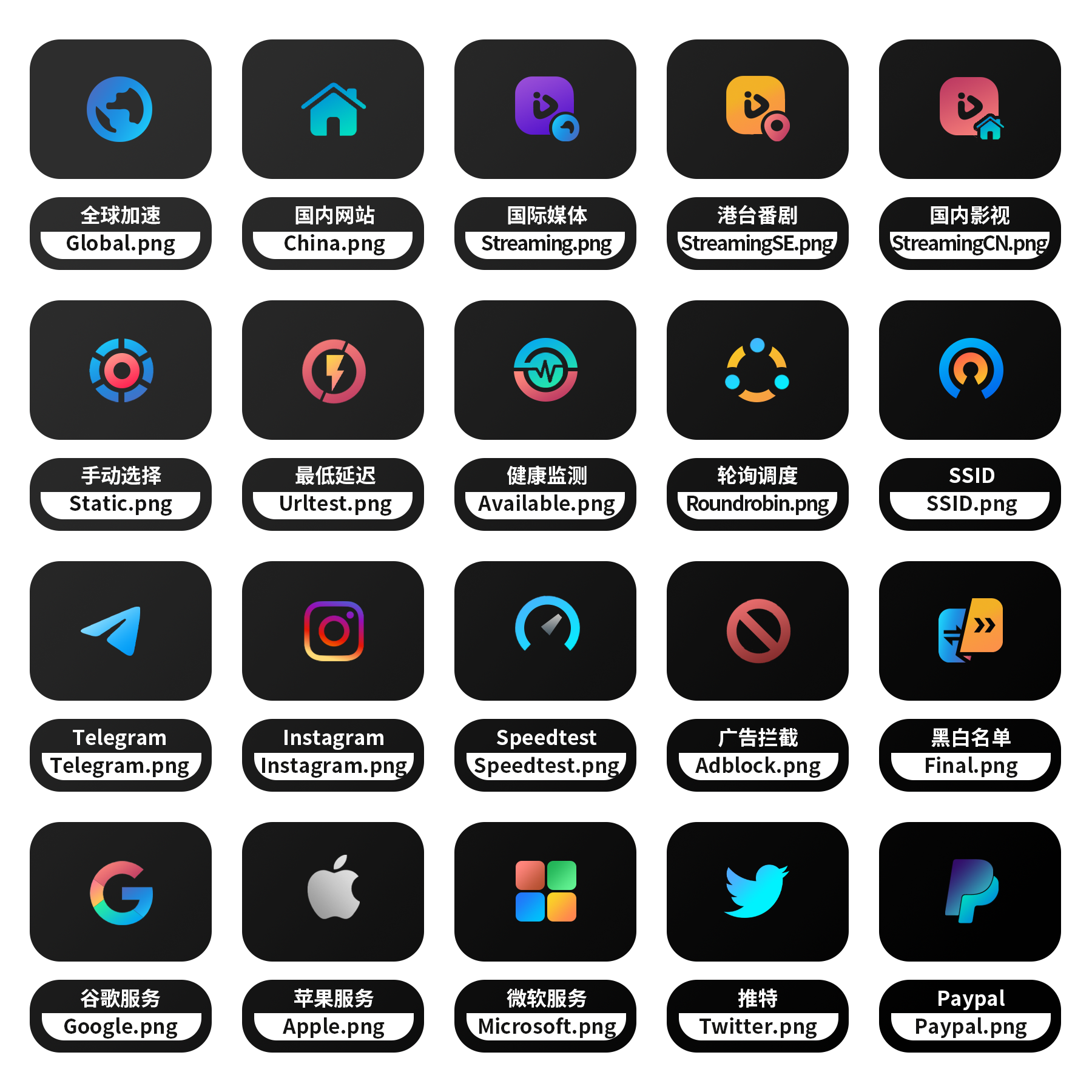
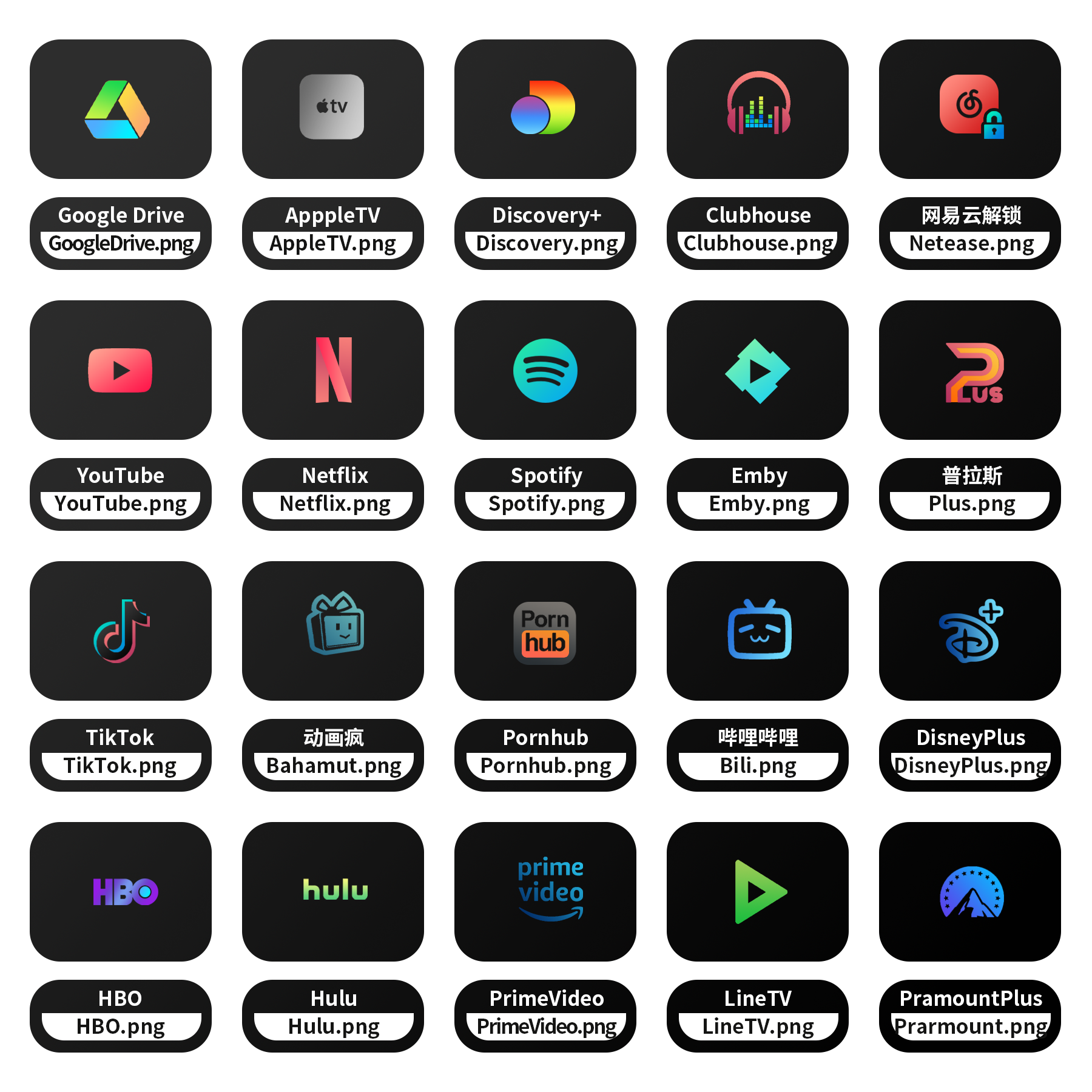
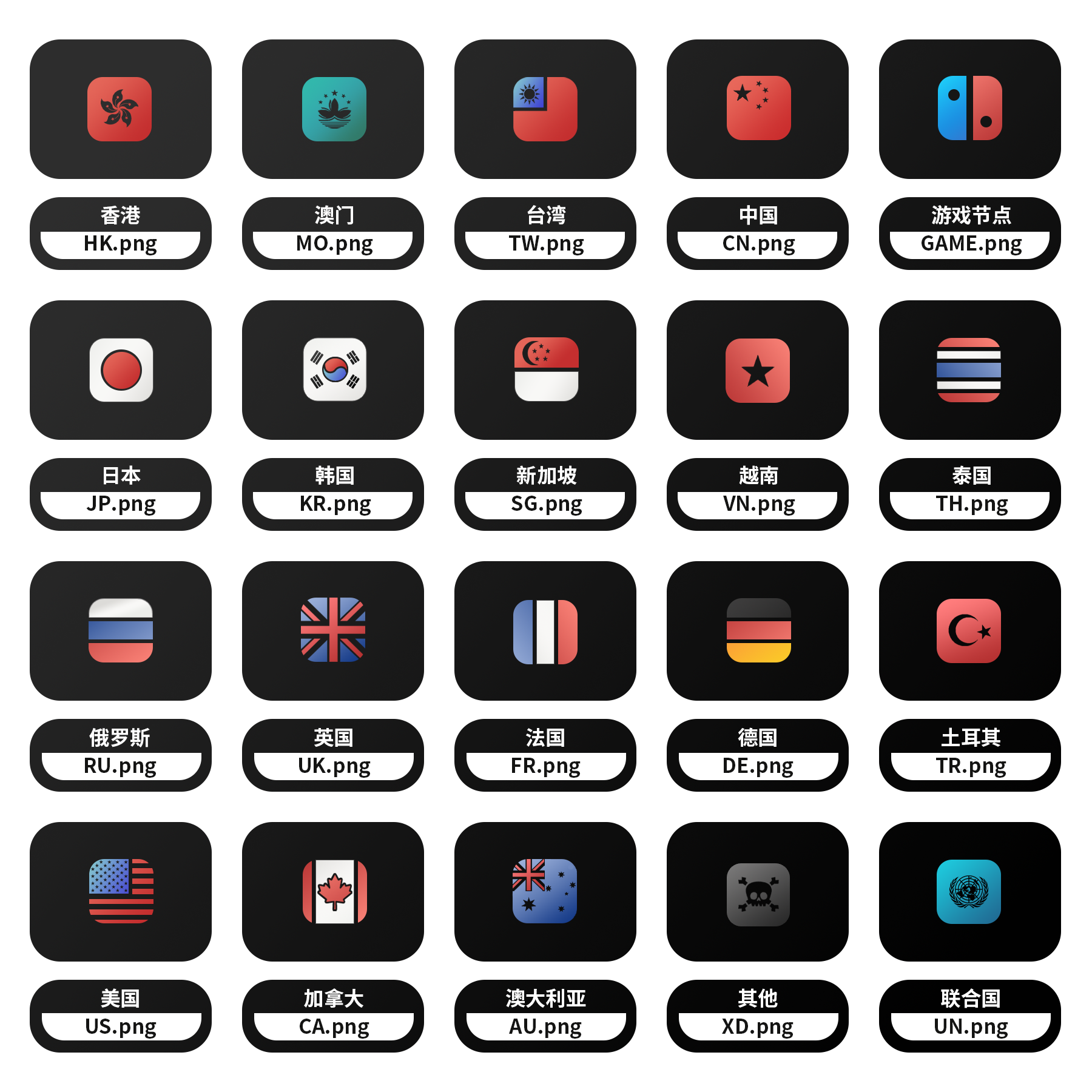
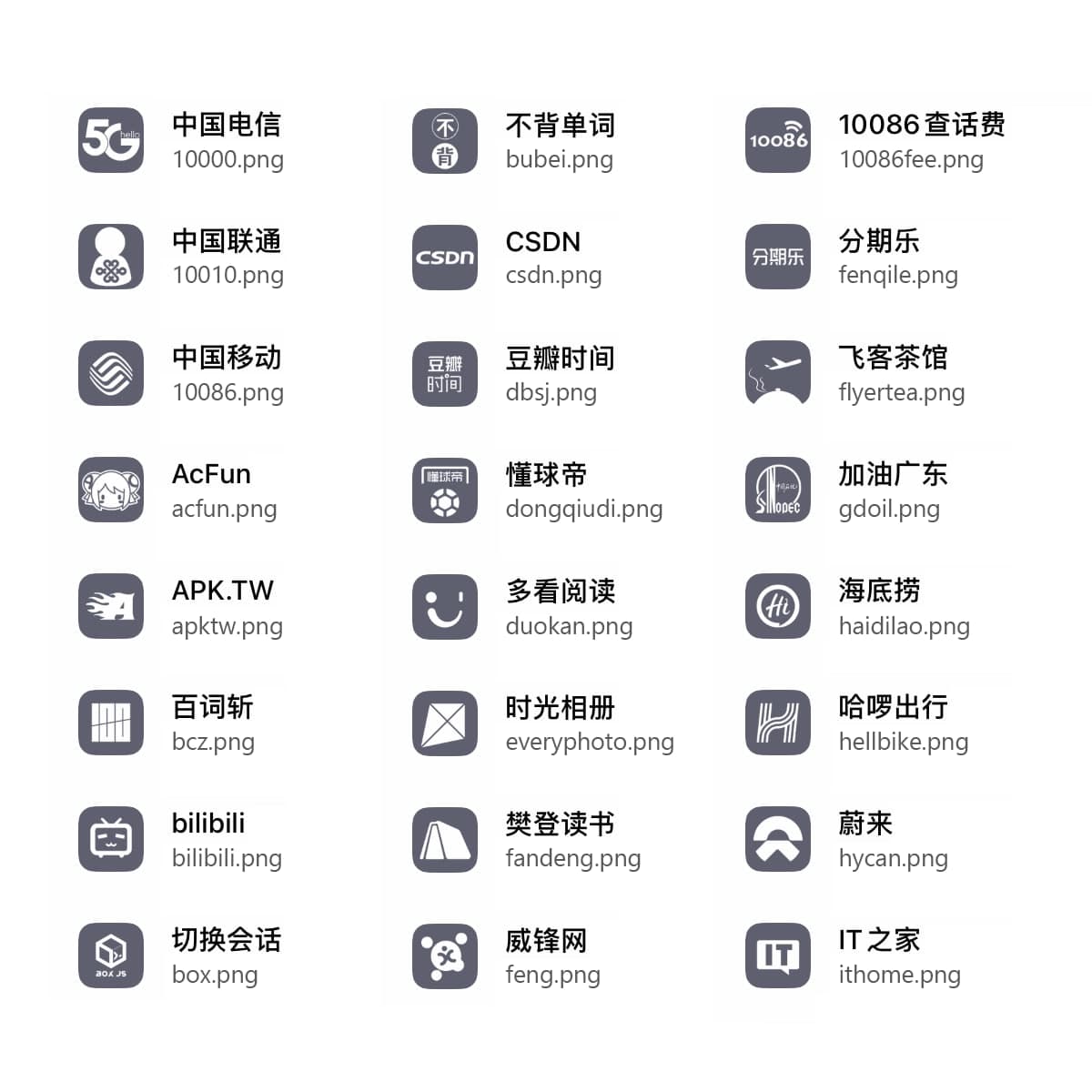
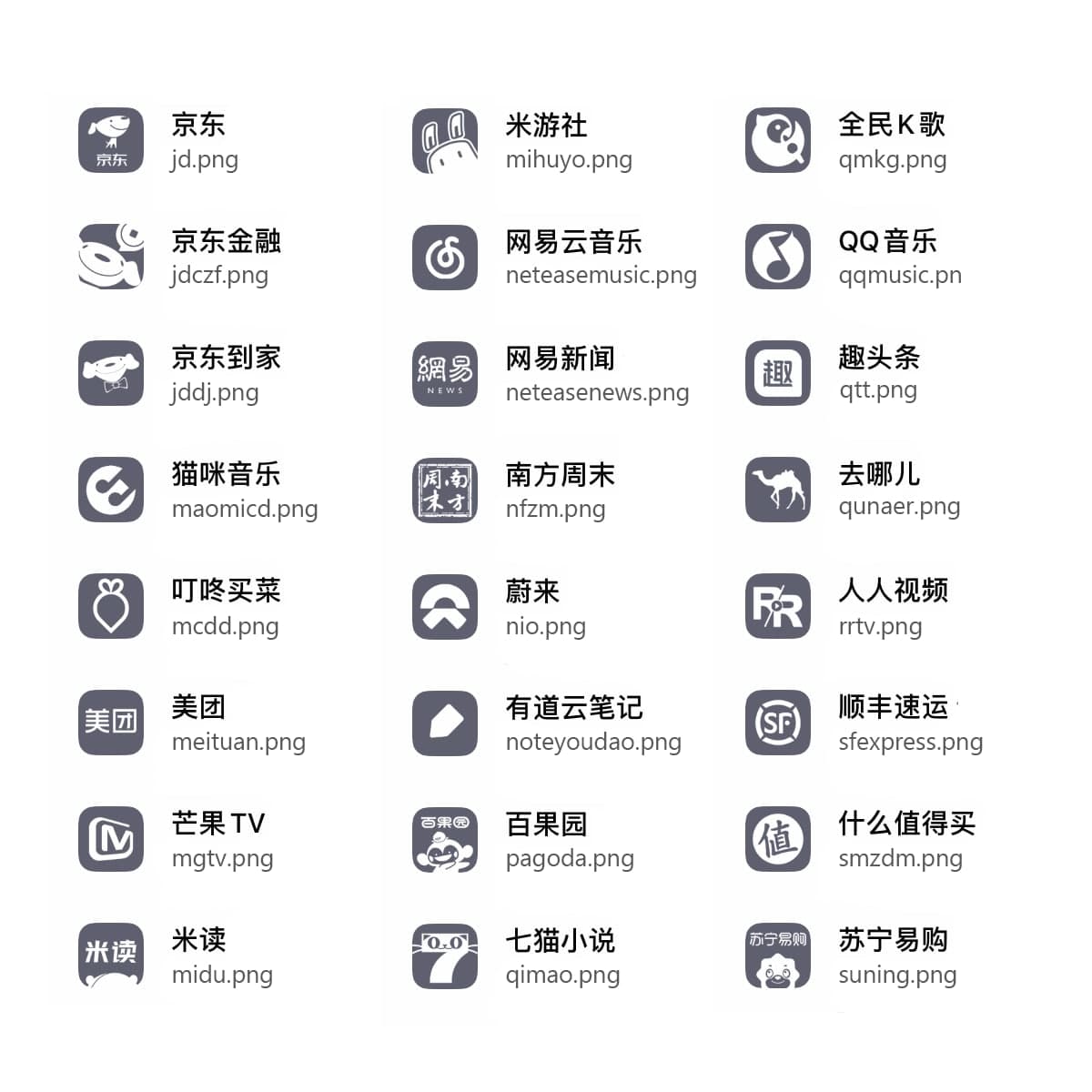
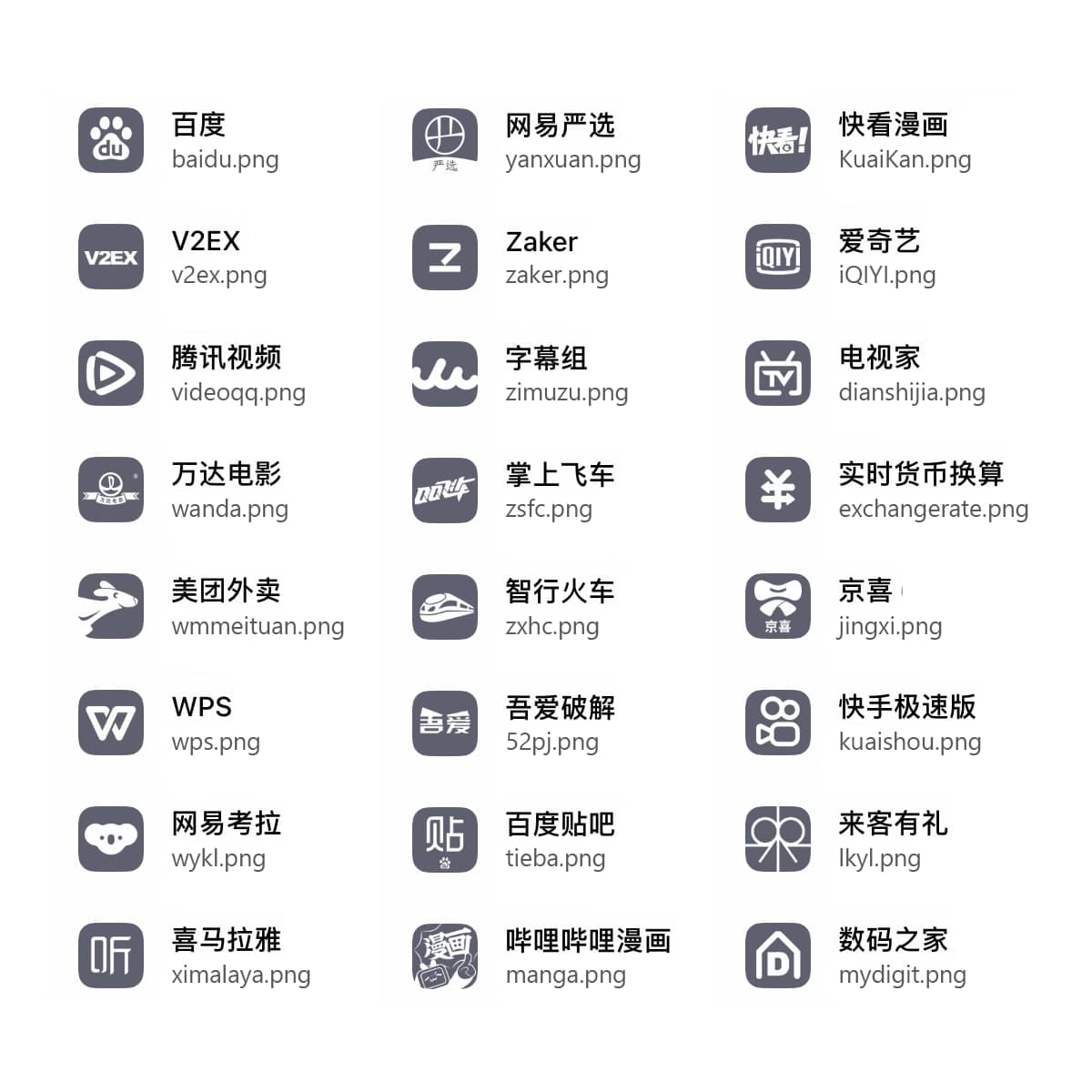
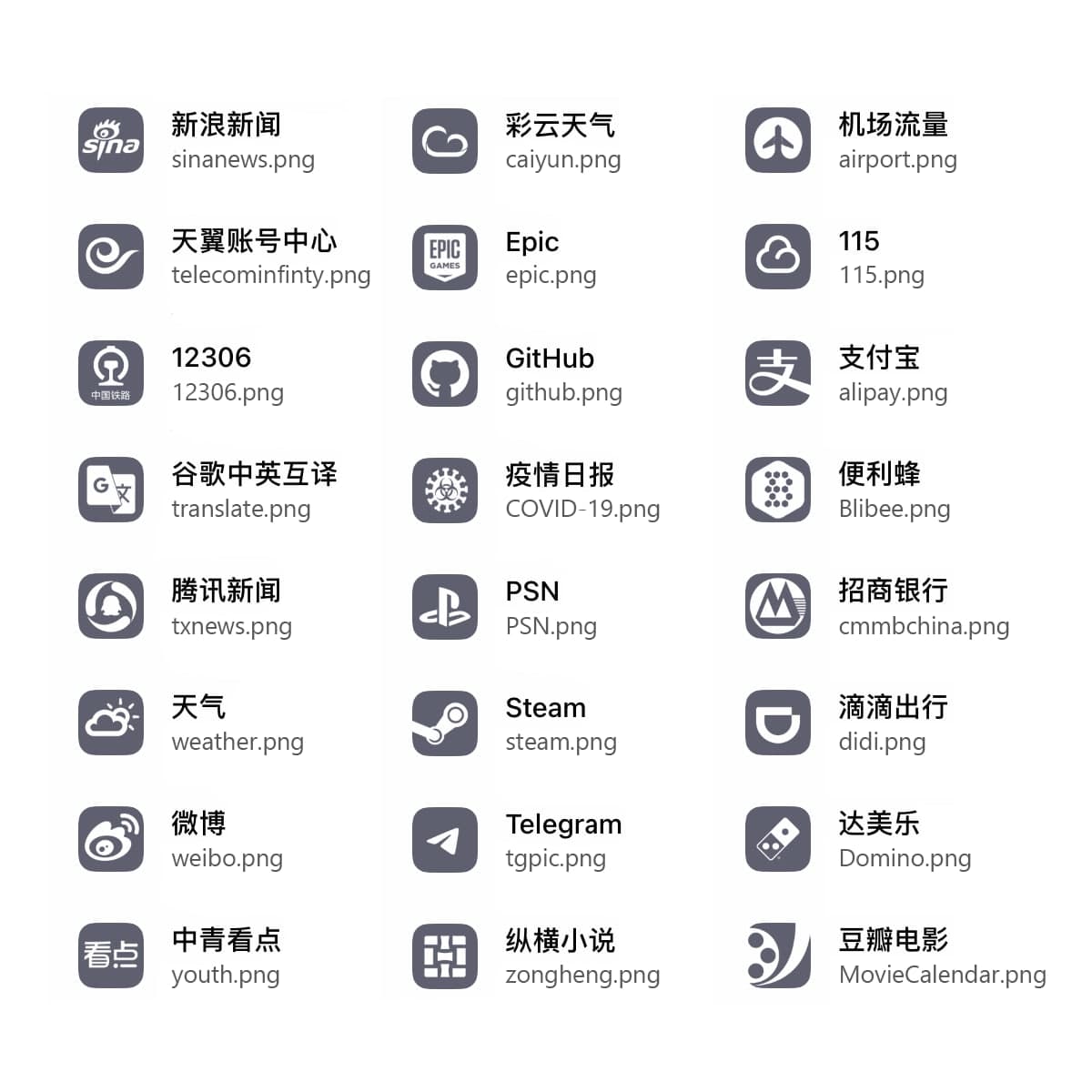
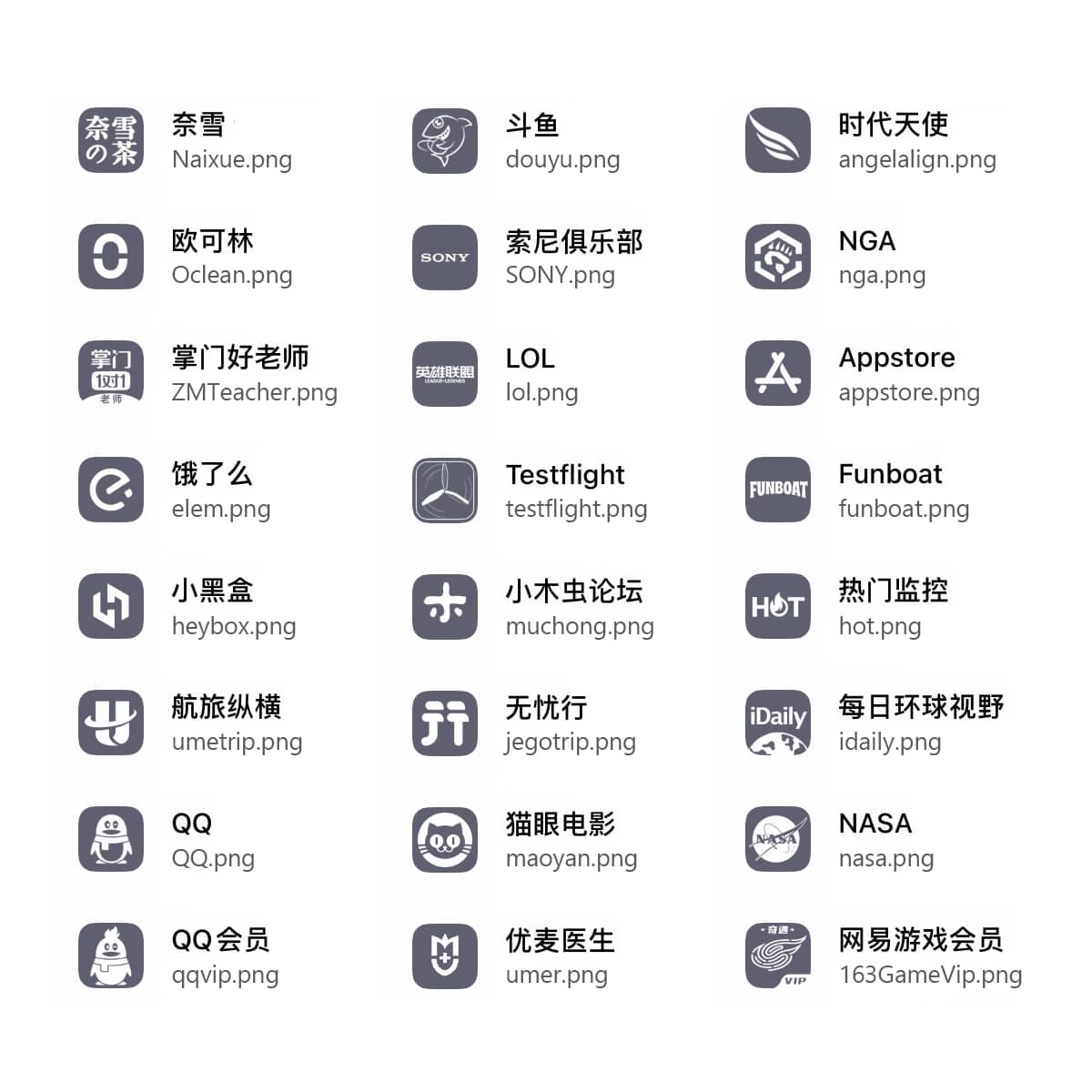
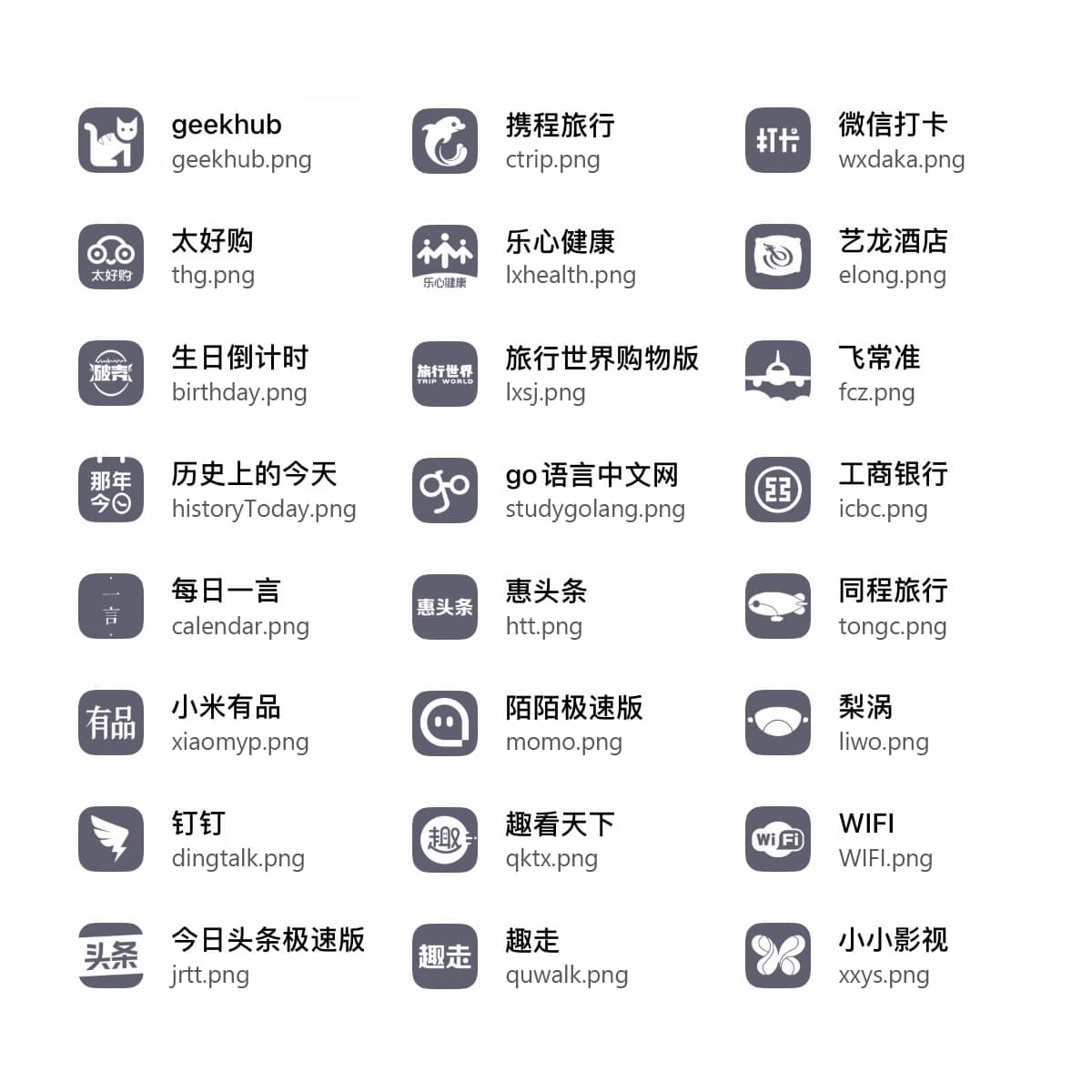
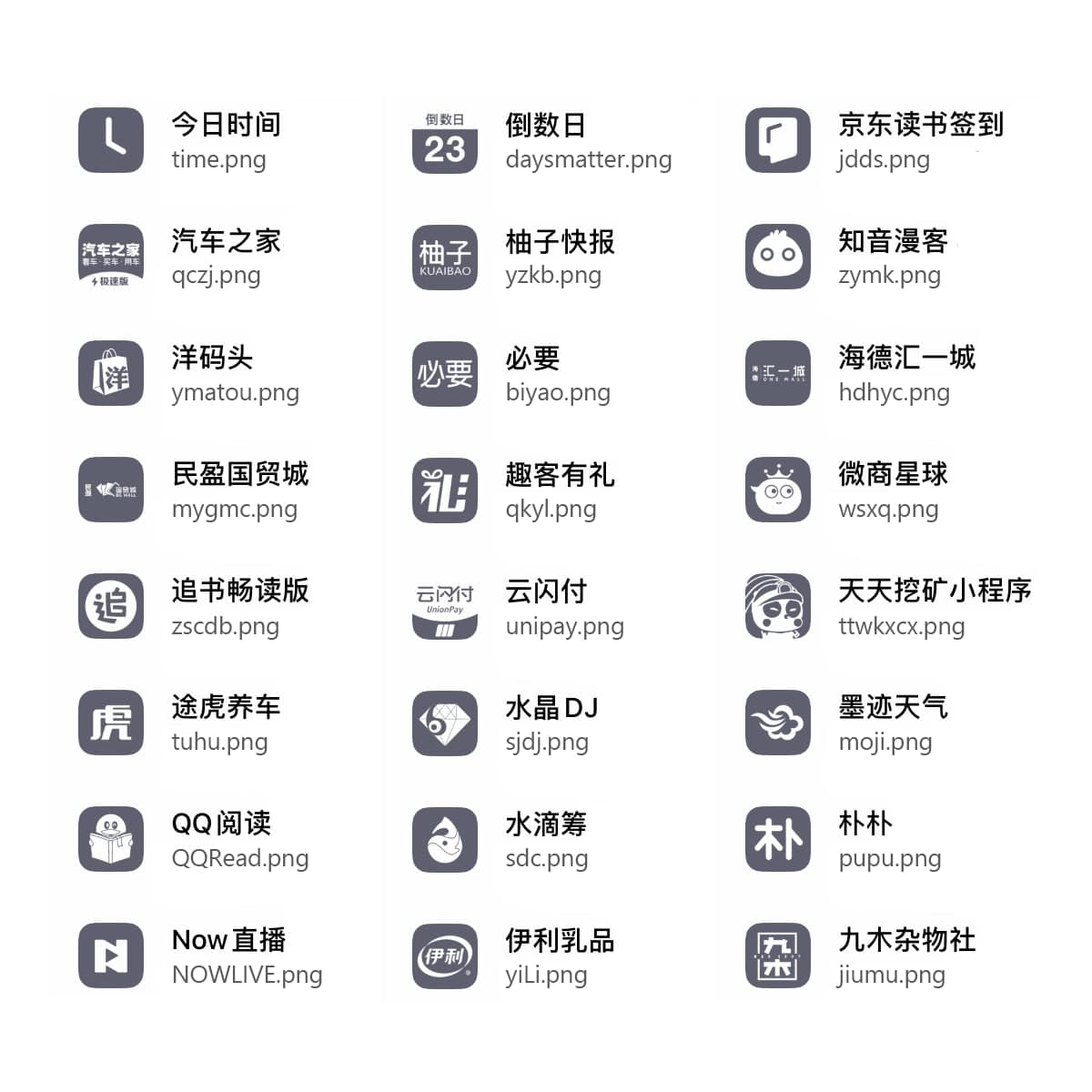
图标索引,最上方为图标展示,下面第一行为对应机场的名称,第二行为文件名,请将使用方法中的name.png替换成相应文件的文件名




Explore related projects
codecrafters-io/build-your-own-x
Master programming by recreating your favorite technologies from scratch.
560,803 starspublic-apis/public-apis
A collective list of free APIs
497,033 starsmorluto/rea
Reverse engineer anything with agents, from app behavior down to native binaries.
441,184 starsopenclaw/openclaw
The AI that really does things. Any OS. Any Platform. The lobster way. 🦞
394,148 stars