
Mostafashadow1/compressly
Mostafashadow1/compressly has 39 GitHub stars and 0 forks. GitHot measured 0 stars in 24 hours and 0 in 7 days. Last checked 2026-11-10 04:08 UTC. Last push 2026-10-24.
Compress and resize images in the browser before upload. Target size, WebP/JPEG, EXIF rotation, Web Worker. ~2.2 KB.
What you can do
- 🪶 Ultra-Lightweight (< 3 KB): Zero external dependencies. 95% smaller bundle footprint than legacy libraries (~52 KB).
- 🧵 Off-Thread Web Worker: Runs compression inside a Web Worker via OffscreenCanvas when supported. Butter-smooth 60 FPS UI on low-end devices.
- 🎯 Adaptive Target Size Loop: Set targetSizeMB: 0.5 and Compressly automatically iterates to ensure output stays under your exact limit.
- 📦 Concurrent Batch Mode: Upload 50 images at once with built-in concurrency pooling (compressImages).
Measured star growth
- in 24h
- 0
- in 7 days
- 0
- in 15 days
- Update delayed
- in 1 month
- Update delayed
Net star changes over overlapping periods, not daily totals. Missing measurements are left blank. Stars measure attention, not software quality.
README.md
Original
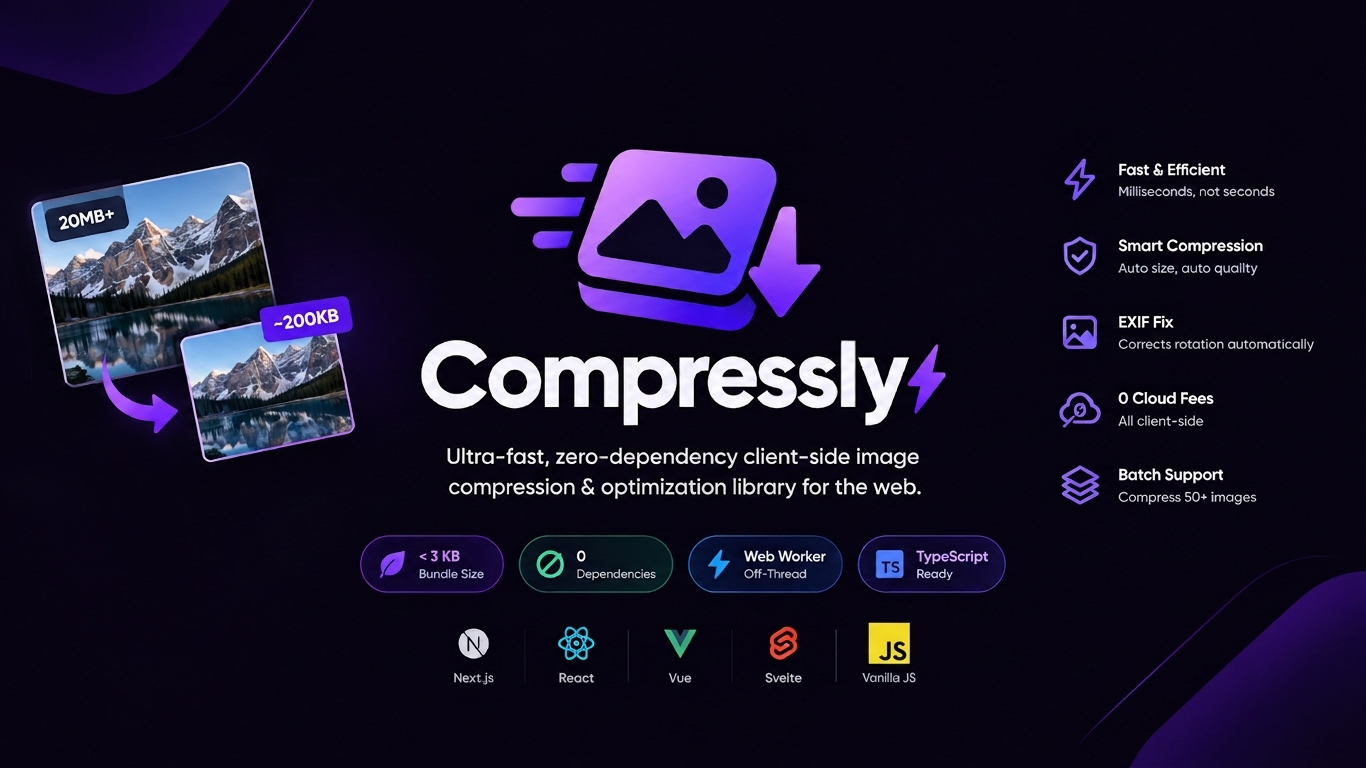
Compressly ⚡
Ultra-fast, zero-dependency client-side image compression & optimization library for the web — Next.js, React, Vue, Svelte & Vanilla JS with Web Worker support.




Compressly eliminates annoying "Image size too large" upload errors. It enables users to upload any photo of any resolution or size (even 20MB+ 4K camera photos), automatically downscaling dimensions, fixing EXIF rotation, and compressing files down to ~200KB–500KB on the client device in milliseconds with 0$ cloud fees and 0 UI lag.
When to use Compressly
- Users upload photos (avatars, listings, documents, chat images) and you want smaller files before they hit your server or storage.
- Uploads fail with 'file too large' or are slow on mobile networks.
- You need a hard size limit, e.g. every image under 500 KB (
targetSizeMB: 0.5). - You need to compress many files at once without freezing the UI.
Not for: Server-side or build-time image optimization (use sharp, next/image, or your CDN). Lossless archival quality or RAW/HEIC editing.
Using an AI coding agent? This package ships an
AGENTS.mdand anllms.txtwith usage rules and examples. Agents with the Context7 MCP can fetch these docs directly.
⚡ Highlights
- 🪶 Ultra-Lightweight (< 3 KB): Zero external dependencies. 95% smaller bundle footprint than legacy libraries (~52 KB).
- 🧵 Off-Thread Web Worker: Runs compression inside a Web Worker via
OffscreenCanvaswhen supported. Butter-smooth 60 FPS UI on low-end devices. - 🎯 Adaptive Target Size Loop: Set
targetSizeMB: 0.5and Compressly automatically iterates to ensure output stays under your exact limit. - 📦 Concurrent Batch Mode: Upload 50 images at once with built-in concurrency pooling (
compressImages). - 🔄 Auto EXIF Orientation: Corrects vertical iPhone / Android photos automatically using native browser APIs.
- ⏭️ Smart Pass-Through: Small images under
maxSizeMBbypass compression automatically to save battery and time. - 🛡️ SSR & Next.js Safe: Built with dual ESM/CJS exports and SSR guards. No
window is not definedcrashes. - ⚛️ First-Class React Hook: Ships with optional
useImageCompressor()for instant reactive UI progress bars.
📊 Comparison vs Existing Alternatives
| Feature / Metric | Compressly ⚡ | browser-image-compression |
compressorjs |
|---|---|---|---|
| Bundle Size (Minified) | < 3 KB | ~52 KB | ~25 KB |
| Runtime Dependencies | 0 (Zero) | Multiple | 0 |
| Off-Thread Web Worker | Yes (OffscreenCanvas) |
Yes | No |
| Adaptive Target Size Loop | Yes (targetSizeMB) |
Yes | No |
| Concurrent Batch Mode | Yes (compressImages) |
Manual loop | Manual loop |
| Auto EXIF Orientation | Yes (Native) | Yes | Yes |
| Next.js / SSR Safe | Yes (Out of the box) | Requires workaround | Requires workaround |
| Smart Pass-Through | Yes | No | No |
| React Hook Included | Yes (useImageCompressor) |
No | No |
📦 Installation
# pnpm
pnpm add compressly

# npm
npm install compressly

# yarn
yarn add compressly

# bun
bun add compressly
🚀 Quickstart
1. Single Image Compression (Vanilla JS / Any Framework)
import { compressImage } from "compressly";

// Handles input change or dropzone file
const onFileSelected = async (file: File) => {
  const optimizedFile = await compressImage(file, {
    maxWidth: 1920, // Max width in pixels (aspect ratio preserved)
    quality: 0.82, // 82% quality (indistinguishable, -85% file size)
    targetSizeMB: 0.5, // Guarantee output is <= 500 KB
    onProgress: (percent, phase) => {
      console.log(`Progress: ${percent}% (${phase})`);
    },
  });

  // Ready to send to your backend!
  const formData = new FormData();
  formData.append("photo", optimizedFile);
  await fetch("/api/upload", { method: "POST", body: formData });
};
2. Multi-File Batch Compression
import { compressImages } from "compressly";

// Compress 20 files concurrently without blowing up mobile RAM
const optimizedFiles = await compressImages(fileList, {
  concurrency: 3, // Max 3 images in parallel
  maxWidth: 1920,
  quality: 0.82,
  onBatchProgress: (overallPercent, completed, total) => {
    console.log(`Batch: ${overallPercent}% (${completed}/${total} files)`);
  },
});
3. React Hook (compressly/react)
import React from "react";
import { useImageCompressor } from "compressly/react";

export function ProfileAvatarUpload() {
  const { compress, isCompressing, progress, phase, lastResult } = useImageCompressor({
    maxWidth: 1024,
    quality: 0.85,
  });

  const handleChange = async (e: React.ChangeEvent<HTMLInputElement>) => {
    const file = e.target.files?.[0];
    if (file) {
      const result = await compress(file);
      console.log(`Saved ${result.reductionPercentage}% in ${result.timeTakenMs}ms!`);
    }
  };

  return (
    <div>
      <input type="file" onChange={handleChange} disabled={isCompressing} />
      {isCompressing && (
        <p>
          Optimizing image ({phase})... {progress}%
        </p>
      )}
      {lastResult && <p>Reduced to {(lastResult.compressedSize / 1024).toFixed(0)} KB!</p>}
    </div>
  );
}
⚙️ Options Reference
CompressOptions
| Option | Type | Default | Description |
|---|---|---|---|
maxSizeMB |
number |
1 |
File size in MB below which compression is skipped. |
targetSizeMB |
number |
undefined |
Target max file size. Triggers adaptive iterative optimization. |
maxWidth |
number |
1920 |
Max output width in px (preserves aspect ratio). |
maxHeight |
number |
1920 |
Max output height in px (preserves aspect ratio). |
quality |
number |
0.82 |
Quality factor (0.1 to 1.0) for JPEG/WebP. |
mimeType |
string |
undefined |
Force output to "image/jpeg", "image/webp", or "image/png". |
useWorker |
boolean |
true |
Runs in Web Worker via OffscreenCanvas when supported. |
autoRotate |
boolean |
true |
Automatically adjusts EXIF camera rotation. |
forceResize |
boolean |
false |
Resizes even if file size is already smaller than maxSizeMB. |
onProgress |
Function |
undefined |
(progress: number, phase: CompressionPhase) => void |
📄 License
MIT © 2026 Mostafa Mohamed Abdalla
Explore related projects
freeCodeCamp/freeCodeCamp
freeCodeCamp.org's open-source codebase and curriculum. Learn math, programming, and computer science for free.
458,957 starsdonnemartin/system-design-primer
Learn how to design large-scale systems. Prep for the system design interview. Includes Anki flashcards.
377,593 starsreact/react
The library for web and native user interfaces.
252,502 starsvuejs/vue
This is the repo for Vue 2. For Vue 3, go to https://github.com/vuejs/core
212,623 stars