
MohammadShehadeh/hirael has 43 GitHub stars and 0 forks. GitHot measured 0 stars in 24 hours. Last checked 2026-11-15 15:34 UTC. Last push 2026-11-08.
Measured star growth
- in 24h
- 0
- in 7 days
- Update delayed
- in 15 days
- Update delayed
- in 1 month
- Update delayed
Net star changes over overlapping periods, not daily totals. Missing measurements are left blank. Stars measure attention, not software quality.
About
A collection of shadcn/ui components, blocks and page templates for building modern, fast and beautiful websites. Built on Radix UI and Base UI. Works with the shadcn CLI and any preset, in light, dark and RTL.
Web & AppsREADME.md
Original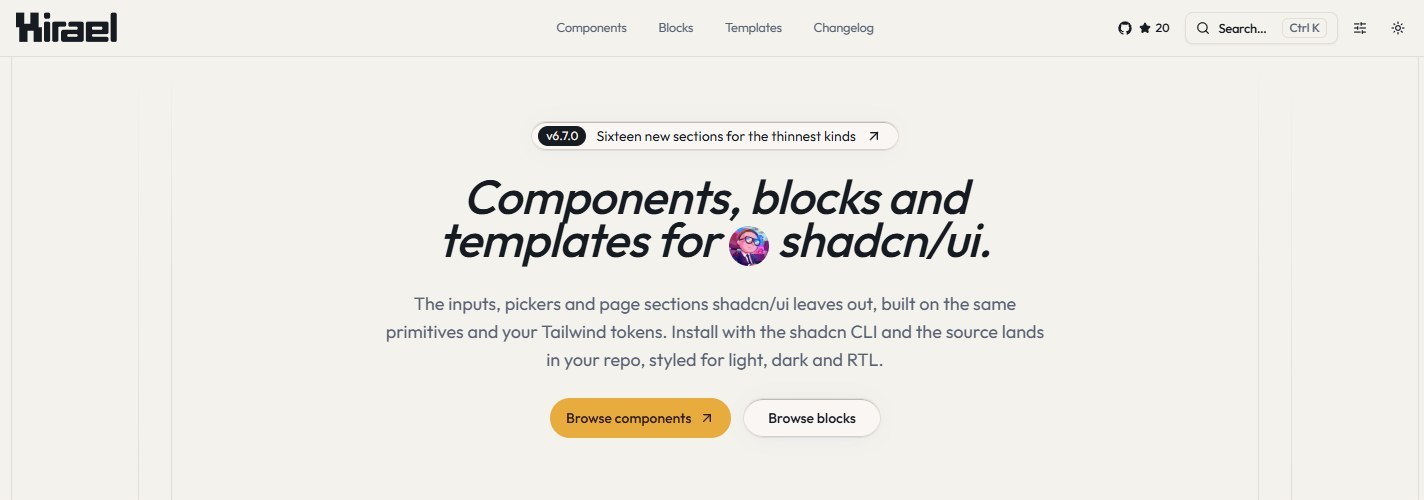
The components shadcn/ui doesn't ship.
80+ components, 140+ section blocks and 10+ full-page templates.
Built on shadcn primitives, installed with the shadcn CLI, owned by you.



Website · Components · Blocks · Templates · Changelog
npx shadcn@latest add @hirael/multi-select
No setup needed. Hirael is listed in shadcn's registry directory, so any project that uses shadcn/ui can install from it right away.
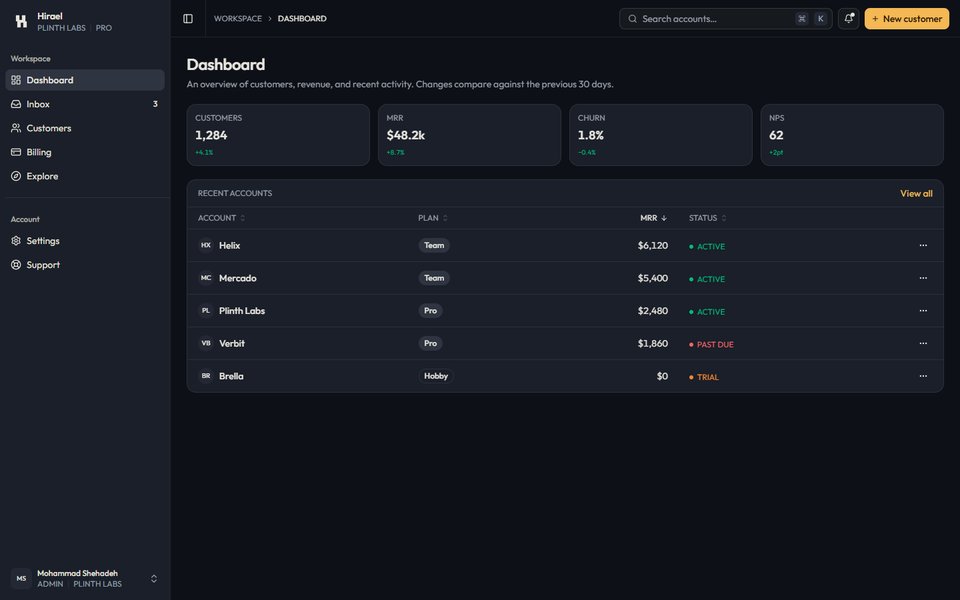
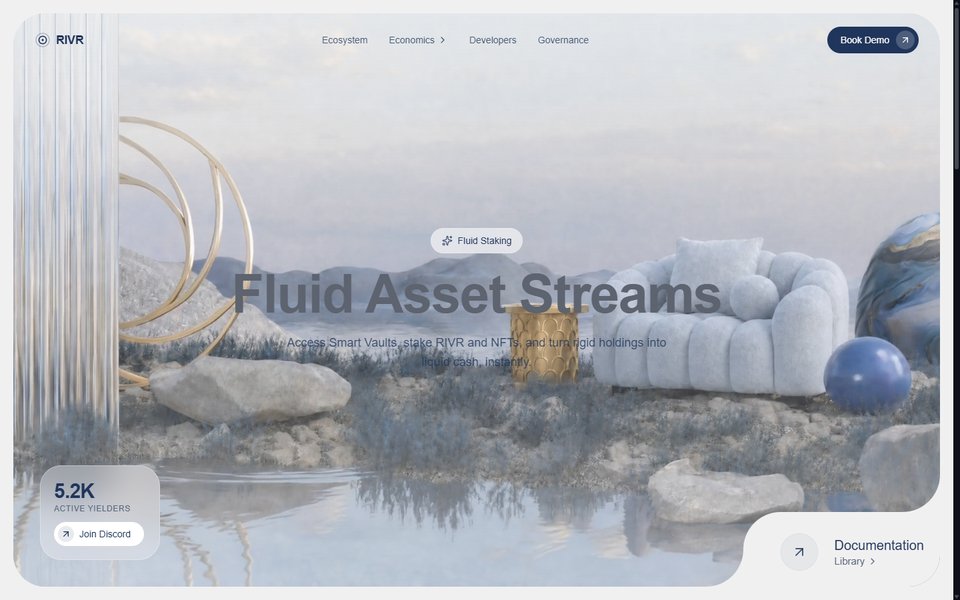
Previews
 |
 |
 |
 |
 |
 |
 |
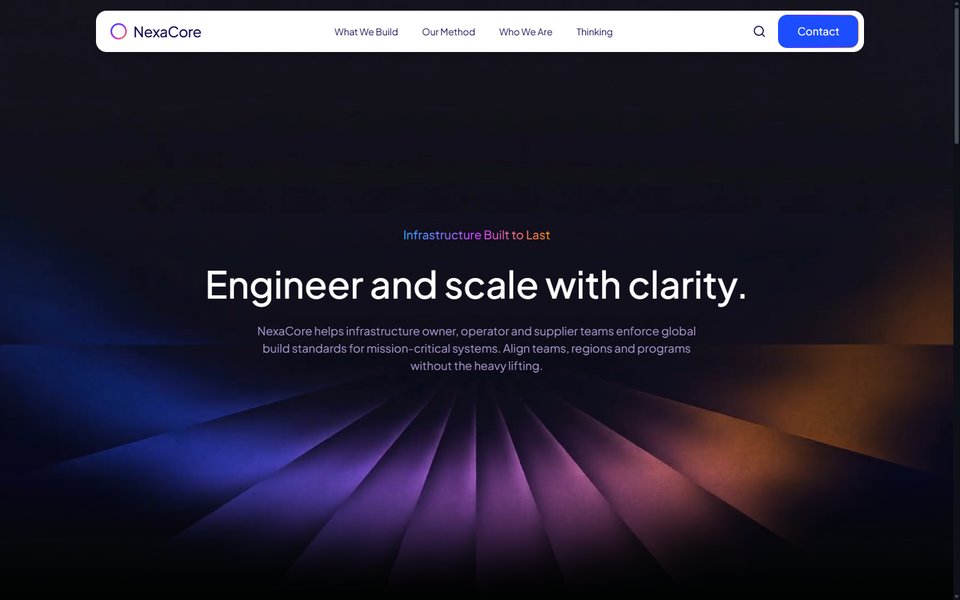 |
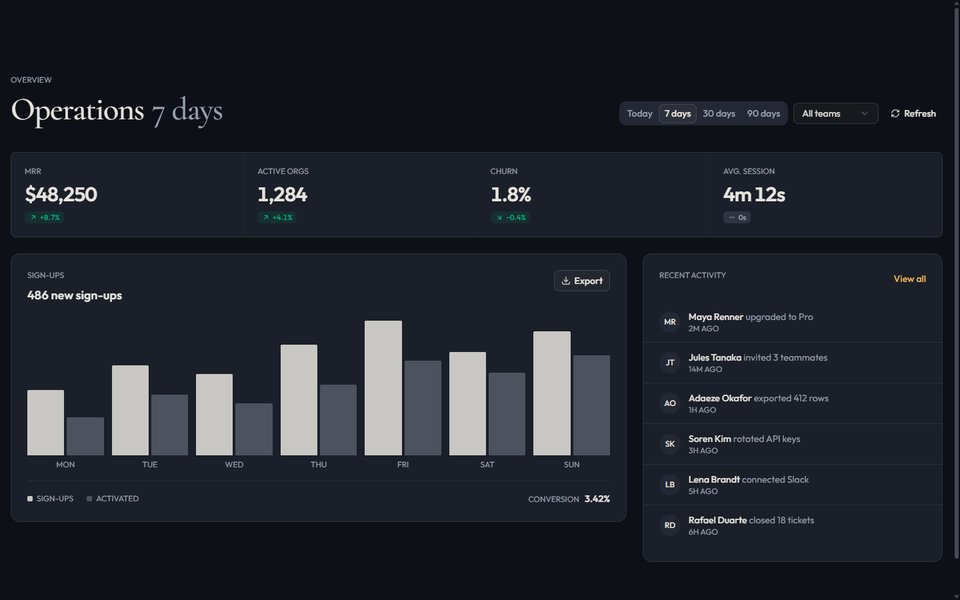
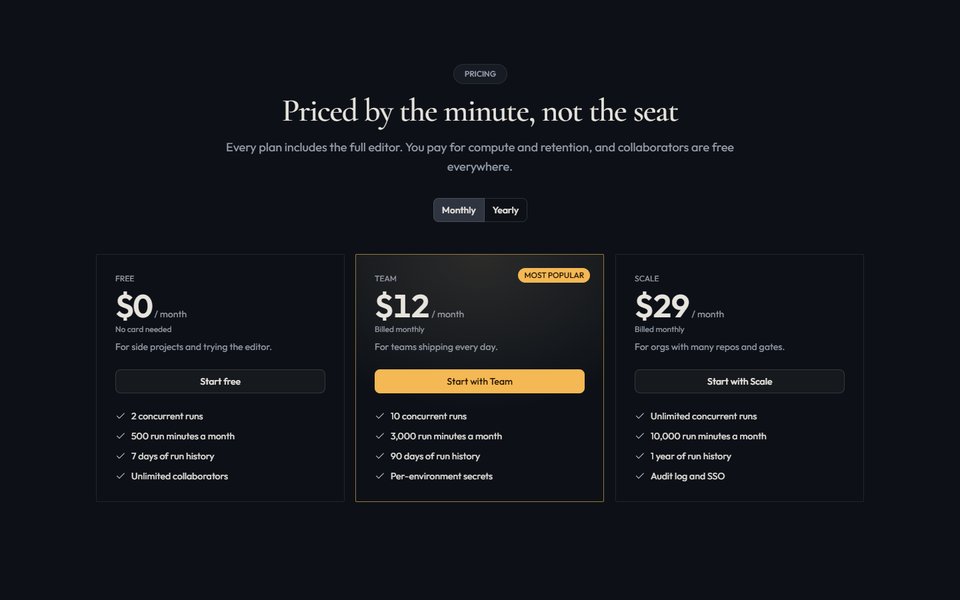
Every preview is live on hirael.com, with light, dark and RTL toggles.
Why Hirael
- You own the code. The shadcn CLI copies each component's source into your project and adjusts the imports to match your setup. There is no package to keep updated, and you can change anything you like.
- It works like shadcn/ui. Components are built from small parts you put together, the same way shadcn/ui's own components are. They use the shadcn primitives already in your project.
- Radix UI or Base UI. Every component, block and template comes in both versions, so you can use whichever library your project is built on.
- Your theme, in light, dark and right-to-left. Colors come from your shadcn/ui theme, so everything matches your design without extra styling. Layouts also work in right-to-left languages like Arabic.
- Easy to use with AI editors. Every component has a Markdown page with its
install command, usage, source code and props, and the whole library is
summarized in
llms.txt. Share a link with Cursor, Claude or v0 and it has everything it needs.
What's inside
| Inputs | multi-select, tag input, phone, currency, address, credit card, mention, password, duration, number range |
| Pickers | date, date range, time, month, year, color, emoji, country |
| Files and media | file dropzone, image cropper, avatar upload, signature pad, lightbox, image compare, audio player |
| Data | data table, kanban, tree view, JSON viewer, diff viewer, YAML editor, cron editor, calendar heatmap, sparkline |
| Overlays and flows | command palette, product tour, dock, stepper, confirm dialog, unsaved-changes guard, table of contents |
| Motion | marquee, text reveal, scroll reveal, animated number, spotlight card, tilt card, morphing dialog |
| Blocks | hero, feature, pricing, FAQ, auth, dashboard, app shell, ecommerce, AI chat, cloud console, changelog and more |
| Templates | complete landing pages, portfolios and SaaS sites, ready to edit |
Quick start
1. Set up shadcn/ui if your project doesn't use it yet.
npx shadcn@latest init
Hirael is written for the React Compiler
and leaves memoization to it, so turn it on too. In Next.js that's
reactCompiler: true in next.config.ts; in Vite, see the
setup guide.
2. Add the components you need. The CLI also installs anything they depend on, including the shadcn/ui components they're built from.
npx shadcn@latest add @hirael/multi-select @hirael/date-range-picker @hirael/pricing-04
3. Use them in your code.
'use client';

import { useState } from 'react';

import { MultiSelect, MultiSelectContent, MultiSelectTrigger } from '@/components/multi-select';

const frameworks = [
  { value: 'next', label: 'Next.js' },
  { value: 'remix', label: 'Remix' },
  { value: 'astro', label: 'Astro' },
];

export function FrameworkPicker() {
  const [value, setValue] = useState<string[]>([]);

  return (
    <MultiSelect value={value} onValueChange={setValue} options={frameworks}>
      <MultiSelectTrigger placeholder="Pick frameworks" />
      <MultiSelectContent searchPlaceholder="Filter" />
    </MultiSelect>
  );
}
Using Base UI
The commands above install the Radix UI version. If your project uses Base UI,
install from the base path instead:
npx shadcn@latest add https://hirael.com/r/base/multi-select.json
Support Hirael
Hirael is free and MIT licensed. If it saved you a few hours:
- Star the repo. It is the main way other developers find it.
- Share a link to a component or block you liked.
- Sponsor the work to keep new components coming.
- Request a component shadcn/ui doesn't have.
Sponsored by Sahabti, 404 skill and Mohammad Shehadeh.
Contributing
Contributions are welcome, from bug fixes to new components and blocks. Please read the contributing guide to learn how the project is organized and how to submit a change, and follow our Code of Conduct.
Running the site locally
This repository is the Hirael website. It previews every component, block and template, and serves the files the shadcn CLI installs from. You'll need Node.js 24 and pnpm 12.
git clone https://github.com/MohammadShehadeh/hirael.git
cd hirael
pnpm install
pnpm dev
The site runs at http://localhost:3000.
| Command | What it does |
|---|---|
pnpm dev |
Starts the development server |
pnpm build |
Builds the registry and exports the static site to out/ |
pnpm test |
Runs the tests |
pnpm lint |
Checks the code with ESLint |
pnpm typecheck |
Checks the TypeScript types |
See the contributing guide for how the code is organized.
Security
Please report security vulnerabilities privately, as described in SECURITY.md.
License
MIT © Mohammad Shehadeh. See LICENSE.