
Mikhus/canvas-gauges
Mikhus/canvas-gauges has 1,601 GitHub stars and 397 forks. GitHot measured 0 stars in 24 hours and 0 in 7 days. Last checked 2026-11-10 02:18 UTC. Last push 2023-11-11.
HTML5 Canvas Gauge. Tiny implementation of highly configurable gauge using pure JavaScript and HTML5 canvas. No dependencies. Suitable for IoT devices because of minimum code base.
Measured star growth
- in 24h
- 0
- in 7 days
- 0
- in 15 days
- Update delayed
- in 1 month
- Update delayed
Net star changes over overlapping periods, not daily totals. Missing measurements are left blank. Stars measure attention, not software quality.
README.md
OriginalHTML Canvas Gauges v2.1


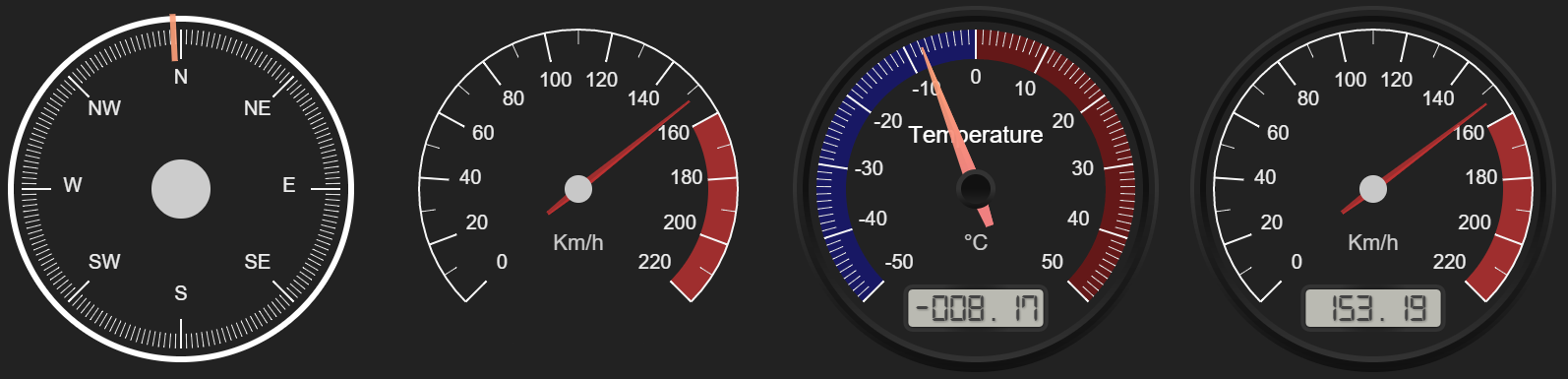
This is tiny implementation of highly configurable gauge using pure JavaScript and HTML5 canvas. No dependencies. Suitable for IoT devices because of minimum code base.
Installation
Canvas gauges can be simply installed using npm package manager. Depending on your needs there is possibility to install whole gauge library or only that part you really need for your project. To install the whole library, run:
$ npm install canvas-gauges
If you only need the exact type of the gauge it can be installed using the appropriate npm tag. Currently the following gauges are supported: linear, radial.
To install only linear gauge, run:
$ npm install canvas-gauges@linear
To install only radial gauge, run:
$ npm install canvas-gauges@radial
This strategy useful only if you need to minimize your code base and plan to use ONLY a specific gauge type. If you need to use various gauge types in your project it is recommended to use whole gauge package.
Documentation
You can find complete docs on the canvas gauges web-site:
Add-Ons
Here are some third-party libraries which are developed and delivered to use canvas-gauges as components for a different popular frameworks:
Special Thanks

For supporting development!

For testing support!
And to all contributors!
License
This code is subject to MIT license.
Explore related projects
codecrafters-io/build-your-own-x
Master programming by recreating your favorite technologies from scratch.
561,646 starspublic-apis/public-apis
A collective list of free APIs
498,017 starsmorluto/rea
Reverse engineer anything with agents, from app behavior down to native binaries.
450,495 starsopenclaw/openclaw
The AI that really does things. Any OS. Any Platform. The lobster way. 🦞
394,310 stars