
MaterialDesignInXAML/MaterialDesignInXamlToolkit
MaterialDesignInXAML/MaterialDesignInXamlToolkit has 16,295 GitHub stars and 3,487 forks. GitHot measured 0 stars in 24 hours. Last checked 2026-11-05 10:28 UTC. Last push 2026-11-01.
Google's Material Design in XAML & WPF, for C# & VB.Net.
Measured star growth
- in 24h
- 0
- in 7 days
- Collecting history
- in 15 days
- Collecting history
- in 1 month
- Collecting history
Net star changes over overlapping periods, not daily totals. Missing measurements are left blank. Stars measure attention, not software quality.
README.md
OriginalMaterial Design In XAML Toolkit 


Comprehensive and easy to use Material Design theme and control library for the Windows desktop (WPF).
- Material Design styles for all major WPF Framework controls
- Additional controls to support the theme, including Multi Action Button, Cards, Dialogs, Clock
- Easy configuration of palette (at design and runtime), according to Google's guidelines
- Full Material Design Icons icon pack
- Easy transition effects
- Compatible with Dragablz, MahApps
- Demo applications included in the source project
Table of contents
Getting started
[!NOTE] See the full starting guide for more in-depth information.
This quick guide assumes you have already created a WPF project and are using Microsoft Visual Studio 2022.
- Install the toolkit through the visual NuGet package manager in Visual Studio or use the following command:
Install-Package MaterialDesignThemes
- Alter your
App.xaml
<Application
  x:Class="Example.App"
  xmlns="http://schemas.microsoft.com/winfx/2006/xaml/presentation"
  xmlns:x="http://schemas.microsoft.com/winfx/2006/xaml"
  xmlns:materialDesign="http://materialdesigninxaml.net/winfx/xaml/themes"
  StartupUri="MainWindow.xaml">
    <Application.Resources>
        <ResourceDictionary>
            <ResourceDictionary.MergedDictionaries>
                <materialDesign:BundledTheme BaseTheme="Light" PrimaryColor="DeepPurple" SecondaryColor="Lime" />

                <ResourceDictionary Source="pack://application:,,,/MaterialDesignThemes.Wpf;component/Themes/MaterialDesign2.Defaults.xaml" />
            </ResourceDictionary.MergedDictionaries>
        </ResourceDictionary>
    </Application.Resources>
</Application>
If you want to target Material Design 3, alter the
ResourceDictionaryline in the snippet above to useMaterialDesign3.Defaults.xaml.Alter your
MainWindow.xaml
<Window [...]
  Style="{StaticResource MaterialDesignWindow}"
  [...] >
XML Namespaces
The toolkit exposes two XML namespaces for use in XAML:
| Prefix | URI | Description |
|---|---|---|
materialDesign |
http://materialdesigninxaml.net/winfx/xaml/themes |
Primary namespace for all public Material Design types, controls, and converters. |
materialDesignInternal |
http://materialdesigninxaml.net/winfx/xaml/themes-internal |
Namespace for types in internal sub-namespaces (MaterialDesignThemes.Wpf.Internal, MaterialDesignThemes.Wpf.Converters.Internal, MaterialDesignThemes.Wpf.Behaviors.Internal). |
[!WARNING] Types exposed via the
materialDesignInternalnamespace are considered internal implementation details and are not guaranteed to maintain backwards-compatibility between versions. Use them at your own risk.
To use the internal namespace in XAML:
<Window ...
  xmlns:materialDesignInternal="http://materialdesigninxaml.net/winfx/xaml/themes-internal">
Building the source
To build the project, following is required:
- Microsoft Visual Studio 2022
- .NET desktop development workload
This repository also contains 3 different demo applications:
MaterialDesignDemo- Reference WPF app with Material Design 2 styling, this contains all controls and is a recommended tool when developing apps with this libraryMaterialDesign3Demo- Reference WPF app with Material Design 3 styling, under developmentMahAppsDragablzDemo- Demo app for combining with Dragablz and MahApps
Screenshots
Material Design 3 demo app screenshots
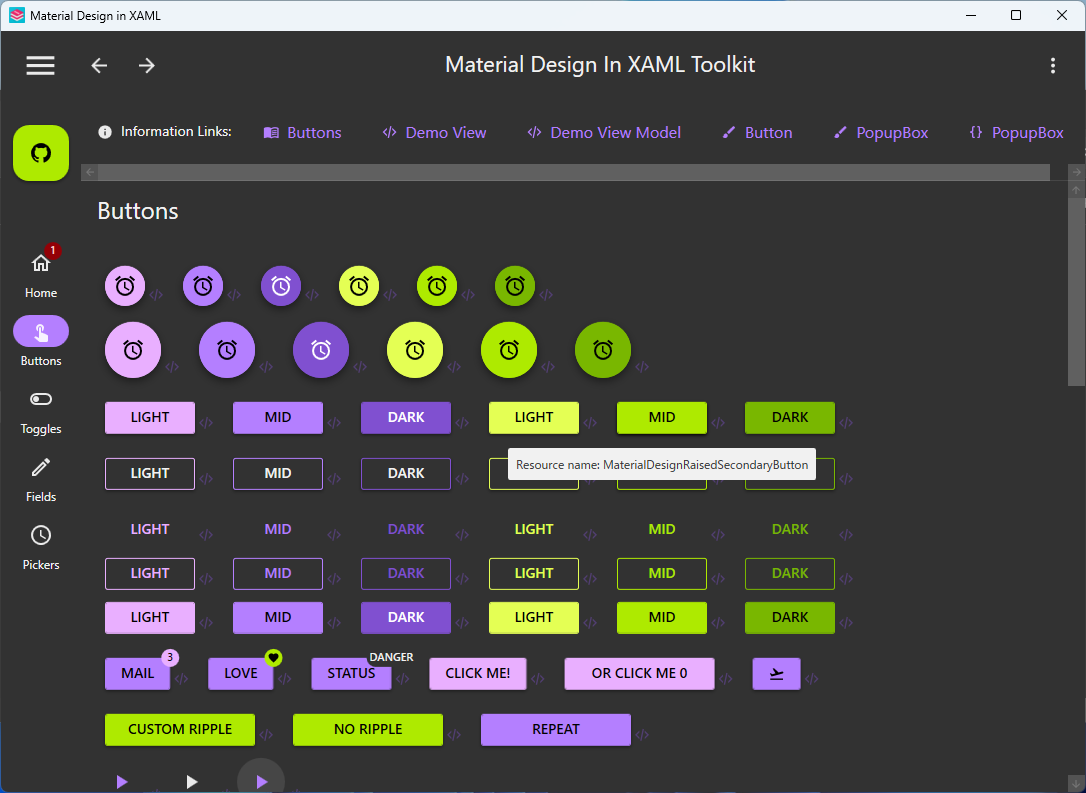
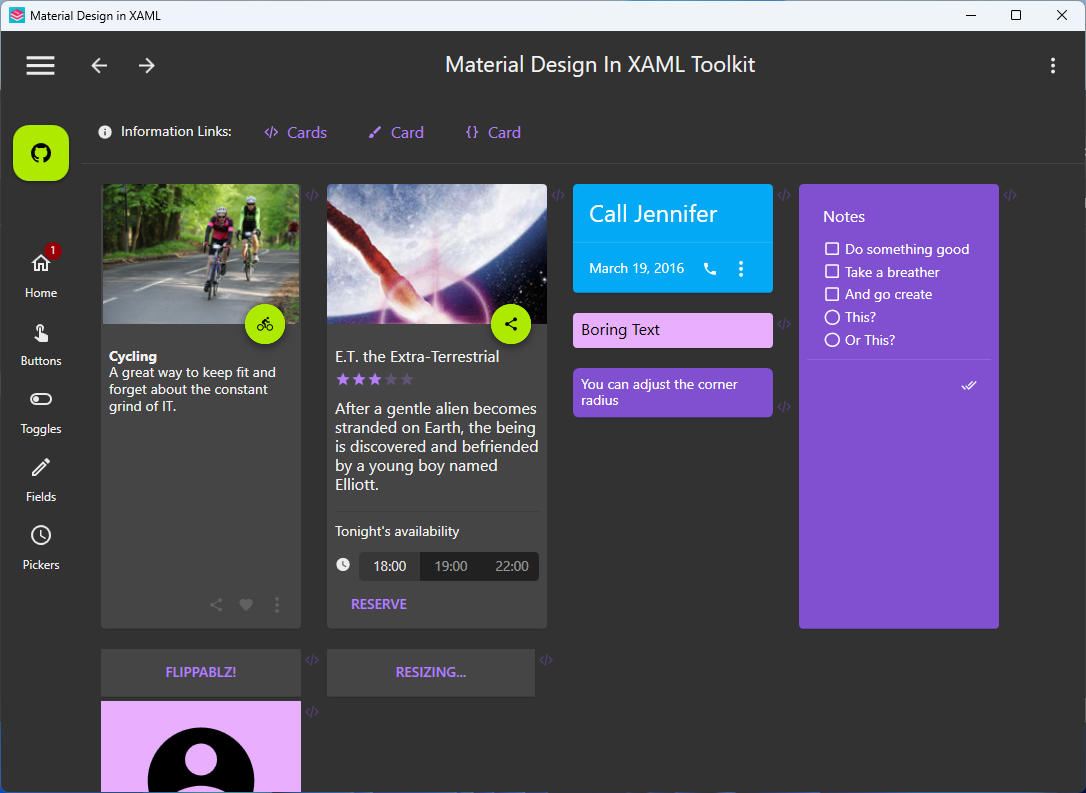
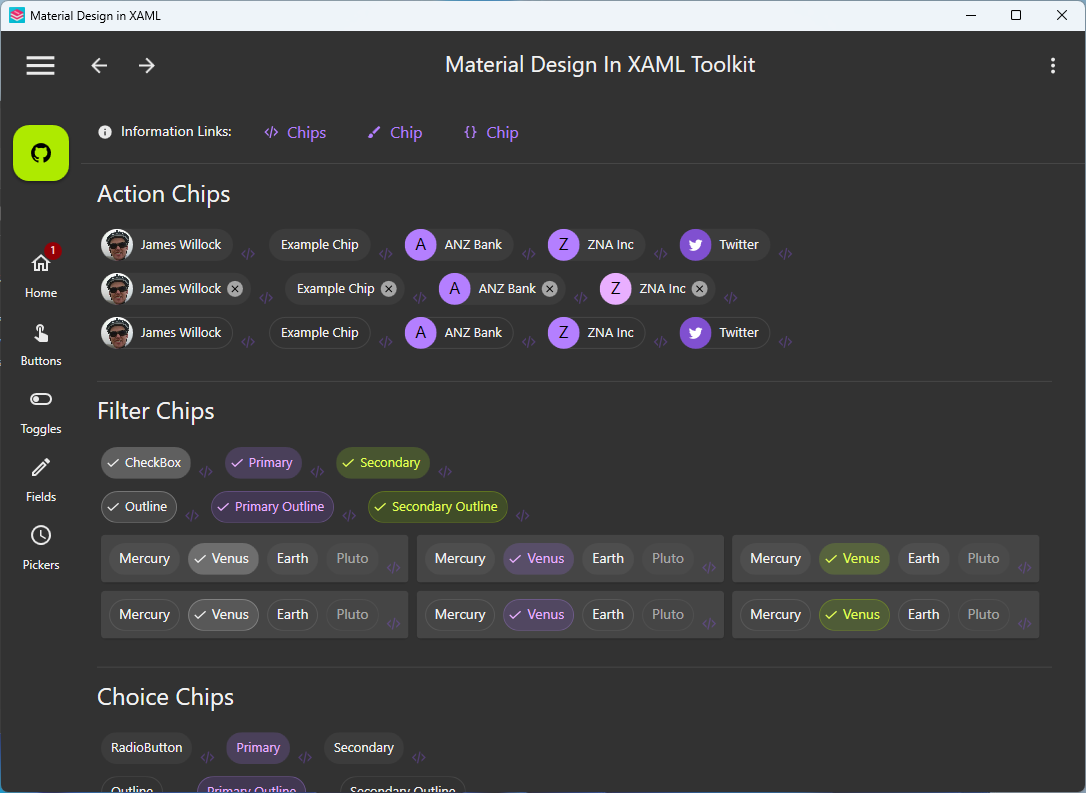
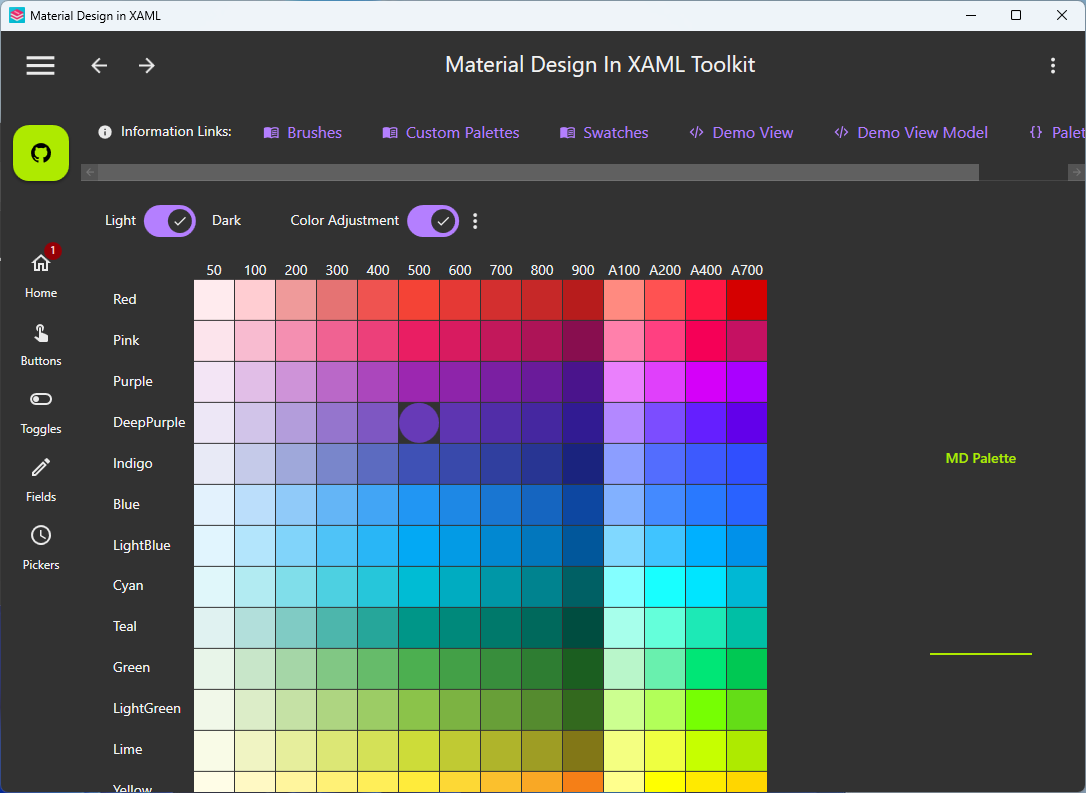
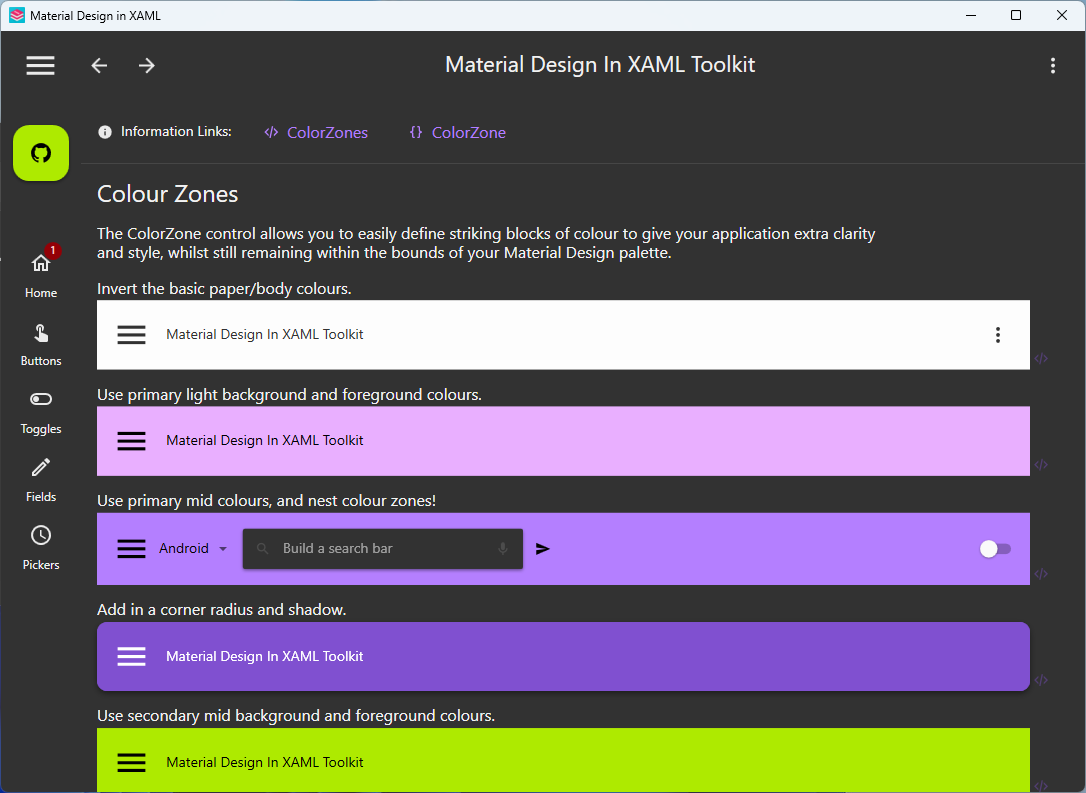
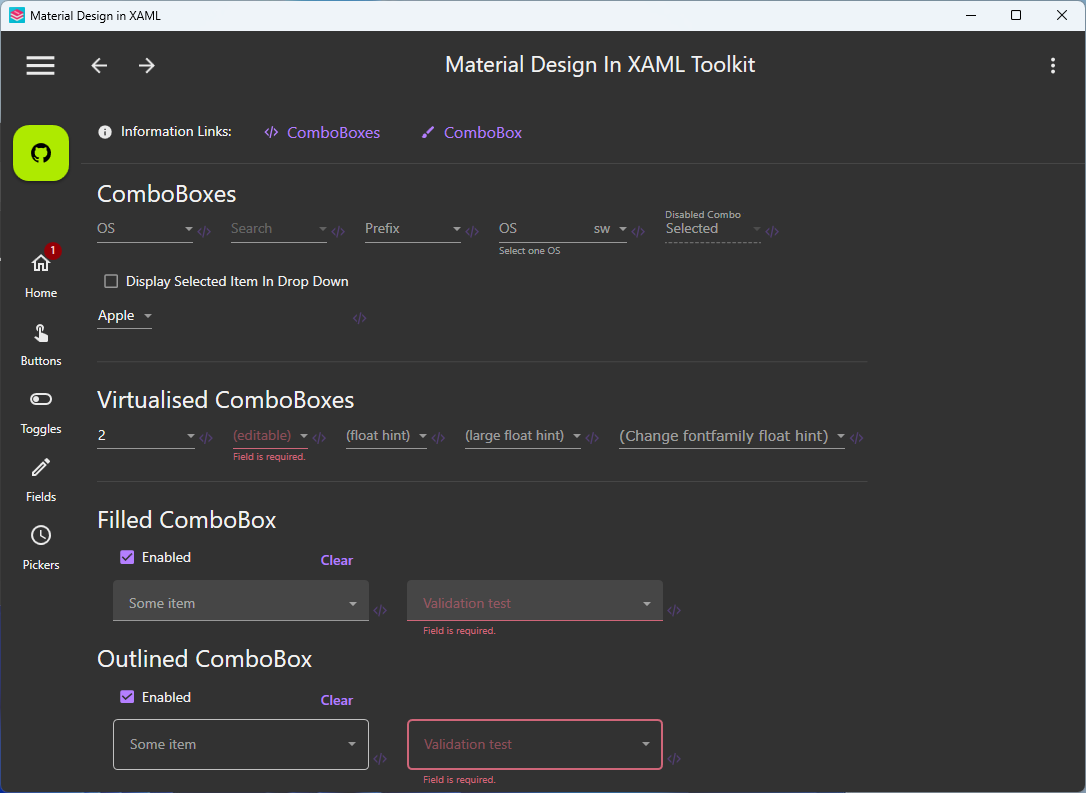
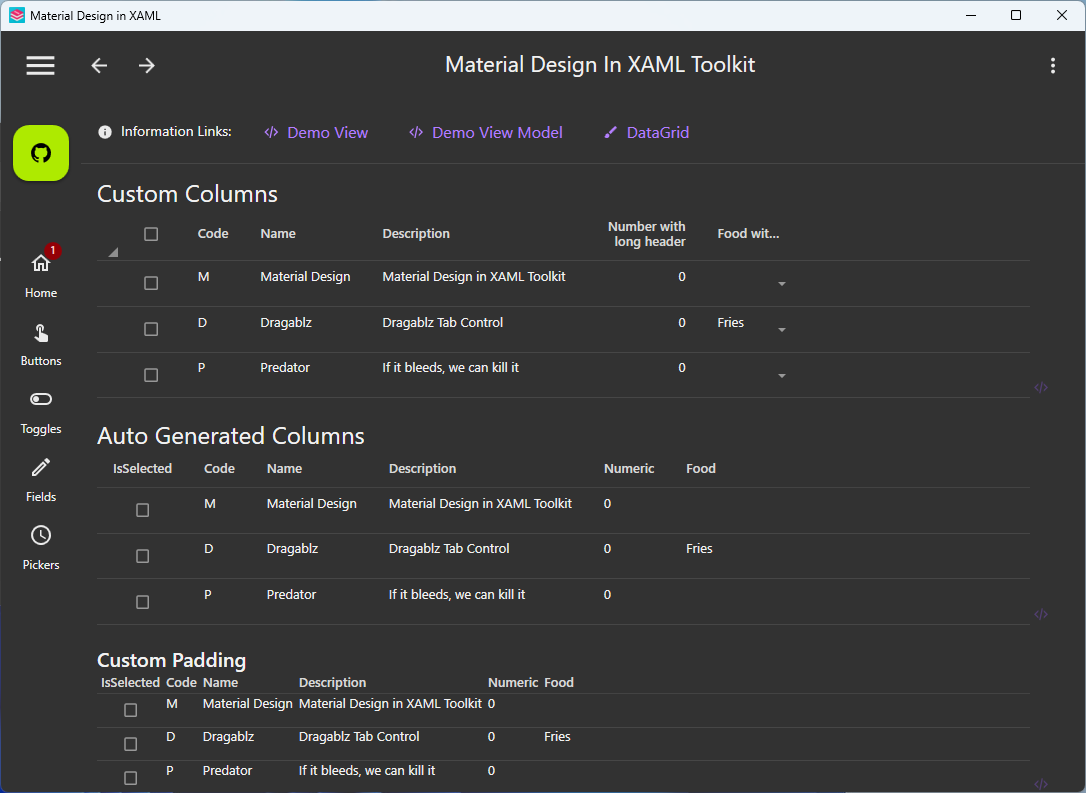
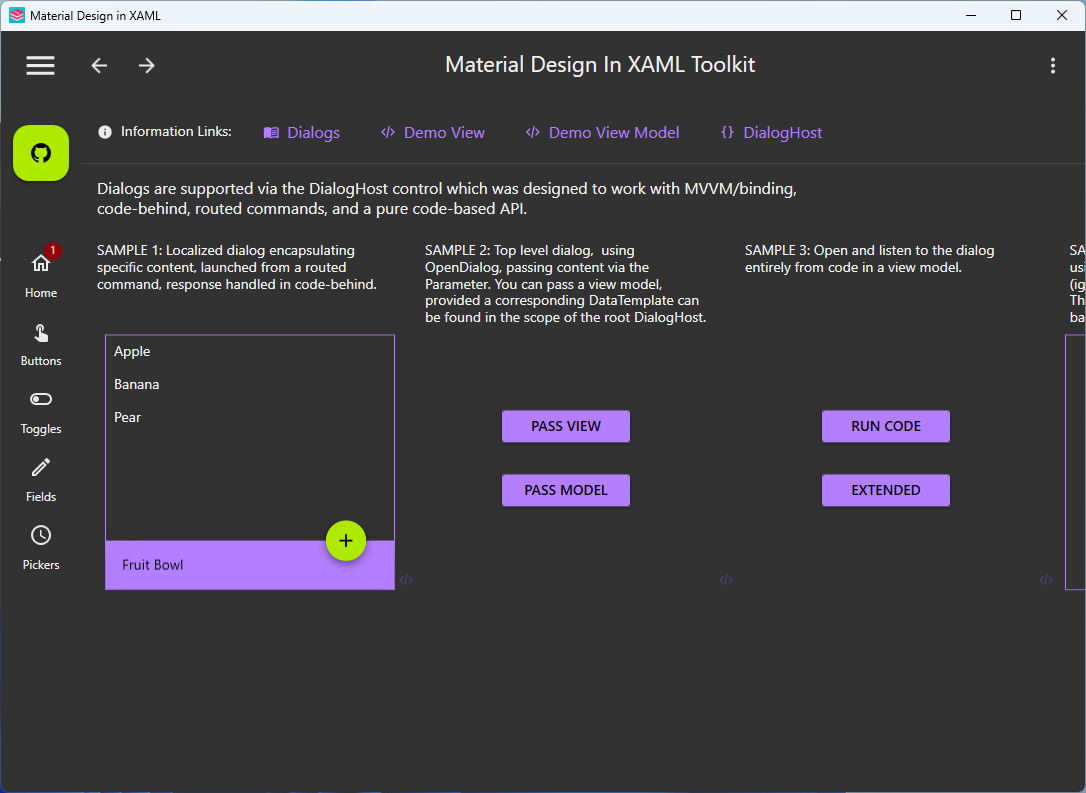
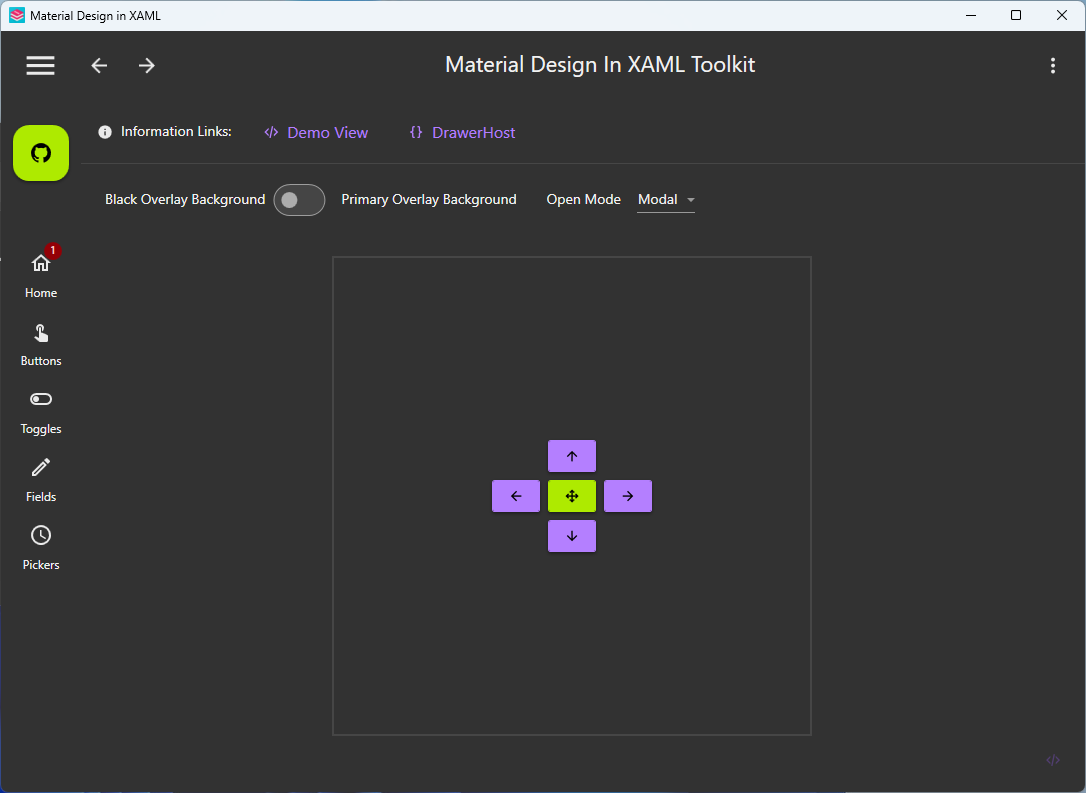
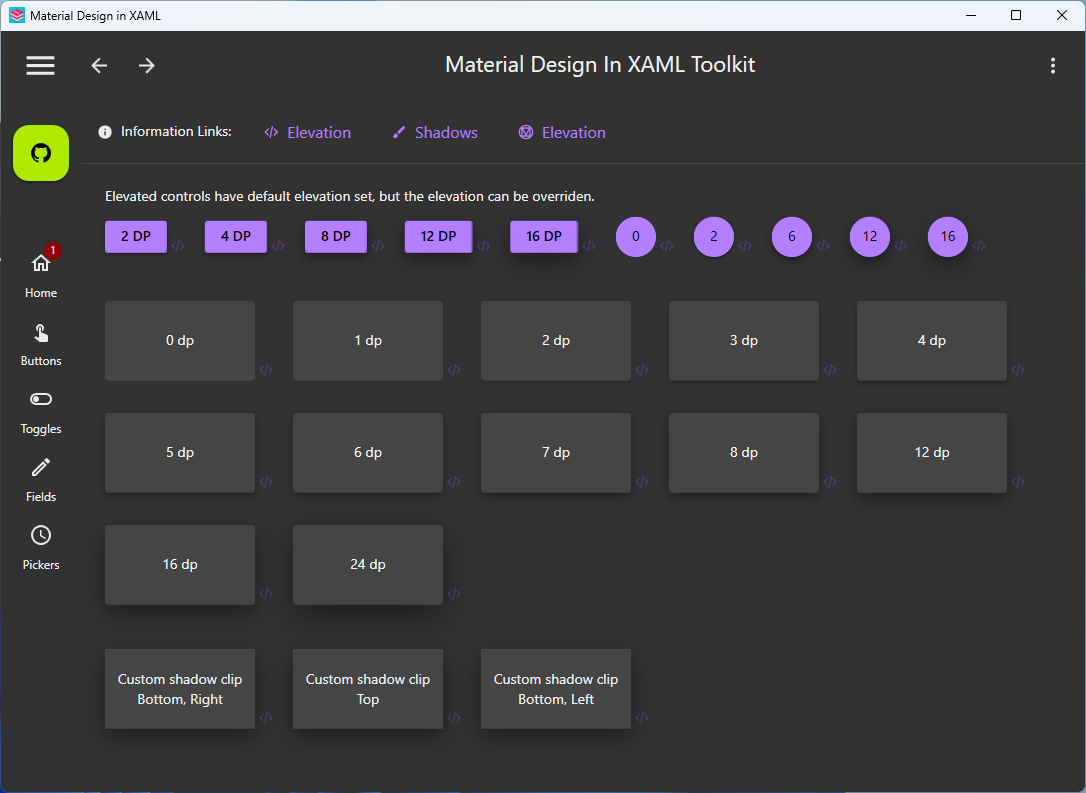
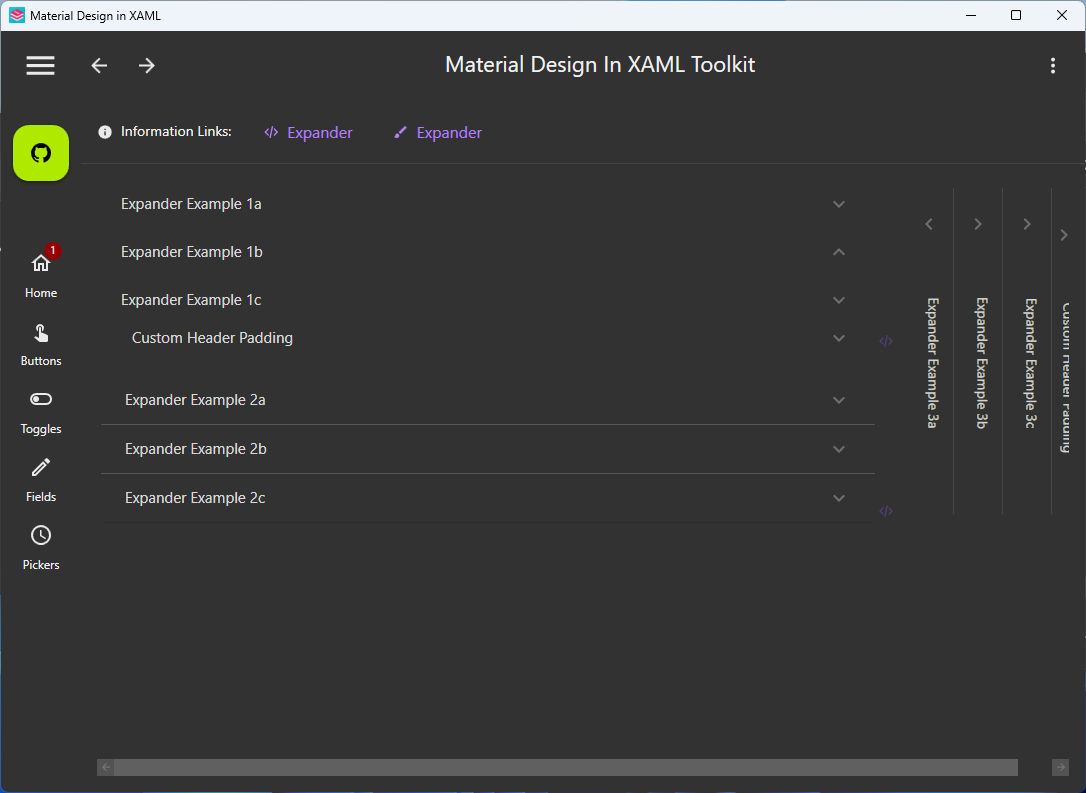
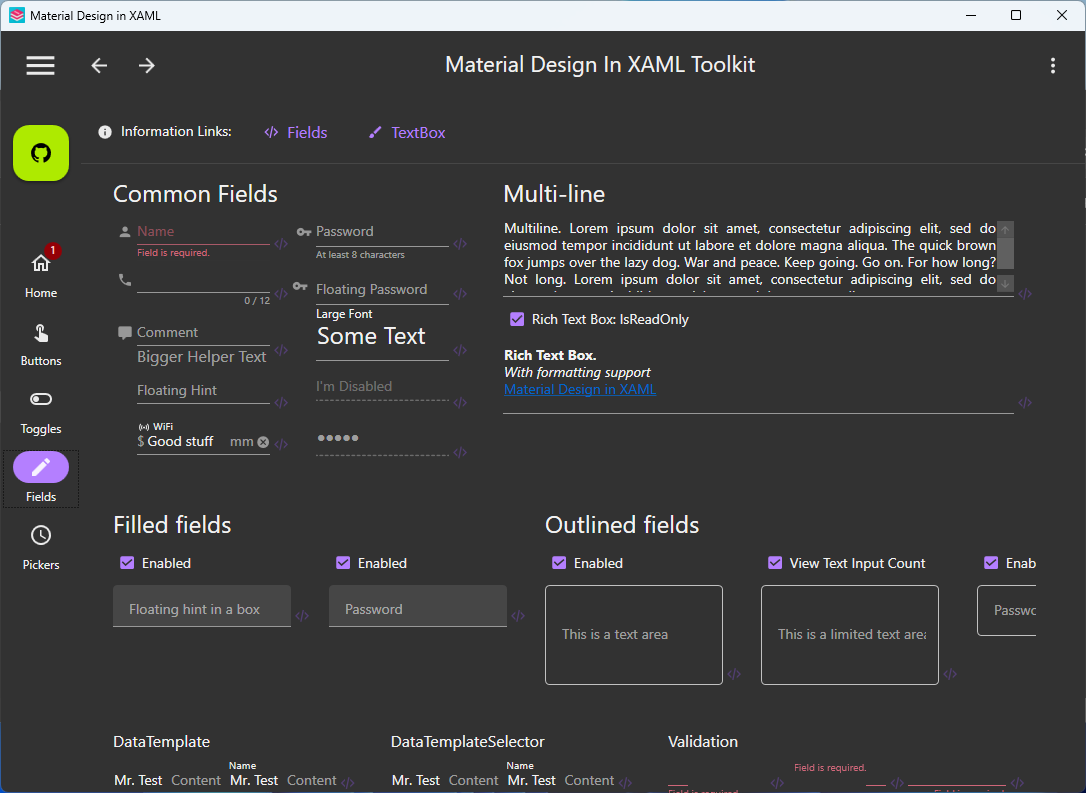
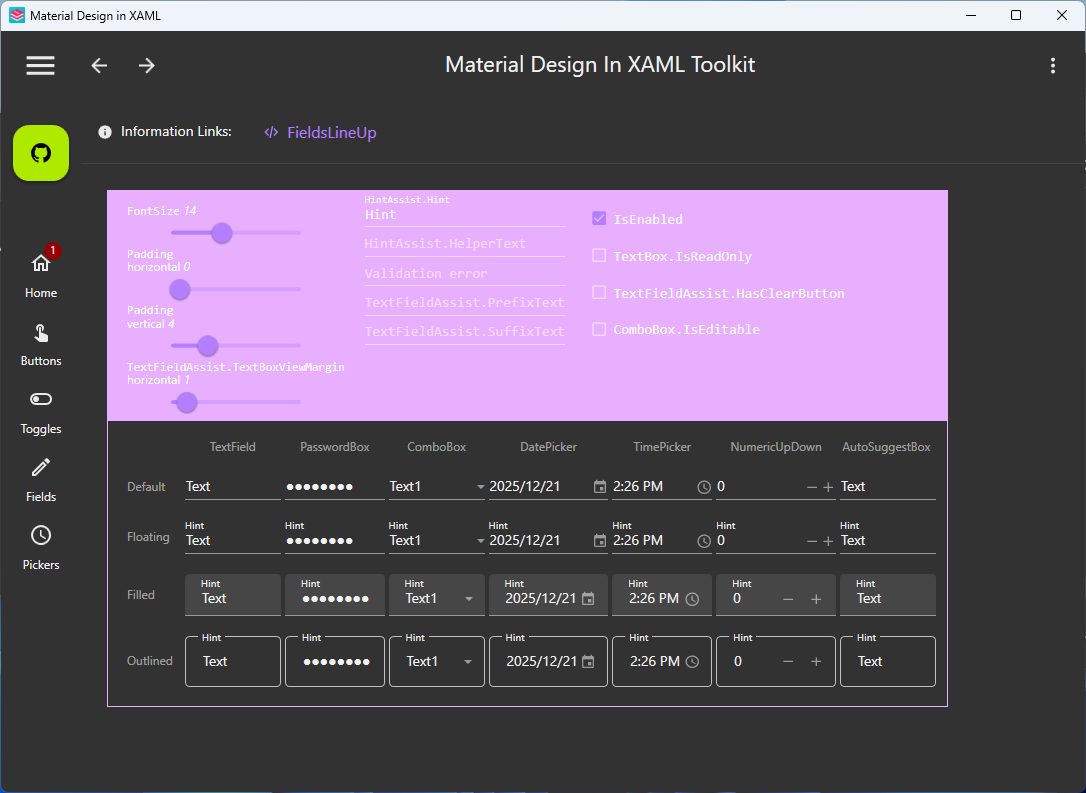
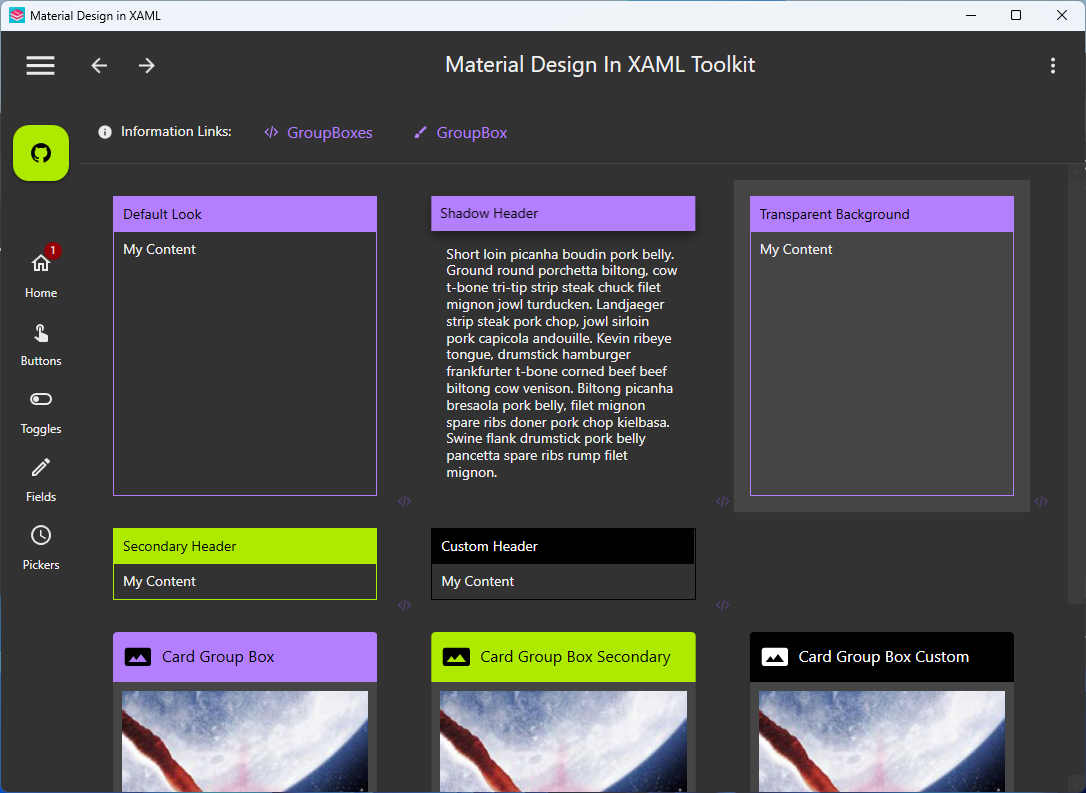
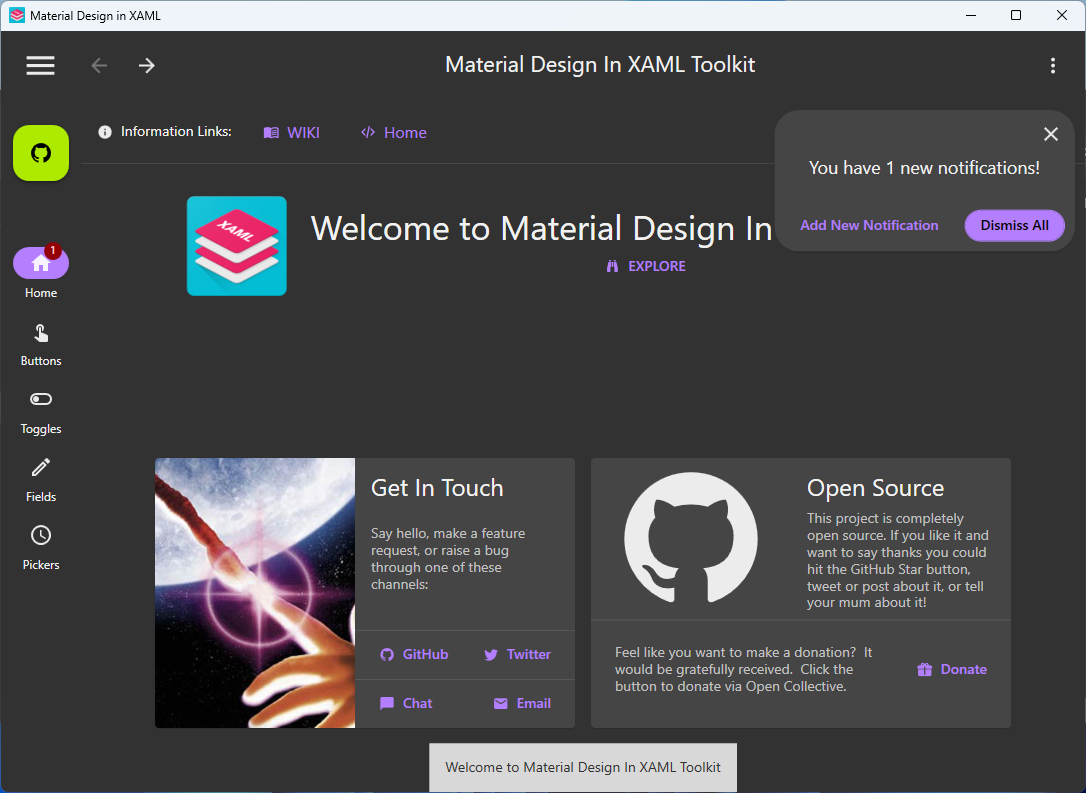
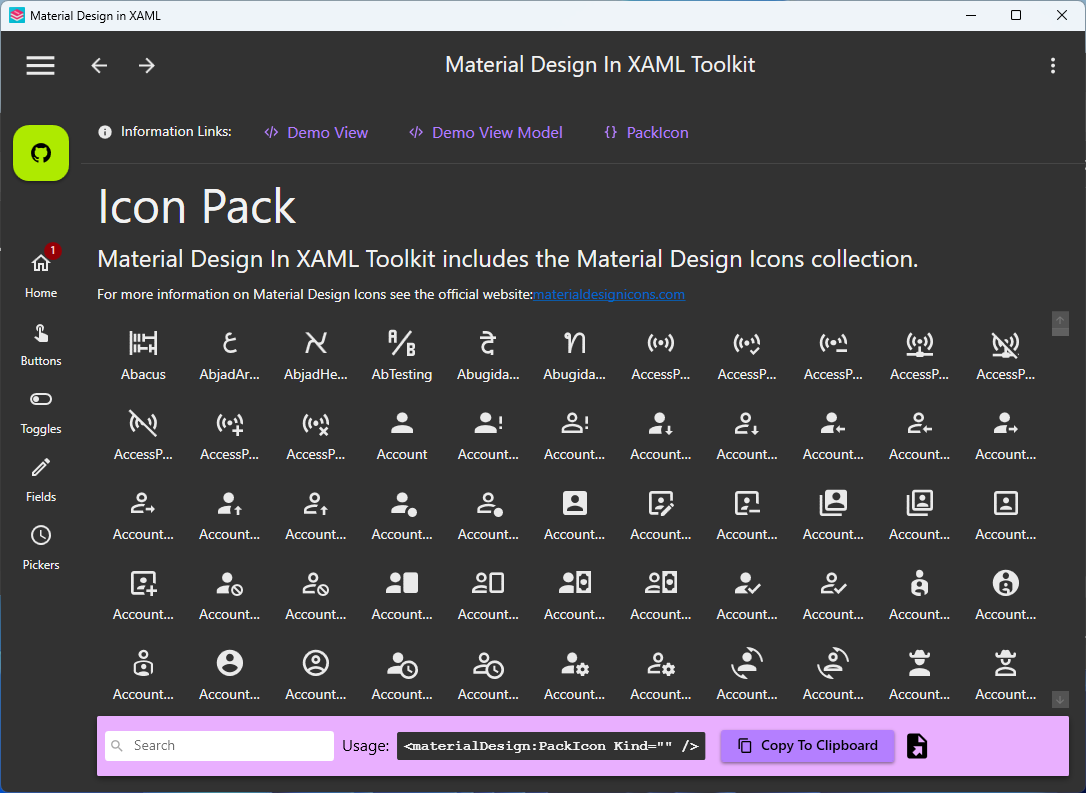
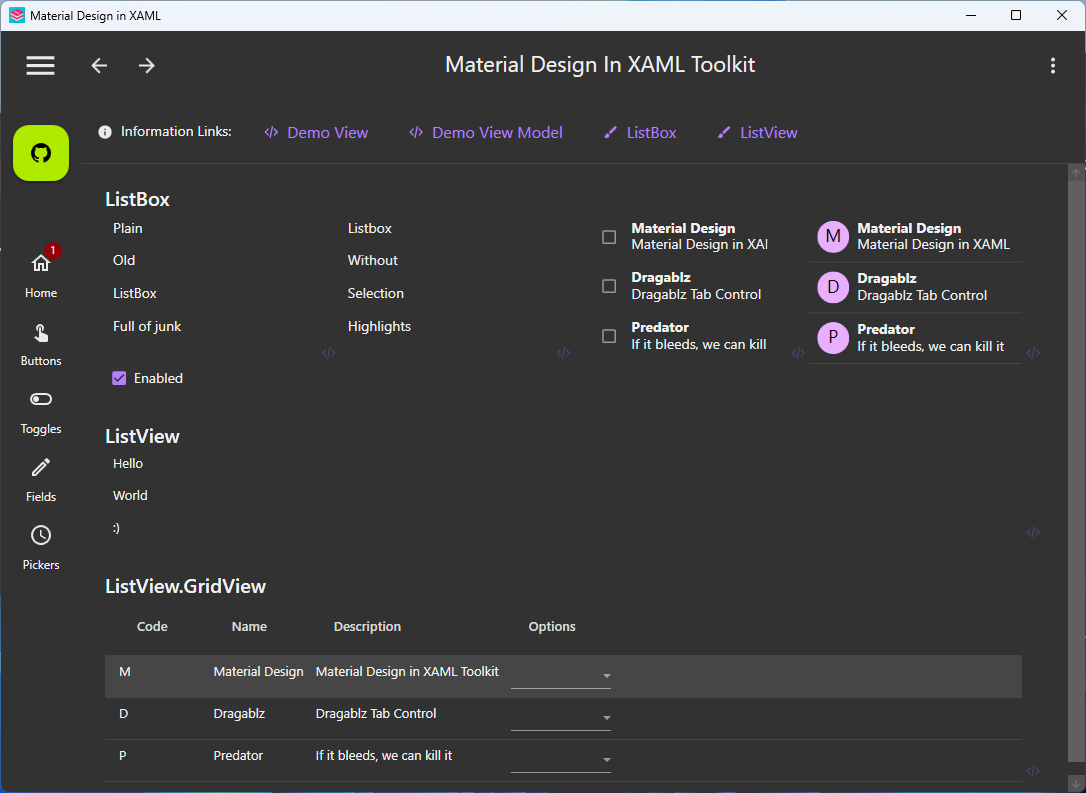
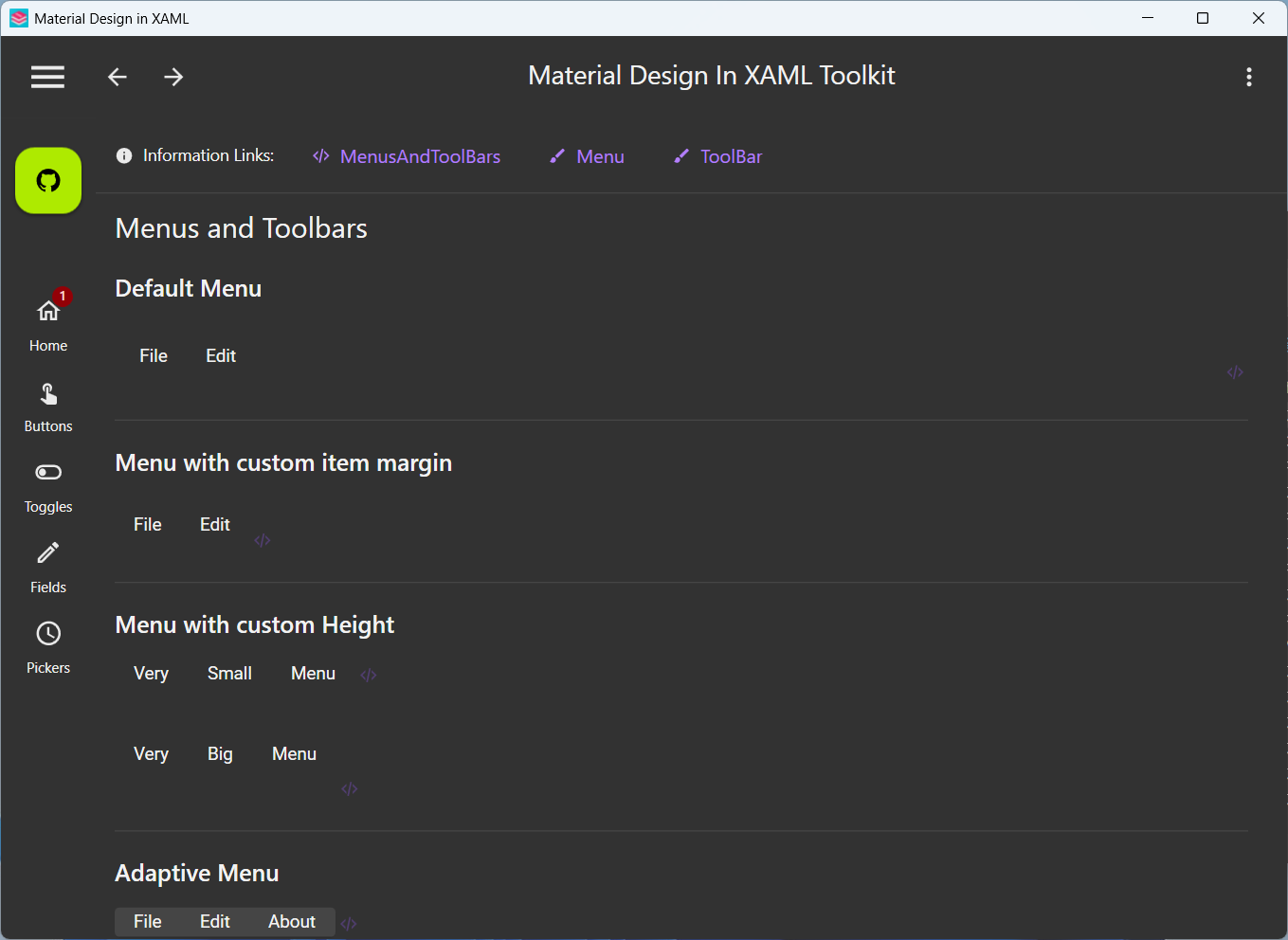
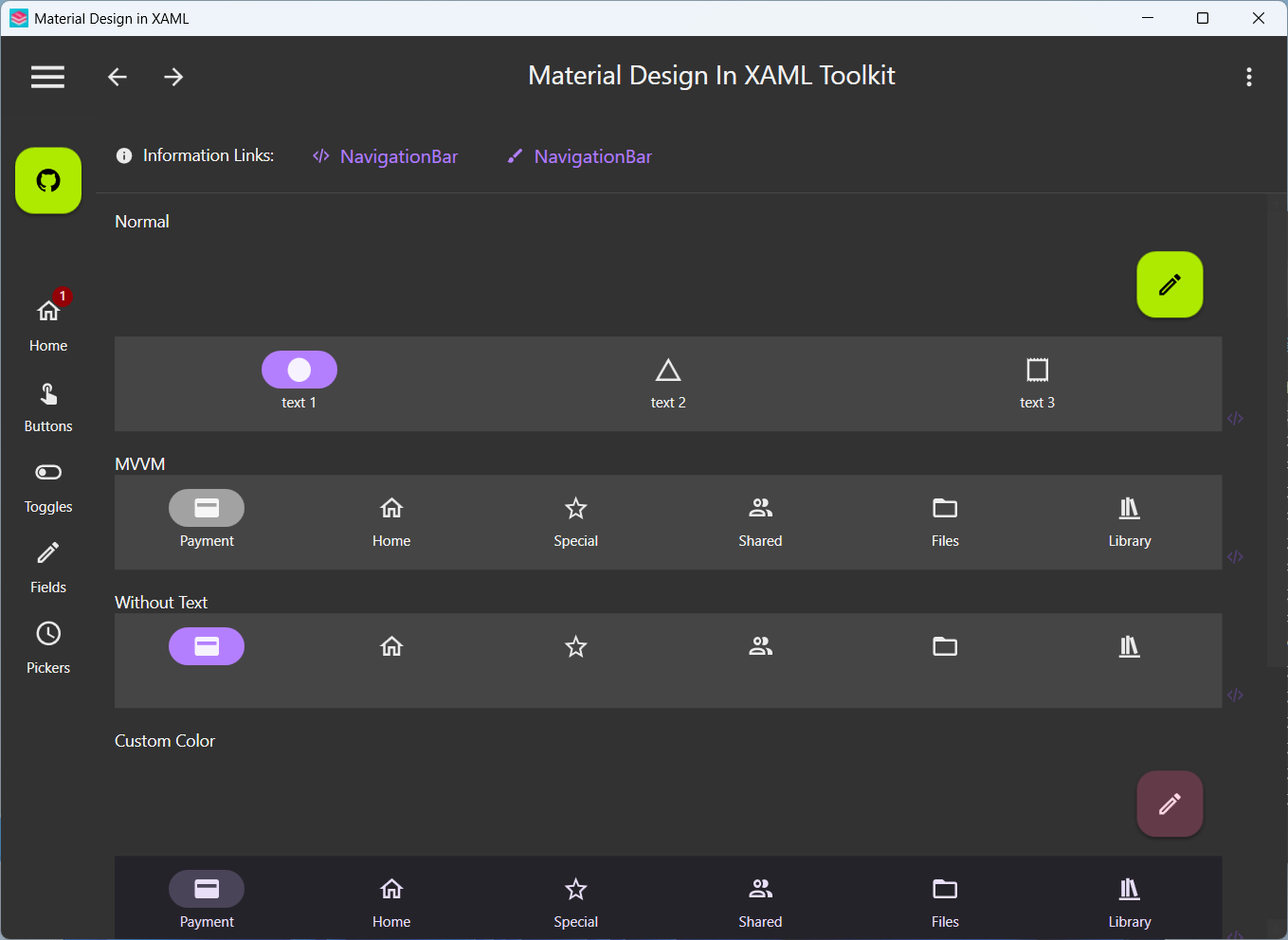
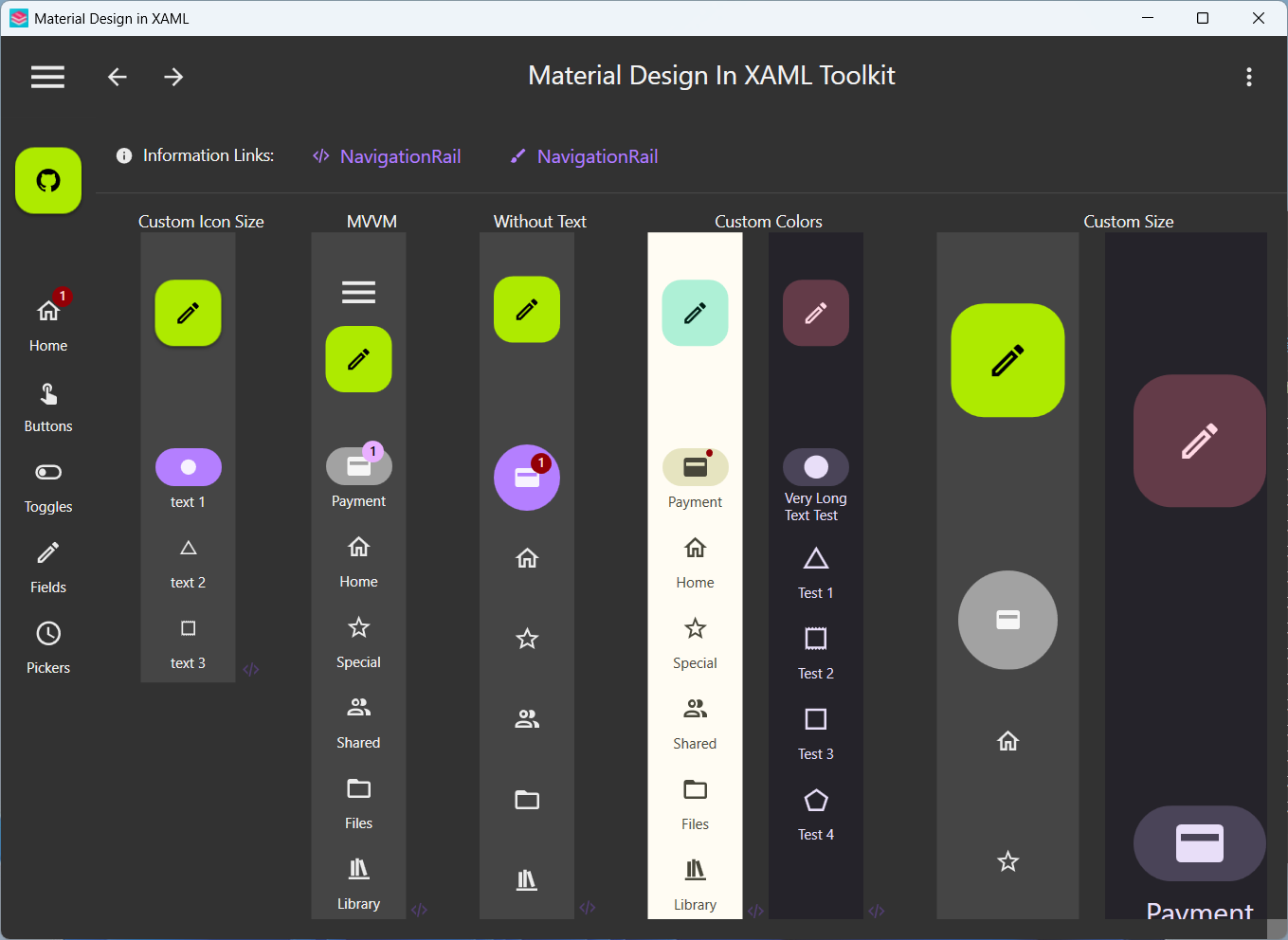
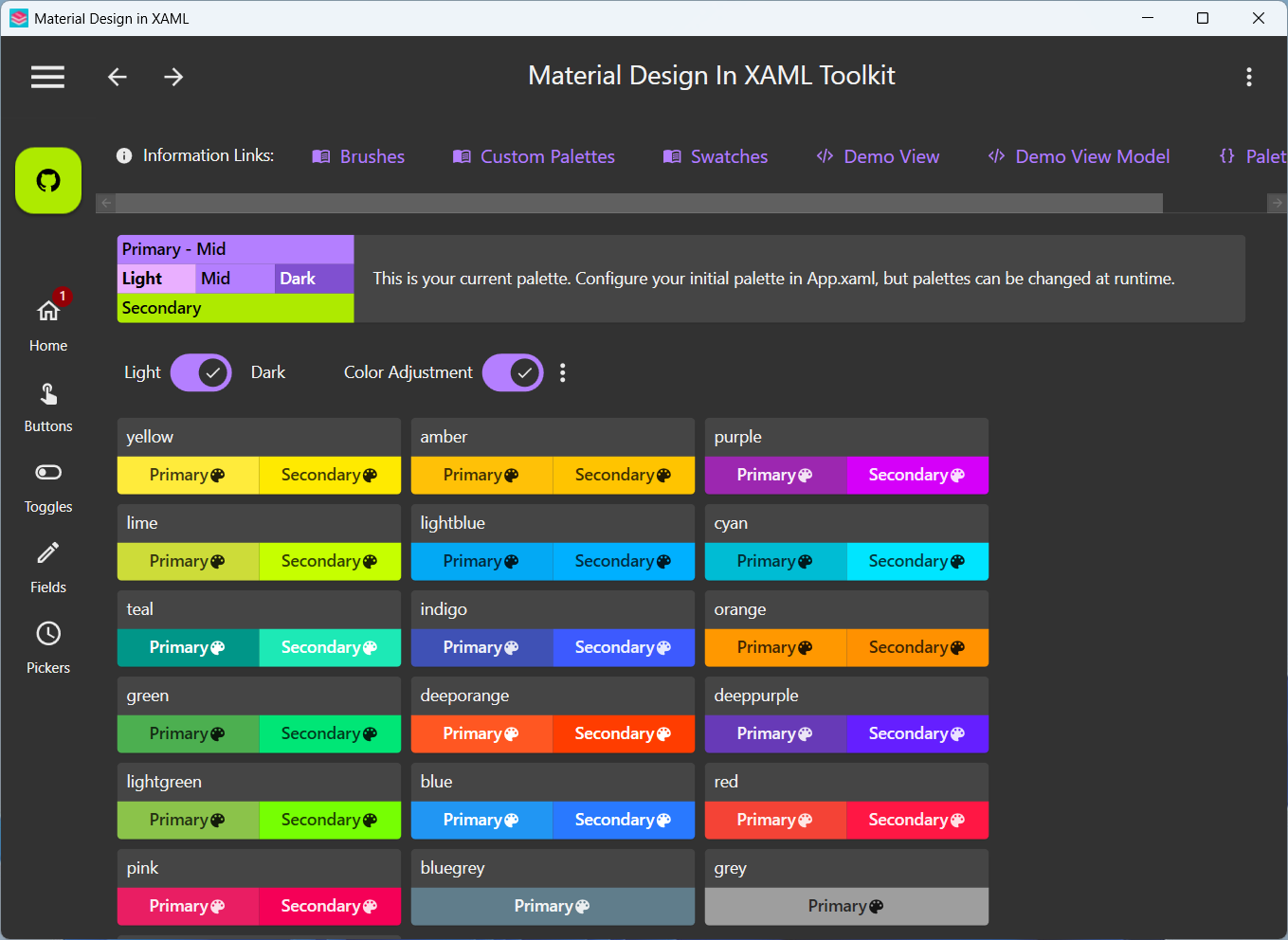
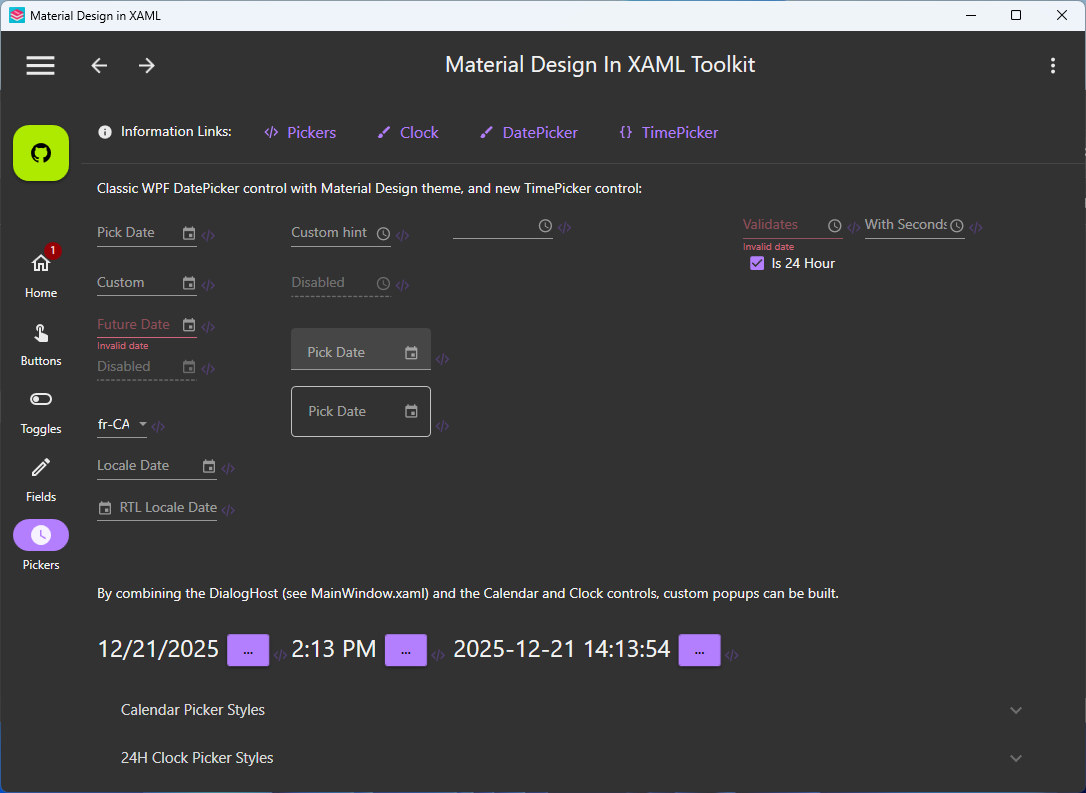
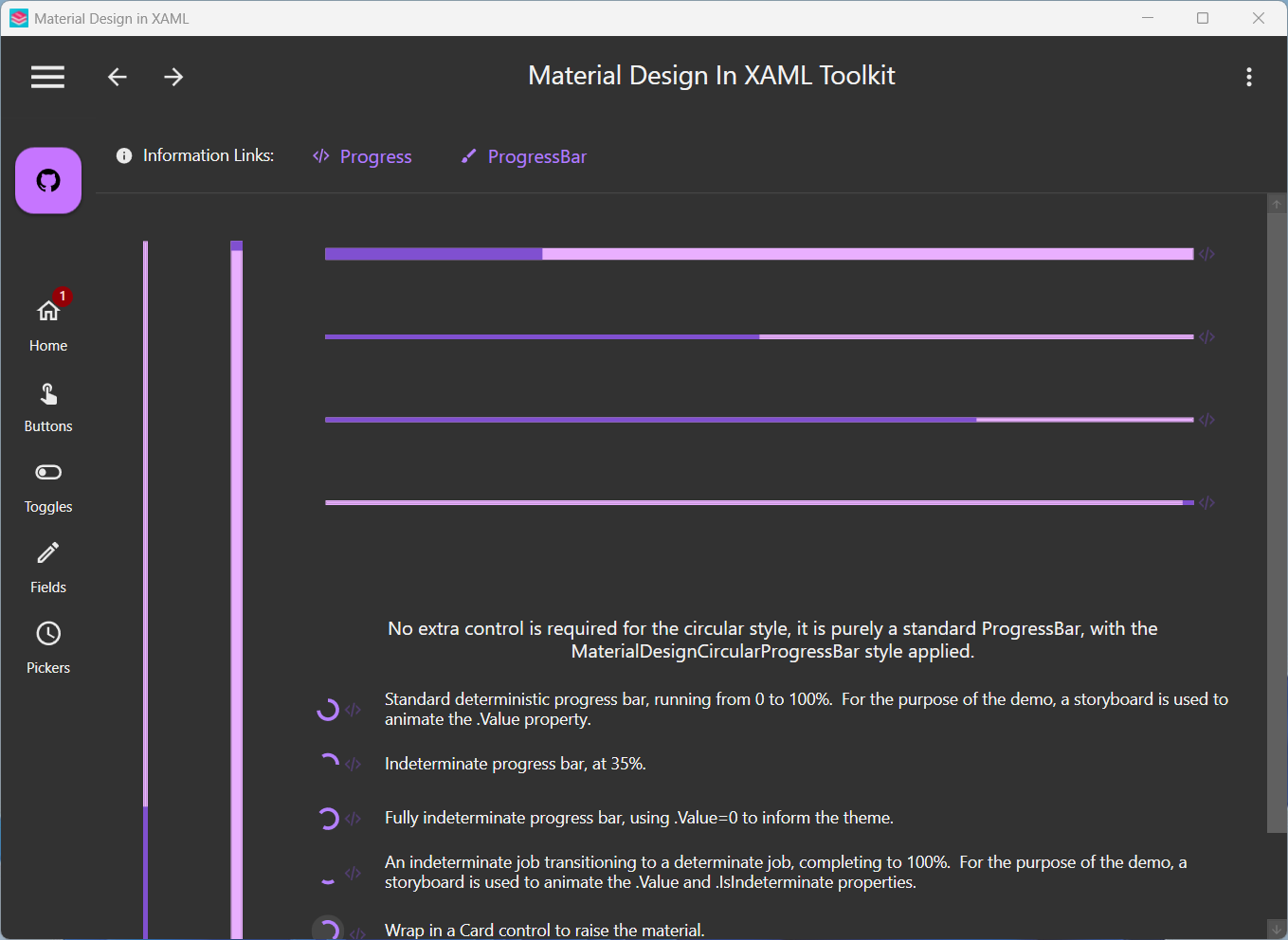
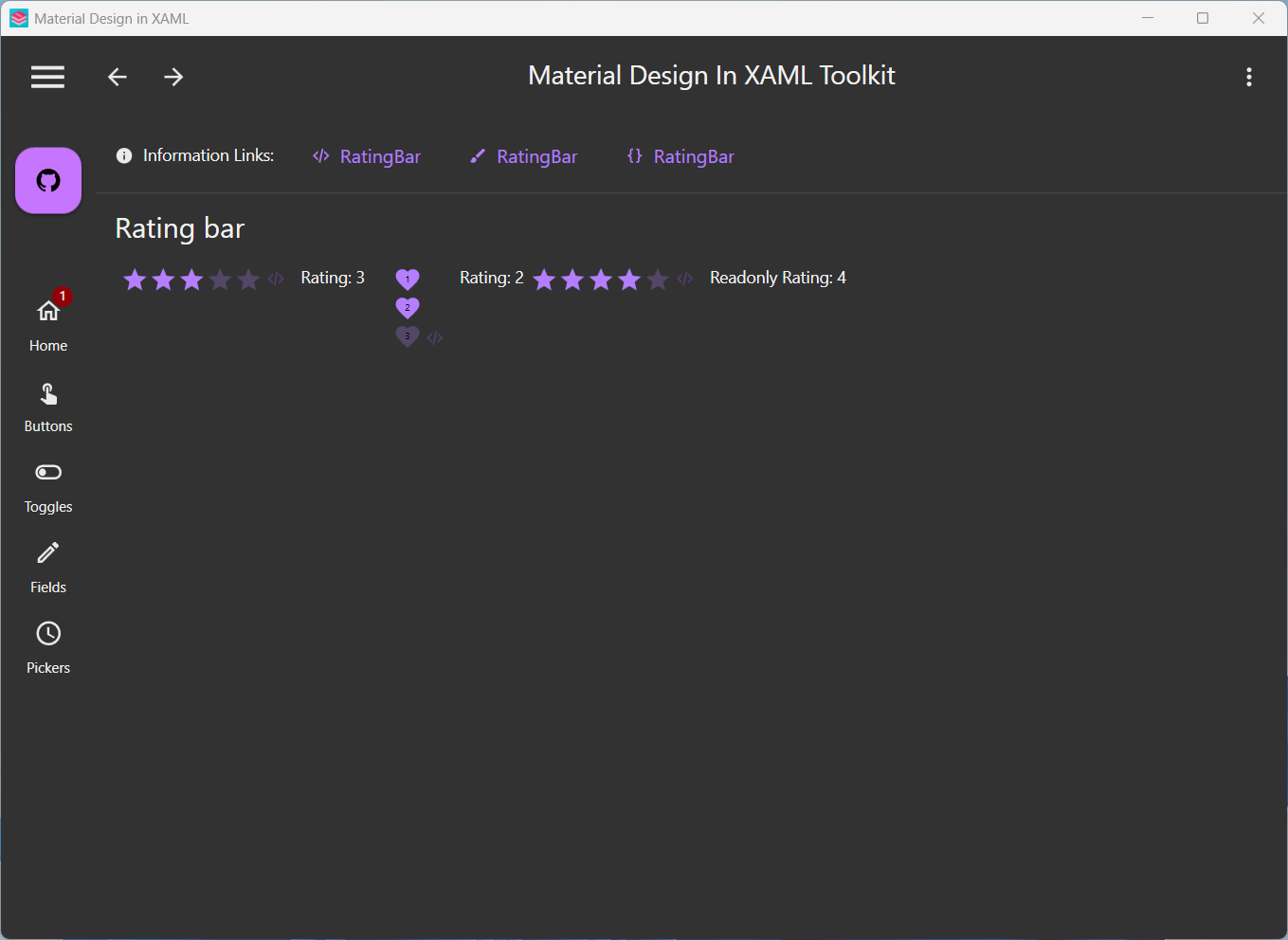
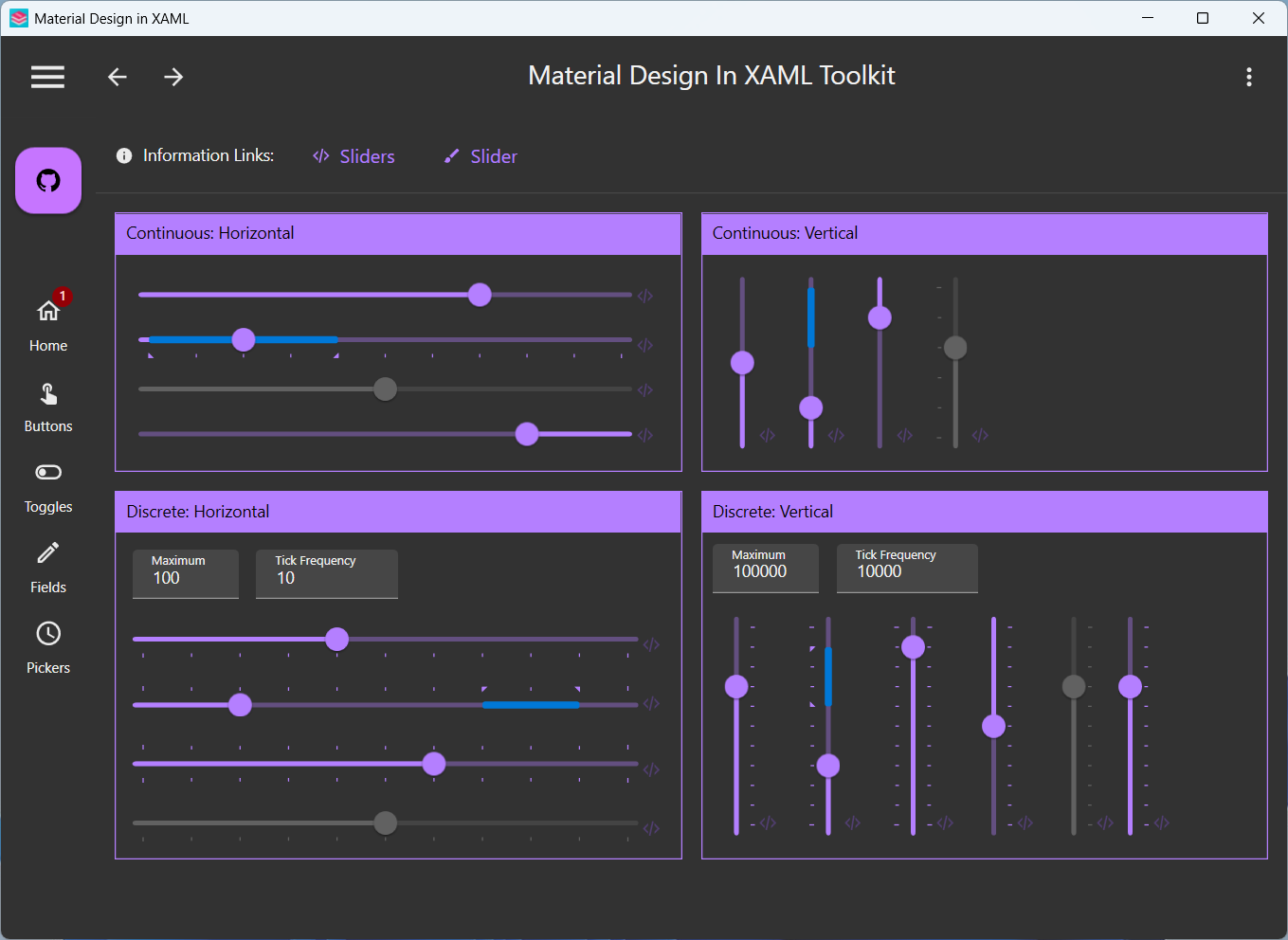
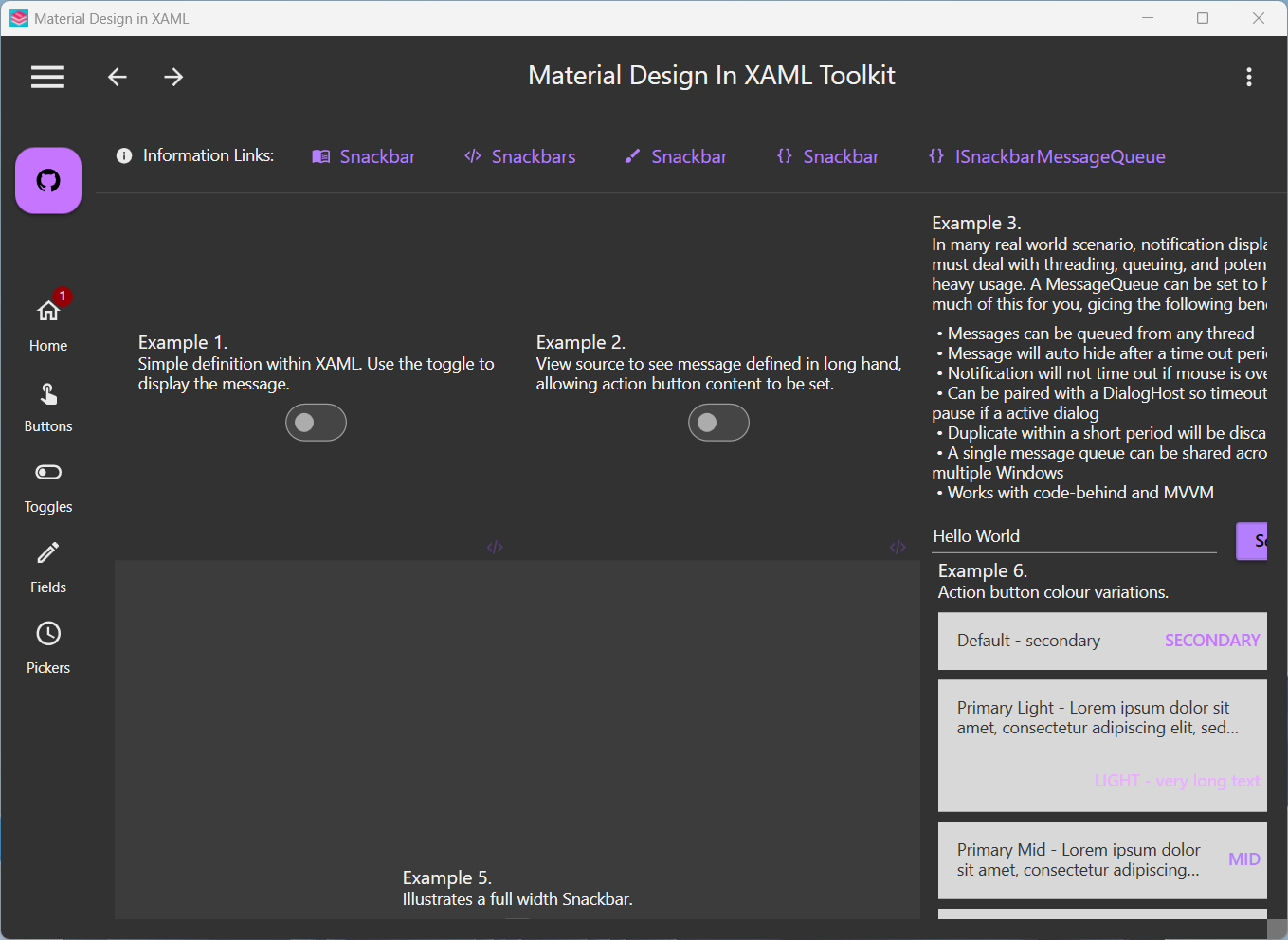
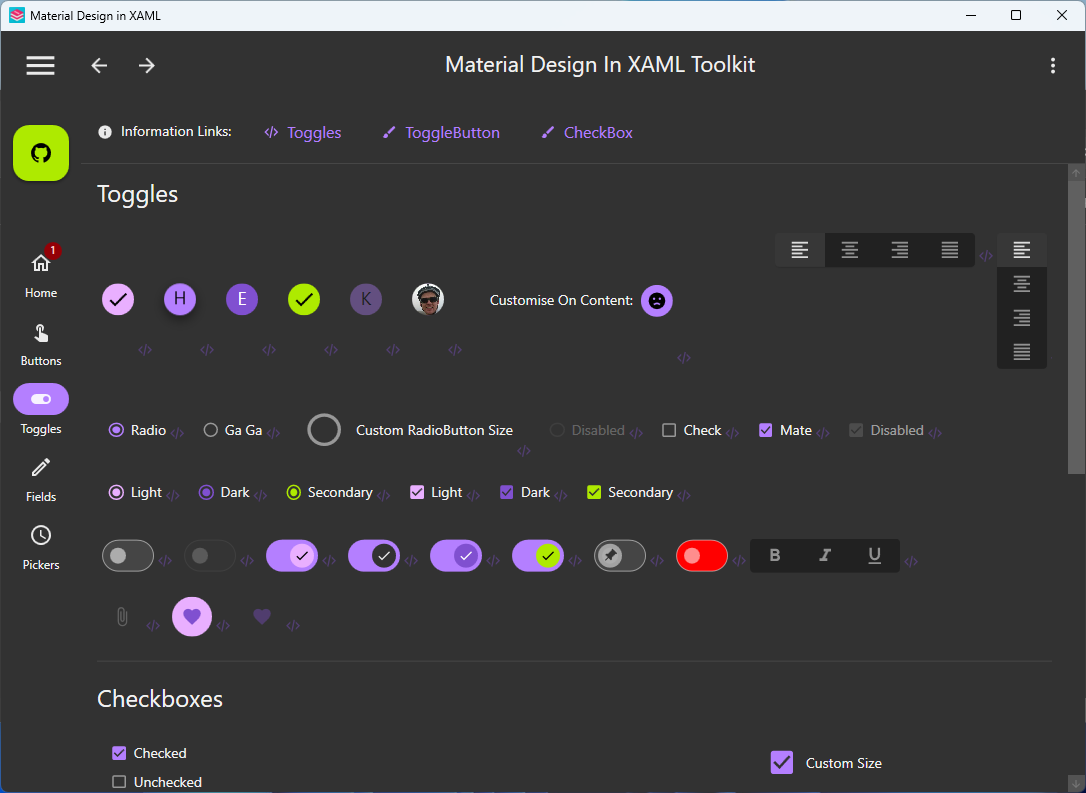
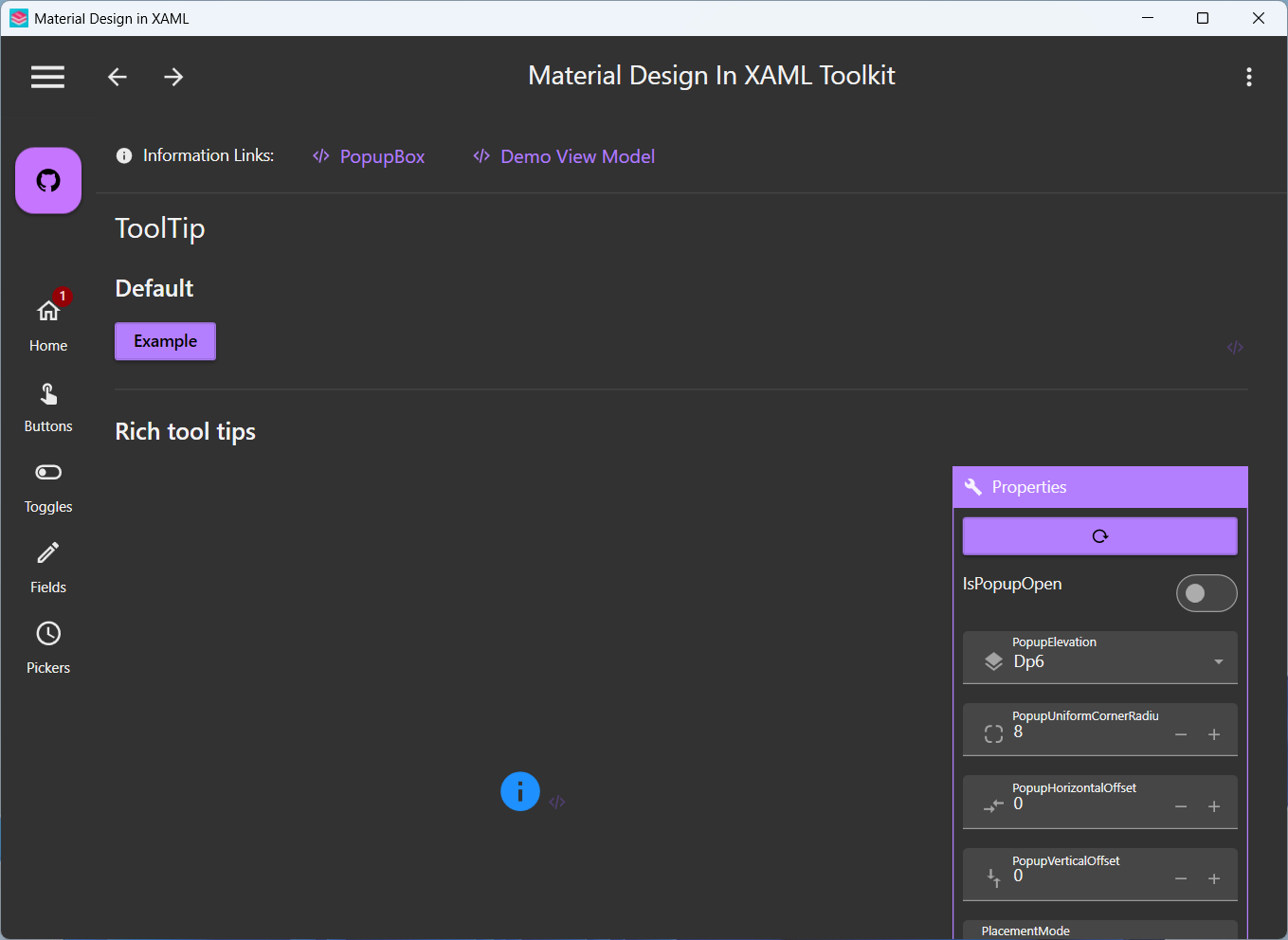
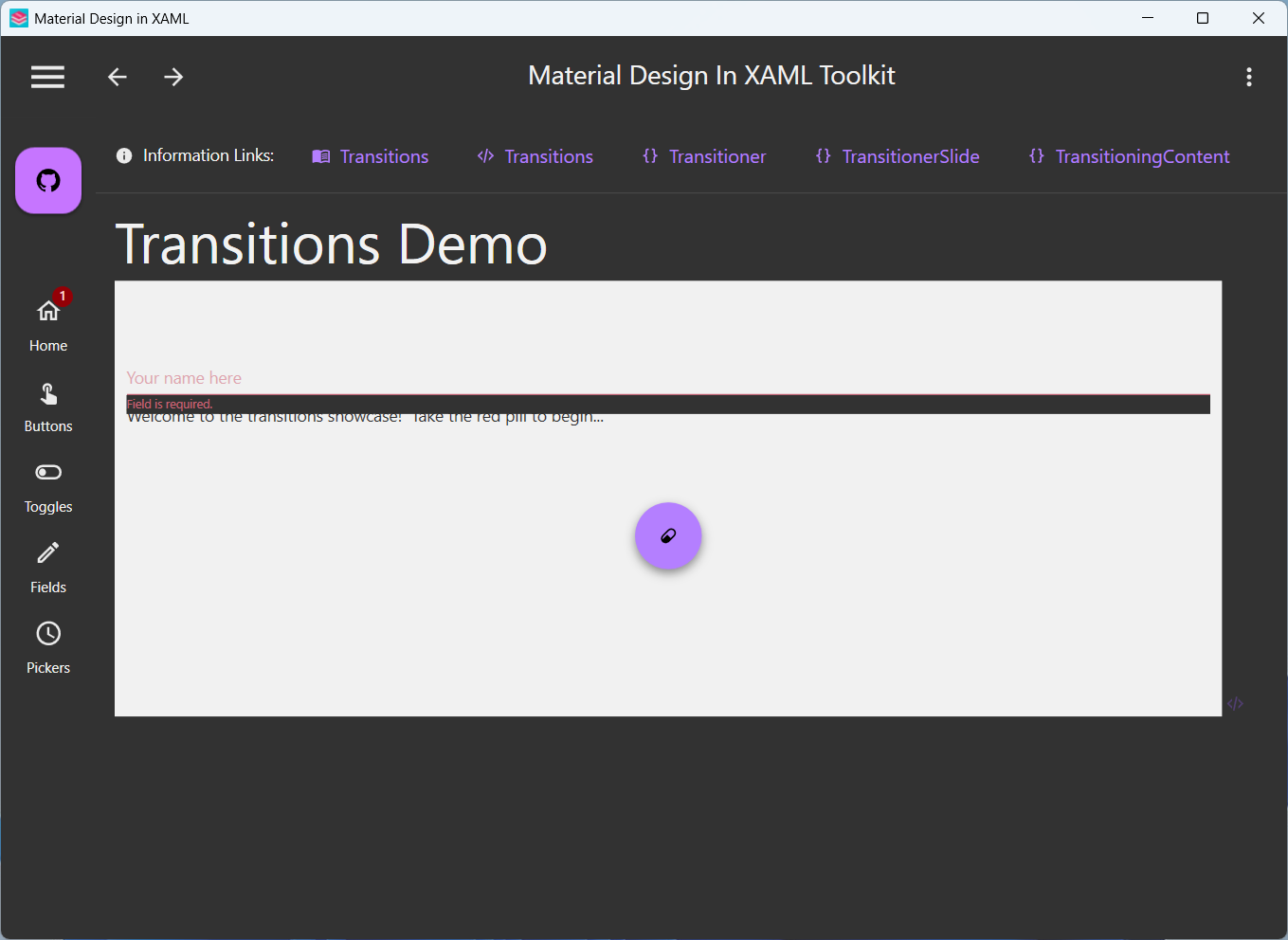
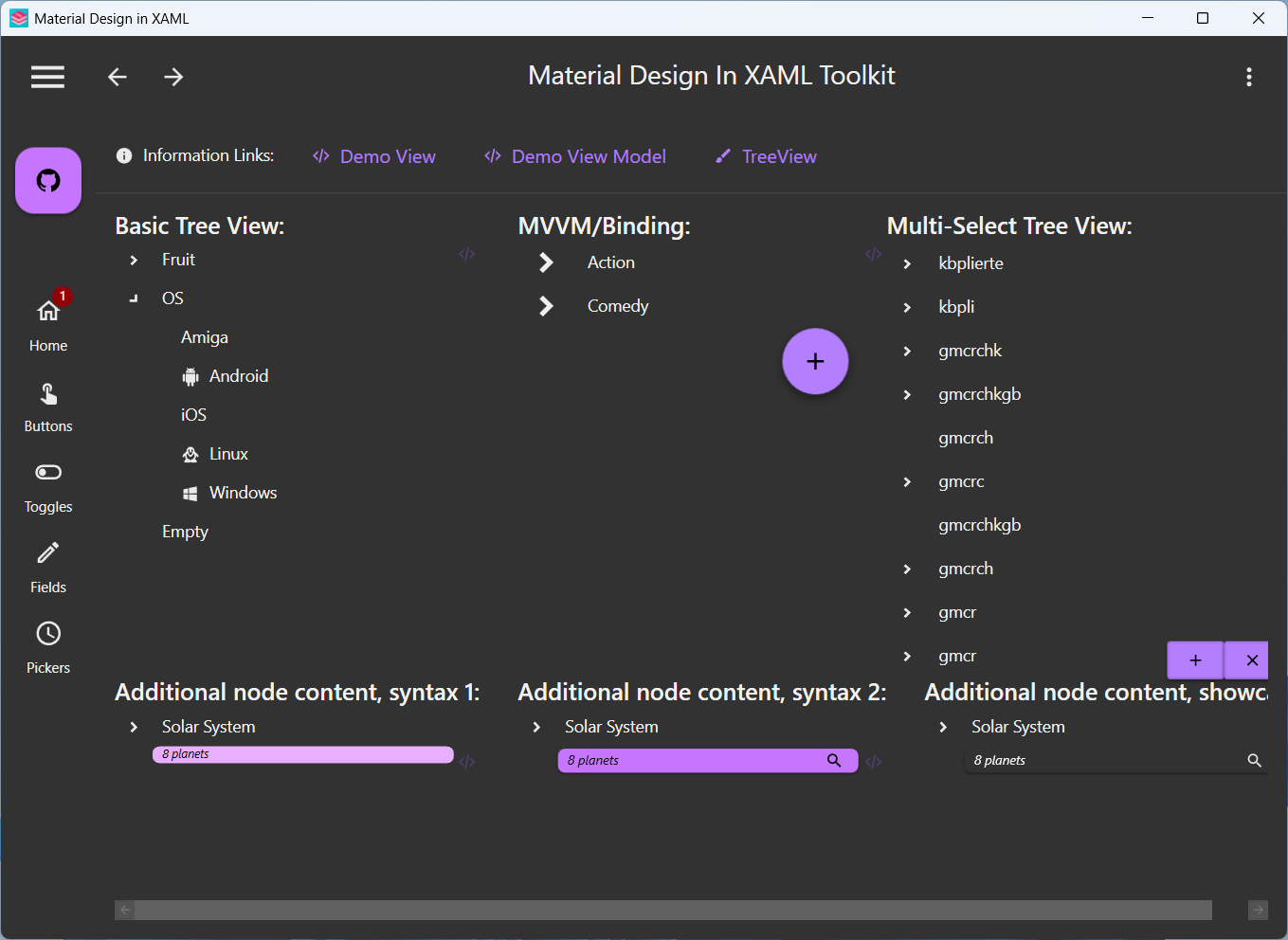
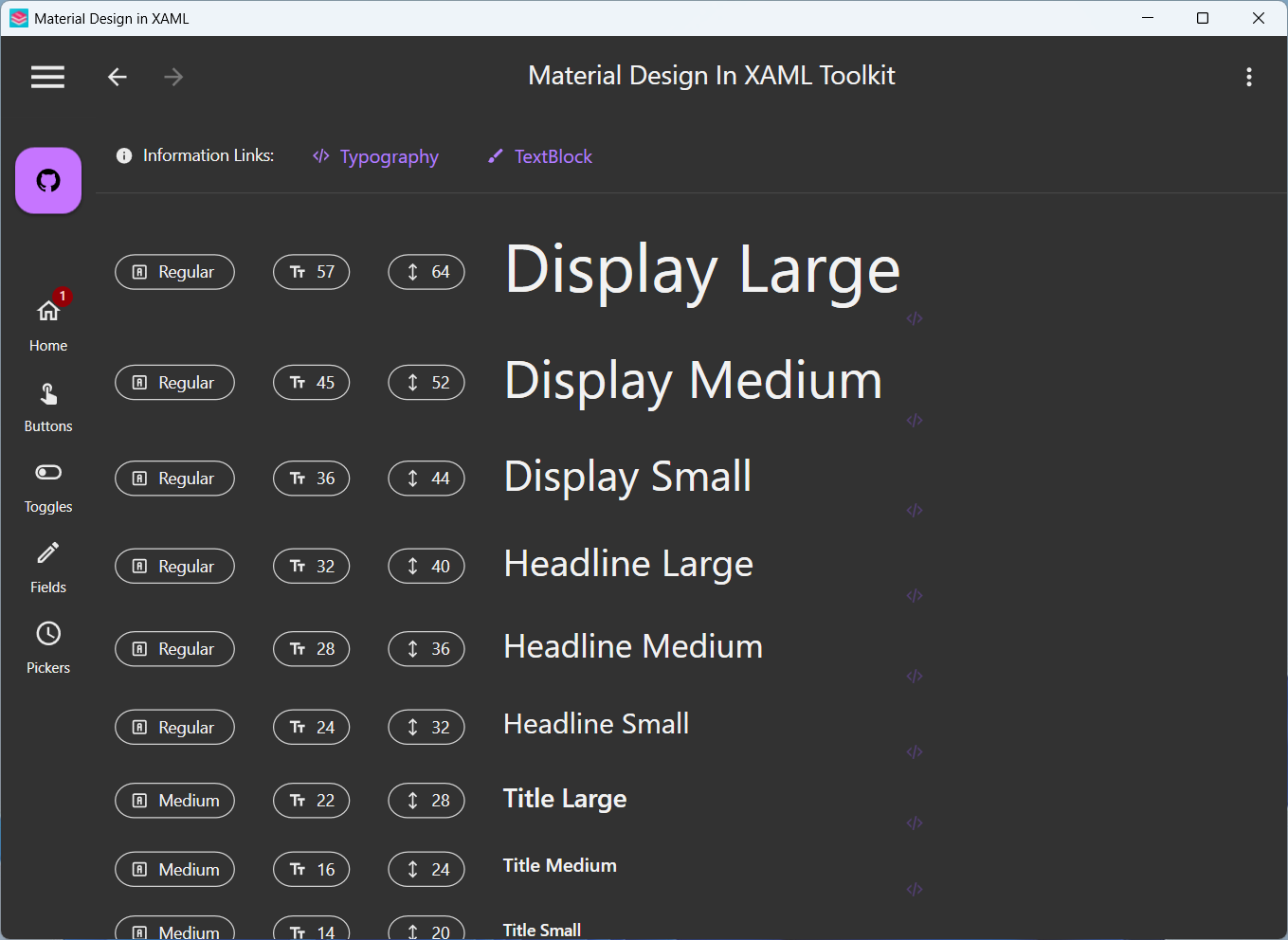
Material Design 2 demo app screenshots
[!WARNING] The screenshots below are taken from the Material Design 2 demo app. Material Design 3 is the latest version, so the UI shown here may differ from the latest design.
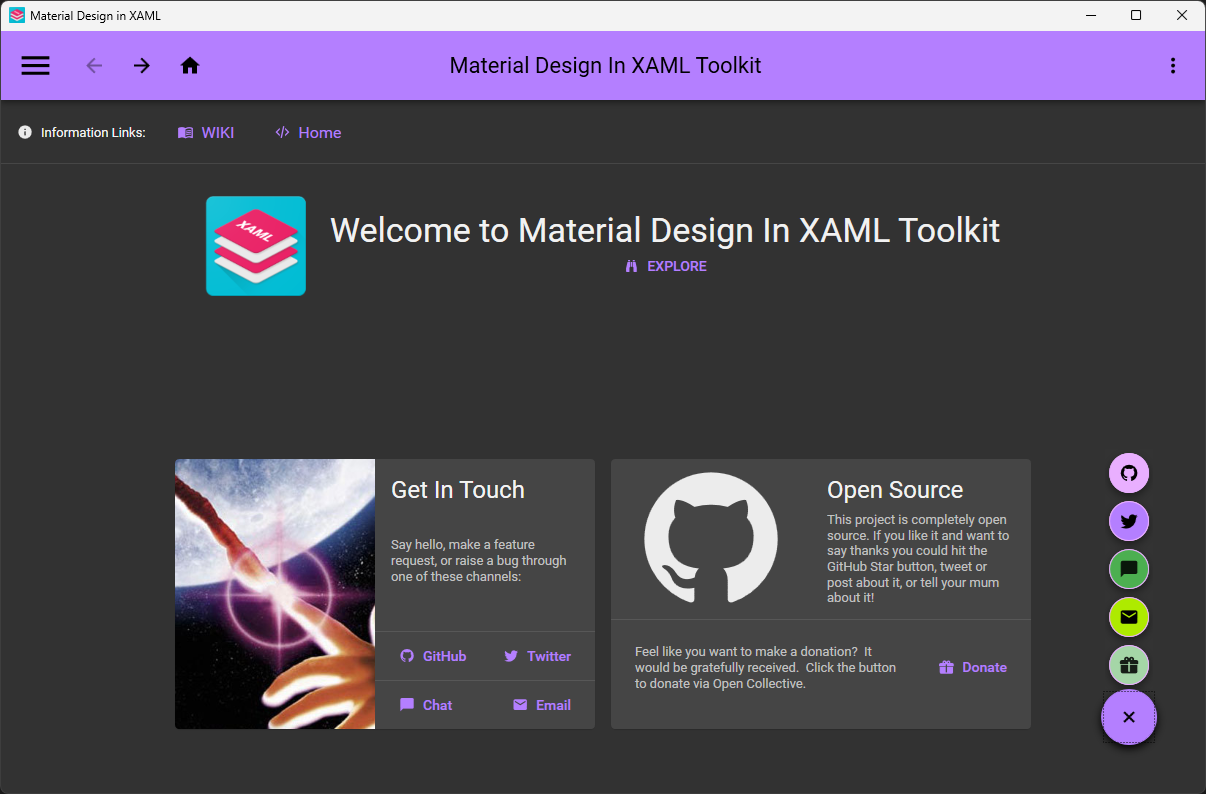
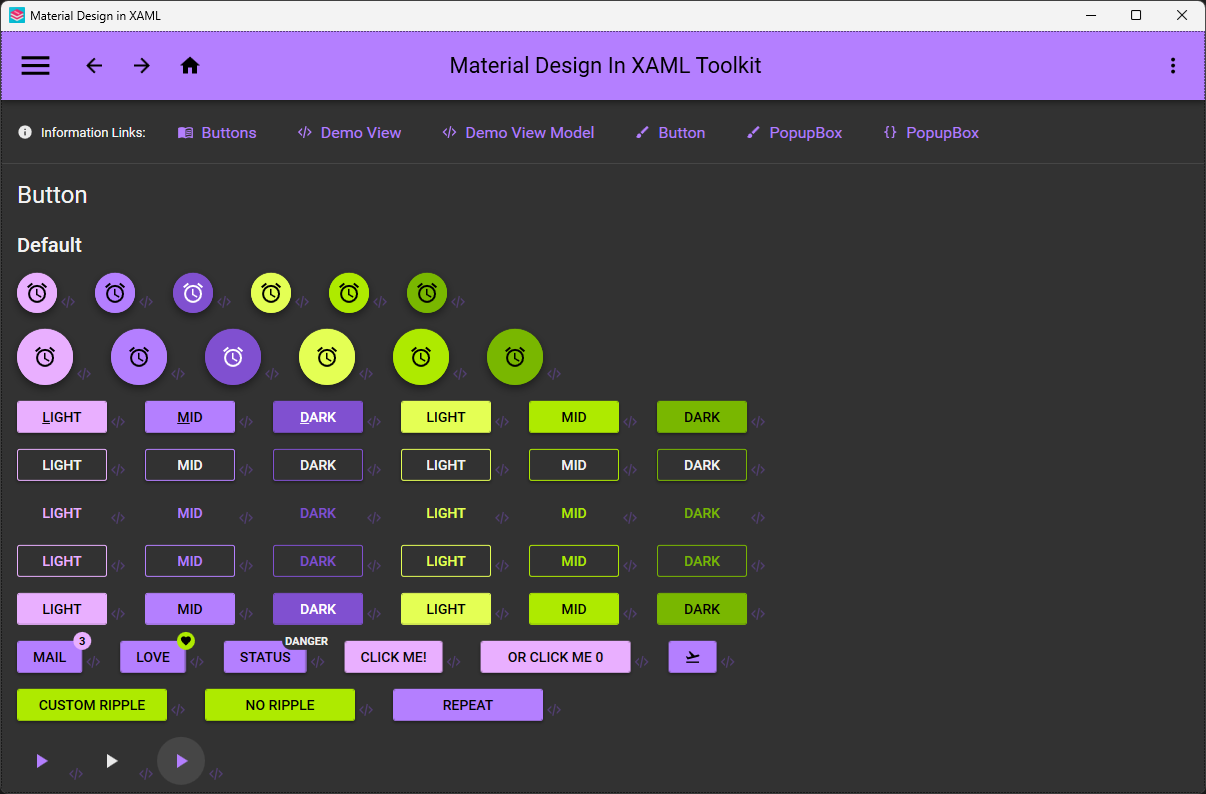
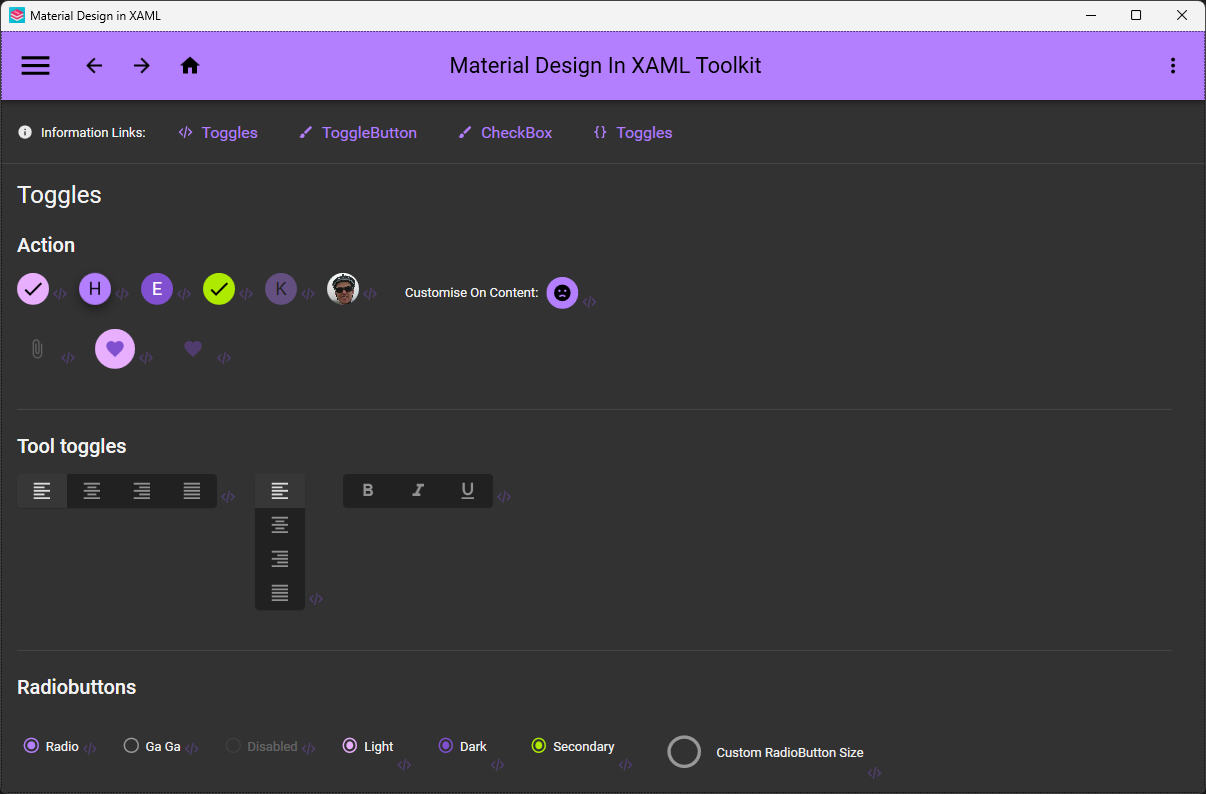
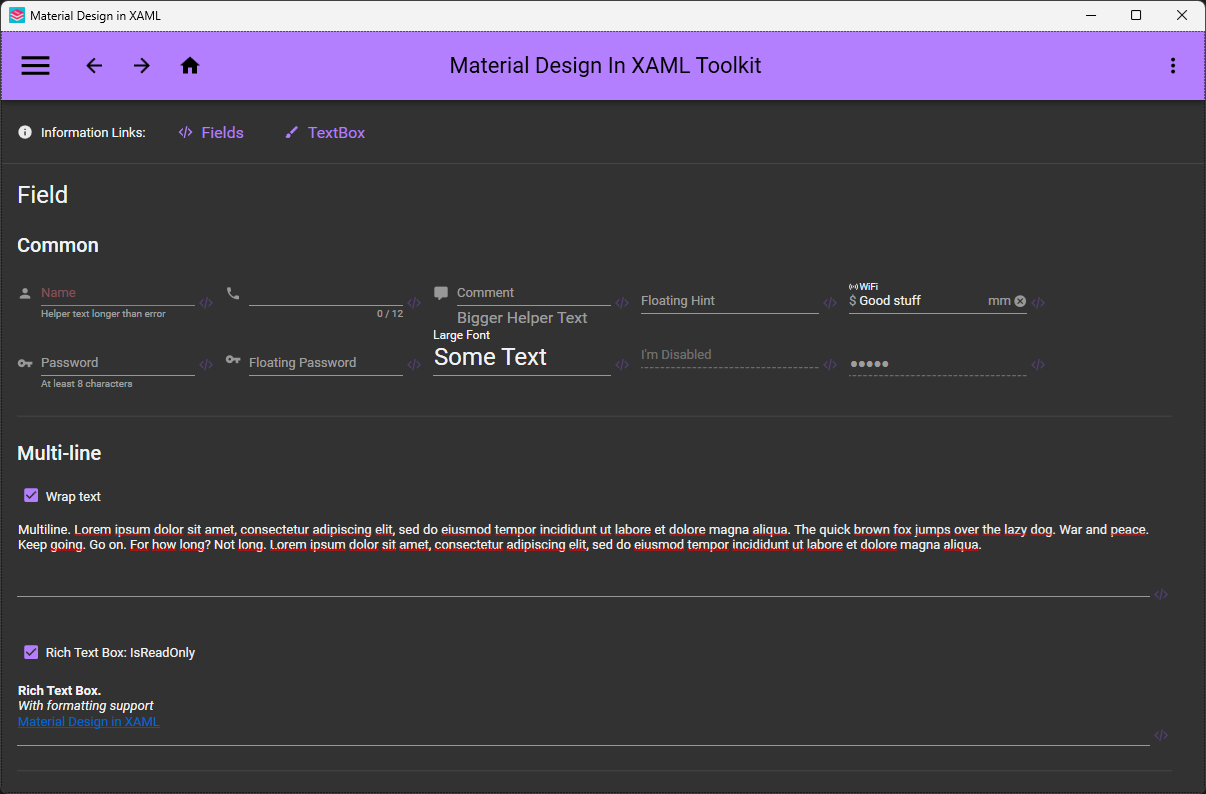
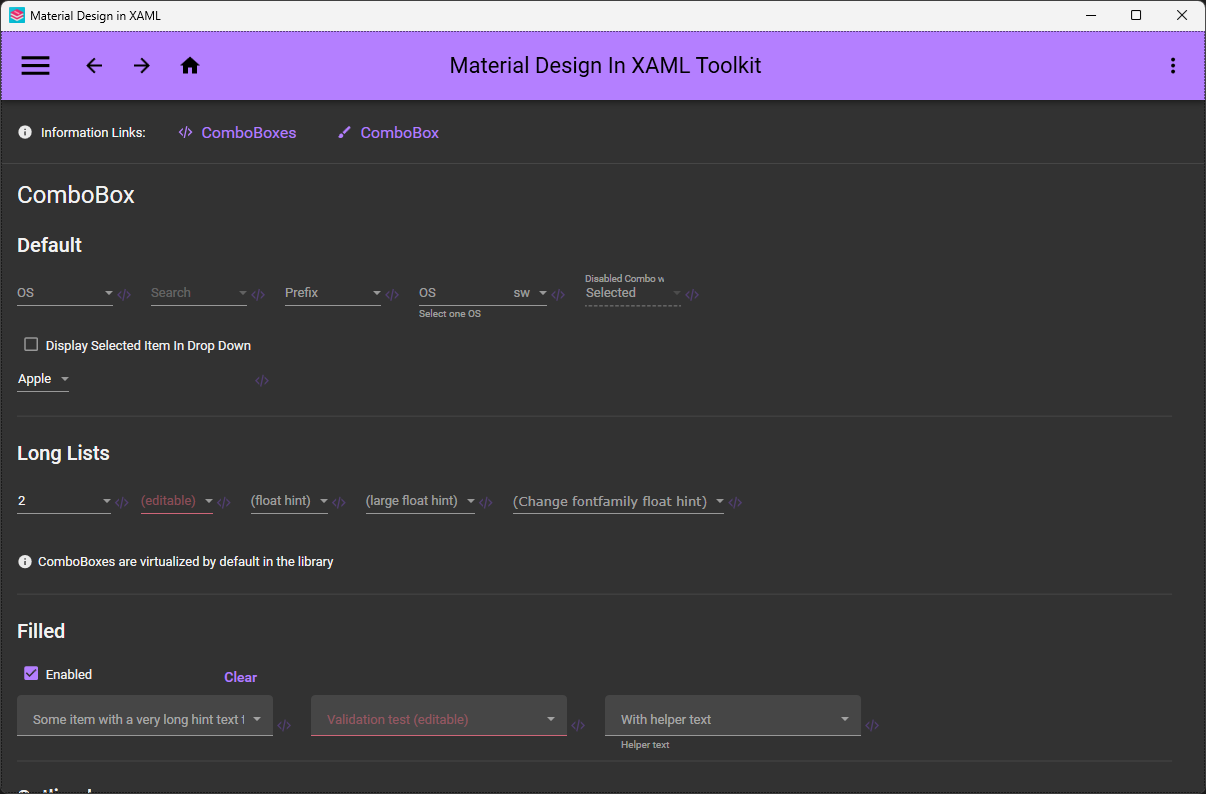
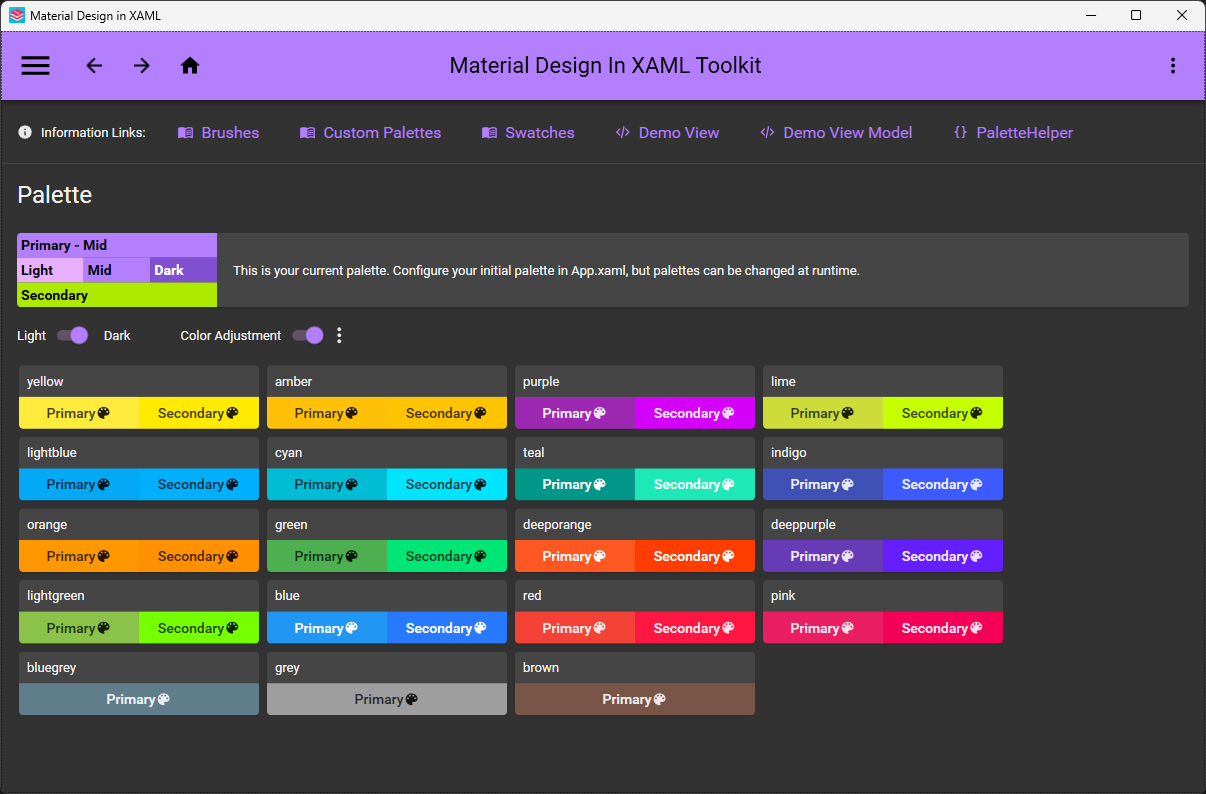
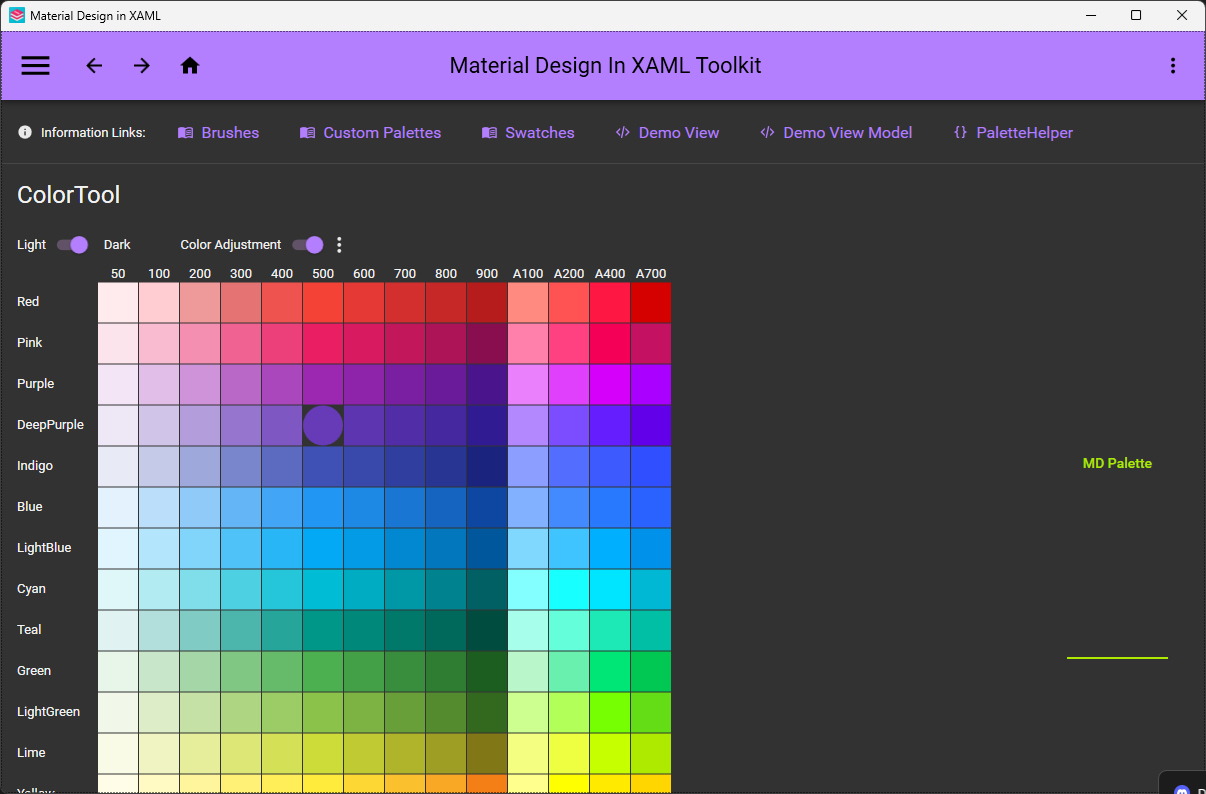
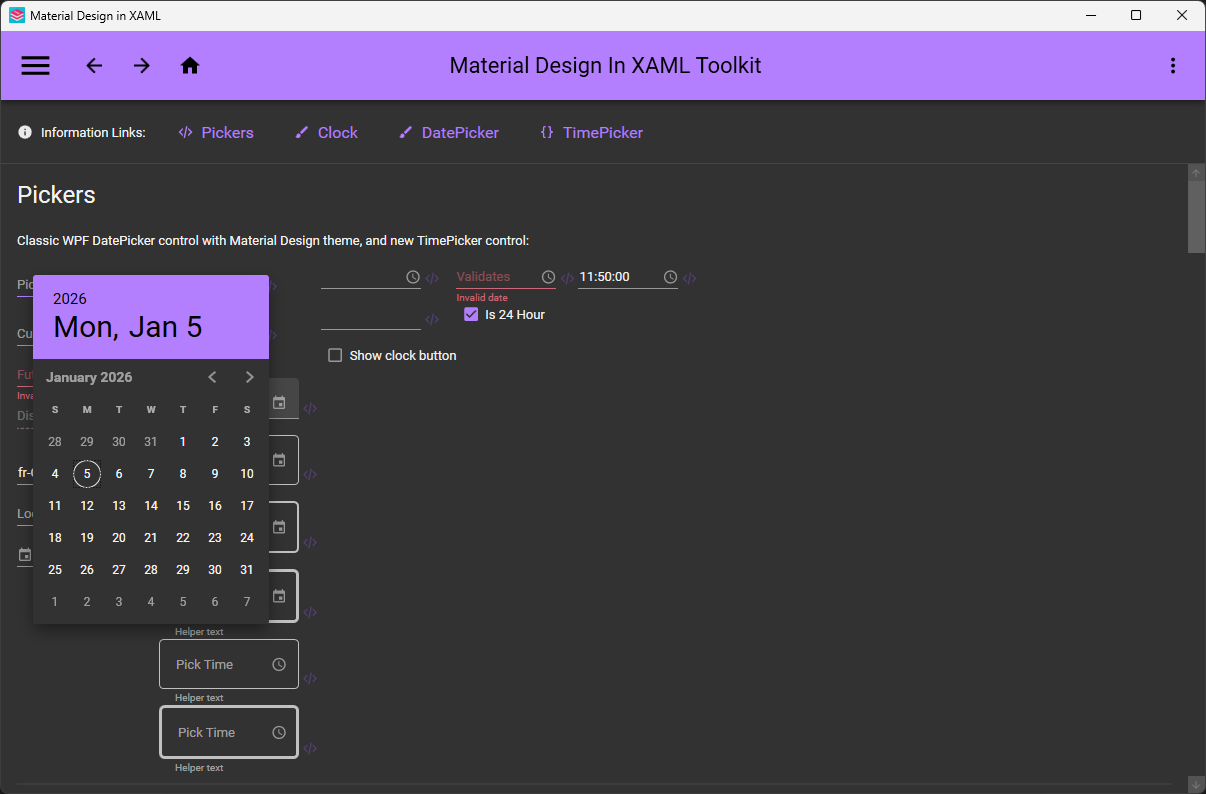
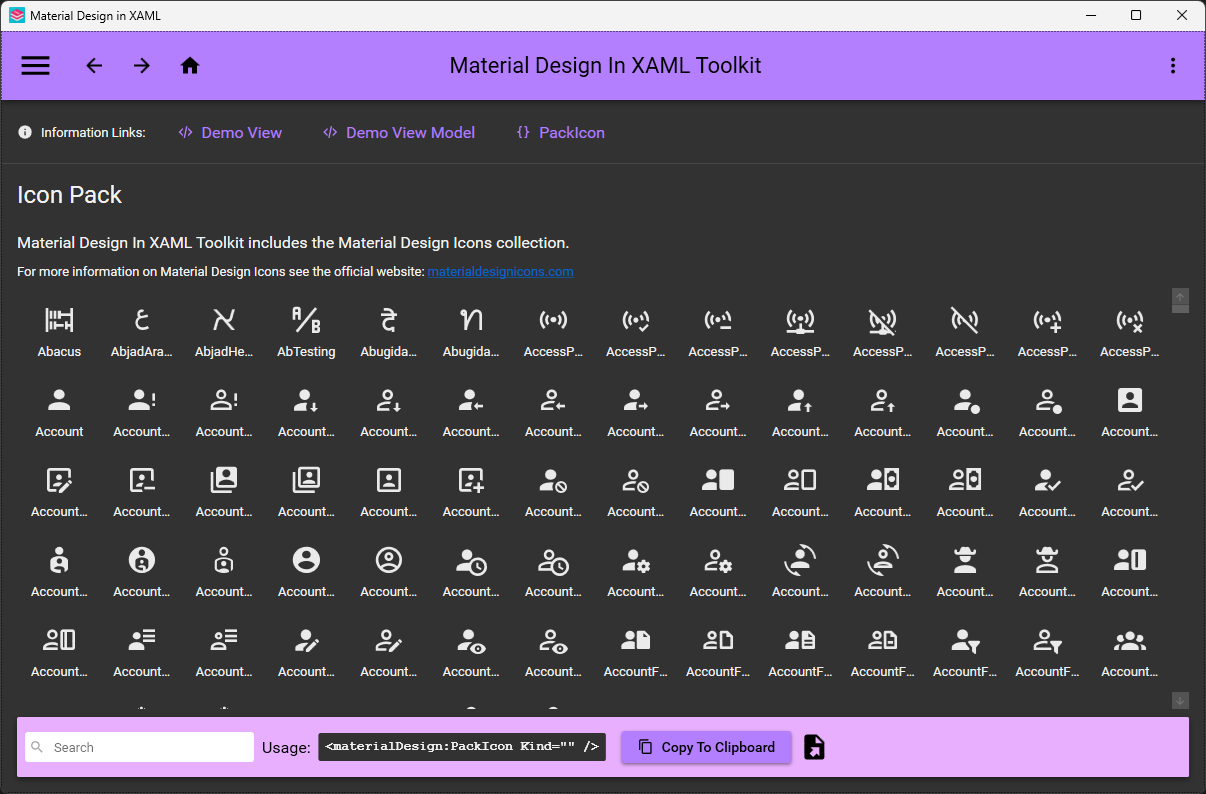
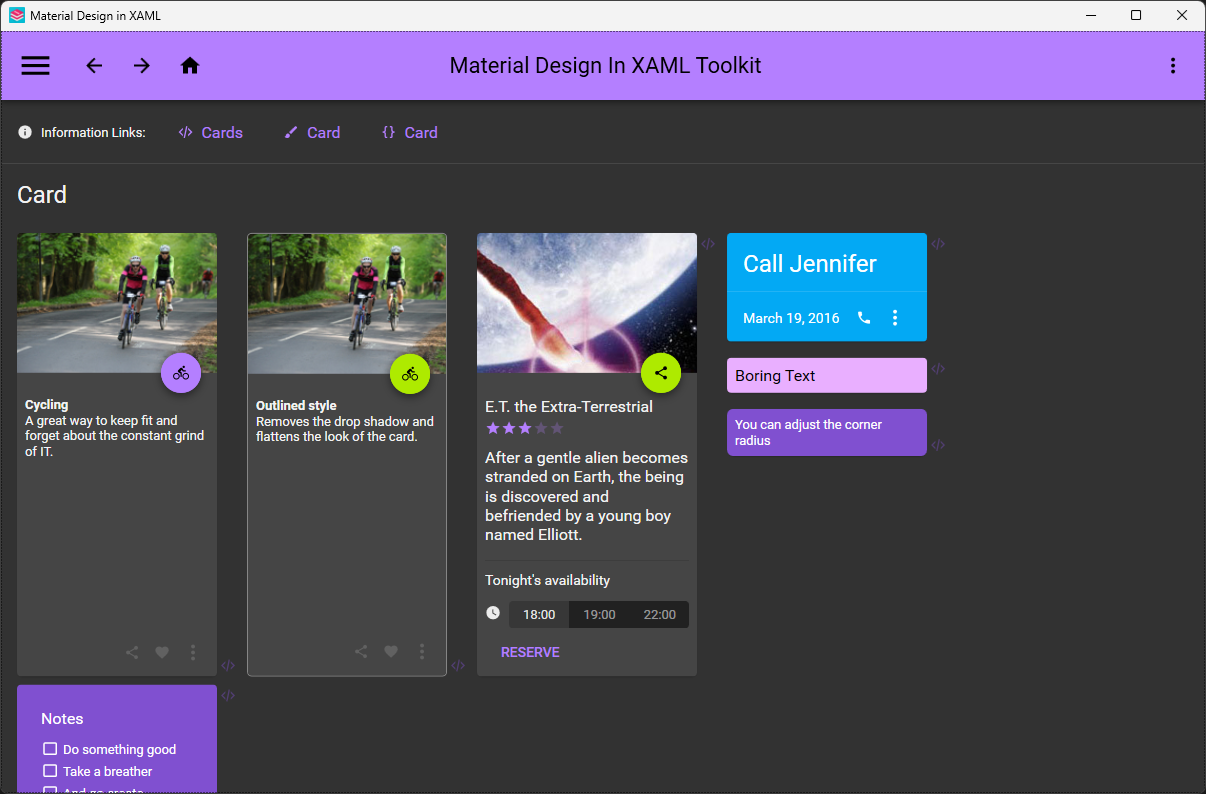
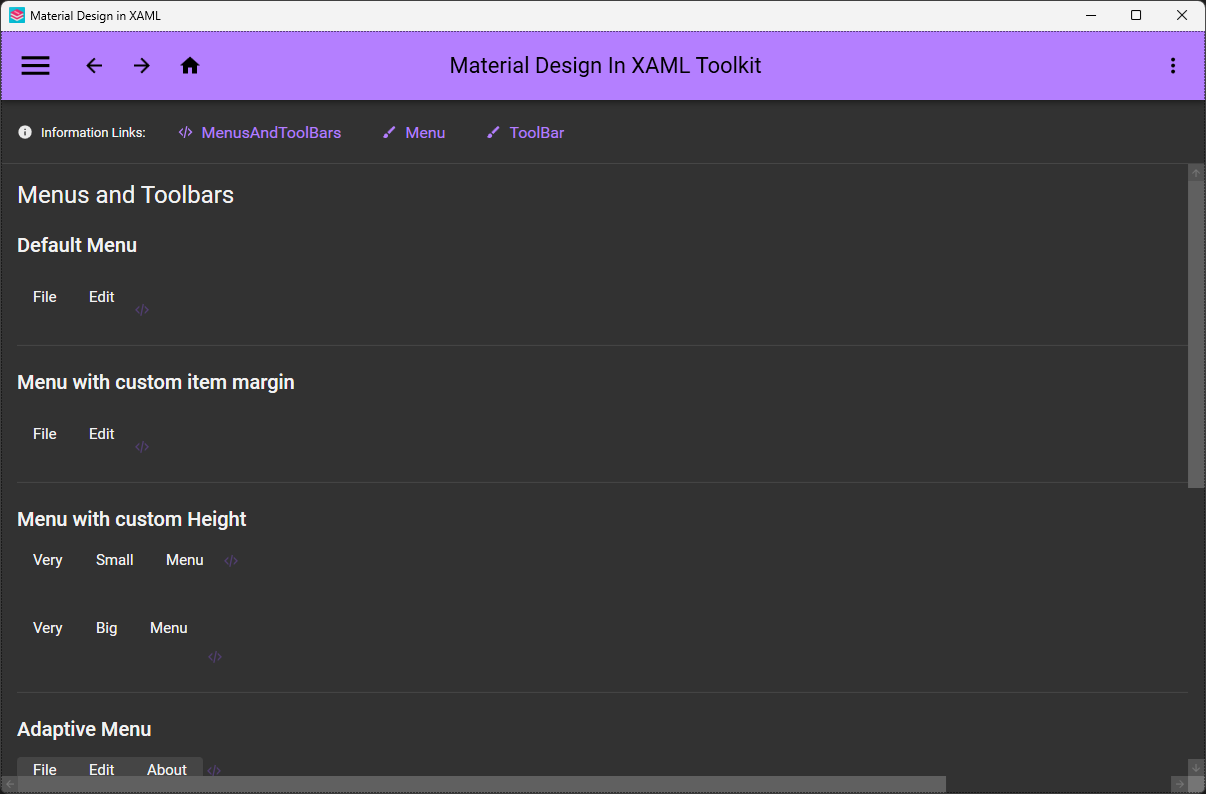
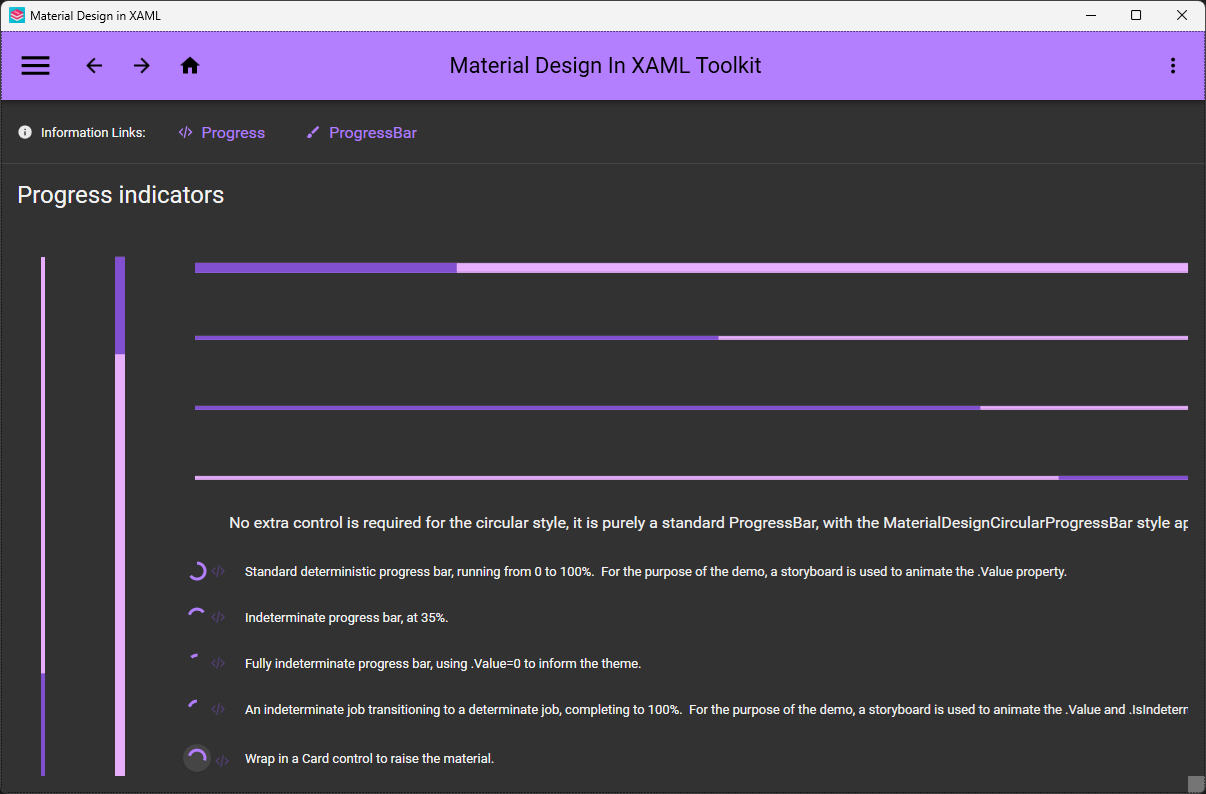
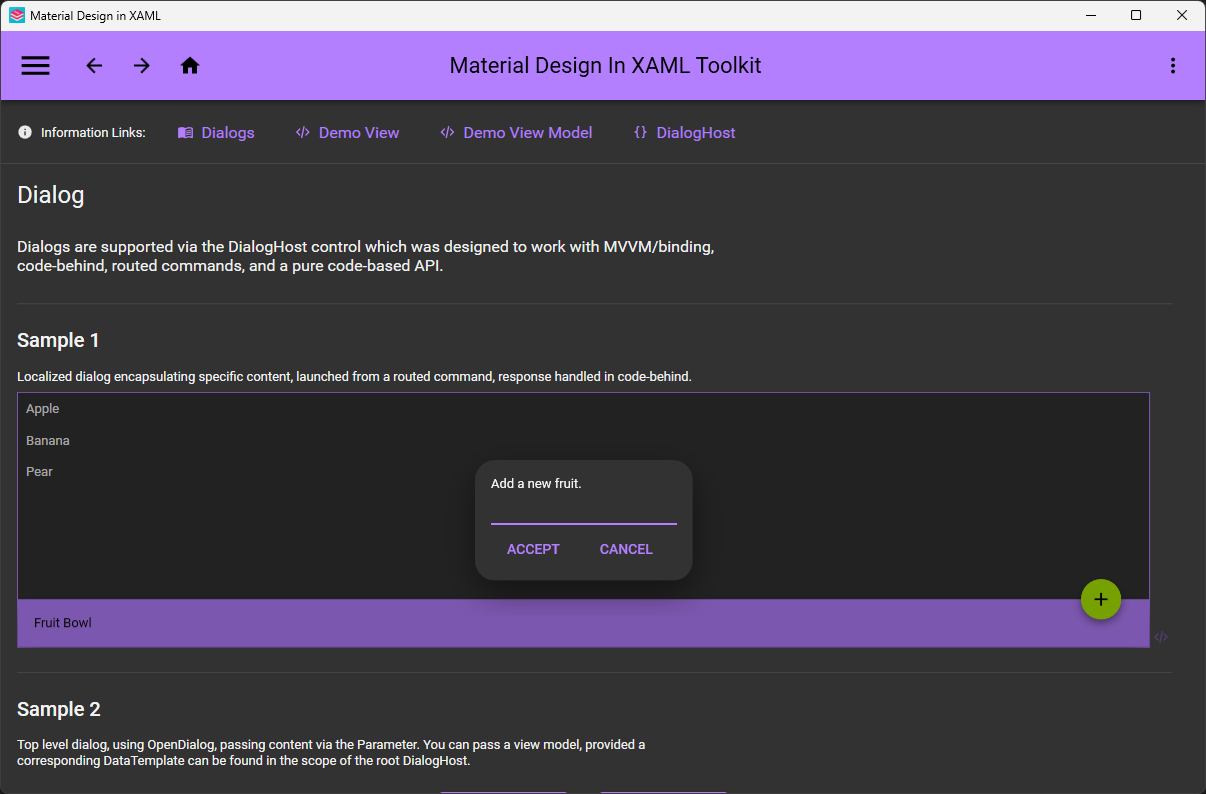
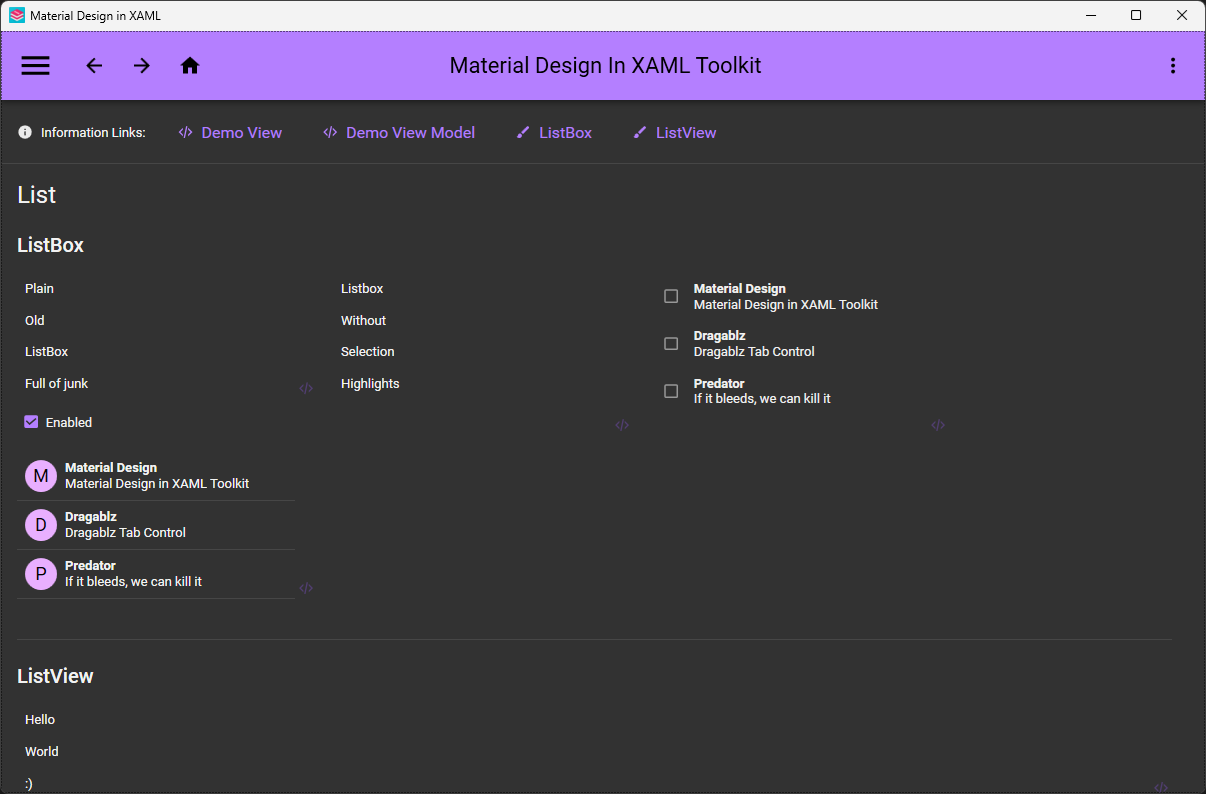
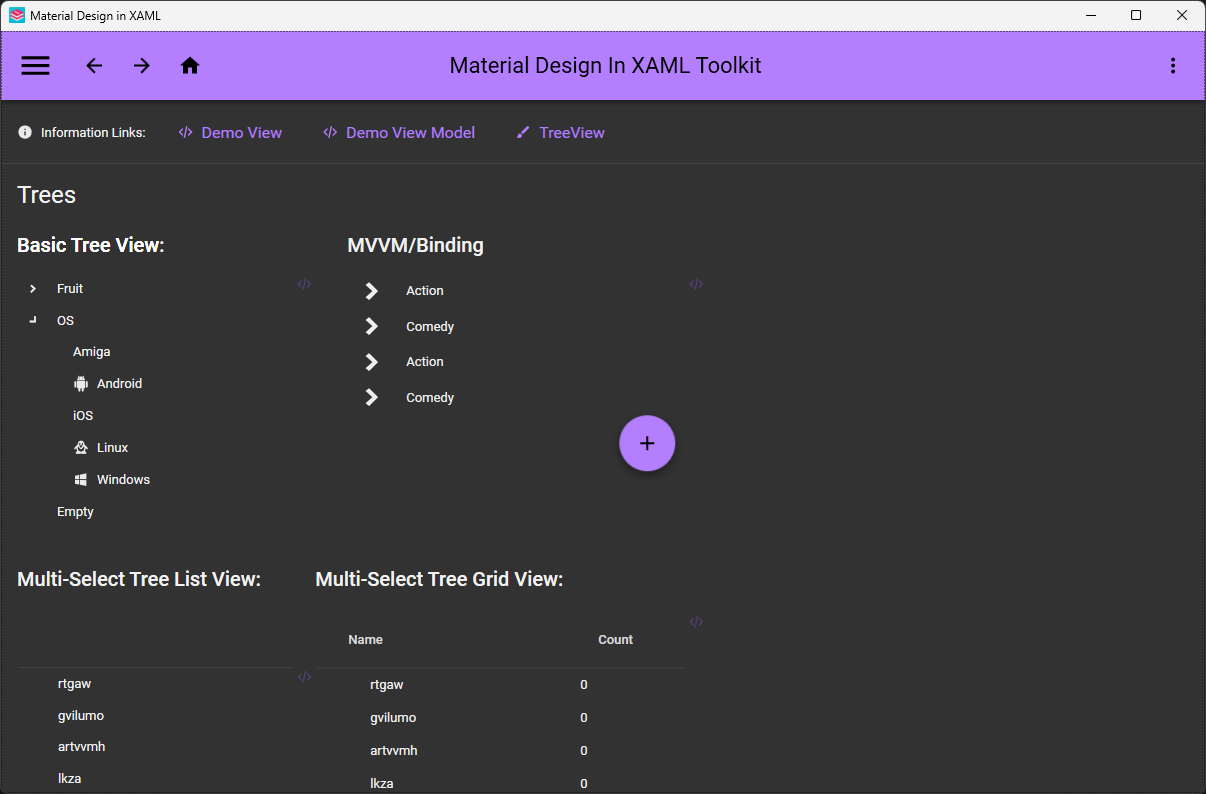
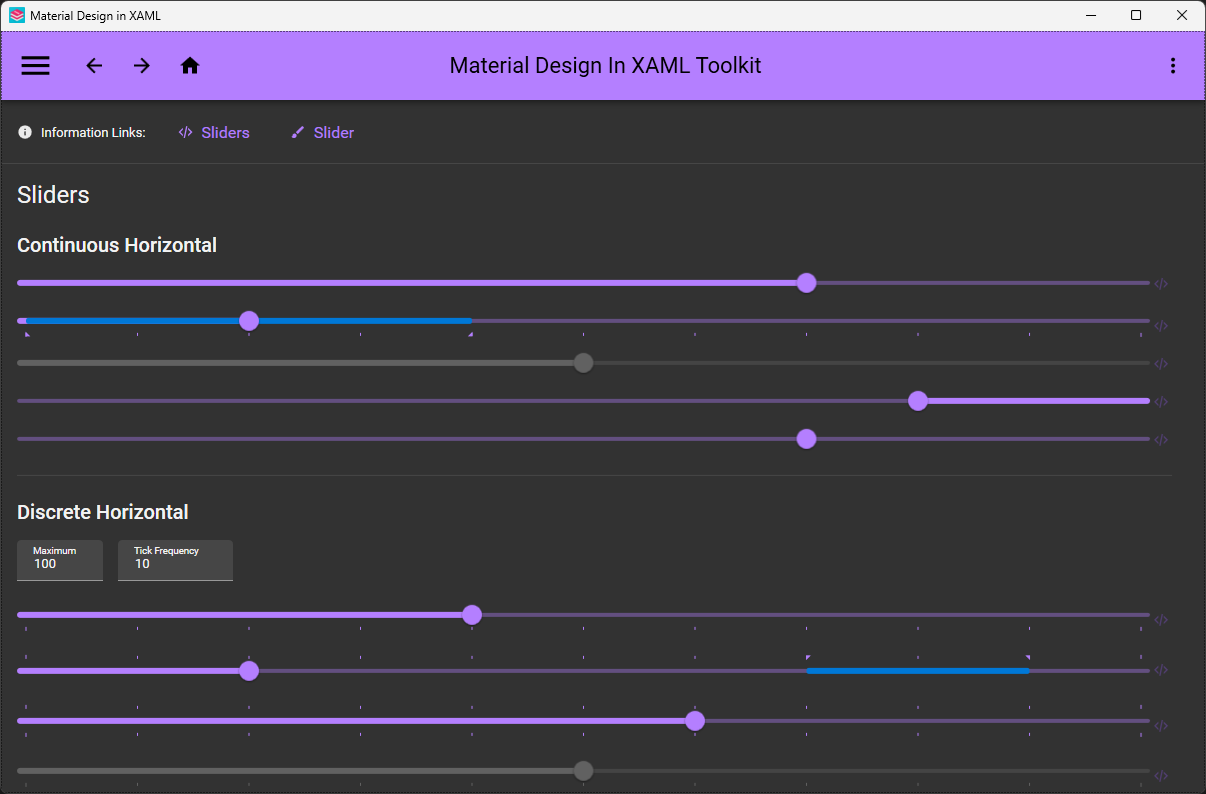
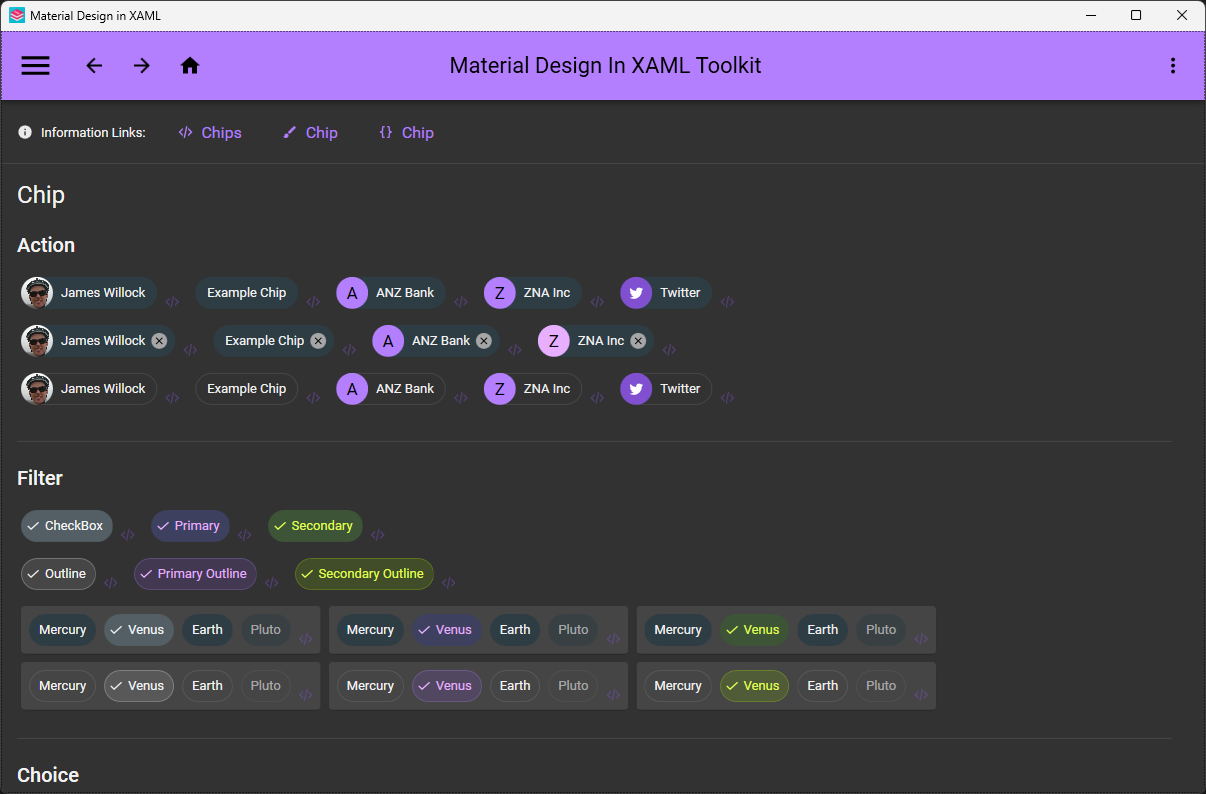
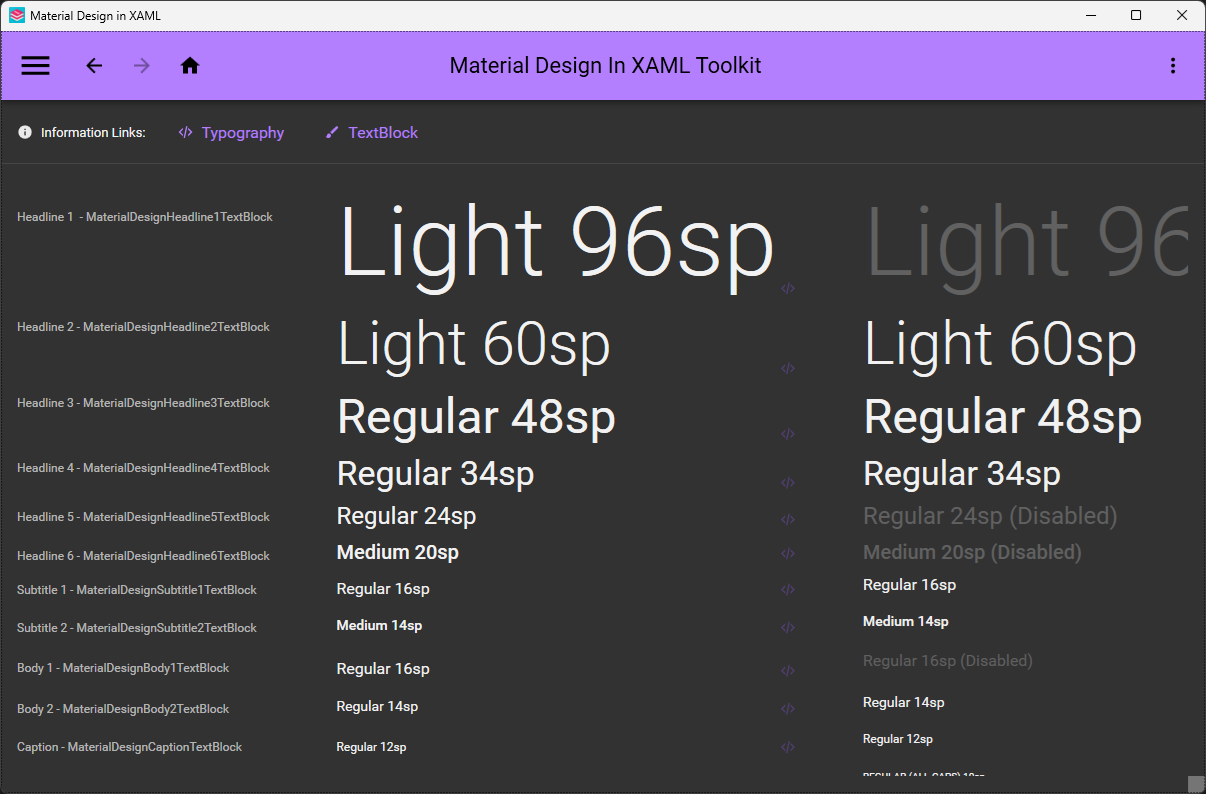
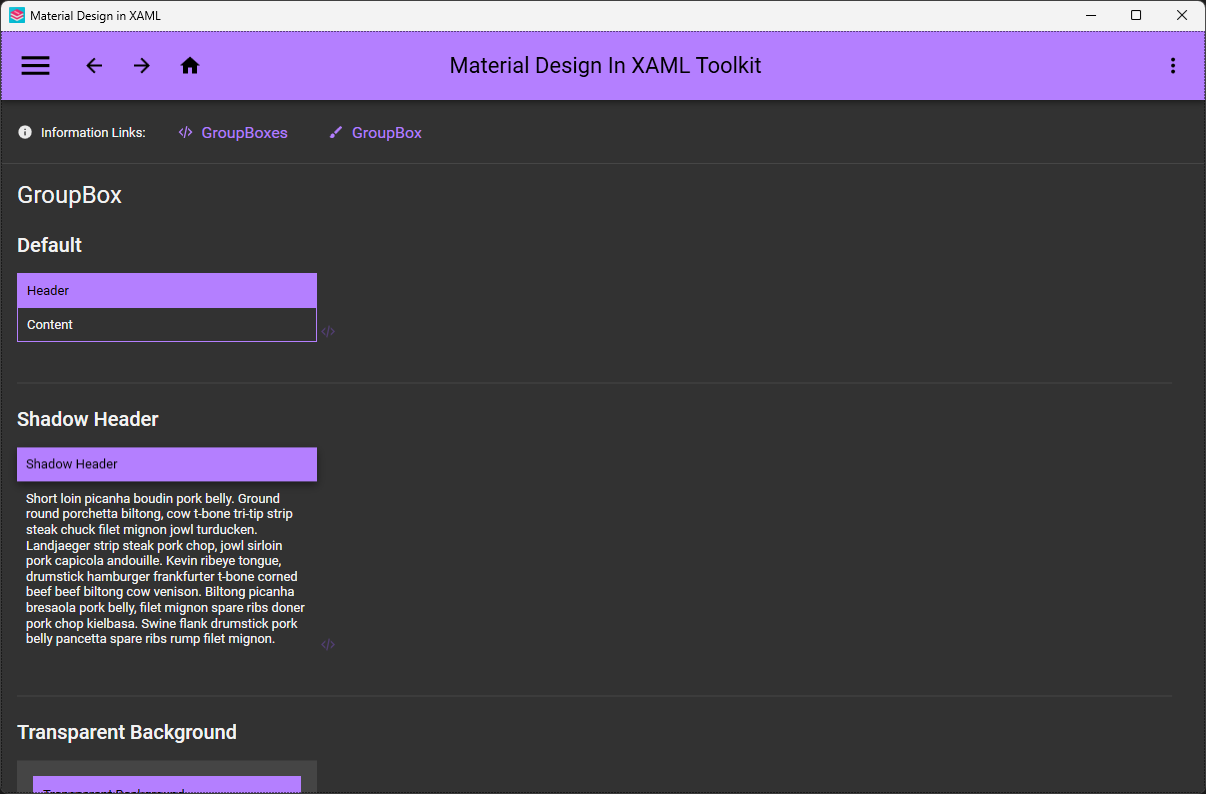
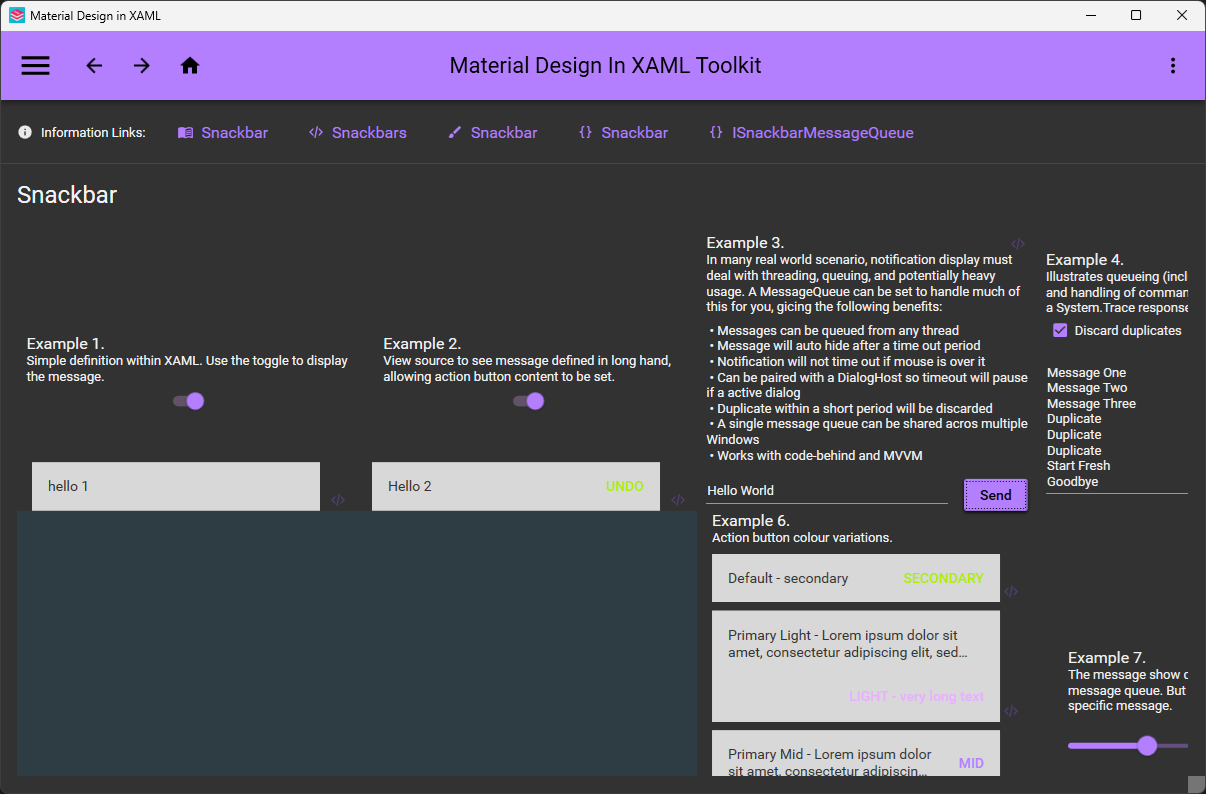
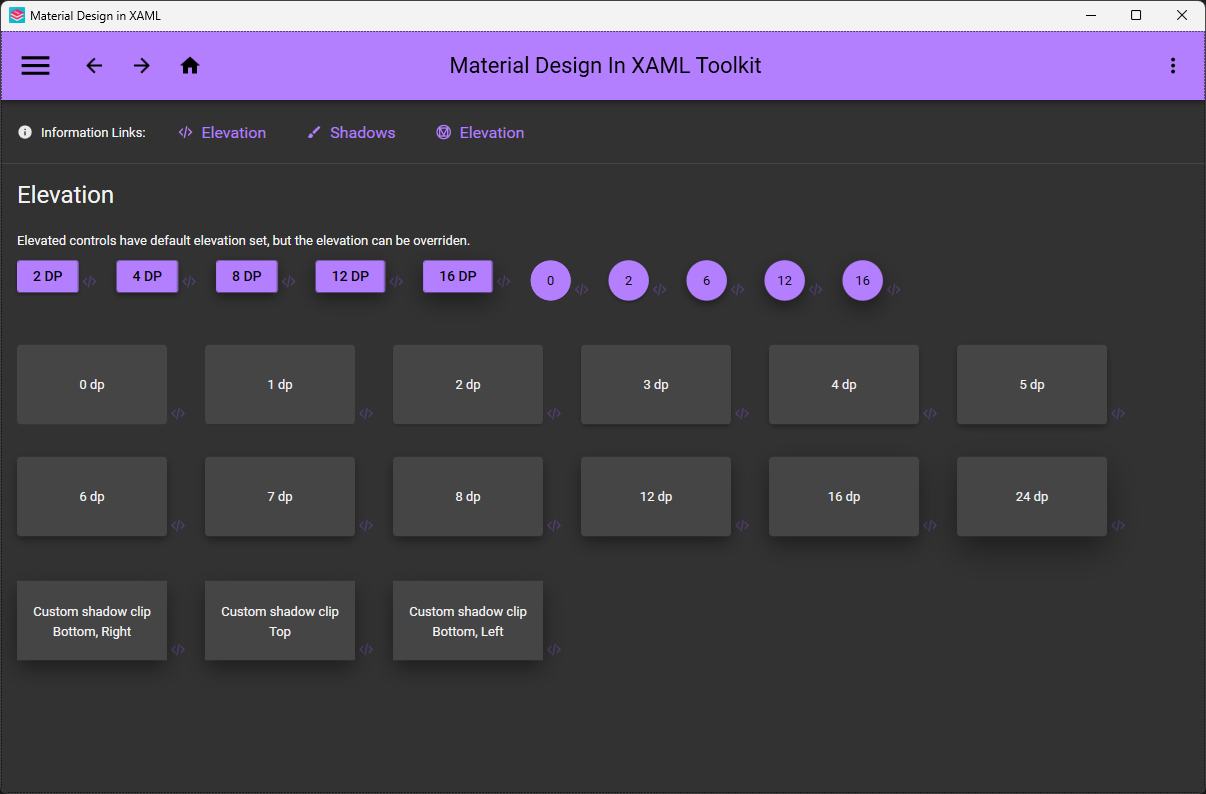
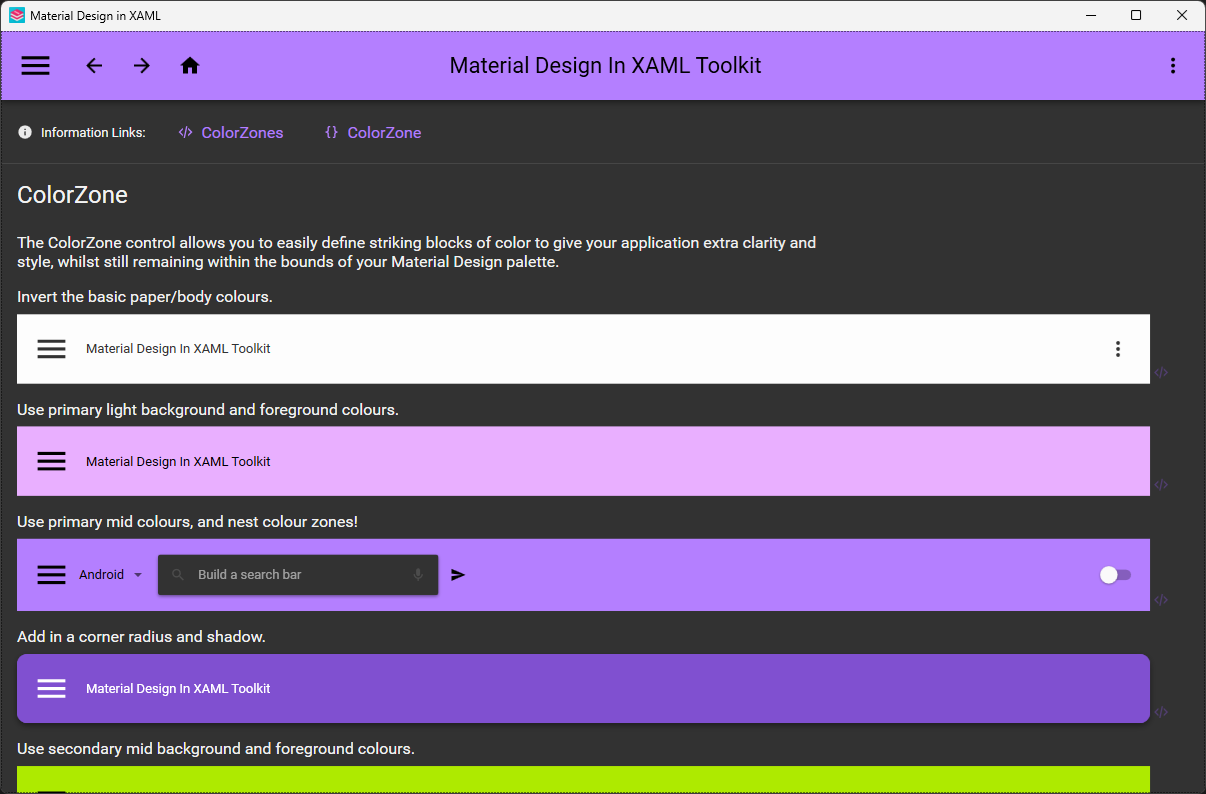
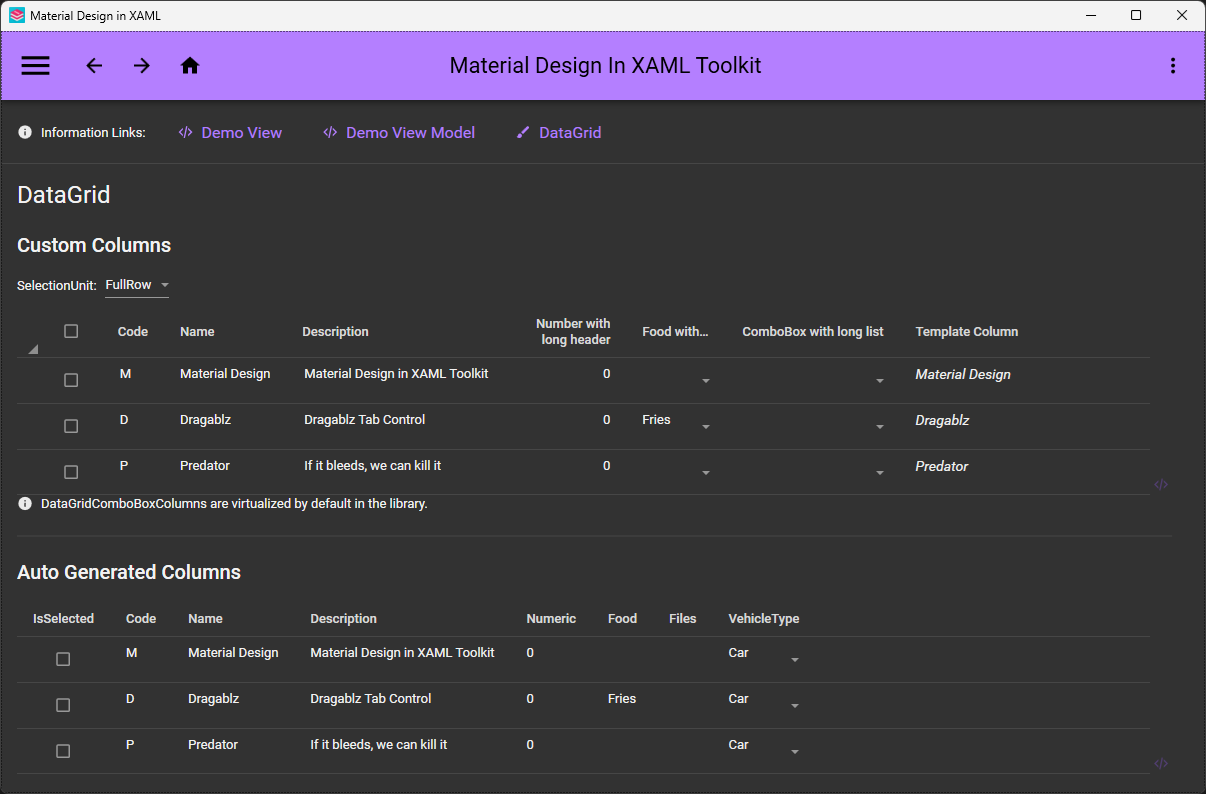
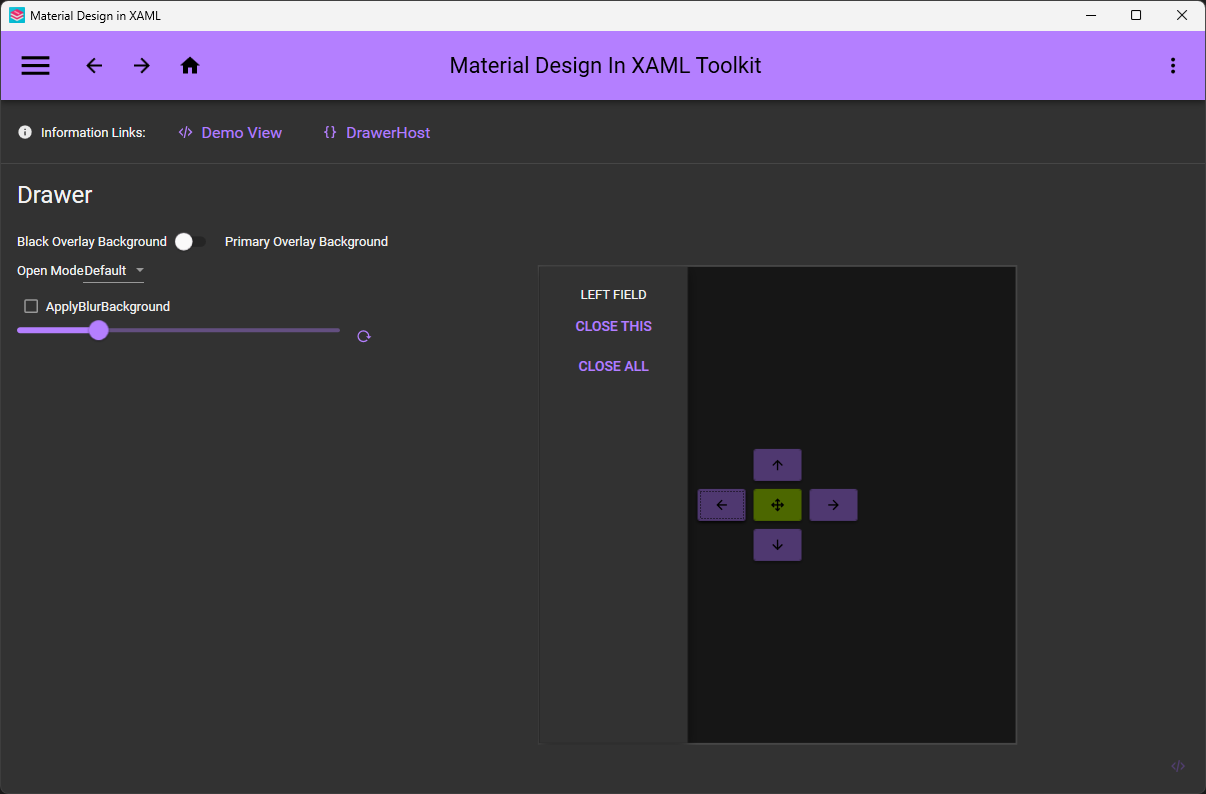

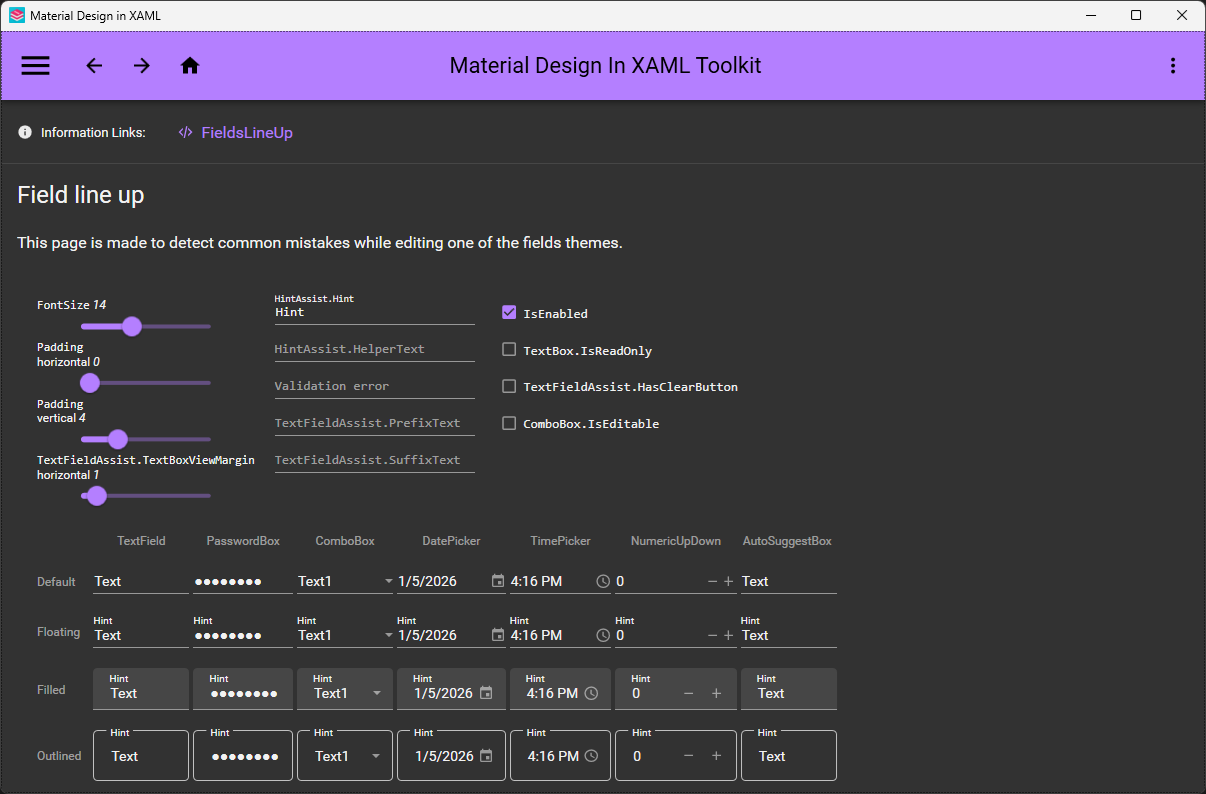
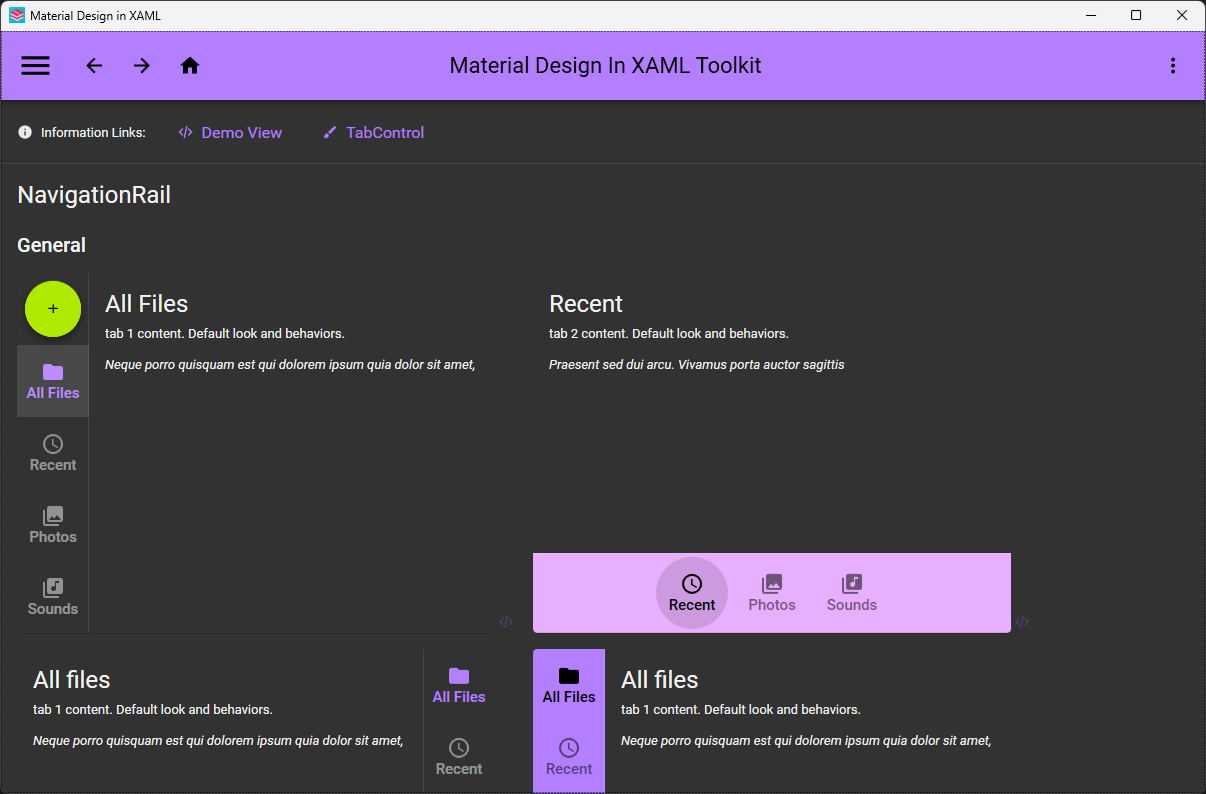
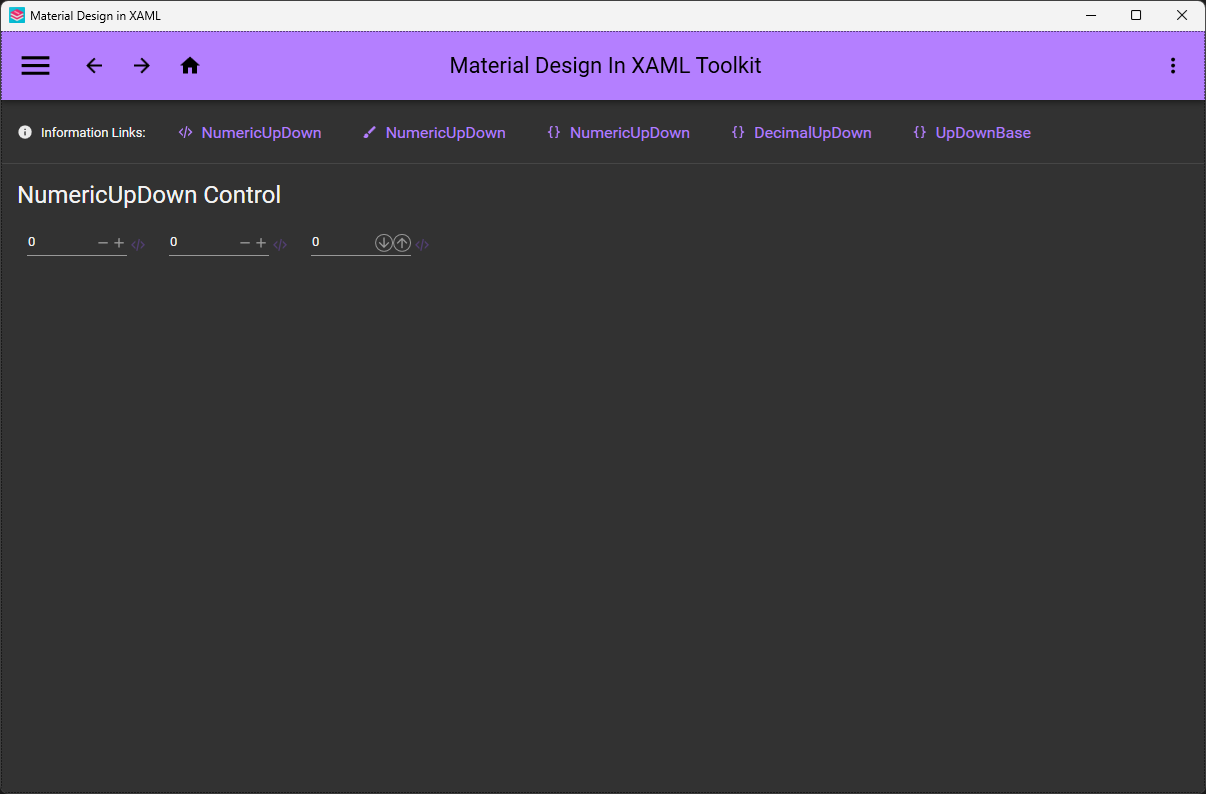
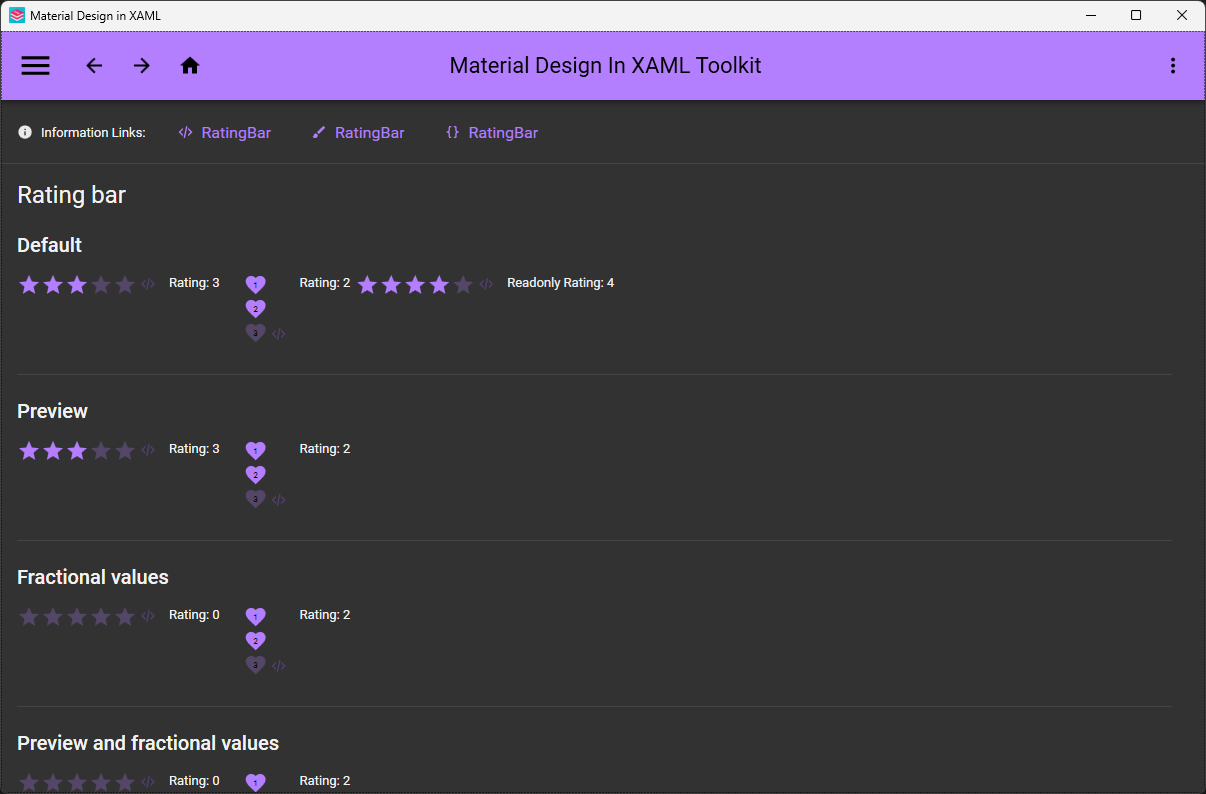
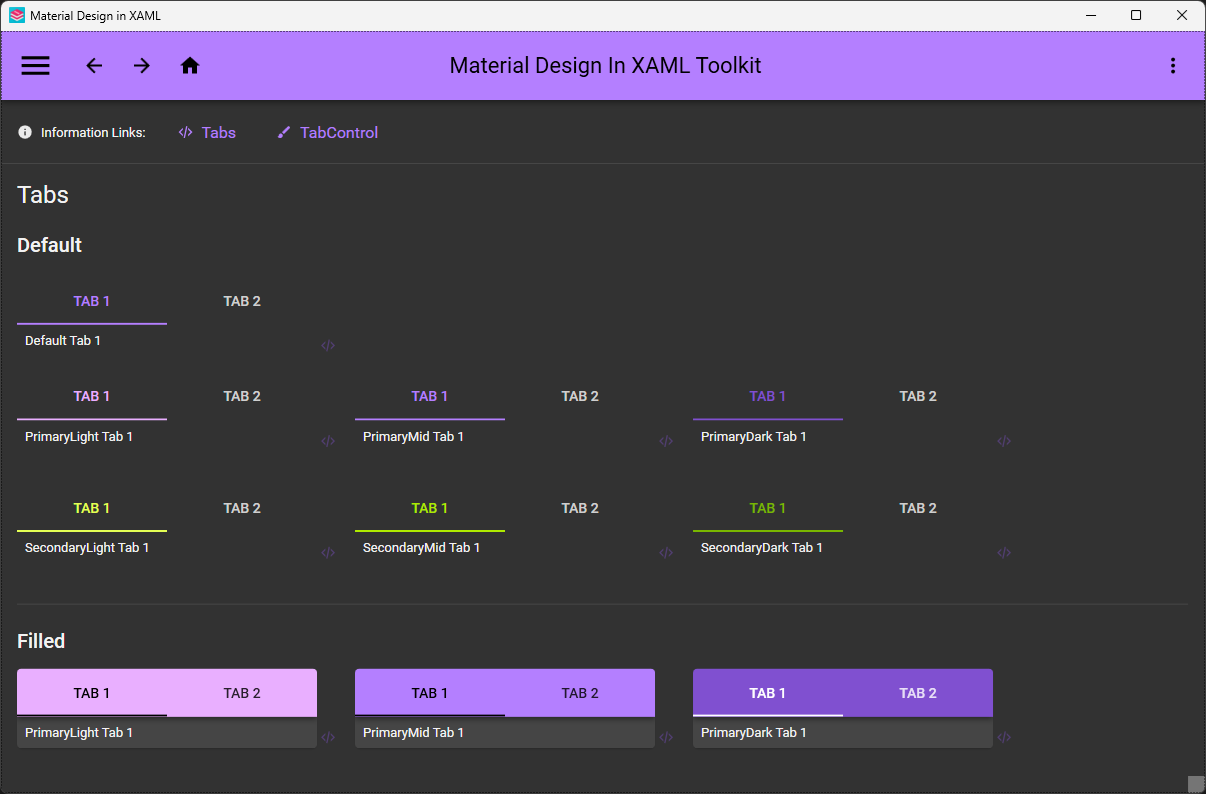
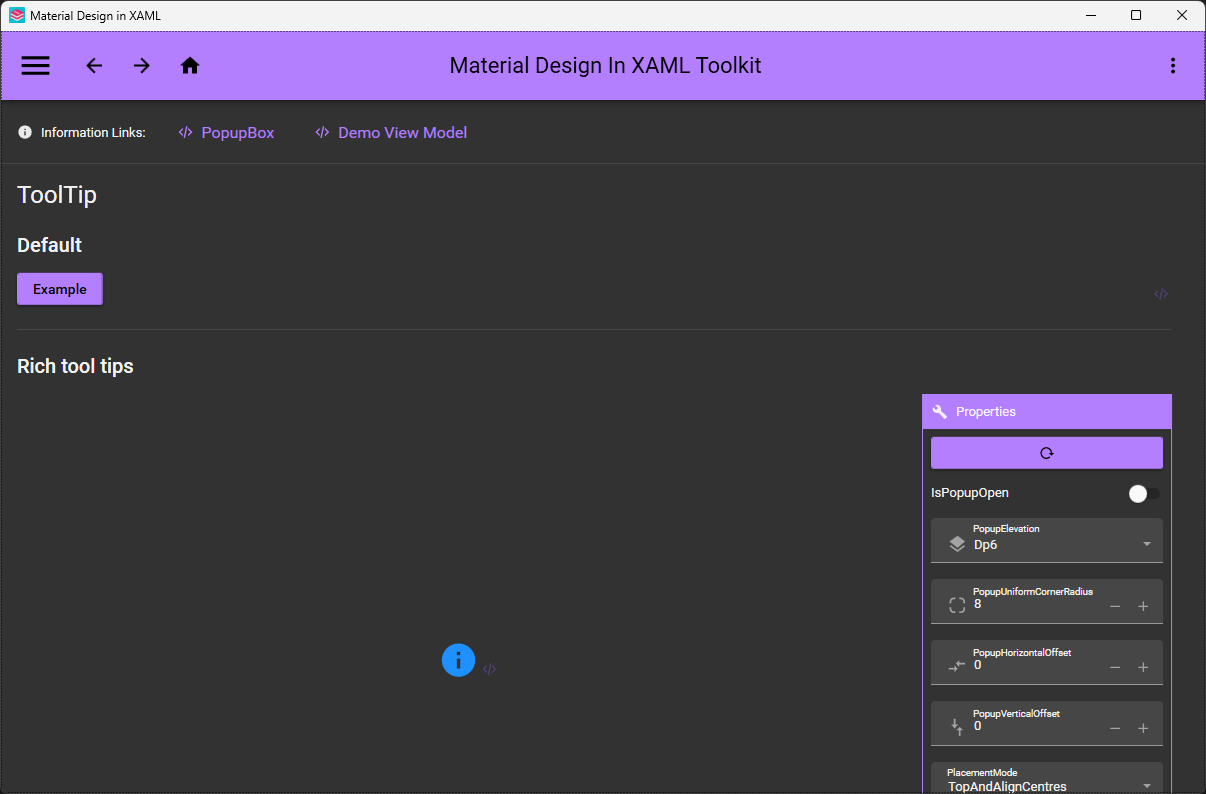
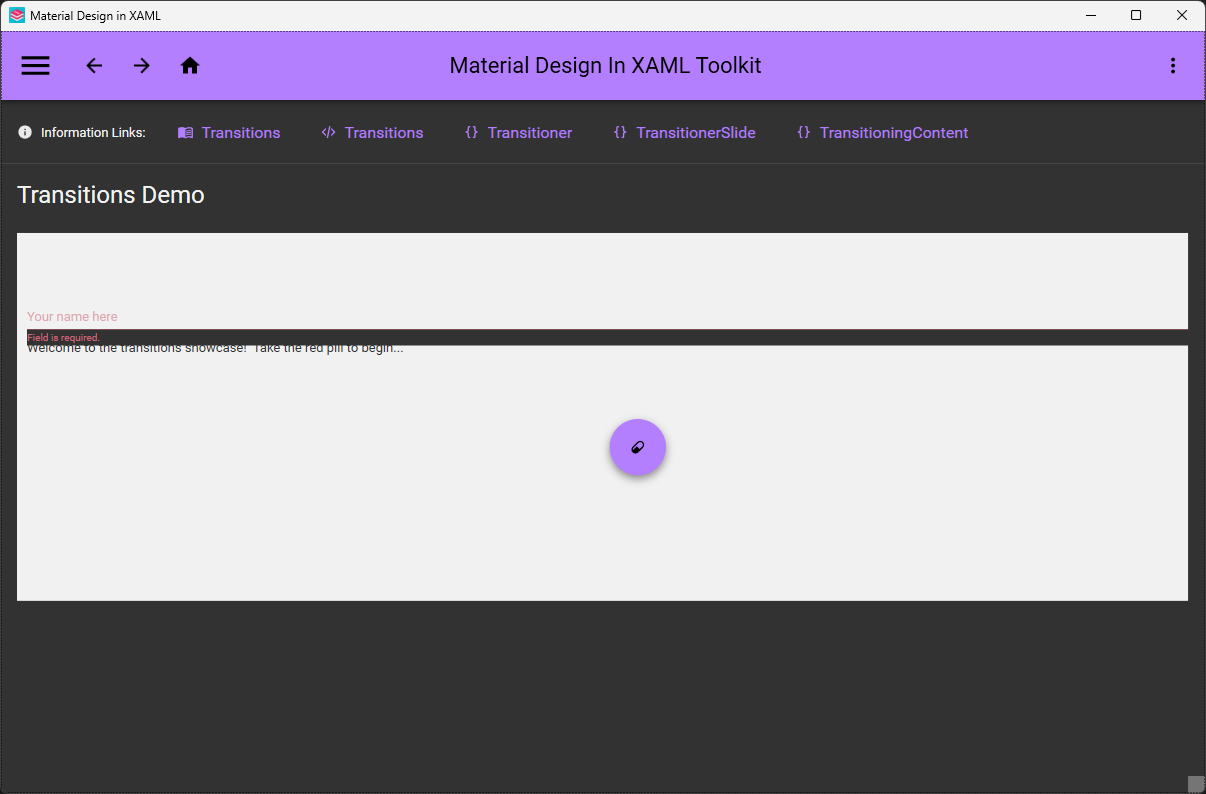
More examples
FAQ
Contributing
Before contributing code read the Contribution Guidelines
- GitHub issues are for bugs and feature requests.
- For questions, help and chat in general, please use the GitHub discussion tab or the Discord server.
- Stack Overflow tag:
material-design-in-xaml
Want to say thanks? 🙏🏻
- Hit the :star: star :star: button
- If you'd like to make a very much appreciated financial donation please visit open collective
This project exists thanks to all the people who contribute.
Mentions
- James Willock
 - Founder of the project
- Kevin Bost
 - Maintainer of the repository
- Snalty
 - Designer of the logo
- Icon pack sourced from Material Design Icons
- ControlzEx - Library used in MaterialDesignInXAML
- Ignace Maes - Whose Material Skin project inspired the original material design theme for Dragablz, which in turn led James Willock start this project
- Material Design Extensions - A community repository based on this library that provides additional controls and features.
- Contributors - A big thank you to all the contributors of the project!
Backers
Thank you to all our backers! 🙏 Become a backer.

Sponsors
Support this project by becoming a sponsor. Your logo will show up here with a link to your website. Become a sponsor.


Explore related projects
codecrafters-io/build-your-own-x
Master programming by recreating your favorite technologies from scratch.
560,011 starspublic-apis/public-apis
A collective list of free APIs
496,259 starsmorluto/rea
Reverse engineer anything with agents, from app behavior down to native binaries.
432,945 starsopenclaw/openclaw
The AI that really does things. Any OS. Any Platform. The lobster way. 🦞
393,951 stars