
MF-DEEV/Openbar
MF-DEEV/Openbar has 26 GitHub stars and 3 forks. GitHot measured 0 stars in 24 hours. Last checked 2026-11-16 03:38 UTC. Last push 2026-11-14.
Measured star growth
- in 24h
- 0
- in 7 days
- Update delayed
- in 15 days
- Update delayed
- in 1 month
- Update delayed
Net star changes over overlapping periods, not daily totals. Missing measurements are left blank. Stars measure attention, not software quality.
About
The Dynamic Island for your AI agents. Claude Code, Codex and more in your Mac's notch, plus a full menu bar toolkit.
ProductivityREADME.md
Original
Your coding agents, in the notch.
Openbar lists every Claude Code and Codex session beside your Mac's camera.
When one needs you, you allow it, answer it or reply from there.




Features and guides Discussions
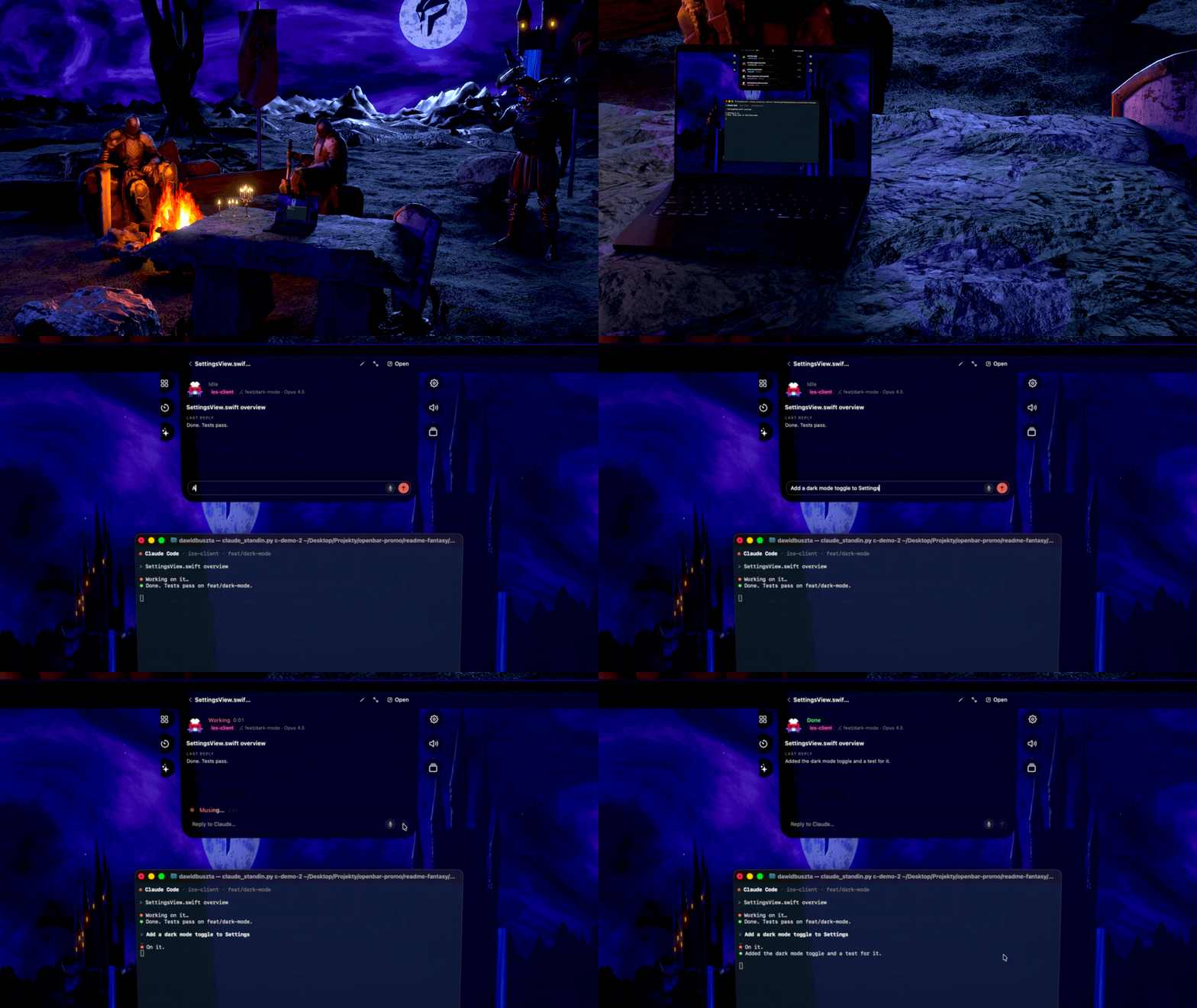
Models: knights by mp4967qwp, JakeHoughton and best3deu, trees by Yag1z and evolveduk, laptop "2021 Macbook Pro 14" (M1 Pro / M1 Max)" by akshatmittal, all on Sketchfab under CC BY 4.0; scans from Poly Haven (CC0). Sources.
What Openbar does
- Permission requests, questions and plans open in the island with the full command or diff.
- A reply you type or speak lands in the session's own terminal or editor.
- Claude Code, Codex, OpenCode, Gemini CLI, Copilot CLI, Cursor, Pi, Mistral Vibe and Devin CLI share one list.
- Each session you start from the island gets its own git worktree.
- Nothing leaves your machine (privacy).
- A menu bar toolkit comes with it: a volume mixer, a system monitor, clipboard history and more.
Install
Mac (Apple Silicon, macOS 14 or later), with Homebrew:
brew install --cask mf-deev/openbar/openbar
Or get the DMG from the latest Mac release and drag Openbar to Applications. It isn't notarized yet, so the first time choose Open Anyway in System Settings › Privacy & Security.
Windows 11 (beta), with winget:
winget install MFDEV.Openbar
Or run the installer from the latest Windows release.
On the Mac and on Windows, Openbar then updates itself: it checks once a day and asks before installing. brew upgrade and winget upgrade work too.
Linux (X11, beta): get the .deb, .rpm or AppImage from the latest Linux release, for x86_64 or Arm64. Wayland isn't supported yet; see the Linux notes.
On the Mac, turn sessions on in Openbar's Settings: install AI Agents in the Features hub, turn on Sessions under Dynamic Island and press Install Hooks for Claude Code. Then start claude or codex.
Docs
Features and guides · Privacy · Permissions · Troubleshooting · Windows · Contributing · Security · Code of conduct
License
GPL 3.0 or later. Openbar is built on Vorssaint, copyright 2026 Vorssaint; the changes in this repository are copyright 2026 MF DEV, Adrian (@atekuu) and the Openbar contributors, under the same license. Openbar is not affiliated with Vorssaint; see TRADEMARKS.md.


