
LeiQiaoZhi/Easy-Text-Effects-for-Unity
LeiQiaoZhi/Easy-Text-Effects-for-Unity has 1,082 GitHub stars and 92 forks. GitHot measured 0 stars in 24 hours. Last checked 2026-11-09 10:33 UTC. Last push 2026-03-12.
An open-source Unity package for animating TextMeshPro text with customizable effects. Includes ready-to-use samples, real-time previews, and per-vertex animation capabilities.
What you can do
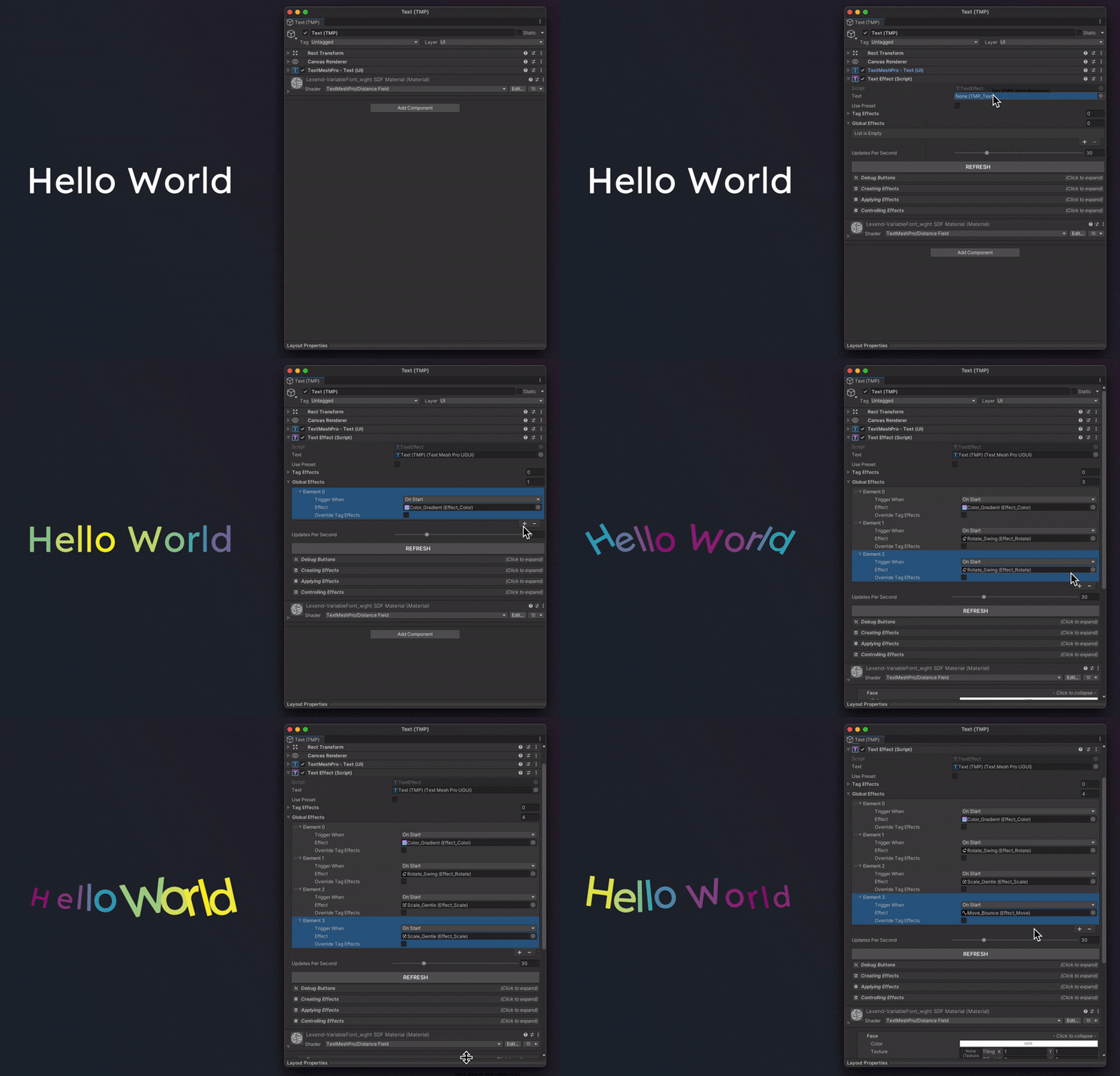
- Effortless Setup: Attach a single component, create effects as ScriptableObjects, and apply with drag-and-drop.
- Customizable Animations: Use animation curves and a variety of parameters for unique, fine-tuned effects.
- Per-Vertex Effects: Animate individual text vertices for detailed and dynamic visuals.
- Ready-to-Use Samples: Kickstart your creativity with a library of pre-made effects.
Measured star growth
- in 24h
- 0
- in 7 days
- Update delayed
- in 15 days
- Update delayed
- in 1 month
- Update delayed
Net star changes over overlapping periods, not daily totals. Missing measurements are left blank. Stars measure attention, not software quality.
README.md
Original
 Easy Text Effects for Unity (❗Looking for Maintainers❗)
Looking for Maintainers: see https://github.com/LeiQiaoZhi/Easy-Text-Effects-for-Unity/issues/38


Easily animate TextMeshPro text with stunning, customizable effects!
Easy Text Effects is a free and open-source Unity package that brings life to your text. Whether you're working on games, UI, or interactive experiences, this package provides an intuitive and flexible way to create captivating text animations.
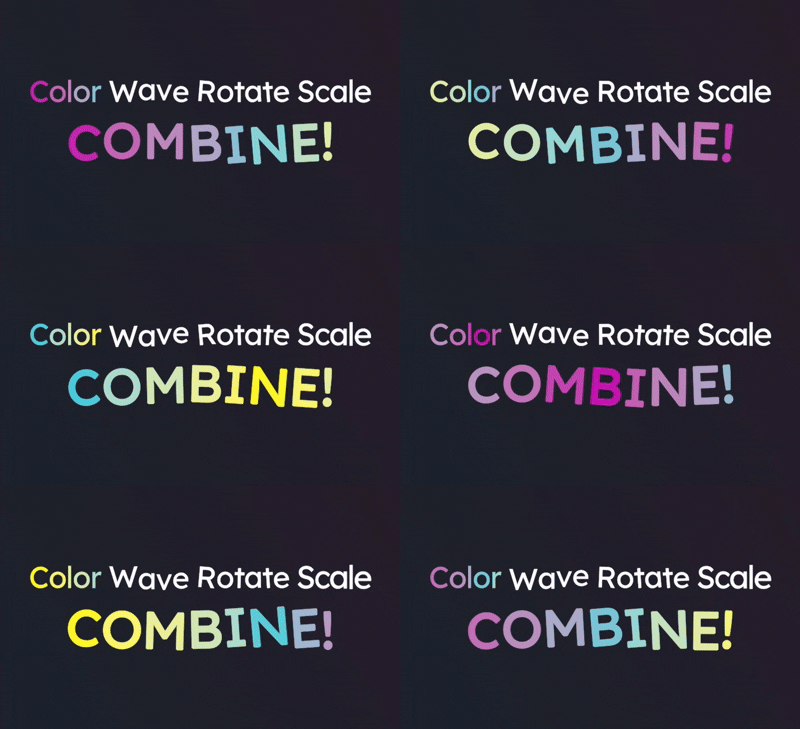 |
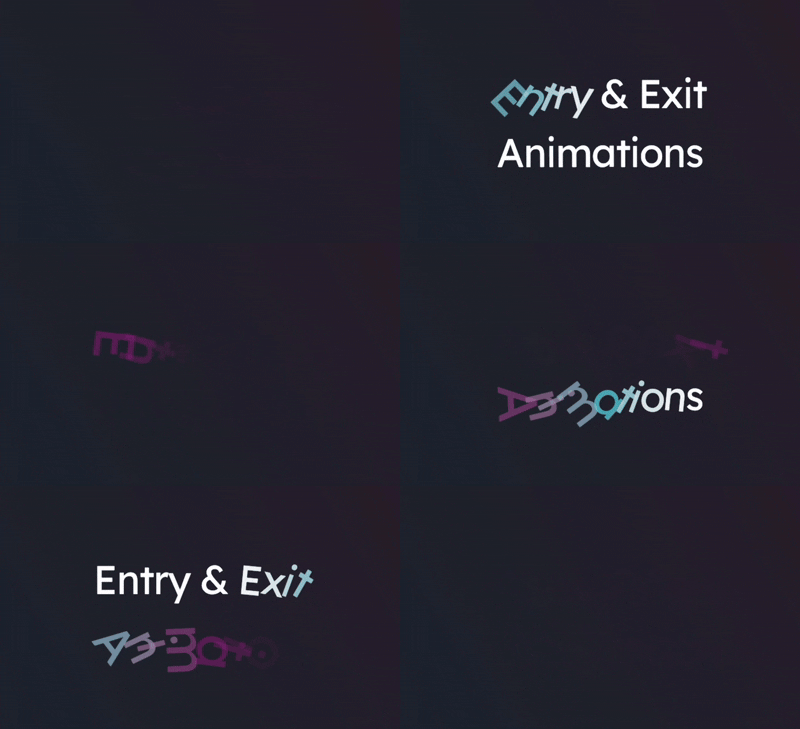 |
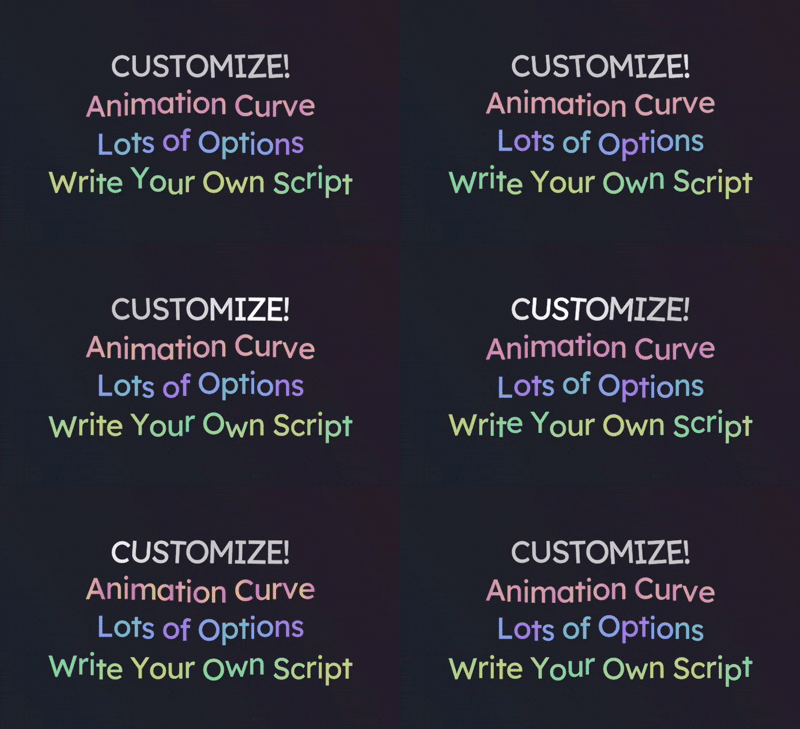 |
|---|
✨ Features
- Effortless Setup: Attach a single component, create effects as ScriptableObjects, and apply with drag-and-drop.
- Customizable Animations: Use animation curves and a variety of parameters for unique, fine-tuned effects.
- Per-Vertex Effects: Animate individual text vertices for detailed and dynamic visuals.
- Ready-to-Use Samples: Kickstart your creativity with a library of pre-made effects.
- Real-Time Previews: See your effects in the edit mode.
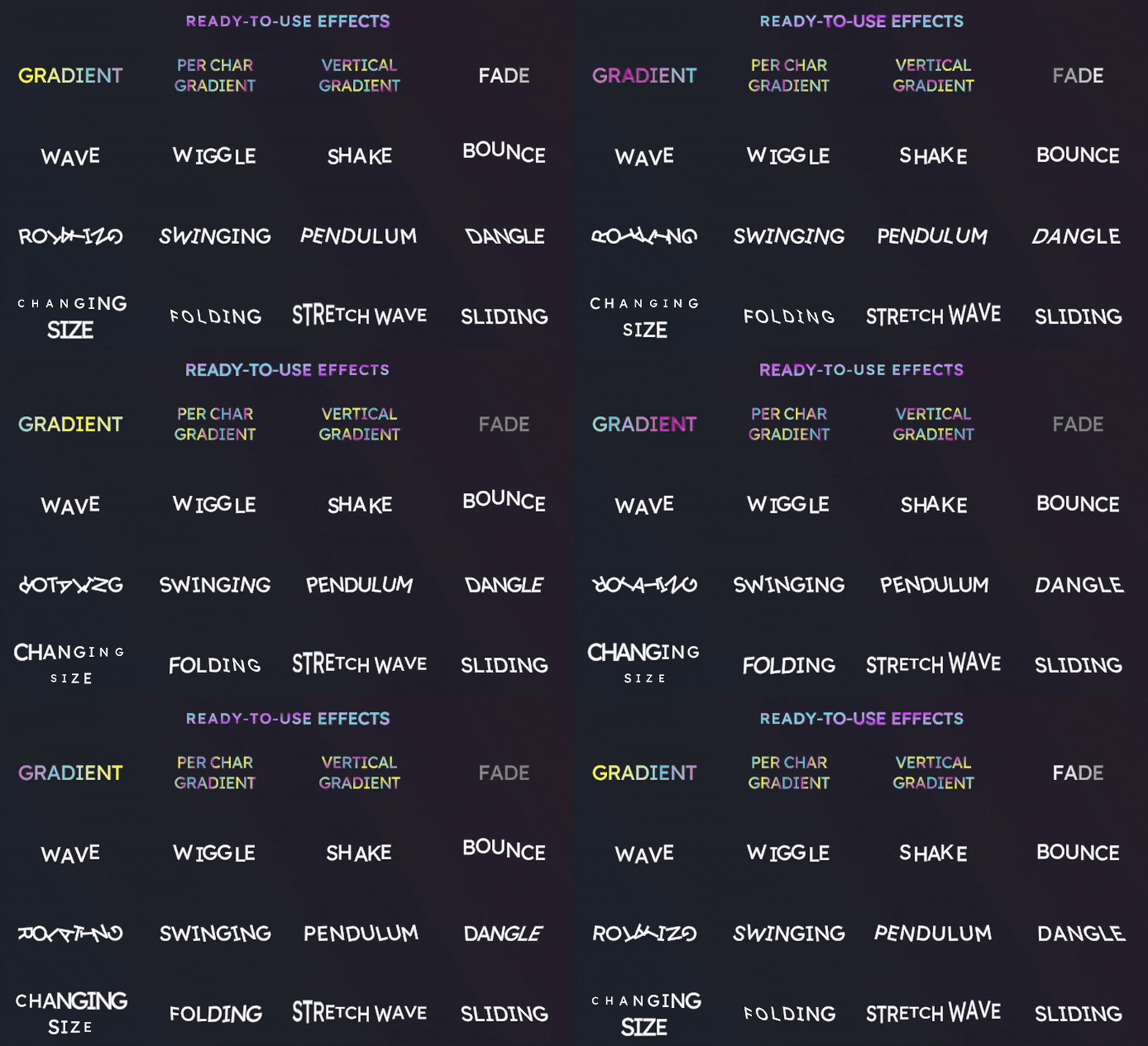
🚀 Quick Start
- Install the package.
- Add the Text Effect Component to your TextMeshPro object.
- Create an Effect ScriptableObject and configure the parameters.
- Drag and drop your effect onto the component.
- See you effect in the edit mode right away!
For detailed steps, visit the Quick Start Guide.
📚 Learn More
🛠️ Customization
Unleash your creativity with:
- Animation Curves: Control timing, speed, and intensity.
- Per-Vertex Effects: Animate individual letters for dynamic text effects.
- Combine Effects: Create complex animations with composite effects.
❔ How to ...
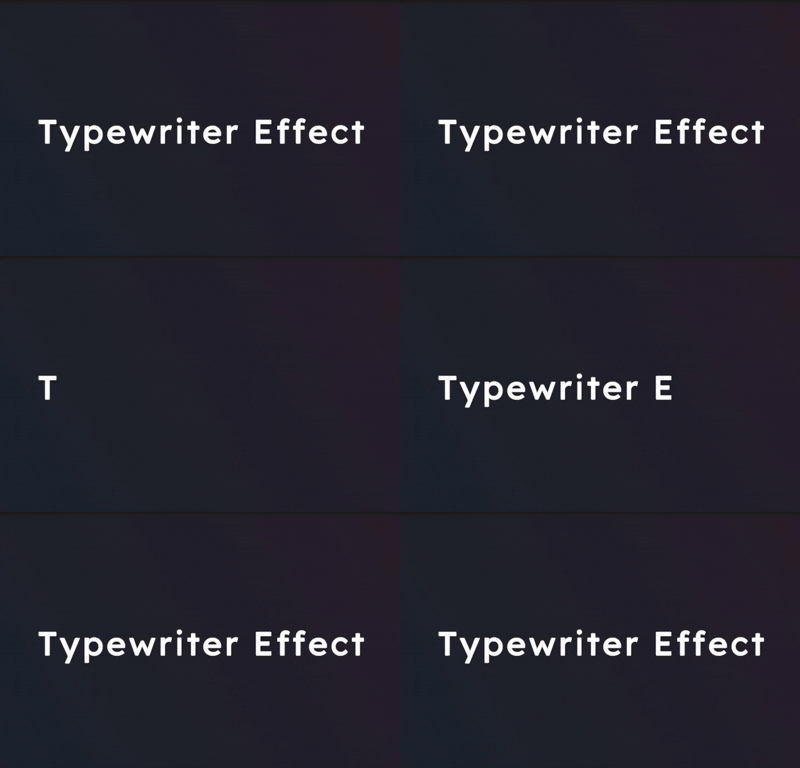
- Typewriter Effect? Absolutely! See Tutorial: Typewriter Effect.
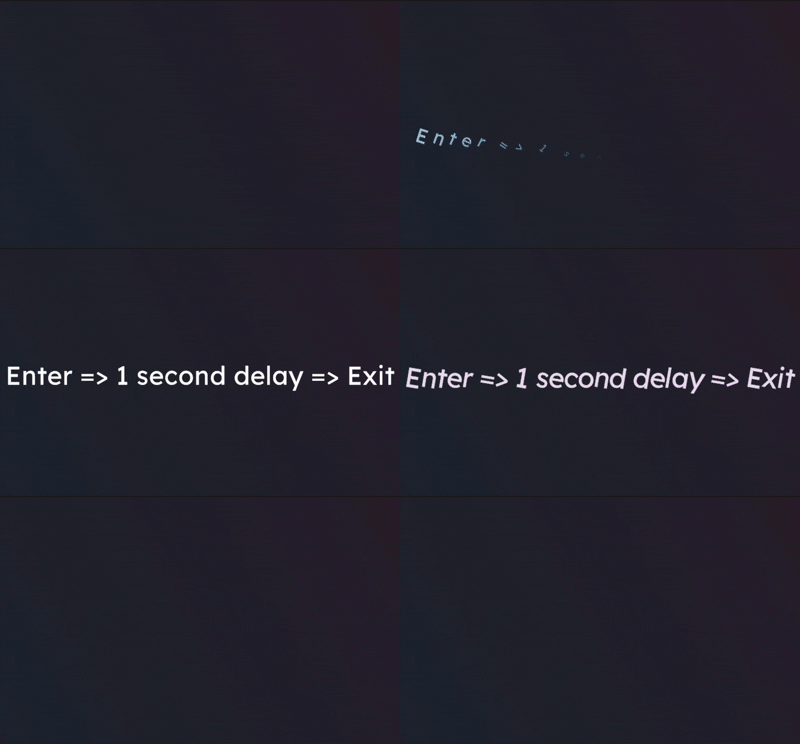
- Chain animations? Absolutely! See Tutorial: Chaining Animations.
- If you are still unsure after reading the documentation, feel free to ask anywhere (dm, email, issue, etc.).
| Typewriter Effect | Chain Animations |
|---|---|
 |
 |
🤝 Contributing
Found a bug or have a feature request? Open an issue or submit a pull request! Contributions are welcome.
📃 License
This project is licensed under the MIT License. See the LICENSE file for details.
Explore related projects
ytdl-org/youtube-dl
Command-line program to download videos from YouTube.com and other video sites
141,500 starsexcalidraw/excalidraw
Virtual whiteboard for sketching hand-drawn like diagrams
135,396 starsgodotengine/godot
Godot Engine – Multi-platform 2D and 3D game engine
119,840 starsmrdoob/three.js
JavaScript 3D Library.
117,983 stars