
Lakr233/Sentry
Lakr233/Sentry has 348 GitHub stars and 32 forks. GitHot measured 0 stars in 24 hours. Last checked 2026-11-19 11:52 UTC. Last push 2026-05-18.
What you can do
- 🔒 Comprehensive Monitoring: Track lid status, network connectivity, and power connection
- 📹 Automatic Recording: Records video clips when enabled
- 🚨 Multi-Alert System: Sound alarms and push notifications via Bark
- 🎯 Real-time Detection: Instant monitoring of device state changes
Measured star growth
- in 24h
- 0
- in 7 days
- Collecting history
- in 15 days
- Collecting history
- in 1 month
- Collecting history
Net star changes over overlapping periods, not daily totals. Missing measurements are left blank. Stars measure attention, not software quality.
About
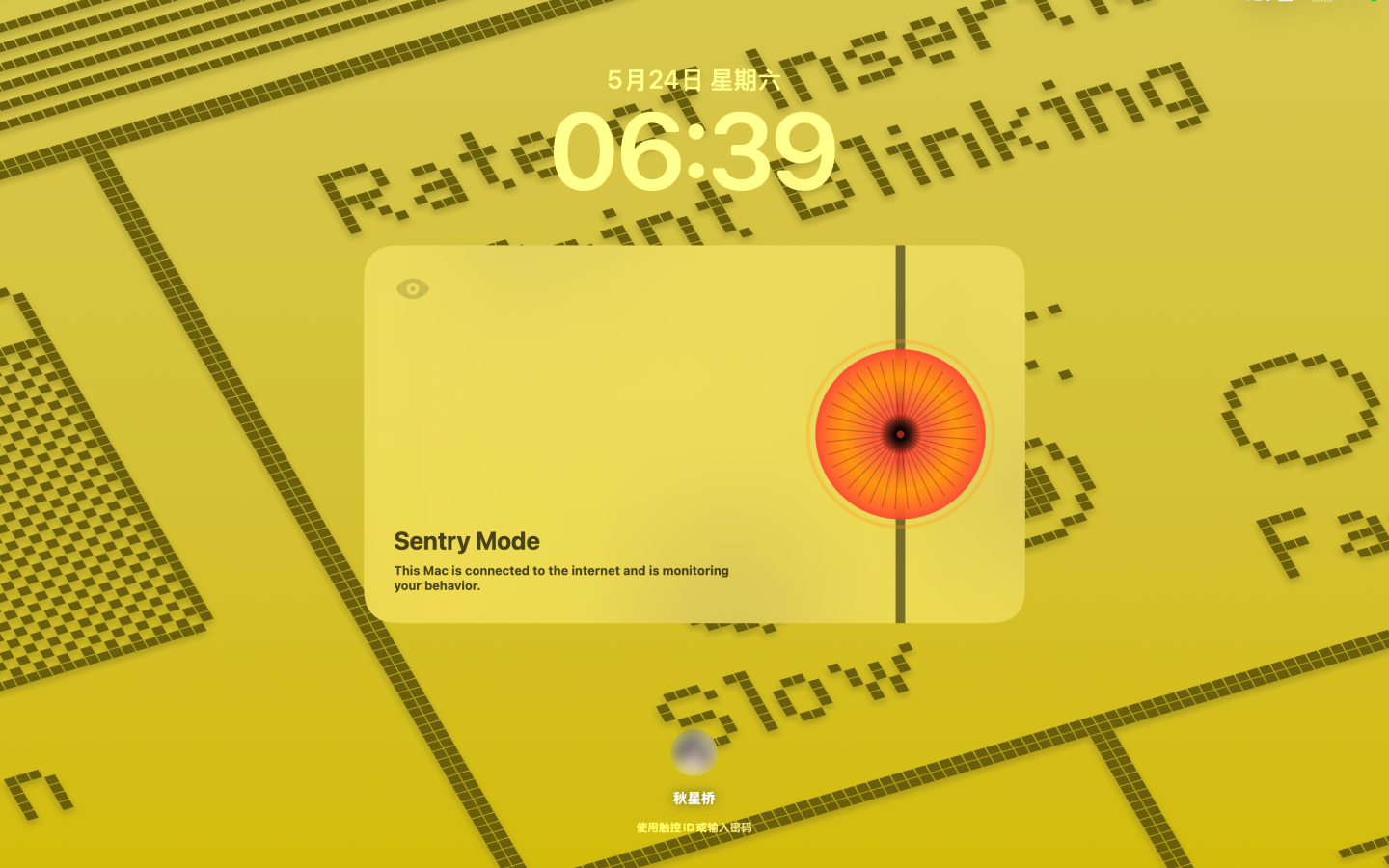
A powerful macOS security monitoring application that detects unauthorized access attempts and records video evidence for you.
Creative & MediaREADME.md
OriginalSentry
A powerful macOS security monitoring application that detects unauthorized access attempts and records video evidence for you.
Picture this: you're vibing and coding in a coffee shop when nature calls. You have to step away but don't want to lug your laptop to the restroom. Simply activate Sentry mode, and if anything suspicious happens, you can quickly wrap things up and rush back to the scene!
Preview
Features
- 🔒 Comprehensive Monitoring: Track lid status, network connectivity, and power connection
- 📹 Automatic Recording: Records video clips when enabled
- 🚨 Multi-Alert System: Sound alarms and push notifications via Bark
- 🎯 Real-time Detection: Instant monitoring of device state changes
System Requirements
- macOS 13.0+
- Camera access permission for video recording
Installation
- Download Sentry from the Mac App Store:

- Disable auto sleep mode see below
- When you need it, launch Sentry from your Applications folder.
If you dont wanna buy it from App Store, you can also build it from source. In that case Sentry is free.
Installation - Disable Auto Sleep
To ensure Sentry works effectively, you need to prevent your Mac from sleeping. Without this setup, if someone closes the lid quickly, your Mac may go to sleep before Sentry can trigger sound alerts or send notifications. Use one of the following methods to resolve this issue:
Option 1: Use SleepHoldService
Sentry automatically prevents your Mac from sleeping by utilizing SleepHoldService. Install this service by running the following terminal command:
/bin/bash -c "$(curl -fsSL https://raw.githubusercontent.com/Lakr233/SleepHoldService/HEAD/net_install.sh)"
Option 2: Use pmset Command
You may need to disable sleep mode to ensure a working alarm using command line below:
sudo pmset -a disablesleep 1
To re-enable sleep mode, use:
sudo pmset -a disablesleep 0
License
This project is licensed under the MIT License. See the LICENSE file for details.
Disclaimer
This software is intended for legitimate security monitoring of your own devices. Users are responsible for ensuring compliance with local laws and regulations regarding recording and monitoring.
Sponsor
LookInside helps you inspect a running iOS or macOS app UI from your Mac.
Copyright 2025 © Lakr Aream. All rights reserved.