
LHRUN/paint-board
LHRUN/paint-board has 2,644 GitHub stars and 301 forks. GitHot measured 0 stars in 24 hours. Last checked 2026-11-08 19:14 UTC. Last push 2026-10-23.
🎨 A powerful multi-end drawing board that brings together a lot of creative brushes to experience a whole new range of drawing effects!
What you can do
- Free Drawing: Provides 15 brush styles: basic, pen, outlined pen, rainbow, multi-shape, material, pixels, multi-color, text, multi-line, mesh, multi-point, wave, thorn, and ink.
- Shape Drawing: Supports drawing rich graphics, including built-in shapes and Lucide icon library graphics, which can be used with just a click. Configurable line width, line style, fill color, and fill style.
- Eraser Mode: Can linearly erase all content and supports linear width configuration.
- Selection Mode: Supports clicking or box selection for editing. After selection, you can drag, scale, rotate, edit colors, and group multiple objects.
Measured star growth
- in 24h
- 0
- in 7 days
- Update delayed
- in 15 days
- Update delayed
- in 1 month
- Update delayed
Net star changes over overlapping periods, not daily totals. Missing measurements are left blank. Stars measure attention, not software quality.
README.md
Original
An open-source web-based creative canvas


English / 中文(简体) / 中文(繁体) / 日本語 / 한국어
Preview
Link: https://songlh.top/paint-board/
Docs: https://songlh.top/paint-board-docs/
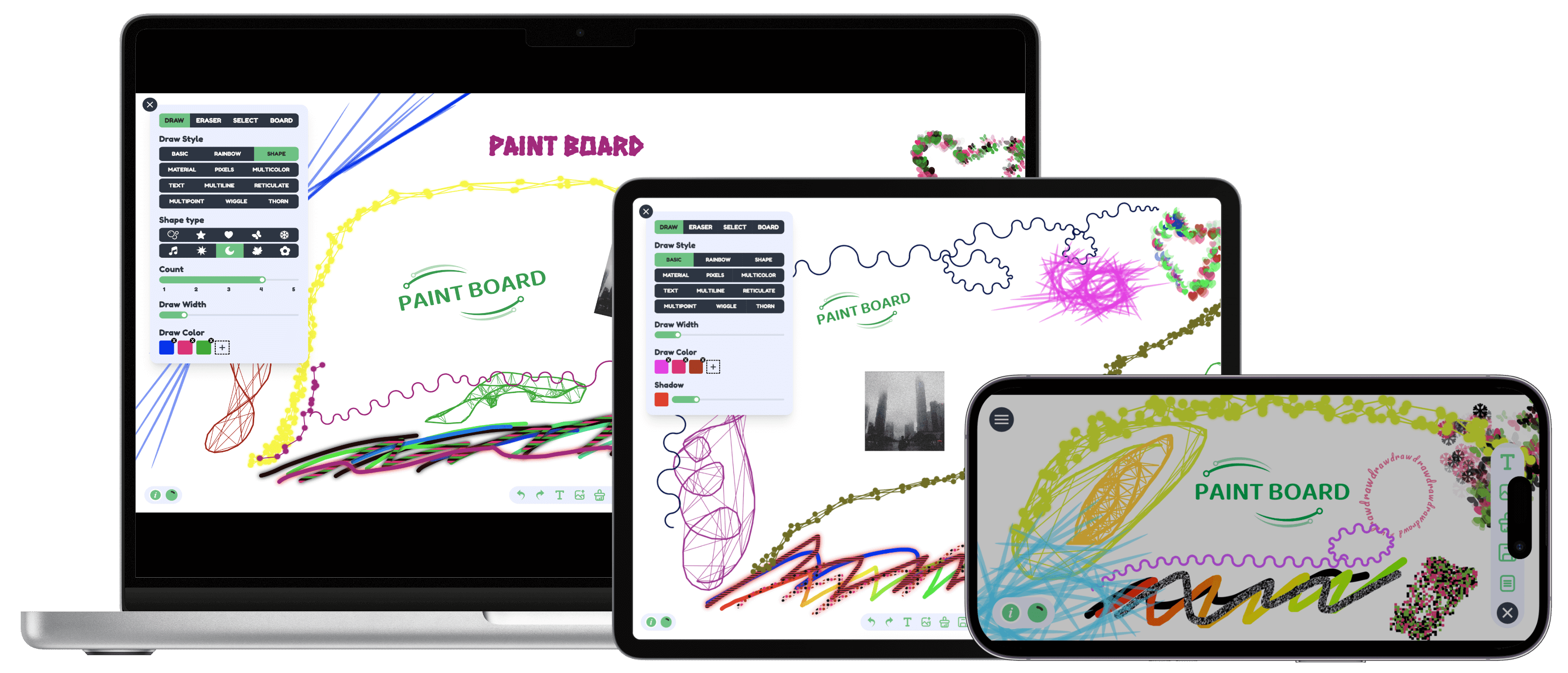
Features
- Drawing Mode
- Free Drawing: Provides 15 brush styles: basic, pen, outlined pen, rainbow, multi-shape, material, pixels, multi-color, text, multi-line, mesh, multi-point, wave, thorn, and ink.
- Shape Drawing: Supports drawing rich graphics, including built-in shapes and Lucide icon library graphics, which can be used with just a click. Configurable line width, line style, fill color, and fill style.
- Eraser Mode: Can linearly erase all content and supports linear width configuration.
- Selection Mode: Supports clicking or box selection for editing. After selection, you can drag, scale, rotate, edit colors, and group multiple objects.
- Canvas Mode: Supports canvas background, custom size, and global drawing configuration.
- Action Bar: Undo, redo, copy, group, delete, draw text, upload image, clear drawing content, save as image, open the layer list, and open the file list.
- Multi-file Configuration: Supports switching between multiple canvases. Each canvas can have a custom title. You can add, rename, delete, upload, and batch-download boards.
- i18n: 中文(简体), 中文(繁体), English, 日本語, 한국어.
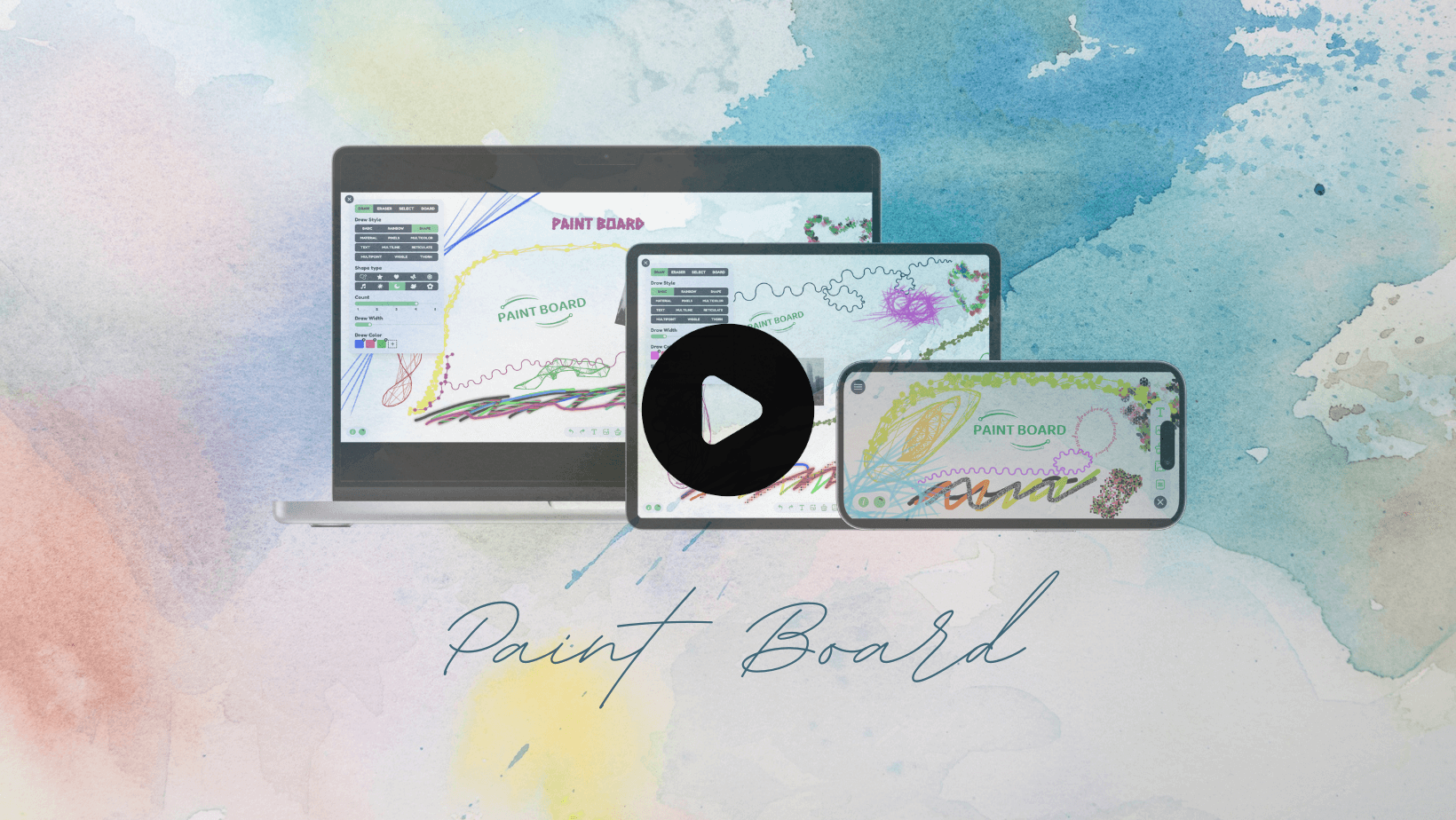
V1.3.0 Video Demo
Quick Start
git clone https://github.com/LHRUN/paint-board.git
cd paint-board
pnpm install
pnpm dev
Docker Support
- Clone source code repository
git clone https://github.com/LHRUN/paint-board.git
cd paint-board
- Build a Docker image with the name
paint-board.
docker build -t paint-board .
- Start a docker container.
docker run -d -p 8080:80 --name paint-board paint-board
- Accessed by opening
http://localhost:8080/paint-board/in your browser.
Browser support
We recommend using the latest version of Google Chrome, the following is the minimum version support
 Edge |
 Firefox |
 Chrome |
 Safari |
|---|---|---|---|
| 80+ | 80+ | 70+ | 16.4+ |
Contact me
If you have any suggestions or good ideas, welcome to contact me at any time!
- Email: [email protected]
- Telegram: https://t.me/longhao_song
- WeChat: August8_L
Contributing
I'm glad you're interested in contributing to PAINT BOARD. If you find a bug and want to fix it, please submit it in an Issue first. For new feature additions, please contact us in Discussions, or directly through the contact details provided above, and read the Contribution Guidelines below before contributing. Thank you for your support!
Document
- After refactoring with Fabric.js
- Exploring the Canvas Series: combined with Transformers.js to achieve intelligent image processing
- Exploring the Canvas Series: The Art of Time Reversal in the Canvas
- Exploring the Canvas Series: Creative Brushes Part 1
- Exploring the Canvas Series: Creative Brushes Part 2
- Exploring the Canvas Series: Creative Brushes Part 3
- writing...
- Before refactoring with Fabric.js
License
MIT License. See the LICENSE file.
Explore related projects
ytdl-org/youtube-dl
Command-line program to download videos from YouTube.com and other video sites
141,500 starsexcalidraw/excalidraw
Virtual whiteboard for sketching hand-drawn like diagrams
135,331 starsgodotengine/godot
Godot Engine – Multi-platform 2D and 3D game engine
119,840 starsmrdoob/three.js
JavaScript 3D Library.
117,905 stars