
LGLabGreg/react-qr-code
LGLabGreg/react-qr-code has 40 GitHub stars and 3 forks. GitHot measured 0 stars in 24 hours. Last checked 2026-11-15 21:24 UTC. Last push 2026-11-14.
What you can do
- Highly Customizable - Style the finder patterns, modules, and colors exactly how you want.
- Frames - Wrap the QR code in a frame with a call-to-action label like "Scan me!".
- Performance Optimized - Generates QR codes efficiently without sacrificing quality.
- SVG-Based Rendering - Crisp and scalable output for web and print
Measured star growth
- in 24h
- 0
- in 7 days
- Update delayed
- in 15 days
- Update delayed
- in 1 month
- Update delayed
Net star changes over overlapping periods, not daily totals. Missing measurements are left blank. Stars measure attention, not software quality.
About
A highly customizable and lightweight QR code generator for React applications.
Web & AppsREADME.md
Original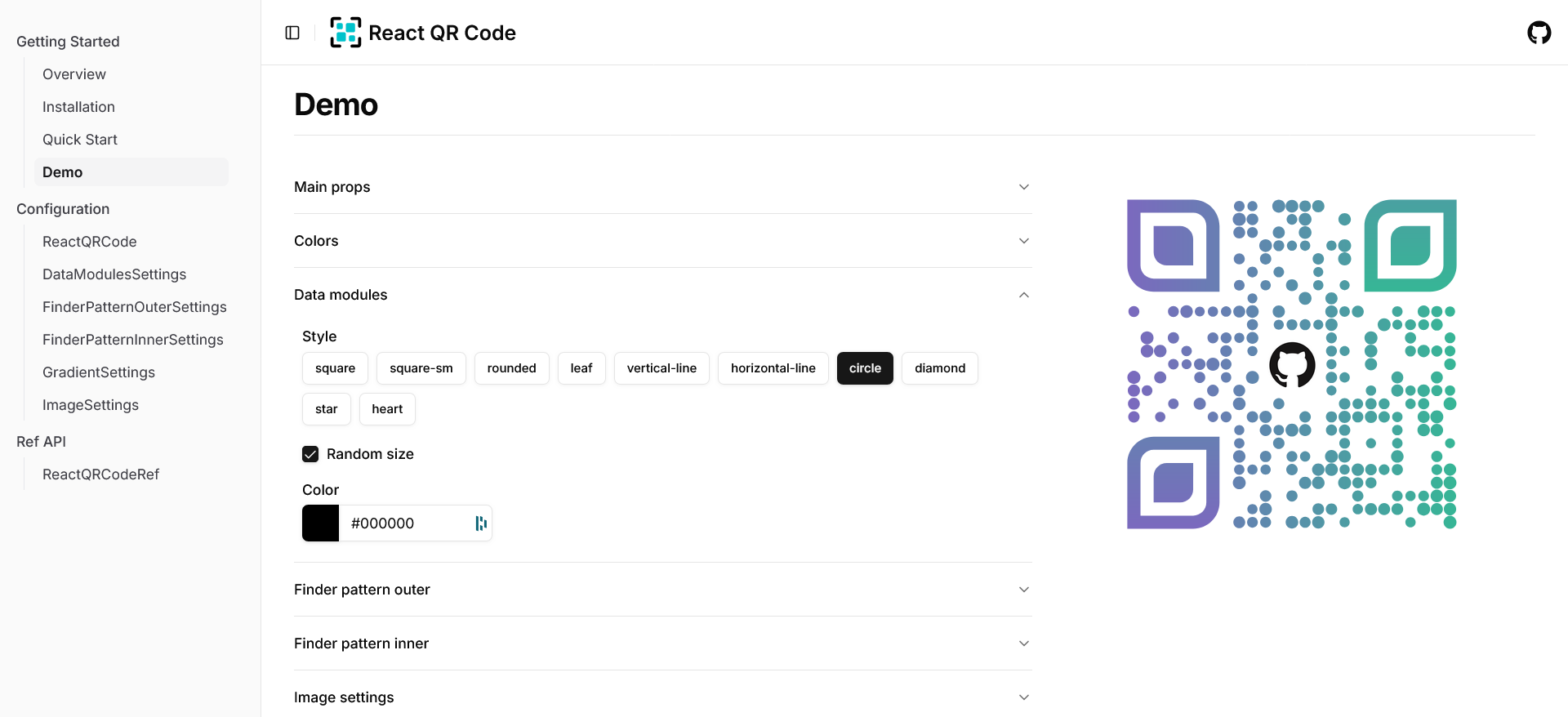
@lglab/react-qr-code
A highly customizable and lightweight QR code generator for React applications.
🚀 Live Demo: reactqrcode.com/demo
📖 Documentation: reactqrcode.com
Quick Features
- Highly Customizable - Style the finder patterns, modules, and colors exactly how you want.
- Frames - Wrap the QR code in a frame with a call-to-action label like "Scan me!".
- Performance Optimized - Generates QR codes efficiently without sacrificing quality.
- SVG-Based Rendering - Crisp and scalable output for web and print
- React Native - The same component renders in React Native and Expo through react-native-svg.
- Developer-Friendly - Built with TypeScript, easy to use, and well-documented.
Install
pnpm add @lglab/react-qr-code
or
npm i @lglab/react-qr-code
or
yarn add @lglab/react-qr-code
or
bun add @lglab/react-qr-code
Quick Start
import { ReactQRCode } from '@lglab/react-qr-code'

const Page = () => {
  return (
    <ReactQRCode value='https://reactqrcode.com' />
  );
}
React Native
The same component works in React Native 0.82+ and Expo SDK 55+. Install it with react-native-svg:
npx expo install @lglab/react-qr-code react-native-svg
Import it as above; Metro picks the native build automatically. The native ref has toDataURL() (a PNG data URL) instead of download(). See reactqrcode.com/react-native for the details.