
JohnImril/diablo_web
JohnImril/diablo_web has 73 GitHub stars and 17 forks. GitHot measured 0 stars in 24 hours. Last checked 2026-11-17 01:38 UTC. Last push 2026-11-14.
Measured star growth
- in 24h
- 0
- in 7 days
- Collecting history
- in 15 days
- Collecting history
- in 1 month
- Collecting history
Net star changes over overlapping periods, not daily totals. Missing measurements are left blank. Stars measure attention, not software quality.
About
Play the original Diablo in your browser. Powered by React, TypeScript, Vite, and WebAssembly, with local saves, a free shareware demo, and support for your own MPQ files.
Web & AppsREADME.md
OriginalDiablo Web - Play Diablo 1 in your browser
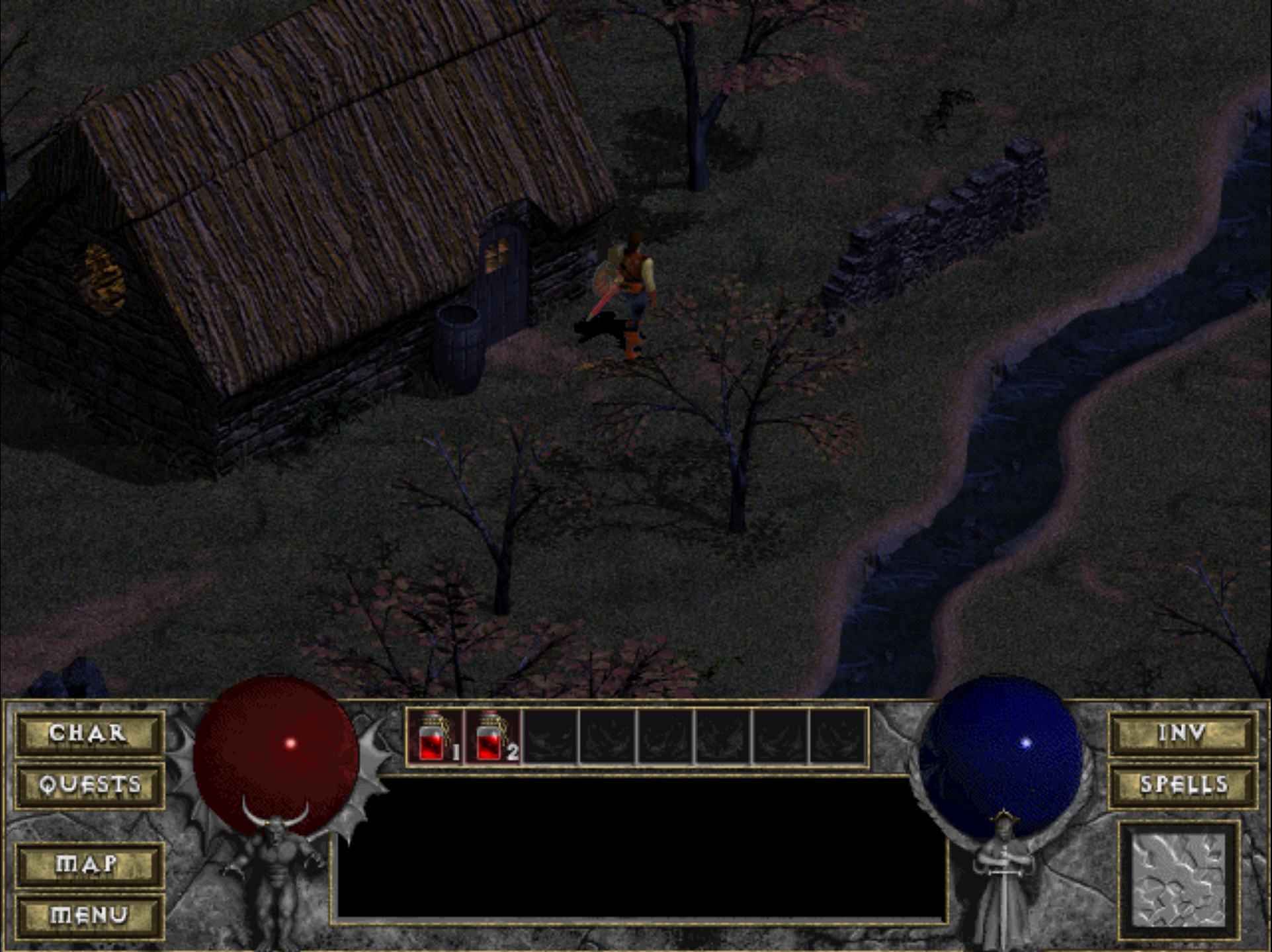
- Play Free Demo starts the limited shareware version. No purchase or local MPQ is required.
- Load Your MPQ starts the full game with your own
DIABDAT.MPQfrom a legal copy of Diablo. You can also drop the file onto the start screen.
A React + TypeScript client built with Vite, integrating an existing WebAssembly version of the Diablo engine. It handles runtime lifecycle, canvas rendering, browser input, game files, and saves.
Author
Browser-client modernization by Nikita Maksimov. Portfolio.
My work includes the React/TypeScript shell, runtime orchestration and worker integration, browser storage and save management, and the build and static deployment setup. It builds on earlier browser and WebAssembly work; the original game, reconstructed engine, and initial WebAssembly port are credited in Origins and Credits.
Playing and Saving
Choose Play Free Demo for limited shareware content, or Load Your MPQ for the full game.
Retail game data is not included; use your own DIABDAT.MPQ from a legal copy of Diablo.
MPQ compression is optional and available under Controls, limitations & game files.
Saves stay in this browser/profile, with no cloud sync. Export through Manage Saves before clearing browser
data or changing devices. To import your first save, drop a .sv file onto the start screen.
Keep the game in one tab or app window; if Game already open appears, close the other instance and choose
Try Again. Do not clear browser data to resolve it.
The installable PWA caches app and engine assets; the demo archive is stored after its first download. Updates wait until gameplay and tracked storage writes finish. Desktop mouse and keyboard work best; touch controls remain limited.
See the player guide for controls, save recovery, offline use, and multiplayer steps. Its source is public/help.html.
Engineering and Architecture
React UI calls a runtime layer that manages the WASM worker, canvas/input, networking, and IndexedDB saves.
Domain code lives in src/modules/, orchestration in src/app/runtime/, and PWA coordination in
src/app/updates/. See ARCHITECTURE.md for boundaries and the feature workflow.
Getting Started
Prerequisites
- Node.js 24 LTS (used by the GitHub Actions CI and deployment workflows) and npm.
- A browser with WebAssembly, Web Workers, IndexedDB, and Web Locks support. The app refuses to open save storage when Web Locks are unavailable.
- Serve the app over HTTPS, or use localhost for development and preview. Plain HTTP on a remote host or LAN IP does not provide the secure context required by Web Locks.
- Shareware data or your own retail MPQ to play locally.
Installation
git clone https://github.com/JohnImril/diablo_web.git
cd diablo_web
npm install
For Play Free Demo, ensure public/spawn.mpq is available in your checkout. The demo loader requests this
file from the app's static assets. For the full game, select your own DIABDAT.MPQ through Load Your MPQ;
placing it in public/ does not automatically select it.
Development
Start the Vite development server:
npm run dev
Open http://localhost:5173/diablo_web/. If the port is busy, use the URL printed by Vite.
Run the code checks:
npm run lint
npm test
Production Build
Build the client and preview the result locally:
npm run build
npm run preview
The build runs TypeScript checking before Vite bundling and writes the output to dist/.
Open the preview URL printed in the terminal.
Deployment
The client runs on static hosting; single-player and the demo need no game backend or VITE_WS_URL.
The base path is /diablo_web/ in vite.config.ts, matching the GitHub Pages demo.
The deployment workflow installs dependencies with npm ci, runs linting and unit tests,
builds the client, and publishes dist/ to GitHub Pages through the github-pages environment.
Markdown-only changes are excluded from automatic deployment.
For another host or path, follow the URL and PWA checklist in the deployment guide.
See the deployment guide for build identity, storage resets, and rollback behavior.
For a simpler deployment-oriented variant, see diablo_web_simple.
Multiplayer
hellgate-ws provides the experimental WebSocket multiplayer backend
for up to four players. Set VITE_WS_URL to your server's wss://…/ws endpoint at build time, then choose
Multi Player → WebSocket (Server) in the game. WebRTC (Direct) is a separate transport.
Follow the client connection guide
for local setup, a two-player check, and troubleshooting.
Status and Next Steps
The browser client already includes:
- Loading progress, bounded retries for interrupted downloads, runtime error recovery, and diagnostic reports.
- Save import/export, metadata caching, tracked writes with retry, and in-memory save downloads when reload is blocked.
- Exclusive save-storage ownership across tabs, an IndexedDB v5 migration barrier, and guarded save-data resets.
- Installable PWA support, cached app assets, and updates coordinated with game activity and pending storage writes.
- React/TypeScript runtime separation, import-boundary lint checks, unit tests, and CI/deployment checks.
Remaining limitations and areas for improvement:
- Mobile and touch controls still need refinement.
- Online multiplayer is experimental; codec and server tests do not establish full WASM gameplay compatibility.
- Licensing for the client, inherited code, and bundled WASM artifacts still needs clarification.
Origins and Credits
- Diablo: the original game by Blizzard North; game data, artwork, audio, and names belong to their respective owners.
- devilution: reconstruction of the original engine by GalaXyHaXz and the devilution community.
- DiabloWeb: d07RiV's earlier browser client. Its engine fork contains the earlier WebAssembly build work.
- diabloweb-beta: the intermediate modernization fork preceding this Vite/TypeScript client.
Nikita Maksimov's contribution is the modernization and integration of the browser client described above. The original Diablo engine and earlier WebAssembly port are upstream work.
License and Game Data Rights
This repository does not currently include a project license file. Licensing for the client, inherited code, and bundled WebAssembly artifacts still needs clarification; no blanket license is asserted here. Consult the upstream projects' notices, including devilution's LICENSE.md.
This project does not grant rights to commercial game data. Supply only MPQ files you are legally permitted to use.