
JetBrains/roer has 38 GitHub stars and 1 forks. GitHot measured 0 in 7 days. Last checked 2026-11-09 11:49 UTC. Last push 2026-11-02.
A workspace for terminal coding agents: run any agent CLI, review its changes from diff to merged PR, and let it draw the UI you need beside the session.
Measured star growth
- in 24h
- Update delayed
- in 7 days
- 0
- in 15 days
- Update delayed
- in 1 month
- Update delayed
Net star changes over overlapping periods, not daily totals. Missing measurements are left blank. Stars measure attention, not software quality.
README.md
Original
roer
Roer is a workspace for terminal coding agents.
- Run any agent CLI.
- Review its changes, from diff to merged PR.
- Let it draw the UI you need, beside the session.
Download the latest release for macOS, Linux or Windows. Installing, the MCP server and the skills: docs/install.md.
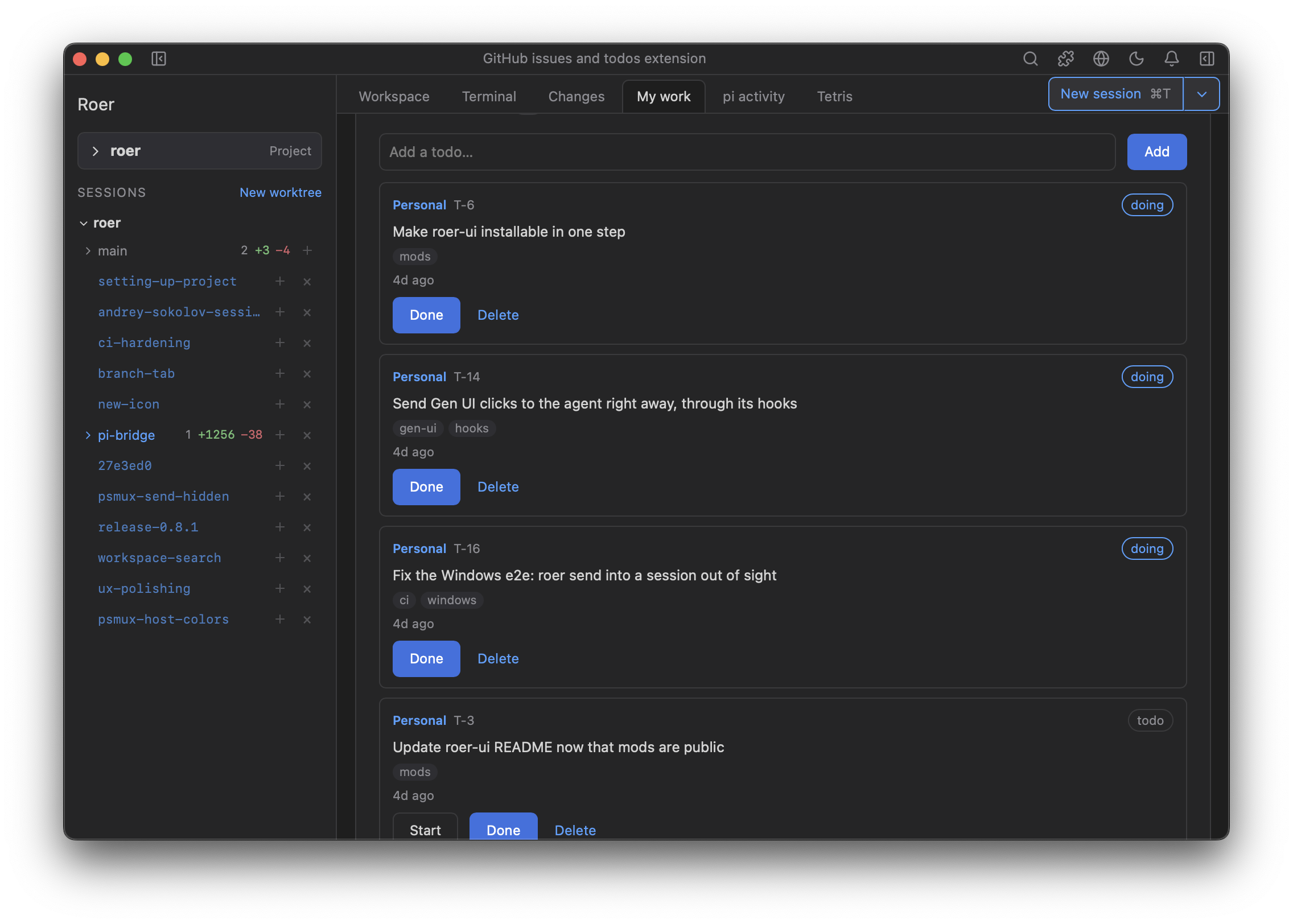
Extensions. Ask your agent for a tab ("make me a tab that…"), or click + in the strip, and it writes one from Roer's own UI components. By default a new session writes it, so the agent you are working with keeps its turn. Roer reloads the tab on every save. Here, a tab of every branch and worktree against main, with a button to start a session in each.
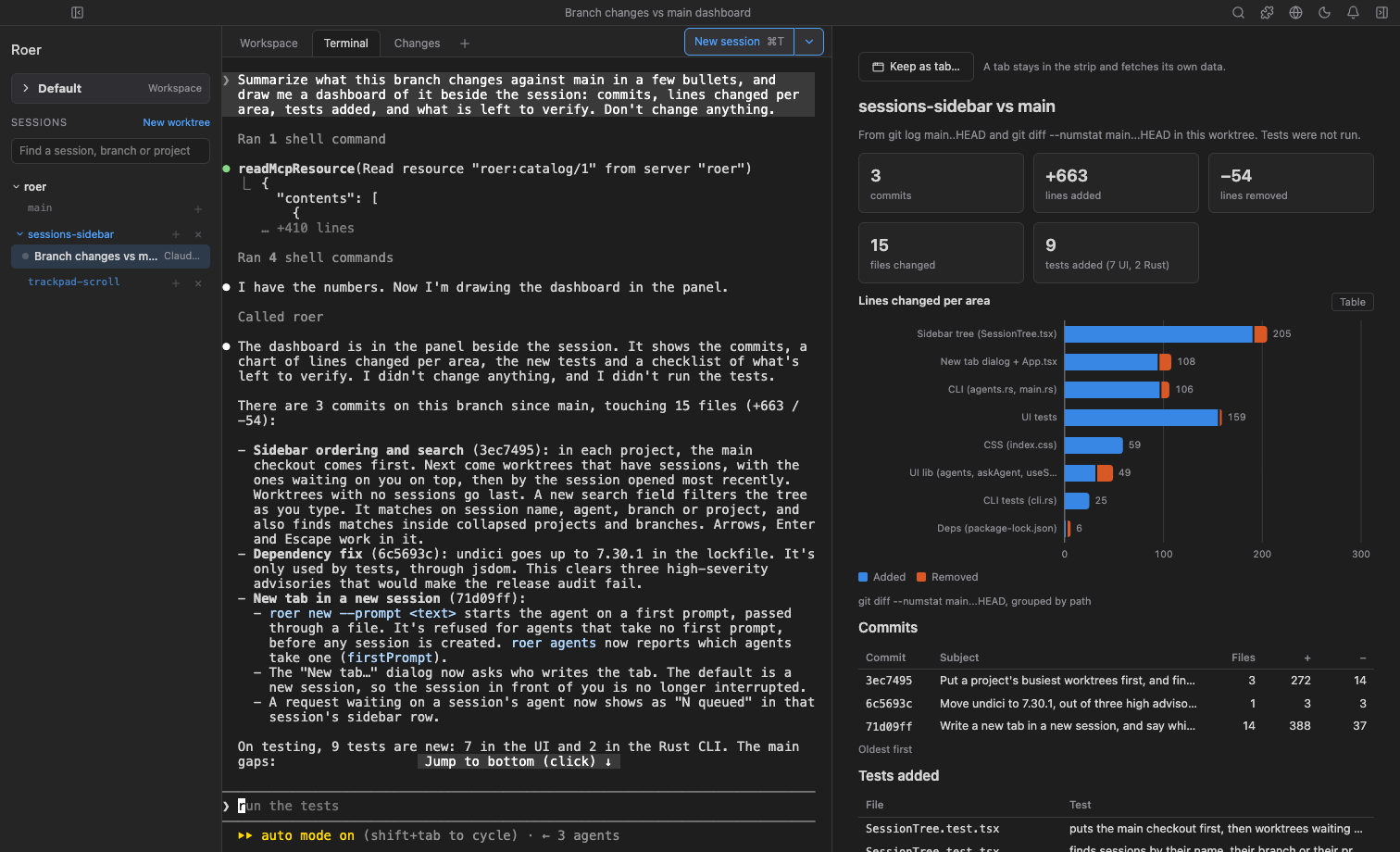
Generative UI. The agent draws what you need beside the session: a dashboard, a plan to approve, a diagram. A view you keep coming back to can become a tab.
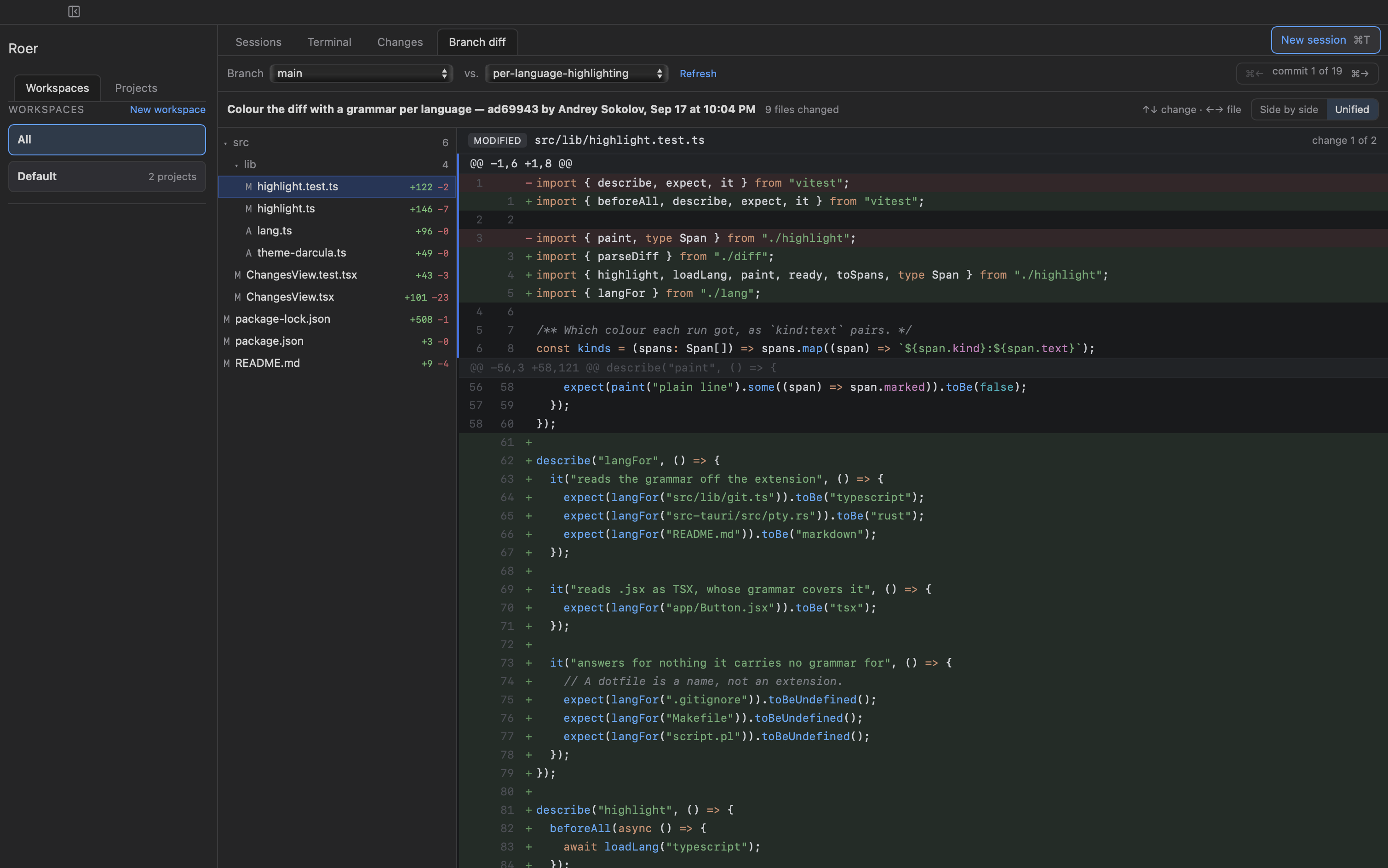
Changes and pull requests. Step through a branch's commits against its base and each commit's files. Commit from there, with Claude drafting the message. Open the PR, request a Copilot review, decide on each review thread right on the diff and send the decisions to the session, then merge. Arrow keys and ⌘+arrows step through commits and files.
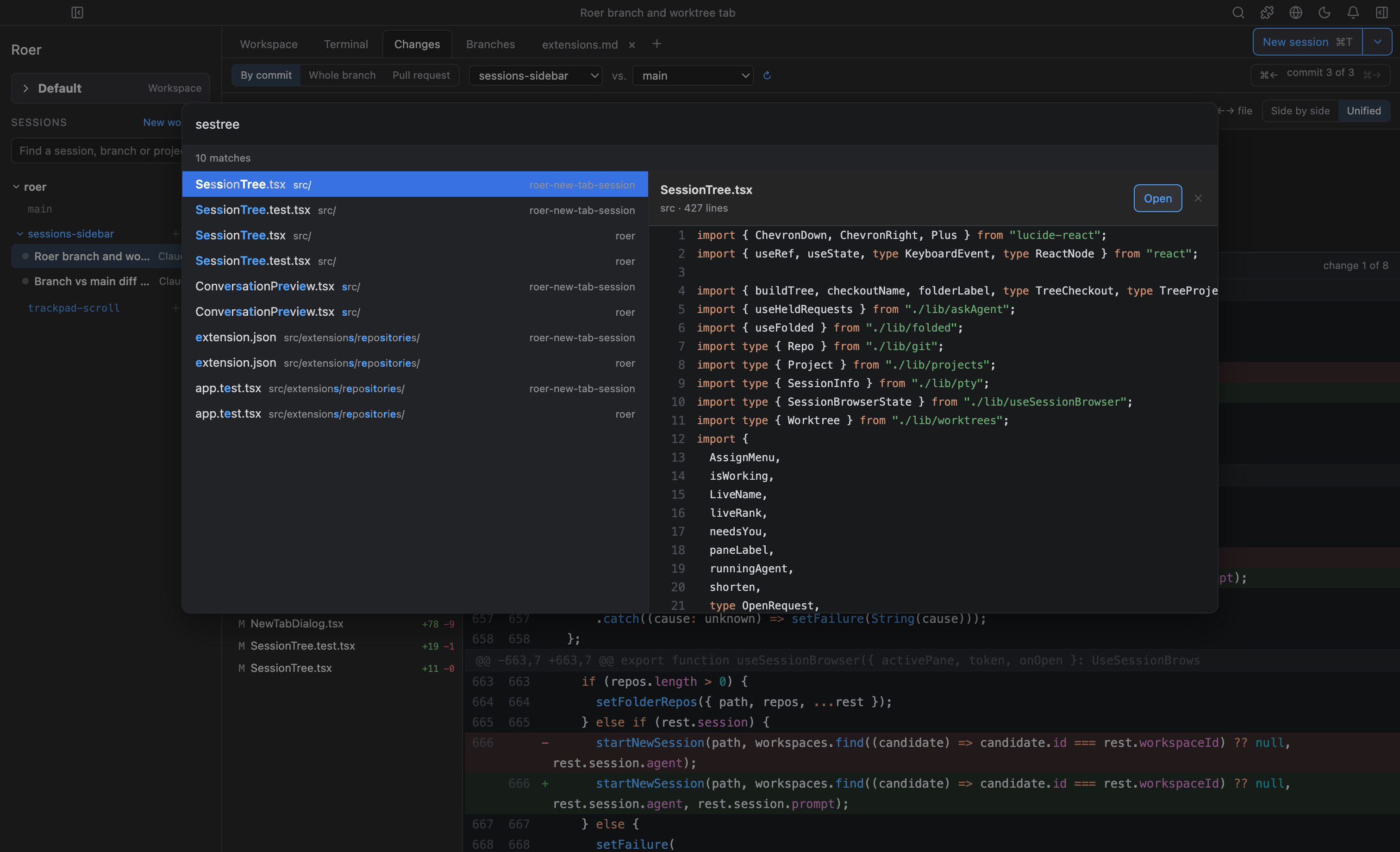
Search (⇧⌘O). One fuzzy search for sessions, files and past conversations, with a preview of what it found. The sidebar filters sessions, branches and projects as you type, too.
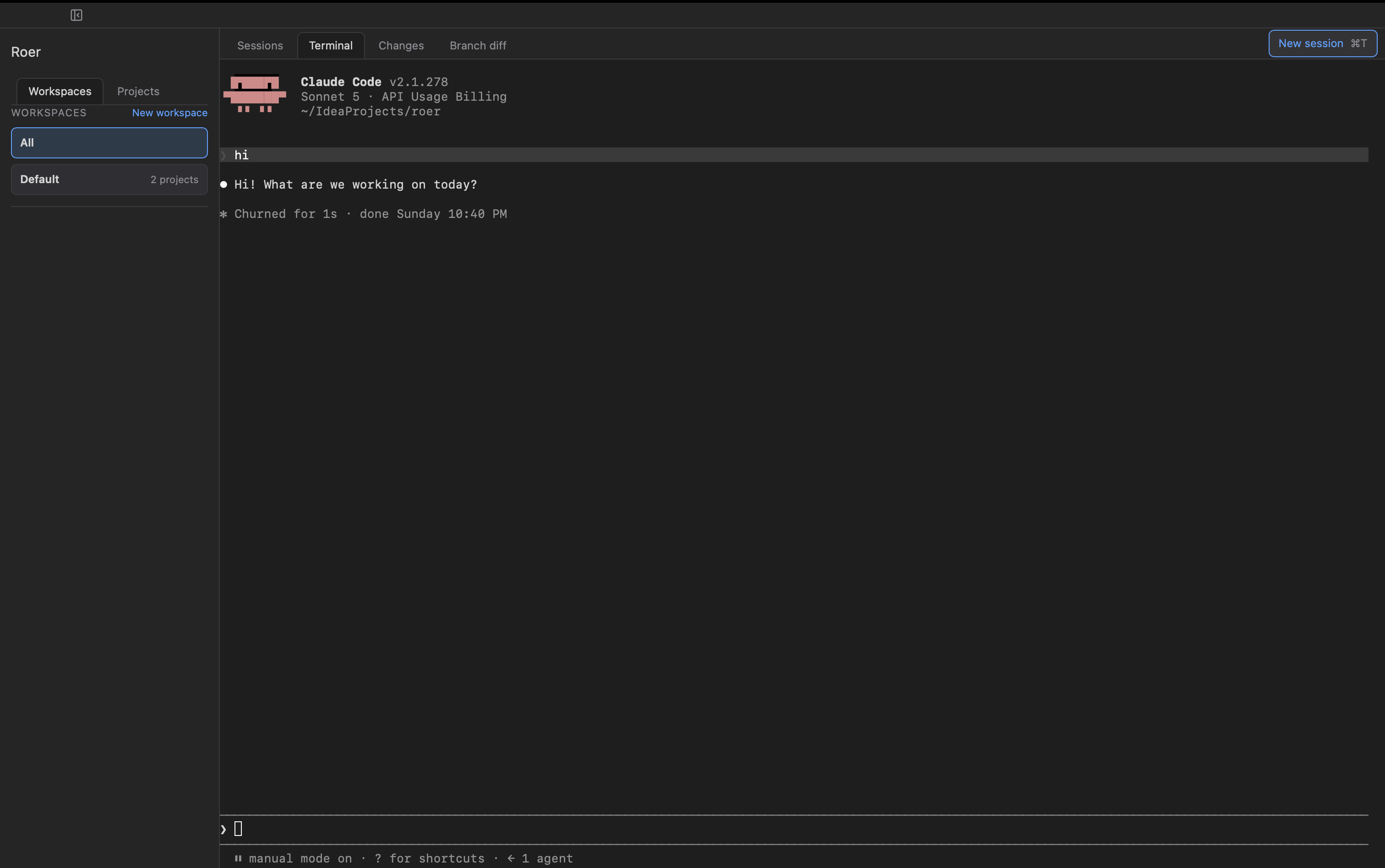
Sessions that move. A running claude hands off from your terminal to the app without restarting. Sessions live in tmux on a private socket, so they outlive the app. Start Claude Code, Codex, Pi or Junie, in a worktree of its own if you like, or save an agent with a model, effort and instructions.
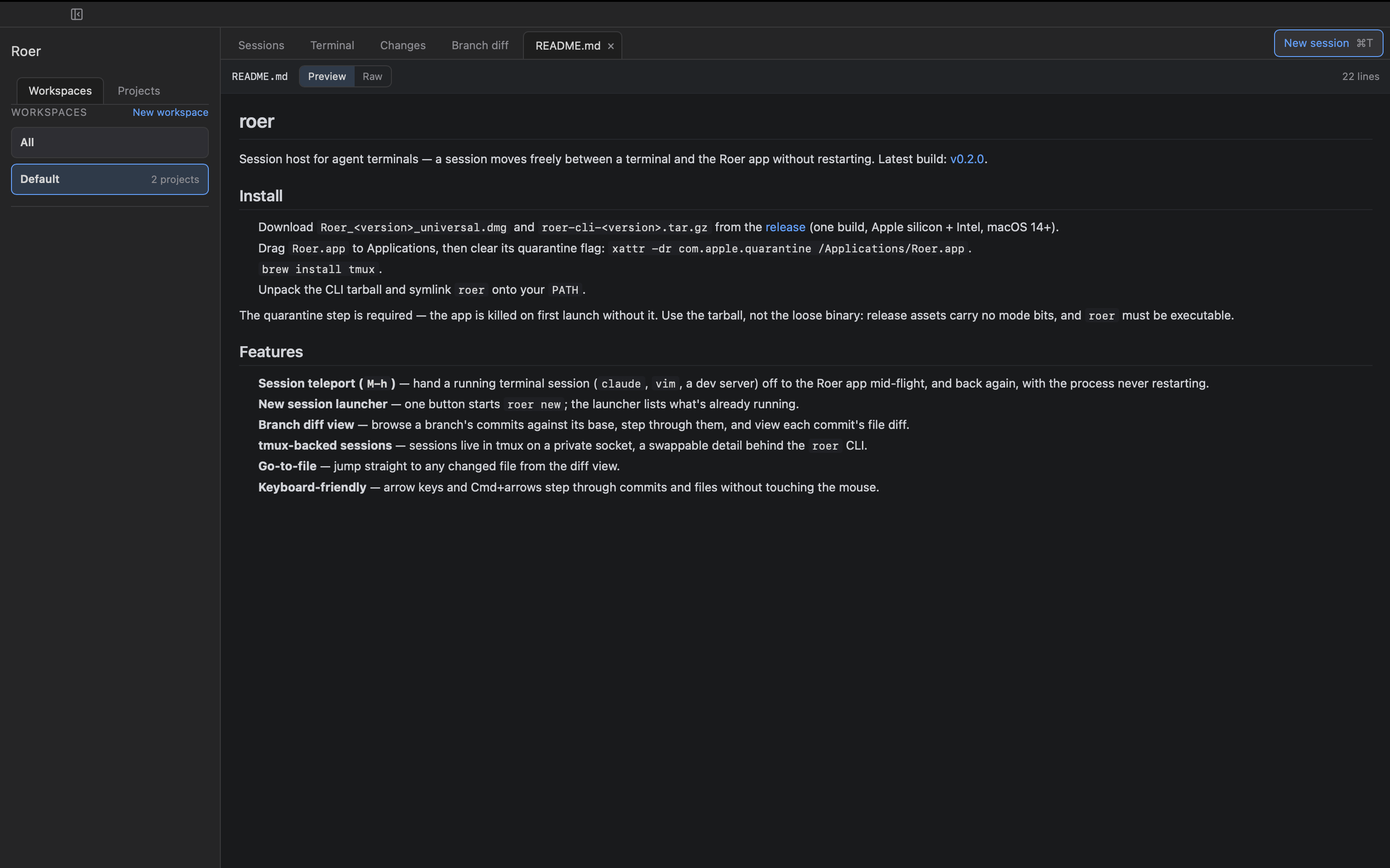
Markdown preview. Open any Markdown file, from search or the diff, and read it rendered.
More: extensions · running Roer on a server.
Explore related projects
codecrafters-io/build-your-own-x
Master programming by recreating your favorite technologies from scratch.
561,618 starspublic-apis/public-apis
A collective list of free APIs
497,948 starsmorluto/rea
Reverse engineer anything with agents, from app behavior down to native binaries.
450,064 starsopenclaw/openclaw
The AI that really does things. Any OS. Any Platform. The lobster way. 🦞
394,303 stars