
Jaxton07/percho
Jaxton07/percho has 515 GitHub stars and 49 forks. GitHot measured -1 stars in 24 hours and +10 in 7 days. Last checked 2026-11-09 21:58 UTC. Last push 2026-11-02.
Percho: Minimalist desktop GUI for the Pi coding agent — the same engine as the Pi CLI, in a clean visual interface. Multi-session chat, visual tool approvals, and custom themes.
Measured star growth
- in 24h
- -1
- in 7 days
- +10
- in 15 days
- Collecting history
- in 1 month
- Collecting history
Net star changes over overlapping periods, not daily totals. Missing measurements are left blank. Stars measure attention, not software quality.
README.md
Original
Percho
Highly customizable desktop GUI for the Pi coding agent — the same engine as the Pi CLI, in a clean visual interface. Multi-session chat, visual tool approvals, built-in subagents, UI plugins, and custom themes.







Demo
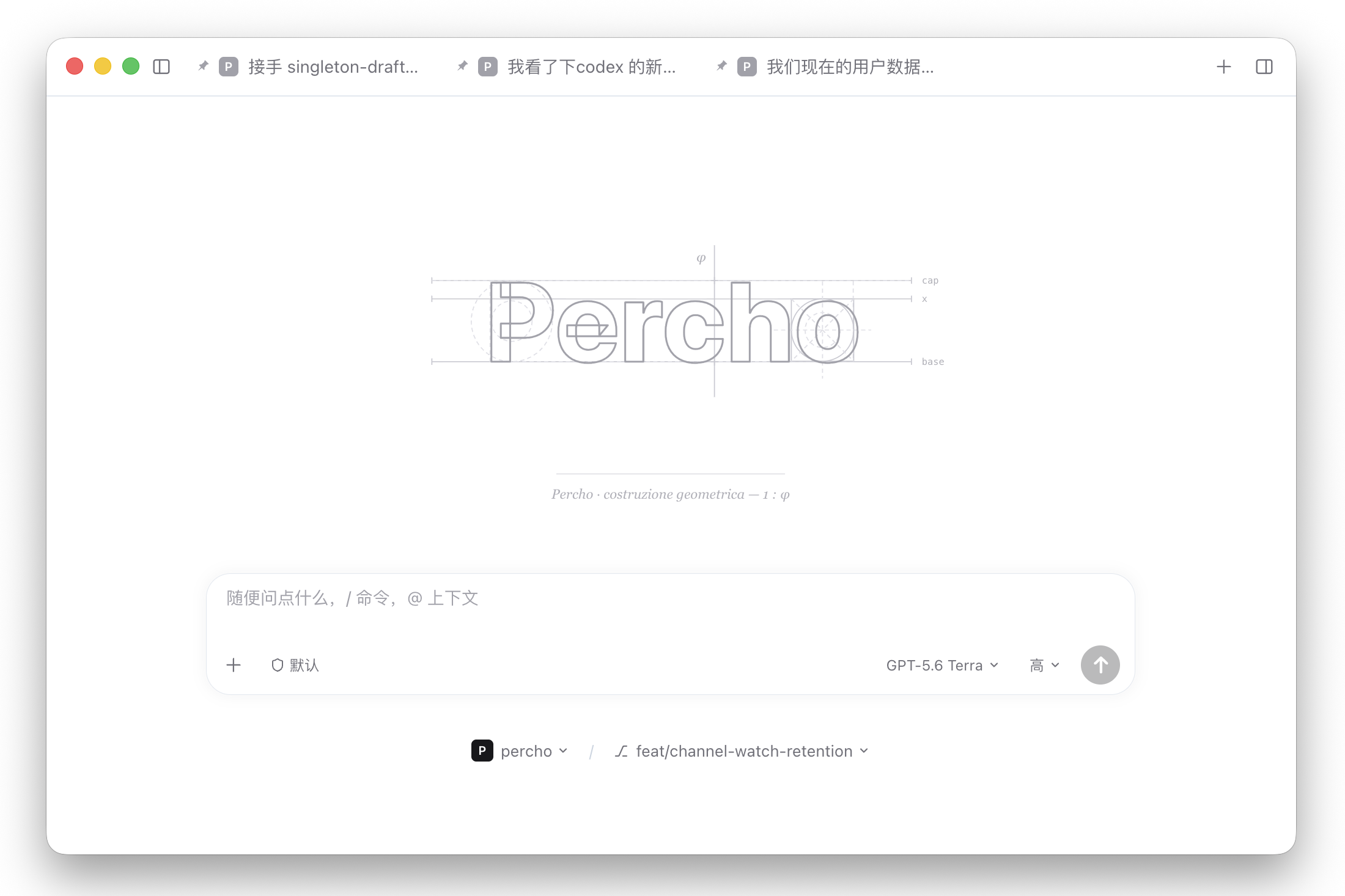
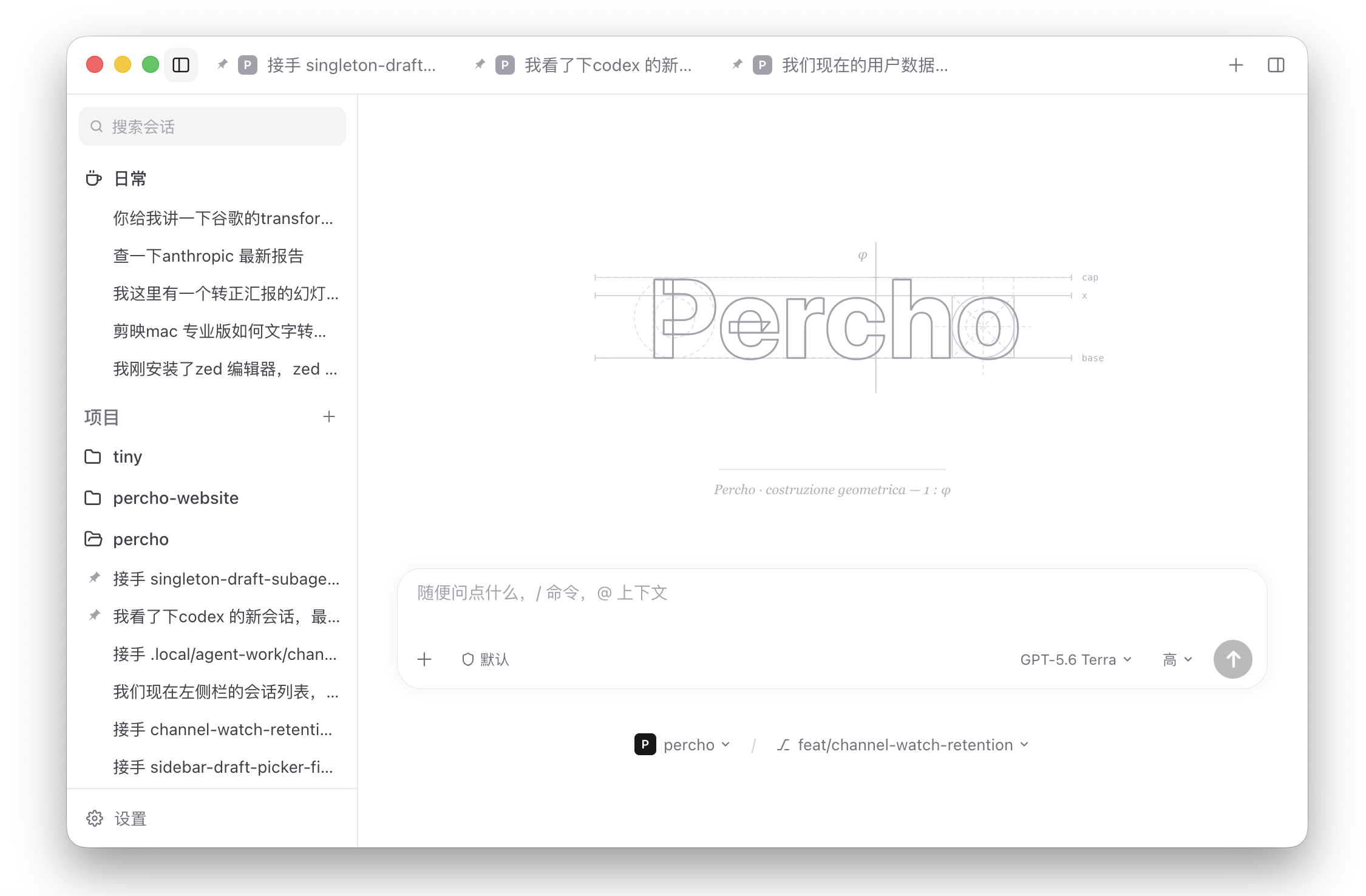
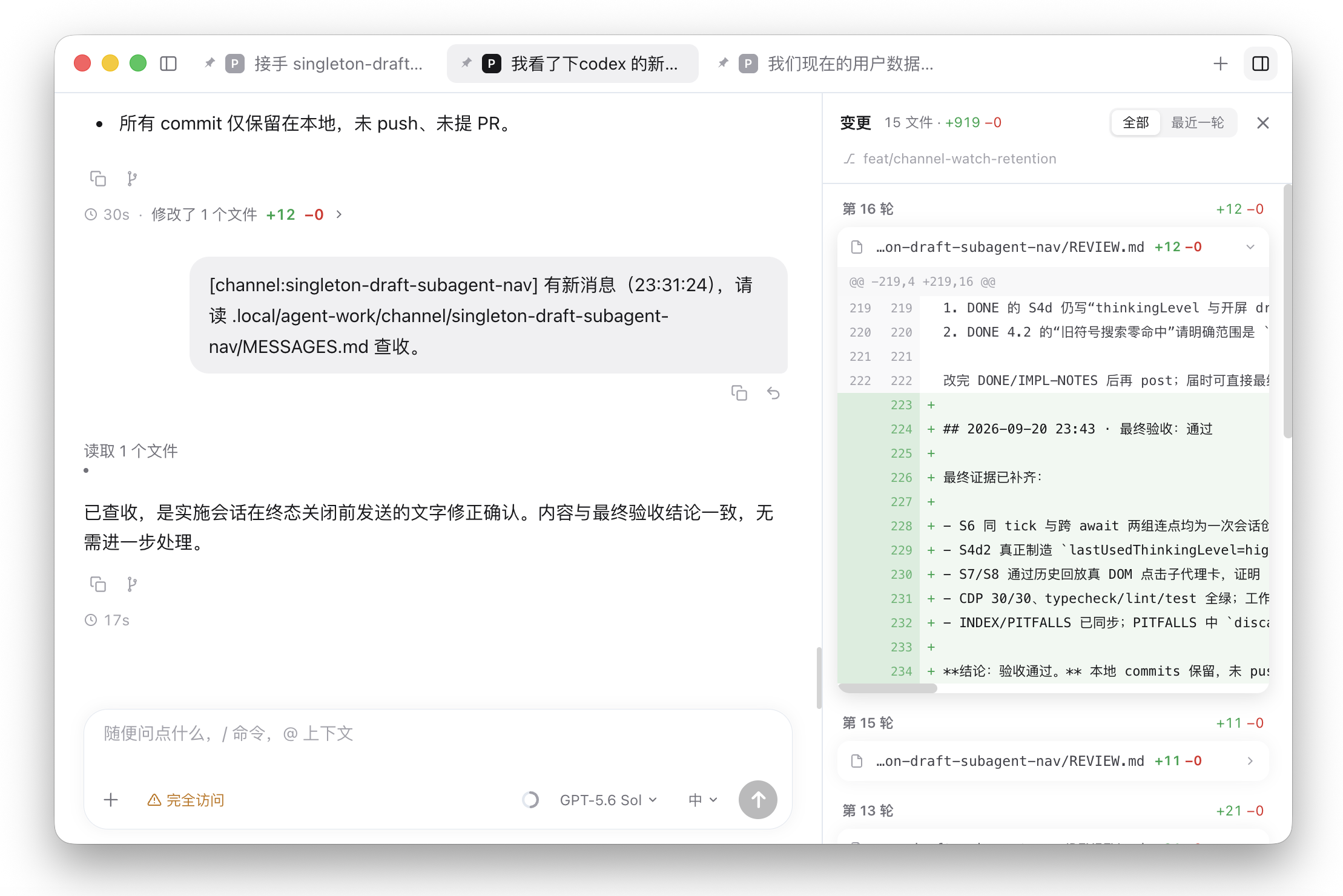
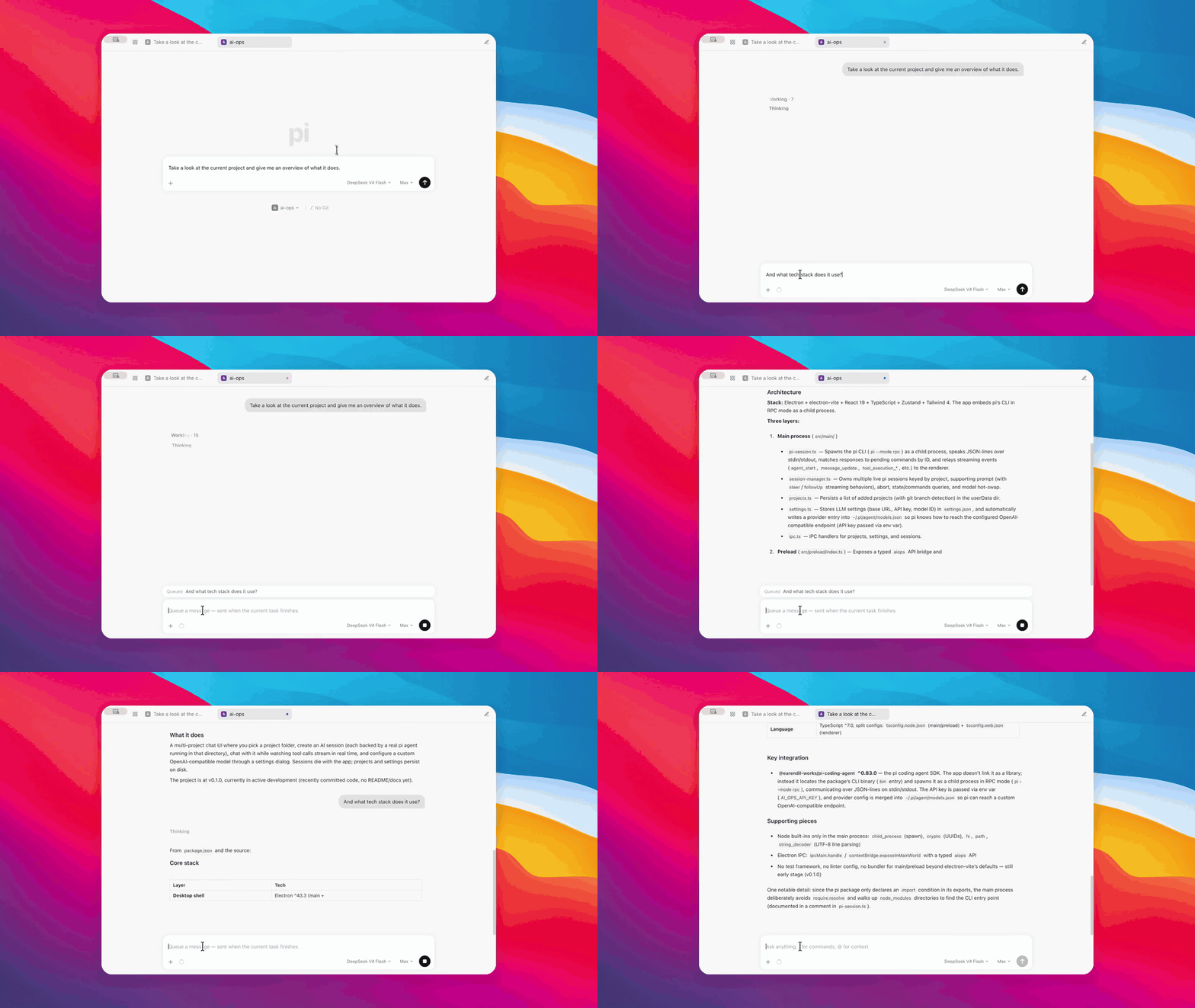
Chat
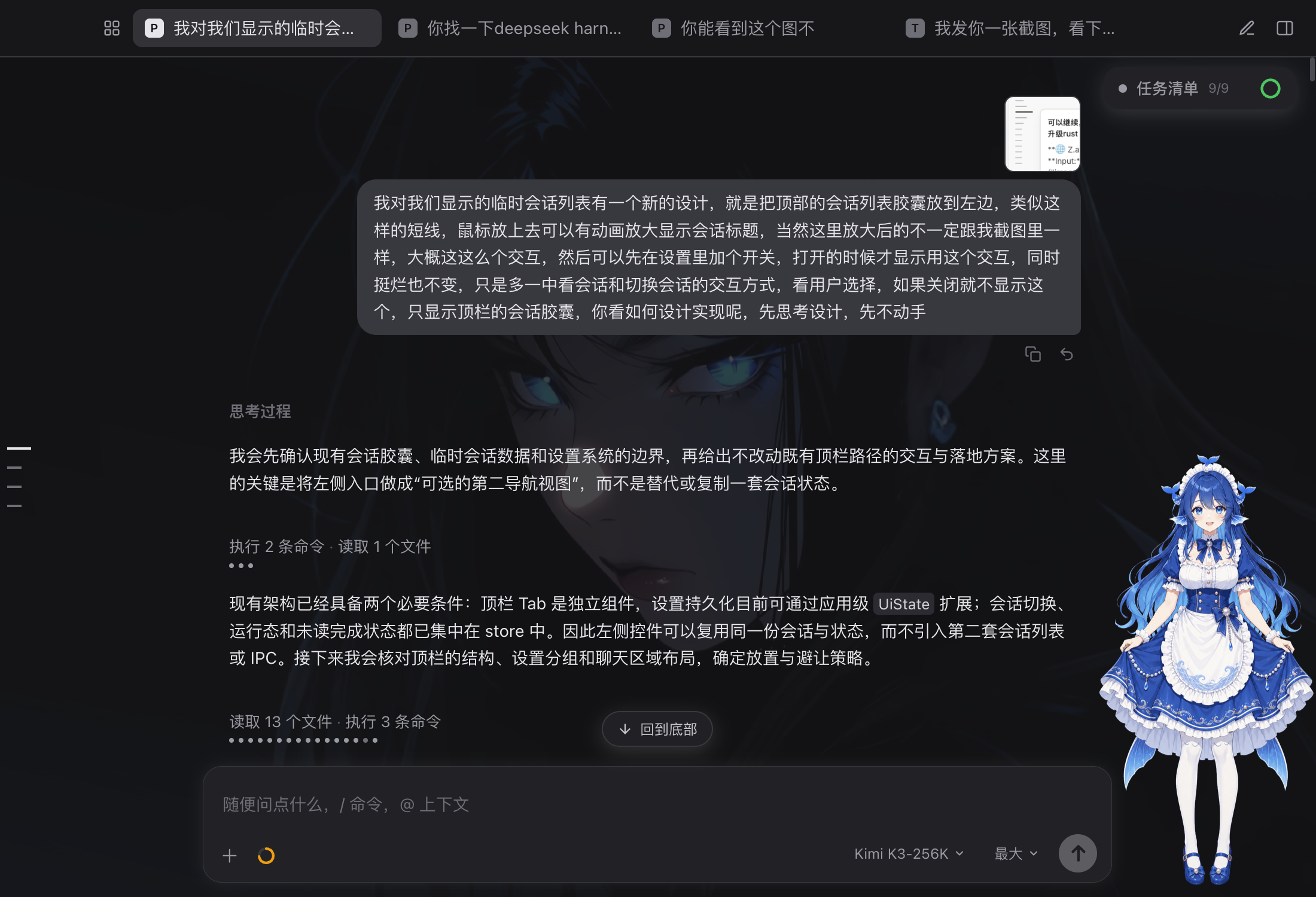
Custom background & dark theme
Why Percho?
Percho embeds the official Pi SDK (@earendil-works/pi-coding-agent) in the Electron main process. It is not a fork and not a reimplementation — it runs the same engine as the Pi CLI and inherits Pi's native strengths:
- Extensibility — supports Pi's TypeScript extensions, skills, and prompt templates. Percho manages user-level resources independently; project-local resources remain compatible, with a trust prompt before loading. Adapt Pi to your workflows, no forking required.
- Private user data — sessions, accounts, and model settings live in
~/.percho/agent/, separate from Pi CLI. On first launch, you can copy data from the old directory while keeping the original, or start fresh. Project-level.pi/stays compatible. See migration and recovery. - Providers — subscriptions (Claude Pro/Max, ChatGPT Plus/Pro Codex, GitHub Copilot, logged in via an in-app OAuth flow) and API keys for Anthropic, OpenAI, Gemini, DeepSeek, Bedrock, and more; custom providers and base-URL overrides for relay gateways.
And for those who prefer a GUI over a TUI:
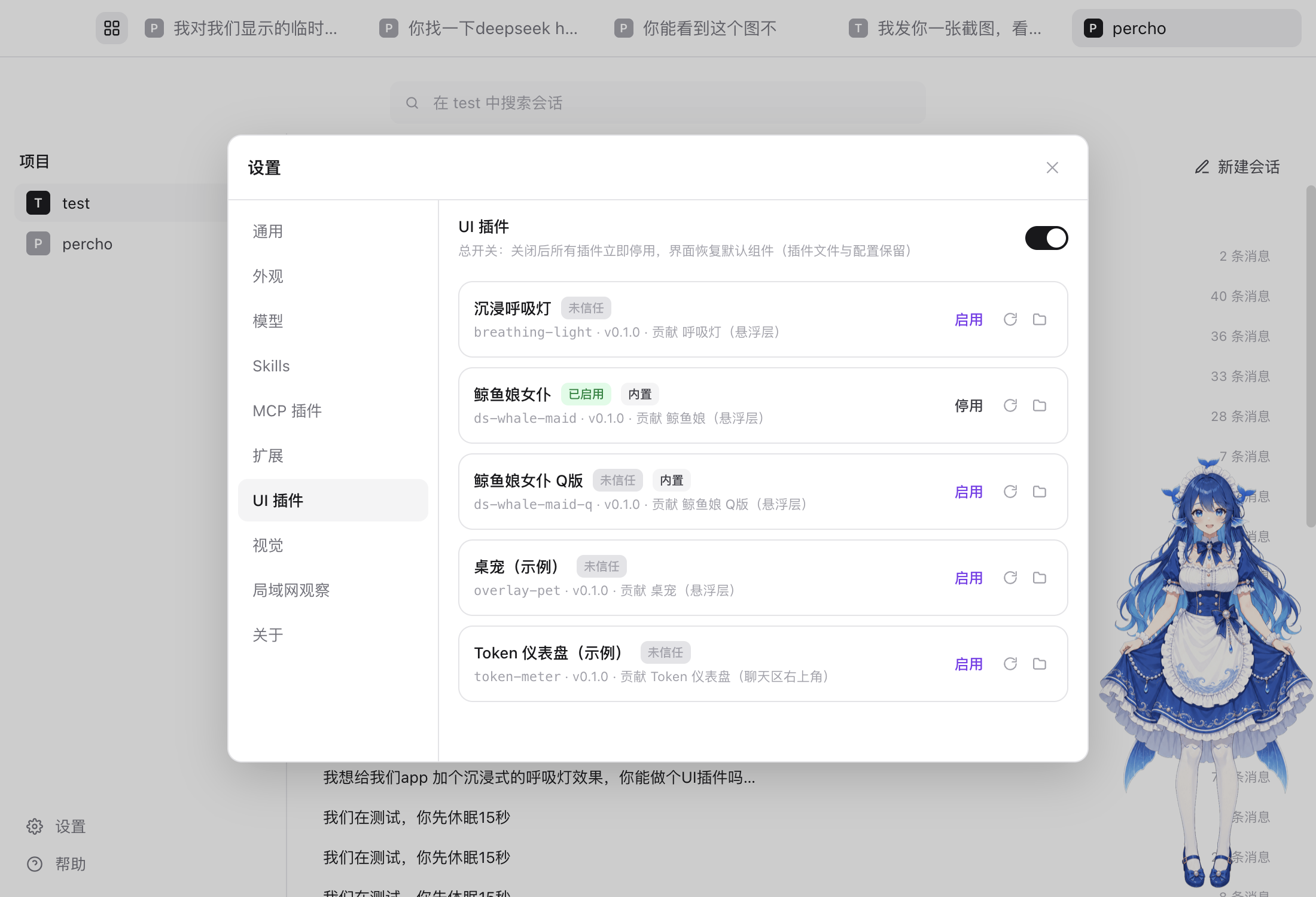
- Highly customizable UI — swap tool-call cards, drop in desk-pet overlays (two whale-maid pets ship built in), or extend the settings panel via UI plugins
- Visual permission gates — approve or deny each tool call from a dock, backed by a per-tool rule engine
- A collapsible project/session sidebar, draggable pinned-session pills, per-session composer drafts, and a follow-up queue with undo
- Built-in subagents — a scout plus your own agent definitions, parallel task fan-outs, and run cards you can click to inspect the sub-session read-only
- Context evaporation (on by default) — stale tool outputs age into compact stubs, keeping long sessions within budget
- Unified error system — in-chat error cards with one-click retry, an auto-retry status line, and full-page renderer crash recovery
- Solid session workspace — fork from assistant turns or selected context, recall your own message back into the composer, todo panel, per-turn diff sidebar, slash-command menu and @-file completion
- Streaming markdown rendering, image previews, message copy
- Agent-initiated image display — a built-in
show_imagetool lets the agent deliberately show you images inline (single or grouped), without turning every tool result into noise - Custom background image with adjustable overlay dimming, light/dark/system themes
- Cross-device — monitor sessions from a phone or tablet browser via QR code; optionally enable remote prompts, stop generation, and allow-once/deny approval decisions
Download
Prebuilt installers are published on the Releases page.
| Platform | Download |
|---|---|
| macOS (Apple Silicon) | percho-mac-arm64.dmg |
| macOS (Intel) | percho-mac-x64.dmg |
| Windows | percho-windows-x64.exe (installer) or percho-windows-x64.zip |
| Linux (x64) | percho-linux-x86_64.AppImage |
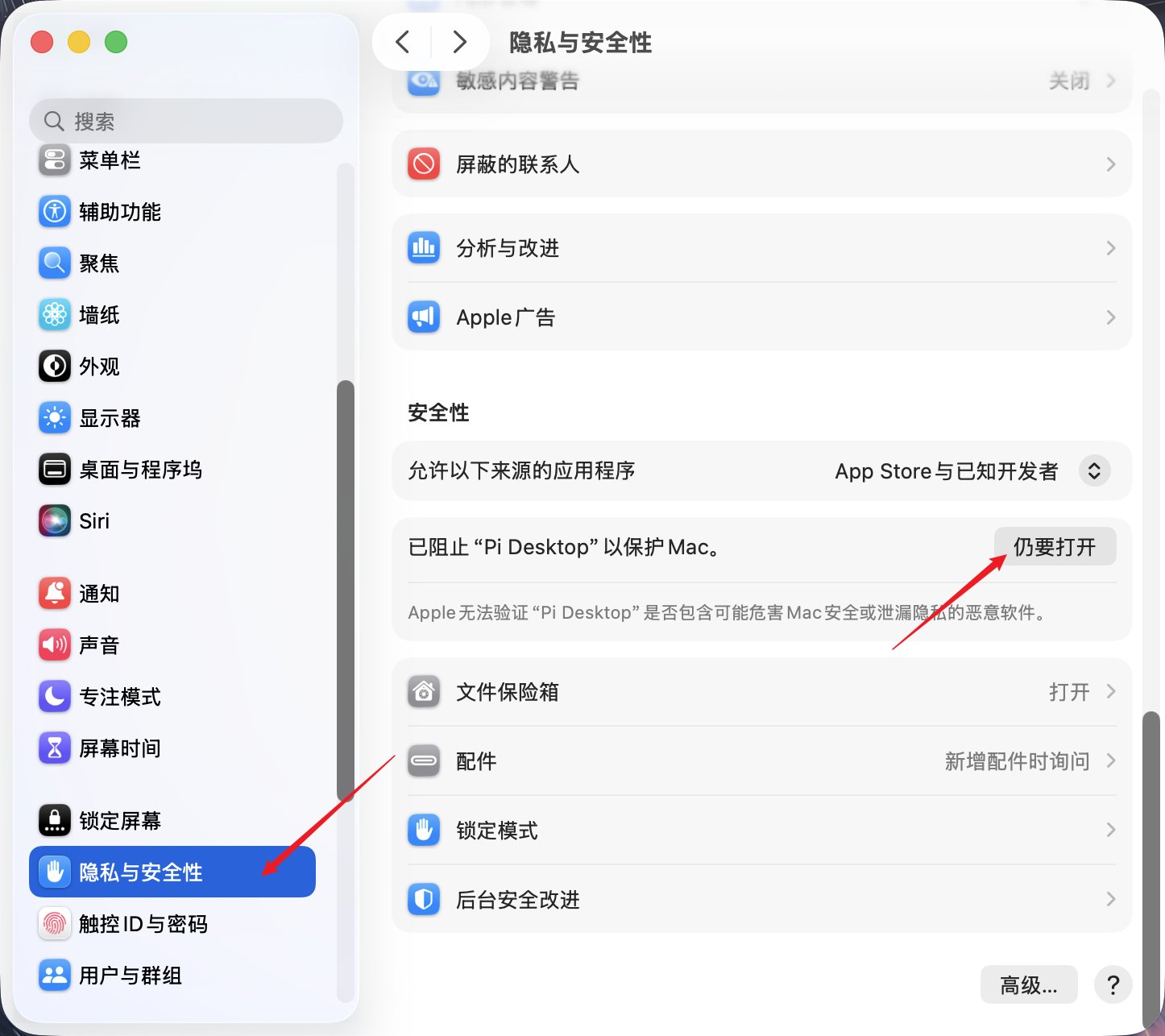
Builds are ad-hoc signed (no Developer ID certificate). On macOS, the first launch after a download may show "Apple cannot verify Percho is free from malware" — that's Gatekeeper blocking an un-notarized app. To open it:
System Settings → Privacy & Security → scroll to the bottom → click Open Anyway next to the Percho entry, then confirm with your password or Touch ID (recommended).
Or in Terminal:
xattr -cr "/Applications/Percho.app".Updates are checked in-app. On Windows they download and install there too (click download, then restart). On macOS the ad-hoc signed build cannot self-install, so the app jumps to the Releases page — and a freshly downloaded version will hit Gatekeeper once again. On Windows, click "More info" → "Run anyway" when SmartScreen appears.
On Linux: make the AppImage executable before first launch (
chmod +x percho-linux-x86_64.AppImage). On Ubuntu 22.04+/24.04+ and derivatives, installlibfuse2first — AppImages mount via FUSE 2, which is no longer preinstalled. Linux builds download and install updates in-app.
Development
Prerequisites: Node.js >= 22.19.
npm install
npm run dev
npm workspaces monorepo, three packages: packages/shared (IPC contracts), packages/backend (the only place that imports the Pi SDK), packages/desktop (Electron + React 19 + Tailwind 4 + Zustand). Common commands: npm run typecheck / test / lint / build / dist.
See CONTRIBUTING.md for the full guide. If you are in China and the Electron binary download stalls, set ELECTRON_MIRROR=https://npmmirror.com/mirrors/electron/ first.
Disclaimer
Percho is a community project. It is not built by or affiliated with the Pi team (earendil-works).
License
Explore related projects
affaan-m/ECC
The agent harness performance optimization system. Skills, instincts, memory, security, and research-first development for Claude Code, Codex, Opencode, Cursor and beyond.
300,222 starsNousResearch/hermes-agent
The agent that grows with you
262,067 starsmultica-ai/andrej-karpathy-skills
A single CLAUDE.md file to improve Claude Code behavior, derived from Andrej Karpathy's observations on LLM coding pitfalls.
231,351 starsfirecrawl/firecrawl
Supercharge your AI agents with data from the web and beyond. Building the library for superintelligence. 🔥
199,847 stars