
Ivy-Interactive/Ivy-Tendril
Ivy-Interactive/Ivy-Tendril has 203 GitHub stars and 10 forks. GitHot measured -1 stars in 24 hours, -1 in 7 days, and -1 in 15 days. Last checked 2026-11-18 21:28 UTC. Last push 2026-09-15.
What you can do
- Parallel Worktrees Run agents in isolated git worktrees. Keep your main branch clean until you review, approve, and merge changes. Docs →
Measured star growth
- in 24h
- -1
- in 7 days
- -1
- in 15 days
- -1
- in 1 month
- Collecting history
Net star changes over overlapping periods, not daily totals. Missing measurements are left blank. Stars measure attention, not software quality.
About
AI agents can now write 99% of the code. This changes what it means to be a developer. Our role shifts to knowing "what good looks like". To do that, we need completely new developer tools. Tendril is what replaces your IDE in an agentic era.
Developer ToolsREADME.md
Original
 Ivy Tendril




The Agentic Software Factory for 10x Builders
AI agents can now write 99% of the code. This changes what it means to be a developer. Our role shifts to knowing what good looks like. To do that, we need completely new developer tools. Tendril is that tool and replaces your IDE in an agentic era.
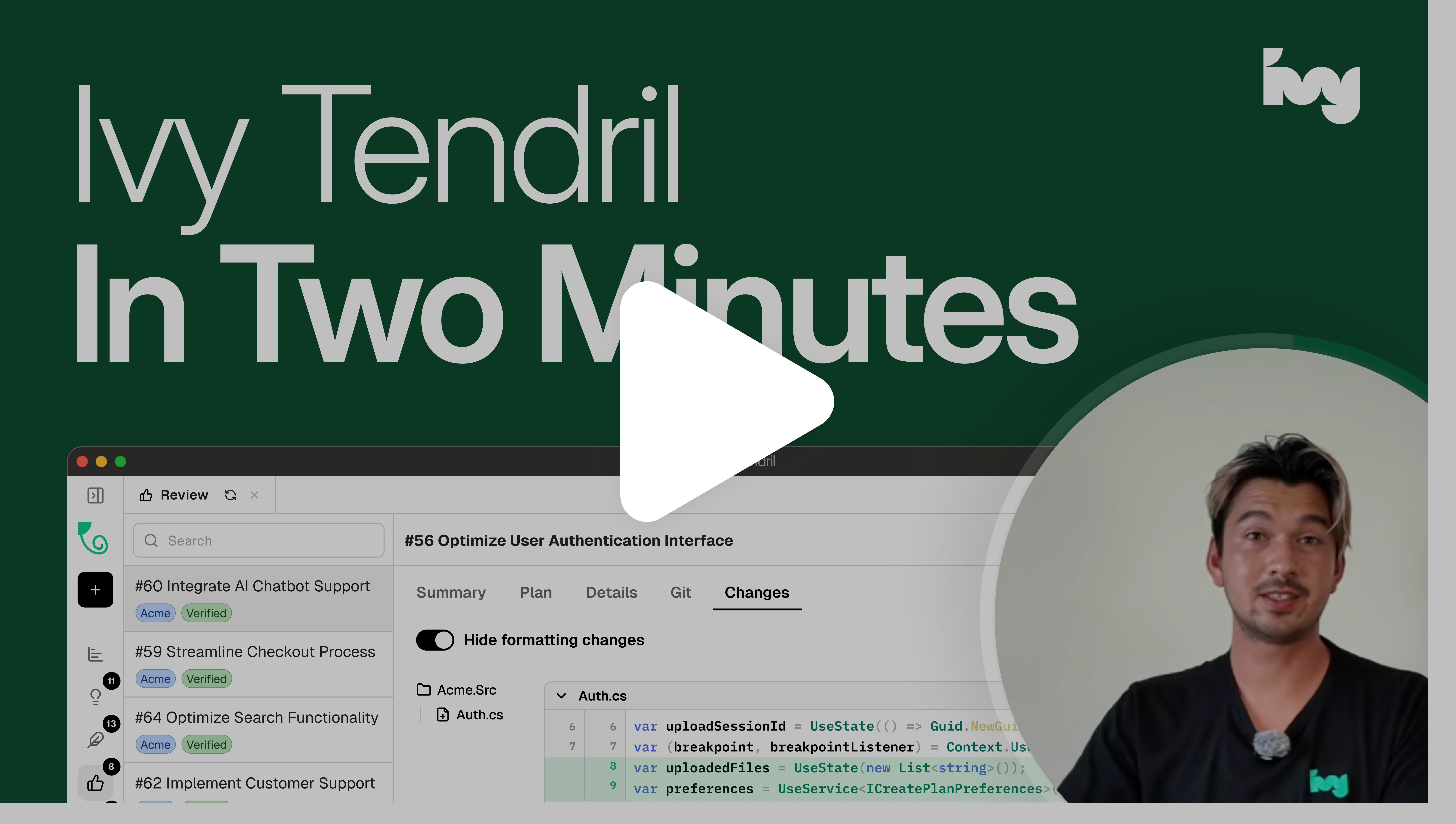
https://youtu.be/_KVG1NnAj-8
Features
Parallel WorktreesRun agents in isolated git worktrees. Keep your main branch clean until you review, approve, and merge changes. |
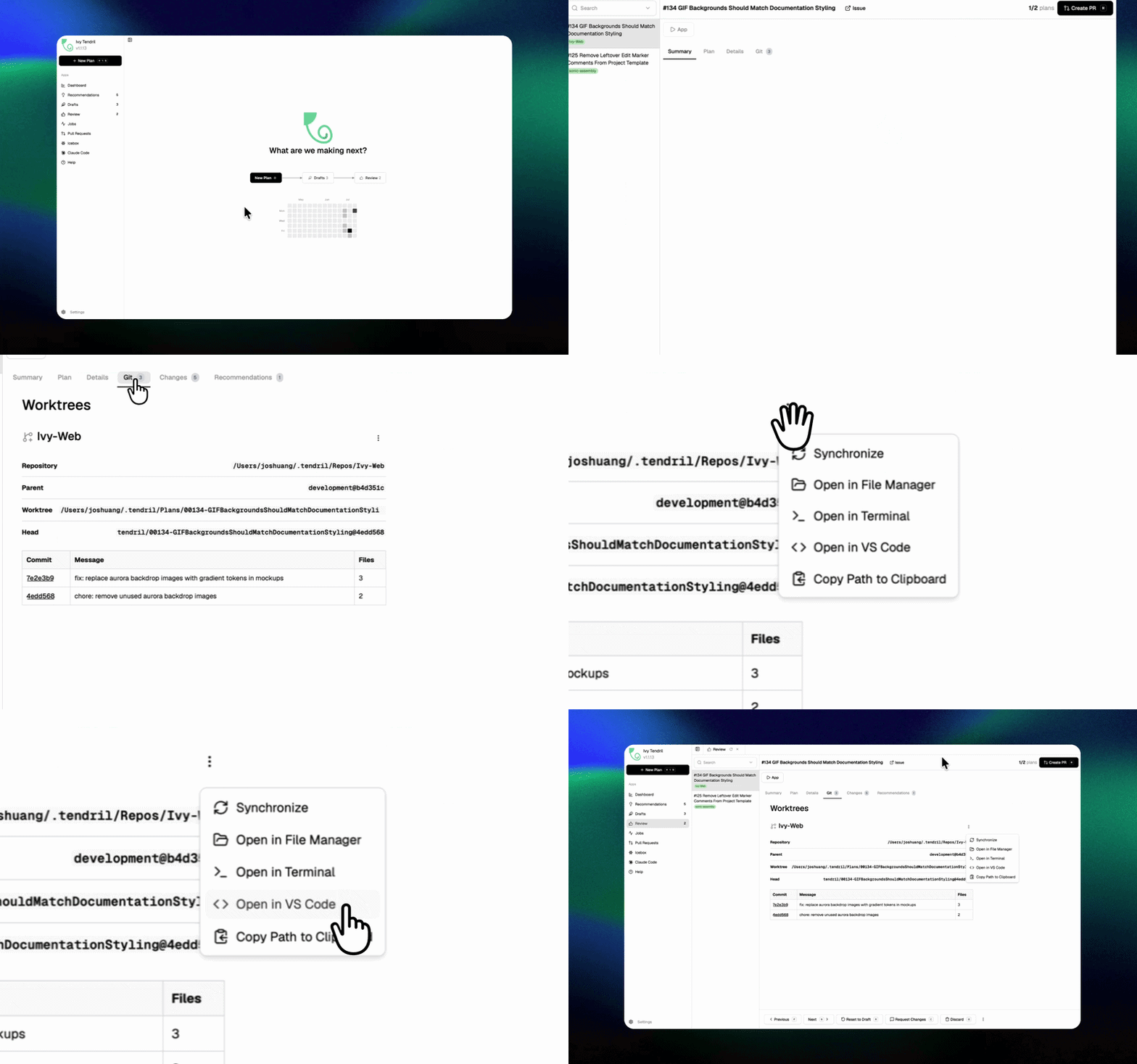
|
Tunneling (Remote & Mobile Coding)Expose your server securely using Cloudflare Quick Tunnels to monitor and steer agent runs from anywhere. |
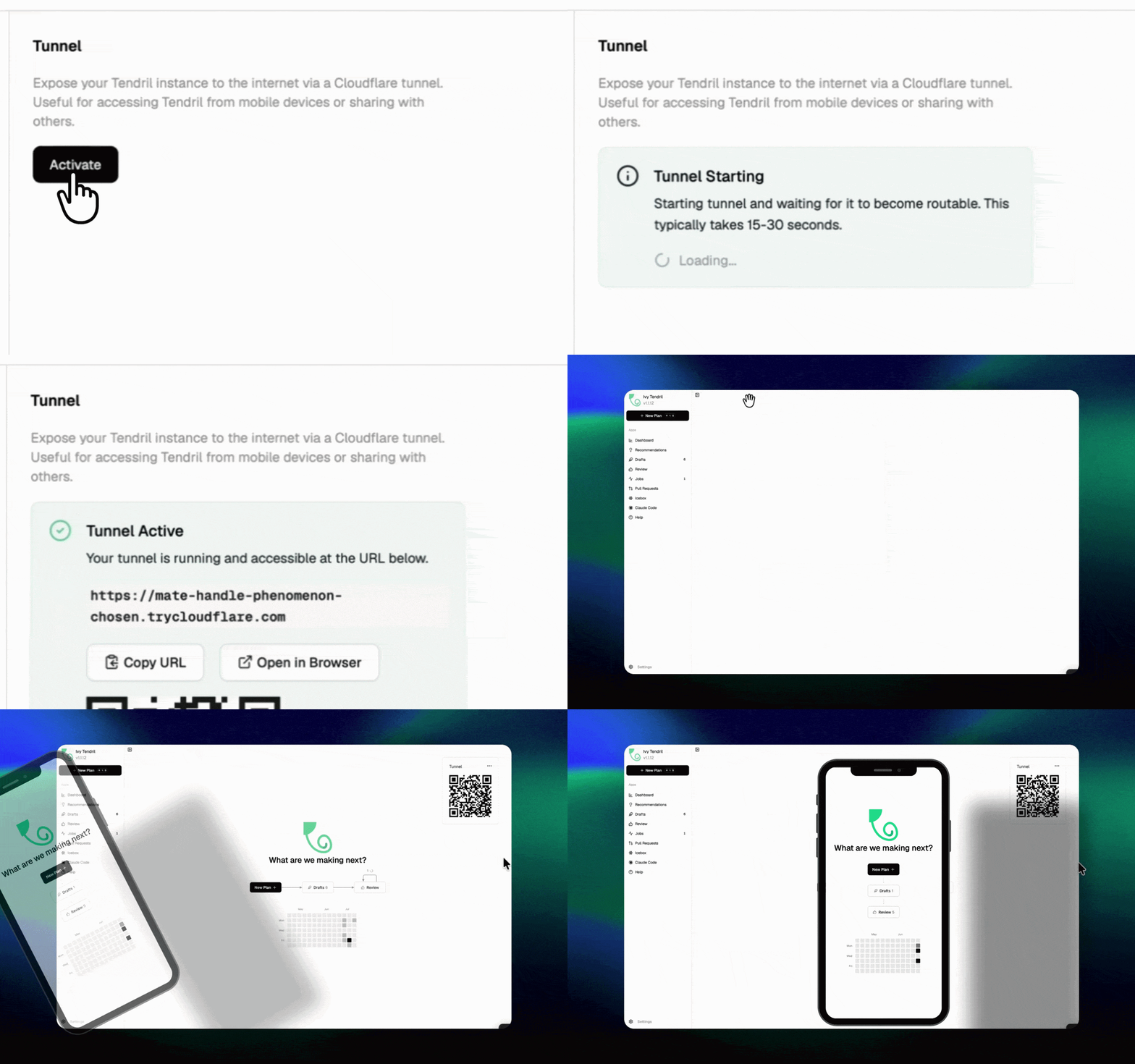
|
Voice & Rich InputDictate prompts using built-in Whisper voice input and attach text files, logs, or documents with drag-and-drop. |
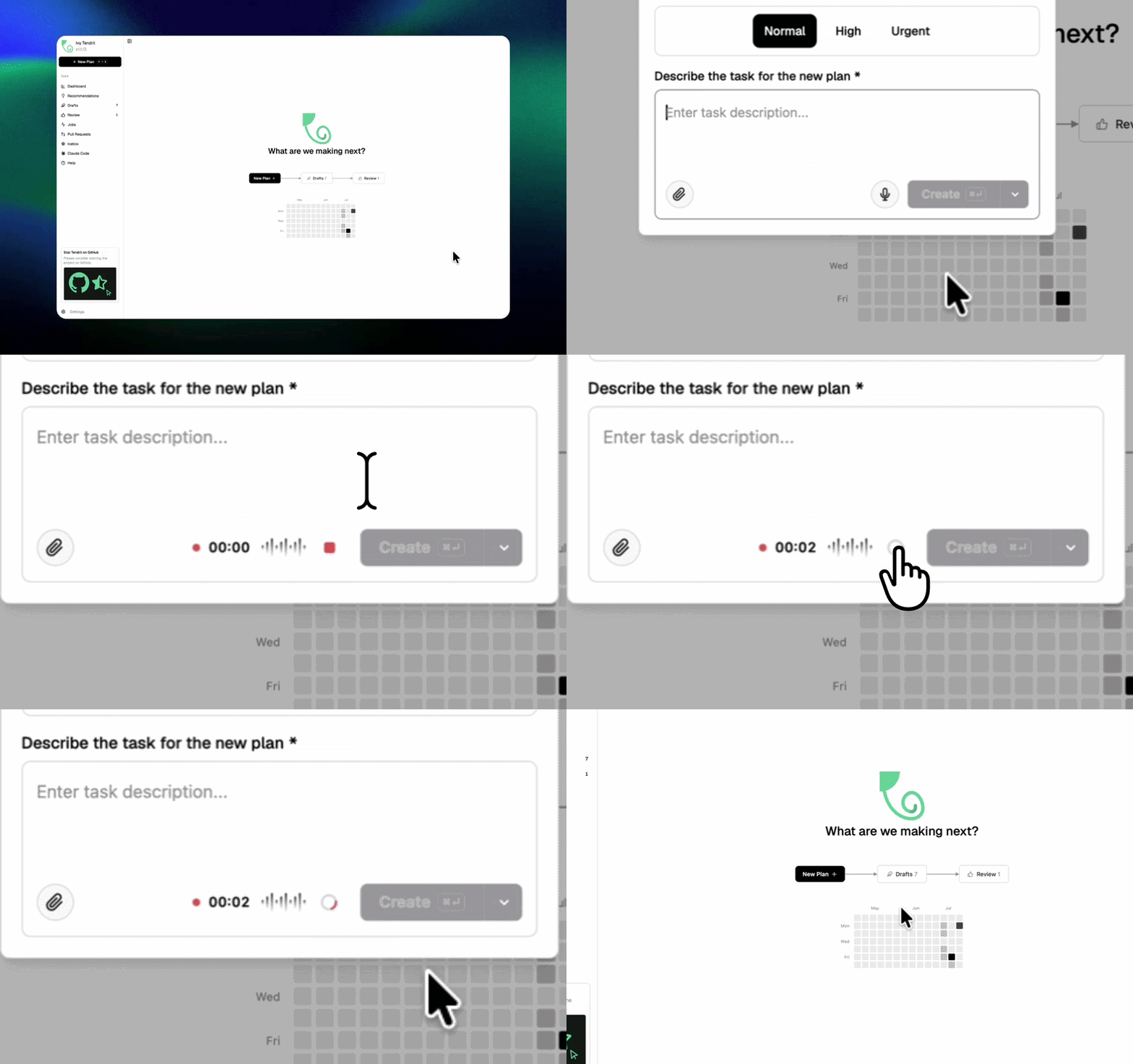
|
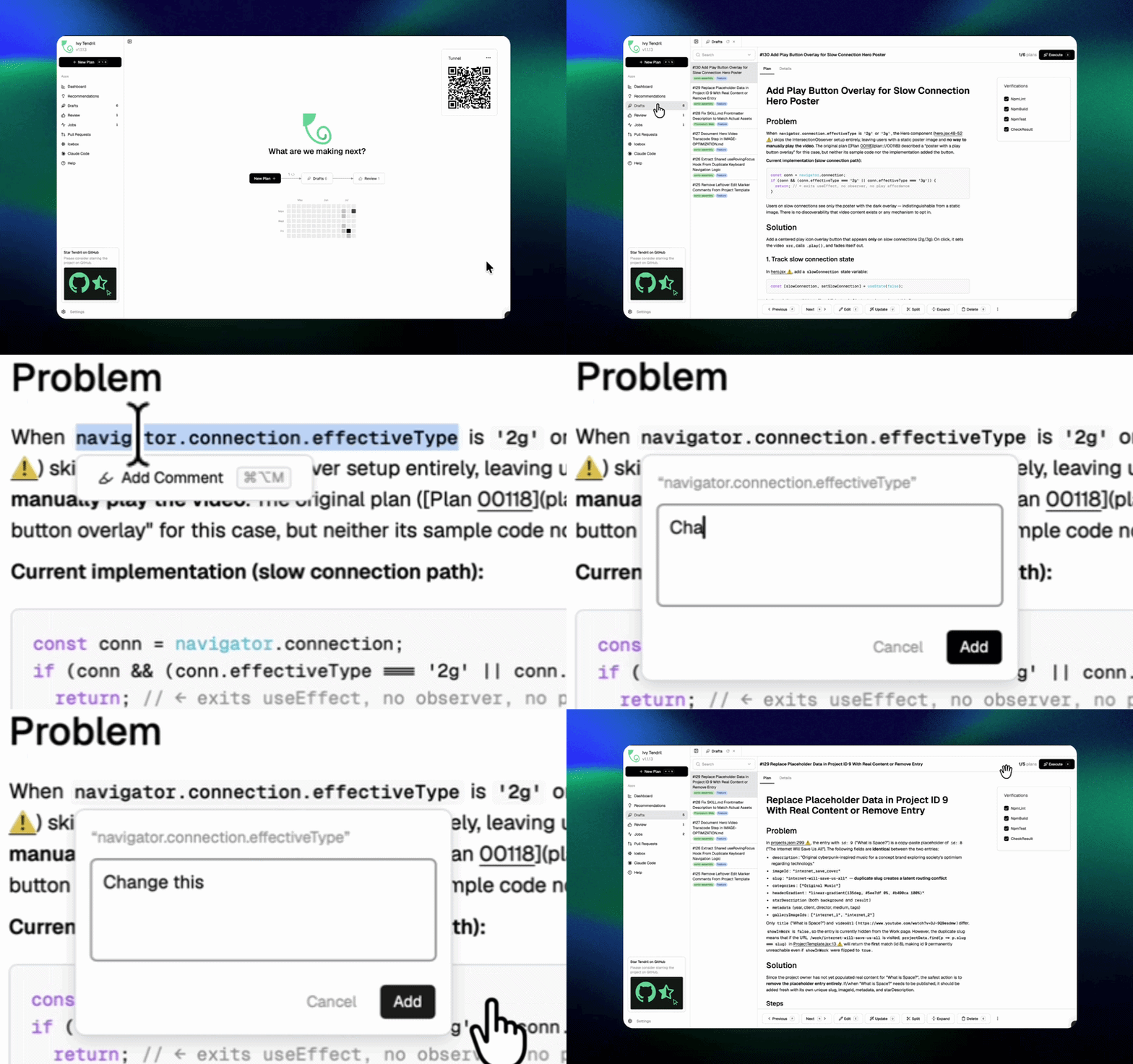
Plan AnnotationsAnnotate drafts inline to automatically update plans with revised agent goals. |
|
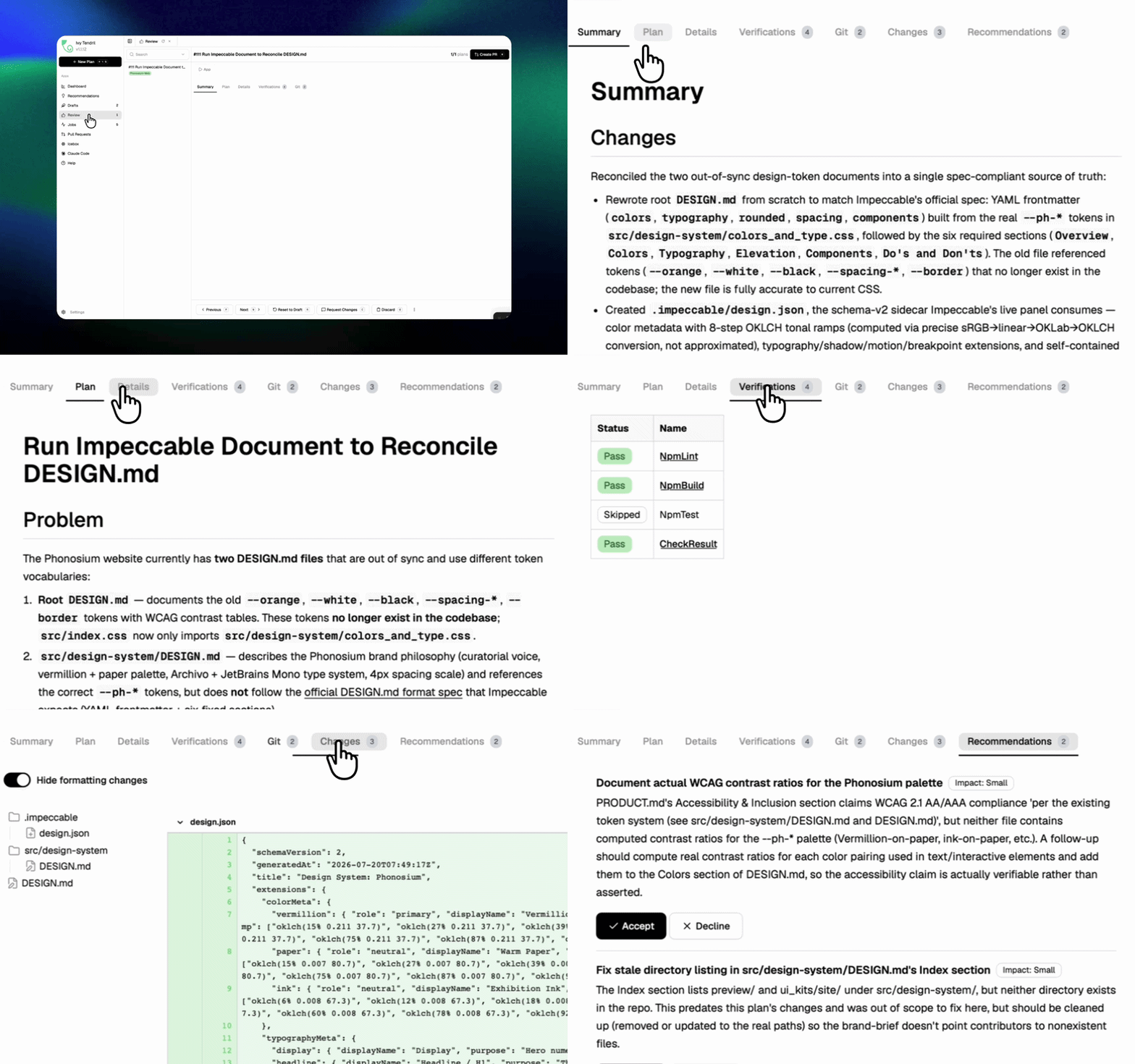
Powerful Code ReviewsReview agent changes, inspect diffs, and approve code with automated verification gates. |
|
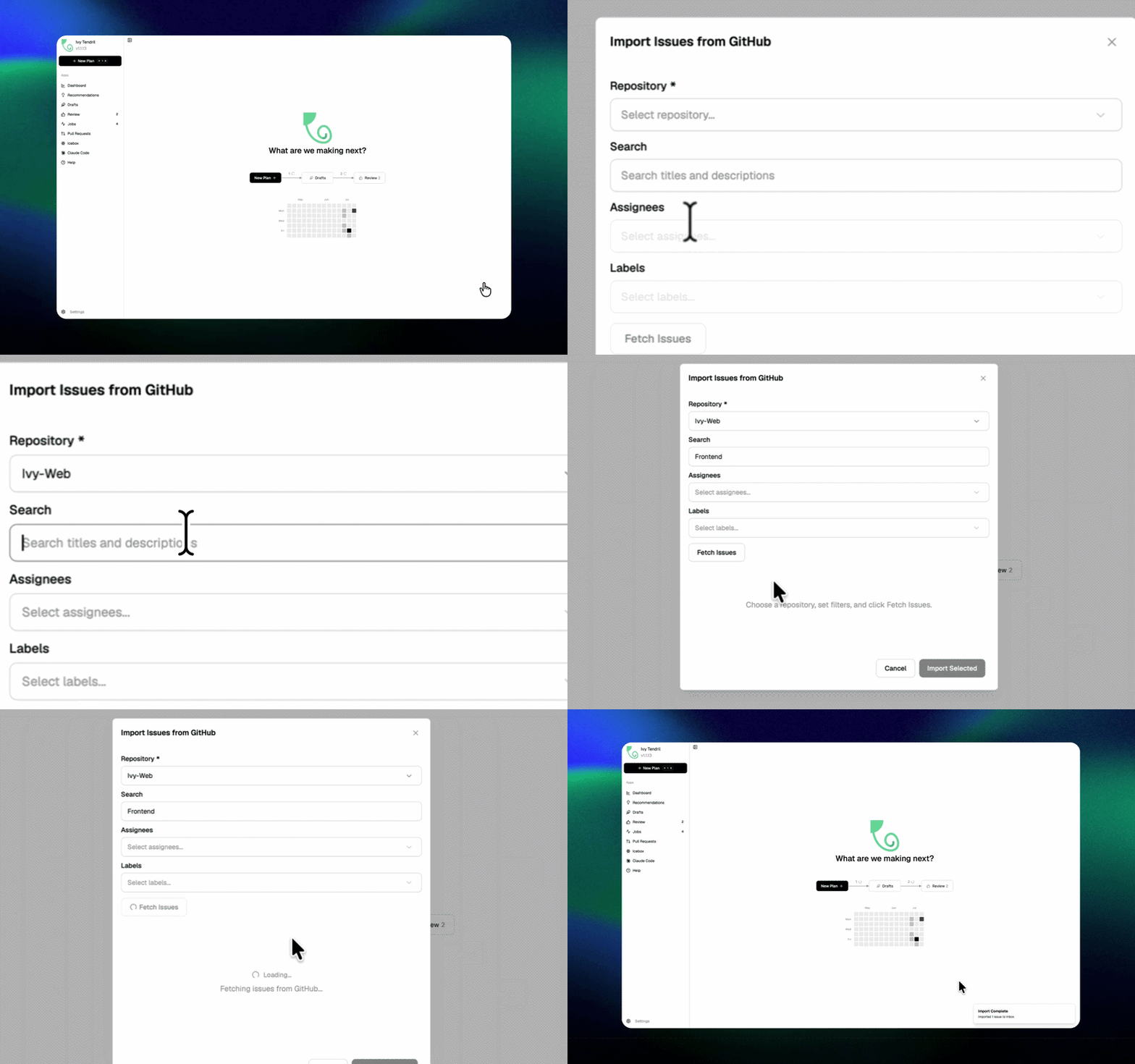
GitHub Integration & Automated InboxIngest GitHub Issues or jam.dev bug reports via webhooks to turn markdown plans into active jobs automatically. |
|
Supported Agents
Works with any CLI agent: if it runs in a terminal, it runs in Tendril.
Claude Code
Codex
GitHub Copilot
Gemini
OpenCode
+ any CLI agent
Extend your favorite AI coding agents with official Tendril engineering and debugging skills.
Quick Start
Install Tendril skills for any supported agent using the universal skills installer:
npx skills add ivy-interactive/ivy-tendril
Or install a specific skill:
npx skills add ivy-interactive/ivy-tendril --skill tendril-debug-plan
Supported Tools & Environments
Visual Studio Code (GitHub Copilot & Extensions)
Install skills for GitHub Copilot in VS Code:
npx skills add ivy-interactive/ivy-tendril --agent github-copilot
Global install (across all workspaces):
npx skills add ivy-interactive/ivy-tendril --agent github-copilot -g
Or copy skills directly to .agents/skills/ or .github/skills/ (project-level) or ~/.copilot/skills/ (global).
Once installed, skills appear in GitHub Copilot Chat under the /skills menu and can be invoked directly as slash commands (e.g. /tendril-debug-plan, /tendril-debug-job, /tendril-review, /tendrillable).
Third-party VS Code agent extensions:
- Cline:
npx skills add ivy-interactive/ivy-tendril --agent cline - Continue:
npx skills add ivy-interactive/ivy-tendril --agent continue - Roo Code:
npx skills add ivy-interactive/ivy-tendril --agent roo
For full editor integration, install the official Ivy Tendril VS Code Extension for embedded plan dashboards, worktree navigation, and live execution monitoring.
See the VS Code Setup Guide for detailed configuration options.
Claude Code
Install from the Claude Code marketplace:
/plugin marketplace add ivy-interactive/ivy-tendril
/plugin install tendril-skills@ivy-tendril
Local development:
claude --plugin-dir /path/to/ivy-tendril
See the Claude Code Setup Guide for detailed configuration options.
Antigravity CLI (agy)
Install plugin via Git URL:
agy plugin install https://github.com/ivy-interactive/ivy-tendril.git
Local installation:
agy plugin install ./
See the Antigravity Setup Guide for detailed configuration options.
Cursor
Install targeting Cursor:
npx skills add ivy-interactive/ivy-tendril --agent cursor
Or copy skills to .cursor/skills/ (project-level) or ~/.cursor/skills/ (global).
See the Cursor Setup Guide for detailed configuration options.
OpenAI Codex
Install from the Codex plugin marketplace:
codex plugin marketplace add ivy-interactive/ivy-tendril
codex plugin add tendril-skills@tendril-skills
Gemini CLI
Install using the Gemini CLI:
gemini skills install https://github.com/ivy-interactive/ivy-tendril.git --path skills
Install
Download standalone desktop installers (.pkg, .AppImage, .exe) directly from GitHub Releases or run one of the quick install commands below:
macOS / Linux:
curl -sSf https://cdn.ivy.app/install-tendril.sh | sh
Windows:
irm https://cdn.ivy.app/install-tendril.ps1 | iex
Run
Tendril is a desktop application, but can also be launched and controlled via the CLI:
Start the desktop application:
tendril
Start in headless mode (web server without desktop UI):
tendril --web
Community & Support
- Discord: Join the community on Discord.
- Feedback & Ideas: Found a bug or have an idea? Open an issue.
- Show Support: Star this repo to follow along with our development.
License
Tendril is source-available and licensed under the Functional Source License (FSL-1.1-ALv2).