
InkTimeRecord/TTime has 3,382 GitHub stars and 201 forks. GitHot measured -1 stars in 24 hours and -5 in 7 days. Last checked 2026-11-05 02:58 UTC. Last push 2024-12-15.
🚀 Screenshots, word selection, OCR, AI, and translation software
Measured star growth
- in 24h
- -1
- in 7 days
- -5
- in 15 days
- Collecting history
- in 1 month
- Collecting history
Net star changes over overlapping periods, not daily totals. Missing measurements are left blank. Stars measure attention, not software quality.
README.en.md
Original
TTime
🚀 A concise, efficient, good-looking input, screenshot, and word translation software



(English | 中文)
brief introduction
The main functions are input translation, screenshot translation, selected translation、Hover Ball Translation、Screenshot OCR、Screenshot Silence OCR、Clipboard listening translation
Interface
|
Bright Mode 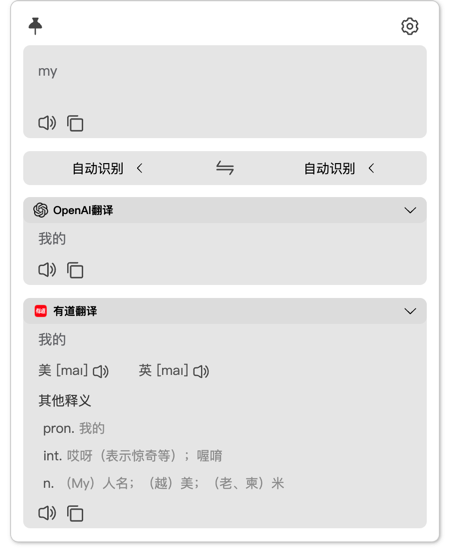
|
Dark Mode 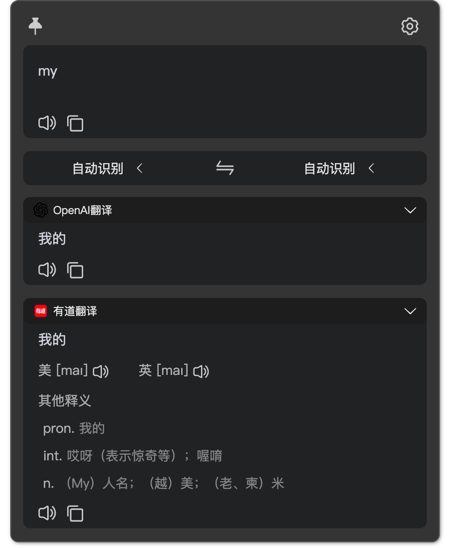
|
| 方式 | 描述 | 预览 |
|---|---|---|
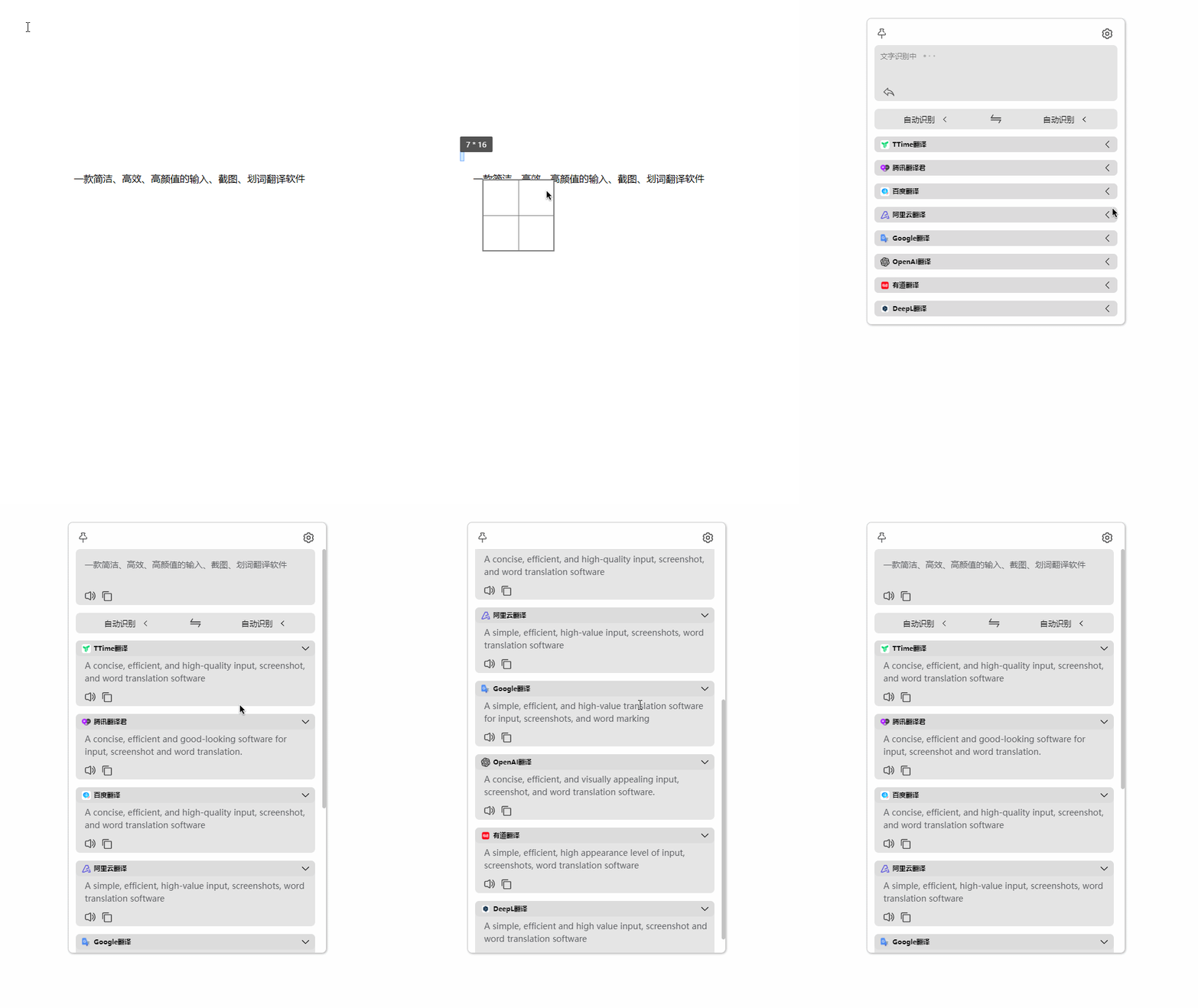
| Screenshot translation | Press the screenshot translation shortcut key (default Alt + W) to intercept the area to be translated |
 |
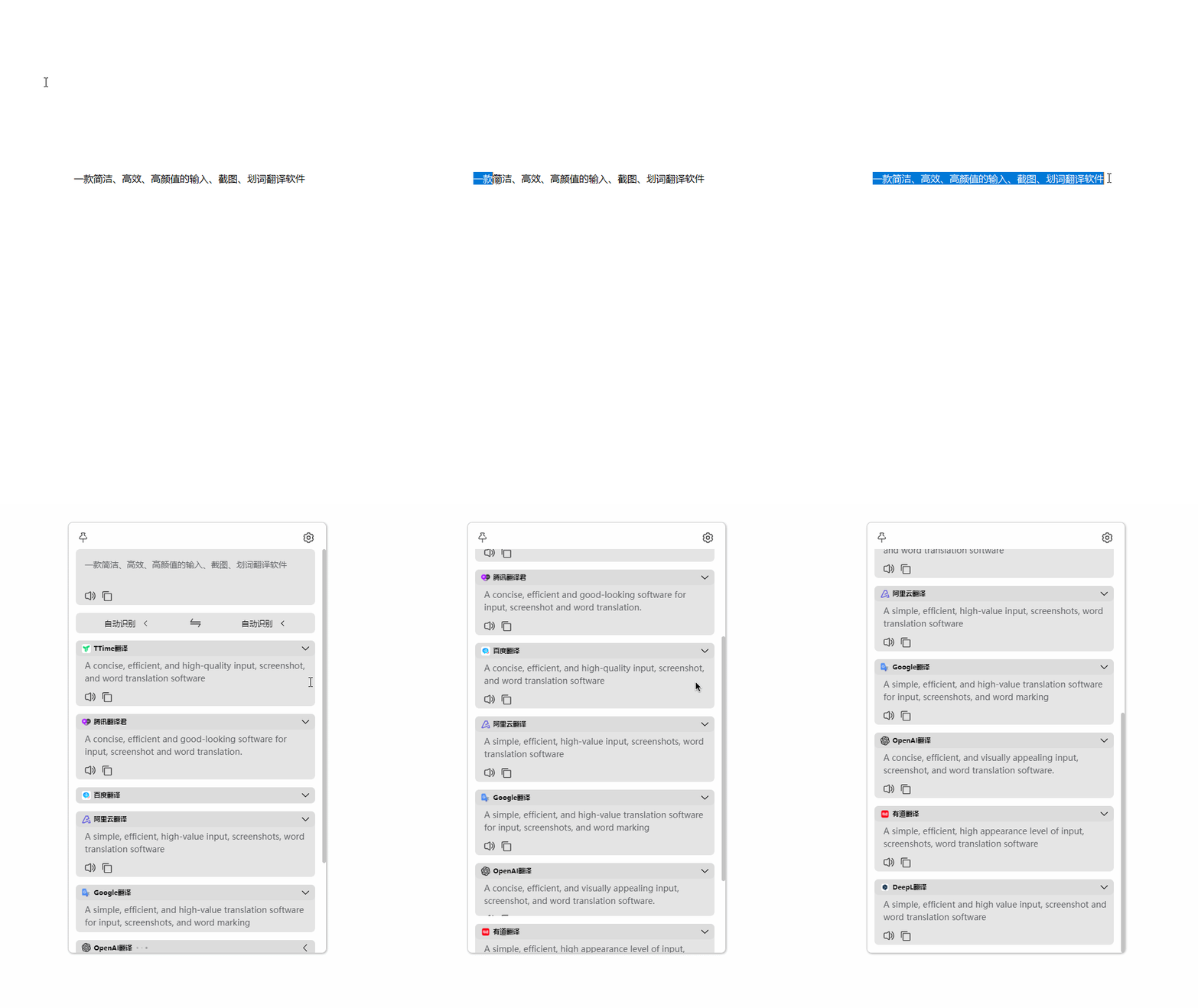
| Selected translation | After selecting the text to be translated, press the word translation shortcut key (the default is Alt + E) |
 |
| Input Translation | Press the input translation shortcut key (default 'Alt+Q'), enter the text to be translated, and use the 'Enter' key to translate |  |
| Hover Ball Translation | After selecting the text to be translated, click the floating ball icon (it is closed by default, and needs to be opened in the settings by itself) | 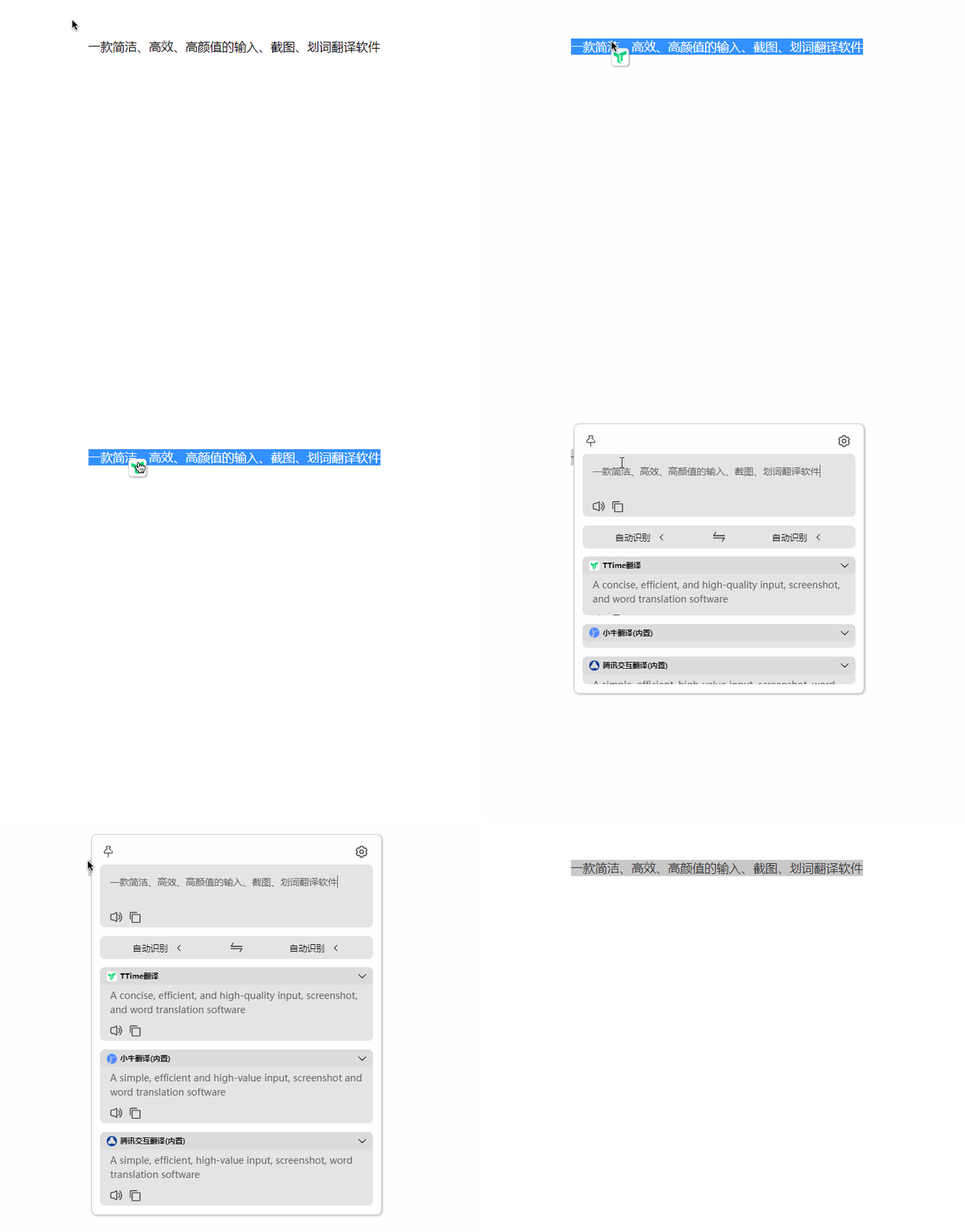 |
| Screenshot OCR | Pressing this shortcut key will recognize the text according to your screenshot area | 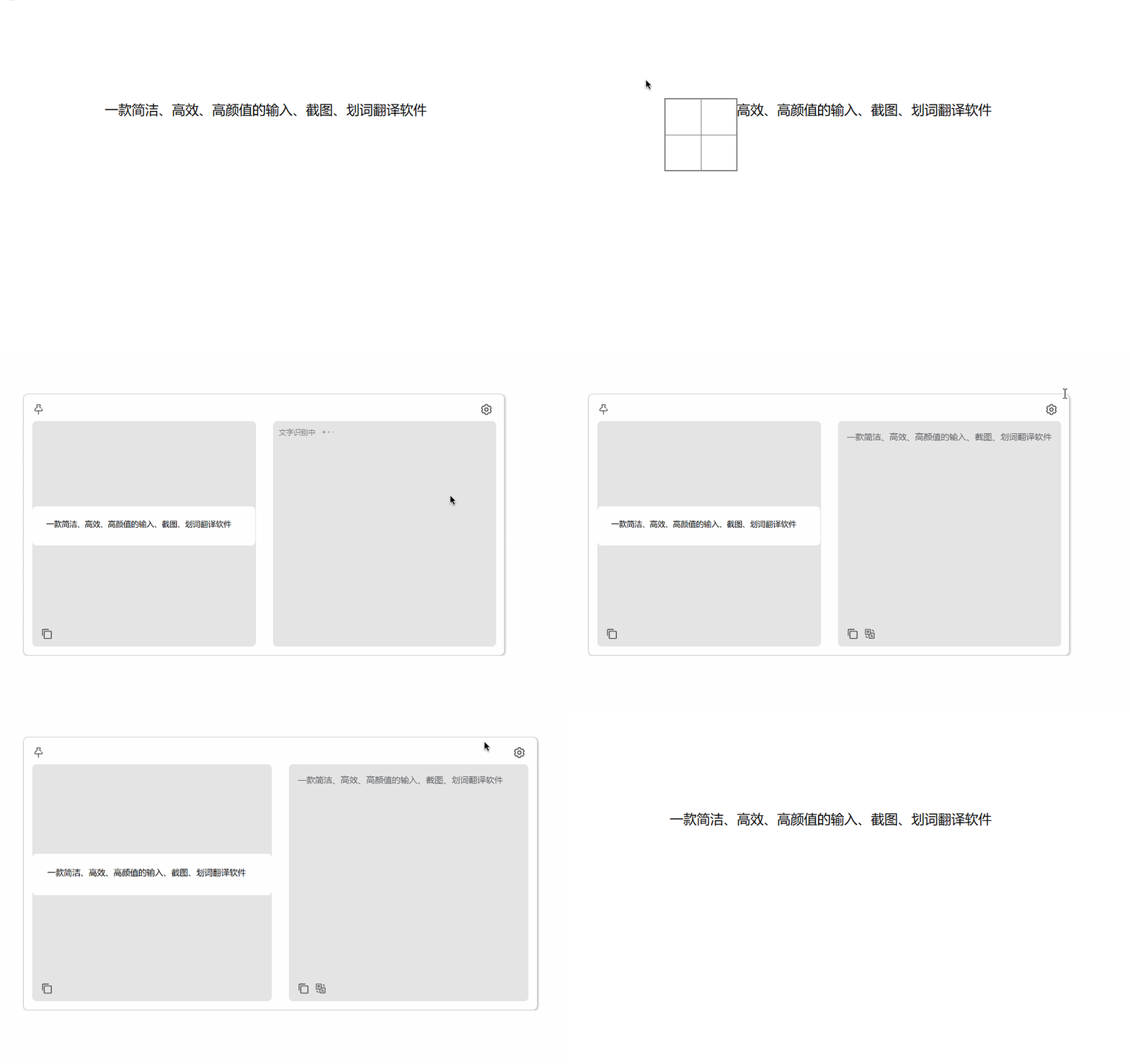 |
| Screenshot Silence OCR | Pressing this shortcut key will recognize the text according to your screenshot area, and the recognized content will be automatically written into the clipboard without opening the OCR window | 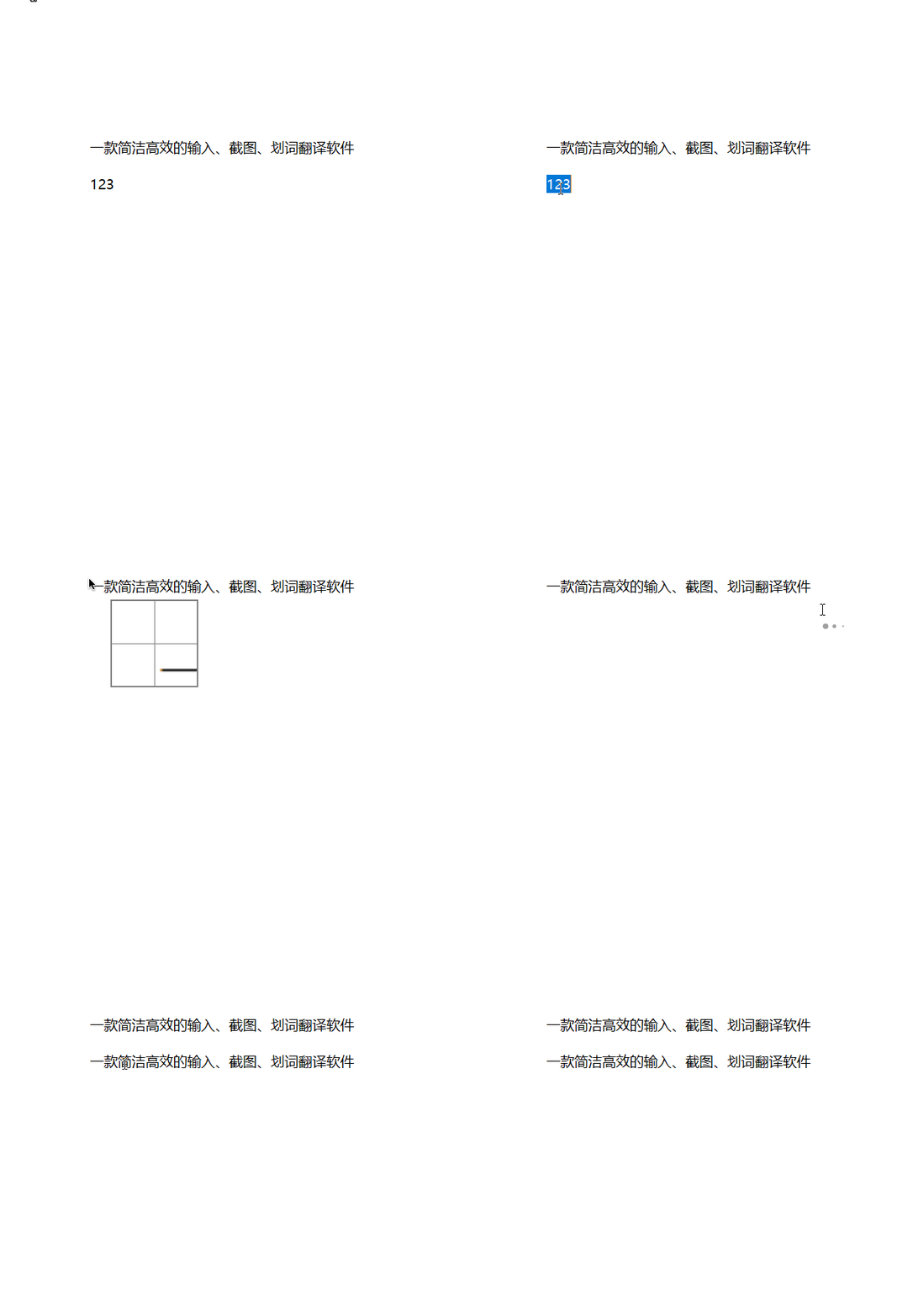 |
Currently, integrated with translation/text recognition services
Translation source/text recognition application reference
Translation source
- TTime (built-in)
- Google Translation (built-in)
- DeepL Translation (built-in) = DeepLX Translation
- Bing Translation (built-in)
- Bing dict Translation (built-in)
- Tencent TranSmart Translation (built-in)
- NiuTrans (built-in)
- ECDICT Translation-Offline (built-in)
- Tencent Translator
- Baidu Translation
- Alibaba Translation
- Google Translation
- OpenAI(ChatGPT) Translation
- YouDao Translation
- DeepL Translation
- Volcano Translation
- NiuTrans
- CaiYun Translation
- Papago Translation
OCR
- TTime
- TTime Online OCR
- Baidu OCR
- Baidu Image Translation OCR
- Volcano OCR
- Ocr Space
- Iflytek OCR
- Tencent OCR
- Tencent Image Translation OCR
Development Guide
development environment
NodeJs Version >= 16

Npm Version >= 8
Dependent download
npm run npm-i-extend-modules-update
Project Run
npm run dev
Projects Build
npm run build:win
npm run build:win:portable
npm run build:mac
简单快速新增翻译/OCR源
Adding translation/OCR sources is very simple. You only need some JS/TS basics and interface debugging capabilities to integrate. Take Maverick Translation as an example
1.Add Type
Edit file to add a translation source enumeration
src/common/enums/TranslateServiceEnum.ts
Note here: After the source enumeration definition is translated, subsequent file names need to be named according to the enumeration name method. For details, refer to the naming rules in the following steps
static NIU_TRANS = 'NiuTrans'
2.Add Logo
Copy the logo file to this file path
src/renderer/src/assets/translate/NiuTransLogo.png
3.Add Translation/OCR Source Information
Add translation/OCR source information file
src/common/channel/translate/info/NiuTransInfo.ts
4.Add translation/OCR source implementation
Add translation/OCR source interface implementation
src/main/service/channel/interfaces/NiuTransRequest.ts
Add translation/OCR source interface call callback page results
src/main/service/channel/product/translate/NiuTransChannel.ts
Thanks
- Thanks electron-vite The provided electron framework saved me a lot of time and cost
- Thanks Bob Main sources of inspiration
- Thanks bob-plugin-openai-translator Reference for the original implementation of OpenAI
- Thanks eSearch Reference for offline OCR and initial version screenshot implementation
Explore related projects
codecrafters-io/build-your-own-x
Master programming by recreating your favorite technologies from scratch.
560,019 starspublic-apis/public-apis
A collective list of free APIs
496,271 starsmorluto/rea
Reverse engineer anything with agents, from app behavior down to native binaries.
433,046 starsopenclaw/openclaw
The AI that really does things. Any OS. Any Platform. The lobster way. 🦞
393,956 stars