
HiNinoJay/hexo-theme-A4
HiNinoJay/hexo-theme-A4 has 604 GitHub stars and 56 forks. GitHot measured 0 stars in 24 hours. Last checked 2026-11-15 16:57 UTC. Last push 2026-10-28.
Measured star growth
- in 24h
- 0
- in 7 days
- Update delayed
- in 15 days
- Update delayed
- in 1 month
- Update delayed
Net star changes over overlapping periods, not daily totals. Missing measurements are left blank. Stars measure attention, not software quality.
About
A hexo theme that looks like an A4 paper.(一个类A4纸张质感的hexo博客主题。)
Developer ToolsREADME-EN.md
Originalhexo-theme-A4



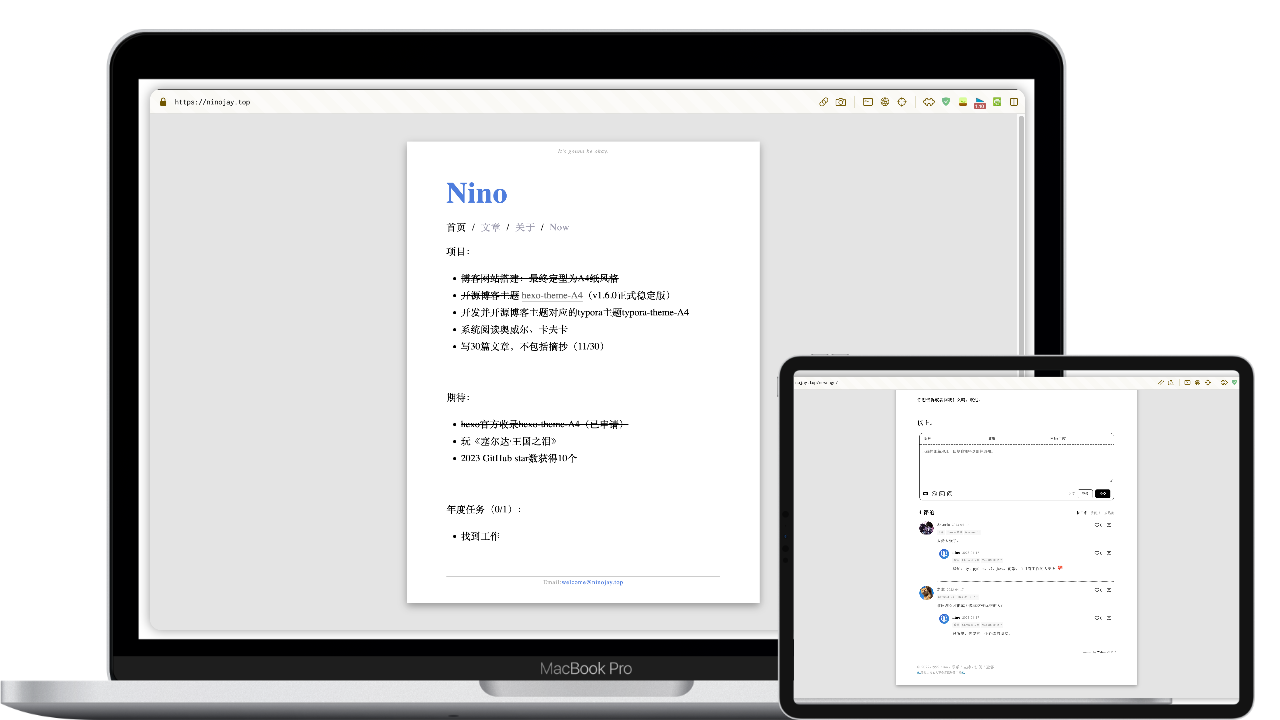
Welcome to the A4!
A4 is a simple, lightweight and elegant theme for Hexo.
With minimal configuration, achieve a paper-like appearance resembling A4 size.



Let the readers focus on reading the text, while the writers concentrate on writing.
➡️ Demo ➡️ Docs
A star in the top right corner for faster feature updates
🏹️Features
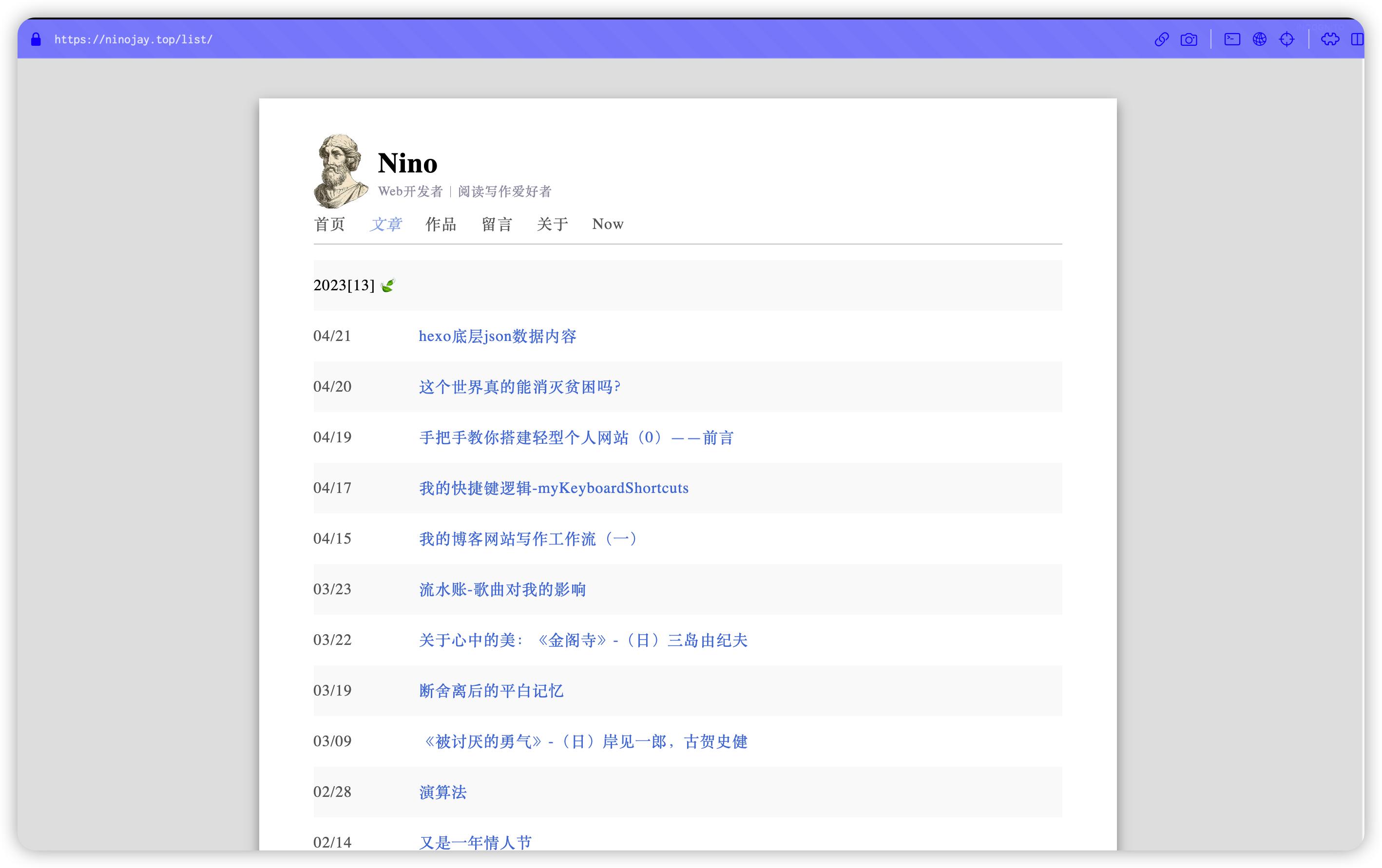
- Basic functions of blog: archive/tag/category/index
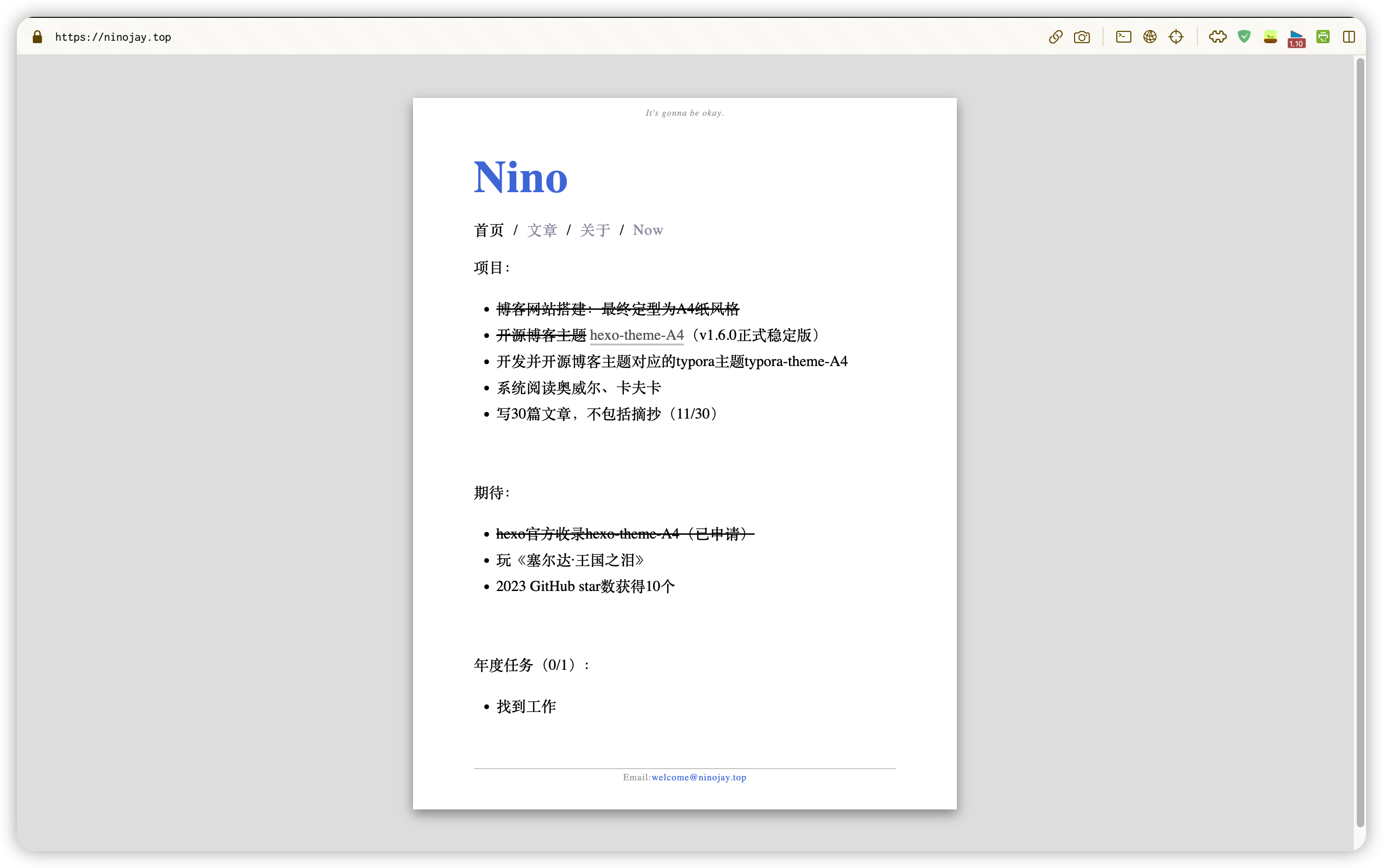
- With the paper-like index page, content is up to you
- Footer and Header of pages can be customized
- Pages can be individually configured with the following functions:hidded page, comment module, top articles, Mathjax support for Math writting, encrypted access
- Easily customized global color schemes, preview of two color schemes
- Adopt the most beautiful comment module
waline - Preset css styles that can be used by Markdown
- Supported hexo plugins
🔥Demonstration
Various Color Scheme
Grey and white color scheme (Default)

Green and gold color scheme (Pre-provided | One-click activation)

Color coordination is an art. In addition to the two color schemes recommended for A4, I can also create my own color palettes and share them with everyone. If you would like to explore more color combinations, please refer to the following link: Preview.
Index
Page List
Tags And Category
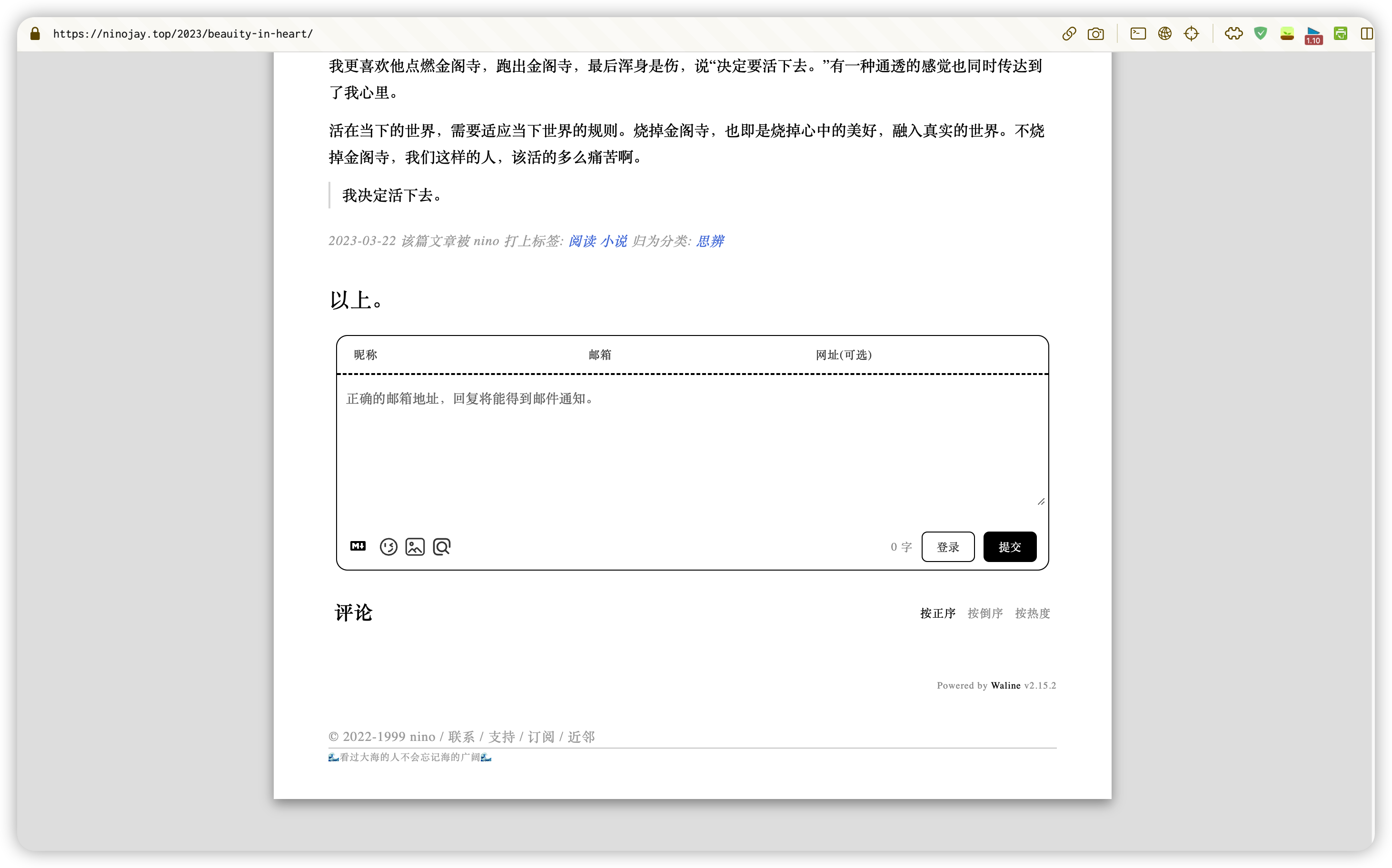
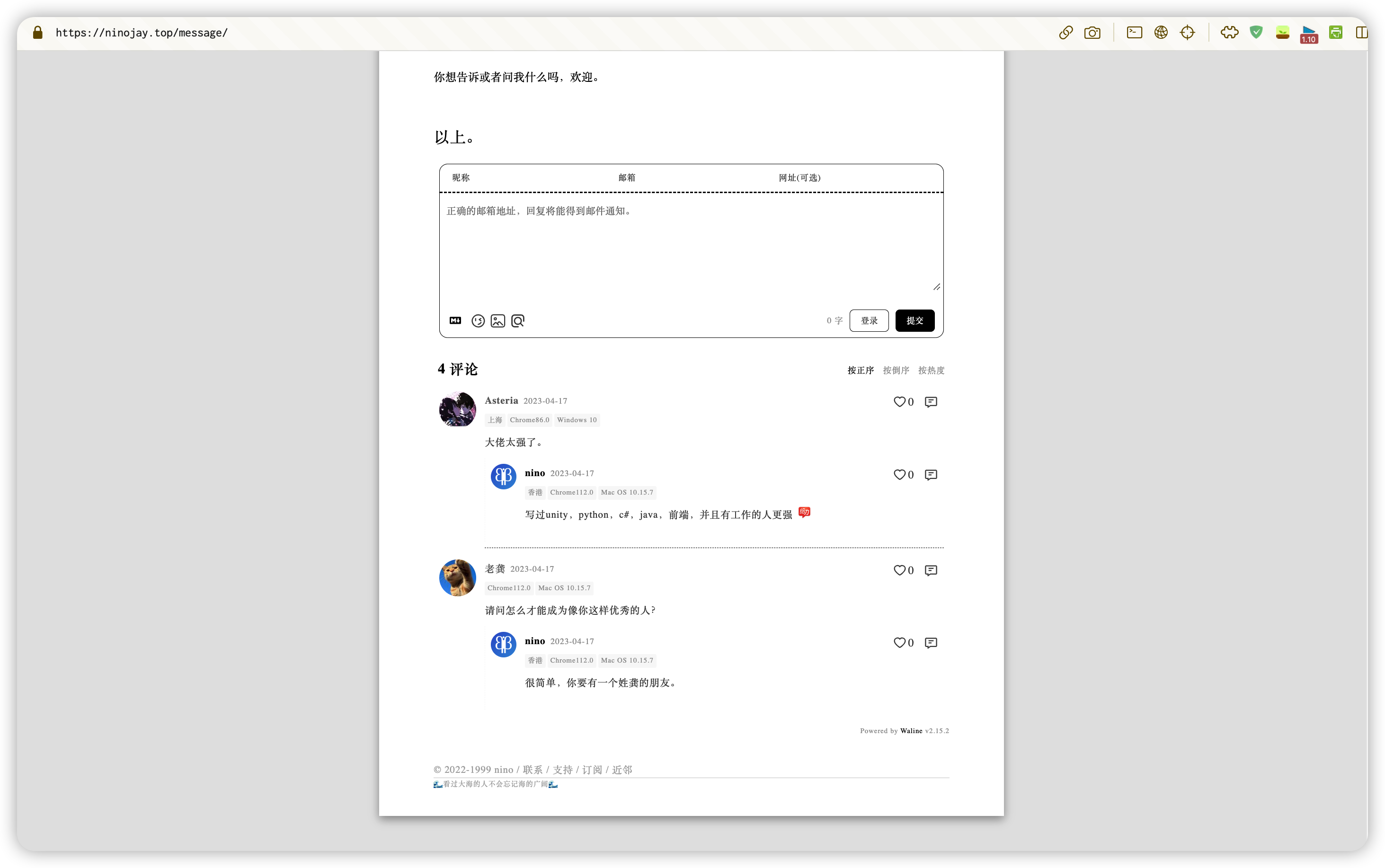
Comments
👋How To Use
- make sure you have been created folder by
hexo init, for convenience, suppose the name of the folder iswebsite - navigate to the
websiteby using the command line - set the theme to A4 in the
_config.ymlfile under thewebsitefolder - install
a4 themenext by any one of two methods below:
By npm (Recommended)
- execute
npm install hexo-theme-a4@latest - create the
_config.a4.ymlfile under thewebsitefolder,copy the content here into it - all personalized configurations for the theme will be performed in the
_config.a4.ymlfile, which can be configured according to the comments in the file - execute
hexo sto take a look of preview
By git
- execute
git clone [email protected]:HiNinoJay/hexo-theme-A4.git themes/A4 - create the
_config.a4.ymlfile under thewebsitefolder,copy the content here into it - all personalized configurations for the theme will be performed in the
_config.a4.ymlfile, which can be configured according to the comments in the file - execute
hexo sto take a look of preview
⚠️Configuration (Required!)
The homepage (index) and article list page (list) are created automatically on startup (hexo g / hexo s), so there is no need to run hexo new page manually. To customise the homepage content, edit source/index/index.md directly.
For other detailed configurations, please see: ➡️ Online usage manual
⬆️ How to update
According to your install method,choose the corresponding way to update.
by npm
Navigate to the root directory of your blog site by using the command line Excuting order below:
npm install hexo-theme-a4@latest
by git
Navigate to the directory themes/A4 by using the command line
Excuting order below:
git pull
Notice
After updating through the above two methods, please visit the GitHub page to check the latest version. I will indicate whether there are any additions or modifications to the configuration file.
If there are any modification, you need to copy the corresponding additions or modifications from the latest file and apply them to your _config.a4.yml file.
☕️ support
Welcome to submit pull request or issue, please submit to dev branch.
Anything else you want to communicate with, you can send an email to: [email protected]
If you think I'm not doing too well, please give me a star for the project, or buy me a cup of coffee ☕️
💗 feeling
Heartfelt thanks to A4 supporters: https://github.com/HiNinoJay/hexo-theme-A4/blob/main/DONATION.md