
Git4Agent/mallard-app
Git4Agent/mallard-app has 113 GitHub stars and 4 forks. GitHot measured 0 stars in 24 hours. Last checked 2026-11-15 15:56 UTC. Last push 2026-11-14.
What you can do
- A better way to PRThe diff shows what. The chat shows why. - What one learns, the flock knowsPush your chats. Teammates read them, or pull and keep going.
- More wings for one duckPush from a busy laptop. Pull on your others. - Welcome to the flockSend the link. They pull the history and catch up.
Measured star growth
- in 24h
- 0
- in 7 days
- Update delayed
- in 15 days
- Update delayed
- in 1 month
- Update delayed
Net star changes over overlapping periods, not daily totals. Missing measurements are left blank. Stars measure attention, not software quality.
About
Flexible storage solutions for agent sessions.
Developer ToolsREADME.md
Original

Mallard
Git for AI agents
Your code travels with Git. Your Codex and Claude sessions travel with Mallard.


Download · Website · Docs · English · 简体中文
What you can do
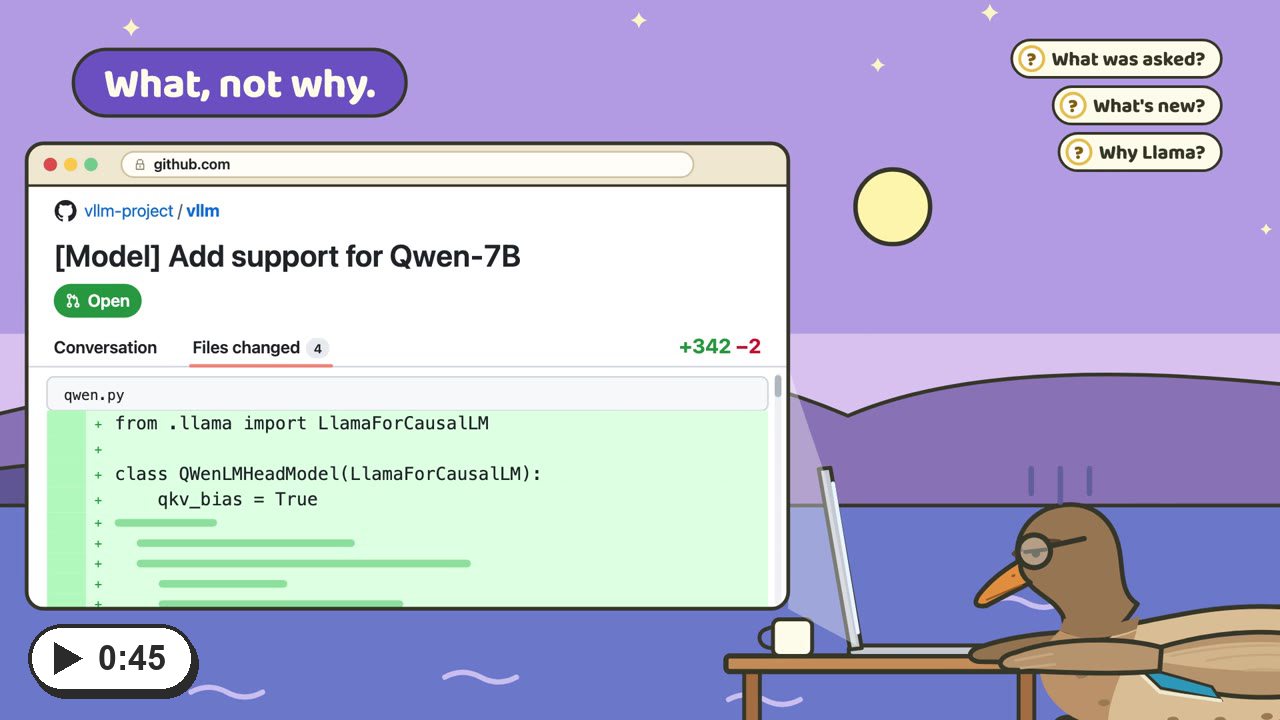
A better way to PR The diff shows what. The chat shows why. |
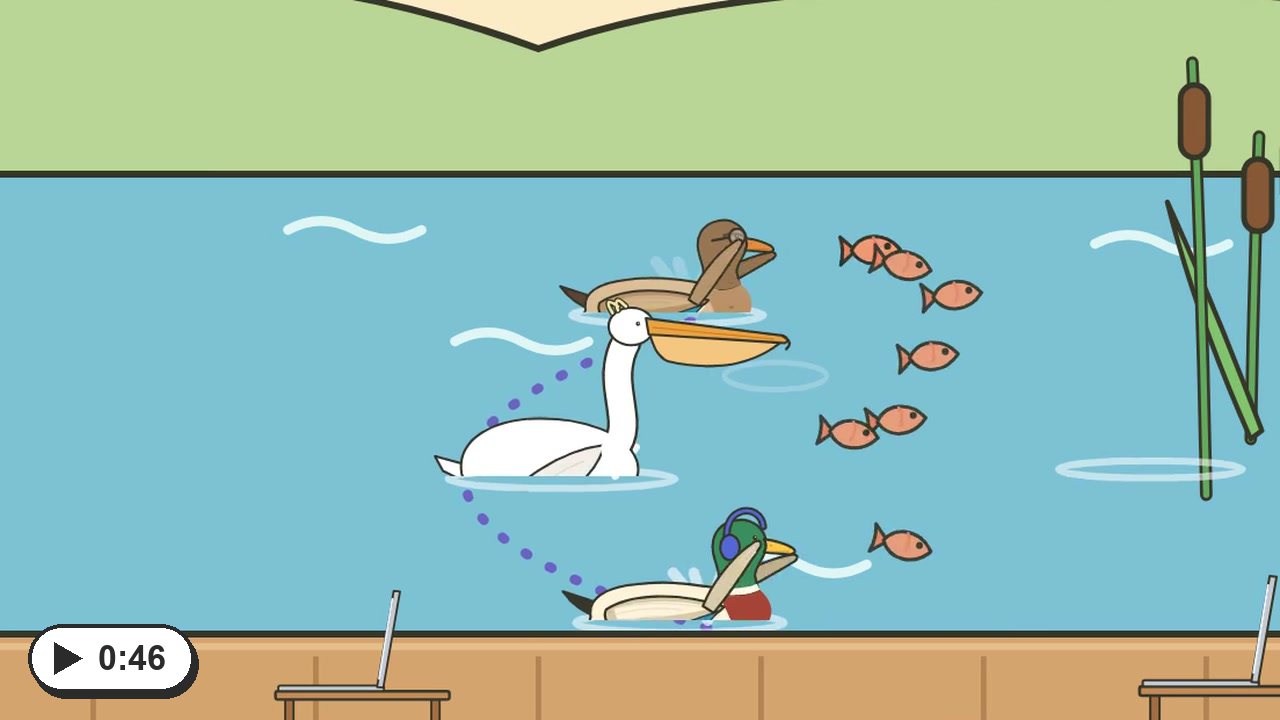
What one learns, the flock knows Push your chats. Teammates read them, or pull and keep going. |
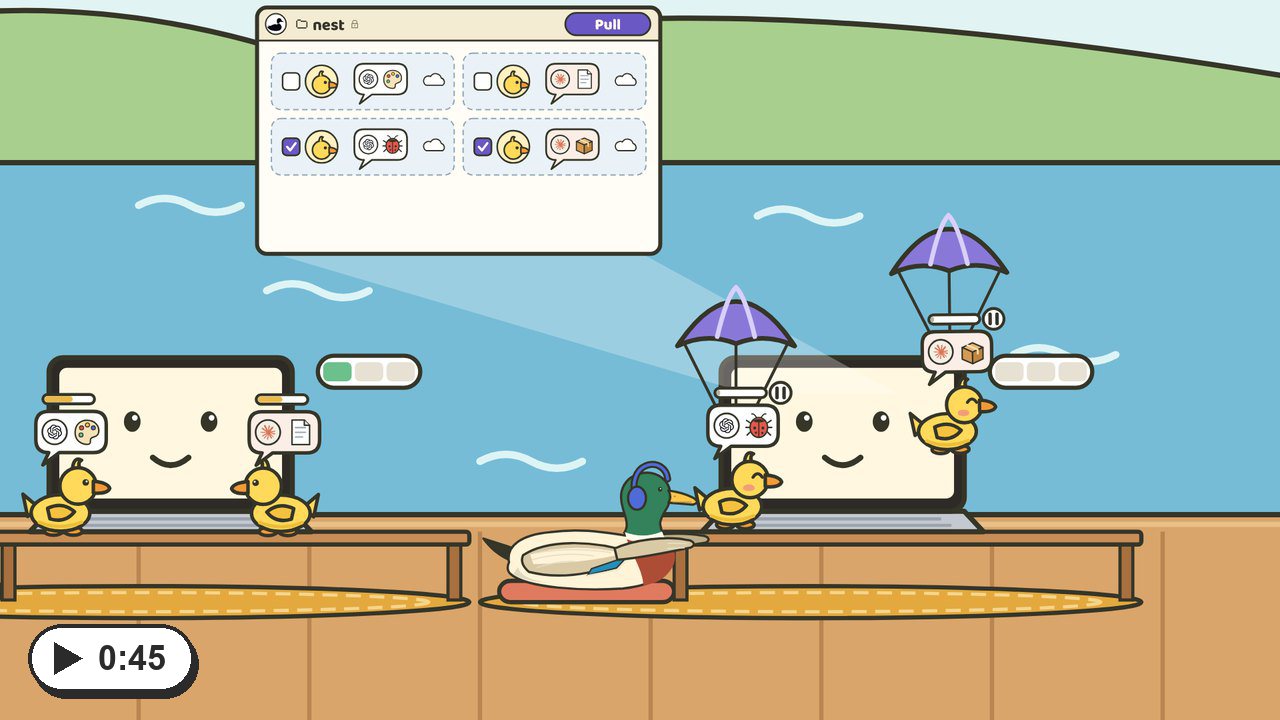
More wings for one duck Push from a busy laptop. Pull on your others. |
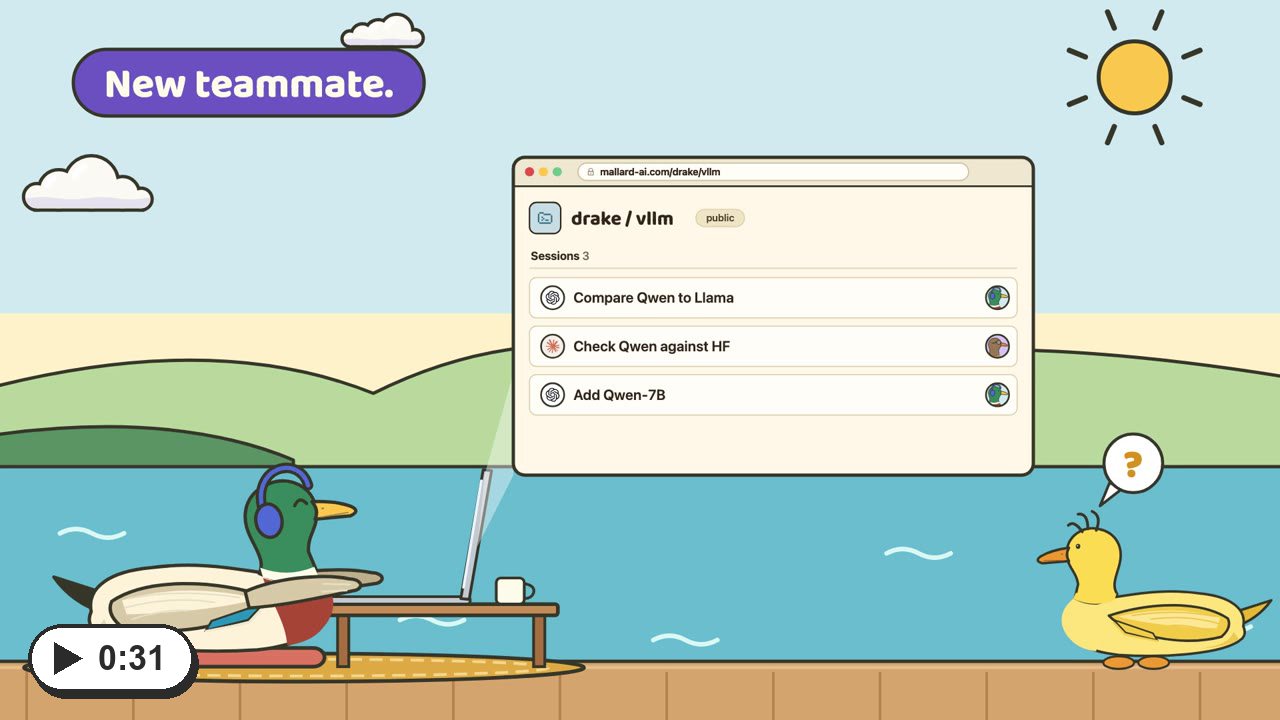
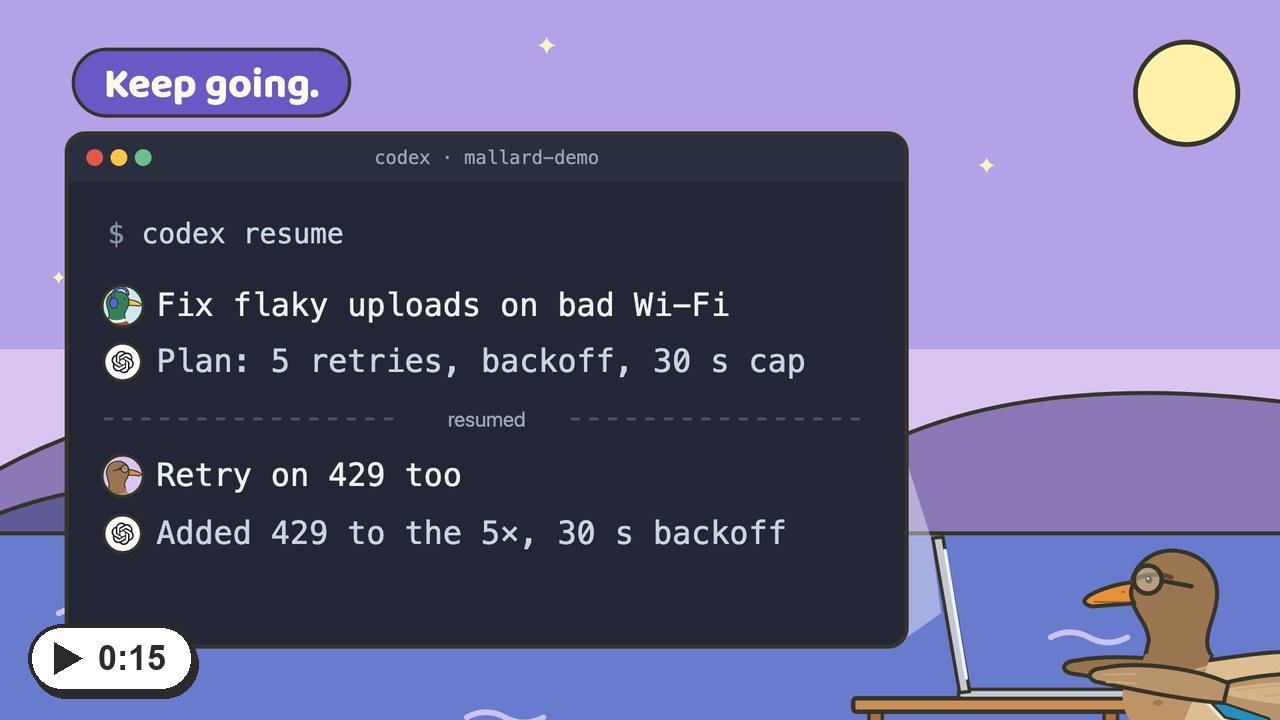
Welcome to the flock Send the link. They pull the history and catch up. |
Examples
Public on Mallard Cloud. Open one, or pull it into Mallard.
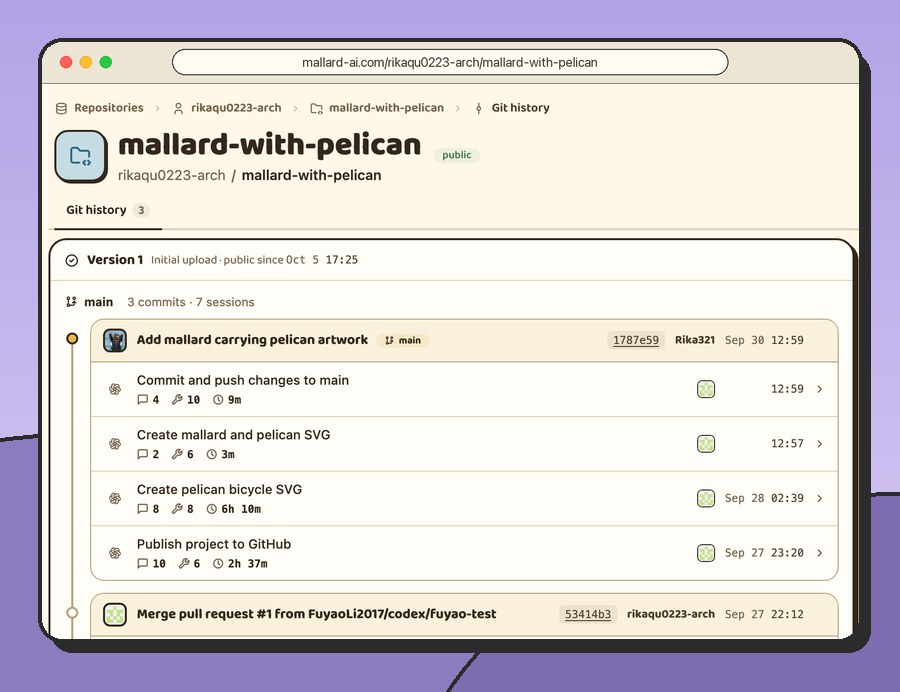
mallard-with-pelican A Git project: Codex and Claude sessions under each commit. |
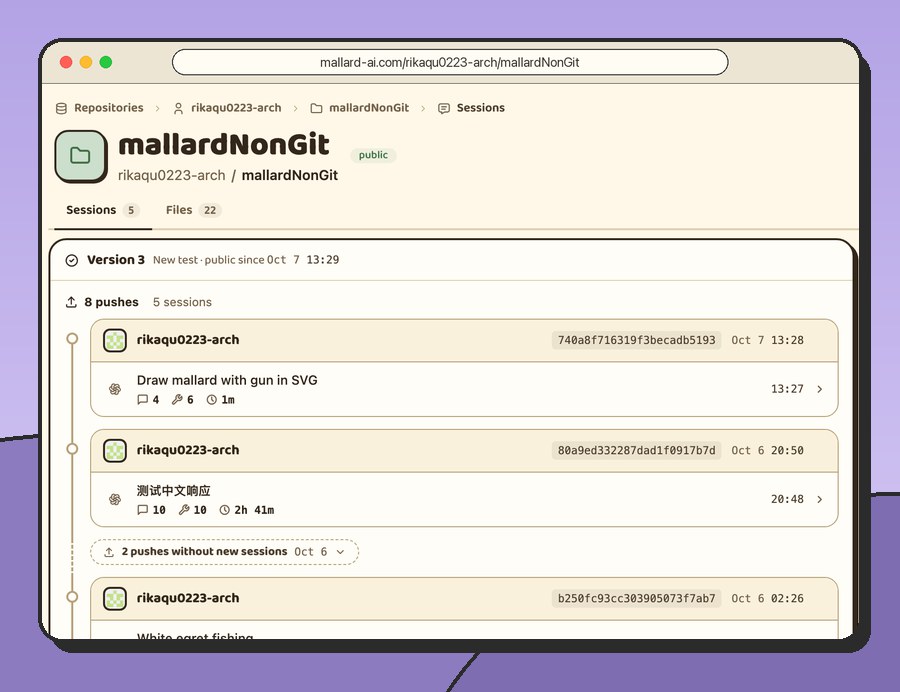
mallardNonGit A folder without Git: its sessions and files, together. |
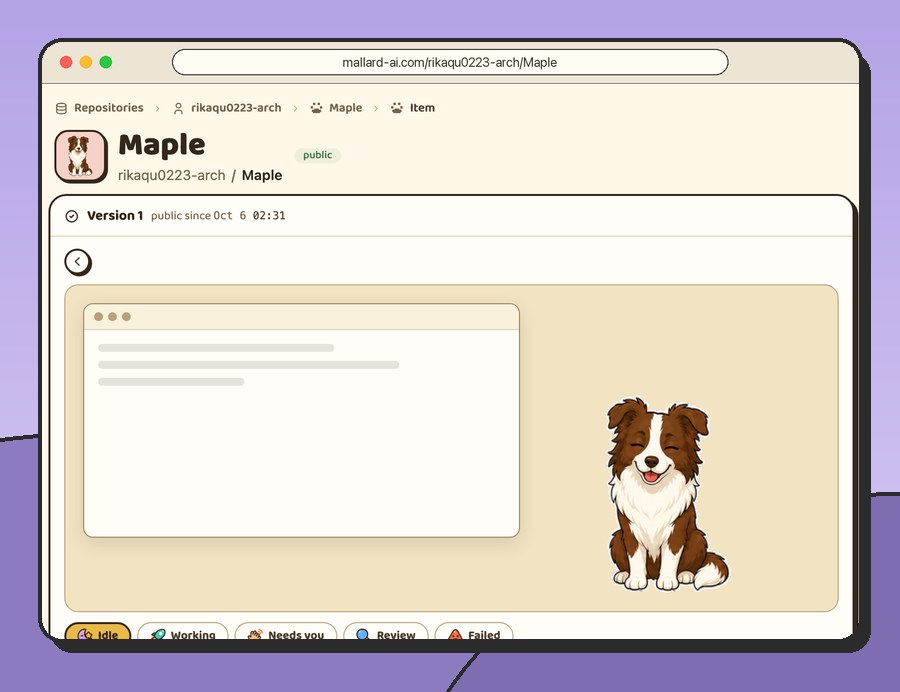
Maple A Codex desktop pet, ready to pull. |
Get started
Download Mallard for macOS or Windows, then:
On Windows, CLI actions open Windows Terminal with Windows PowerShell. Install
Windows Terminal with its wt.exe app execution alias enabled.
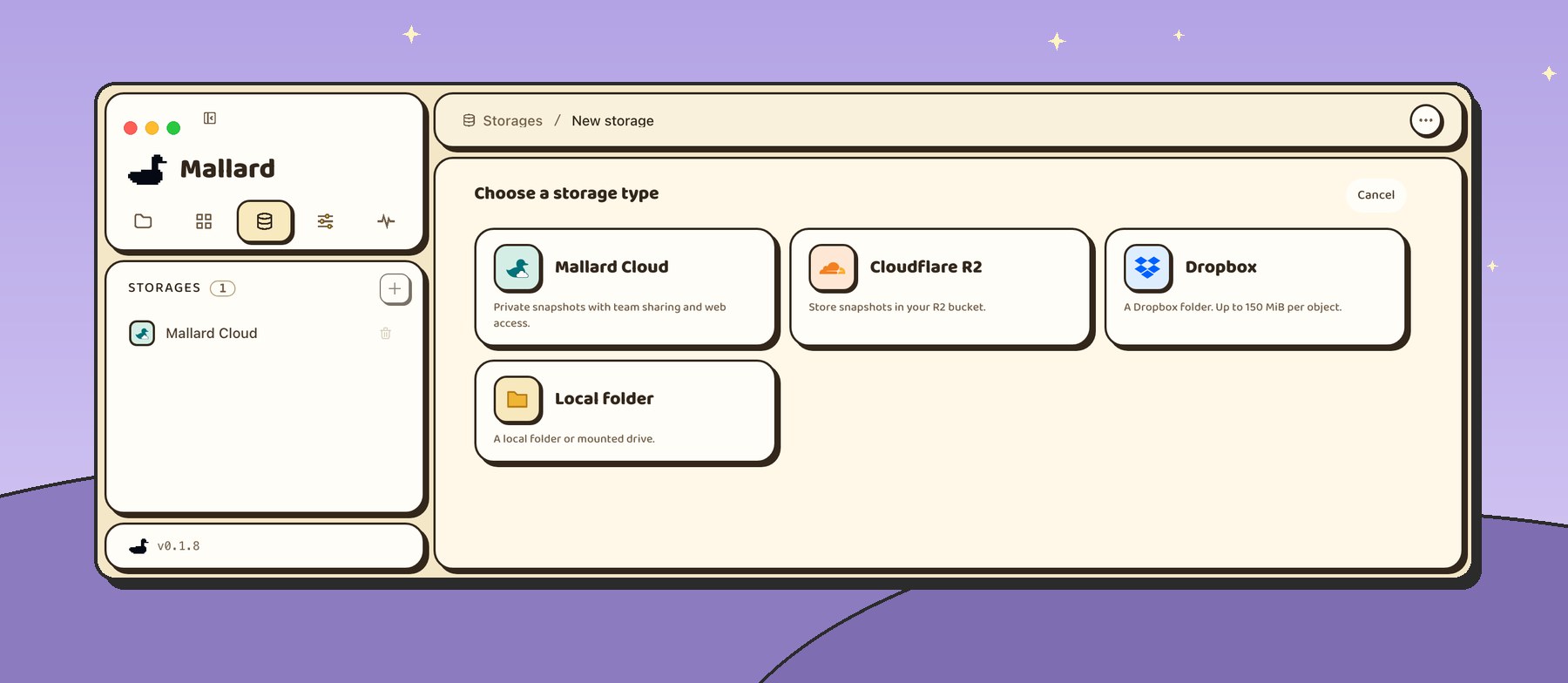
1. Add a storage
Where your sessions live: Mallard Cloud, a folder, Cloudflare R2 or Dropbox.
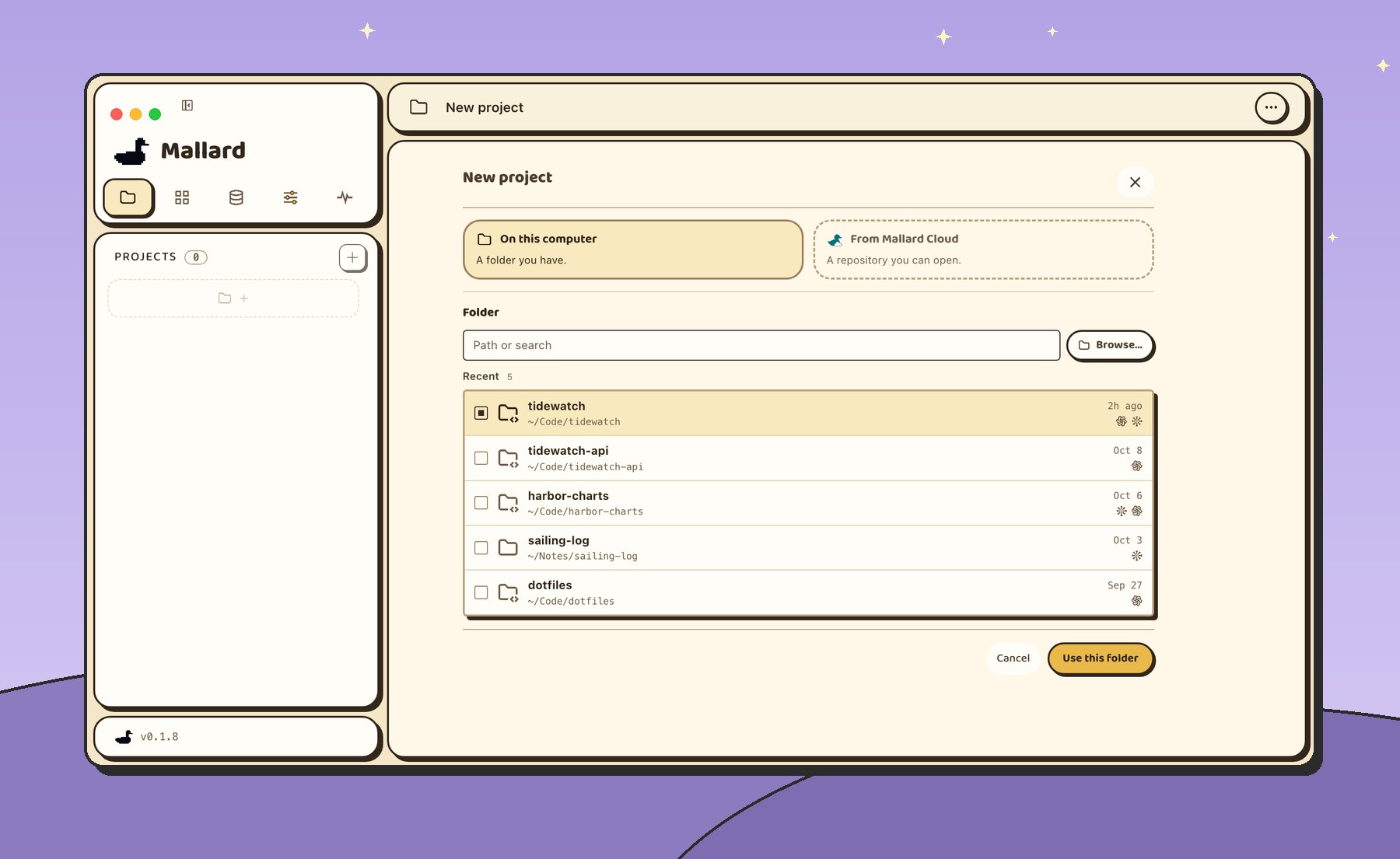
2. Add a project
Pick a folder where Codex or Claude worked.
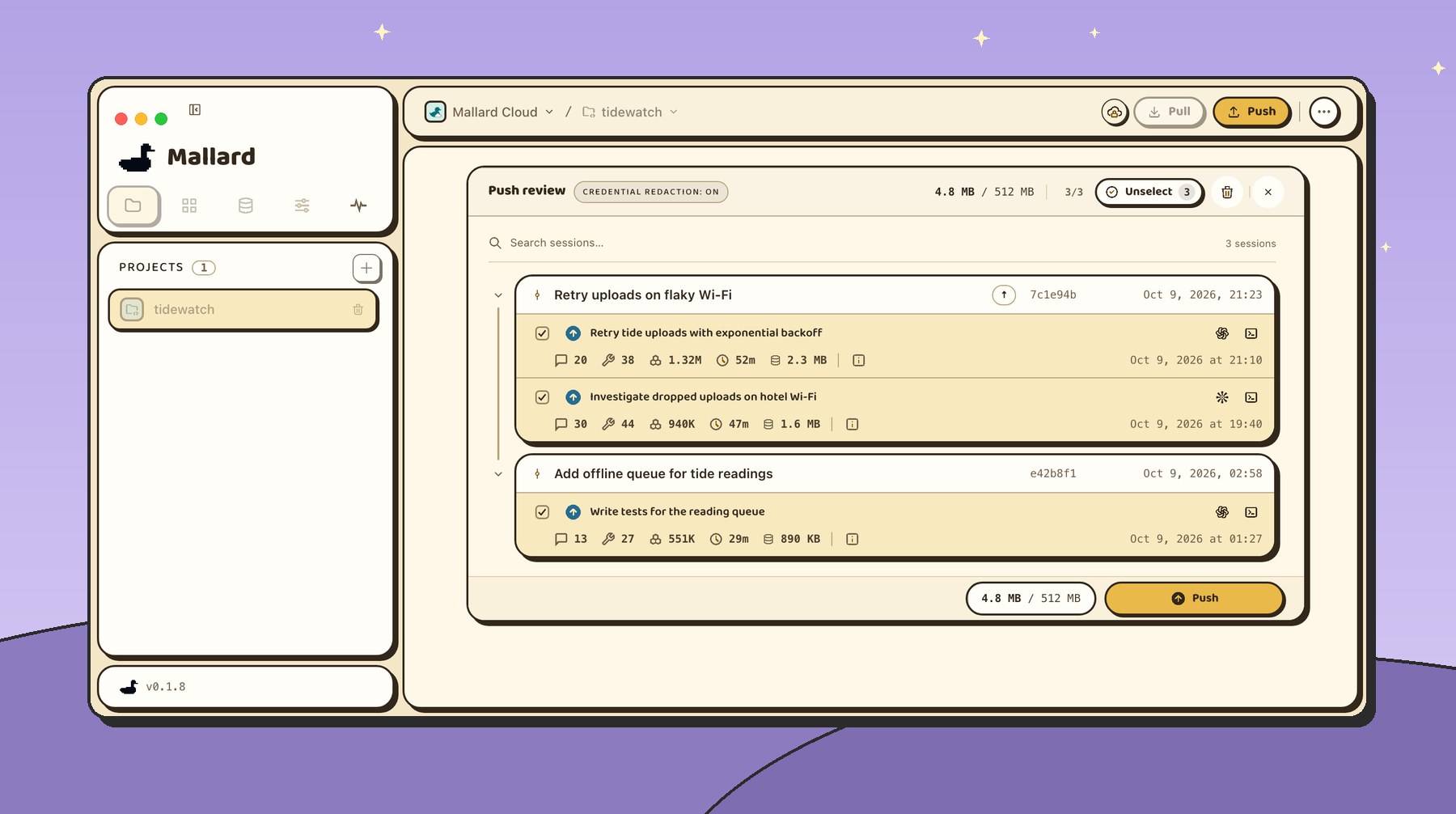
3. Push and pull
Push: you pick which sessions to push.
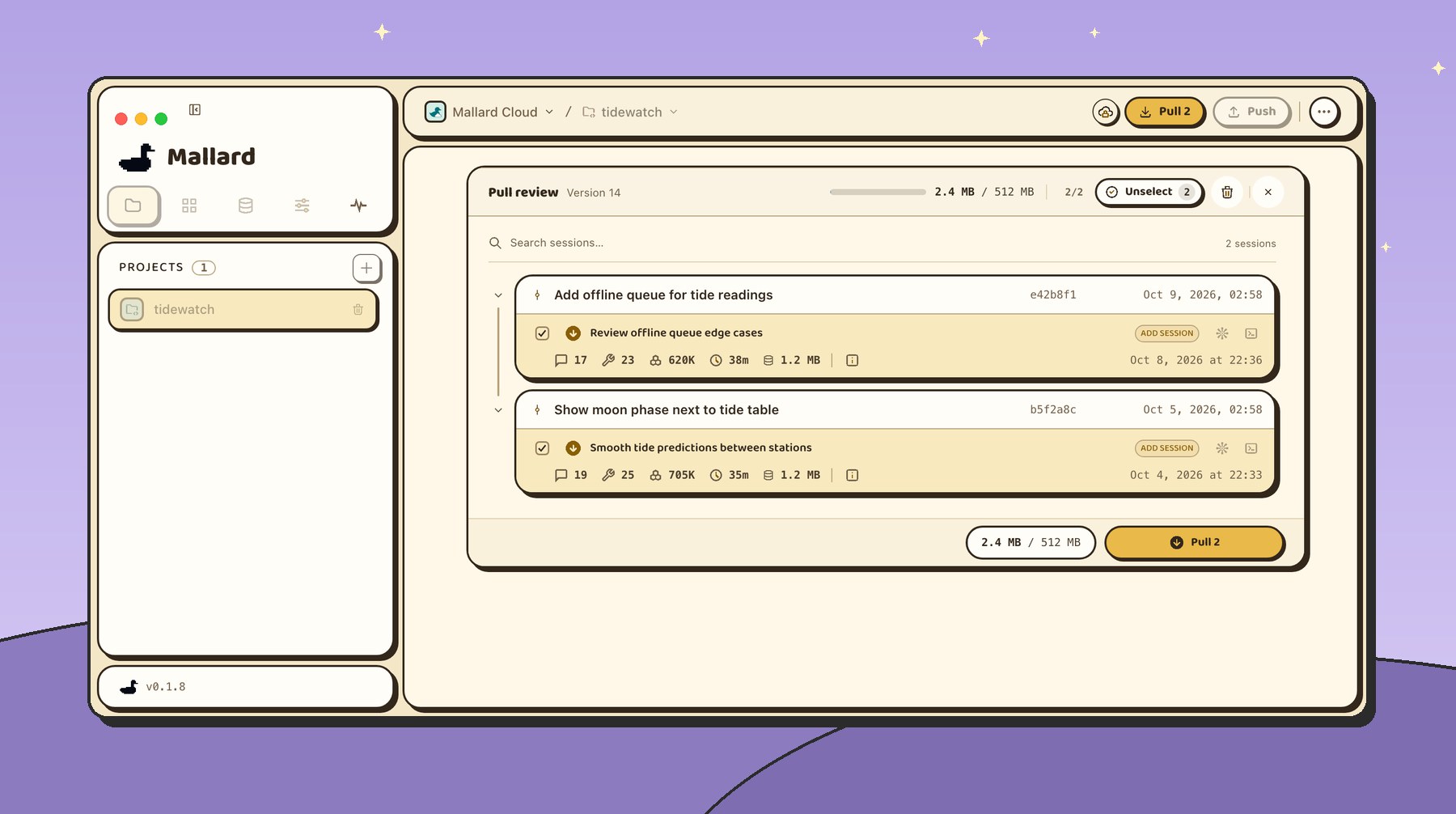
Pull: you decide which sessions to pull, too.
Works with
- Agents:
 Codex ·
 Claude Code
- Also shares: Skills (Codex, Claude) and Codex pets, pushed and pulled like sessions
- Storage:
 Mallard Cloud ·
 A folder ·
 Cloudflare R2 ·
 Dropbox
- Computers: macOS 12 or newer (Apple silicon, Intel), Windows x64
Your data stays yours
- Review and select sessions before transfer.
- Storage credentials stay on your computer.
- Enable Credential redaction in Settings › Privacy to hide detected keys in chats.
- Mallard Cloud uploads are private to you and invited people.
How it works
Mallard needs only three things from a storage: List, Put and Get. No Git server.
- A push only adds. Files named by their SHA-256 go up first, then a manifest, then one small record. Until the record lands, the version doesn't exist.
- The listing is the history. Each record names its parent; follow them from the root to the current version. When two pushes land in the same seconds, the earlier wins and the other is told to compare again.
- A pull applies the version it reviewed, even after a newer push.
- Sign-ins, backups and logs never go to storage.
Community
Join our Discord, or scan the QR code in WeChat to join the Mallard beta group.

The QR code is valid before November 10, as shown in the image. Click the image to view it at full size.
FAQ
Is Mallard free?
Yes. The Mallard app is free and open source under the MIT License: use it, change it and share it, at work or at home.
Can I use my own storage?
Yes. Use a folder on your computer or a mounted drive, your own Cloudflare R2 bucket, or your Dropbox. Mallard Cloud is optional: it adds GitHub sign-in and a website where your team reads sessions.
Does Mallard upload my code?
No. In a Git project your code travels through Git, as always; Mallard moves the sessions. In a folder without Git, you can tick files to travel too.
Which agents does it support?
Codex and Claude Code, in the terminal or in their desktop apps.
Build from source · Technical report · Built for OpenAI Build Week · MIT License
Thanks to the LINUX DO community for its support.