
Gianluca-Improta/cinekive
Gianluca-Improta/cinekive has 111 GitHub stars and 1 forks. GitHot measured 0 stars in 24 hours, 0 in 7 days, and -1 in 15 days. Last checked 2026-11-15 15:58 UTC. Last push 2026-10-20.
Measured star growth
- in 24h
- 0
- in 7 days
- 0
- in 15 days
- -1
- in 1 month
- Update delayed
Net star changes over overlapping periods, not daily totals. Missing measurements are left blank. Stars measure attention, not software quality.
About
Local-first cinematic still archive for filmmakers. Search your frames by look, mood, technique or director with SigLIP semantic search; ingest video and URLs; build moodboards. Free desktop app for Win/Mac/Linux, Pro unlocks studio tools. Your library stays on your disk.
Self-hostedREADME.md
OriginalCinekive
Your cinematic archive. Local. Searchable. Yours.
Drop a film, a stills folder, or a URL. Cinekive finds the heroes, tags the craft, and lets you pull the frame you meant — by look, director, technique, or mood — without scrubbing a timeline or renting someone else's library.
Inspired by FilmGrab, EyeCandy, Flim & Kive. Built to live on your machine.
中文说明 → README.zh-CN.md






Downloads · Watch · Quick start · Who it’s for · Tour · FAQ · vs FilmGrab / Flim / Kive · Changelog · Roadmap · Join in · 中文
Who it’s for
- Editors & directors building lookbooks without scrubbing a full timeline
- Commercial / social teams who need client-safe references on a studio drive
- Cinephiles & students collecting stills they have rights to access
- Anyone who wants a local FilmGrab-style archive plus ingest and moodboards
New here? Start with the FAQ or skim Cinekive vs other tools.
If this saves you time, a GitHub star helps others find it.
Downloads
→ Download Cinekive v0.5.3 — no Docker or terminal needed on Windows / Mac.
| Your computer | Download this | Then |
|---|---|---|
| Windows | Cinekive-0.5.3-win-x64.exe |
Double-click → Start menu shortcut appears |
| Windows (no install) | Cinekive-0.5.3-portable.exe |
Double-click and run |
| Mac (Apple Silicon M1/M2/M3/M4) | Cinekive-0.5.3-mac-arm64.dmg |
Open DMG → drag to Applications |
| Mac (Intel) | Cinekive-0.5.3-mac-x64.dmg |
Open DMG → drag to Applications |
| Linux | .AppImage / .deb |
Needs Docker Desktop for now |
Free vs Pro
Same installer, and the same code you see in this repo. Pro is a one-time Gumroad license ($19, early-bird $12).
Free is the default everywhere — installers, docker compose, and builds from
source alike. Pro unlocks with a real license: a Gumroad key or a signed 14-day
trial key. There is no environment variable that flips Pro on.
| Free (Community) | Pro ($19 once) | |
|---|---|---|
| Promise | Your local cinematic archive | Studio workflow unlocked |
| Search + ingest | Yes | Yes |
| Single-shot export | Yes | Yes |
| LAN phone URL | Yes | Yes |
| Projects | Soft cap (3) | Unlimited |
| Archive mirror sync | Browse only | Sync tools |
| Continuous craft enrich | Manual only | Always-on drip |
| Cloud VLM (OpenRouter / ChatGPT / Claude / Kimi) | Local Ollama only | Bring your own key |
| Batch export / share tunnel | — | Yes |
| Board PNG/PDF export | — | Yes |
| Moodboard canvas | — | Yes |
| Lookbook layout templates | — | Yes |
| Generate still from reference (BYO image key) | — | Yes |
| Folder watcher (auto-ingest) | Manual drop | Yes |
| Agent / inspiration seek | — | Yes |
| Global dedupe | — | Yes |
| MCP server for external agents | — | Yes |
| Promo / upgrade links | Small Settings / Sidebar | Removed |
| Support | GitHub Issues / Discussions | Email (~48h) |
Activate in Settings → Cinekive Pro. Seller notes: docs/GUMROAD.md.
Testing Pro? Signed 14-day trial keys unlock everything, then drop back to Free. Expiry is an absolute timestamp checked against network time, so winding the system clock back does not extend it. Ask for a key at [email protected].
Gating is client-side by nature — this is MIT source, and anyone can patch their own copy. The point is that a plain clone-and-build gives you Free, so Pro is a deliberate choice rather than an accident. If you rely on Cinekive at work, buying a license is what keeps the free edition moving.
Install in 3 steps
- Download the file for your OS (links above)
- Open Cinekive → pick a folder for your stills → click Start Cinekive
- Wait while the native engine downloads once (~550 MB). Next launches are instant.
That’s it. No Docker. No terminal. No npm / docker compose.
macOS Gatekeeper: right-click the app → Open the first time (unsigned build).
Windows SmartScreen: click More info → Run anyway if prompted.
Linux AppImage:chmod +x Cinekive-*.AppImage && ./Cinekive-*.AppImage(Docker still required).
Phone on WiFi: Settings shows a LAN URL — open it on your phone while Cinekive runs on your computer (same network).
A fully offline installer (engine baked in) is on the roadmap.
Prefer the browser?
.\scripts\bootstrap.ps1 # Windows
./scripts/bootstrap.sh # macOS / Linux
Then open http://localhost:3000
Watch
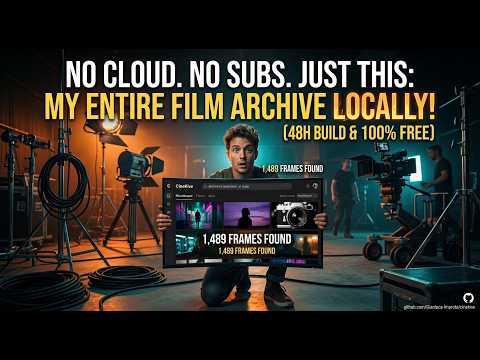
Cinekive walkthrough — watch on YouTube
Screenshots
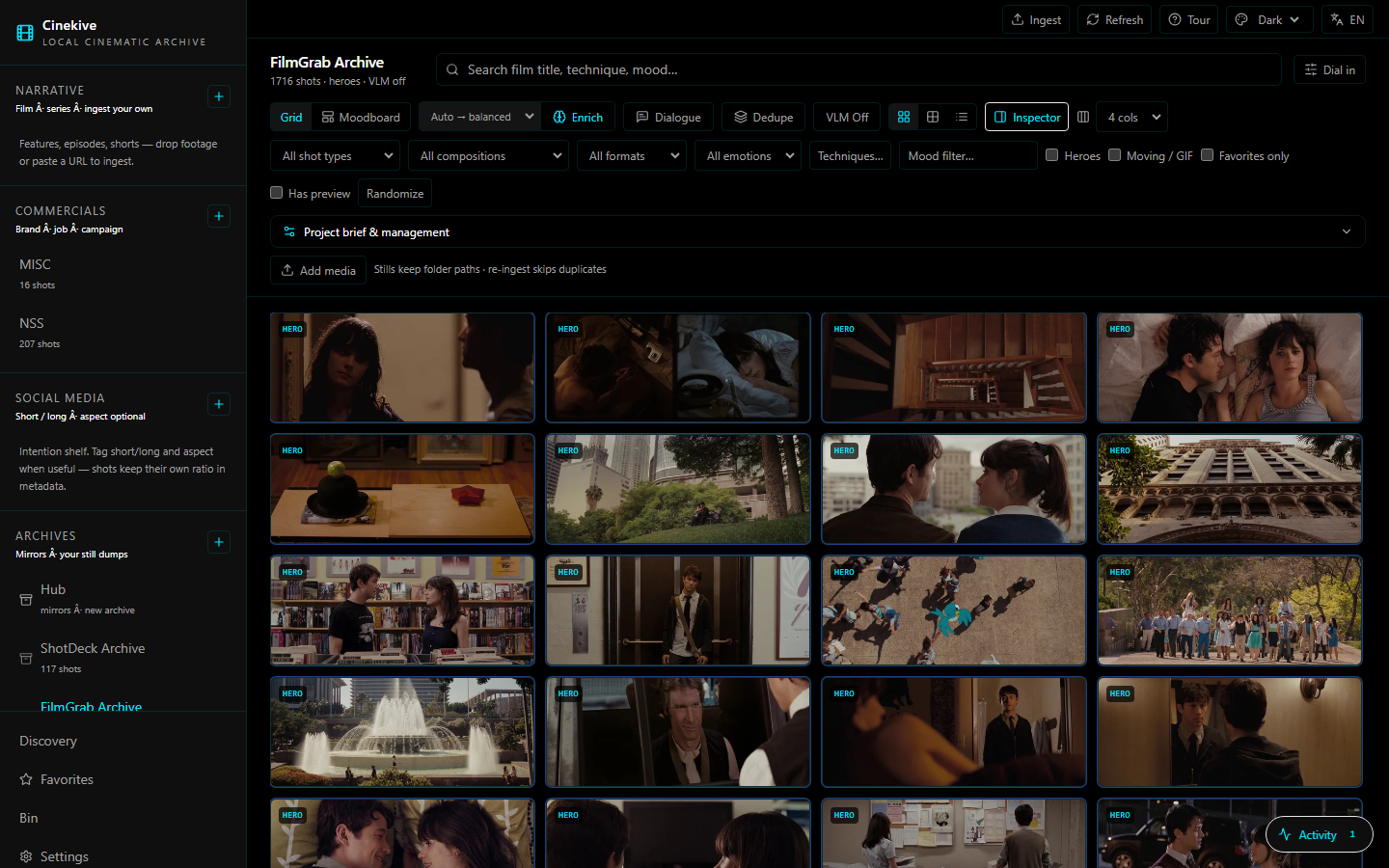
Browse your archive — heroes, craft filters, FilmGrab / ShotDeck / your own ingest
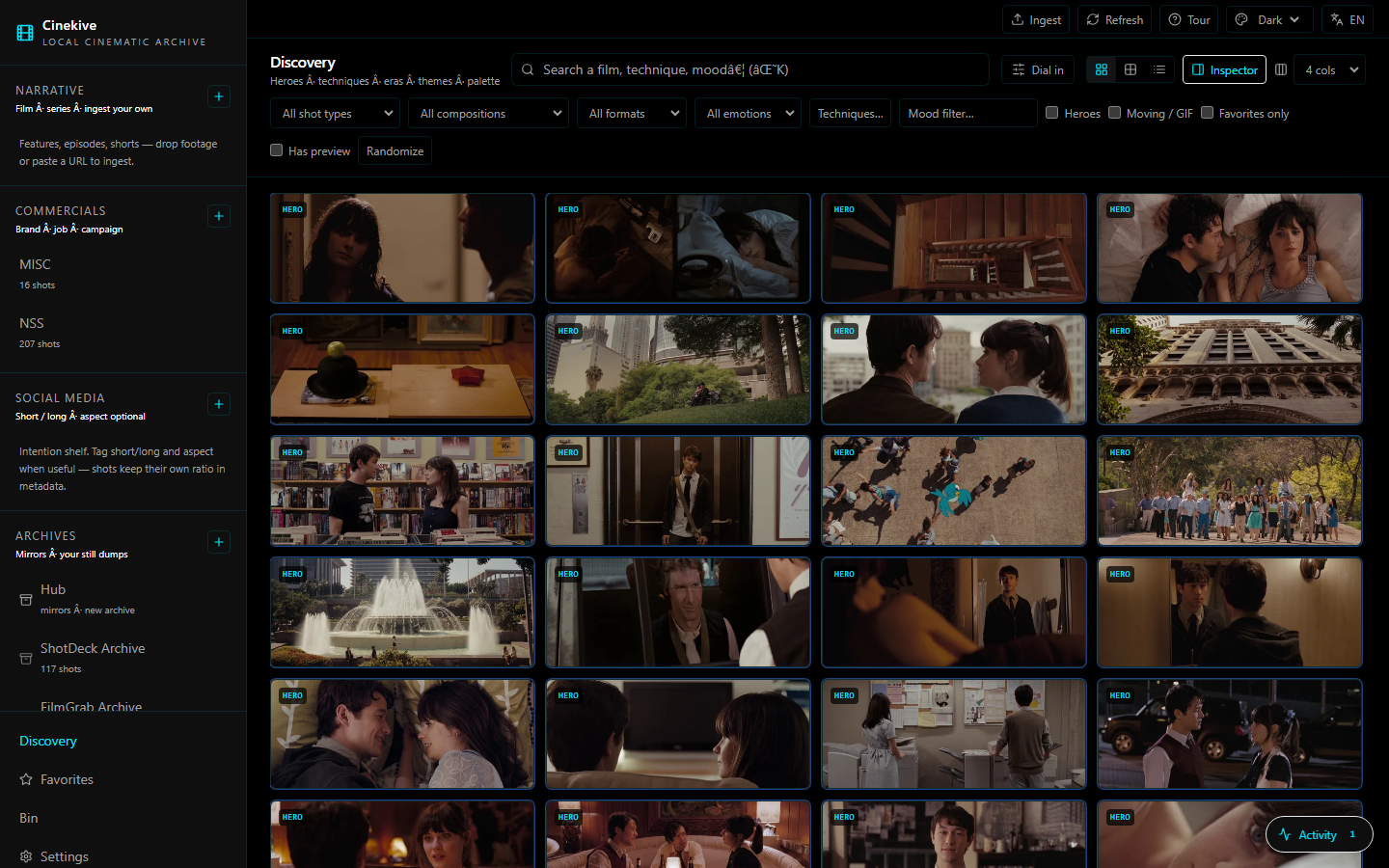
Discovery — find frames by look, technique, mood
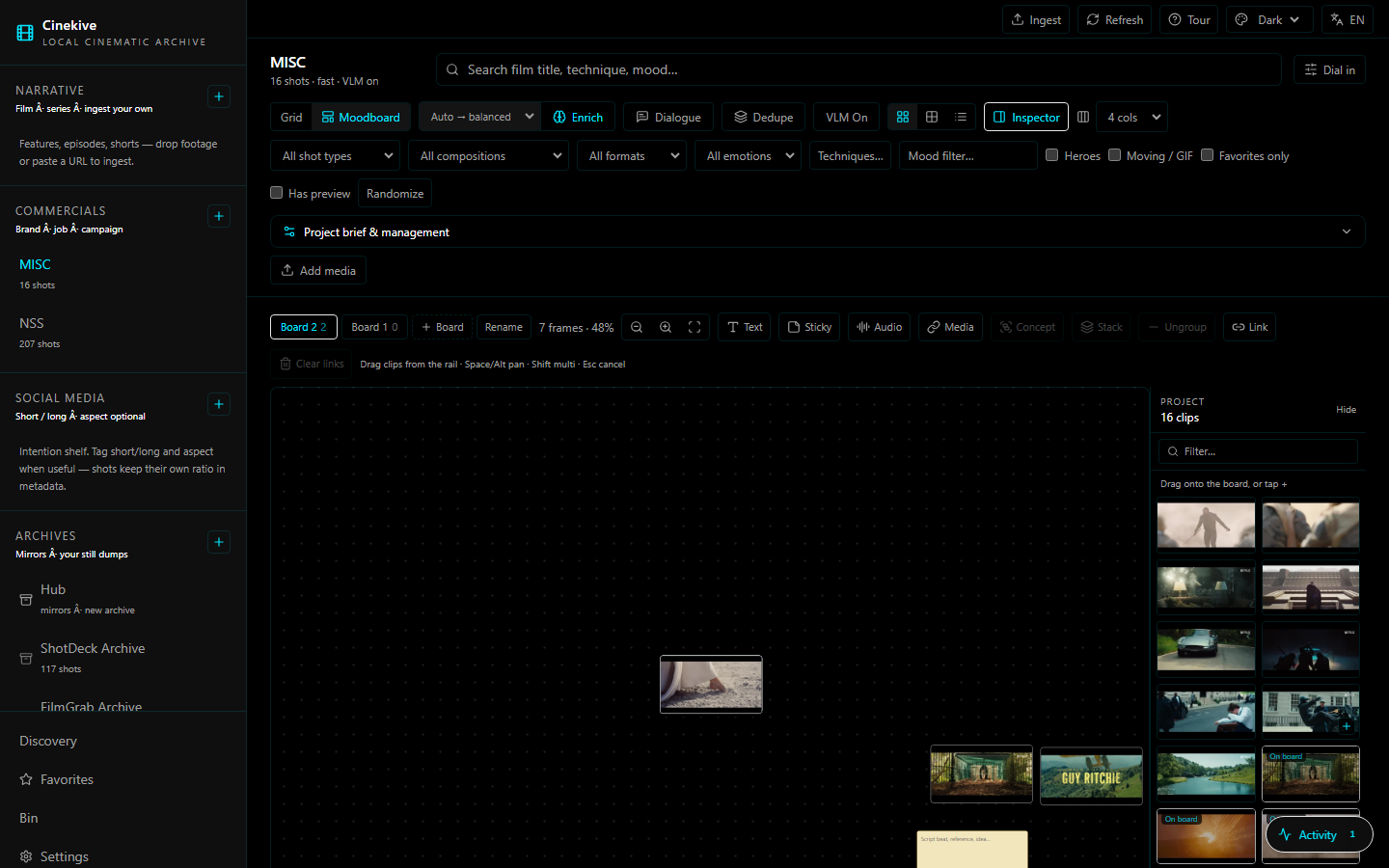
Moodboard — drag project clips, stickies, text, stacks, named concepts
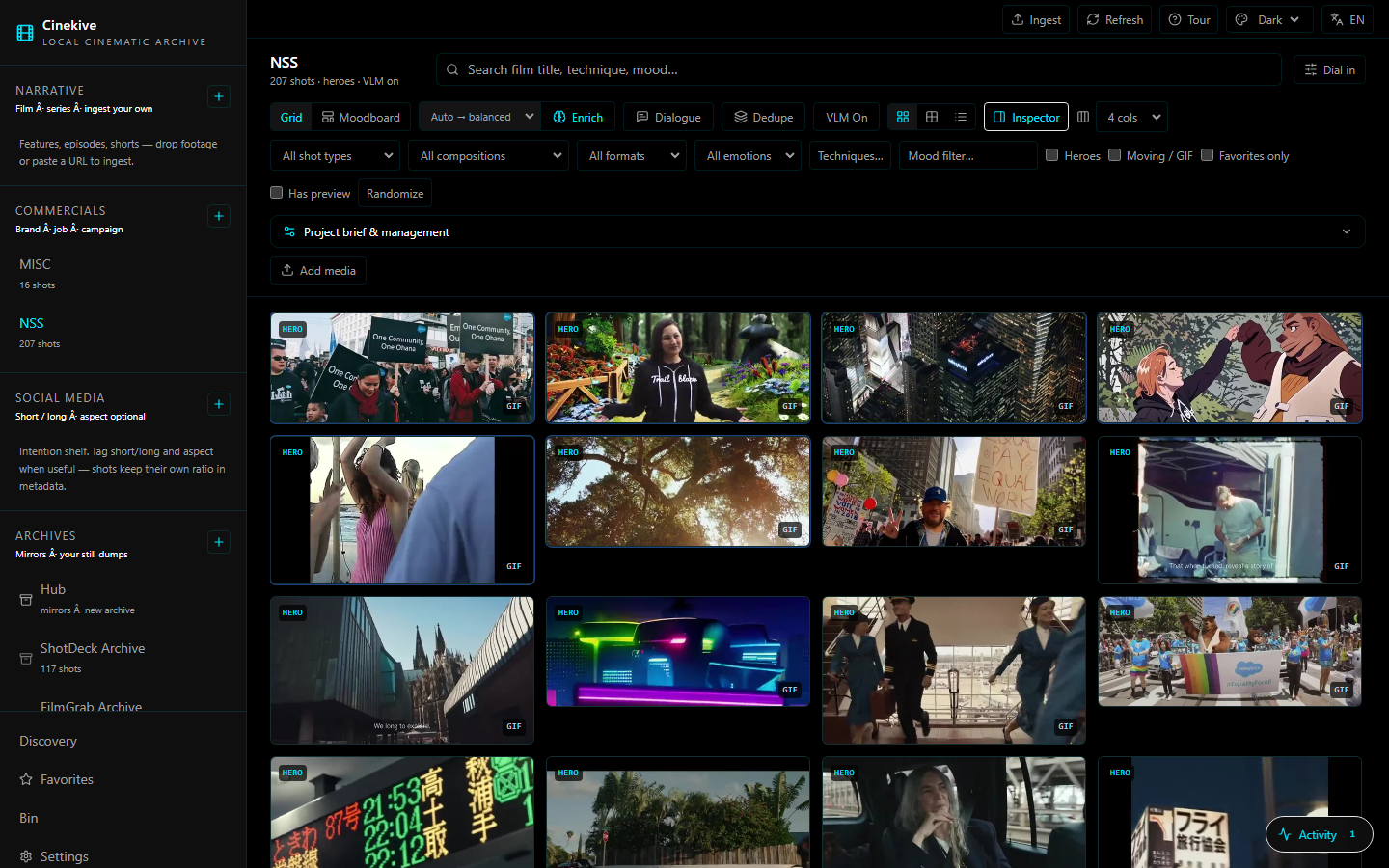
Own footage — commercials / narrative / social shelves
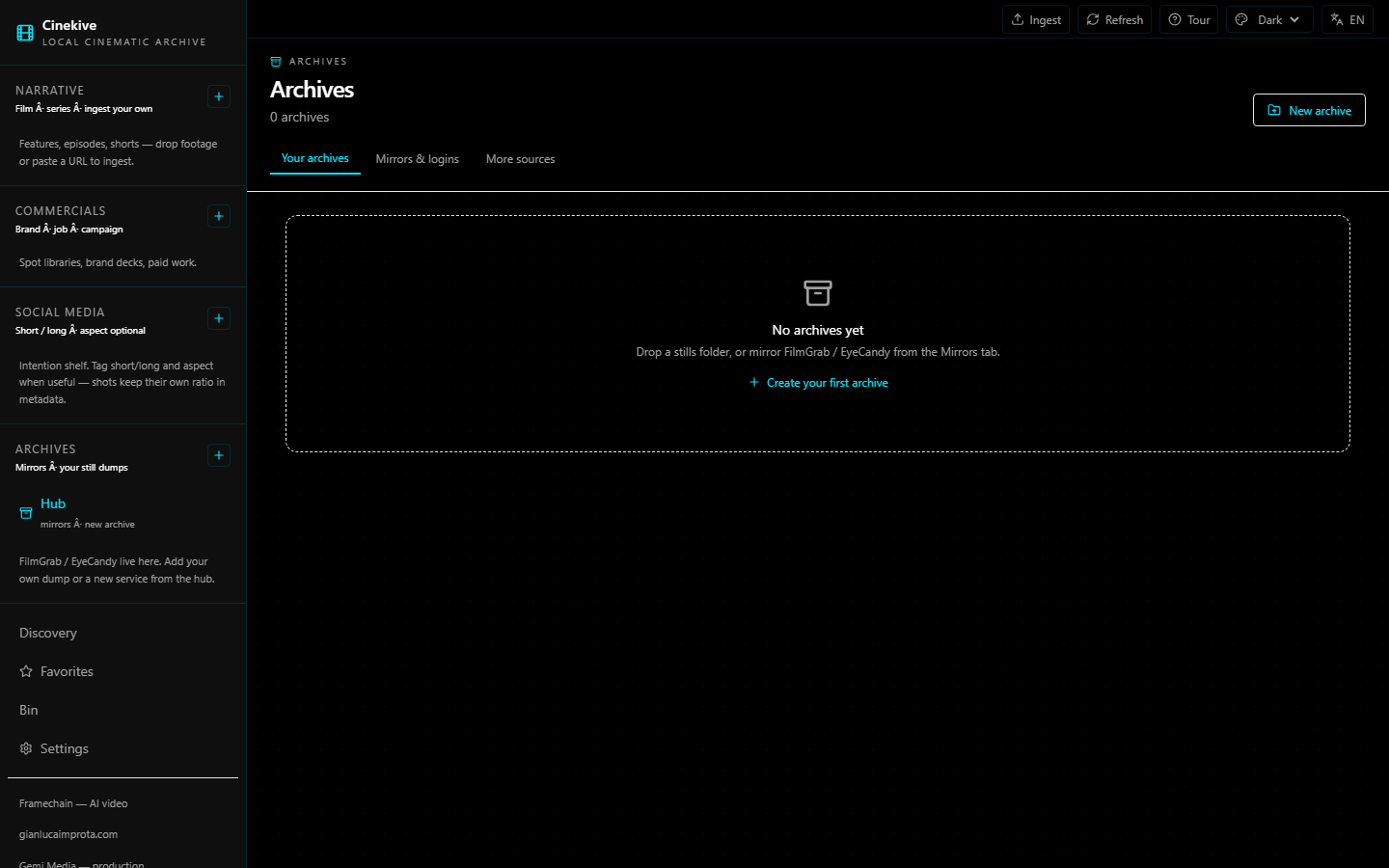
Archives — mirrors, logins, more sources
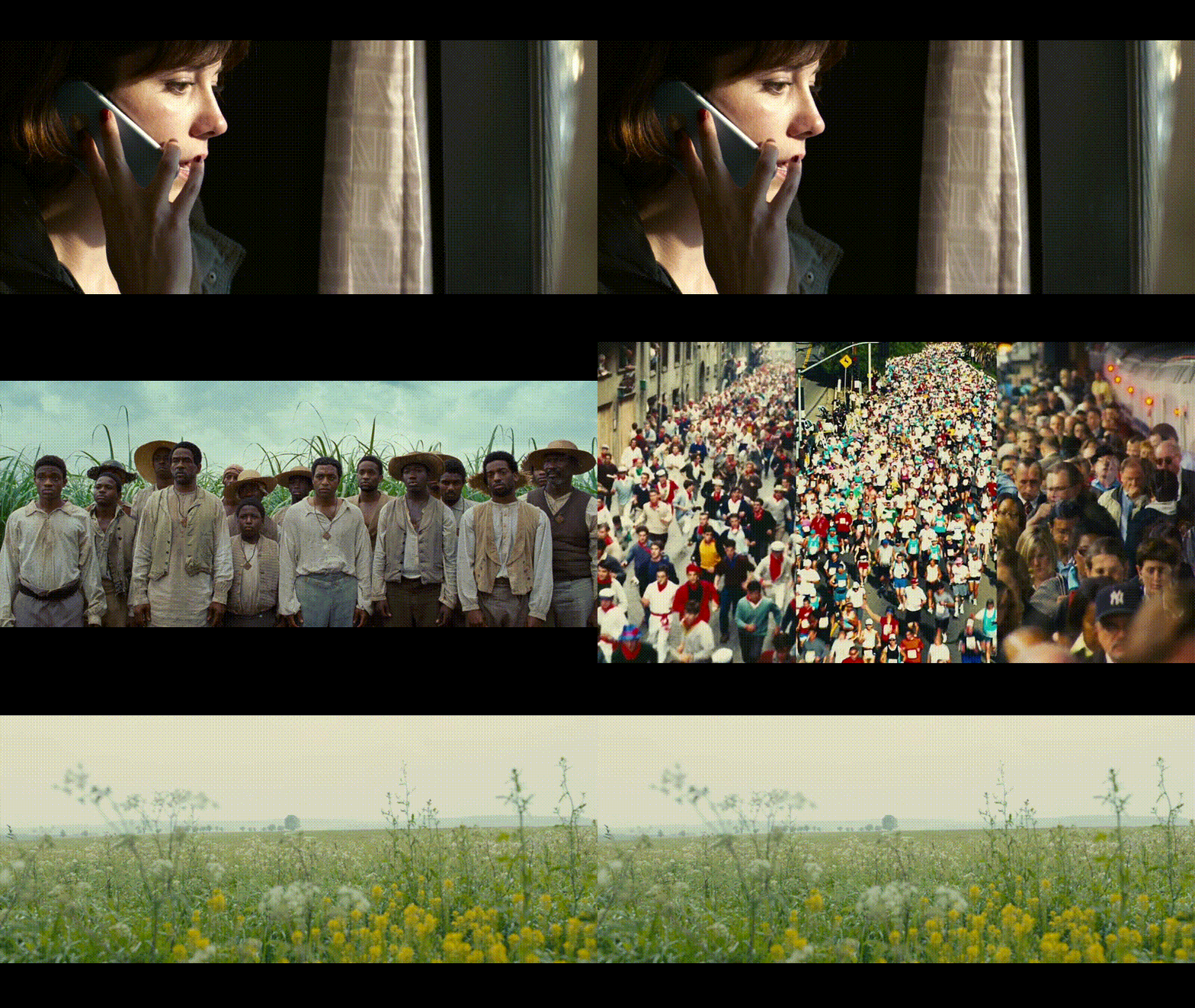
Sample frames (your library stays private — nothing under data/ is in git)
Why it exists
| The old way | With Cinekive |
|---|---|
| Bookmark FilmGrab forever | Own the frames on disk |
| Scrub Resolve for “that neon night” | Type it. SigLIP + craft filters. |
| Brief in a Google Doc the AI never sees | Brief lives on the project |
| yt-dlp in one terminal, ingest in another | Paste URL → download → ingest |
| Moodboards scattered across tools | Per-project canvas: stacks, concepts, notes, audio |
What you get (v0.5.3)
New in 0.5.3 — see CHANGELOG.md:
- Semantic search actually works again — a filter mismatch had been silently downgrading every visual query to filename matching; scores are now calibrated so a strong look match outranks an incidental title hit
- Free by default everywhere — source builds no longer unlock Pro; Pro needs a real Gumroad or signed trial license
- 14-day trial keys for testers, with absolute expiry and clock-rollback checks
- Offline archive previews — 12 public-domain film stills bundled, so Seed cards render with no network
- Spacebar play + hover autoplay on stills; delete button on empty projects
Also in the 0.5.x line:
Cloud VLM (Pro) — OpenRouter, ChatGPT/OpenAI, Claude (via OpenRouter), Kimi; local Ollama stays free
Board PNG/PDF export (Pro) + folder watcher auto-ingest
Cinekive Pro open-core — $19 one-time Gumroad license; Free stays useful
Native engine — relocatable Python in the engine pack
One-click desktop install — Windows
.exe/ Mac.dmg; native engine by default (no Docker or terminal)Phone on same WiFi — browse your library from a phone browser on your LAN
Faster craft enrich — continuous VLM drip with live Activity status; quicker Ollama calls
One-click downloads — hero frames and GIF/loop previews save in-place (no tab navigation)
Local AI — SigLIP + yt-dlp bundled in the engine; Ollama auto-detected for craft tags (optional install)
GHCR pre-built images — Docker users pull images instead of building locally when possible
Narrative / Commercial / Social — ingest your own footage (drop files or any yt-dlp URL)
Archives — FilmGrab, EyeCandy, ShotDeck, MovieStillsDB, StillsLab mirrors + Discover list
Search — film titles, directors, techniques, eras, visual look (SigLIP + metadata routing)
Languages — UI in EN / 中文 / ES / FR / DE / JA; Chinese craft taxonomy labels
Inspector + full panel — side inspector by default; click the image for a large stage
Moodboards — infinite canvas, project clip rail (drag in), text, stickies, audio/media URLs, named concepts, stacks
Desktop or browser — Windows / Mac / Linux app, or web at
:3000Local-first — no cloud account; optional temporary share link via tunnel
Transparent rights badges on every still (subscription ref / study / generated / cleared)
Craft graph chips — jump archive along lighting, technique, film, director from any still
Approved brief package (Pro) — moodboard → client PDF + markdown handoff
Public marketing site under
landing/
Help & compare: FAQ · vs other tools · Support
Quick start
Easiest: bootstrap (browser)
git clone https://github.com/Gianluca-Improta/cinekive.git
cd cinekive
.\scripts\bootstrap.ps1
git clone https://github.com/Gianluca-Improta/cinekive.git
cd cinekive
./scripts/bootstrap.sh
Open http://localhost:3000 — needs Docker Desktop running. First search may download SigLIP (~800 MB).
Desktop app
- Install Docker Desktop and start it
- Download from Releases or build:
.\scripts\desktop.ps1 -Dist # → apps/desktop/release/
cd apps/desktop && npm run dist:mac     # macOS
cd apps/desktop && npm run dist:linux   # Linux
First launch: wizard → pick archive folder → Start. Guide: docs/DESKTOP.md.
Your media is never in the repo.
data/is gitignored. PointLIBRARY_HOST_PATHat any drive.
Packaging / no-Docker plans: docs/PACKAGING.md · Full guide: docs/GUIDE.md · Agent API: docs/AGENT_API.md · MCP: docs/MCP.md
Tour
First open shows a short onboarding. Re-run anytime from the top bar Tour.
| Step | What |
|---|---|
| Shelves | Narrative / Commercial / Social vs Archives |
| Ingest | Full-screen drop zone + URL paste |
| Archives | Mirrors (with logins) + More sources |
| Moodboard | Project → Moodboard → drag from clip rail or Send to board |
| Inspector | Default side panel; click image / double-click for full stage |
Stack
| Layer | Tech |
|---|---|
| UI | Next.js 15 |
| API | FastAPI (cinearchive package) |
| Vectors | Qdrant + SigLIP |
| Enrichment | Optional local VLM (Ollama) |
| Desktop | Electron + Docker Compose |
| Data | SQLite + files on disk |
┌─────────────┐     ┌──────────────┐     ┌─────────┐
│  Web / App  │────▶│  FastAPI     │────▶│  Qdrant │
│  :3000      │     │  :8000       │     │  :6333  │
└─────────────┘     └──────┬───────┘     └─────────┘
                           │
                    data/library · artifacts · db
Roadmap / v2
Ideas on the table — comment, upvote, and PR. Nothing here is locked.
Likely v2
- Linux native engine pack
- Pre-built GHCR images (shipped v0.4 — faster first Docker launch)
- Richer canvas: resize frames, video preview loops on the board, PDF/ref cards
- Brief → board: pitch text → ranked shots auto-laid on a moodboard
- Better archive sync UX (resume, progress, selective film ingest)
- One-click shareable static HTML gallery export
- Signed desktop builds + auto-update
- Deeper craft graph (shape / genre / lighting links across the library)
- Multi-user / team library on a shared GPU box (still self-hosted)
Wildcards (tell us if you want these)
- Resolve / Premiere panel plugins
- Mobile companion for on-set stills
- Federated “public shelf” of your cleared stills (opt-in only)
- Framechain bridge: send a board concept → framechain.ai AI video draft
Full living list: docs/ROADMAP.md · discuss in GitHub Discussions.
Join in
This is an open, local-first tool for filmmakers and editors. You are invited.
| Channel | Use it for |
|---|---|
| Discussions | Ideas, Q&A, show your board (preferred) |
| Issues | Bugs and concrete tasks |
| Contributing | Small focused PRs |
| Roadmap | What’s next — comment and upvote |
Starter threads:
Respect copyright: mirror scripts are for your licensed access; we do not ship anyone else’s stills in the repo.
Code of conduct: CODE_OF_CONDUCT.md · Security: SECURITY.md · Support: SUPPORT.md
Creator & support
Built by Gianluca Improta.
| Link | For |
|---|---|
| Cinekive Pro on Gumroad | $19 one-time — mirrors, batch export, tunnel, continuous enrich |
| framechain.ai | Cheap canvas AI video generation |
| gianlucaimprota.com | Director / maker portfolio |
| gemimedia.cn | Video production |
| GitHub Sponsors | Donations — keeps the free edition moving |
Pro buyers: activate in Settings → Cinekive Pro. Support: [email protected].
Free builds may show creator links in Settings / Sidebar; Pro removes them.
License
MIT — use it, fork it, keep your library private.
Copyright (c) 2026 Cinekive contributors