
Gaoyifei1011/GetStoreApp
Gaoyifei1011/GetStoreApp has 1,461 GitHub stars and 64 forks. GitHot measured 0 stars in 24 hours. Last checked 2026-11-08 05:23 UTC. Last push 2026-11-02.
离线下载 Microsoft Store 商店应用
Measured star growth
- in 24h
- 0
- in 7 days
- Update delayed
- in 15 days
- Update delayed
- in 1 month
- Update delayed
Net star changes over overlapping periods, not daily totals. Missing measurements are left blank. Stars measure attention, not software quality.
Description/README_EN-US.md
OriginalWelcome to GetStoreApp


- The store apps and the side-loaded apps are updated synchronously
Application brief introduction
The Microsoft Store provides a distribution, download, and update channel for apps that are already on the shelves. But in the latest Microsoft Store, Microsoft requires users to use an online account to download apps from the store. This has plagued some users who never use a Microsoft account and whose apps must rely on store downloads. The app uses the acquisition interface provided by Microsoft Store, bypassing the official App Download Channel provided by the Microsoft Store. Users can download the required app installation packages offline for standalone deployment.
The basic functionality of the app
- Bypass the Microsoft Store to download and deploy Microsoft Store apps offline
- Search the store app
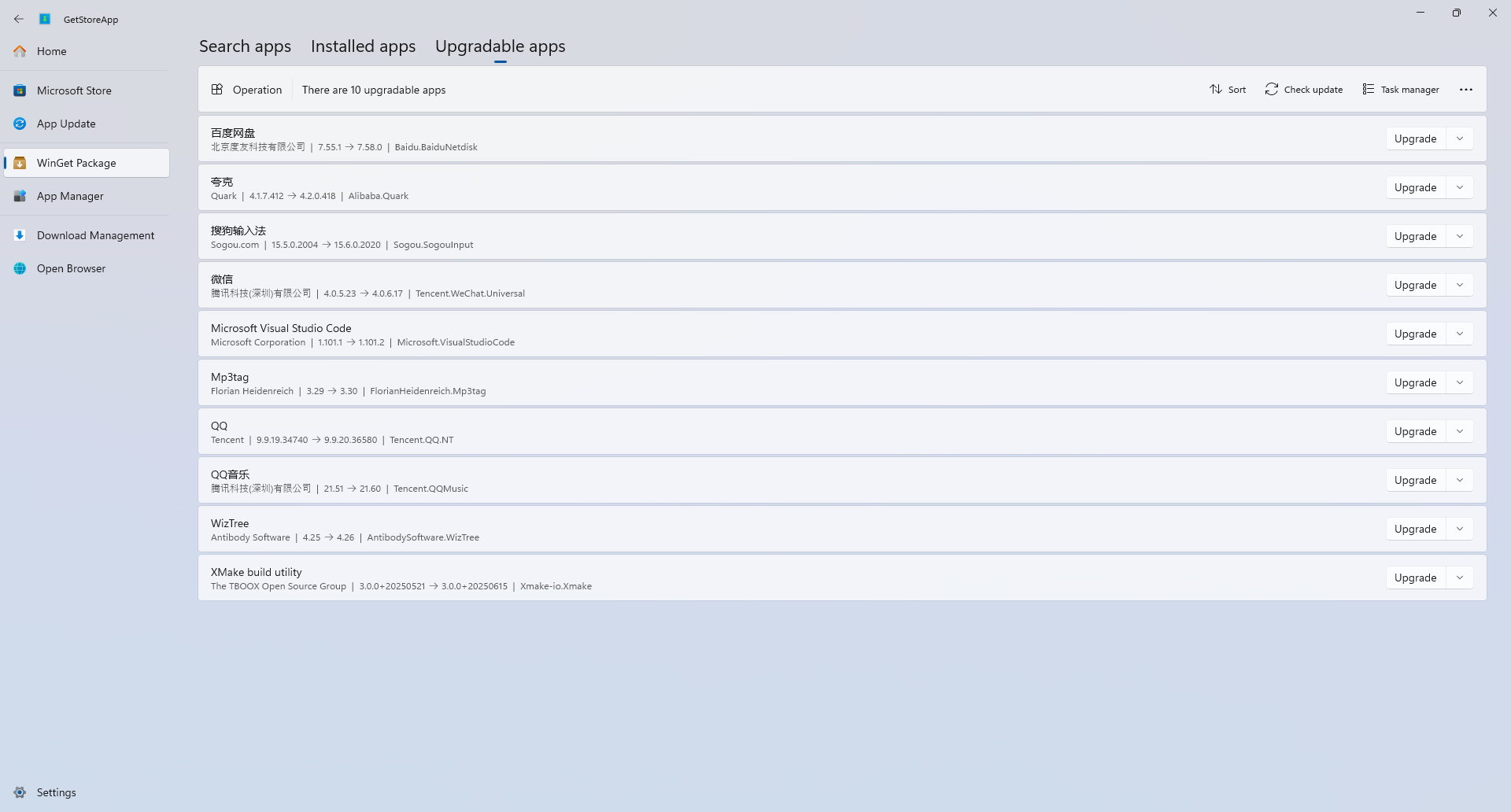
- Check the version status of store apps and update older apps
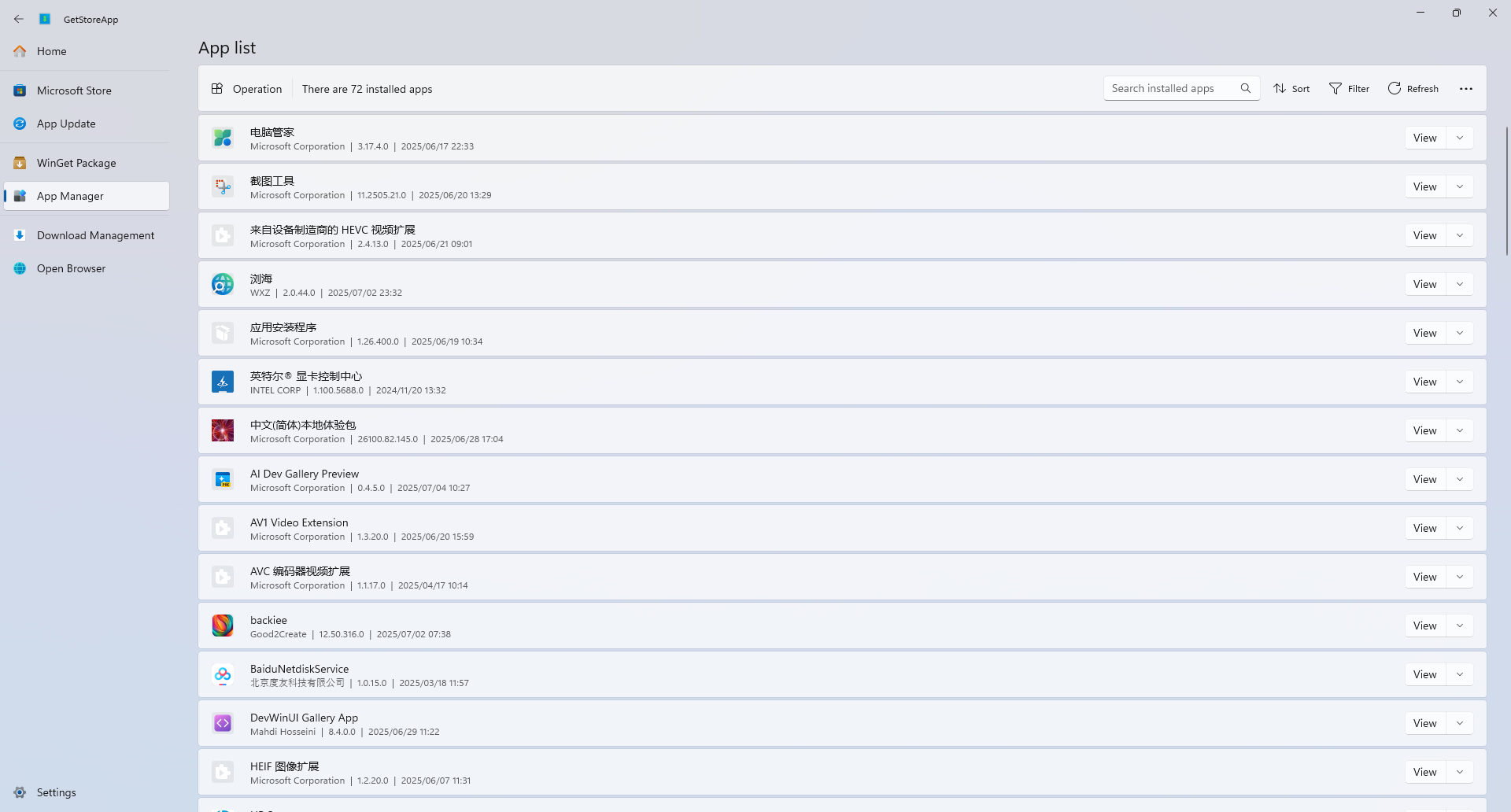
- Device application Management
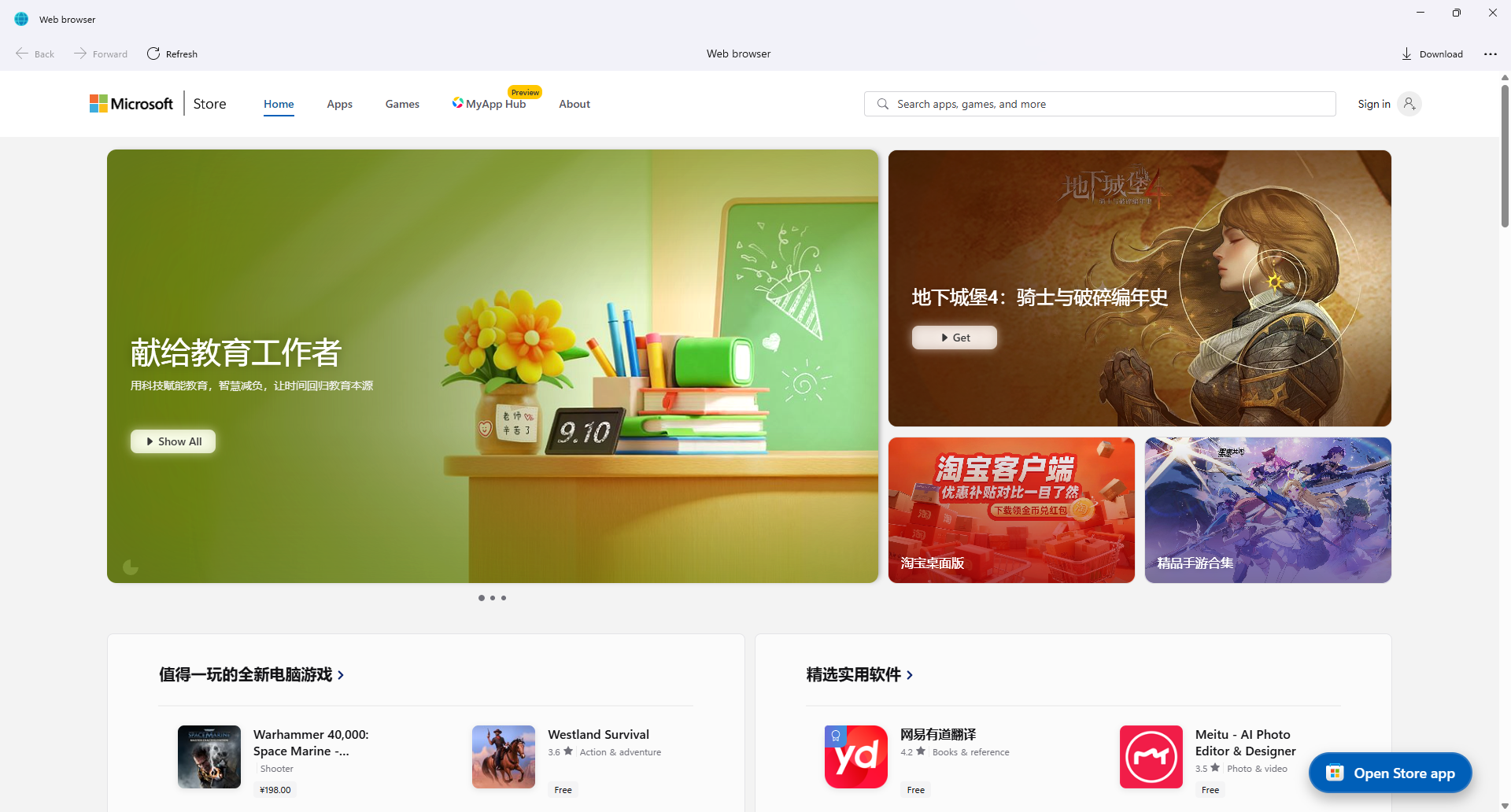
- Visit the web version (in case of interface problems) and download using the app's built-in download tool
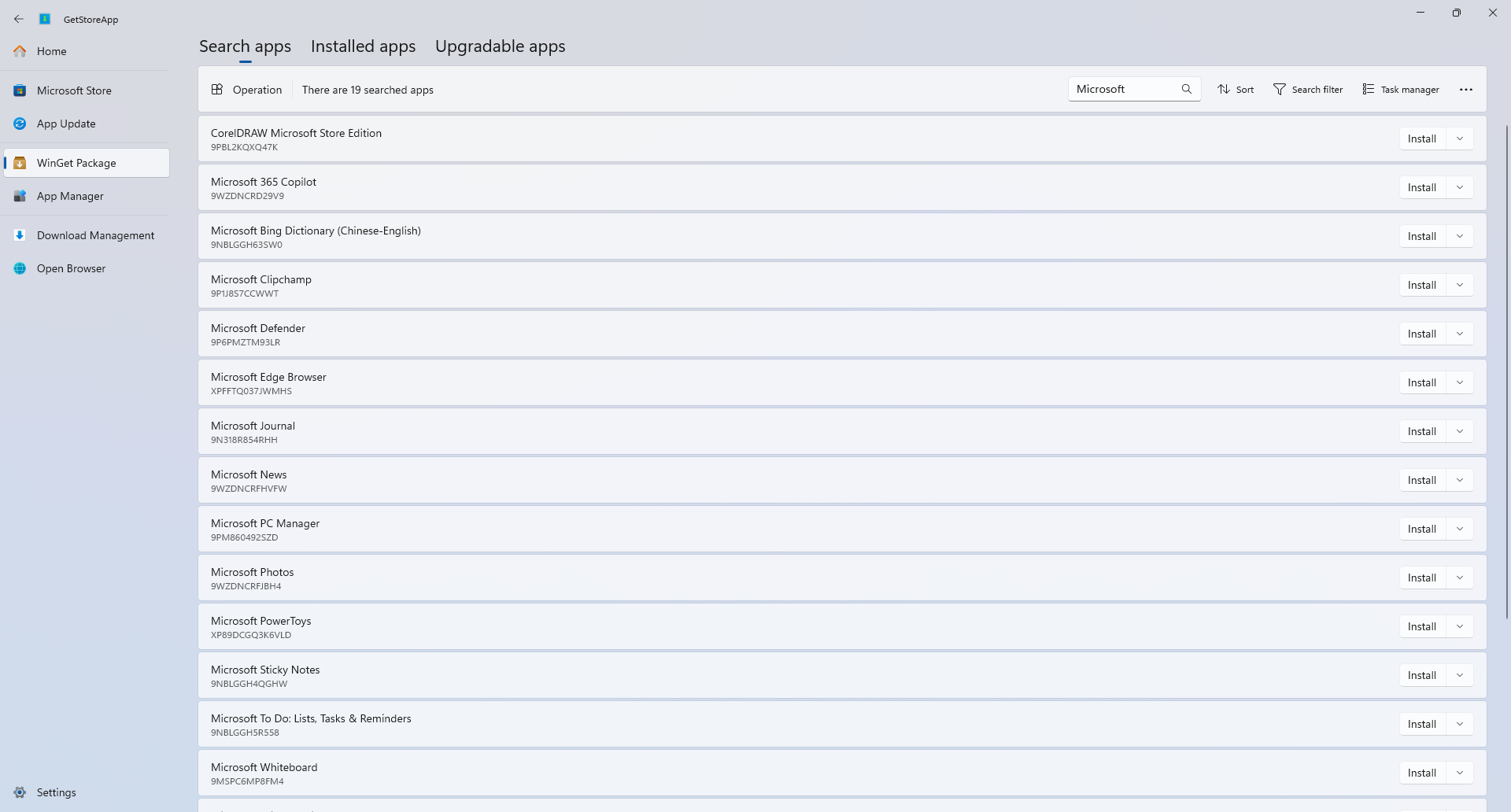
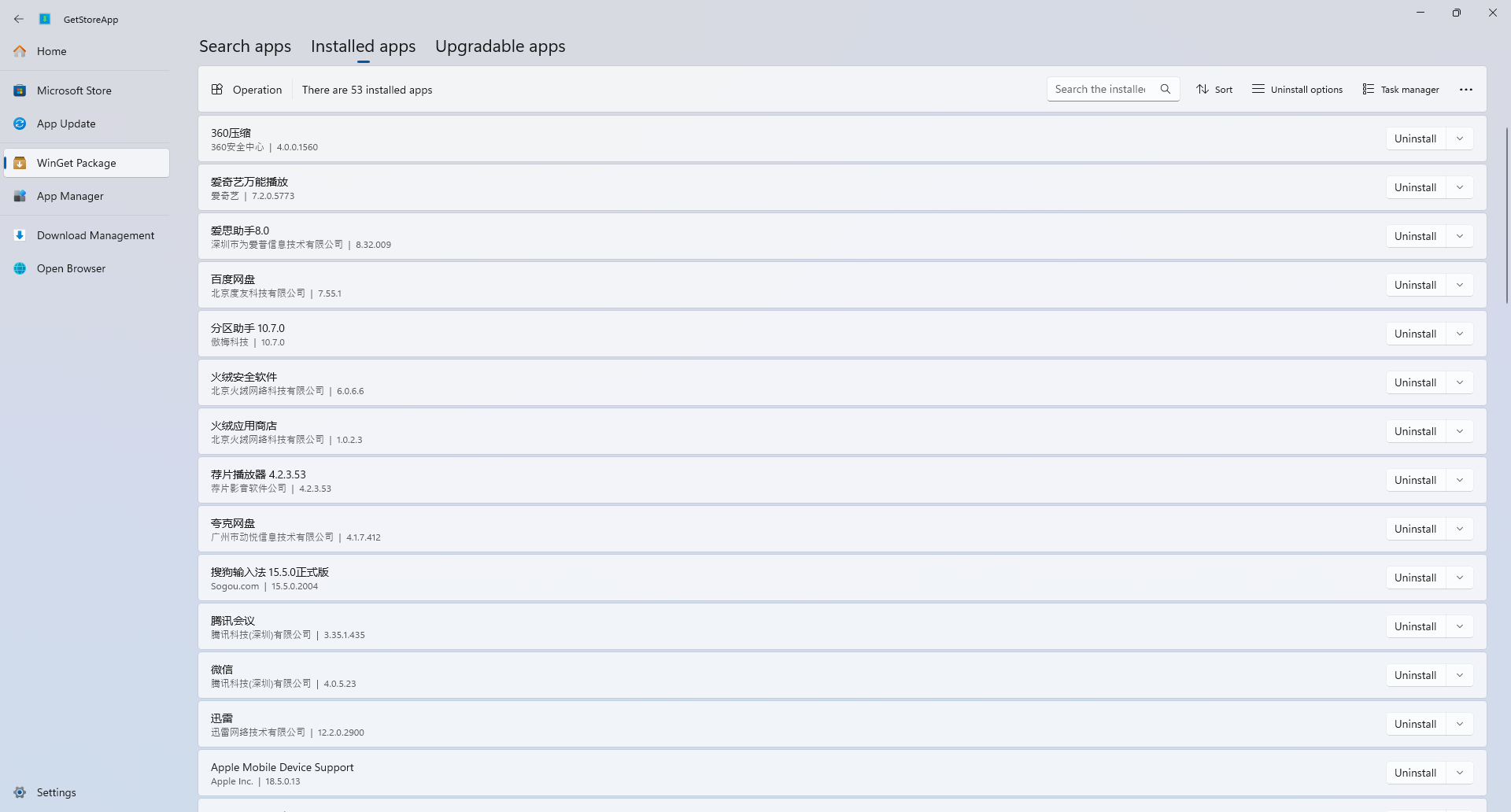
- WinGet package installation, uninstall and upgrade
Note: The app can't bypass the Microsoft Store's billing channels, and if the app you're getting is a paid app, download it after purchasing it from the Microsoft Store.
Screenshot of the app
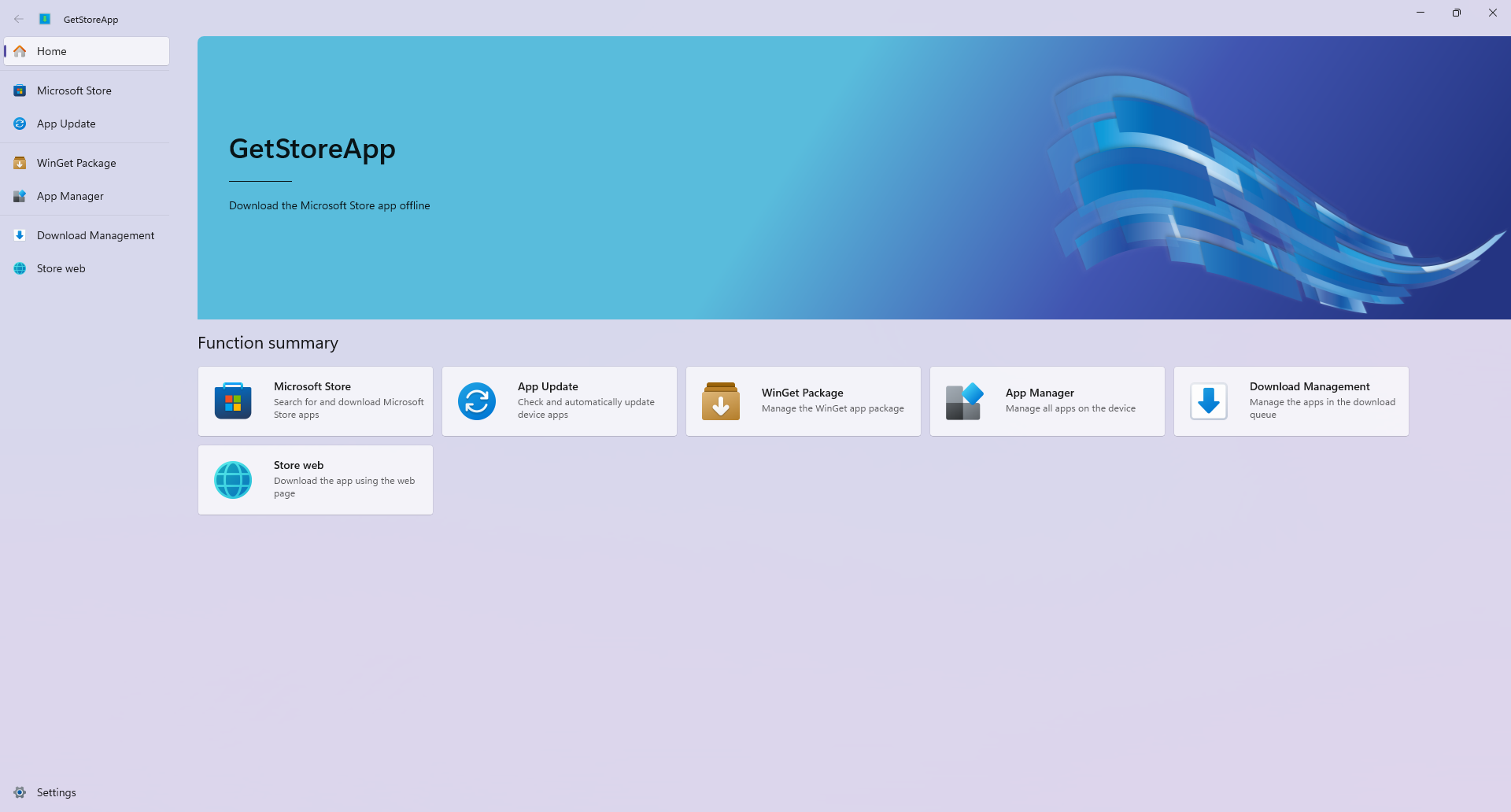
Home
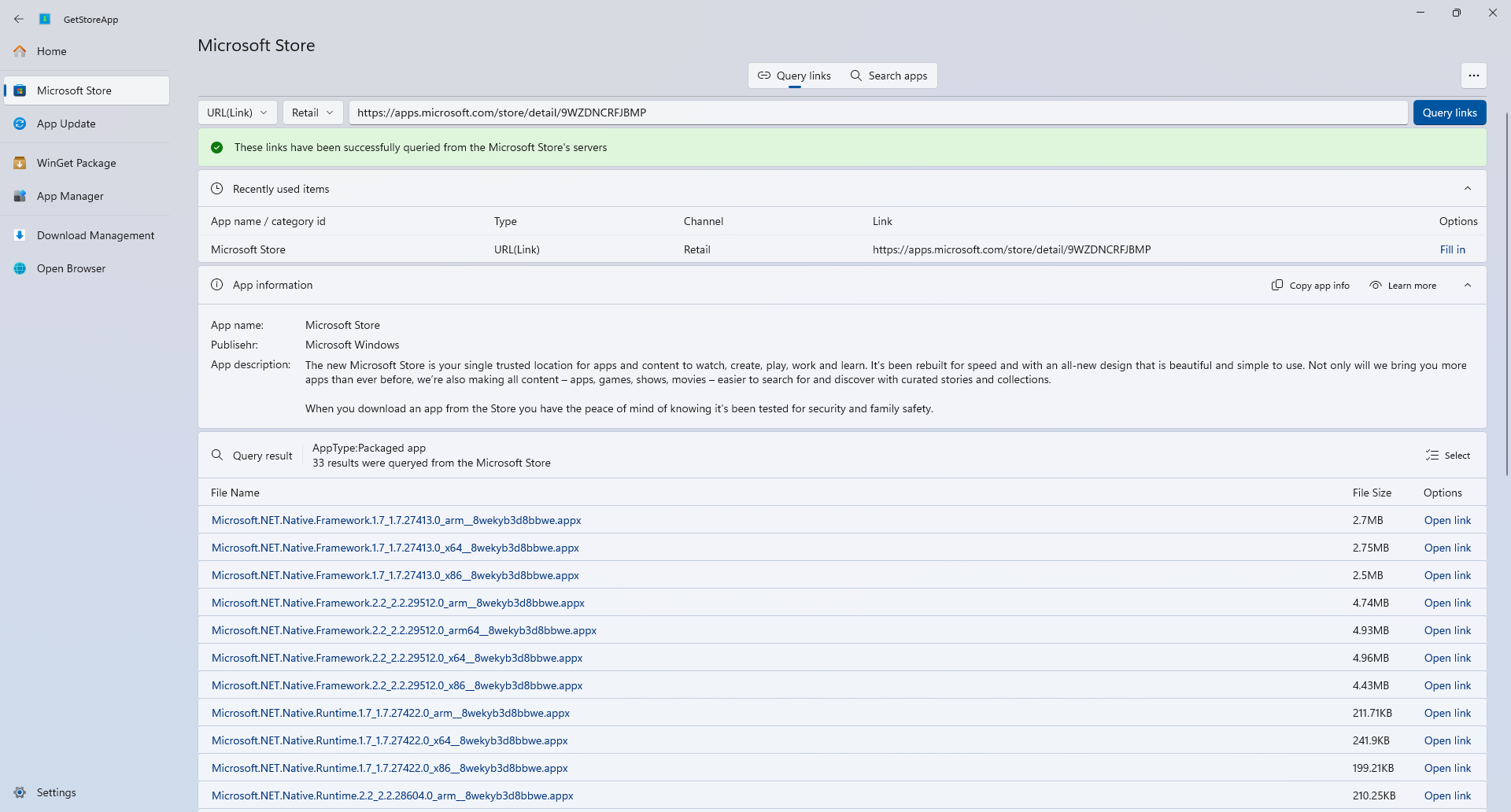
Microsoft Store
Query links
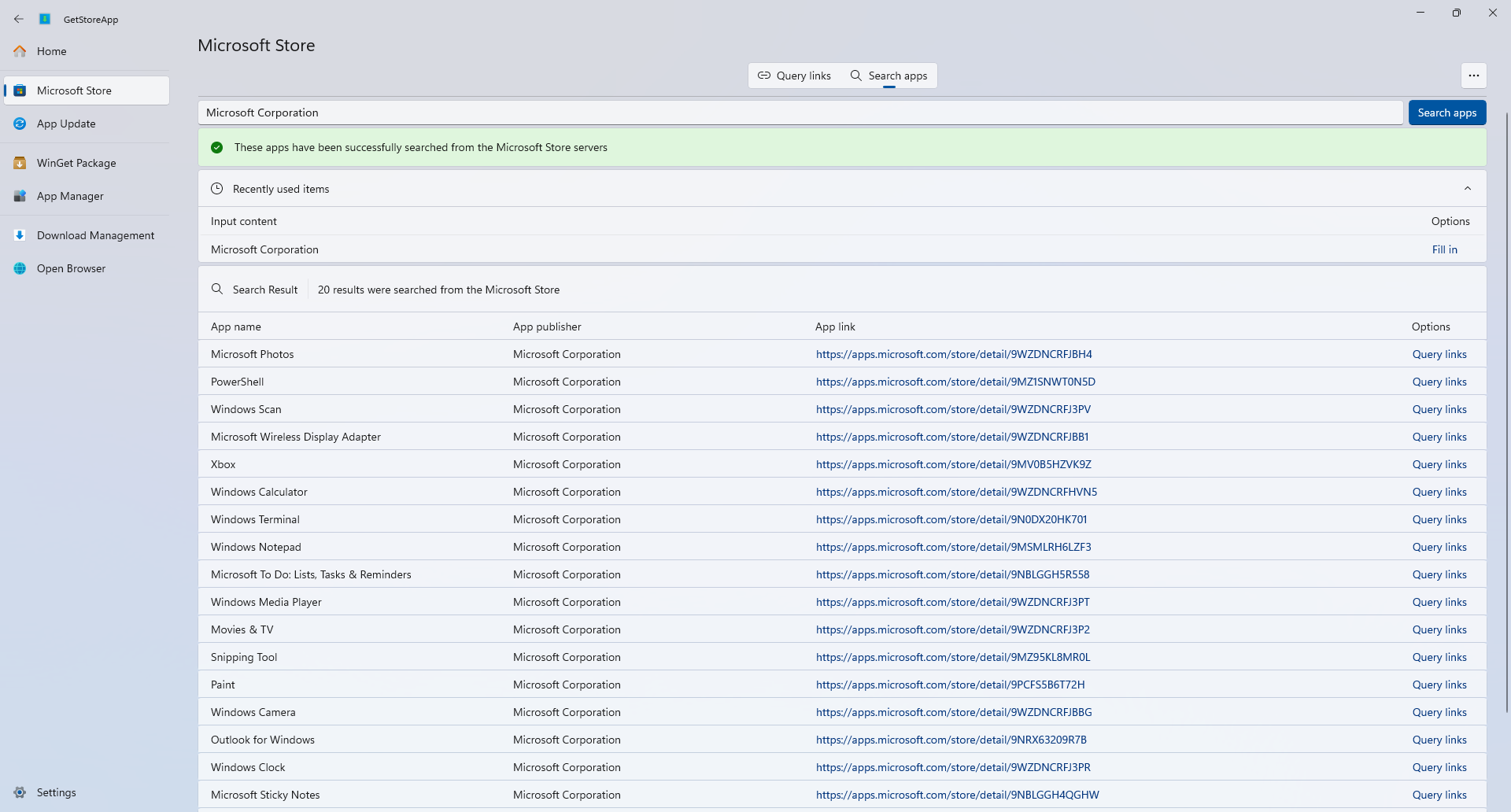
Search store
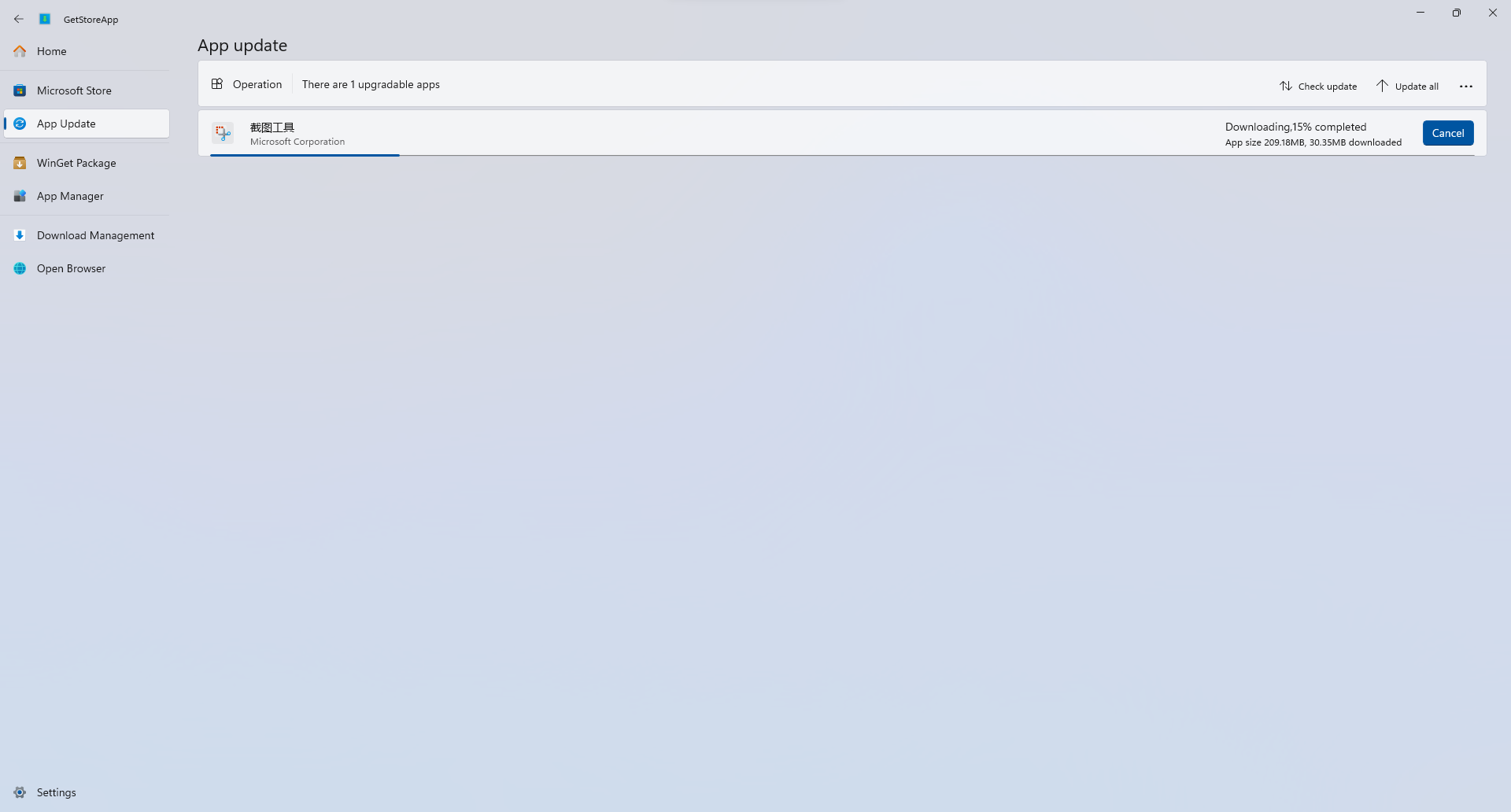
App update
WinGet package management
Search apps
Installed apps
Upgradable apps
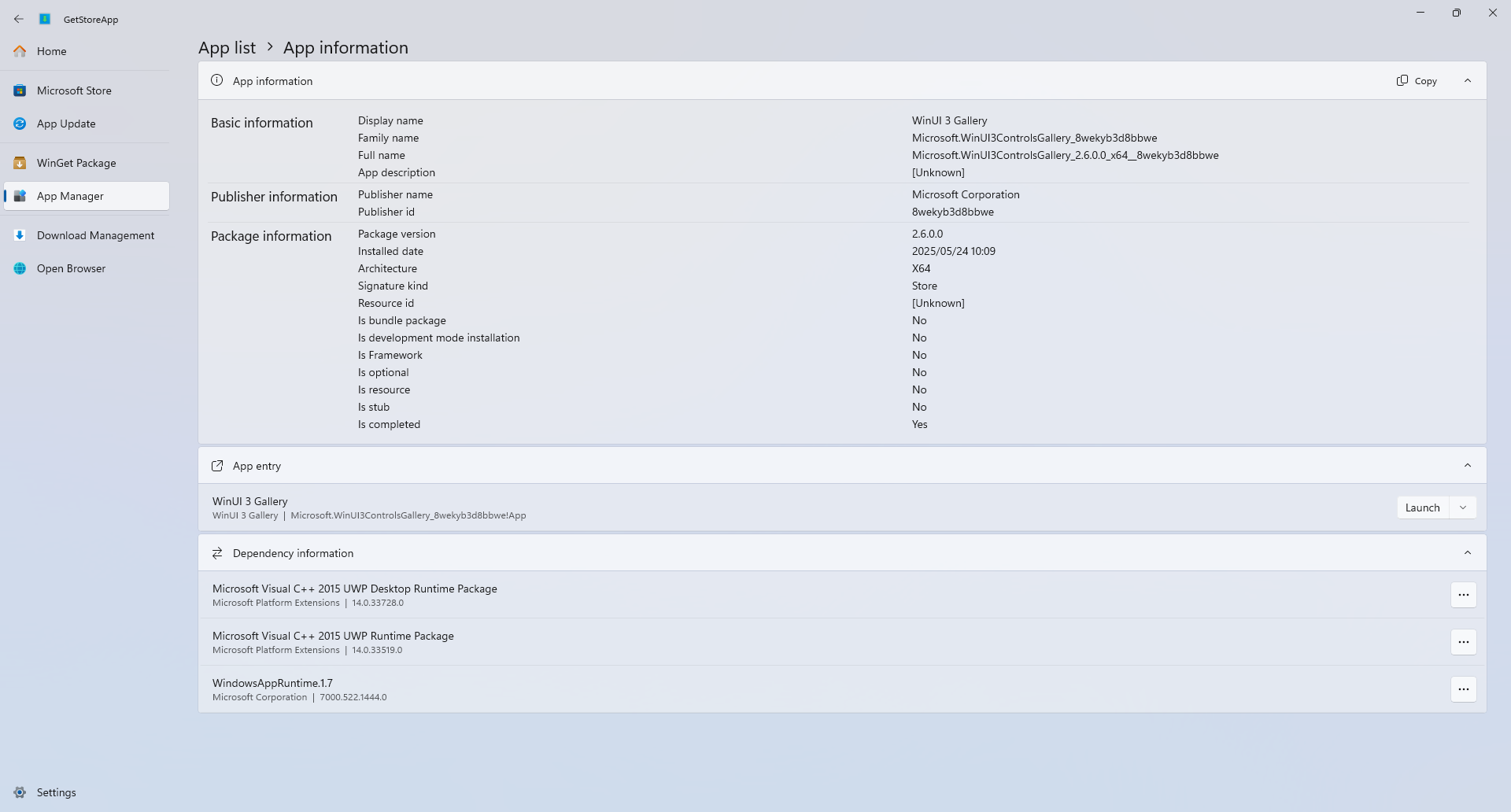
App manager
App list
App information
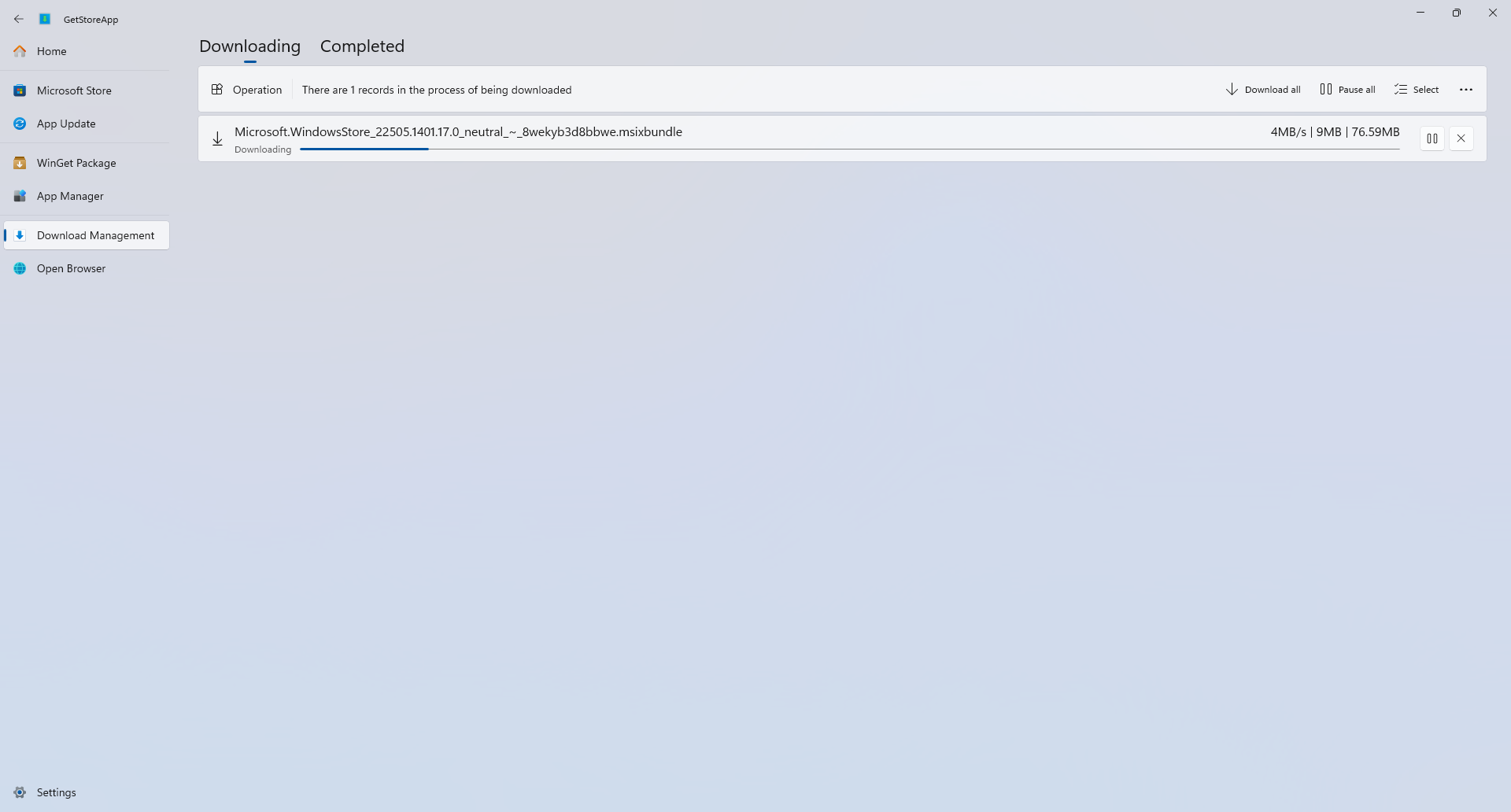
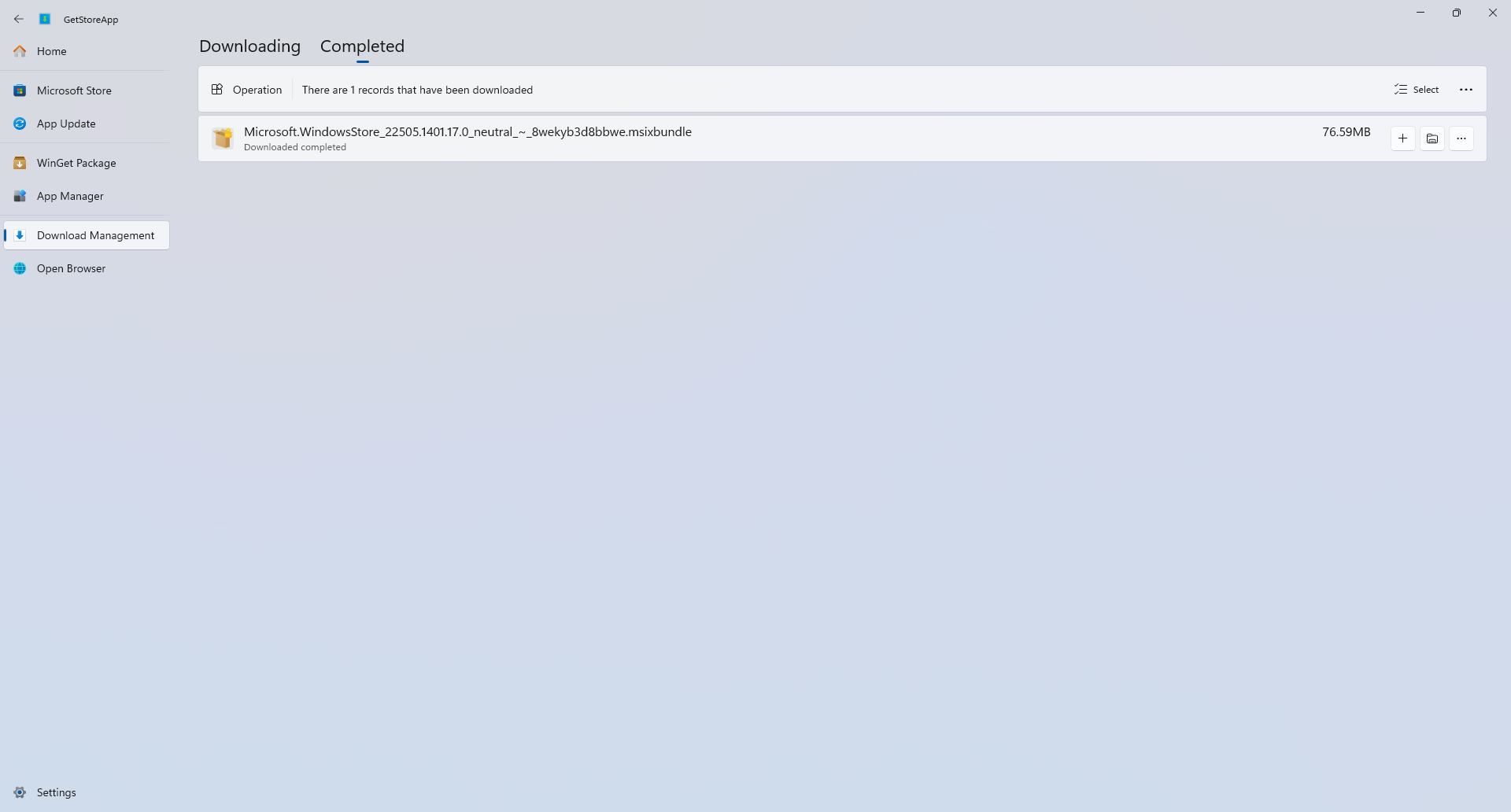
Download management
Downloading
Completed
Web interface
Settings
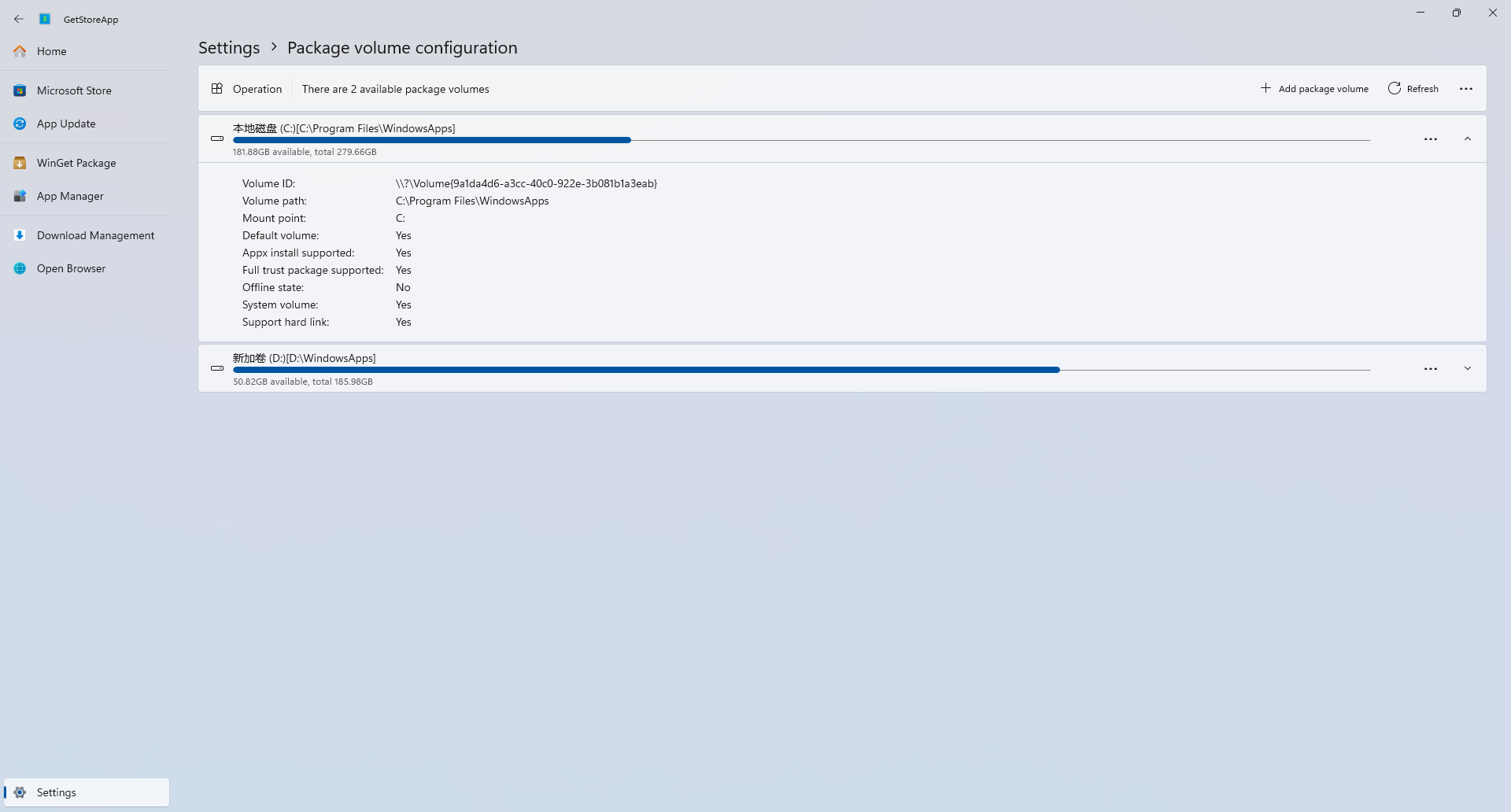
Package volume configuration
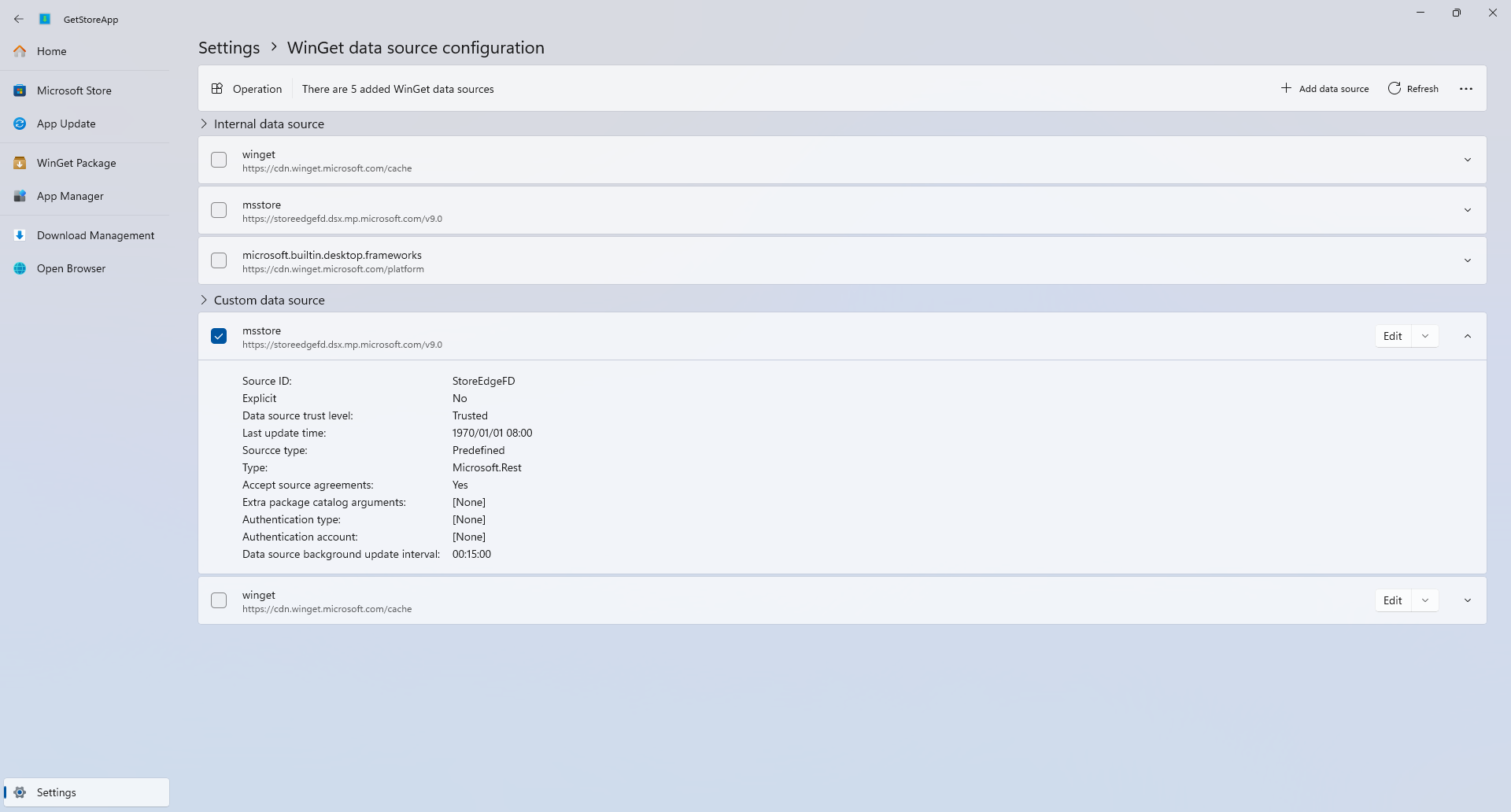
WinGet data source configuration
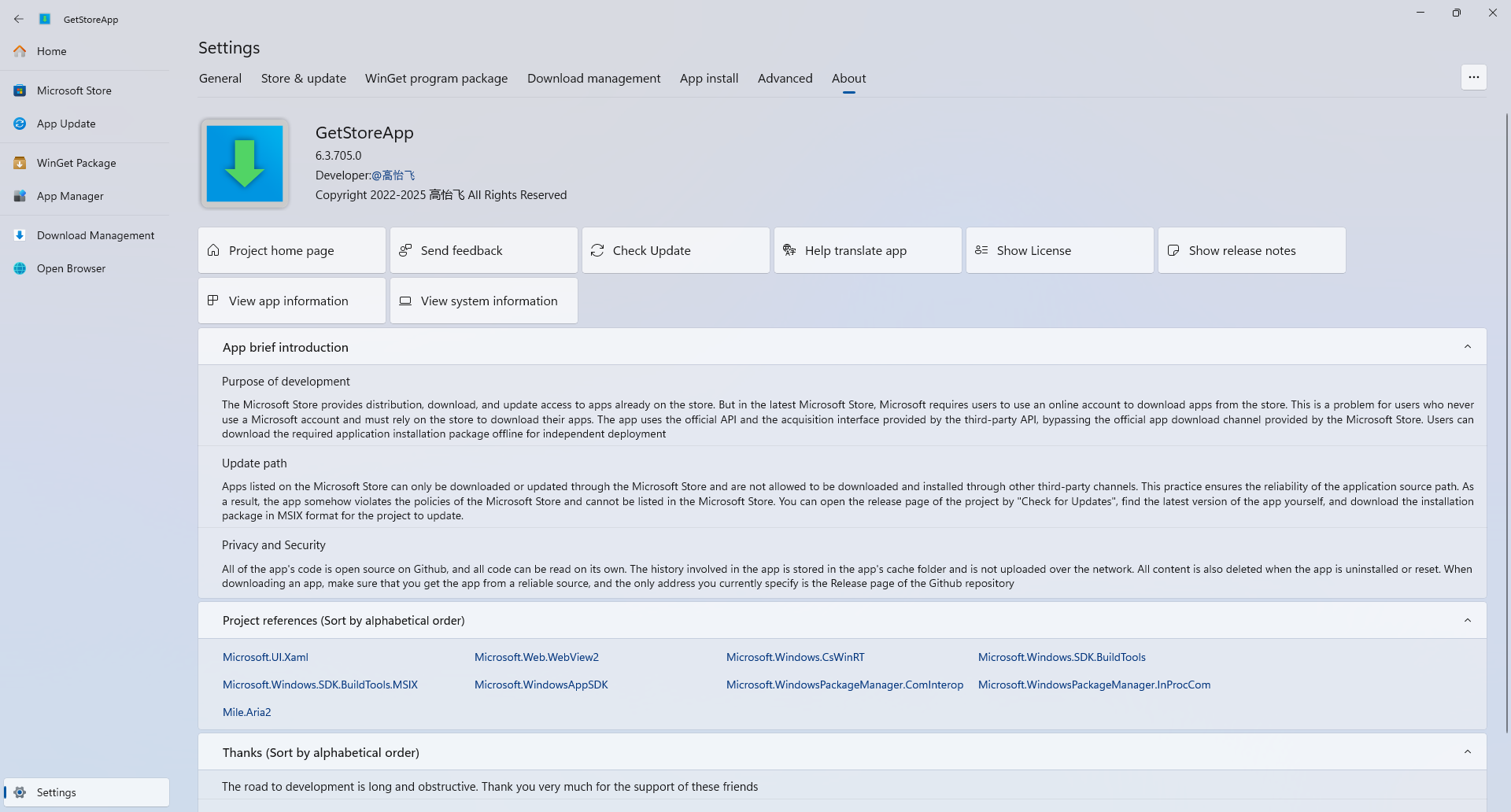
About
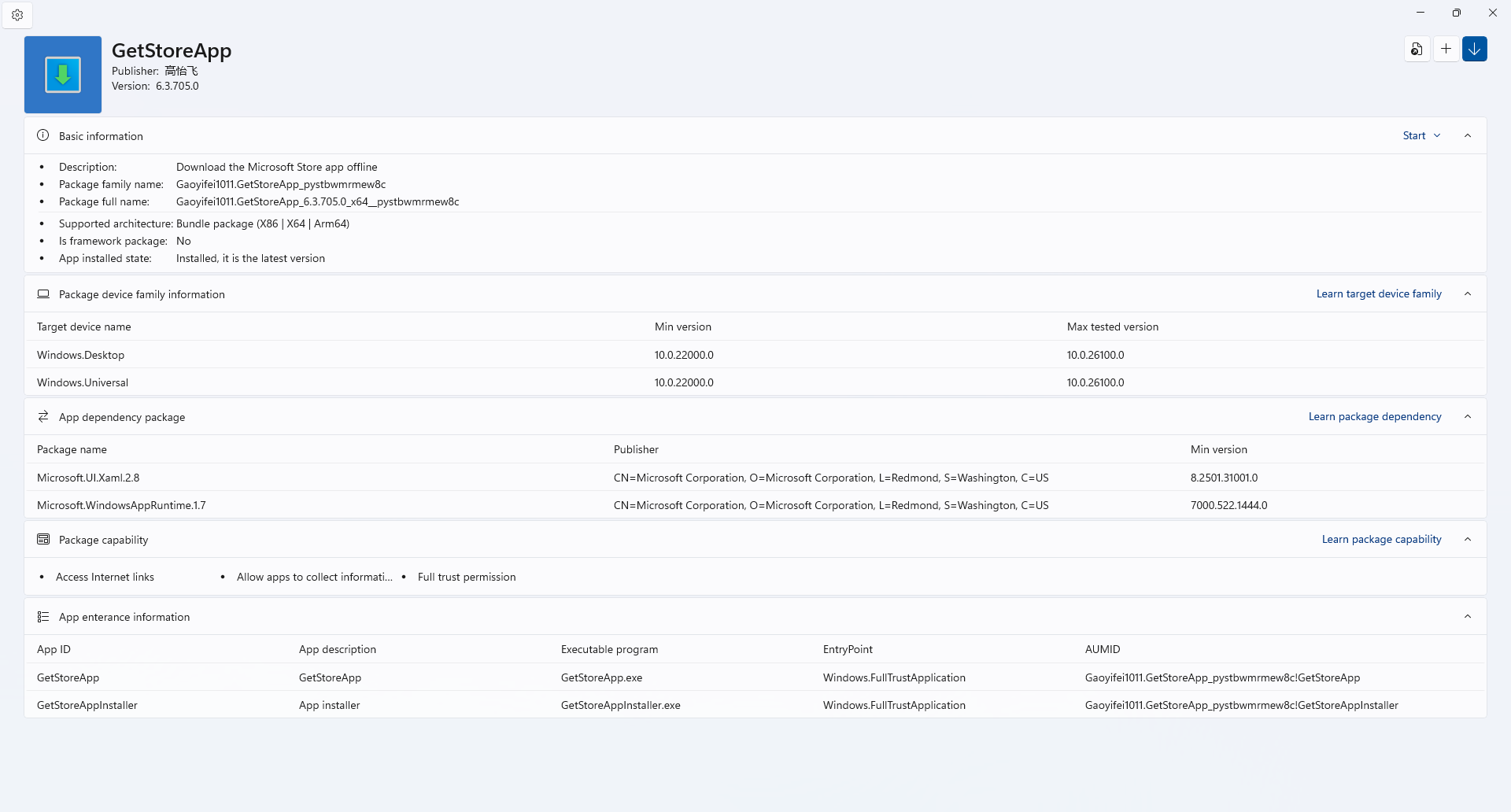
App package installer
Project development progress
| Project progress | Development progress |
|---|---|
| Get the store app link | Completed |
| Search store app | Completed |
| Check for store app updates | Completed |
| WinGet package manager | Completed |
| Device application management | Completed |
| Download management | Completed |
| Program performance optimization | Completed |
| Interface modernization | Completed |
| Package management | Completed |
| App install support (https://github.com/Gaoyifei1011/GetStoreApp/issues/18) | Completed |
All the content of the program has been developed
Project References (Sort by alphabetical order)
Code referenced or used during the learning process Auxiliary Tools
Download and installation considerations
- The program is built using the Windows Apps SDK, and it is recommended that your system version be Windows 10 (codename 2004 / build 19041) or later, and the minimum version is Windows 11 (codename 21H2 / build 22000) or later.
- If your system is Windows 10, there are some limitations to app functionality: Setting the mica/mica alt background color is not supported
- Release The binary installation file for the page has been packaged into a compressed package. Unzip the package and run the install.ps1 file in PowerShell admin mode (if necessary) for a quick installation.
- Download and compile the project source code yourself. (Please read the project compilation steps below carefully)
Project compilation steps and app localization
Tools that must be installed
- Microsoft Visual Studio 2026
- . NET Desktop Development (Installed in Visual Studio Installer, .NET SDK Version 10.0)
- WinGet package manager (install recommendedly)
- Microsoft Edge WebView2 Runtime (install recommendedly)
Compilation steps
- Fork the project and download the code locally
- Use Visual Studio 2026 to open the GetStoreApp.sln file. If the solution prompts that some tools are not installed, complete the installation steps and open the solution again.
- Restore the Nuget package for the project.
- After the restore is complete, right-click the project solution, generate the solution and click Deploy Solution.
- Open the Start menu after the deployment is complete to run the app.
App localization
The project was initially available in both Chinese Simplified and English formats, and if you want to translate your app into a language you are familiar with or correct errors in content that has been translated, please refer to the steps below.
- Look for readme template files in the DeScription folder, for example, the English version is a README_EN-US.md file, rename it to README_(corresponding language).md file.
- Open the renamed file, translate all the statements and save them. Please check it carefully after the translation is completed.
- Open the README.md of the project's home page and add your language in the language selection at the top. For example, "English", note that the text is accompanied by a hyperlink.
- README_ (corresponding language).The language screenshot added in the md file is replaced with the app screenshot in the language you are familiar with.
- Complete the translation steps described above to ensure that all steps run smoothly.
- Open the GetStoreAppPackage packaging project, find the Package.appxmanifest file, right-click the file, click View Code, find the Sources tab, and add the corresponding language according to the template, such as "".
- Open the Strings folder of the GetStoreApp project and create the language you are using, for example ( English (United States) folder name is en-us , you can refer to the Table of Indicating Language (Culture) Codes and Countries and Regions)
- Open the resjson file under the subfolder and translate each name.
- Compile and run the code and test your language, when the application is first opened if there is no language you use to display English (United States) by default, it needs to be dynamically adjusted in the settings.
- Create a PR after completing the above steps, then submit the modified content to this project and wait for the merge.
Thanks (Sort by alphabetical order)
Other content
- This is the first small project I personally practiced when learning C#, because the advanced content about C# is not very deep, so there are many deficiencies in code content and quality, I hope to cover more.
- This project is an open source project licensed under the MIT license, and you may modify, distribute, or merge copies with new copies. If you use the project, please do not use it for illegal purposes, and the developer will not be held responsible.
Trend chart of project Star quantity statistics
Explore related projects
codecrafters-io/build-your-own-x
Master programming by recreating your favorite technologies from scratch.
561,093 starspublic-apis/public-apis
A collective list of free APIs
497,332 starsmorluto/rea
Reverse engineer anything with agents, from app behavior down to native binaries.
443,820 starsopenclaw/openclaw
The AI that really does things. Any OS. Any Platform. The lobster way. 🦞
394,213 stars