
Galaxy-rio/GraceLauncher
Galaxy-rio/GraceLauncher has 341 GitHub stars and 29 forks. GitHot measured +1 stars in 24 hours. Last checked 2026-11-17 05:17 UTC. Last push 2026-11-17.
What you can do
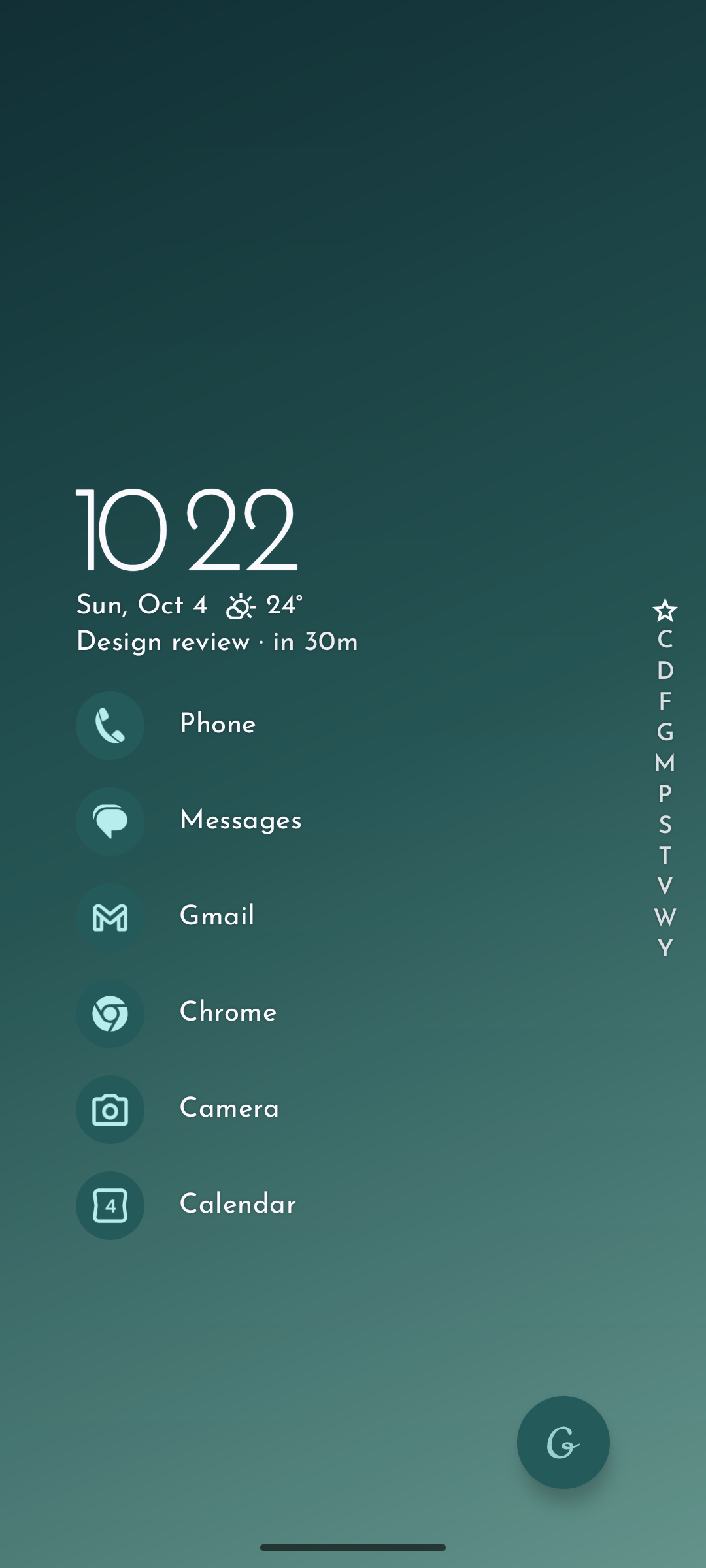
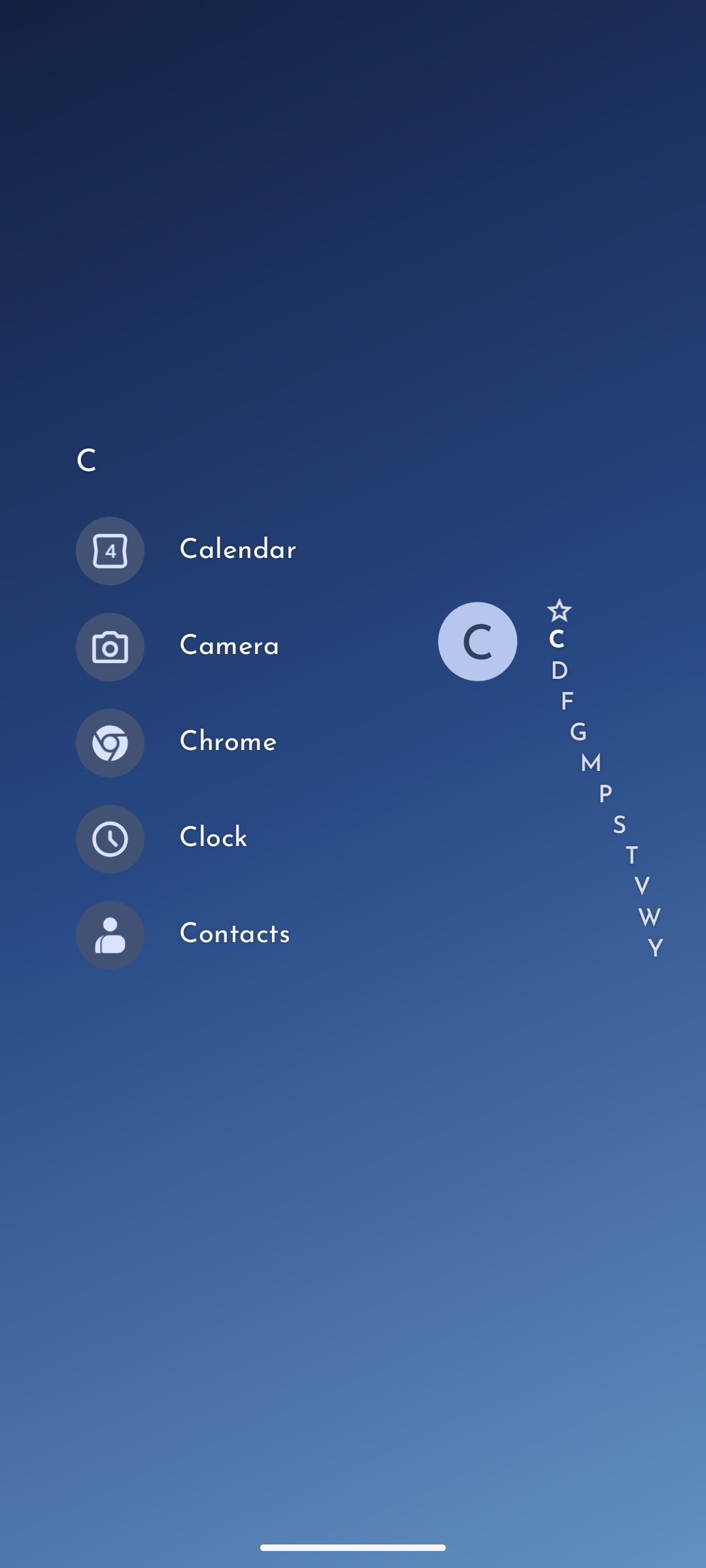
- Find apps quickly — keep favorites on your home screen, organize apps into folders, and browse an alphabetical app list.
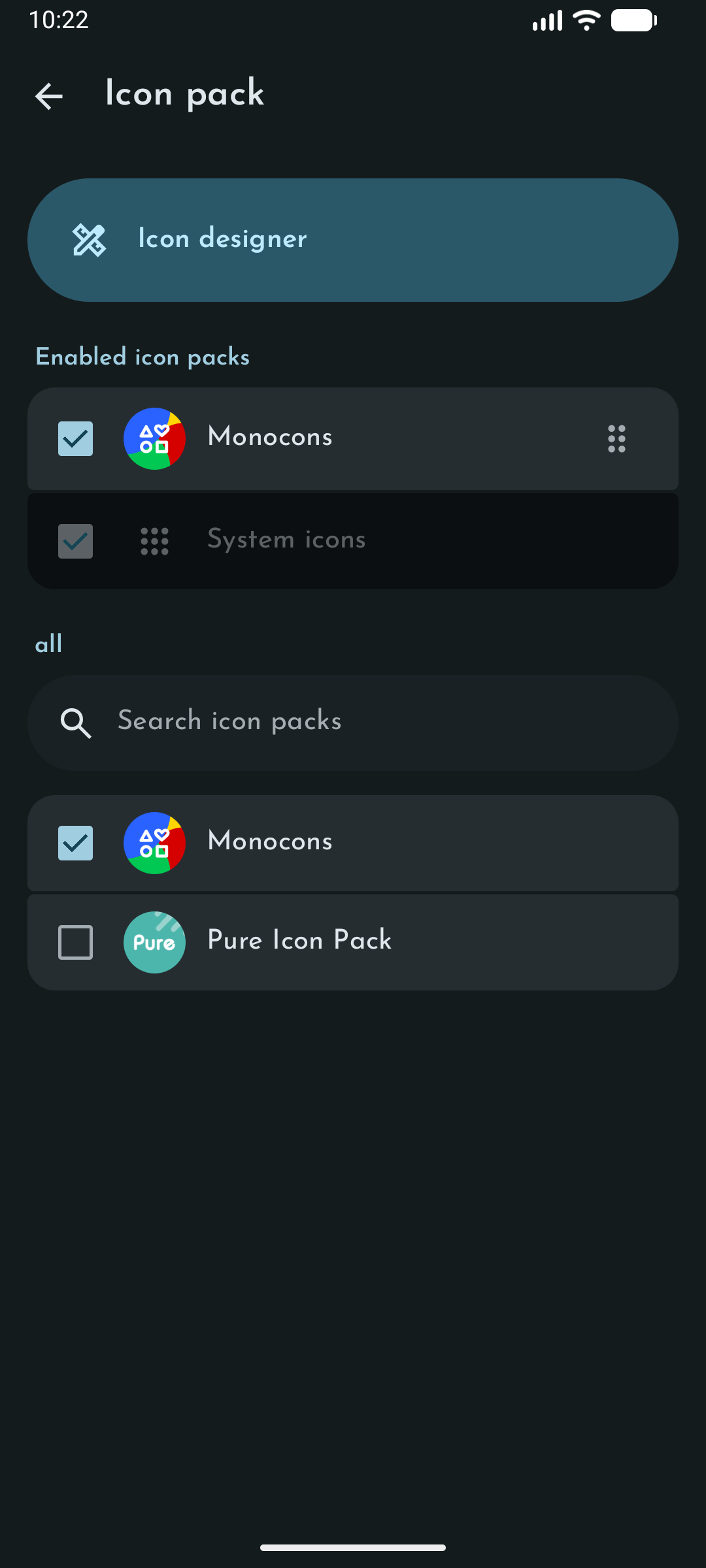
- Choose your icon packs and fonts — combine installed icon packs, set their priority, and import custom fonts for the launcher and clock.
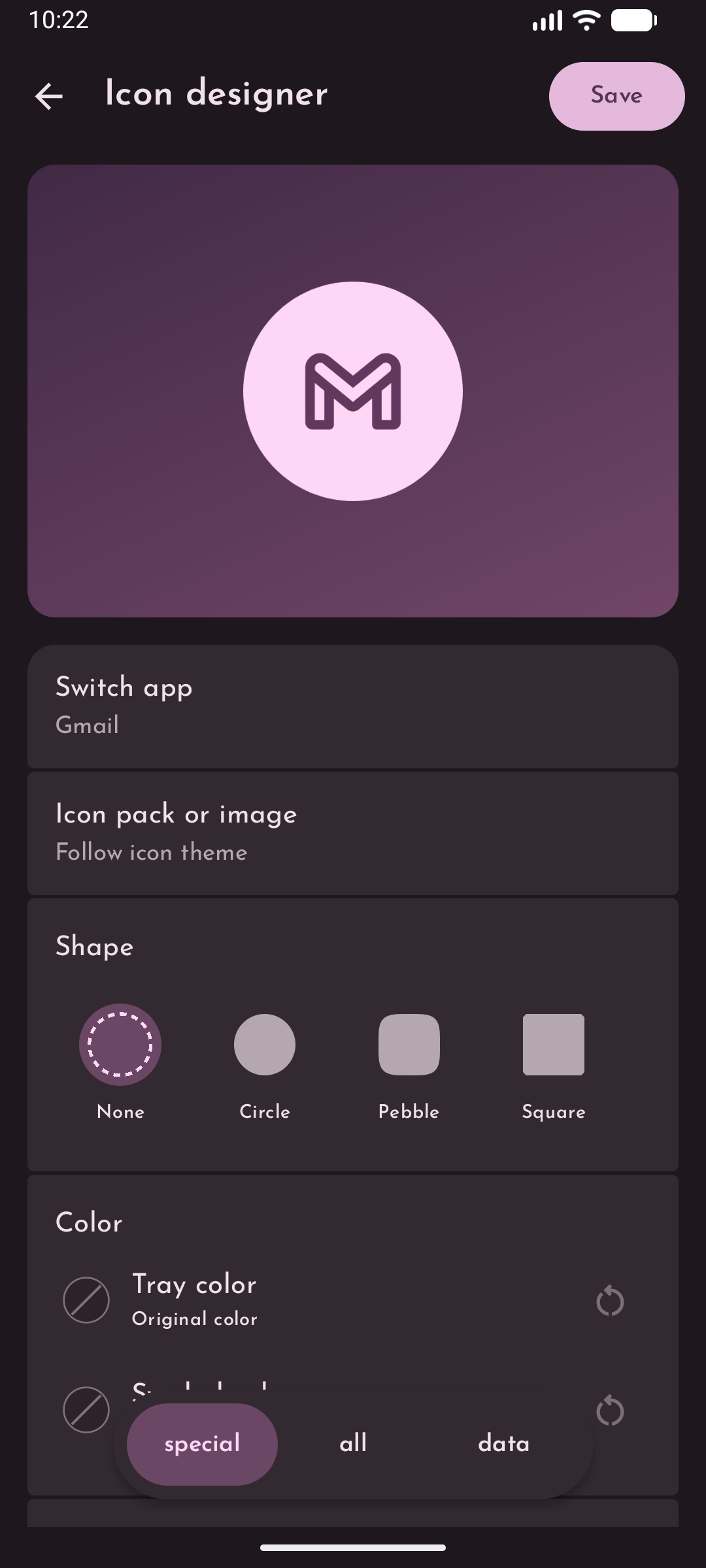
- Icon Designer — redesign every app icon individually using an icon pack or a custom image, with control over shape, colors, size, and position.
- Clock Widget — design your own home screen clock widget with custom layouts, fonts, weight, size, spacing, and shadows.
Measured star growth
- in 24h
- +1
- in 7 days
- Update delayed
- in 15 days
- Update delayed
- in 1 month
- Update delayed
Net star changes over overlapping periods, not daily totals. Missing measurements are left blank. Stars measure attention, not software quality.
About
An open-source Android launcher inspired by the design of Niagara Launcher
Developer ToolsREADME.md
Original
Grace Launcher
English | 简体中文
Your home screen, your design.


A free and open-source Android launcher with a simple app list, customizable icons and fonts, a clock widget you can design yourself, and no tracking.
Features
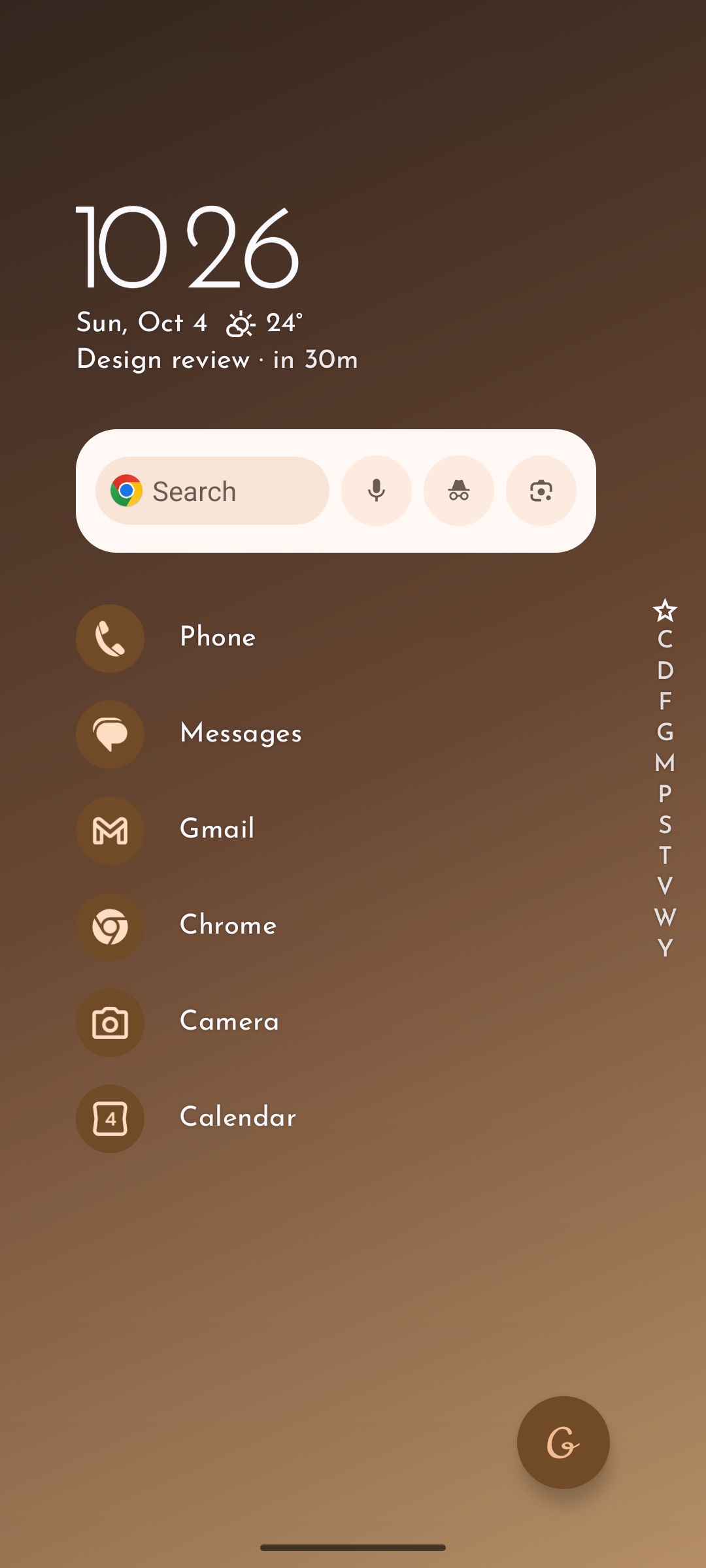
- Find apps quickly — keep favorites on your home screen, organize apps into folders, and browse an alphabetical app list.
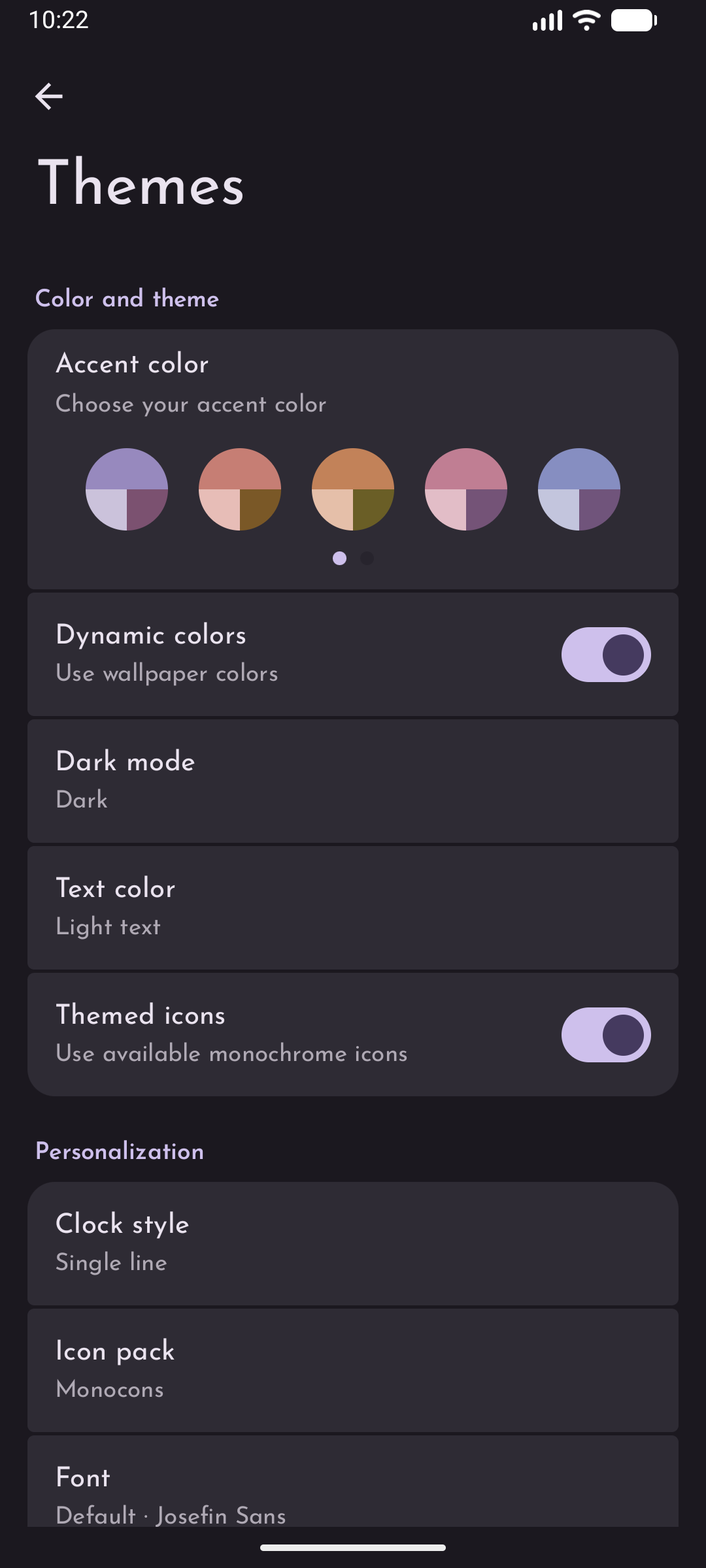
- Choose your icon packs and fonts — combine installed icon packs, set their priority, and import custom fonts for the launcher and clock.
- Icon Designer — redesign every app icon individually using an icon pack or a custom image, with control over shape, colors, size, and position.
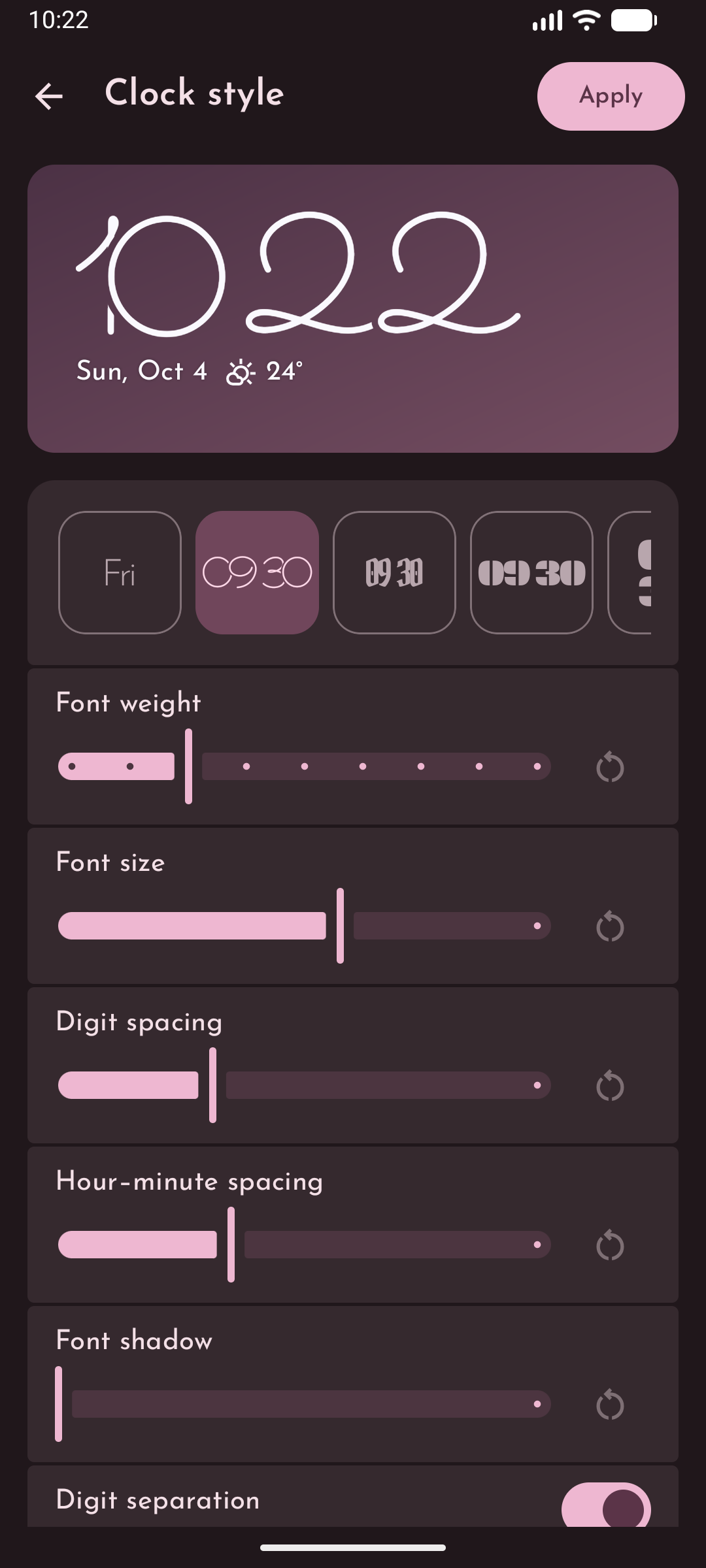
- Clock Widget — design your own home screen clock widget with custom layouts, fonts, weight, size, spacing, and shadows.
- Explore more customization — use Material You and dynamic colors, choose light or dark themes, and control background blur strength.
- Customize app shortcuts and widgets — edit app shortcut popups with your choice of apps and shortcuts, place widgets inside them, or add and resize a widget on the home screen.
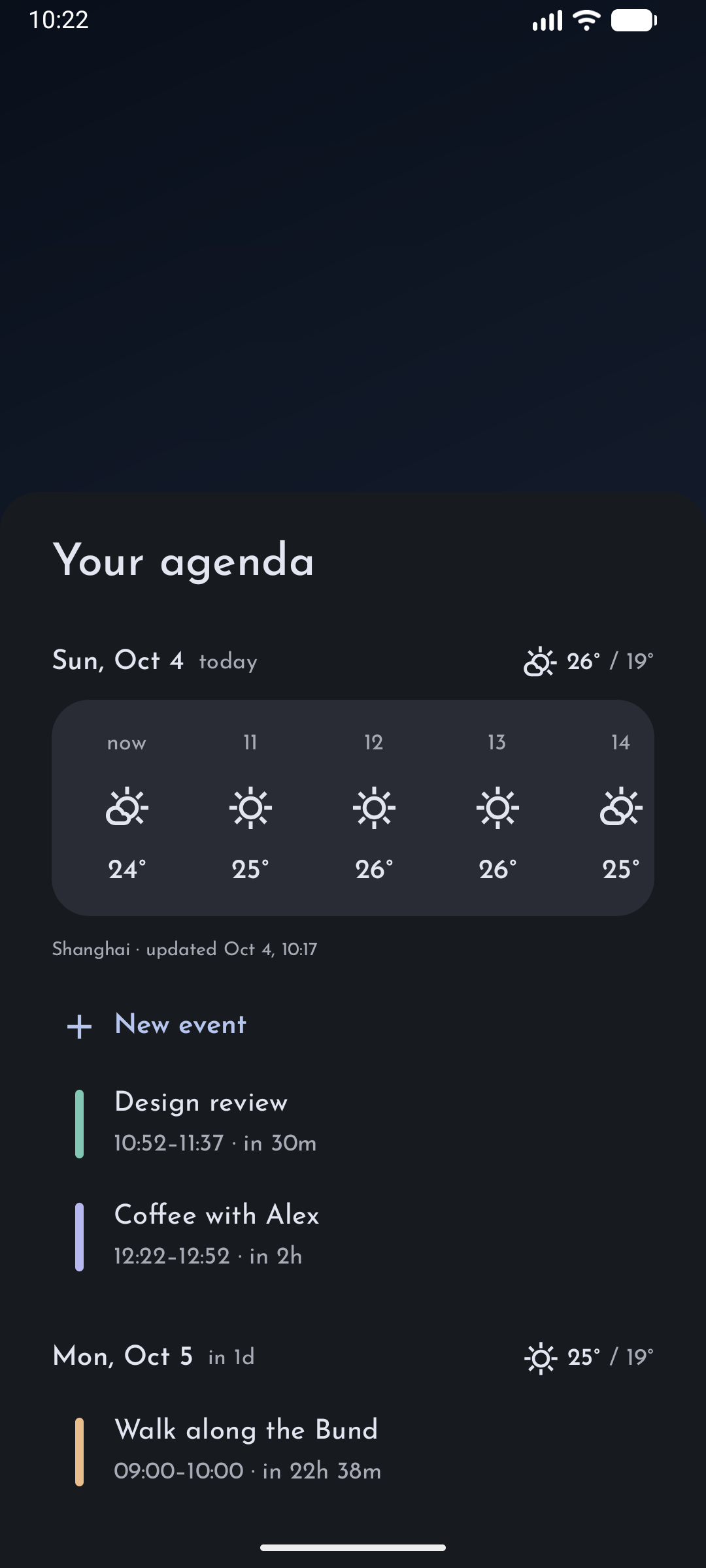
- Keep your day in view — read notifications on the home screen and check an integrated calendar agenda with weather forecasts.
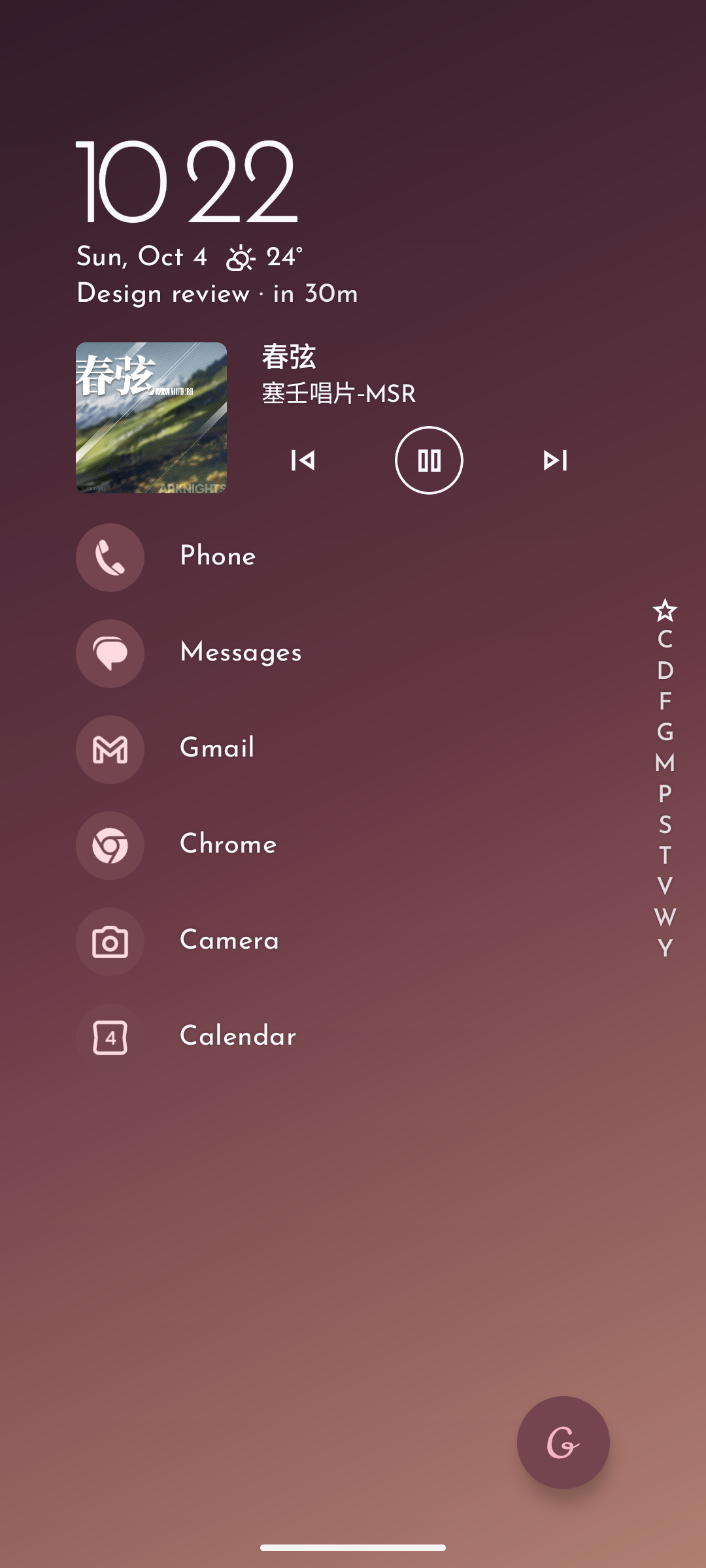
- Control your music — manage active media playback directly from the home screen.
- Stay private — no advertising, tracking, or network permission; launcher data stays on your device.
Built with Kotlin, Jetpack Compose, and Material You. The list-based layout takes inspiration from Niagara Launcher.
Weather data is provided through Breezy Weather, which must be installed and configured separately.
Screenshots
| Home | Agenda & weather | Music controls | App list | App shortcuts |
|---|---|---|---|---|
 |
 |
 |
 |
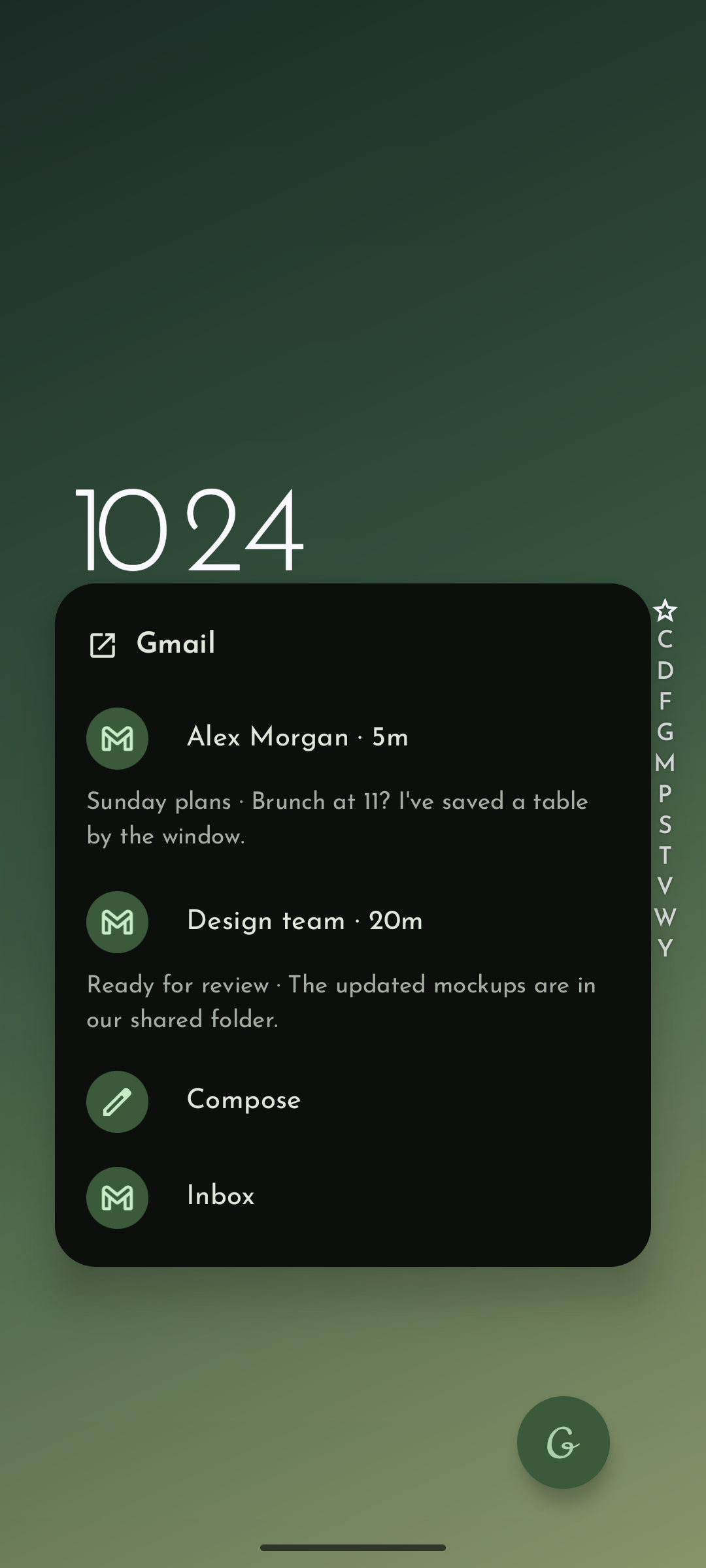 |
| Home widget | Themes | Clock style | Icon packs | Icon Designer |
|---|---|---|---|---|
 |
 |
 |
 |
 |
Download
Official builds are available from GitHub Releases and F-Droid.
Grace Launcher requires Android 9 (API 28) or later.
Build from source
Install OpenJDK 21, Android SDK Platform 37, and Build Tools 36.1.0, then build the debug APK with the included Gradle wrapper.
Linux or macOS:
./gradlew :app:assembleDebug
Windows:
.\gradlew.bat :app:assembleDebug
The APK will be generated at app/build/outputs/apk/debug/app-debug.apk.
Privacy
Grace Launcher does not request Android's INTERNET permission and contains no advertising or tracking. All launcher data is stored locally on your device.
Calendar permission and notification access are optional. Calendar permission enables the agenda; notification access enables home screen notifications and controls for active media sessions. Weather is supplied by the separately installed Breezy Weather app.
Contributing
Report bugs and suggest improvements through Issues, submit a pull request, or help translate on Weblate.

Acknowledgements
Special thanks to Niagara Launcher for the design inspiration.
Grace Launcher is an independent project and is not affiliated with or endorsed by Niagara Launcher.
License
Grace Launcher is licensed under the GNU General Public License v3.0.