
FineFindus/eyedropper
FineFindus/eyedropper has 341 GitHub stars and 34 forks. GitHot measured 0 stars in 24 hours. Last checked 2026-11-17 05:11 UTC. Last push 2026-11-15.
What you can do
- Enter a color in Hex-Format
- Parse RGB/RGBA/ARGB Hex-Colors
- View colors in formats
- Customize which formats appear as well as their order
Measured star growth
- in 24h
- 0
- in 7 days
- Update delayed
- in 15 days
- Update delayed
- in 1 month
- Update delayed
Net star changes over overlapping periods, not daily totals. Missing measurements are left blank. Stars measure attention, not software quality.
About
Pick and format colors
Developer ToolsREADME.md
Original


Eyedropper
Pick and format colors.
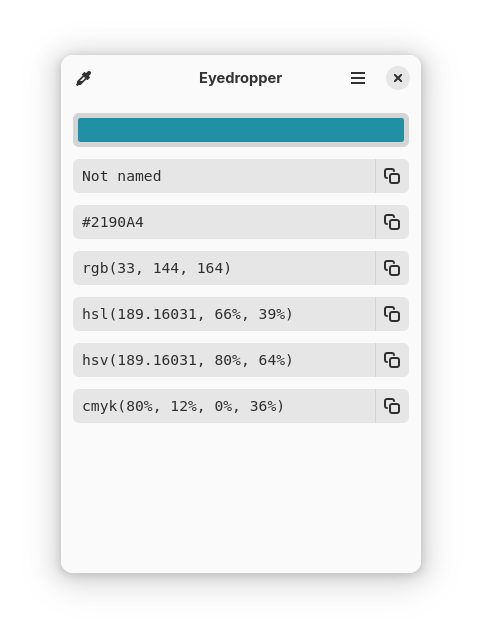
More screenshots
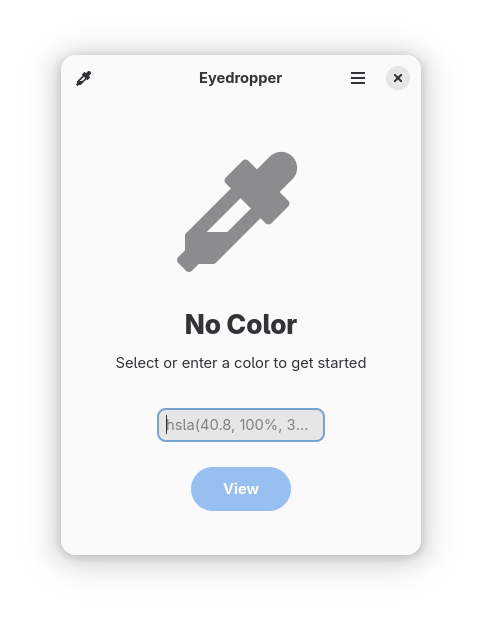
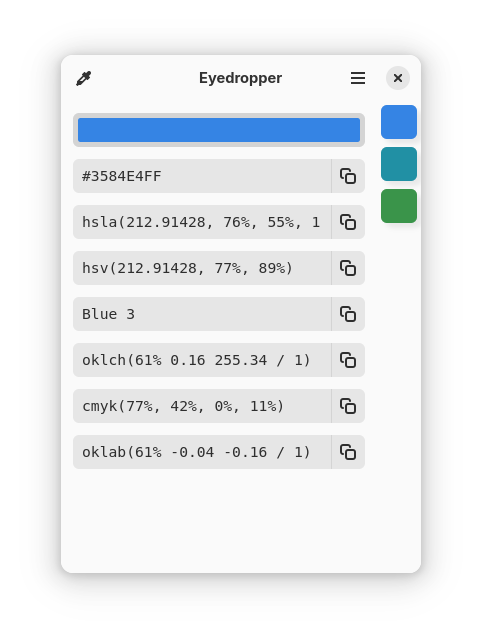
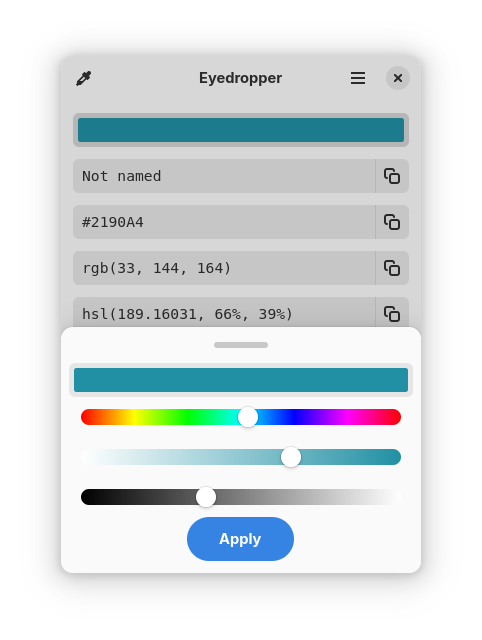
Features
- Pick a Color
- Enter a color in Hex-Format
- Parse RGB/RGBA/ARGB Hex-Colors
- View colors in formats
- Customize which formats appear as well as their order
- Generate a palette of different shades
Available formats
- Name (includes W3C color sets, GNOME Palette and xkcd color survey)
- Hex
- RGB
- HSL
- HSV
- CMYK
- XYZ
- CIELAB
- HWB
- CIELCh/HCL
- LMS
- Hunter Lab
When should I use this? And when not?
This application is geared towards advanced users (developers, designers, etc…), who not only need to pick a color but also modify or view it in different formats. For simply picking a color on Gnome, the color-picker extension is far better suited.
Installation
Flatpak
Nightly Flatpak
:warning: The nightly flatpak may contain bugs or unexpected behaviour.
Download the latest artifact from the CI.
Contributing
Contributors are expected to follow the GNOME Code of Conduct.
Any contributions you make are greatly appreciated. For major changes, please open an issue first to discuss what you would like to change.
To contribute:
- Fork the Project
- Create your Feature Branch (
git checkout -b feature/AmazingFeature) - Commit your Changes (
git commit -m 'feat: add some AmazingFeature') - Push to the Branch (
git push origin feature/AmazingFeature) - Open a Pull Request
Translation
Translations are a great way to contribute. Hieroglyphic is translated on the GNOME translation platform Damned Lies.
Building
See this general guide for building the project using GNOME Builder.
Alternatively use this VS Code Extension for working inside VS Code.
Credits
A huge thanks to these projects who served either as an inspiration or as code examples on how to use gtk-rs.
- GTK Rust Template
- Contrast
- Microsoft Color Picker Utility - Inspirations on the design
- All the other FOSS-GTK apps