
Evolink-AI/gpt-image-2.5-for-e-commerce
Evolink-AI/gpt-image-2.5-for-e-commerce has 236 GitHub stars and 41 forks. GitHot measured 0 stars in 24 hours and 0 in 7 days. Last checked 2026-11-25 00:25 UTC. Last push 2026-09-09.
Measured star growth
- in 24h
- 0
- in 7 days
- 0
- in 15 days
- Collecting history
- in 1 month
- Collecting history
Net star changes over overlapping periods, not daily totals. Missing measurements are left blank. Stars measure attention, not software quality.
About
GPT Image 2.5 for e-commerce: prompt cookbook for listing photos, model try-on, product showcases, interaction scenes, and social commerce creatives.
Creative & MediaREADME.md
Original
















How to Use GPT Image 2.5 for E-commerce
A prompt cookbook for creating e-commerce images with GPT Image 2.5 — listing photos, model try-on, product showcases, interaction scenes, and social commerce creatives.
🍌 Introduction
This repository shows you how to use GPT Image 2.5 to create e-commerce images — listing photos, multi-country main images, A+ detail visuals, model try-on, product showcases, interaction scenes, and social commerce creatives — at production scale.
Every case below is a recipe: an input product photo, the exact prompt to paste into GPT Image 2.5, and real output examples. Replace the {placeholders} with your product, language, country, and selling points.
If you find it useful, please give us a Star ⭐
[!NOTE] This repository focuses on reusable prompt templates for ecommerce creatives. Replace the placeholders inside curly braces before use, and adjust to fit your actual platform, market, language, product, material, model type, and selling points.
How to Use These Prompts
- Pick a case below that matches your e-commerce goal (listing main image, model try-on, multi-angle product, A+ detail visuals, etc.).
- Upload your product photo and copy the prompt from that case — replace
{placeholders}with your product, language, country, platform, and selling points. - Run it on GPT Image 2.5 — either through the Evolink workflow UI for one-off creatives, or via the Evolink API for bulk SKUs and multi-language rollouts.
📑 Menu
✨ GPT Image 2.5: One Product, Three E-commerce Workflows
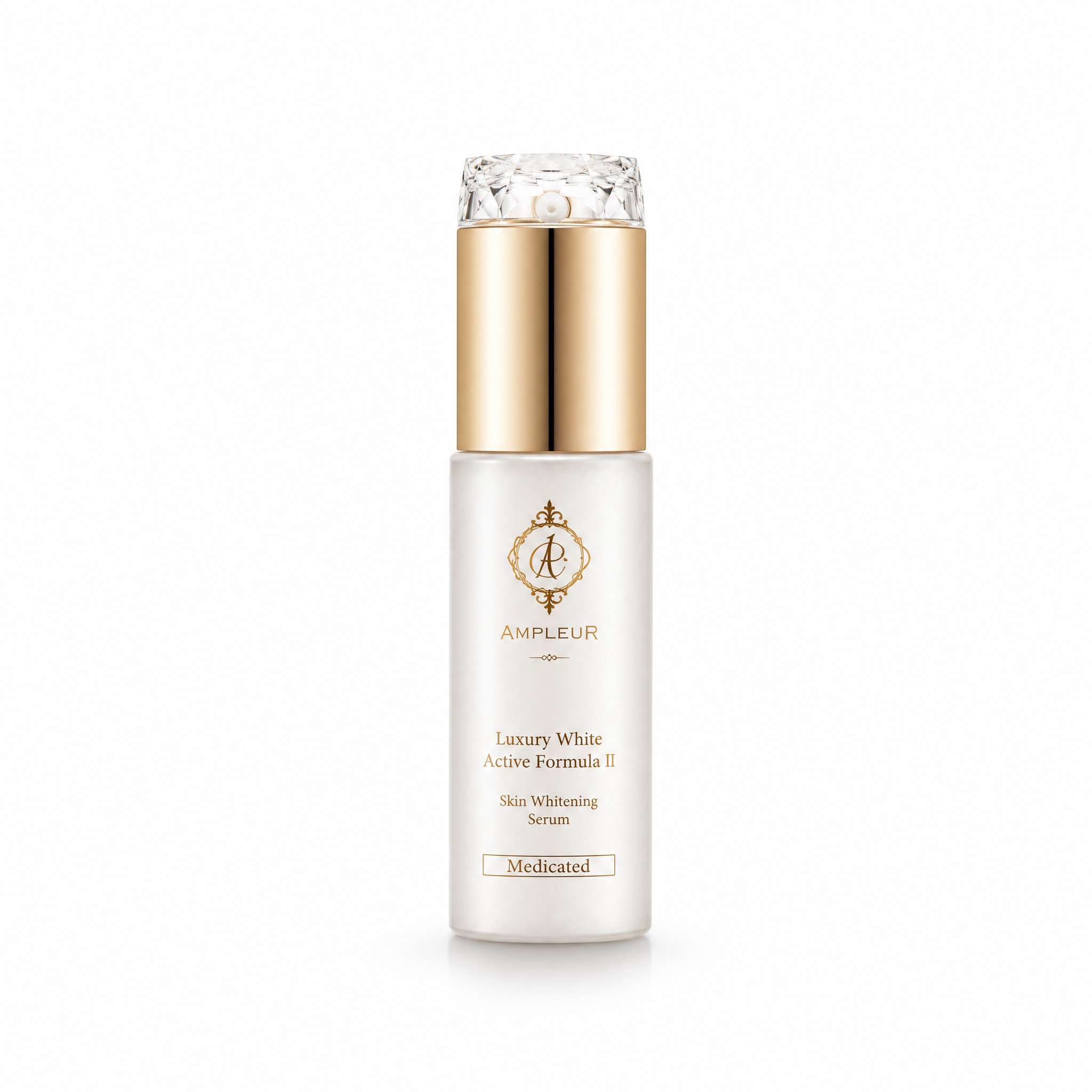
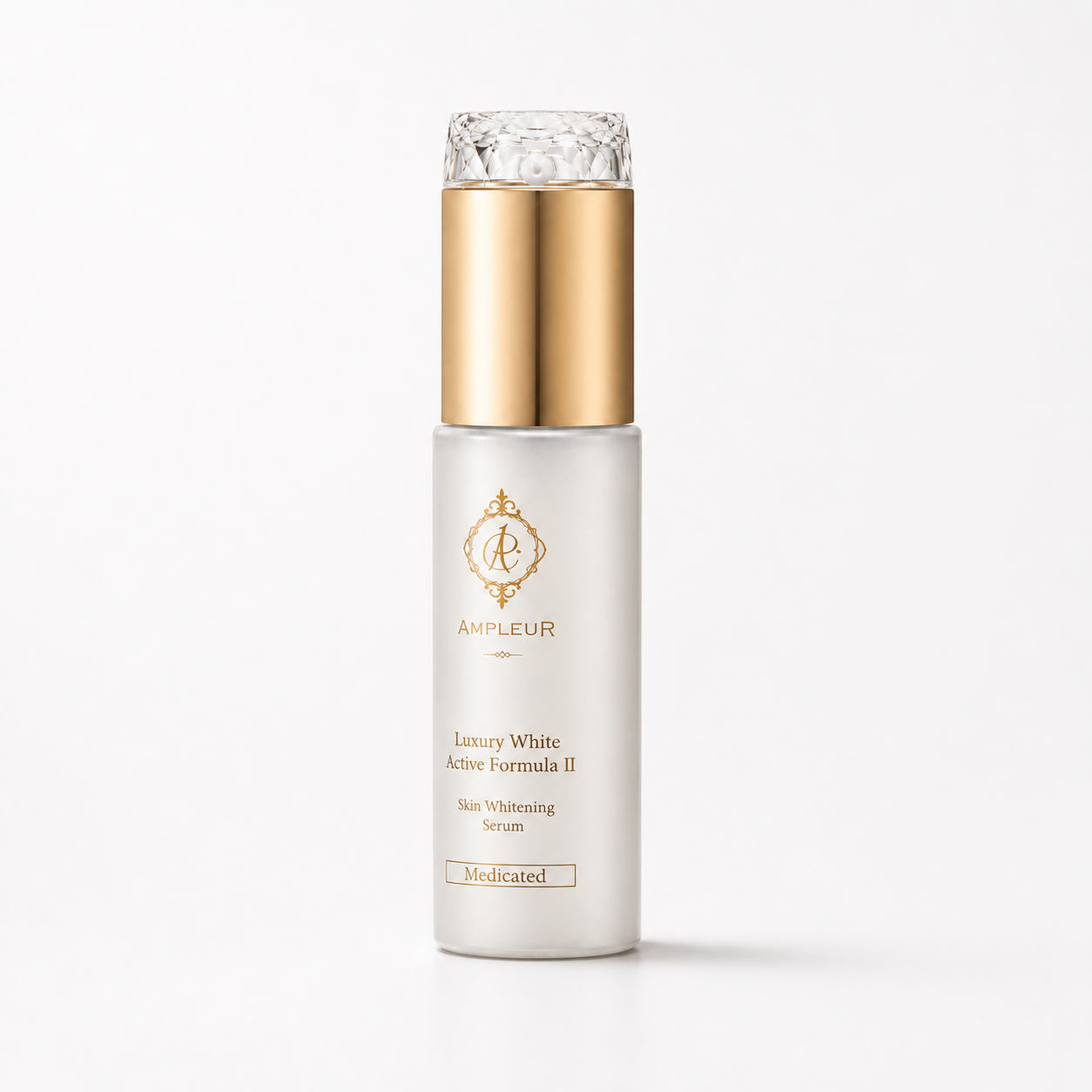
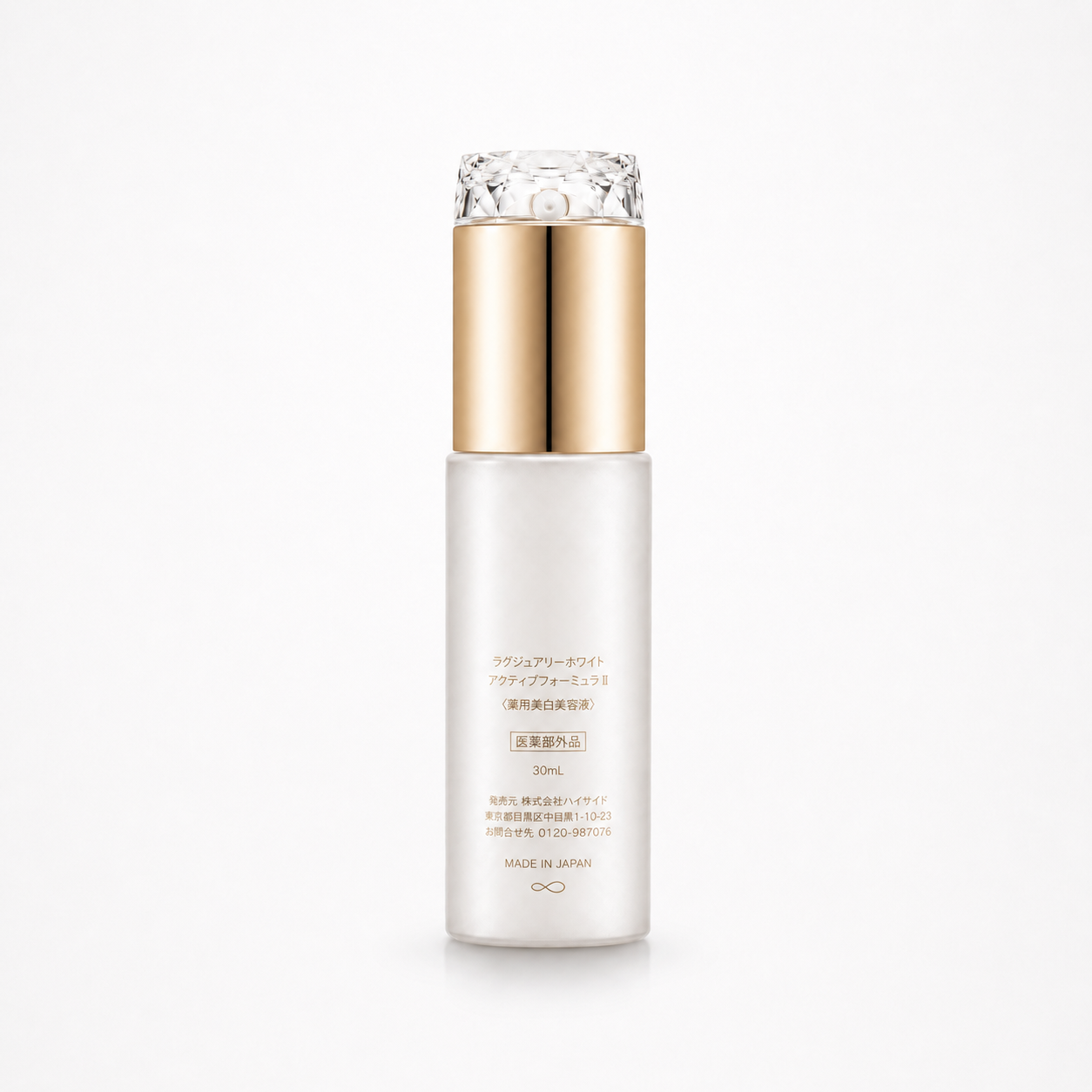
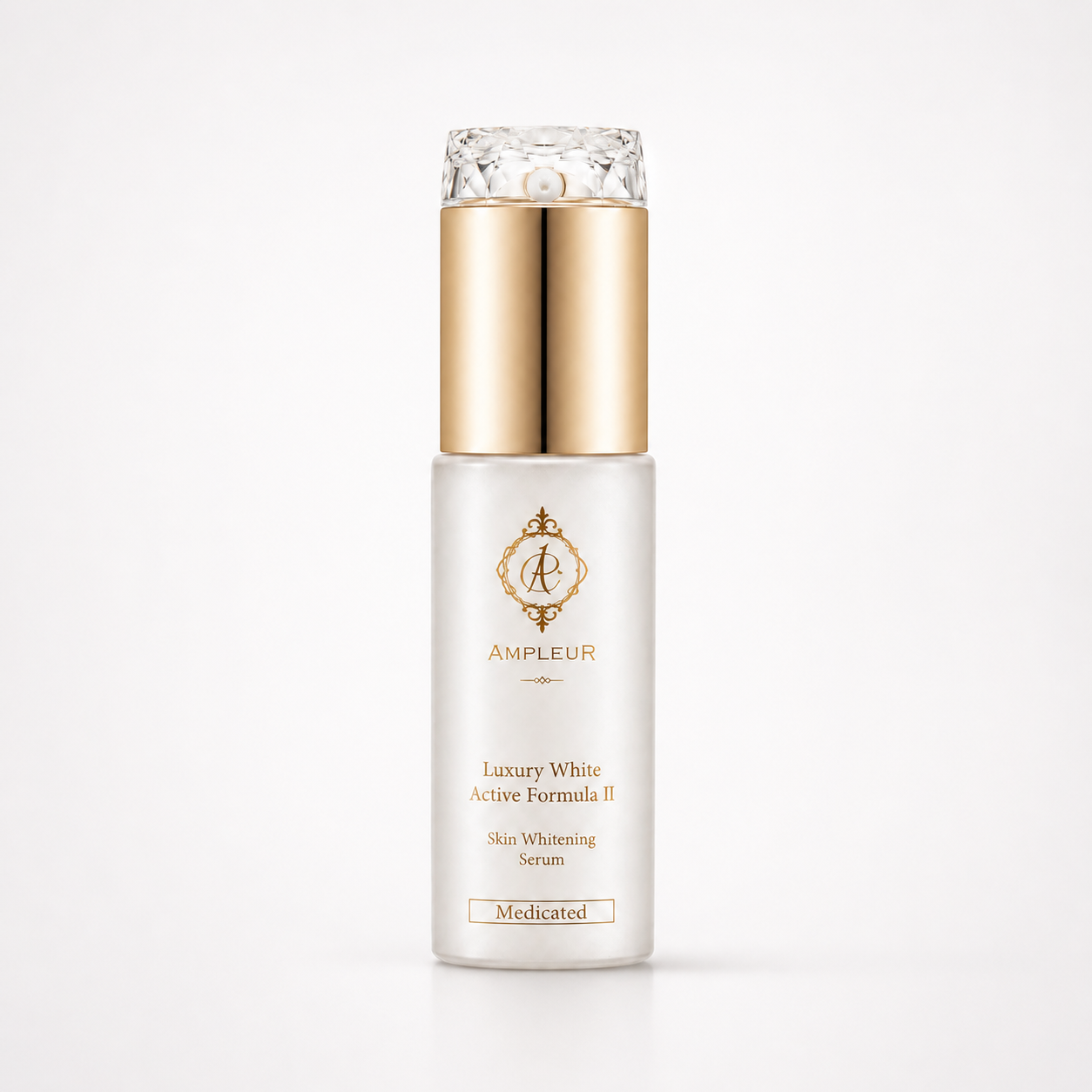
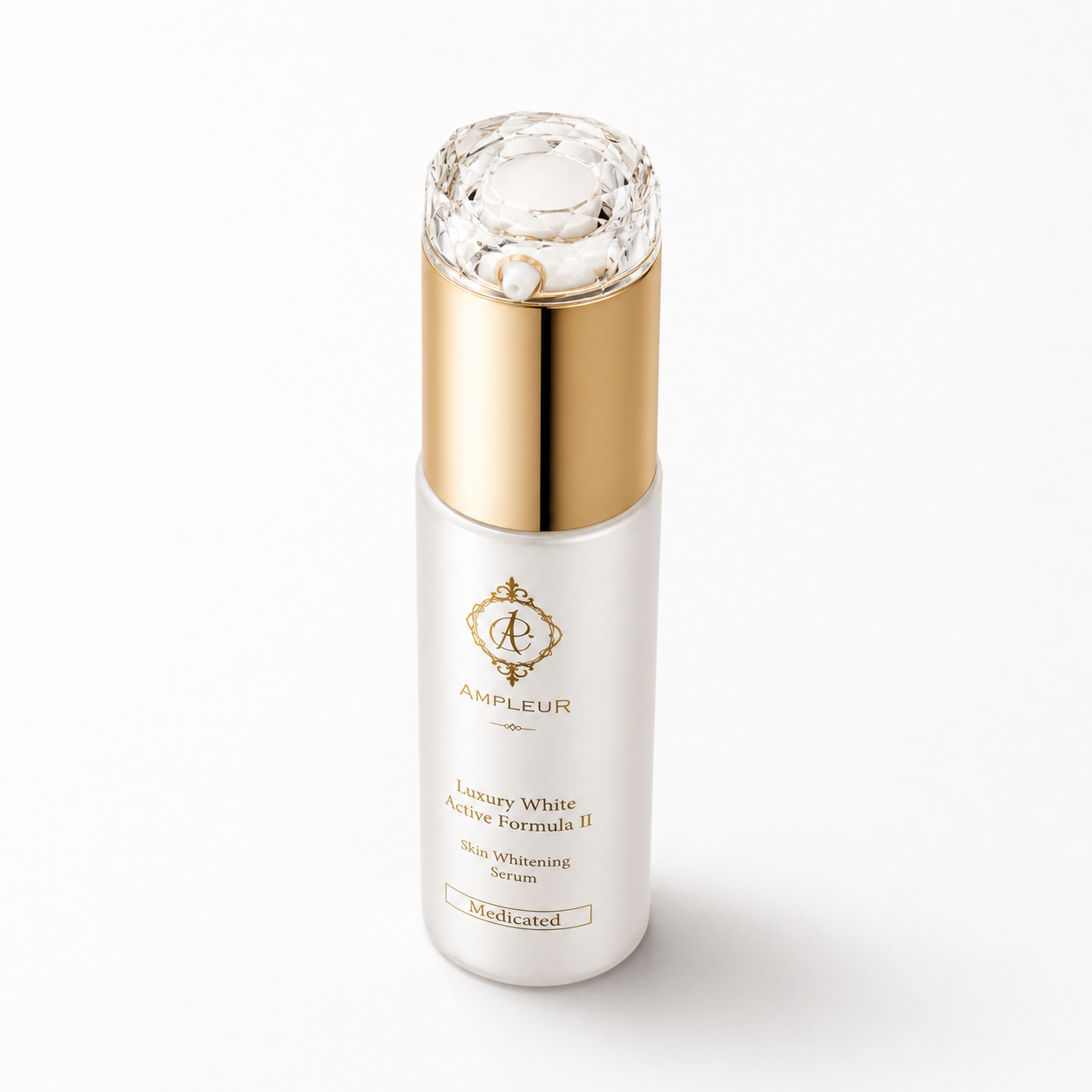
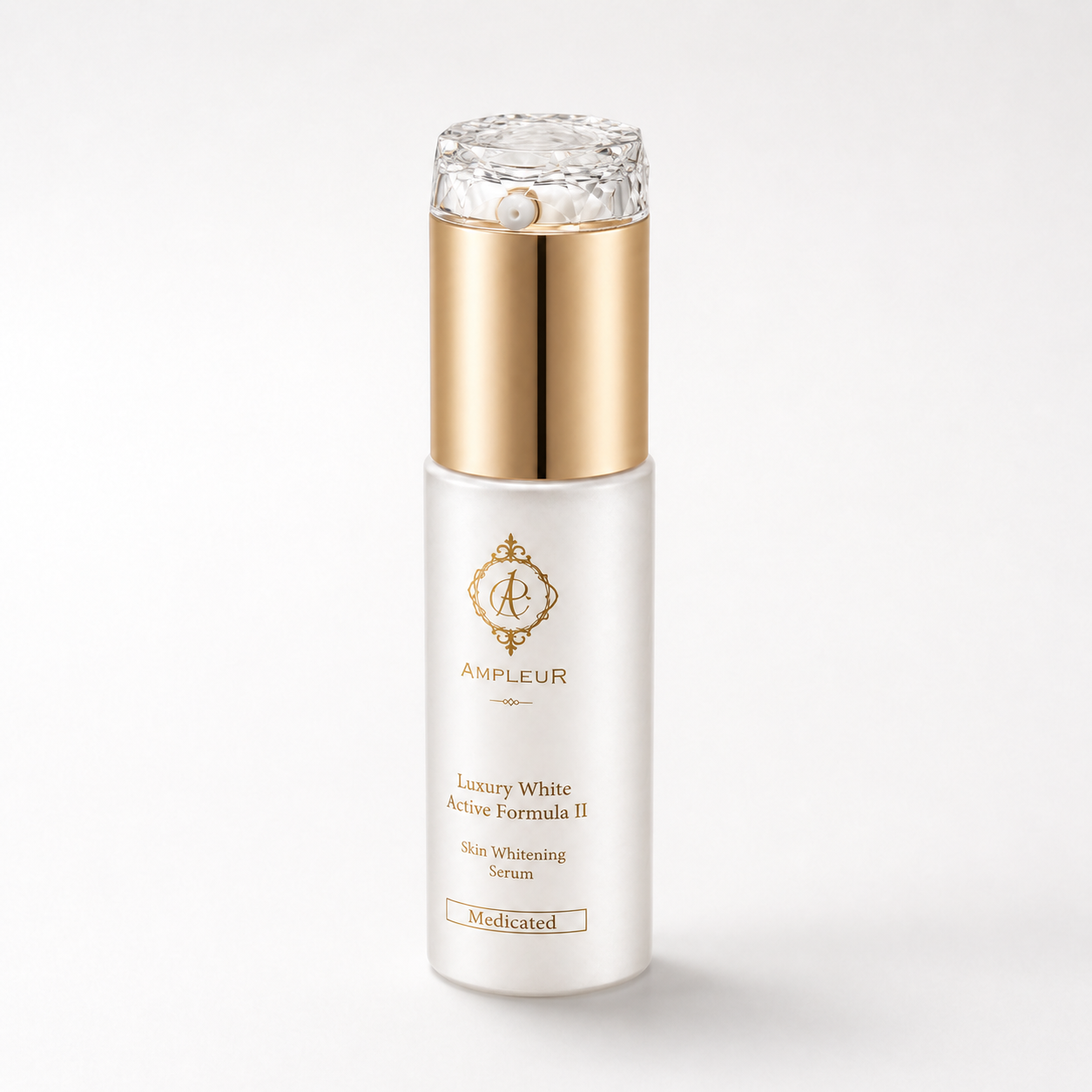
EvoLink-created examples using the same yellow skincare product: replace a photographed scene, create UGC-style promotion, and adapt visuals for different language markets.
Examples and images supplied by EvoLink · 2026-09-09
Product reference
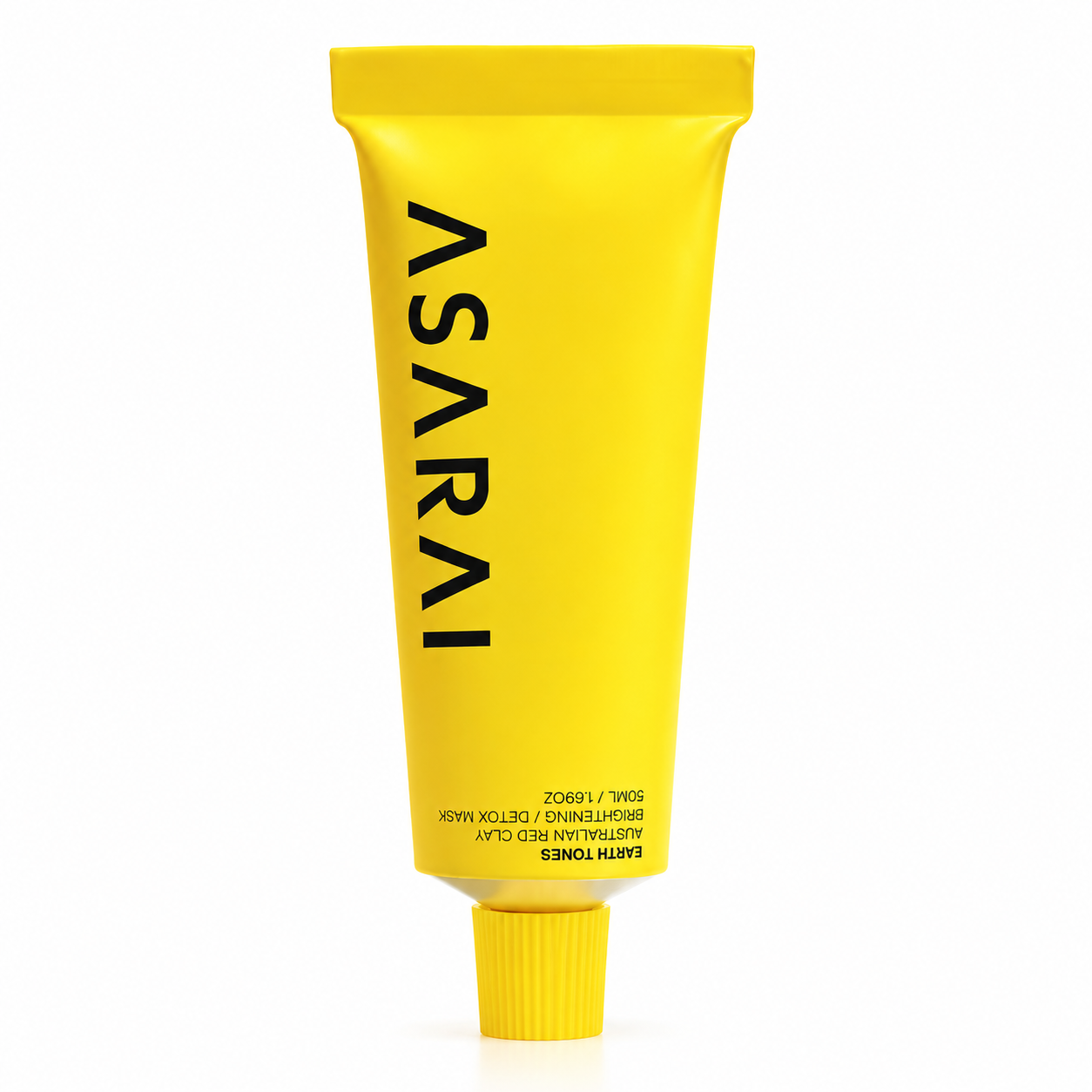 White-background product photo |
Case 31: Change the Scene, Keep the Product
Replace the surroundings of the photographed product while keeping its shape, packaging and label consistent.
Prompt
Edit the supplied real product photograph. Replace only the surrounding scene with {scene_description}. Keep the product itself unchanged: preserve its exact shape, proportions, yellow packaging, cap, logo, label text, material and visible details. Match the new background lighting and contact shadows naturally. Do not redesign, relabel, duplicate or obscure the product.
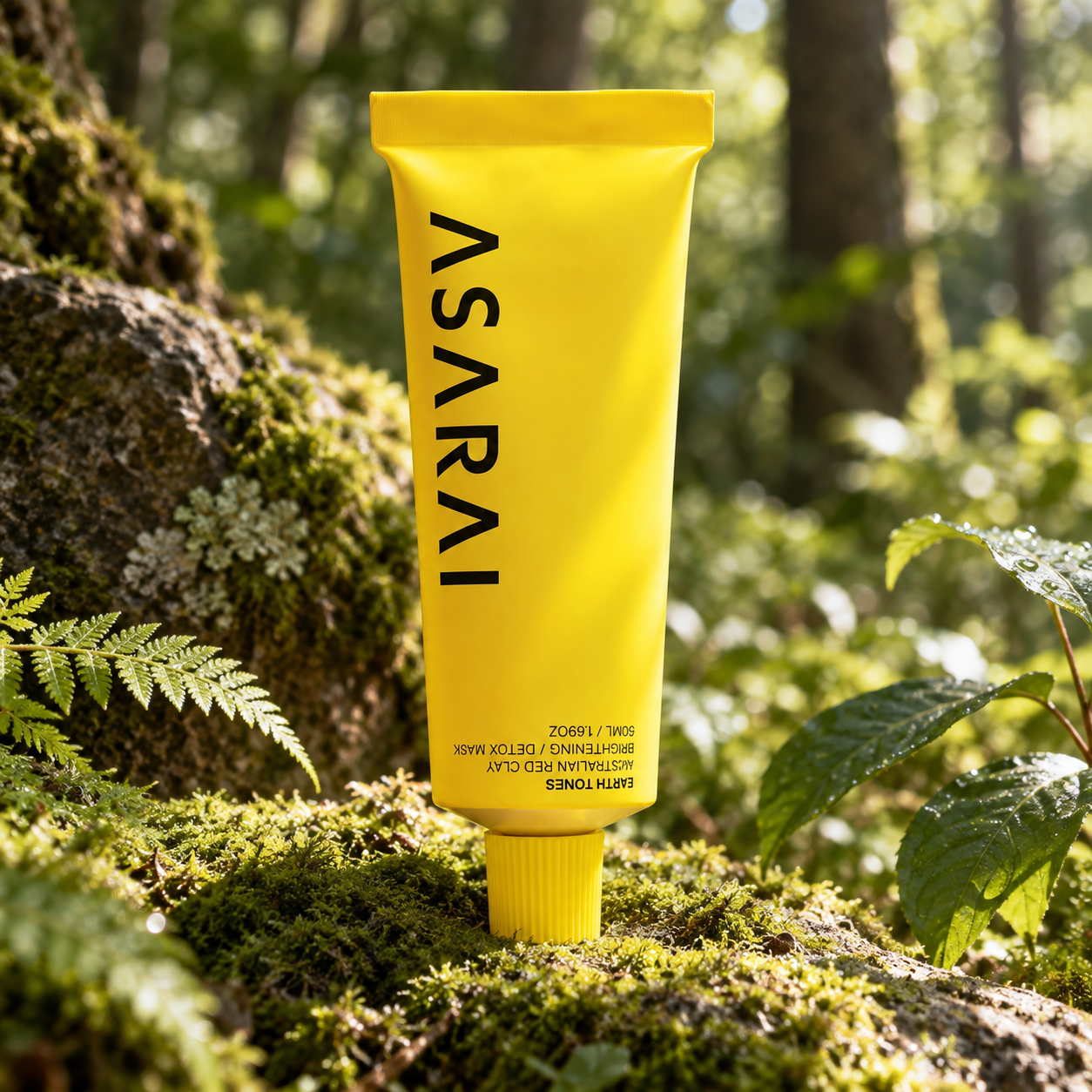 Input |
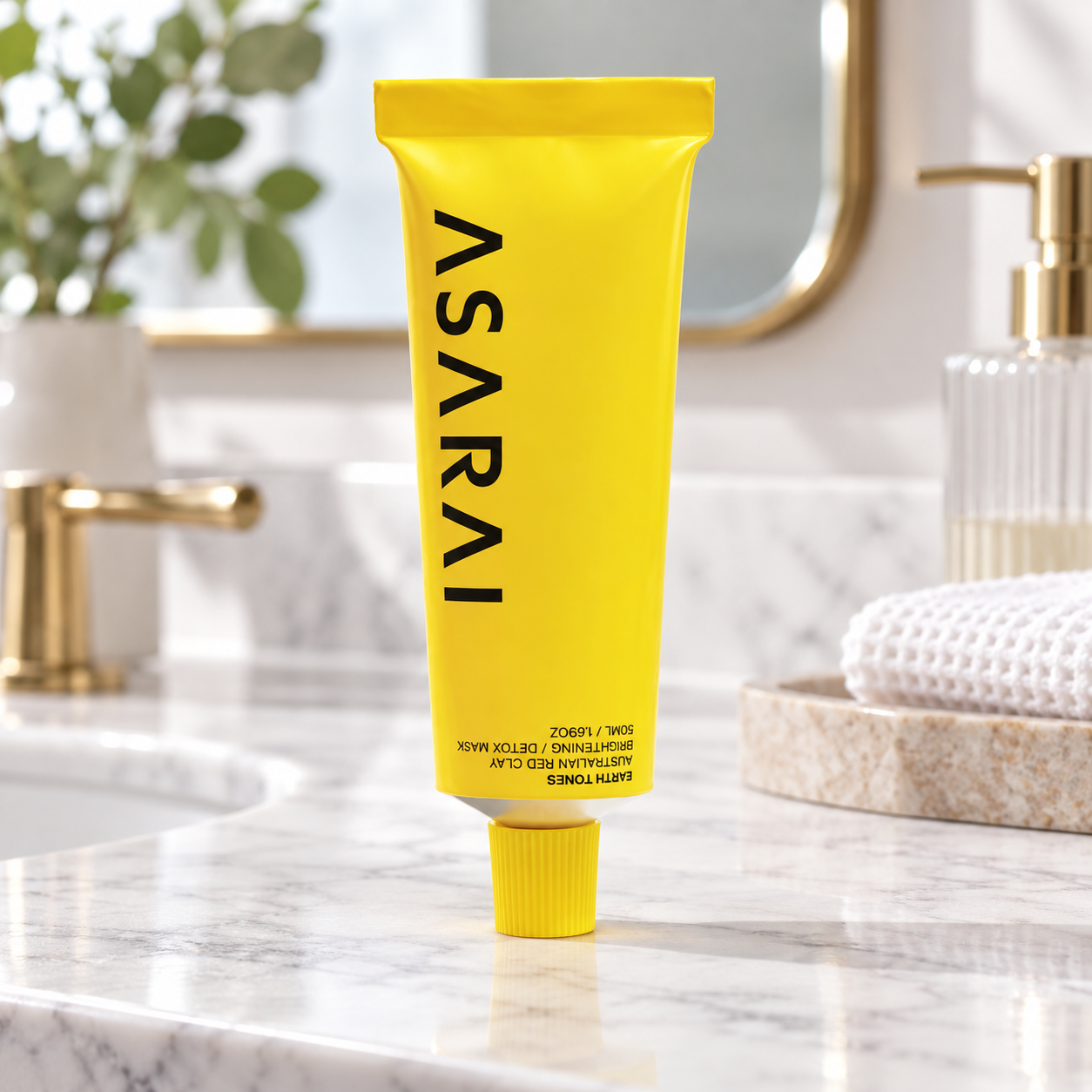 Output · Scene 1 |
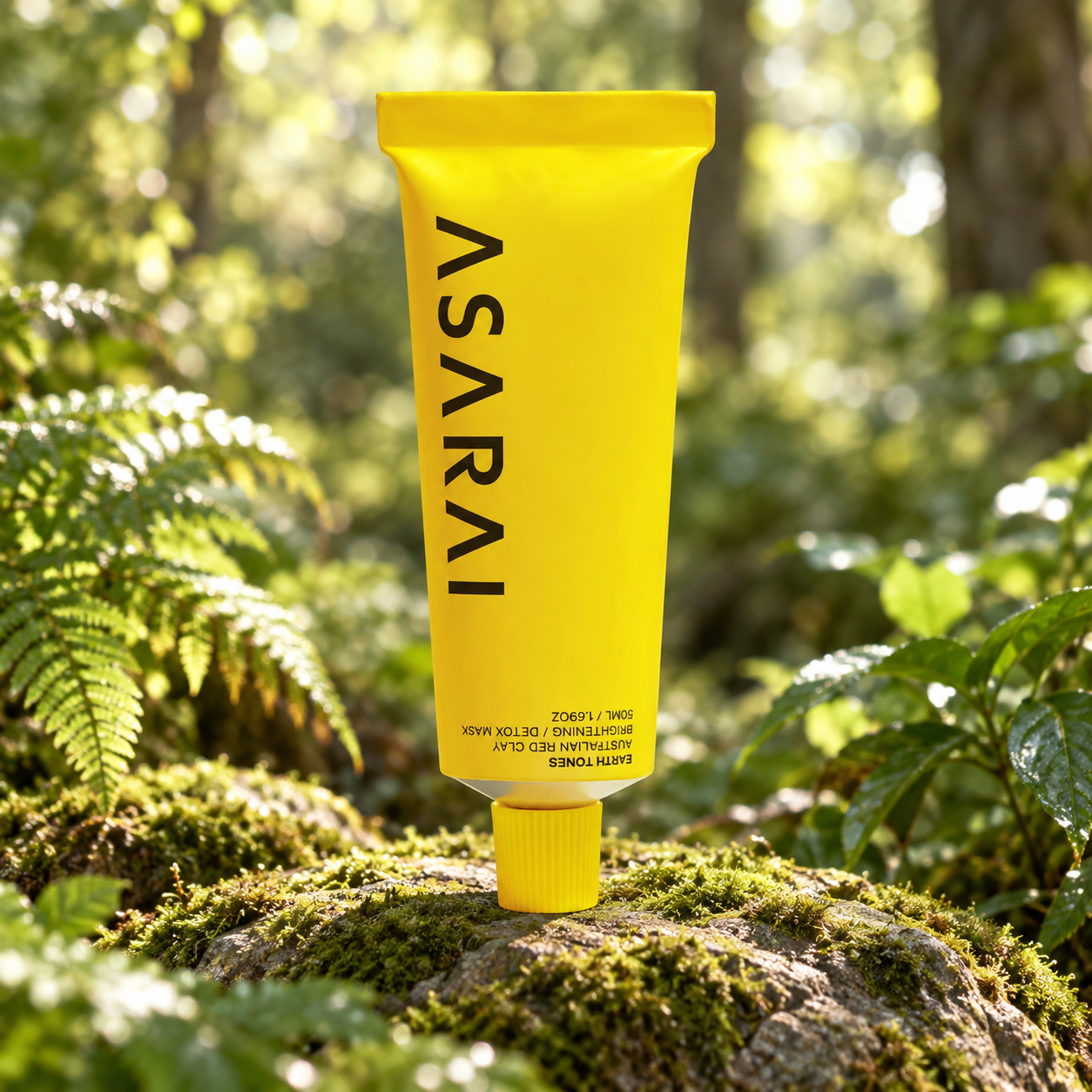 Output · Scene 2 |
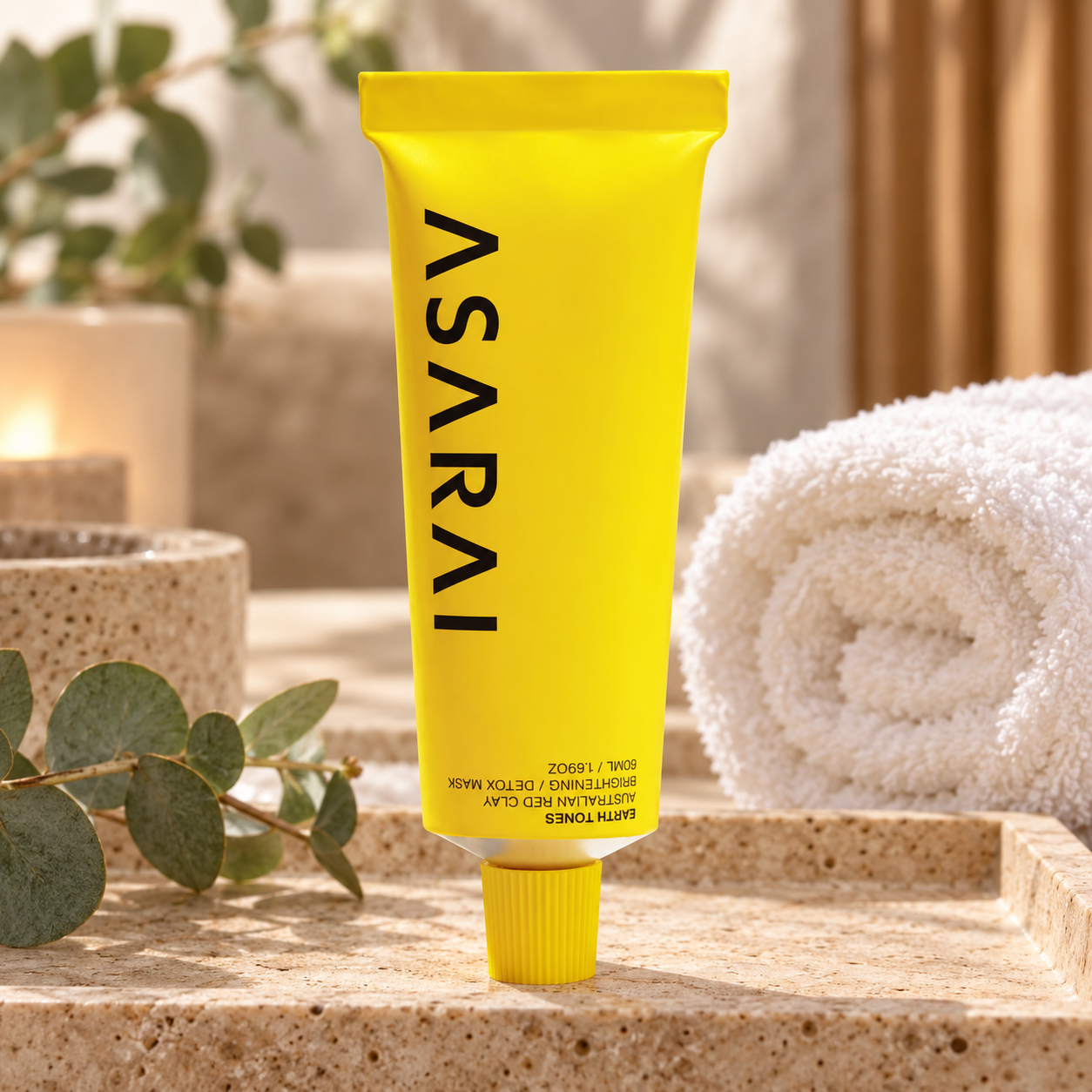 Output · Scene 3 |
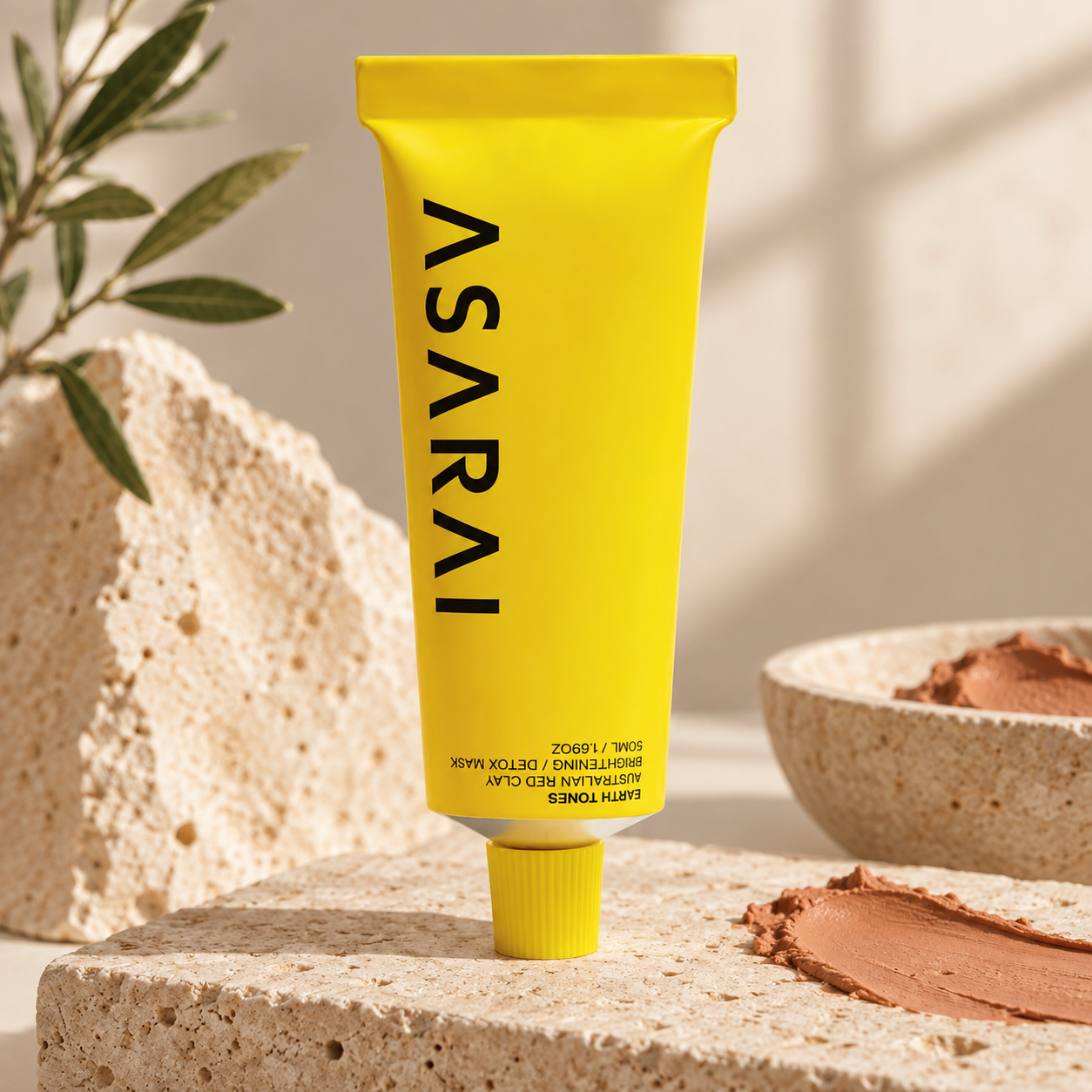 Output · Scene 4 |
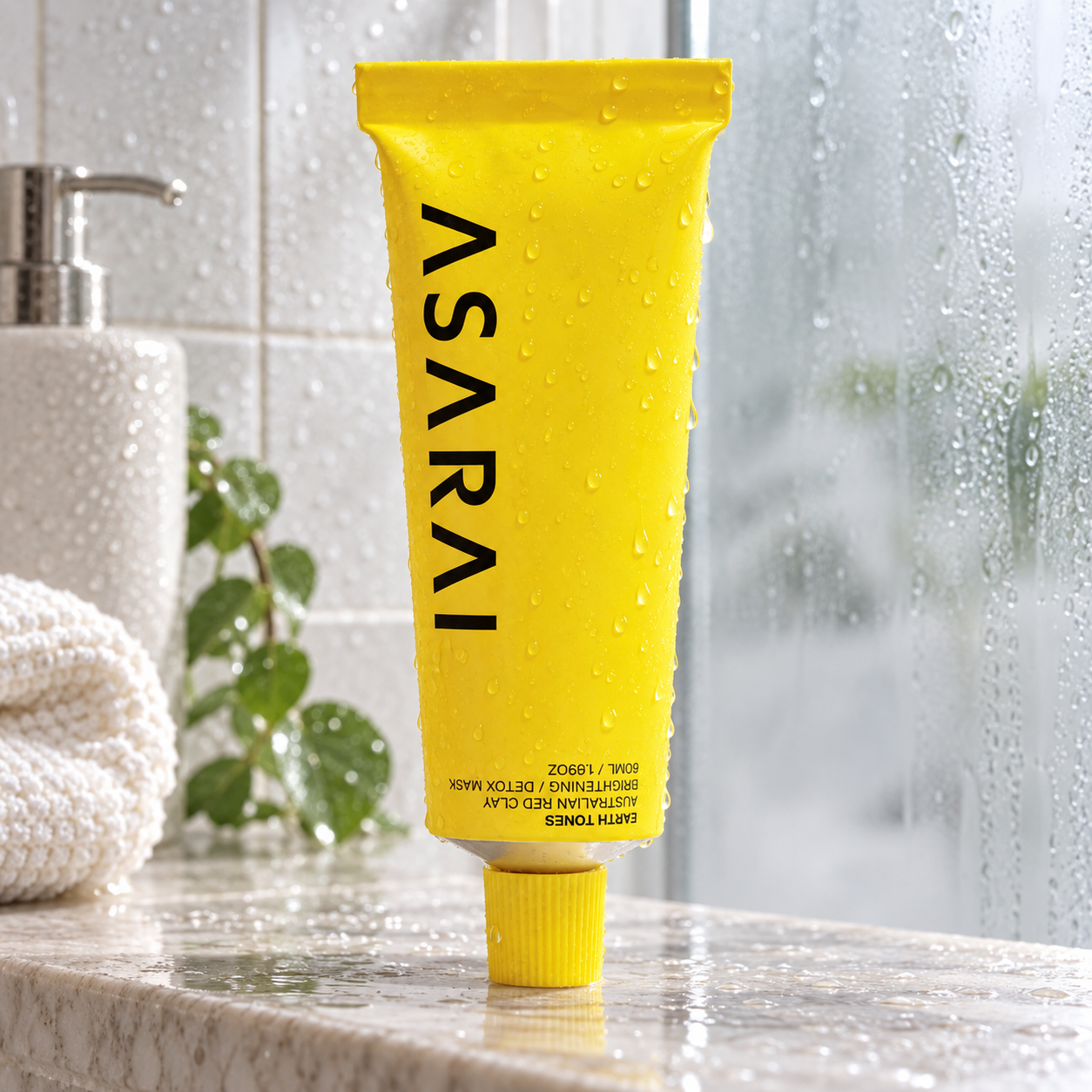 Output · Scene 5 |
Case 32: UGC-style Product Promotion
Create creator-style product demonstrations and a multi-market UGC campaign board from the product reference.
Prompt
Using the supplied white-background product photo as the product reference, create a UGC-style skincare promotion image for {target_market}. Show an adult creator naturally holding the same product in a believable everyday setting. Preserve the exact product packaging, color, proportions, logo and label. Use a casual phone-camera composition and natural lighting. If text is needed, use only {approved_copy} in {language}. Do not invent testimonials, certifications or product benefits.
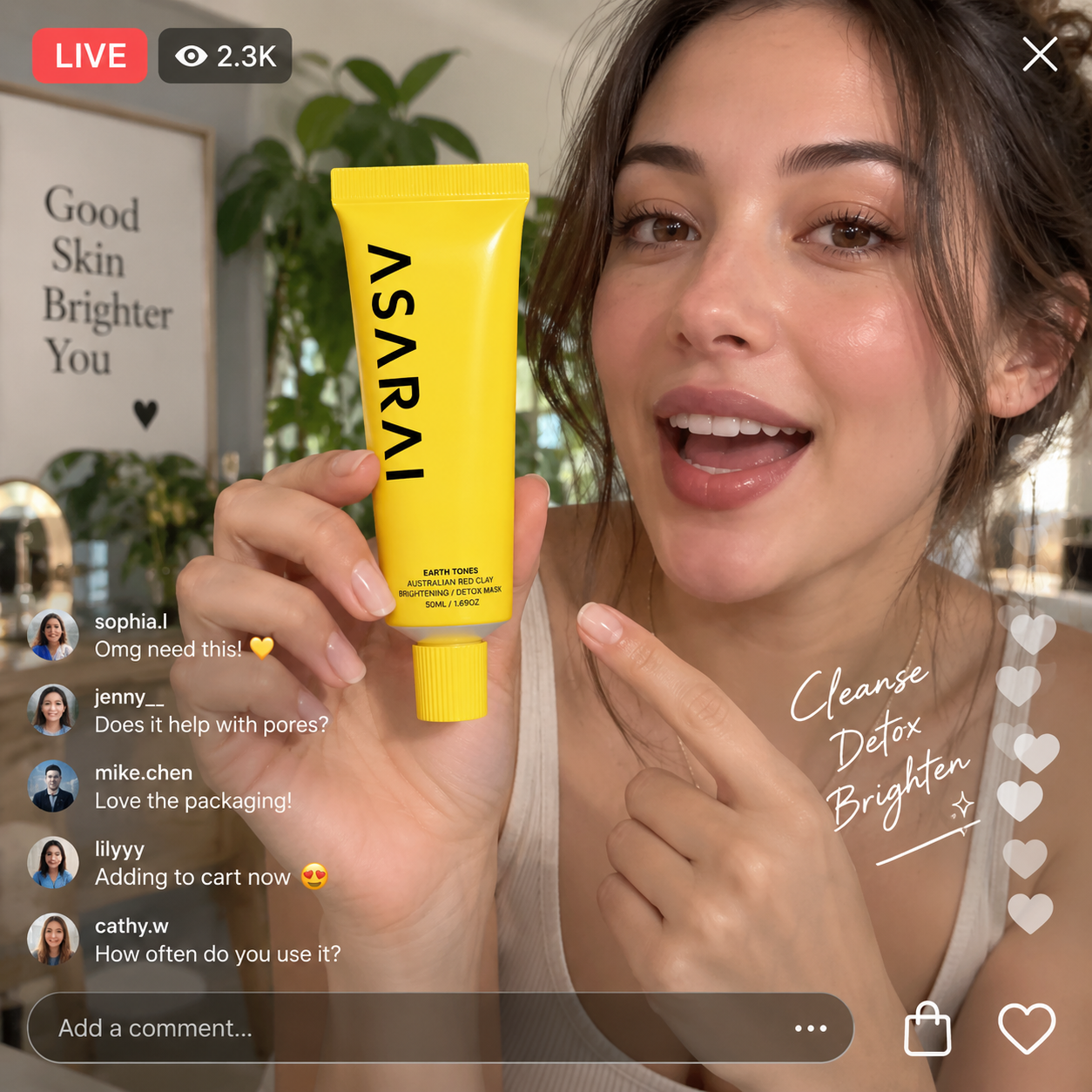 UGC hero image |
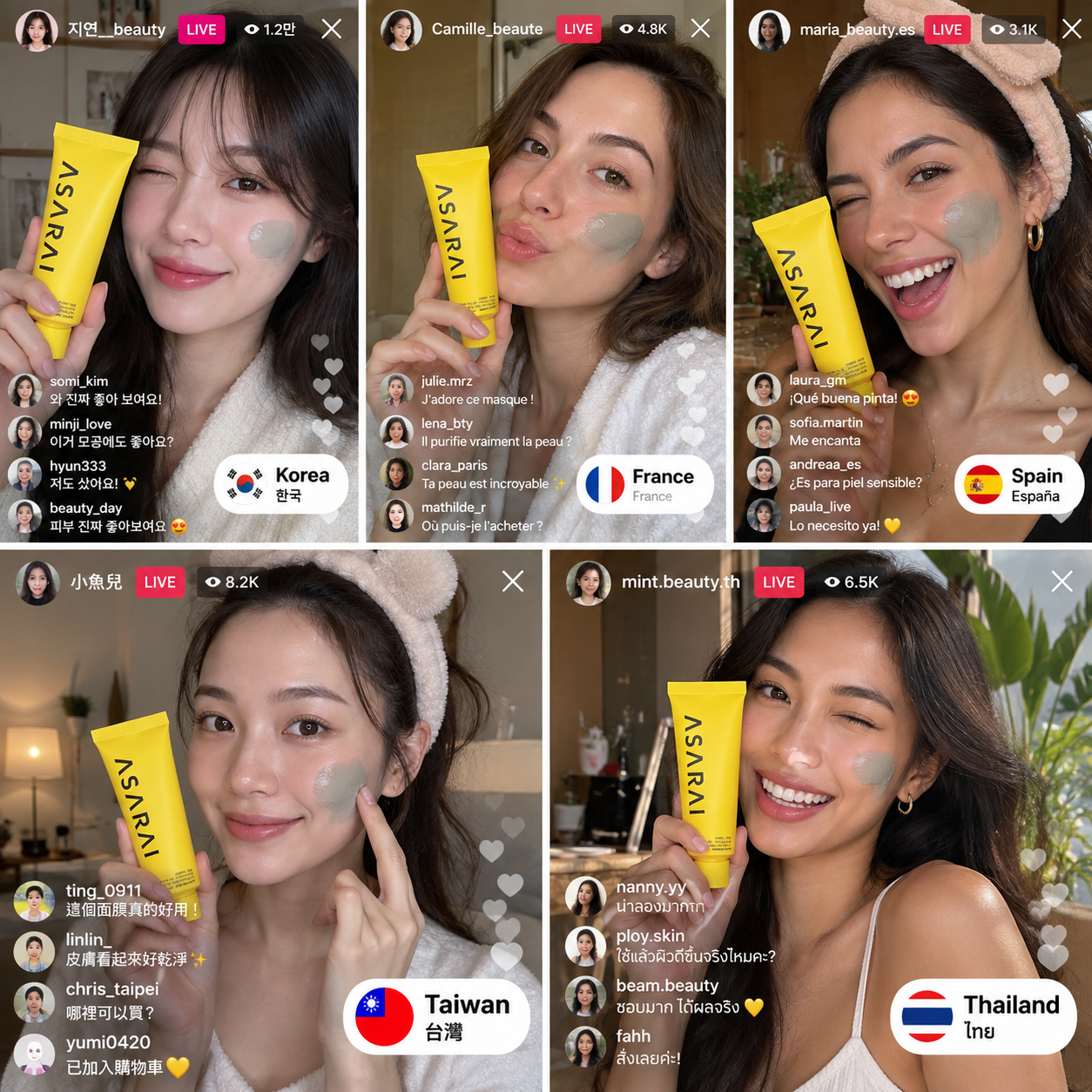 Multi-market UGC board |
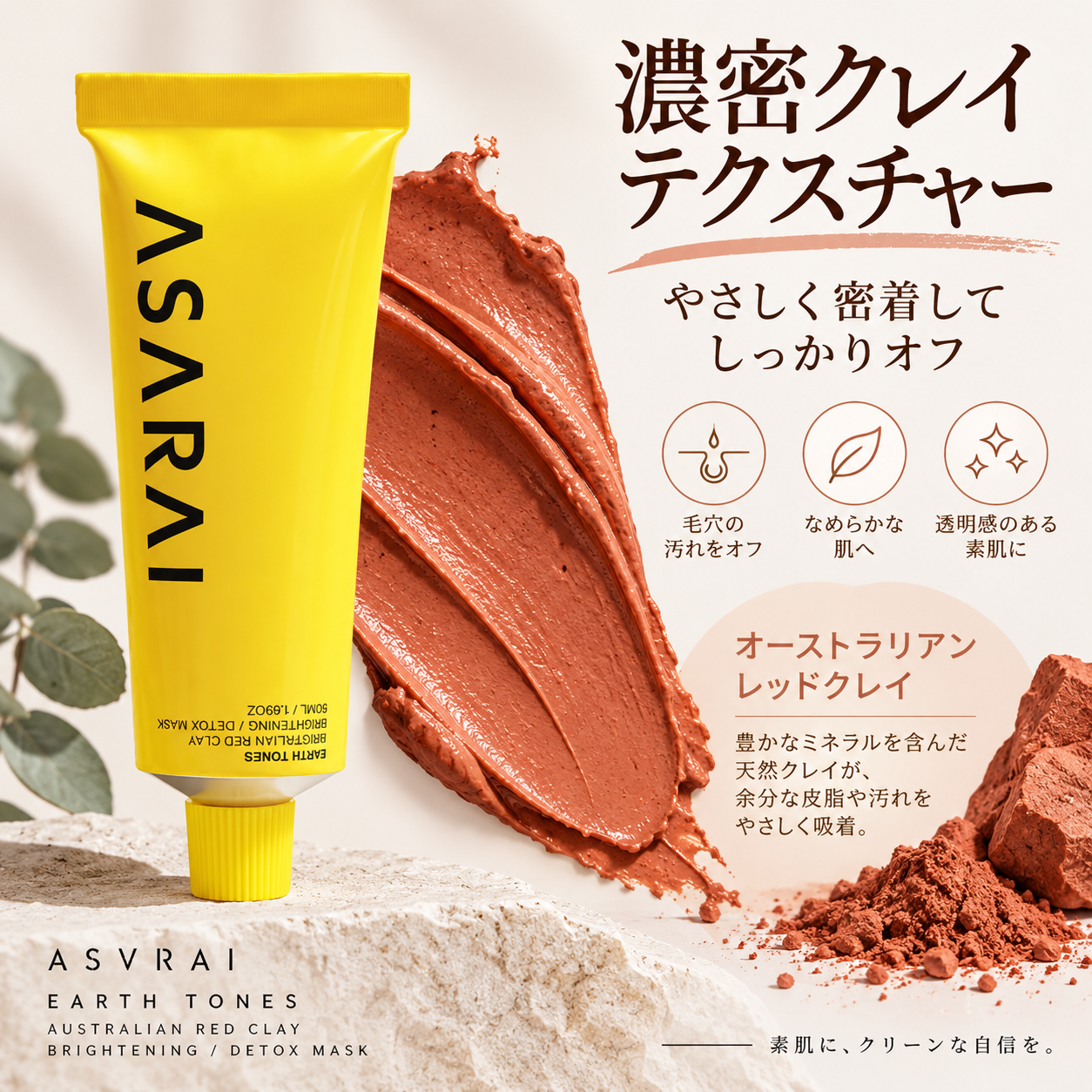
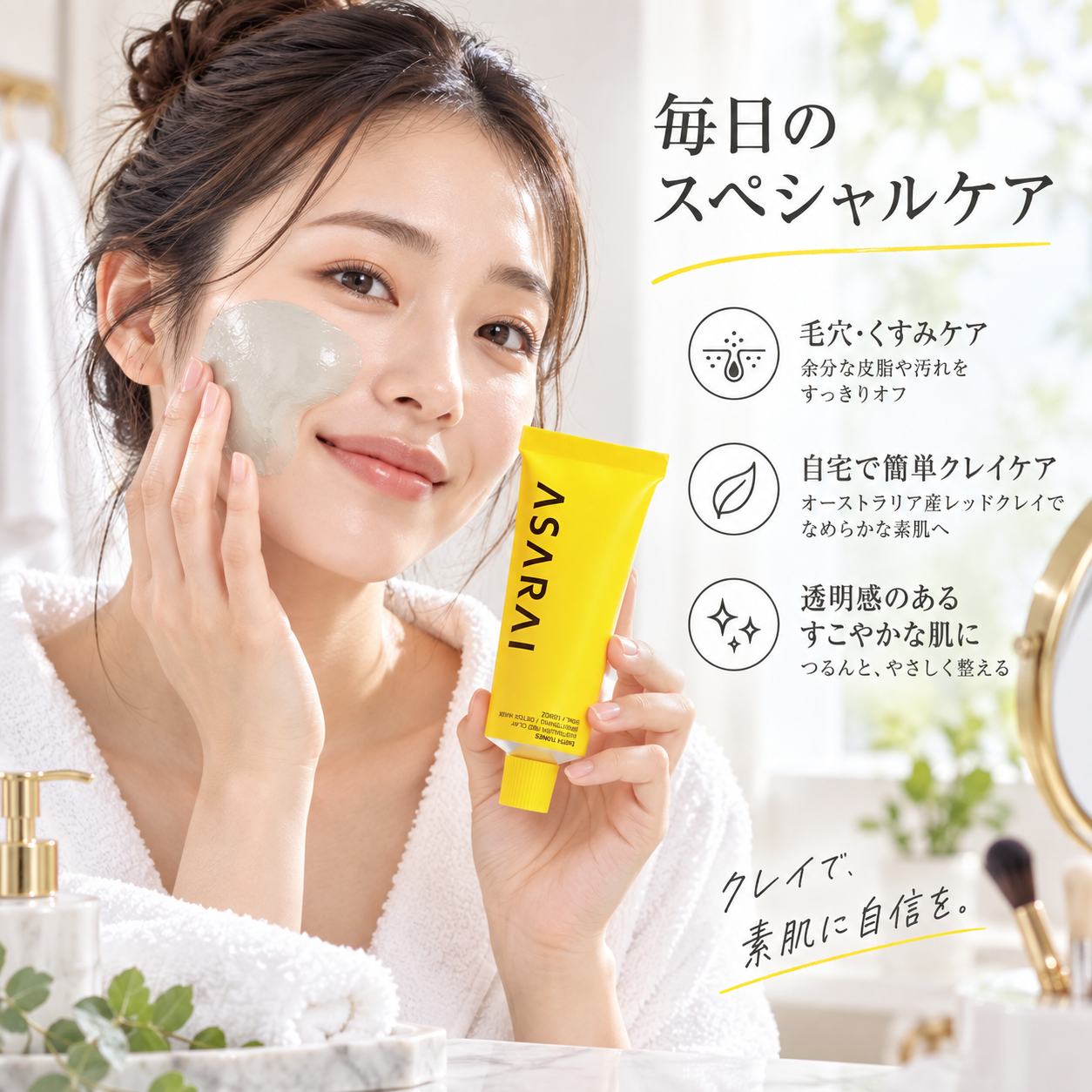
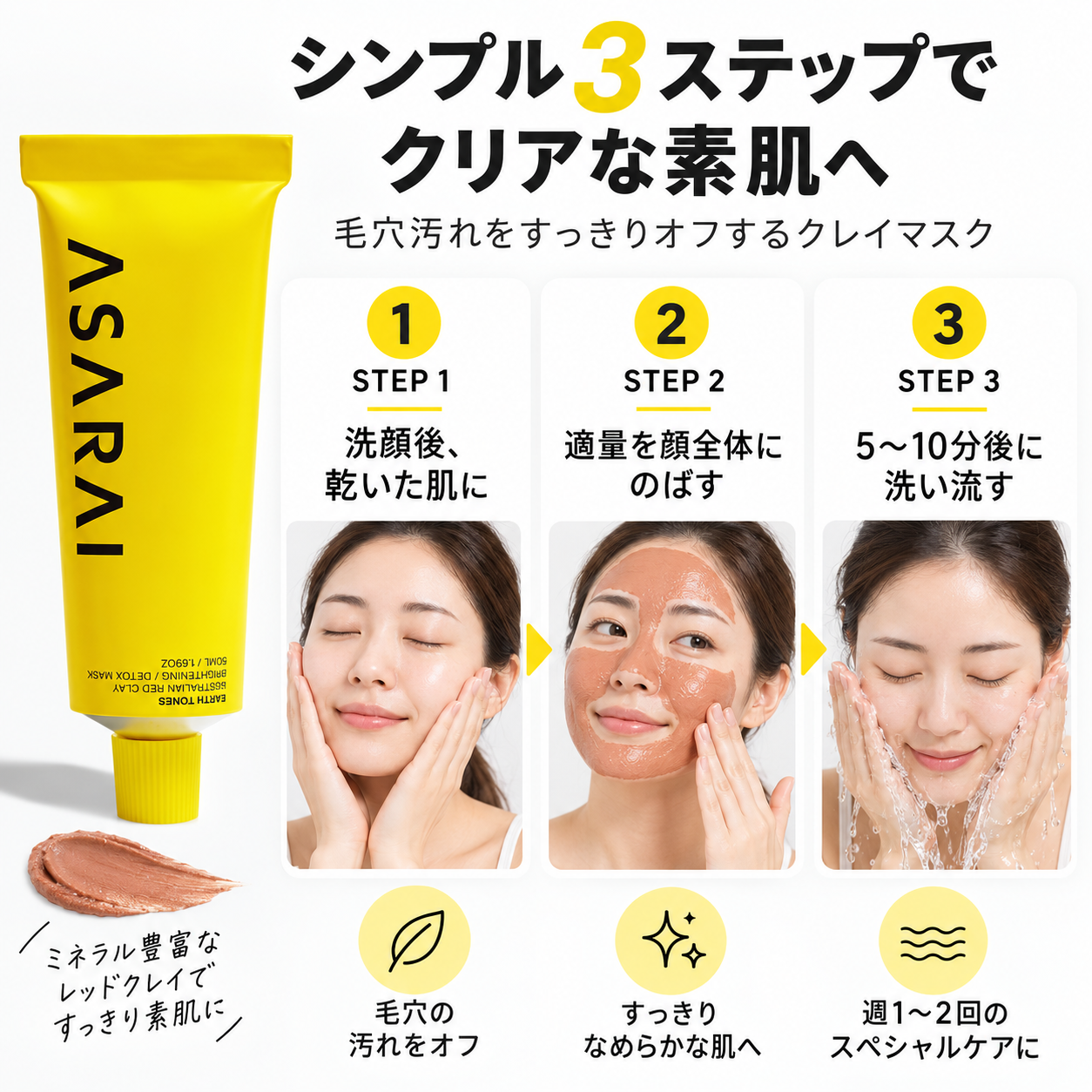
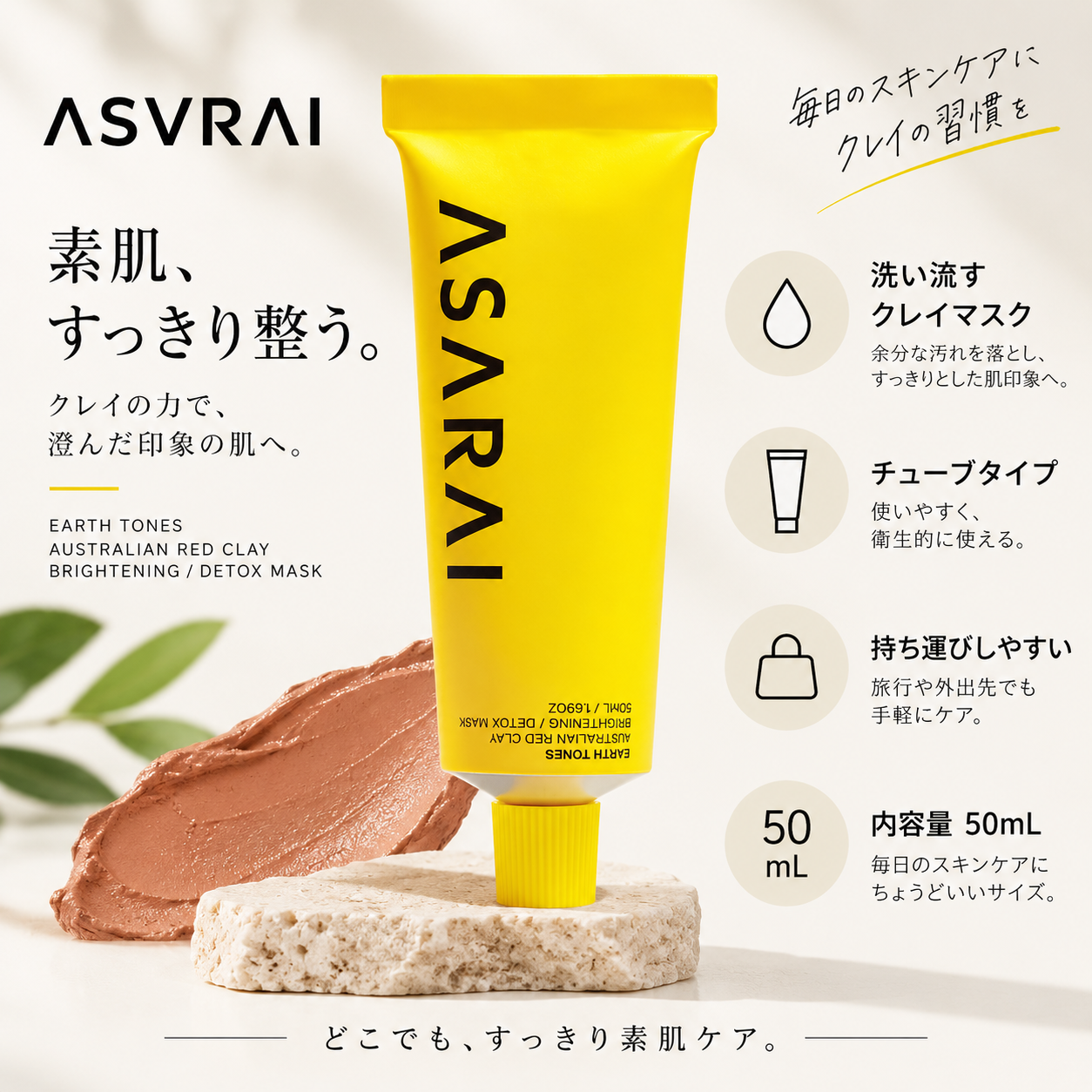
Case 33: E-commerce Visuals for Different Language Markets
A Japanese listing image set, alongside localized social creatives for France, Spain, Korea, Taiwan and Thailand.
Prompt
Create an e-commerce image for {target_market} in {language}, using the supplied white-background product photo as the reference. Preserve the product shape, color, packaging, logo and label. Build a clear {asset_type} layout with a prominent product, readable local-language typography and {approved_product_copy}. Adapt the composition to the target market. Use only supplied product facts; do not invent specifications, ingredient claims or endorsements.
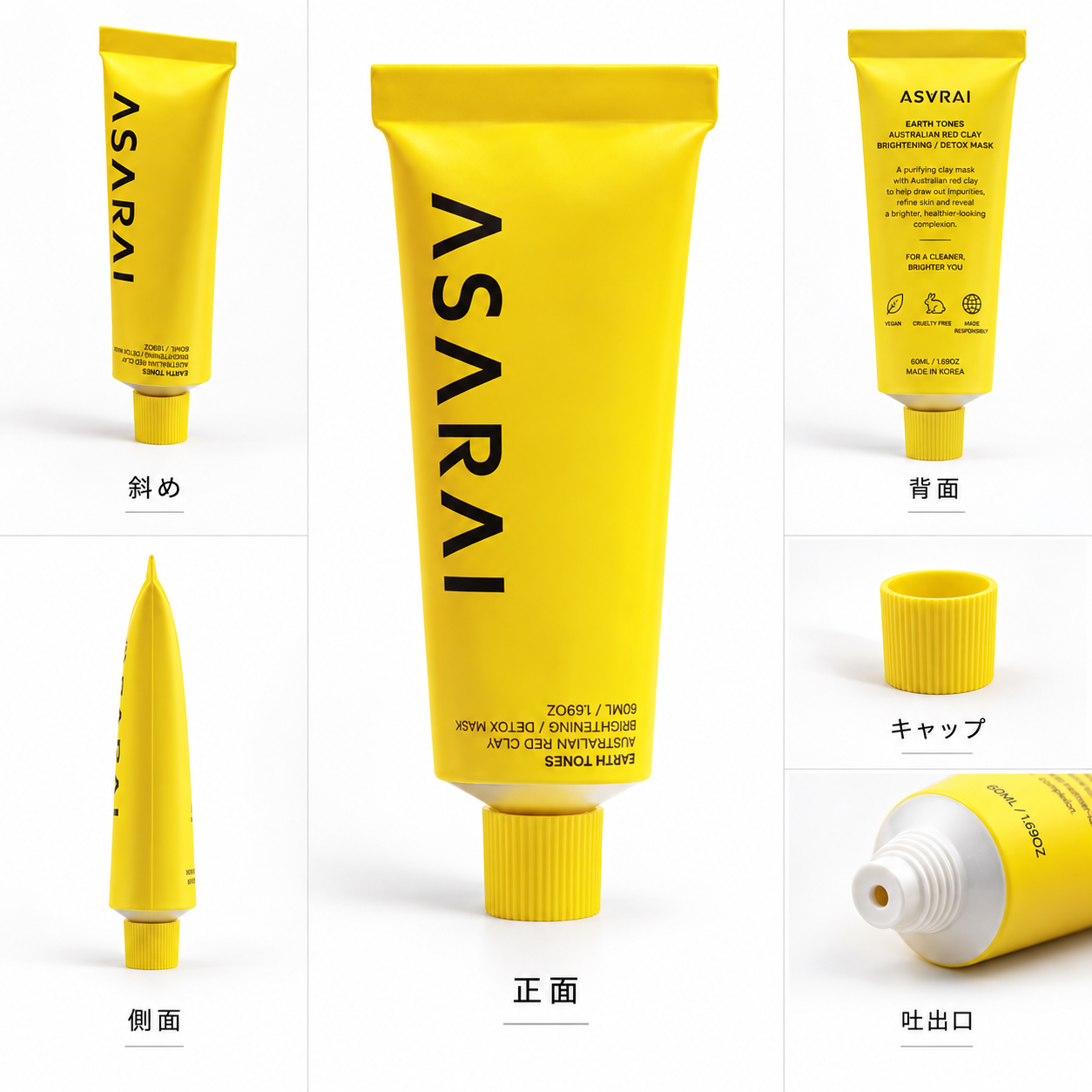 Japanese listing image 1 |
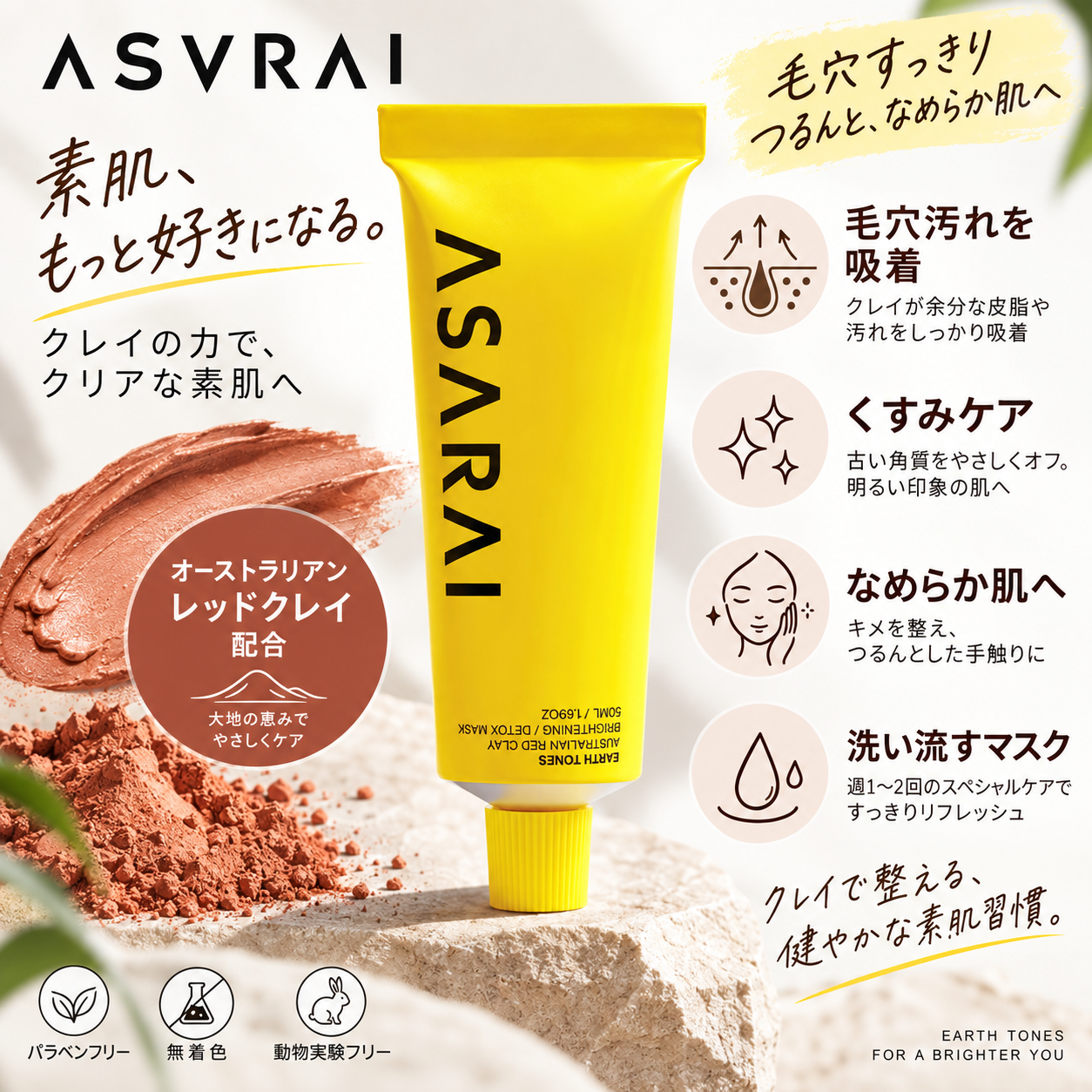 Japanese listing image 2 |
 Japanese listing image 3 |
 Japanese listing image 4 |
 Japanese listing image 5 |
 Japanese listing image 6 |
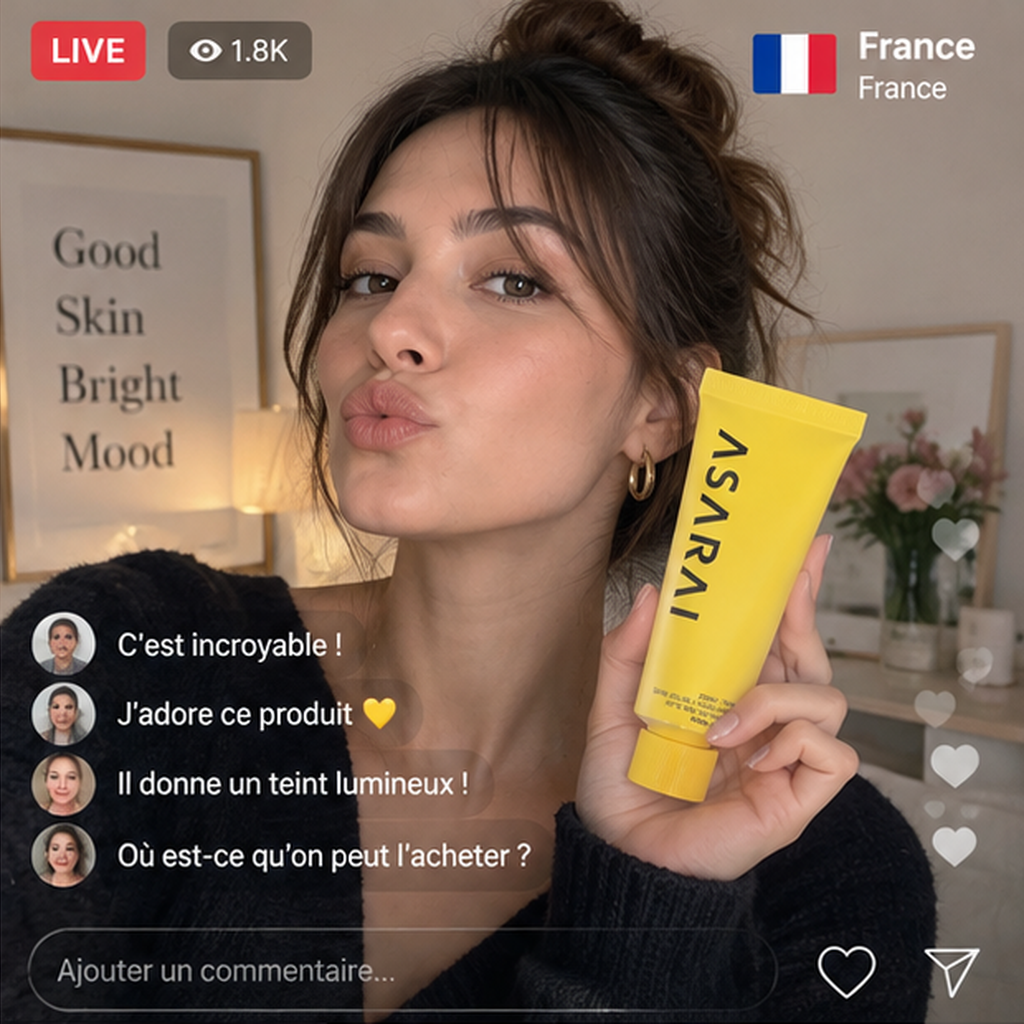 France |
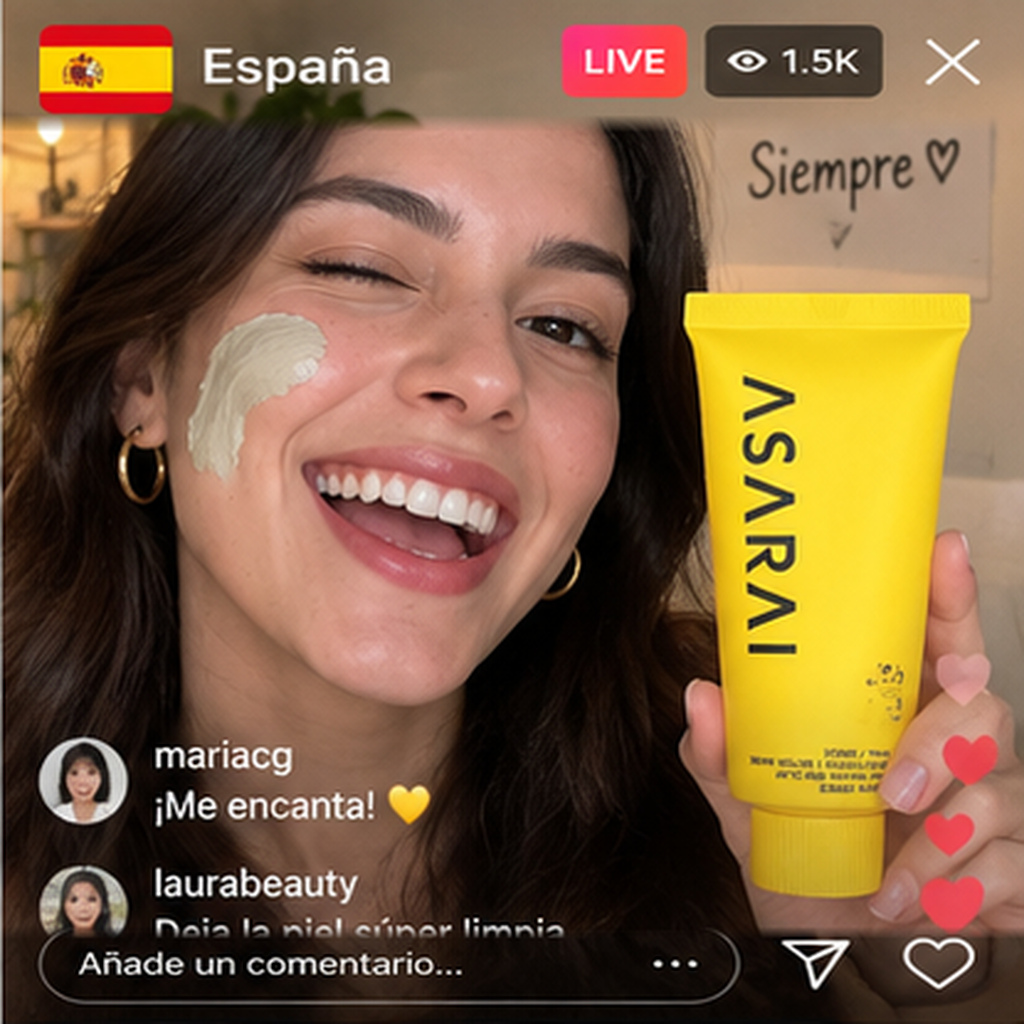 Spain |
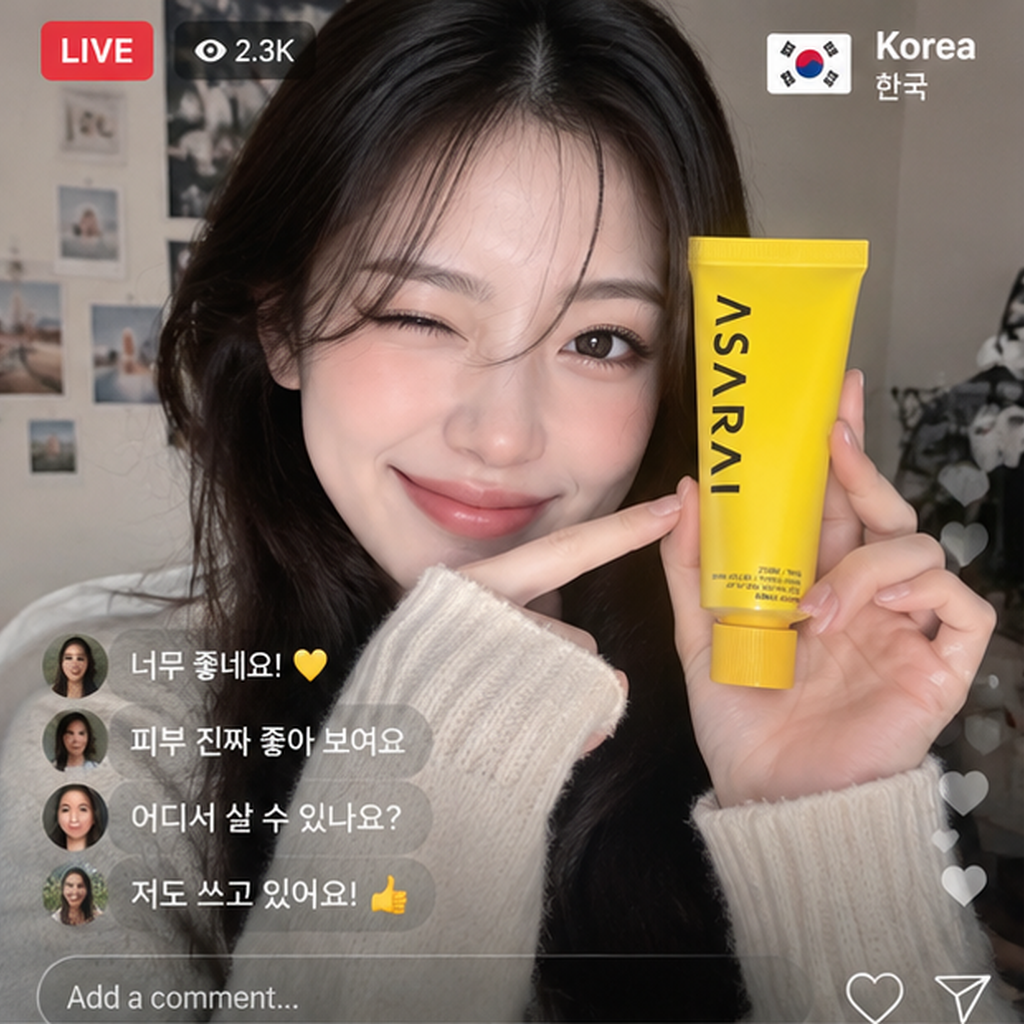 Korea |
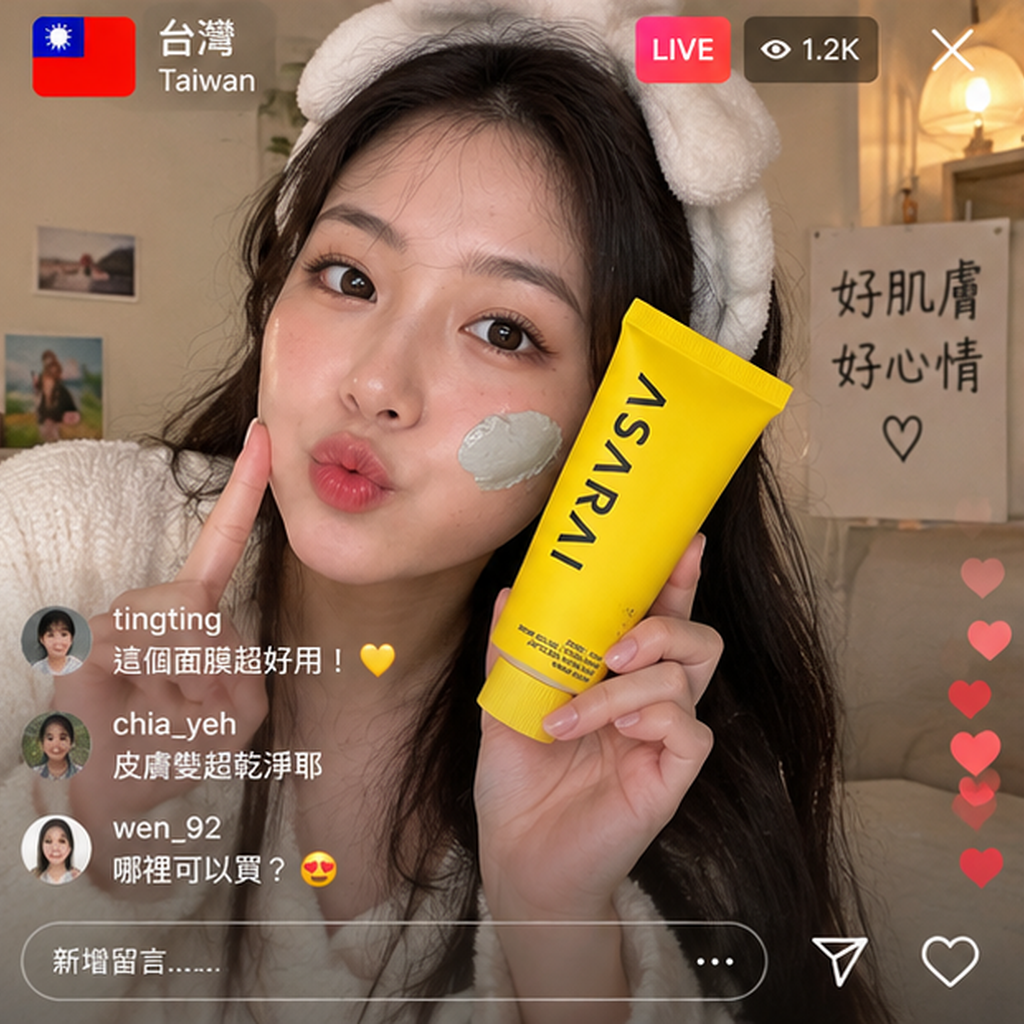 Taiwan |
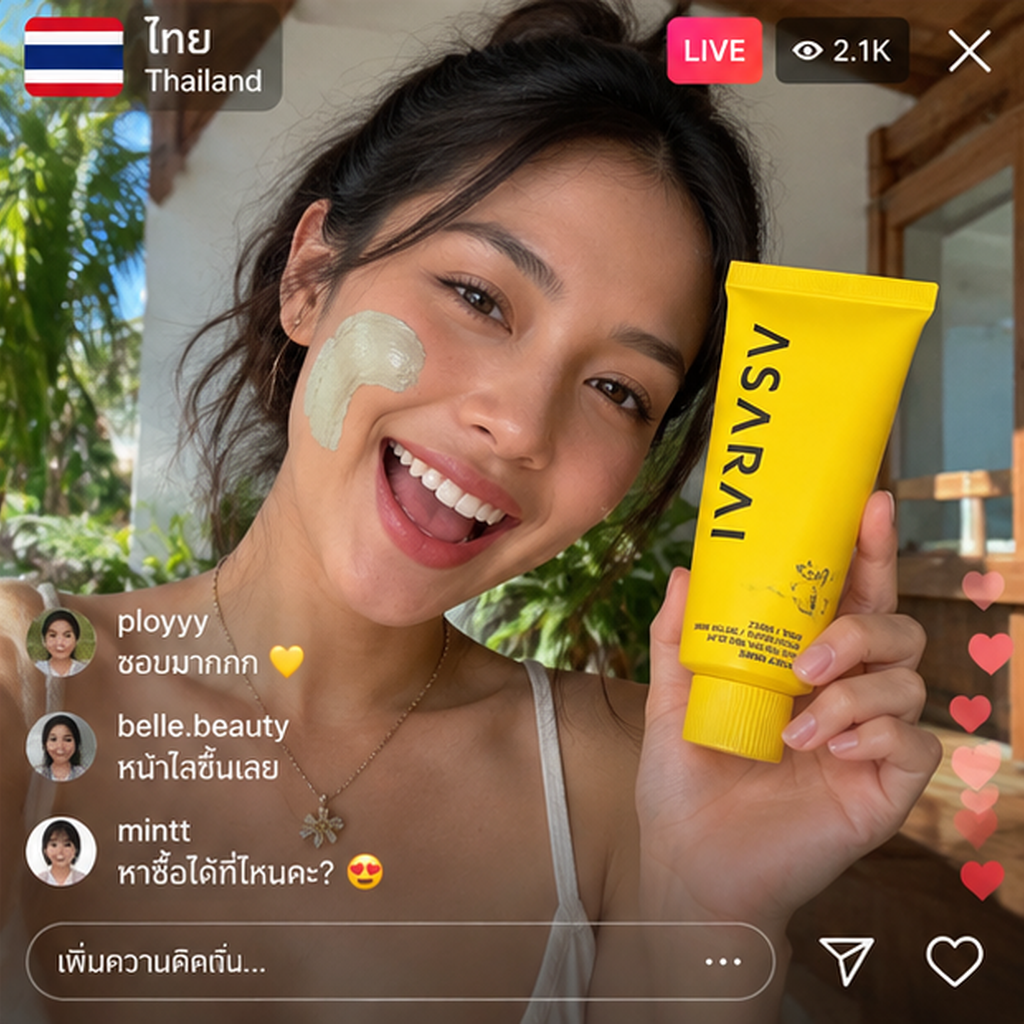 Thailand |
🖼️ Ecommerce Listing Image Prompts
Case 1: Marketplace Listing Image Set
Prompt:
Generate a {platform} listing image set for {country} in {language}. The product is {product_name}, and the selling points are {selling_points}.
[!NOTE] Replace {platform}, {country}, {language}, {product_name}, and {selling_points} before use. This template fits Amazon, eBay, AliExpress, TEMU, SHEIN, TikTok Shop, Shopee, Lazada, Mercado Libre, Walmart, Etsy, Rakuten, Coupang, Shopify, and similar marketplaces. The agent will plan platform-appropriate listing assets such as clean white-background images, size diagrams, multi-angle views, lifestyle scenes, selling-point images, and material details.
Example 1: Solid Wood Dining Chair
| Input | Output | |||
|---|---|---|---|---|
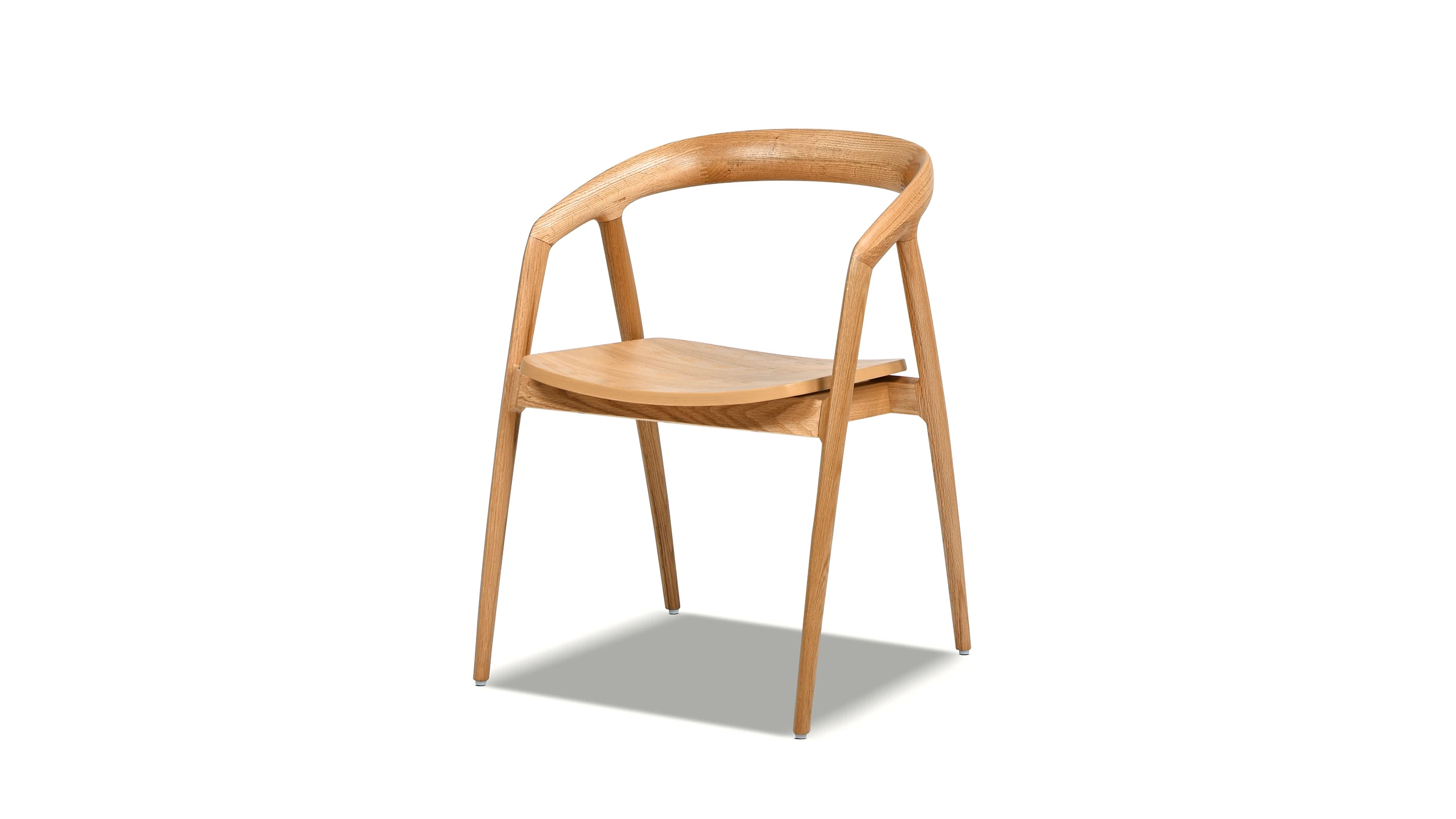 Product photo |
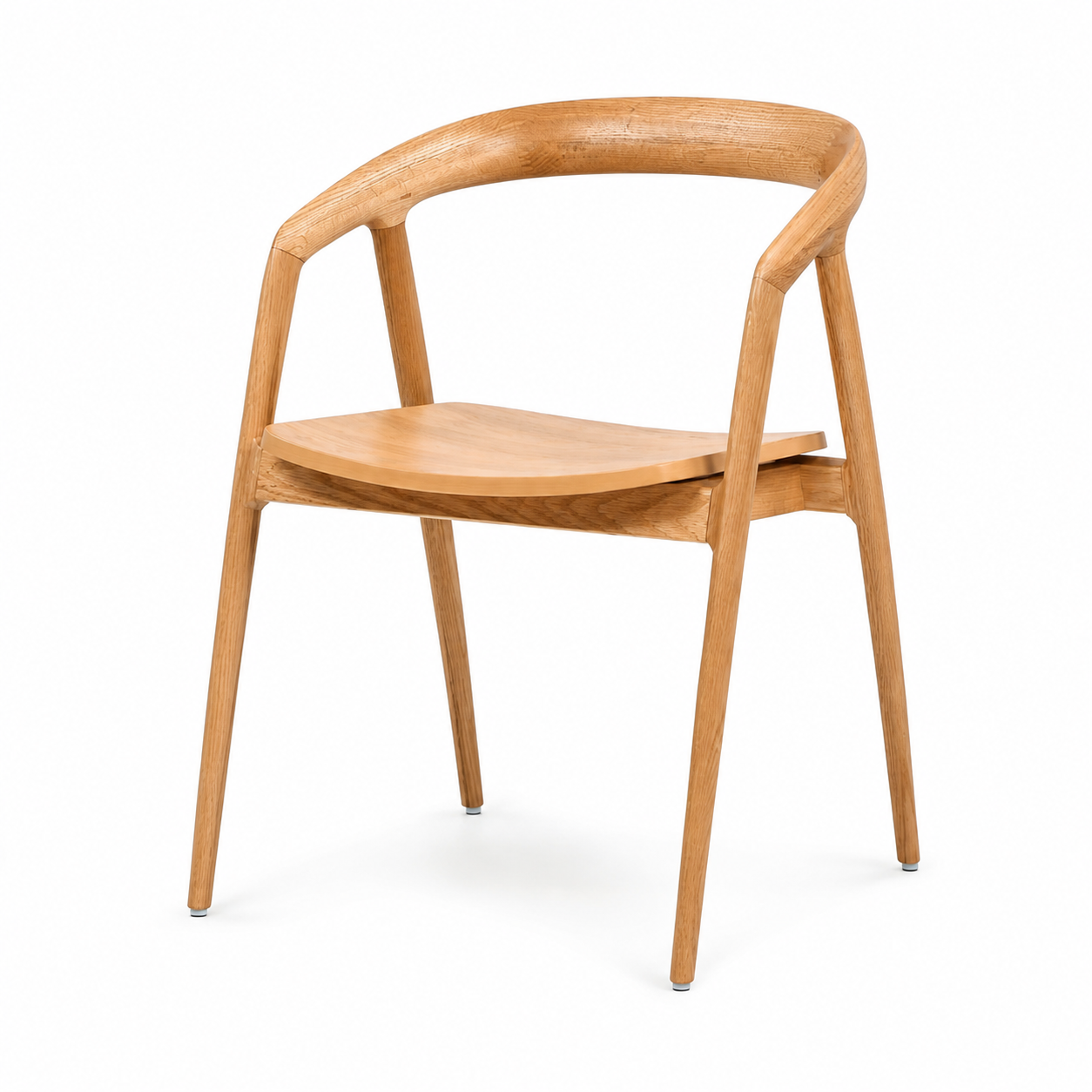 Clean background main |
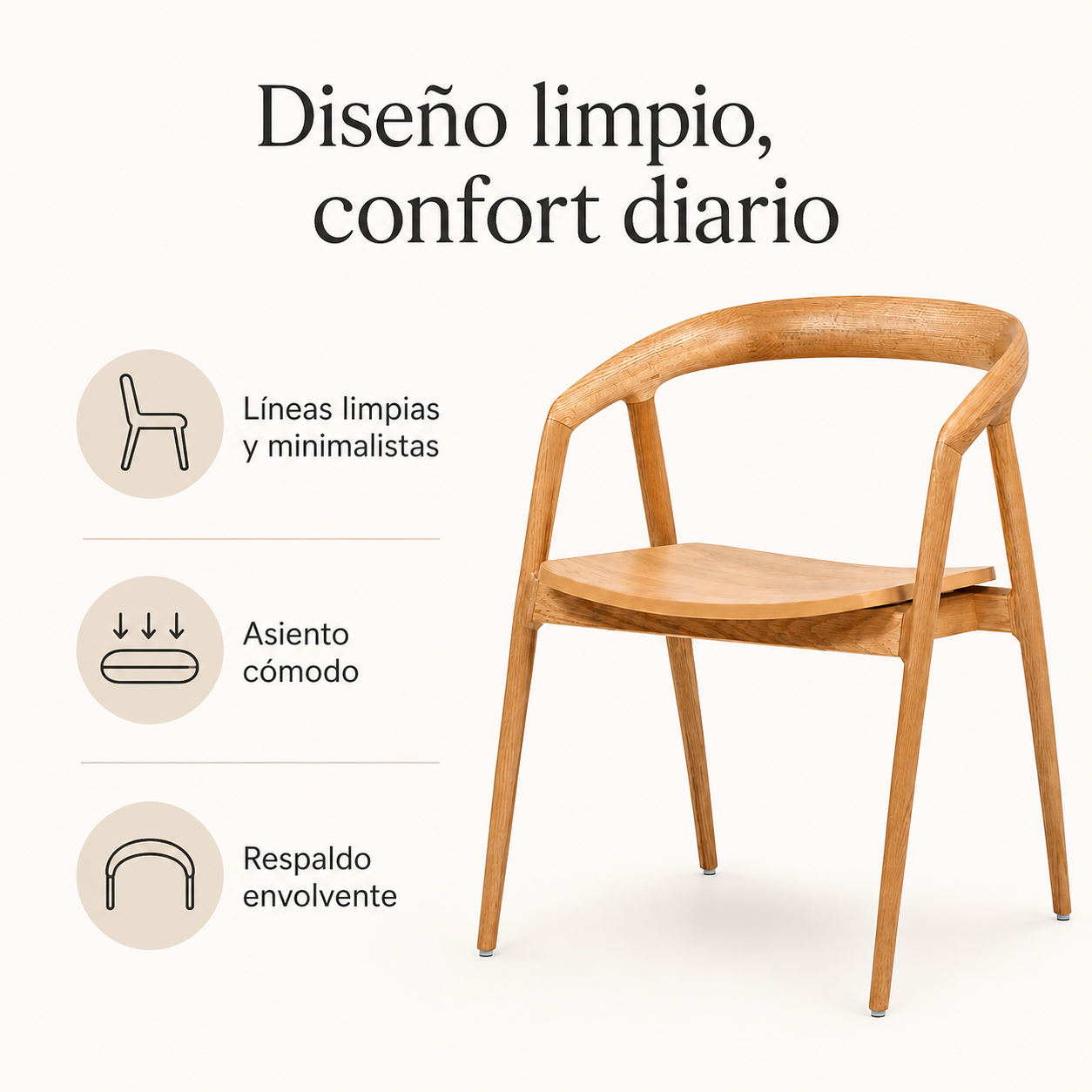 Selling points |
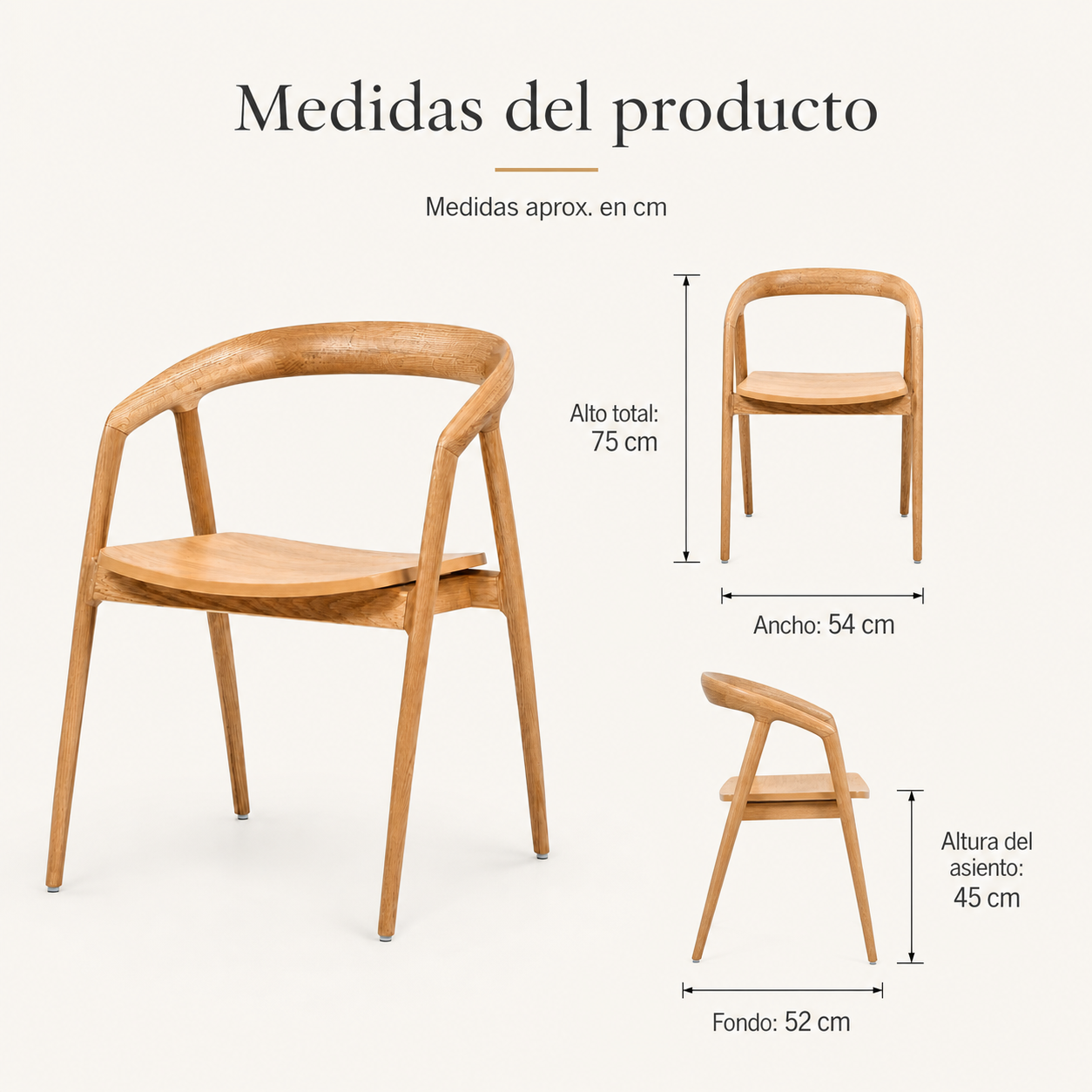 Size diagram |
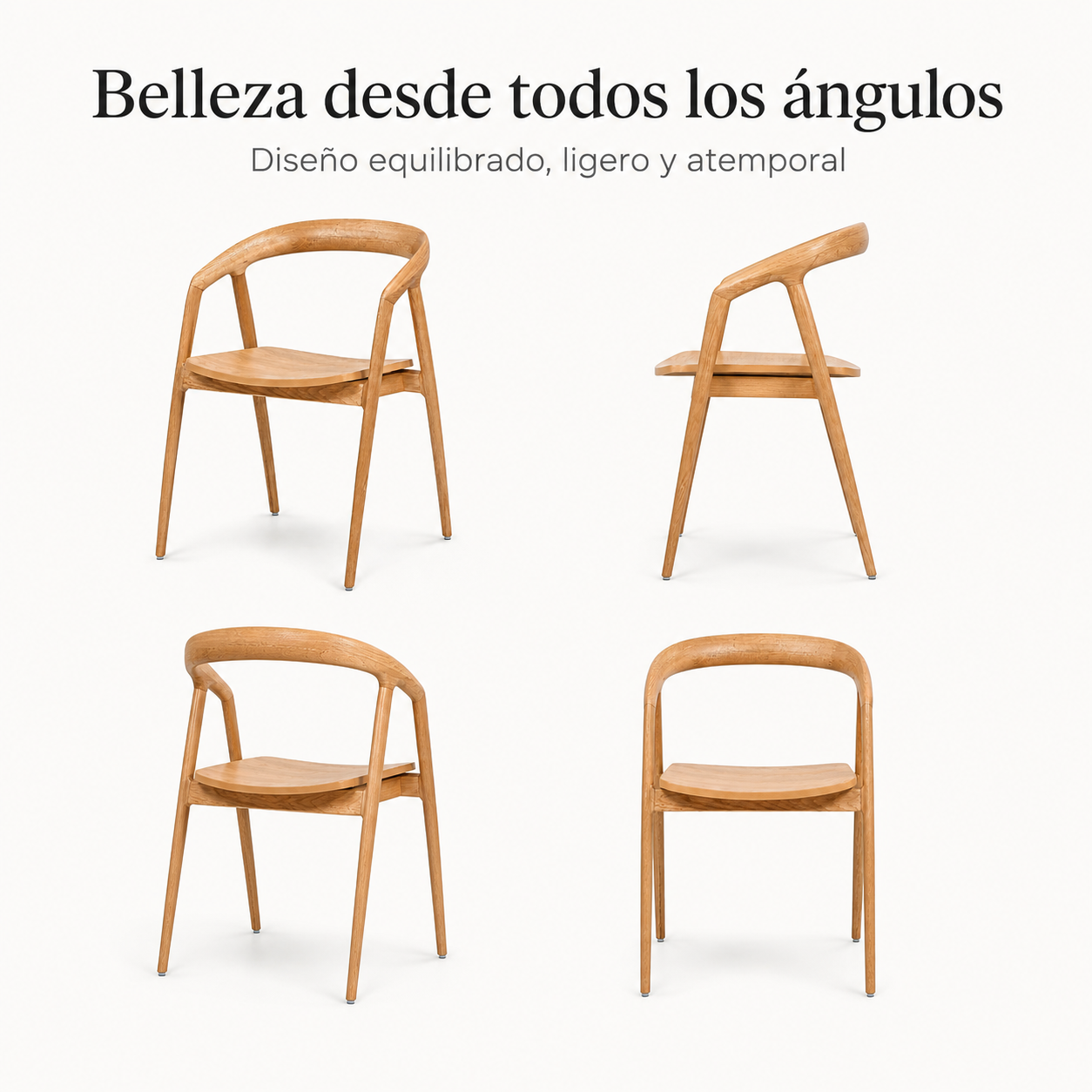 Multi-angle |
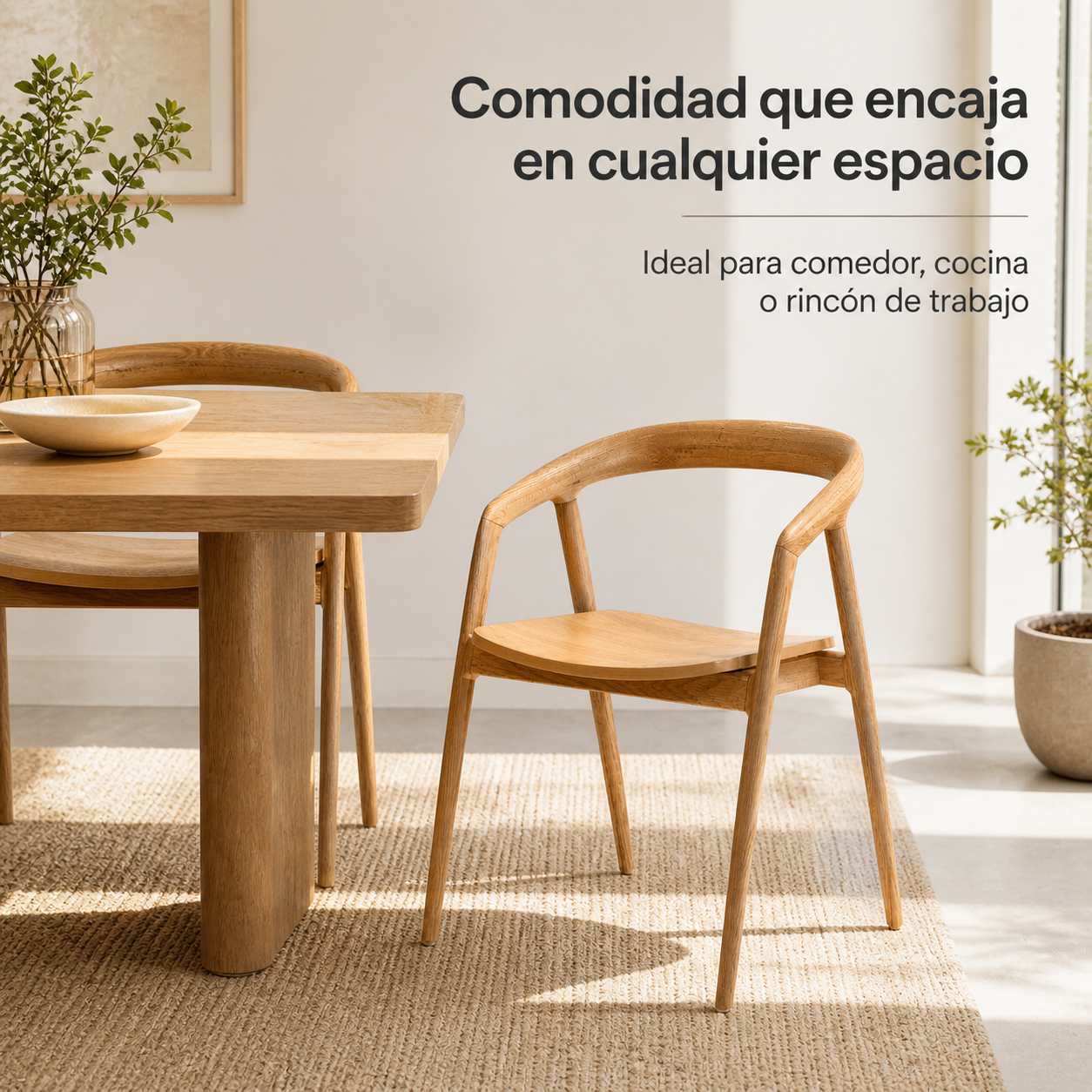 Lifestyle scene |
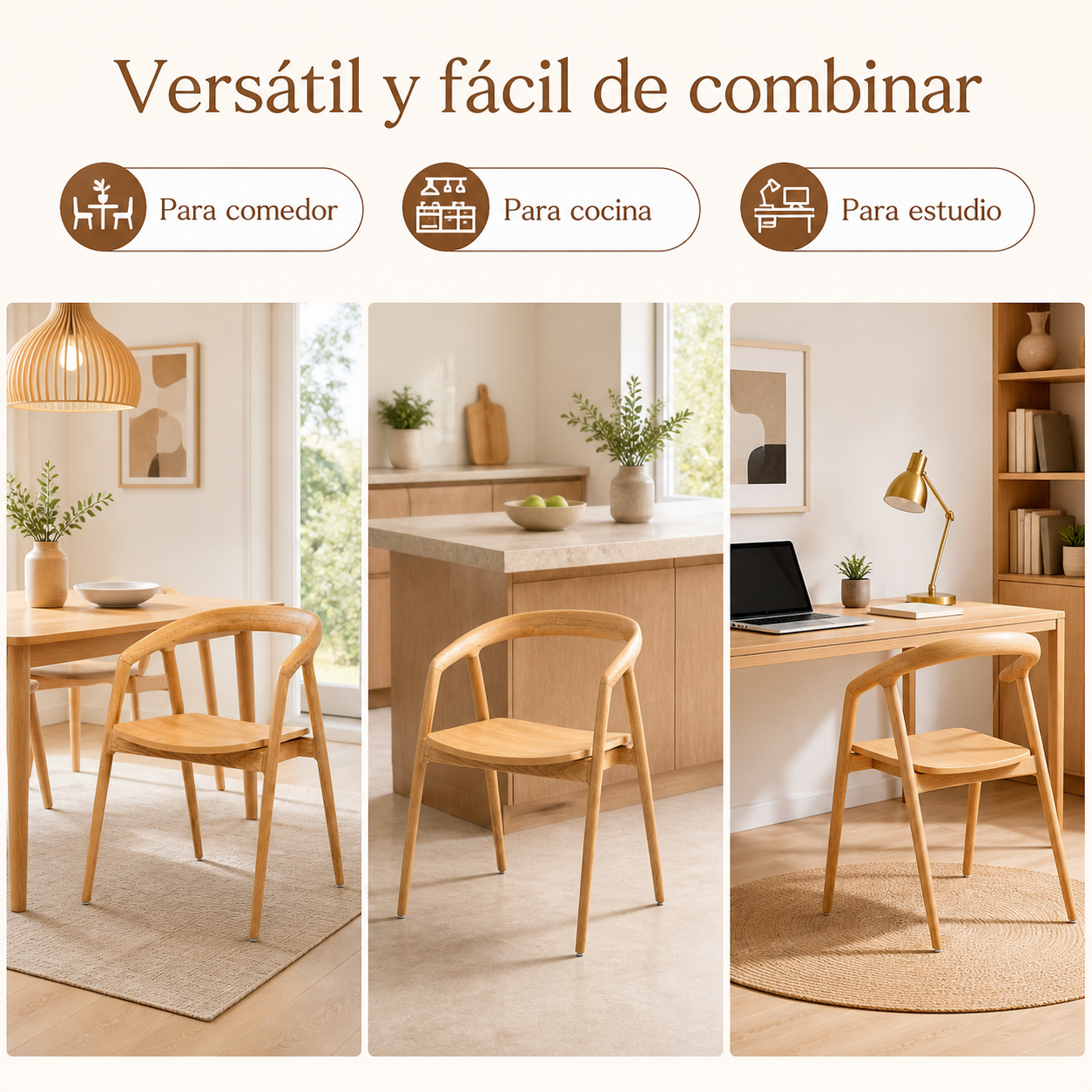 Usage scene |
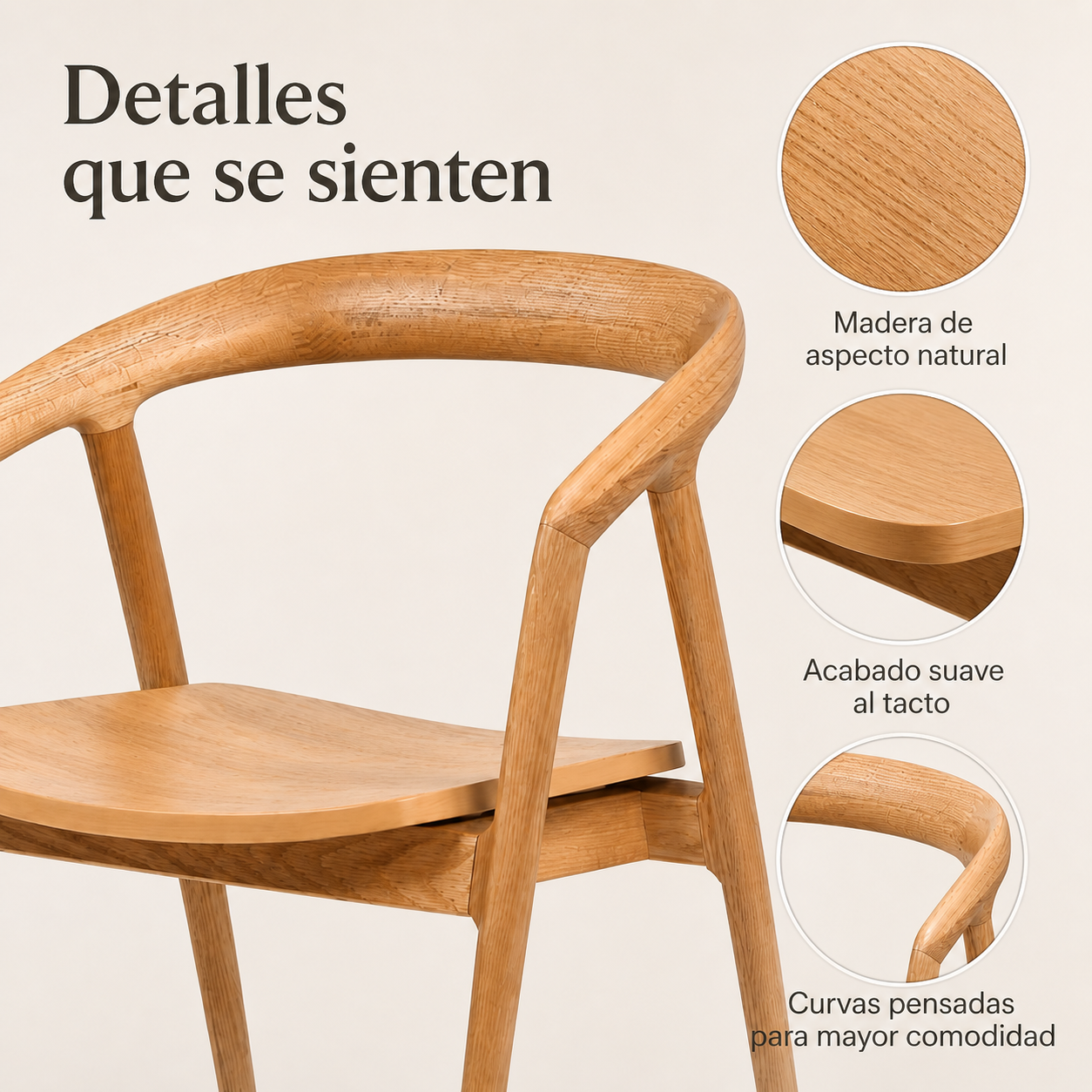 Material detail |
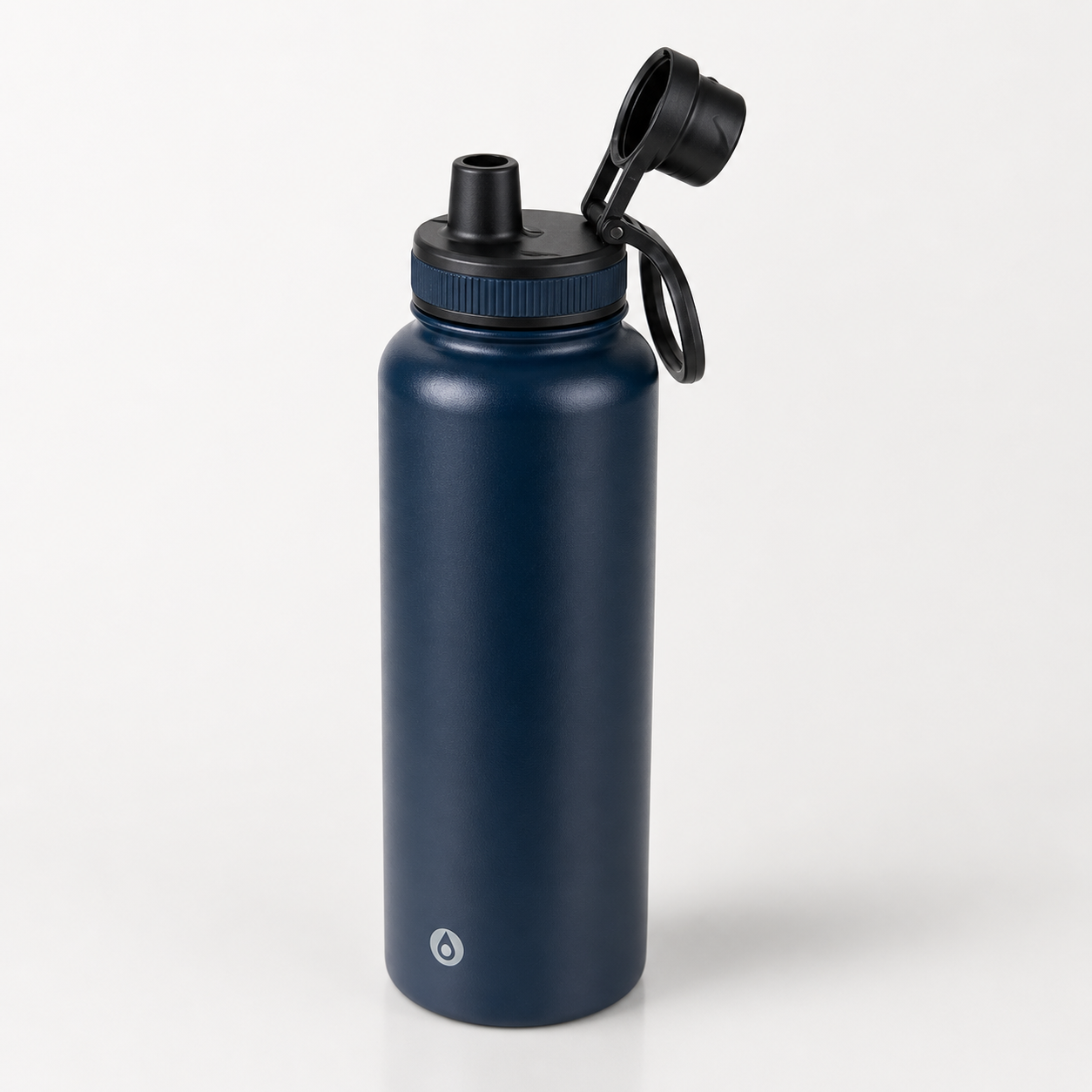
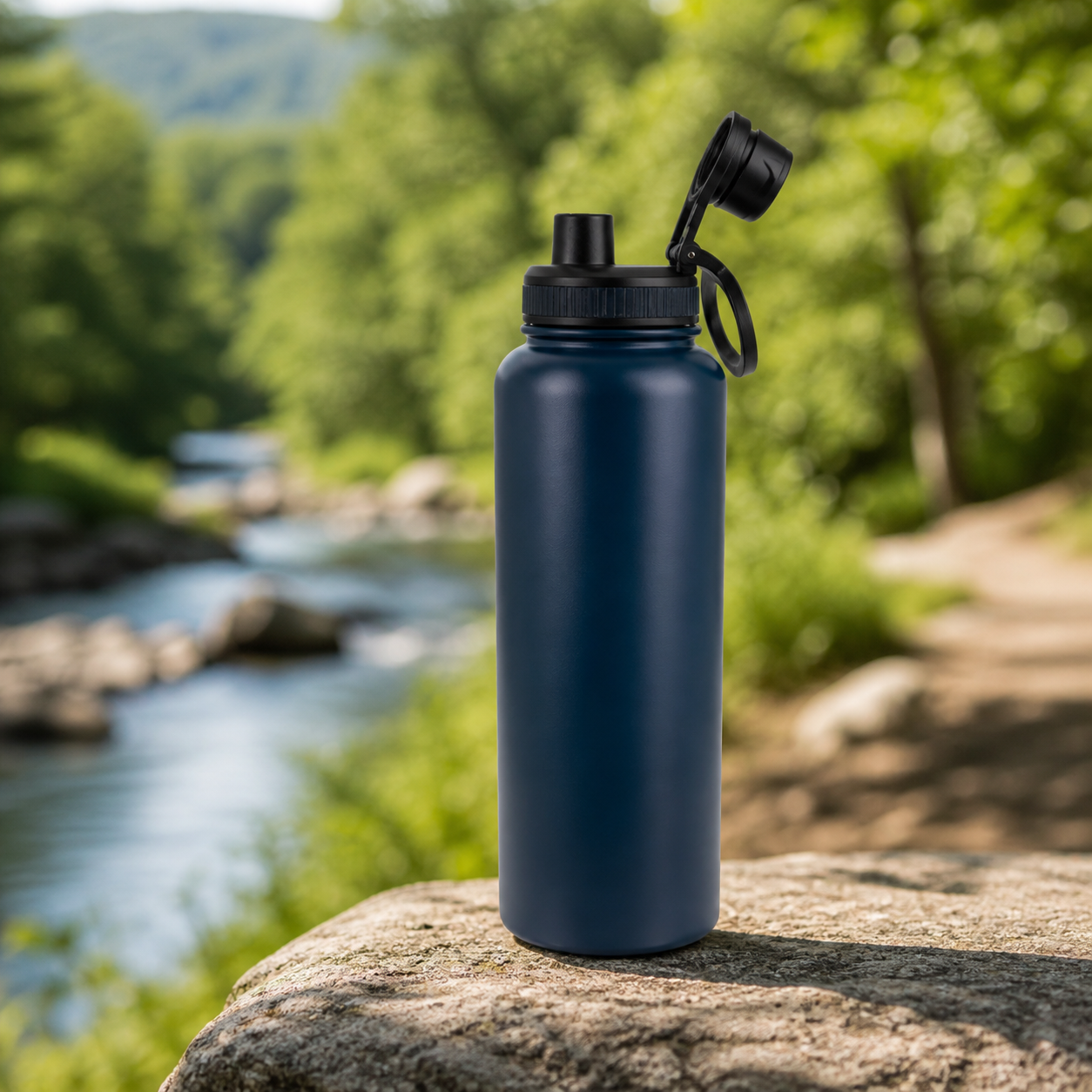
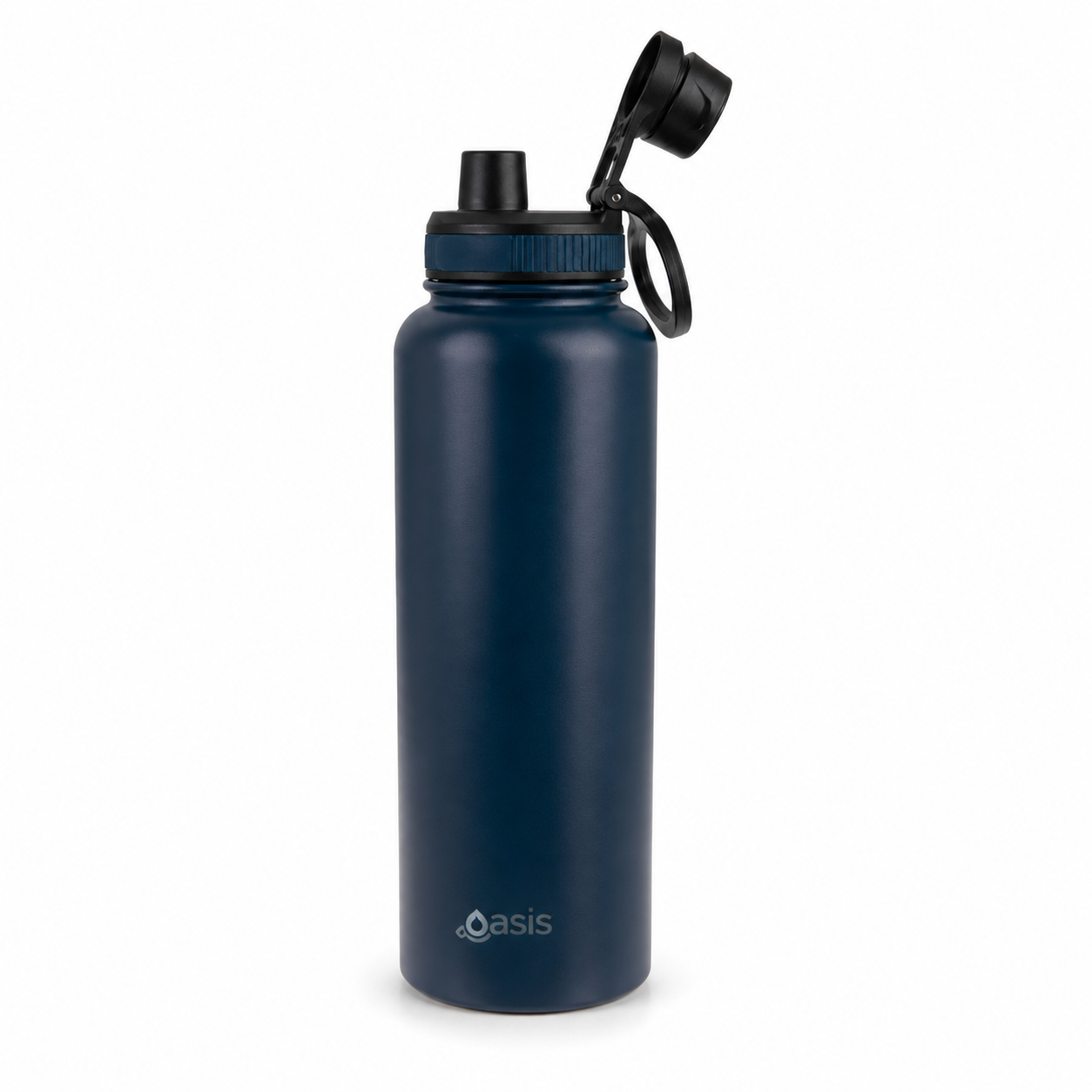
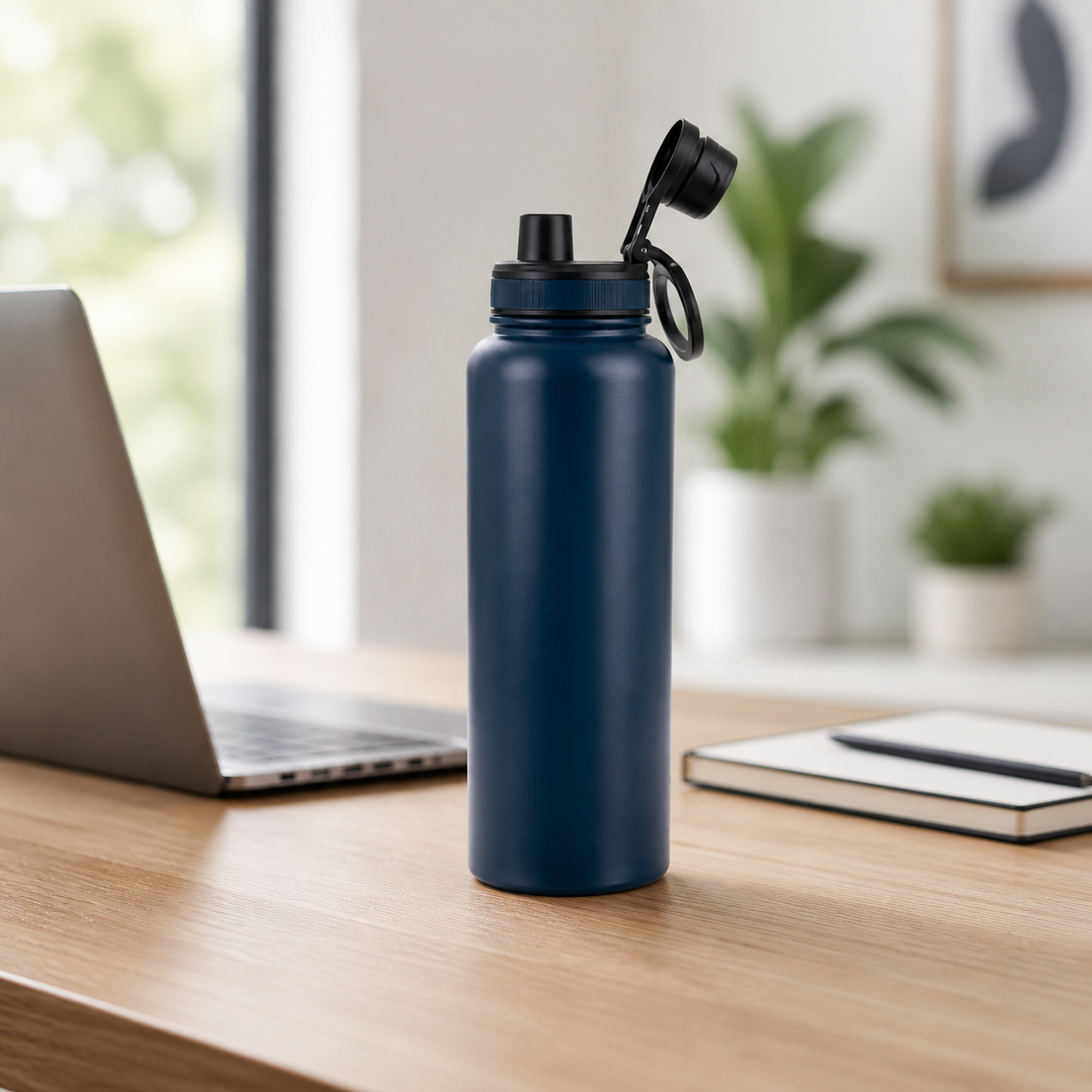
Example 2: Sport Water Bottle
| Input | Output | ||
|---|---|---|---|
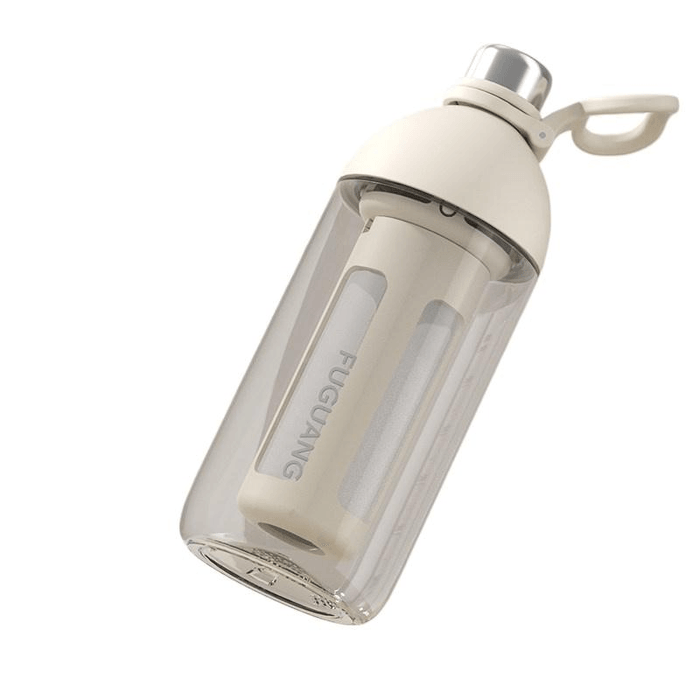 Product photo |
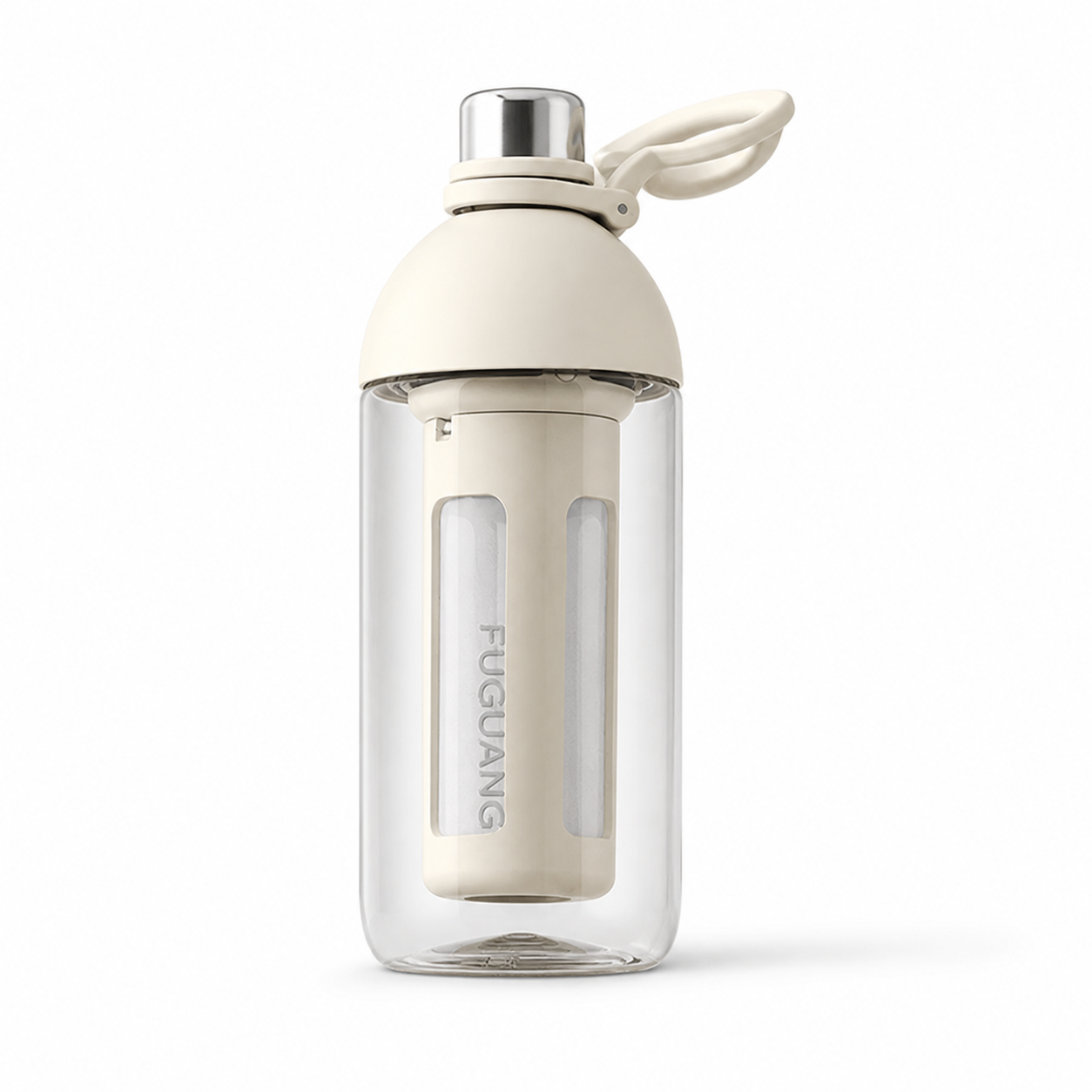 Clean background main |
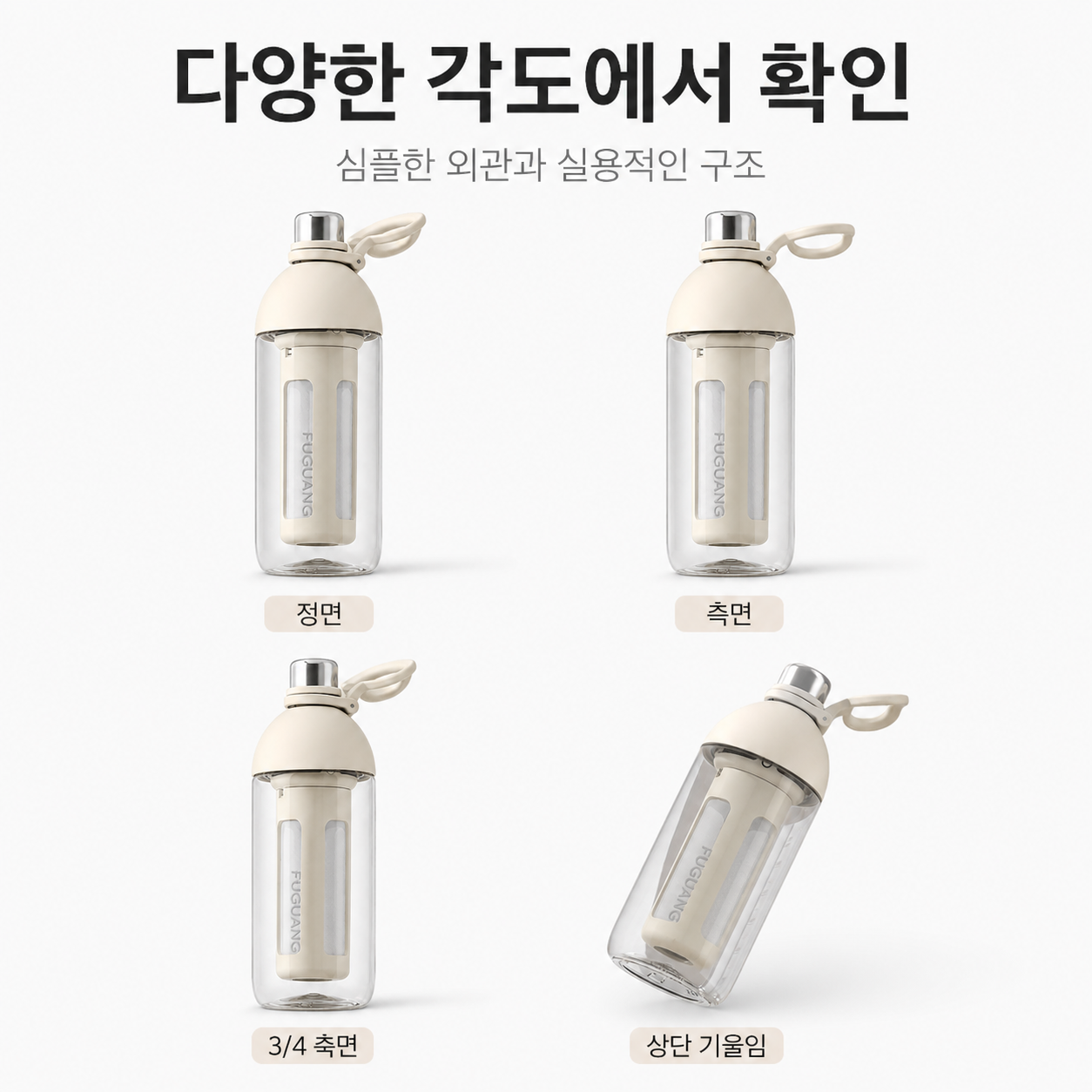 Multi-angle |
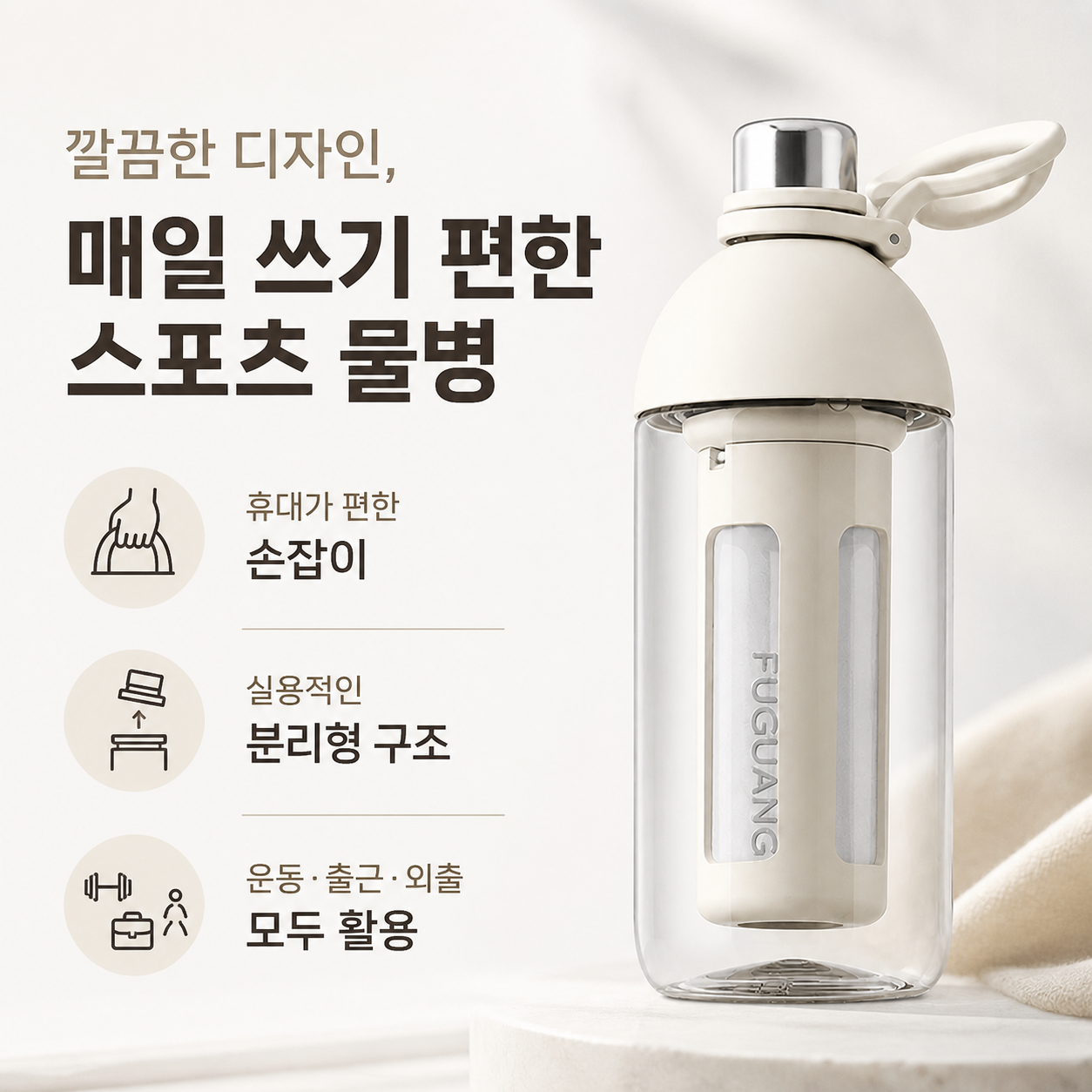 Selling points |
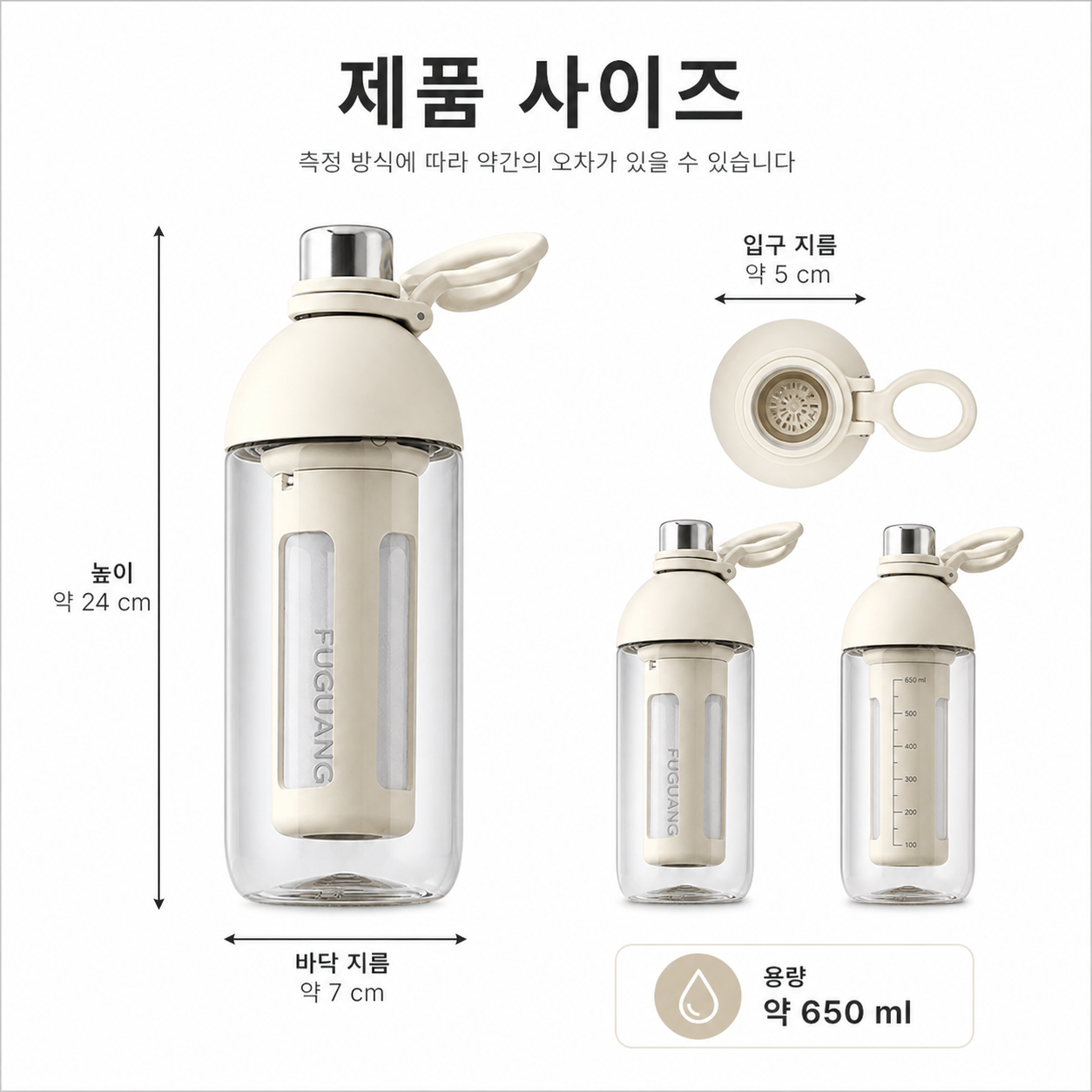 Size diagram |
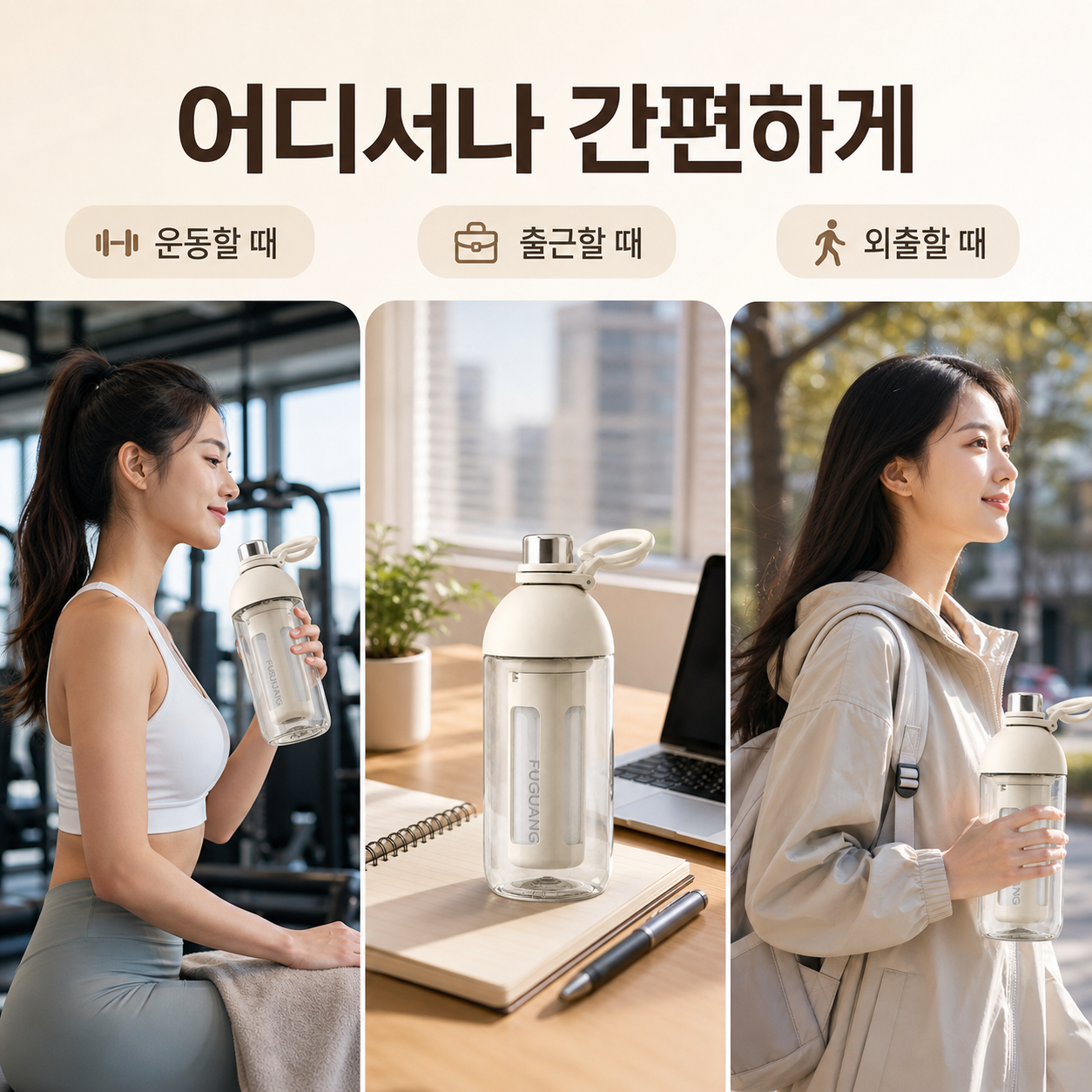 Usage scene |
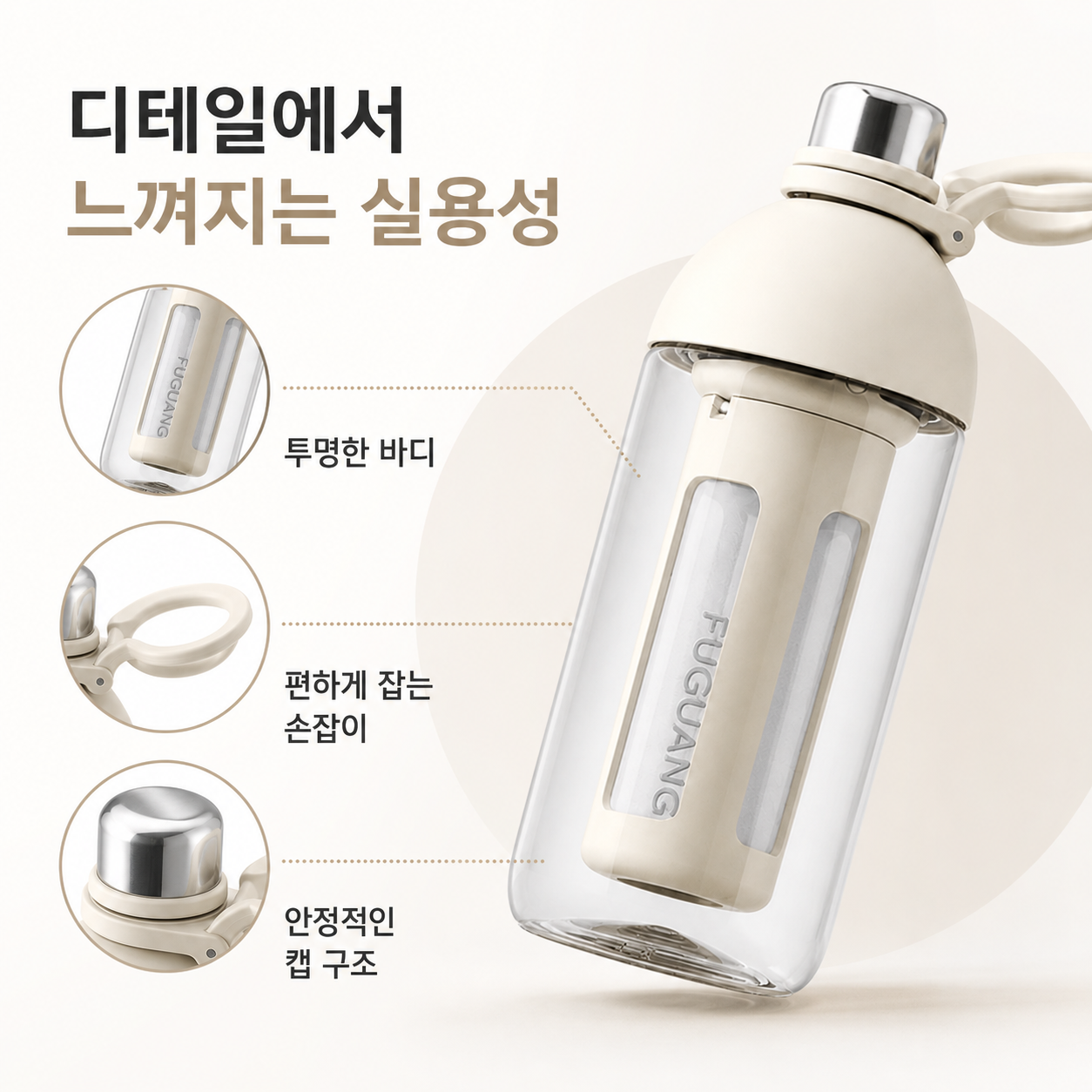 Material detail |
Example 3: Sport T-shirt
| Input | Output | |||
|---|---|---|---|---|
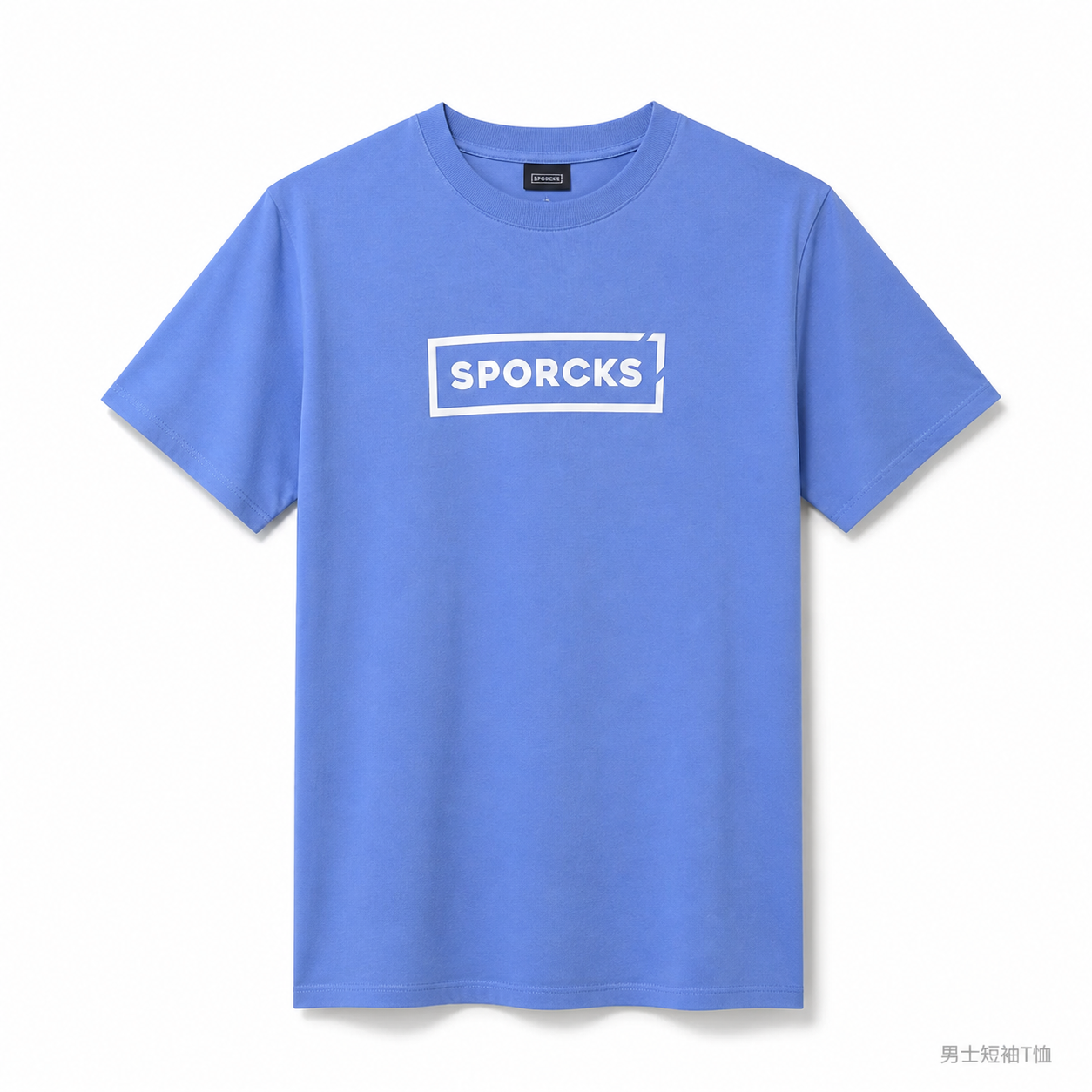 Product photo |
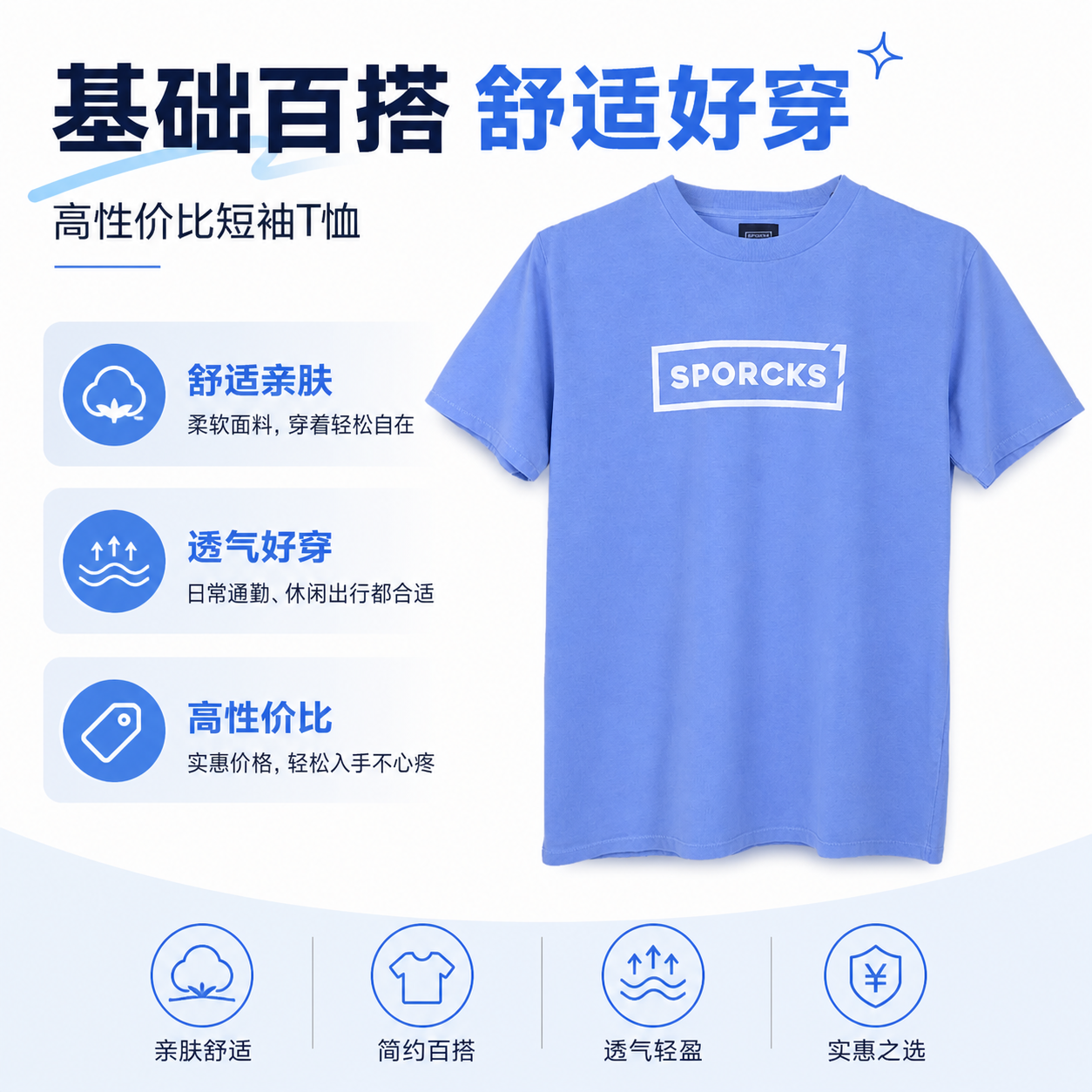 Selling points |
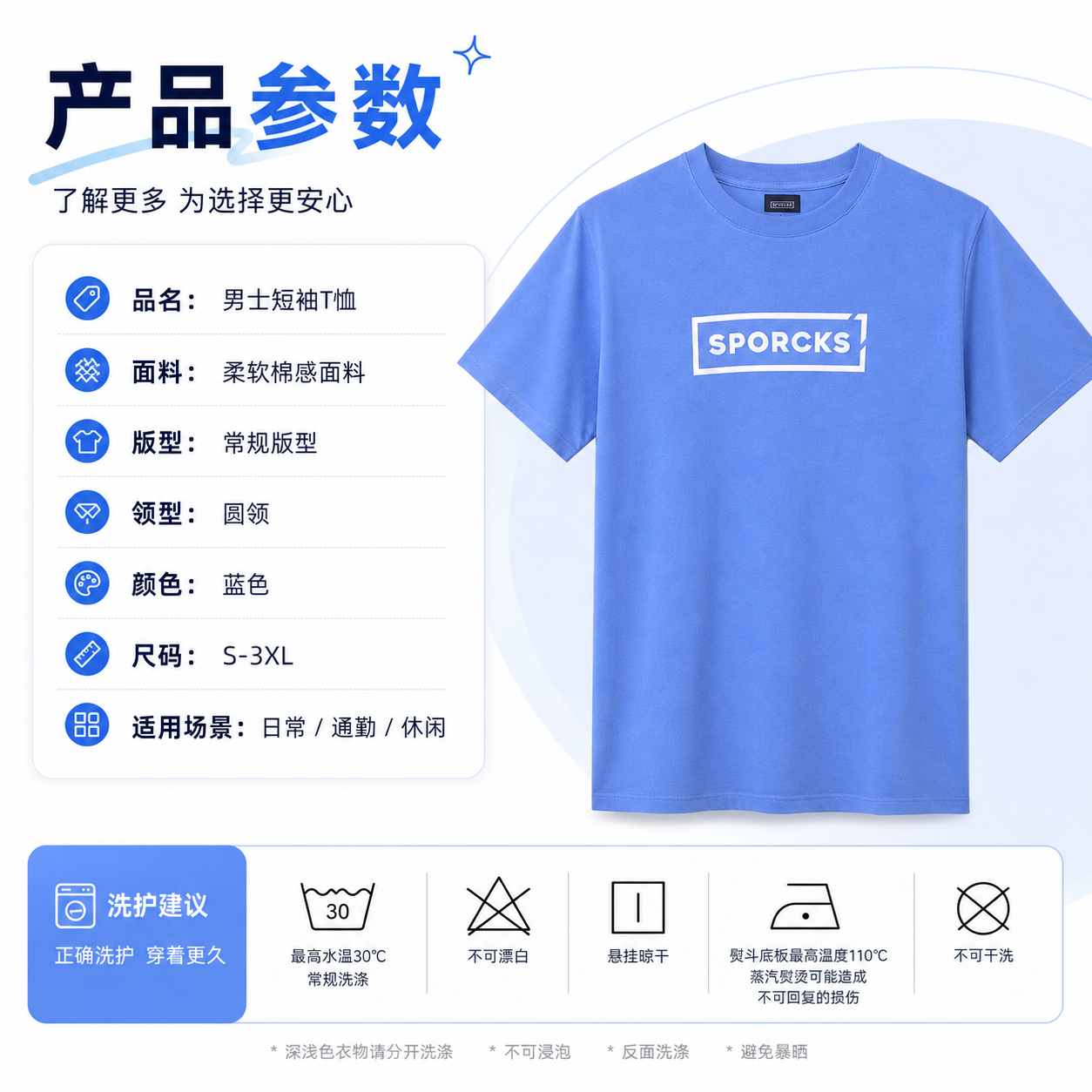 Product specs |
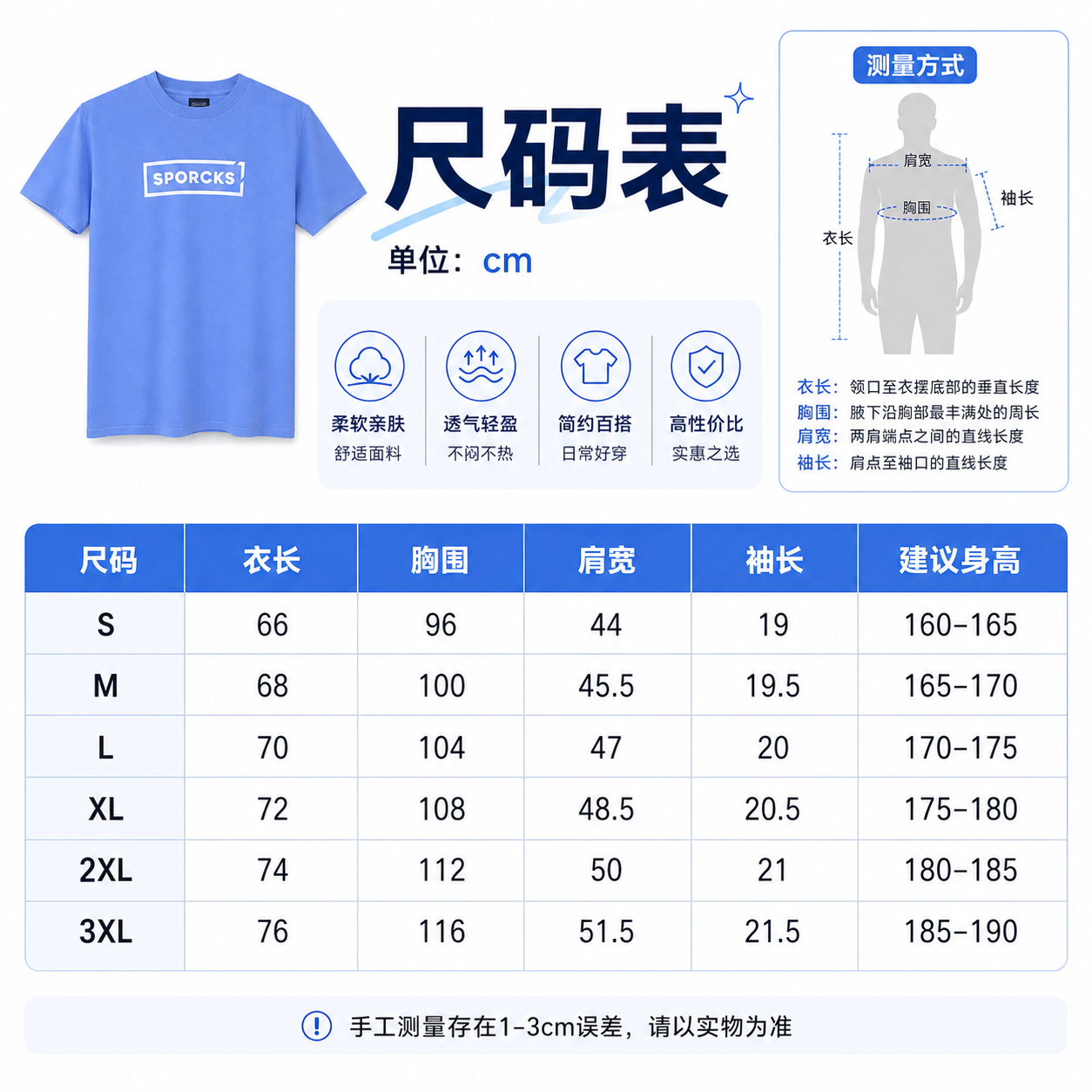 Size chart |
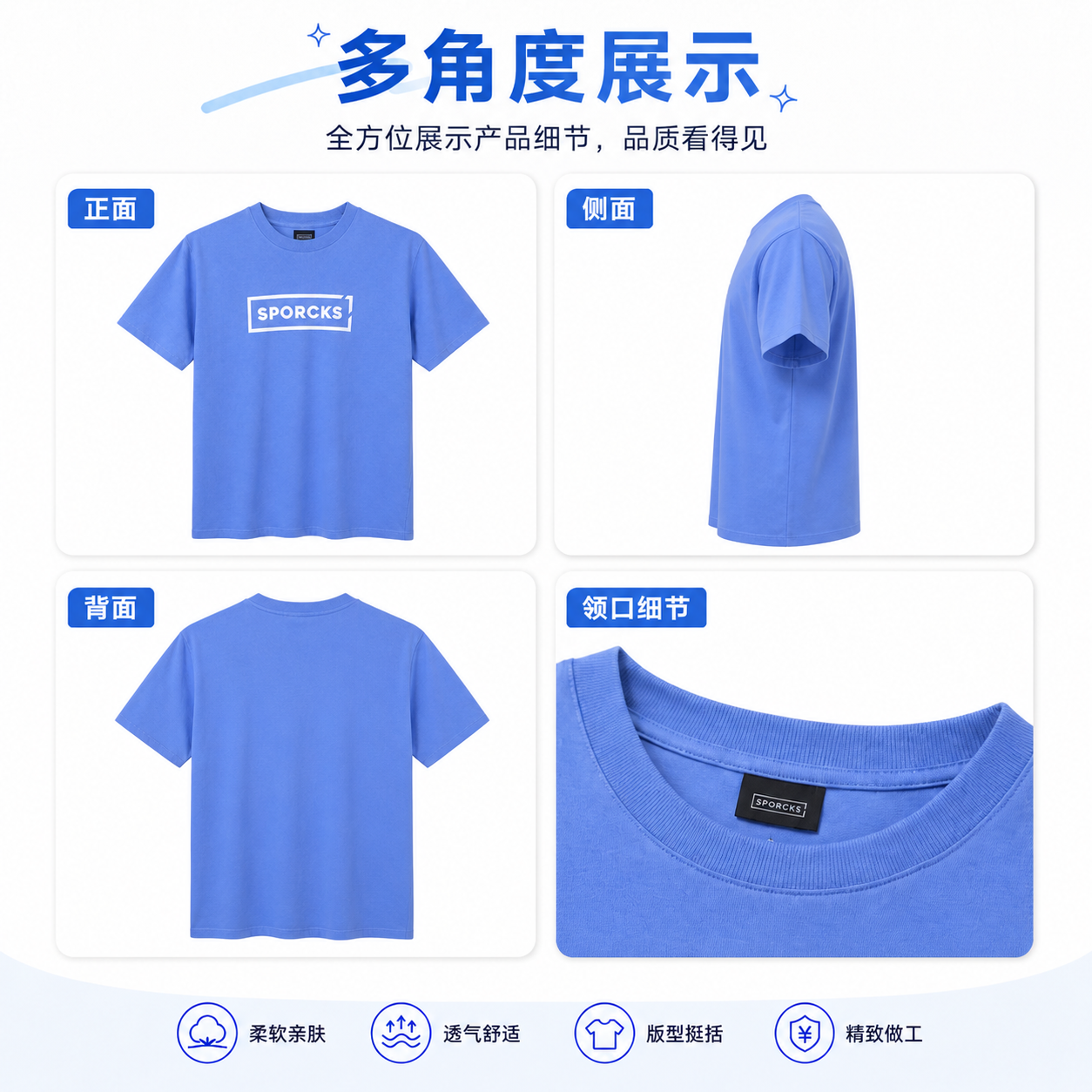 Multi-angle |
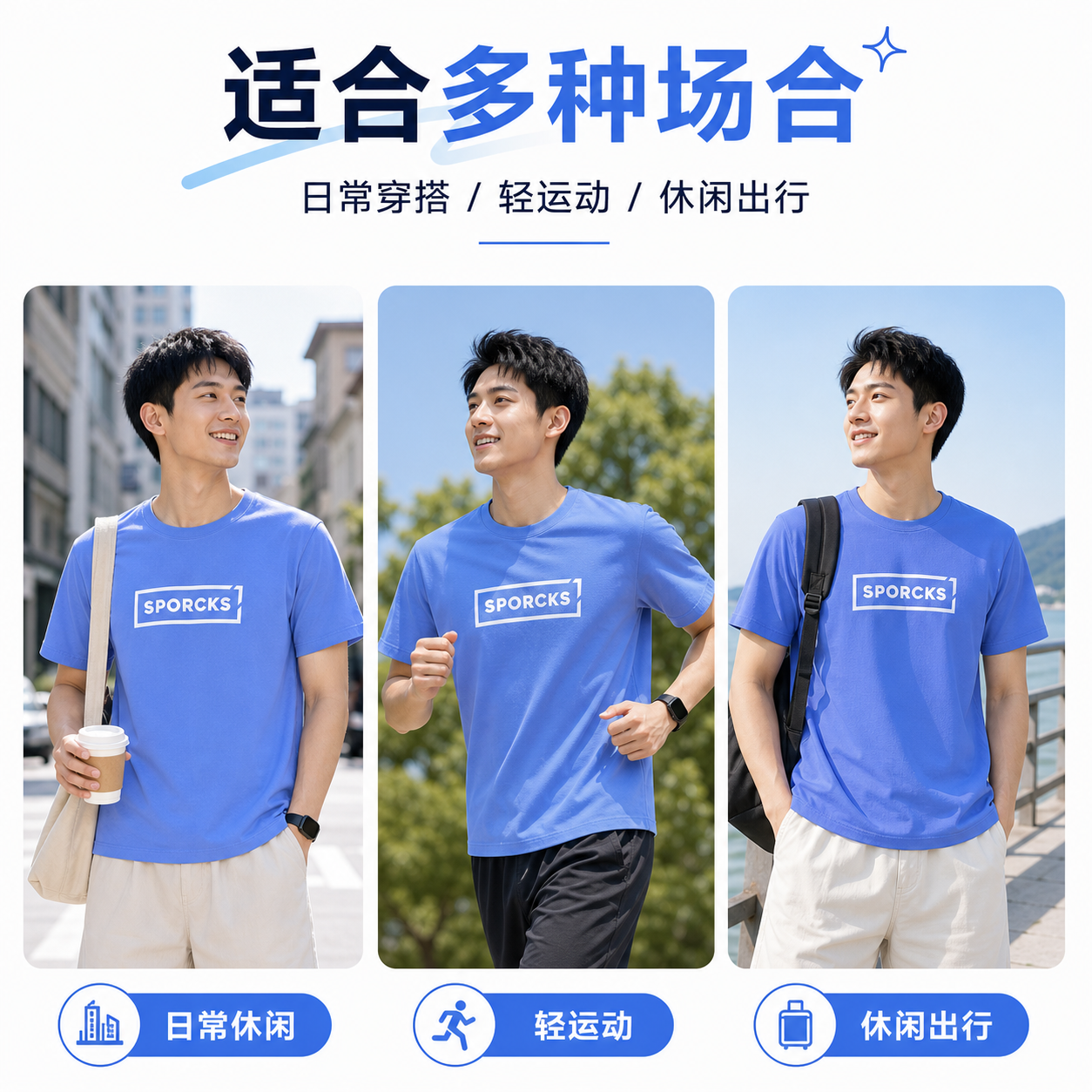 Usage scene |
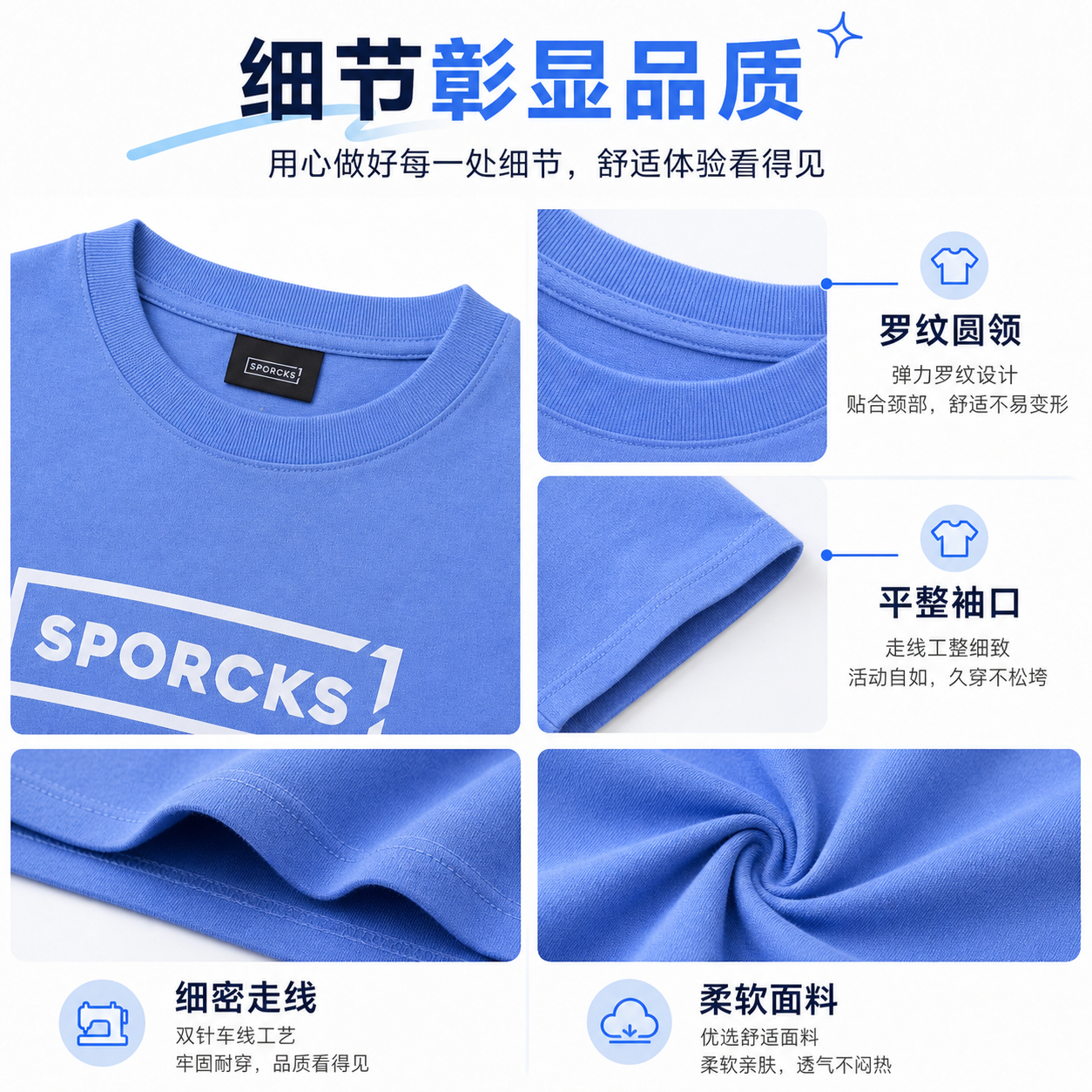 Material detail |
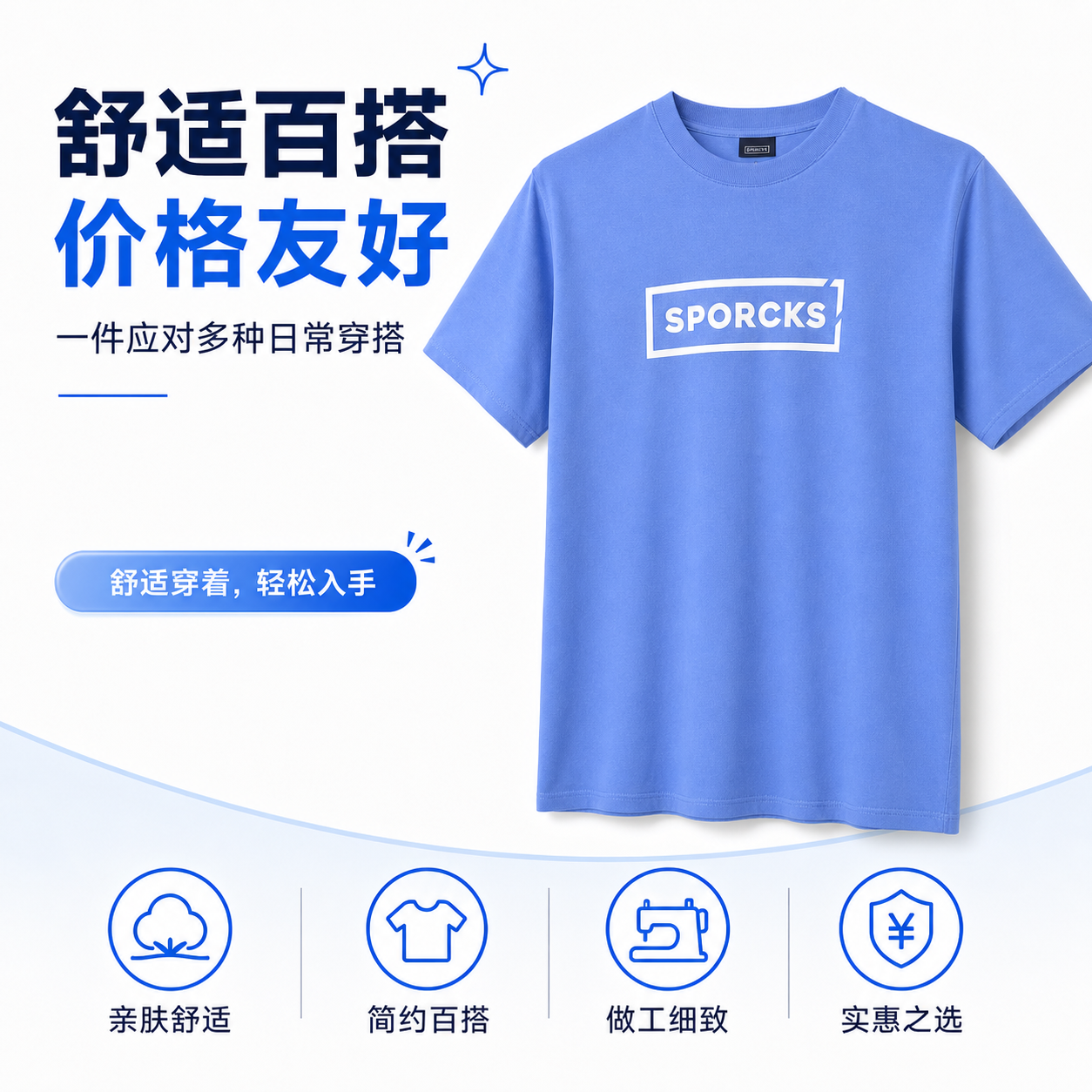 Selling-point summary |
Case 2: Multi-Country Listing Image Set
Prompt:
Generate a {platform} listing image set for {country} in {language}.
[!NOTE] Replace {platform}, {country}, and {language} before use. Use this shorter pattern when you want the model to infer the best listing layout automatically.
Example 1: Purple Polka-Dot Dress
| Input | Output | ||
|---|---|---|---|
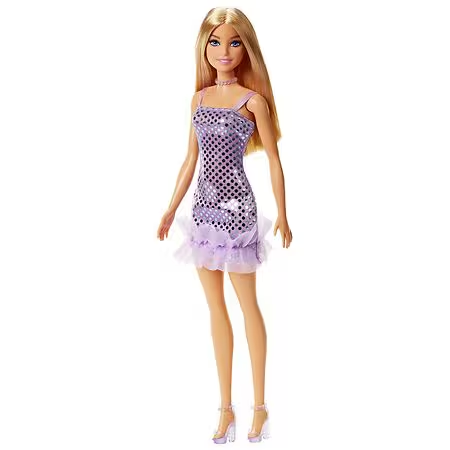 Product photo |
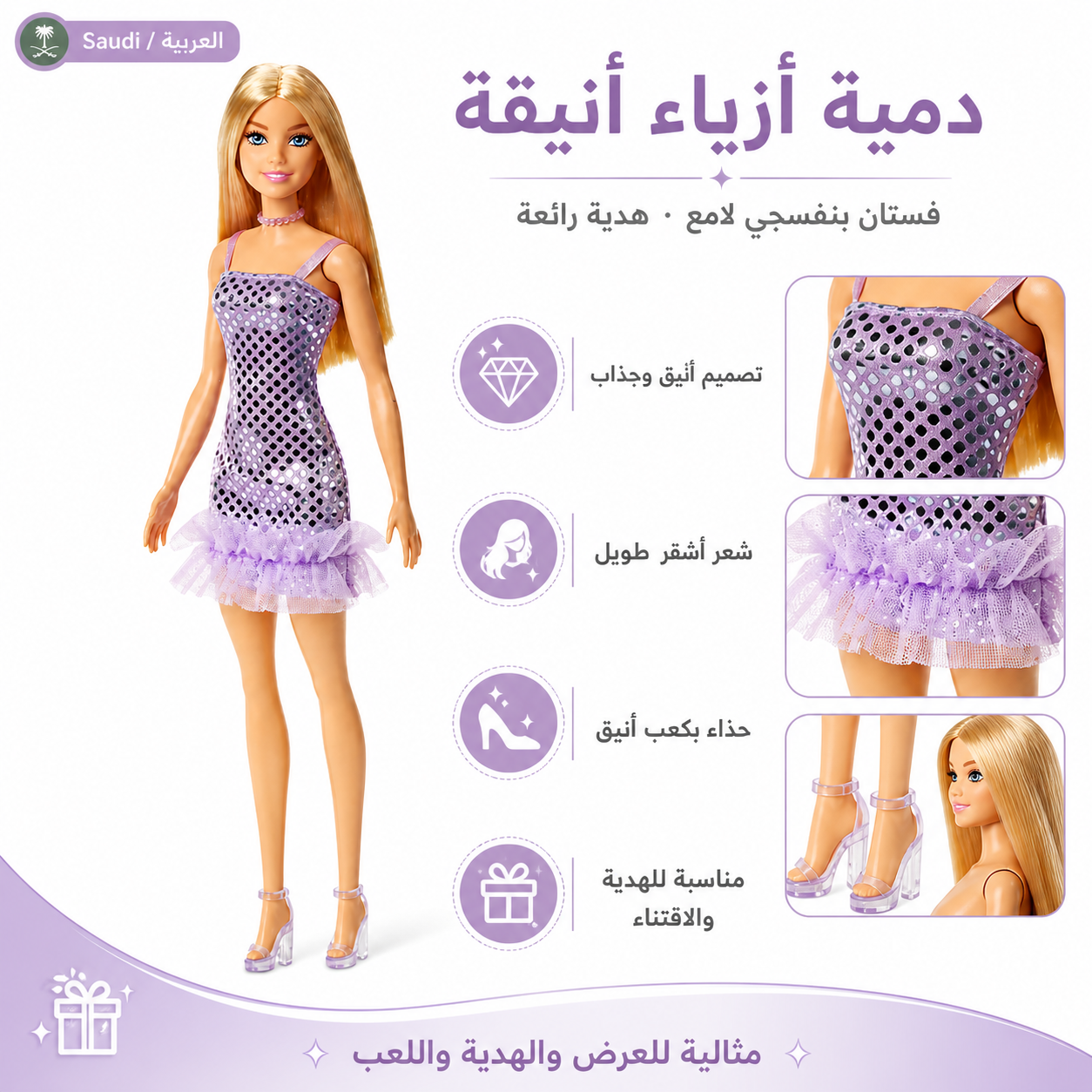 Arabic |
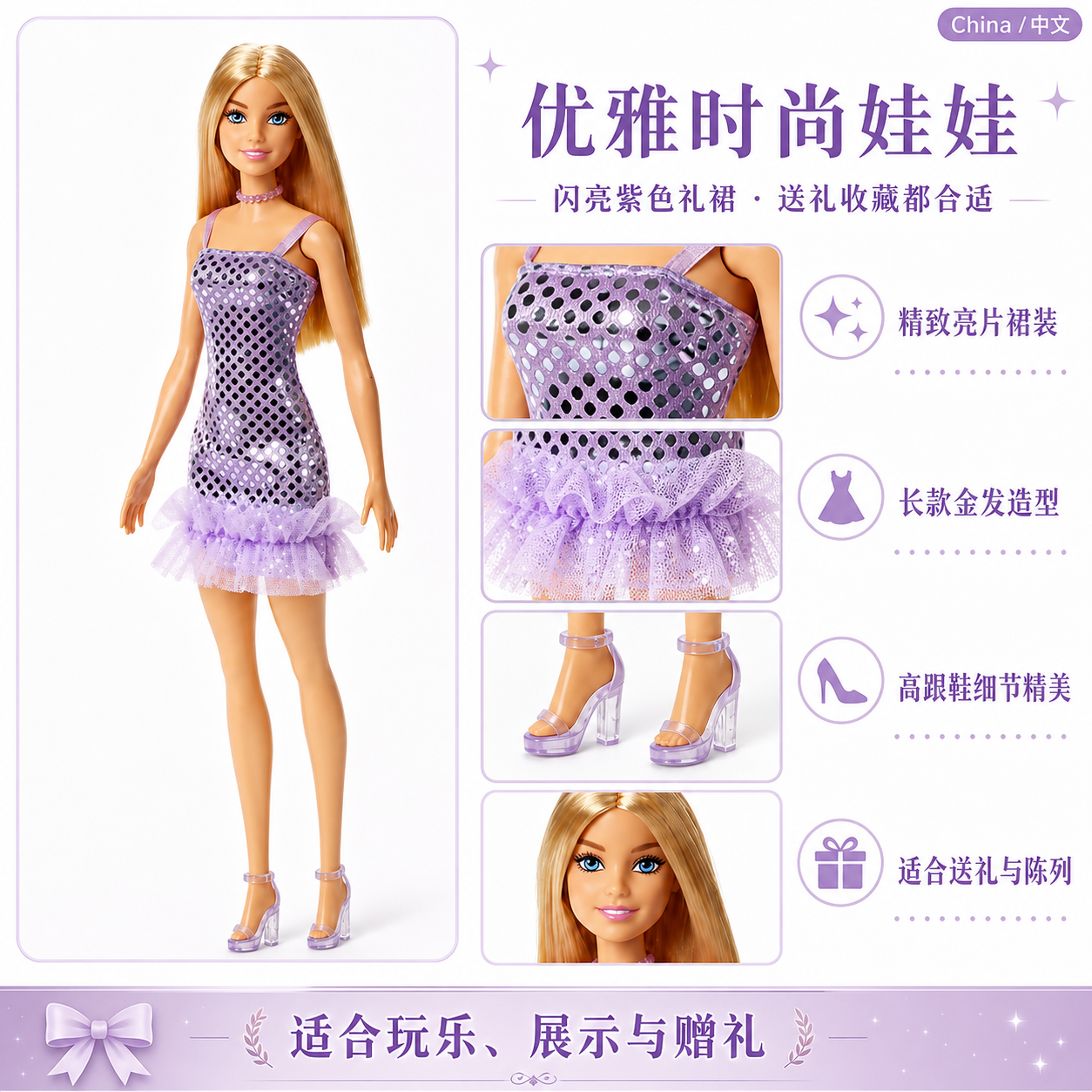 Chinese |
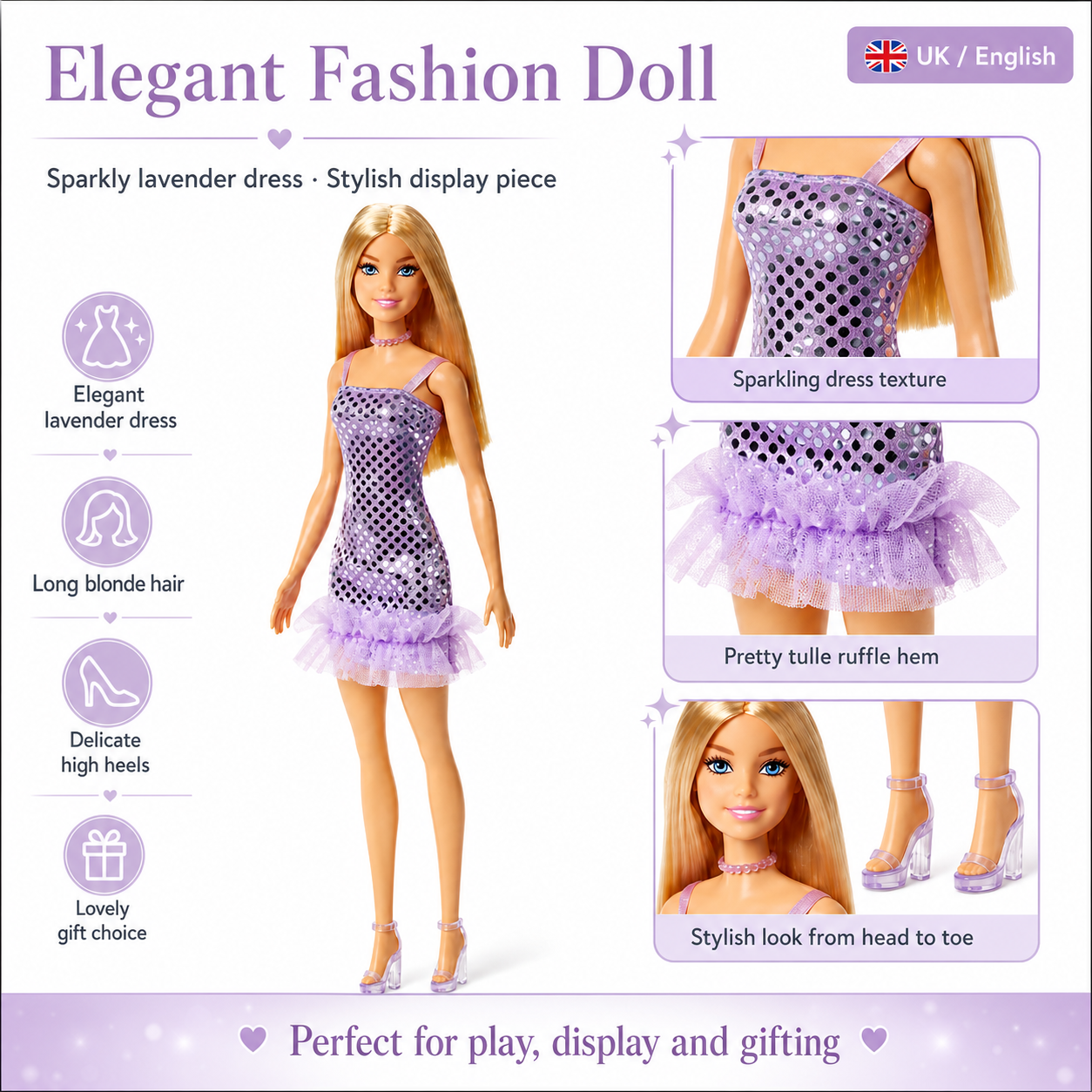 English |
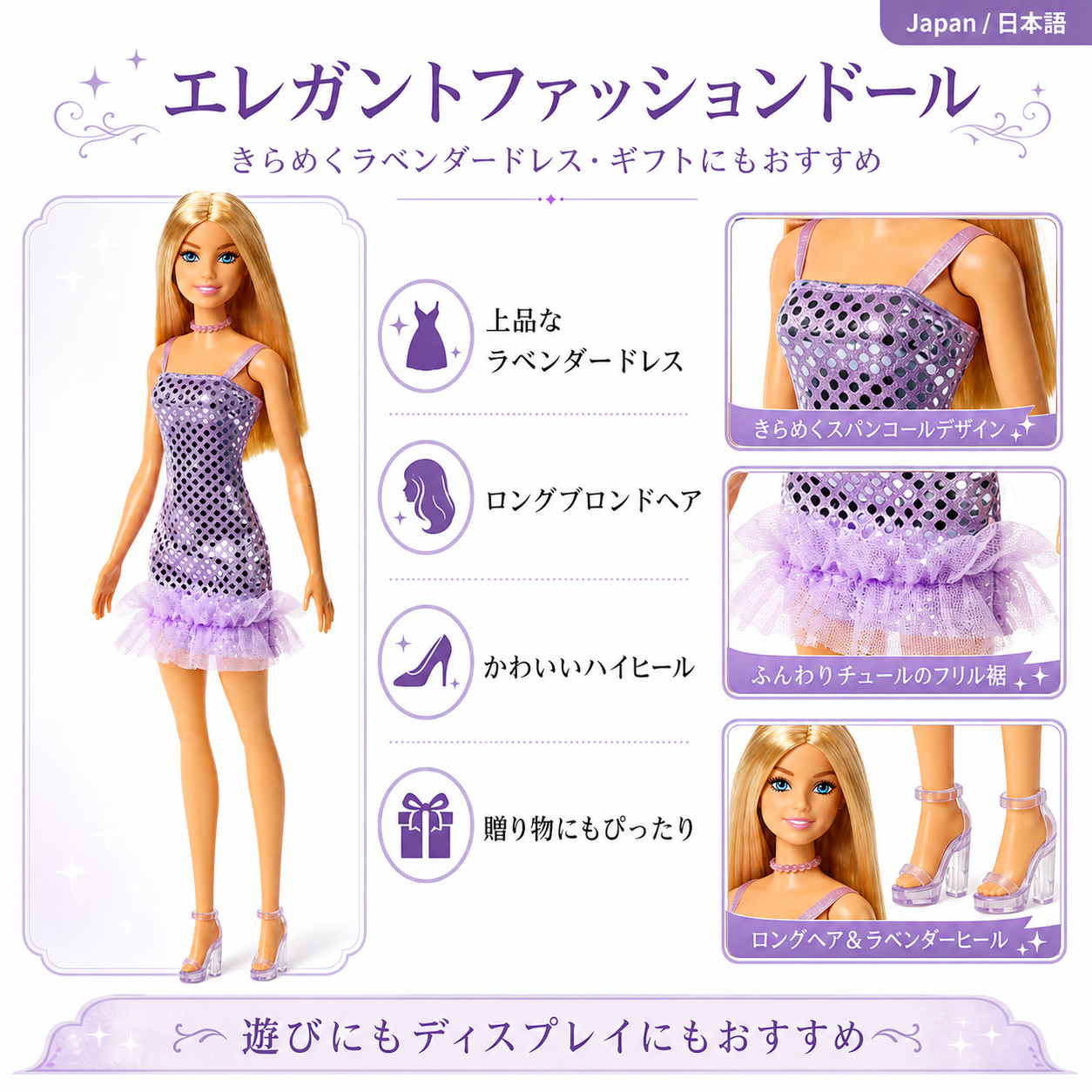 Japanese |
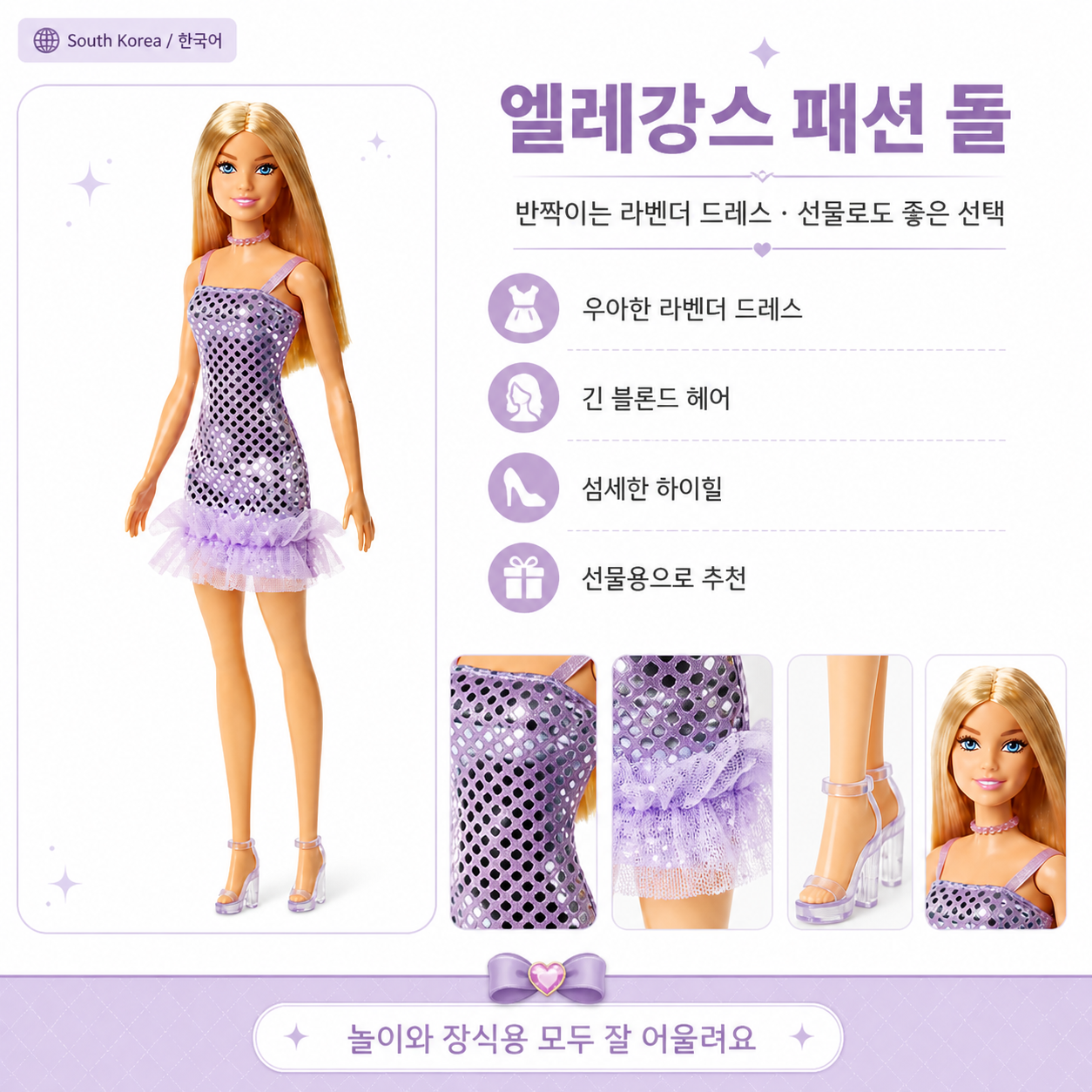 Korean |
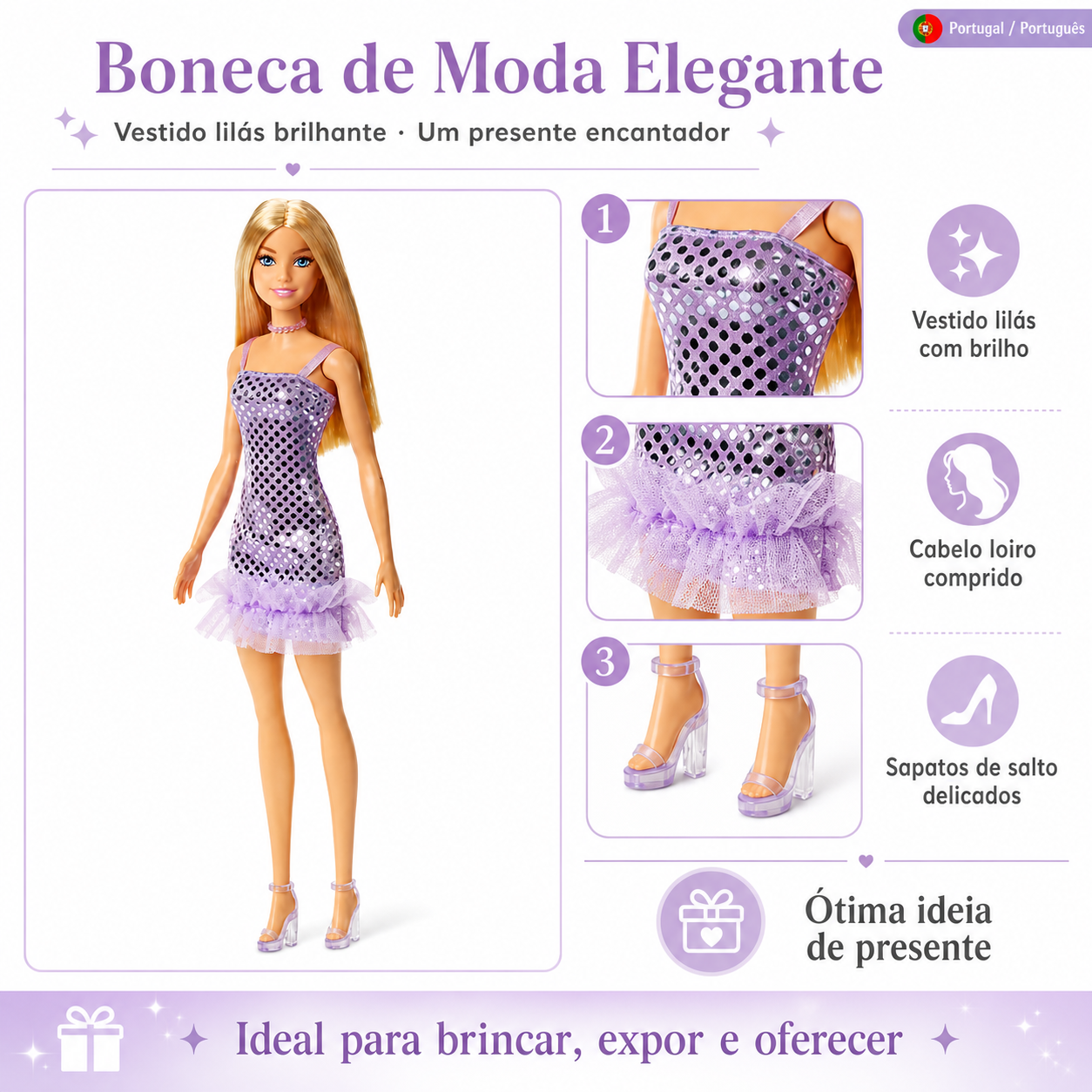 Portuguese |
Example 2: Cordless Vacuum
| Input | Output | ||
|---|---|---|---|
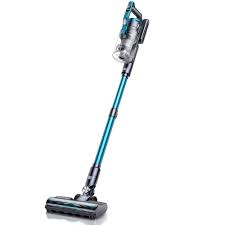 Product photo |
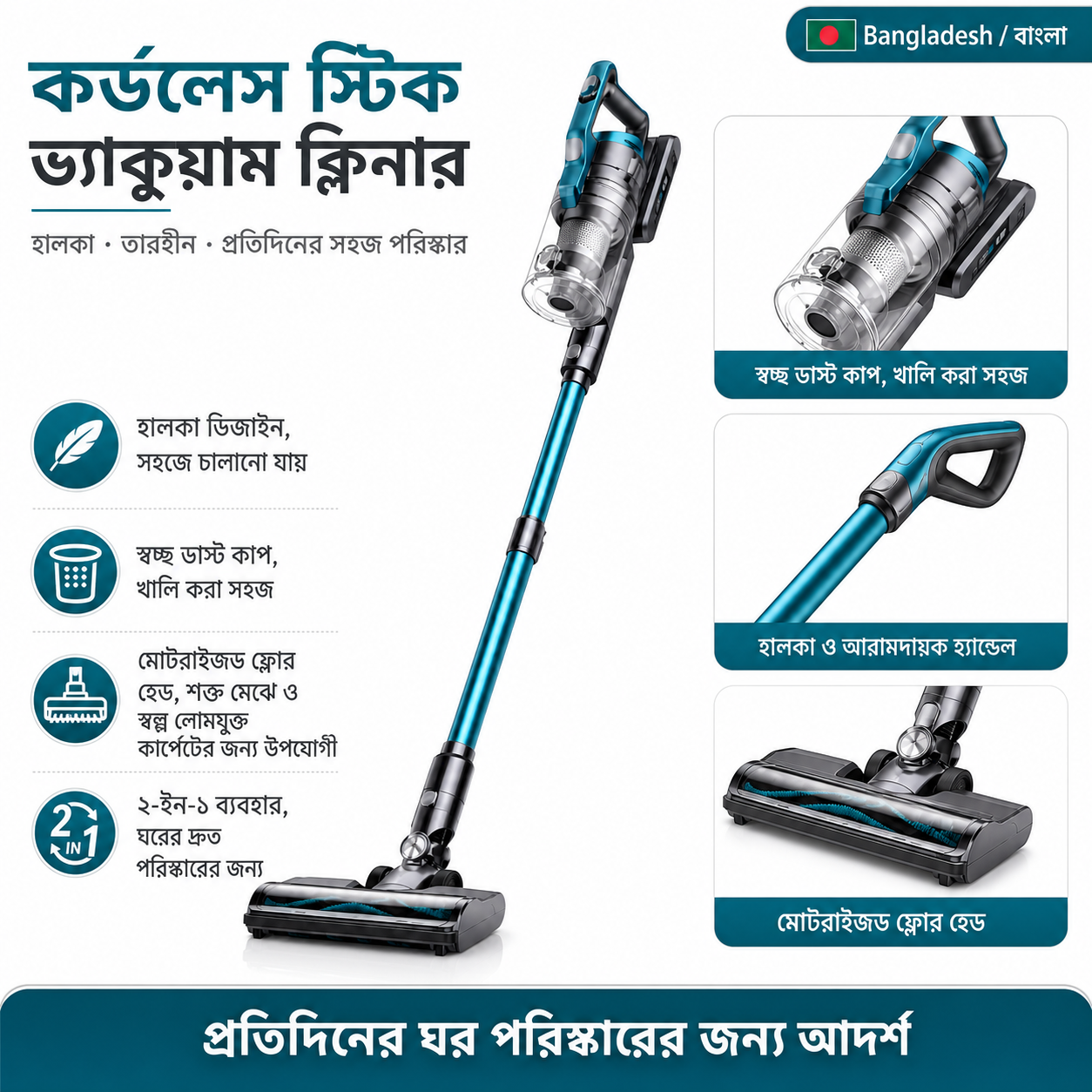 Bengali |
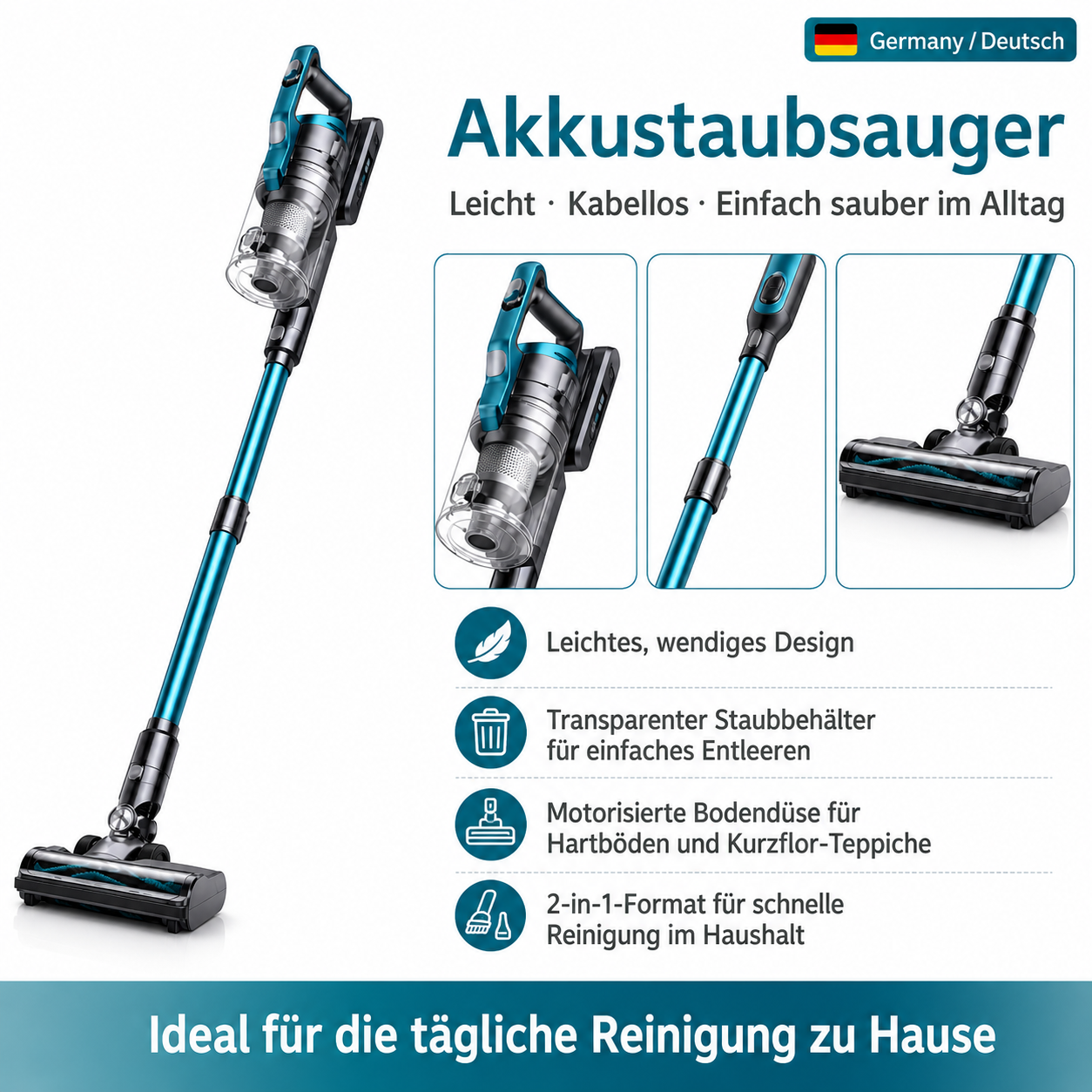 German |
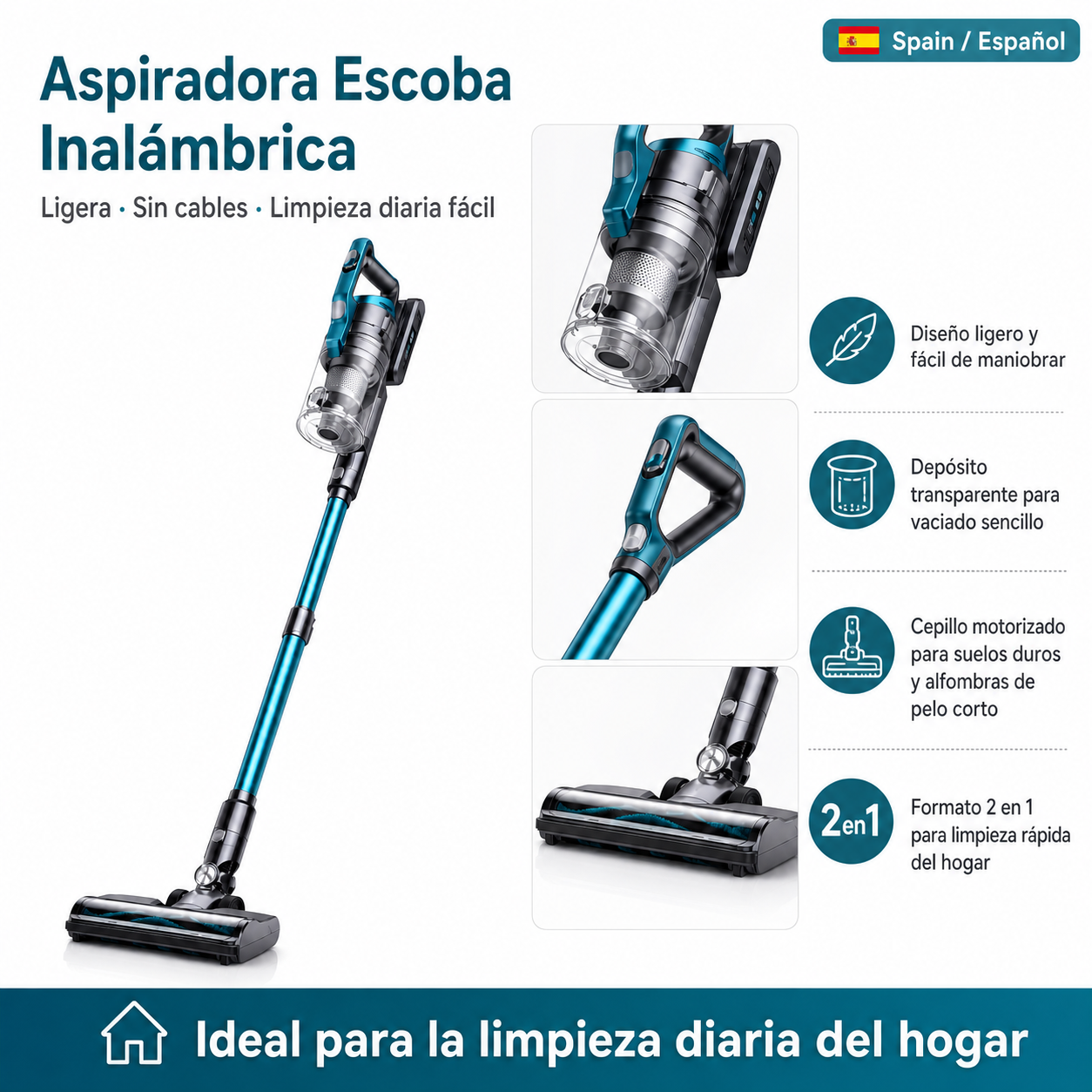 Spanish |
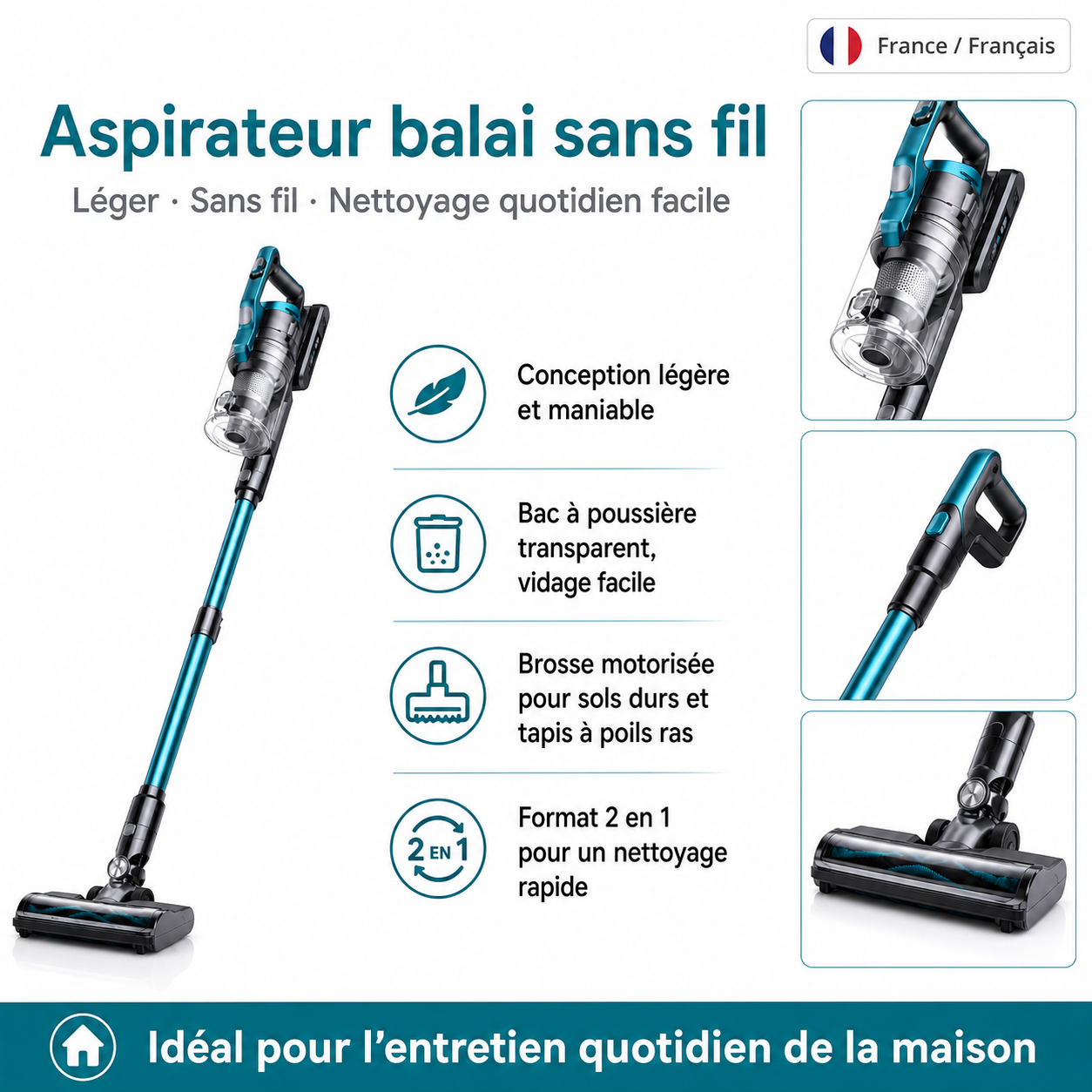 French |
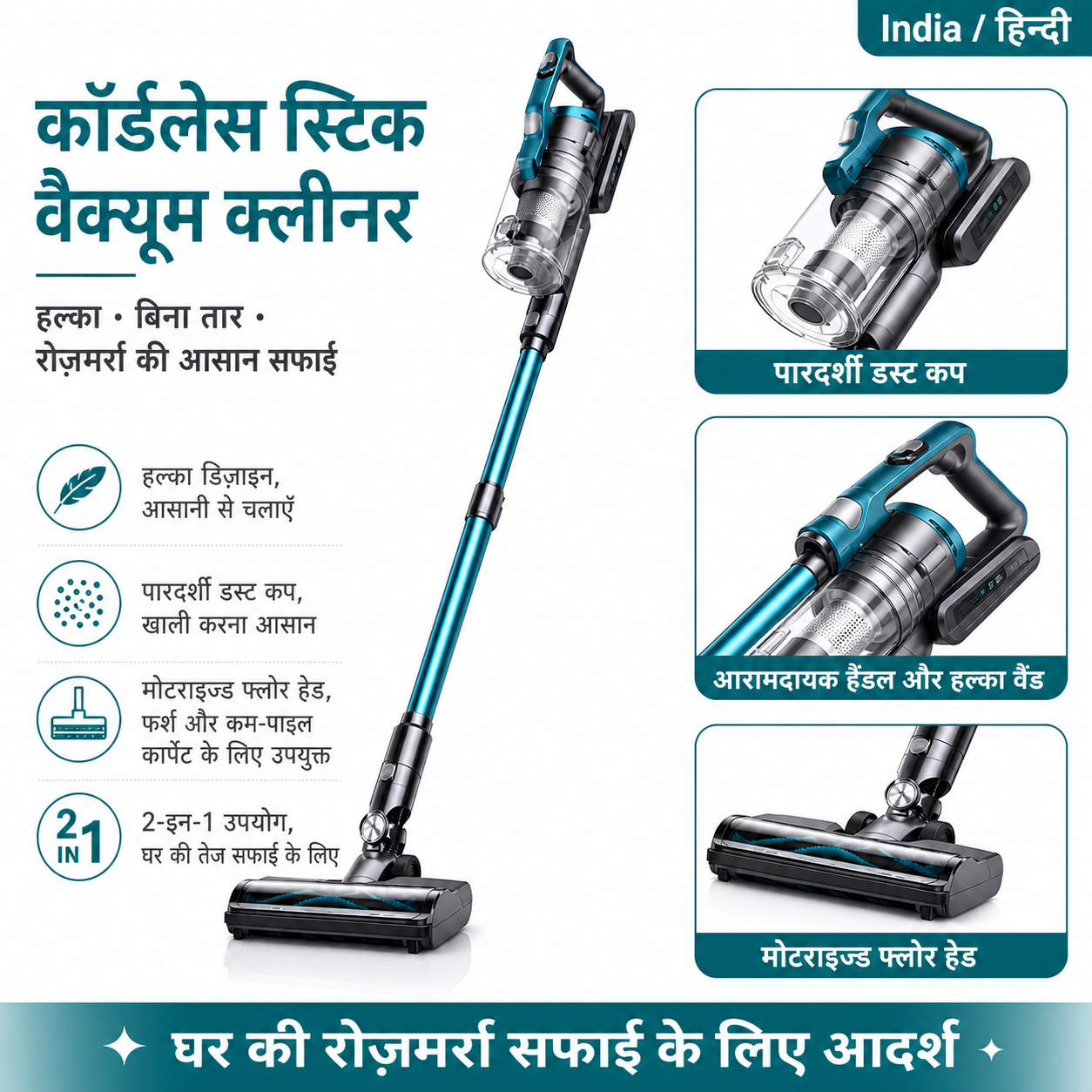 Hindi |
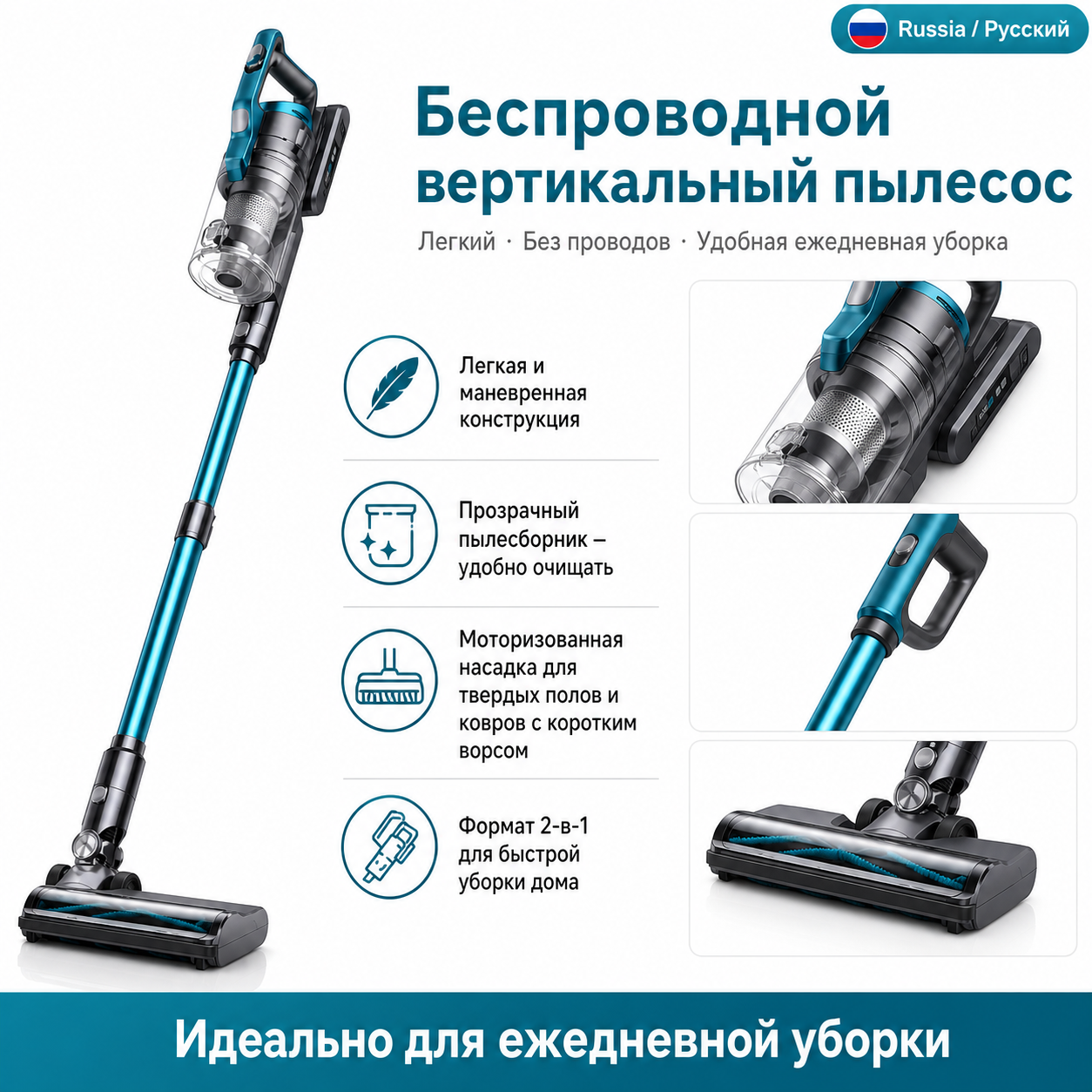 Russian |
Example 3: Christmas-Theme Phone Case
| Input | Output | ||
|---|---|---|---|
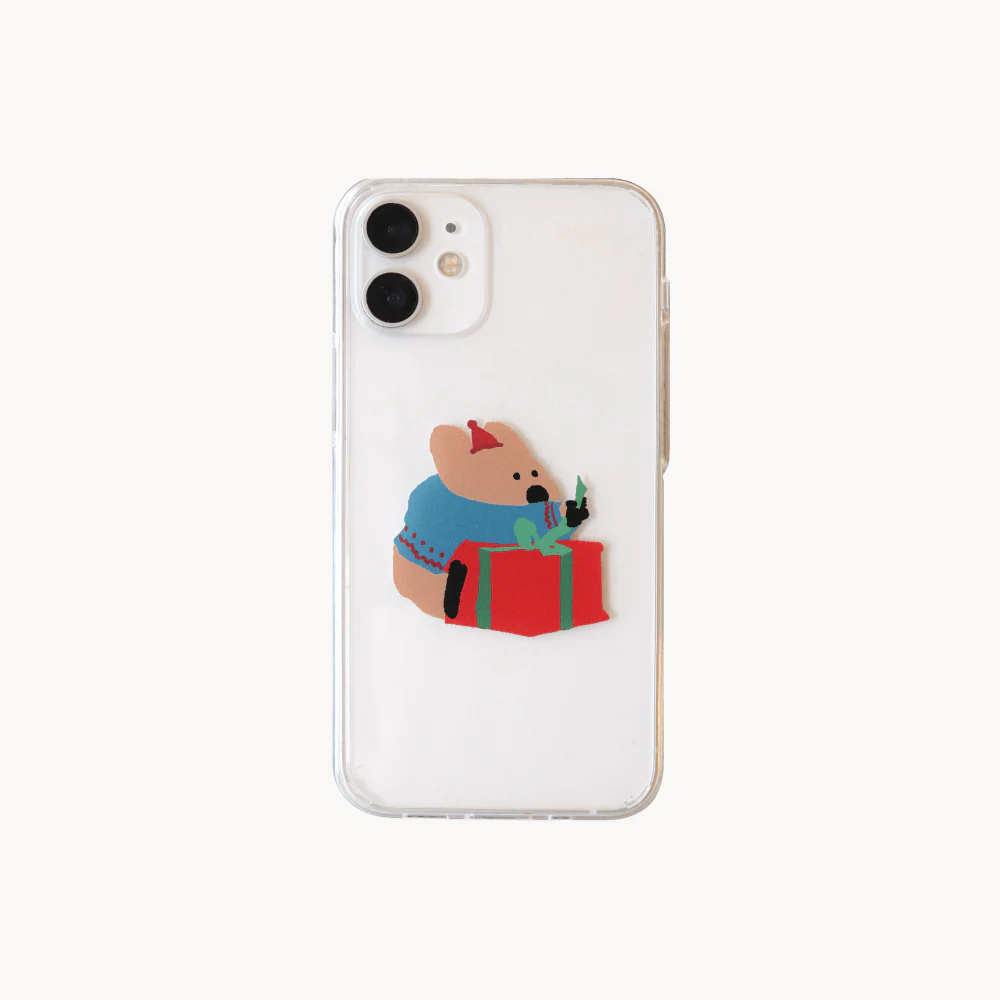 Product photo |
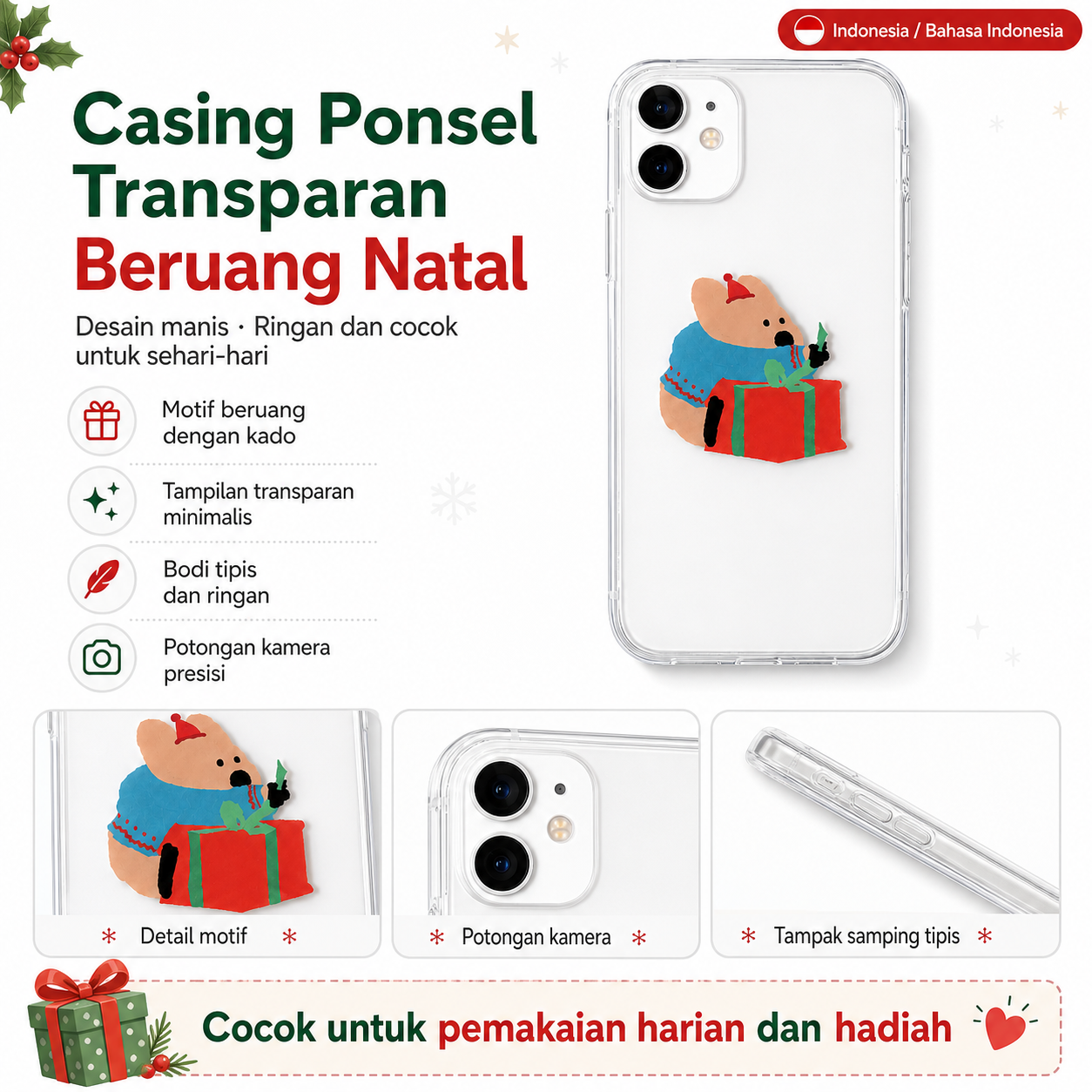 Indonesian |
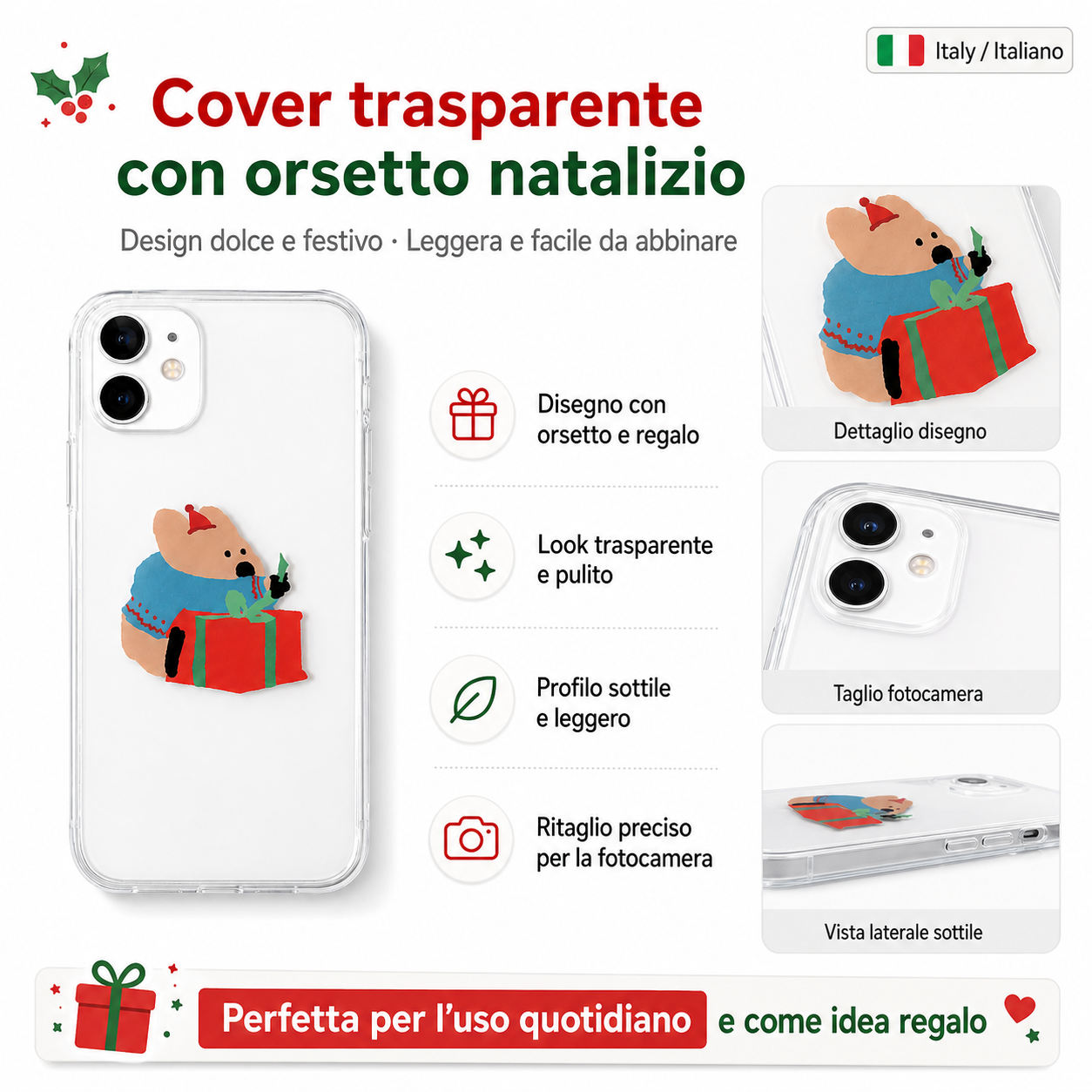 Italian |
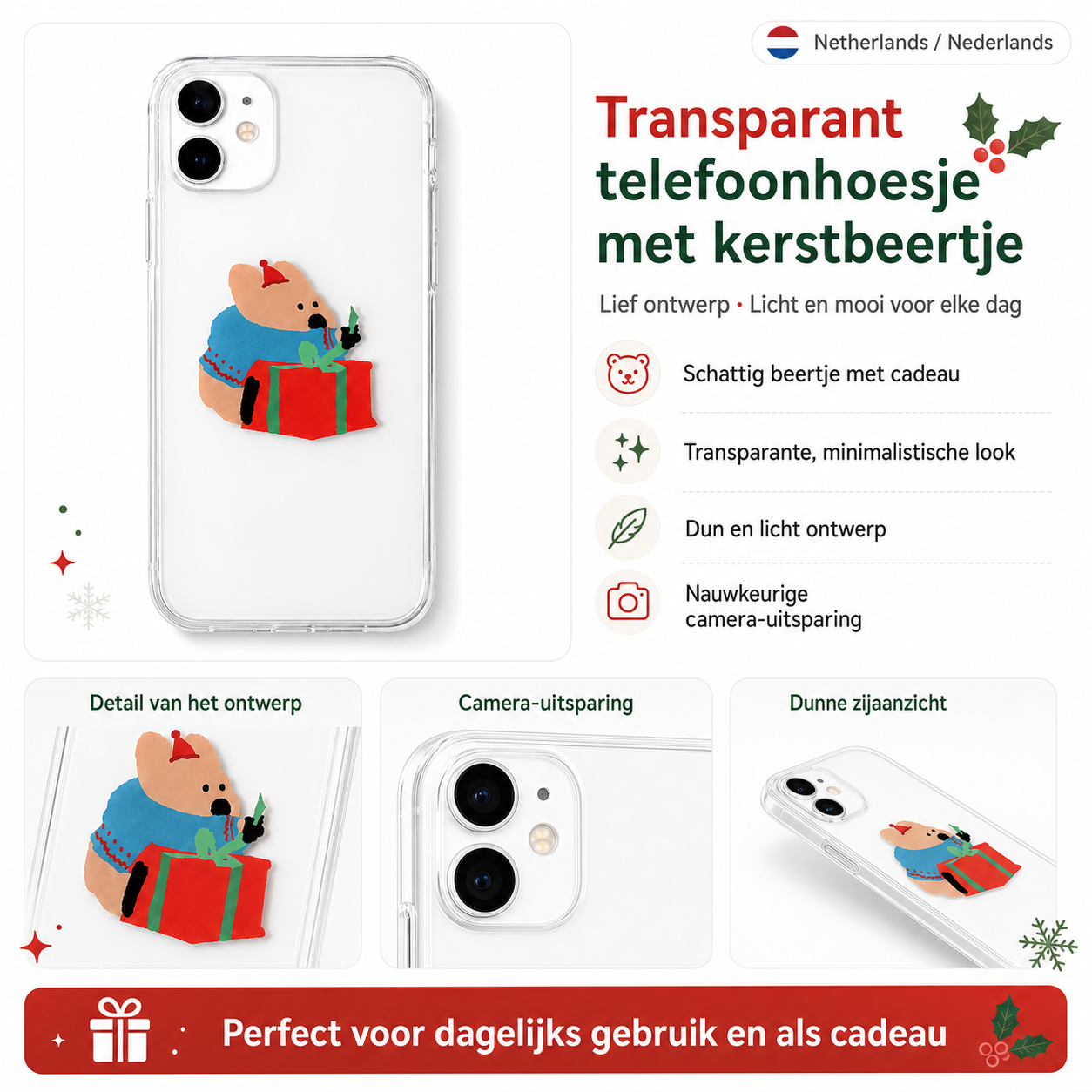 Dutch |
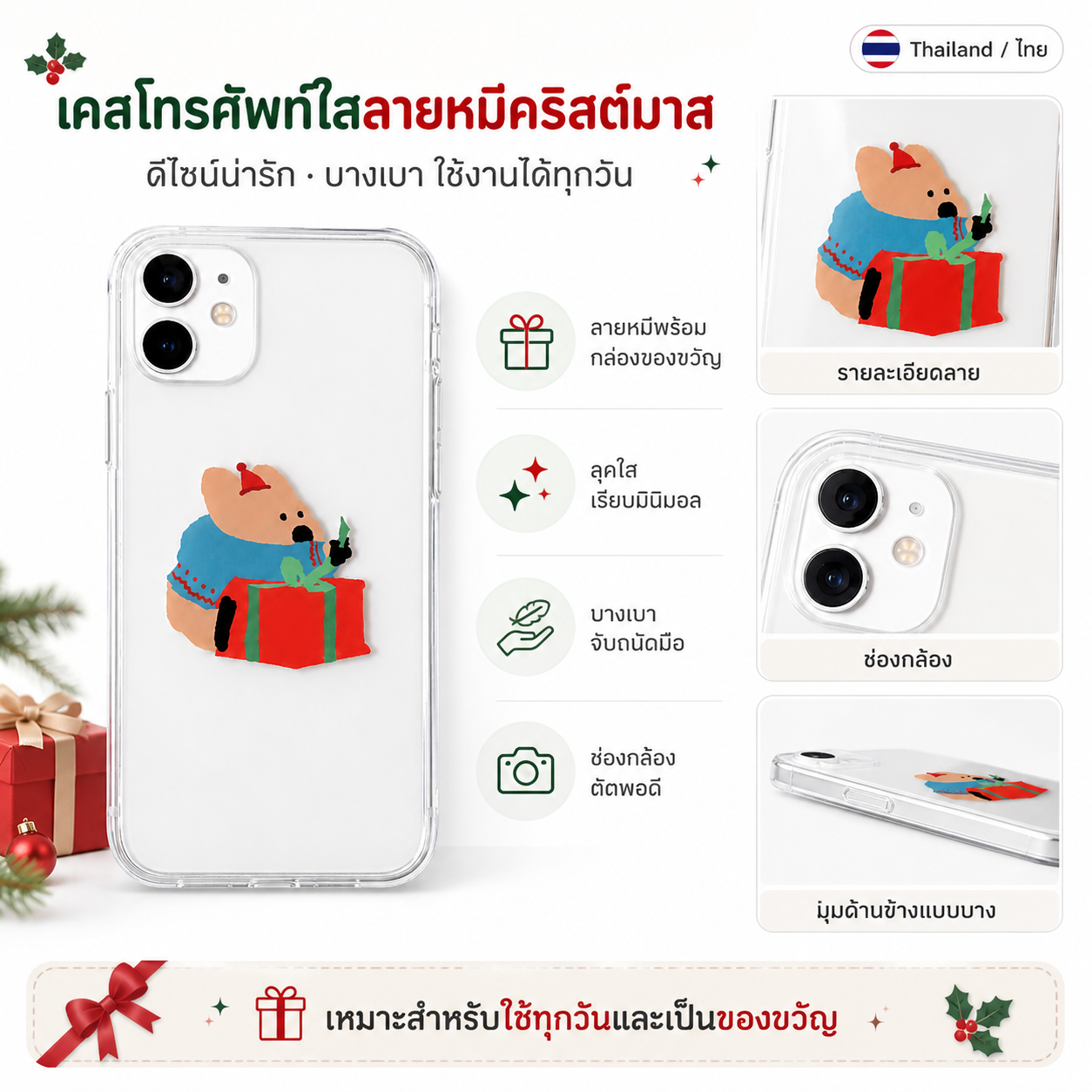 Thai |
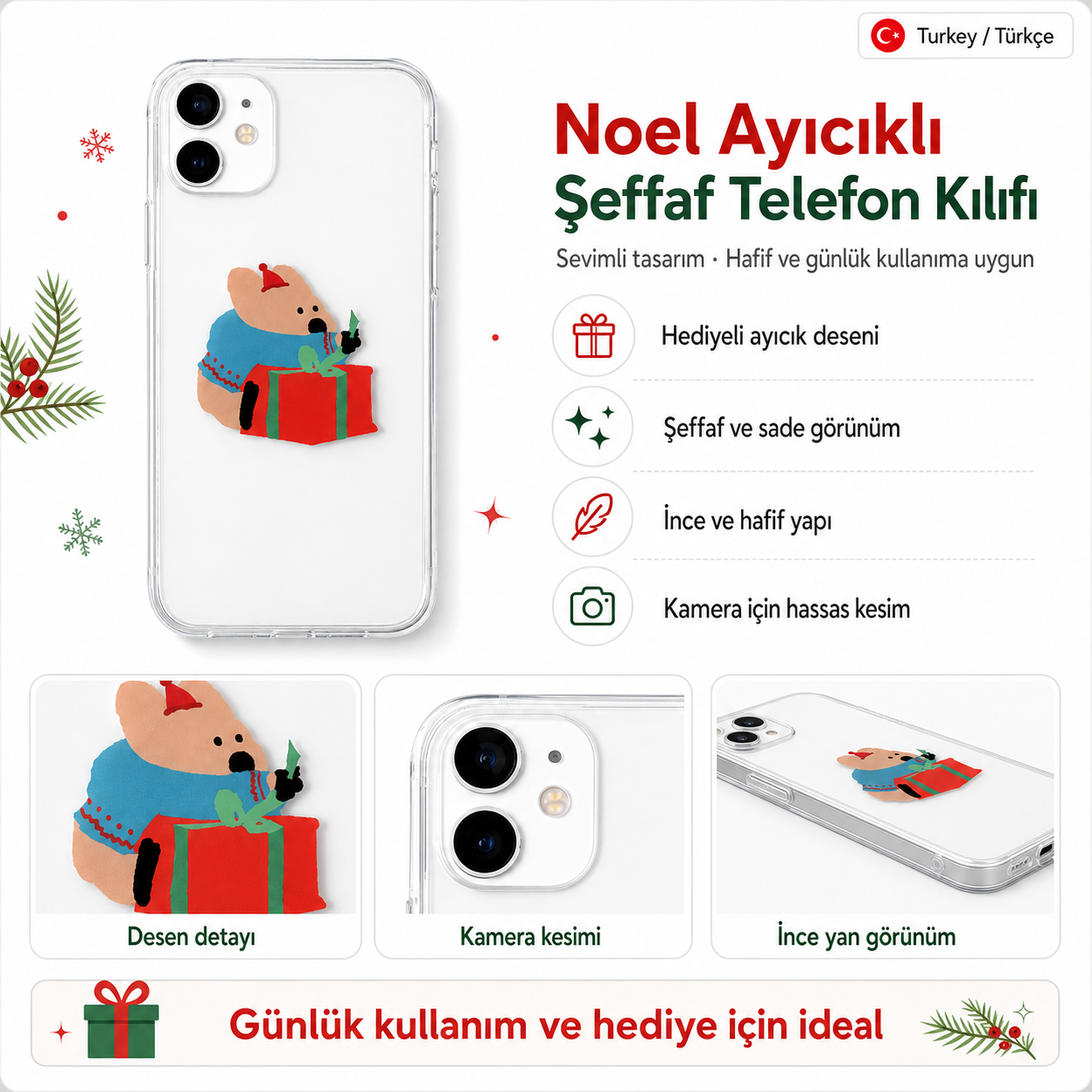 Turkish |
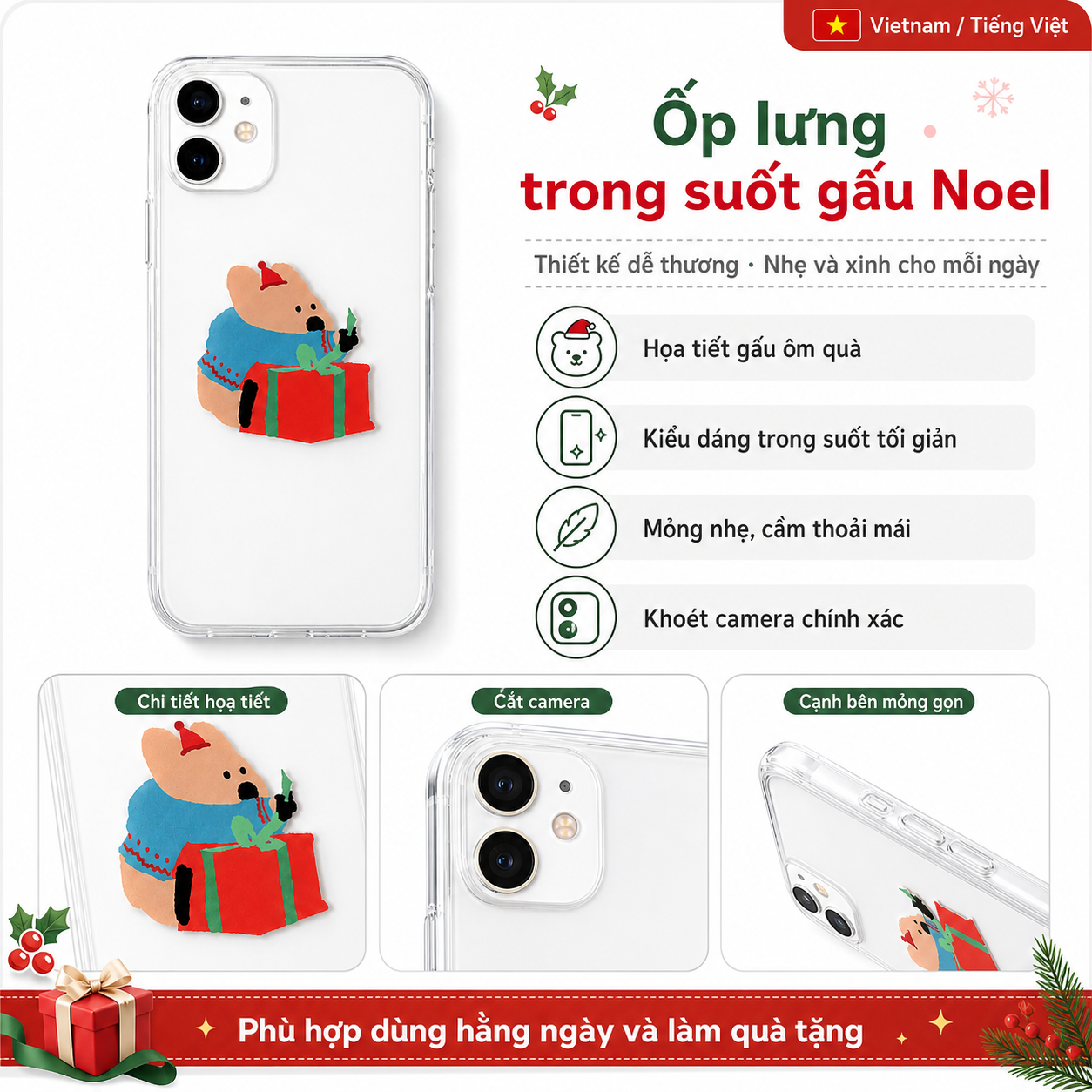 Vietnamese |
Case 3: A+ Product Detail Visuals
Prompt:
This is a {product_description}. Generate A+ detail visuals for {country} in {language}.
[!NOTE] Replace {product_description}, {country}, and {language} before use. Example: "This is a box of coffee beans. Generate A+ detail visuals for the US in English." Useful for product storytelling, feature breakdowns, usage scenes, and premium detail-page layouts.
Example 1: Premium Tea Gift Box
| Input | Output | ||
|---|---|---|---|
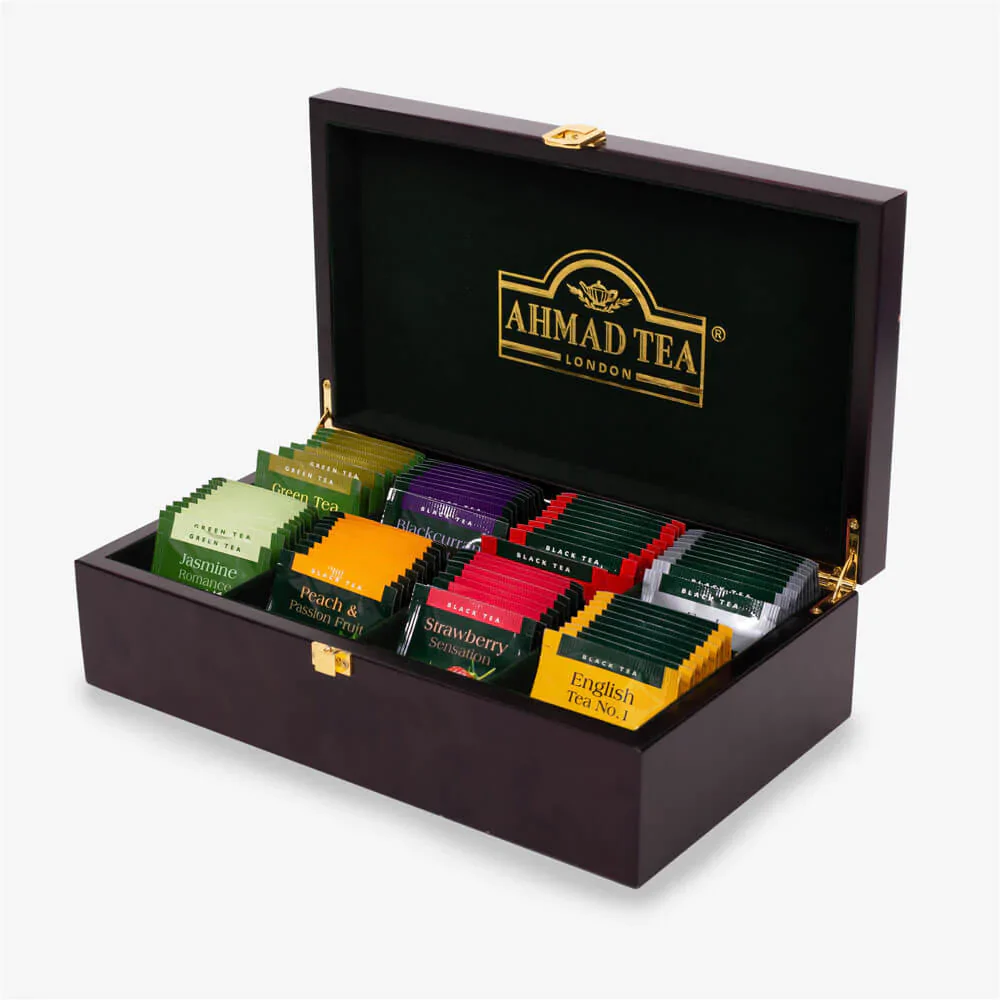 Product photo |
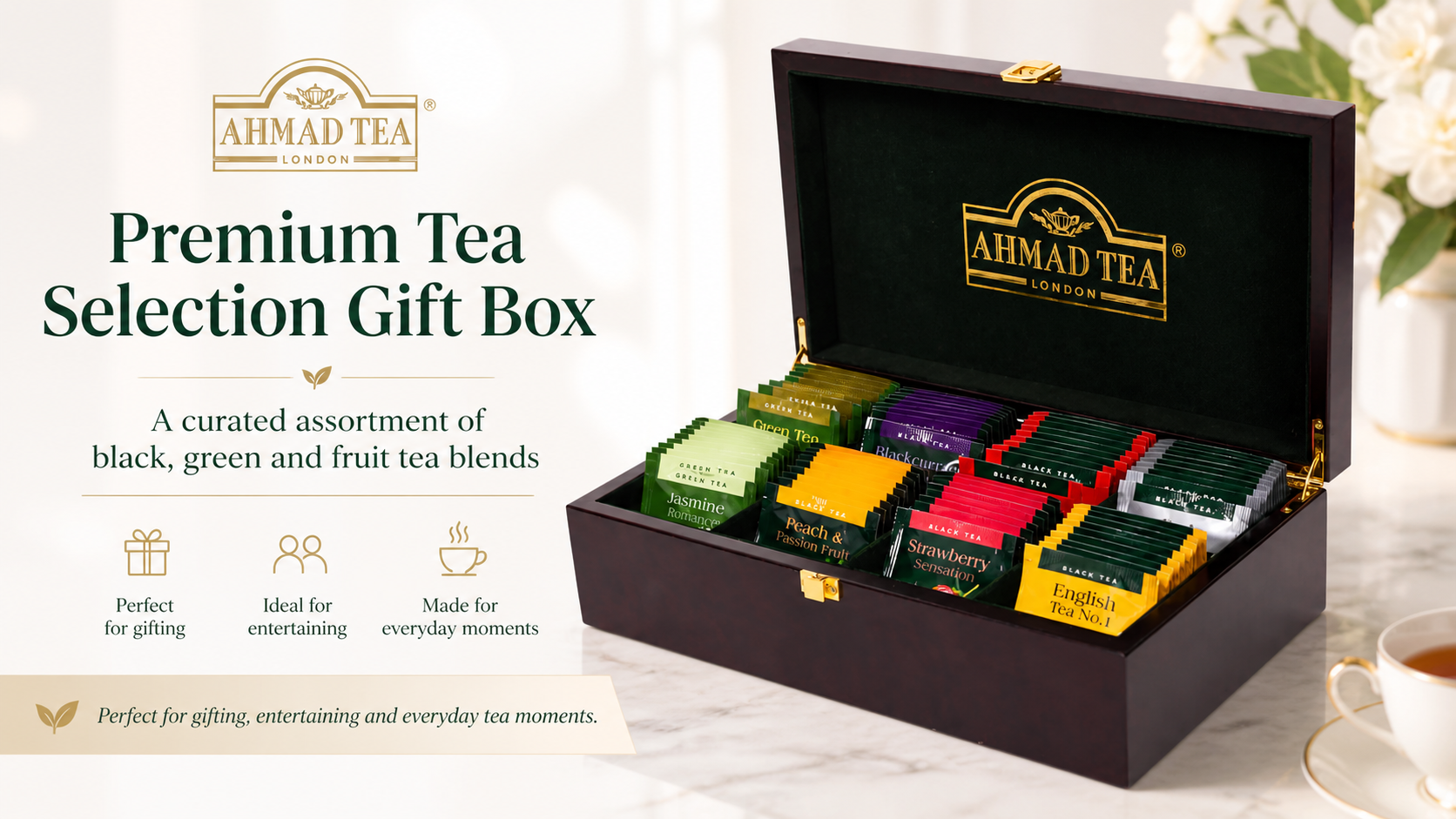 Hero (selling points) |
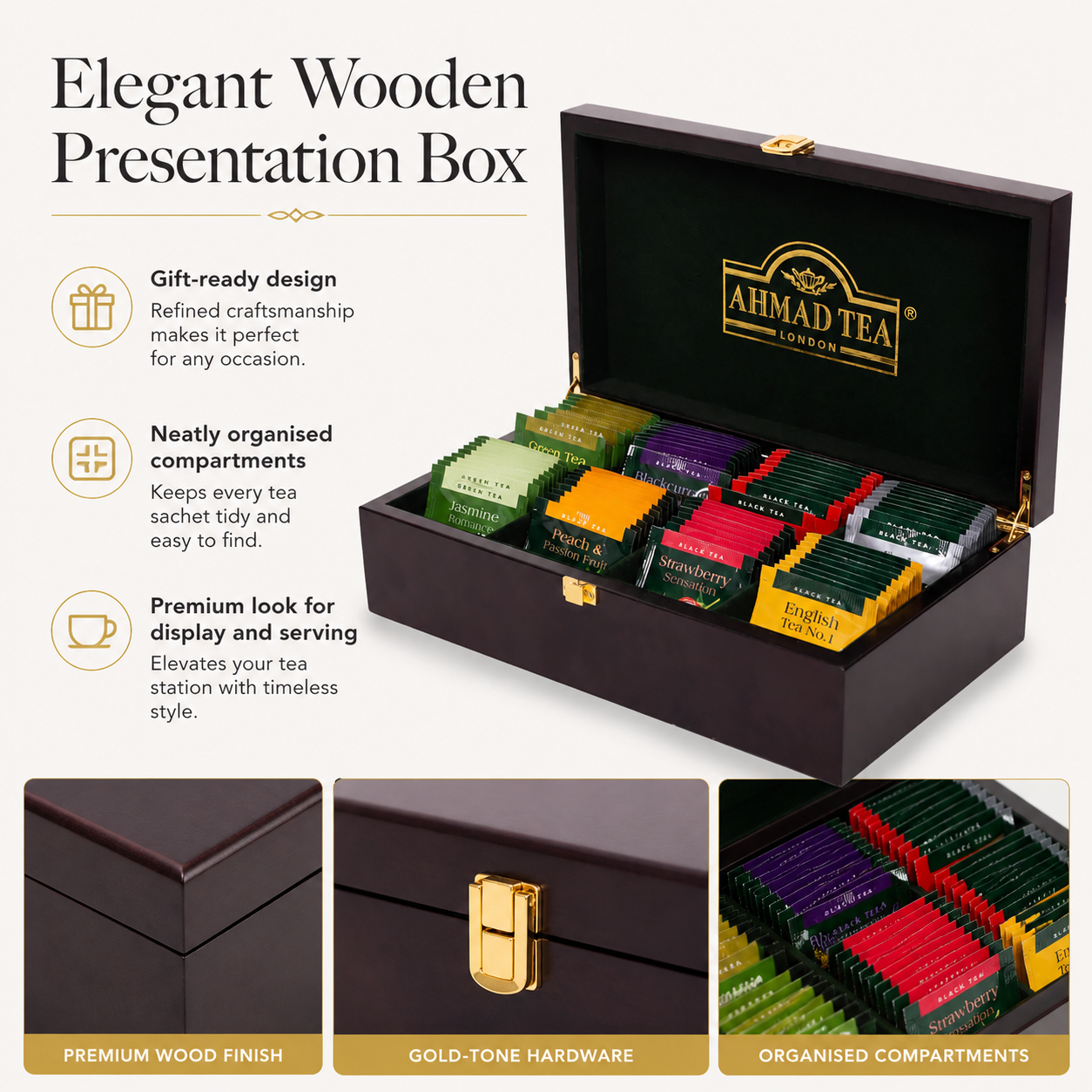 Design & craft |
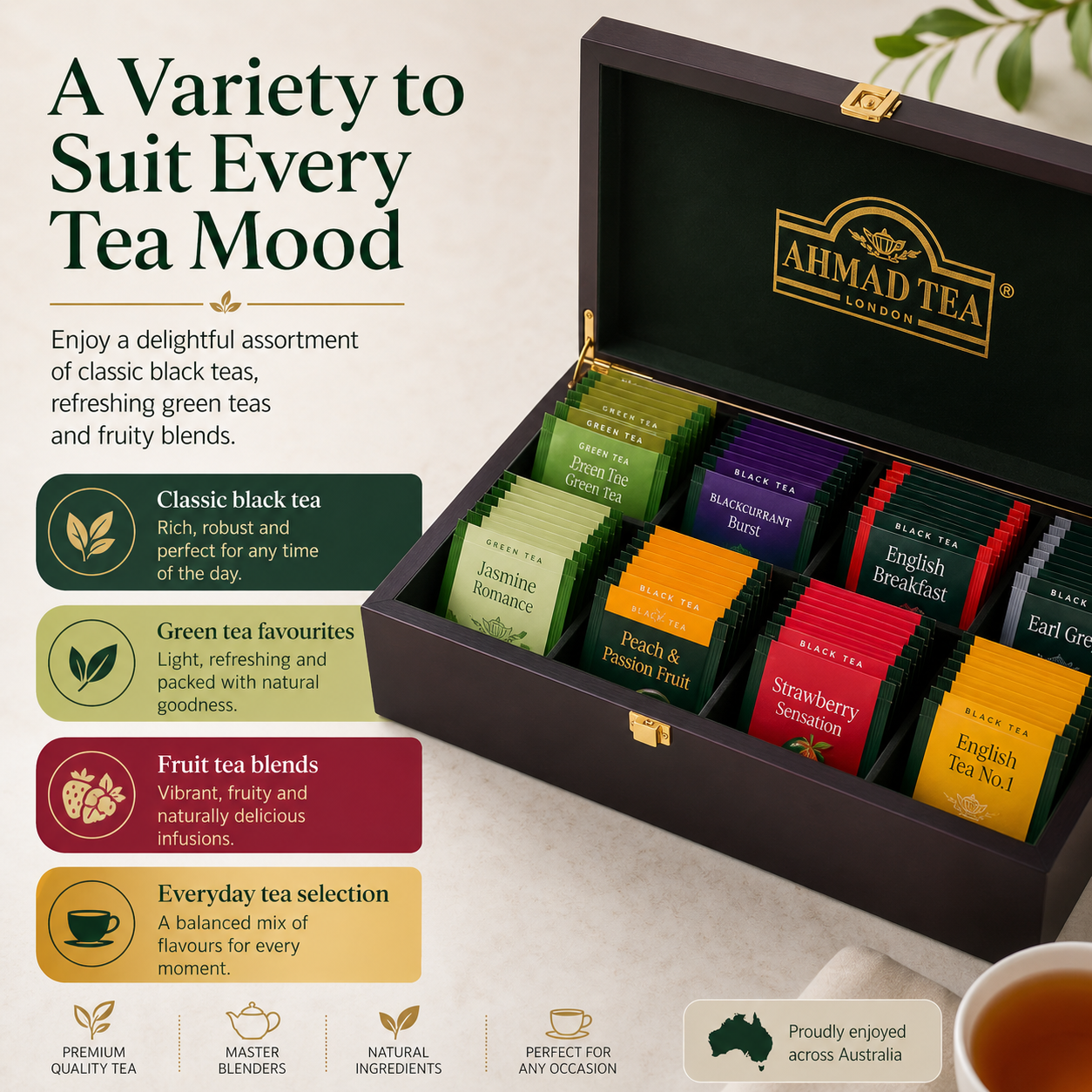 Product line |
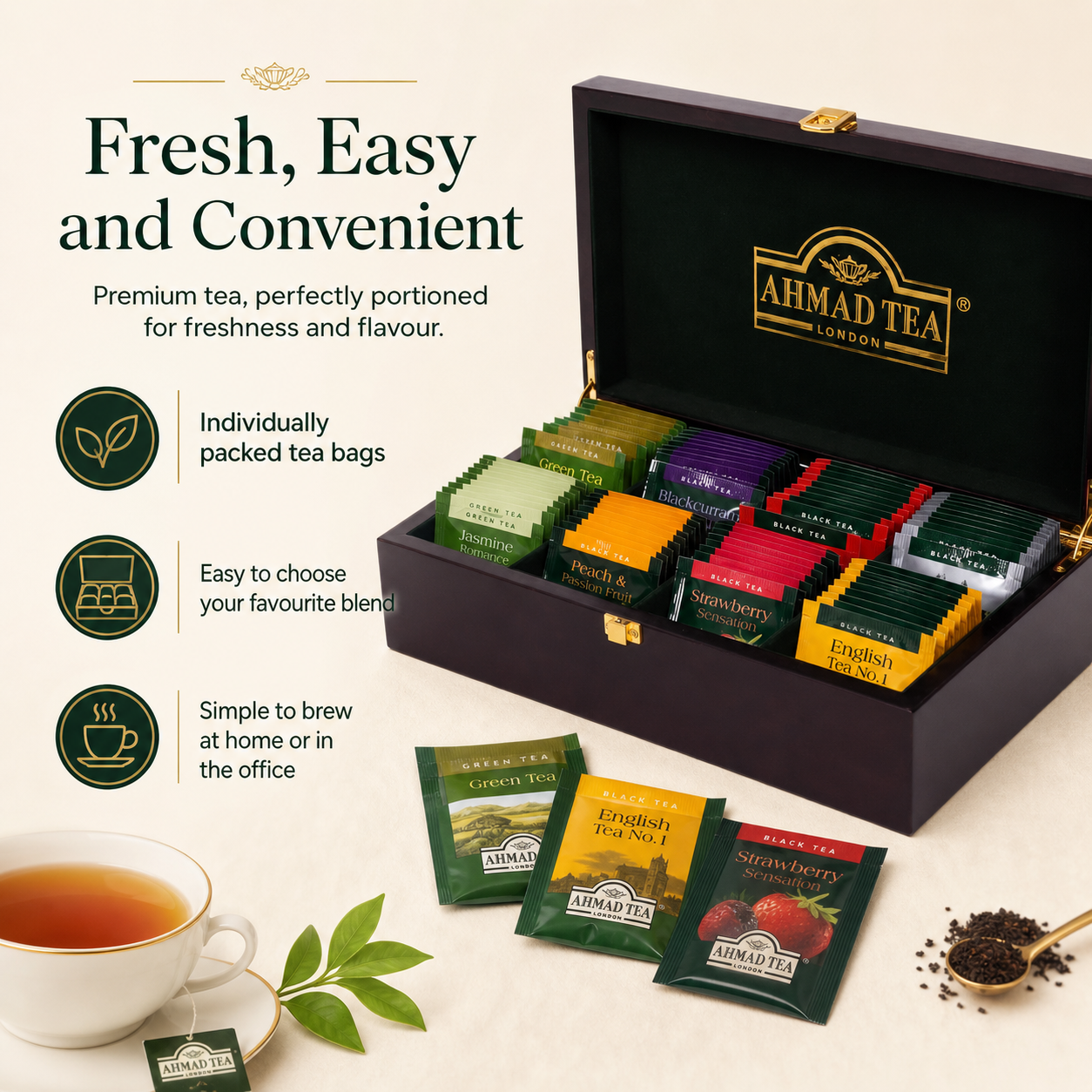 Usage guide |
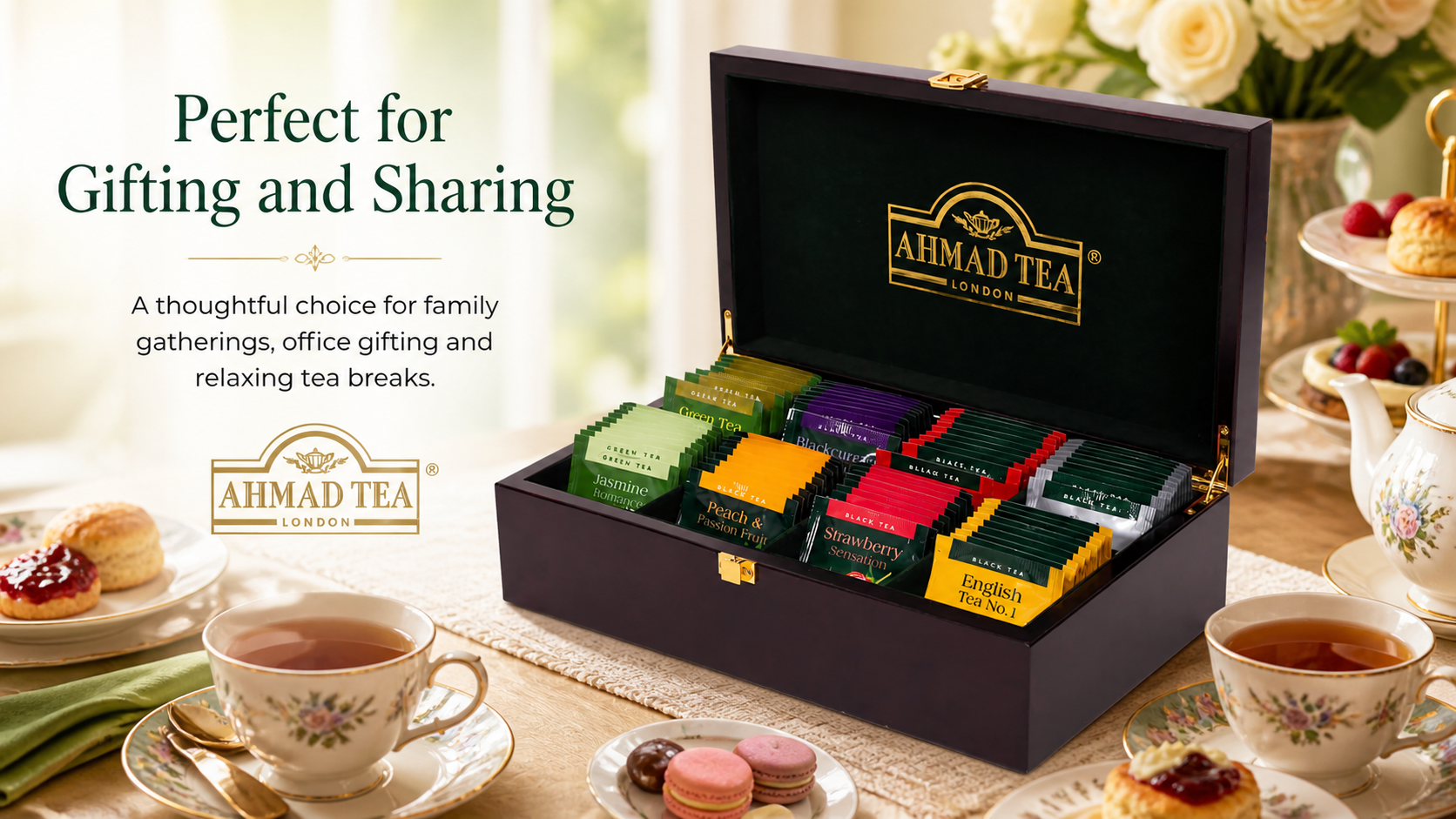 Gifting scene |
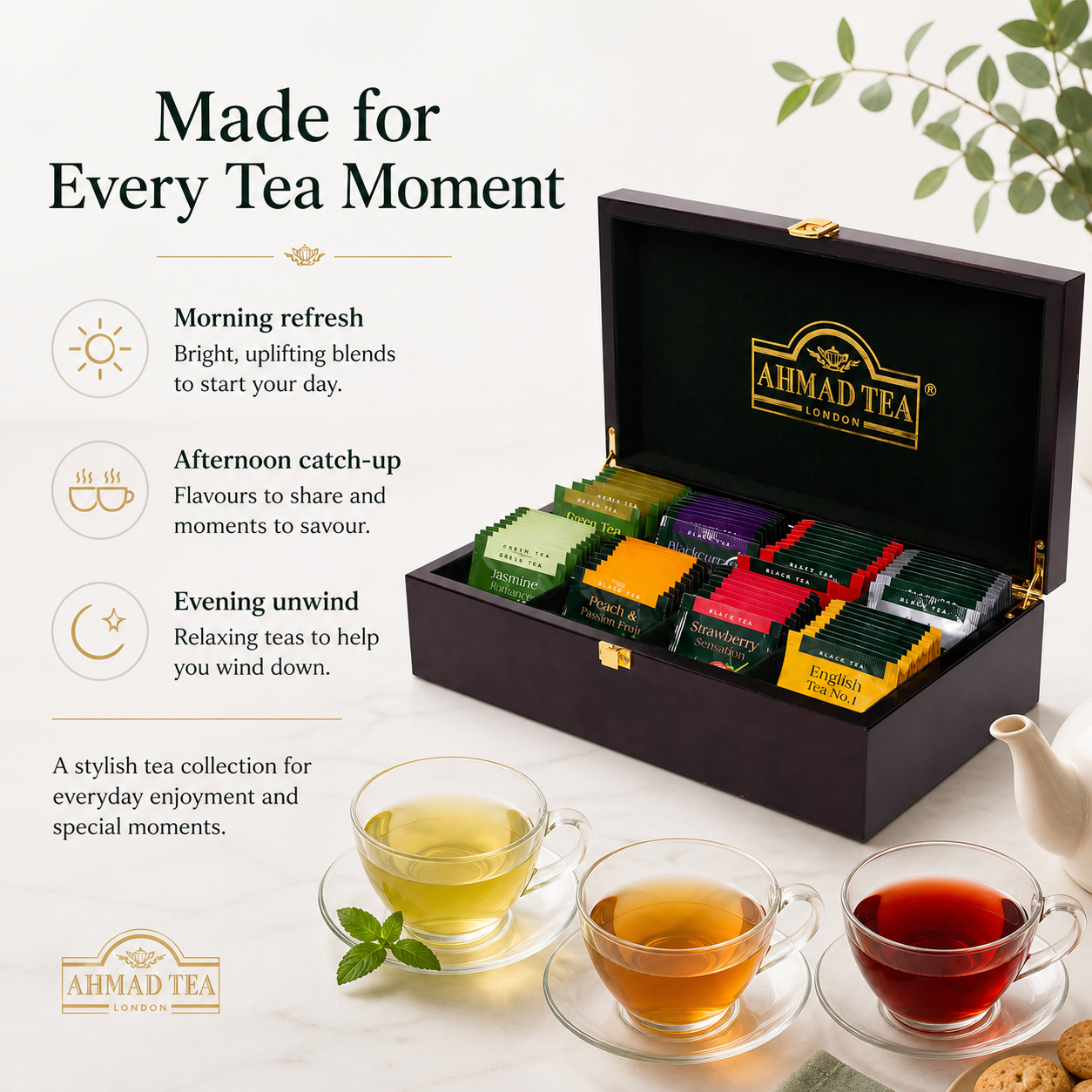 Usage scene |
Example 2: Natural Glue Stick
| Input | Output | ||
|---|---|---|---|
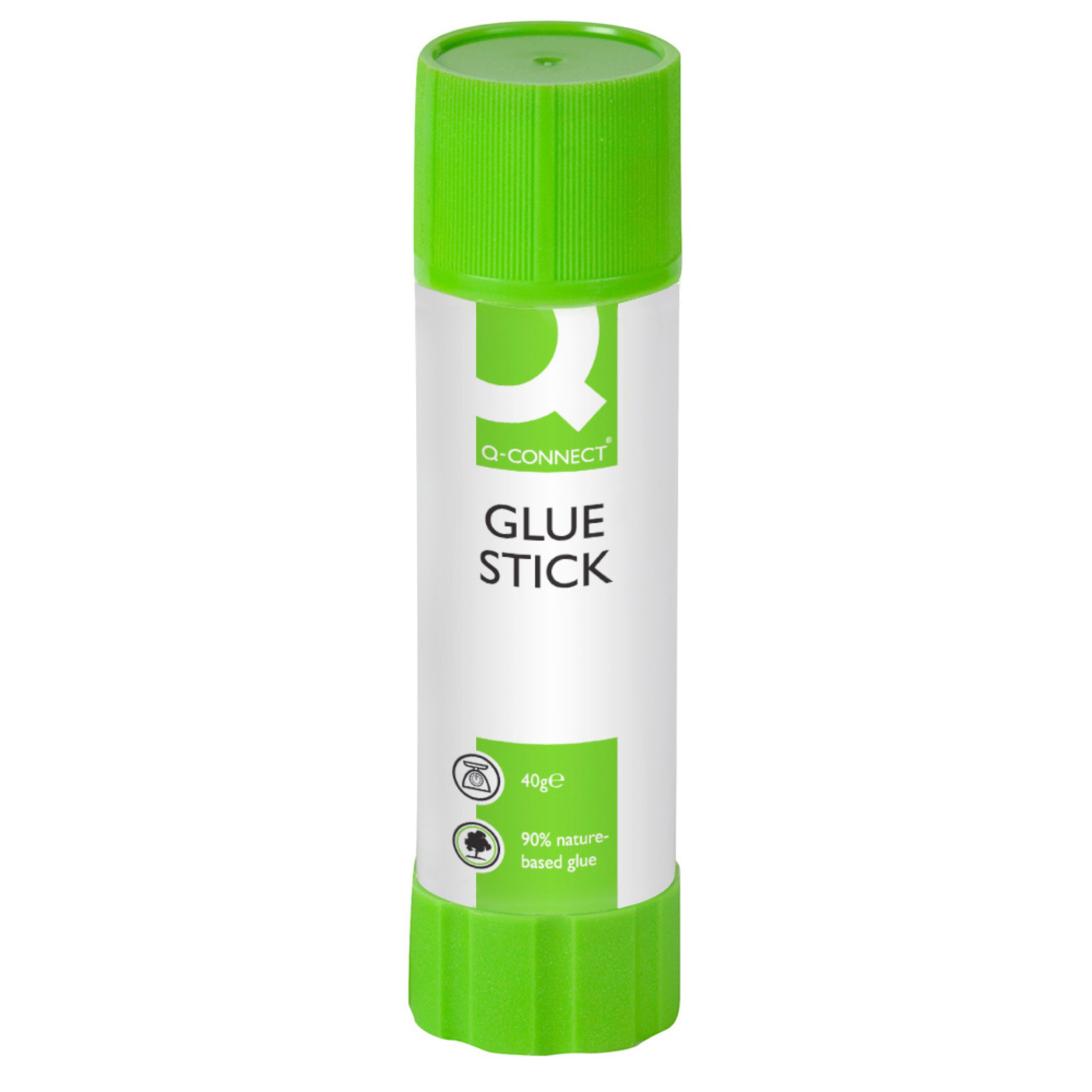 Product photo |
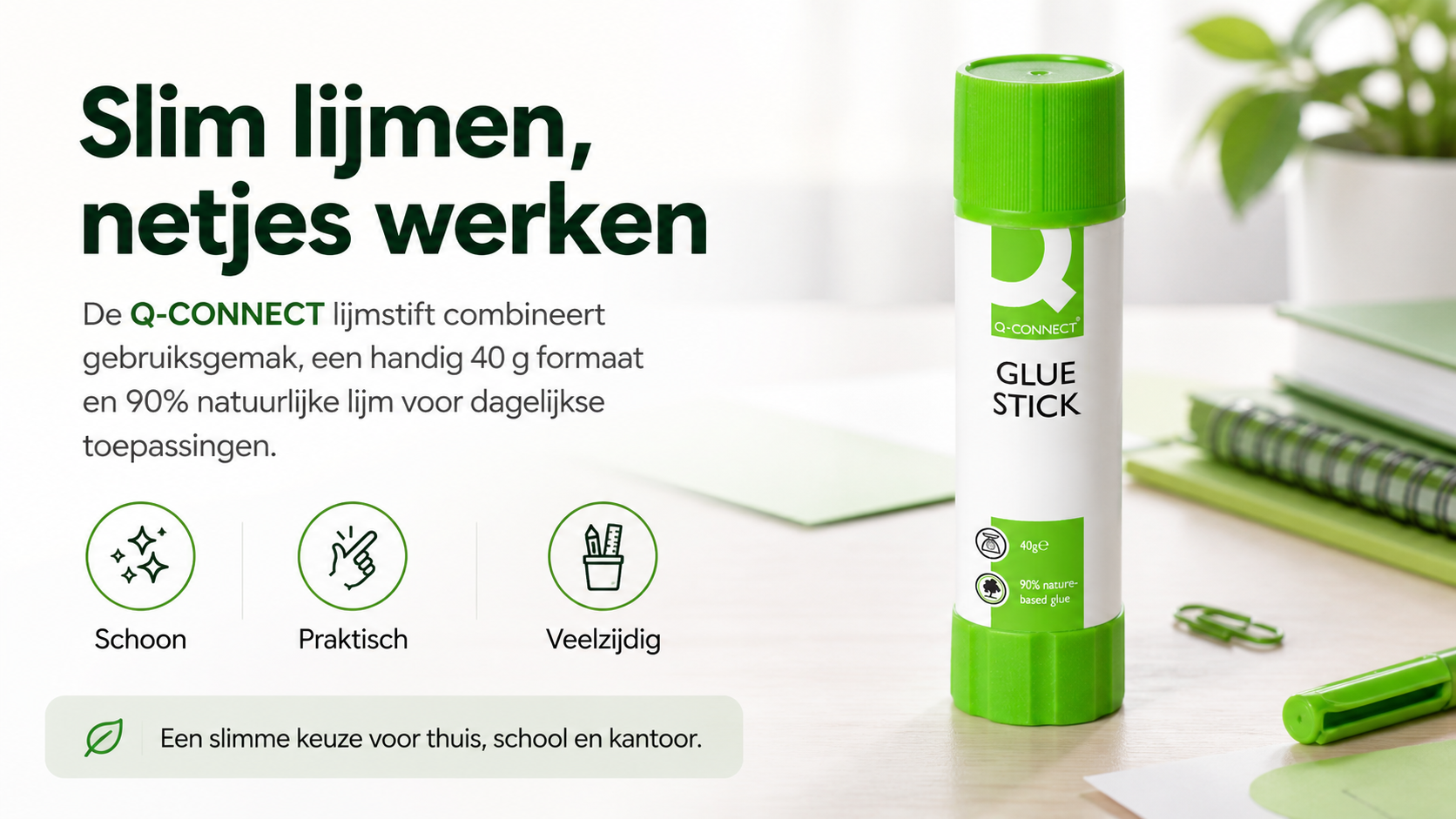 A+ hero |
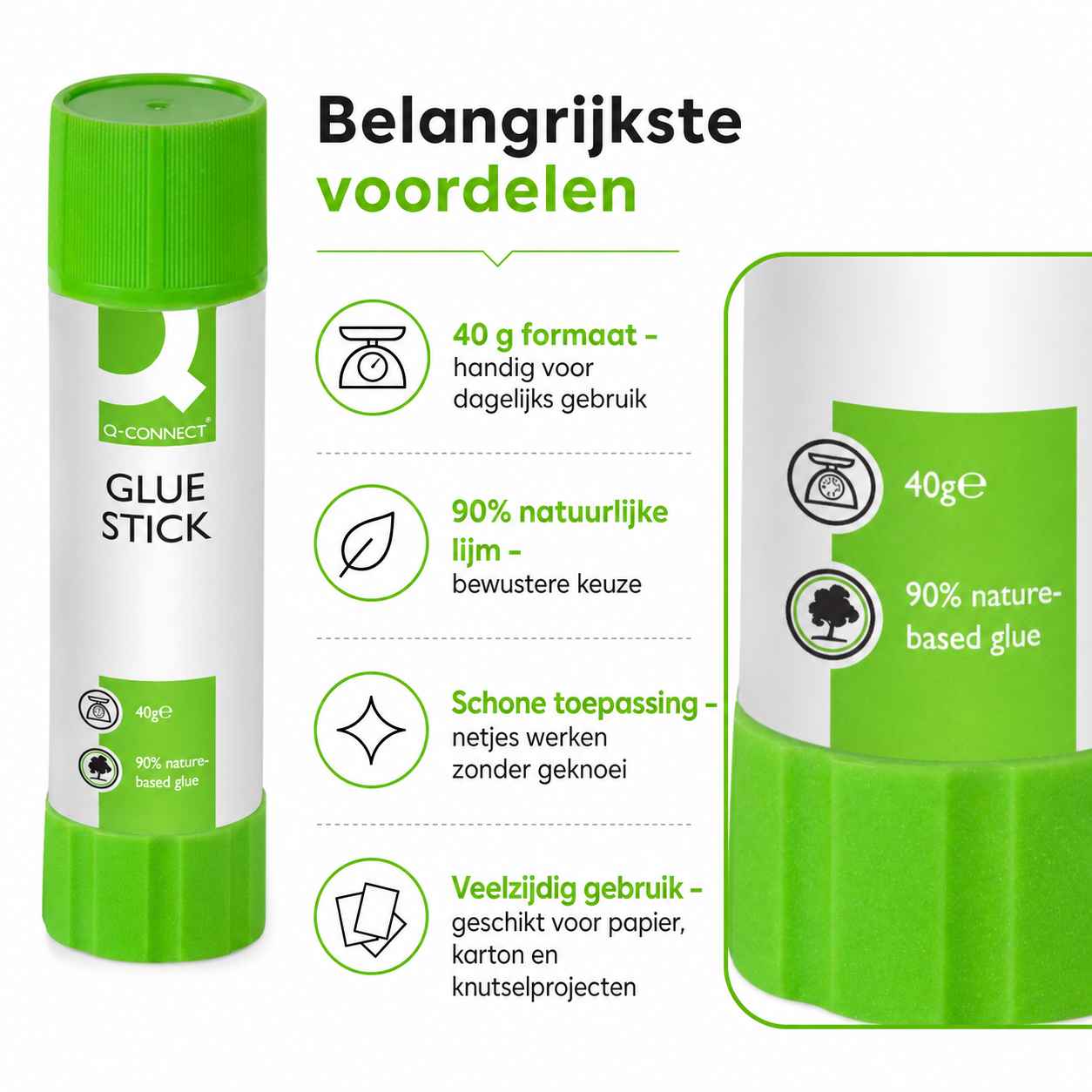 A+ detail 1 |
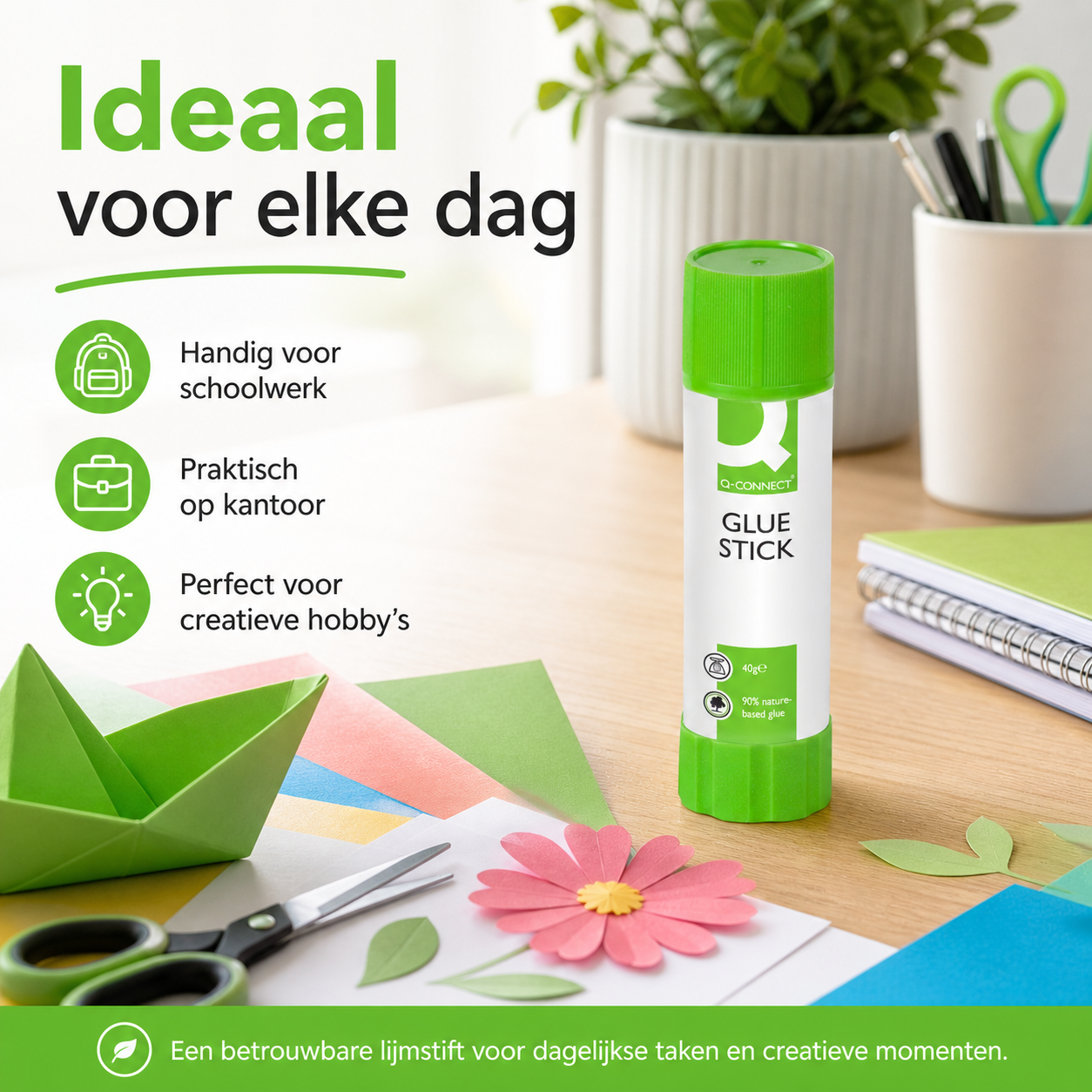 A+ detail 2 |
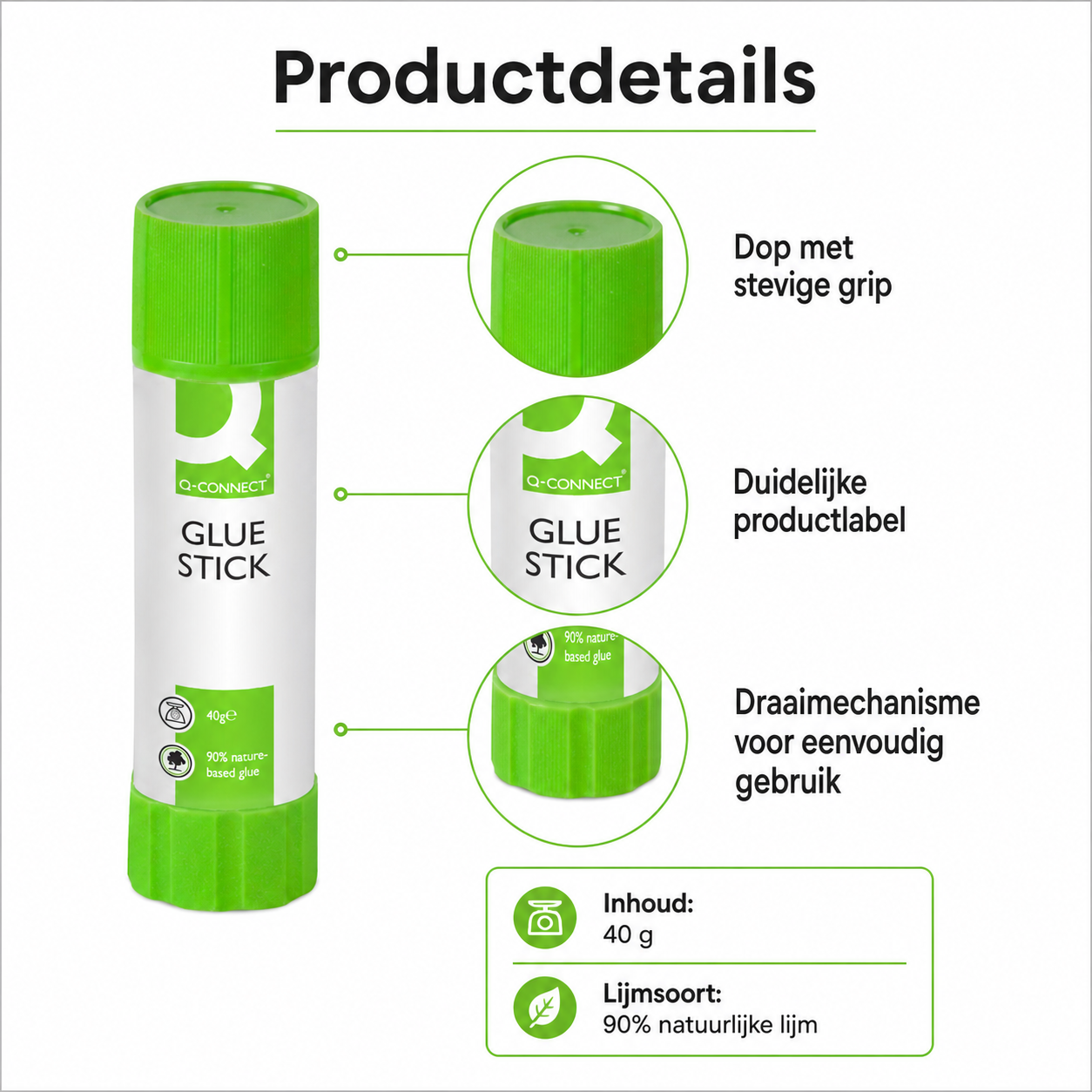 A+ detail 3 |
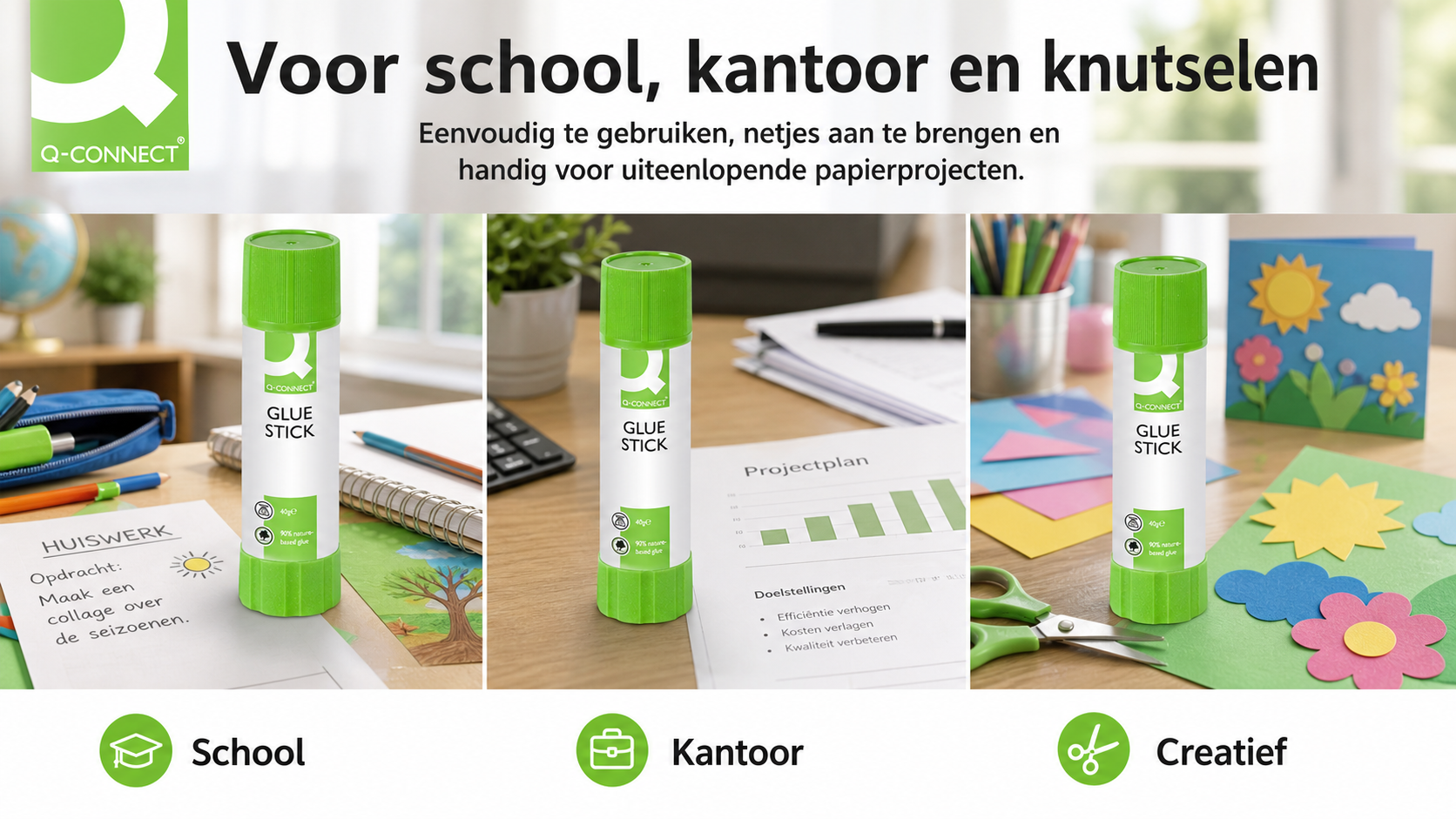 A+ detail 4 |
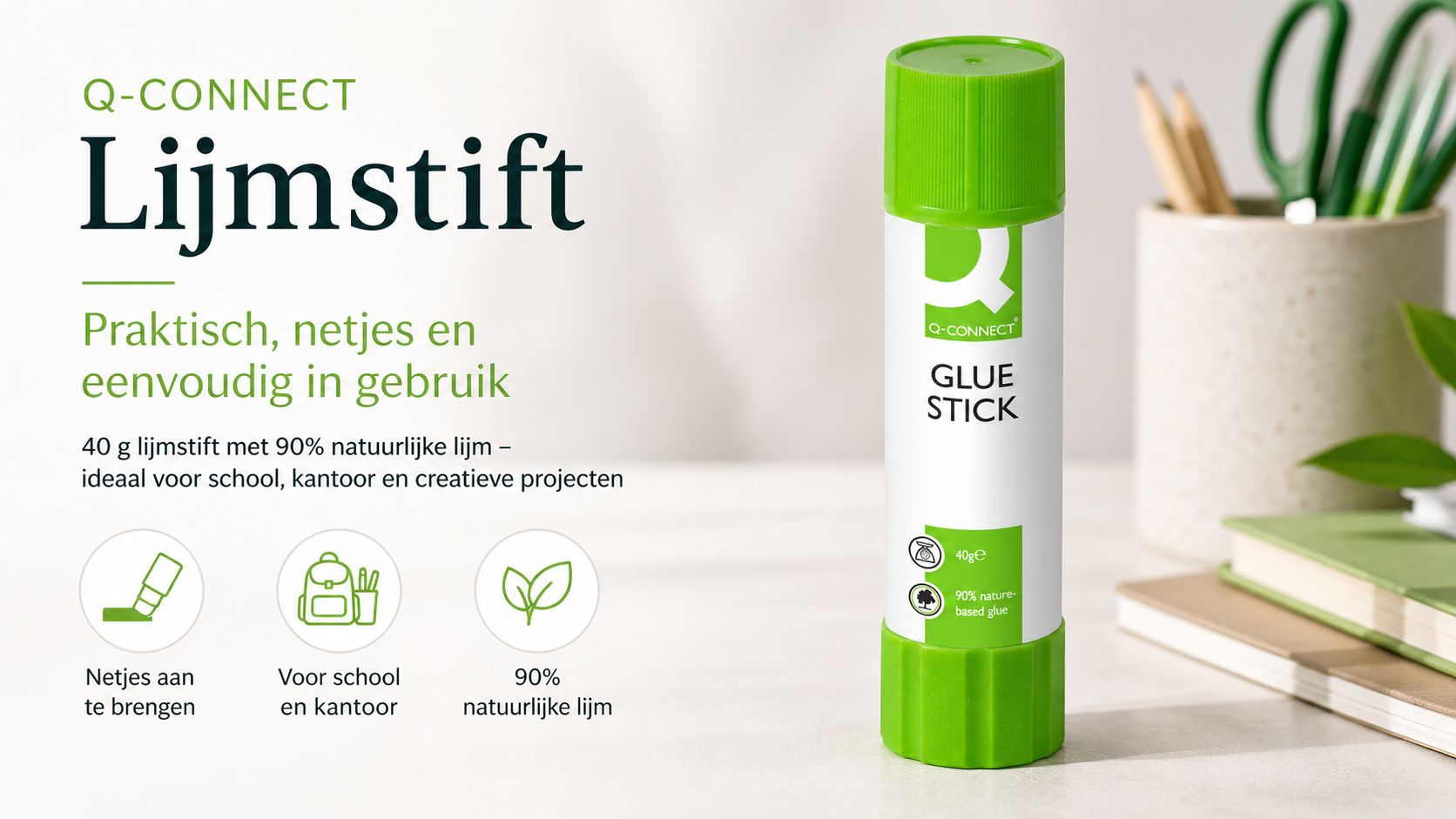 A+ summary |
Example 3: Bubble Tea Drink
| Input | Output | ||
|---|---|---|---|
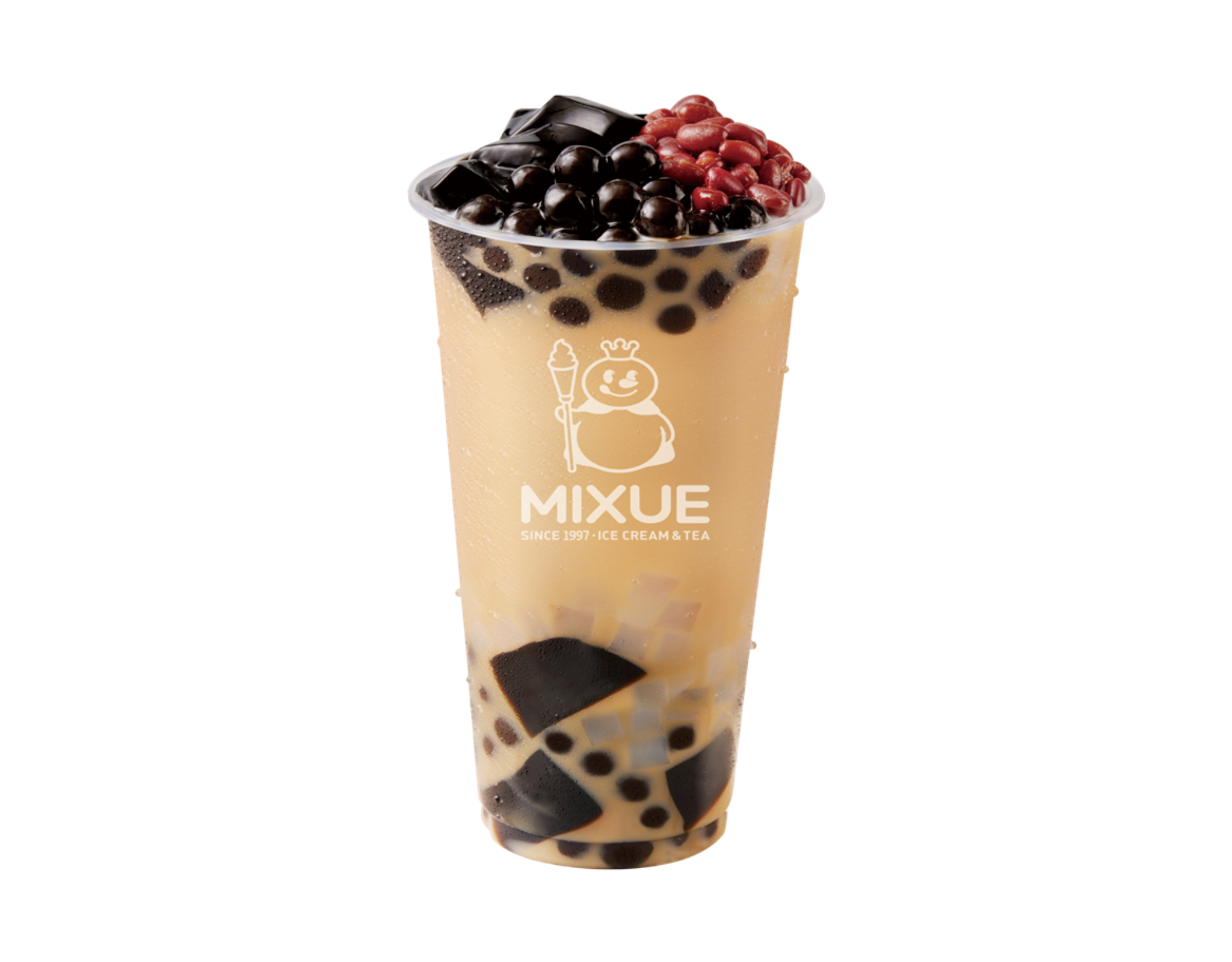 Product photo |
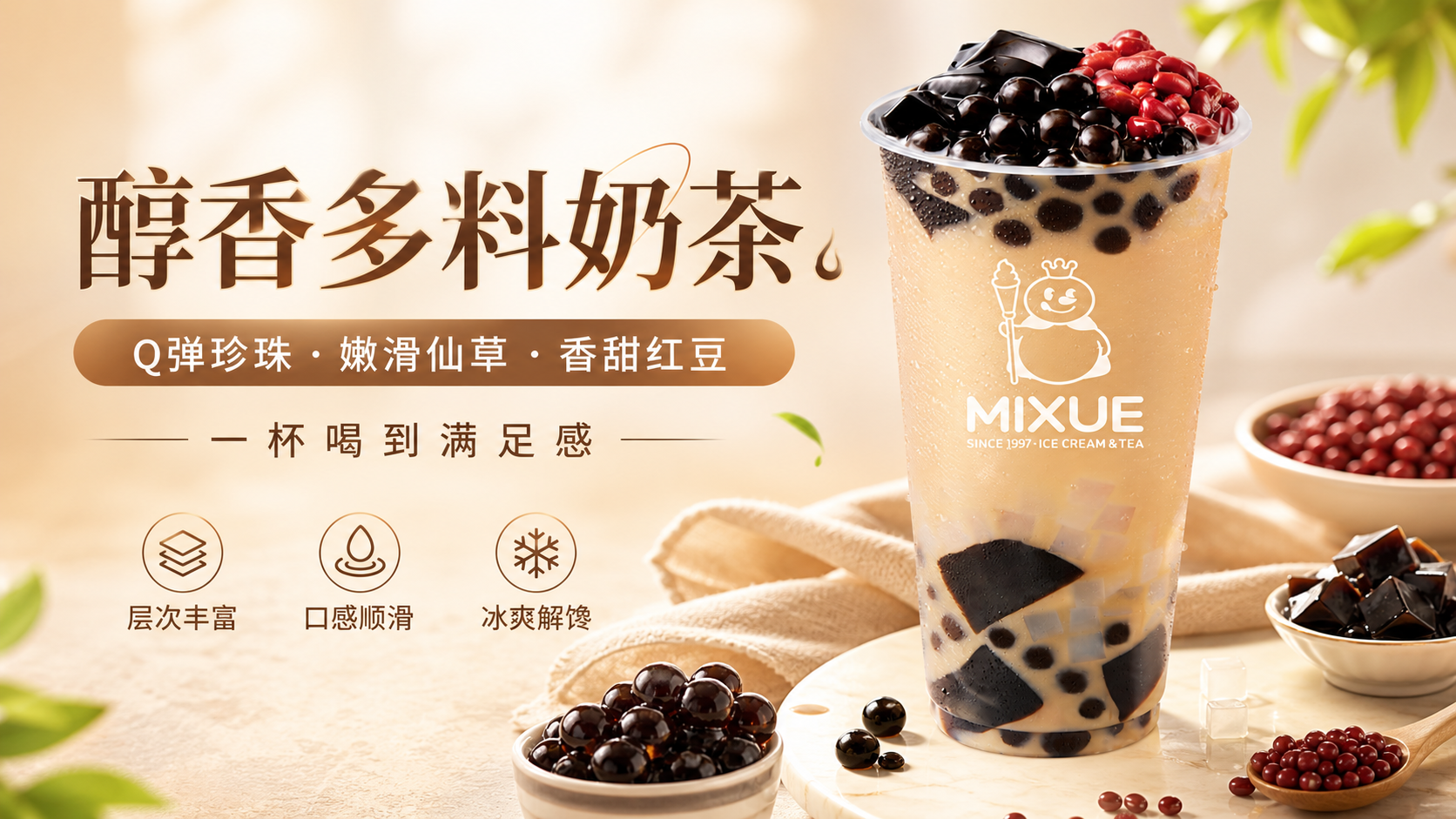 A+ hero |
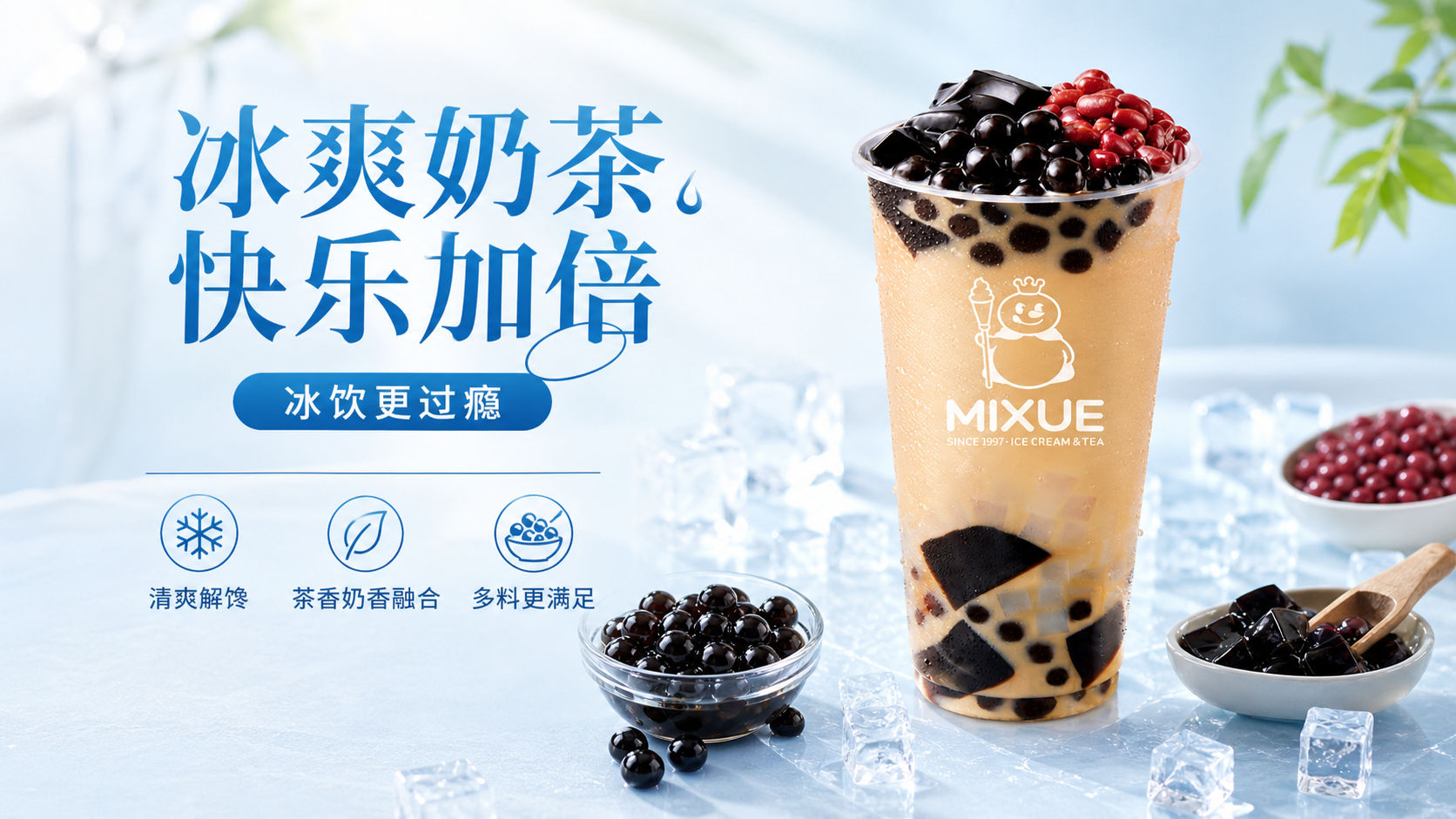 A+ detail 1 |
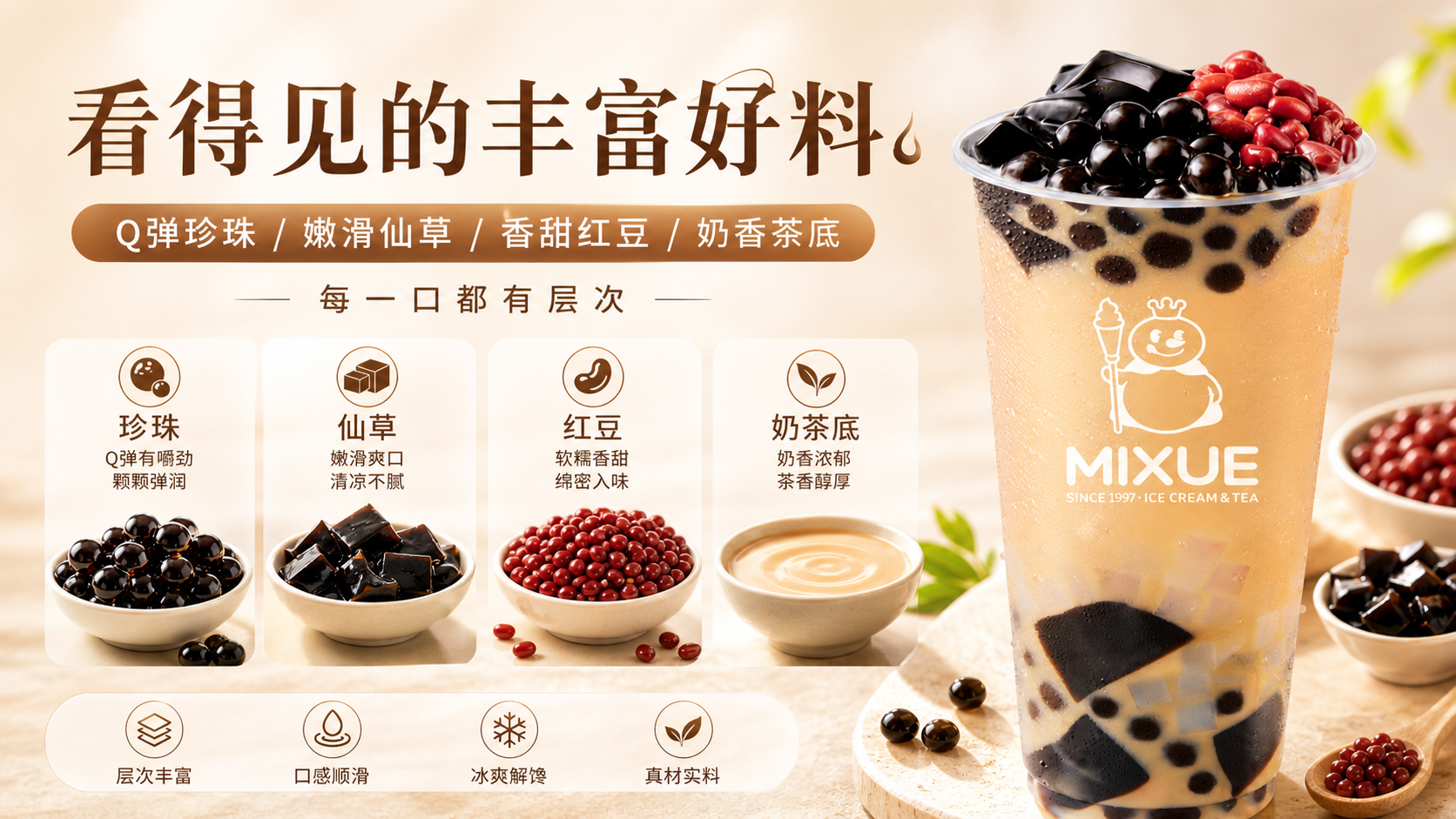 A+ detail 2 |
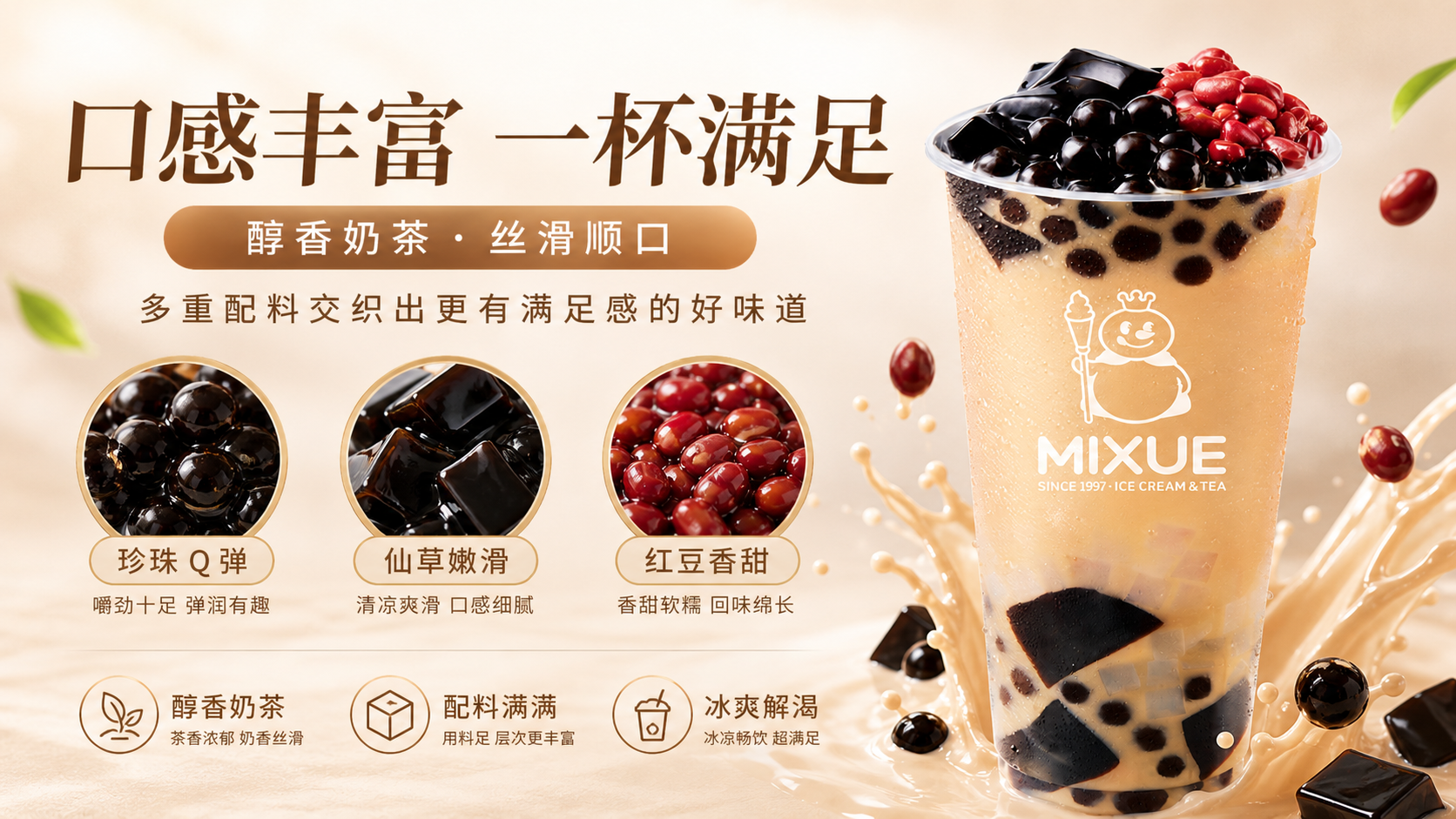 A+ detail 3 |
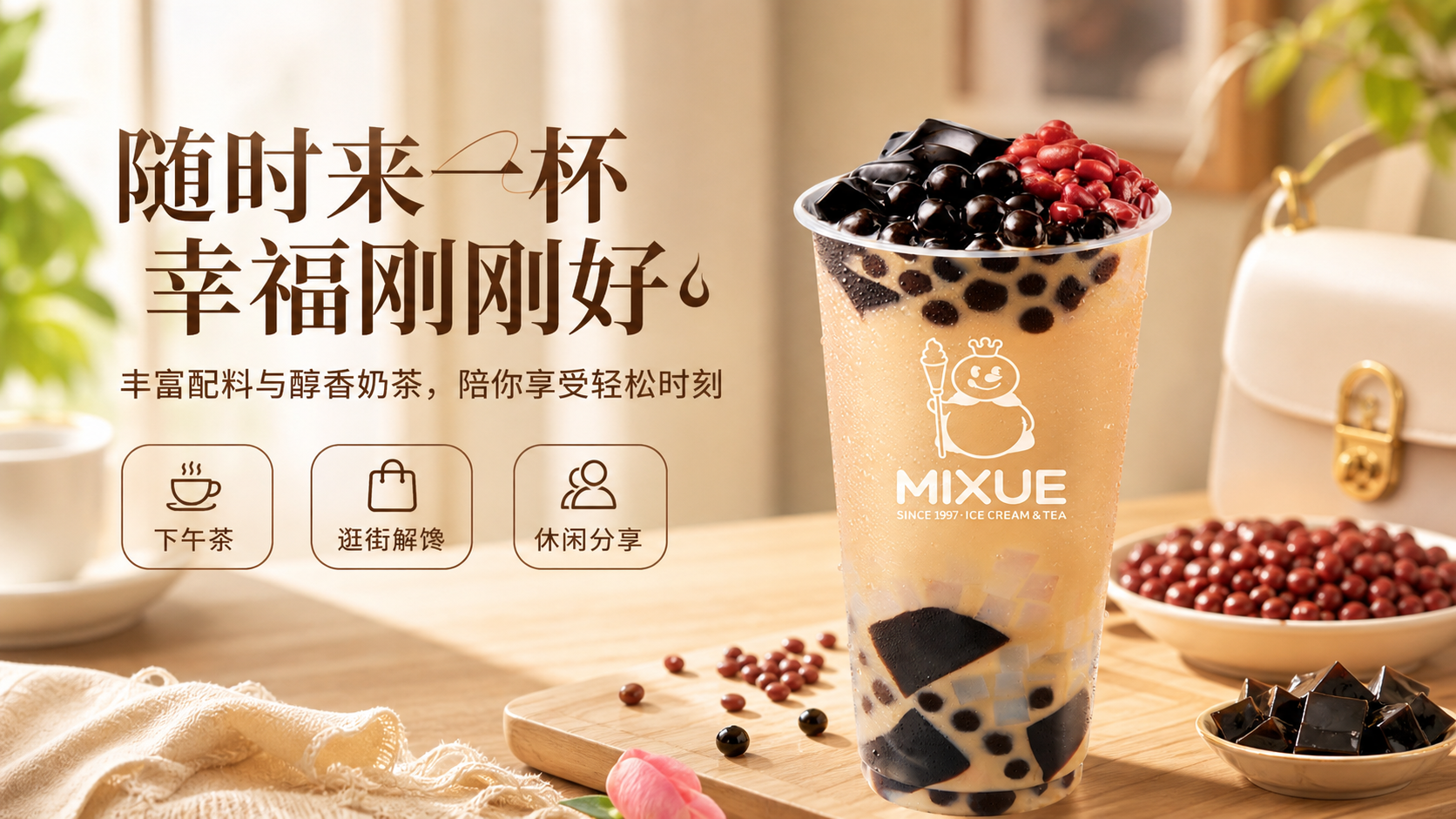 A+ detail 4 |
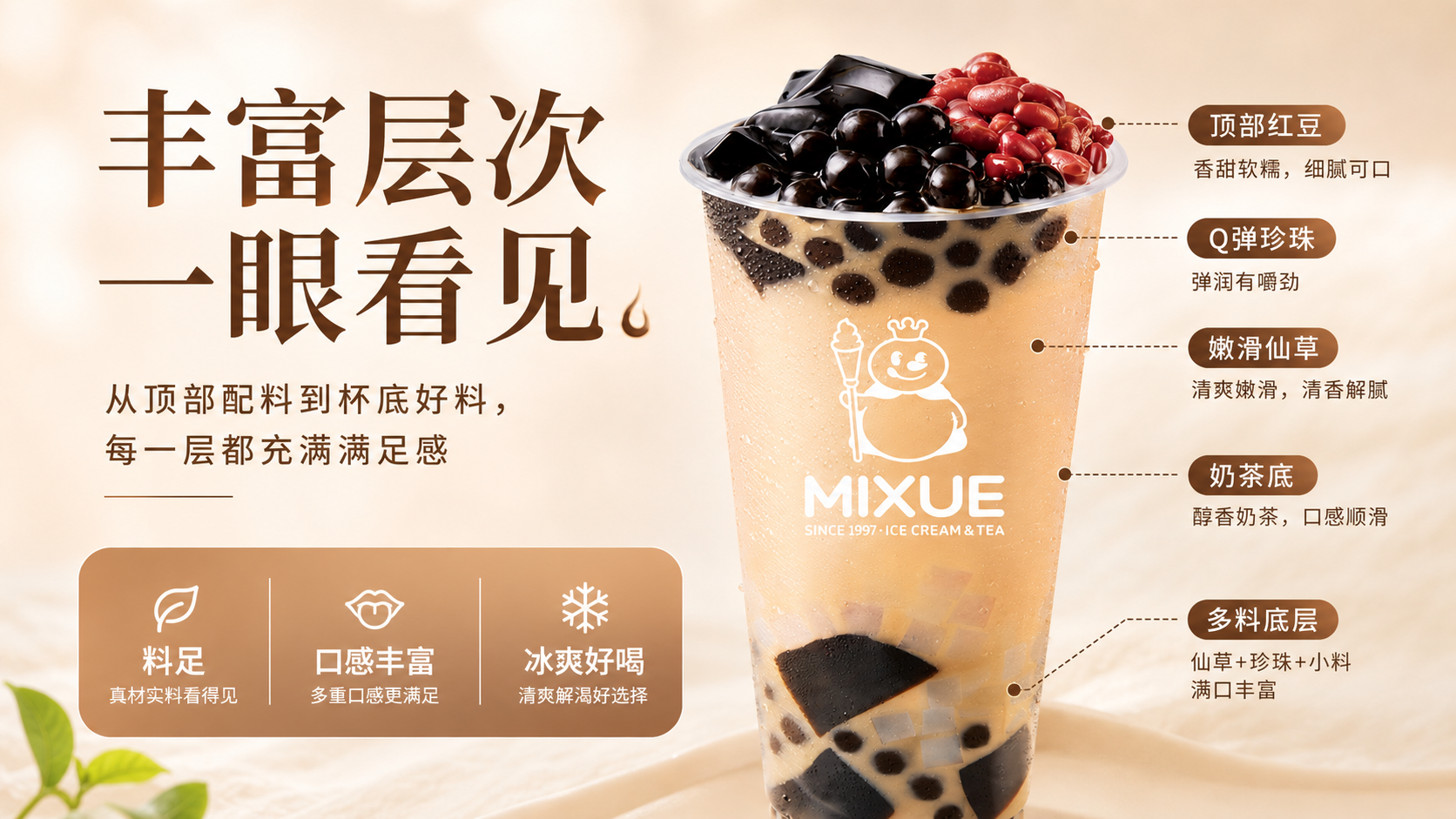 A+ summary |
Example 4: Sony A7 Exploded View (Community, by @iamaiistudio)
[!TIP] Community reference from a recent public GPT Image post. The source tweet only shared the output image.
Observed prompt:
Detailed exploded-view diagram of a Sony A7 mirrorless camera, with all internal components separated and clearly visible, each part labeled with its name. Technical product illustration style, clean white background, precise and informative layout.
| Output |
|---|
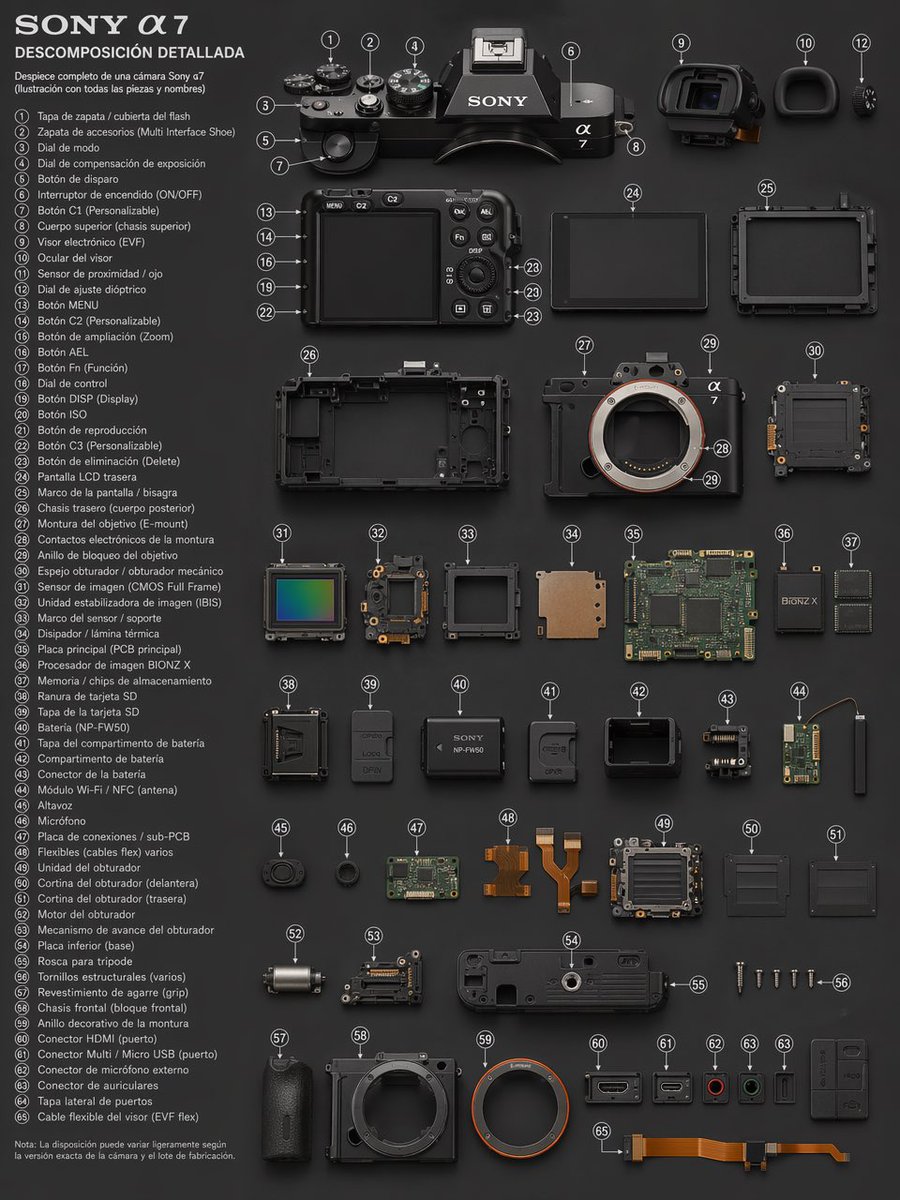 Exploded-view product diagram |
Example 5: Architectural Product Catalog Page (Community, by @iamaiistudio)
[!TIP] Community reference from a recent public GPT Image post. The source tweet shared the prompt and output image.
Observed prompt:
Create a vertical 3:4 product design catalog page with a warm neutral paper-like background.

Top section - lifestyle hero shot: place the product (use the uploaded image as the exact reference, preserving its form, proportions, materials, and identity without redesign) center-dominant with generous whitespace. Setting is a minimal architectural interior with a textured plaster wall and subtle concrete/stone floor. Lighting is natural sunlight angled from the side, soft but casting high-contrast shadows. Render in editorial lifestyle photography style, high realism, warm and muted color grading.

Bottom section - technical specification panel laid out in a clean modular grid:
- Bottom left and center: orthographic architectural line drawings showing front view, side view, and three-quarter cutaway/profile view. Lines in muted red or sepia, fine technical weight, with minimal editorial measurement and construction callouts.
- Bottom right: 3-4 material swatch samples derived from the product's actual materials (fabric, leather, metal, wood, or plastic as applicable), in square or rectangular format with small editorial captions.

Typography: minimal editorial style, subtle captions only, no large headlines, soft black or dark brown.

Overall mood: design catalog / product design journal - architectural, premium, calm. No clutter, no bold colors, no heavy branding, no decorative graphics, no perspective distortion in the technical drawings.
| Output |
|---|
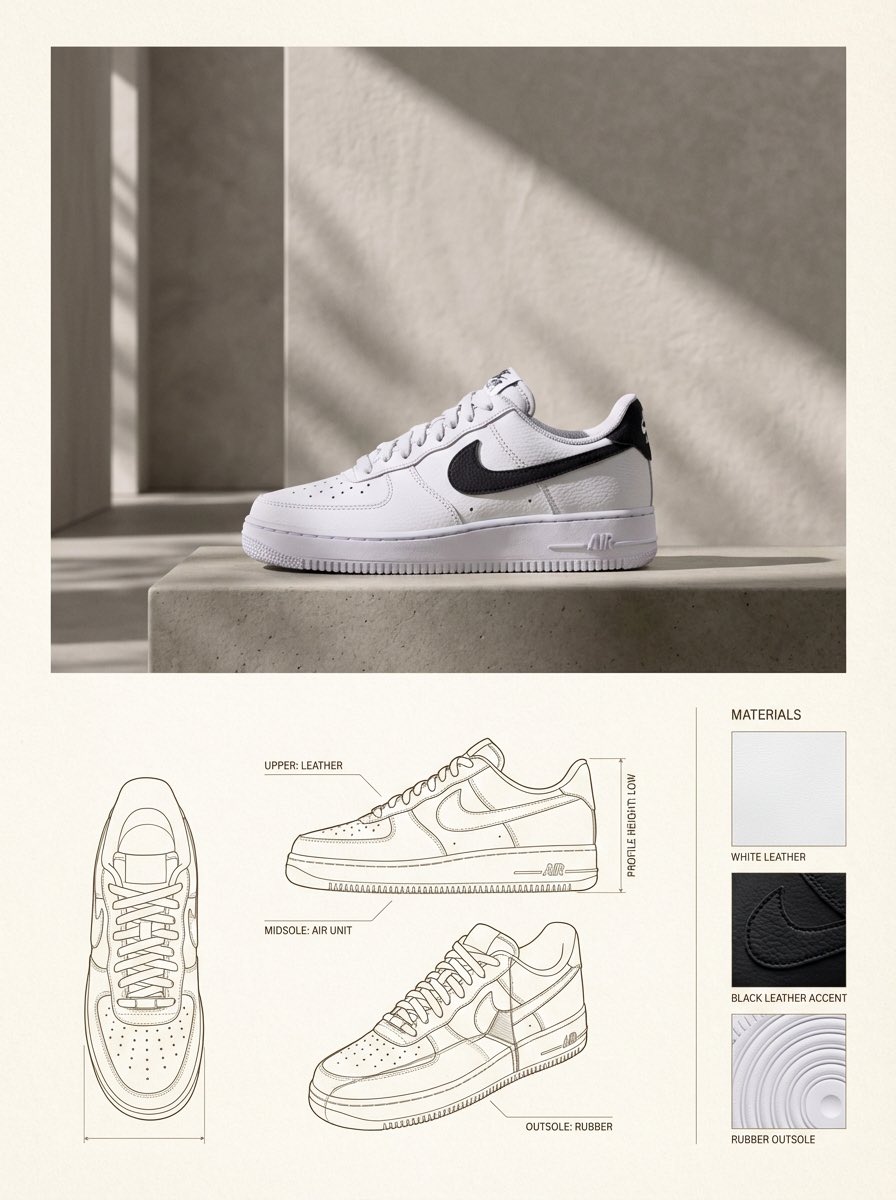 Catalog page with technical panel |
Example 6: Reverse Disintegration Product Ad (Community, by @iamaiistudio)
[!TIP] Community reference from a recent public GPT Image post. The source tweet shared the prompt and multiple output variations; a representative watch composition is shown here.
Observed prompt:
[PRODUCT] reassembling in midair from scattered pieces, reverse-disintegration effect, mechanical precision, each component suspended at a different depth, dark void background, high-concept product advertising, cinematic VFX.
| Output |
|---|
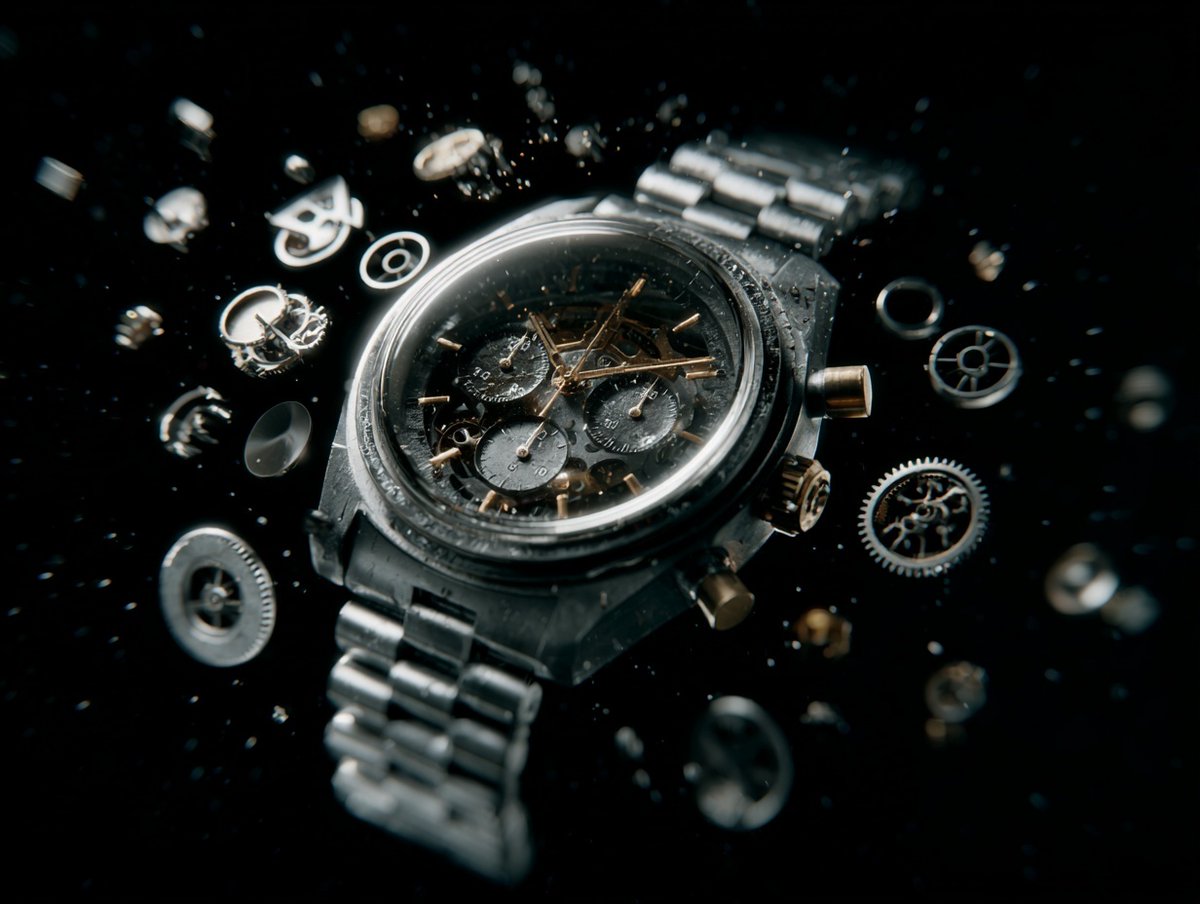 Suspended product reassembly concept |
Case 4: Bulk Amazon Listing Generation
[!NOTE] Use this when you need to generate listings in bulk across multiple SKUs of the same category. Per-language batch runs are not yet supported.
Case 5: Bulk Product Main Image Replacement
Input: Upload the source product image and the target listing image set.
Prompt:
Replace the product in image 1 across images 2–7. Only the swapped product changes; keep everything else identical.
[!NOTE] One-shot recreation of a viral listing — swap the product without redesigning the layout. Useful when many SKUs reuse the same creative style.
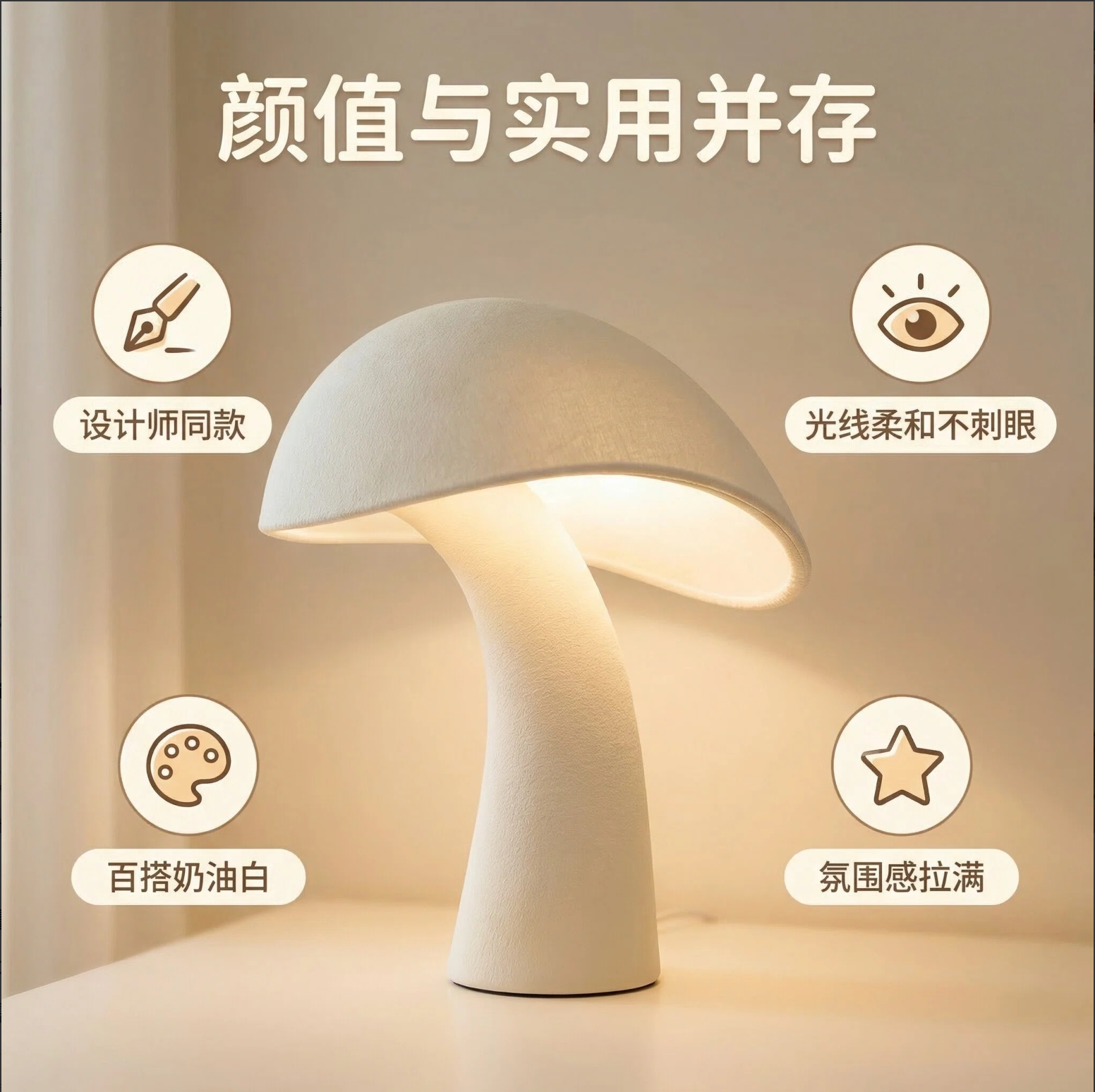
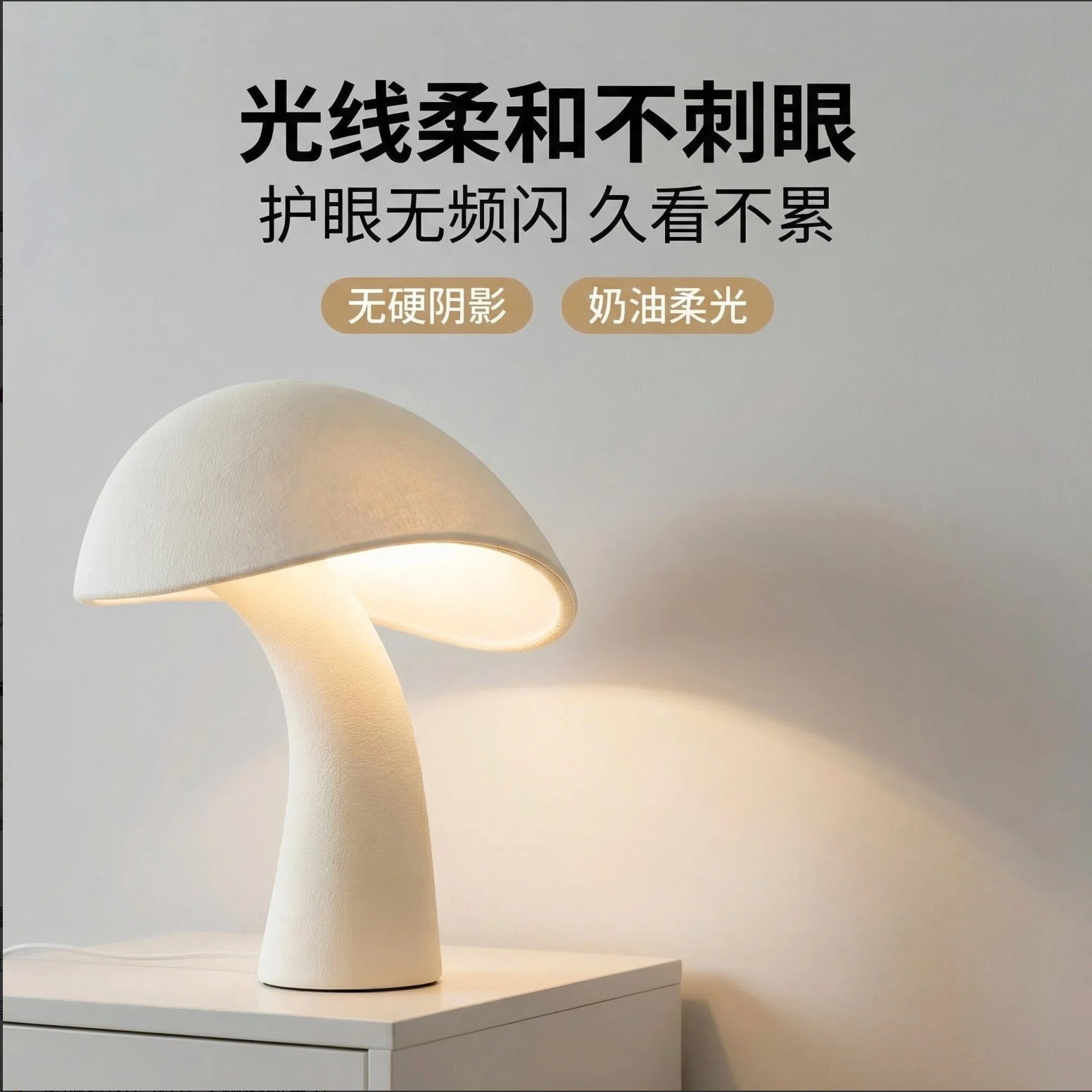
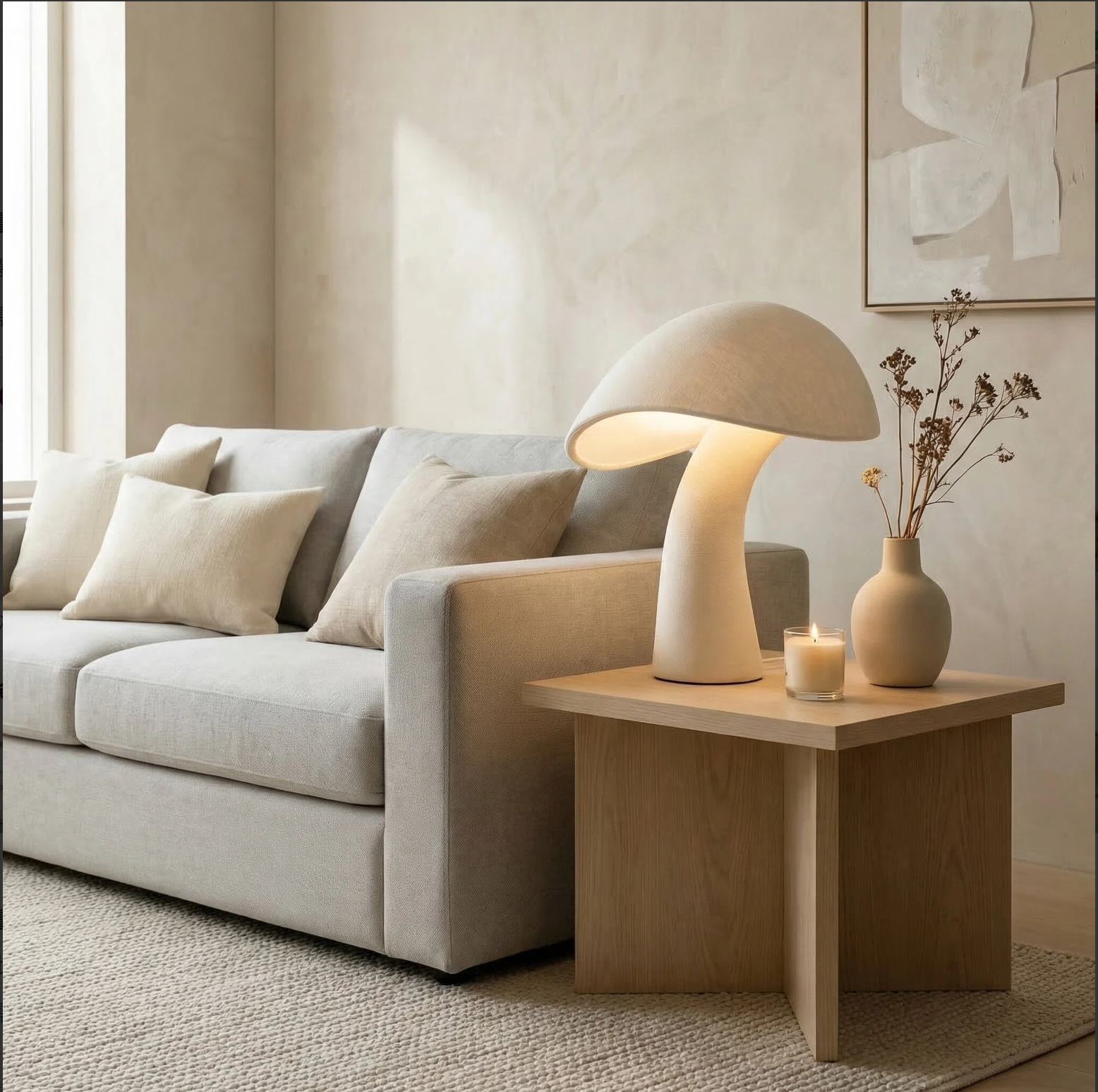
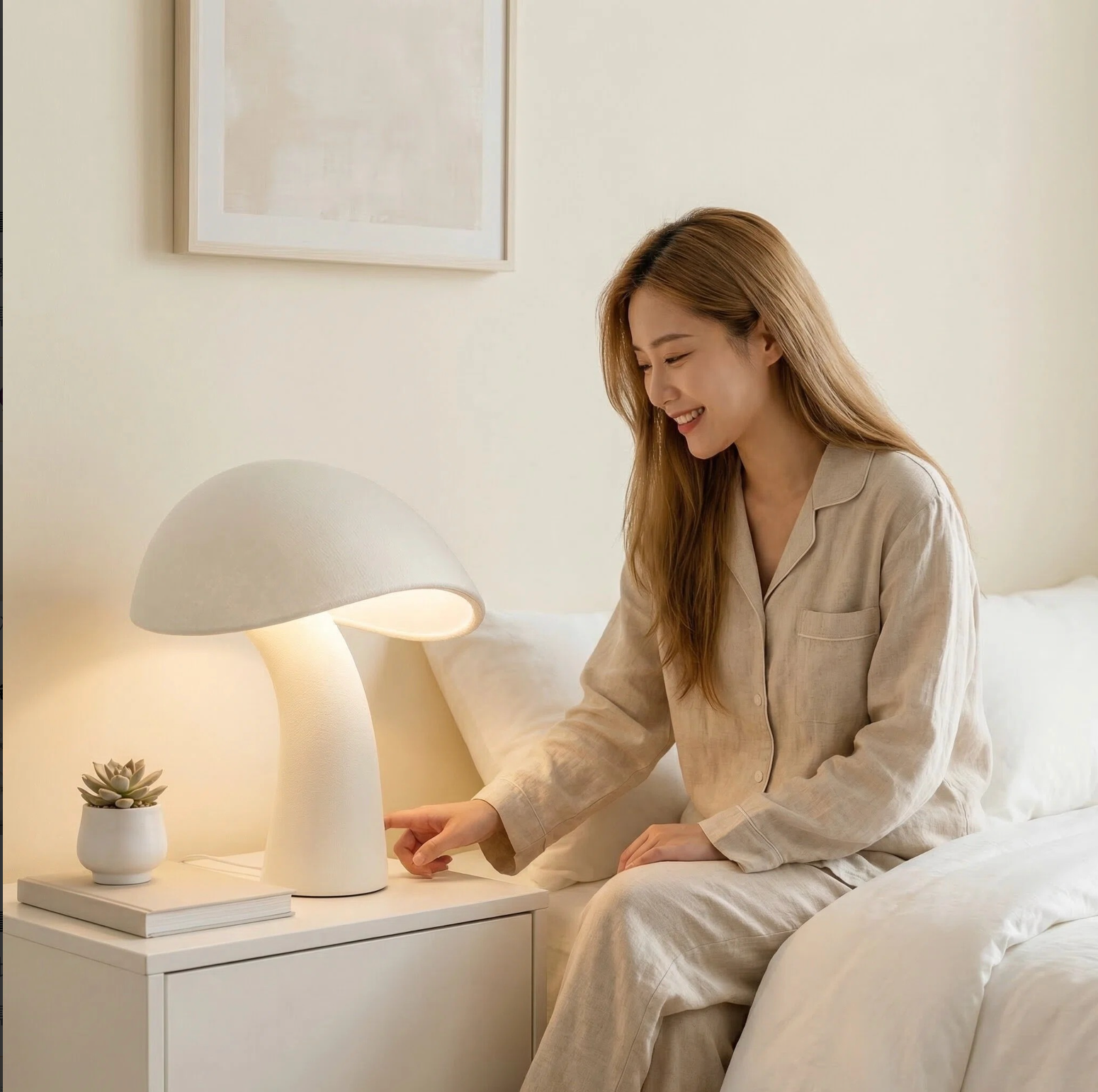
Example 1: Globe Ambient Lamp (swapped into the mushroom-lamp viral set)
| Source product | Viral listing set (to be replaced) | |||||
|---|---|---|---|---|---|---|
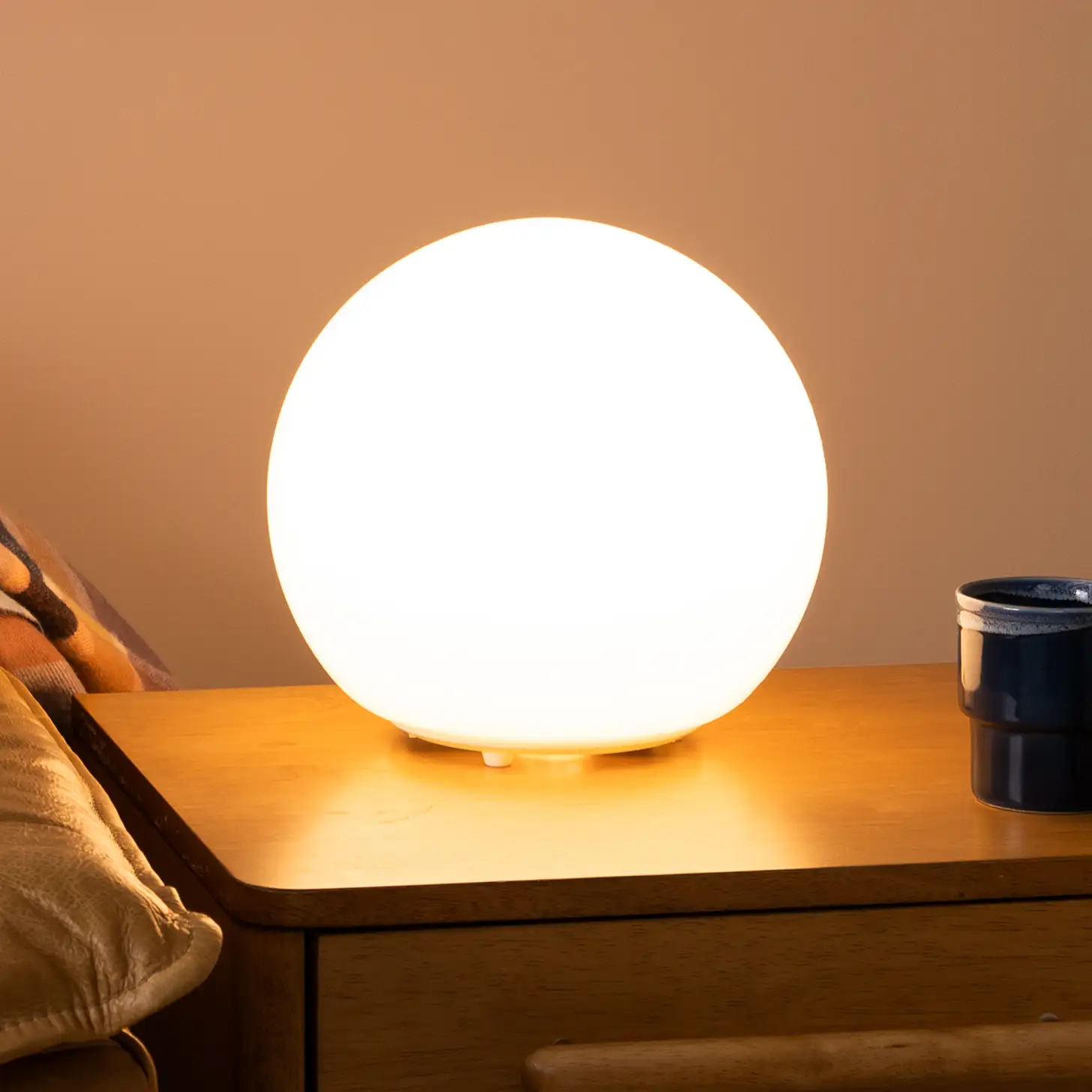 Globe ambient lamp |
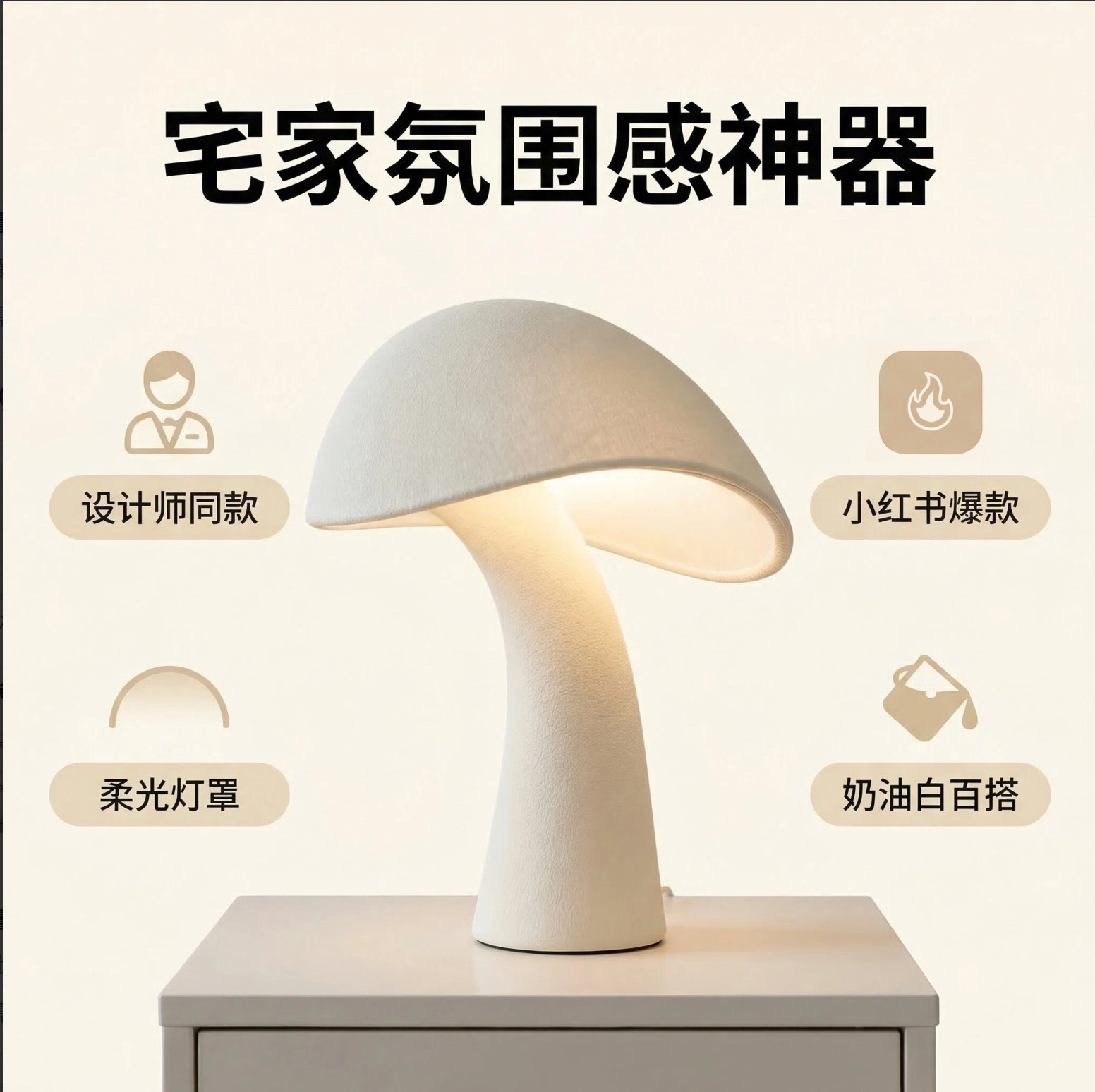 Original main 1 |
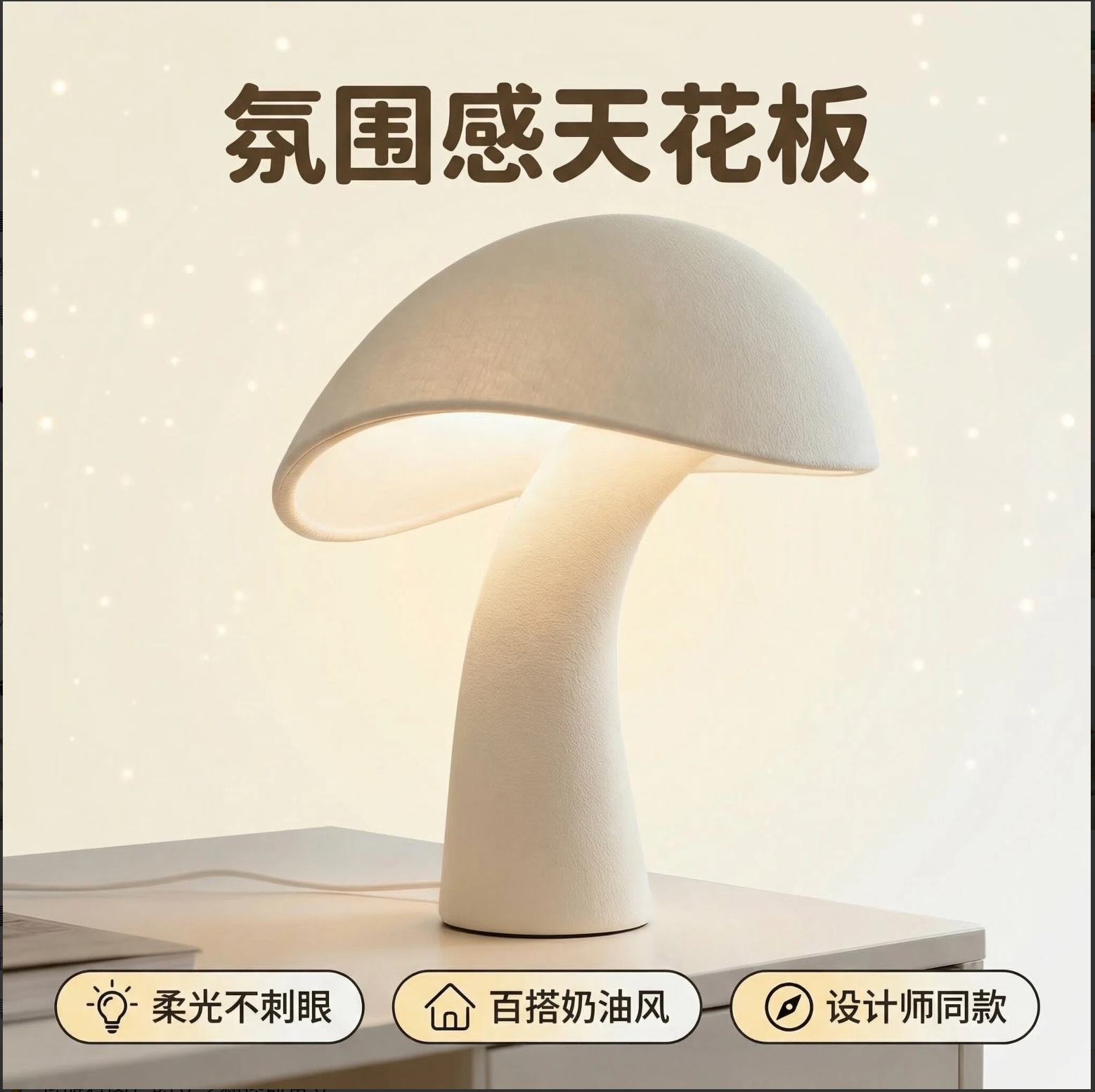 Original main 2 |
 Original main 3 |
 Original main 4 |
 Original main 5 |
 Original main 6 |
| Replaced listing set | ||||||
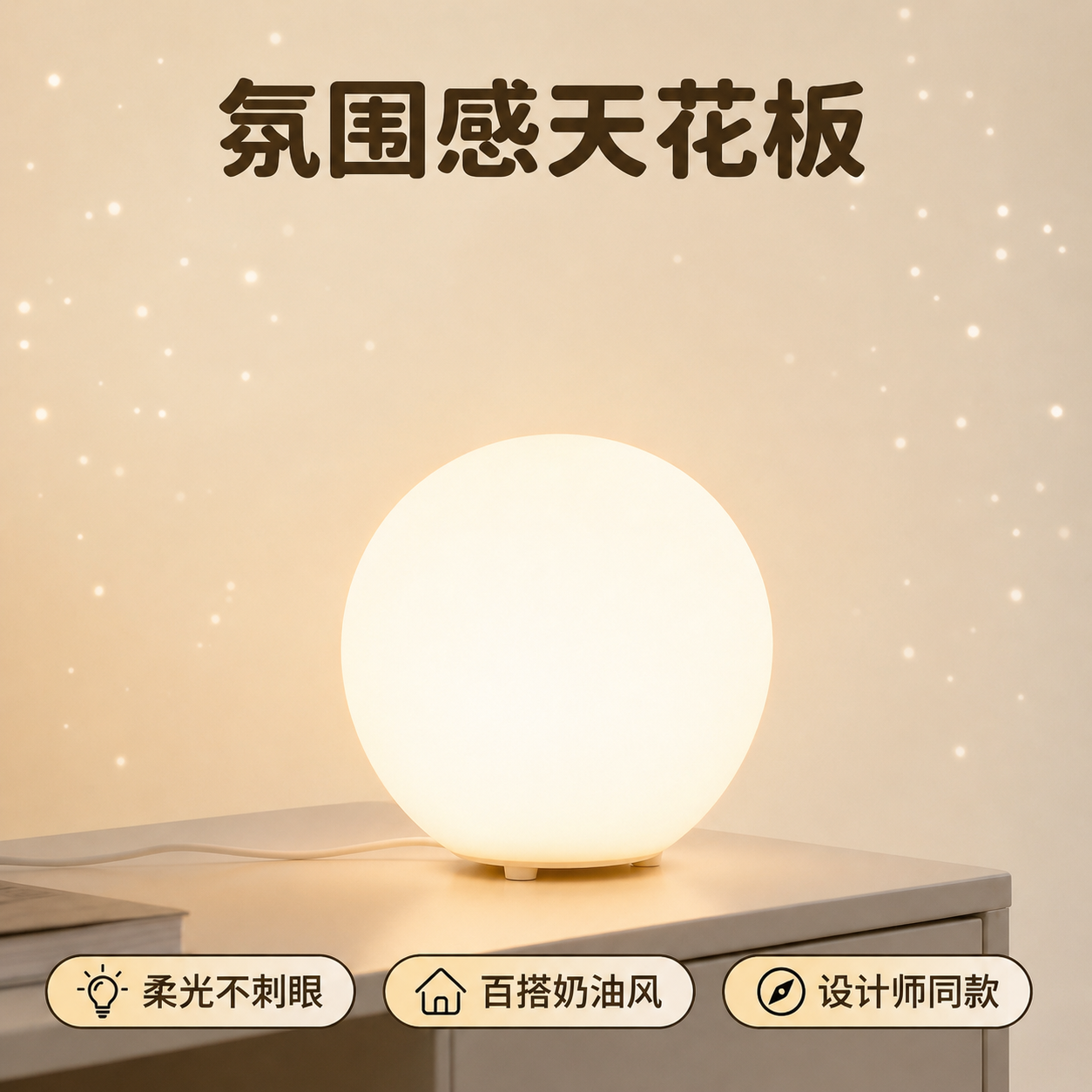 Replaced 1 |
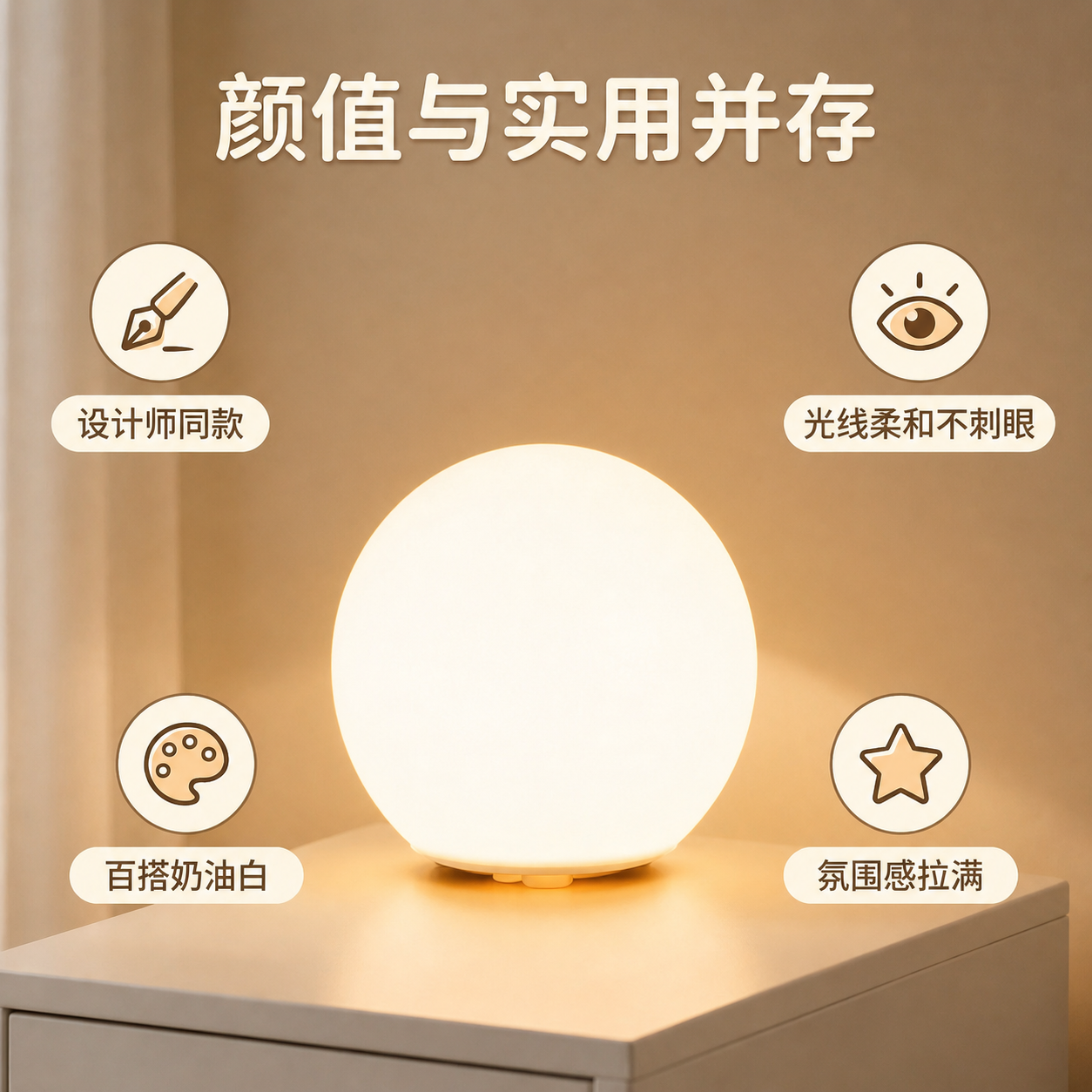 Replaced 2 |
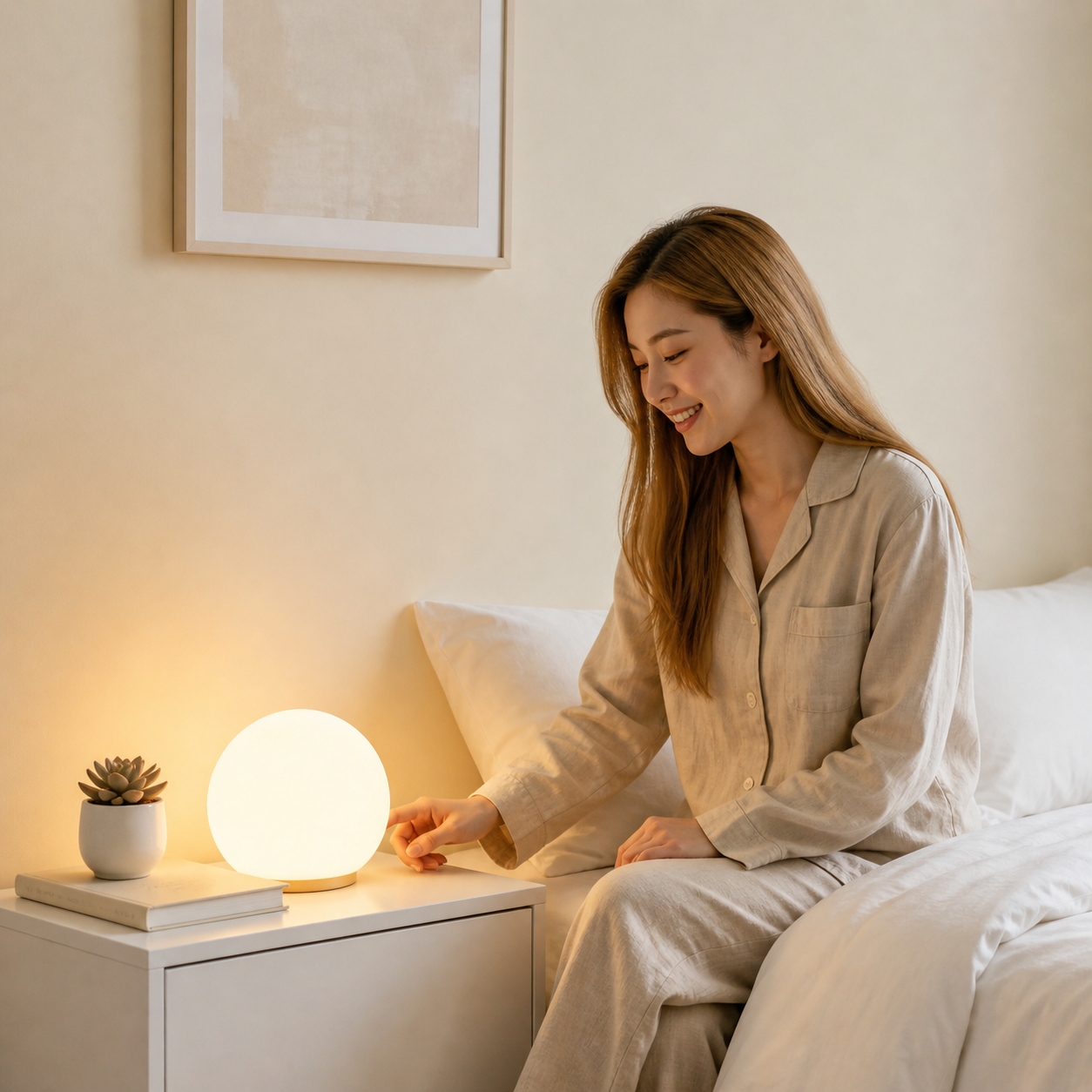 Replaced 3 |
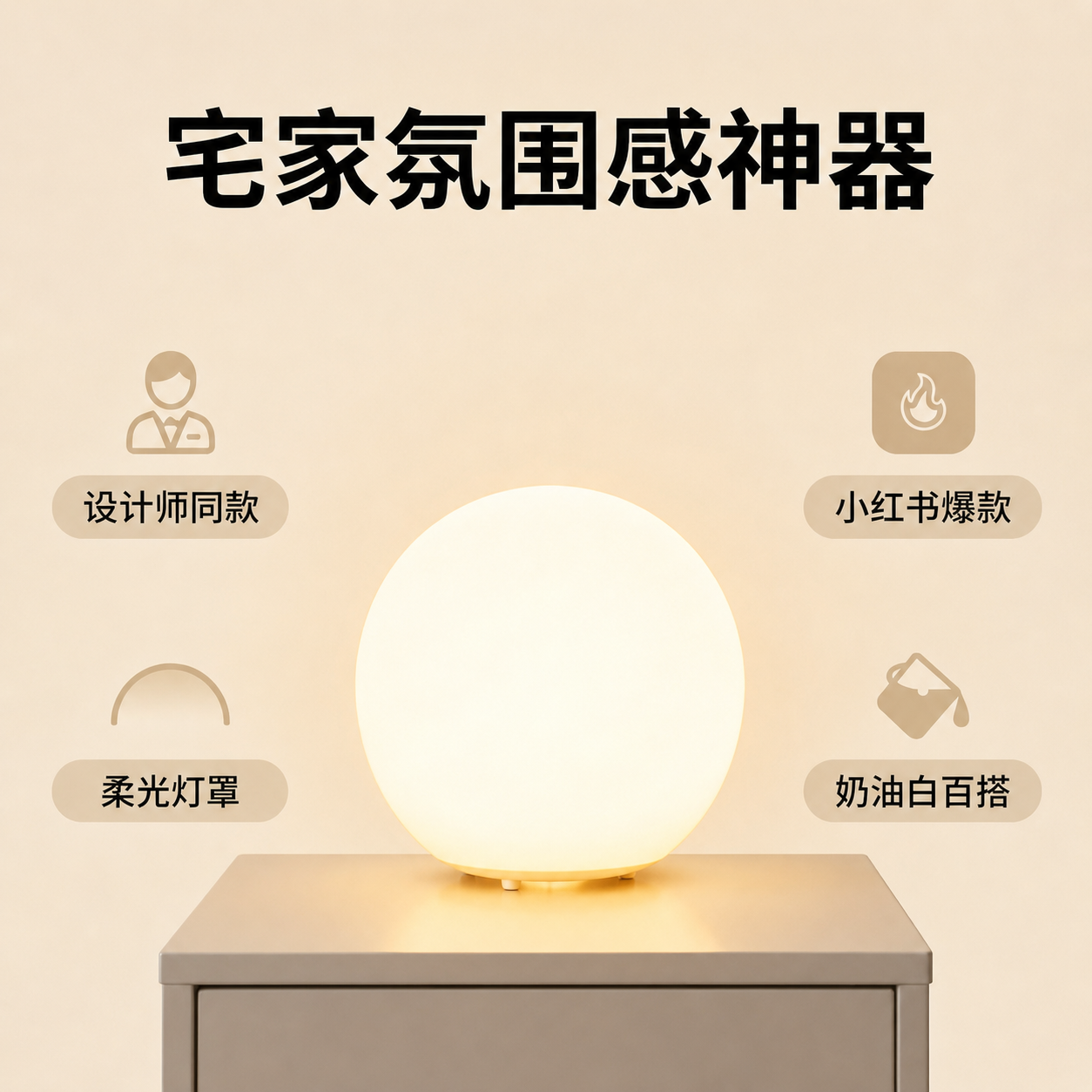 Replaced 4 |
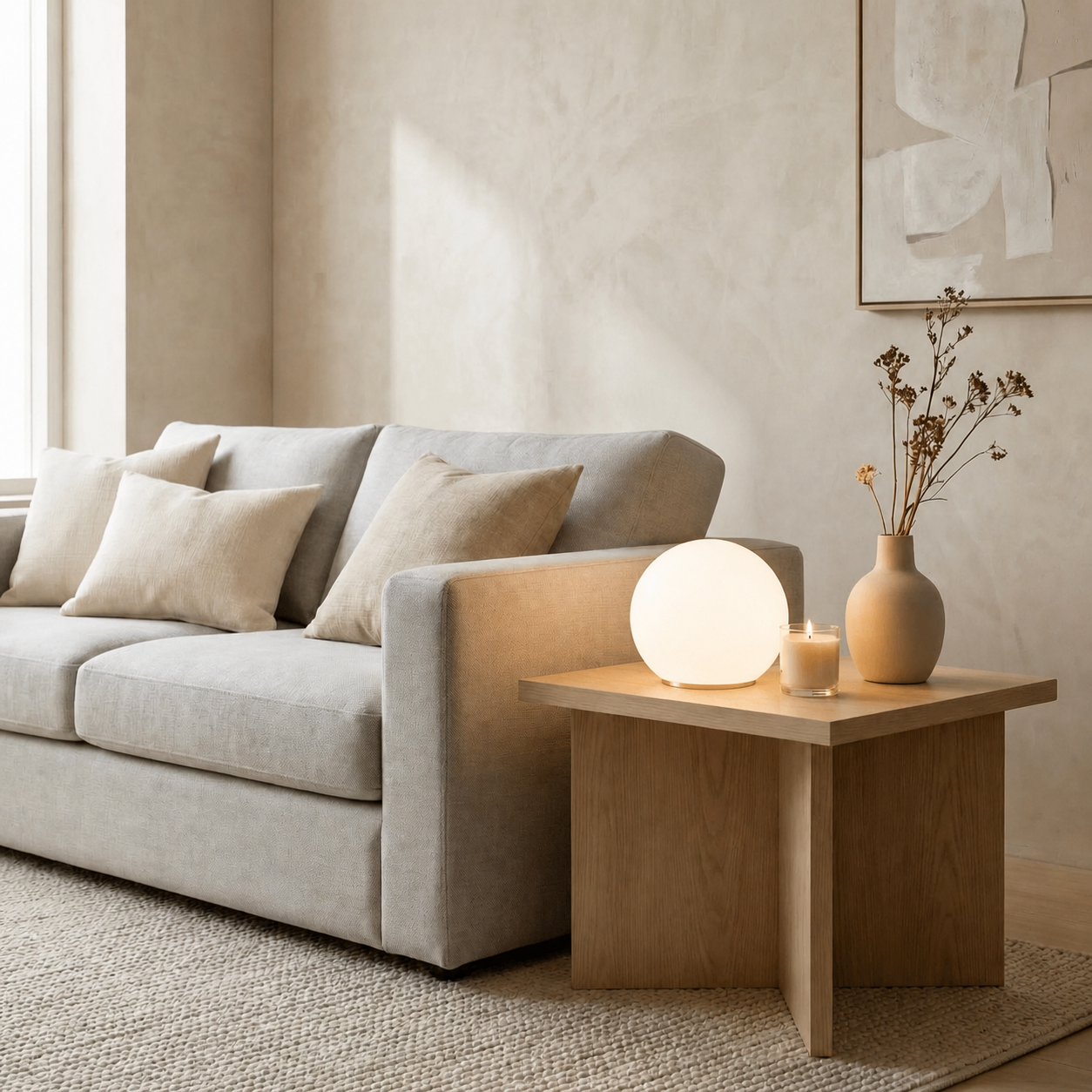 Replaced 5 |
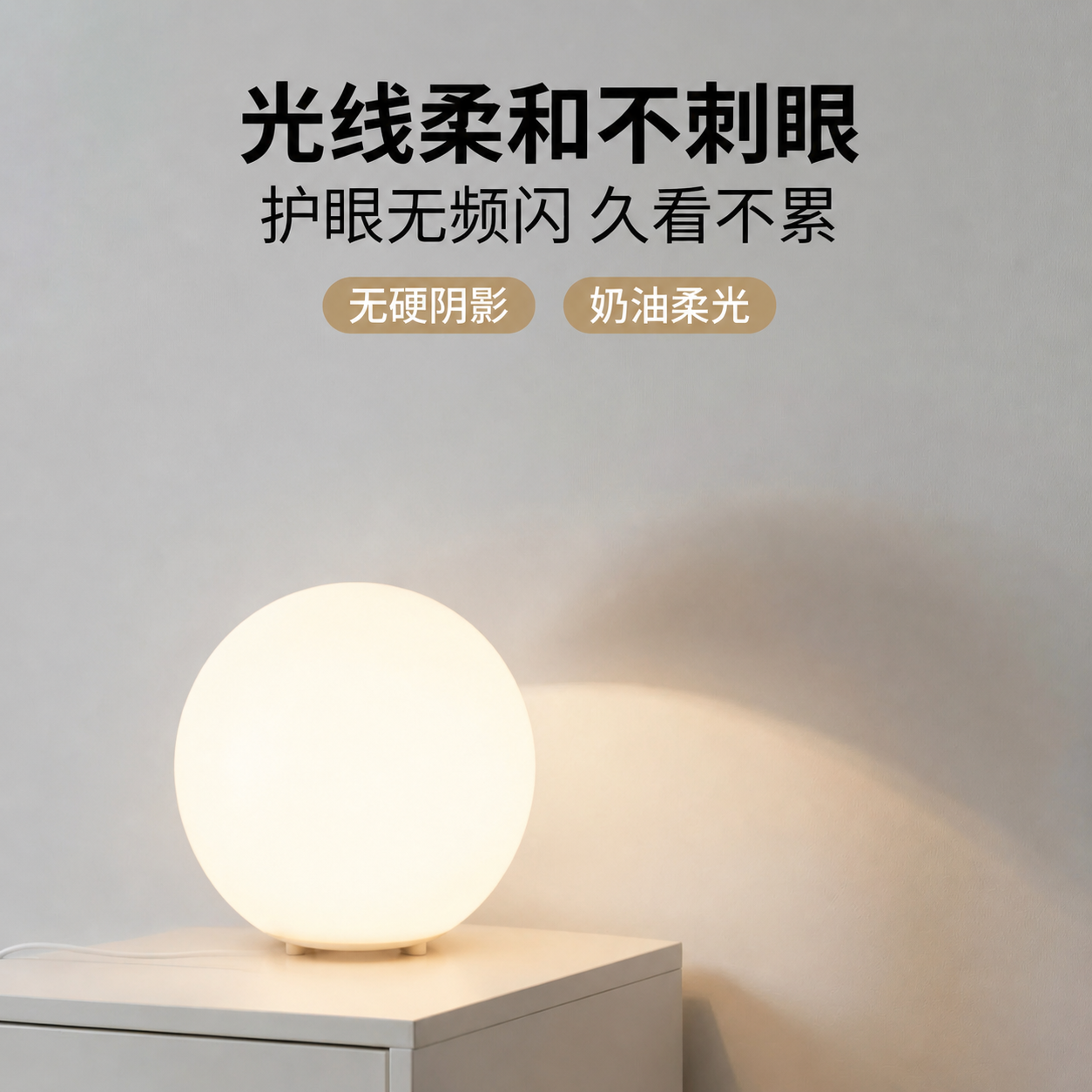 Replaced 6 |
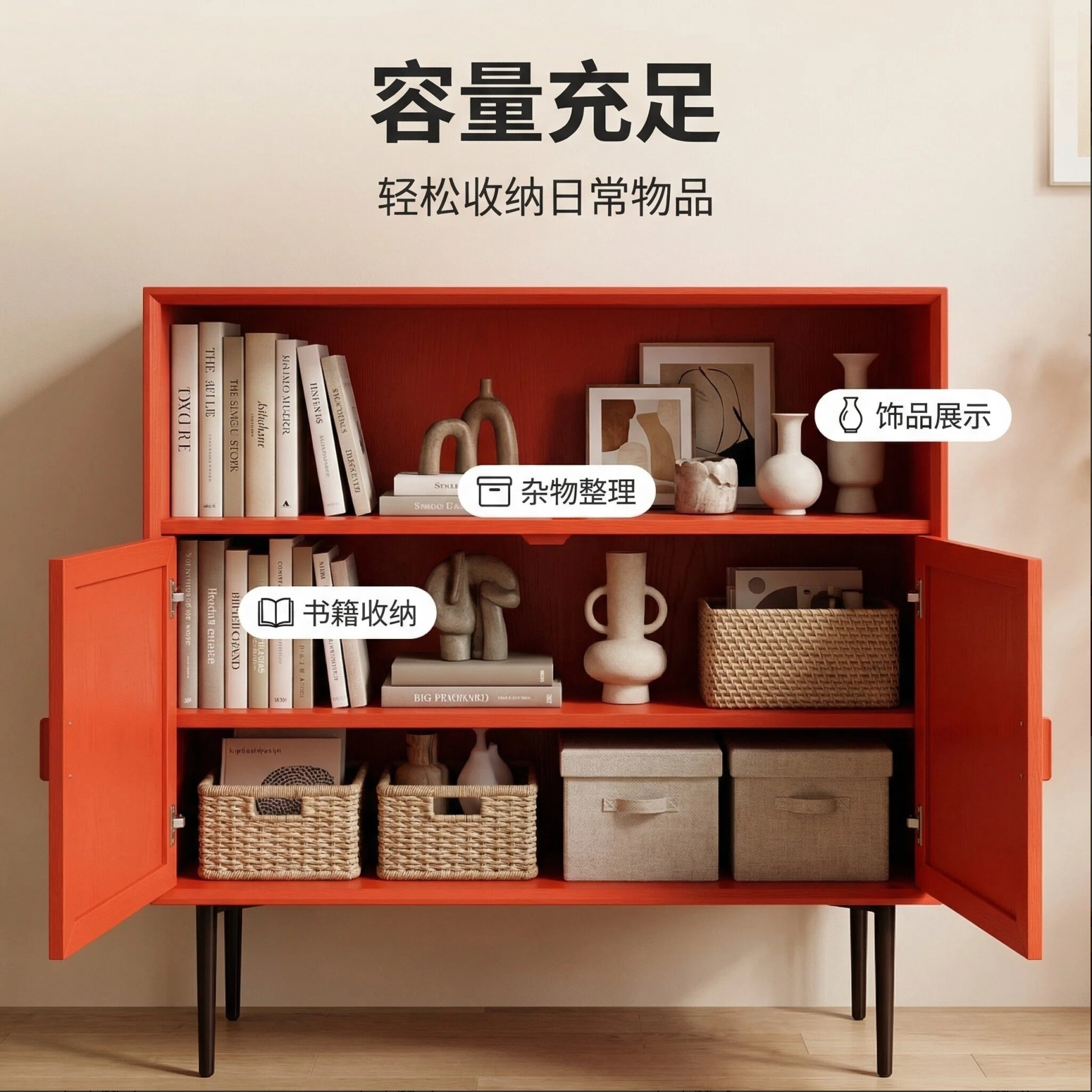
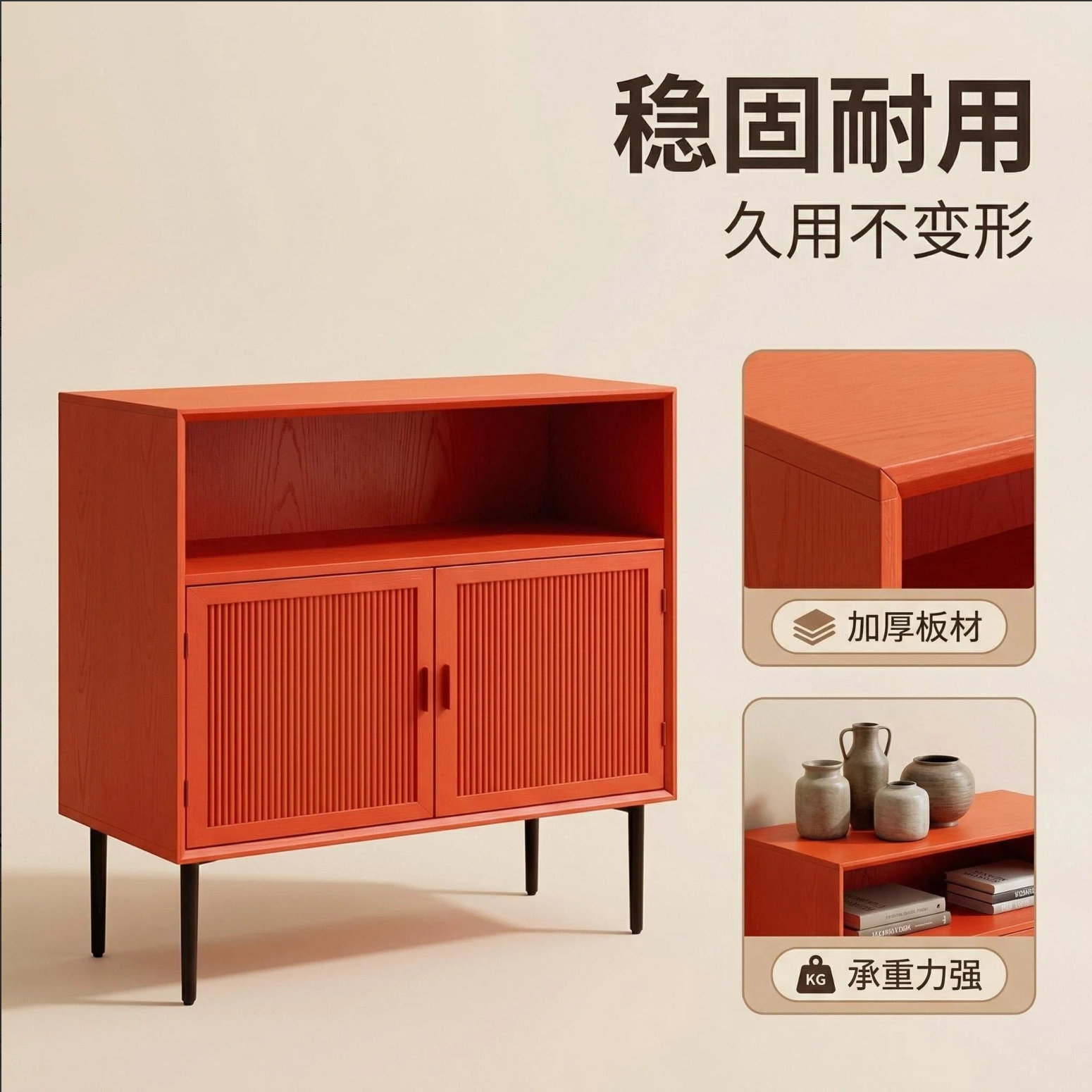
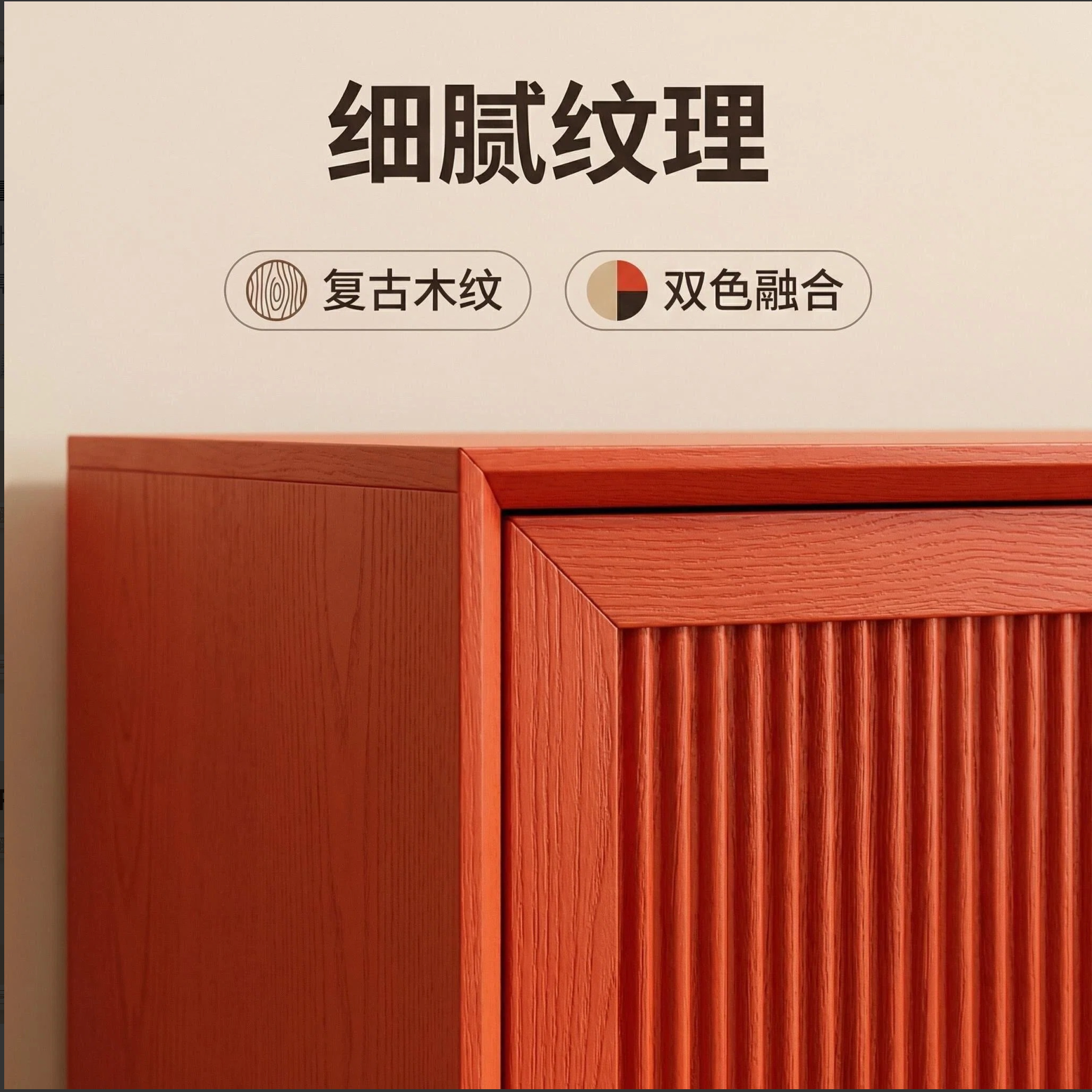
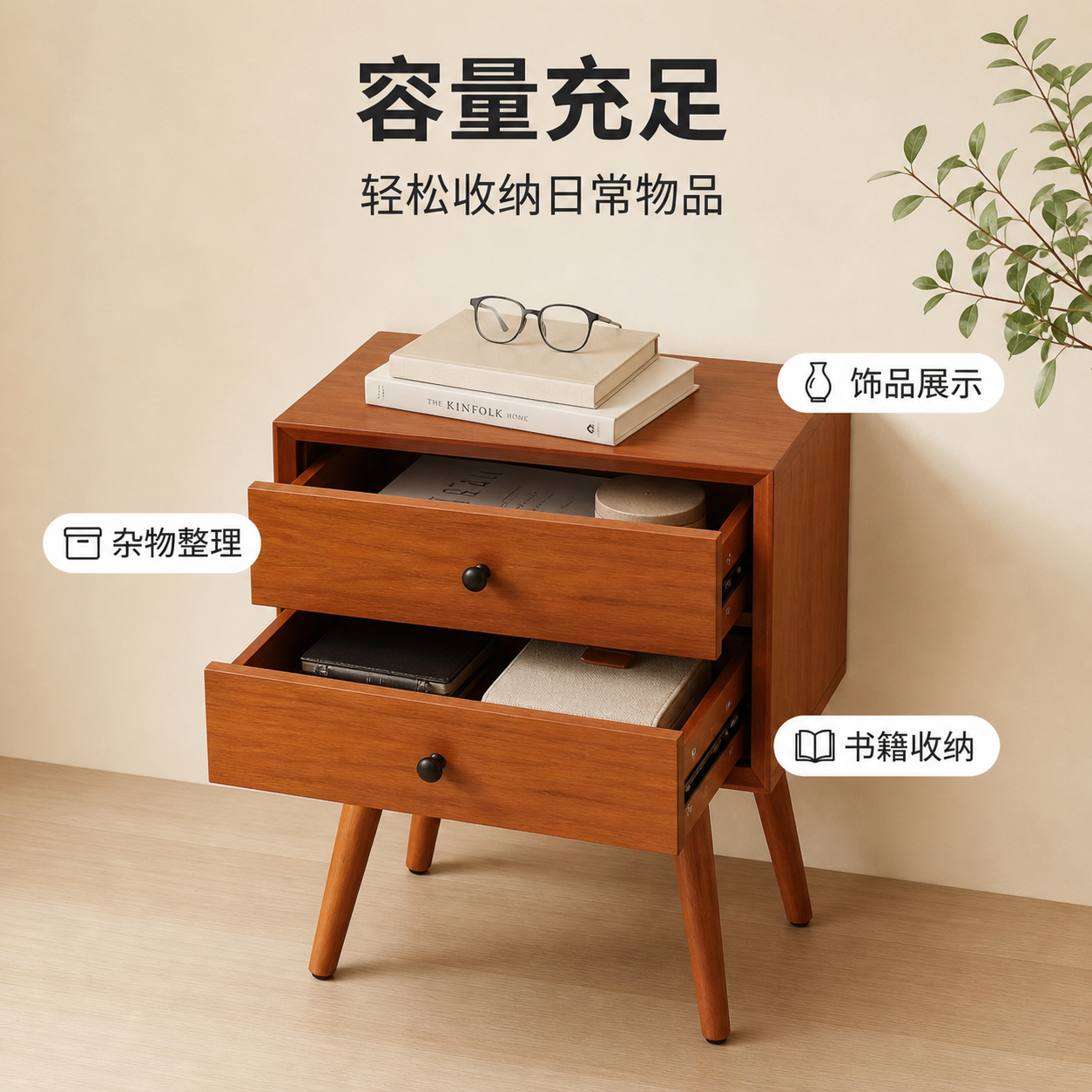
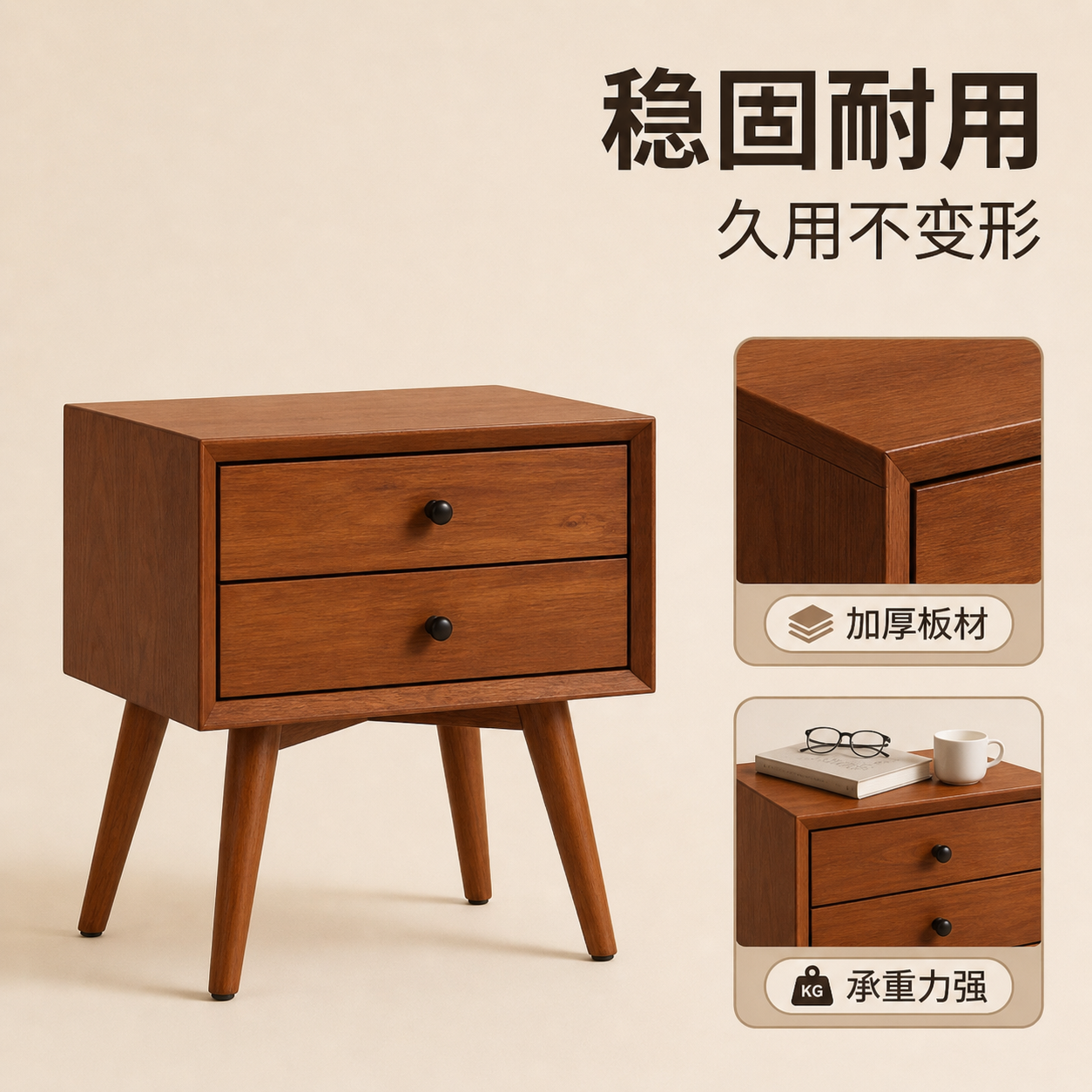
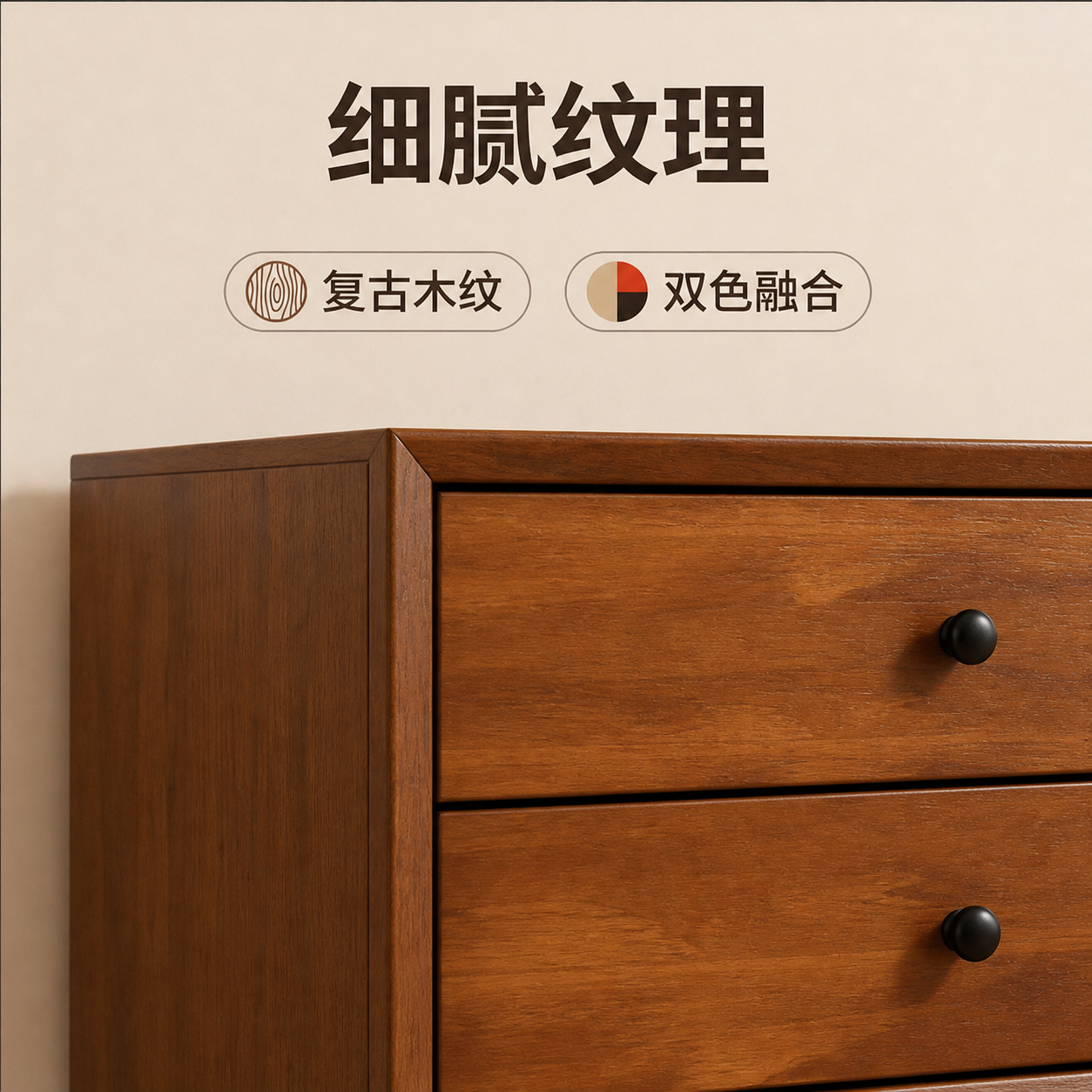
Example 2: Wooden Bedside Table (swapped into the red cabinet viral set)
| Source product | Viral listing set (to be replaced) | |||
|---|---|---|---|---|
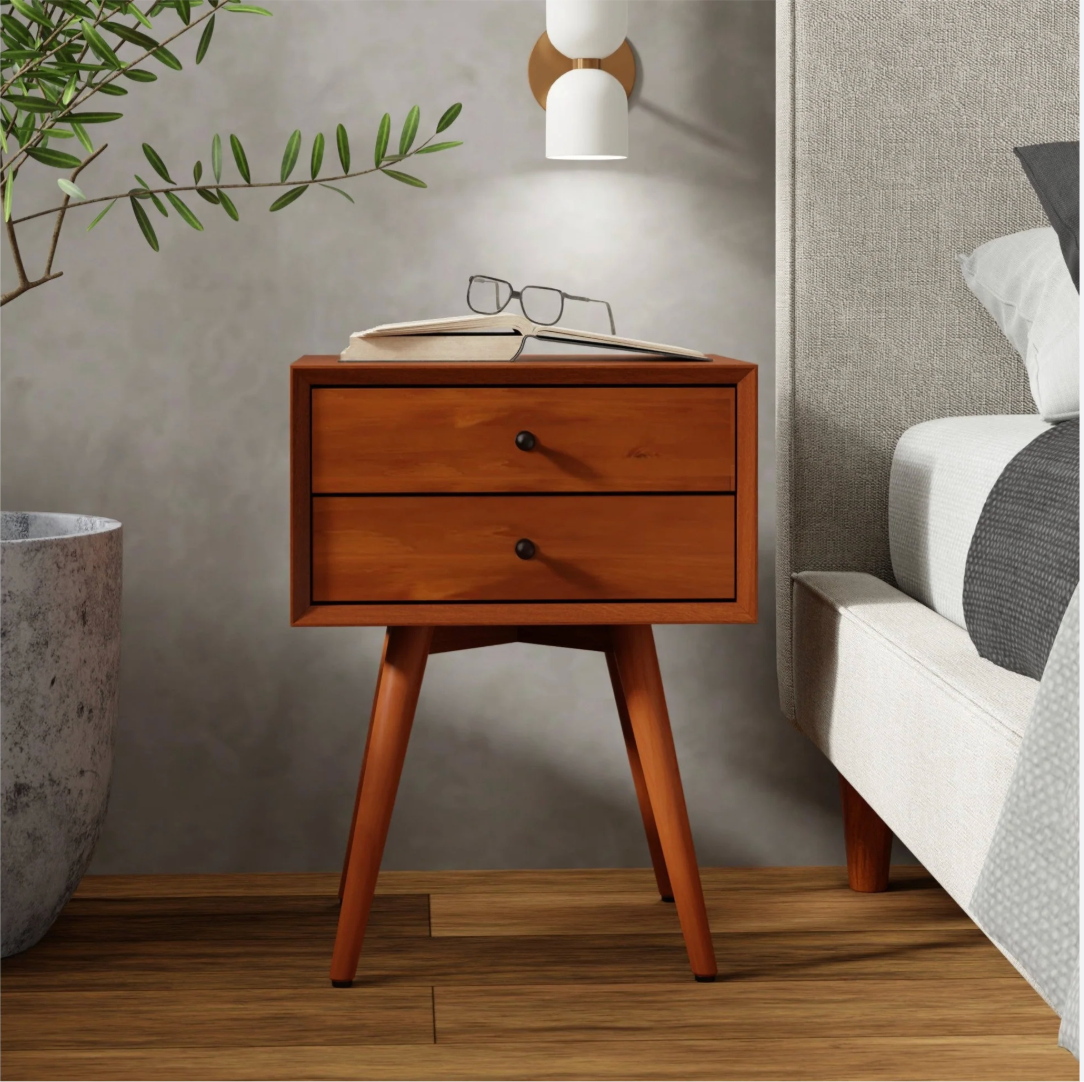 Wooden bedside table |
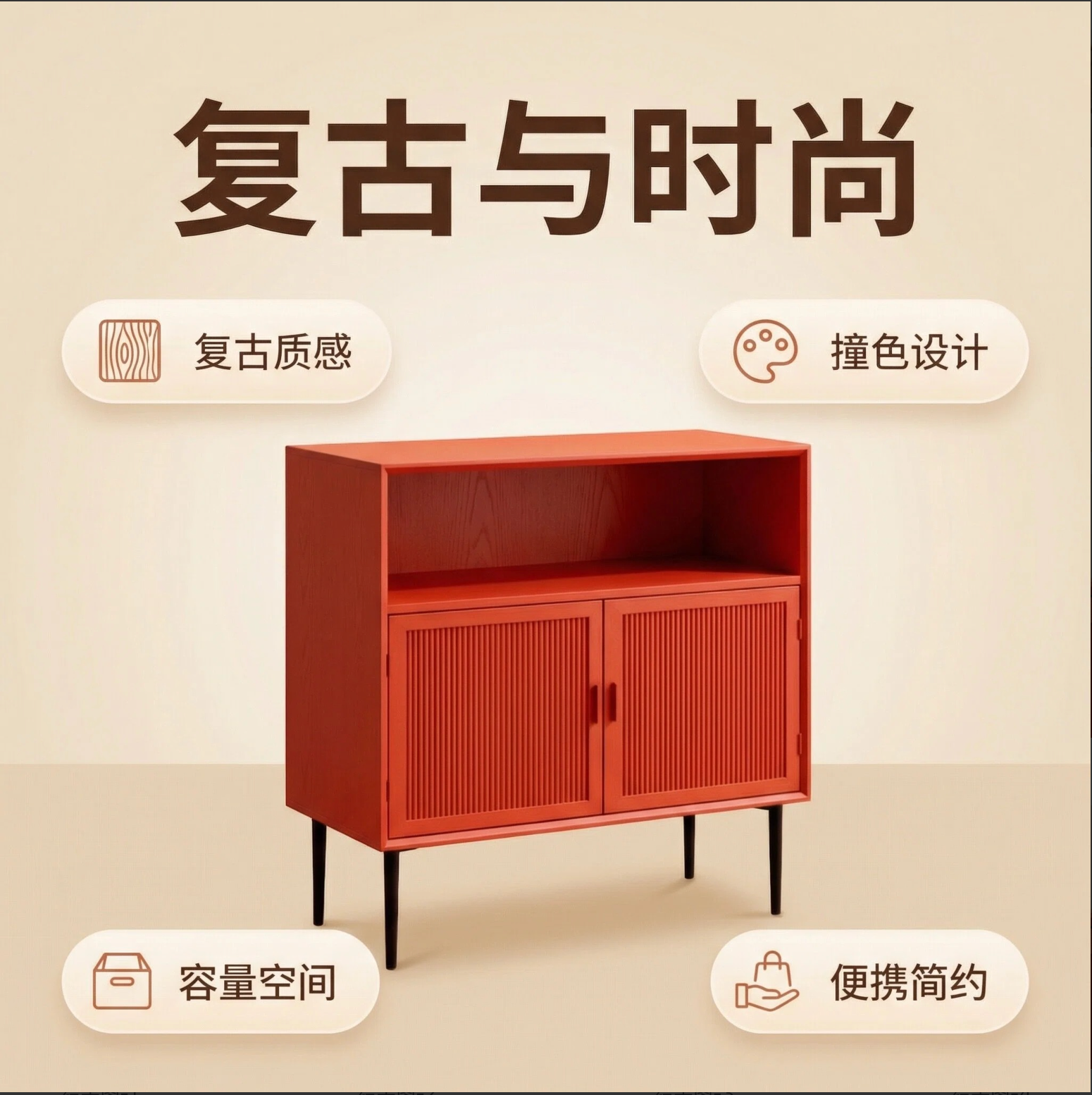 Original main 1 |
 Original main 2 |
 Original main 3 |
 Original main 4 |
| Replaced listing set | ||||
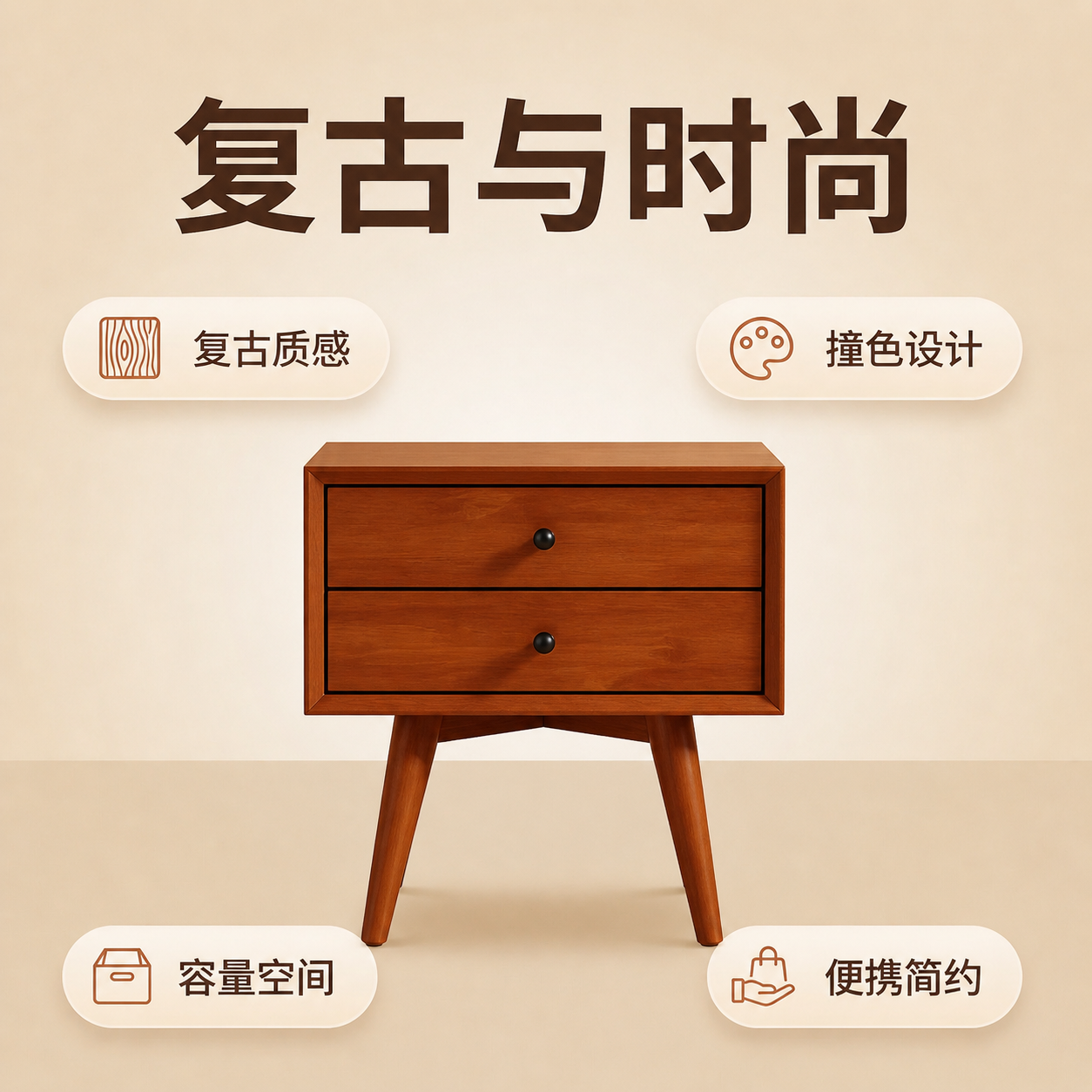 Replaced 1 |
 Replaced 2 |
 Replaced 3 |
 Replaced 4 |
Case 6: Bulk Listing Translation
Input: Upload all listing images that contain text.
Prompt:
Translate the text in all images into {target_language}.
[!NOTE] Replace {target_language} before use. Example: "Translate the text in all images into English." Batch-translates listing copy across languages while preserving the original layout — perfect for one-click global rollout.
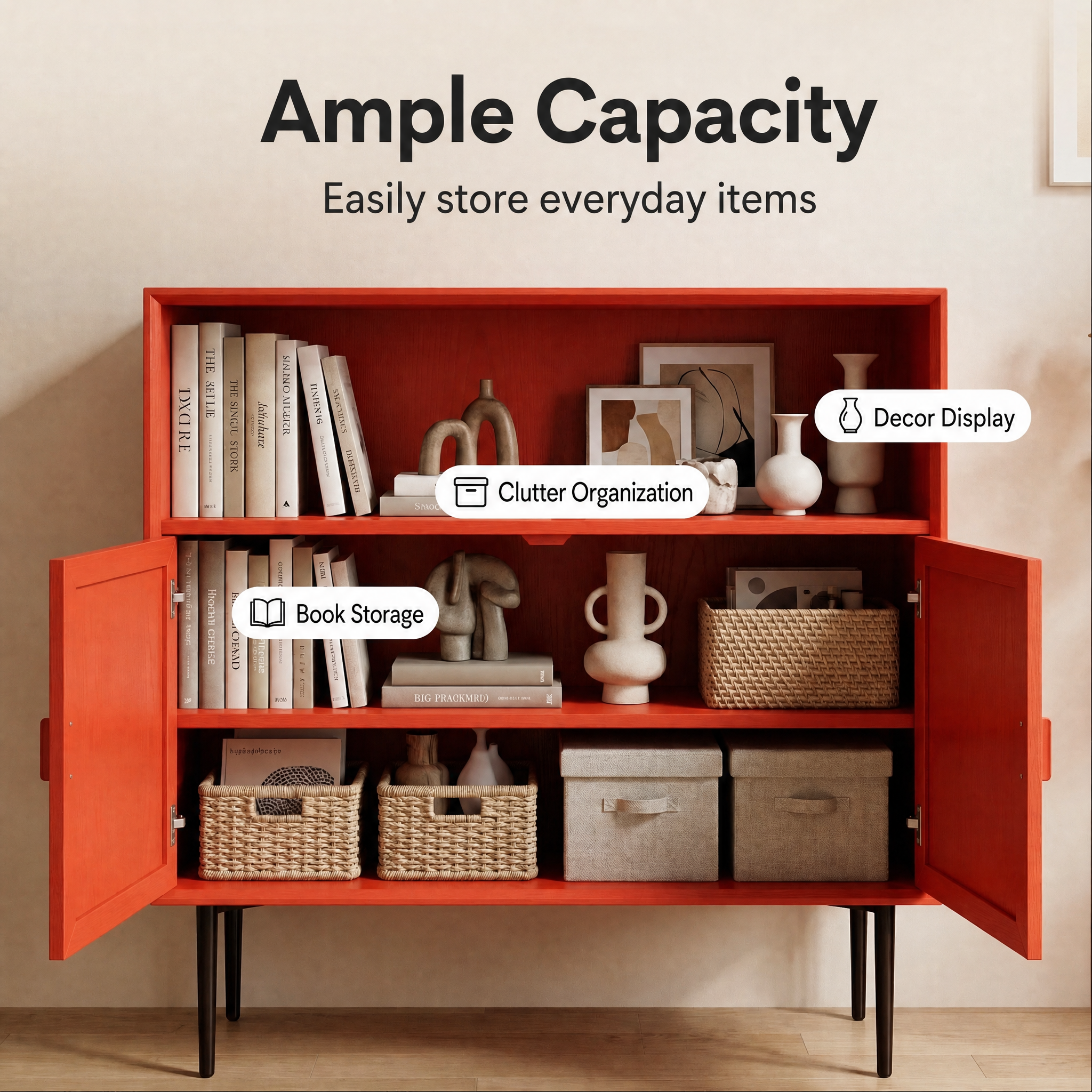
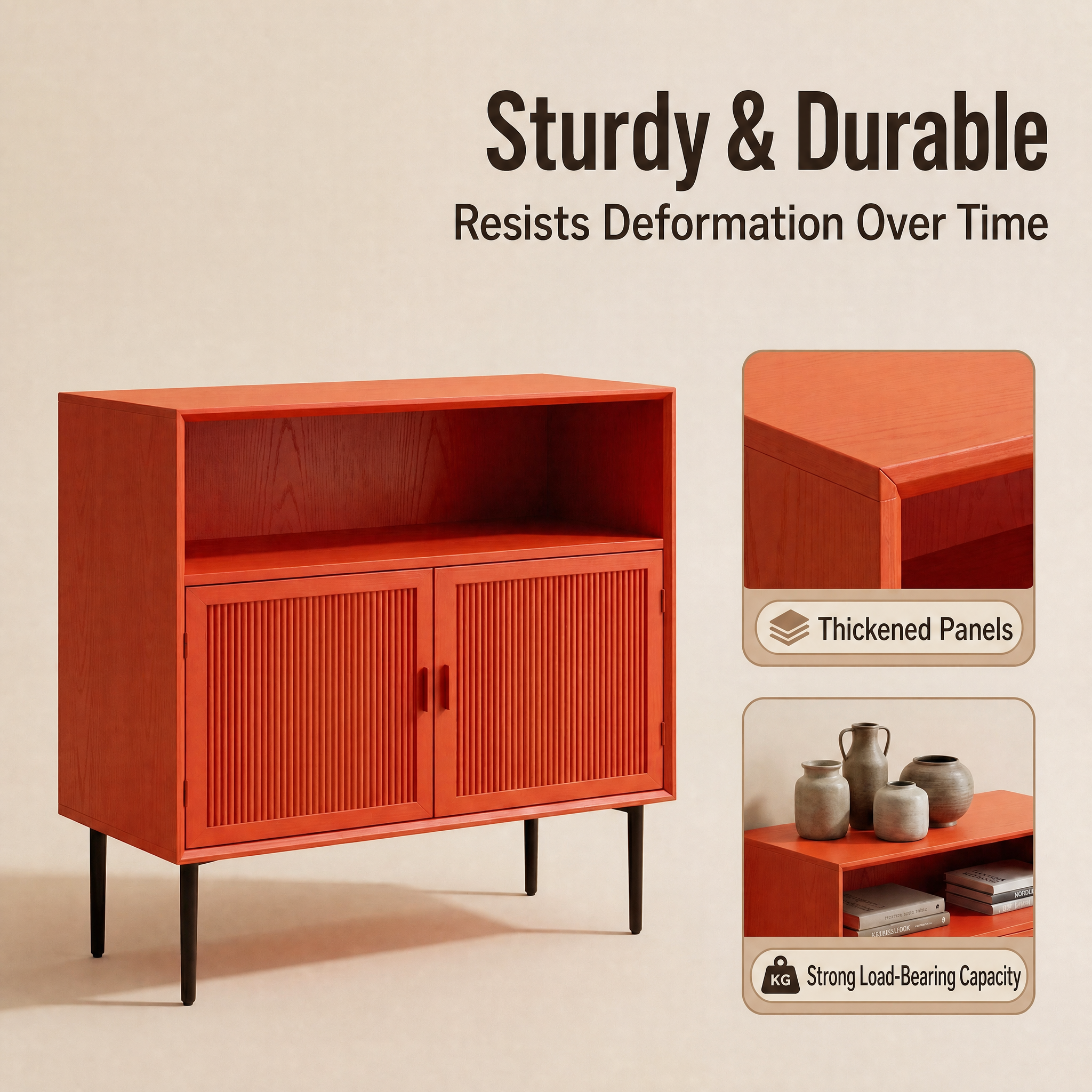
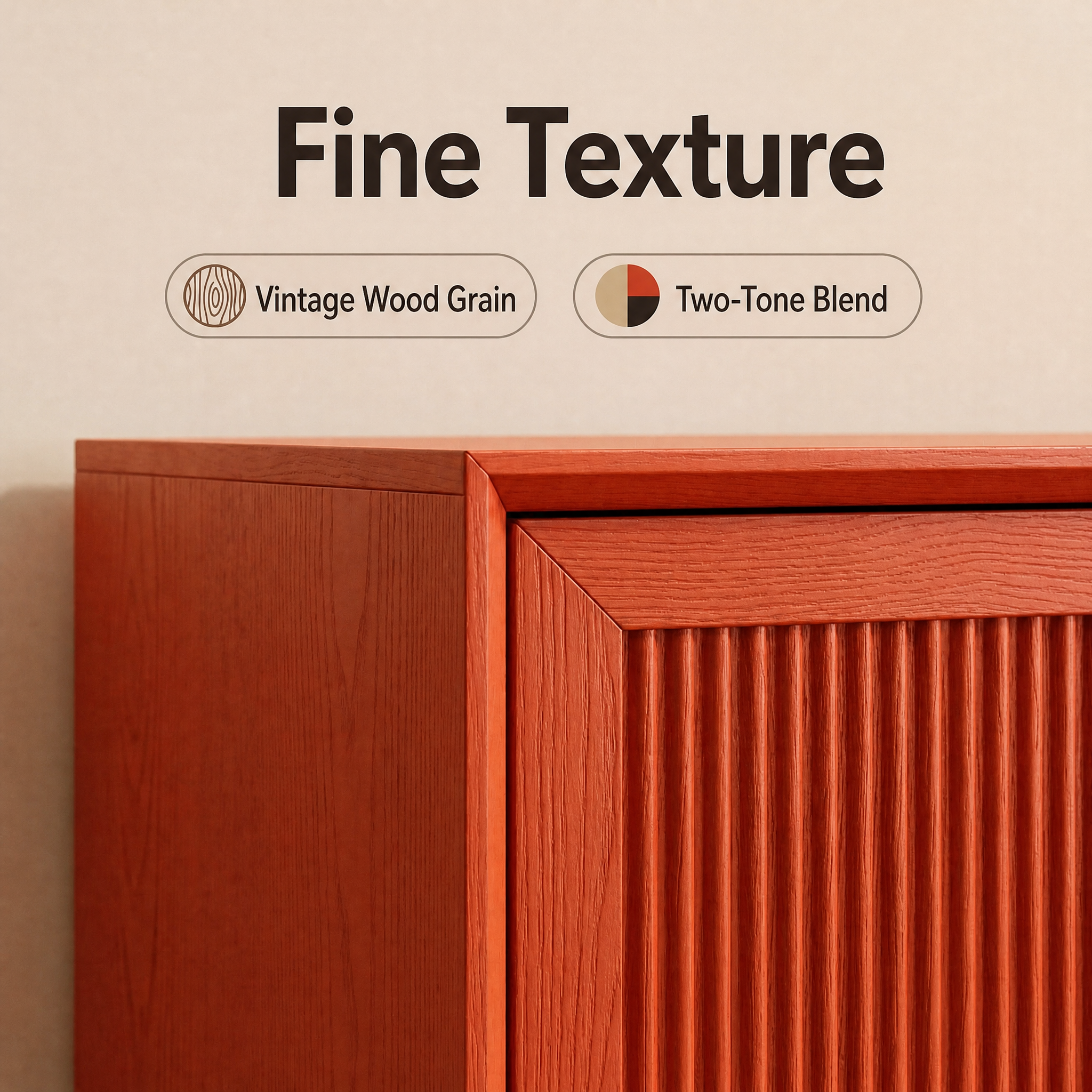
Example 1: Cabinet Listing (ZH → EN)
| Original | |||
|---|---|---|---|
Original 1 |
Original 2 |
Original 3 |
Original 4 |
| Translated | |||
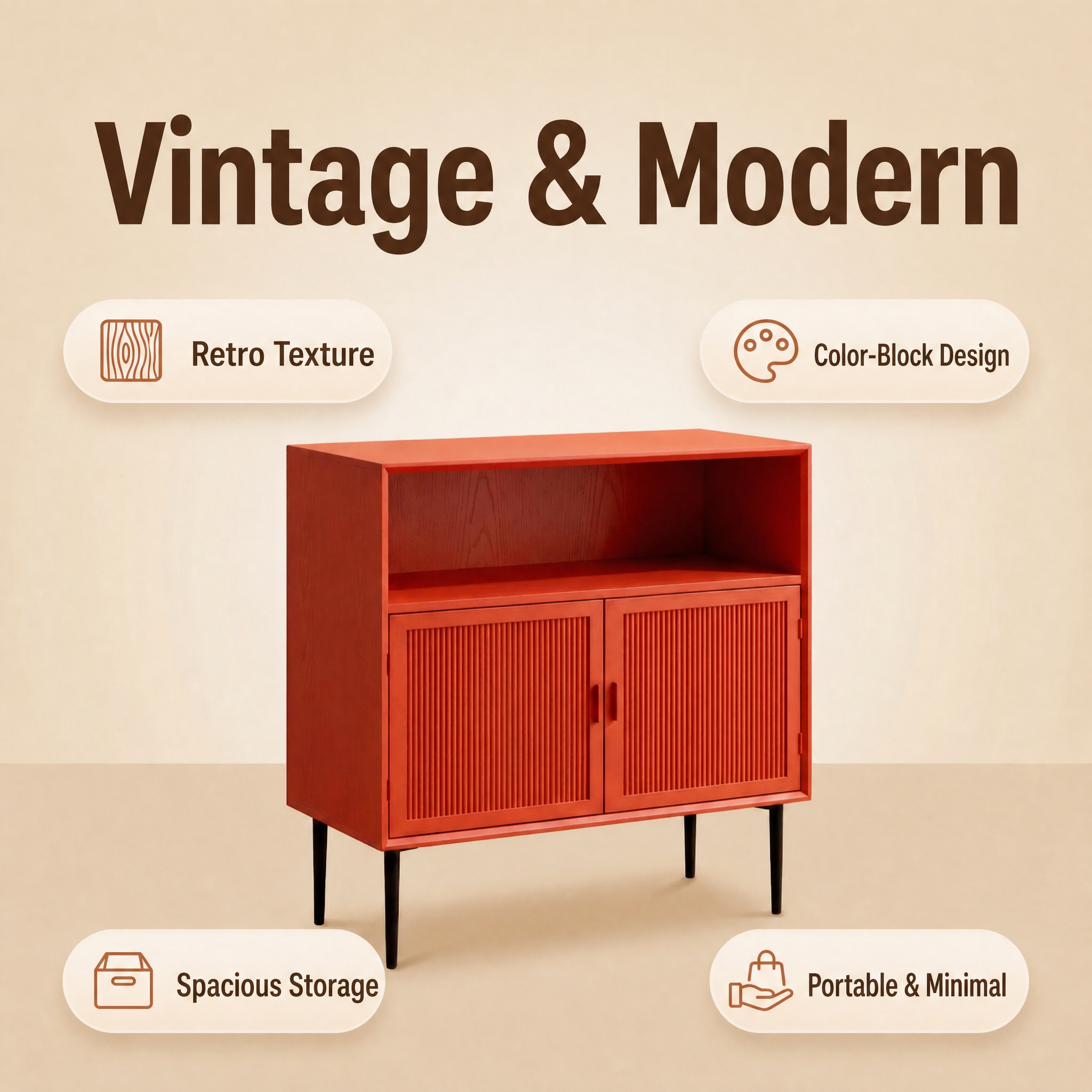 Translated 1 |
 Translated 2 |
 Translated 3 |
 Translated 4 |
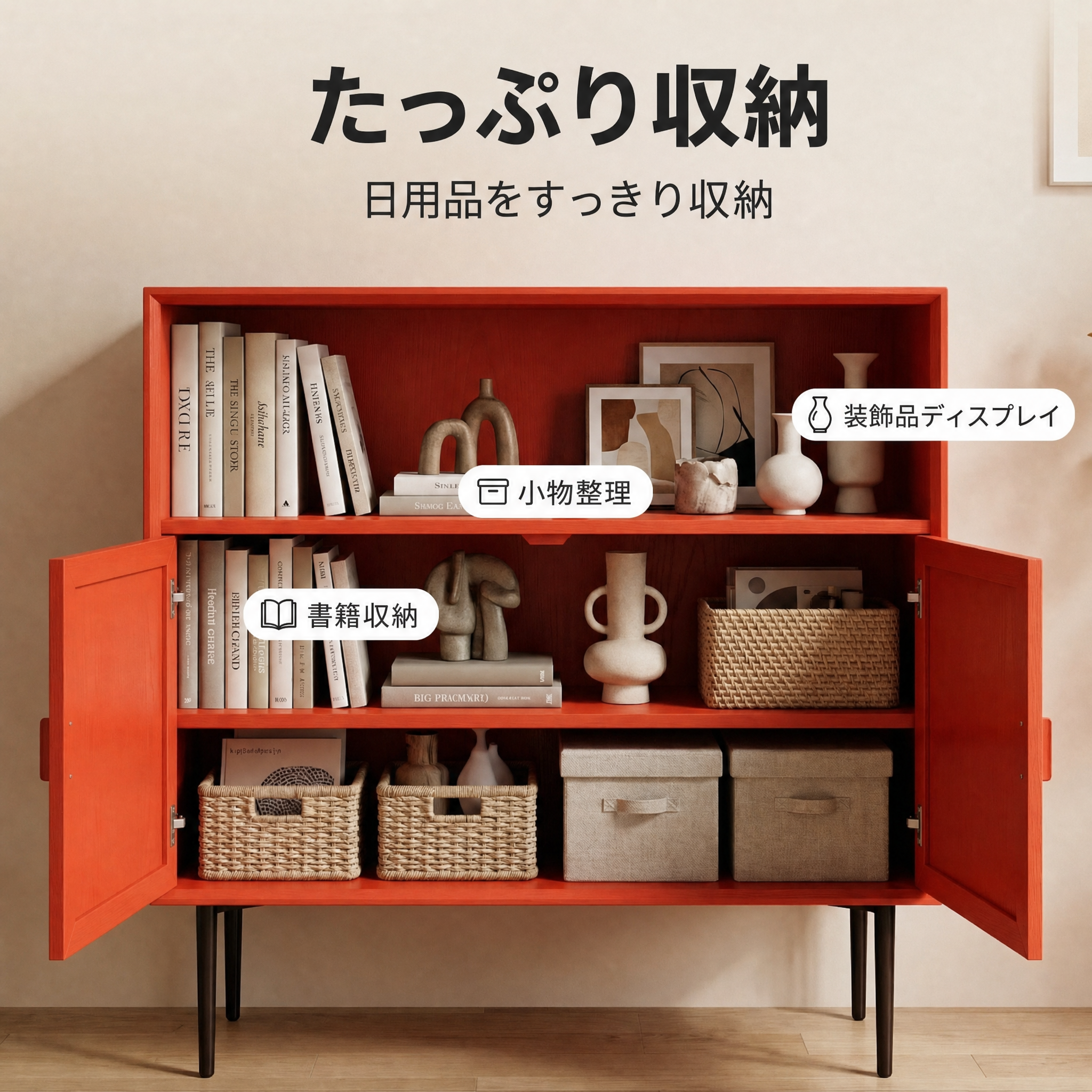
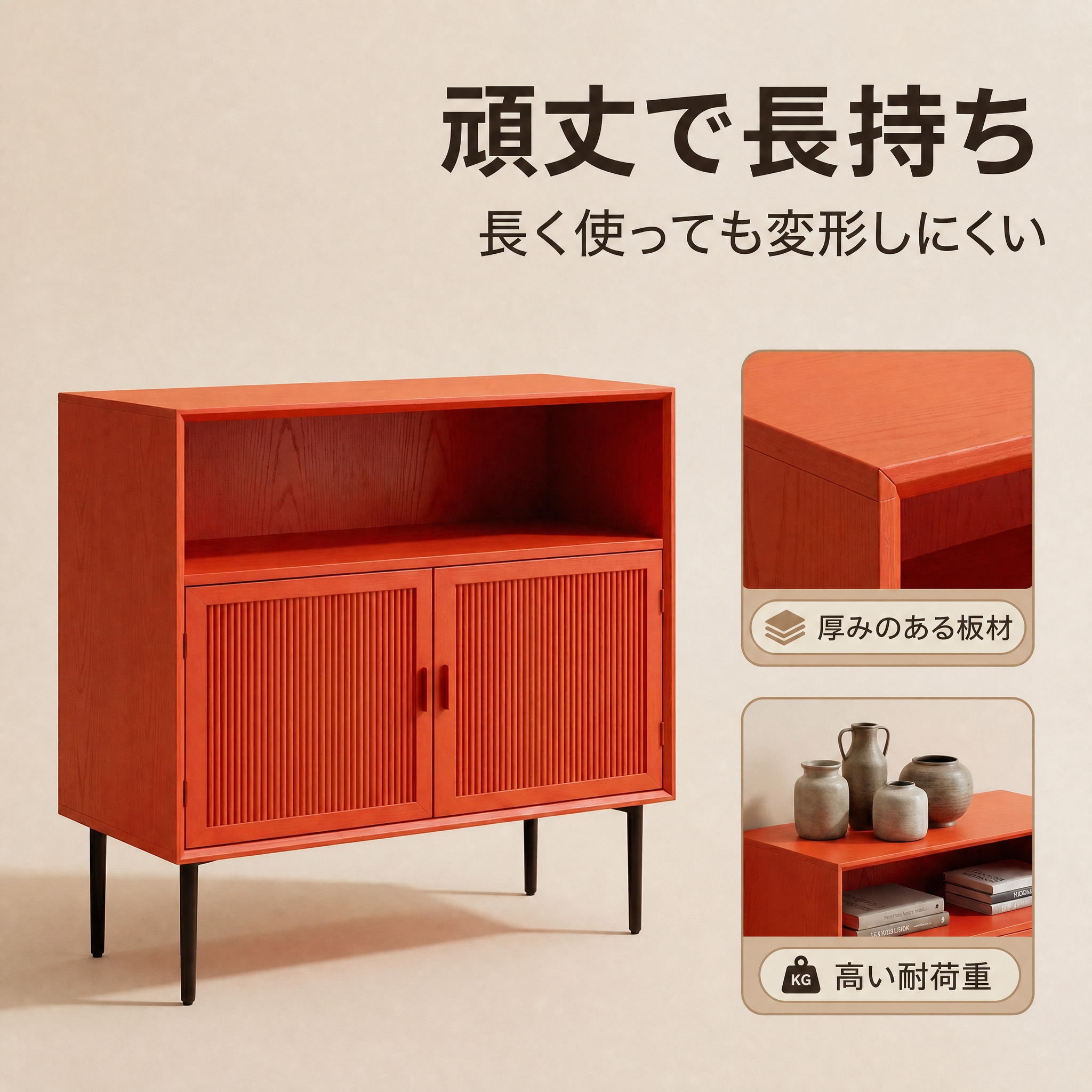
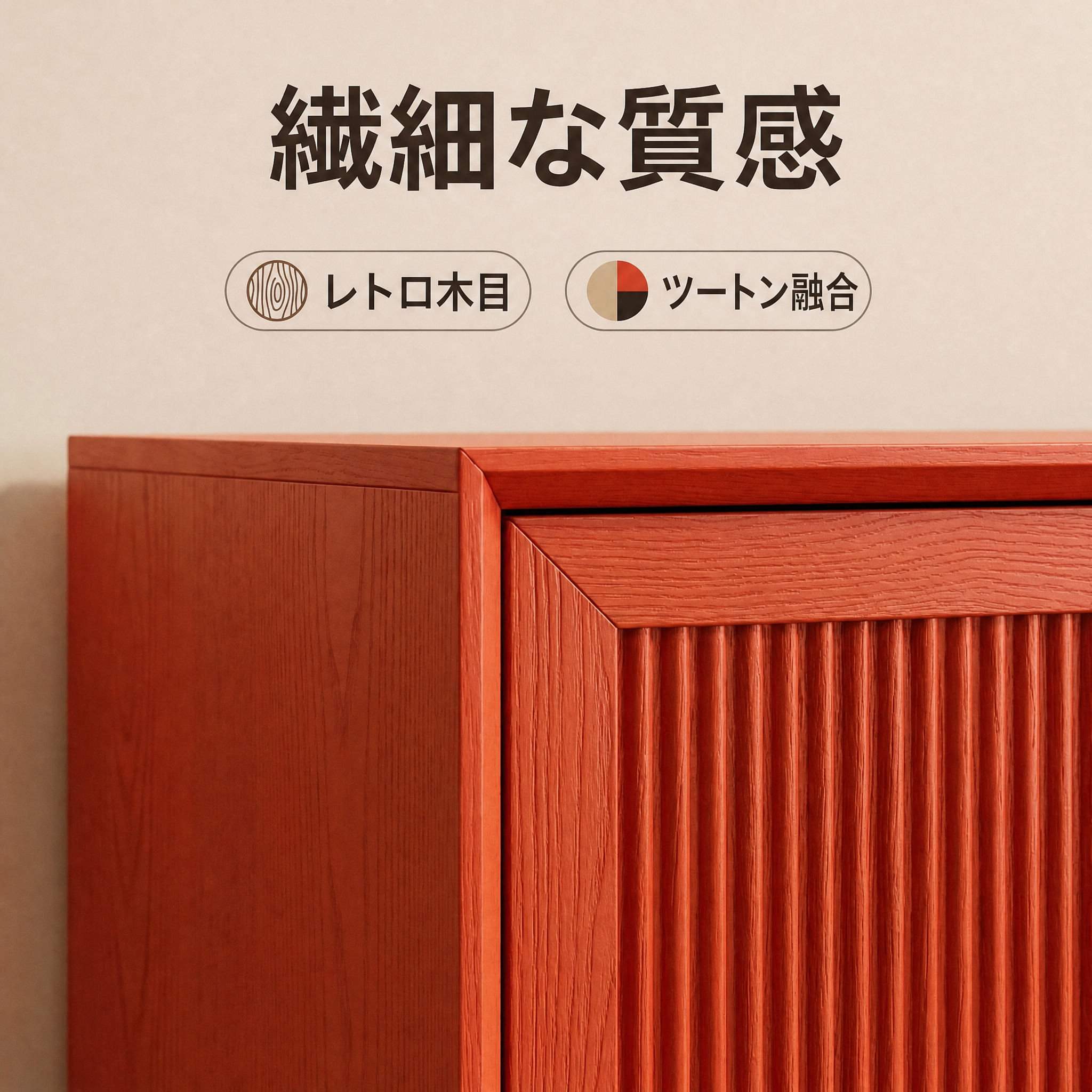
Example 2: Cabinet Listing (multilingual batch translation)
| Original | |||
|---|---|---|---|
Original 1 |
Original 2 |
Original 3 |
Original 4 |
| Translated | |||
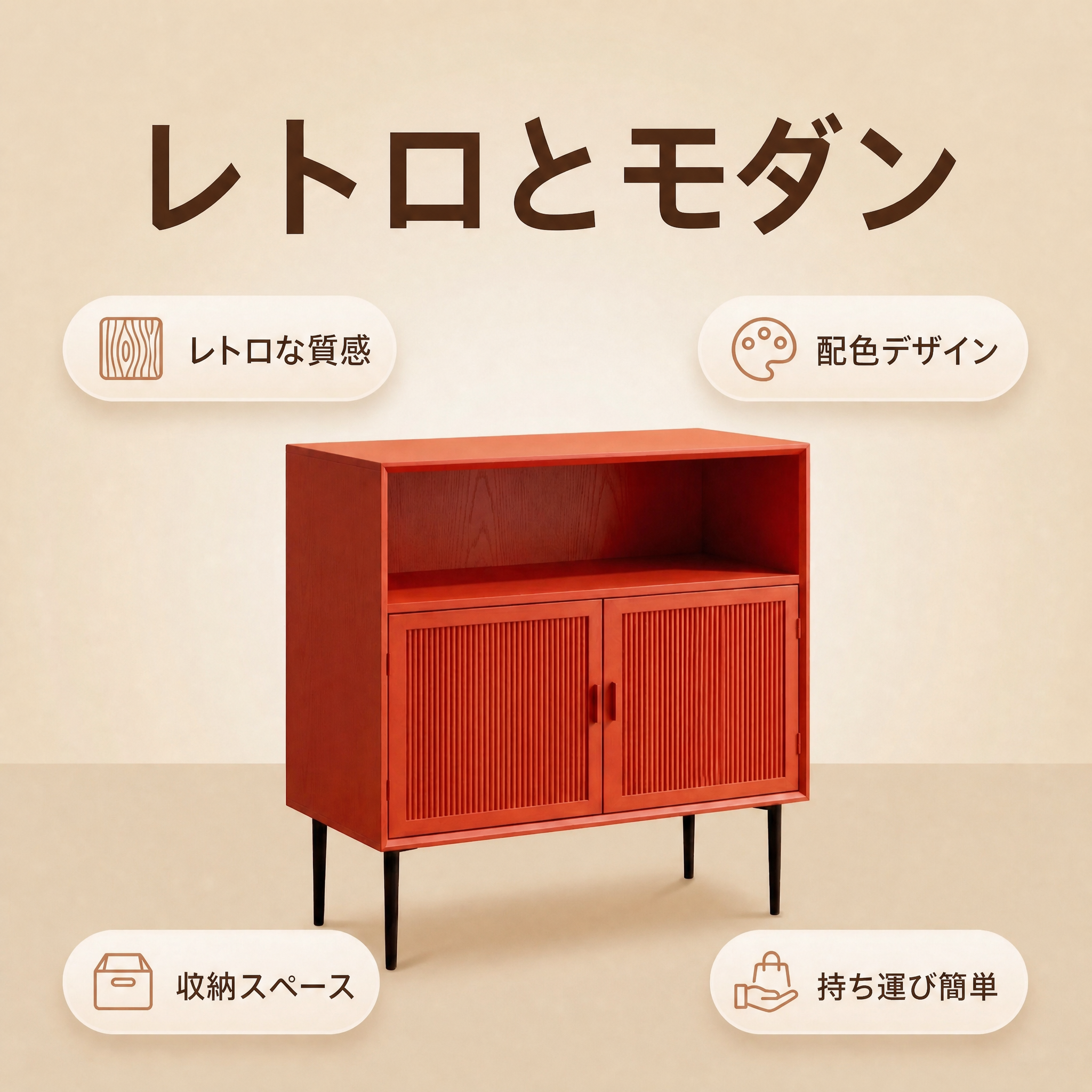 Translated 1 |
 Translated 2 |
 Translated 3 |
 Translated 4 |
👗 Model Try-On and Apparel Prompts
Case 1: Apparel Try-On Image Set
Prompt:
This is a {apparel_type}. Generate a try-on image set for {country}.
[!NOTE] Replace {apparel_type} and {country} before use. Example: "This is a dress. Generate a try-on image set for the US." Works for dresses, tops, outerwear, kidswear, and any apparel category that needs commercial try-on display.
Example 1: Green Floral Dress
| Input | Output | ||
|---|---|---|---|
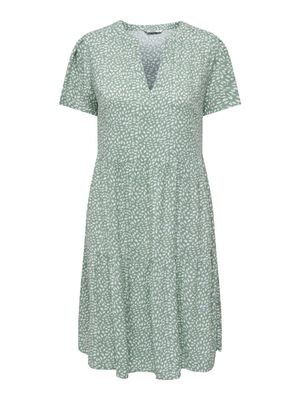 Clean background product |
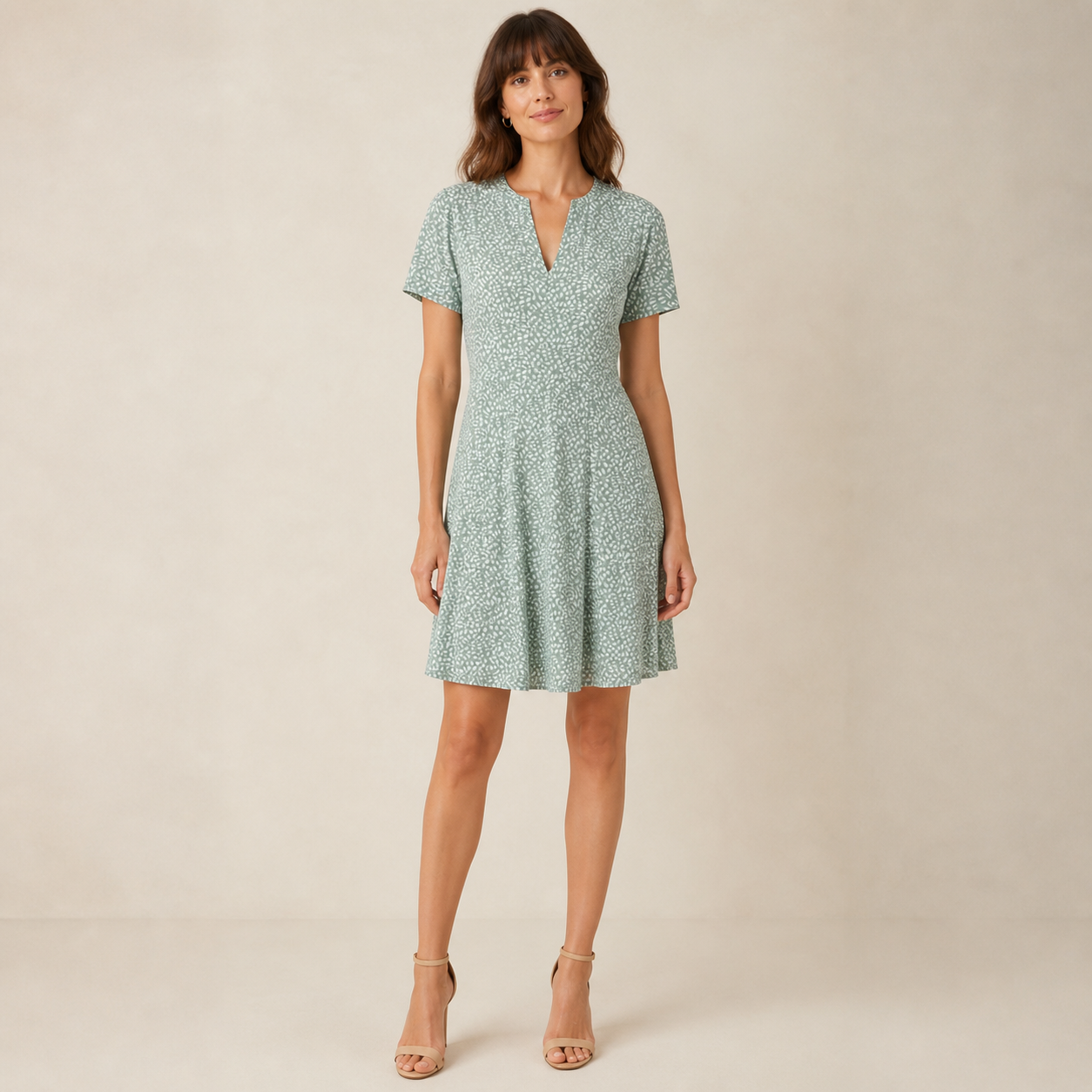 Model front |
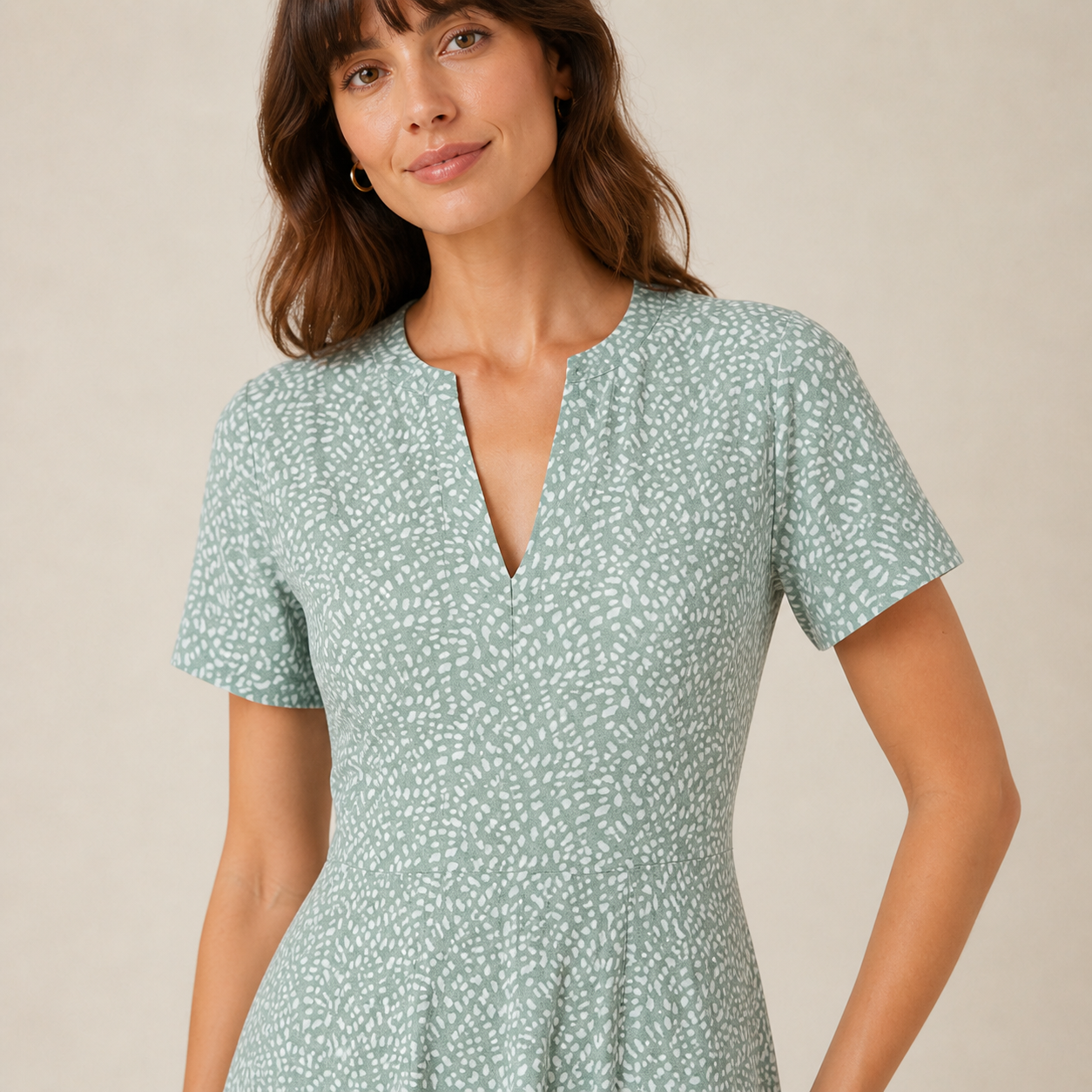 Multi-angle |
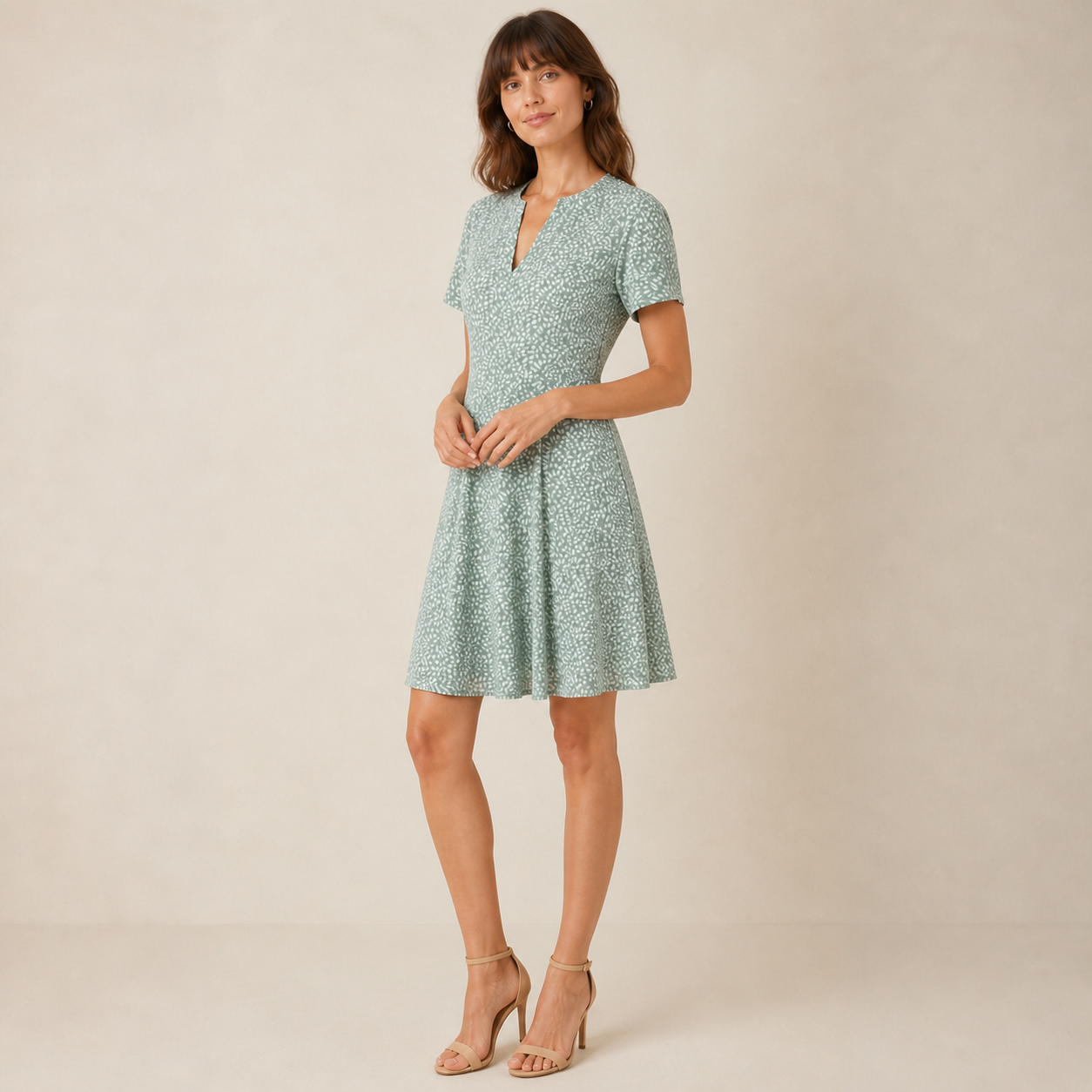 Detail close-up |
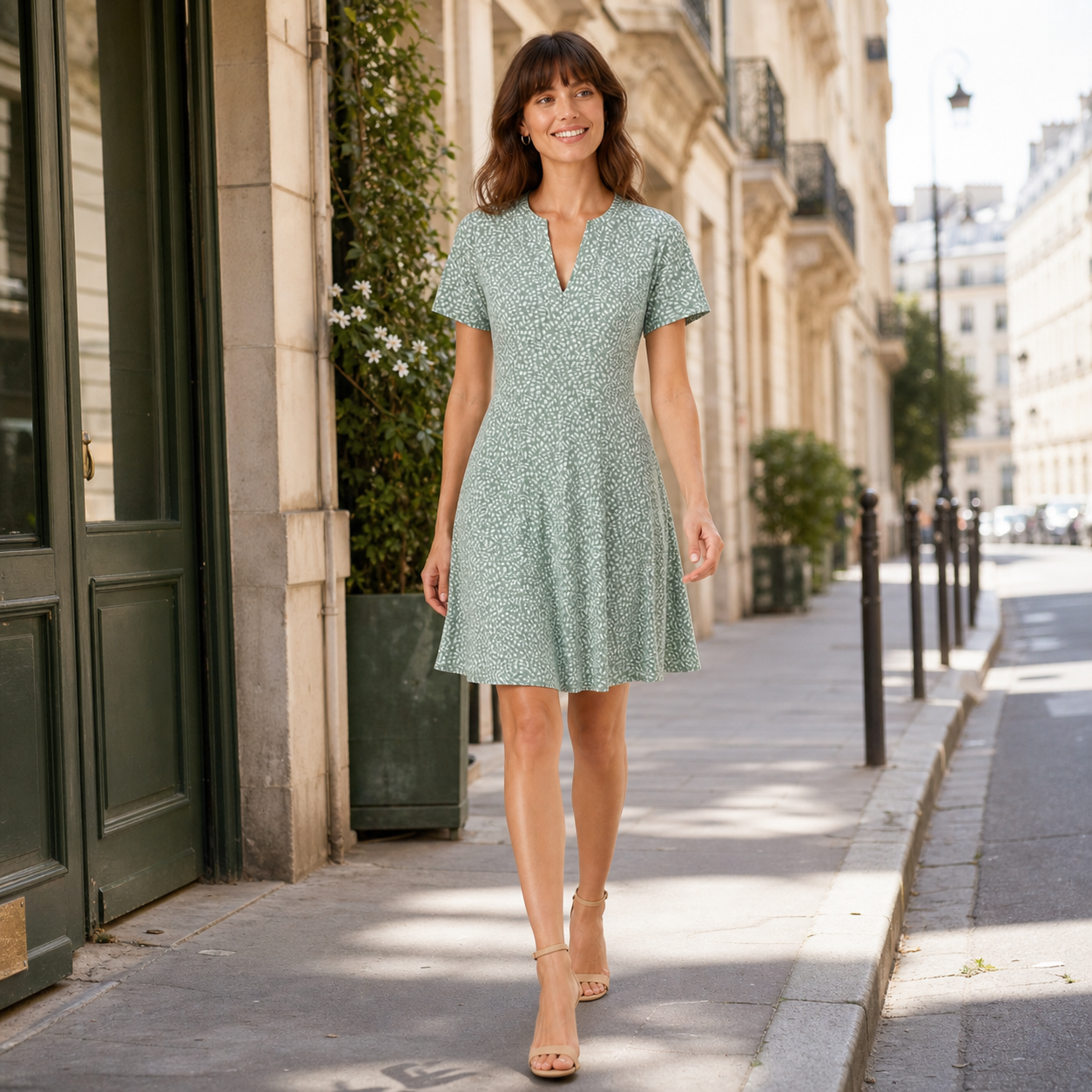 Full styling |
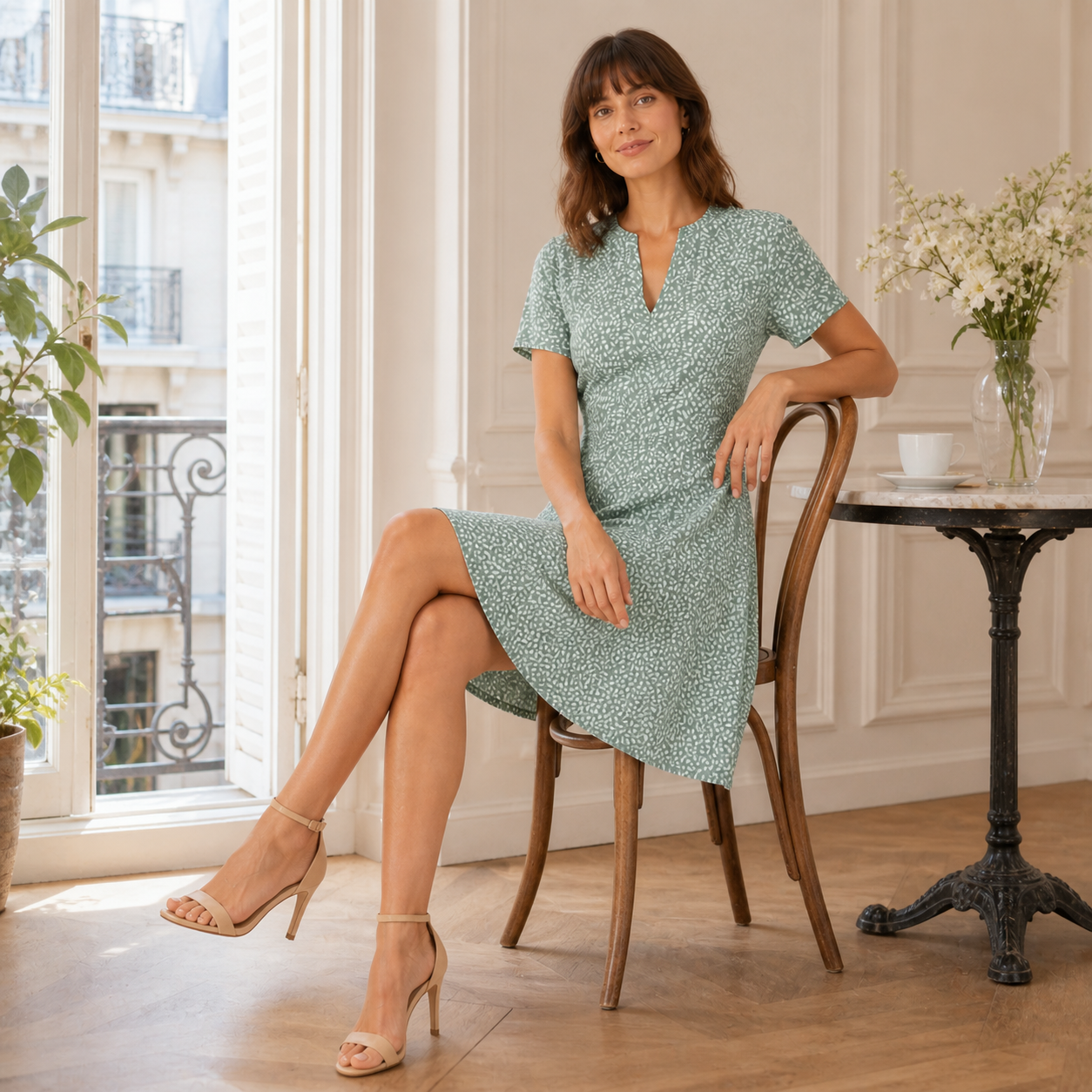 Lifestyle scene |
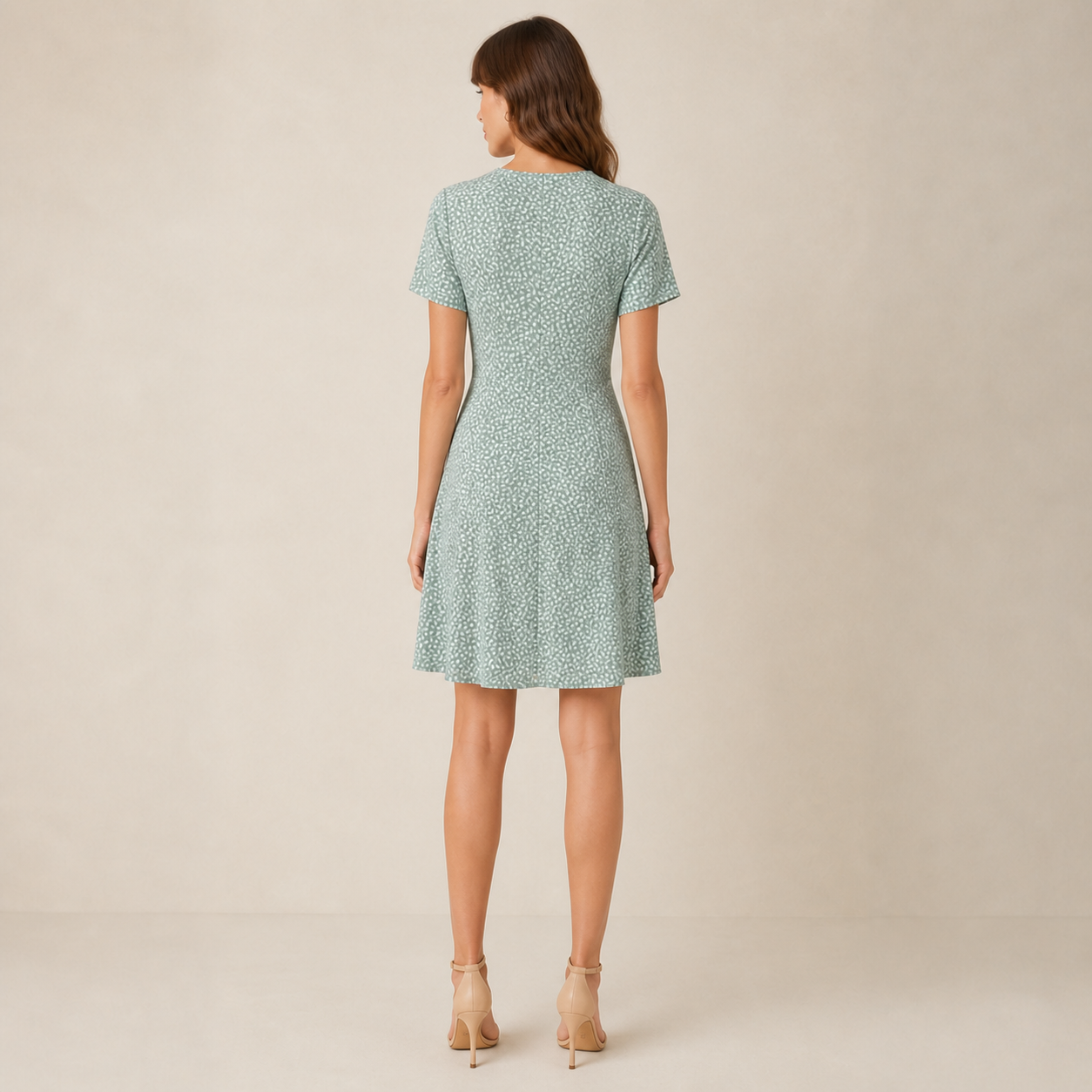 Alternate angle |
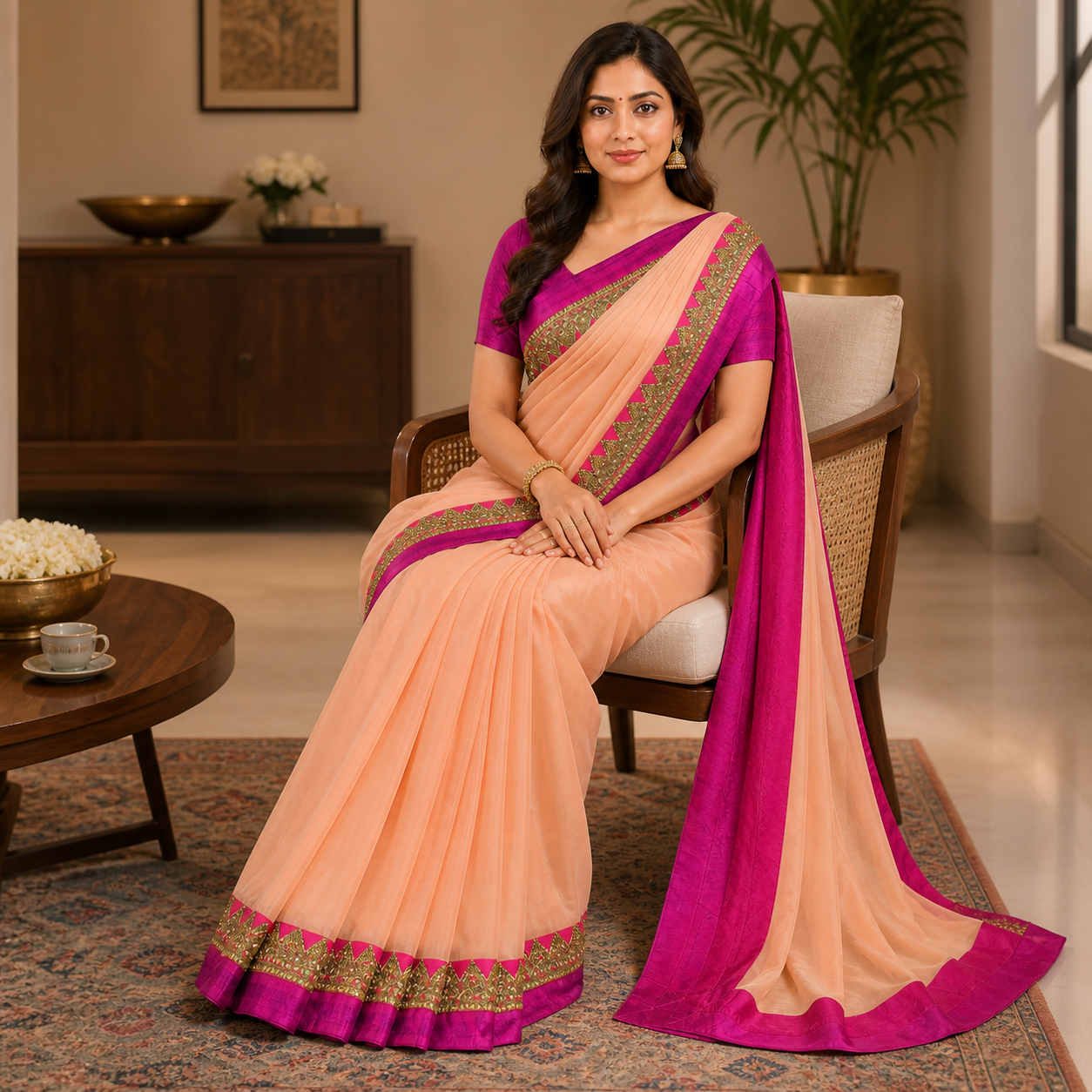
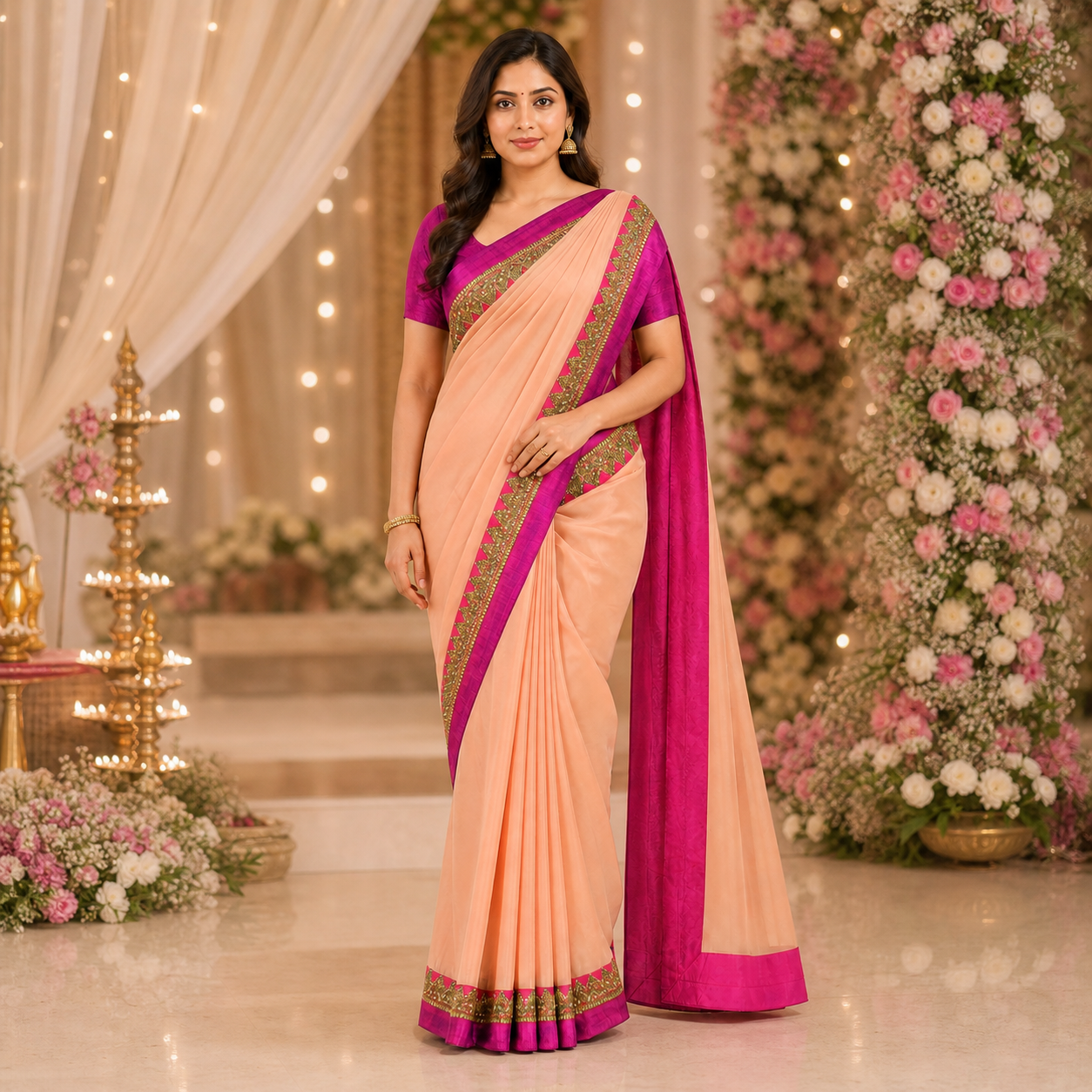
Example 2: Indian Sari Traditional Dress
| Input | Output | ||
|---|---|---|---|
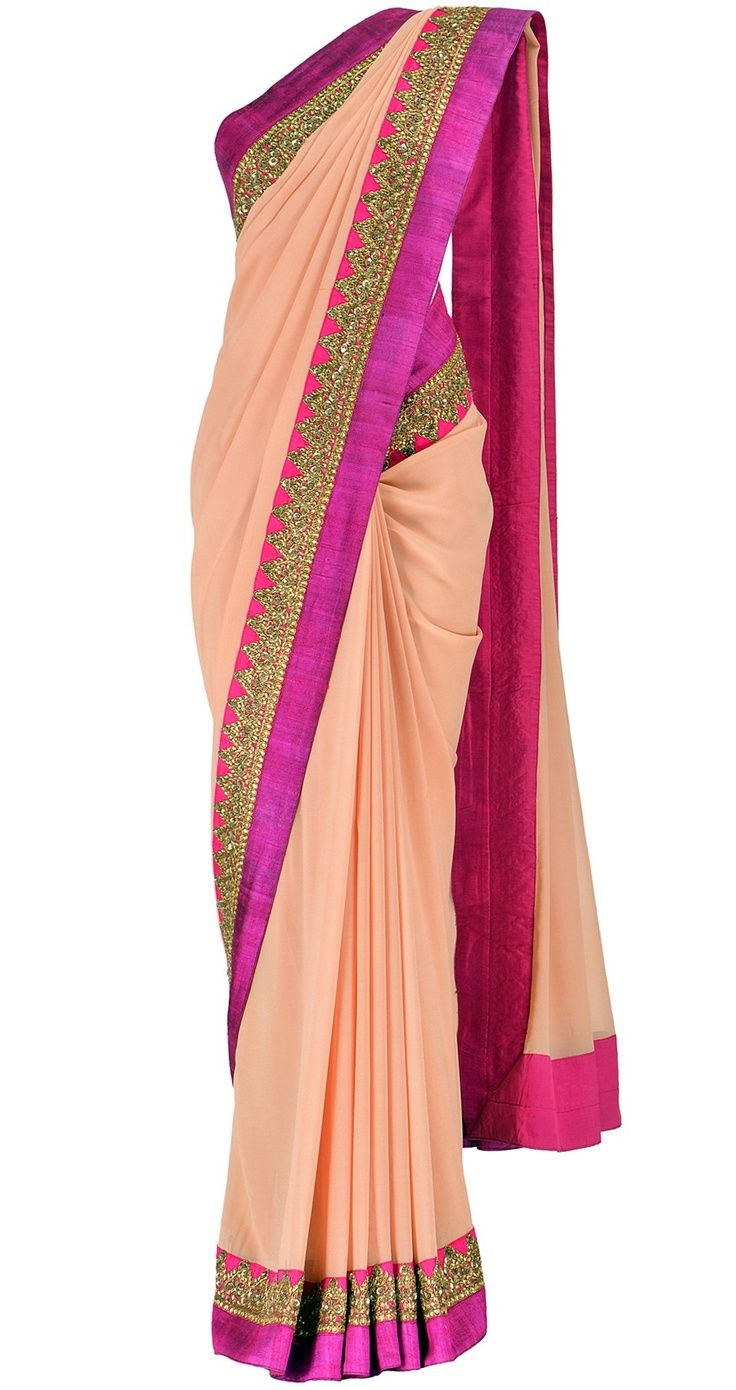 Clean background product |
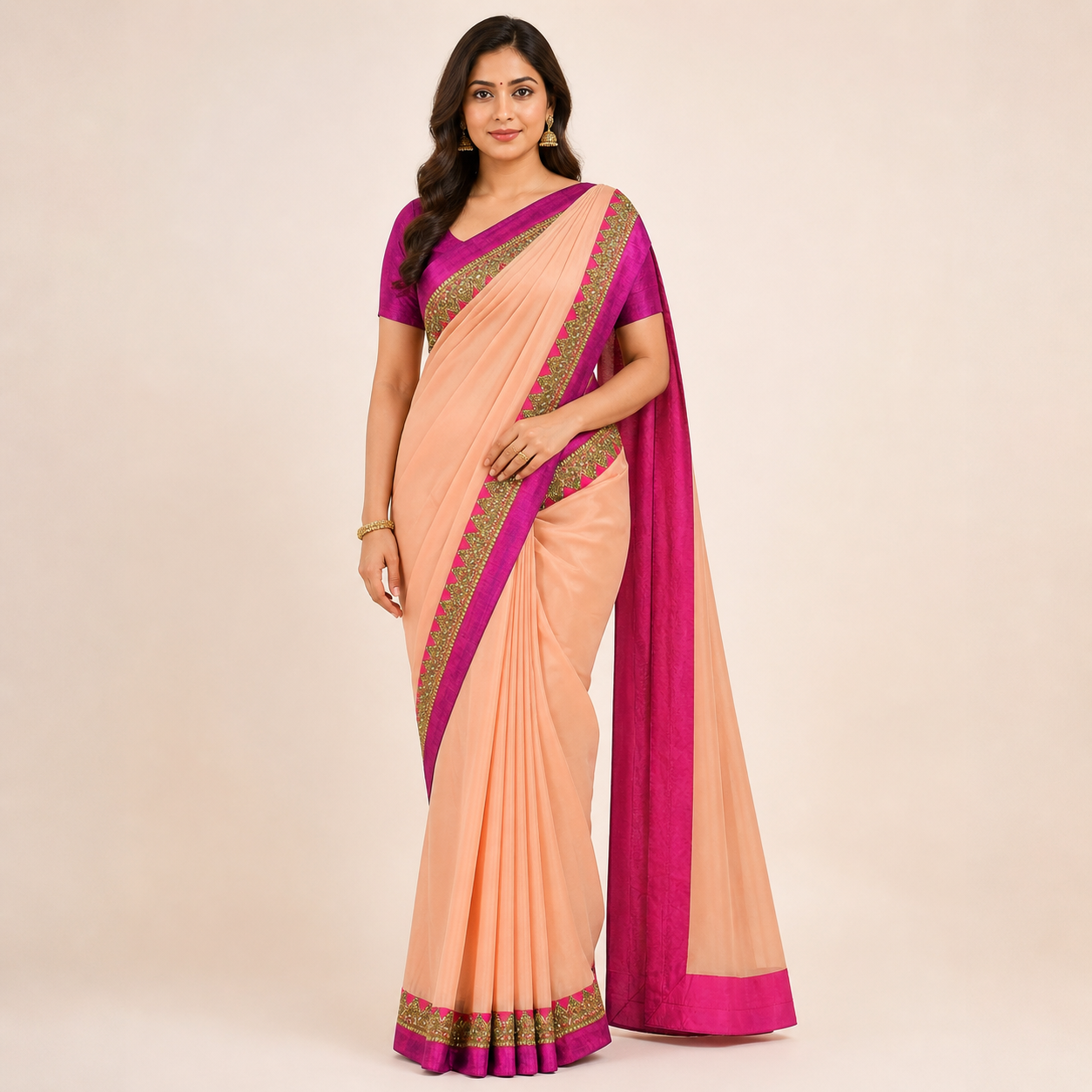 Model front |
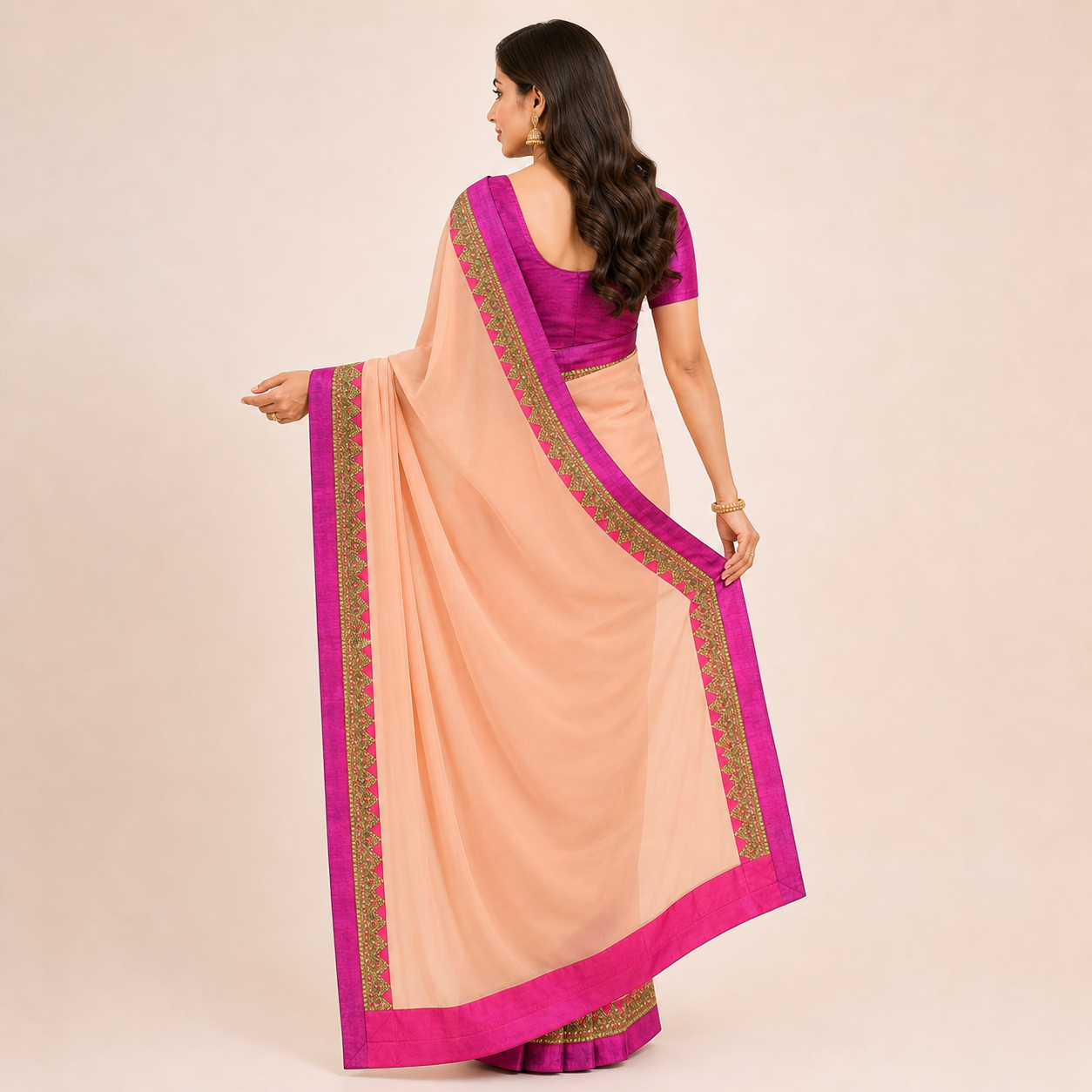 Back / turn |
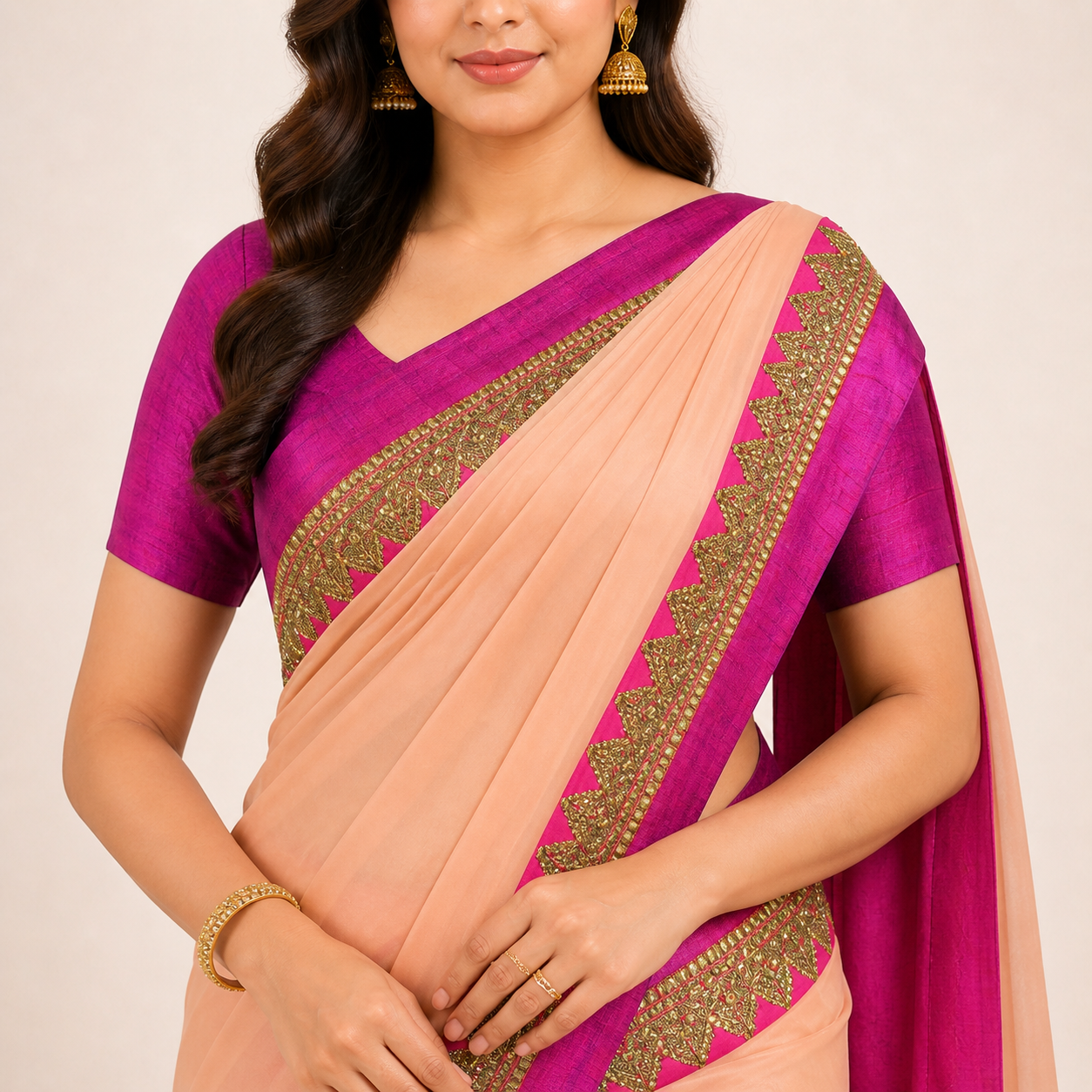 Detail |
 Full styling |
 Lifestyle scene |
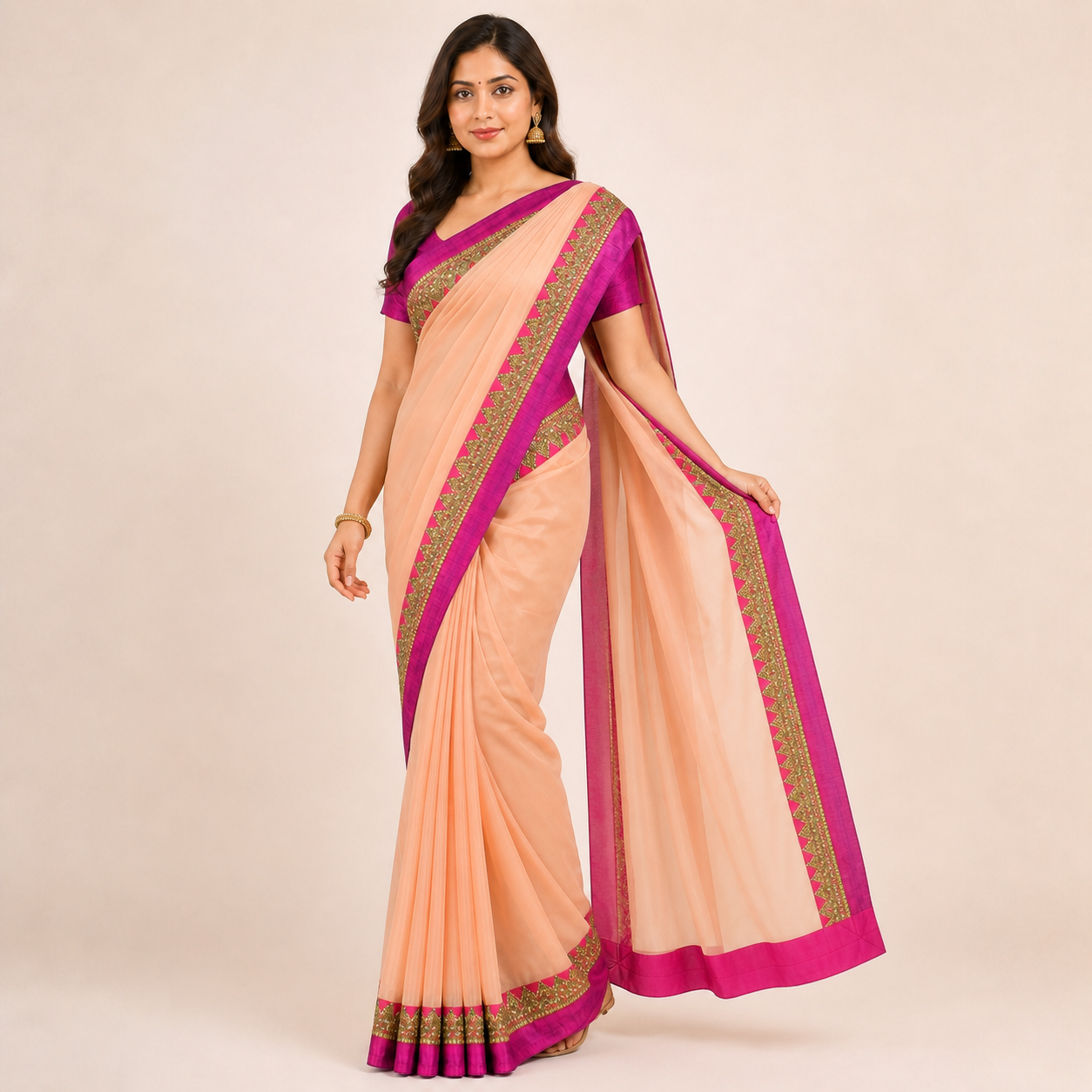 Alternate angle |
Case 2: Model and Pet Try-On
Input: Upload the apparel or accessory image.
Prompt:
Generate a model wearing this garment.
Generate a pet dog wearing this garment.
[!NOTE] This template covers both human-model try-on and pet try-on, suitable for apparel, cosplay props, and pet fashion creatives that need to showcase the same garment on different subjects.
| Input | Output | Input | Output | Input | Output |
|---|---|---|---|---|---|
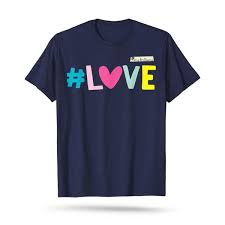 #LOVE printed tee |
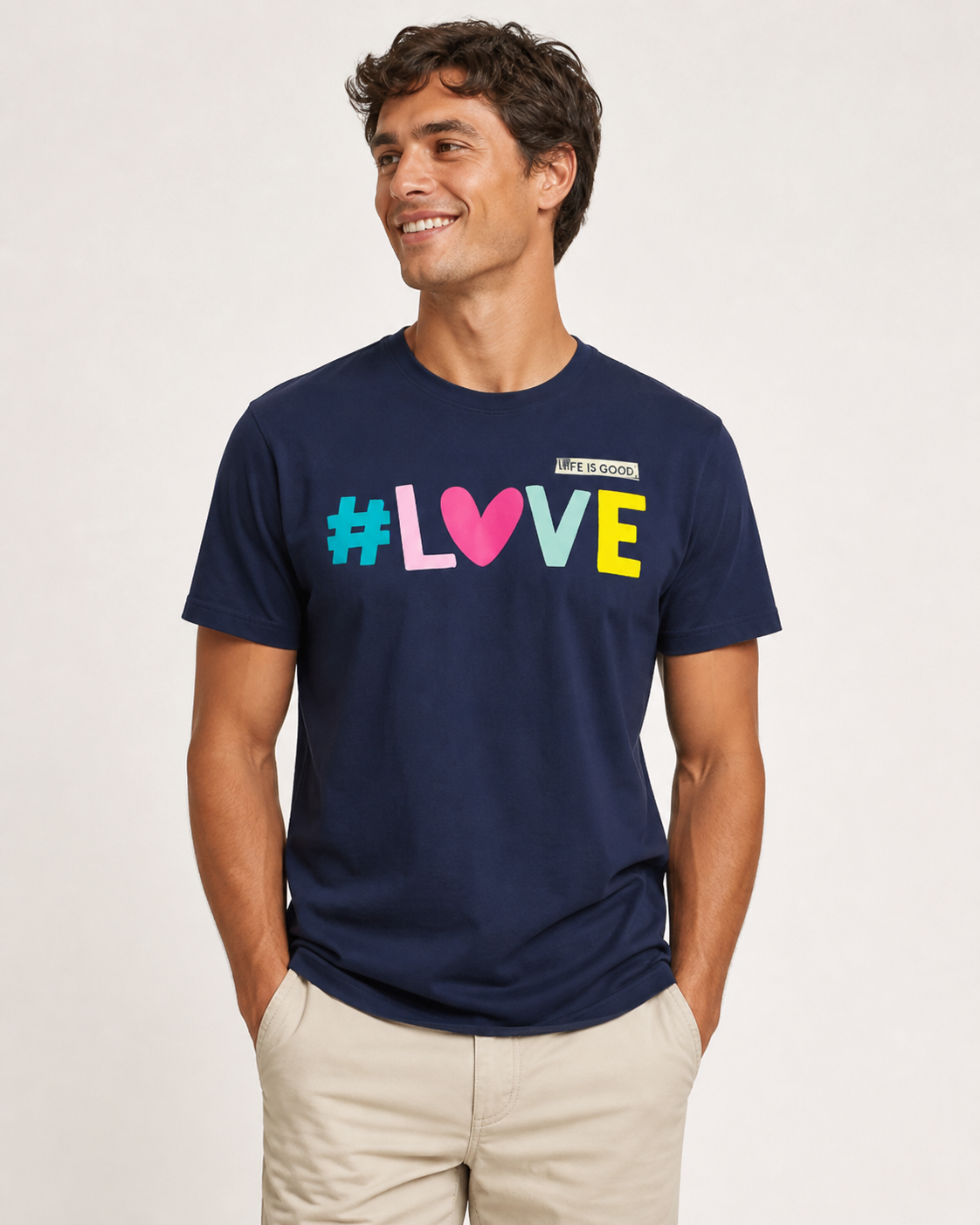 Male model wearing |
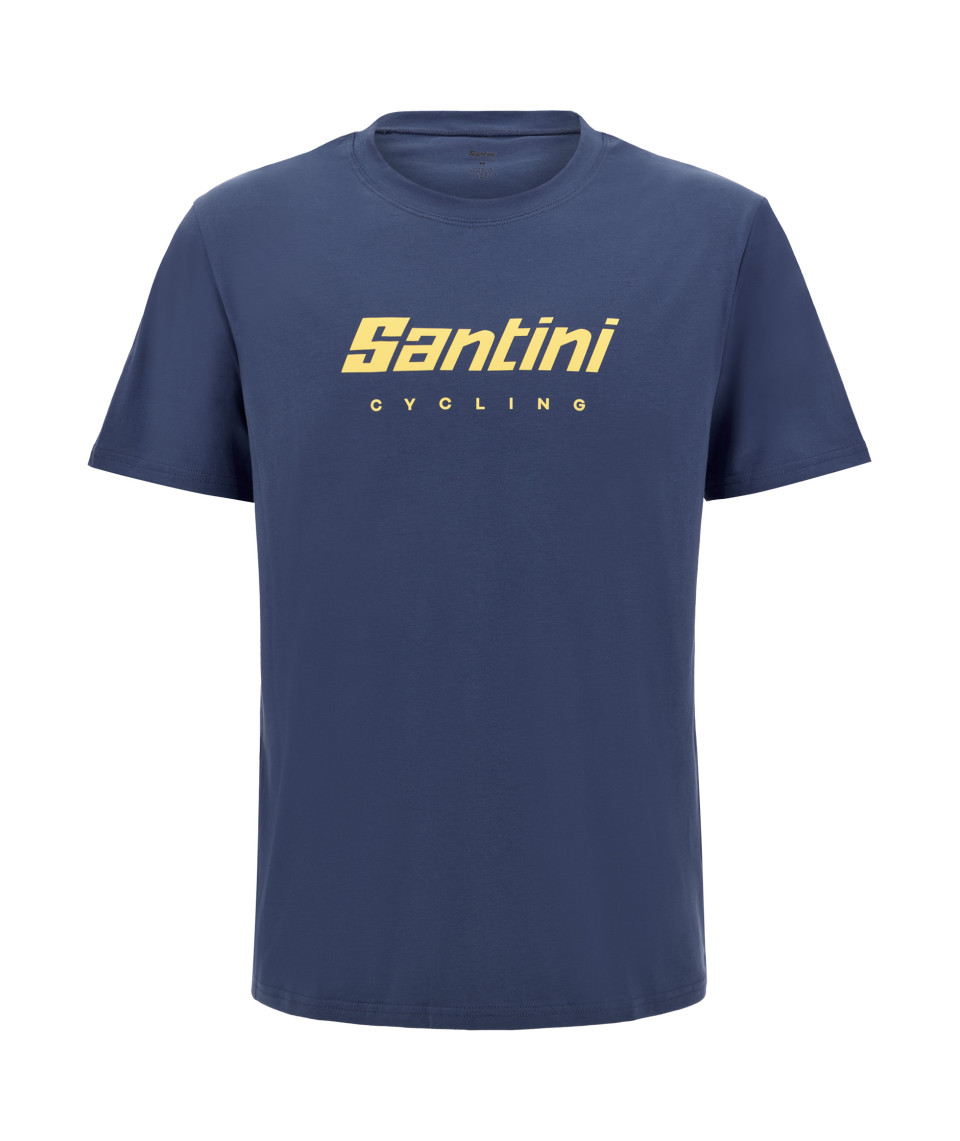 Cycling tee |
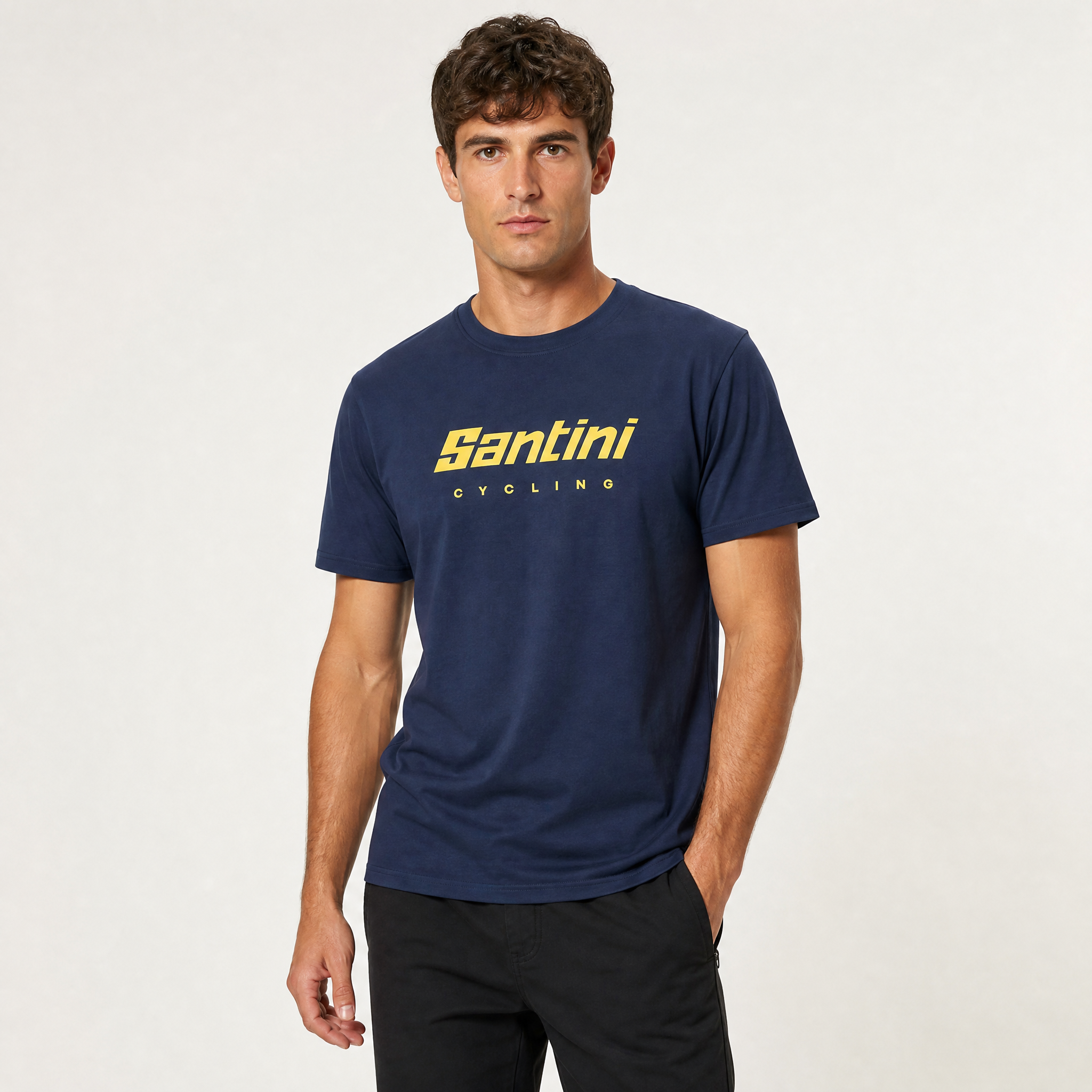 Male model wearing |
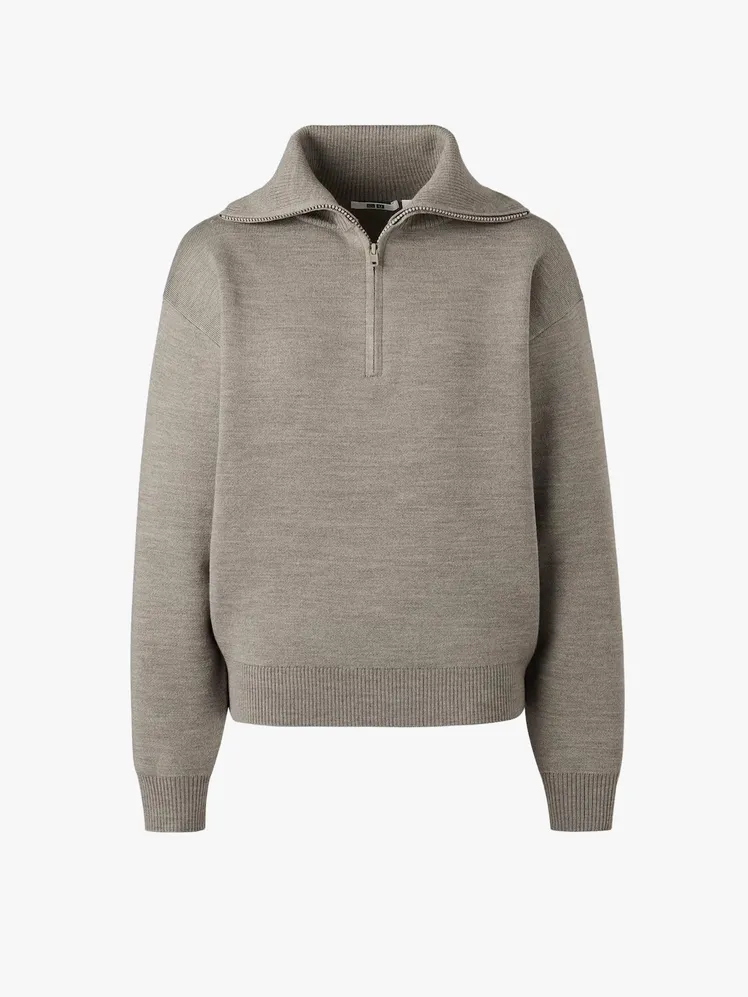 Half-zip knit |
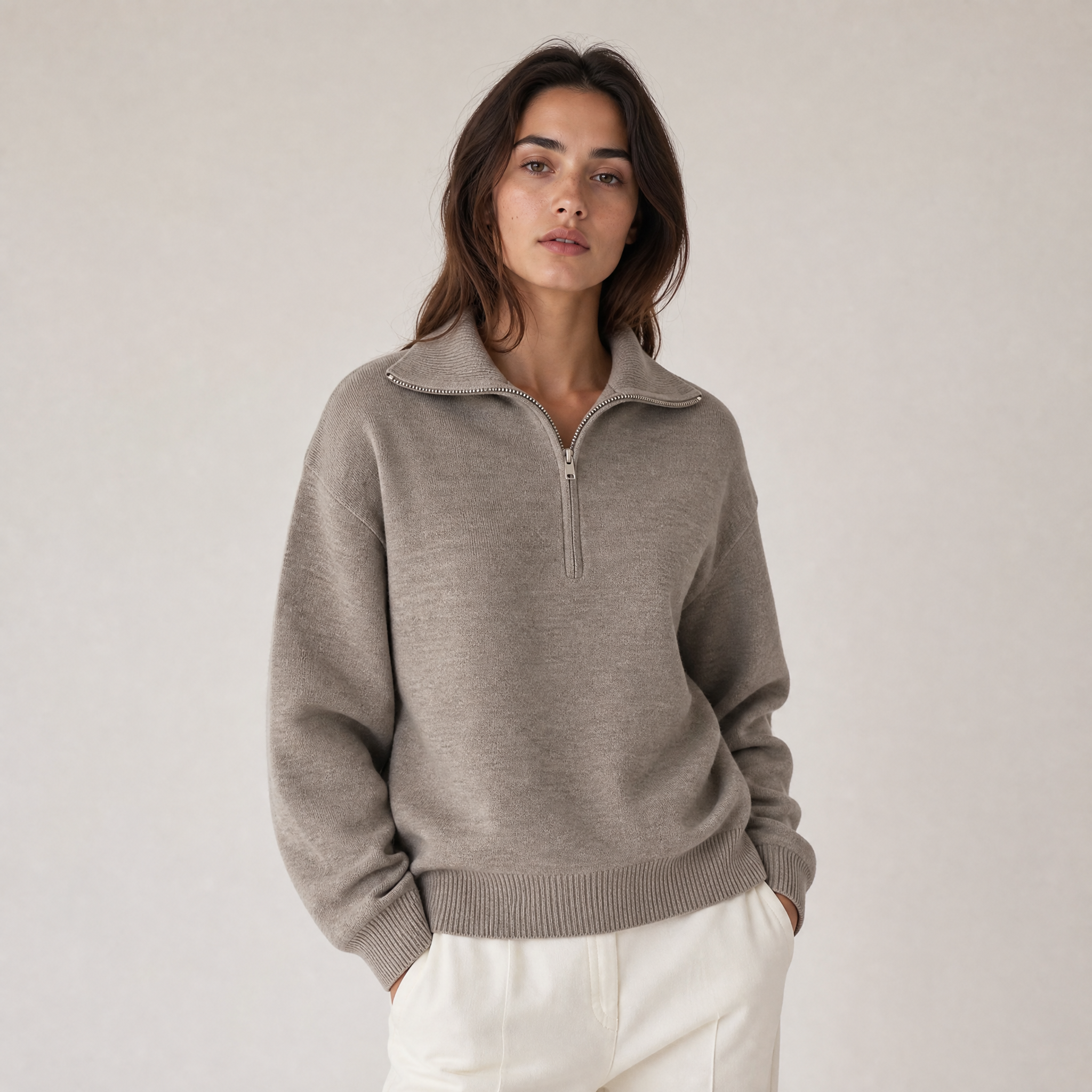 Female model wearing |
Case 3: Model Pose Expansion
Input: Upload the original model-with-apparel image.
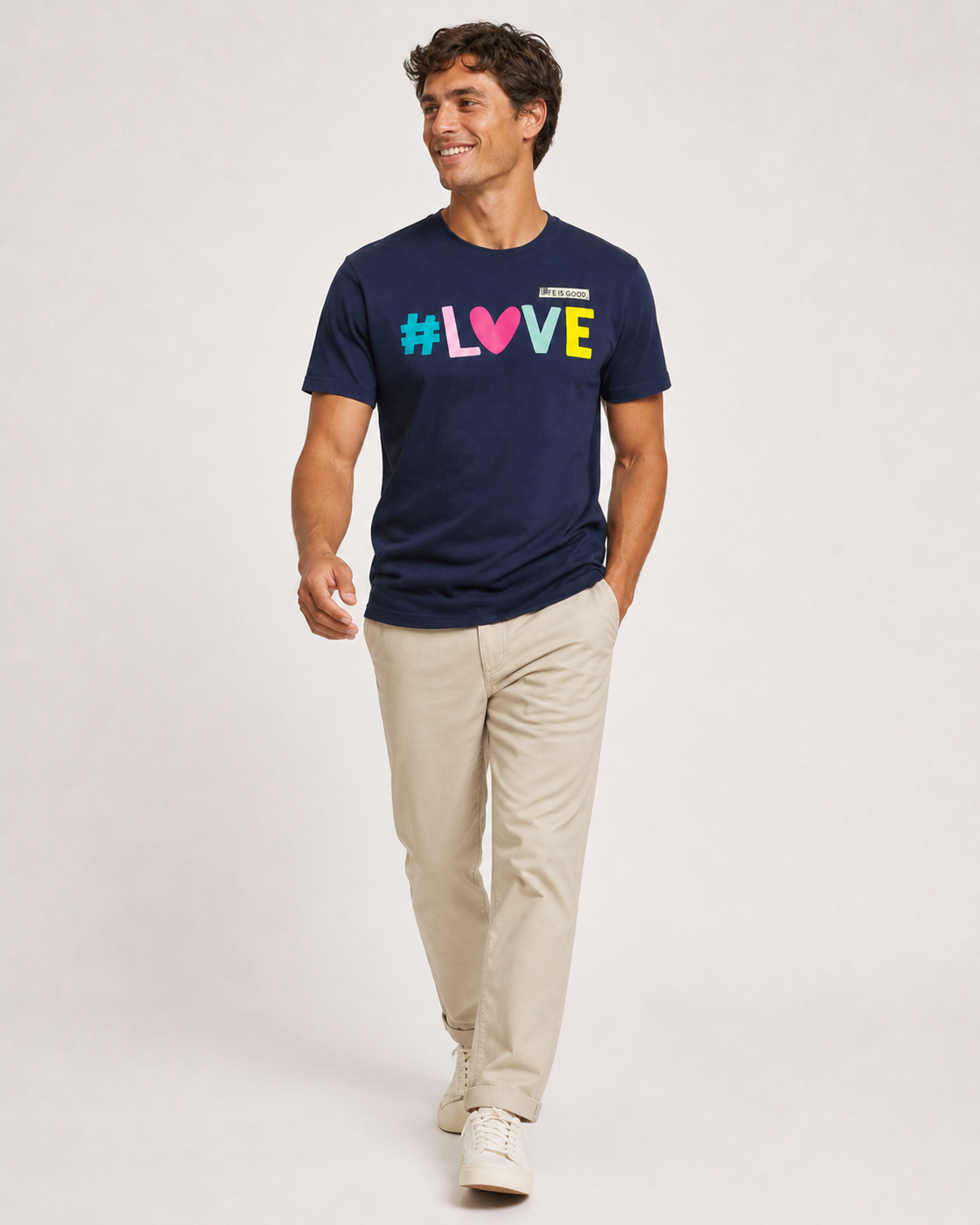
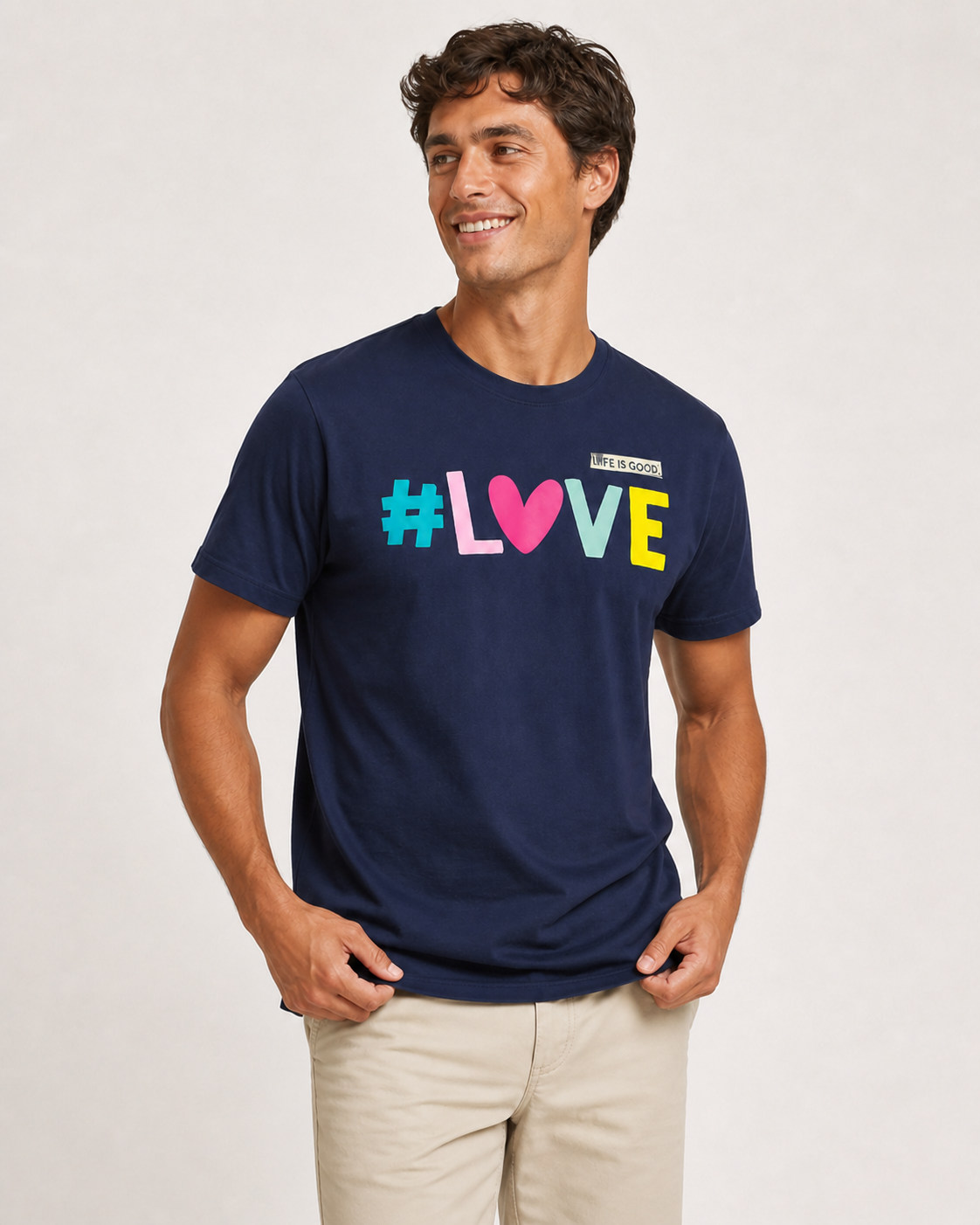
Prompt:
Expand the model into more poses.
[!NOTE] Generates side, 45° turn, walking, and other pose variations to enrich an apparel asset set without re-shooting.
Example 1: #LOVE Printed Tee
| Input | Output | |||
|---|---|---|---|---|
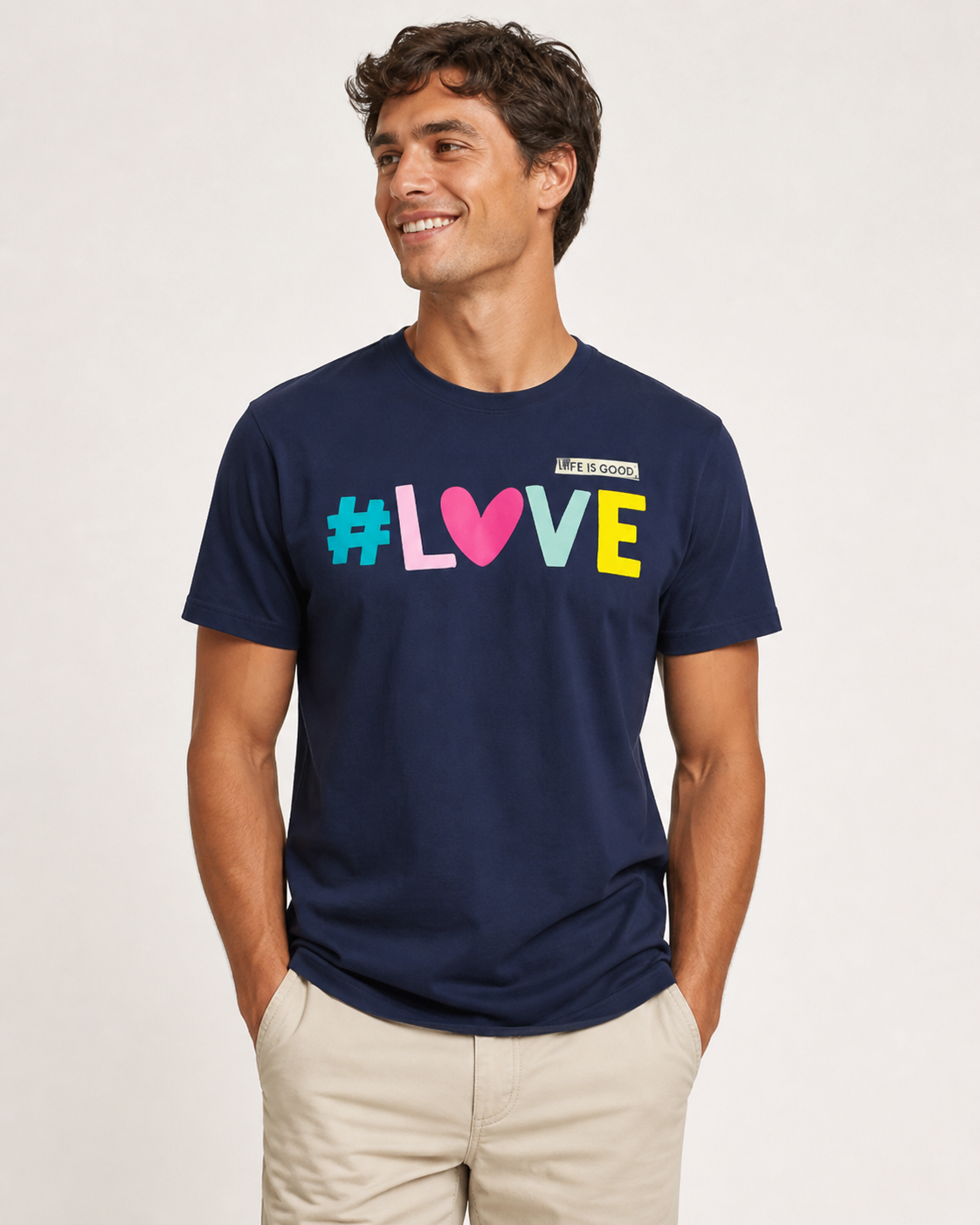 Original model |
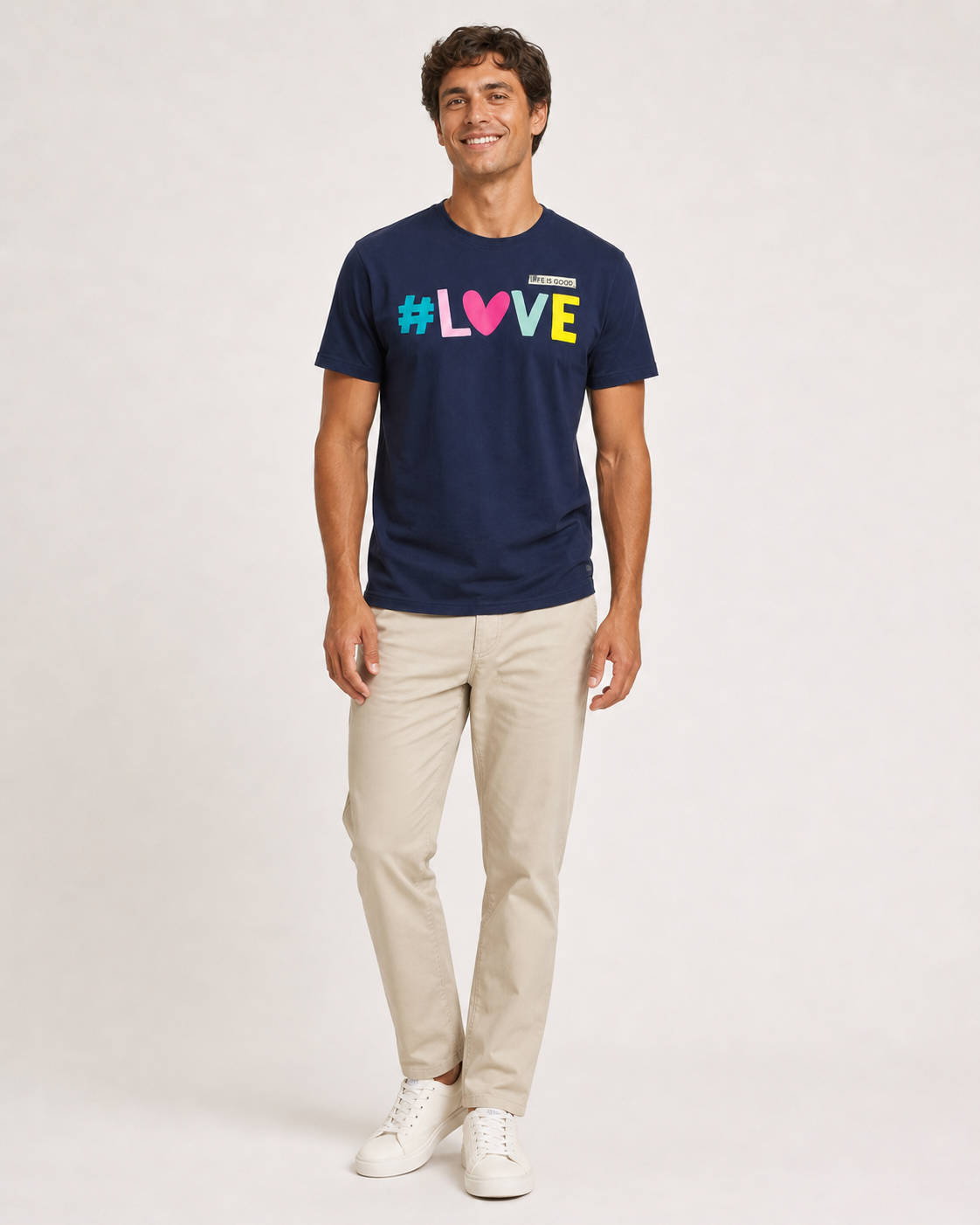 Front stance |
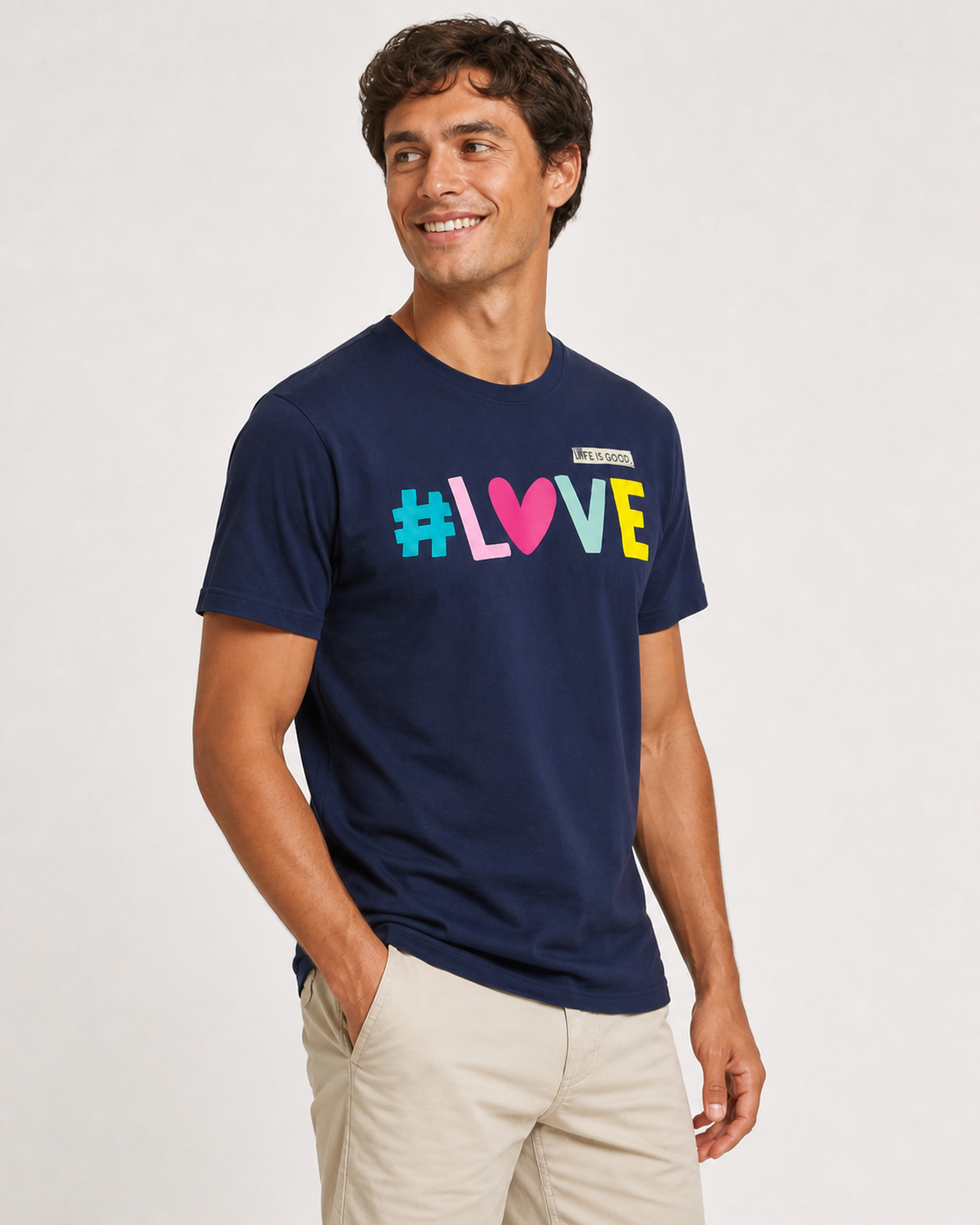 Side |
 45° turn |
 Walking |
Example 2: Grey Half-Zip Pullover
| Input | Output | |||
|---|---|---|---|---|
|
Original model |
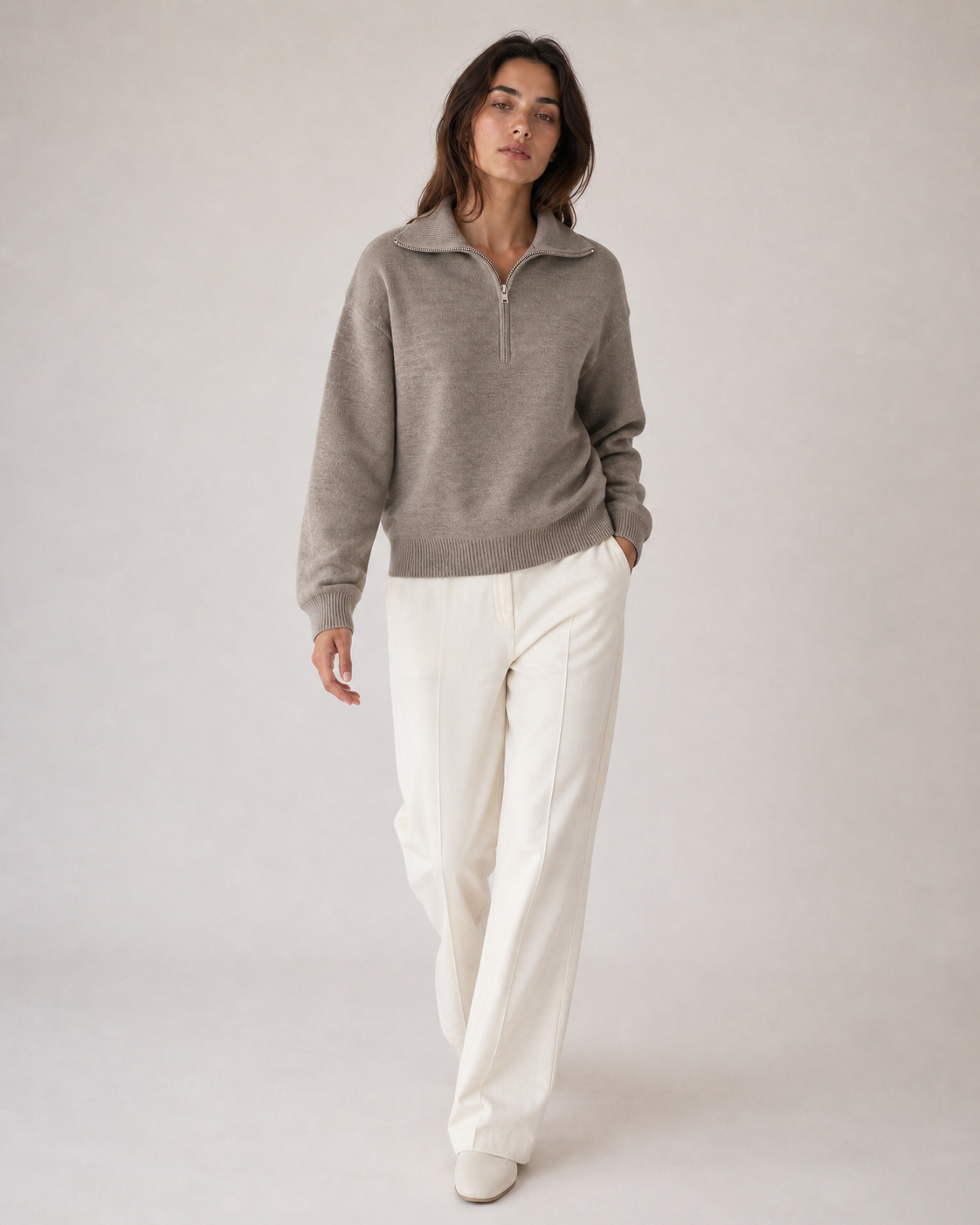 Front stance |
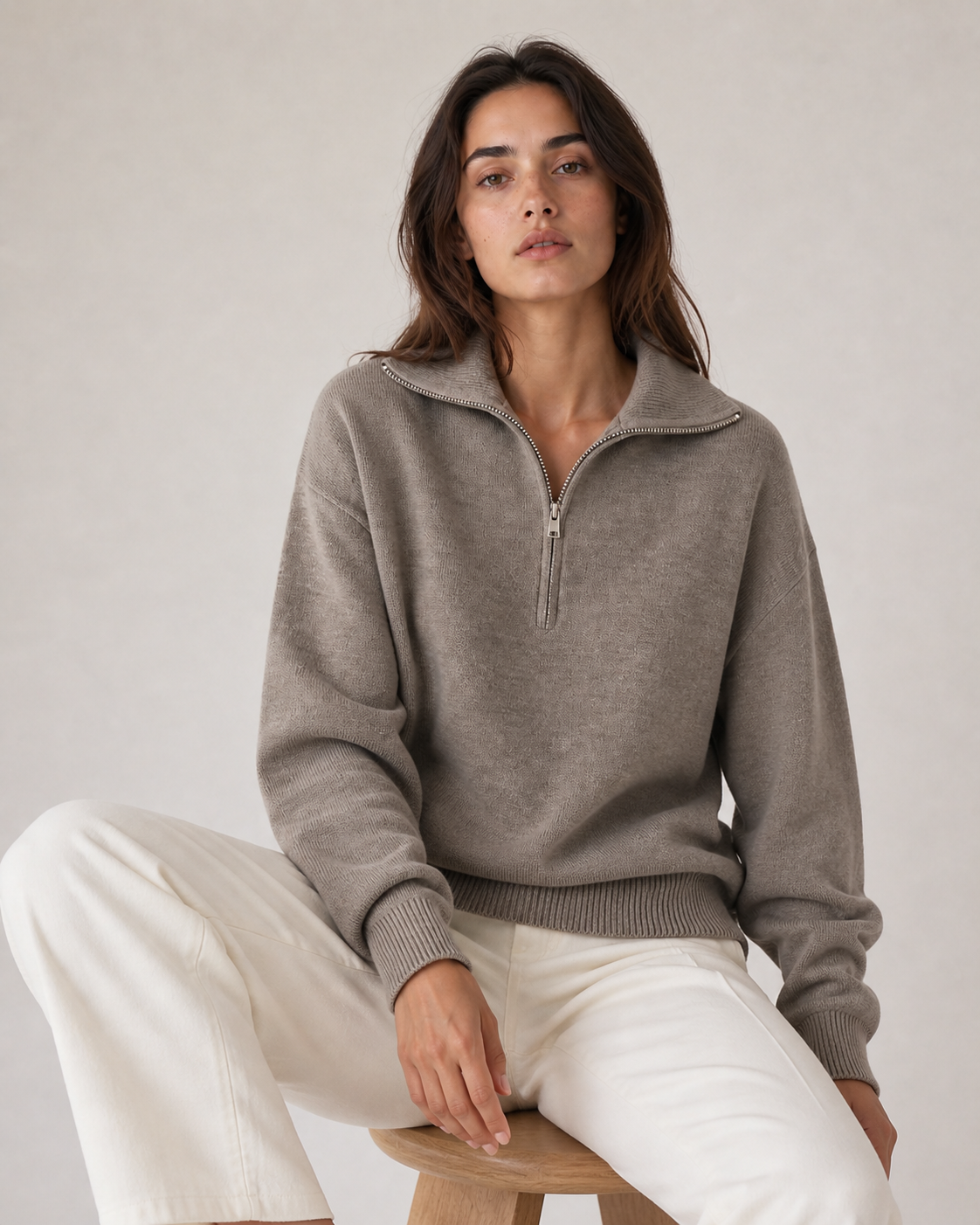 Side |
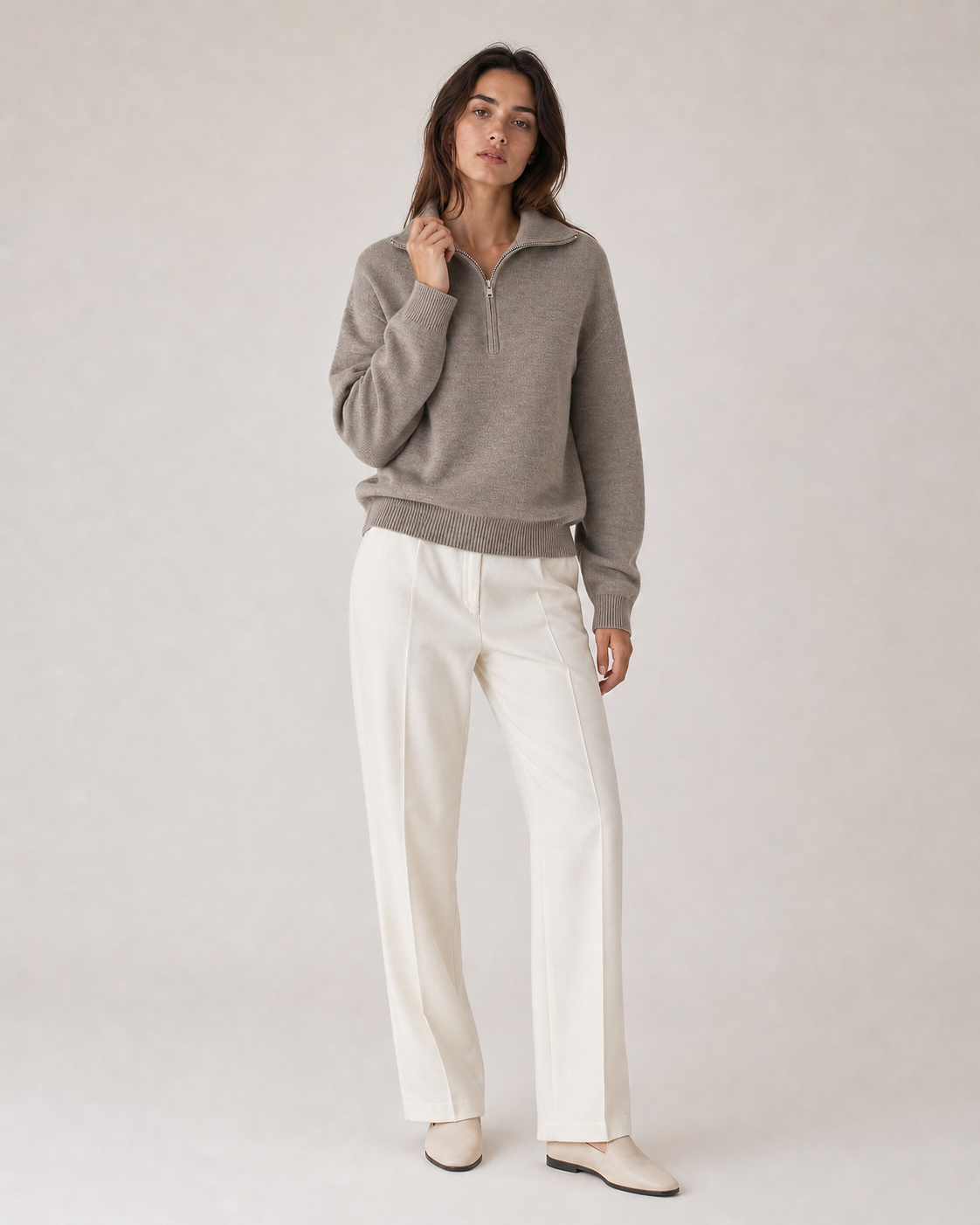 45° |
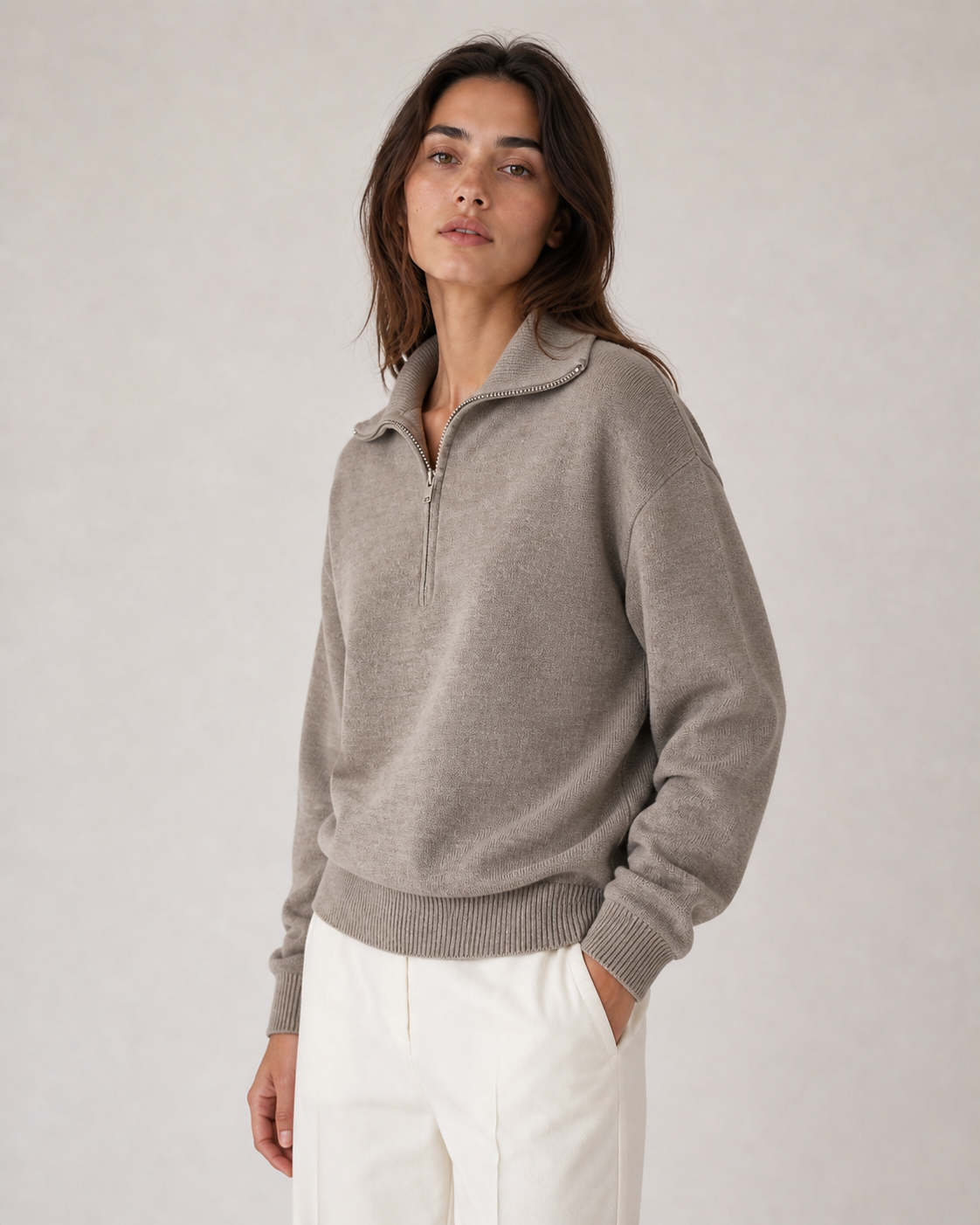 Walking |
Case 4: Model Swap with Appearance Control
Input: Upload the original model-with-apparel image.
Prompt:
Replace the model with a {ethnicity} model, {hair_description}, while keeping the outfit unchanged.
Replace the figure with a {ethnicity} model, {skin_tone} skin, {hair_color} hair, while keeping the outfit unchanged.
[!NOTE] Replace {ethnicity}, {hair_description}, {skin_tone}, and {hair_color} before use. Example: "Replace the model with a Black model, dreadlocks hairstyle, while keeping the outfit unchanged" or "Replace the figure with a Caucasian female model, fair skin, blonde hair, while keeping the outfit unchanged." Helps you localize fashion creatives for different audiences without re-shooting.
Example 1: #LOVE Printed Tee
| Input | Output | |
|---|---|---|
|
Original model |
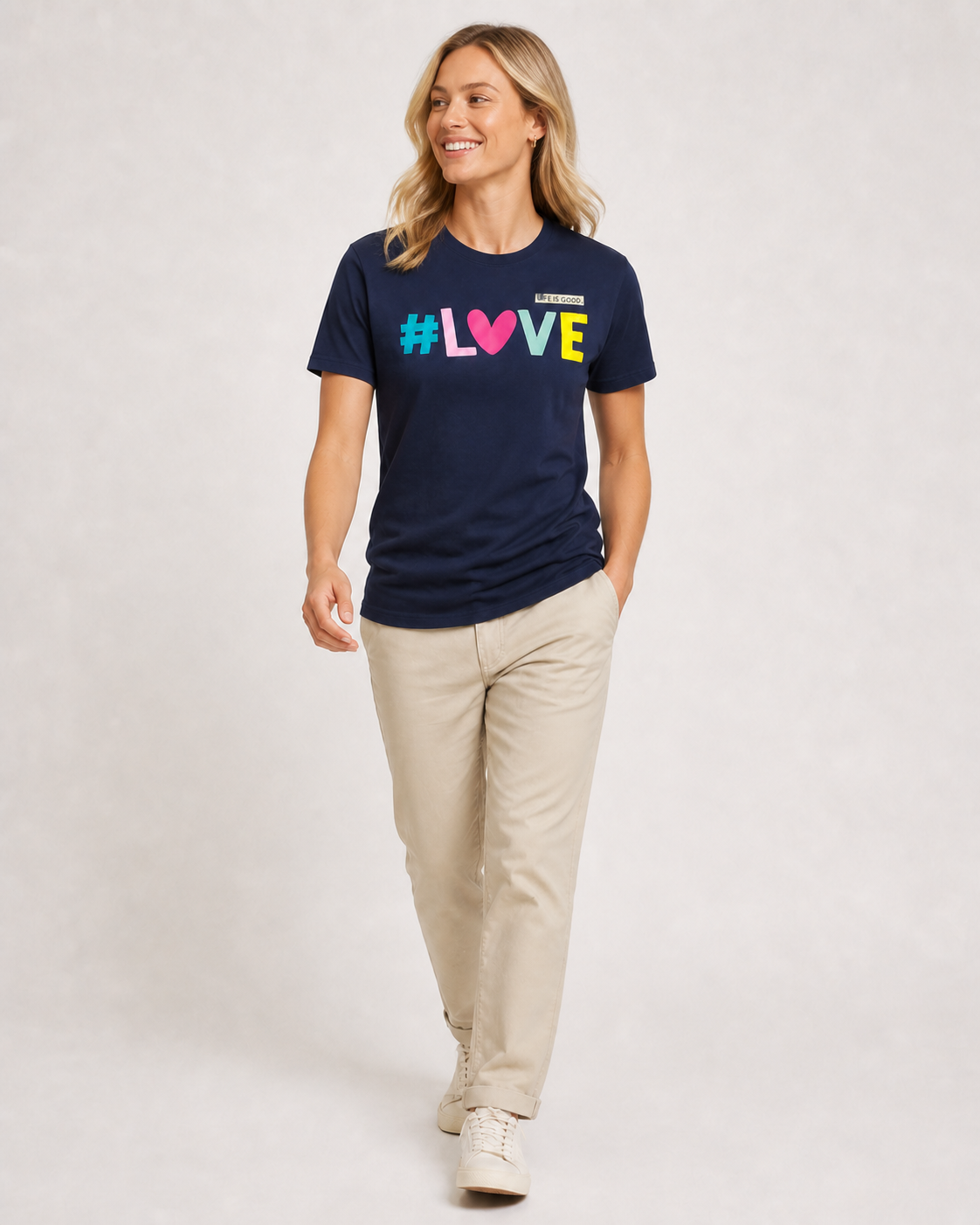 Swapped model v1 |
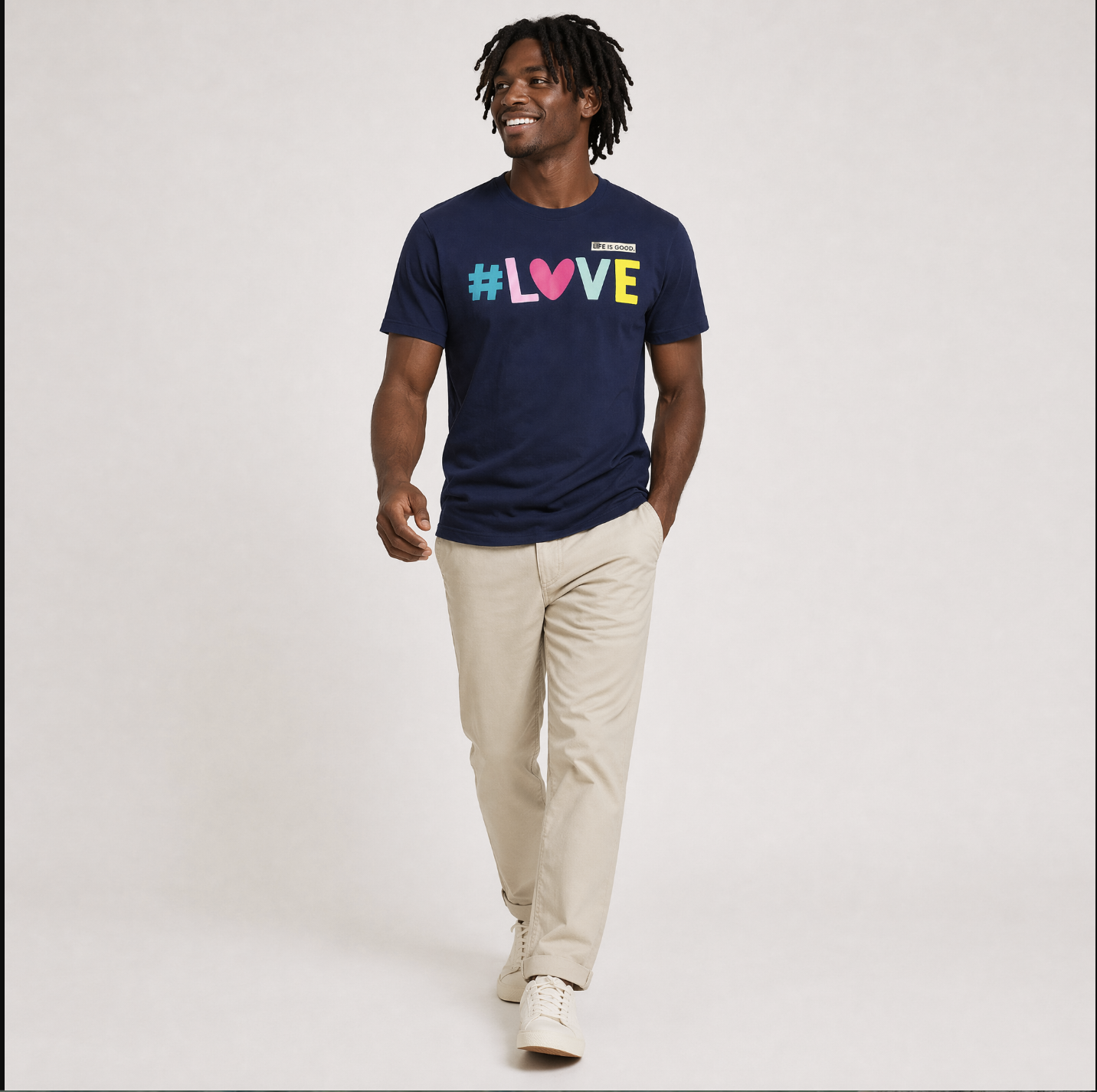 Swapped model v2 |
Example 2: Grey Half-Zip Pullover
| Input | Output |
|---|---|
|
Original model |
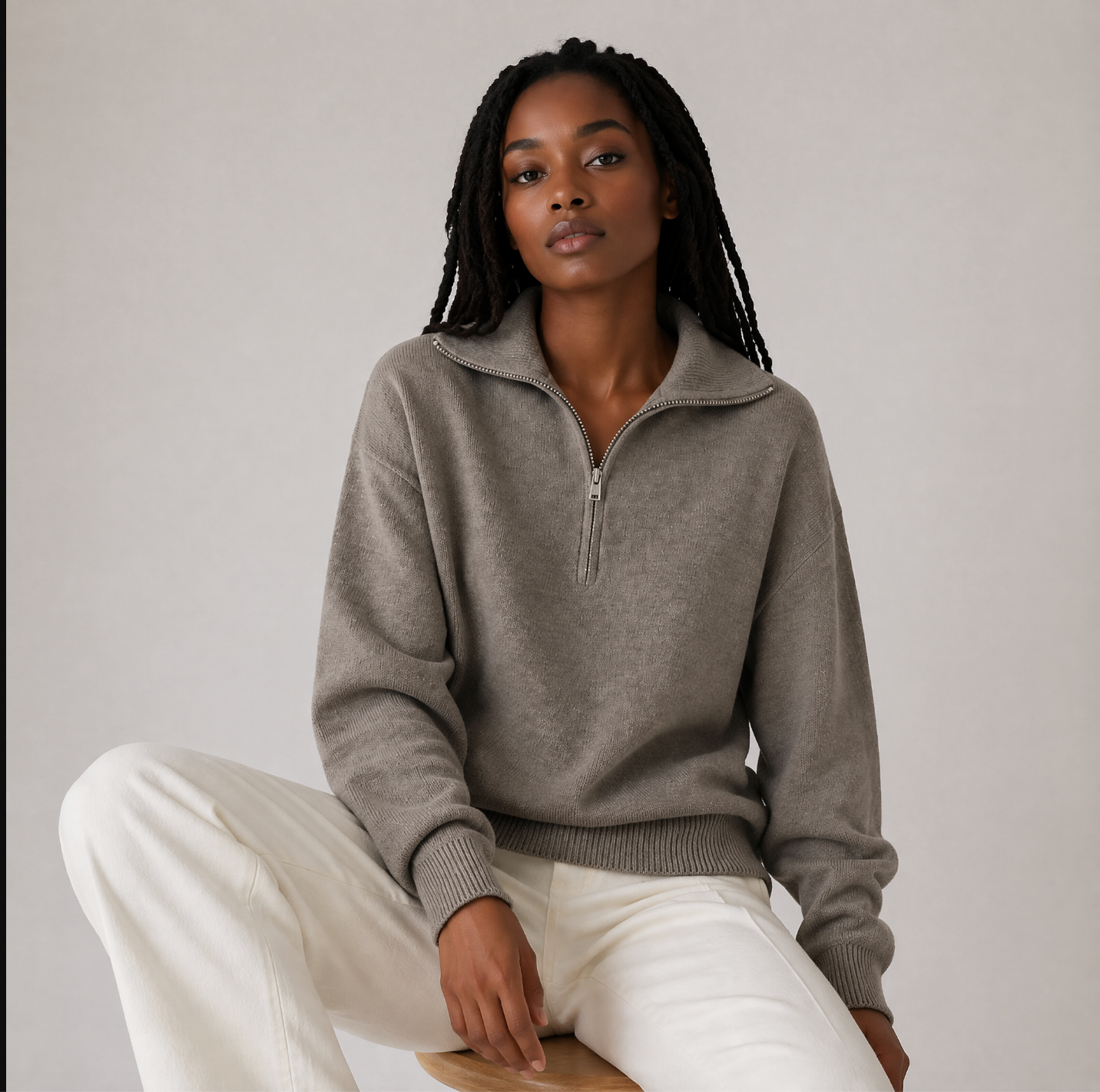 Swapped model |
Case 5: Reference-Based Model Replacement
Input: Upload the original model image and the reference model image.
Prompt:
Replace the model in image 1 with the model in image 2, keeping the same pose.
[!NOTE] Use this when you want to lock a specific model identity across multiple creative assets while reusing the original outfit and pose.
Example 1: Female Model Swap
| Original model | Reference model | Output |
|---|---|---|
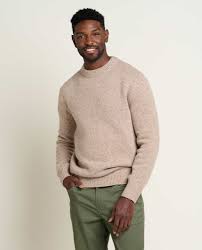 Original model |
Reference model |
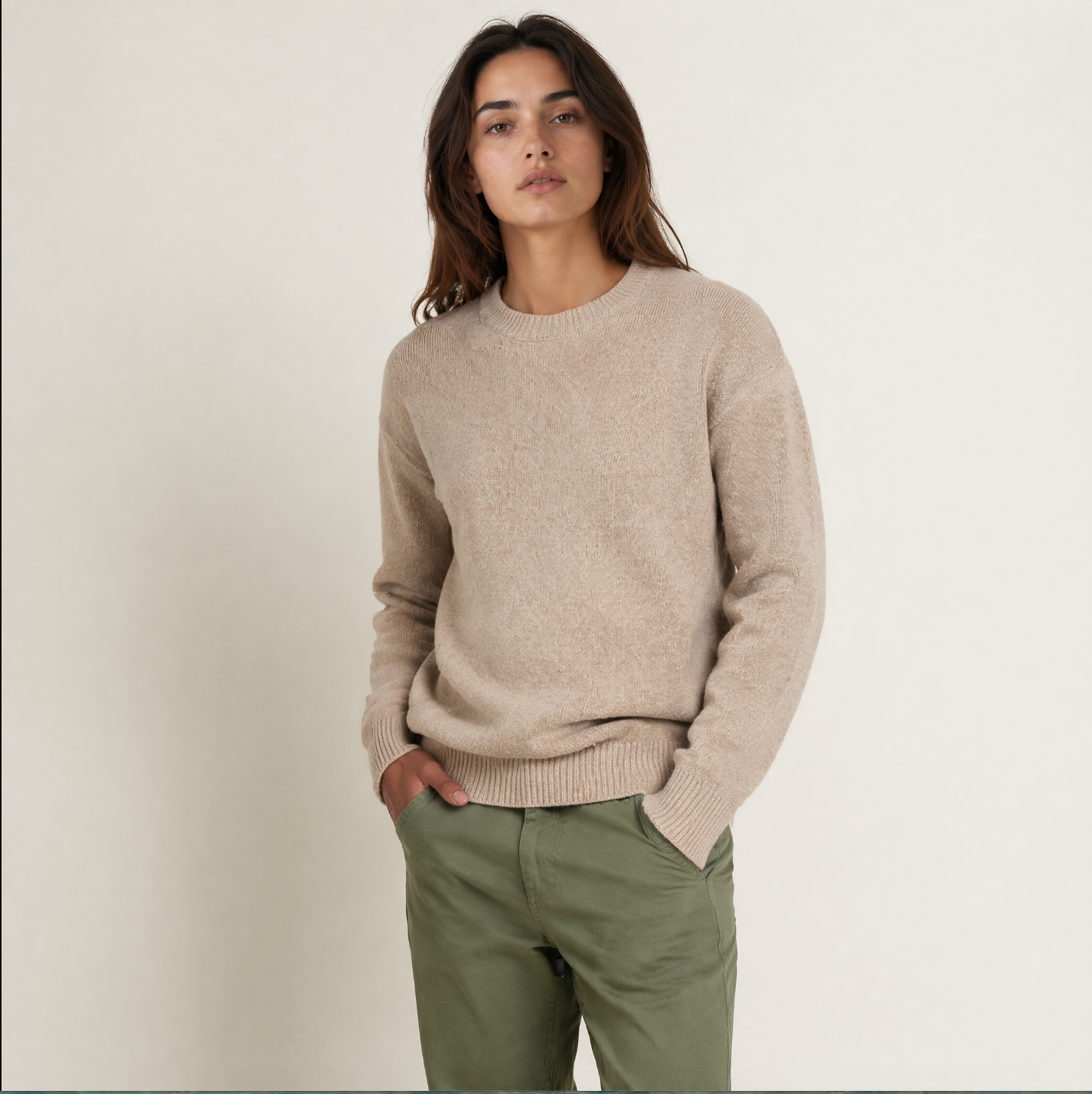 Swap result |
Example 2: Male Model Swap
| Original model | Reference model | Output |
|---|---|---|
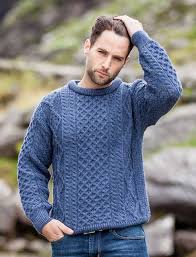 Original model |
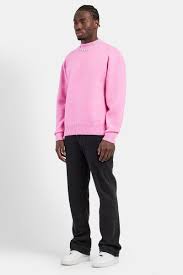 Reference model |
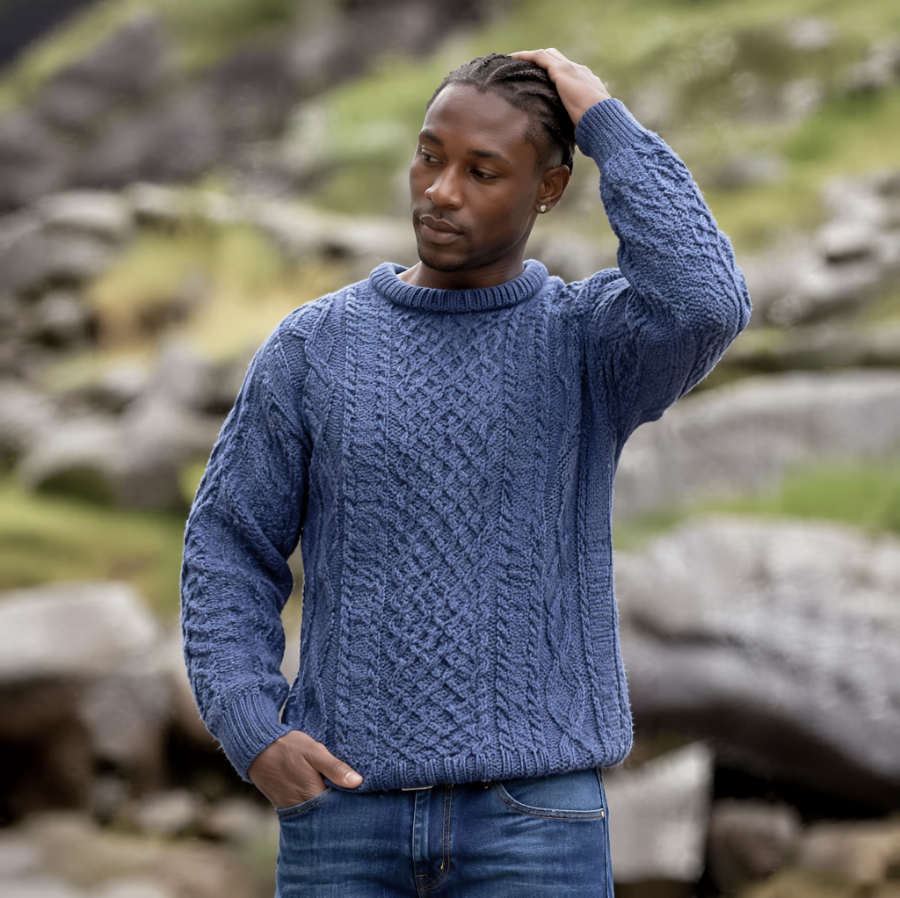 Swap result |
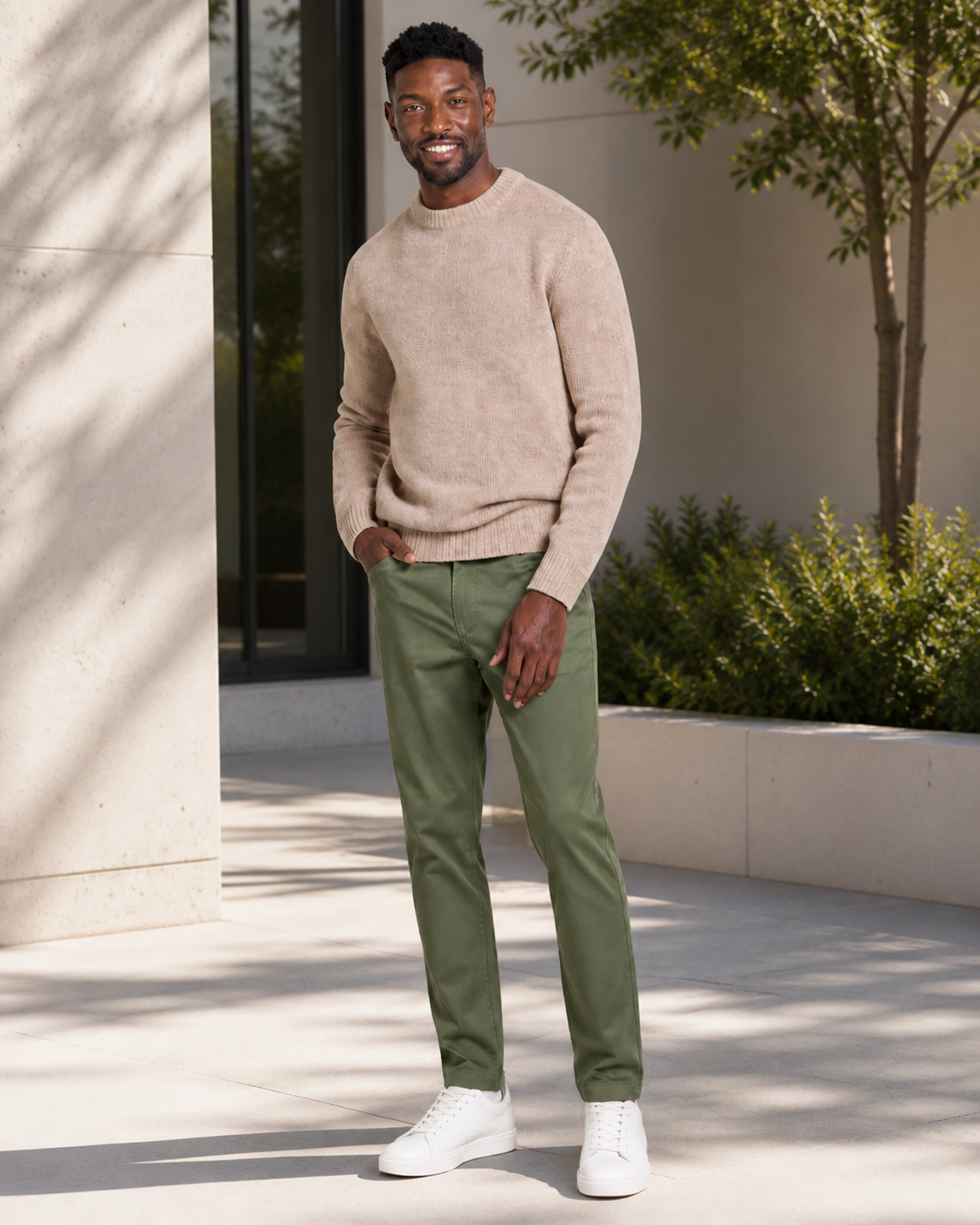
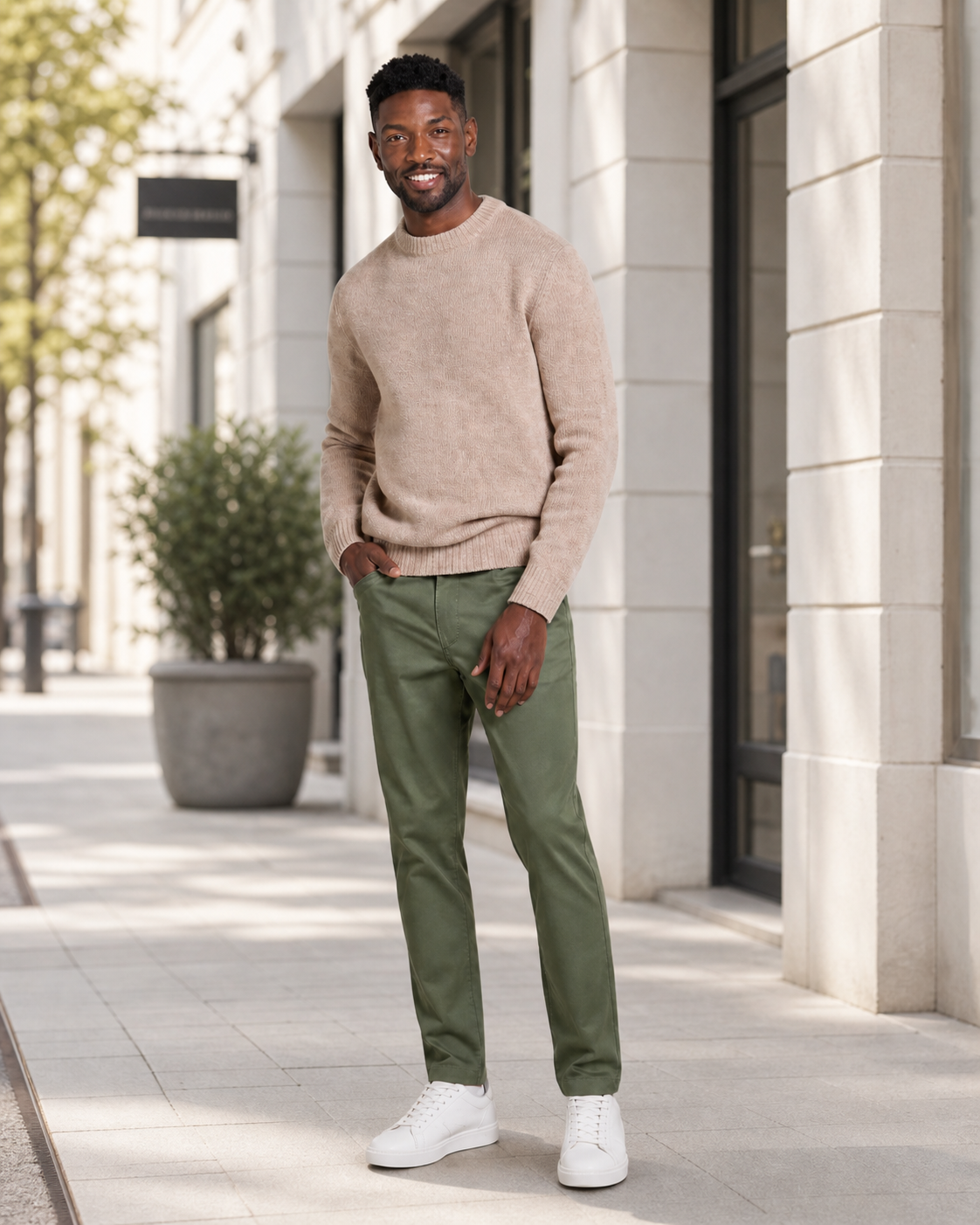
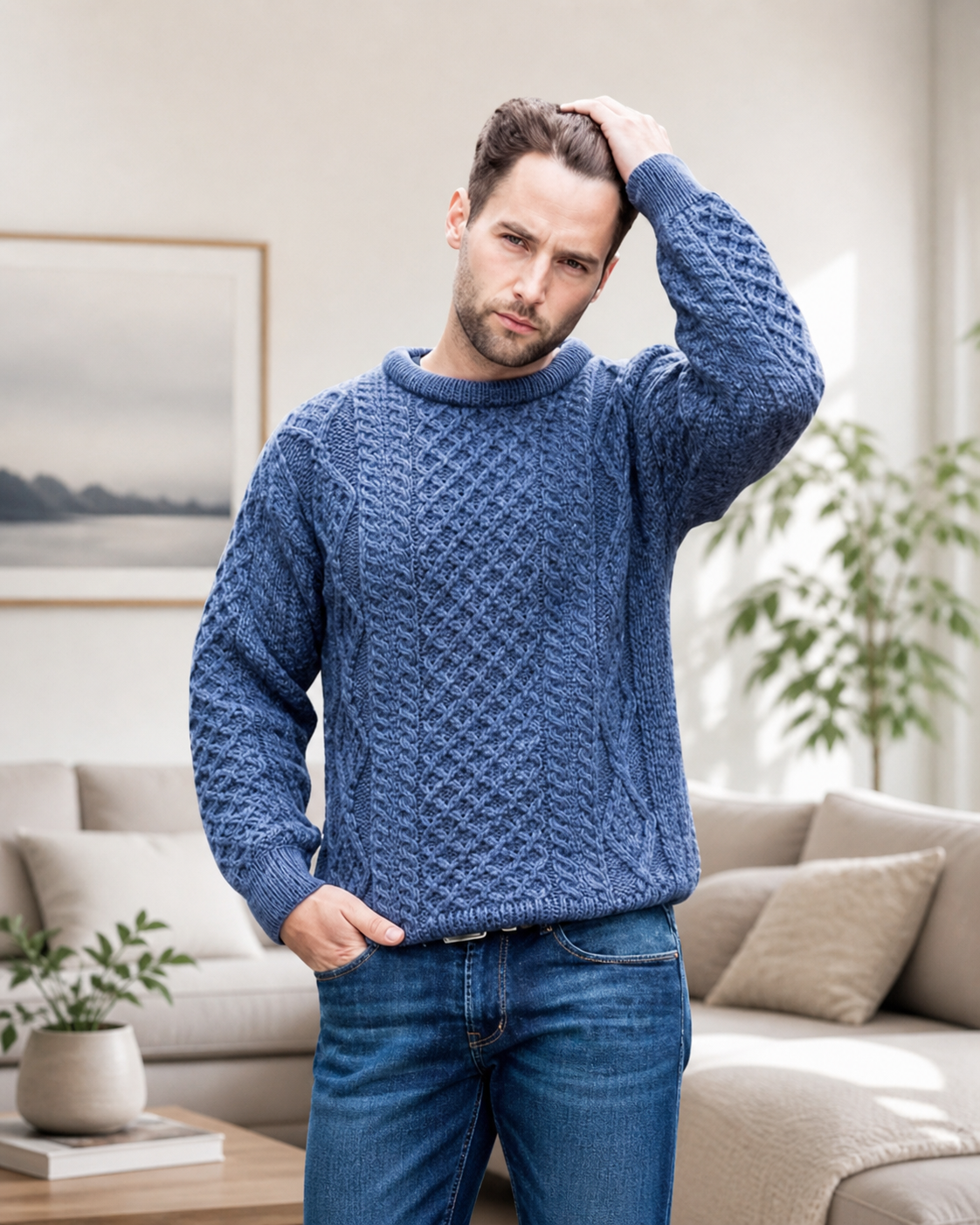
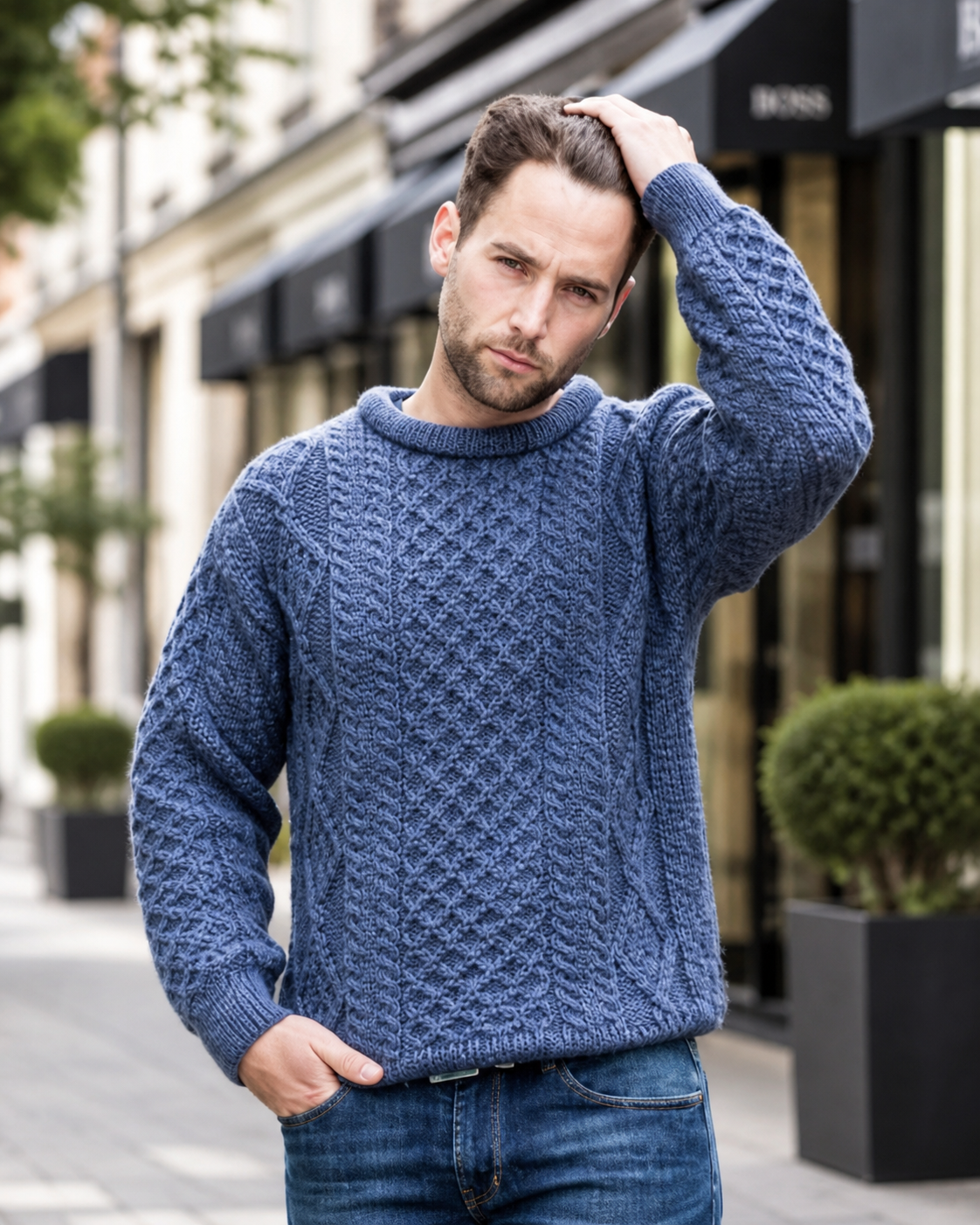
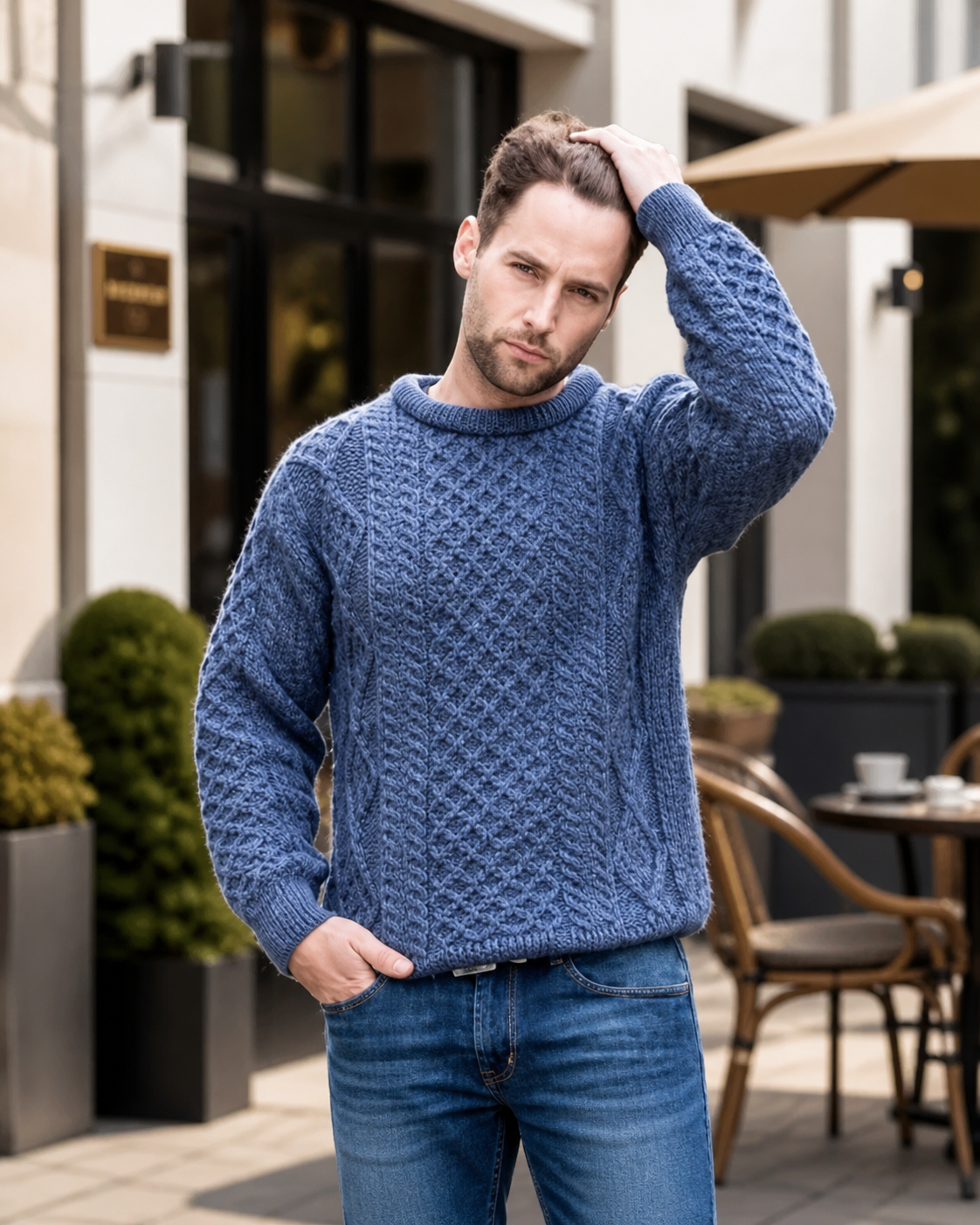
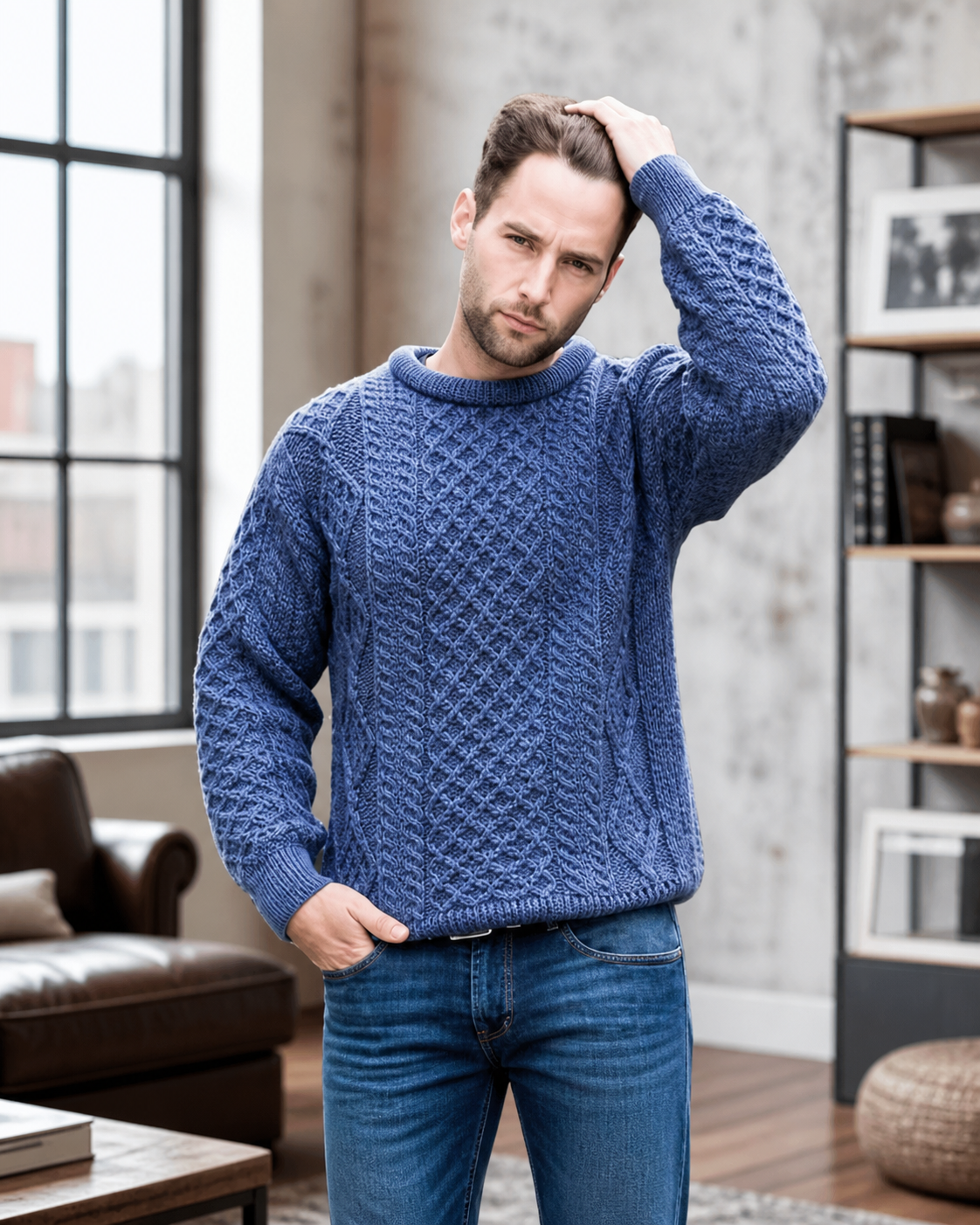
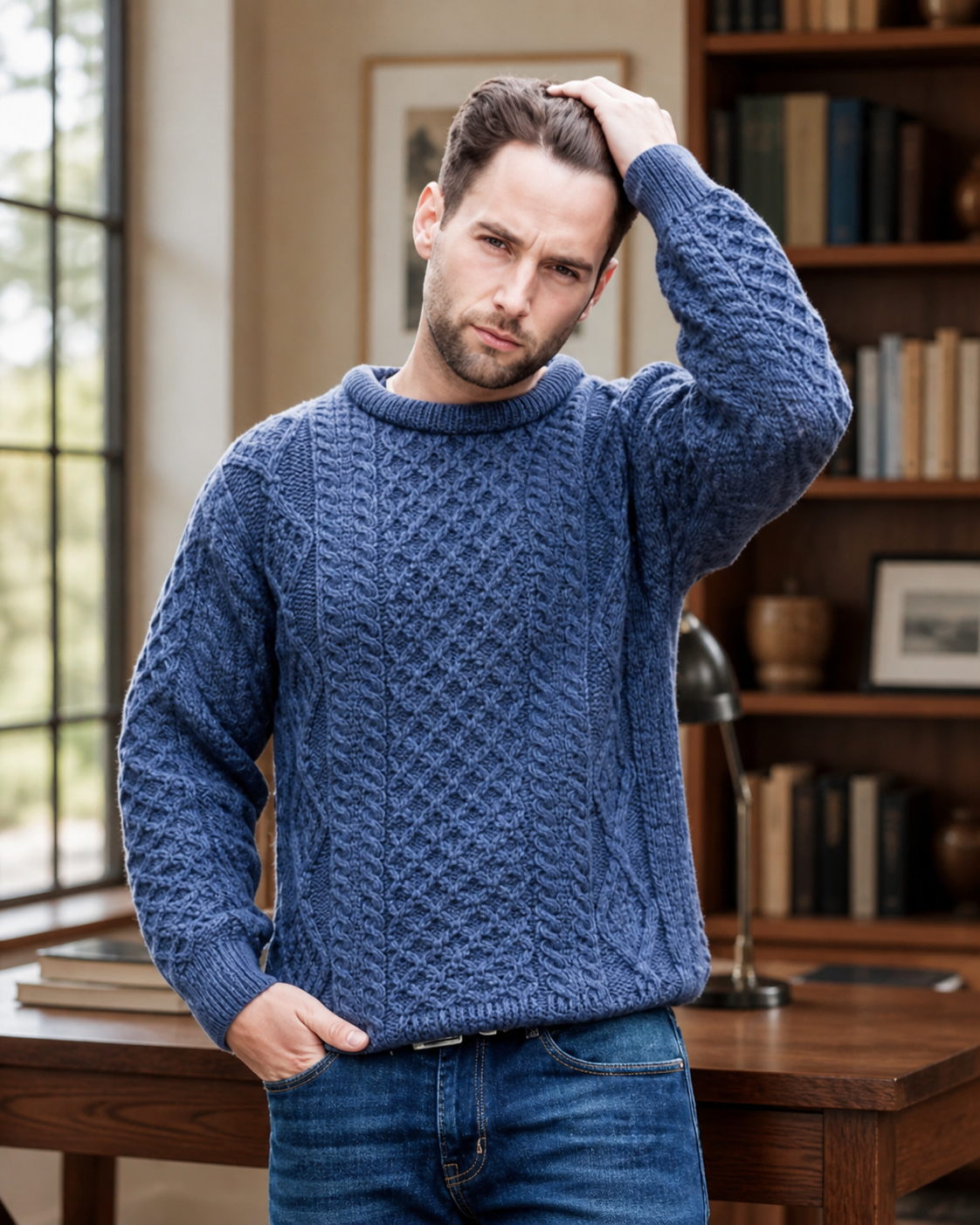
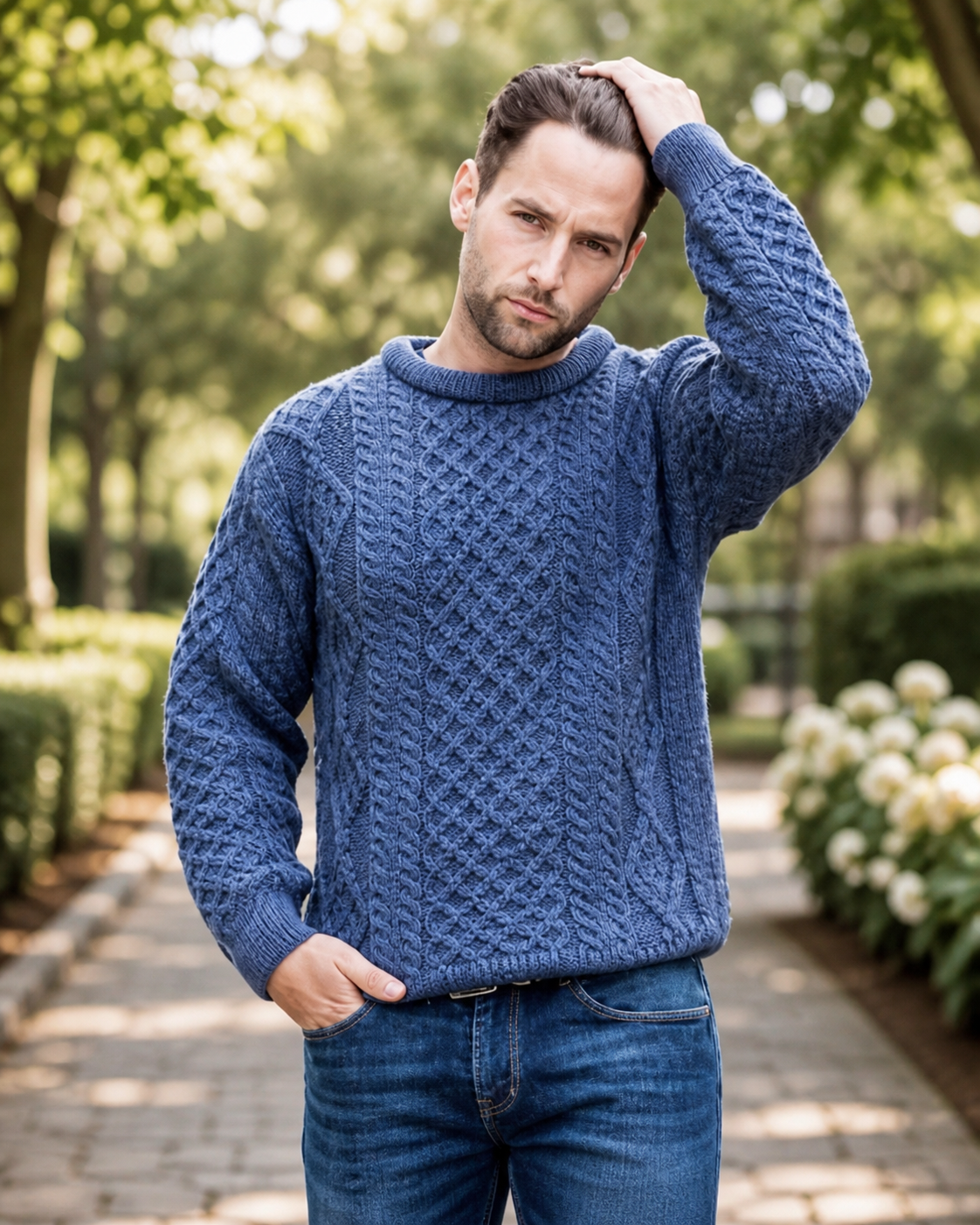
Case 6: Background Concepts for Apparel Sales
Prompt:
Generate suitable background images for {apparel_type} sales display. Provide several indoor and outdoor options to choose from.
[!NOTE] Replace {apparel_type} before use. Example: "Generate suitable background images for kidswear sales display. Provide several indoor and outdoor options to choose from." Useful when you separate scene ideation from model generation in your workflow.
Example 1: Beige Knit Pullover
| Input | Output | ||
|---|---|---|---|
|
Original model |
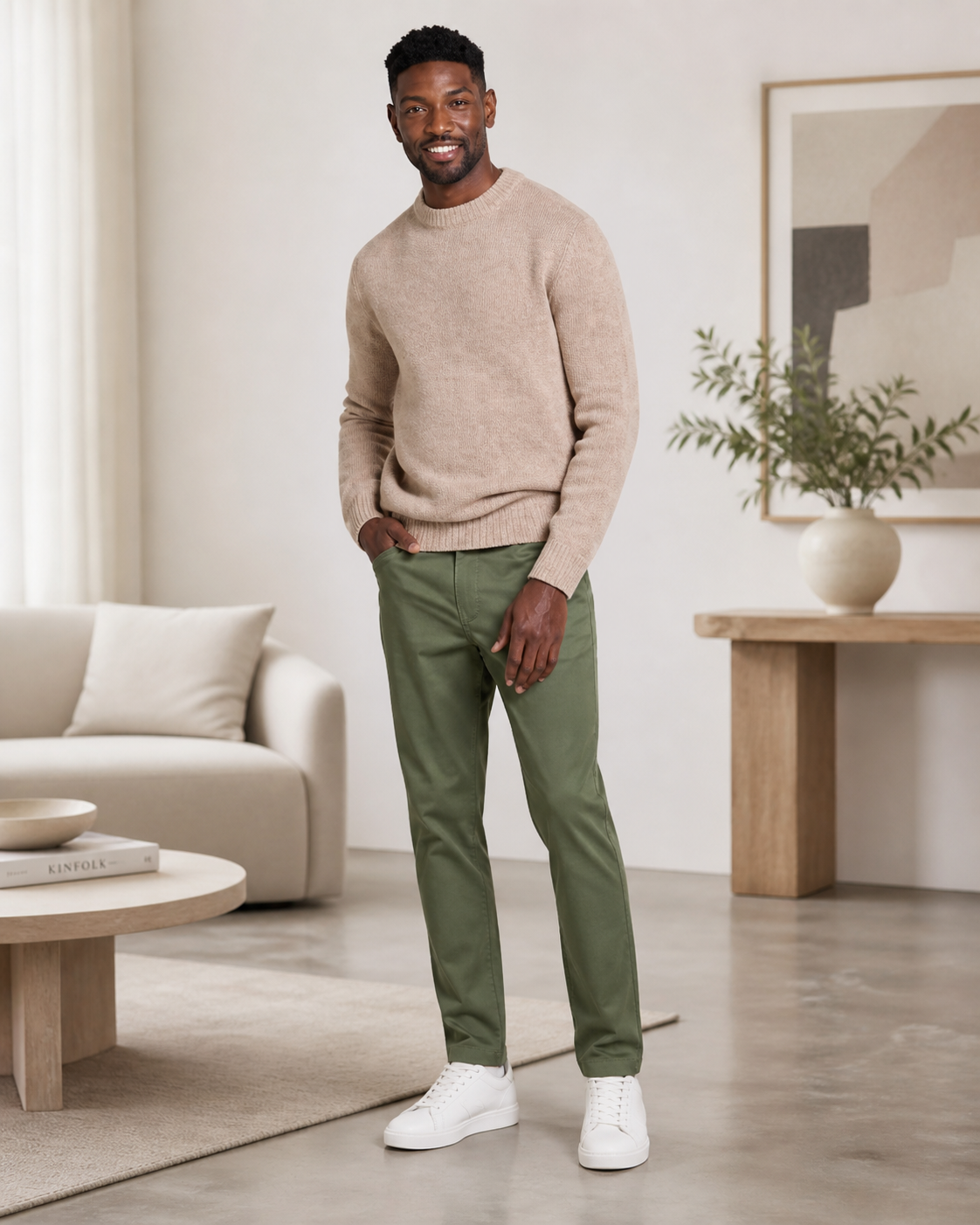 Indoor minimal |
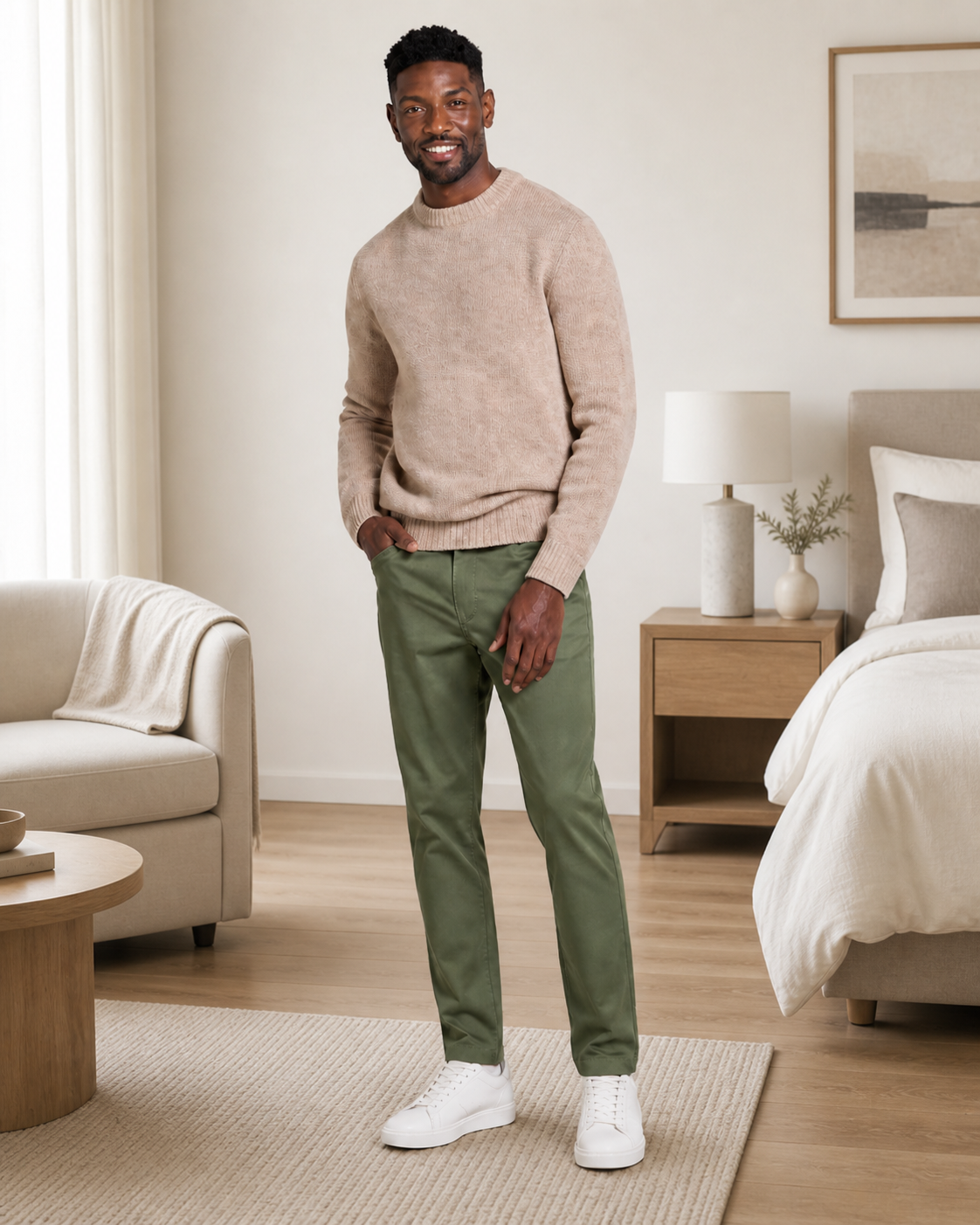 Outdoor natural 1 |
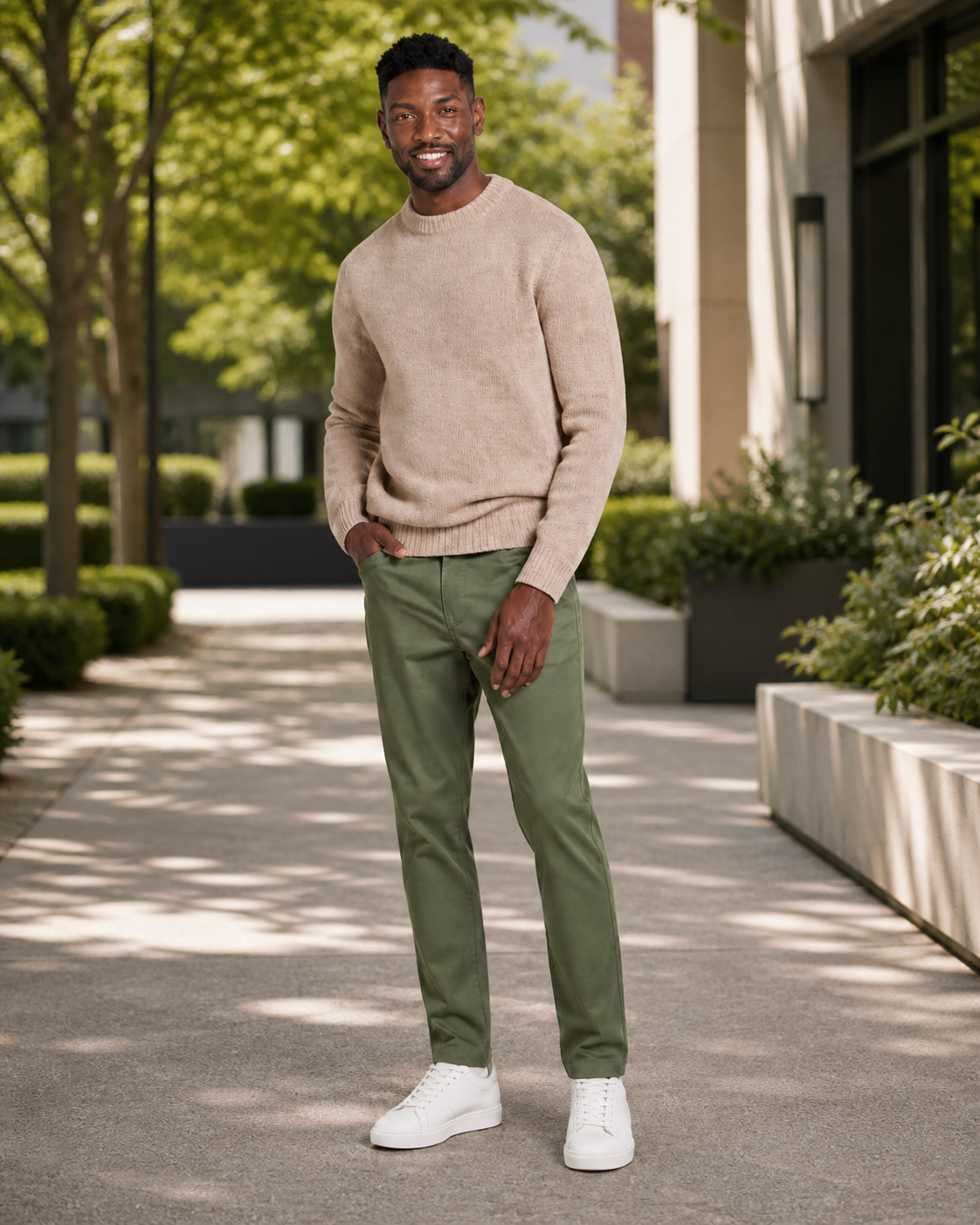 Outdoor natural 2 |
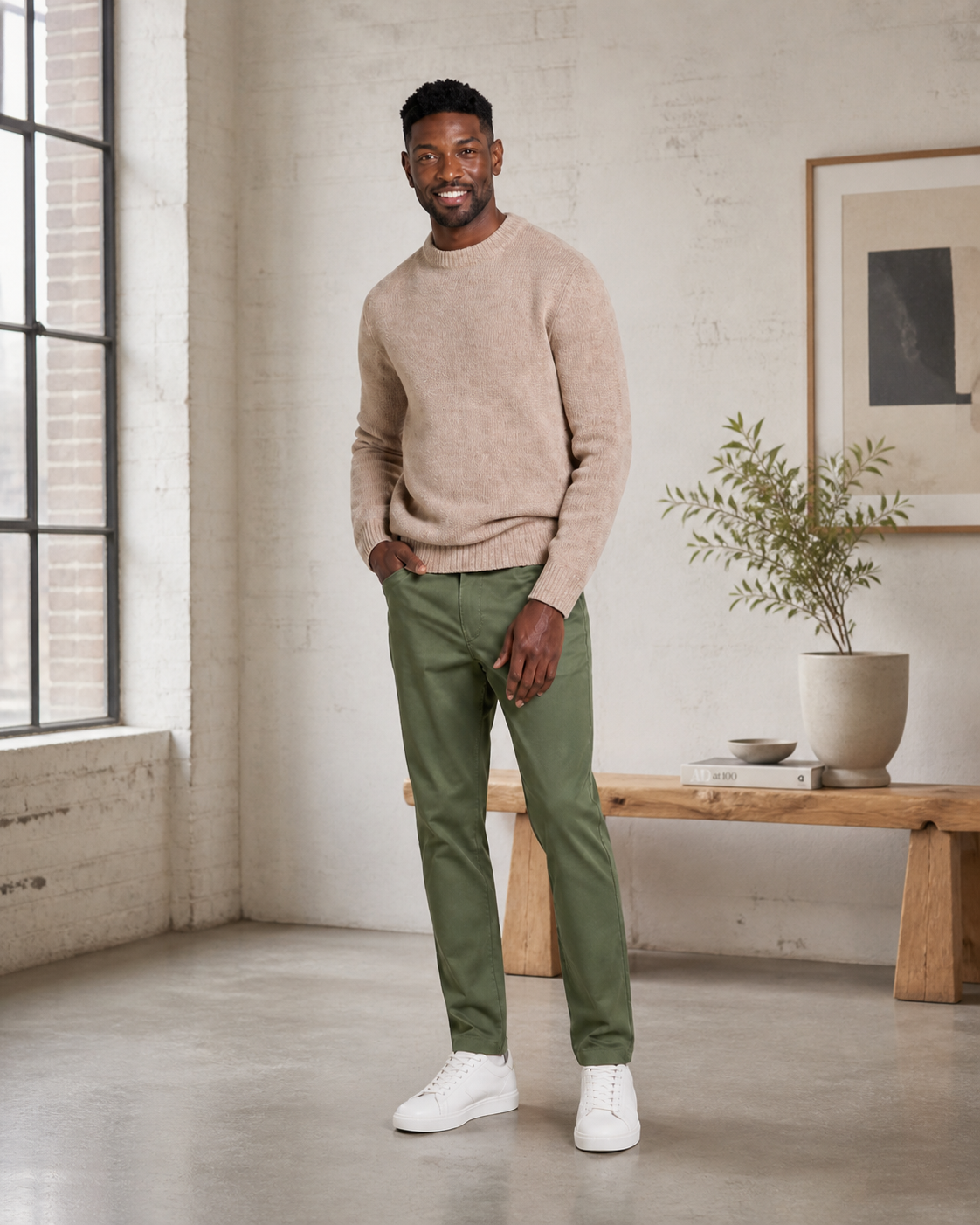 City street |
 At-home scene |
 Casual scene |
Example 2: Dark Blue Cable Knit
| Input | Output | ||
|---|---|---|---|
|
Original model |
 Indoor scene 1 |
 Outdoor scene 1 |
 Outdoor scene 2 |
 City street |
 Home environment |
 Other scene |
Case 7: Accessory Try-On
Input: Upload the accessory product image.
Prompt:
A model wearing this {accessory_type}, {additional_requirements}.
[!NOTE] Replace {accessory_type} and {additional_requirements} before use. Example: "A model wearing this necklace, face not shown" or "A model wearing these earrings." Works for necklaces, earrings, hats, scarves, and other wearable accessories.
| Input | Output | Input | Output |
|---|---|---|---|
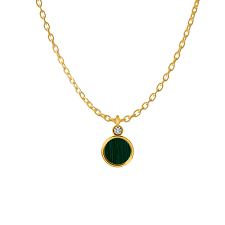 Jade pendant necklace |
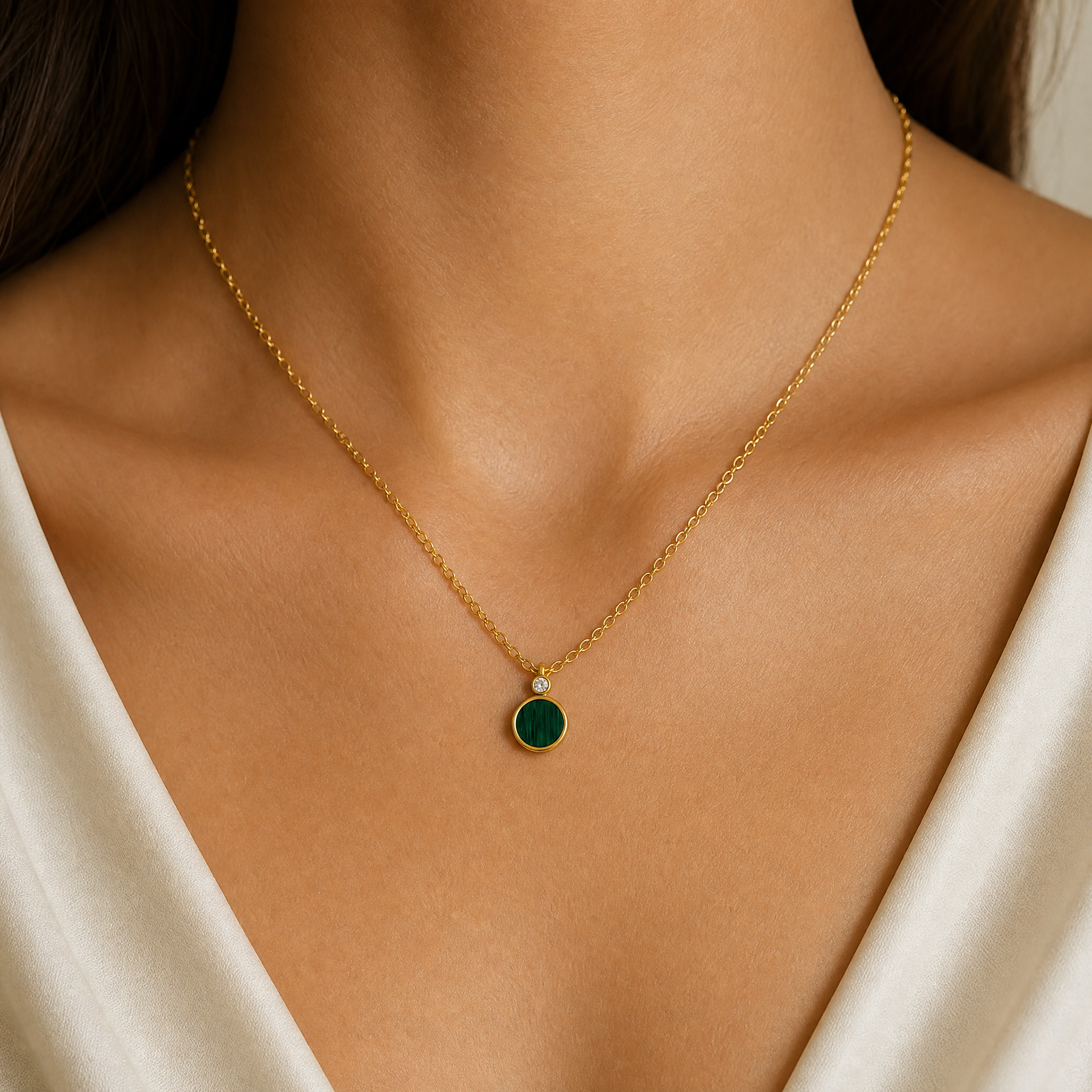 Worn on model |
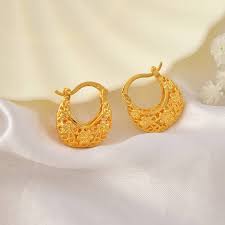 Gold hoop earrings |
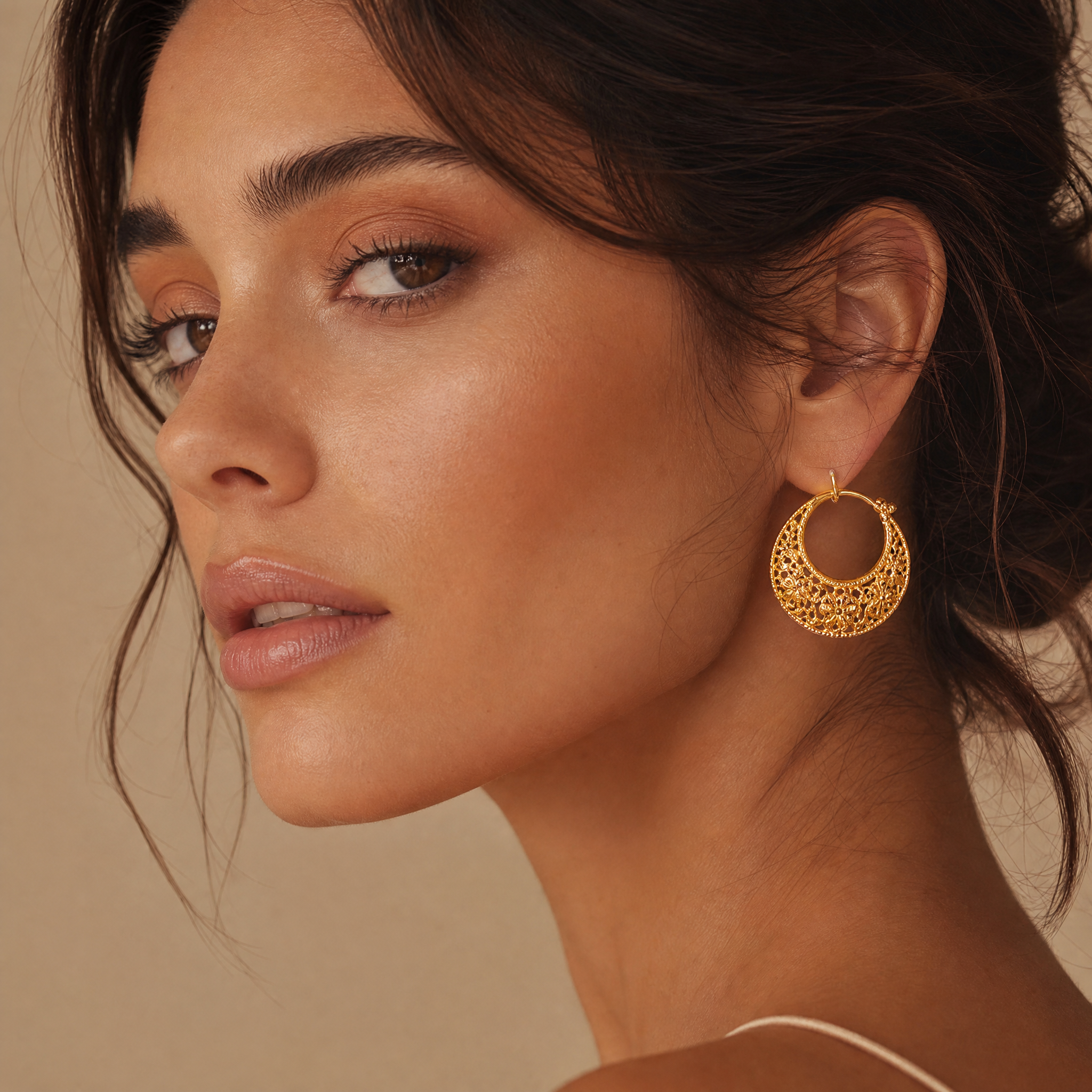 Worn on model |
Case 8: Nail Application
Input: Upload the nail design reference image.
Prompt:
Apply these nails to hands.
[!NOTE] Useful for press-on nails, gel-polish concepts, salon design previews, and nail product marketing creatives.
| Input | Output | Input | Output |
|---|---|---|---|
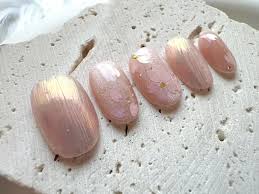 Pink nail samples |
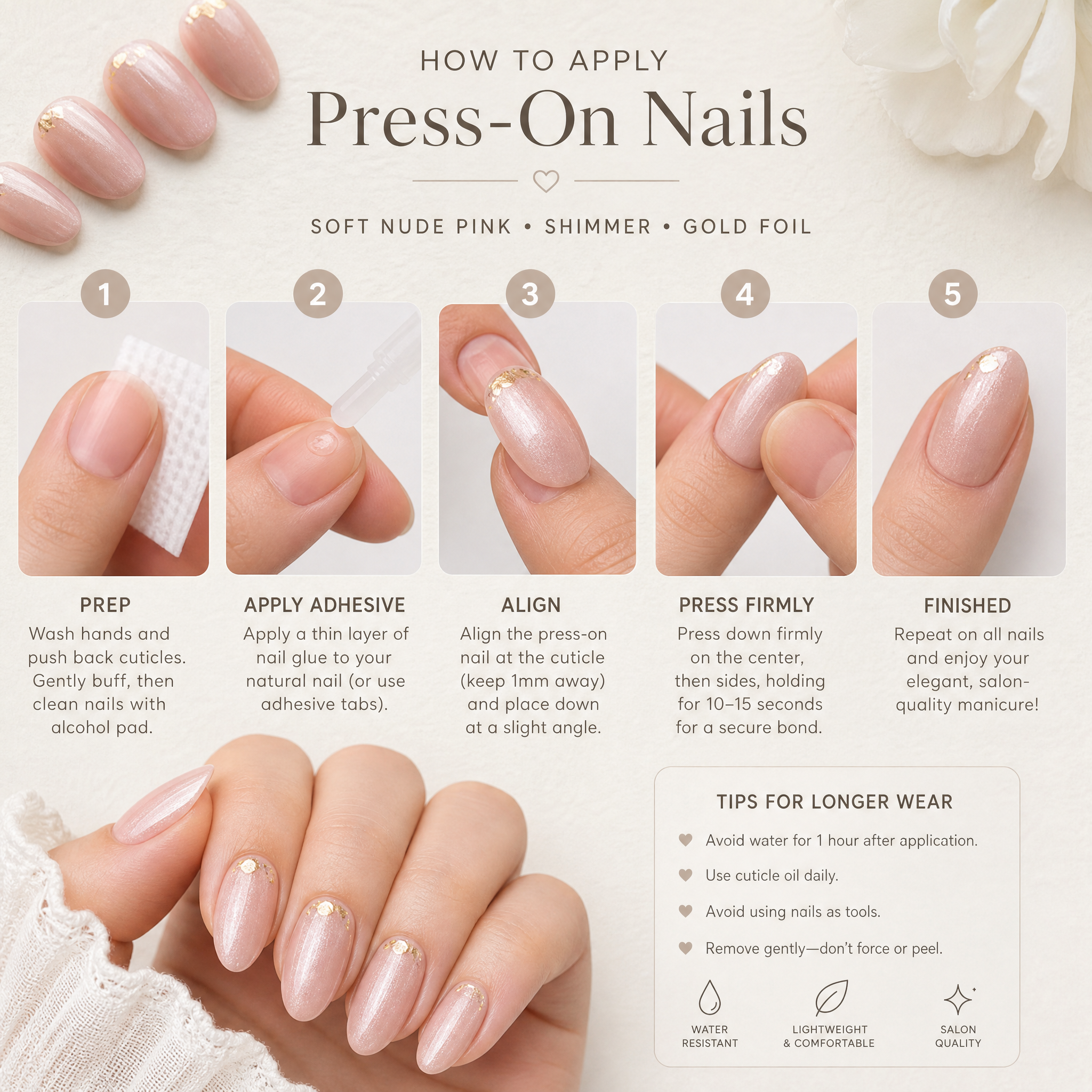 Applied to hand |
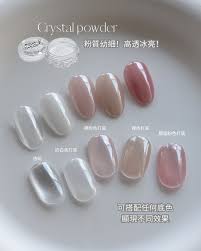 Multi-color nail samples |
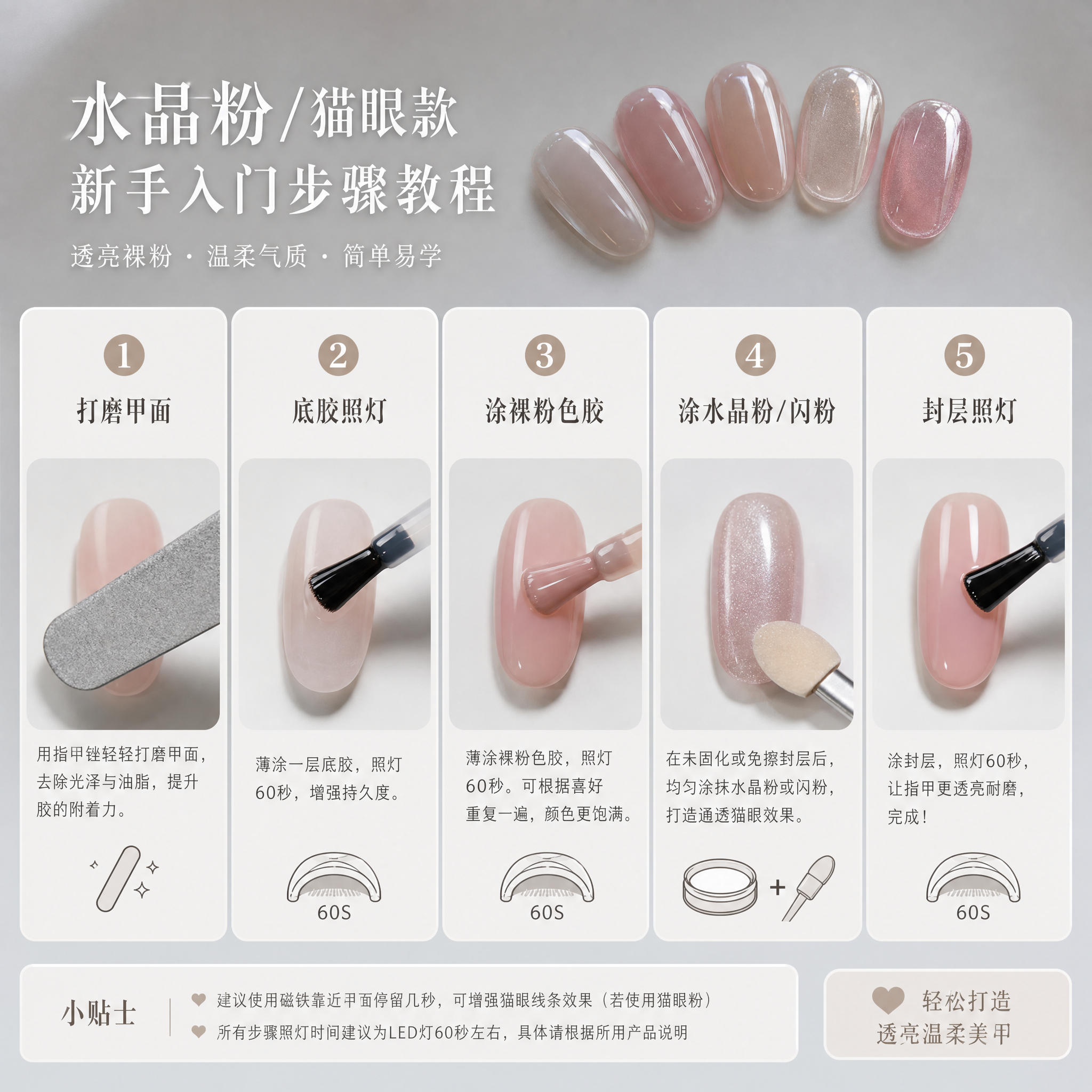 Applied to hand |
Case 9: Model Shoe Try-On
Input: Upload the shoe product image.
Prompt:
A model wearing the shoes from the image, {styling_description}.
[!NOTE] Replace {styling_description} before use. Example: "A model wearing the shoes from the image, with a brown short skirt." Works for sneakers, heels, boots, and seasonal footwear creatives.
| Input | Output | Input | Output |
|---|---|---|---|
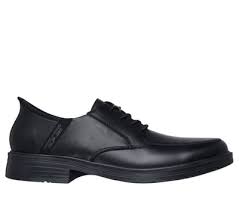 Black leather shoes |
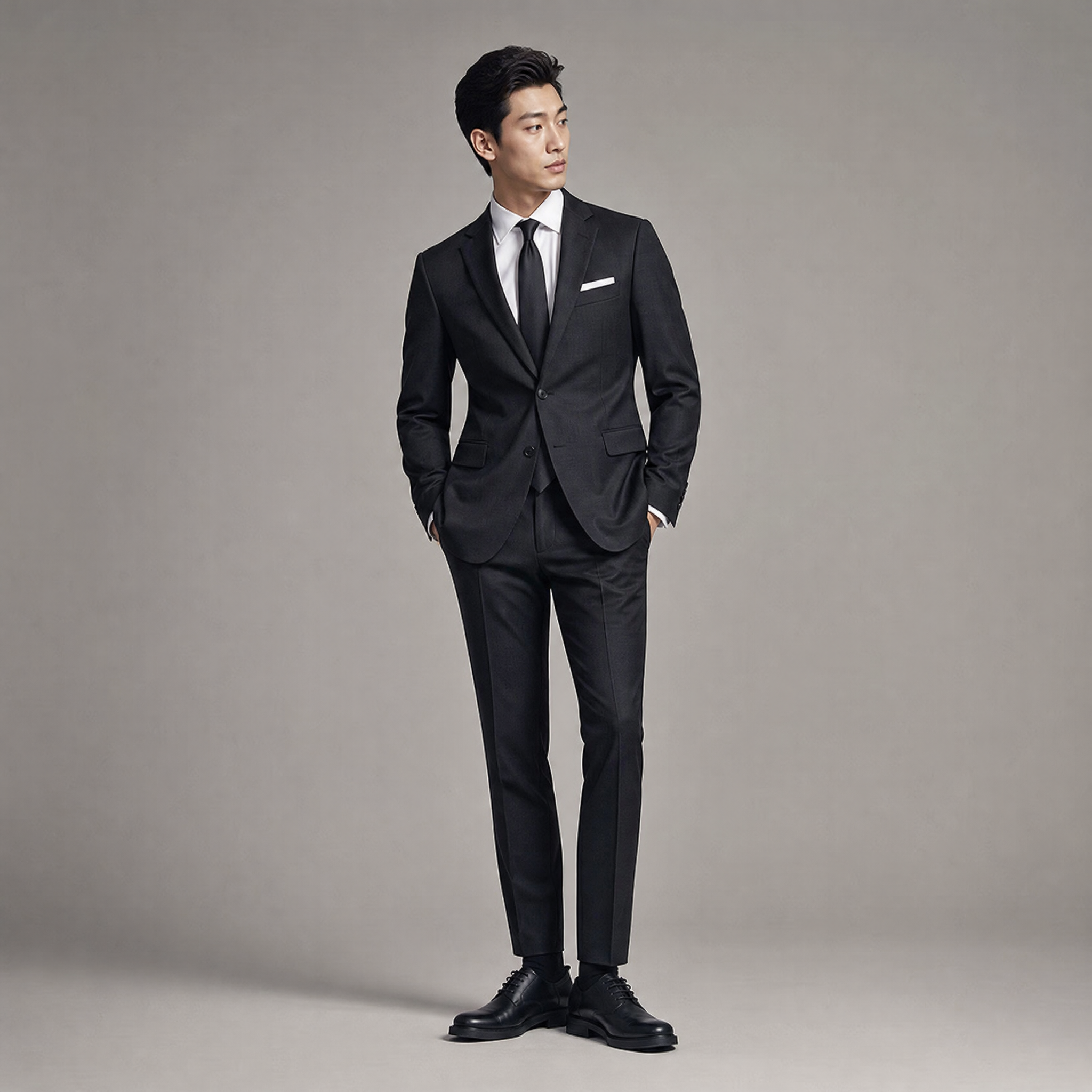 Male styling |
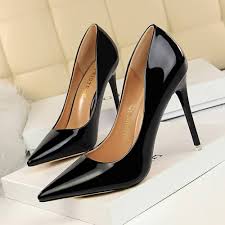 Black high heels |
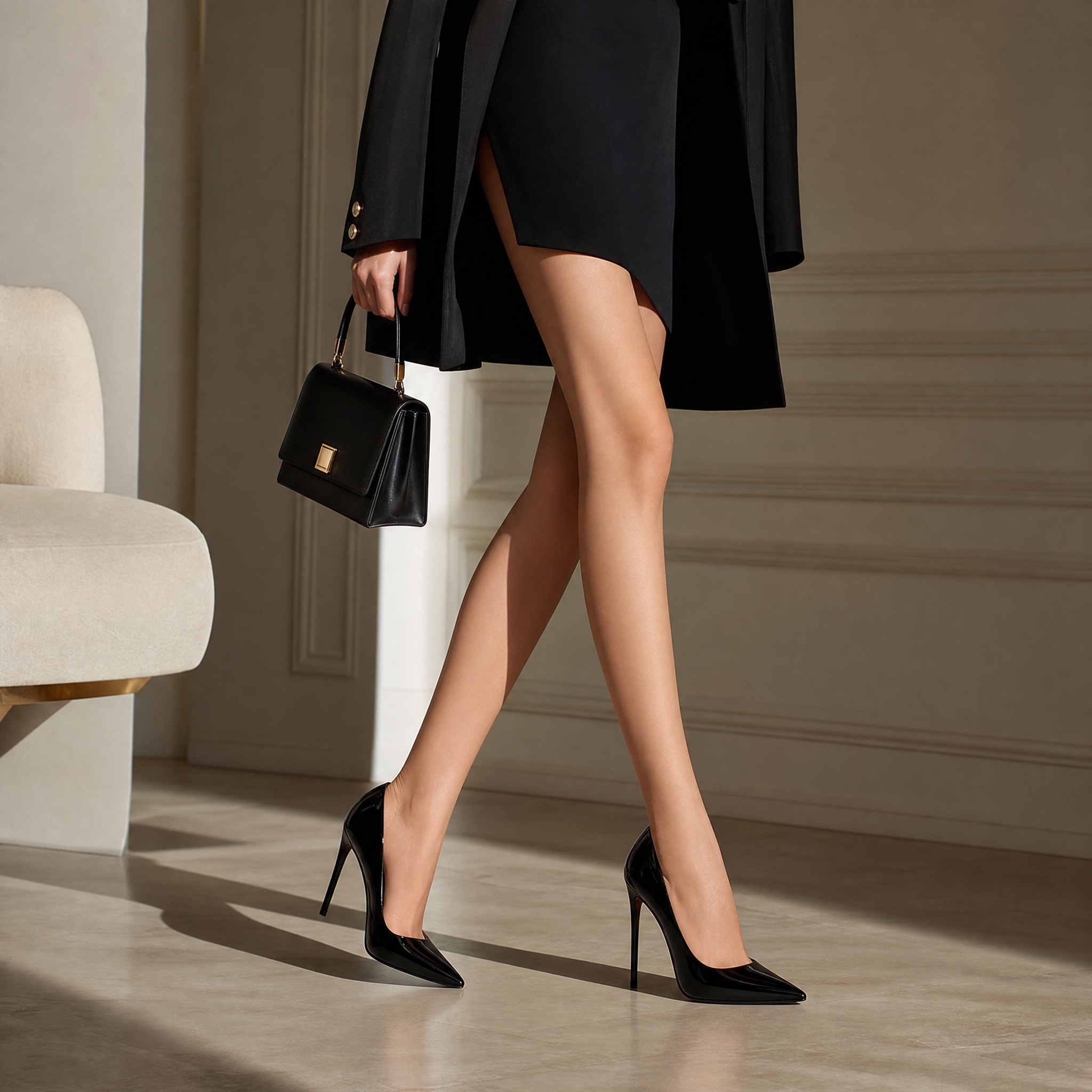 Female styling |
📦 Product Showcase Prompts
Case 1: Clean White Background Product Retouch
Input: Upload a high-quality product photo.
Prompt:
Generate a clean white-background retouched image.
[!NOTE] The better the source quality, the more accurate the result. High-quality inputs typically yield more faithful product preservation and cleaner ecommerce-grade output.
| Input | Output | Input | Output |
|---|---|---|---|
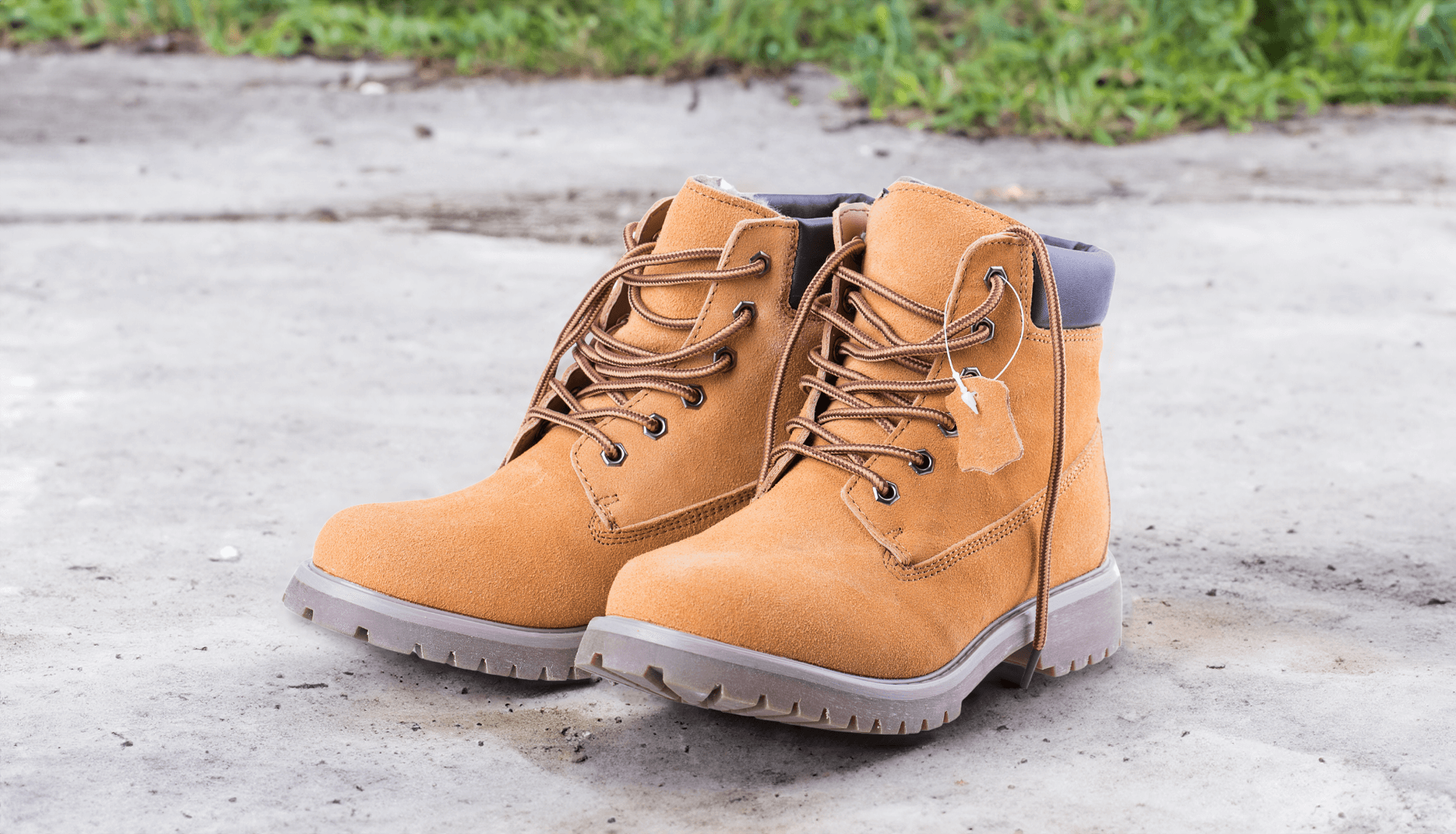 In-scene product photo |
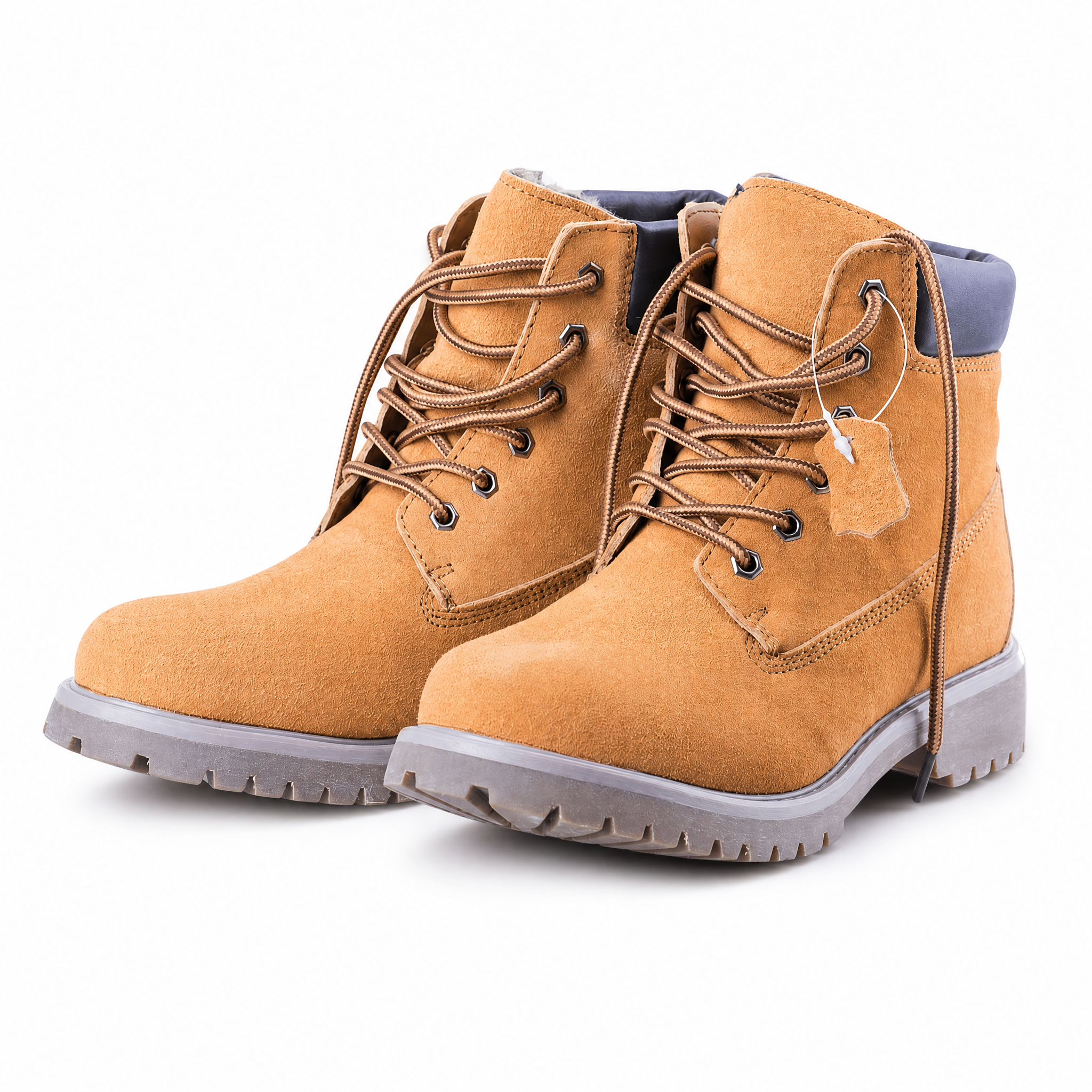 White-background retouch |
 Raw product photo |
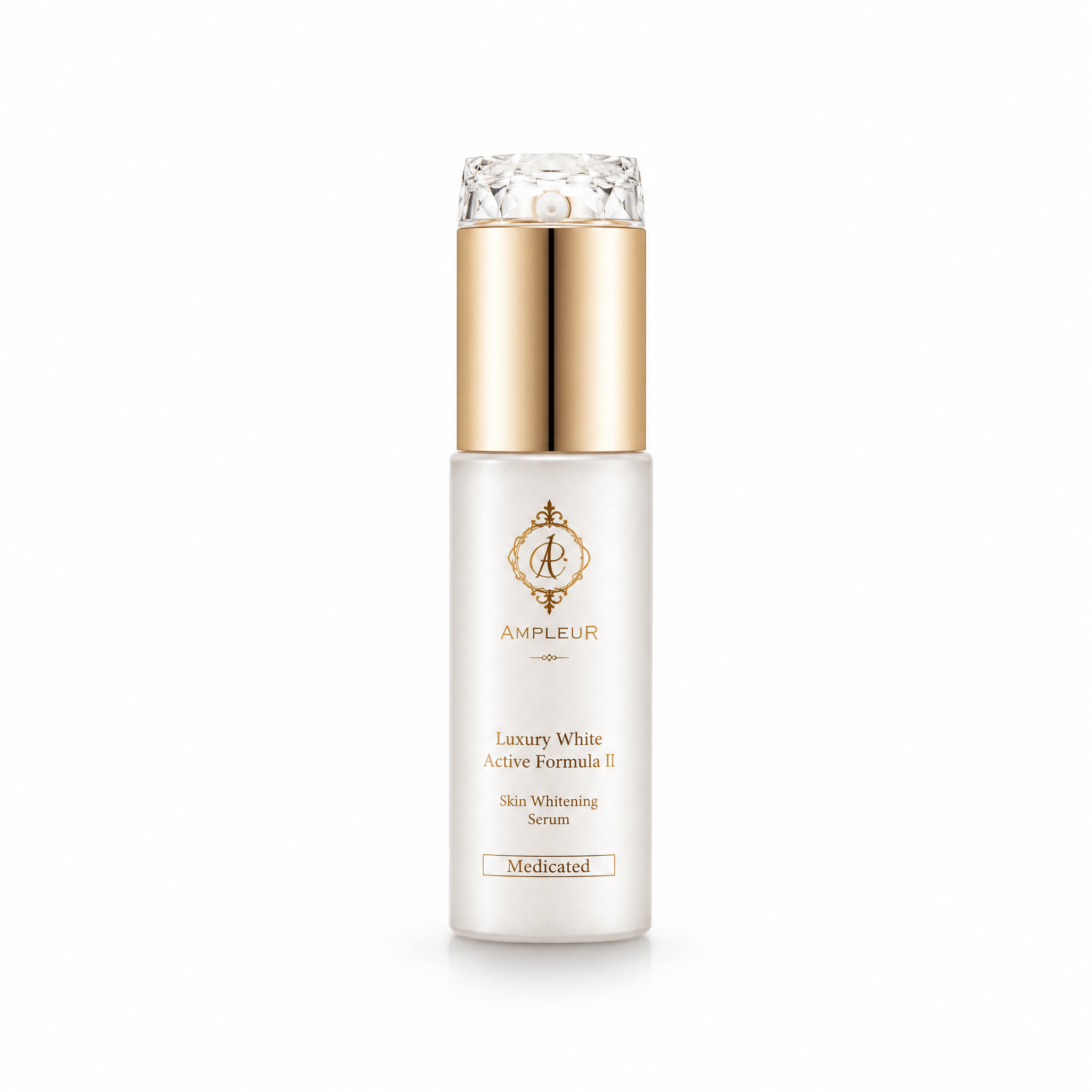 White-background retouch |
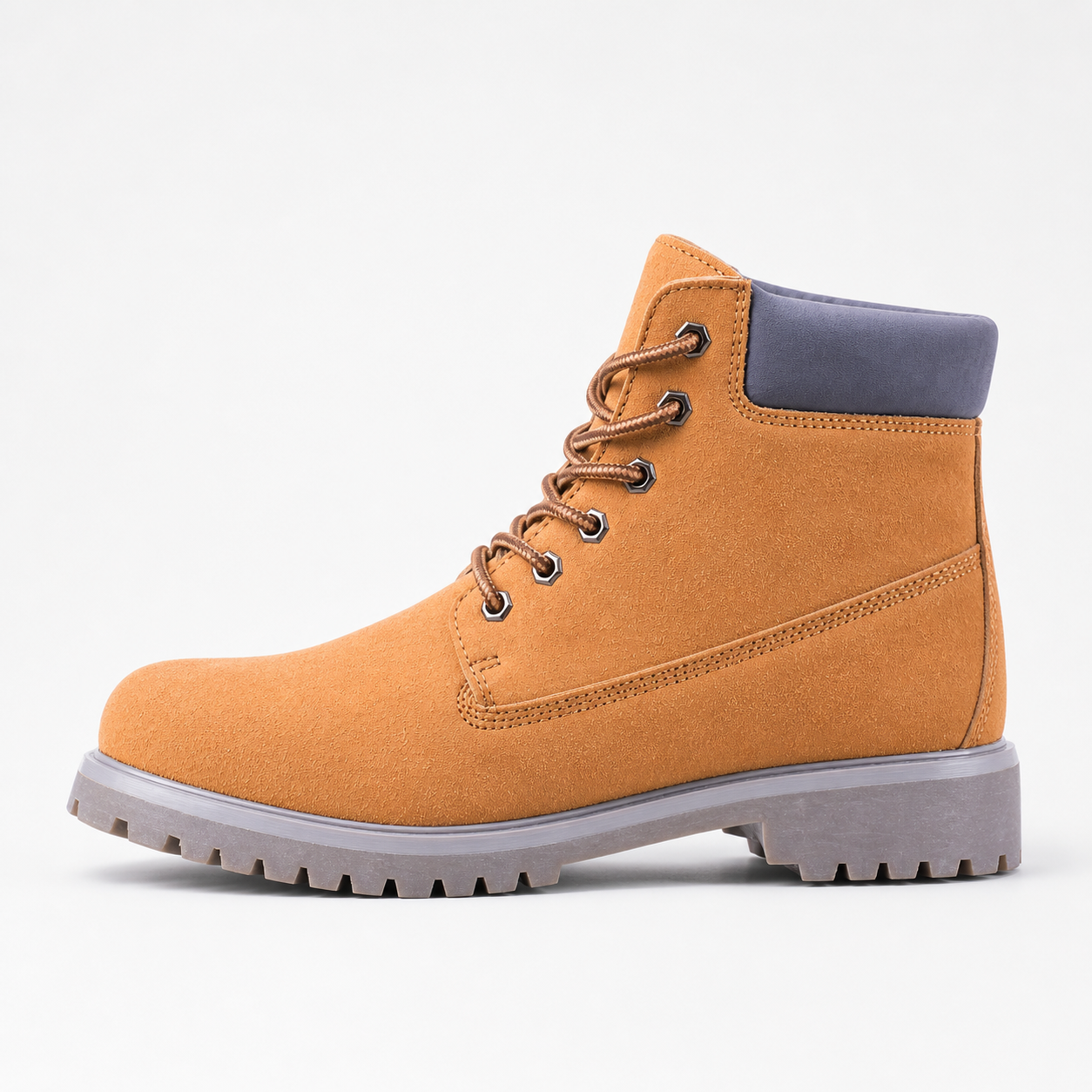
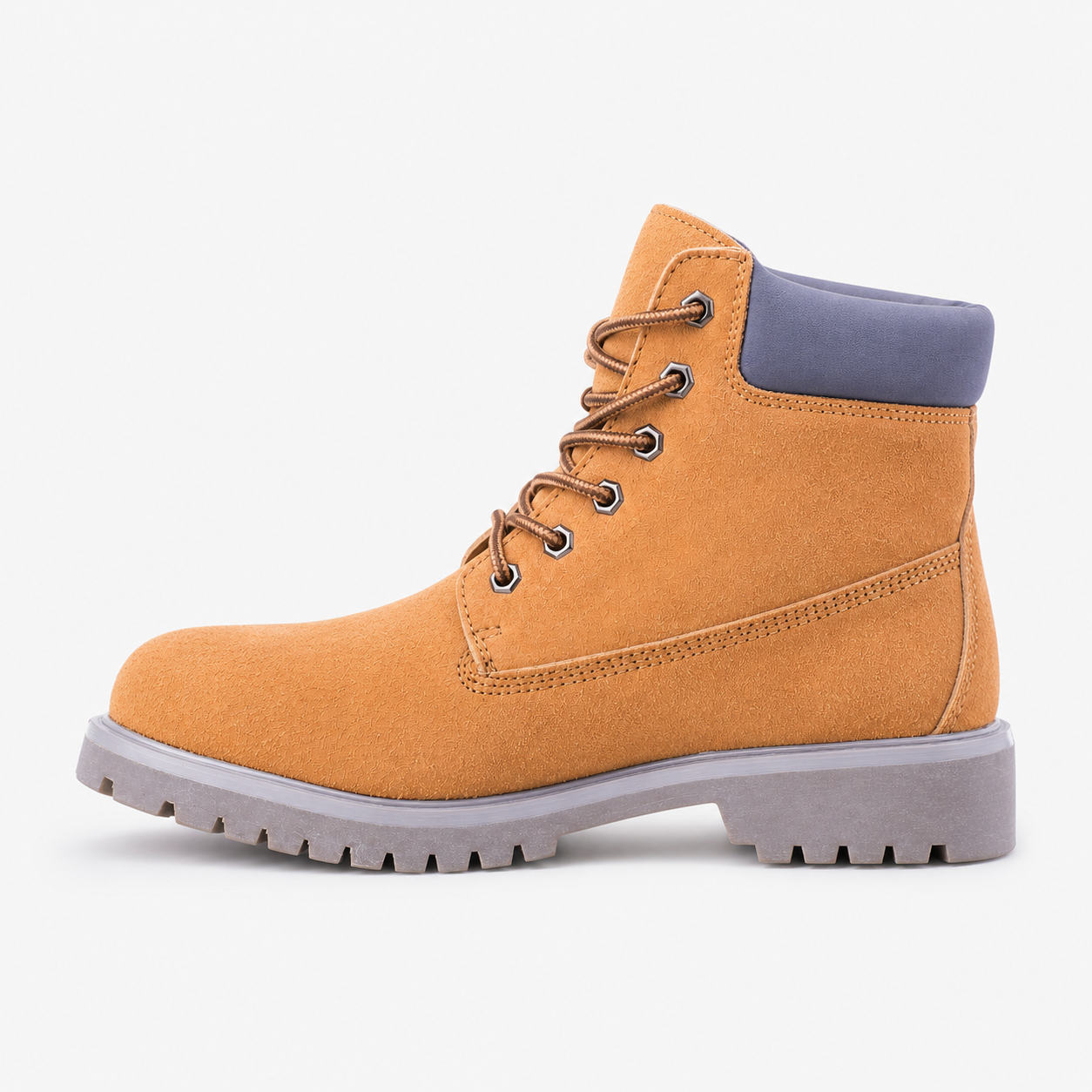
Case 2: Multi-Angle Product Views
Input: Upload the product reference image.
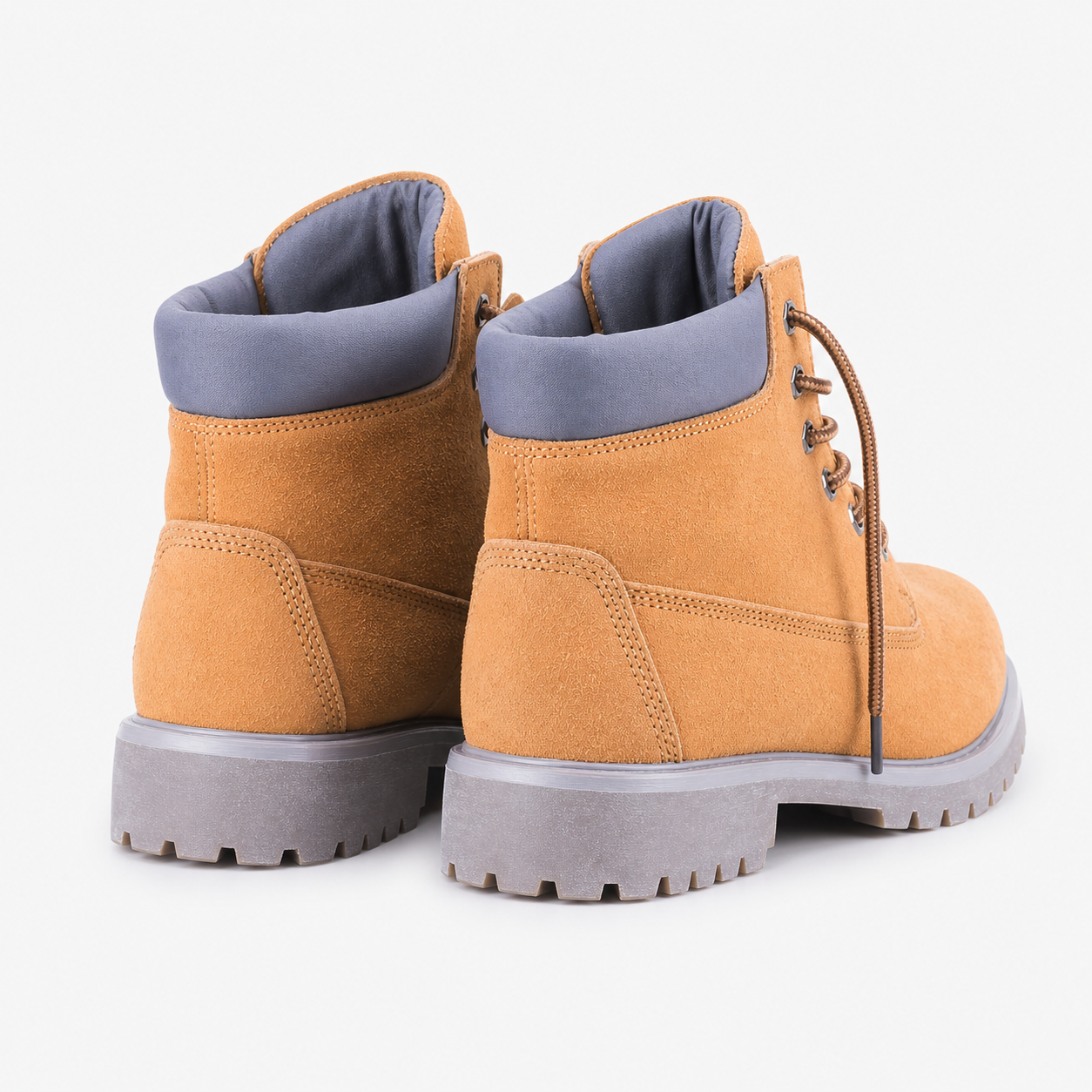
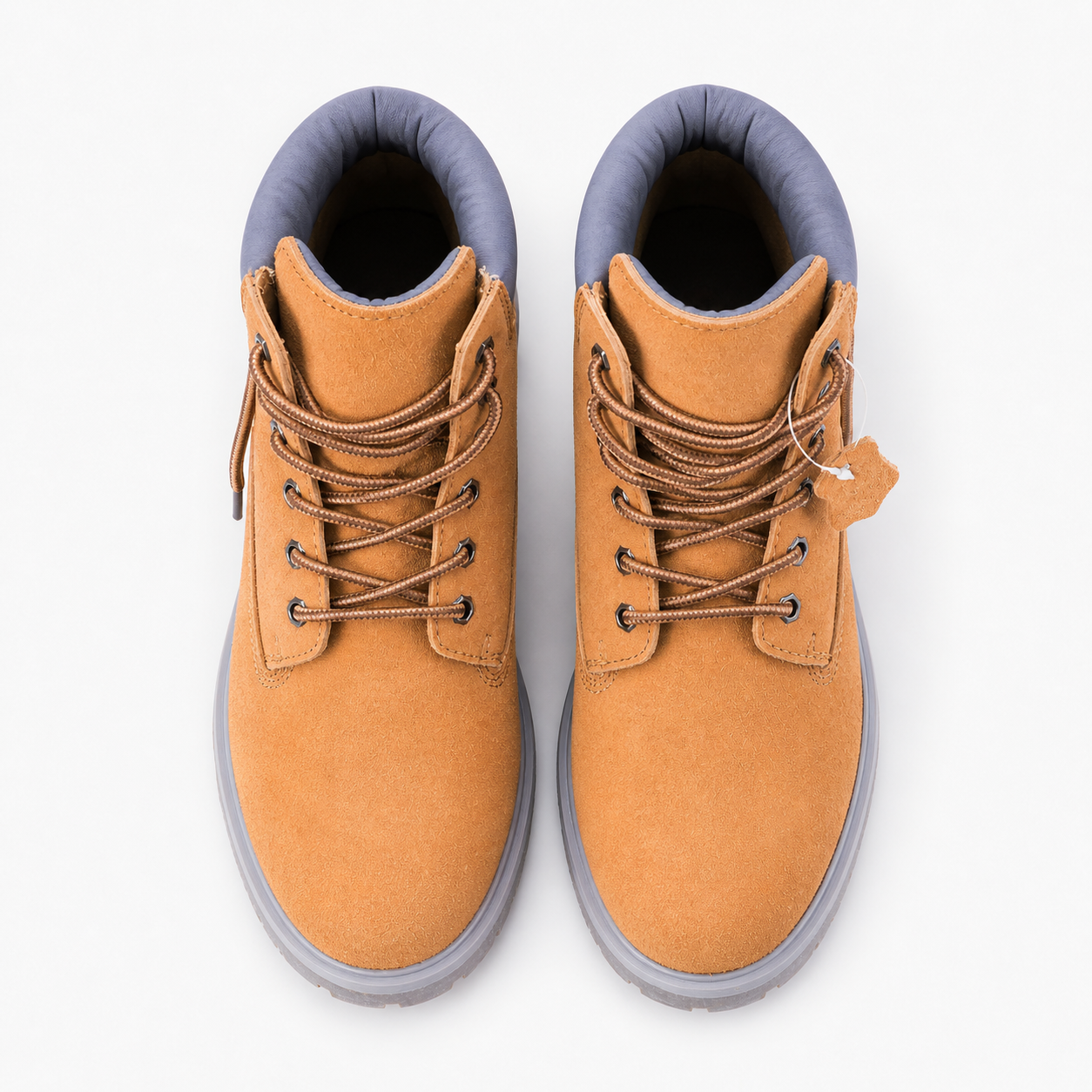
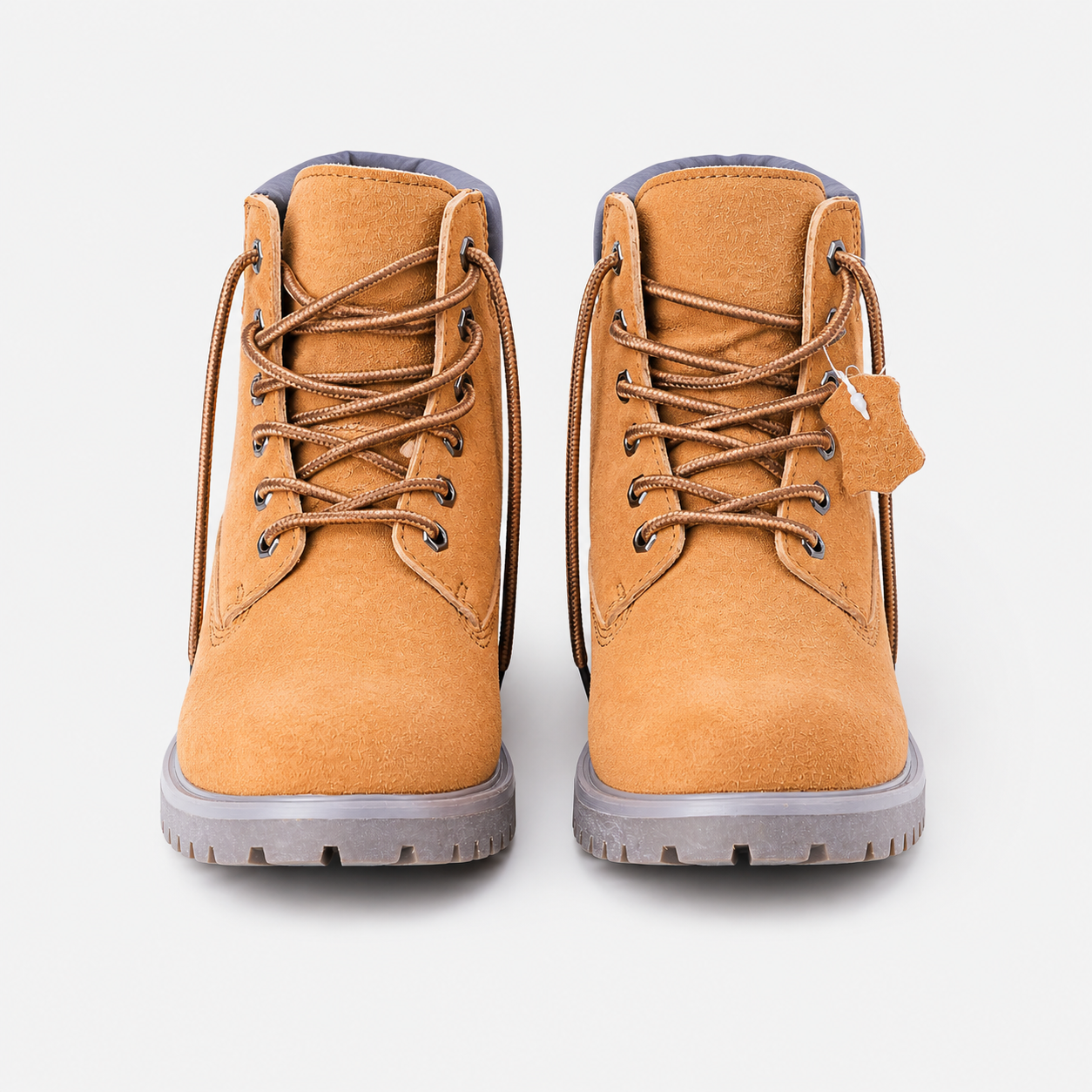
Prompt:
Generate multi-angle product images.
[!NOTE] Useful for product cards, carousels, feature breakdowns, and angle-specific detail pages.
Example 1: Tan Hiking Boots
| Input | Output | ||
|---|---|---|---|
|
Product photo |
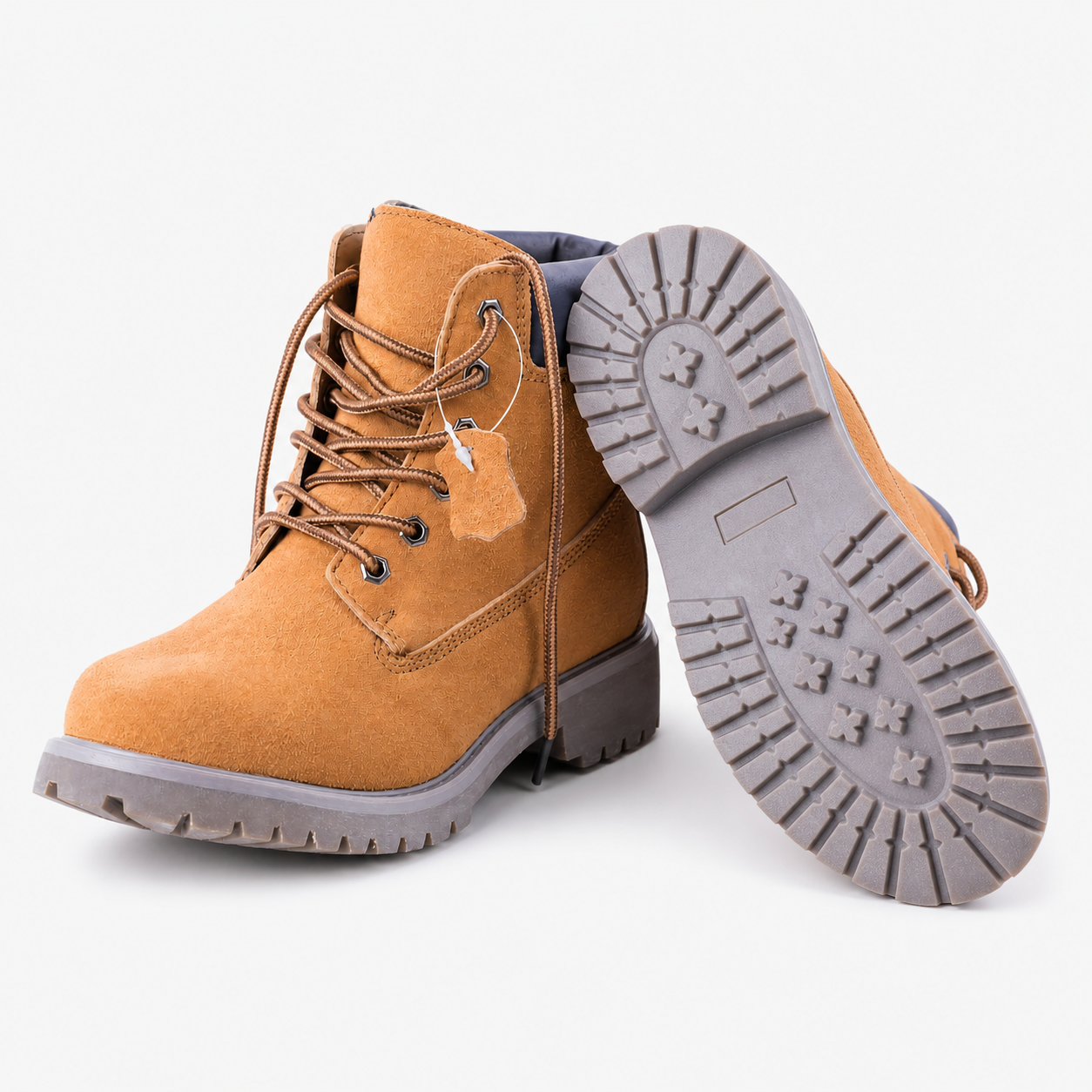 Front |
 45° side |
 Back |
 Sole |
 Top-down |
 Other angle |
Example 2: Hiking Boots (alternate model)
| Input | Output | ||
|---|---|---|---|
 Product photo |
 Front |
 Side |
 Back |
 Sole detail |
 45° |
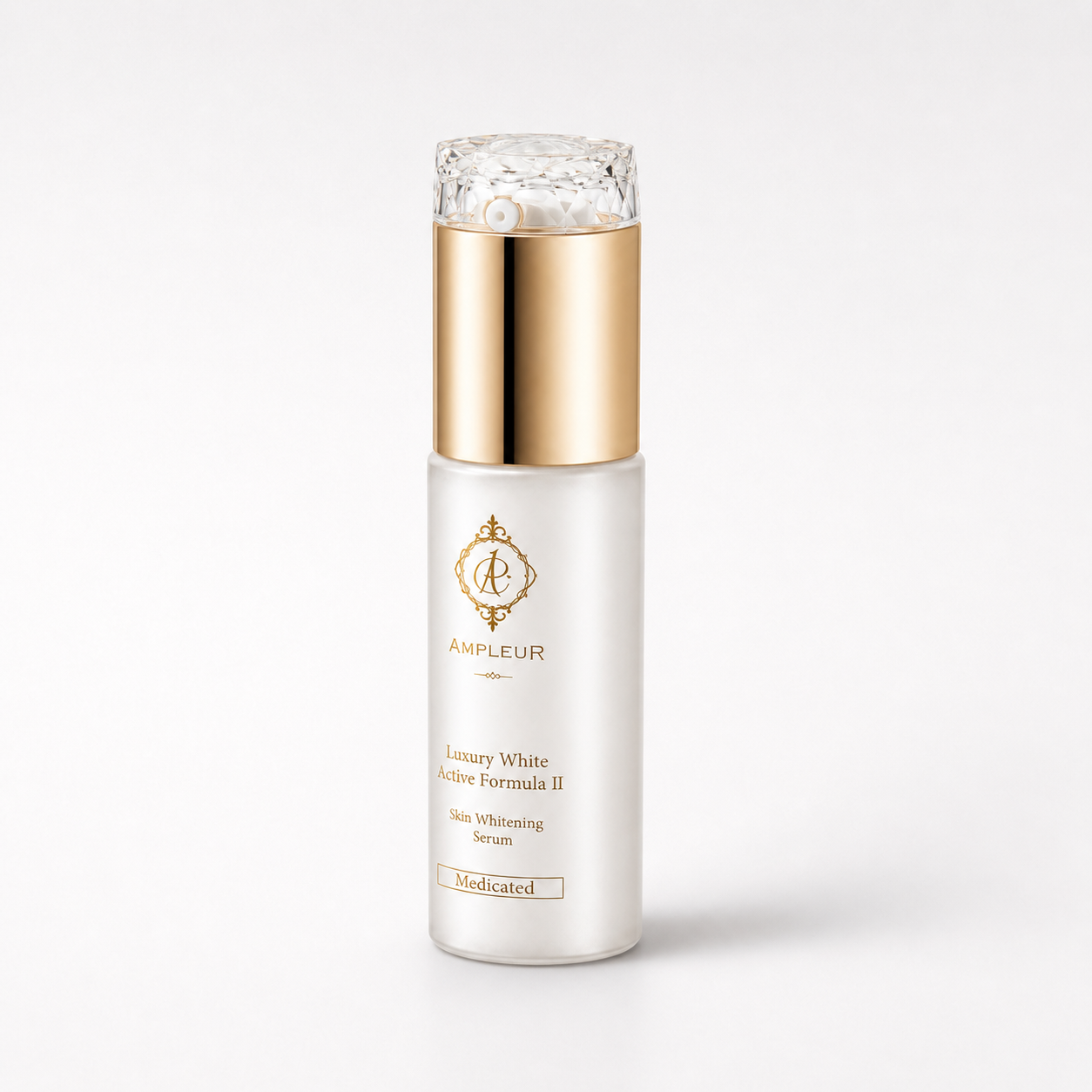 Alt angle |
Case 3: Material and Color Variants
Input: Upload the product or apparel image to edit.
Prompt:
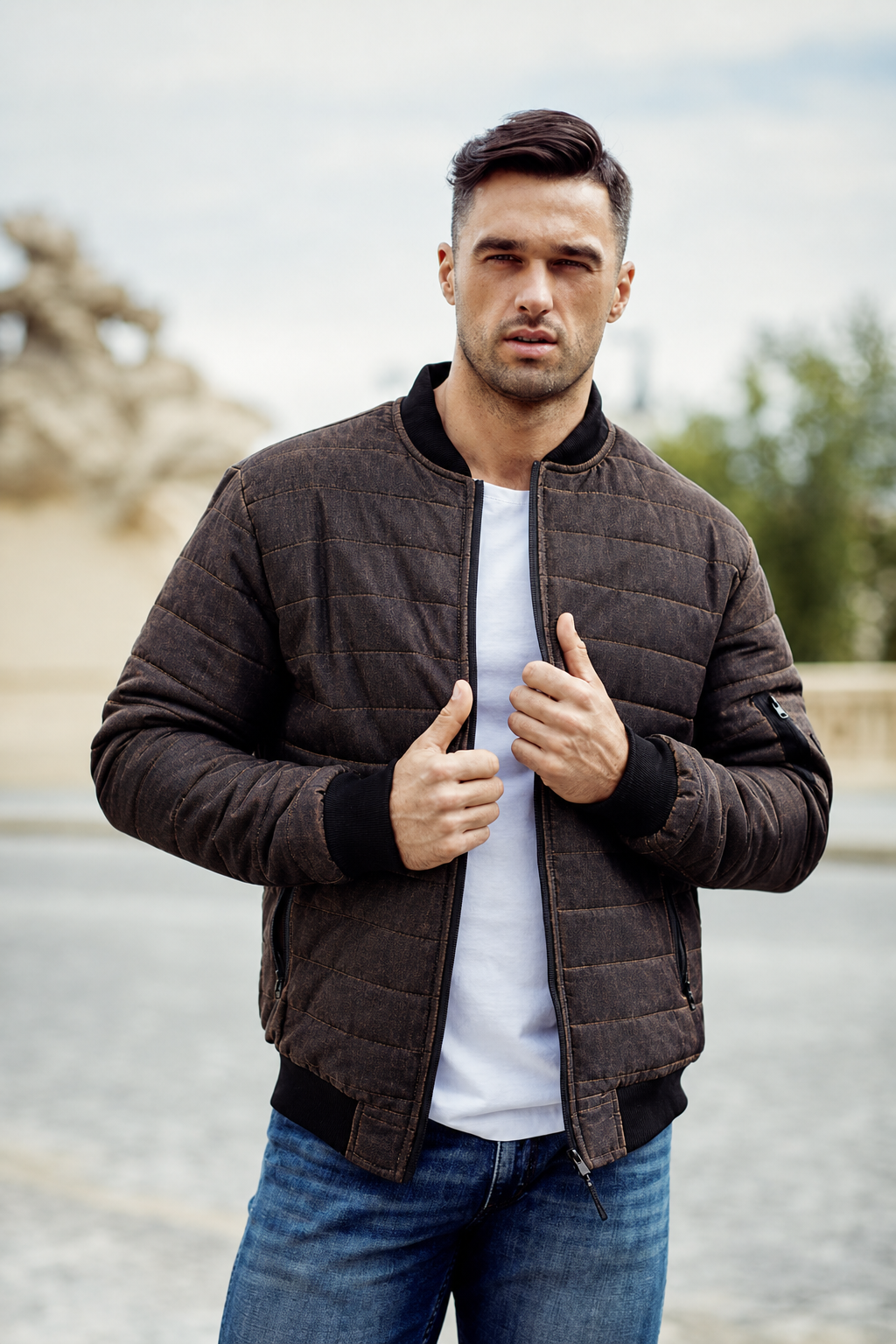
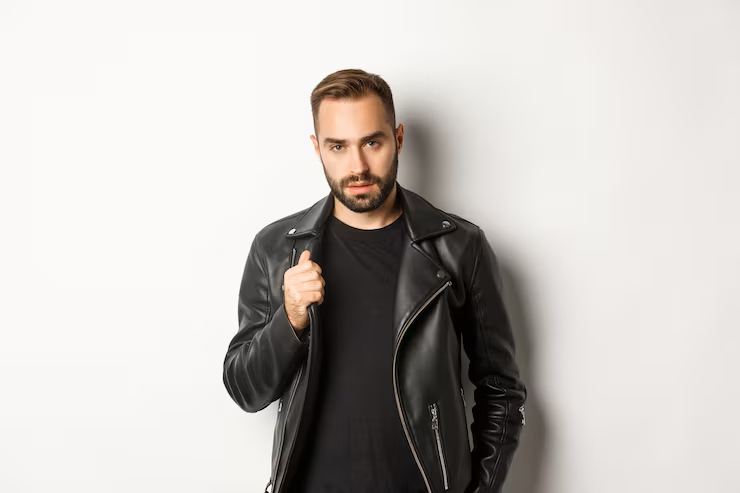
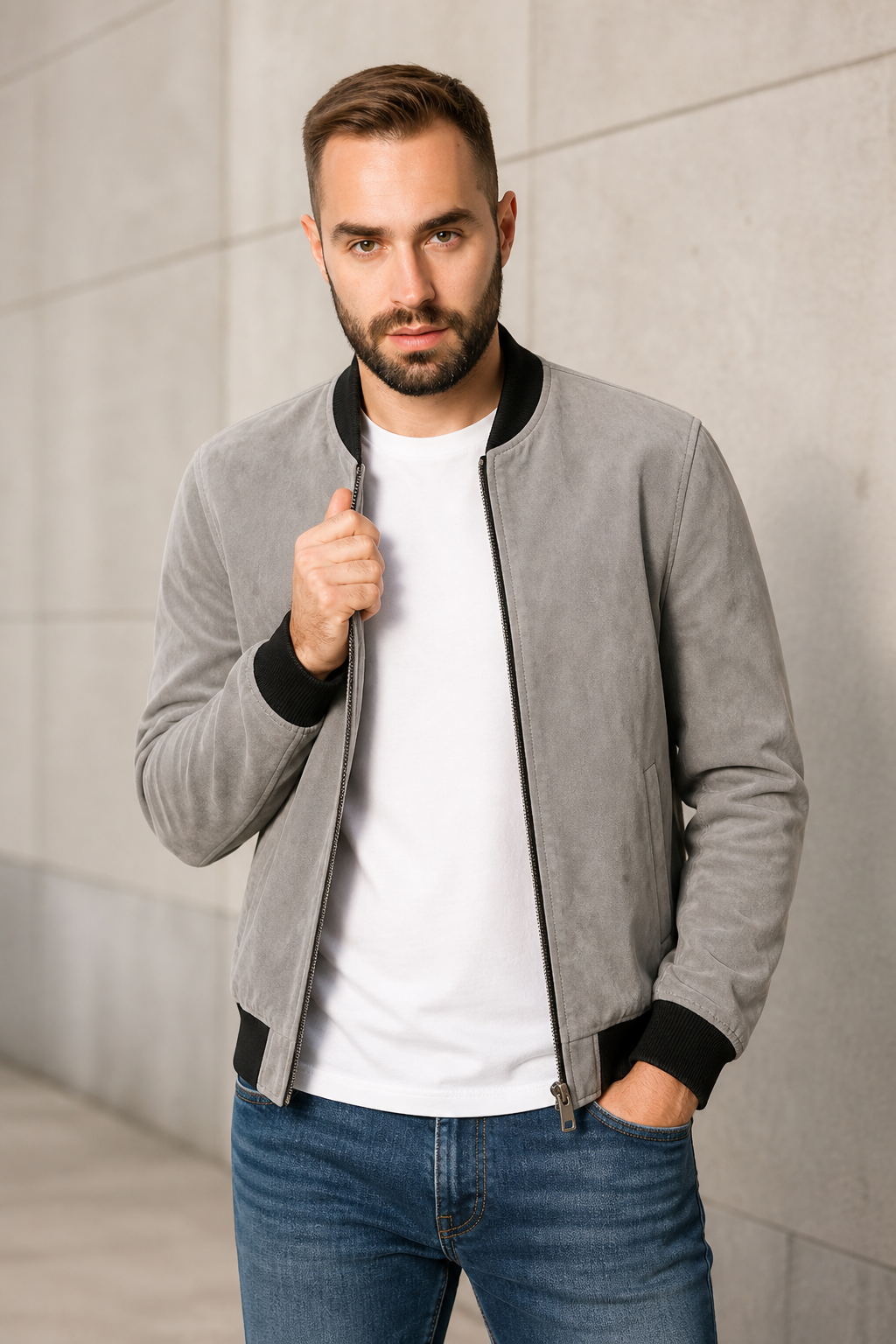
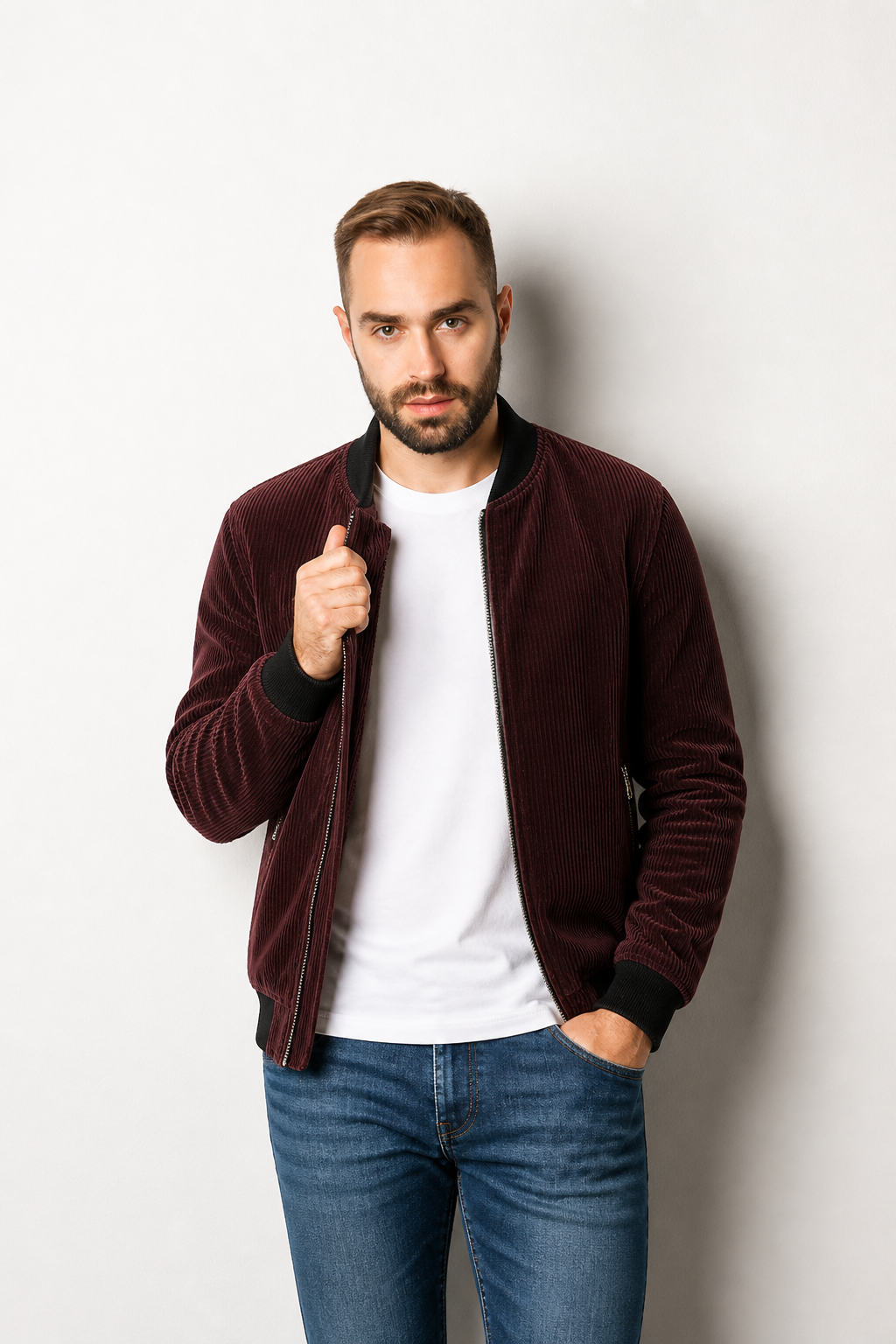
Modify the material. Change the figure's clothing into: {material1}, {material2}, and {material3}.
[!NOTE] Replace {material1}, {material2}, and {material3} before use. Example: "Modify the material. Change the figure's clothing into: light grey suede, dark brown denim, and burgundy corduroy." Works for fabric replacement, material testing, seasonal recoloring, and concept exploration.
Example 1: Green Jacket Material Variants
| Input | Output | ||
|---|---|---|---|
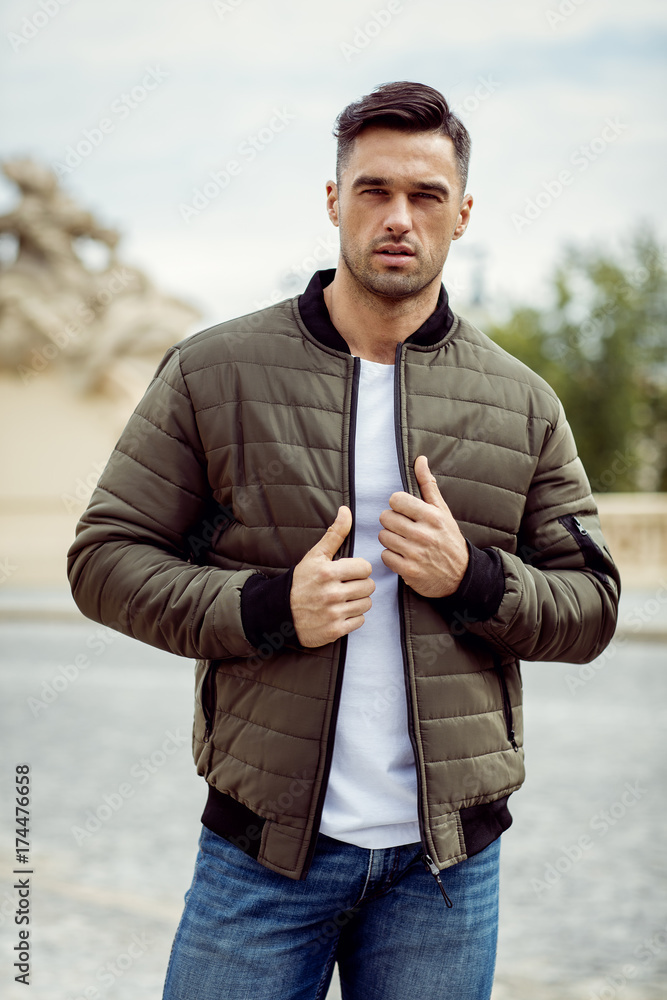 Original male model |
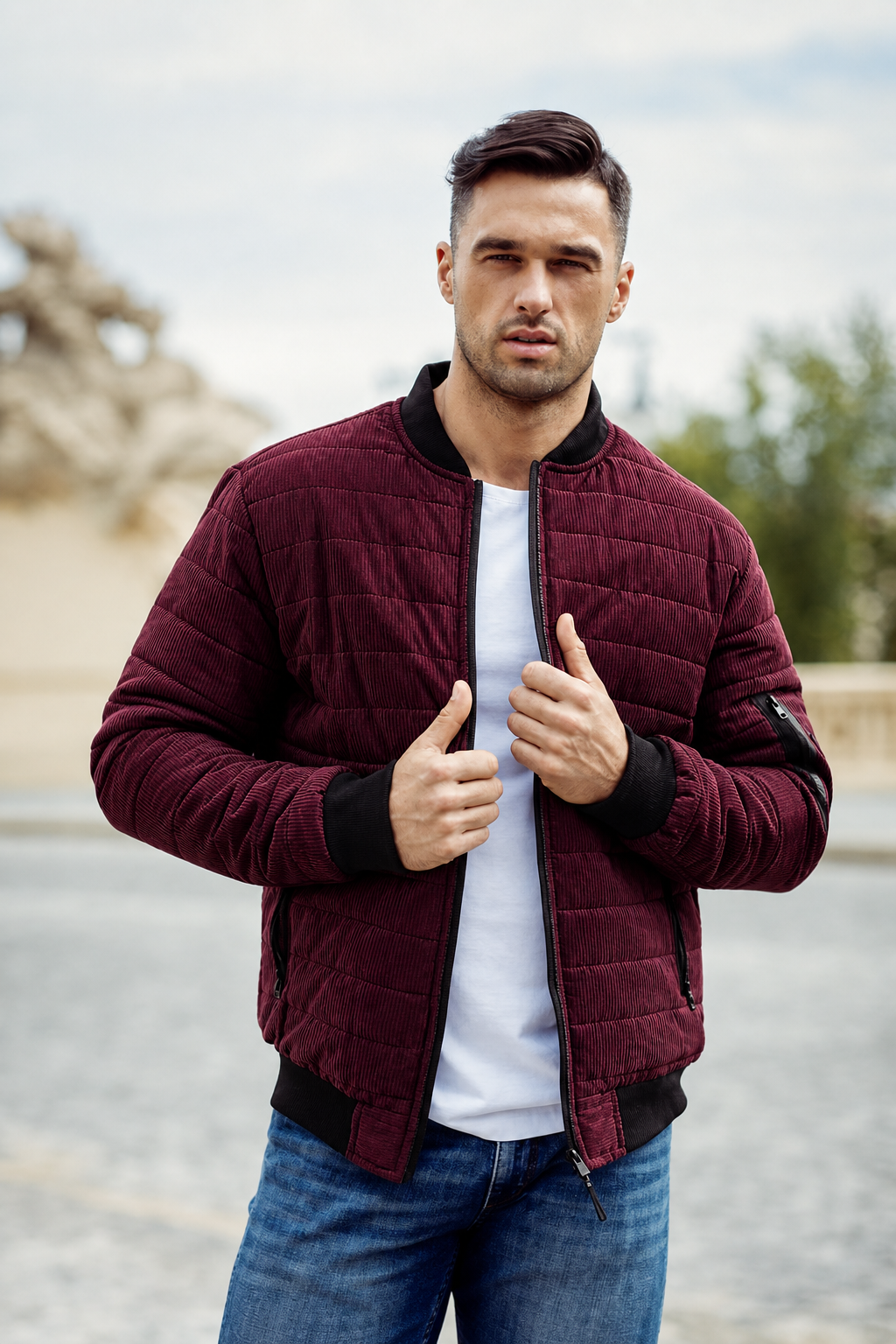 Variant 1 |
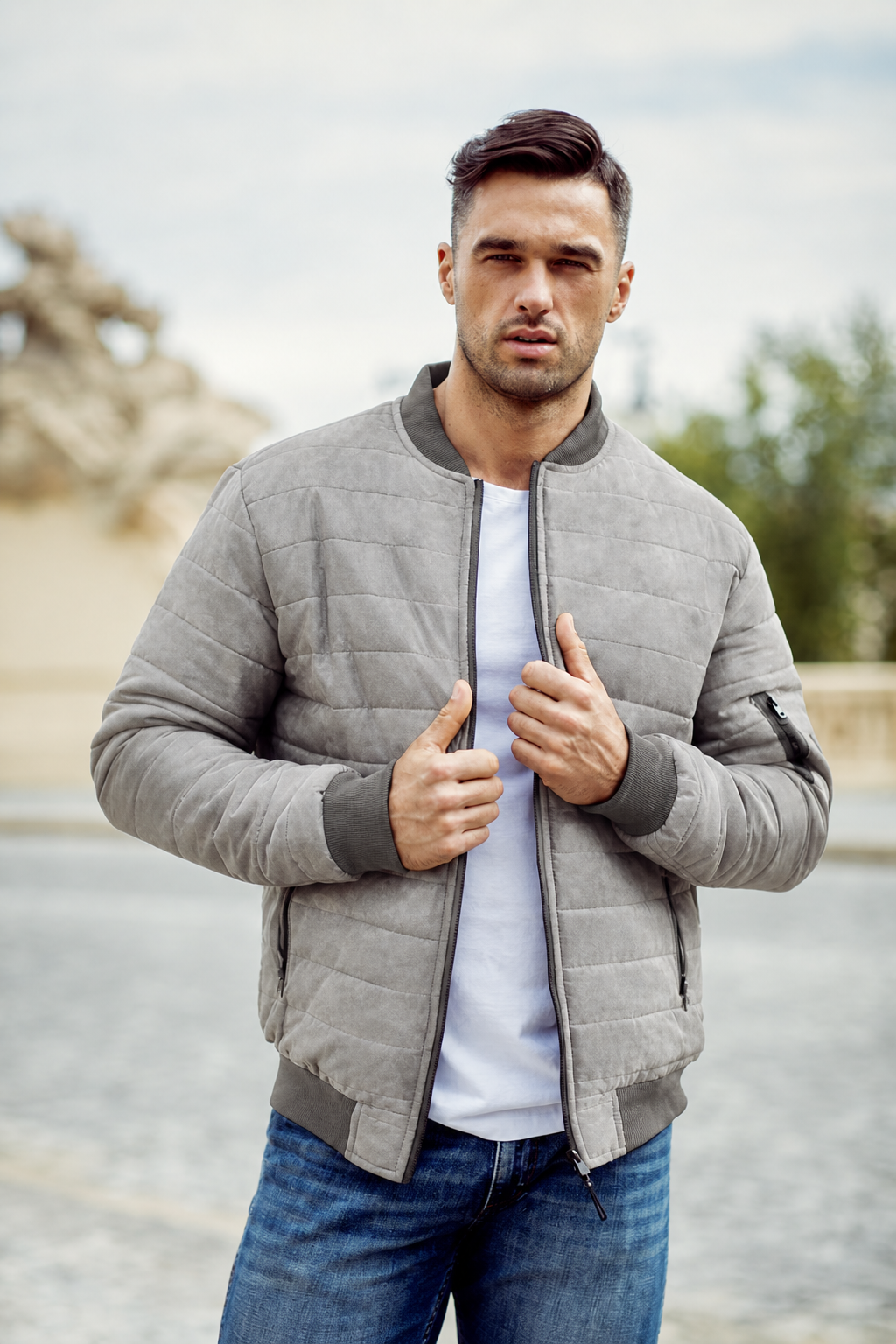 Variant 2 |
 Variant 3 |
Example 2: Black Leather Jacket Material Variants
| Input | Output | ||
|---|---|---|---|
 Original male model |
 Variant 1 |
 Variant 2 |
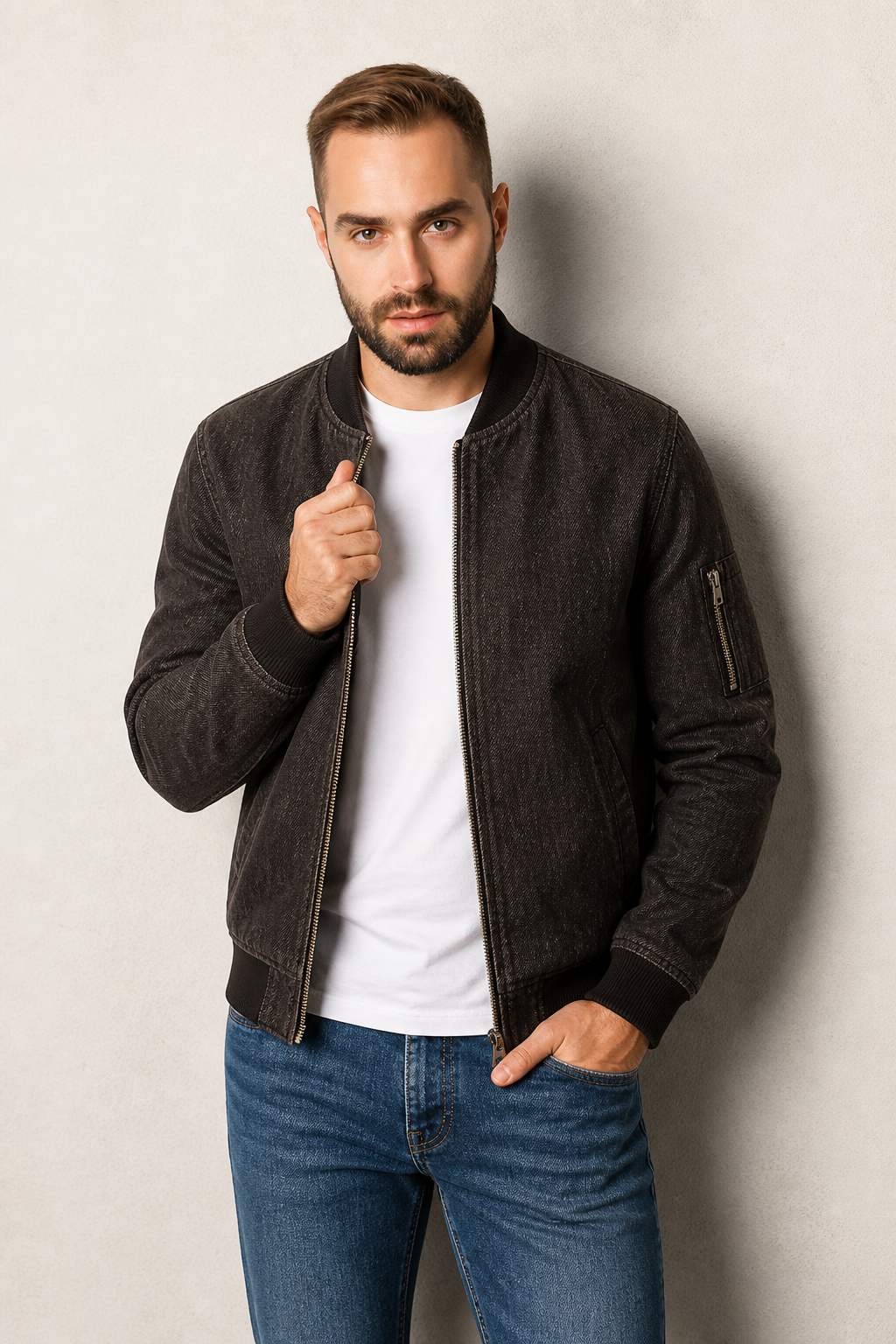 Variant 3 |
Case 4: Smart Background Generation
Input: Upload the product image.
Prompt:
Generate suitable product images.
[!NOTE] Use this when you want the model to infer the most fitting commercial product backgrounds without detailed art direction.
Example 1: Snack Box
| Input | Output | |
|---|---|---|
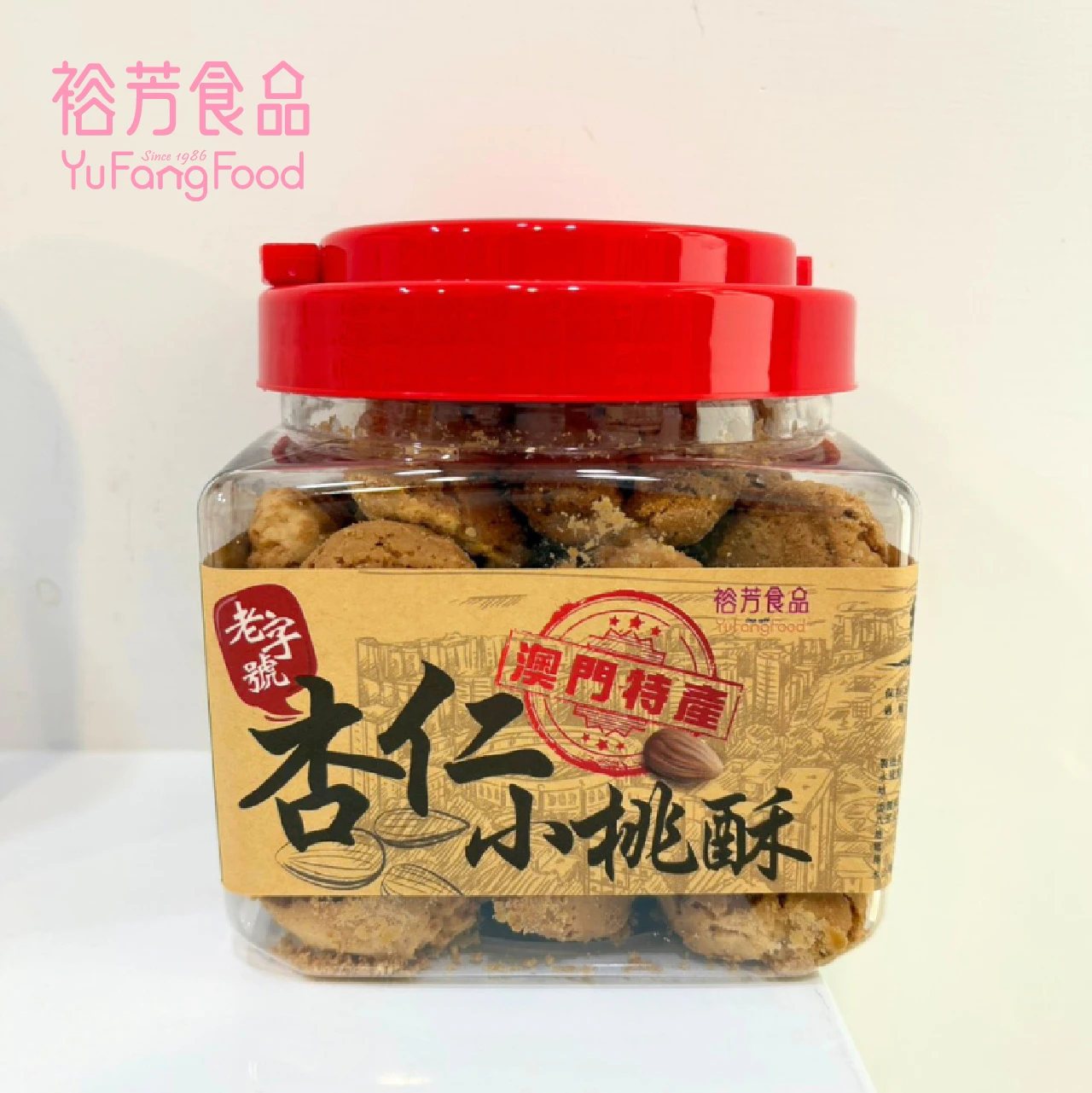 Product photo |
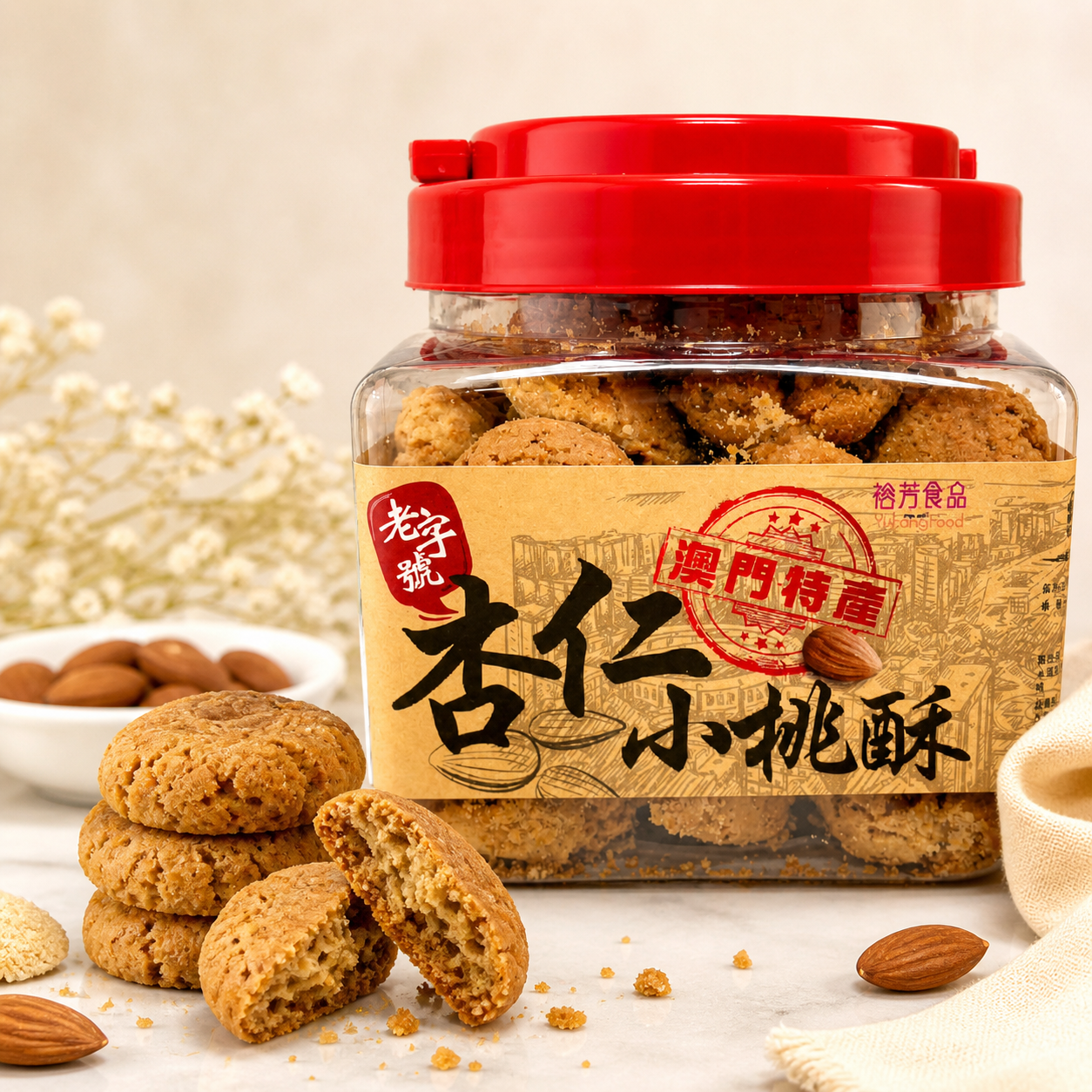 Smart background 1 |
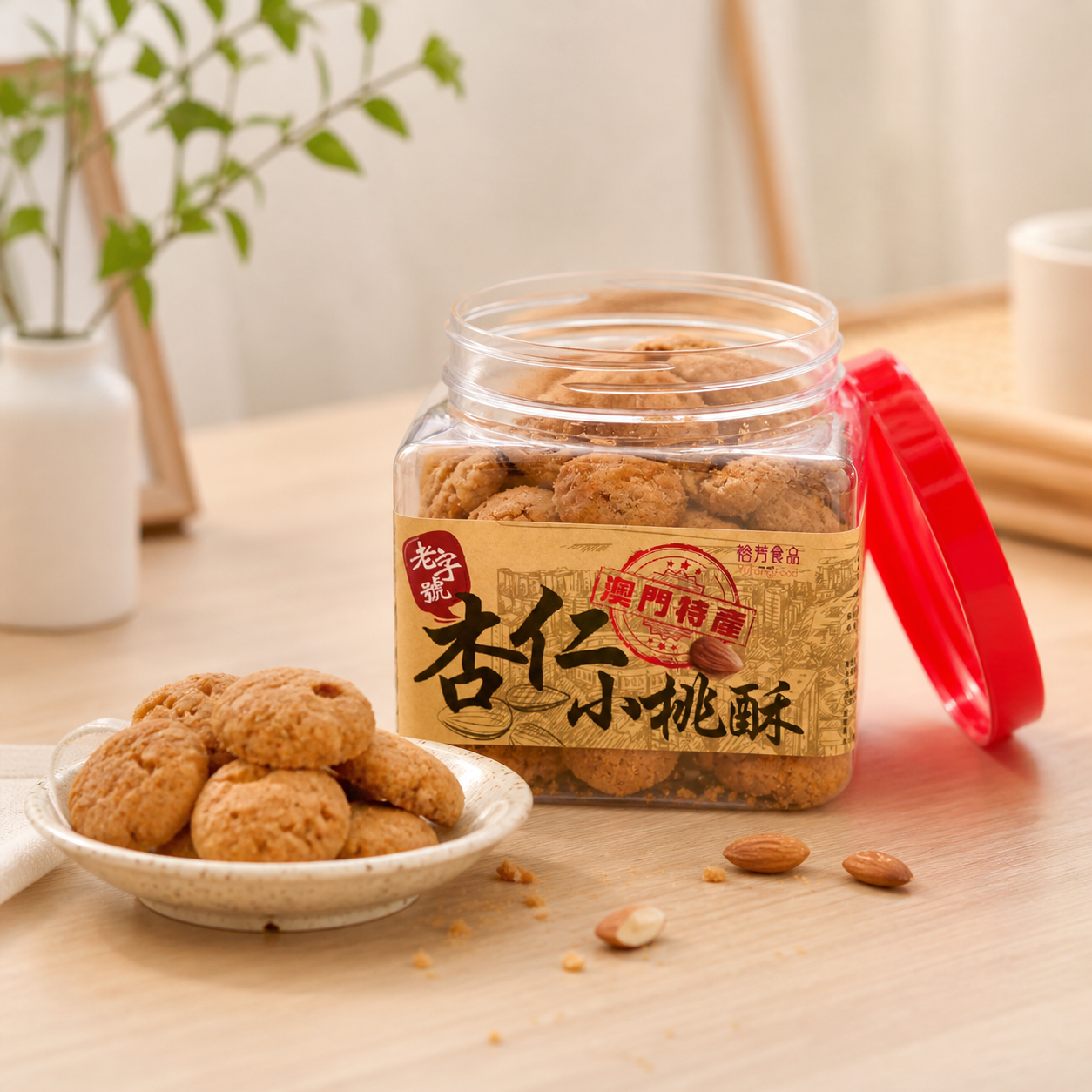 Smart background 2 |
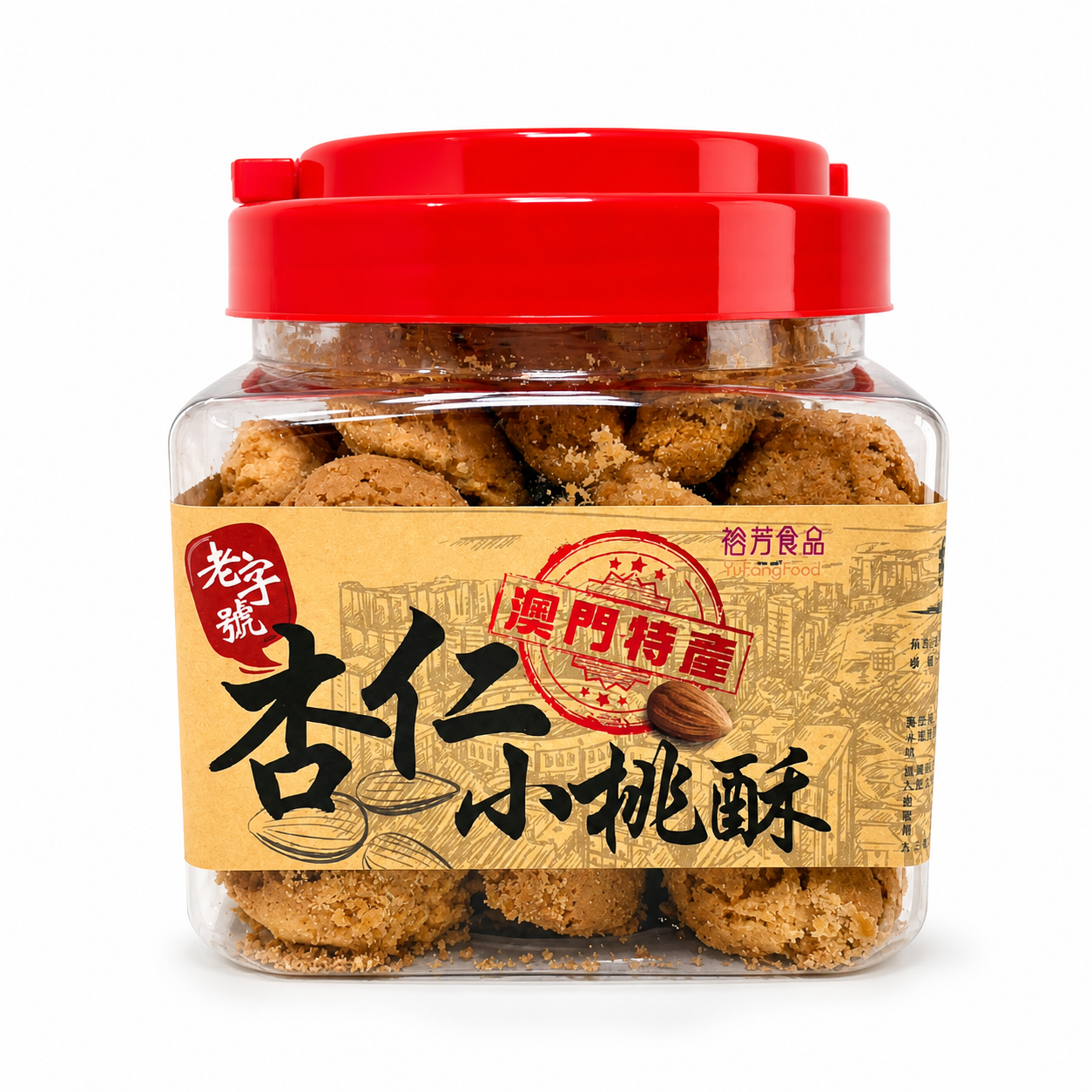 Smart background 3 |
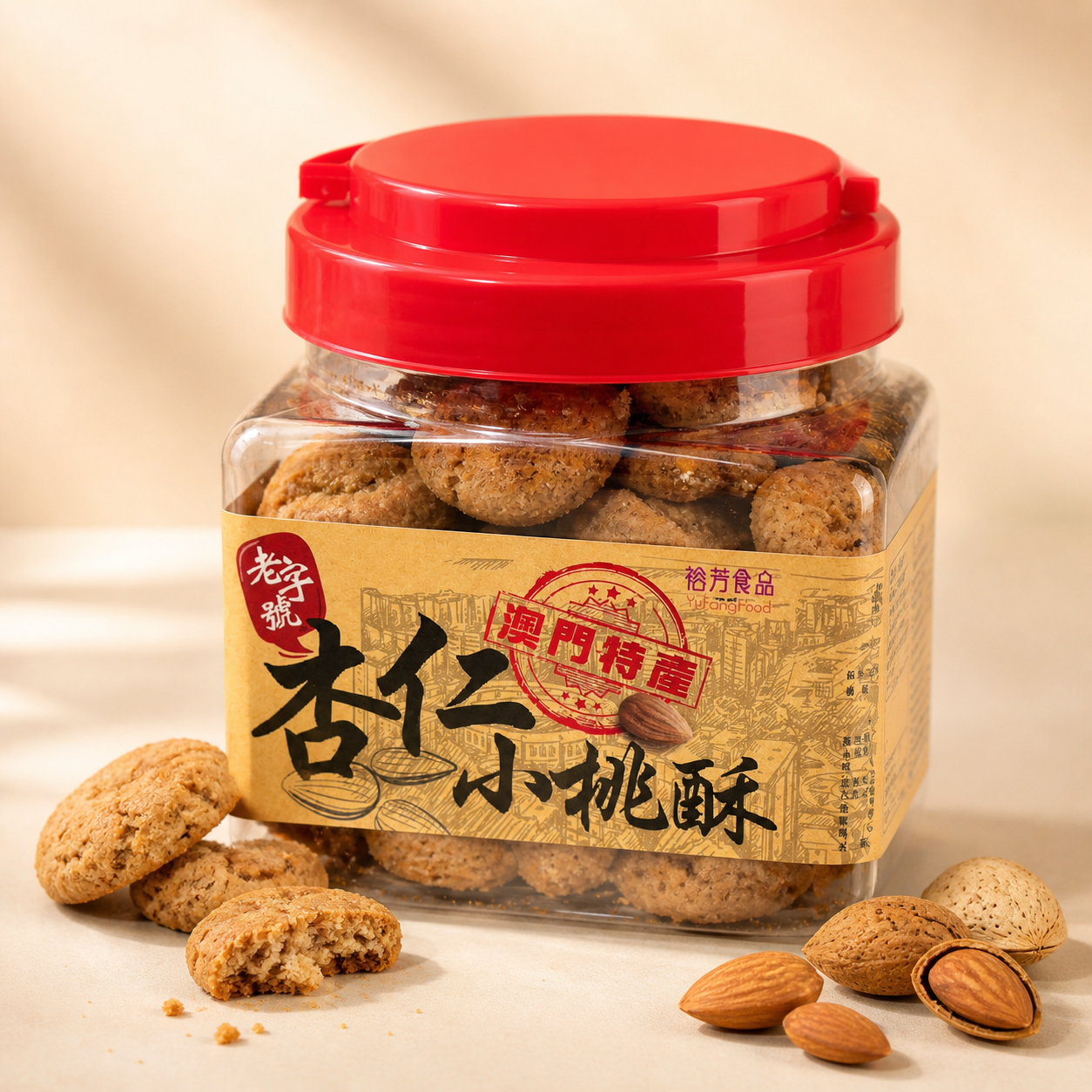 Smart background 4 |
Example 2: Skincare Serum
| Input | Output | |
|---|---|---|
 Product photo |
 Smart background 1 |
 Smart background 2 |
 Smart background 3 |
 Smart background 4 |
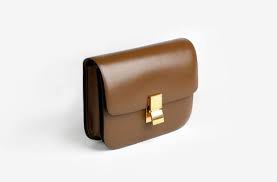
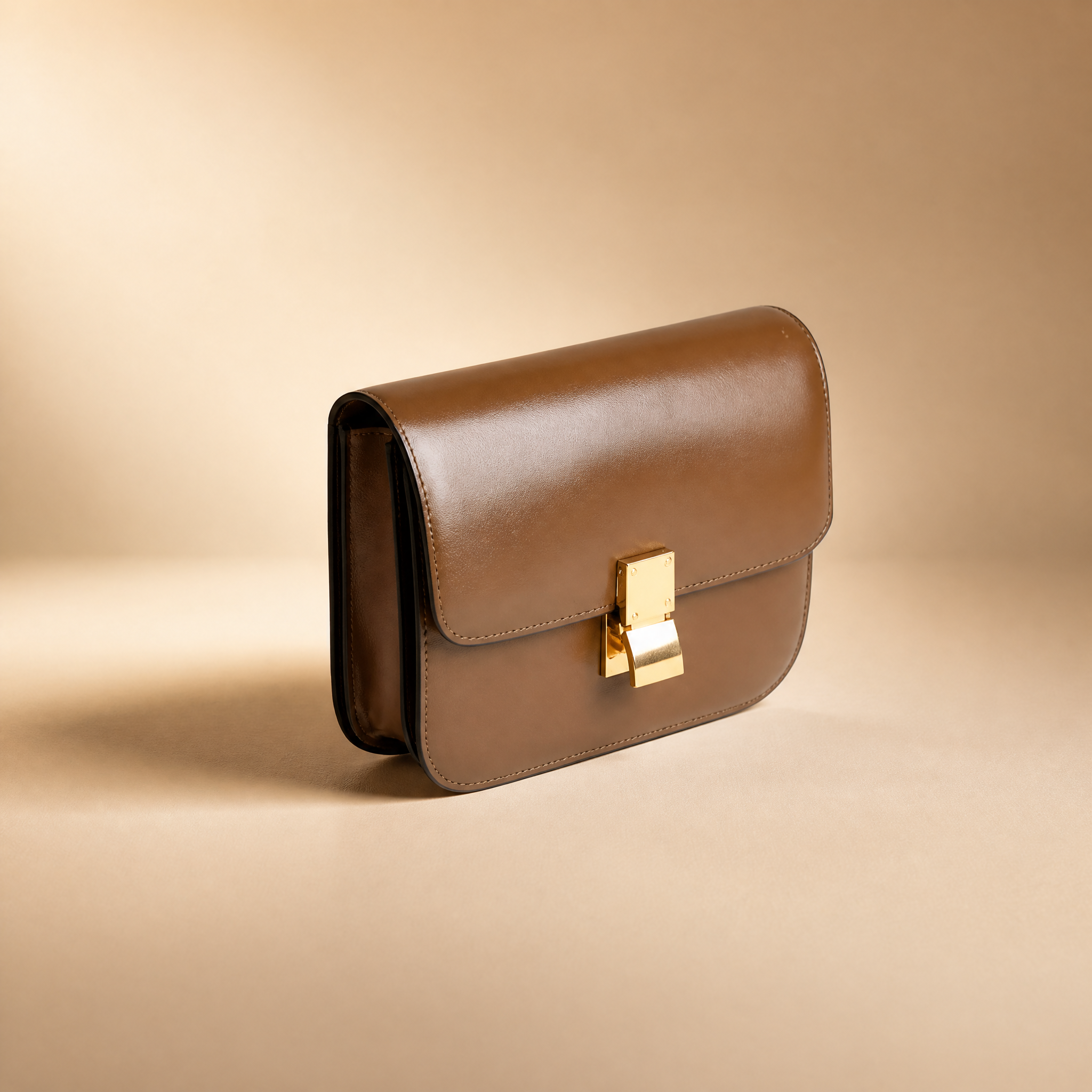
Case 5: Background Replacement with Custom Description
Input: Upload the product image.
Prompt:
Replace the background of the product in the image: {background_description}.
[!NOTE] Replace {background_description} before use. Example: "Replace the background of the product in the image: a close-up of the perfume bottle resting on a smooth white stone, surrounded by soft white and pale-blue flowers, with a calm blue lake and clear-sky mountains in the distance — fresh, airy, and slightly cool aesthetic." Useful when you want full art direction over the new scene.
| Input | Output | Input | Output |
|---|---|---|---|
Product photo |
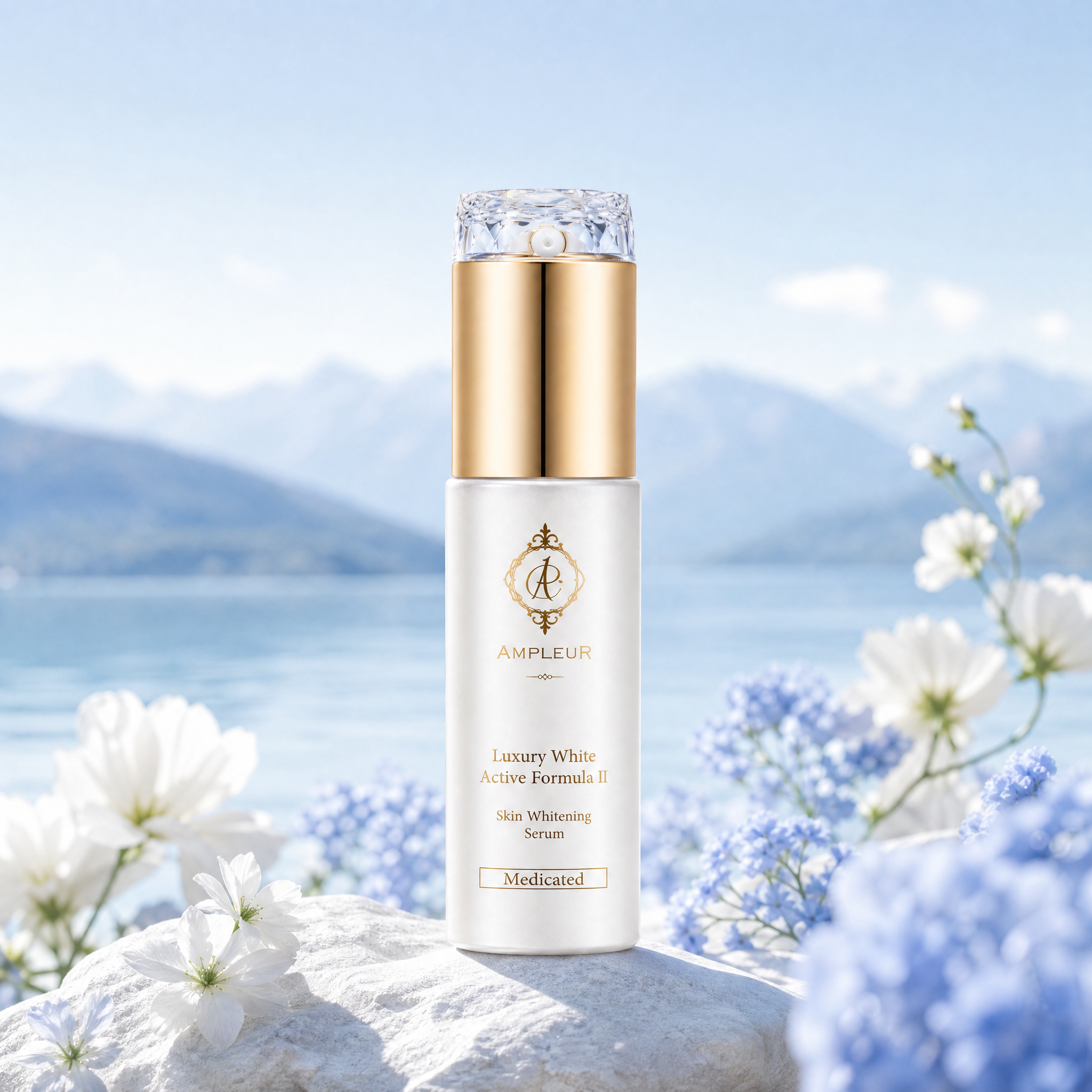 Custom-described background |
 Product photo |
 Custom-described background |
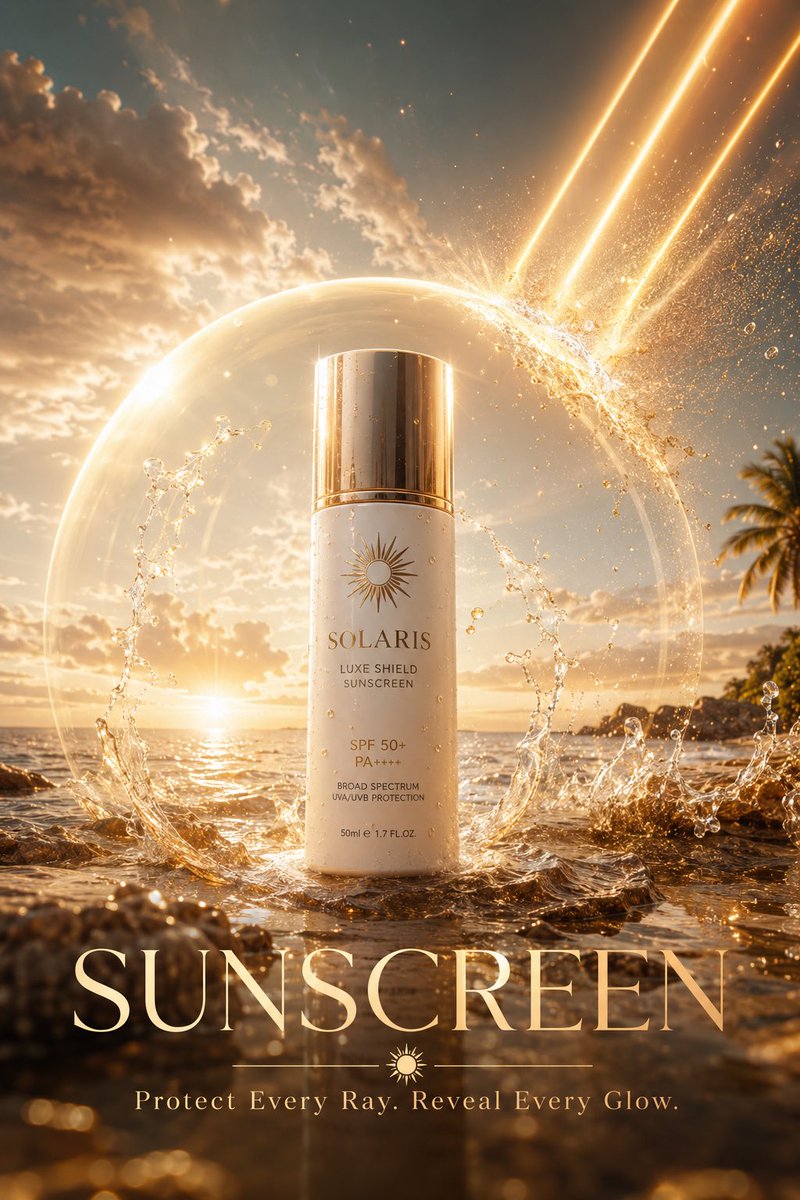
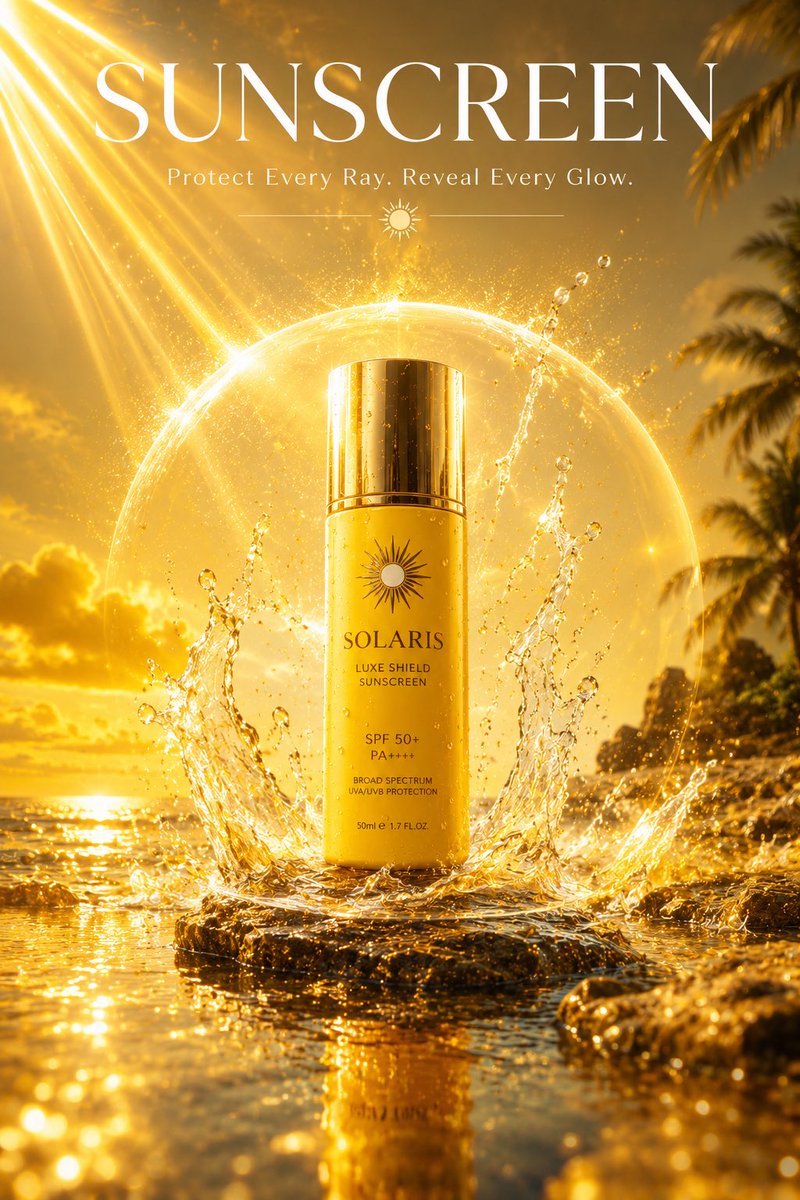
Example 3: Solaris Sunscreen Shield Ad (Community, by @iamrealsnow)
[!TIP] Community reference from a recent public GPT Image post. The source tweet only shared the output images.
Observed prompt:
SUNSCREEN AD, "THE INVISIBLE SHIELD"

Luxury skincare advertising masterpiece, a colossal premium sunscreen bottle standing on a pristine tropical shoreline at golden hour, powerful beams of sunlight crashing down from the sky and splitting apart upon contact with a transparent protective energy dome radiating from the sunscreen, millions of sparkling UV particles dissolving into golden dust before reaching flawless skin, crystal clear ocean reflections, flowing water suspended in mid air around the product, microscopic droplets catching cinematic sunlight, ultra realistic textures revealing every detail of the bottle surface, luxury beauty campaign aesthetics, dramatic volumetric lighting, glowing atmospheric haze, premium white and gold color palette, futuristic protection technology visualized as elegant light waves, hyper detailed environment, commercial photography perfection, award winning advertising design, photorealistic rendering, 16K ultra resolution, global skincare brand campaign, masterpiece quality.

Text Overlay:
SUNSCREEN

Tagline:
"Protect Every Ray. Reveal Every Glow.
| Output | |
|---|---|
 Protection dome concept |
 Golden-hour hero variant |
Example 4: Themed Skeleton Watch Grid (Community, by @Gdgtify)
[!TIP] Community reference from a recent public GPT Image post. The source tweet only shared the output image.
Observed prompt:
2x2 grid, do this for 4 stunning themes, 16:9 [luxury_watch_cad_system] base_chassis: "hyper-luxury skeletonized tourbillon watch" conceptual_theme: "[$theme, e.g., the samurai shogun]" <mechanism_generation> - ai inference: do not just paint the watch. build the gears, hands, and face using elements from the [$theme]. - example: if ocean, the gears look like coral patterns and the hands are trident spears. if space, the center is a glowing meteorite. - materials: sapphire crystal, forged carbon, rose gold, glowing tritium tubes. </mechanism_generation> <photography> a macro product shot of the watch face. extreme close-up. lighting: dark background, sharp rim lighting catching the metallic edges of the gears. resolution: 8k, razor-sharp focus on the tourbillon movement. vibe: impossibly expensive, intricately engineered, a masterpiece of micro-mechanics. </photography>
| Output |
|---|
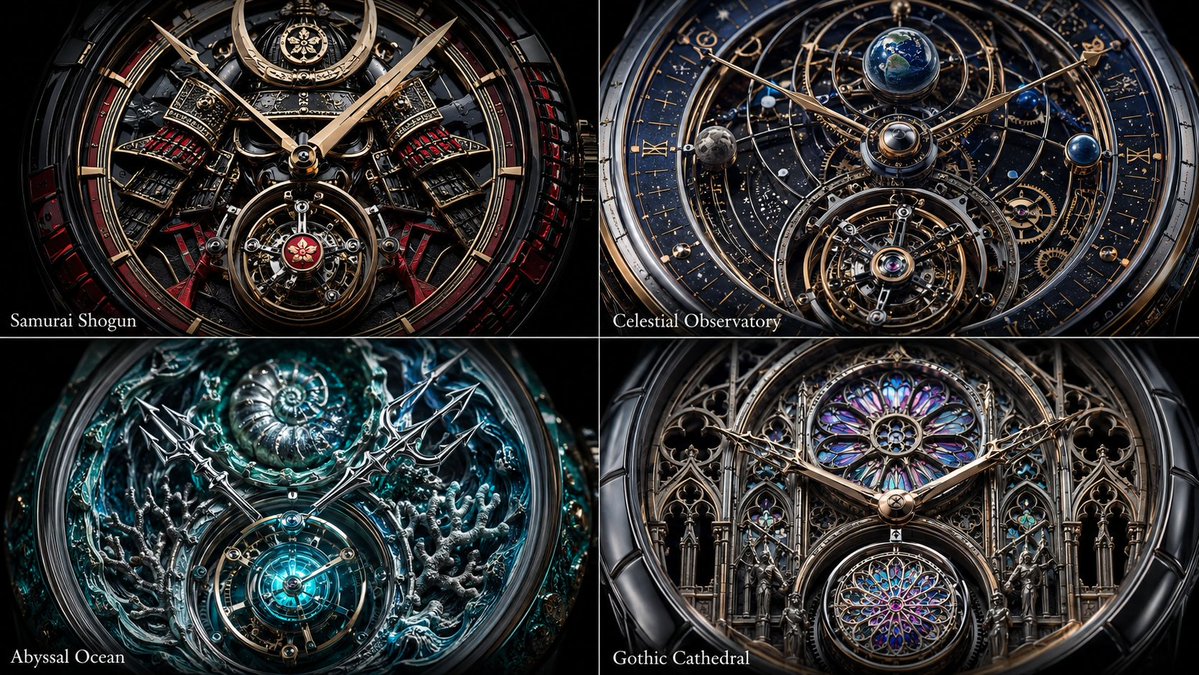 Four-theme luxury watch grid |
Example 5: Minimalist Serum Still Life (Community, by @iamaiistudio)
[!TIP] Community reference from a recent public GPT Image post. The source tweet shared the prompt and multiple output variations; the clean hero still life is shown here.
Observed prompt:
Minimalist studio product photography, a small transparent glass facial oil dropper bottle with a black rubber pipette cap, containing pale pink serum with suspended dried pink floral elements, centered on a natural raw wooden block with visible grain and split texture. Tall matte white skincare box on the left labeled "HUILE ÉCLAT VISAGE" with clean black typography and subtle logo near the bottom. Clear cylindrical glass vase on the right filled with water and thin stems of dried pink gypsophila extending upward. Composition rests on a smooth matte pastel pink surface against a matching seamless pink studio background. Strong directional soft light from the left casts long natural-style shadows of the flowers onto the background, with gentle highlights on the glass, subtle reflections on the serum bottle, and soft texture on the wooden block. Straight-on tabletop camera angle, all objects in sharp focus. Color palette: blush pink, soft rose, warm light wood, clean white, transparent glass. Premium Scandinavian minimalist skincare aesthetic, ultra-realistic, studio-grade.
| Output |
|---|
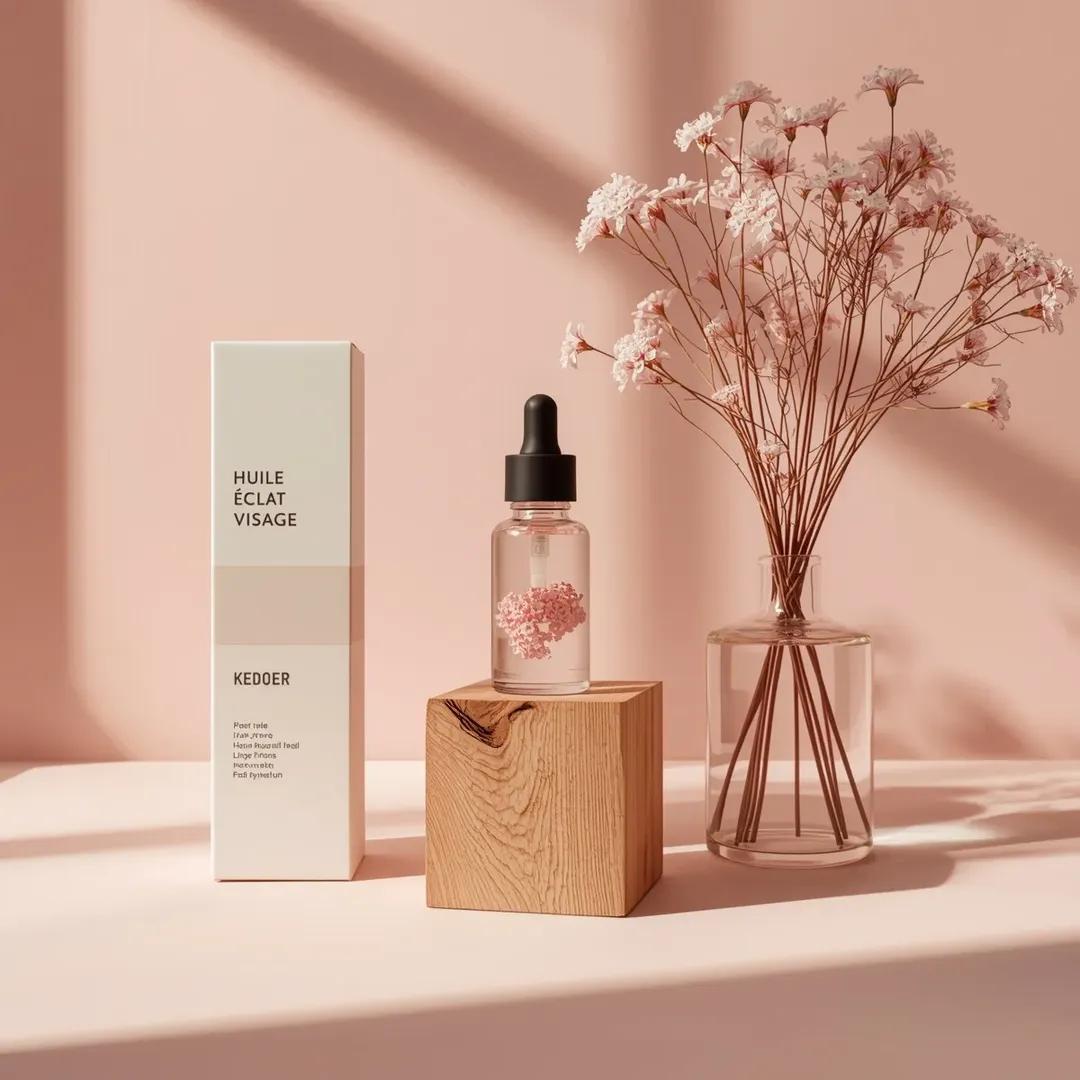 Minimalist serum still life |
Case 6: Reference-Based Product Background
Input: Upload the product image and a reference background image.
Prompt:
Image 1 is my {product}. Generate the new scene using the background style from image 2.
[!NOTE] Replace {product} before use. Example: "Image 1 is my ring. Generate the new scene using the background style from image 2." Useful for aesthetic matching, brand consistency, and category-specific visual references.
Example 1: Pink Retro Car
| Product | Reference background | Output |
|---|---|---|
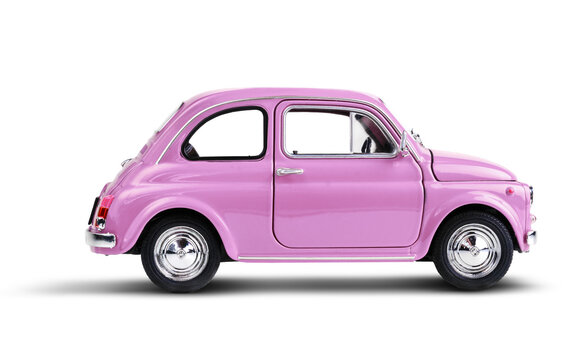 Pink retro car |
 Green forest reference |
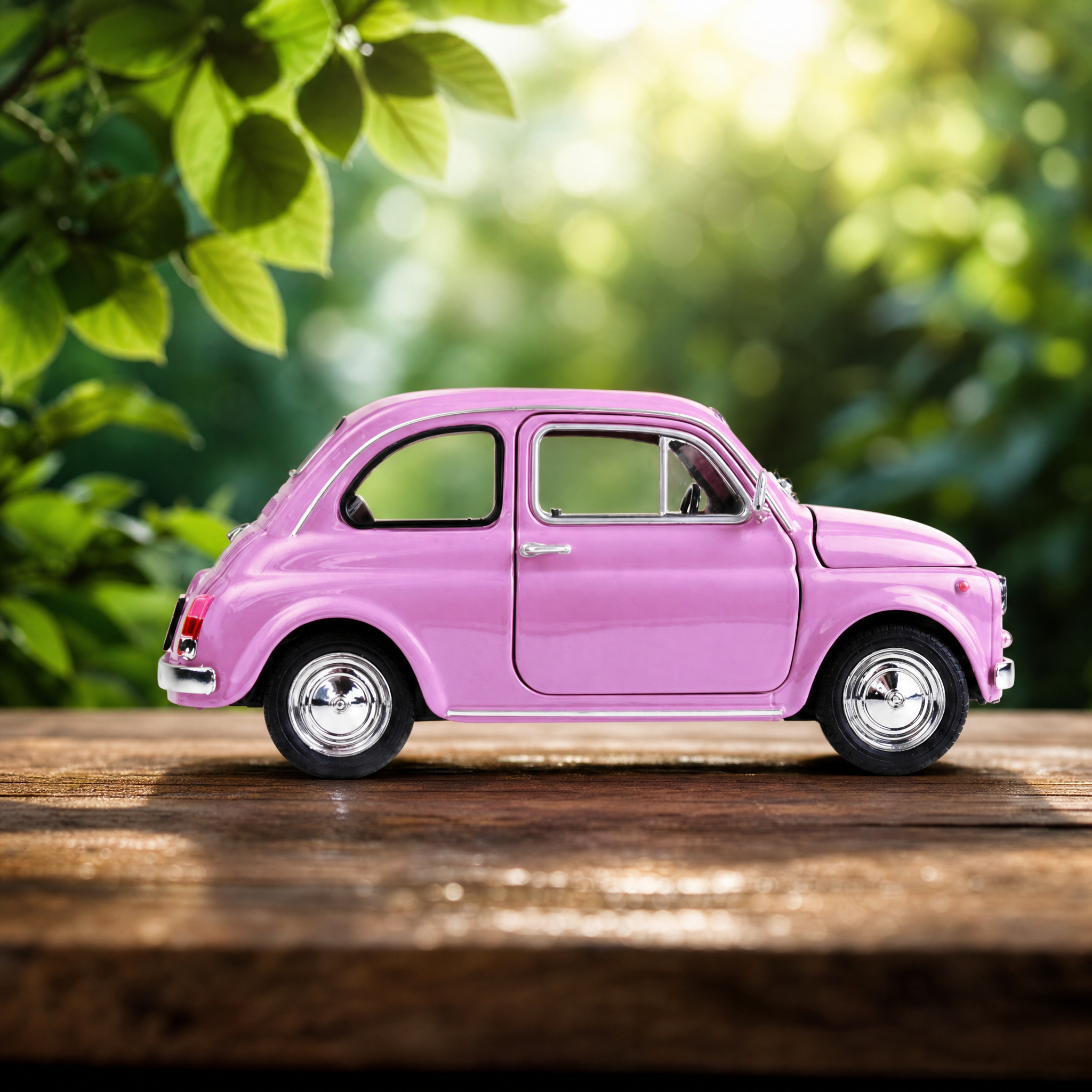 Forest tabletop comp |
Example 2: Red Lipstick
| Product | Reference background | Output |
|---|---|---|
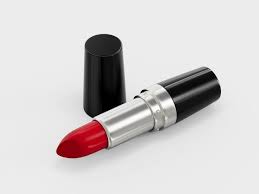 Red lipstick |
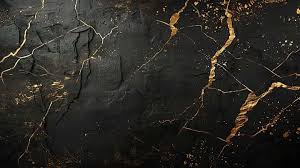 Black-gold marble reference |
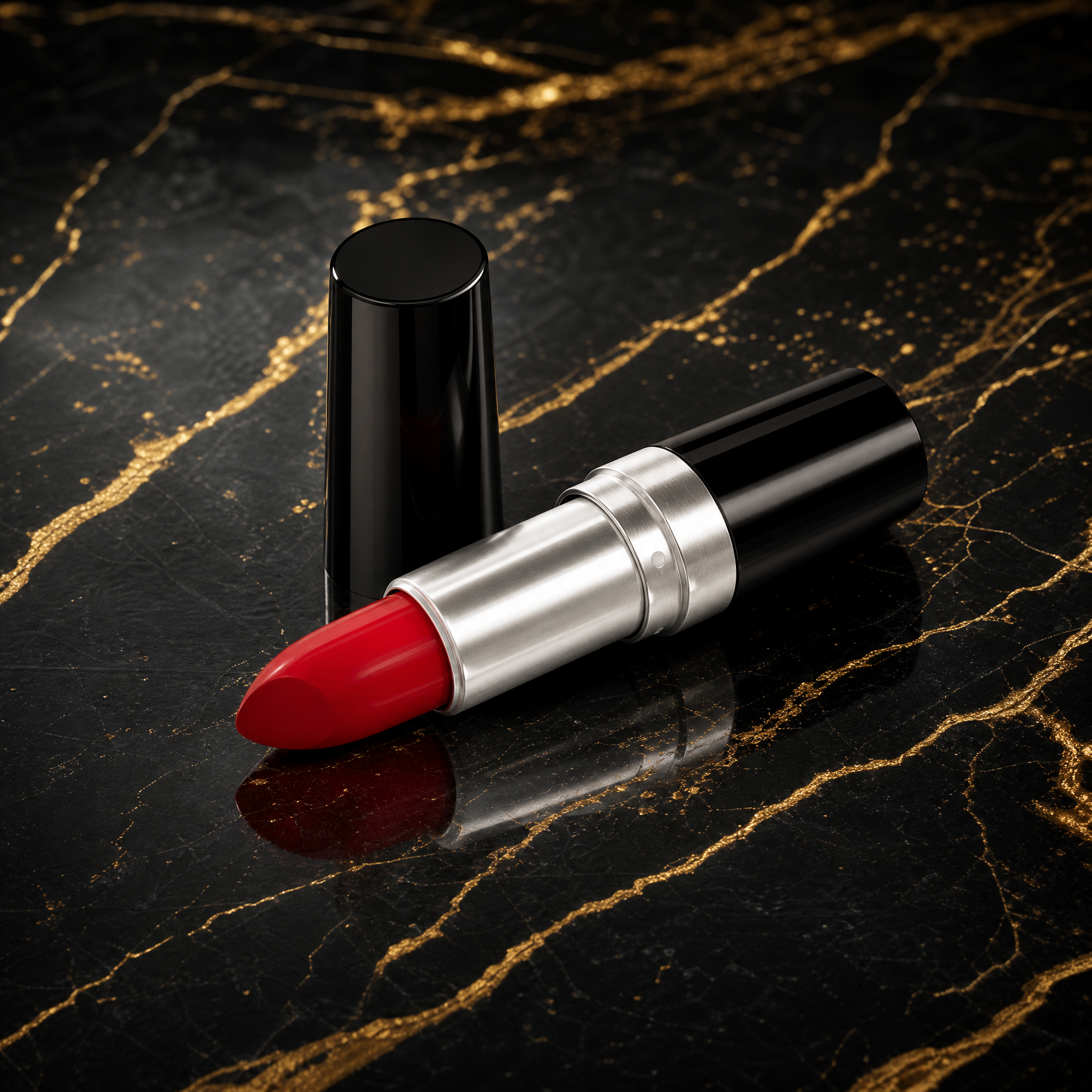 Marble tabletop comp |
🤝 Product Interaction Prompts
Case 1: Handheld Product Close-Up
Input: Upload the product image.
Prompt:
A hand is holding this product, {scene_description}, keep the product color unchanged.
{action_description}
[!NOTE] Replace {scene_description} and {action_description} before use. Example: "A hand is holding this product, fashion editorial backdrop, keep the product color unchanged" or "Hand holding an electric drill, drilling into wood." Works for beauty, tools, gadgets, packaged goods, and tactile product demos.
| Input | Output | Input | Output |
|---|---|---|---|
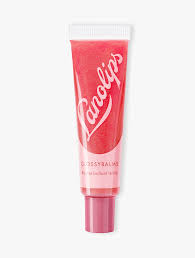 Pink lip gloss |
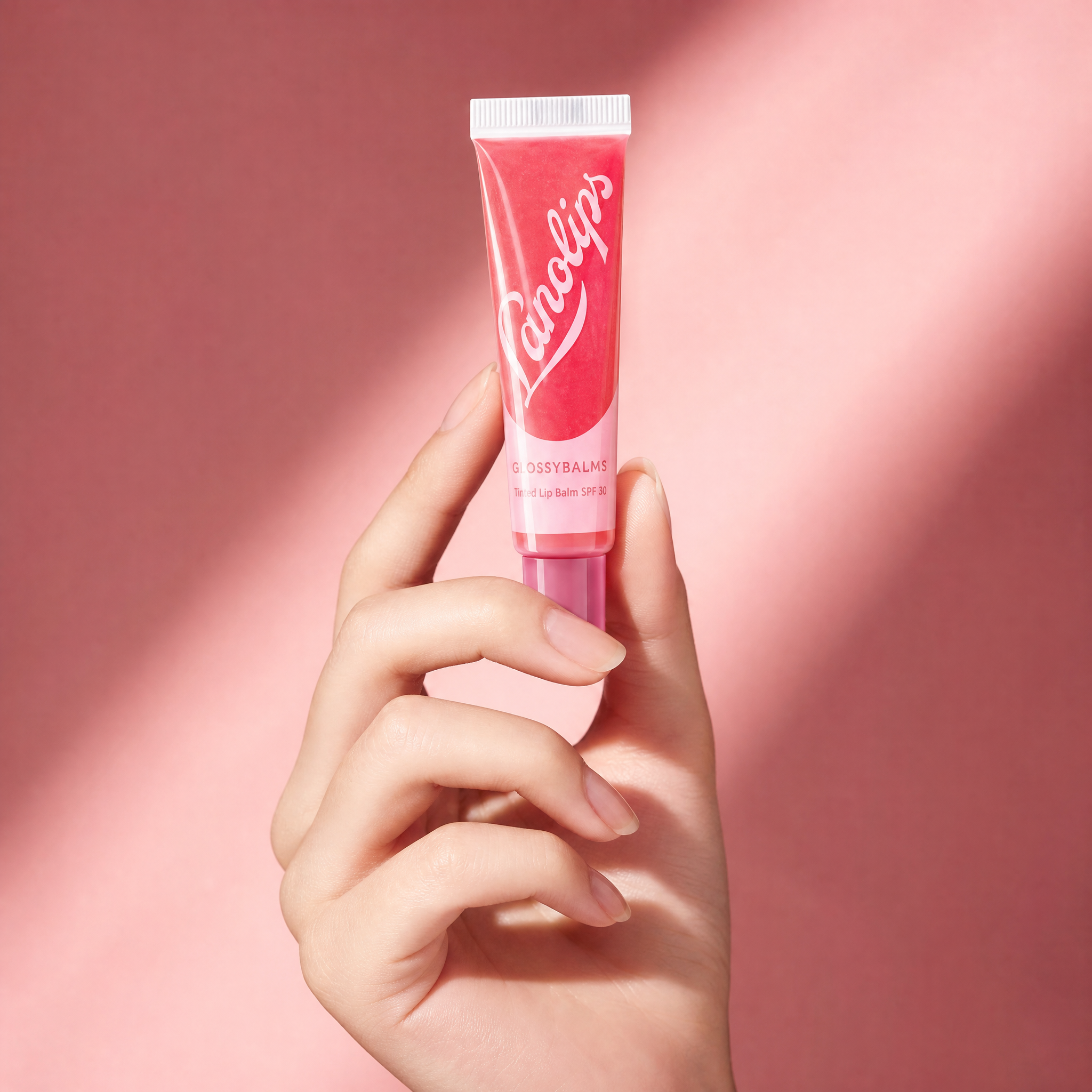 Hand-held lip gloss close-up |
 Wooden-handle mop |
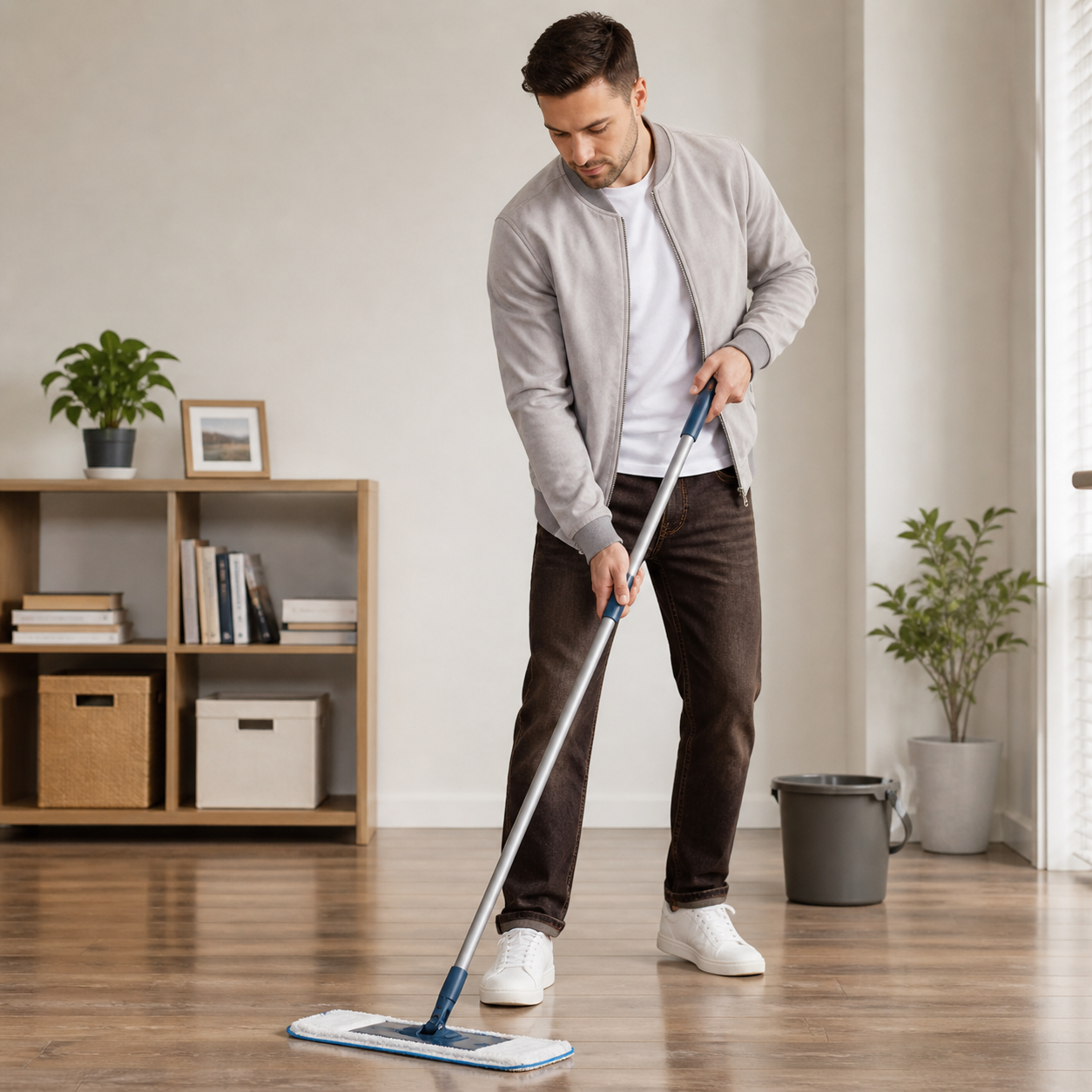 Hand-held mop cleaning floor |
Case 2: Generated Human Interaction Scene
Input: Upload the product scene or product image.
Prompt:
Add a human model to this product scene. The model should be {person_description}, in a {pose}, performing {action}.
[!NOTE] Replace {person_description}, {pose}, and {action} before use. Example: "Add a human model to this product scene. The model should be a young girl, standing pose, holding a doll" or "Add a human model to this product scene, holding a mop." Useful for showcasing scale, usage, emotion, and audience fit.
| Input | Output | Input | Output |
|---|---|---|---|
 CNY red arch scene |
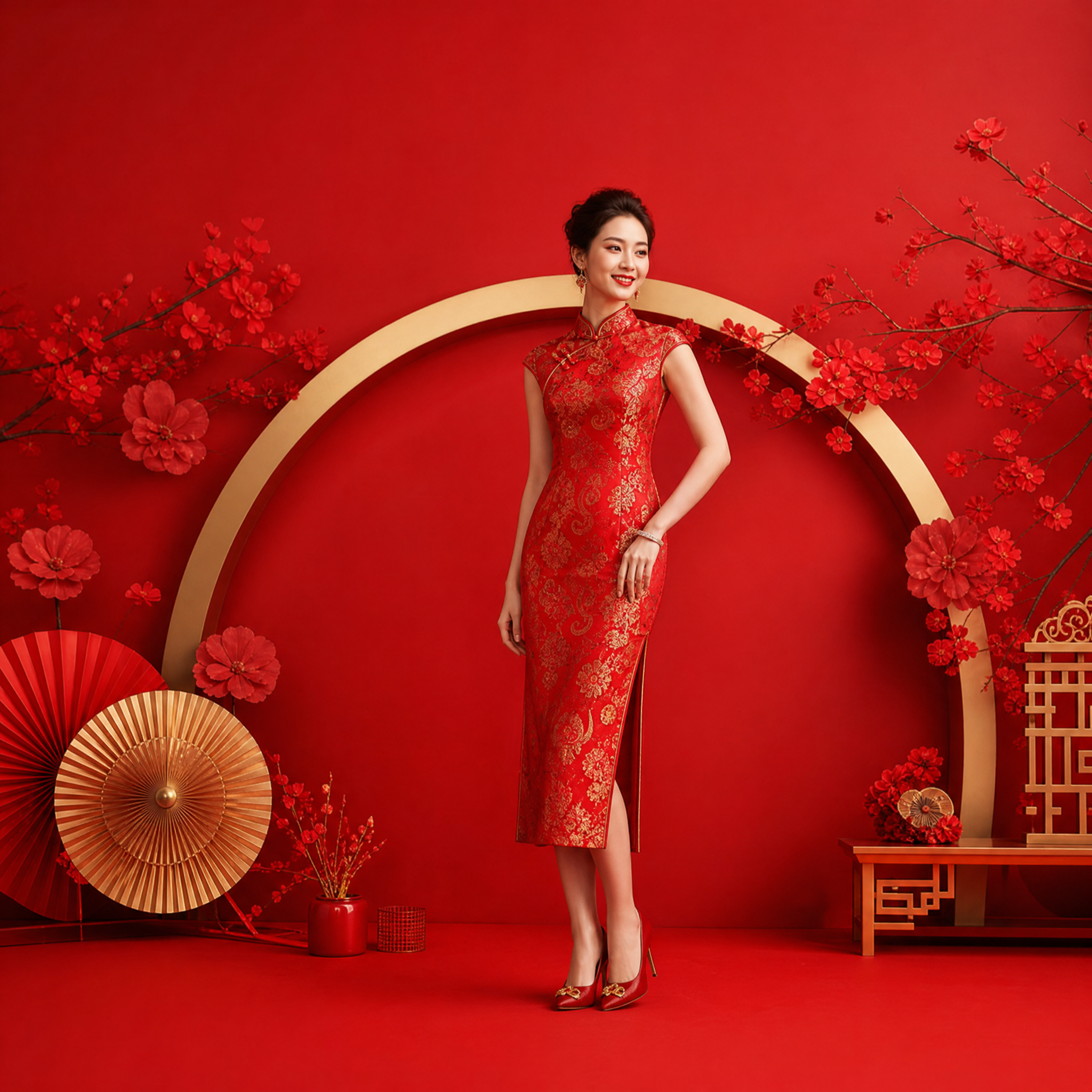 Qipao model entering |
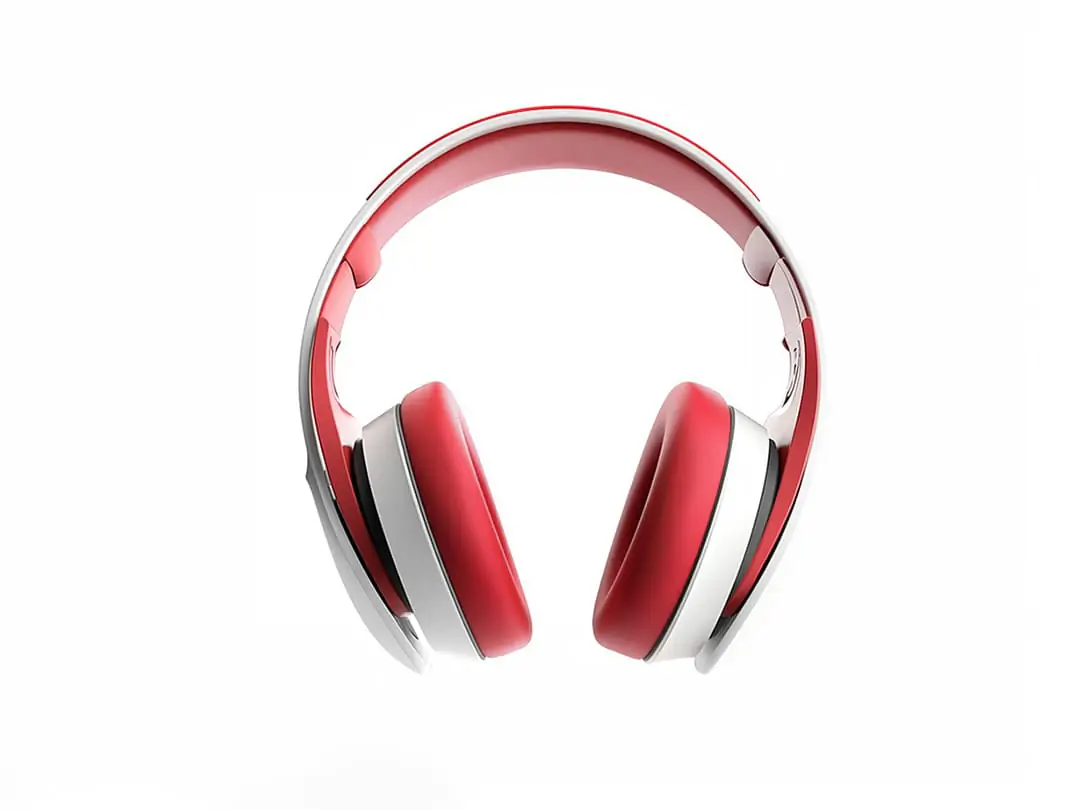 Red & silver headphones |
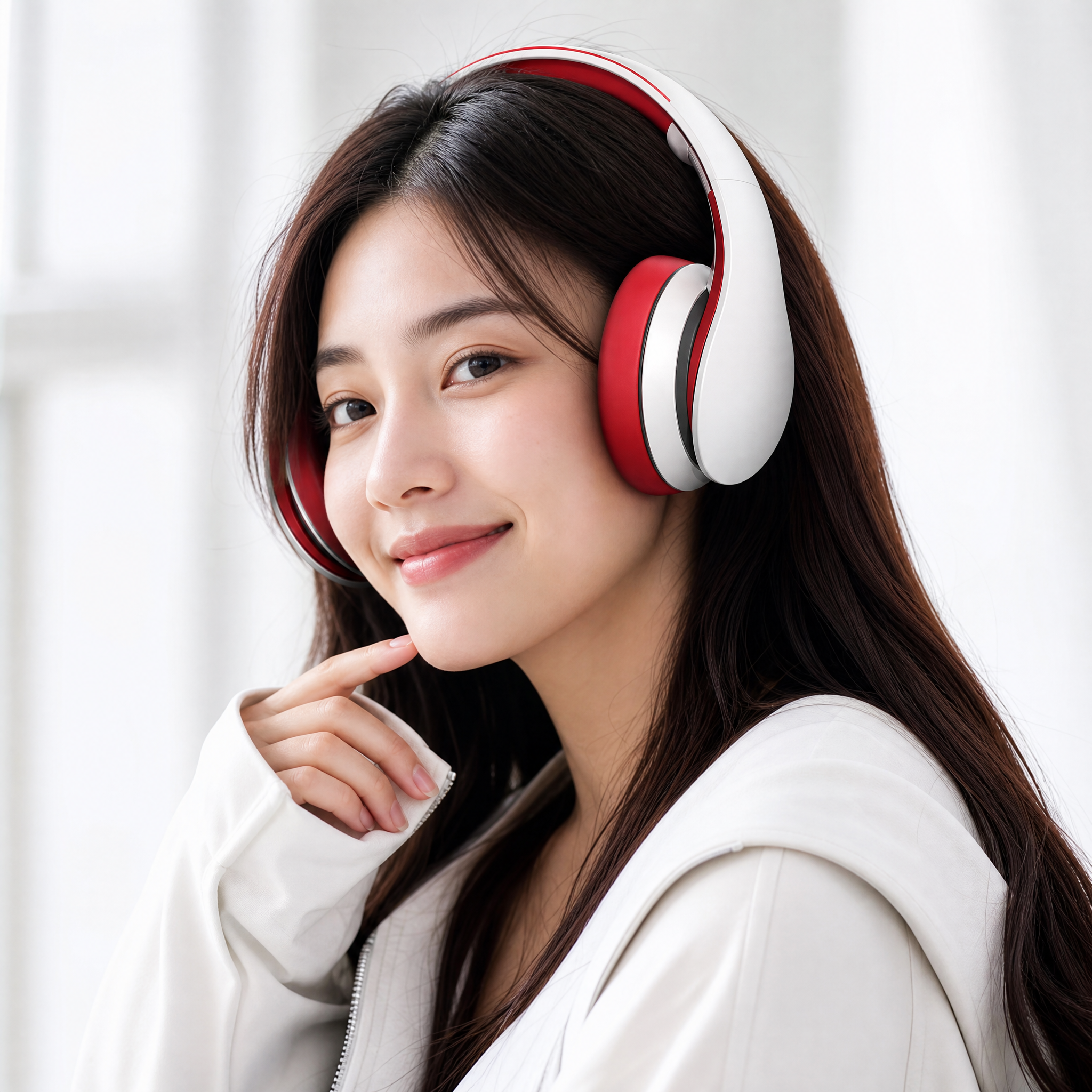 Female model wearing headphones |
Example 3: Luxury Product Editorial Poster (Community, by @iamaiistudio)
[!TIP] Community reference from a recent public GPT Image post. The source tweet only shared the output image.
Observed prompt:
[attach a luxury product photo]
BRAND: [enter your brand name]

Design a single high-end editorial poster. Preserve the product exactly as shown, unaltered. Identify the brand and position its authentic official logo with correct proportions and a subtle print texture in the most fitting location. Include a complementary attractive model naturally wearing or holding the product. Deep rich colors, HDR quality, premium studio lighting, clean minimal background, ample negative space, ultra-sharp 8K output. No additional text or watermarks.
| Output |
|---|
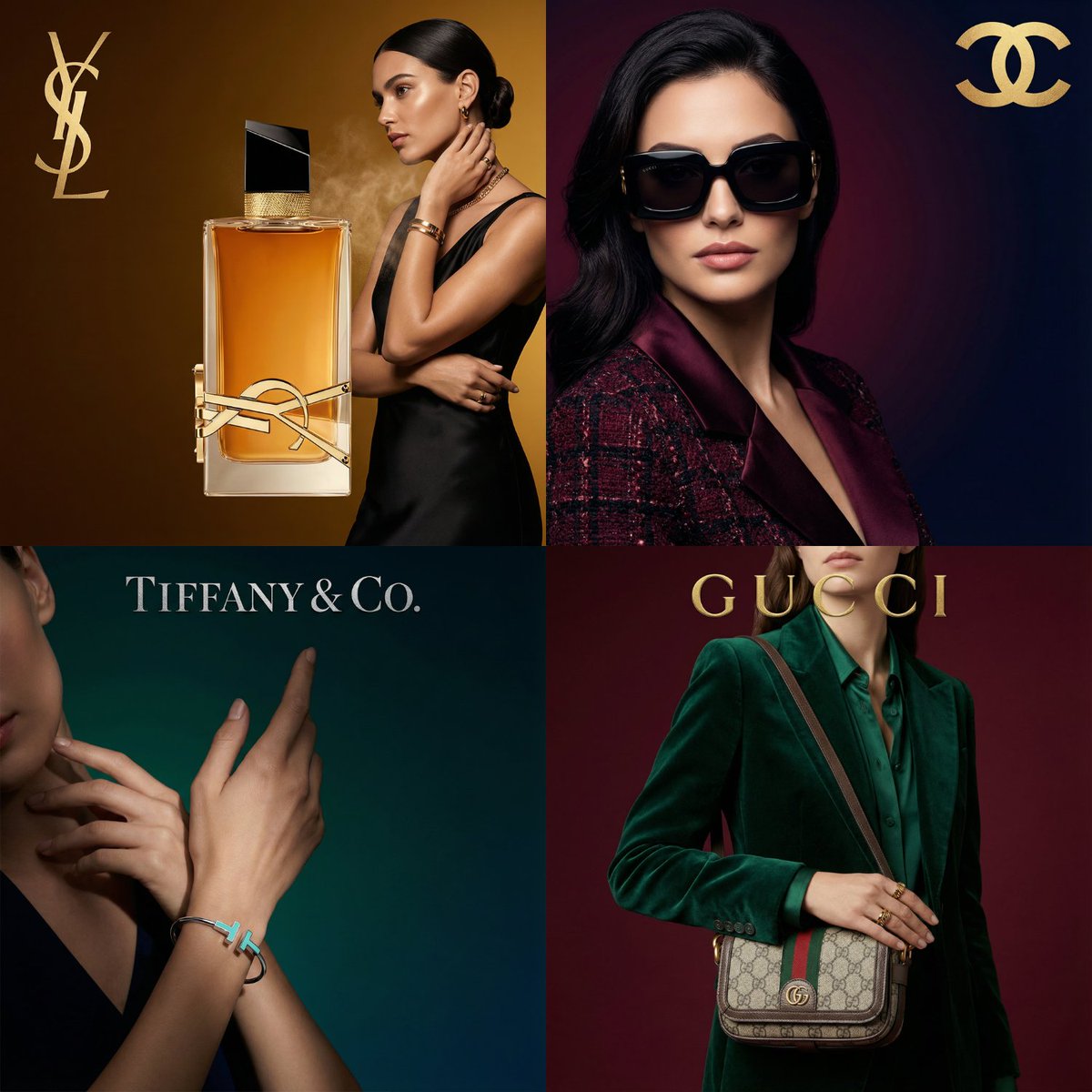 Luxury editorial poster output |
Case 3: Reference Character Product Interaction
Input: Upload the product scene image and a reference character image.
Prompt:
Add the human model from image 2 into the product scene from image 1, with this action: {action_description}.
[!NOTE] Replace {action_description} before use. Example: "Add the human model from image 2 into the product scene from image 1, with this action: model lying on the bed." Useful when you need consistent character identity across multiple creative assets.
Example 1: Bedroom King-Size Scene + Male Model
| Product scene | Reference character | Output |
|---|---|---|
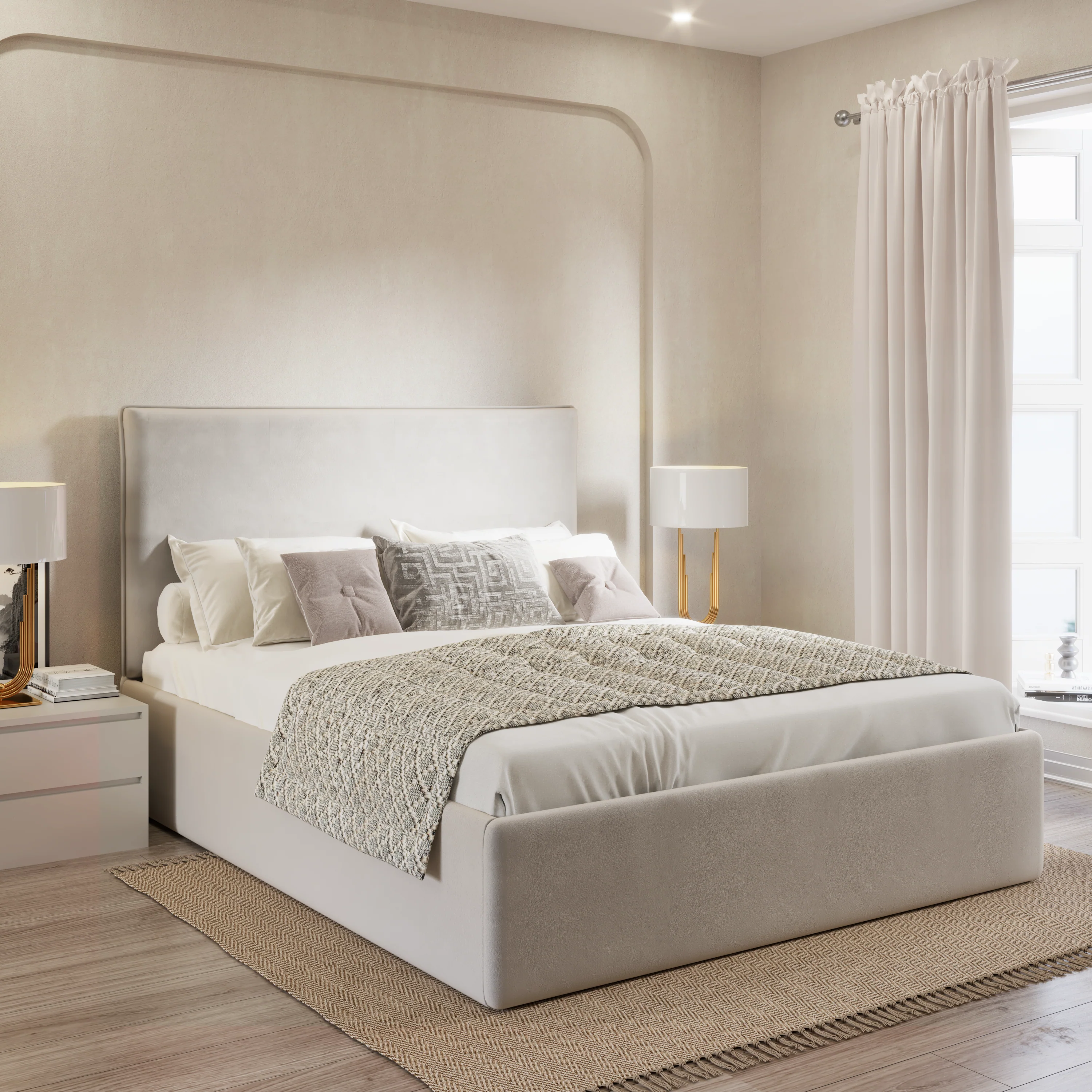 Bedroom king-size scene |
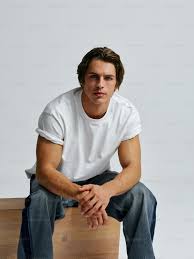 Male model in white tee |
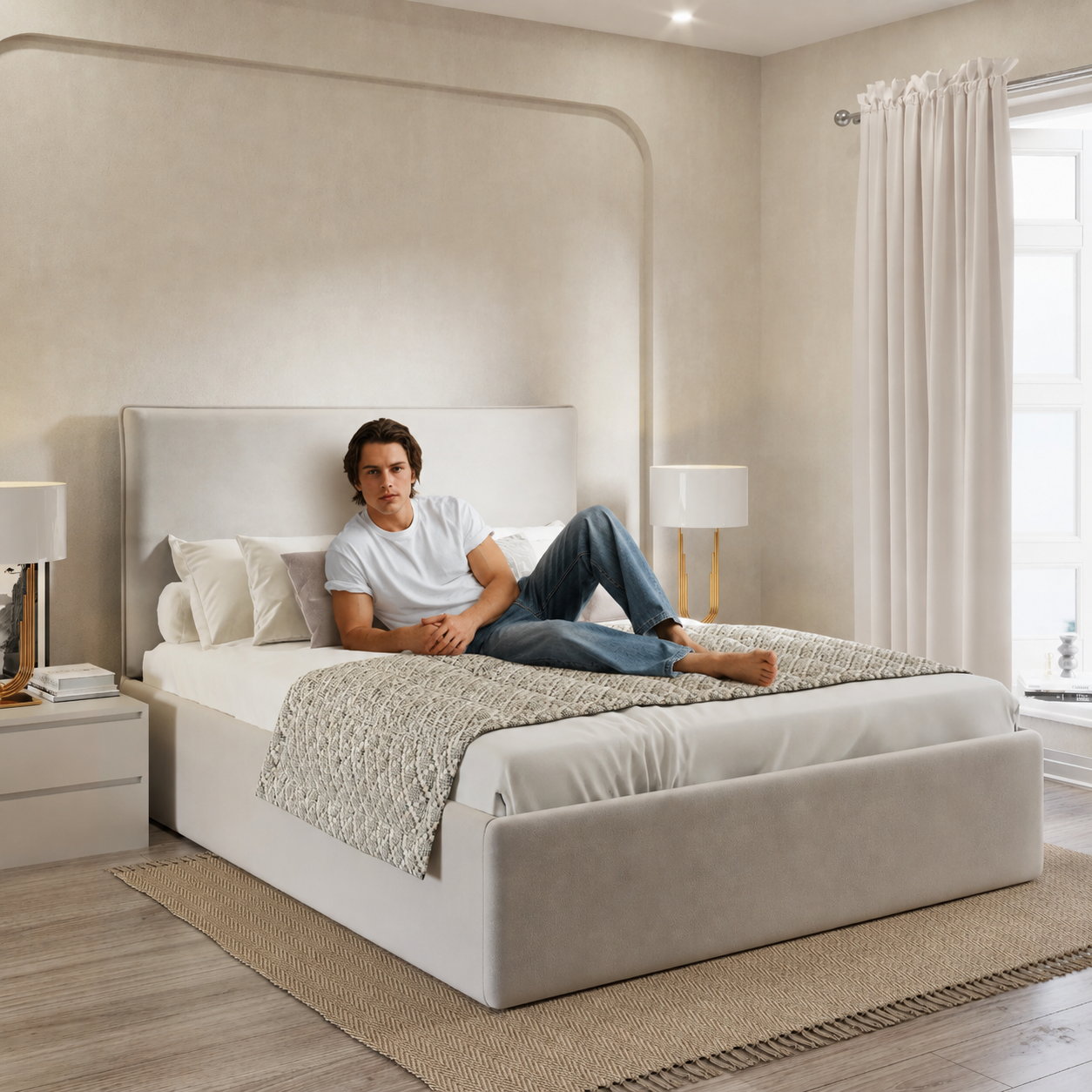 Male model reclining on bed |
Example 2: Home Rocking-Chair Scene + Male Model
| Product scene | Reference character | Output |
|---|---|---|
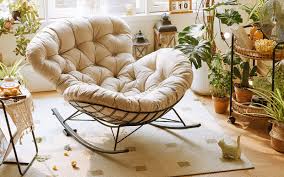 Home rocking-chair scene |
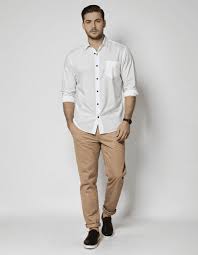 Male model in white shirt |
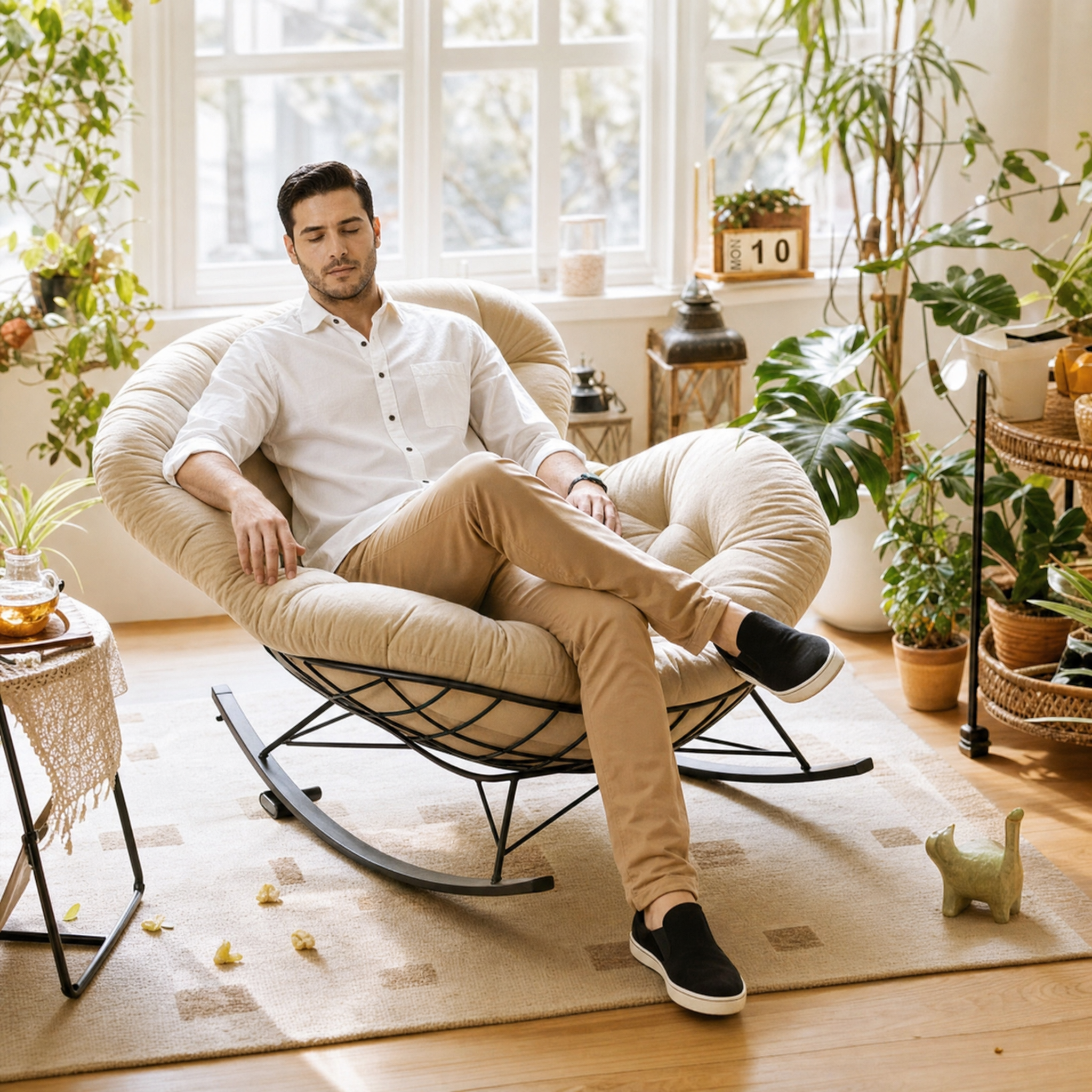 Male model in rocking chair |
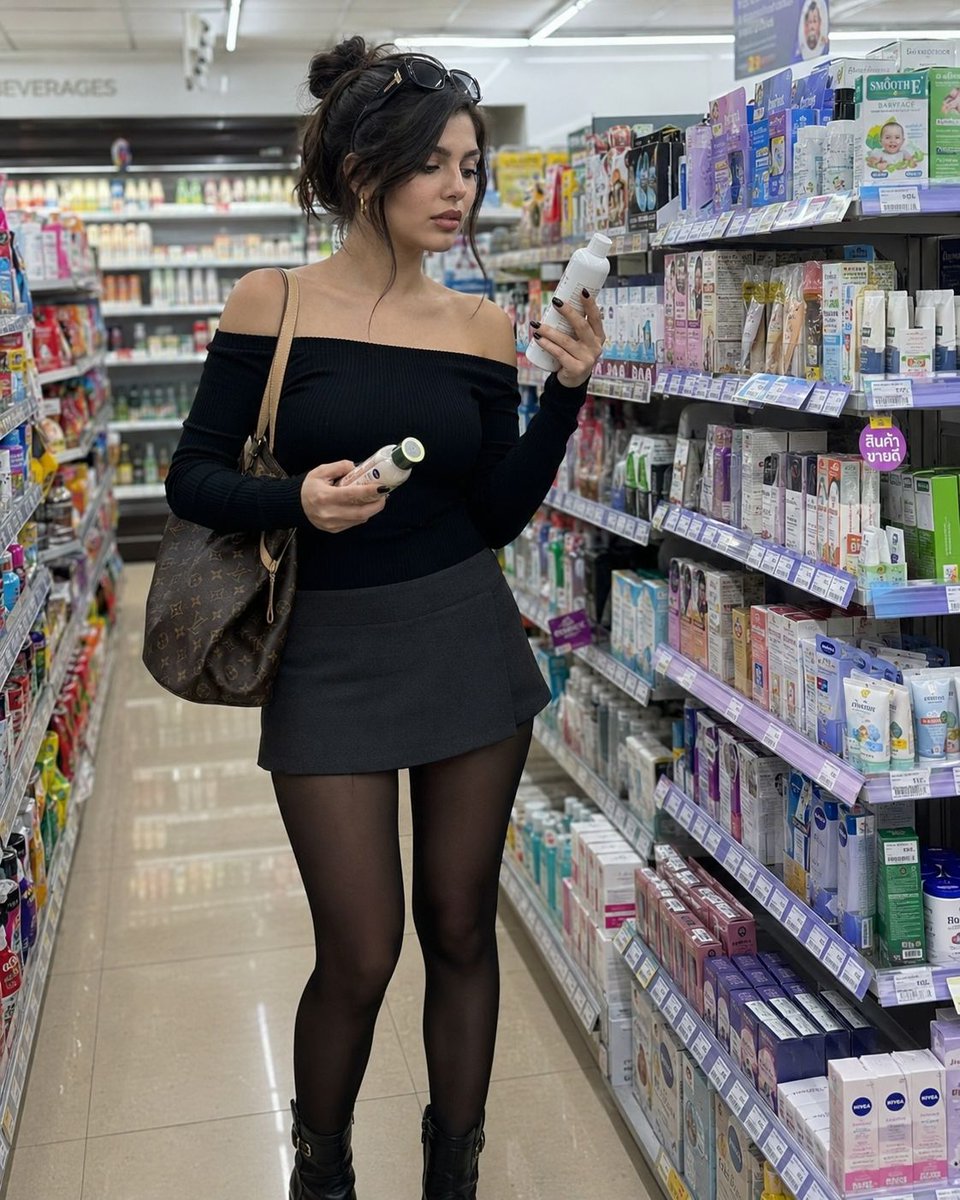
Example 3: Reference Shopper Product Scene (Community, by @mehvishs25)
[!TIP] Community reference from a recent public GPT Image post. The source tweet shared the prompt and output images, showing how a preserved reference identity can be moved into a retail product-comparison scene.
Observed prompt:
Photorealistic candid lifestyle photograph of the same woman as the reference image, preserving her exact facial identity, facial proportions, skin tone, and recognizable features. She is casually shopping inside a modern convenience store, captured in an authentic everyday moment rather than a posed photoshoot.

Medium-full body side-angle composition. She stands in a brightly illuminated aisle, comparing two beauty or wellness products while reading packaging details with a focused expression. One hand holds a sleek bottle close to her face while the other carries a second product she is considering.

Her dark hair is styled in a relaxed high bun with a few loose strands framing her face. Slim gold hoop earrings, subtle glossy lips, natural makeup, and oversized black sunglasses resting on her head.

Outfit: a bold, fitted black off-shoulder ribbed top paired with a charcoal gray mini skort and sheer black tights, creating a chic city-girl aesthetic. She carries a large luxury-inspired monogram shoulder bag and wears black ankle boots.

Modern convenience store environment in Southeast Asia with narrow aisles, brightly stocked shelves filled with colorful skincare, beverages, snacks, and household essentials. Fluorescent ceiling panels cast soft, diffused light across the scene.

Natural candid body language, realistic posture, genuine shopping behavior, authentic retail atmosphere, unposed documentary aesthetic. Soft depth of field with subtle background blur while keeping the subject sharply detailed.

Shot with a 35mm lens at eye level, ultra-realistic RAW photography quality, realistic skin texture, accurate fabric details, natural colors, soft shadows, crisp focus, 4K detail.

Vertical 4:5 composition, subject positioned slightly left of center, facing the shelves on the right side of the frame, immersive everyday shopping scene, contemporary urban lifestyle editorial feel without looking staged.
| Output |
|---|
 Reference shopper comparison scene |
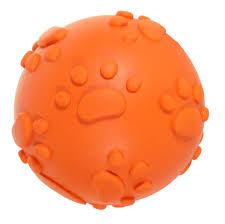
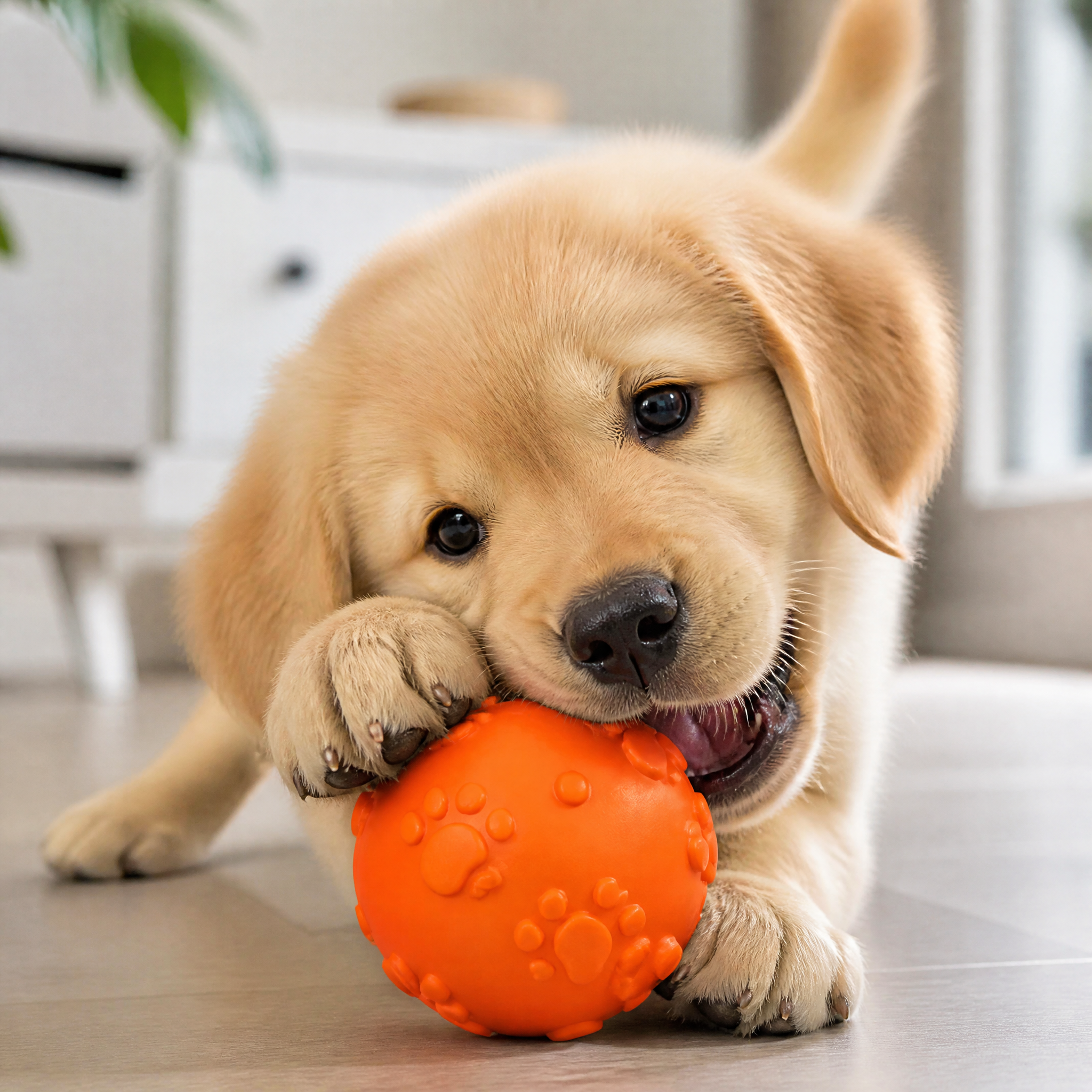
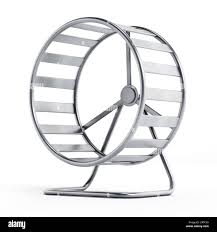
Case 4: Pet and Product Interaction
Input: Upload the product image.
Prompt:
Generate a {pet} interacting with the {product} from the image.
[!NOTE] Replace {pet} and {product} before use. Example: "Generate a cat interacting with the toy from the image" or "Generate a puppy interacting with the toy from the image." Especially useful for toy, pet accessory, home, and playful lifestyle product creatives.
| Input | Output | Input | Output |
|---|---|---|---|
 Orange dog chew ball |
 Puppy biting ball |
 Hamster wheel |
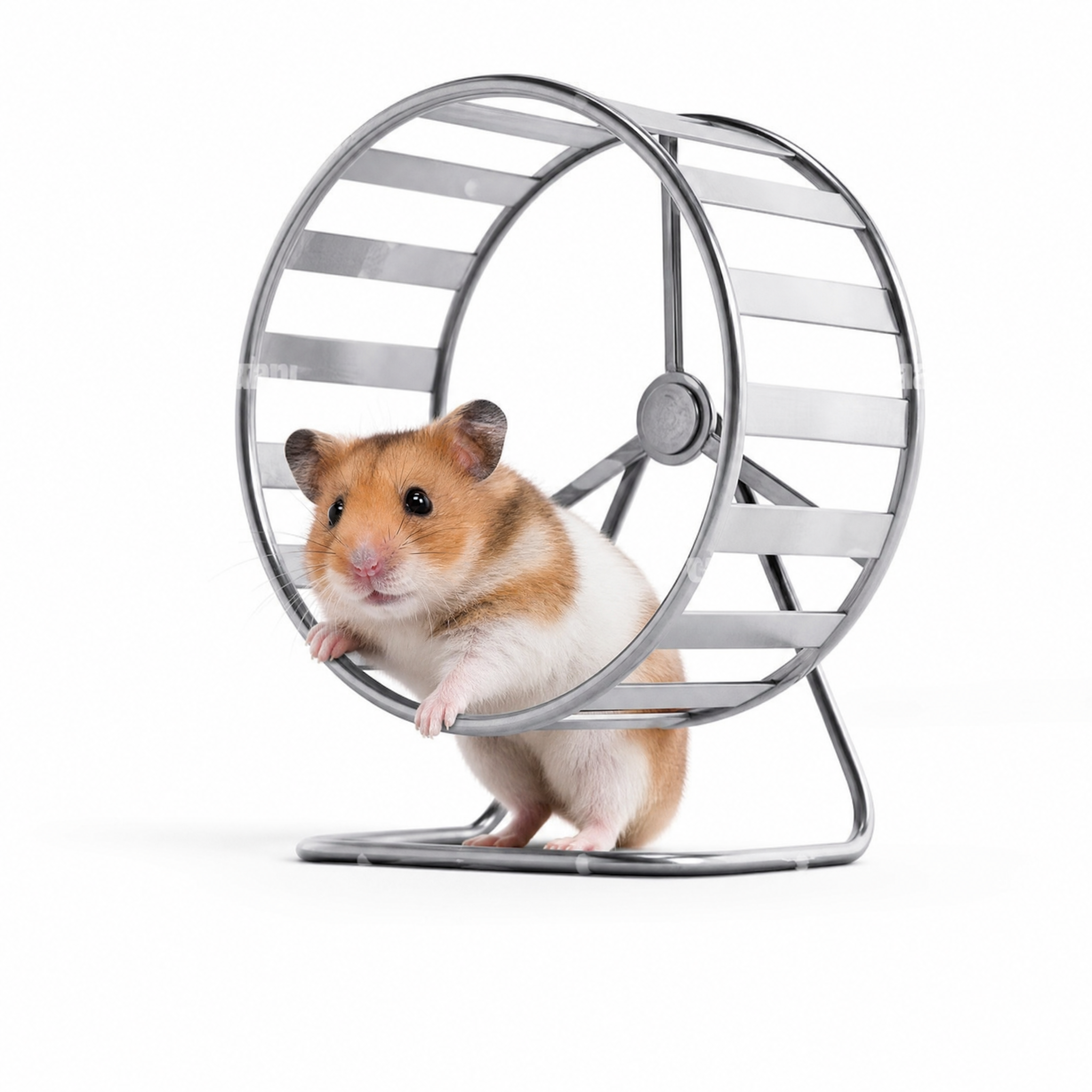 Hamster in wheel |
🛍️ Social Commerce Prompts
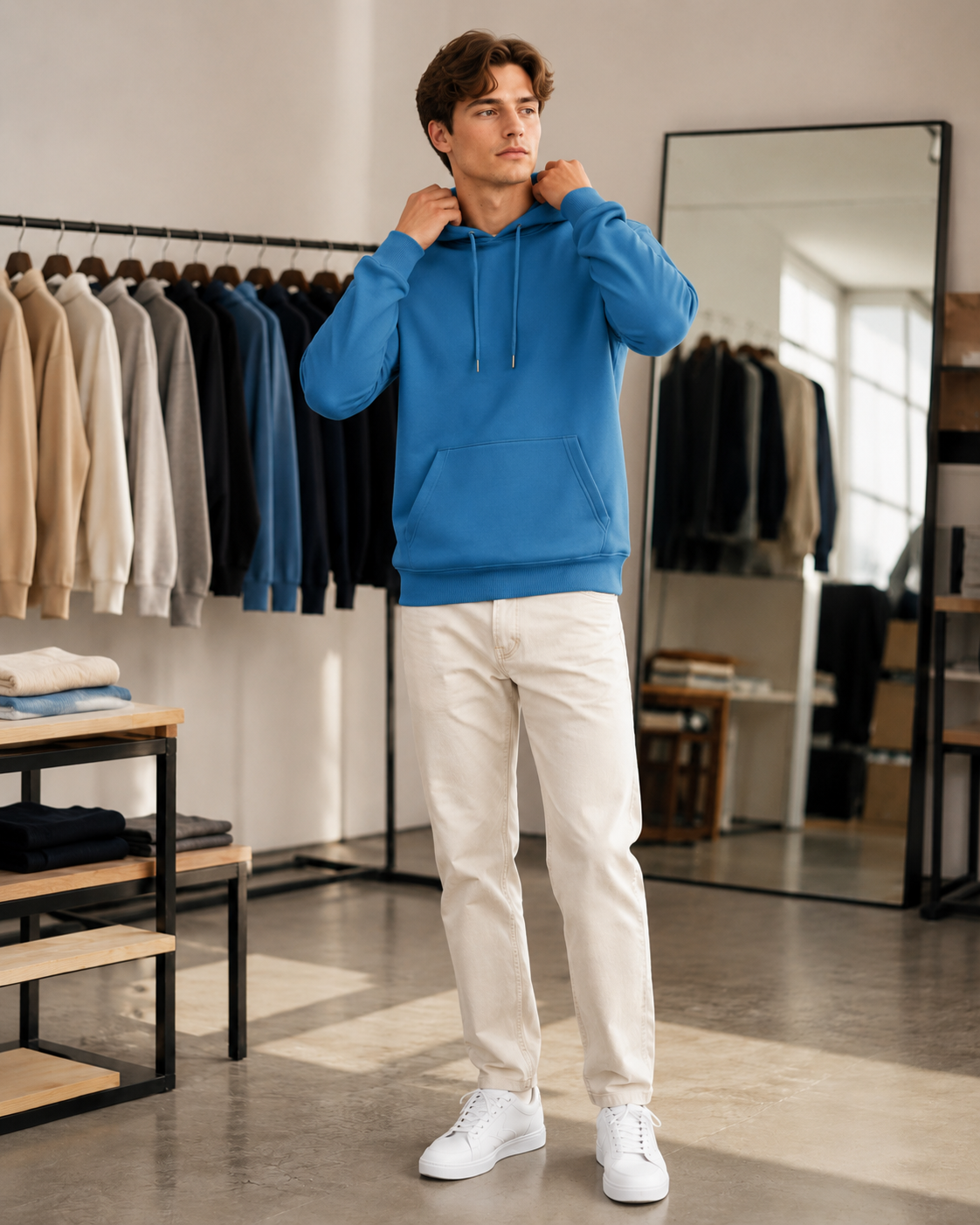
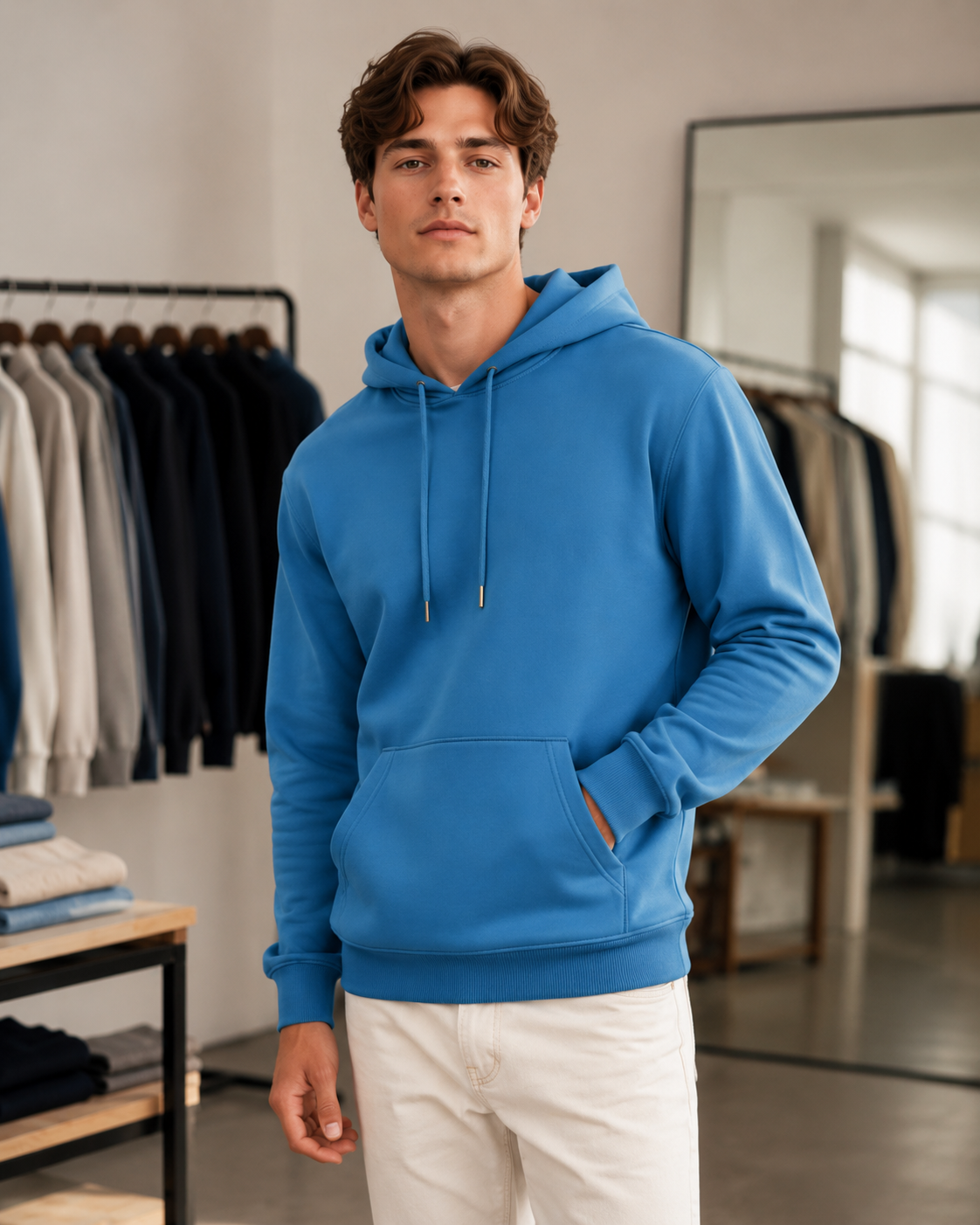
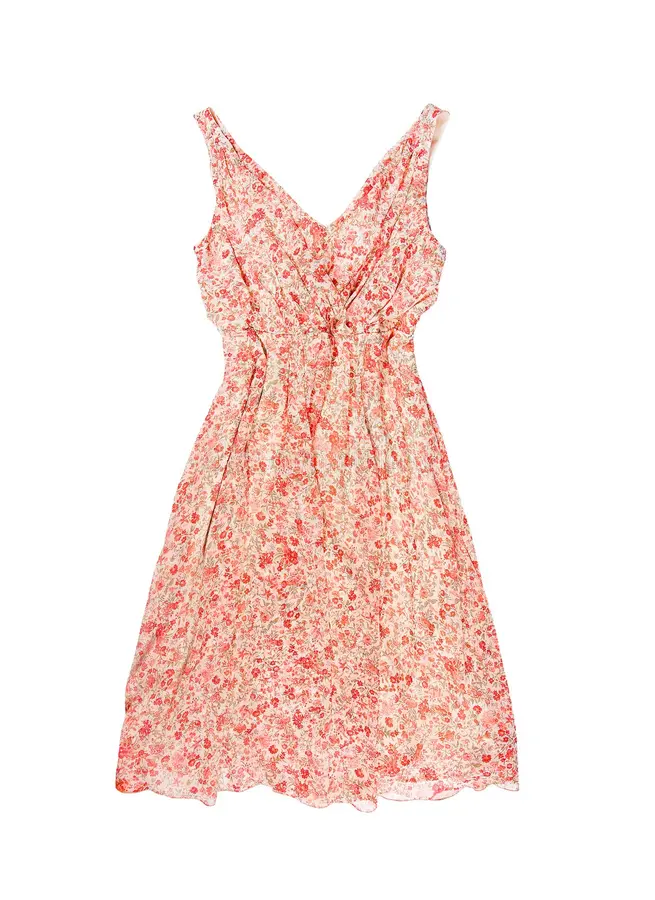
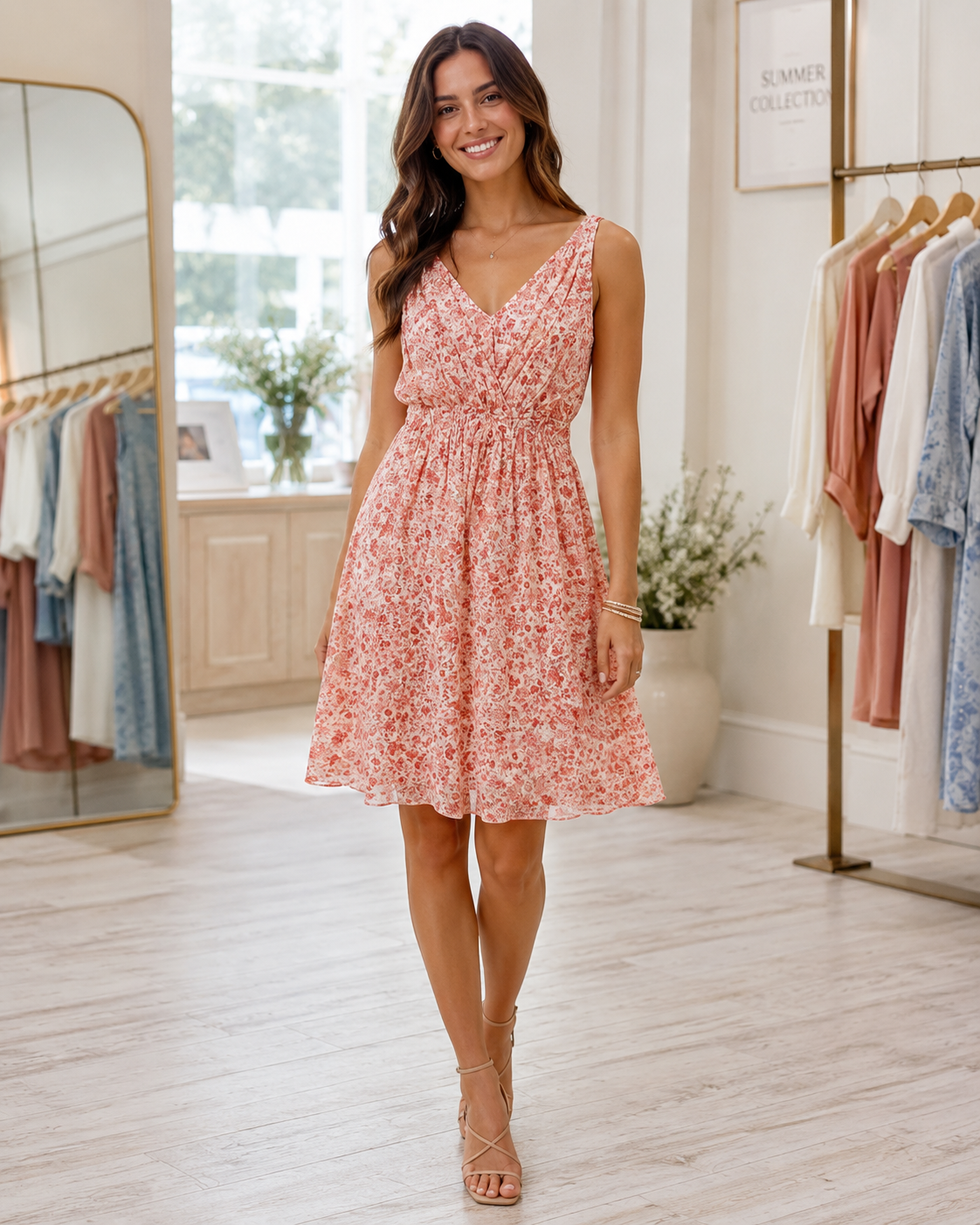
Case 1: Fashion Studio Sales Set
Prompt:
Generate a model sales image set, background is a fashion studio.
[!NOTE] Useful for showroom-style apparel marketing, boutique visual merchandising, and studio-shoot social content.
Example 1: Blue Hoodie
| Input | Output | |
|---|---|---|
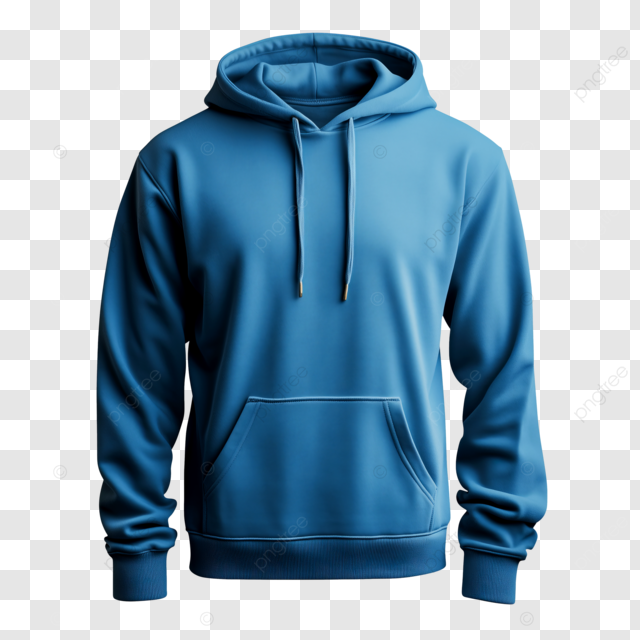 Clean background product |
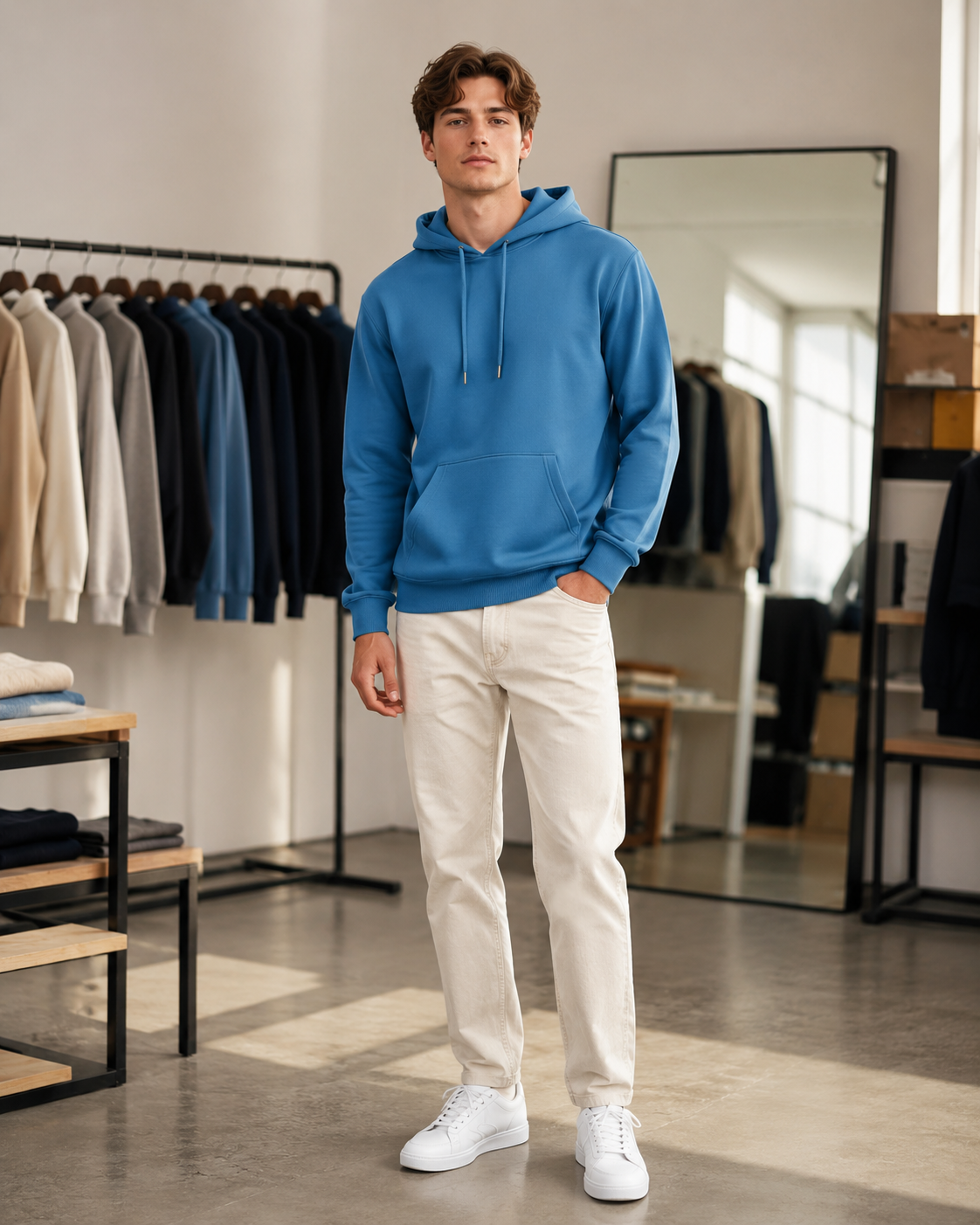 Studio shoot 1 |
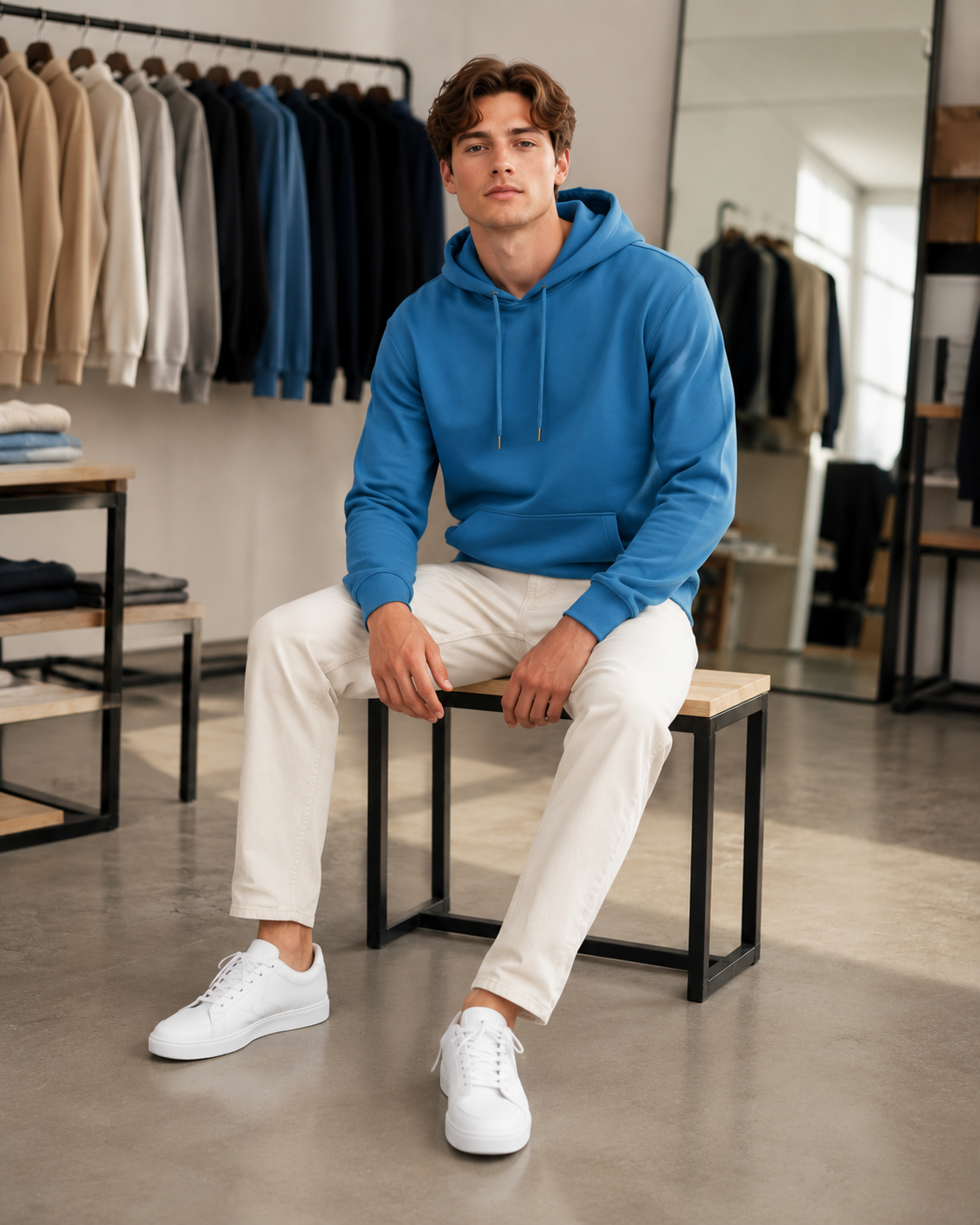 Studio shoot 2 |
 Studio shoot 3 |
 Studio shoot 4 |
Example 2: Pink Floral Dress
| Input | Output | |
|---|---|---|
 Clean background product |
 Studio shoot 1 |
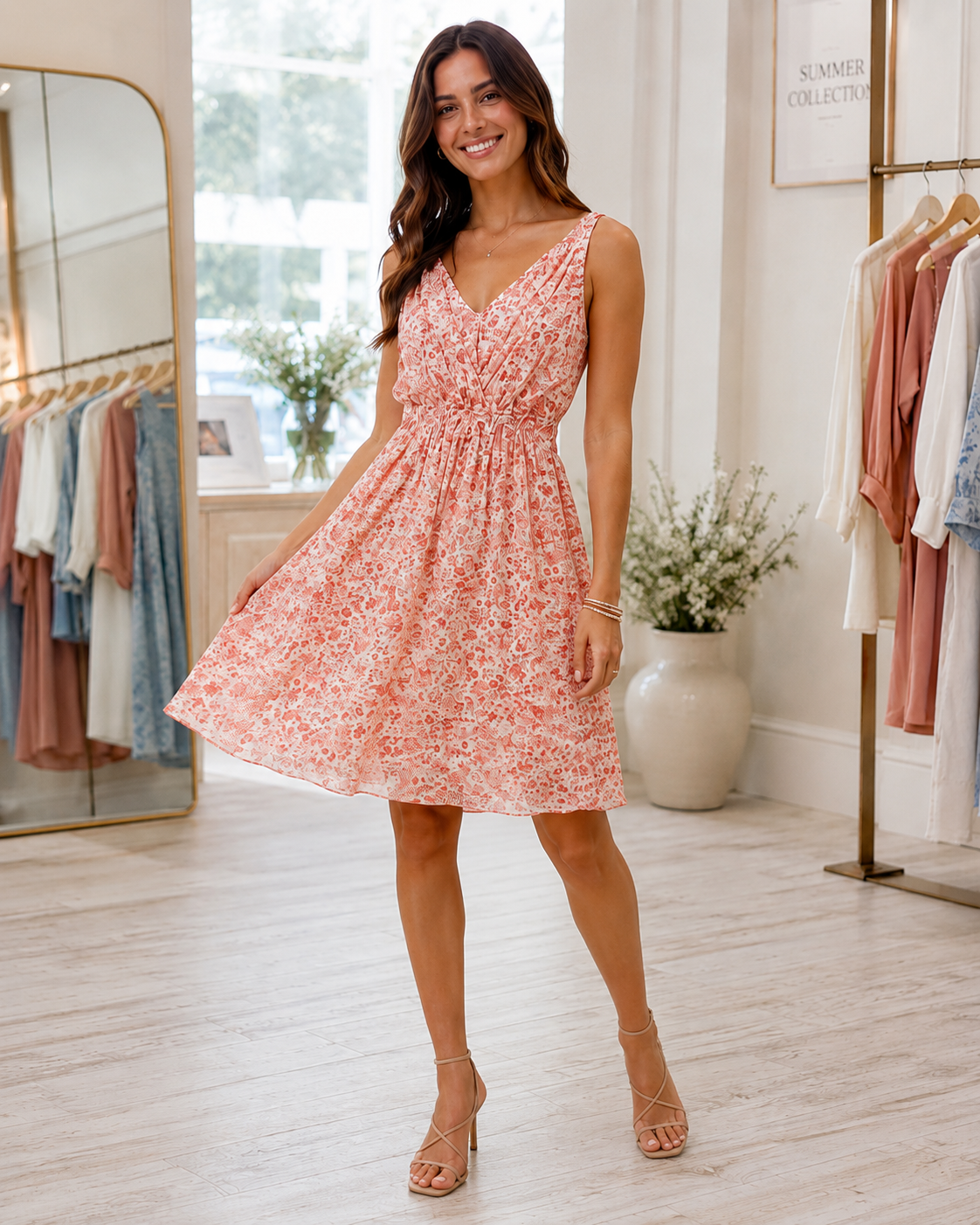 Studio shoot 2 |
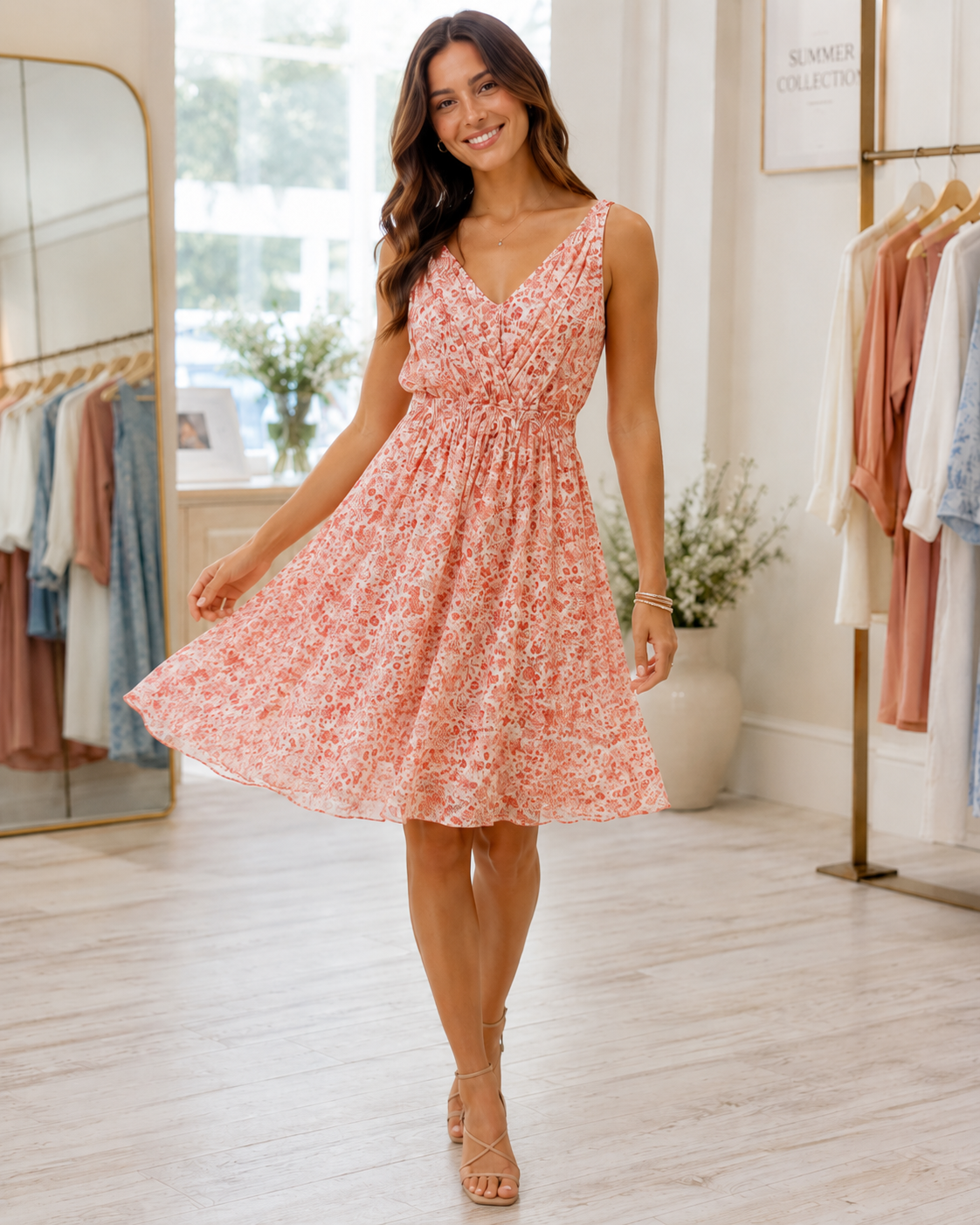 Studio shoot 3 |
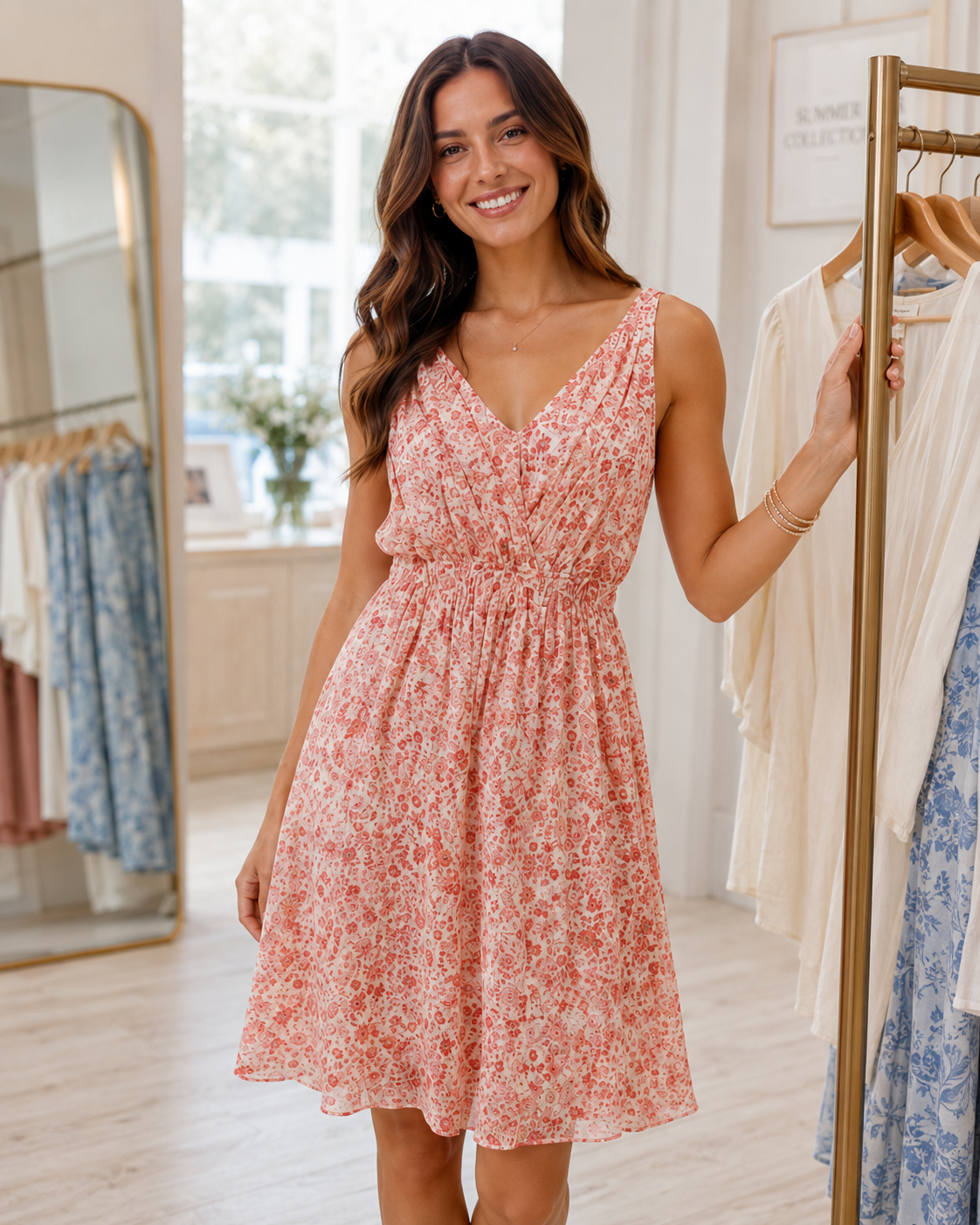 Studio shoot 4 |
Example 3: Football Jersey Editorial Set (Community, by @Taaruk_)
[!TIP] Community reference from a recent public GPT Image post. The source tweet only shared the output images.
Observed prompt:
Luxury sports fashion campaign, Cristiano Ronaldo inspired editorial photoshoot, standing confidently in a minimalist beige studio, wearing a black Portugal national team jersey with a bold red textured vertical stripe, athletic physique, hands behind back, serious expression, premium football lifestyle aesthetic, high-fashion sportswear photography, clean neutral backdrop, soft cinematic lighting, luxury magazine cover style, Nike-inspired campaign, ultra realistic skin texture, sharp focus, professional studio photography, muted earth-tone color palette, modern luxury branding, 85mm lens, shallow depth of field, photorealistic, 8K, editorial masterpiece.

Additional shots:
1. Full-body standing portrait, centered composition, confident pose.
2. Close-up chest detail shot highlighting jersey texture, number 7, luxury silver chain, premium fabric details.
3. Seated portrait on modern black designer chair, relaxed yet powerful posture, fashion campaign aesthetic.
4. Product display shot featuring jersey draped over chair with matching tracksuit and sneakers, luxury sports catalog photography.

Style keywords:
minimalist luxury, football icon, premium sportswear campaign, modern editorial, Vogue Men, GQ Sports, cinematic studio lighting, high-end fashion photography, realistic textures, luxury athlete branding, clean composition, commercial advertising quality.
| Output | |
|---|---|
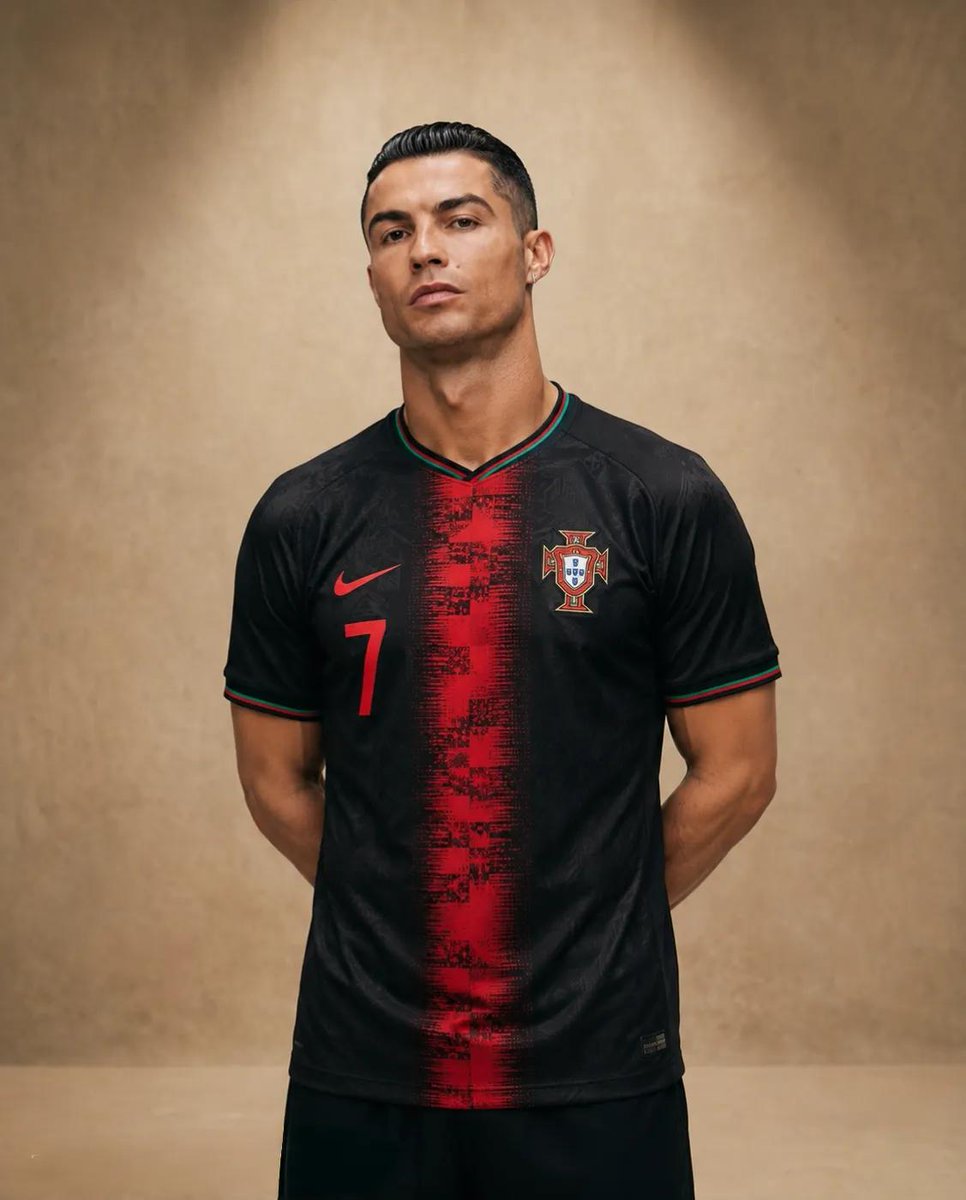 Studio portrait |
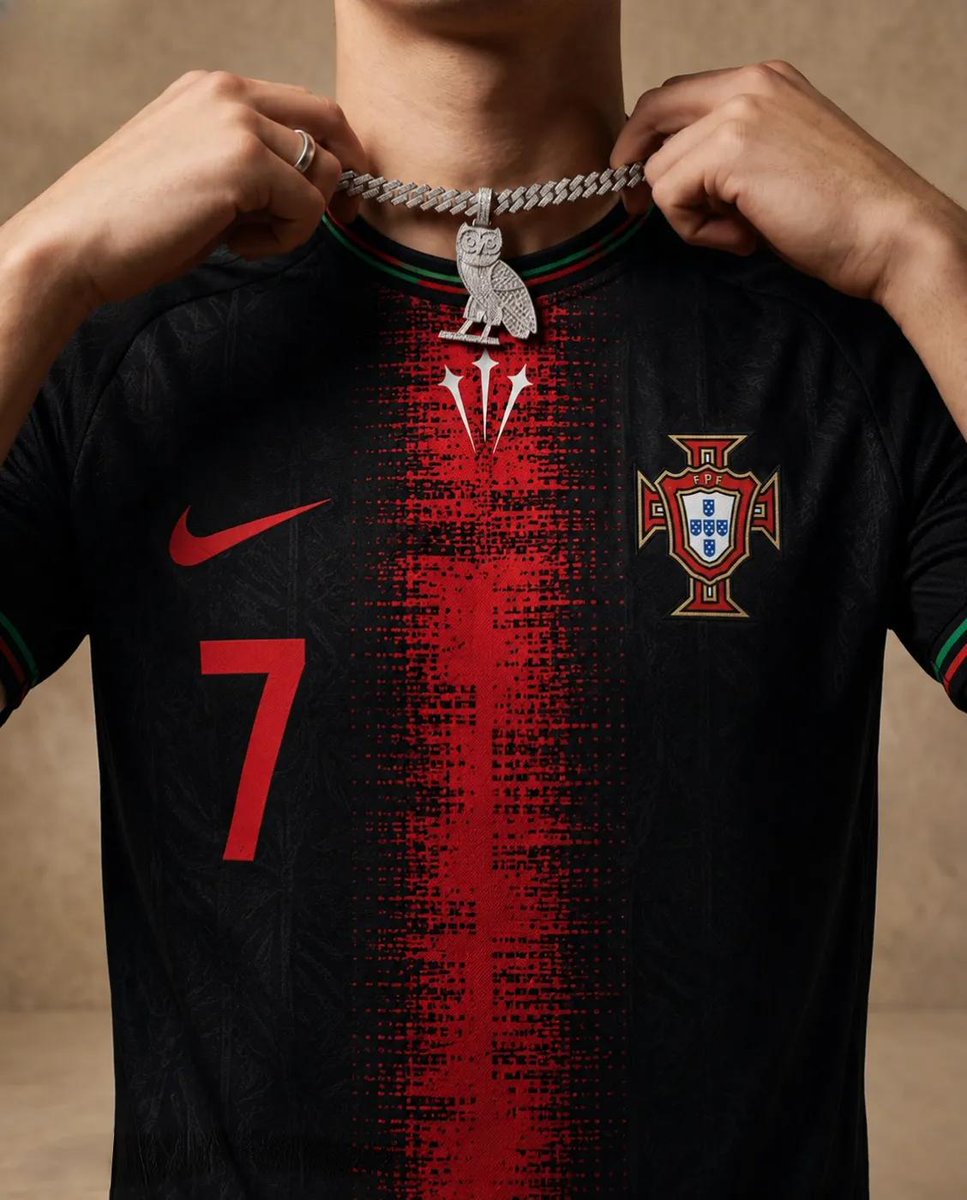 Jersey detail close-up |
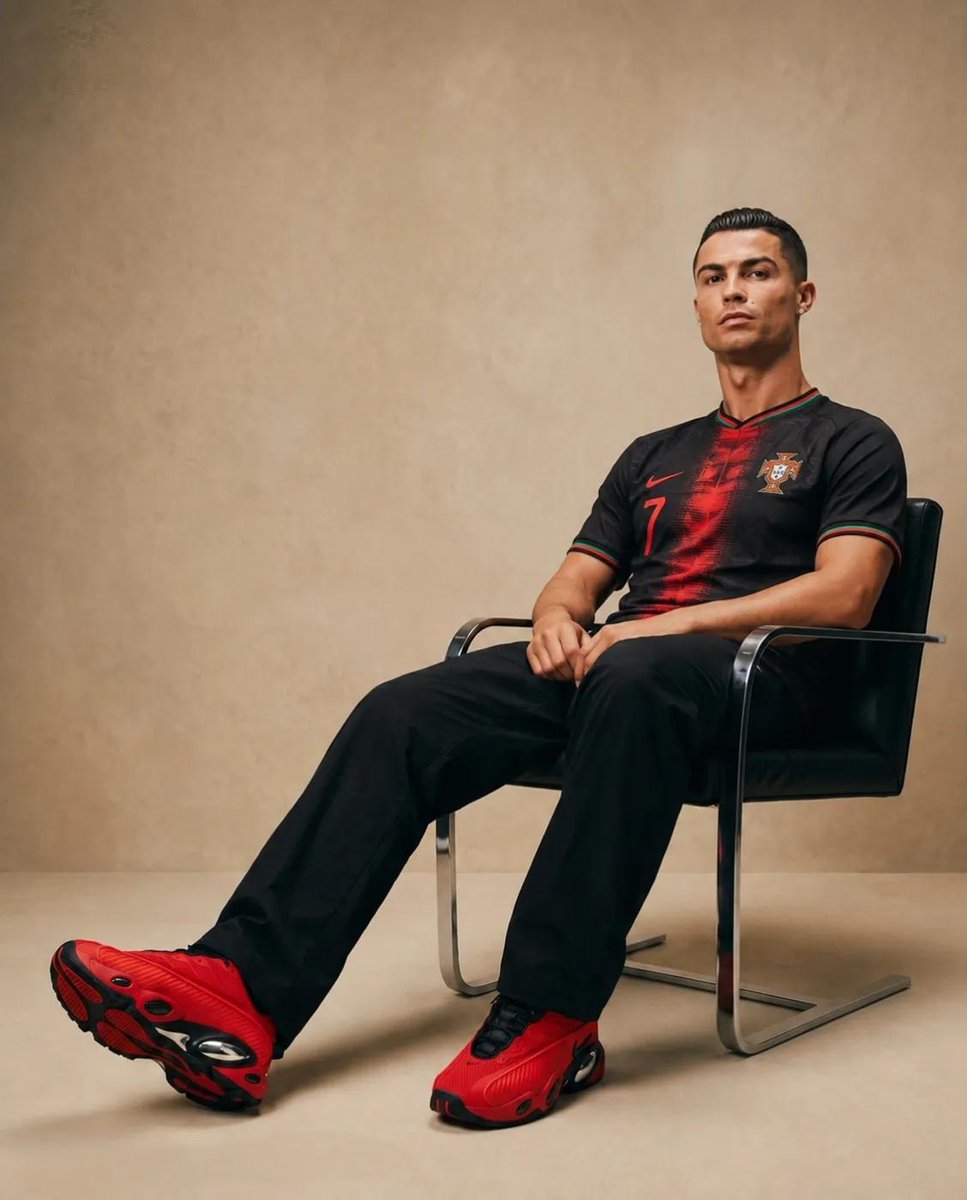 Seated campaign portrait |
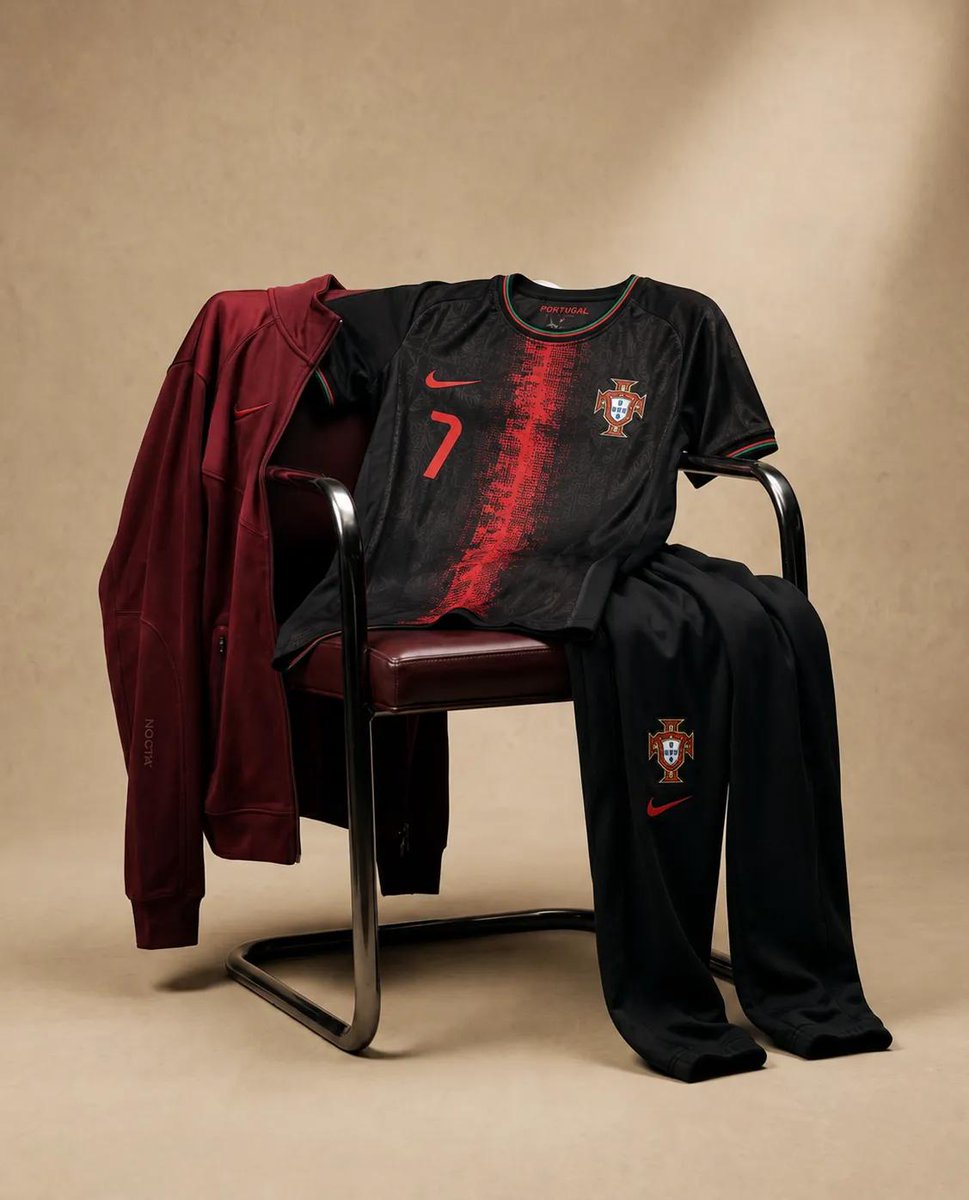 Product display layout |
Case 2: Mirror Outfit Sales Video
Prompt:
Generate a mirror outfit sales video.
[!NOTE] This template is ideal for creator-style fashion content, UGC aesthetics, and casual social-commerce sales formats.
Case 3: Gift Box Styling for Apparel
Input: Upload the apparel image.
Prompt:
Place the apparel into a gift box.
[!NOTE] Useful for holiday gift marketing, premium packaging mockups, and seasonal-themed product creatives.
| Input | Output | Input | Output |
|---|---|---|---|
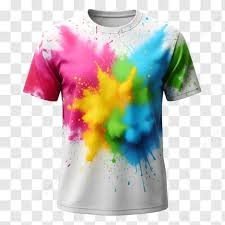 Color-splatter tee |
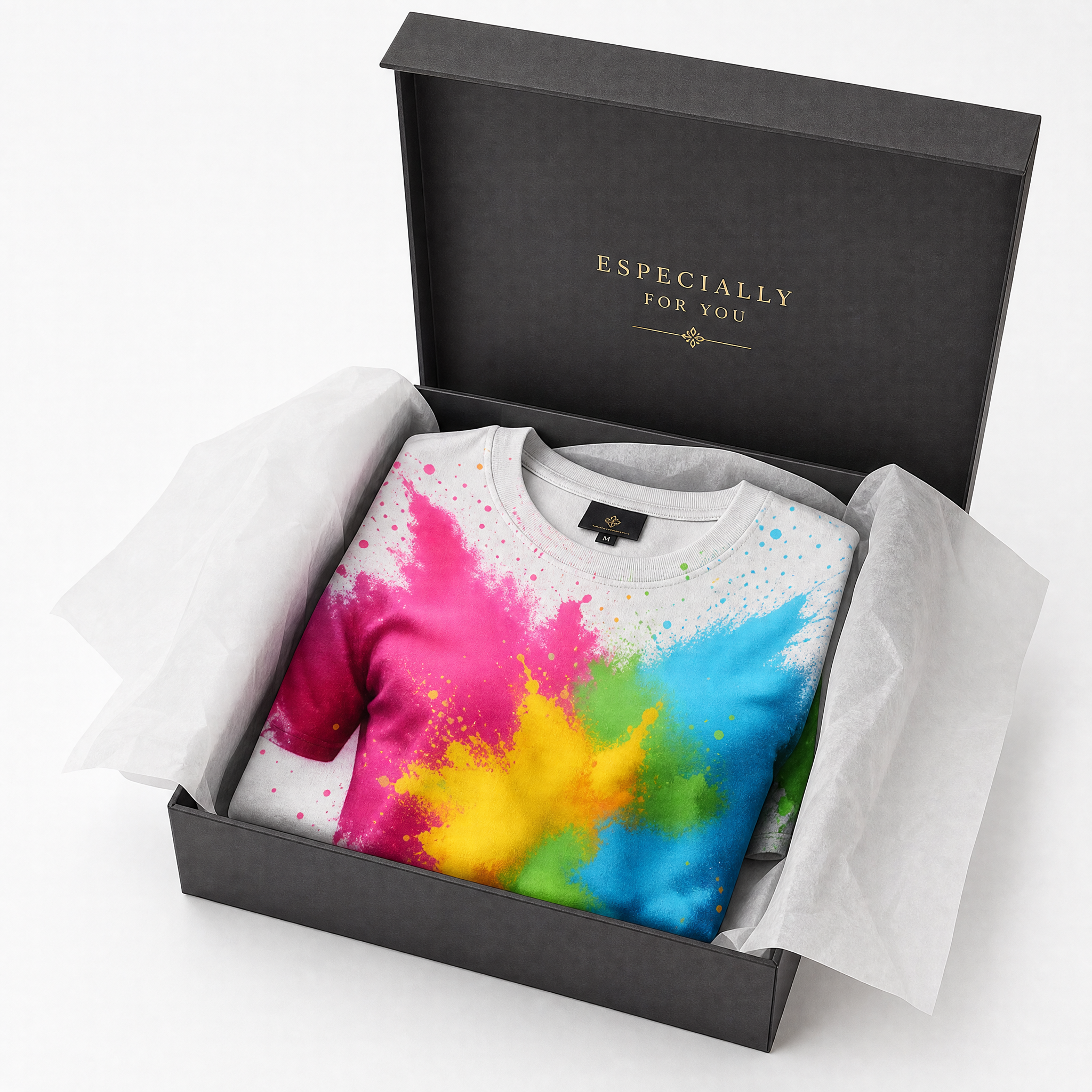 Gift box result |
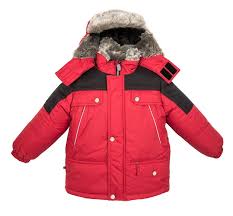 Red kids' down jacket |
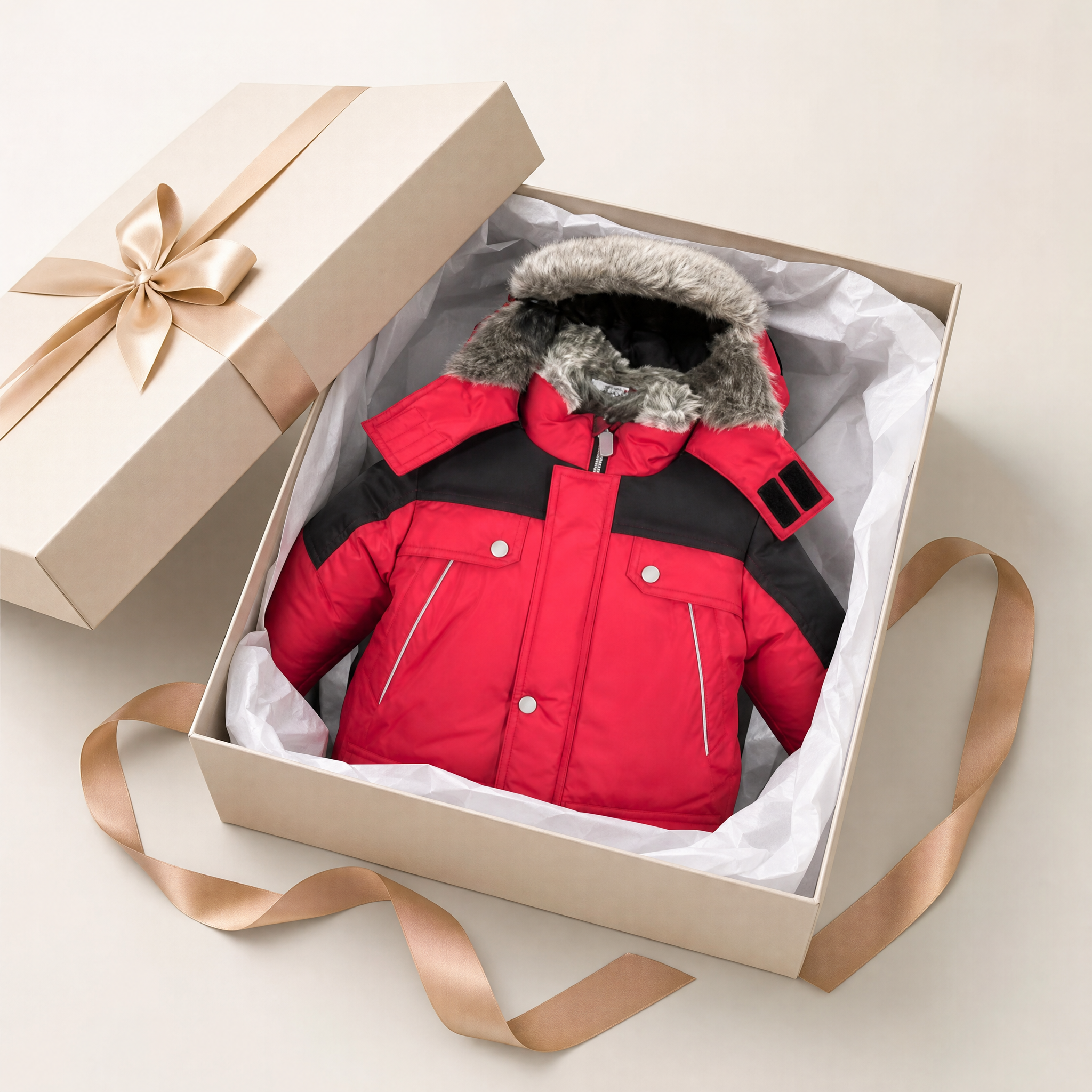 Gift box result |
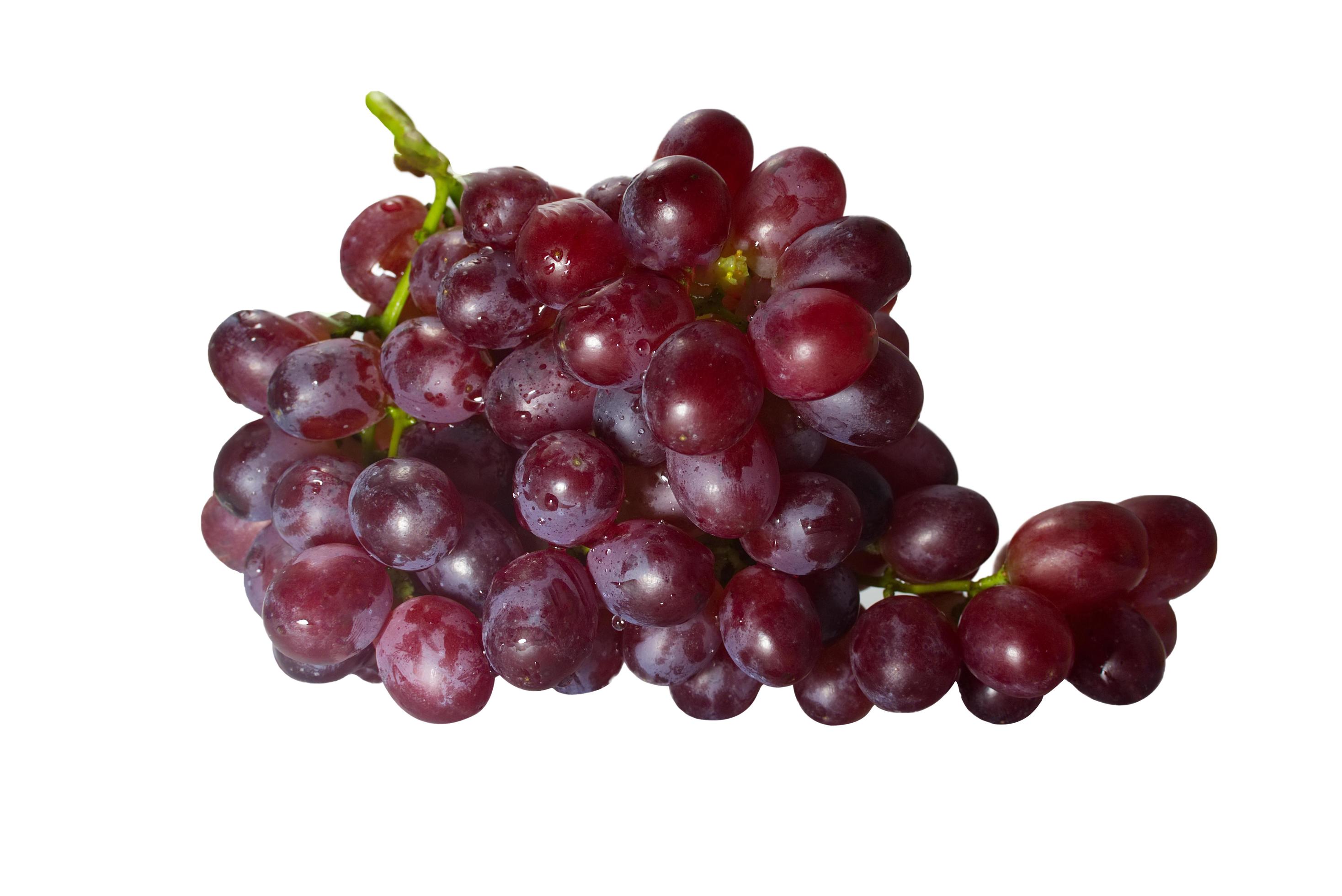
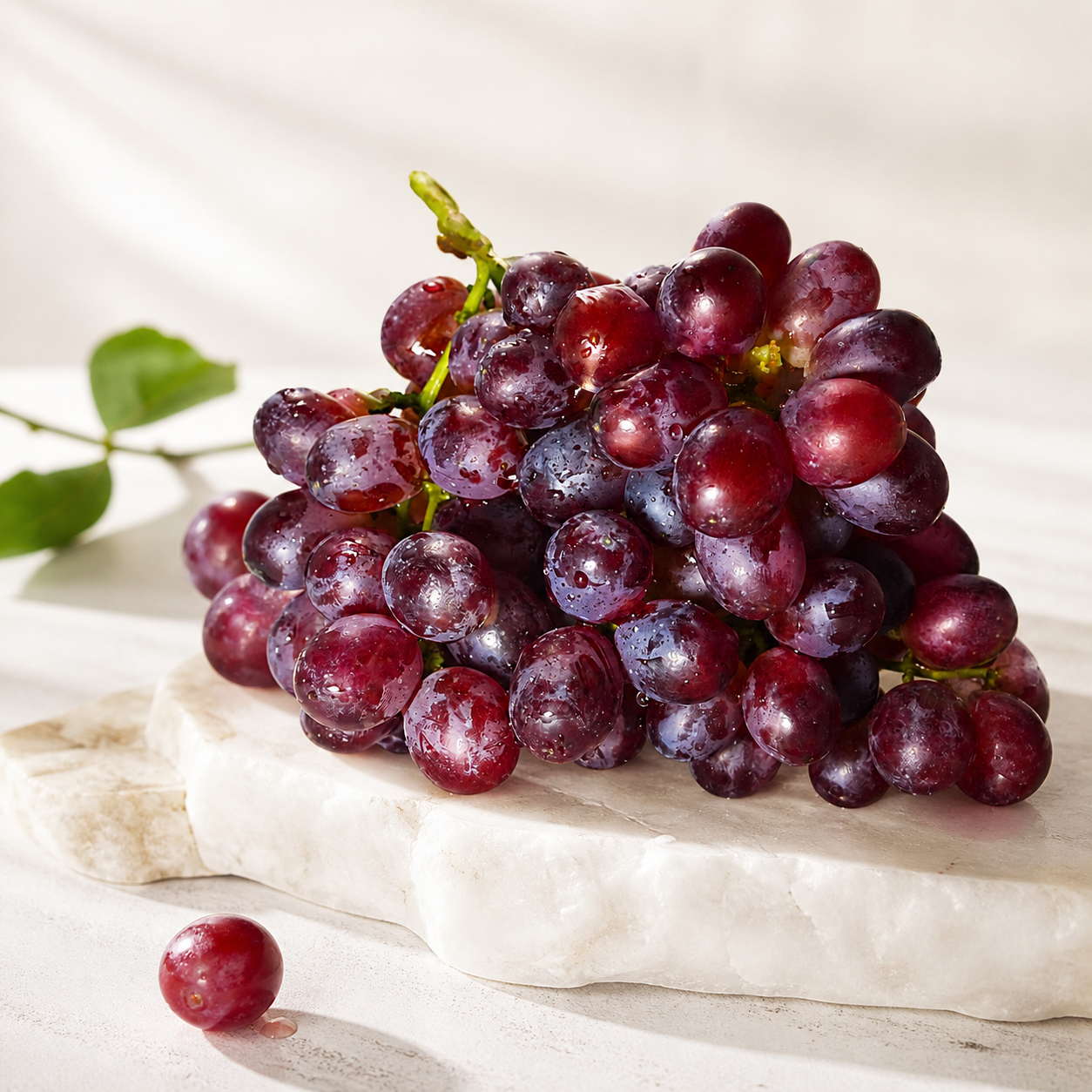
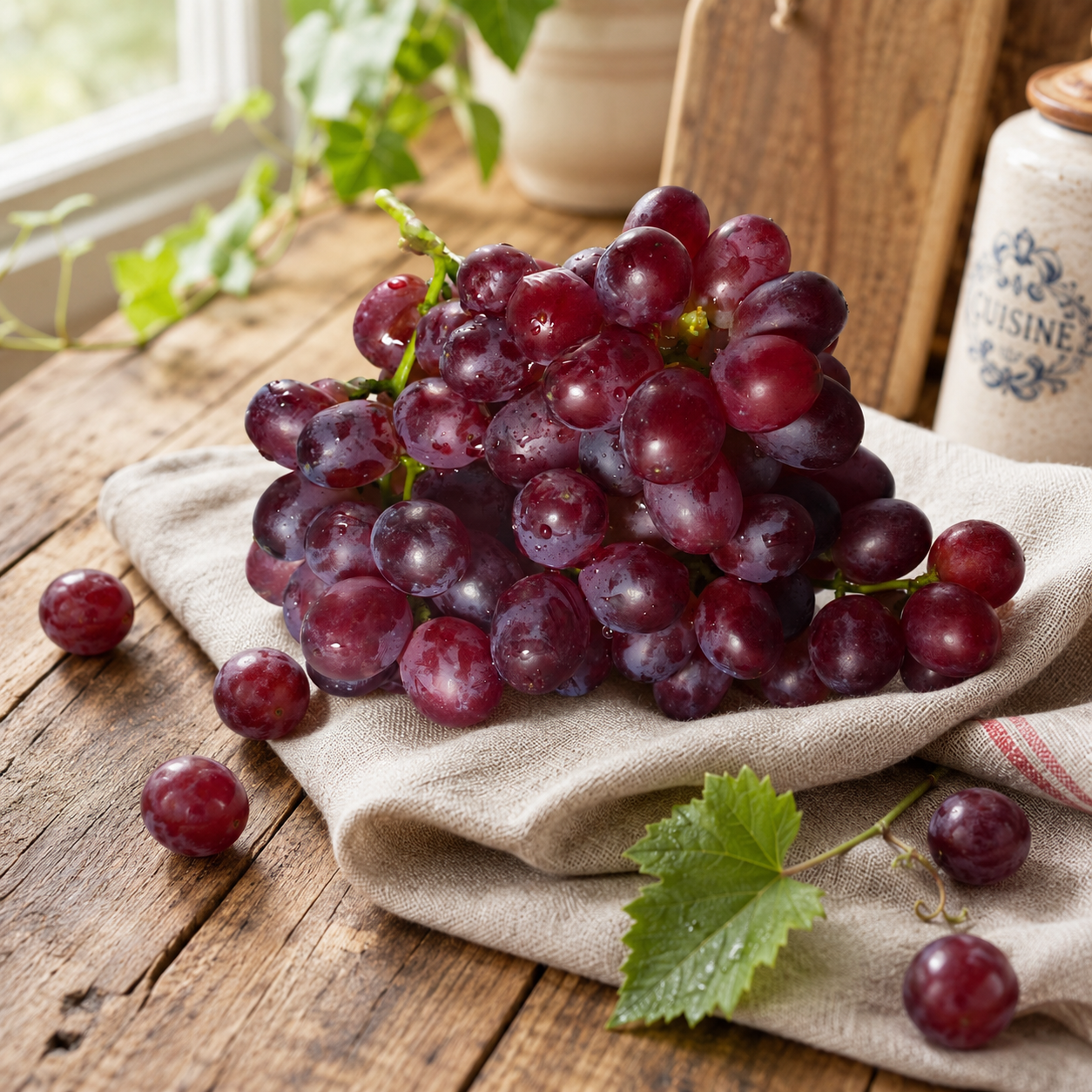
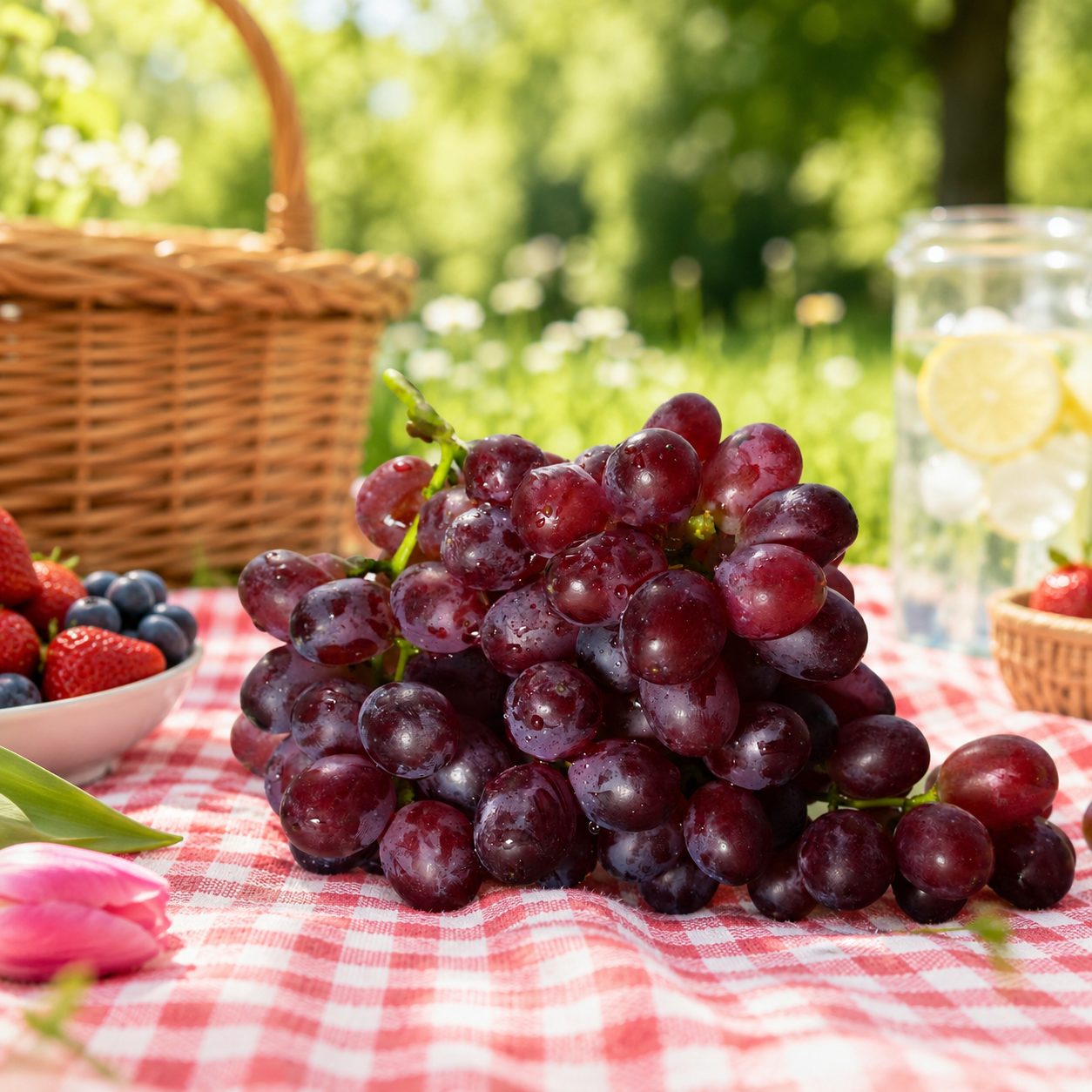
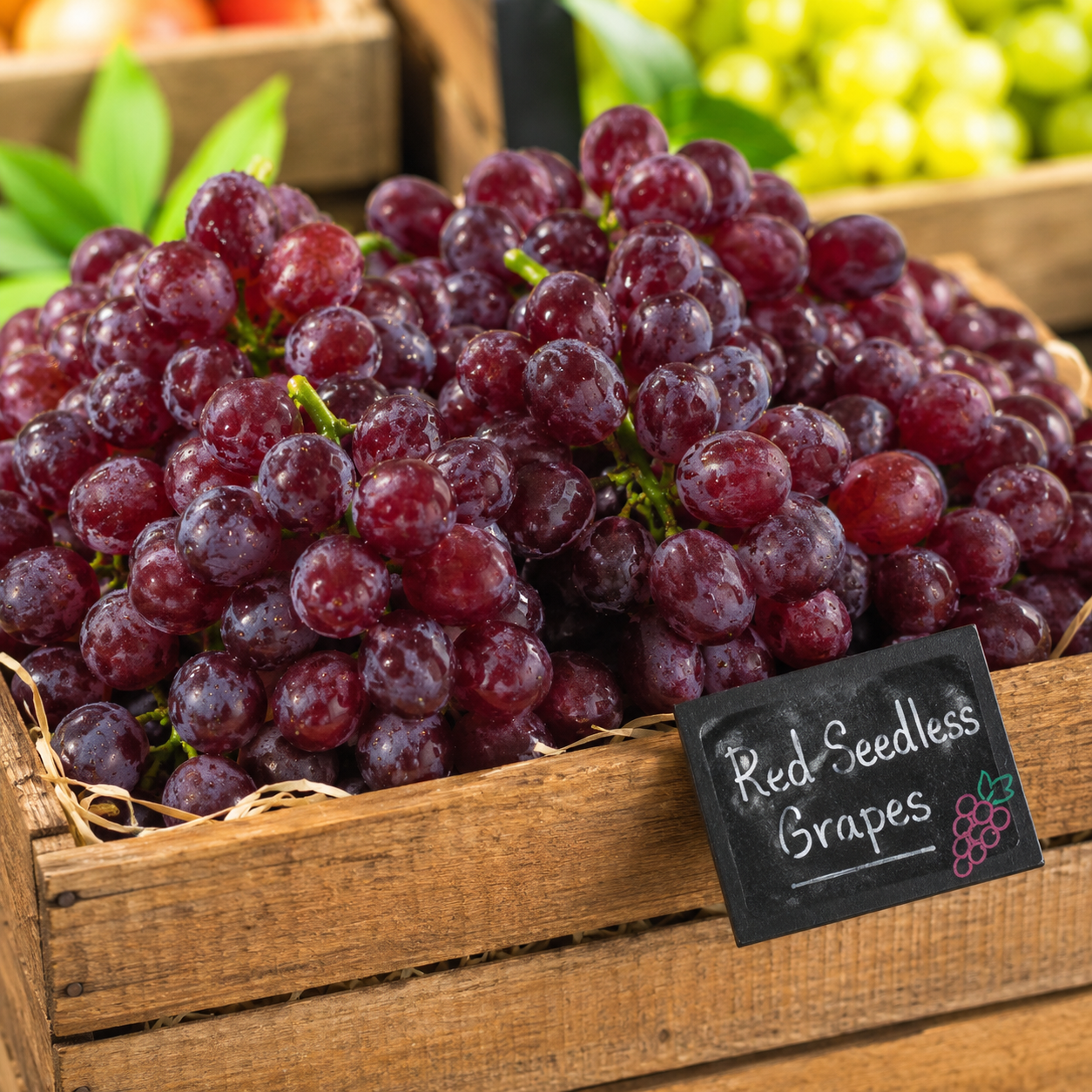
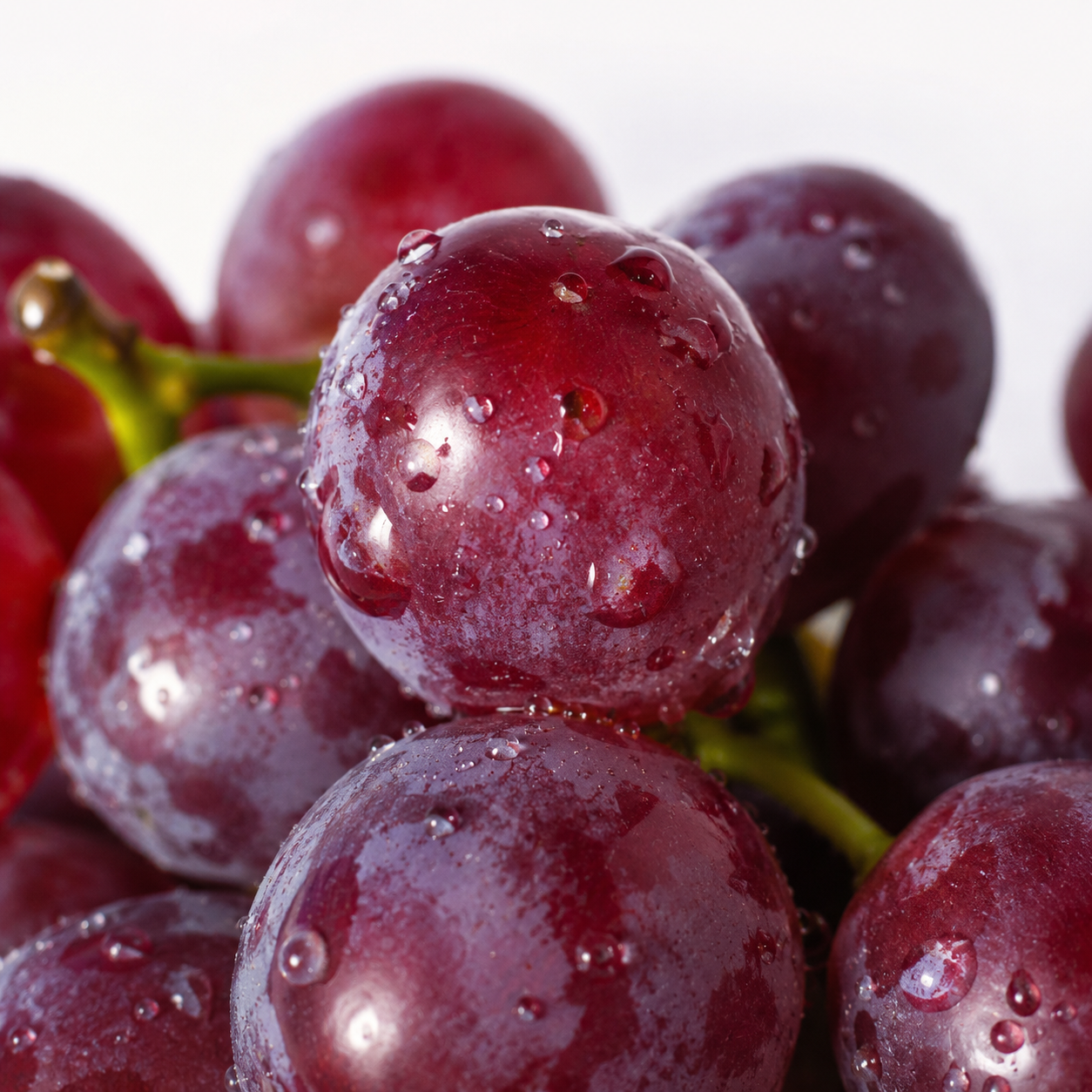
Case 4: Fresh Food Sales Scene Set
Prompt:
Generate a fresh-food scene set for {food_name}.
[!NOTE] Replace {food_name} before use. Example: "Generate a fresh-food scene set for pomelo." Useful for fruits, agricultural produce, boxed foods, specialty ingredients, and premium fresh-food displays.
Example 1: Watermelon
| Input | Output | |
|---|---|---|
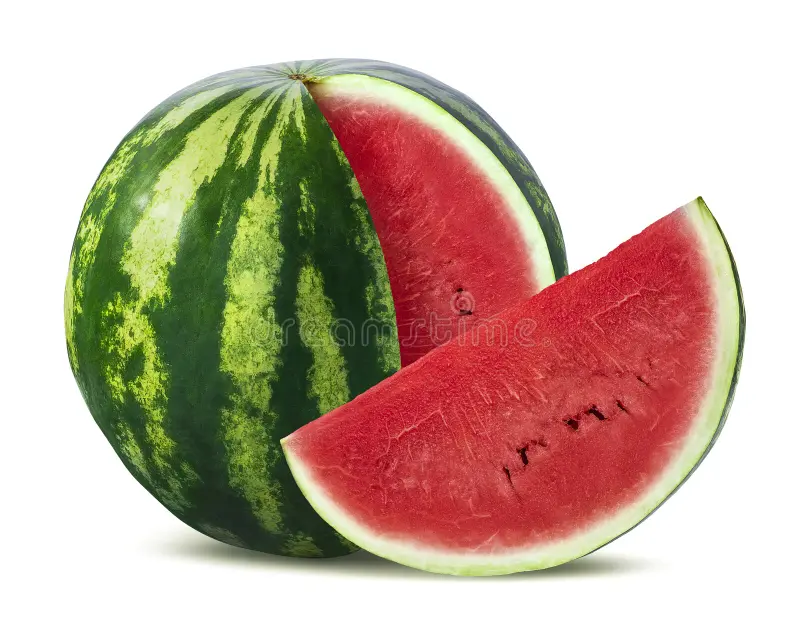 Product photo |
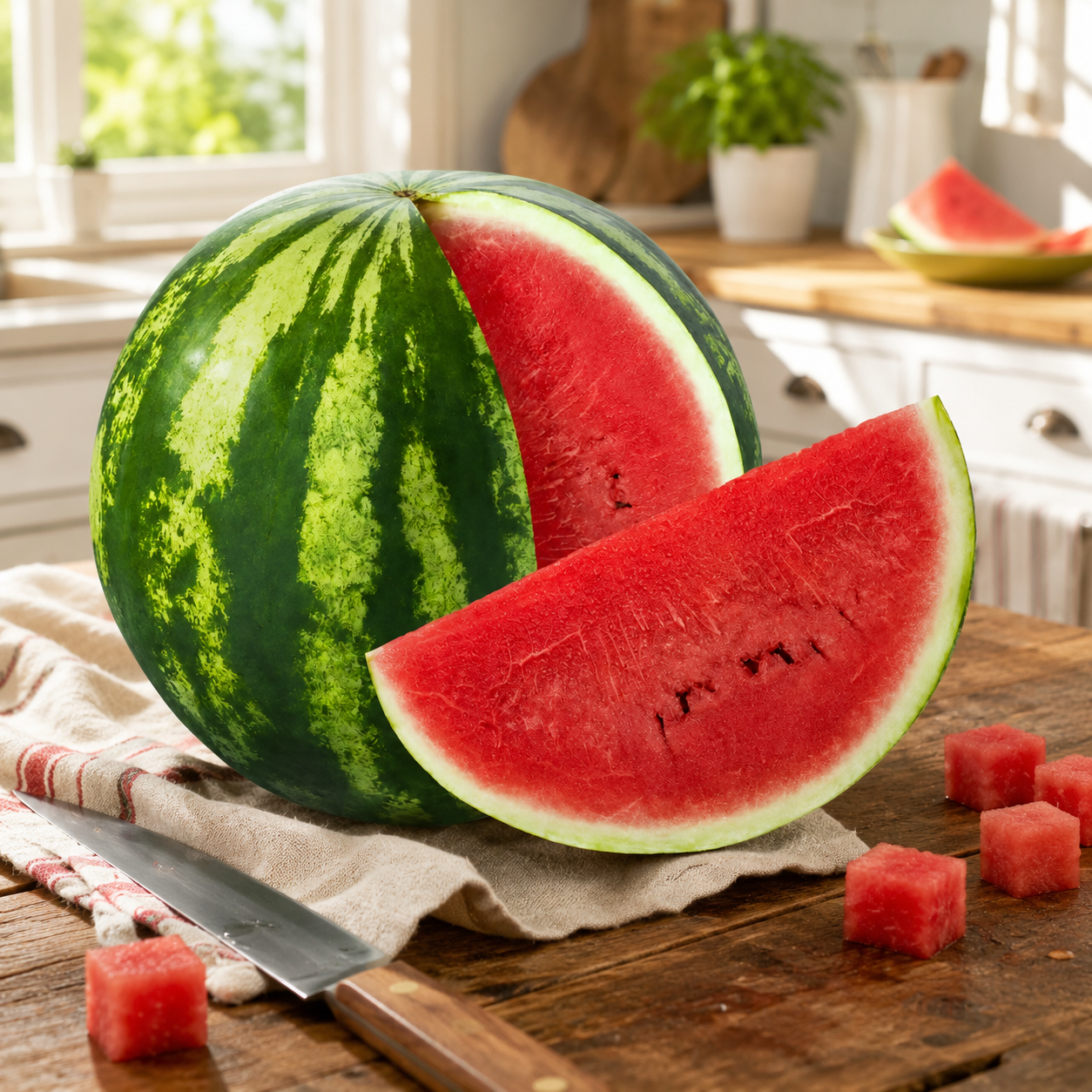 Fresh-food scene 1 |
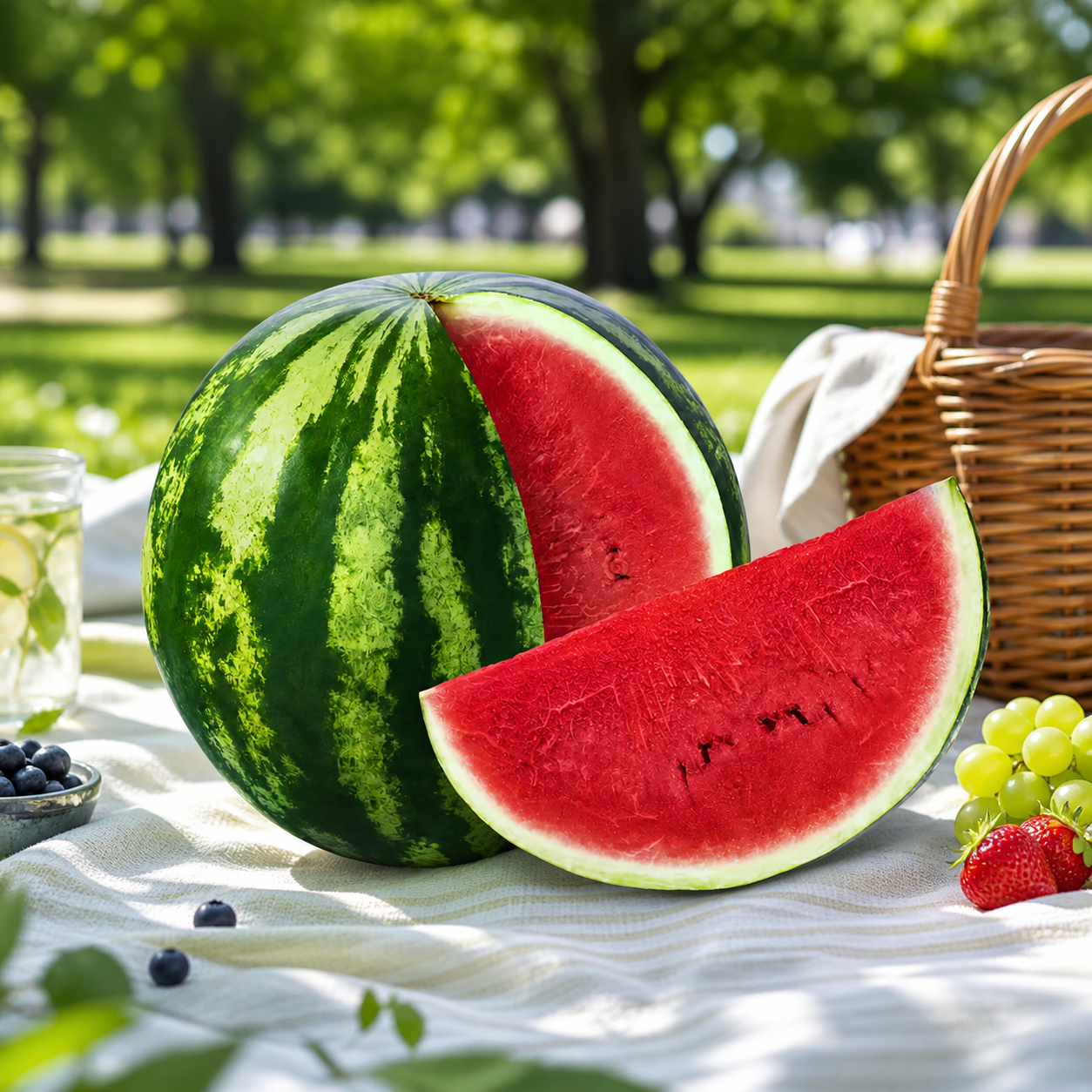 Fresh-food scene 2 |
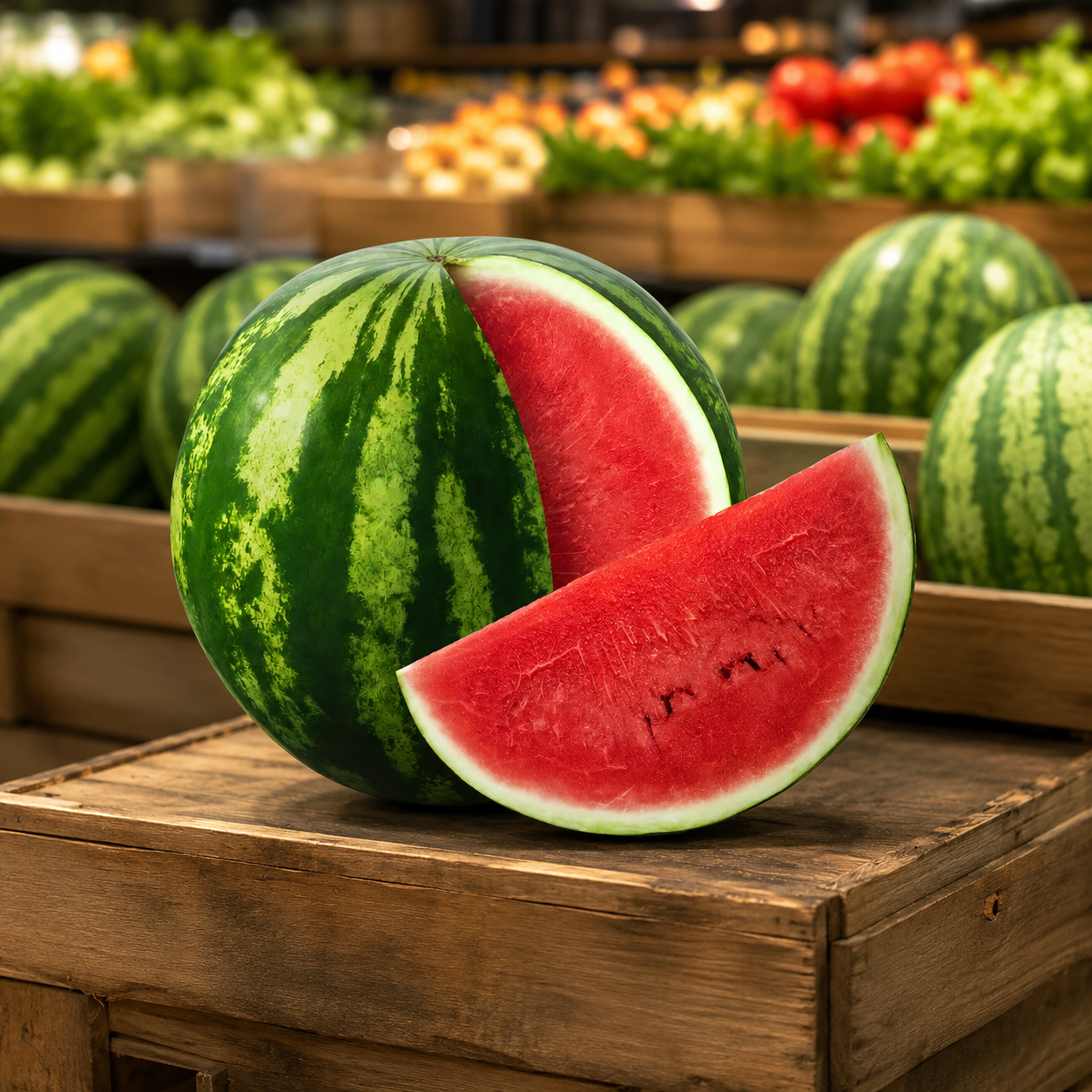 Fresh-food scene 3 |
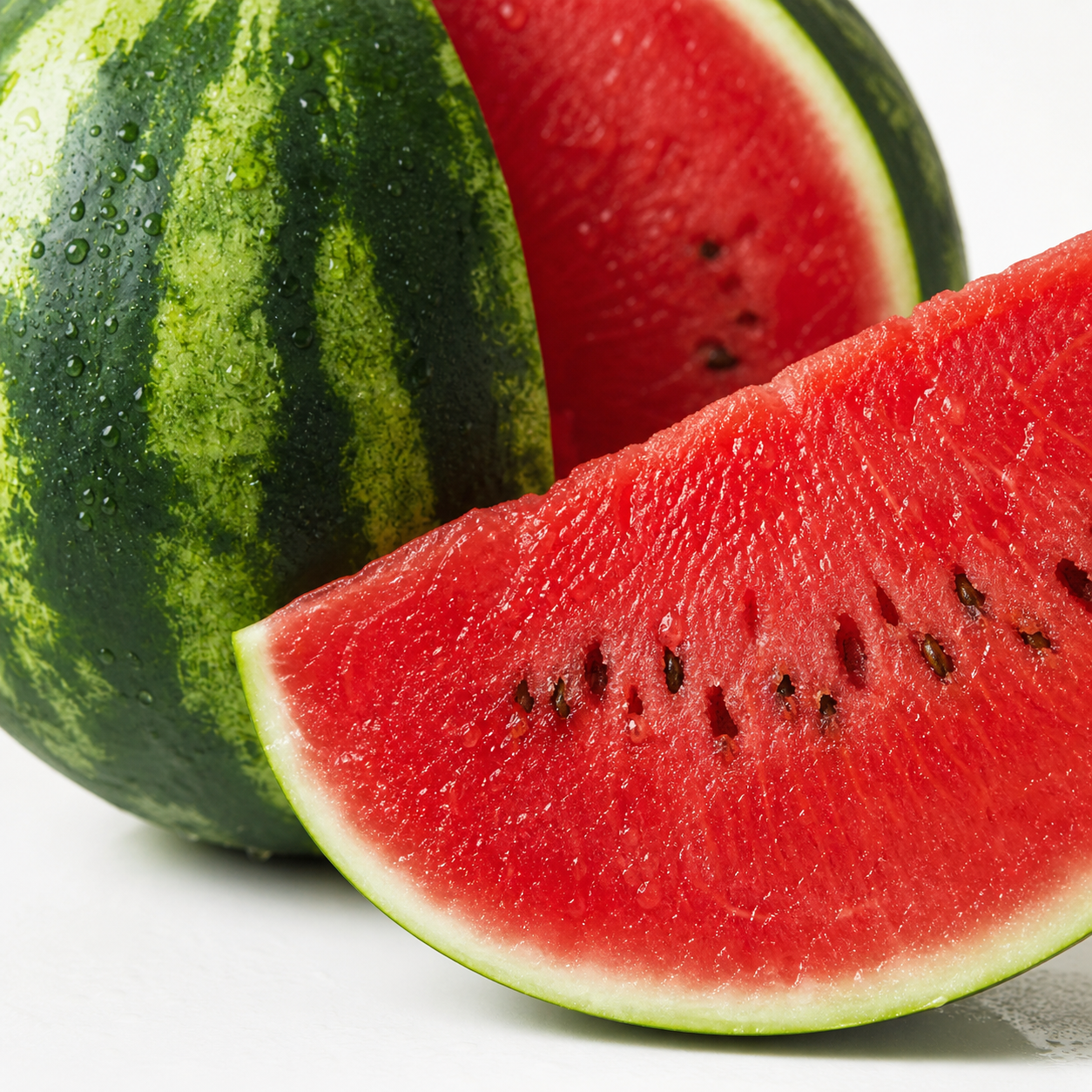 Fresh-food scene 4 |
Example 2: Grapes
| Input | Output | ||
|---|---|---|---|
 Product photo |
 Fresh-food scene 1 |
 Fresh-food scene 2 |
 Fresh-food scene 3 |
 Fresh-food scene 4 |
 Fresh-food scene 5 |
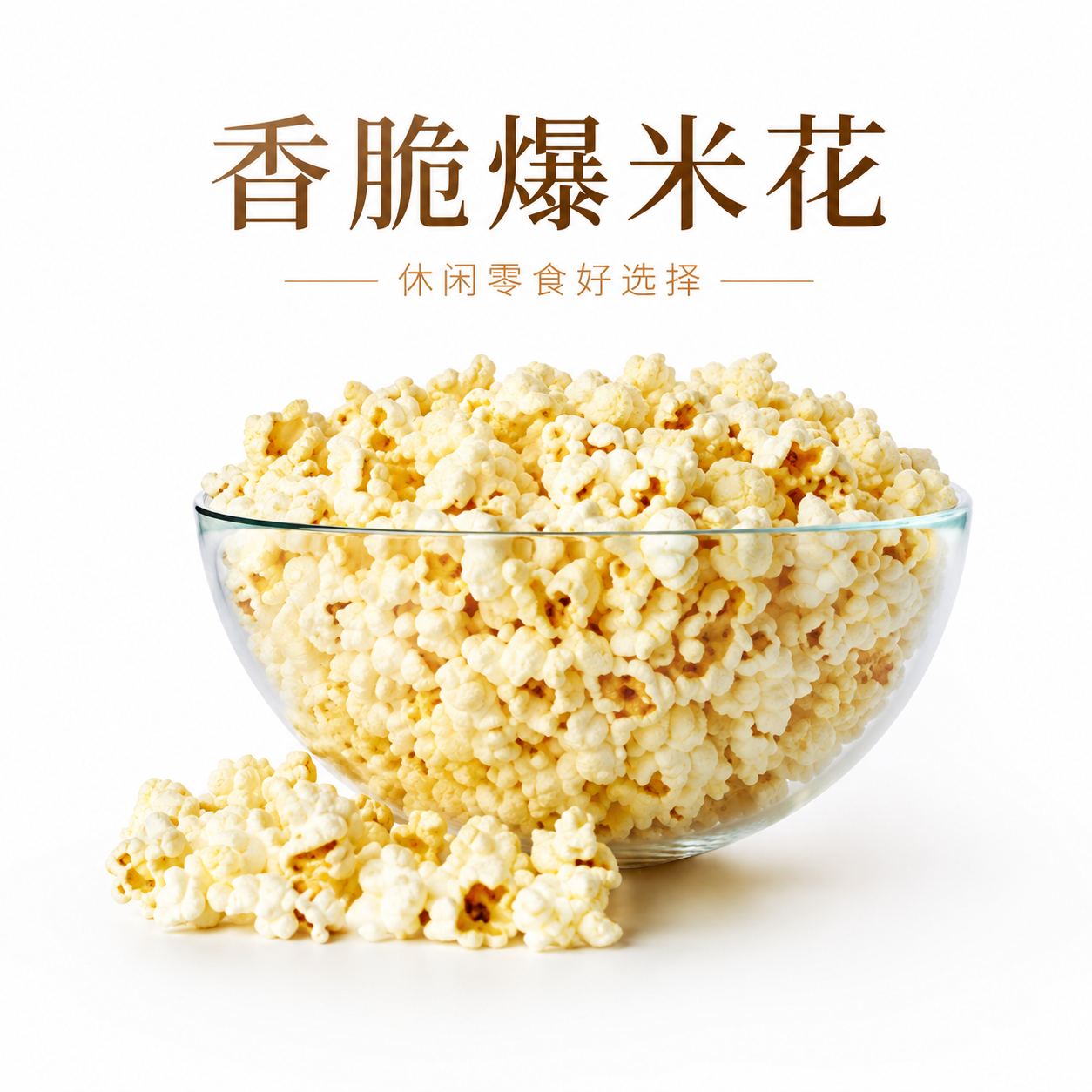
Case 5: General Food Sales Creative Set
Prompt:
Generate a food sales image set.
[!NOTE] A flexible base template for snack brands, packaged foods, fresh-food products, and general social-commerce food content.
Example 1: Popcorn
| Input | Output | ||
|---|---|---|---|
 Product photo |
 Sales image 1 |
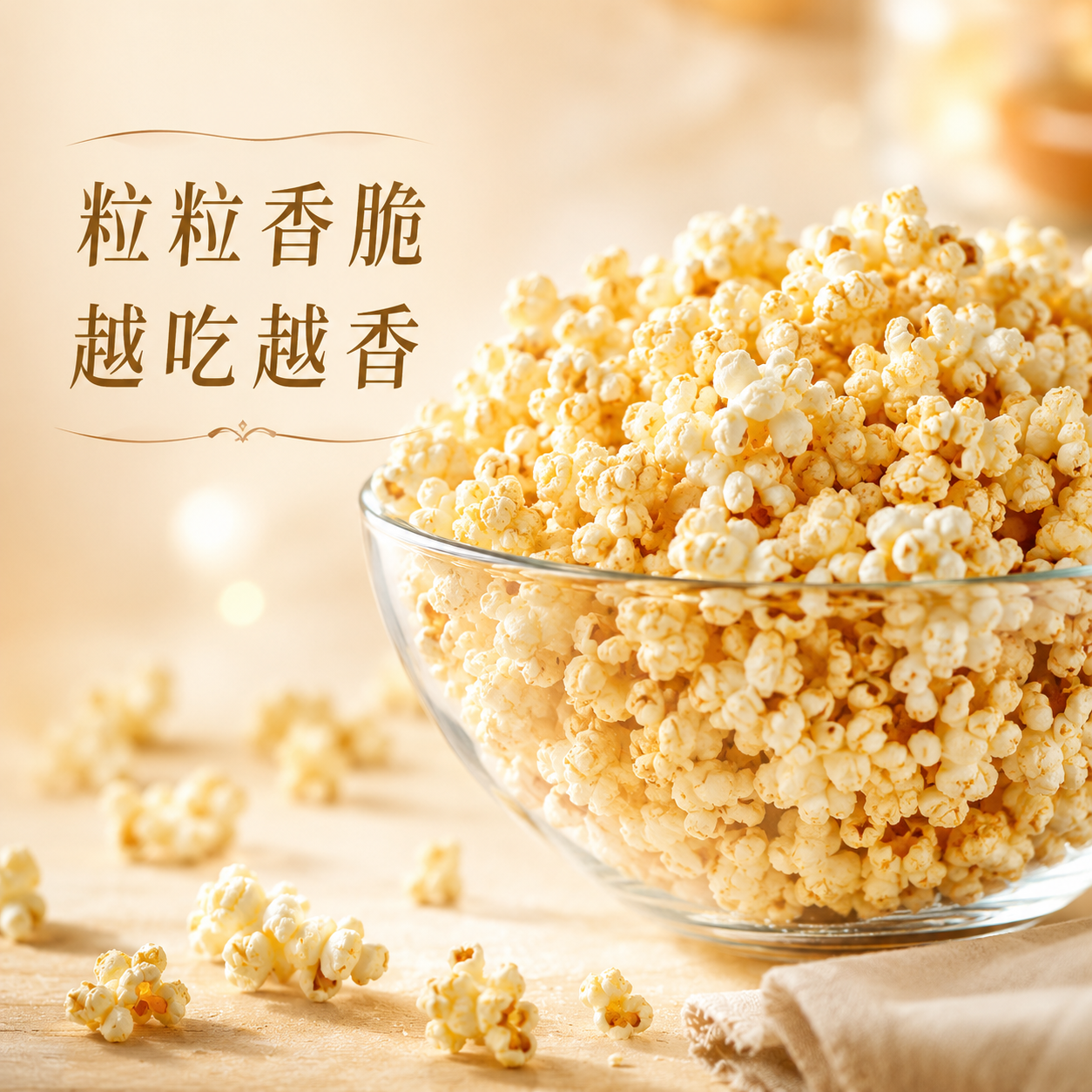 Sales image 2 |
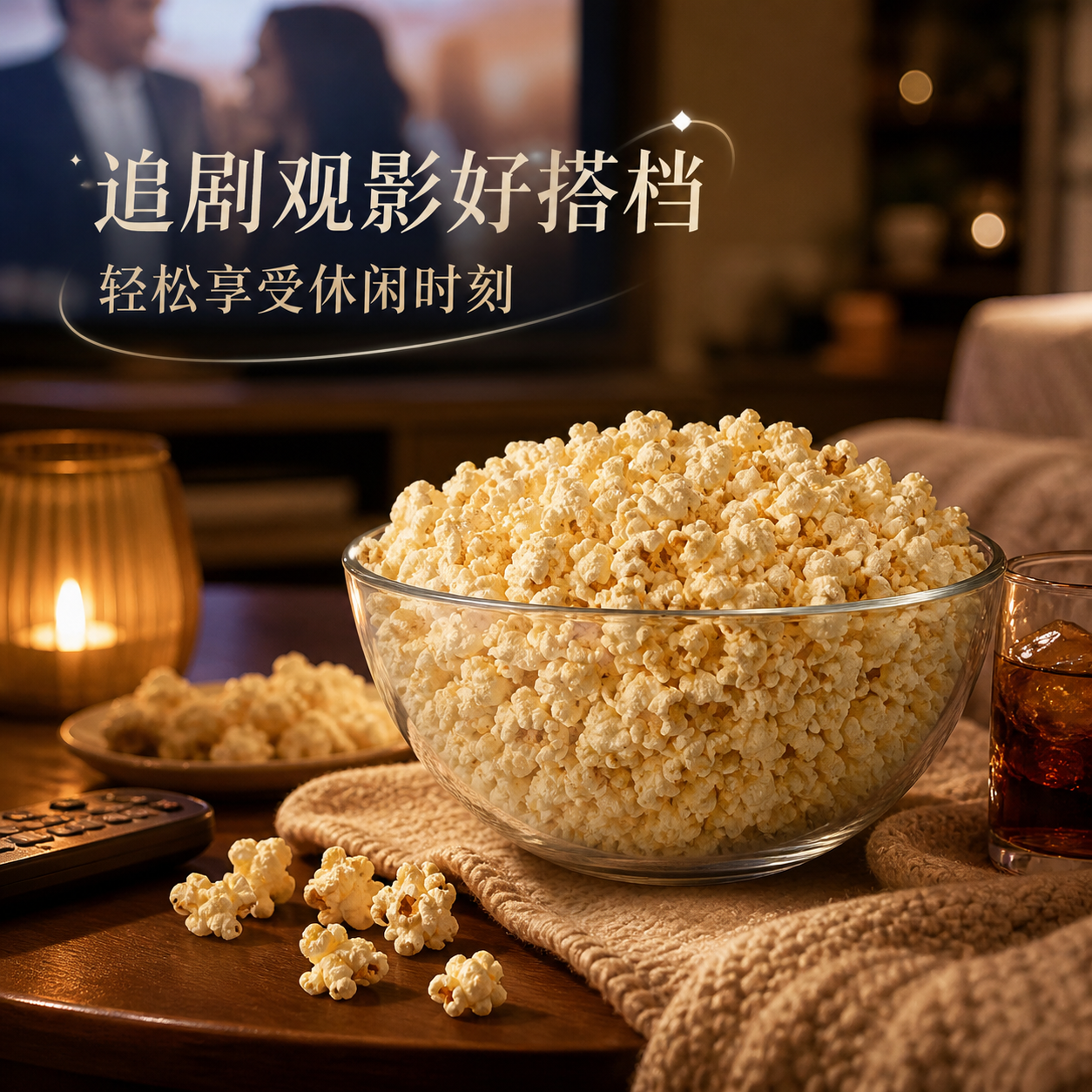 Sales image 3 |
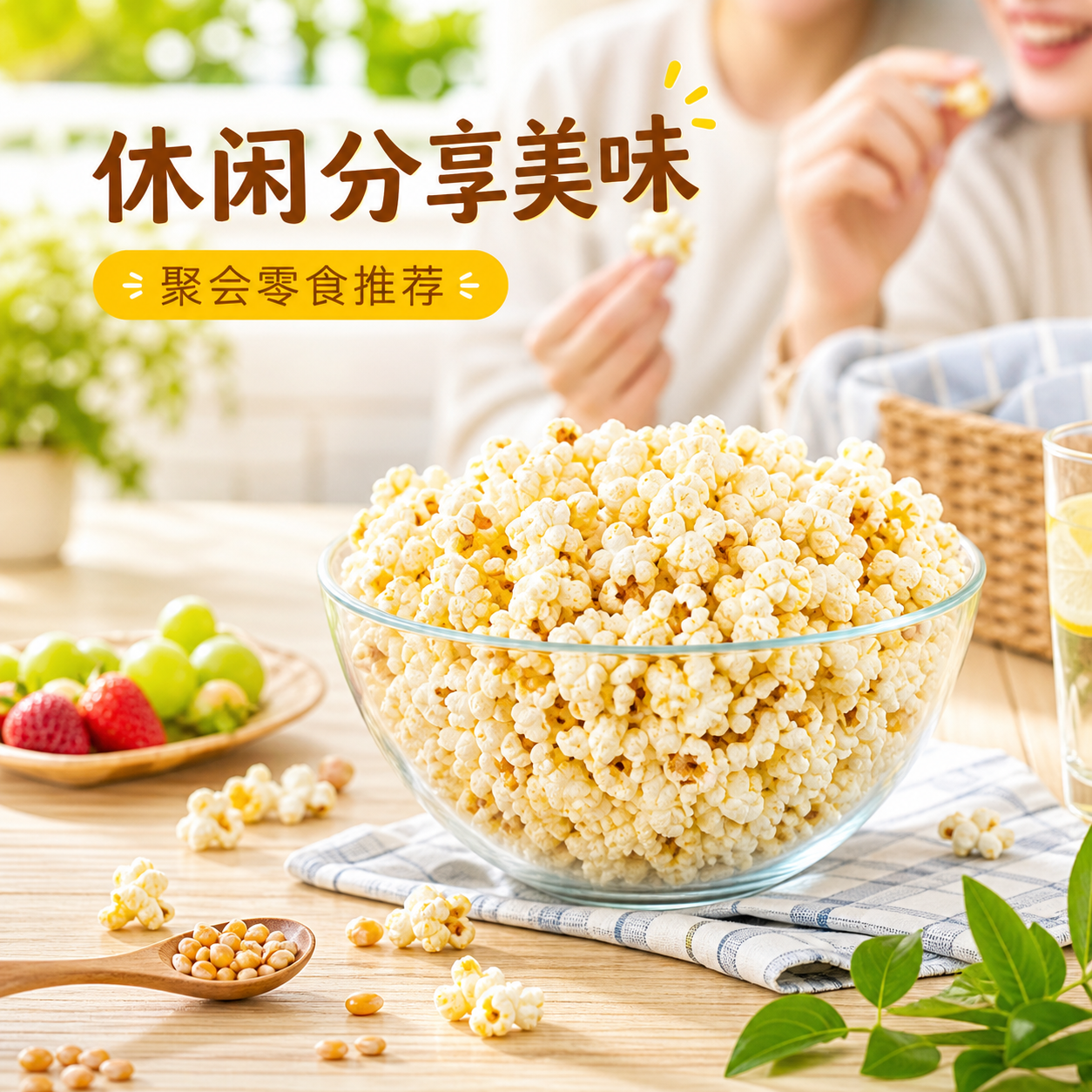 Sales image 4 |
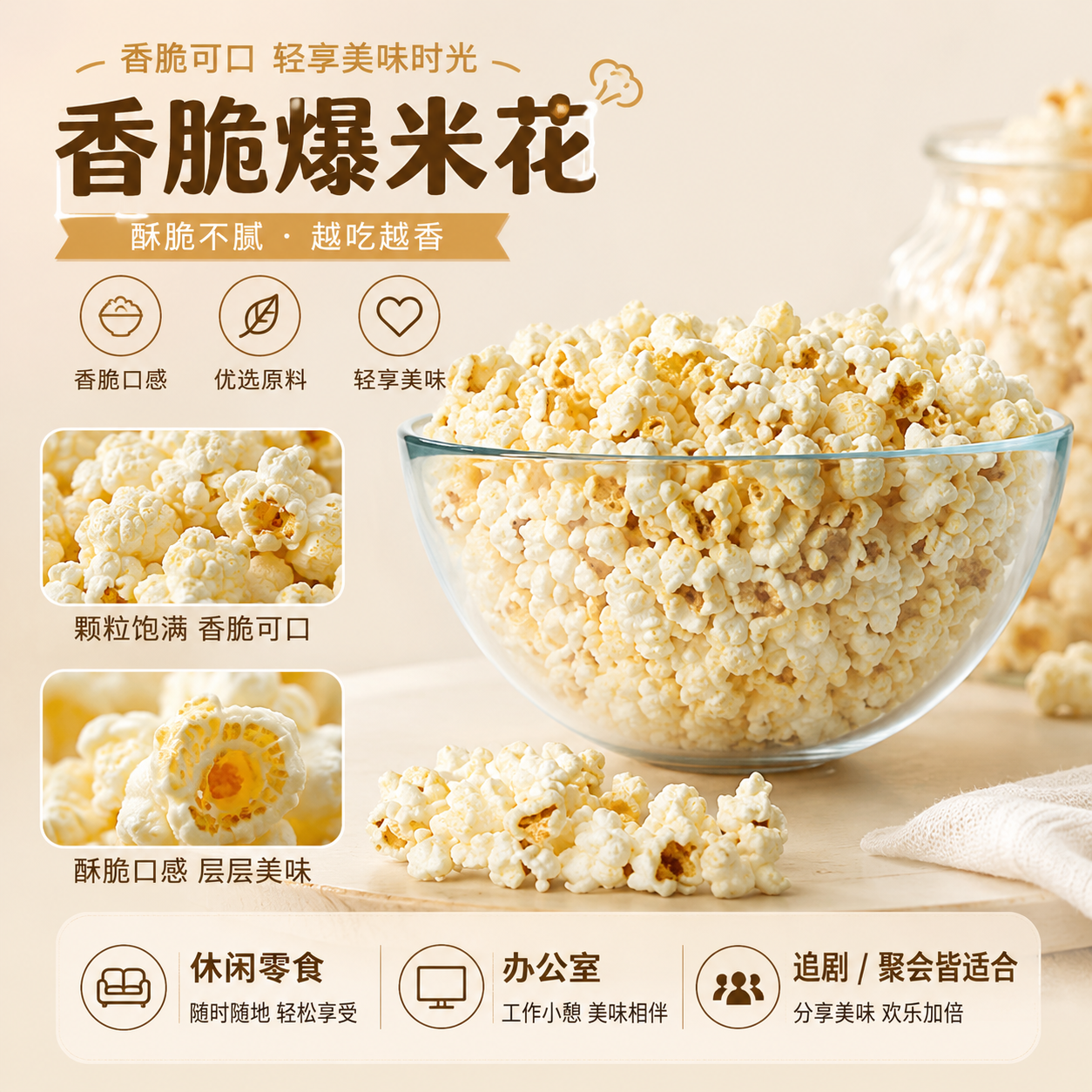 Sales image 5 |
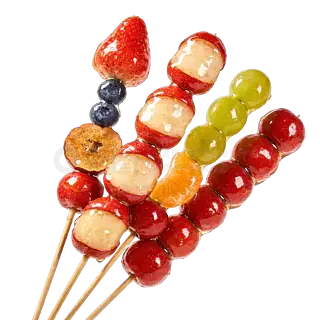
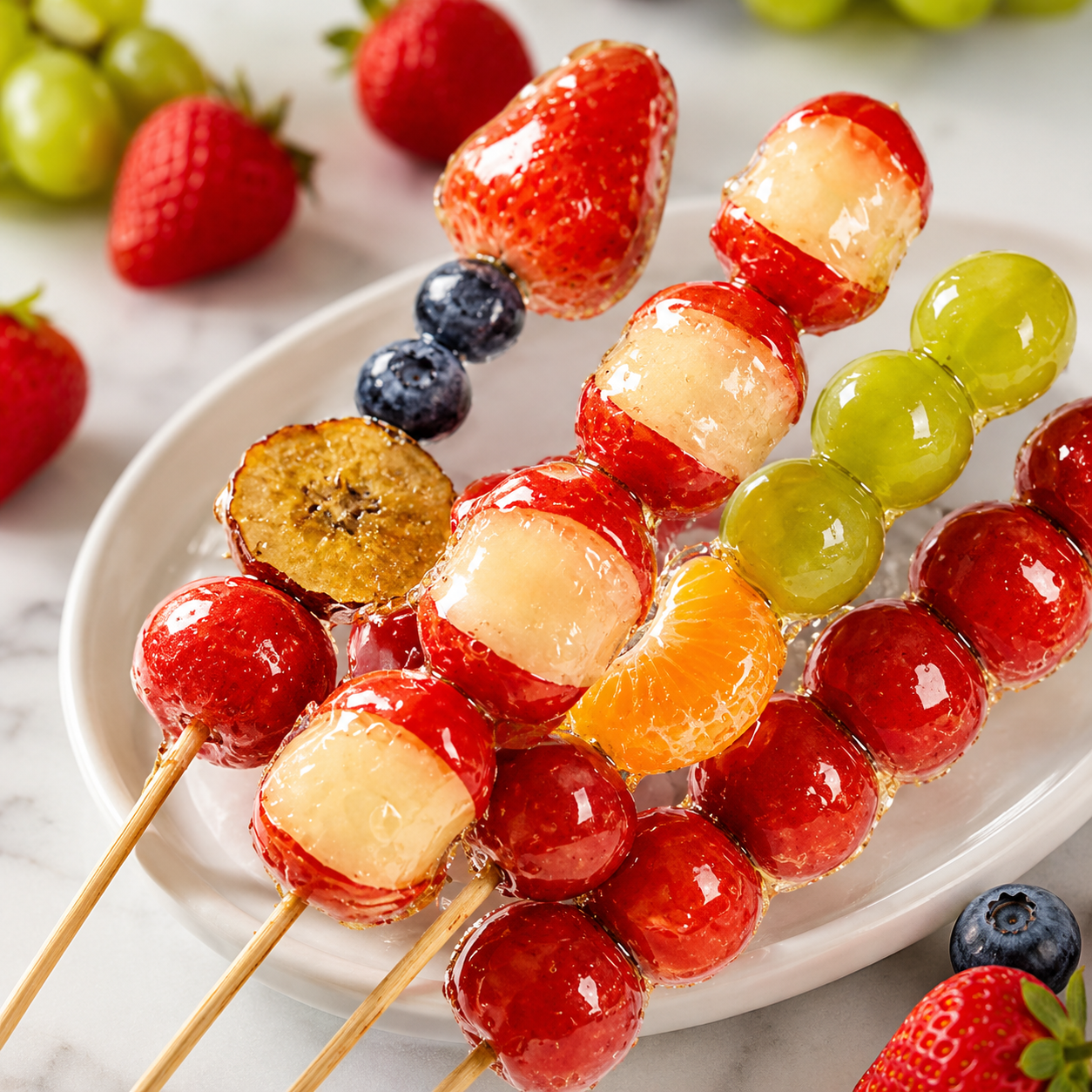
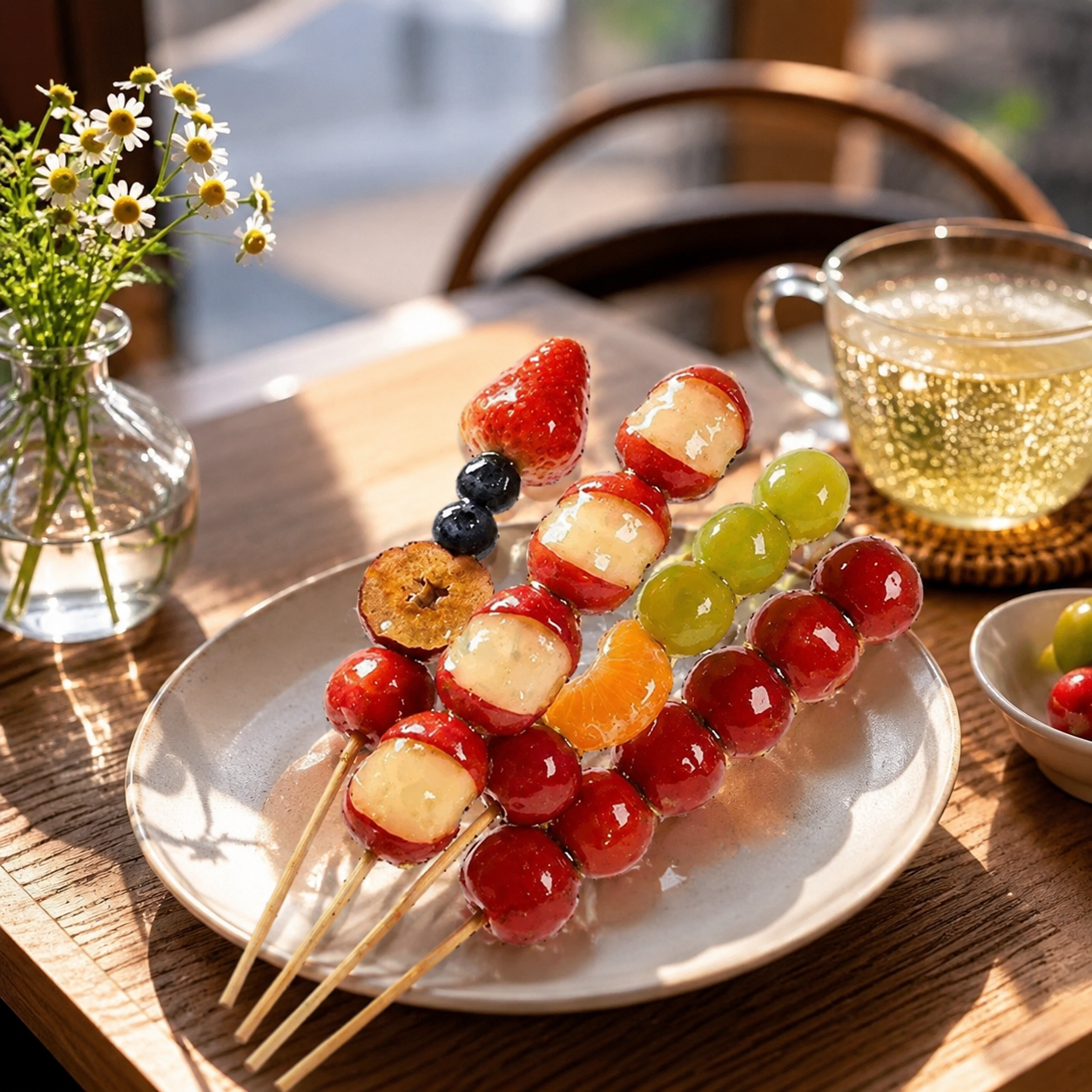
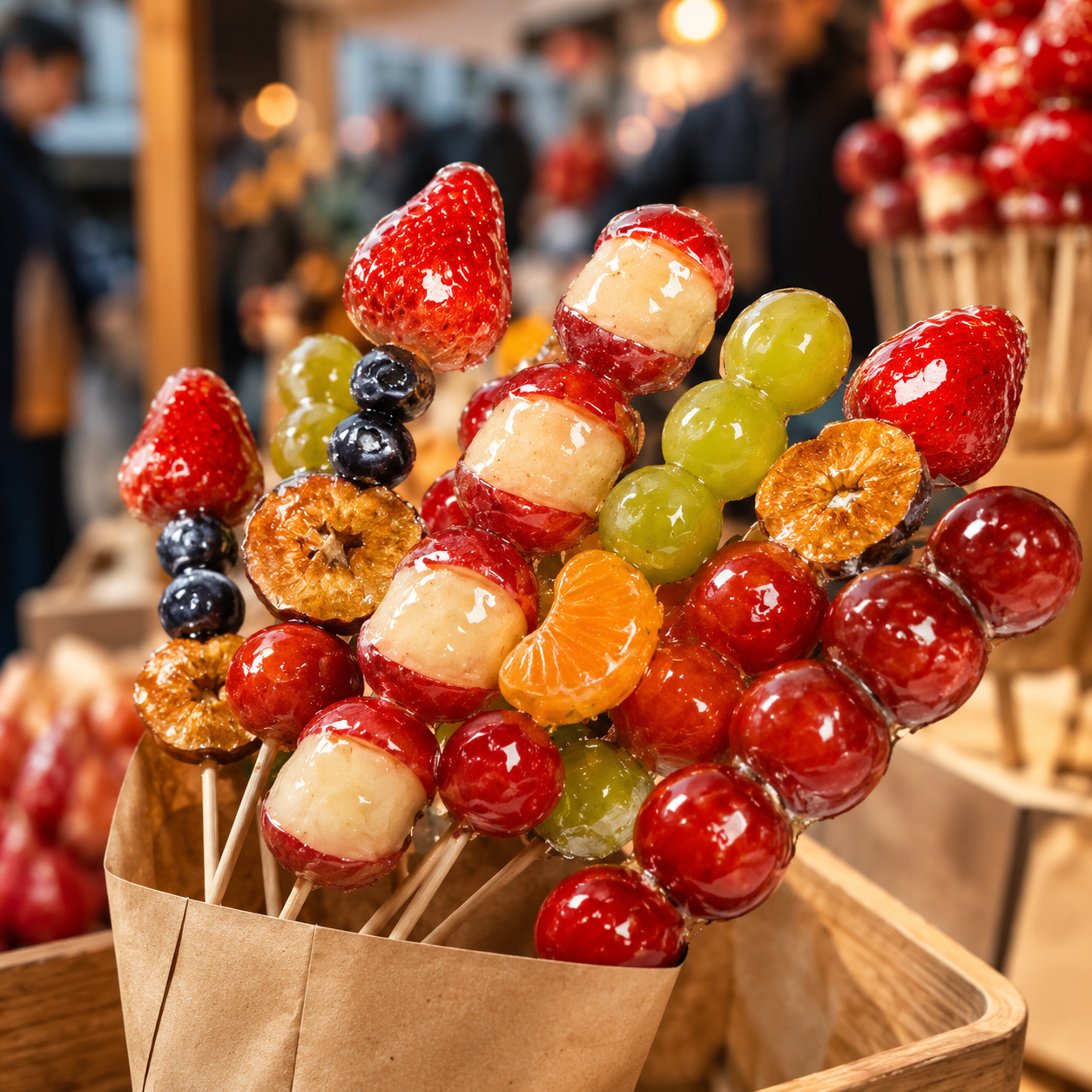
Example 2: Candied Fruit Skewers
| Input | Output | |
|---|---|---|
 Product photo |
 Sales image 1 |
 Sales image 2 |
 Sales image 3 |
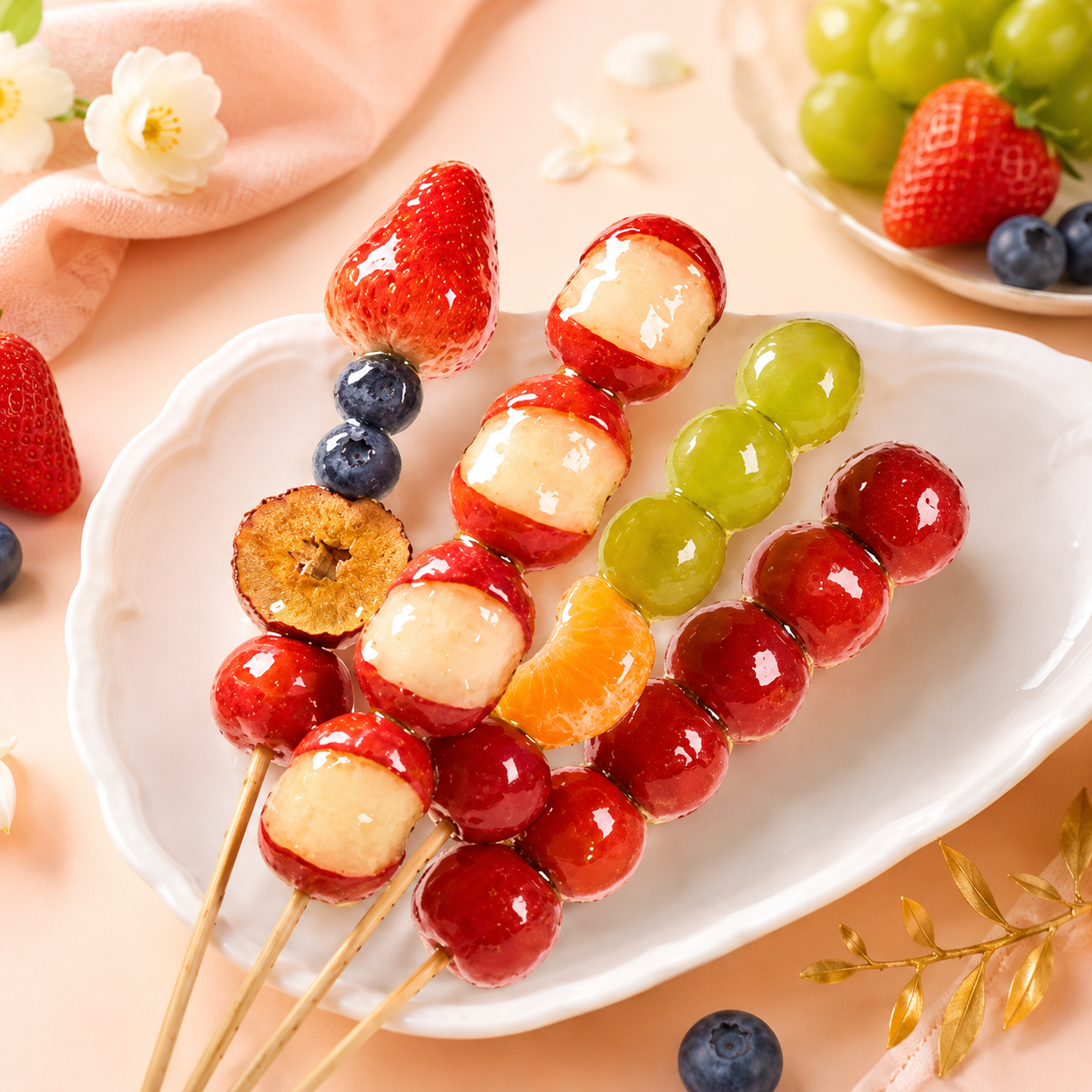 Sales image 4 |
Example 3: Obsidian Coffee Brand Campaign (Community, by @iamaiistudio)
[!TIP] Community reference from a recent public GPT Image post. The source tweet shared the prompt and output image.
Observed prompt:
Generate four cohesive high-end realistic editorial visuals for OBSIDIAN coffee brand. Cinematic, dark, mature aesthetic inspired by luxury sportswear and premium coffee advertising. Studio lighting that's dramatic yet controlled, photorealistic textures, clean compositional layout. Shot 1: Hero brand poster featuring 'OBSIDIAN' lettering with an artful coffee display - steam rising, beans scattered. Shot 2: Full product range - coffee bags, cans, and capsules arranged together. Shot 3: Tight packaging detail with tagline 'Coffee for grown-ups who chase flavor.' Shot 4: Lifestyle close-up of a steaming cup. Ultra-polished finish, crisp realistic materials, unified brand identity, no fantastical or surreal elements
| Output |
|---|
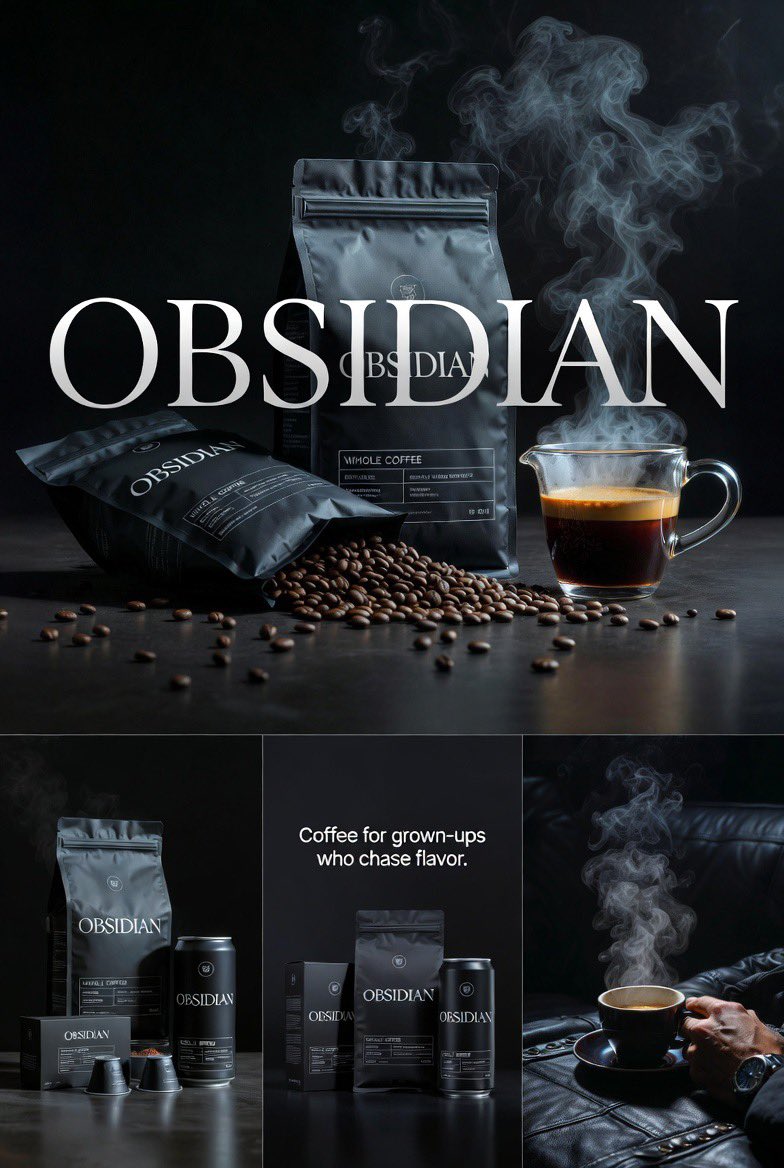 Four-shot coffee campaign board |
Example 4: Oatmilk Brownie Bottle Poster (Community, by @Shorelyn_)
[!TIP] Community reference from a recent public GPT Image post. The source tweet shared multiple images, and the matching hero poster is shown here.
Observed prompt:
Premium commercial 3D advertising poster, vertical 4:5 format.

Hero product perfectly centered: Starbucks Frappuccino Oatmilk Dark Chocolate Brownie bottle, floating above a glossy sculptural pedestal.

Massive luxury typography in the background:

"INDULGE THE DARK SIDE"

oversized bold editorial font, partially hidden behind the bottle, layered depth effect.

Additional typography:

"Rich Dark Chocolate. Smooth Oatmilk."

Small premium copy:

"Every Sip Feels Like Dessert."

Environment inspired by the product itself:

flowing ribbons of creamy oatmilk, glossy dark chocolate streams, floating brownie cubes, oat flakes, purple botanical leaves from the packaging design.

Color palette extracted from the label:

deep royal purple, cream beige, dark chocolate brown, warm oat tones.

Luxury graphic design elements:

editorial typography, floating sticker labels, minimal barcode, micro typography, premium packaging callouts, subtle geometric shapes, modern commercial layout.

Studio cinematic lighting, soft key light, purple rim light, volumetric glow, floating particles, realistic glass reflections, hyper-realistic PBR materials, ultra-sharp label readability, shallow depth of field, advertising campaign quality, Behance featured project quality, 8K commercial render, high-end beverage branding, premium food photography aesthetic.
| Output |
|---|
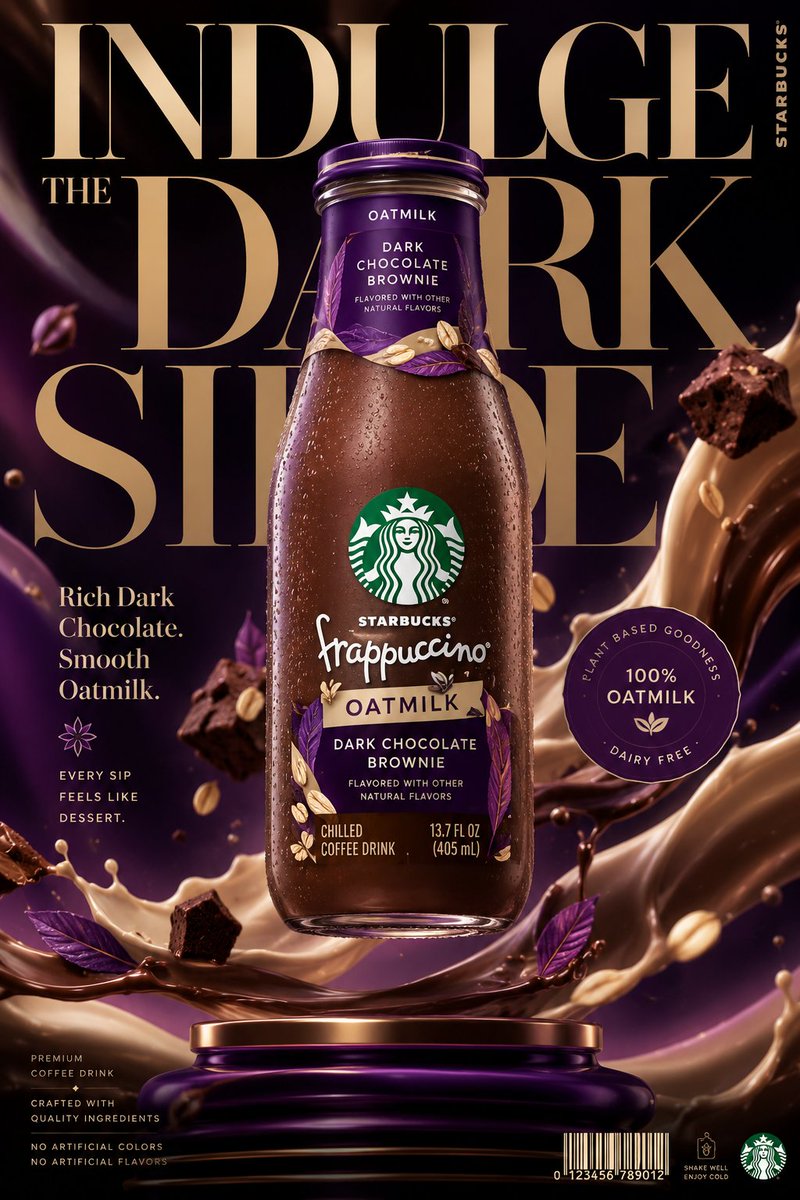 Chocolate oatmilk hero poster |
Example 5: Velvet Bite Chocolate Campaign (Community, by @iamaiistudio)
[!TIP] Community reference from a recent public GPT Image post. The source tweet shared the prompt and multiple campaign frames; one hero square ad is shown here.
Observed prompt:
Design three premium square product ads for a fictional luxury chocolate brand named Velvet Bite.

Each ad features a dark chocolate bar with consistent brand packaging: matte black wrapper, gold foil accents, elegant serif typography, and high-end editorial-style photography.

Give each ad its own distinct flavor world through a unique color palette, props, lighting, and atmosphere:

Blood Orange Noir
Dark chocolate with citrus notes, warm orange tones, dramatic shadows, gold foil detail, and an opulent luxury aesthetic.

Salted Pistachio Muse
Dark chocolate with pistachio, soft cream-toned background, green accent elements, graceful and refined composition.

Raspberry Ember
Dark chocolate with raspberry, deep crimson backdrop, moody atmospheric lighting, rich and indulgent feel.

Every ad must include: a strong bold headline, brief supporting copy, the Velvet Bite bar as the hero product, flavor-matched ingredients styled around the bar, and a CTA reading "Shop the drop."

The overall campaign should feel polished, cohesive, and premium, with all three ads clearly belonging to the same brand identity.
| Output |
|---|
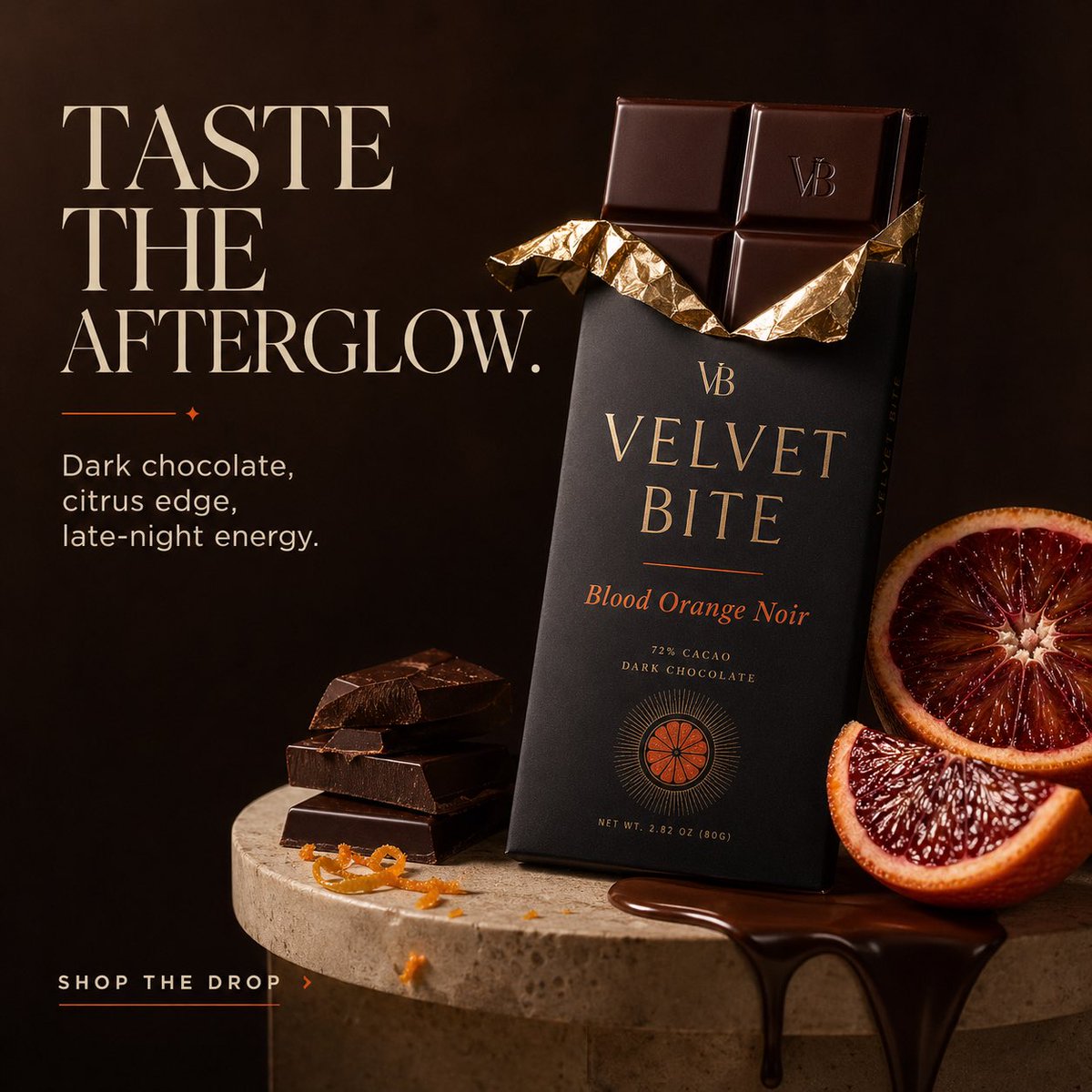 Luxury chocolate campaign poster |
🚀 Batch Generation via Evolink API
API examples use GPT Image 2.5 Flare. For precision editing, choose GPT Image 2.5 Sunburst with the same documented request fields.
Use repeated requests for a catalog; n controls the images returned by one request.
GPT Image 2.5 API documentation
For production runs across hundreds of SKUs, multiple languages, or multiple marketplaces, call the Evolink GPT Image 2.5 API directly instead of running prompts one by one.
Why batch via API:
- Bulk listing image generation for an entire catalog
- Multilingual translation of all listing assets in a single job
- Programmatic model swap, background replacement, multi-angle output
- Webhook callbacks integrate with your PIM, ERP, or marketing automation
Prerequisites: Get an API key.
Step 1: Submit a generation task
GPT Image 2.5 generation is asynchronous — the call returns a id that you poll for results.
curl -X POST https://api.evolink.ai/v1/images/generations \
  -H "Authorization: Bearer YOUR_API_KEY" \
  -H "Content-Type: application/json" \
  -d '{
    "model": "gpt-image-2.5-flare",
    "prompt": "Create one premium e-commerce product image using the supplied yellow skincare product. Keep its packaging, color, proportions, logo and label unchanged. Place it in a naturally lit bathroom scene.",
    "image_urls": ["https://pub-62cf7640cd0f4066b60933bd2e9b85ef.r2.dev/github-repo-media/gpt-image-2-for-e-commerce/.codex/gpt-image-2.5-migration/media/3f93f078be25efbc86b244fccd38cb771601cce6e2af182252bd0ce2df35739b.png"],
    "size": "1:1",
    "resolution": "1K",
    "quality": "low",
    "n": 1
  }'
| Field | Required | Notes |
|---|---|---|
model |
yes | gpt-image-2.5-flare / gpt-image-2.5-sunburst |
prompt |
yes | Up to 32,000 characters — paste the prompt from any case in this repo |
image_urls |
optional | 1–16 input/reference images (jpeg/png/webp, ≤50 MB each) for image-to-image and editing tasks |
size |
optional | Aspect ratio (1:1, 2:3, 16:9, …) or pixel dimensions; defaults to auto |
resolution |
optional | 1K, 2K, or 4K when size is a ratio |
quality |
optional | low, medium, high, xhigh, max — affects cost; defaults to medium |
n |
optional | 1–10 images per call |
callback_url |
optional | HTTPS webhook to receive completion instead of polling |
Step 2: Poll the task
curl https://api.evolink.ai/v1/tasks/{id} \
  -H "Authorization: Bearer YOUR_API_KEY"
When status becomes "completed", the results array contains the generated image URLs. Generated images are valid for 24 hours — download them promptly.
Optional: webhook callback
Pass "callback_url": "https://your-server.example.com/webhook" in the submission, and Evolink will POST the task result to your endpoint when the task completes — no polling required.
Full API reference: docs.evolink.ai · GPT Image 2.5 image generation
🙏 Acknowledge
Thanks to the creators whose prompts, images, and workflows are featured in this repository:
@iamaiistudio · @iamrealsnow · @Gdgtify · @Taaruk_ · @Shorelyn_ · @mehvishs25 · @EvoLinkAI
We cannot guarantee that every case is attributed to its original creator. Please contact us if any correction is needed and we will update promptly.
If you have more interesting prompt cases to share, feel free to reach out and help us extend the Evolink prompt library.
Explore related projects
Loading…