
Eplorr/LyricsBlossom
Eplorr/LyricsBlossom has 235 GitHub stars and 7 forks. GitHot measured 0 stars in 24 hours. Last checked 2026-11-18 18:47 UTC. Last push 2026-06-17.
Measured star growth
- in 24h
- 0
- in 7 days
- Collecting history
- in 15 days
- Collecting history
- in 1 month
- Collecting history
Net star changes over overlapping periods, not daily totals. Missing measurements are left blank. Stars measure attention, not software quality.
About
All direction recreated Apple Music visuals. Now Playing lyrics overlay for macOS & Windows 迄今最完美的 Apple Music 歌词体验还原
Creative & MediaREADME.en.md
Original🌸 LyricsBlossom
Built for Lyrics


简体中文 · English
Pixel-Perfect. Down to the Millisecond.
The most faithful recreation of the Apple Music lyrics experience to date.
Word-by-word lyrics, animated artwork, motion-reactive backgrounds — exactly as you see them, true to its name.
1:1 Native Fidelity · An Apple Music–grade lyrics experience, crafted with care in every detail.
GPU-Accelerated · Built on Skia, using the best-suited graphics backend for each platform.
- macOS — Metal
- Windows — Vulkan
Download
Head to Releases to get the latest version.
System Requirements
| macOS | Windows | |
|---|---|---|
| OS Version | macOS 13 or later | Windows 10 1809 or later |
| Motion Background | Requires macOS 14 or later | Supported on all versions |
| Graphics Backend | Metal | Vulkan |
Getting Started
Lyrics Sources
LyricsBlossom fetches word-by-word synced lyrics via your Apple Music account. Tap Sign in on the account card in the Settings page to authorize. When your token expires — indicated by missing Apple Music lyrics or animated artwork — simply sign in again at the same place.
Without a signed-in Apple Music account or an active Apple Music subscription, Apple Music lyrics and their animated artwork will be unavailable. We recommend turning off Apple Music Highest Priority in Settings for a better fallback experience.
The app also supports multiple fallback lyrics sources, chosen automatically by priority:
- AMLL — A community-maintained TTML word-by-word lyrics database
- QQ Music
- NetEase Cloud Music
macOS Installation
If you see a "file is damaged" prompt, run the following in Terminal:
sudo xattr -cr /Applications/LyricsBlossom.app
If the .app is not in
/Applications, replace the path with its actual location.
Windows Setup
When using with NetEase Cloud Music, install BetterNCM along with its InfLink-rs plugin to get full track metadata and high-resolution artwork.
Lyrics Sync
Global Offset
The + and − buttons in the top-right corner of the lyrics adjust the global timeline in 50 ms steps — letting you align lyrics precisely with your player.
Quick Resync (macOS)
If the in-app time drifts from your player's time, press pause and then play to trigger a resync.
Keyboard Shortcuts
| Key | Action |
|---|---|
Space |
Pause / Play |
← → |
Previous / Next Track |
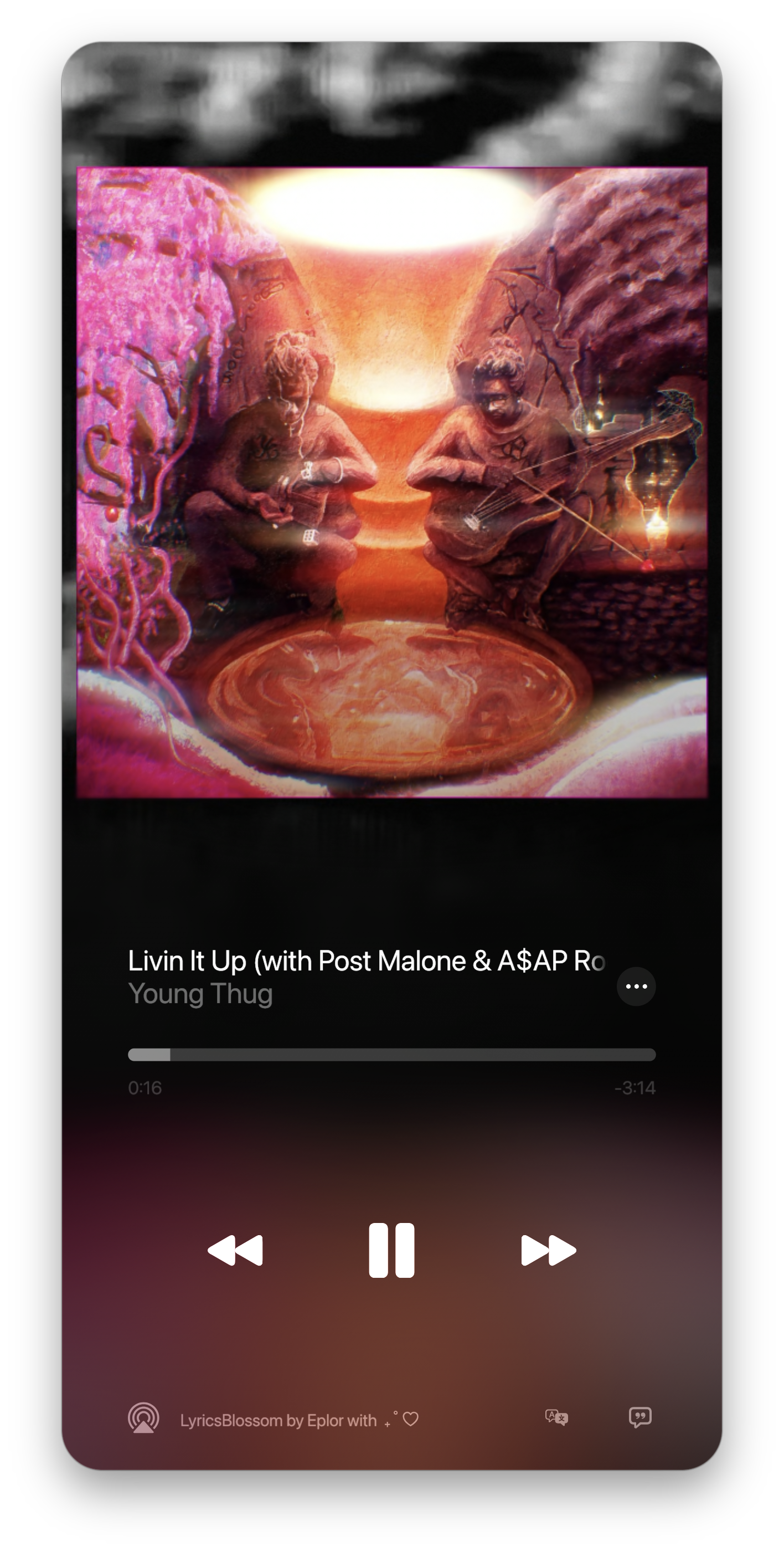
Screenshots
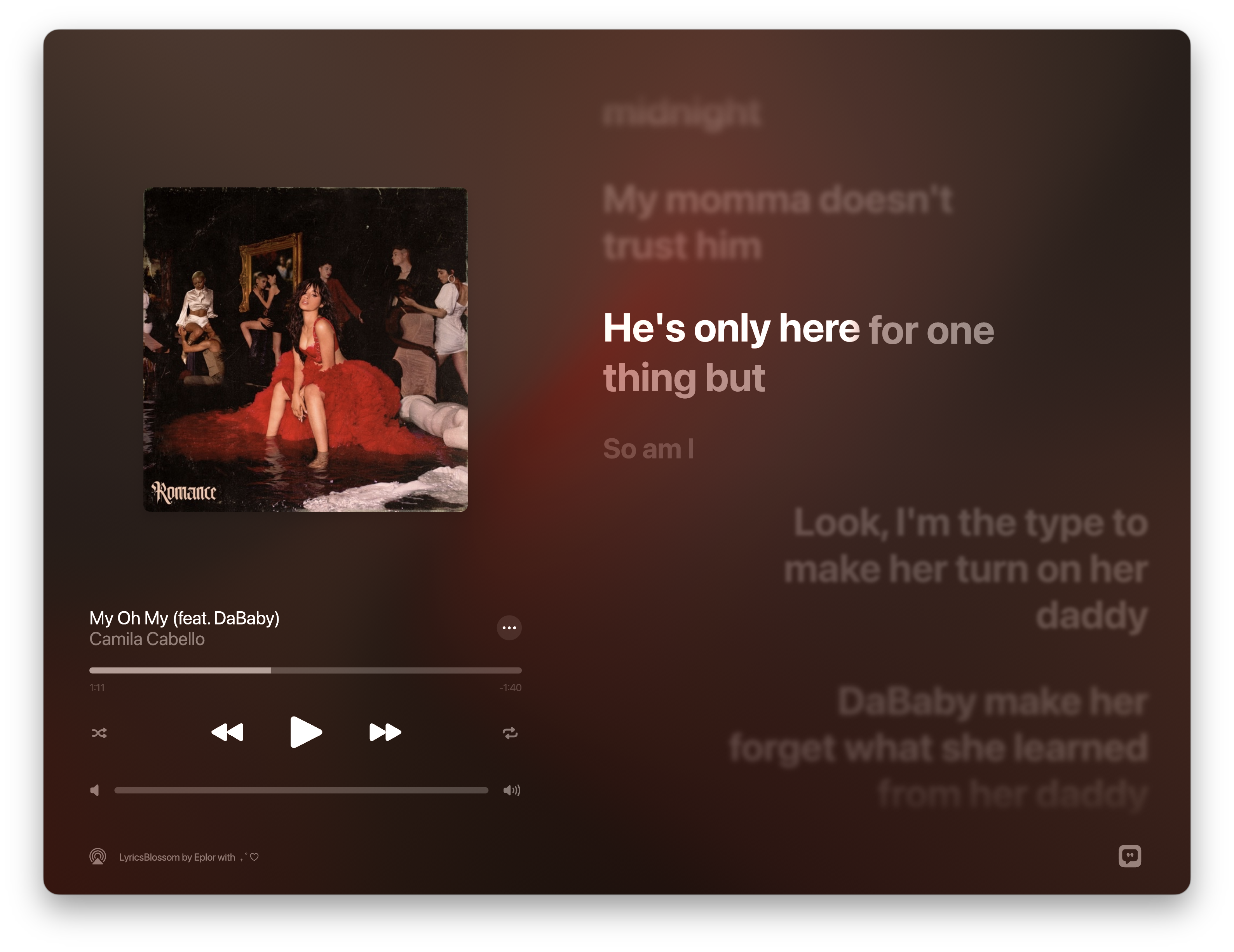
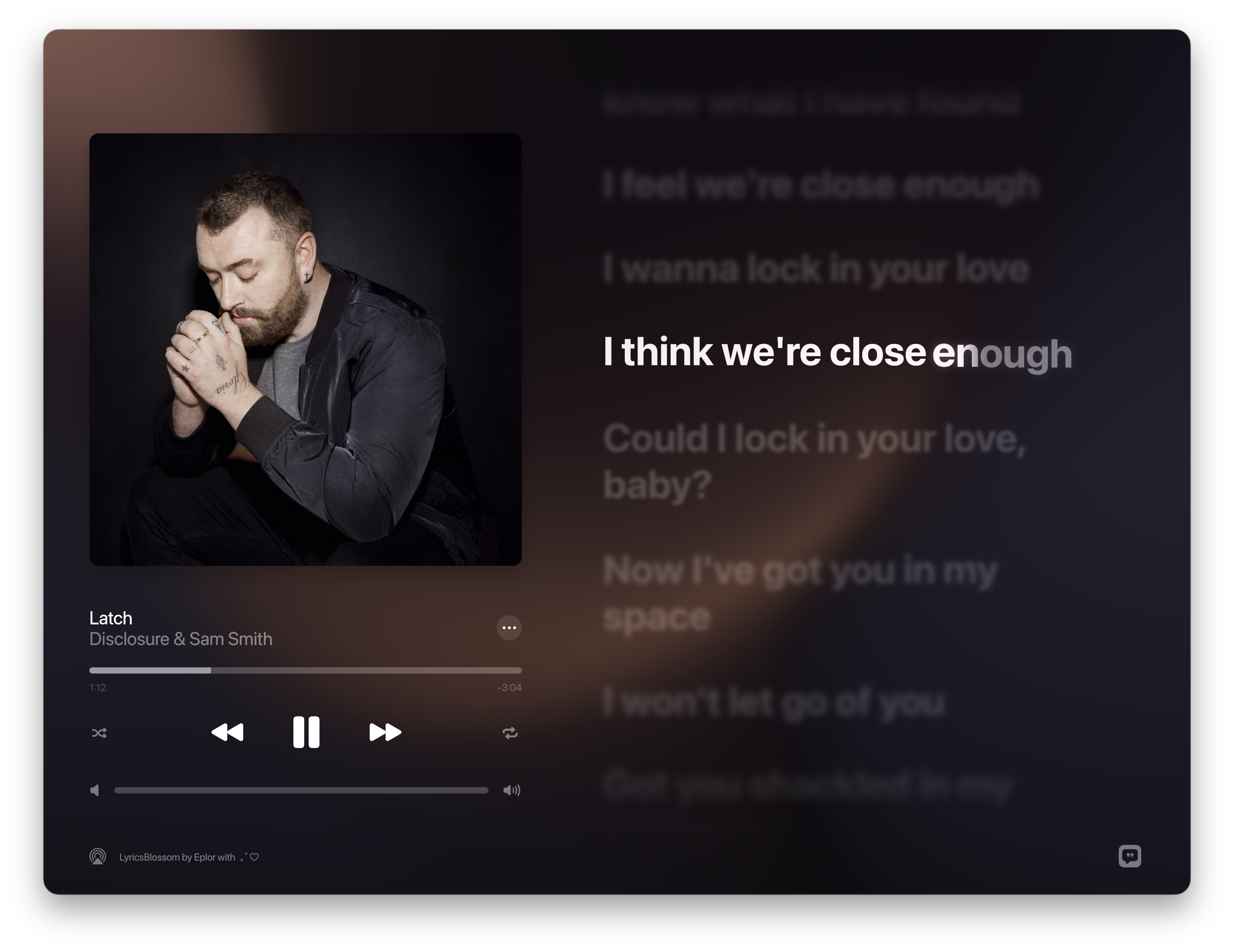
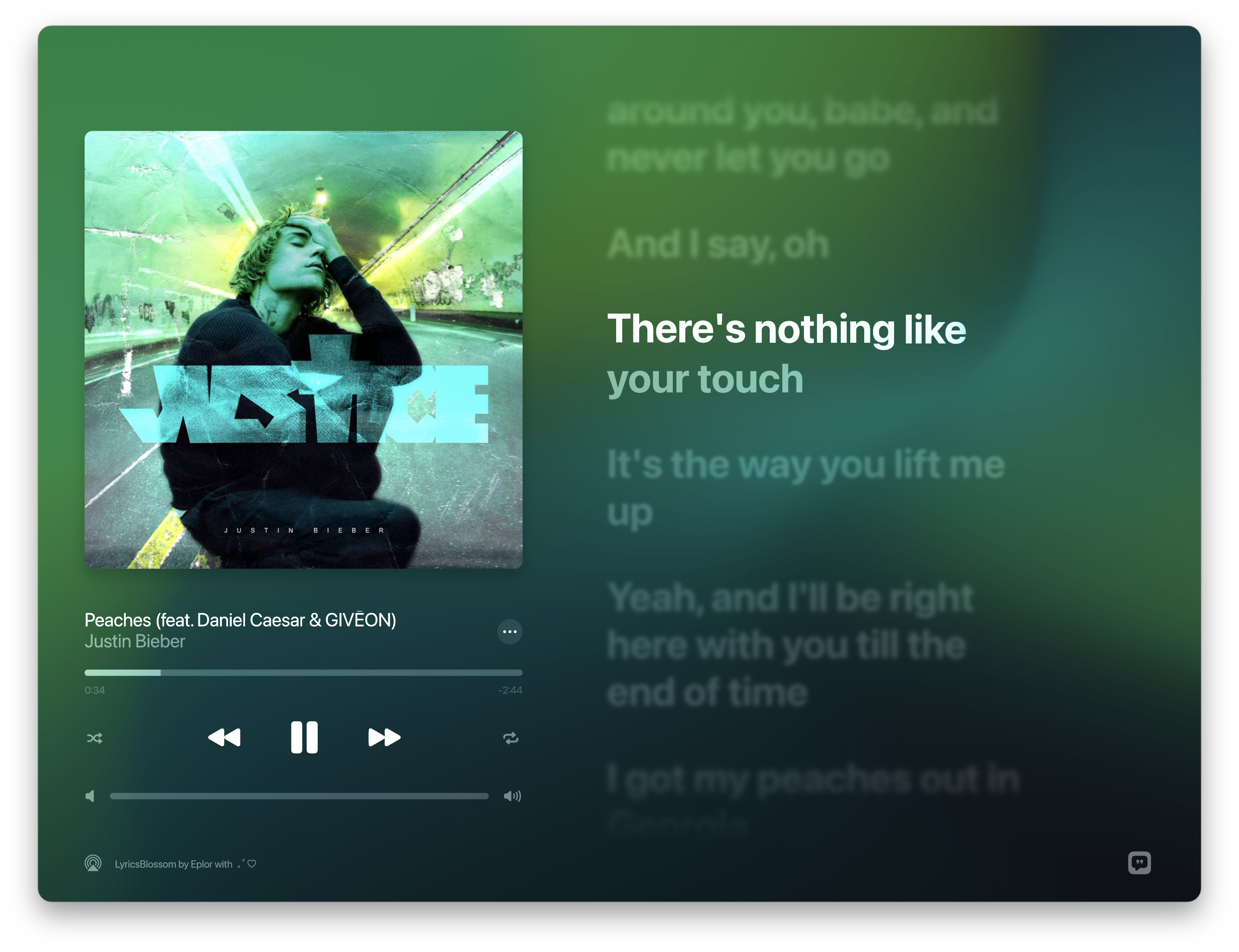
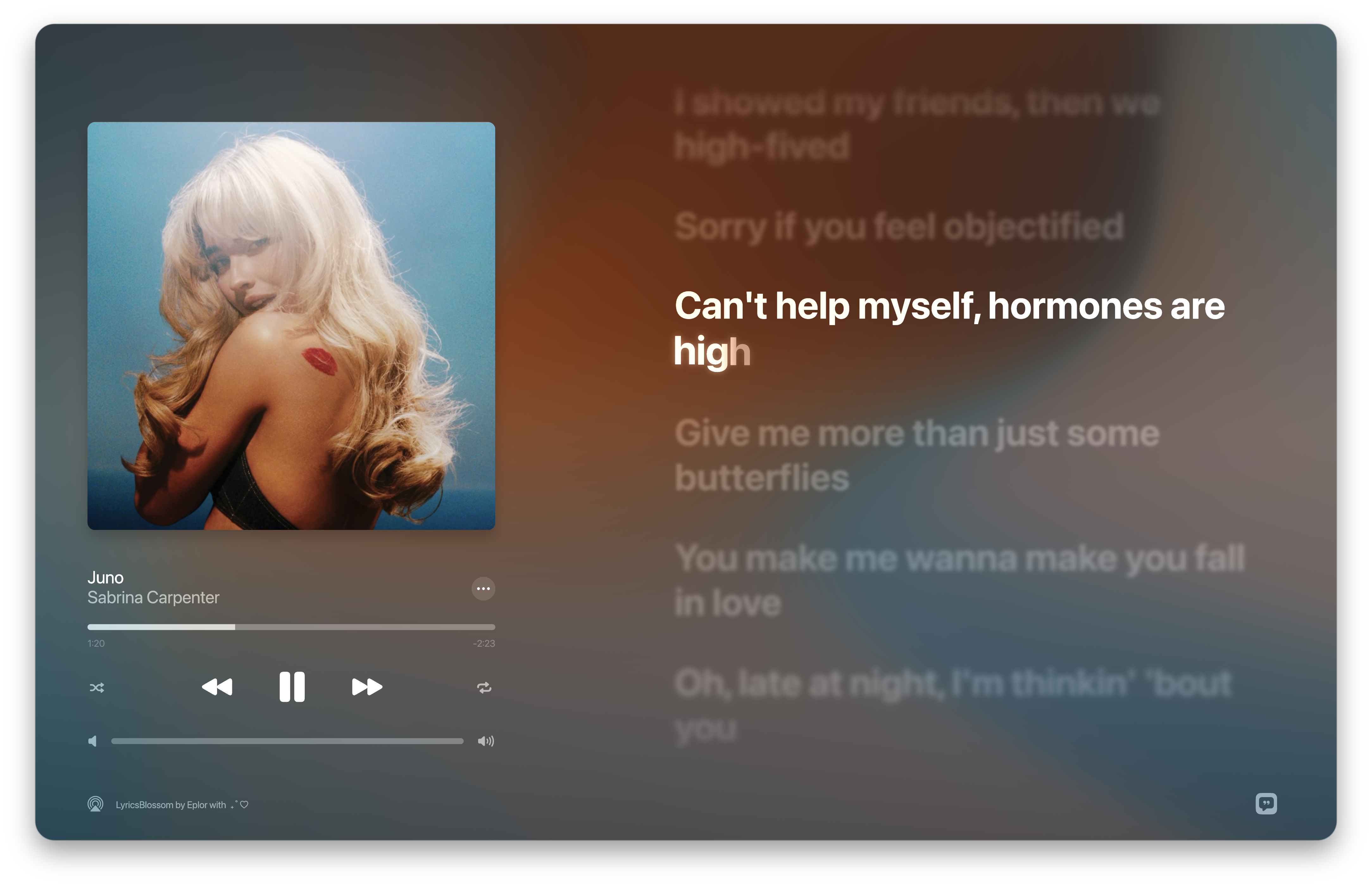
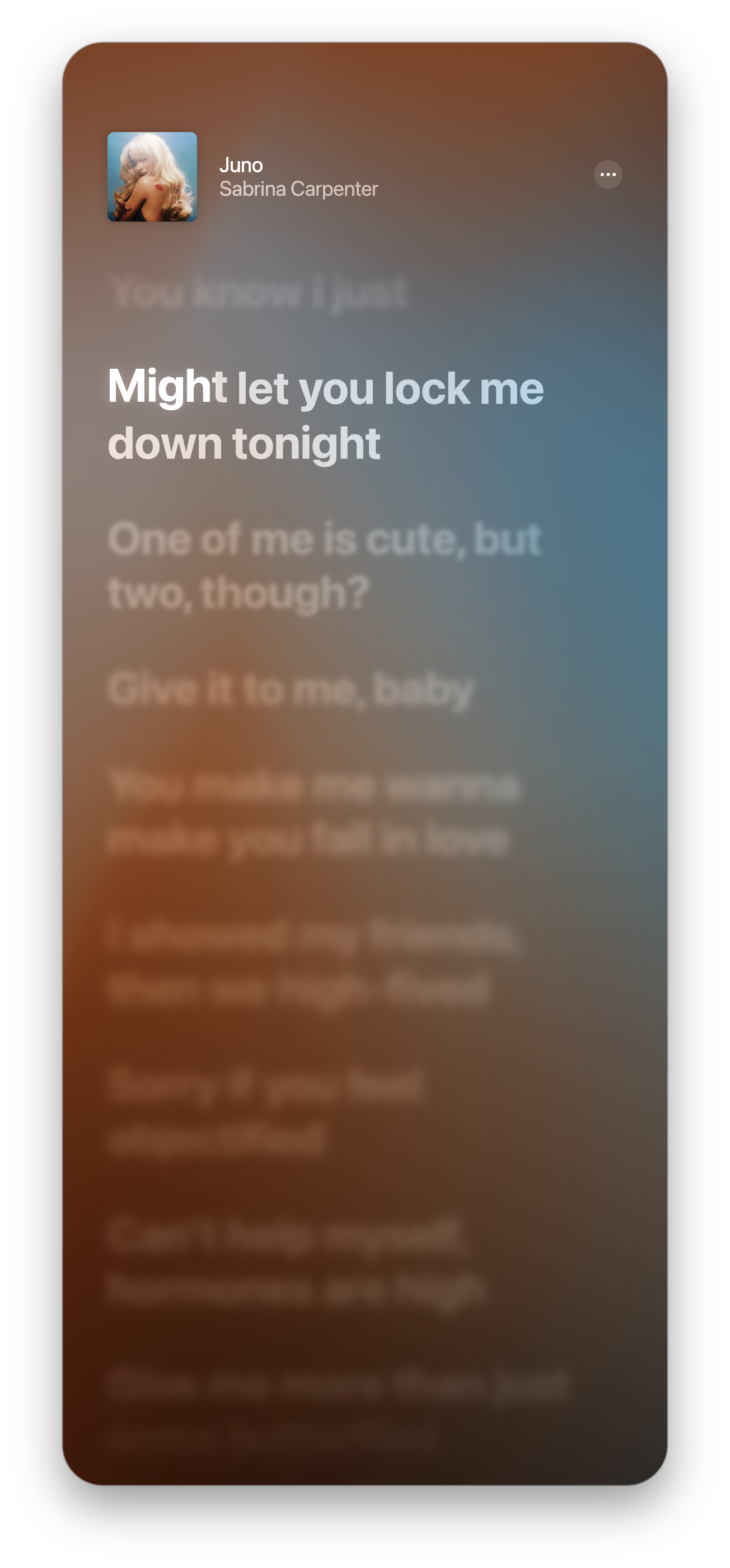
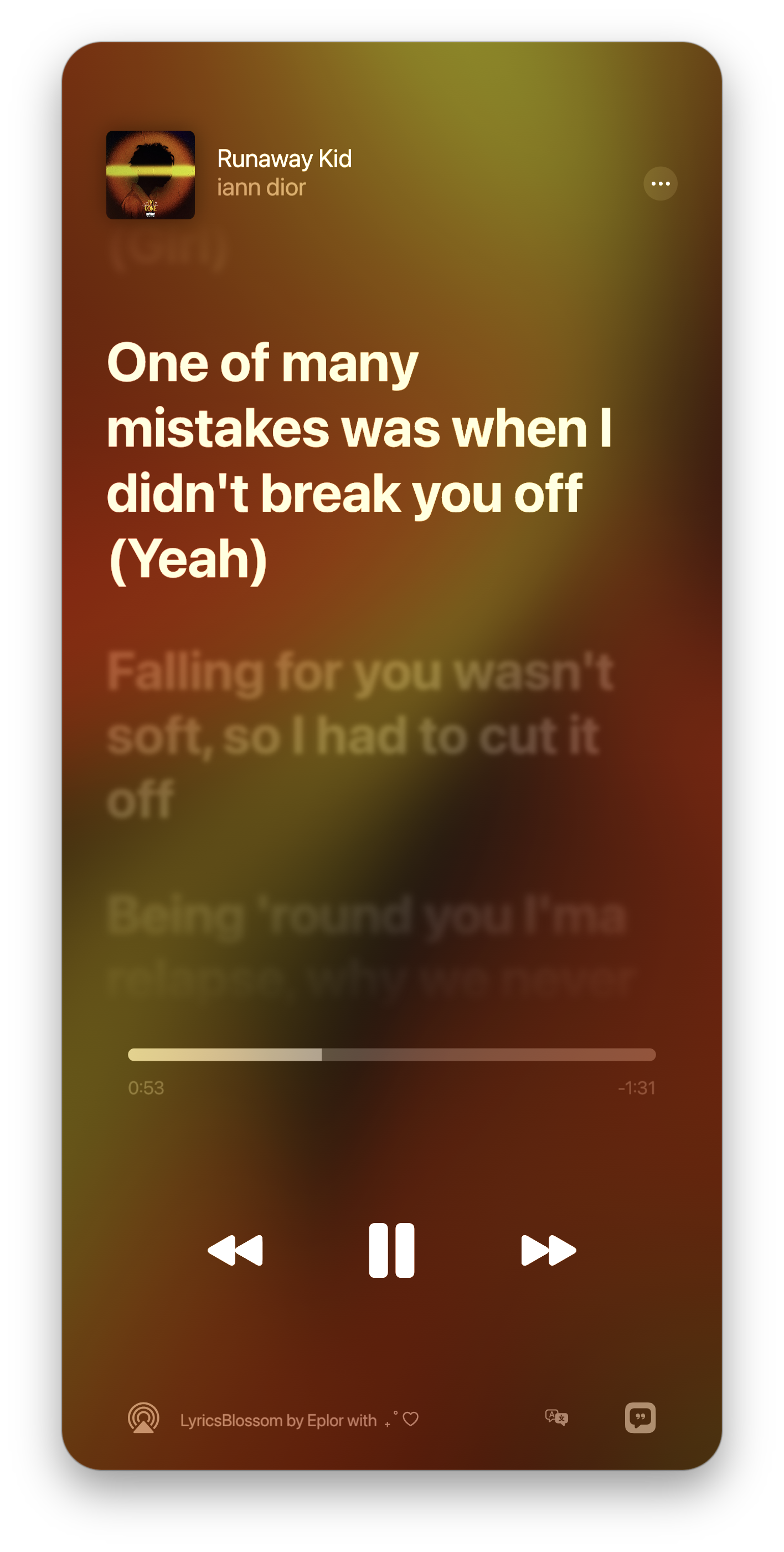
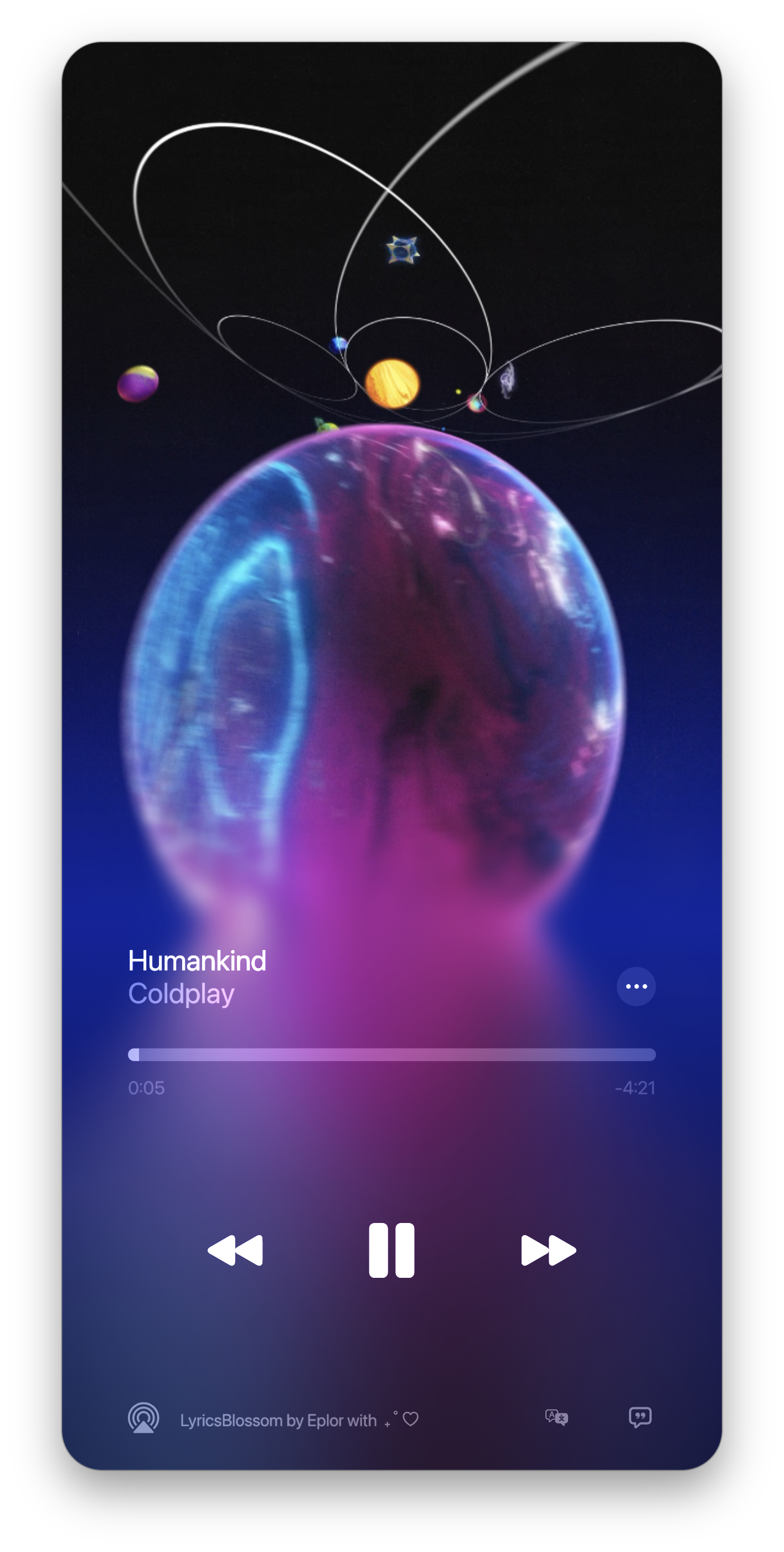
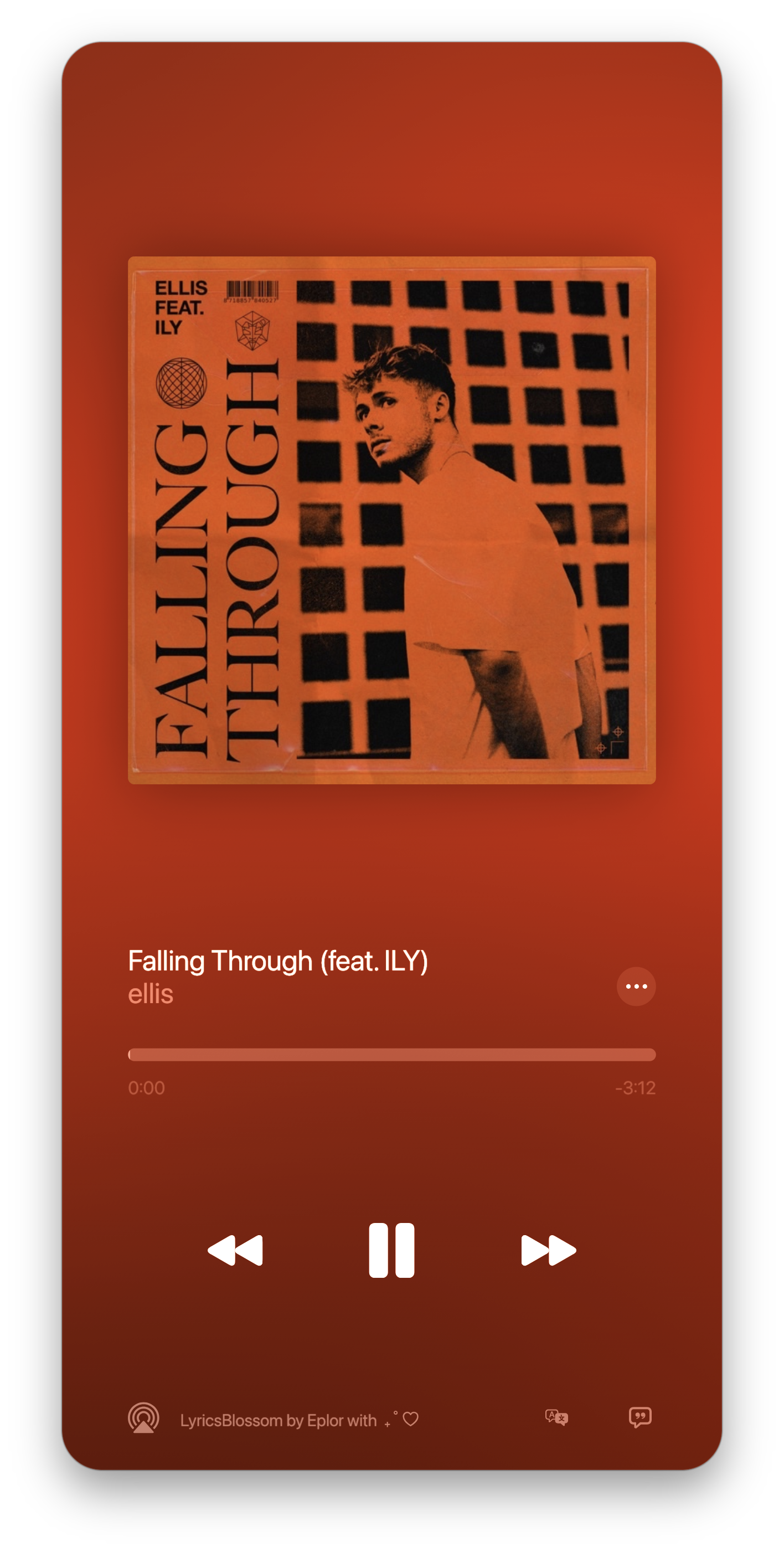
FAQ
Playback progress is out of sync with the lyrics
First, check whether the progress shown in the app matches your player. If not, press Space to pause and resume — this triggers a resync.
If the progress matches but the lyrics still drift, it's likely due to a timeline difference between the player's audio source and the corresponding lyrics source. Use the + / − buttons in the top-right of the lyrics to compensate manually.
NetEase Cloud Music isn't recognized
NetEase Cloud Music either doesn't report SMTC info, or reports incomplete info. Install BetterNCM along with its InfLink-rs plugin for it to work properly.
Apple Music UWP doesn't respond to seek/scrub
The Apple Music UWP version doesn't support seeking via the SMTC interface — this is a limitation of the player itself, not something the app can control.
Some players report incorrect information
Some apps (such as QQ Music) report SMTC data with errors or missing fields. This is an implementation issue on the player's side — LyricsBlossom has no way to intervene.
Can't get Apple Music lyrics or animated artwork
You need to be signed in to a valid Apple Music account with an active subscription. If you'd rather not use Apple Music as a source, turn off Apple Music Highest Priority in Settings, and the app will automatically pick another available lyrics source.
Blurry artwork
Artwork is sourced from what the player reports to the system (SMTC / Now Playing). Some players only report thumbnails, resulting in blurry artwork — this isn't an issue with the app itself. You can enable "Fetch HD Artwork" in settings to resolve this.
HD artwork doesn't match the actual cover
This may be caused by picking the wrong edition. Go to the "Lyrics..." settings page and select the correct matching edition to get the right artwork. This requires "Fetch HD Artwork" to be enabled.
Frame drops on macOS
Usually caused by macOS WindowServer scheduling. Safari consumes a lot of compositing resources — no need to close it, just press ⌘H to hide it and things will improve.
Feedback
- Bug Reports & Feature Requests · GitHub Issues
- QQ Group · Join the LyricsBlossom group chat
When reporting bugs, please include your OS version and steps to reproduce.
License
LyricsBlossom is proprietary software. All rights reserved.
This project is closed-source software, for personal use only. Copying, modifying, distributing, or reselling without permission is prohibited.
See LICENSE for details.