
Druidman/minecraft-clone-opengl
Druidman/minecraft-clone-opengl has 70 GitHub stars and 4 forks. GitHot measured 0 stars in 24 hours, 0 in 7 days, and 0 in 15 days. Last checked 2026-11-18 12:16 UTC. Last push 2025-09-30.
Measured star growth
- in 24h
- 0
- in 7 days
- 0
- in 15 days
- 0
- in 1 month
- Collecting history
Net star changes over overlapping periods, not daily totals. Missing measurements are left blank. Stars measure attention, not software quality.
About
Minecraft game clone written in c++
Creative & MediaREADME.md
OriginalMinecraft opengl clone written in c++
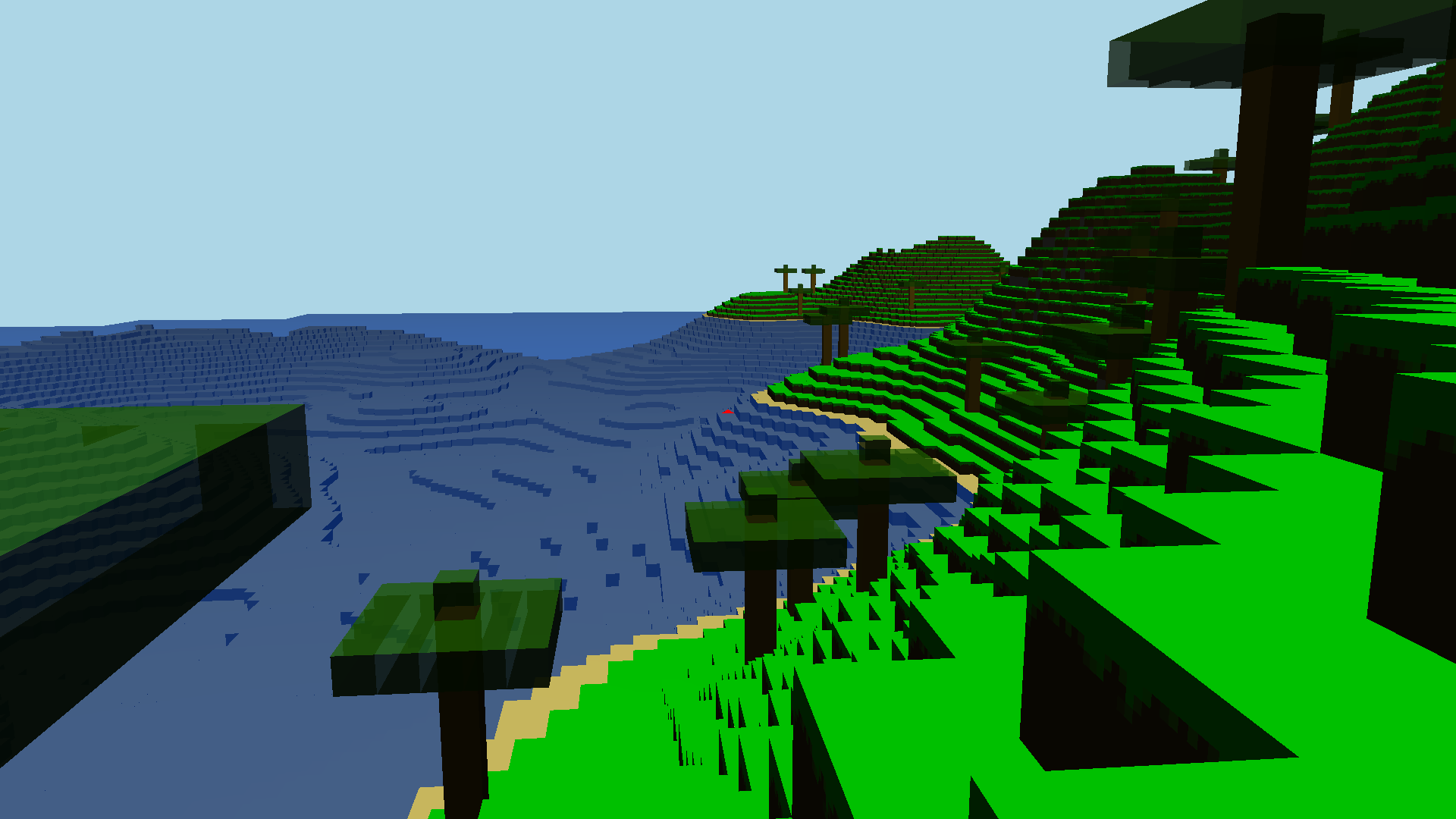
How to play?
- Through website: https://minecraftplus.vercel.app
- Run on your machine
How to run
- Download latest release and run it
- Build from source:
Install
GLFW(https://www.glfw.org/download.html)enter:
<main project dir>/game/dir in terminalIn cmd or terminal:
g++ -std=c++20 vendor/stb_image/stb_image.cpp vendor/glad/glad.c *.cpp -o main -lglfw -lGLIn cmd or terminal:
g++ -std=c++20 vendor/stb_image/stb_image.cpp vendor/glad/glad.c *.cpp -o main -lglfw3 -lopengl32 -lgdi32 -lwinmm -static -static-libgcc -lwinpthread -L/../../glfw// -D_WIN32_WINNT=0x0601run binary
- Build from source WASM:
- Make sure to have emscripten CLI installed
- In cmd or terminal in
<main project dir>/website/gameWebsite:- Use default emscripten HTML:
emcc ../../game/*.cpp ../../game/vendor/glad/glad.o ../../game/vendor/stb_image/stb_image.cpp -std=c++20 -s USE_GLFW=3 -s FULL_ES3=1 -s MIN_WEBGL_VERSION=2 -s MAX_WEBGL_VERSION=2 -s ALLOW_MEMORY_GROWTH=1 -s EXIT_RUNTIME=0 -s MINIFY_HTML=0 -s ENVIRONMENT=web,worker -s DEMANGLE_SUPPORT=0 --preload-file ../../game/textures@textures -s USE_PTHREADS=1 -pthread --preload-file ../../game/shaders@shaders -O3 -o index.html - Use your custom HTML:
emcc ../../game/*.cpp ../../game/vendor/glad/glad.o ../../game/vendor/stb_image/stb_image.cpp -std=c++20 -s USE_GLFW=3 -s FULL_ES3=1 -s MIN_WEBGL_VERSION=2 -s MAX_WEBGL_VERSION=2 -s ALLOW_MEMORY_GROWTH=1 -s EXIT_RUNTIME=0 -s MINIFY_HTML=0 -s ENVIRONMENT=web,worker -s DEMANGLE_SUPPORT=0 --preload-file ../../game/textures@textures -s USE_PTHREADS=1 -s MODULARIZE=1 -s 'EXPORT_NAME="MyGame"' -pthread --preload-file ../../game/shaders@shaders -s -O3 -lembind -o files/webGame/game.js
- Use default emscripten HTML:
- (If you want to use your own HTML then insert it in
<main project dir>/website/gameWebsitejust keep in mind module you will be calling isMyGame) - run server in
<main project dir>/website/gameWebsite:emrun --no_browser --port 8000 index.html - enter: http://localhost:8080/ in your browser