
Darkatse/TauriTavern
Darkatse/TauriTavern has 2,236 GitHub stars and 191 forks. GitHot measured +5 stars in 24 hours and +68 in 7 days. Last checked 2026-11-08 19:58 UTC. Last push 2026-10-31.
The classic Sillytavern, now has been rewritten in Tauri/Rust.
Measured star growth
- in 24h
- +5
- in 7 days
- +68
- in 15 days
- Update delayed
- in 1 month
- Update delayed
Net star changes over overlapping periods, not daily totals. Missing measurements are left blank. Stars measure attention, not software quality.
README.en.md
Original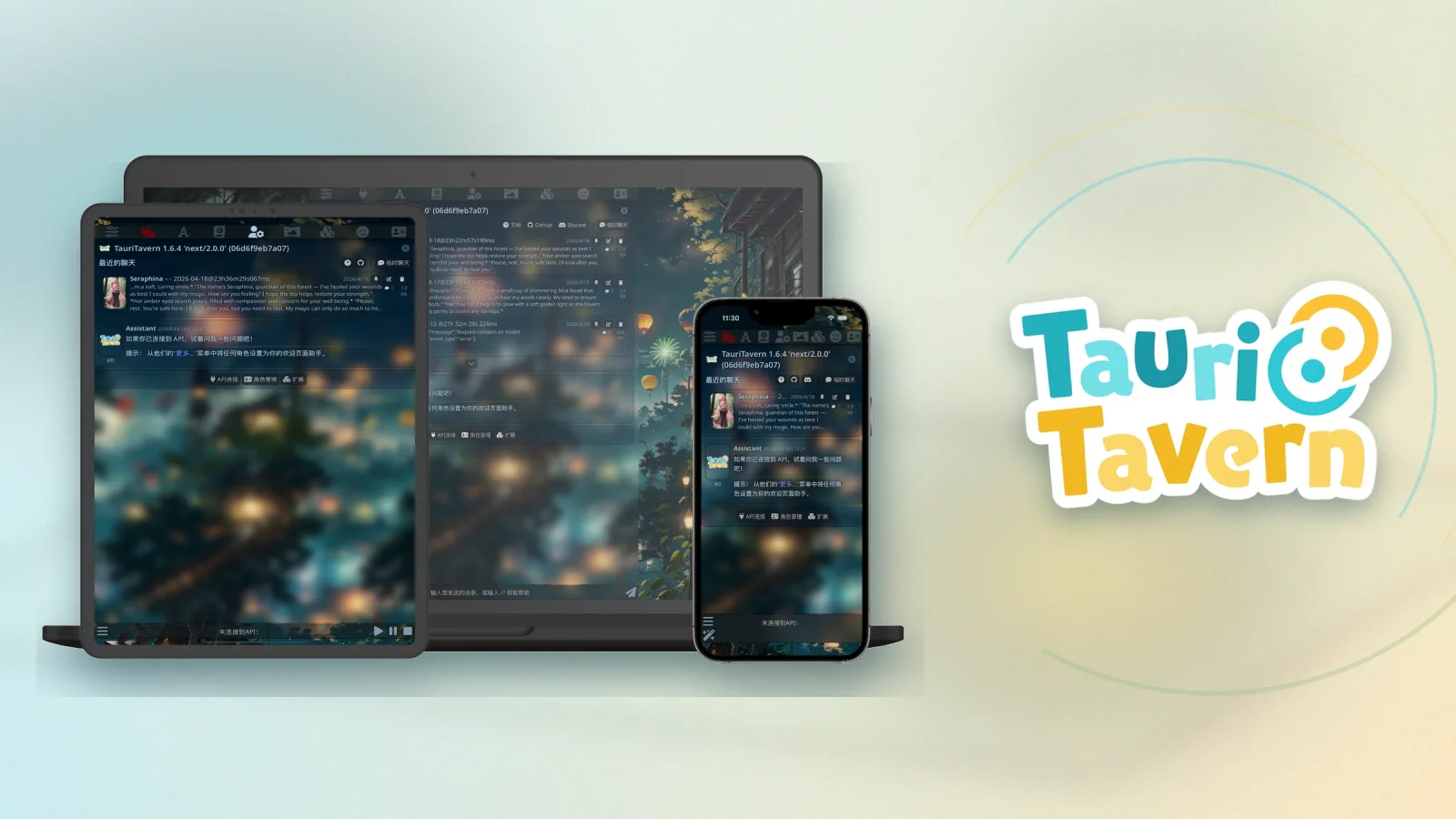
TauriTavern
SillyTavern, as a native app — desktop & mobile, out of the box
简体中文 · English · 日本語 · Русский · Português (Brasil)
Downloads · Docs · Releases · Issues








Thanks to @shiyue137 for designing the TauriTavern logo 💛
Download





📦 Install with a package manager (Windows · macOS · Linux)
Windows · WinGet
Run in PowerShell:
winget install --id TauriTavern.TauriTavern
Windows · Scoop
Run in PowerShell:
scoop bucket add Darkatse https://github.com/Darkatse/Scoop-Darkatse.git
scoop install Darkatse/TauriTavern
macOS · Homebrew
Run in Terminal:
brew install --cask tauritavern
Linux
Arch Linux · AUR
Install tauritavern-bin with your preferred AUR helper:
yay -S tauritavern-bin
This package is maintained by @LX2000WASD. Many thanks for the ongoing work in TauriTavern-aur.
Debian · Ubuntu · Fedora · openSUSE · NixOS
The script detects your system and chooses the appropriate installation method. It also supports other Linux systems with Nix installed.
Stable
curl -fsSL https://get.tauritavern.com/linux.sh | sh
Nix / NixOS
If Nix is already installed, add TauriTavern directly to your user profile:
nix profile add github:Darkatse/TauriTavern#tauritavern
Flatpak
flatpak remote-add --user --if-not-exists \
  tauritavern \
  https://flatpak.tauritavern.com/tauritavern.flatpakrepo
flatpak install --user tauritavern com.tauritavern.client
Canary
Canary receives daily updates with new features and fixes, but may be less reliable than Stable. If you want to try the latest build or are having an issue with Stable, check whether Canary already includes a fix.
Windows, macOS, and mobile builds are available from the Canary Release.
Install Canary on Linux
Linux
curl -fsSL https://get.tauritavern.com/linux.sh \
  | sh -s -- --channel canary
Nix / NixOS
nix profile add github:Darkatse/TauriTavern/Canary#canary
[!TIP] iOS: install via the public TestFlight beta. It requires iOS 15.0 or later. iOS 15.0–16.3 receives limited support; full support starts with iOS 16.4. TestFlight builds are subject to Apple's TestFlight rules and have usage restrictions.
Windows portable: requires the WebView2 runtime on the system.
HarmonyOS (beta): the HAP in Releases is for HarmonyOS NEXT. Sign it with your own certificate to install it; we recommend Auto-Installer. It has only been tested on the emulator so far.
What is TauriTavern
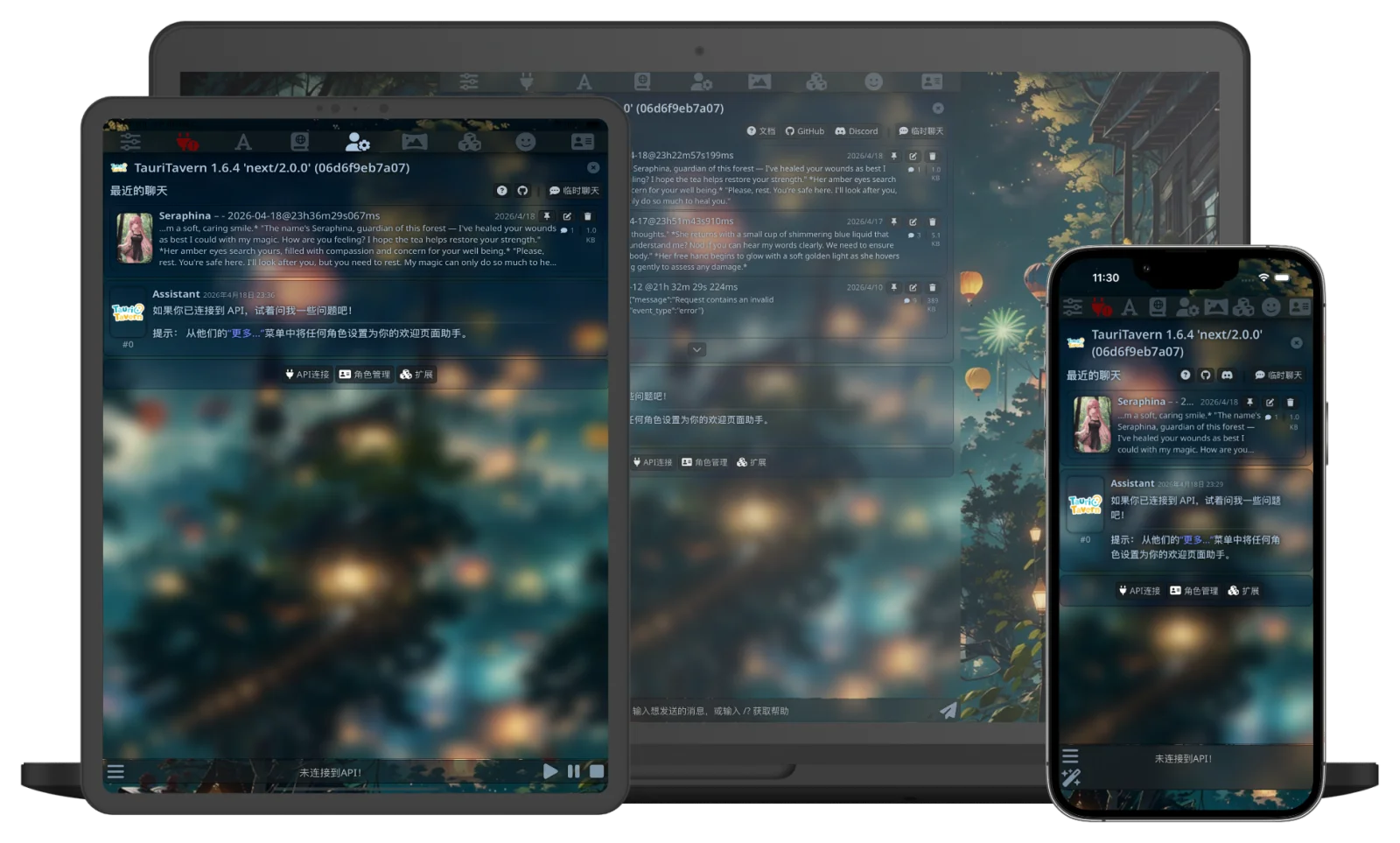
TauriTavern ports SillyTavern into a true native app: the frontend keeps the full upstream experience (synced to 1.19.0), while the backend is rebuilt from Node.js into Rust (Tauri v2).
No Node.js to install, no command line — just download and run. Your character cards, chats, presets, world info, and frontend extensions all stay compatible with SillyTavern.
Note: TauriTavern is an independently maintained open-source project, not an official SillyTavern client. TauriTavern is free and open source under the AGPL-3.0 license. Please review the license terms before use.
Highlights
- 🖥️ Five native platforms: Windows, macOS, Linux, Android, and iOS — one experience everywhere; native HarmonyOS support is currently in beta
- 🎭 Full SillyTavern experience: frontend synced to upstream 1.19.0, with fully compatible data formats and directory layout
- 🧩 Frontend extension ecosystem: built-in native Git — install, update, and switch branches right in the UI (Node-only backend plugins are not supported)
- 🔄 Built-in multi-device sync: encrypted LAN pairing, or automatic upload via the remote TT-Sync v2
- 🤖 Agent framework: tool calling, Skills, sub-agents, and a run timeline; development is ongoing
- 📦 One-click migration: SillyTavern export scripts + in-app import for a smooth move
- ⚡ Performance engineering: phased startup and chat DOM virtualization keep even very long chats smooth
- 🔒 Your data, yours: everything stays on your device, with an optional portable mode
Screenshots
Architecture at a Glance
The Rust backend is a Clean Architecture Cargo workspace (src-tauri/crates/):
tauritavern: Tauri host, command layer, and composition roottt-application·tt-ports·tt-domain·tt-contracts: use cases, ports, domain models, and cross-crate contractstt-adapter-*: concrete storage, HTTP, media, sync, extension, and tokenization implementations
The frontend is upstream SillyTavern plus a modular Tauri injection layer (src/tauri/main/), talking to the Rust backend through the window.__TAURITAVERN__ platform ABI. See docs/BackendStructure.md and docs/FrontendGuide.md for details.
🛠 Development (prerequisites · common commands · Tauri Pilot · portable builds · FasTools)
Prerequisites: Rust stable (edition 2024) · Node.js 22.13+ · pnpm 11 · Tauri CLI
git clone https://github.com/Darkatse/TauriTavern.git
cd TauriTavern
pnpm install
Common commands:
pnpm run check         # frontend guardrails/types/contracts + Rust dev check
pnpm run web:build     # build frontend bundles (Rspack)
pnpm run tauri:dev     # desktop dev mode
pnpm run tauri:build   # build desktop installers
pnpm run android:dev   # Android dev mode
pnpm run ios:dev       # iOS dev mode
Tauri Pilot (UI development with AI agents)
The project already includes the development-only Tauri Pilot plugin and capability. It lets an AI agent inspect and operate the WebView on desktop, Android and the iOS Simulator through accessibility snapshots. The standard development and release commands do not enable it.
cargo install tauri-pilot-cli  # only needed once
pnpm run tauri:dev:pilot       # desktop
pnpm run android:dev:pilot     # Android; forward the socket first, see docs/AndroidDevelopment.md
pnpm run ios:dev:pilot         # iOS Simulator
After the app starts, use another terminal for the basic workflow:
tauri-pilot ping
tauri-pilot snapshot -i
tauri-pilot click @e3          # use a ref from the current snapshot
tauri-pilot diff -i
tauri-pilot logs --level error
Take a snapshot before interacting and perform one action at a time. Use wait after asynchronous updates and prefer assert for verification. An MCP-capable agent can register tauri-pilot mcp as a stdio server.
Portable builds: pnpm run tauri:build:portable (outputs to release/); force portable runtime with TAURITAVERN_RUNTIME_MODE=portable or a portable.flag file.
FasTools: the recommended toolkit for development and deployment debugging. Build with pnpm run fastools:build, run with pnpm run fastools:run.
Platform details: docs/AndroidDevelopment.md and docs/iOSDevelopment.md.
Documentation
- 📖 Online docs: bilingual guides covering usage, Agent, architecture, API, and downloads
- docs/FrontendGuide.md: frontend architecture and extension guide
- docs/FrontendHostContract.md: public host-layer contract
- docs/BackendStructure.md: backend Clean Architecture and crate boundaries
- docs/CurrentState/: implementation status of shipped modules
Contributing
Issues and PRs are welcome! Please read CONTRIBUTING.md first, target the dev branch unless it is an urgent fix.
Acknowledgements & License
Built on SillyTavern and Tauri, with thanks to Cocktail, Tavern-Helper, LittleWhiteBox, MikTik, @LX2000WASD for maintaining the TauriTavern AUR package, and @LeenHawk for the HarmonyOS port.
Released under AGPL-3.0 (same license family as SillyTavern).
Made with love and care ❤️ — The TauriTavern Team
Explore related projects
affaan-m/ECC
The agent harness performance optimization system. Skills, instincts, memory, security, and research-first development for Claude Code, Codex, Opencode, Cursor and beyond.
299,847 starsNousResearch/hermes-agent
The agent that grows with you
261,883 starsmultica-ai/andrej-karpathy-skills
A single CLAUDE.md file to improve Claude Code behavior, derived from Andrej Karpathy's observations on LLM coding pitfalls.
231,095 starsfirecrawl/firecrawl
Supercharge your AI agents with data from the web and beyond. Building the library for superintelligence. 🔥
199,847 stars