
DanielToby/microtone
DanielToby/microtone has 40 GitHub stars and 1 forks. GitHot measured 0 stars in 24 hours and 0 in 7 days. Last checked 2026-11-10 03:14 UTC. Last push 2026-08-28.
An audio synthesis library with 3D printed hardware
What you can do
- Wavetable oscillation that supports fill functions as lambdas. Wavetables are passed into the synth::Synthesizer constructor with adjustable weights. This data is shared between the oscillators.
- Polyphony -- 127 voices, each wrapping an oscillator.
- Envelopes (Attack, Decay, Sustain, Release): The oscillators belonging to each voice conform to configurable envelopes. Without this, you'd hear clicks and pops when notes are released or pressed in rapid succession -- at least in continuous functions like sine waves. This also adds richness and character to the sound.
- Filters (low-pass, high-pass, etc).
Measured star growth
- in 24h
- 0
- in 7 days
- 0
- in 15 days
- Update delayed
- in 1 month
- Update delayed
Net star changes over overlapping periods, not daily totals. Missing measurements are left blank. Stars measure attention, not software quality.
README.md
Originalmicrotone
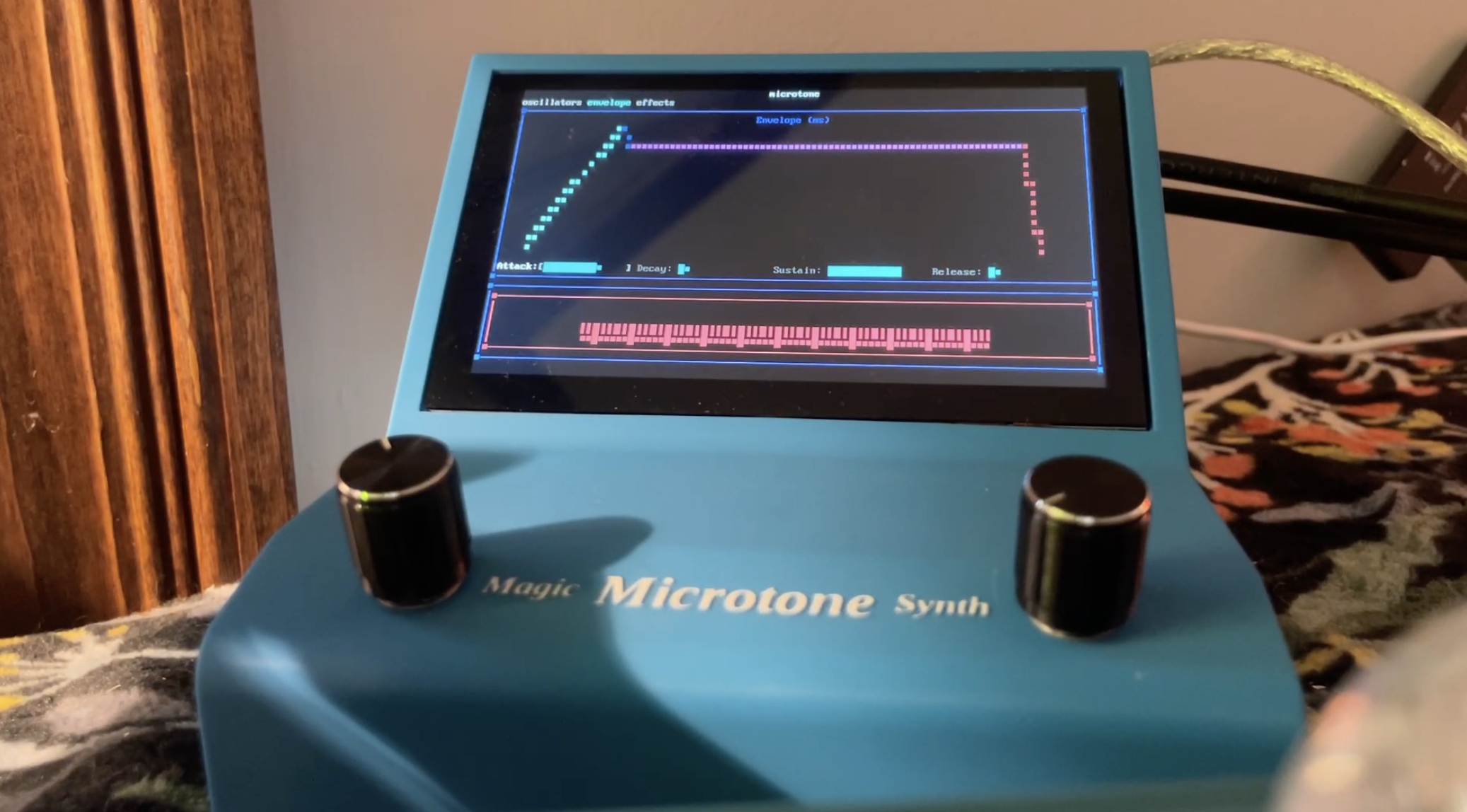
A cross-platform polyphonic synthesis library and MIDI reader, with a 3D printed housing / raspberry-pi-based device.

Build Steps
git clone [email protected]:DanielToby/microtone.git
mkdir build-microtone-release && cd build-microtone-release
cmake ../microtone -DCMAKE_BUILD_TYPE=Release
cmake --build . --config Release
./Asciiboard/asciiboard
About
This is a lightweight wavetable synthesizer with a few extra DSP features. I wanted a zippy synth that I could spin up for fun, or use as a building block for other stuff.
Unfortunately std::audio is still in early stages, so I used portaudio for a more robust real-time audio callback.
The audio synthesis techniques demonstrated in this project can be attributed to The Audio Programming Book by Richard Boulanger and tutorials by Bela.
Midi input is handled by the RtMidi library.
Hardware Integration
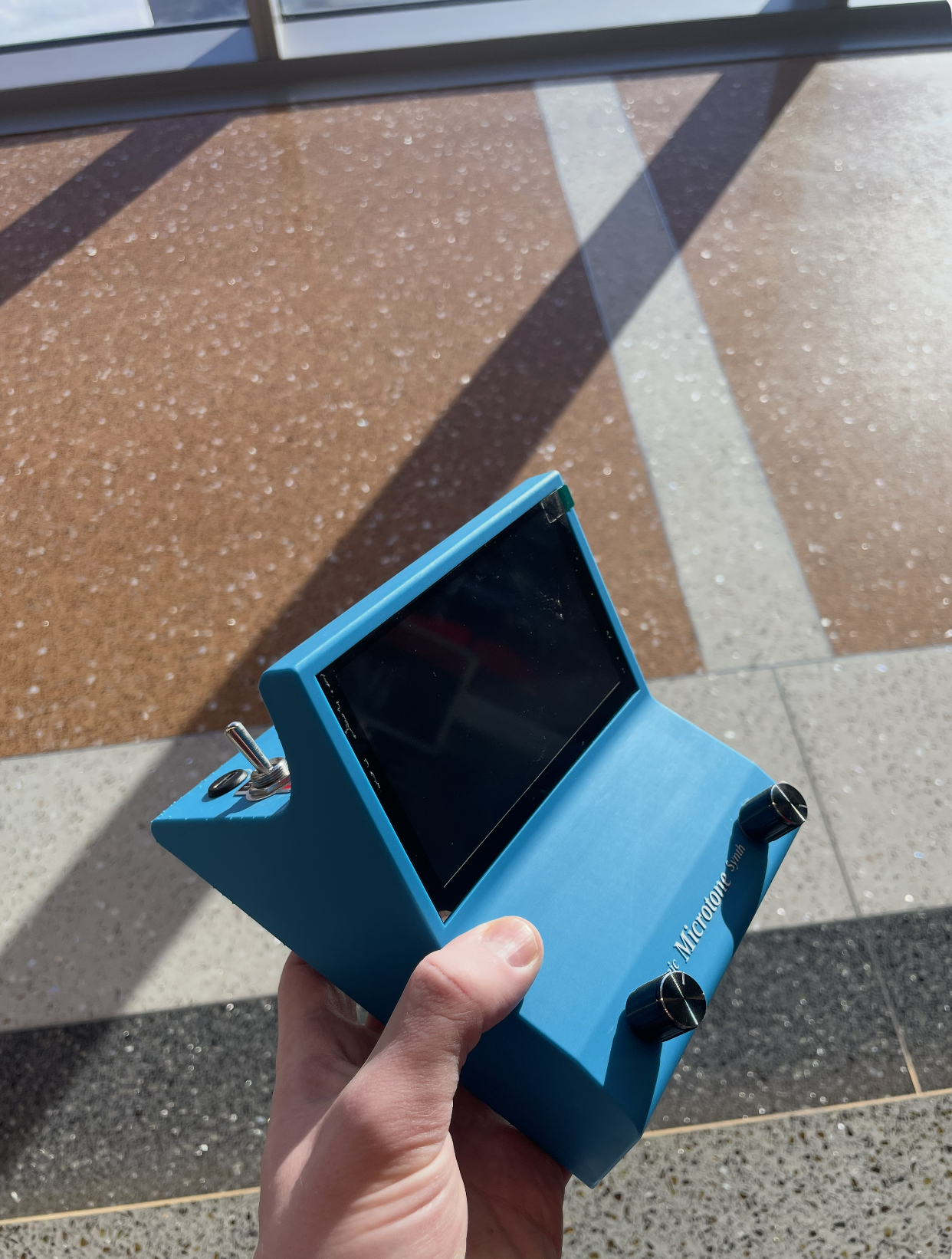
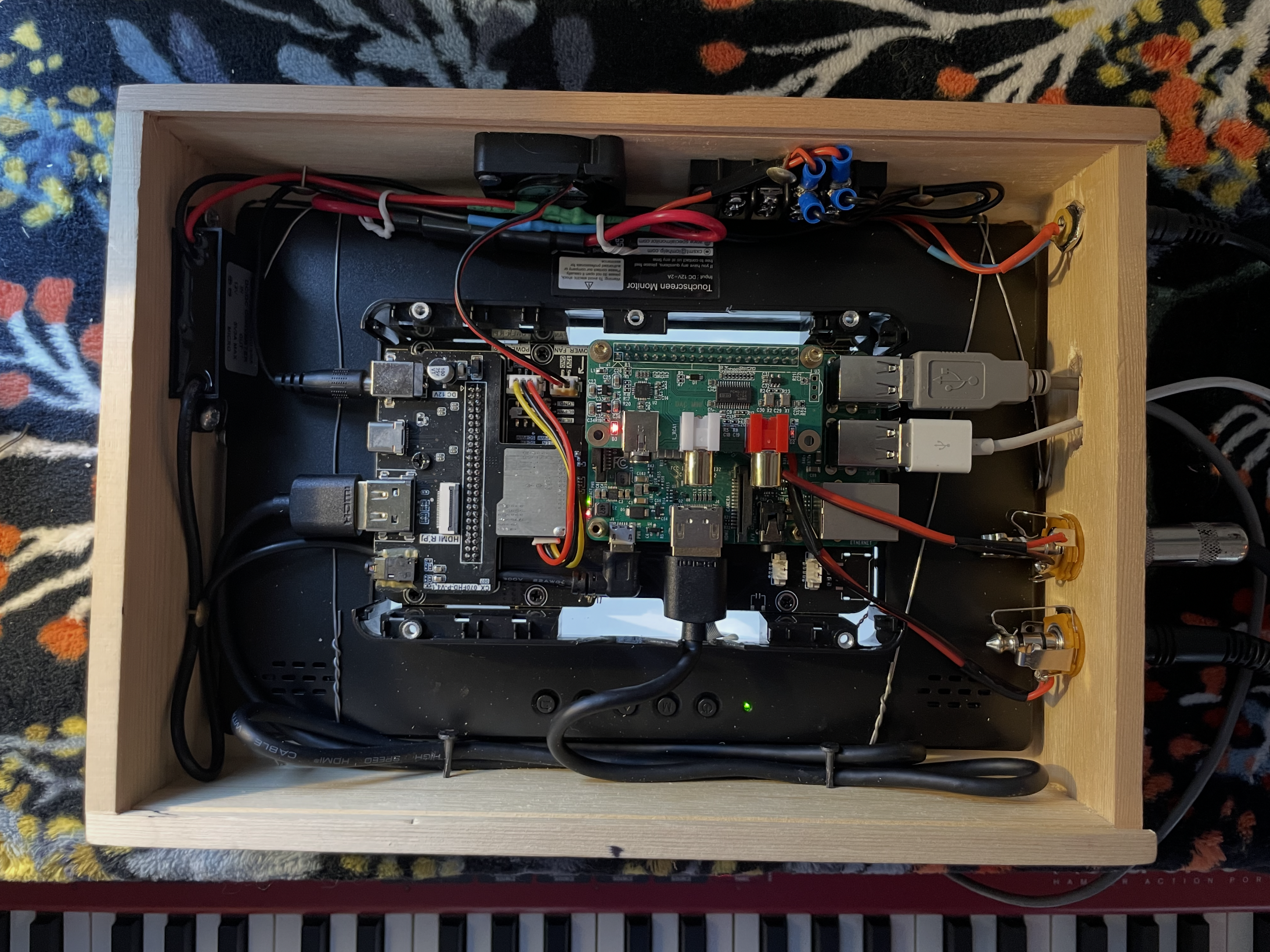
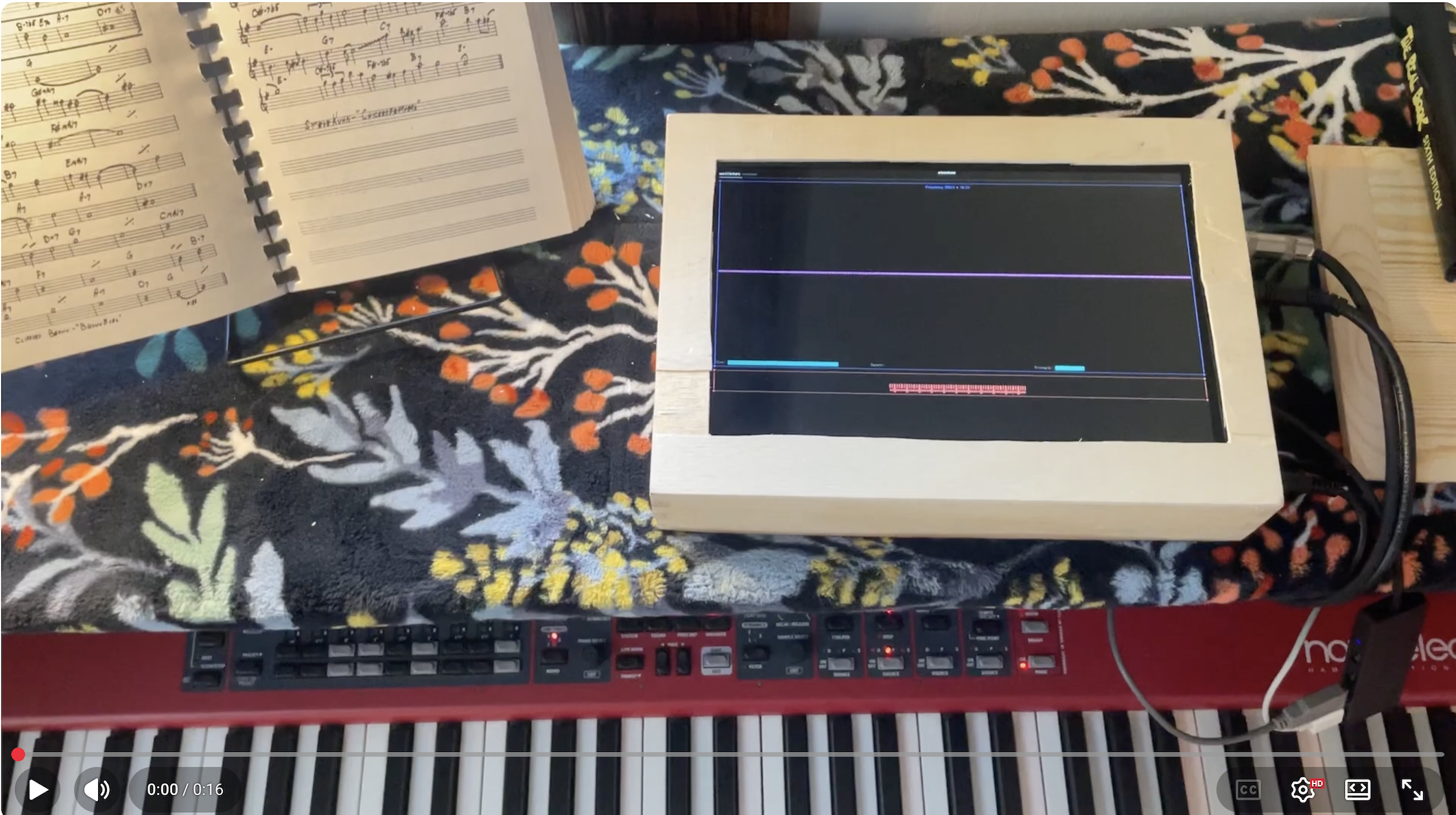
Because this demo app runs in the shell and is fully cross-platform, running it on a Raspberry Pi took very little additional work. See the Pi Setup instructions.
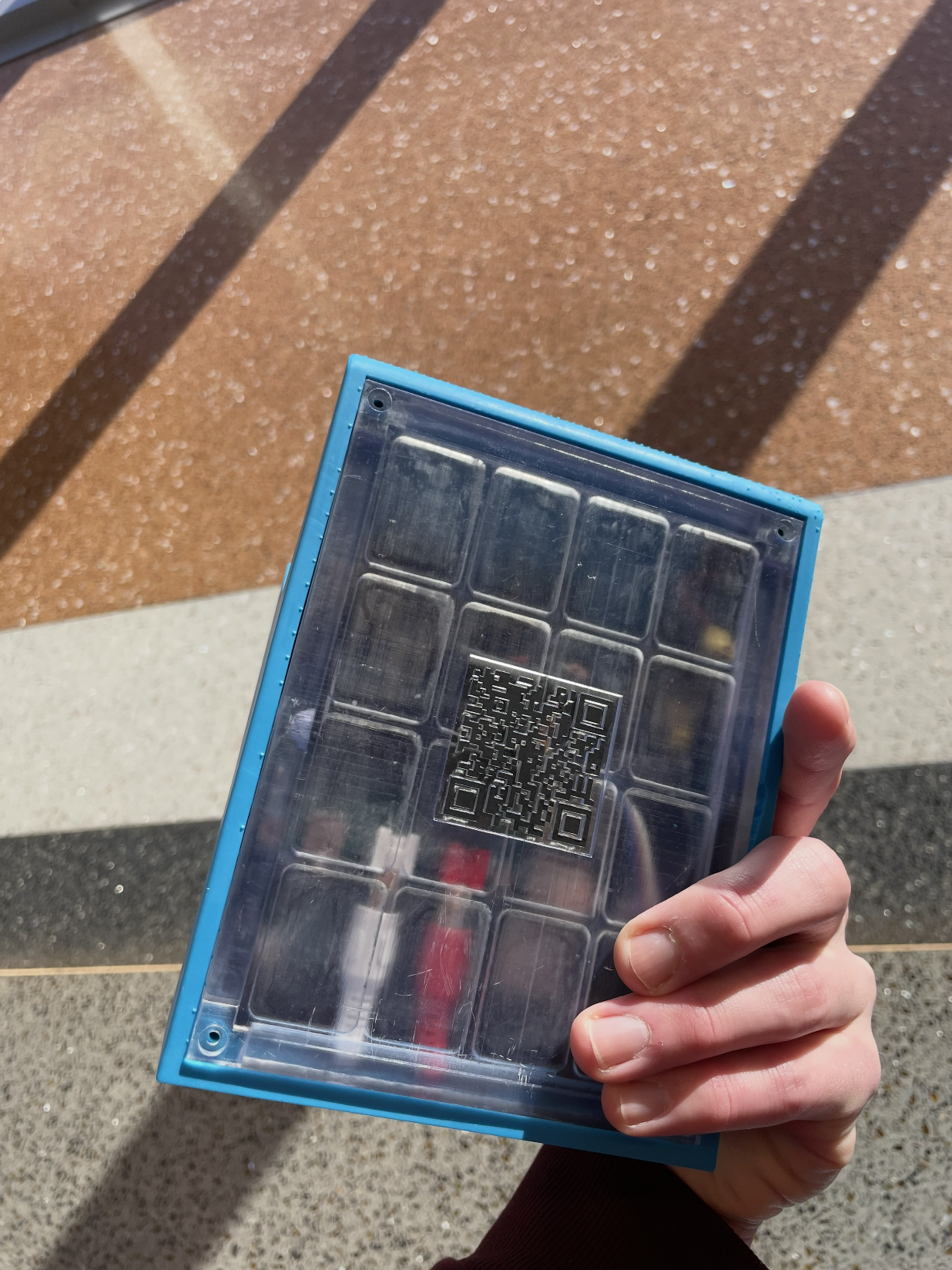
I designed the shell in CAD, after building a proof of concept in a wooden box.
Audio Architecture
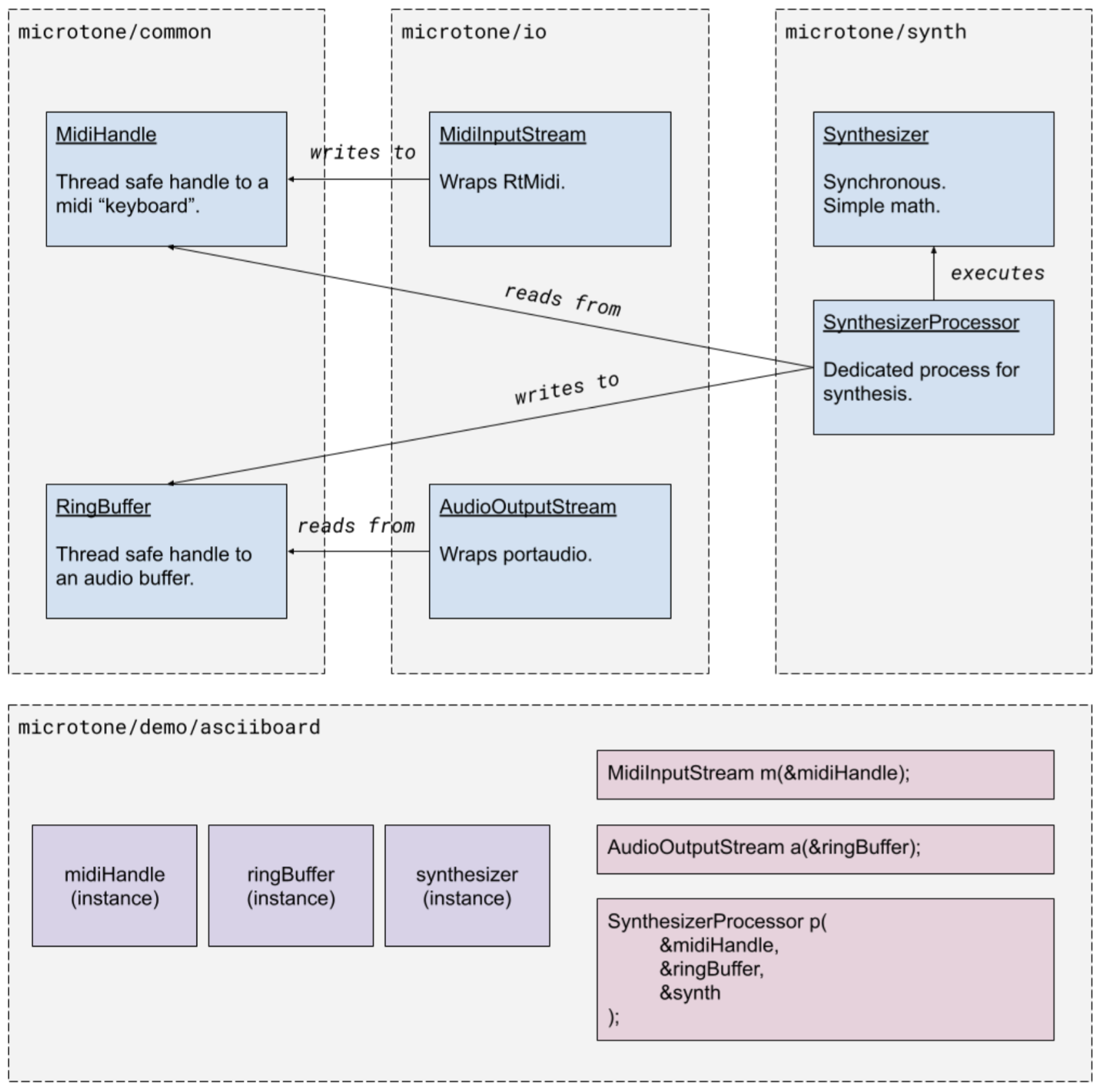
Libraries in this repo are organized to decouple synthesis, midi, audio output, and UI.
Features
- Wavetable oscillation that supports fill functions as lambdas. Wavetables are passed into the synth::Synthesizer constructor with adjustable weights. This data is shared between the oscillators.
- Polyphony -- 127 voices, each wrapping an oscillator.
- Envelopes (Attack, Decay, Sustain, Release): The oscillators belonging to each voice conform to configurable envelopes. Without this, you'd hear clicks and pops when notes are released or pressed in rapid succession -- at least in continuous functions like sine waves. This also adds richness and character to the sound.
- Filters (low-pass, high-pass, etc).
- Forwarded audio buffers -- update your UI with live audio data by passing a lambda to the synth::Synthesizer constructor.
- Midi input, including the sustain pedal.
Audio Effects
I added abstractions for the Synthesizer and AudioOutput devices: I_SourceNode and I_SinkNode. These simple interfaces are collected into an AudioPipeline owned by an Instrument. Right now there's just one instrument.
I_FunctionNode implements both interfaces, allowing blocks to be passed through. This interface is used to describe effects. The AudioPipeline interface was extended to enable N effects between the source and sink nodes:
// Audio input (source)
auto synth = std::make_shared<synth::Synthesizer>(
    sampleRate,
    synth::TripleWaveTableT{
        .waveTables = {
            synth::buildWaveTable(synth::examples::sineWaveFill),
            synth::buildWaveTable(synth::examples::squareWaveFill),
            synth::buildWaveTable(synth::examples::triangleWaveFill)},
        .weights = controls.getOscillatorWeights()},
    controls.gain,
    controls.getAdsr(),
    controls.lfoFrequency_Hz,
    controls.lfoGain);

// Effects
auto delay = std::make_shared<synth::Delay>(controls.getDelay_samples(sampleRate), controls.delayGain);

// Audio output (sink)
auto outputDevice = std::make_shared<synth::OutputDevice>(outputBufferHandle);

// The audio pipeline of the instrument.
auto audioPipeline = synth::AudioPipeline{
    synth,
    {delay},
    outputDevice};

// The thread responsible for polling the input source, applying effects, and pushing results into the output.
// This is kept separate from the audioOutputStream, whose callback should never be blocked.
auto instrument = synth::Instrument{midiHandle, std::move(audioPipeline)};
instrument.start();

// Start audio output after the instrument is started:
audioOutputStream.start();
asciiboard
A console application that manages an instance of microtone. It displays midi input and audio output through a piano roll and oscilloscope, and includes an envelope editor in a separate tab.
Explore related projects
ytdl-org/youtube-dl
Command-line program to download videos from YouTube.com and other video sites
141,527 starsexcalidraw/excalidraw
Virtual whiteboard for sketching hand-drawn like diagrams
135,396 starsgodotengine/godot
Godot Engine – Multi-platform 2D and 3D game engine
119,942 starsmrdoob/three.js
JavaScript 3D Library.
117,983 stars