
DakEnviy/dots has 41 GitHub stars and 2 forks. GitHot measured 0 stars in 24 hours. Last checked 2026-11-15 04:50 UTC. Last push 2026-11-01.
What you can do
- 🚀 Smart Bootstrap: Automatically installs chezmoi, clones the repo, and re-initializes to configure newly installed packages.
- 🔍 Intelligent Scanning: Checks your system for installed binaries. If a tool isn't found, its config is skipped — preventing broken paths and configuration errors.
- 🤖 Interactive Setup: A smart prompt system lets you choose what to install and configure. It remembers your choices and only prompts again when the available tool list changes or detected binaries change.
- 📦 Multi-Manager Support: Unifies package installation across apt, brew, cargo, and custom scripts. Also supports external binaries via chezmoi externals.
Measured star growth
- in 24h
- 0
- in 7 days
- Collecting history
- in 15 days
- Collecting history
- in 1 month
- Collecting history
Net star changes over overlapping periods, not daily totals. Missing measurements are left blank. Stars measure attention, not software quality.
About
More than just dotfiles. An intelligent framework that detects your environment, installs selected apps, and configures them dynamically.
Developer ToolsREADME.md
OriginalDakEnviy's Dotfiles




More than just dotfiles. An intelligent framework that detects your environment, installs selected apps, and configures them dynamically.
Demo • Features • Installation • Template
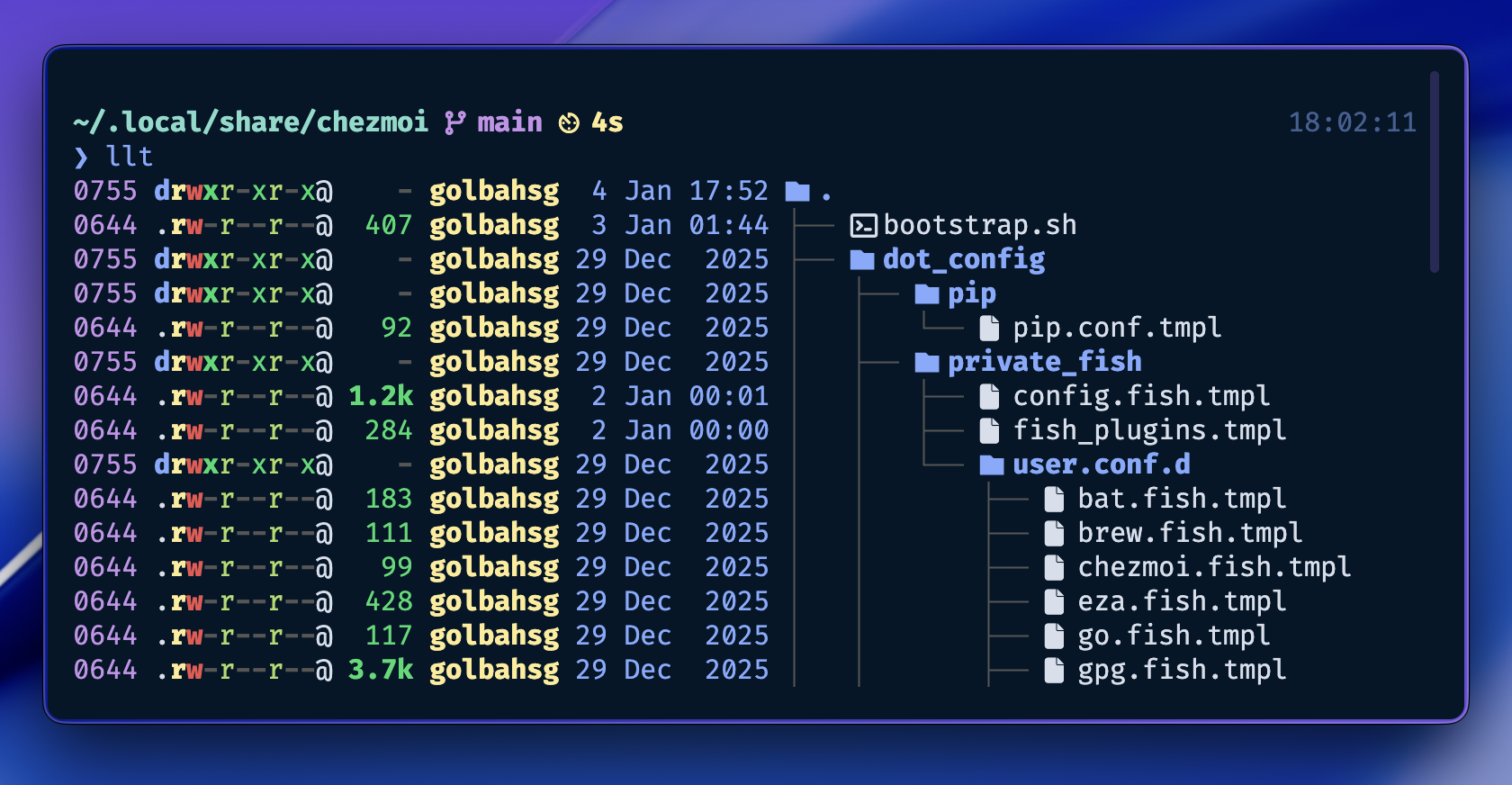
⚡ Why this framework?
Most dotfiles are static: they copy files and hope you have the right apps installed. DakEnviy/dots is different. It acts as an Infrastructure-as-Code layer for your workstation. Instead of blindly copying files, it scans your environment, installs missing tools, and generates configurations dynamically — minimizing errors and keeping your system consistent across machines.
Powered by chezmoi ❤️ — Leverages its templating engine and state management. See docs for details.
✨ Features
🚀 Smart Bootstrap: Automatically installs
chezmoi, clones the repo, and re-initializes to configure newly installed packages.🔍 Intelligent Scanning: Checks your system for installed binaries. If a tool isn't found, its config is skipped — preventing broken paths and configuration errors.
🤖 Interactive Setup: A smart prompt system lets you choose what to install and configure. It remembers your choices and only prompts again when the available tool list changes or detected binaries change.
📦 Multi-Manager Support: Unifies package installation across
apt,brew,cargo, and custom scripts. Also supports external binaries viachezmoiexternals.🔄 Idempotent Design: All scripts are safe to run multiple times. Plugin managers only update when their config files actually change (using content hashing).
🖥️ Context Awareness: Distinguishes between
desktopandserverenvironments to apply relevant logic (e.g., GPG setup only on desktop).🔐 Secret Management: Integrates with Bitwarden to fetch GPG keys and auto-configures Git commit signing. On servers, it can fetch and populate SSH
authorized_keysfrom a URL.🔌 Plugin Automation: Automatically manages plugins for Fish (
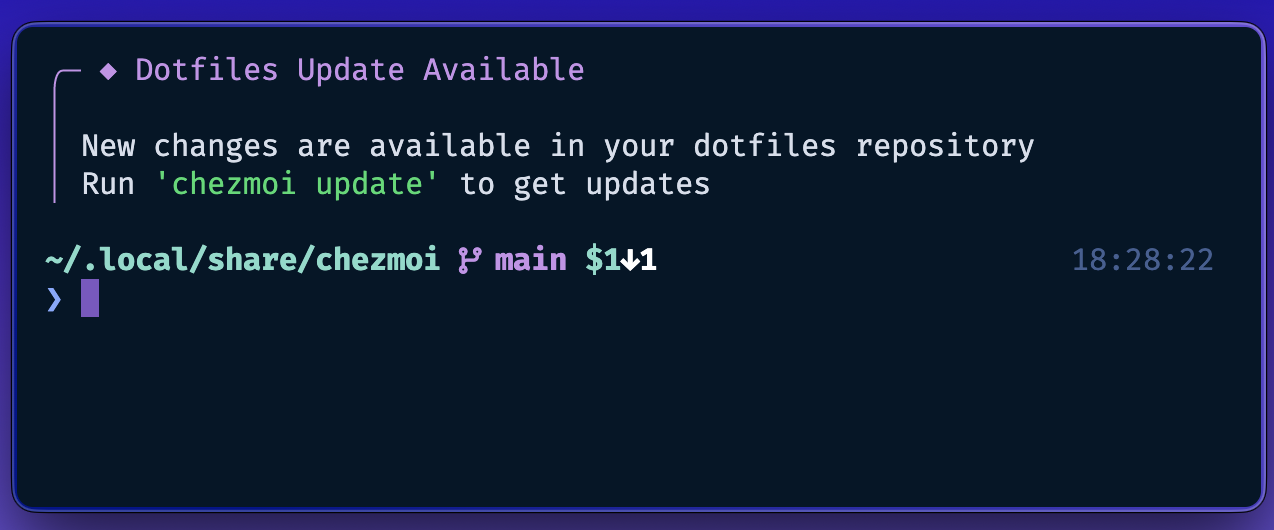
fisher), Tmux (tpm), Vim (vim-plug), and Yazi (ya pkg).🔔 Update Reminder: Notifies you when dotfiles updates are available upstream, with automatic background checks on each shell session.
📚 See CONFIGS.md for detailed documentation of each configuration.
🛠 Installation
To bootstrap a fresh system, simply run:
sh -c "$(curl -fsLS dots.dakenviy.tech)"
And answer the prompts to install the needed tools and configs for them.
🏗️ Want to build your own? Use the clean template to create your intelligent dotfiles system.
🚀 Usage
chezmoi init   # Initialize and configure
chezmoi apply  # Apply configurations
💡 Tip: Run
chezmoi diffbeforeapplyto preview changes. All operations are idempotent —applyis safe to run multiple times.
Reconfiguration: The setup remembers your choices and won't prompt again unless binaries or available tools change. To manually adjust your selection:
chezmoi init --prompt  # Re-run interactive setup
chezmoi apply          # Apply new choices
Syncing changes: Use standard git commands in the source directory (~/.local/share/chezmoi) to commit, push, and pull your changes.
📄 License
This project is licensed under the terms of the MIT license — see the LICENSE file for details.