
DSY-Xueai/image2editable
DSY-Xueai/image2editable has 63 GitHub stars and 5 forks. GitHot measured 0 stars in 24 hours and +2 in 7 days. Last checked 2026-11-15 06:55 UTC. Last push 2026-10-09.
Measured star growth
- in 24h
- 0
- in 7 days
- +2
- in 15 days
- Collecting history
- in 1 month
- Collecting history
Net star changes over overlapping periods, not daily totals. Missing measurements are left blank. Stars measure attention, not software quality.
About
A skill tool for Codex and Claude Code that converts images, PDFs, and image-based PPTX files into editable PowerPoint presentations.
Developer ToolsREADME_EN.md
Original



image2editable turns images, PDFs, and screenshot-based PowerPoint slides into PowerPoint files that can be edited again. It is designed for courseware screenshots, design mockups, report pages, and image-based slides, reducing the work of recreating a page from scratch.
After conversion, you can edit recovered text, move separated visual elements, and keep refining the page in PowerPoint. When processing a mixed PPTX, existing editable content is retained in the file.
Conversion examples
| Source | Editable result |
|---|---|
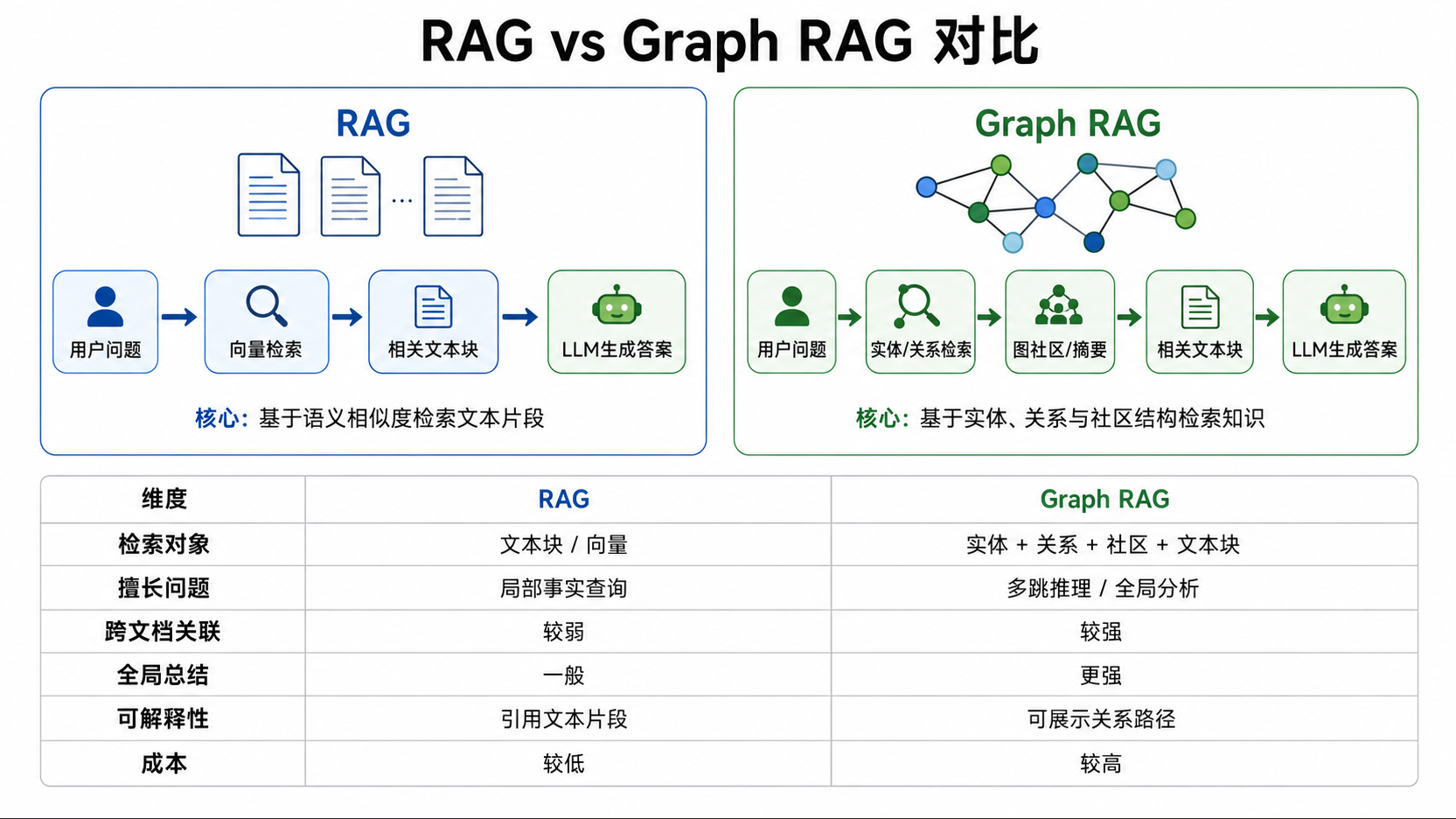 |
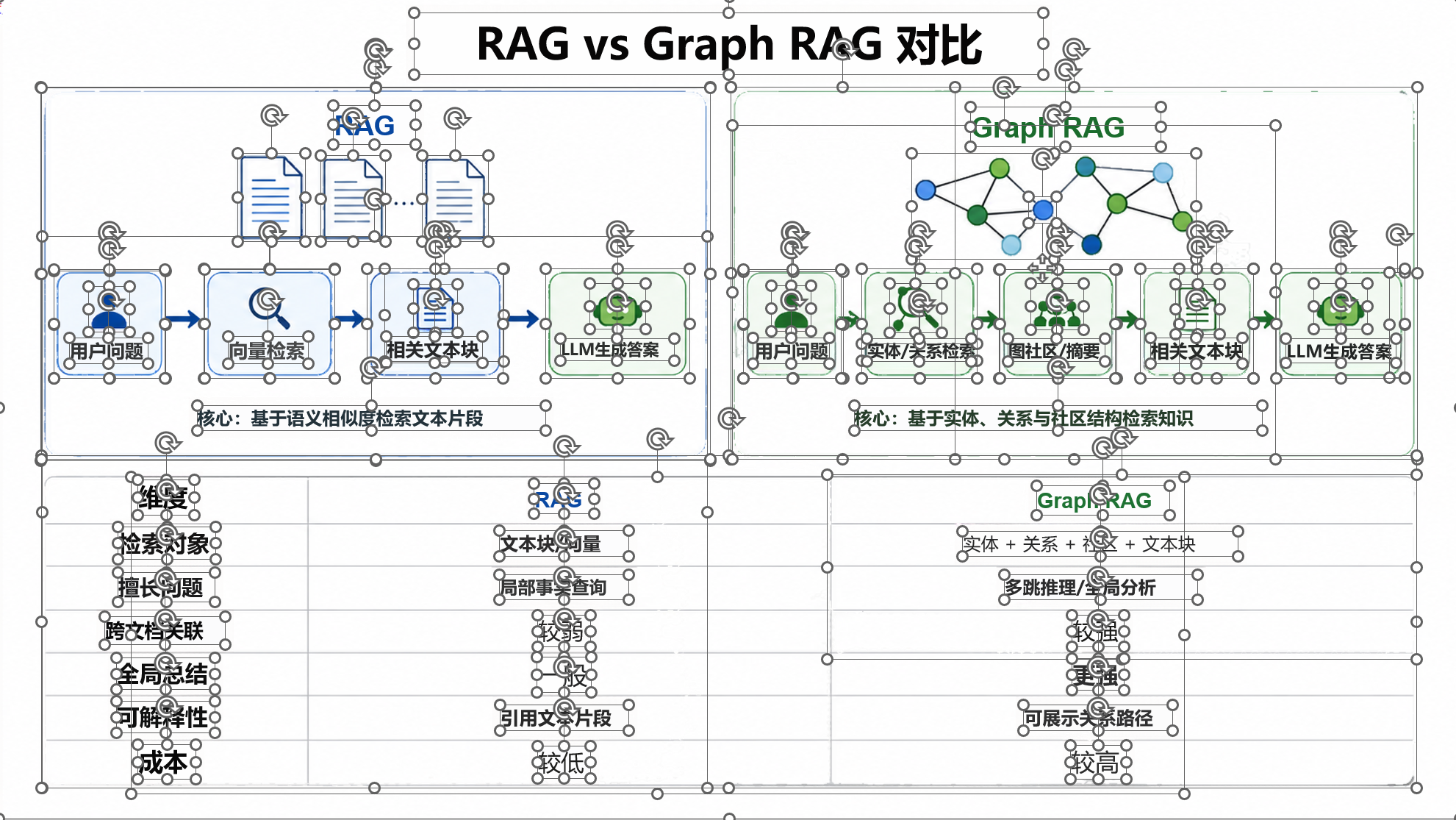 |
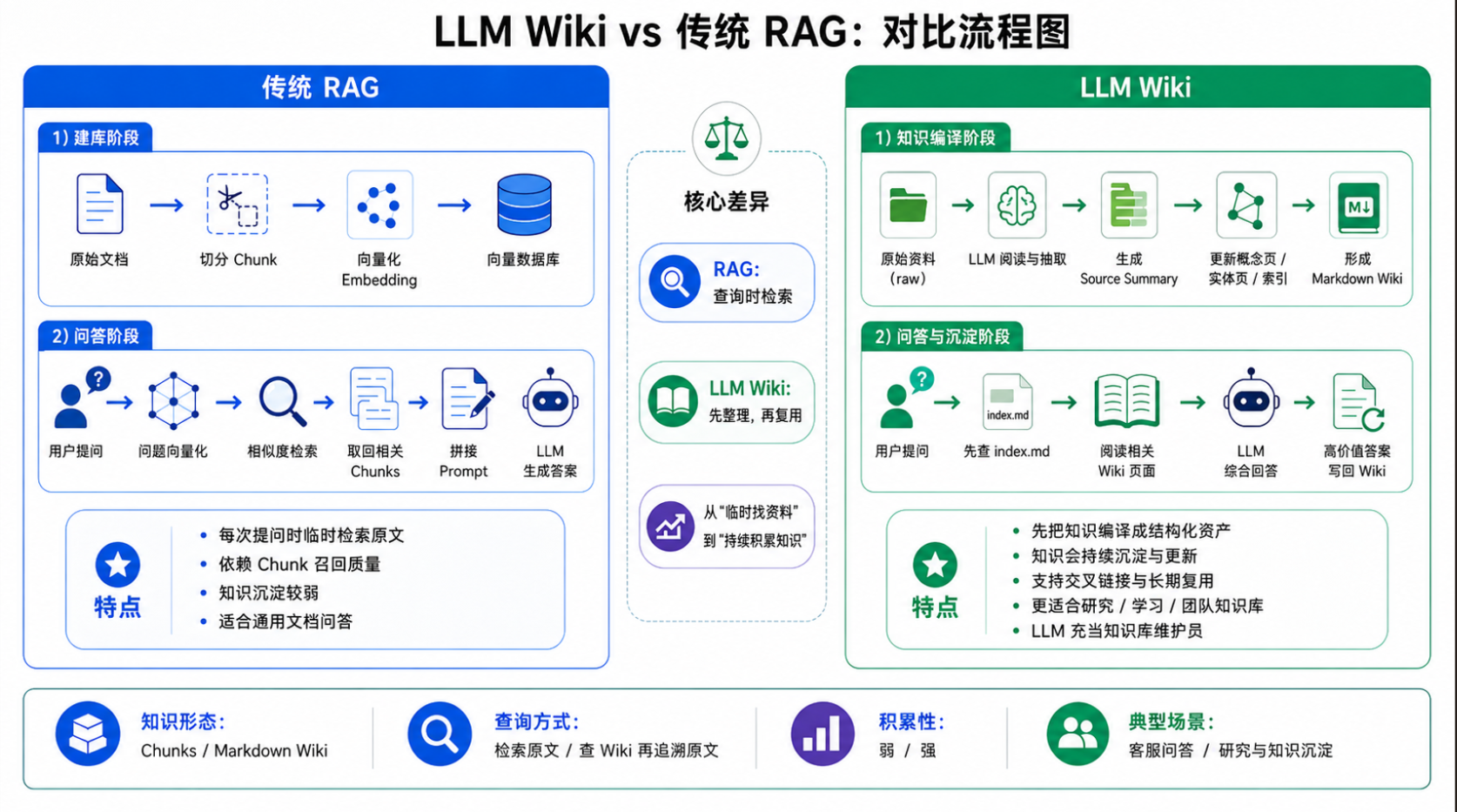 |
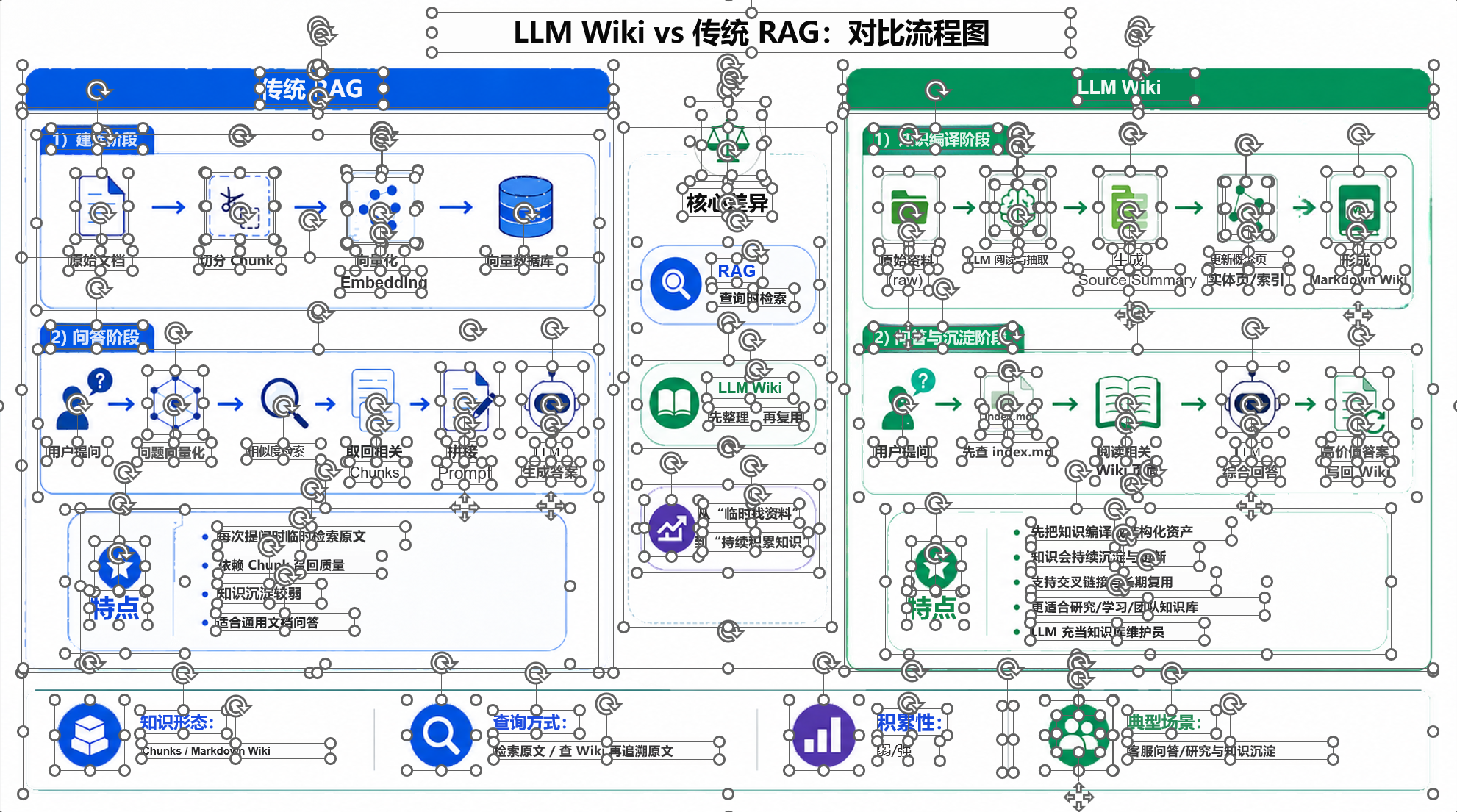 |
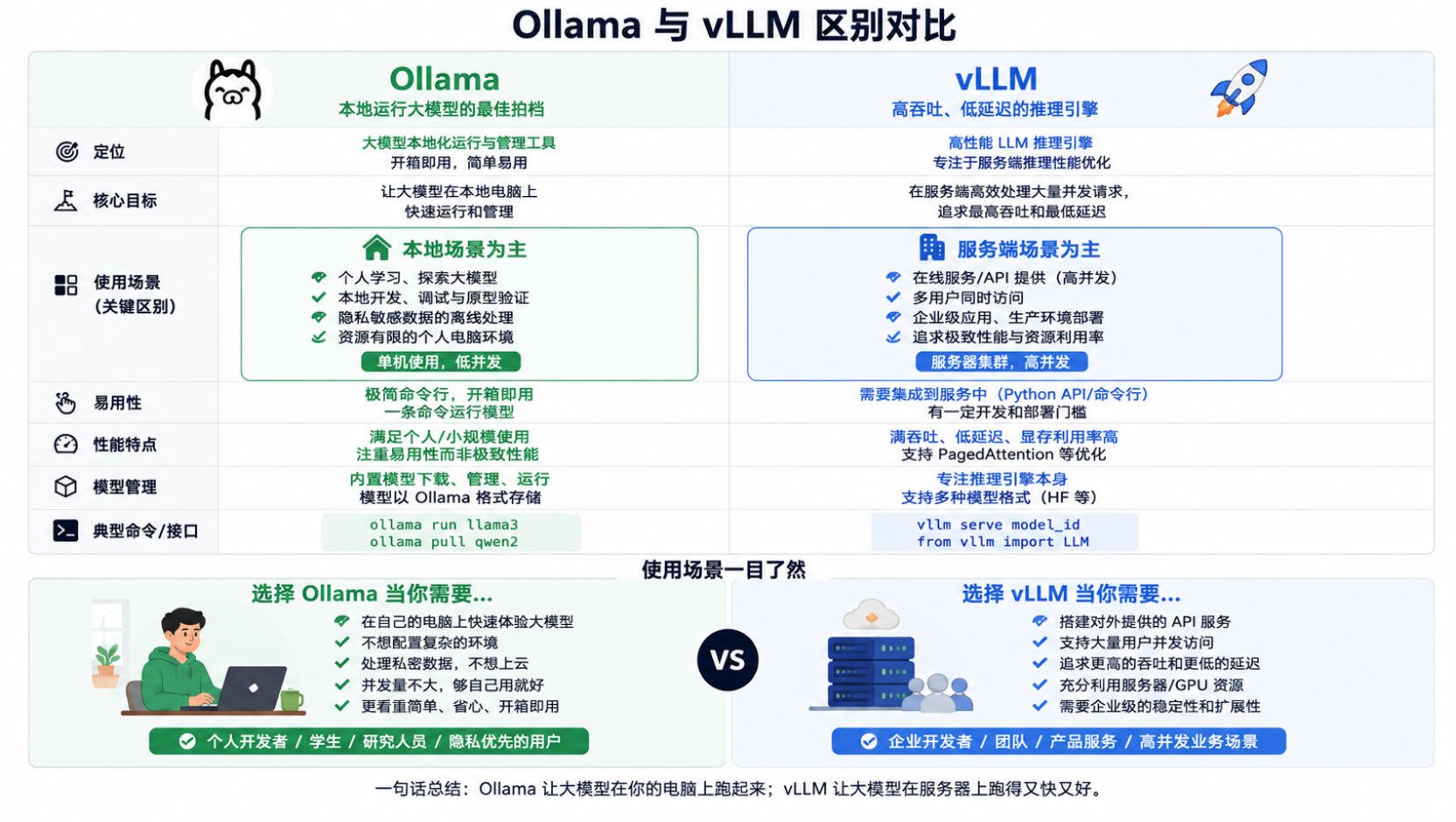 |
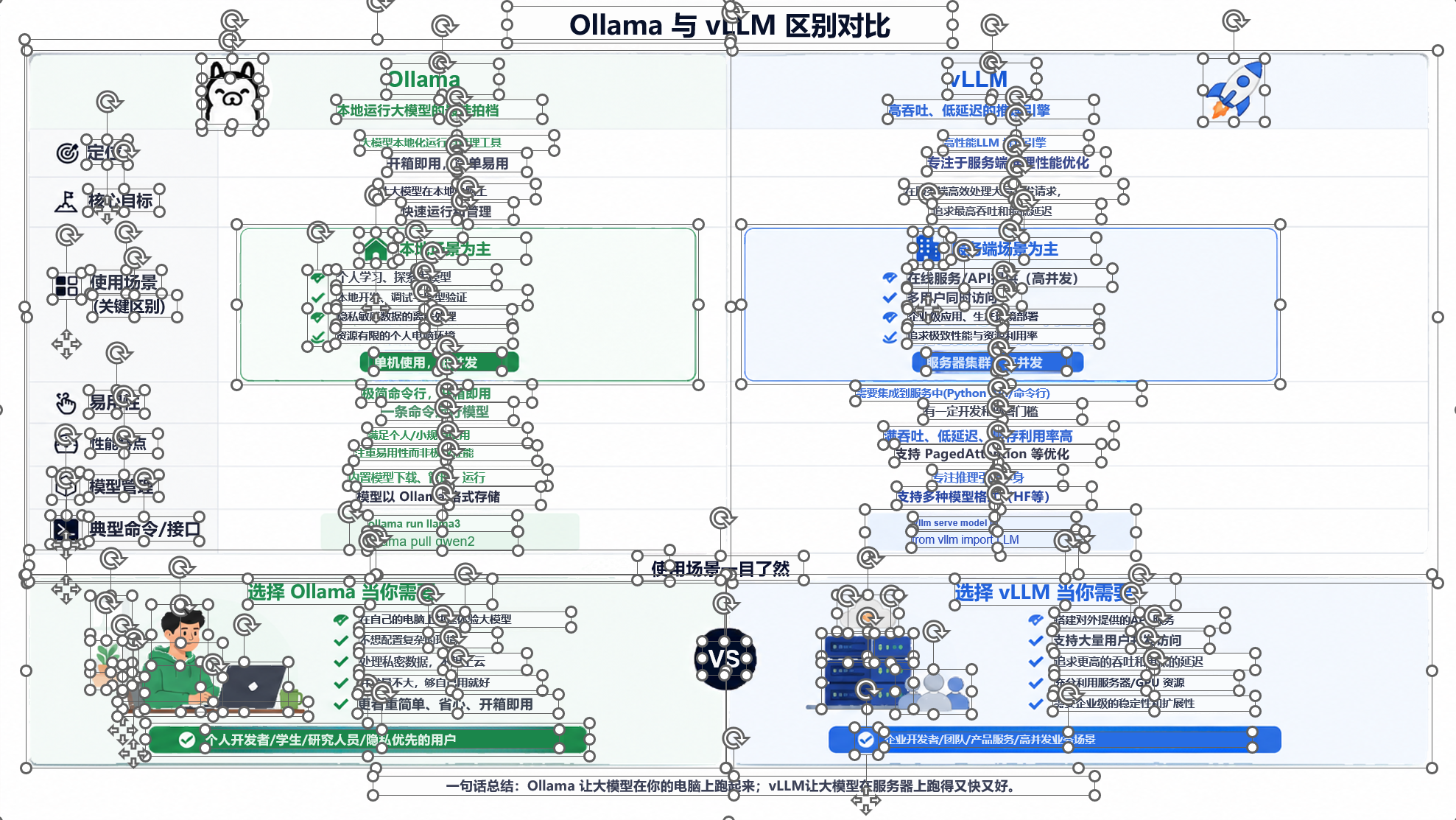 |
For the best visual result in a 16:9 PowerPoint deck, use a 16:9 input image when converting a single image.
Features
| Capability | What it does |
|---|---|
| Editable text | Recovers readable text as native PowerPoint text boxes whenever possible. |
| Movable visual elements | Separates independently processable visuals into transparent image components that can be moved or replaced. |
| Mixed PPTX preservation | Native text, shapes, tables, charts, notes, and z-order that are not rebuilt remain unchanged. |
| Multiple inputs | Supports images, image directories, PDFs, image-based PPTX files, and mixed PPTX files. |
| Batch conversion | Converts multiple images or document pages into a multi-slide PPTX in order. |
| Quality gates | Accepts up to five plan batches per component repair cycle and stops that path early when quality does not improve or plans repeat; only reconstructed results that pass the quality gates are marked complete as editable conversions. |
Before you start
- This is a tool for rebuilding existing pages into editable PowerPoint files. It does not create a new presentation from an article or outline.
- ⚠️ Complex visuals are usually kept as movable image components. There is no 100% guarantee that all their internal elements can be restored as native PowerPoint shapes.
Quick start
Let an Agent install it
Install the image-to-ppt Skill from https://github.com/DSY-Xueai/image2editable.
Install with the skills CLI
npx skills add DSY-Xueai/image2editable --skill image-to-ppt
After installation, describe the task in an Agent such as Codex or Claude Code that supports Skills, vision, local file access, and tool calls. Images, PDFs, and .pptx files can be pasted or attached in the chat, or provided as local paths:
# Codex
$image-to-ppt Convert input.pptx to an editable PPTX and preserve native objects that are not selected for reconstruction.
$image-to-ppt Convert input.png to an editable PPTX.
$image-to-ppt Convert <input.pdf> to an editable PPTX.

# Claude Code
/image-to-ppt Convert input.pptx to an editable PPTX and preserve native objects that are not selected for reconstruction.
/image-to-ppt Convert input.png to an editable PPTX.
/image-to-ppt Convert <input.pdf> to an editable PPTX.
Project layout
image2editable/
├── .claude-plugin/            # Claude Code plugin manifest
├── .github/                   # CI, collaboration templates, and security policy
├── benchmarks/                # Regression fixtures and release benchmarks
├── docs/                      # README image assets
├── image2editable/            # Unified CLI, runtime, and conversion modules
├── scripts/                   # Conversion, environment setup, and release tools
├── skills/                    # Image-to-PPT and image-to-PSD Skills
├── tests/                     # Automated tests
├── third_party/               # Third-party license materials
├── .gitattributes             # Git file handling rules
├── .gitignore
├── CHANGELOG.md               # Version history and source of release notes
├── CITATION.cff               # Citation information
├── image_to_ppt.py            # Legacy image-only pipeline; not the recommended entry point
├── image_to_psd.py            # Compatible image-to-PSD entry point
├── LICENSE                    # MIT license
├── pyproject.toml             # Python package, distribution dependencies, and CLI configuration
├── README.md                  # Chinese documentation
├── README_EN.md               # English documentation
├── requirements.txt           # Dependency list with a pinned SAM source revision
└── THIRD_PARTY_NOTICES.md     # Third-party dependency and license notices
Known limitations
- ⚠️ Review complex pages manually. Decorative text, dense tables, gradients, and complex illustrations may not be restored pixel for pixel. Check text, component positions, and layout before delivery.
- Clear text and regular backgrounds generally reconstruct more reliably. Decorative text, dense tables, gradients, and complex illustrations are not guaranteed to match pixel for pixel.
- 💳 Conversion consumes the selected Agent's model tokens and context allowance. Complex pages may require several diagnostic and repair rounds; actual usage depends on the Agent, model, and page complexity.
- ⏱️ Multi-page PDFs, complex pages, and high-resolution images take longer. Each page goes through OCR, visual separation, reconstruction, and quality checks, with up to five plan batches per component repair cycle, and waits for Agent visual decisions.
Supported inputs
| Input | Recommended route | Notes |
|---|---|---|
| Images or an image directory | Skill | PNG, JPG/JPEG, BMP, TIFF/TIF, and WebP are supported. Image directories include their direct image files only, excluding subfolders. |
| Skill | Pages are rendered and rebuilt into a multi-slide PPTX in order. | |
| Image-based or mixed PPTX | Skill | Processable image pages are selected for reconstruction; unmatched native objects stay unchanged. |
See THIRD_PARTY_NOTICES.md for third-party dependencies and licenses, and CITATION.cff for citation information.
License
MIT