
ChanMeng666/archlang
ChanMeng666/archlang has 35 GitHub stars and 6 forks. GitHot measured +1 stars in 24 hours. Last checked 2026-11-12 07:52 UTC. Last push 2026-11-11.
【Every star you give feeds a hungry developer's motivation! ⭐️】Floor plans as code. Your AI writes ArchLang; the compiler draws a precise, dimensioned plan (SVG, DXF, PDF) and tells it what's wrong. Open source, MIT.
Measured star growth
- in 24h
- +1
- in 7 days
- Update delayed
- in 15 days
- Update delayed
- in 1 month
- Update delayed
Net star changes over overlapping periods, not daily totals. Missing measurements are left blank. Stars measure attention, not software quality.
README.md
Original
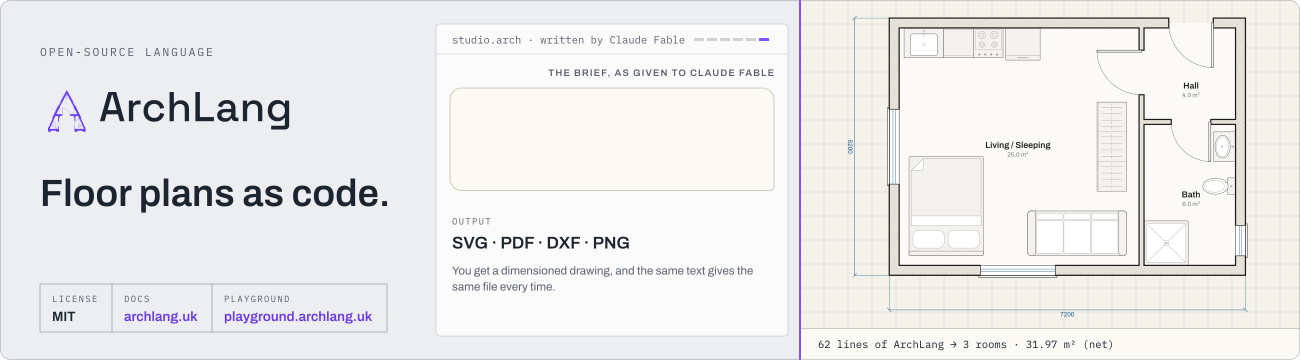
Floor plans as code.
ArchLang is an open-source (MIT) DSL for floor plans that compiles .arch source to SVG/DXF/PDF with linting and geometric validation — diffable, reproducible, and LLM-writable.




Try it
Just looking? Open the playground — no install.
Your coding agent: paste this prompt.
1. Run: npx -y skills add ChanMeng666/archlang --yes
2. Run: npx -y @chanmeng666/archlang spec   (read it before writing anything)
3. Write my floor plan as plan.arch from this brief: <describe rooms, areas, adjacencies>
4. Run: npx -y @chanmeng666/archlang compile plan.arch -o plan.svg --json
   then describe plan.arch --json, validate plan.arch --strict --json (same prefix); fix, recompile
5. Run: npx -y @chanmeng666/archlang finish plan.arch, then compile again to export.
Starting from a photo or PDF? Read https://archlang.uk/from-an-image. To change one room without moving the others, use `impact --lock` (https://archlang.uk/edit-one-room).
Or add the MCP server: claude mcp add --transport http archlang https://mcp.archlang.uk/mcp (locally, claude mcp add archlang -- npx -y @chanmeng666/archlang-mcp). The skills are listed on skills.sh.
- ChatGPT, no install: ArchLang app in ChatGPT, then ask, for example: "Draw a two-bedroom flat of about 75 m² as an ArchLang plan, and check it."
- claude.ai, no install: add
https://mcp.archlang.uk/mcpas a custom connector (the steps) - VS Code: Marketplace or Open VSX
- Playground, in the browser: https://playground.archlang.uk
What you get
Each drawing is compiled from a file in examples/. Click a plan to open its source in the playground, then change a number and watch it redraw; click a 3D preview to open it on the 3D view.
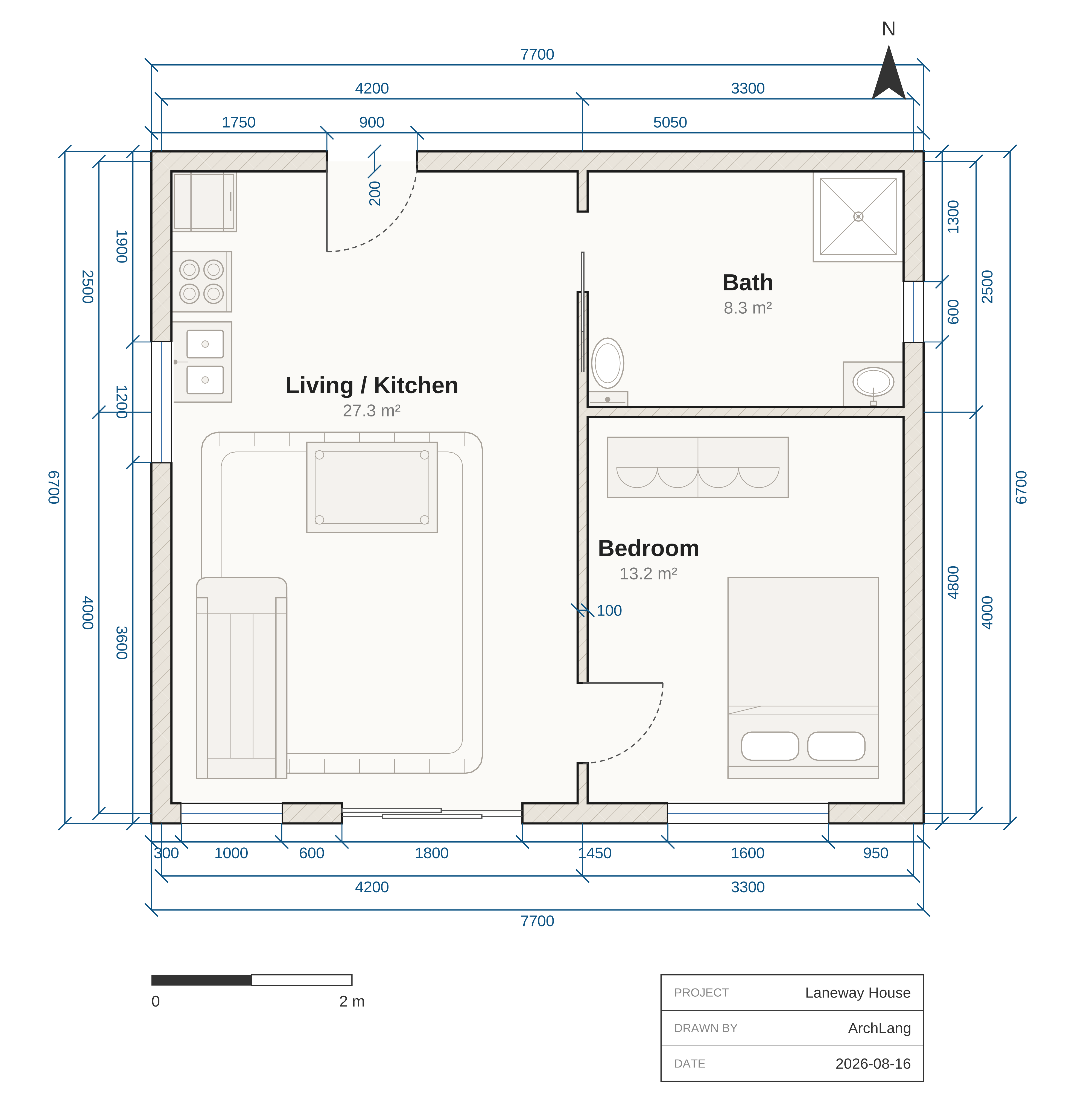 Laneway house |
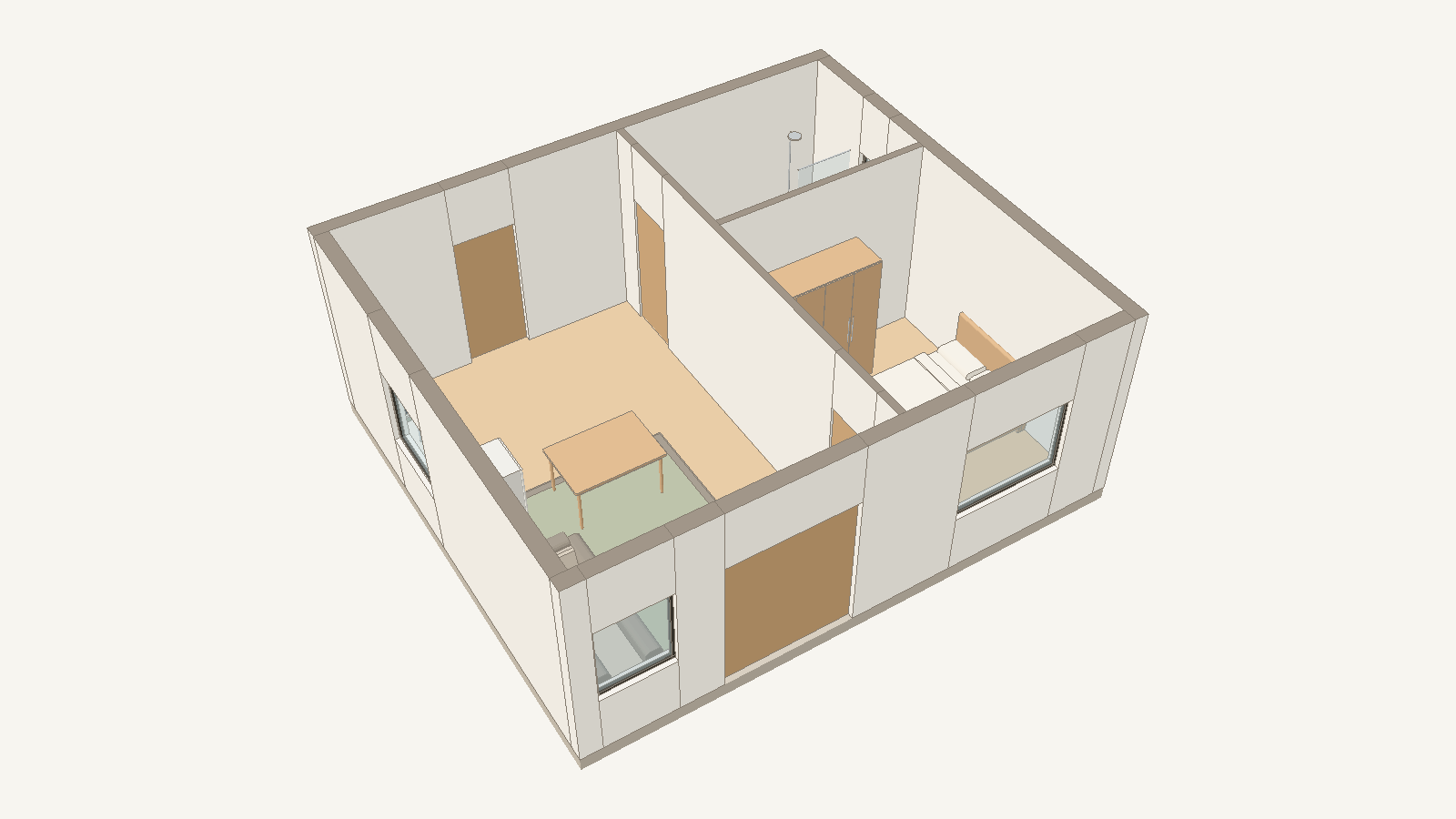 Laneway house, 3D preview |
 Studio flat |
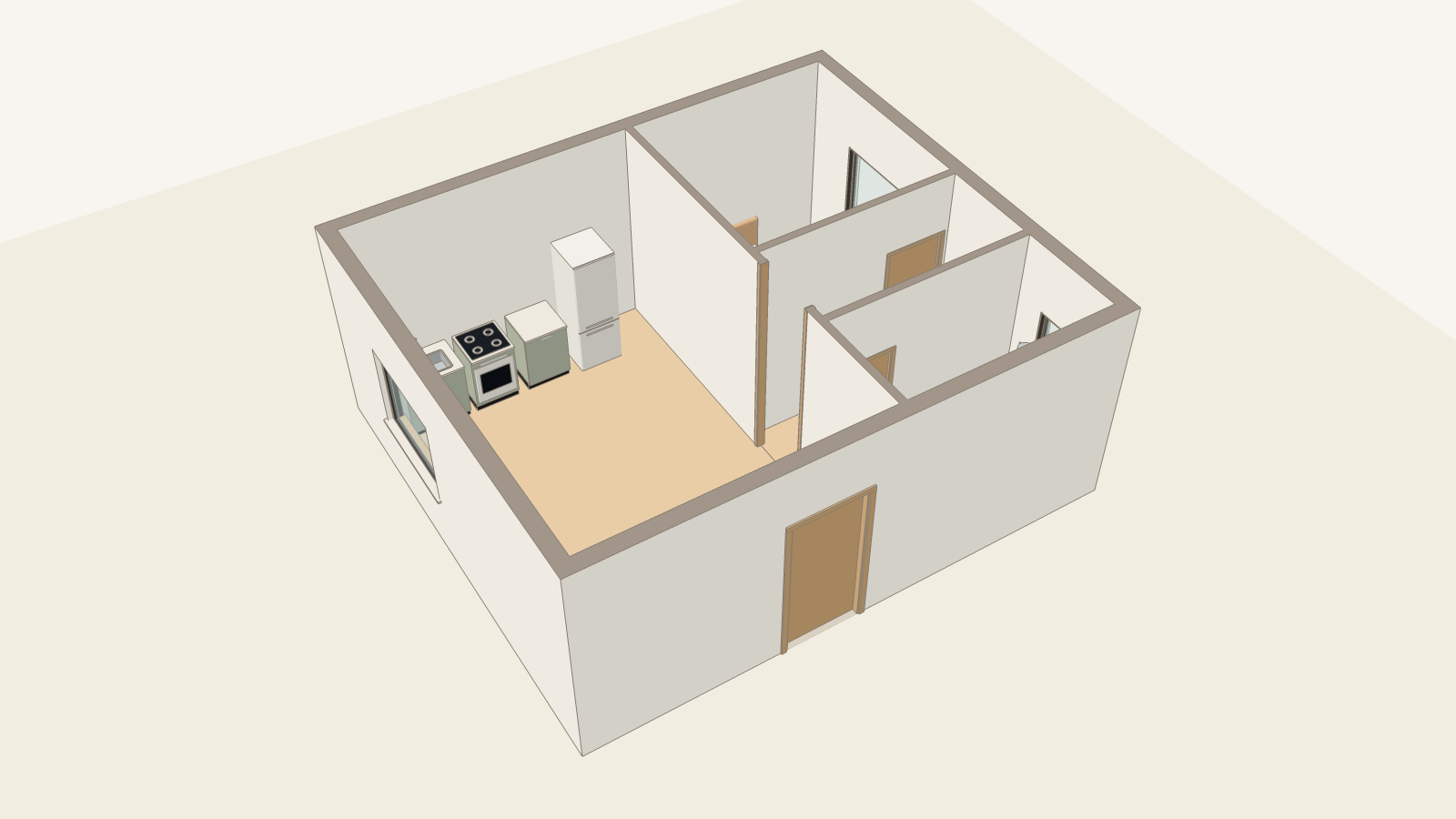 Studio flat, 3D preview |
Same source, plan and 3D preview. The 3D preview is extruded from the same .arch file by the separate archlang-3d package, and checked against the plan: every 3D element comes from the plan's elements, and every solid is closed. What the 3D preview shows → · Try it in 3D →
3D preview: walls, openings, floors, stairs and furniture in flat colours; no pitched roofs yet, and no sections, elevations or BIM.
More plans from examples/:
 Two-bedroom flat |
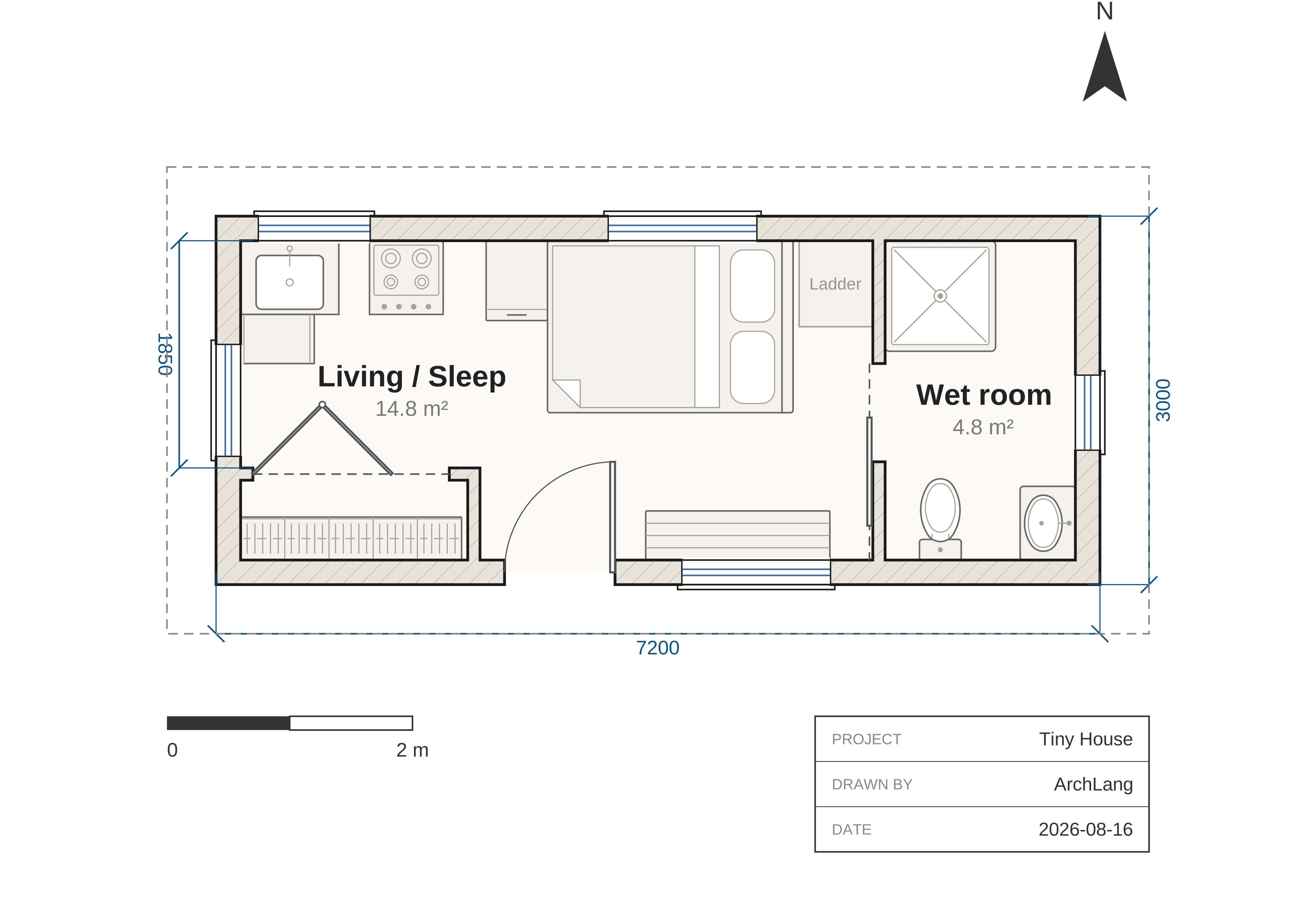 Tiny house |
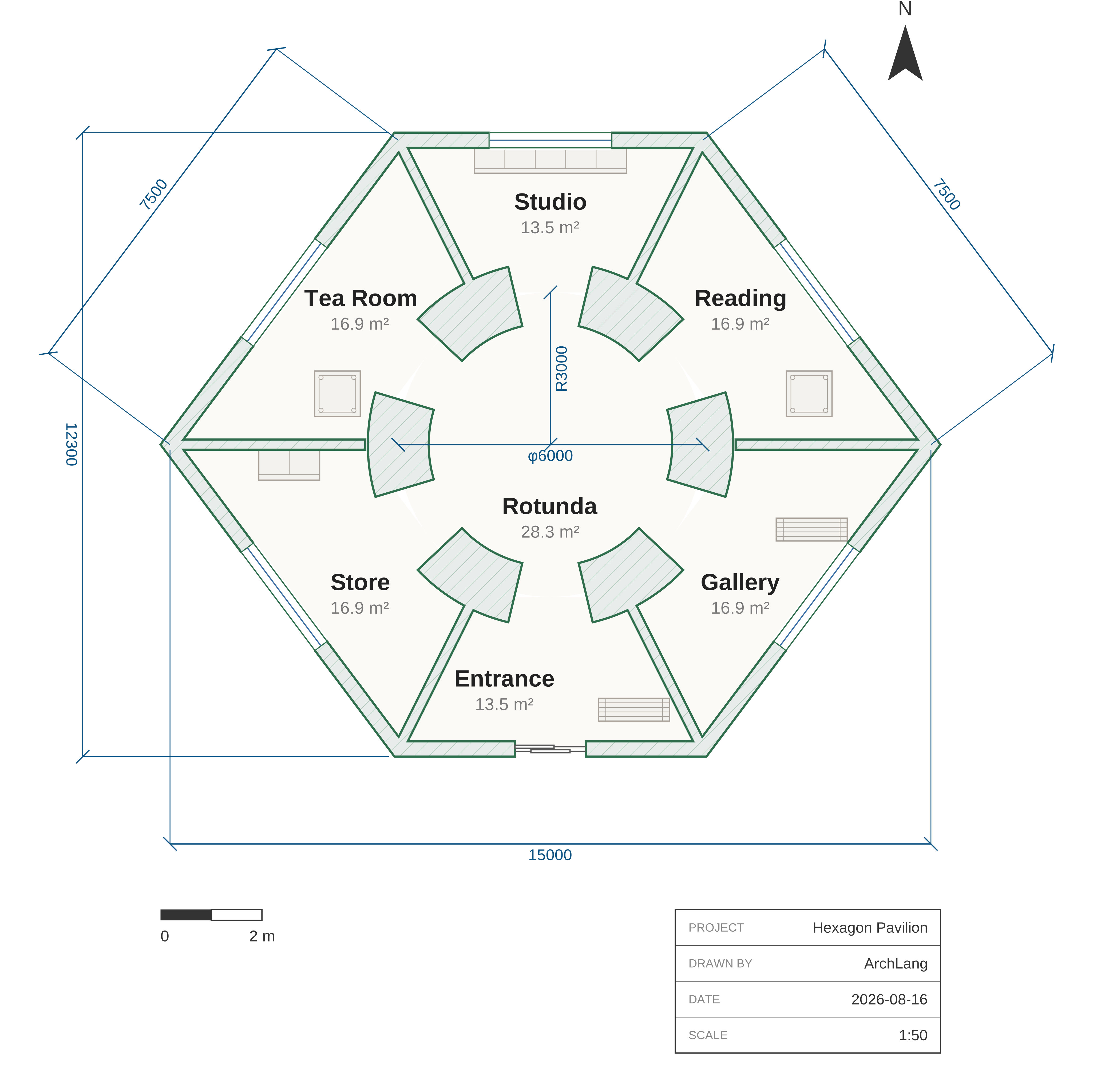 Hexagon pavilion |
Why text
- Exact. Areas and reachability are computed, not estimated; the same text gives the same drawing, byte for byte.
- Change one line, see what moved. Edit a number and just what depends on it moves;
impact --lockproves the rest didn't. - It checks itself. An unreachable room or an opening off its wall comes back as a message with a code and a fix your AI can apply; checks other than reachability and area are advisory. The checks → · Error codes →
What writing it as a language gives you. Rooms, walls, doors and windows have names, so the compiler can measure each room and check how the rooms connect; some mistakes come back as a message with a code that points at the exact place in the text, often with a fix (other checks are advisory); the same text gives the same bytes every time, and impact shows which parts of the drawing a change moved. More →
Limits: plan drawings in the core; no BIM or IFC, not permit drawings; it does not read images; clearances are advisory. The 3D preview's limits, as the line under the plan pairs above says: "3D preview: walls, openings, floors, stairs and furniture in flat colours; no pitched roofs yet, and no sections, elevations or BIM."
Starting from a photo? archlang.uk/from-an-image · Change one room? archlang.uk/edit-one-room
For your agent
This page is all a person needs. Everything else is written for agents: clone the repo and point yours at AGENTS.md, or give it the whole language in one call:
npx -y @chanmeng666/archlang context
MCP clients: archlang.uk/mcp · Agents: archlang.uk/agents · Full overview · Language reference
Local MCP server: Install in VS Code · Install in VS Code Insiders. Hosted MCP server: Install in VS Code · Install in VS Code Insiders. Install in Cursor: the links on archlang.uk/mcp.
https://github.com/user-attachments/assets/879a4b71-415e-4848-a4af-db9c879d6a71
Watch the full film on YouTube (3:16)
Release notes (installed: node_modules/@chanmeng666/archlang/CHANGELOG.md) · Contributing · MIT
ArchCanvas is a hosted app built on ArchLang. Maintained by Chan Meng, a single maintainer; written with AI coding agents and checked in CI. Governance.
Explore related projects
affaan-m/ECC
The agent harness performance optimization system. Skills, instincts, memory, security, and research-first development for Claude Code, Codex, Opencode, Cursor and beyond.
301,975 starsNousResearch/hermes-agent
The agent that grows with you
262,954 starsmultica-ai/andrej-karpathy-skills
A single CLAUDE.md file to improve Claude Code behavior, derived from Andrej Karpathy's observations on LLM coding pitfalls.
232,531 starsfirecrawl/firecrawl
Supercharge your AI agents with data from the web and beyond. Building the library for superintelligence. 🔥
200,932 stars