
CCY0122/FocusLayoutManager
CCY0122/FocusLayoutManager has 833 GitHub stars and 76 forks. GitHot measured 0 stars in 24 hours and 0 in 7 days. Last checked 2026-11-21 13:03 UTC. Last push 2023-03-02.
Measured star growth
- in 24h
- 0
- in 7 days
- 0
- in 15 days
- Collecting history
- in 1 month
- Collecting history
Net star changes over overlapping periods, not daily totals. Missing measurements are left blank. Stars measure attention, not software quality.
About
有焦点item的水平/垂直滚动RecyclerView-LayoutManager。仿Android豆瓣书影音“推荐“频道列表布局
Developer ToolsREADME.md
Original 
FocusLayoutManager
有焦点item的水平/垂直滚动RecyclerView-LayoutManager。仿Android豆瓣书影音“推荐“频道列表布局
效果
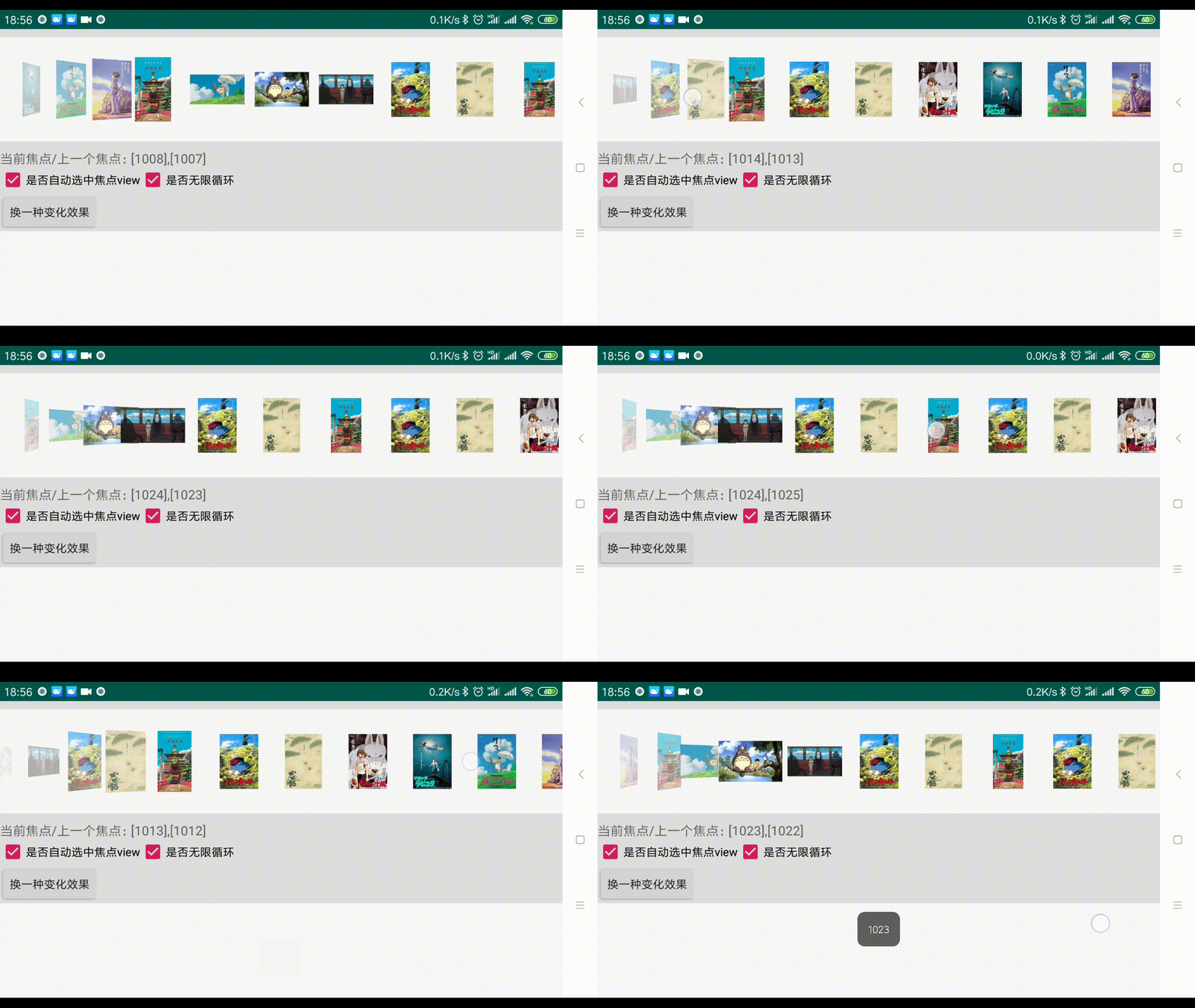
截图:


GIF:


可自己监听滚动编写效果,如修改成仿MacOS文件浏览:
依赖
implementation 'com.ccy:FocusLayoutManager:1.0.2'
// (or api)
使用
 focusLayoutManager =
                new FocusLayoutManager.Builder()
                        .layerPadding(dp2px(this, 14))
                        .normalViewGap(dp2px(this, 14))
                        .focusOrientation(FocusLayoutManager.FOCUS_LEFT)
                        .isAutoSelect(true)
                        .maxLayerCount(3)
                        .setOnFocusChangeListener(new FocusLayoutManager.OnFocusChangeListener() {
                            @Override
                            public void onFocusChanged(int focusdPosition, int lastFocusdPosition) {

                            }
                        })
                        .build();
recyclerView.setLayoutManager(focusLayoutManager);
各属性意义见图:

注意:因为item在不同区域随着滑动会有不同的缩放(受动画控制),所以实际视觉上堆叠view的间距、普通view的间距未必等于layerPadding、normalViewGap
调整动画效果:
                new FocusLayoutManager.Builder()
                        ......
                        .setSimpleTrasitionListener(new FocusLayoutManager.SimpleTrasitionListener() {
                             @Override
                            public float getLayerViewMaxAlpha(int maxLayerCount) {
                                return super.getLayerViewMaxAlpha(maxLayerCount);
                            }

                            @Override
                            public float getLayerViewMinAlpha(int maxLayerCount) {
                                return super.getLayerViewMinAlpha(maxLayerCount);
                            }

                            @Override
                            public float getLayerChangeRangePercent() {
                                return super.getLayerChangeRangePercent();
                            }
                            //and more

                            //更多可重写方法和释义见接口声明
                        })
                        .build();
自定义动画/滚动监听:
如果你想在滑动时不仅仅改变item的大小、透明度,你有更多的想法,可以监听TrasitionListener,该监听暴露了很多关键布局数据,
            ......
            .setSimpleTrasitionListener(null) //如果默认动画不想要,移除之。or use removeTrasitionlistener(XXX)
            .addTrasitionListener(new FocusLayoutManager.TrasitionListener() {
                            @Override
                            public void handleLayerView(FocusLayoutManager focusLayoutManager,
                                                        View view, int viewLayer,
                                                        int maxLayerCount, int position,
                                                        float fraction, float offset) {

                            }

                            @Override
                            public void handleFocusingView(FocusLayoutManager focusLayoutManager,
                                                           View view, int position,
                                                           float fraction, float offset) {

                            }

                            @Override
                            public void handleNormalView(FocusLayoutManager focusLayoutManager, View view, int position, float fraction, float offset) {

                            }
                        })
各参数意义见接口注释。
实际上SimpleTrasitionListener内部就会被转为TrasitionListener。可参考转换类是怎么做的:TrasitionListenerConvert