
Bonkahe/SunshineClouds2
Bonkahe/SunshineClouds2 has 635 GitHub stars and 26 forks. GitHot measured 0 stars in 24 hours. Last checked 2026-11-15 15:24 UTC. Last push 2026-09-27.
What you can do
- Fully volumetric clouds, extendable as far from the camera as you want with the correct settings
- Easy Setup (besides getting the addon installed it comes down to like 3 clicks)
- Performant (I use resolution options with upscaling and depth handling, allow for soft clouds at low resolution you can still fly through)
- Soft visuals, or cartoony, styling options allows for a wide range of options
Measured star growth
- in 24h
- 0
- in 7 days
- Update delayed
- in 15 days
- Update delayed
- in 1 month
- Update delayed
Net star changes over overlapping periods, not daily totals. Missing measurements are left blank. Stars measure attention, not software quality.
About
A procedural cloud system for Godot 4.4+
Developer ToolsREADME.md
Original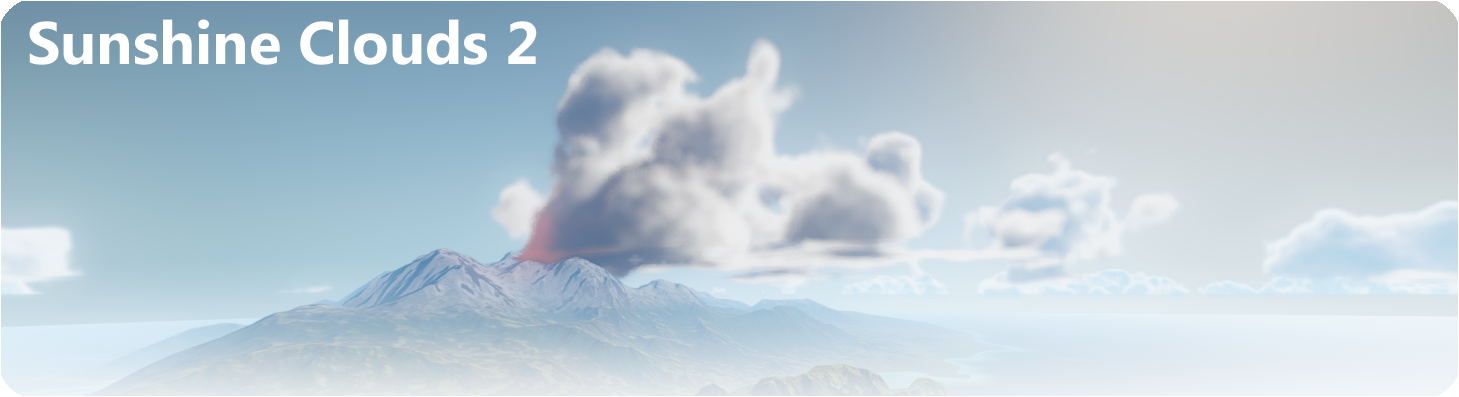
SunshineClouds
Videos:
Beginner tutorial: https://www.youtube.com/watch?v=aEDDkGIfwDY
30 Minute DeepDive: https://www.youtube.com/watch?v=hqhWR0CxZHA
Updates:
2.2->2.7: Too many improvements to list, but a couple that I could remmember was MSAA support, Godot fog compatability slider, view distance discarding allowing far clipping on cameras to be shorter without impacting cloud rendering, lots of performance increases within the compute shader itself, minor overhaul of said compute shader. (MSAA support and the overhaul to support it was done by the community member Lanata, thank you so much for the work you did!)
2.2: Lots of bug fixes, implemented more sampling functionality, as well as implementing support for Apple (Metal) and better AMD support, also improved performance and implemented automatic handling of version changes.
2.1: Mostly bug fixes following asset release on the asset library
2.0: Rebuilt from the ground up to use the compositor system, improving performance and visuals.
Features
- Fully volumetric clouds, extendable as far from the camera as you want with the correct settings
- Easy Setup (besides getting the addon installed it comes down to like 3 clicks)
- Performant (I use resolution options with upscaling and depth handling, allow for soft clouds at low resolution you can still fly through)
- Soft visuals, or cartoony, styling options allows for a wide range of options
- Entirely procedural, or paint in clouds using the editor tools, able to paint in density as well as color to tint clouds differently depending on region
Installation
- Download either here or in the asset library by searching for "Sunshine Clouds 2"
- Activate Plugin (Project->Project Settings->Plugins->SunshineClouds2)
- Add a SunshineCloudsDriverGD node to your scene
- Ensure your scene has a World Environment present in it
- Press "Generate Clouds Resource" button in the driver
- Add a directional light to the "Tracked Directional Lights" array on the driver
- Have fun!
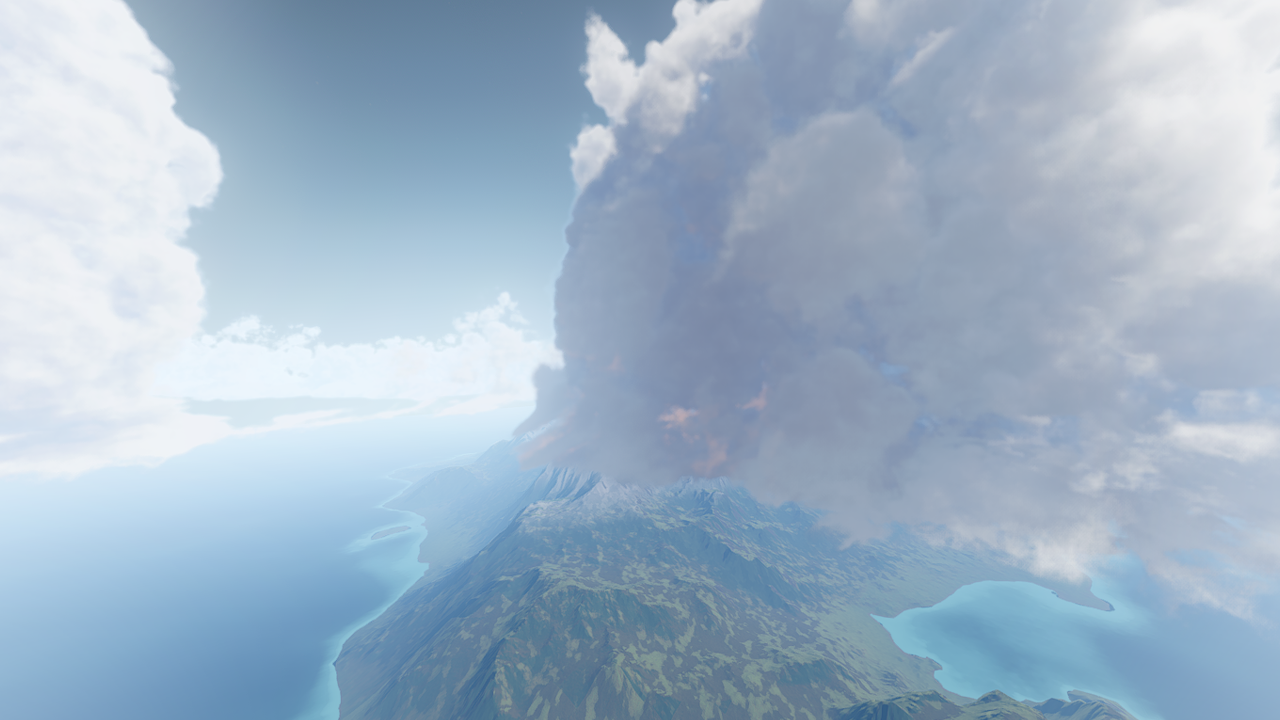
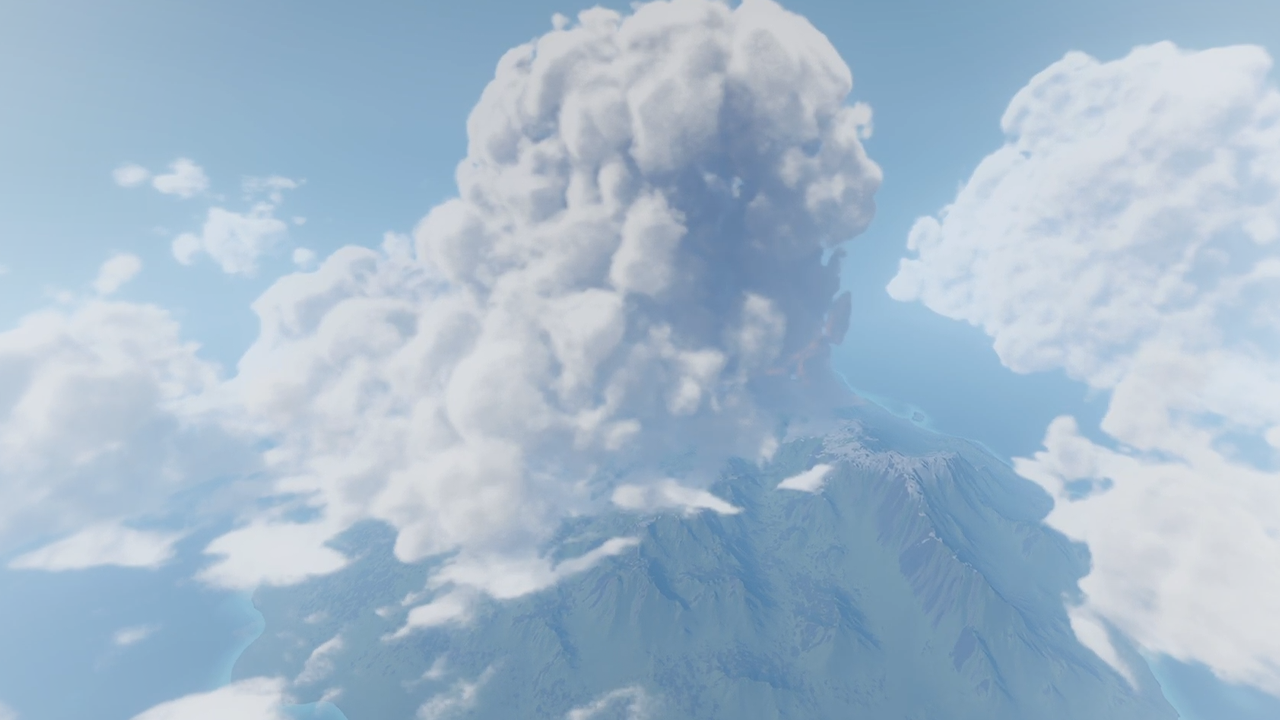
Eye candy
(Terrain not included, that comes later xD )
Contribution
Feel free to make pr's or issues here, I will fix them as able, I will love to see whatever you all come up with! For questions feel free to hit me up on discord: https://discord.com/invite/zGMPmPJ2Y8 Thank you so much to all the wonderful people who support me.
Current outstanding issues
- Need to implement screen space shadows
- When shadow cookies are available (A pr is currently live with someone working on this in the Godot repo, I will pursue this whenever they get it merged)
License
This plugin has been released under the MIT License.