
BohdanOrlov/BouncyPageViewController
BohdanOrlov/BouncyPageViewController has 834 GitHub stars and 48 forks. GitHot measured 0 stars in 24 hours and 0 in 7 days. Last checked 2026-11-22 23:26 UTC. Last push 2018-07-30.
Measured star growth
- in 24h
- 0
- in 7 days
- 0
- in 15 days
- Collecting history
- in 1 month
- Collecting history
Net star changes over overlapping periods, not daily totals. Missing measurements are left blank. Stars measure attention, not software quality.
About
Page view controller with bounce effect
Developer ToolsREADME.md
OriginalBouncyPageViewController


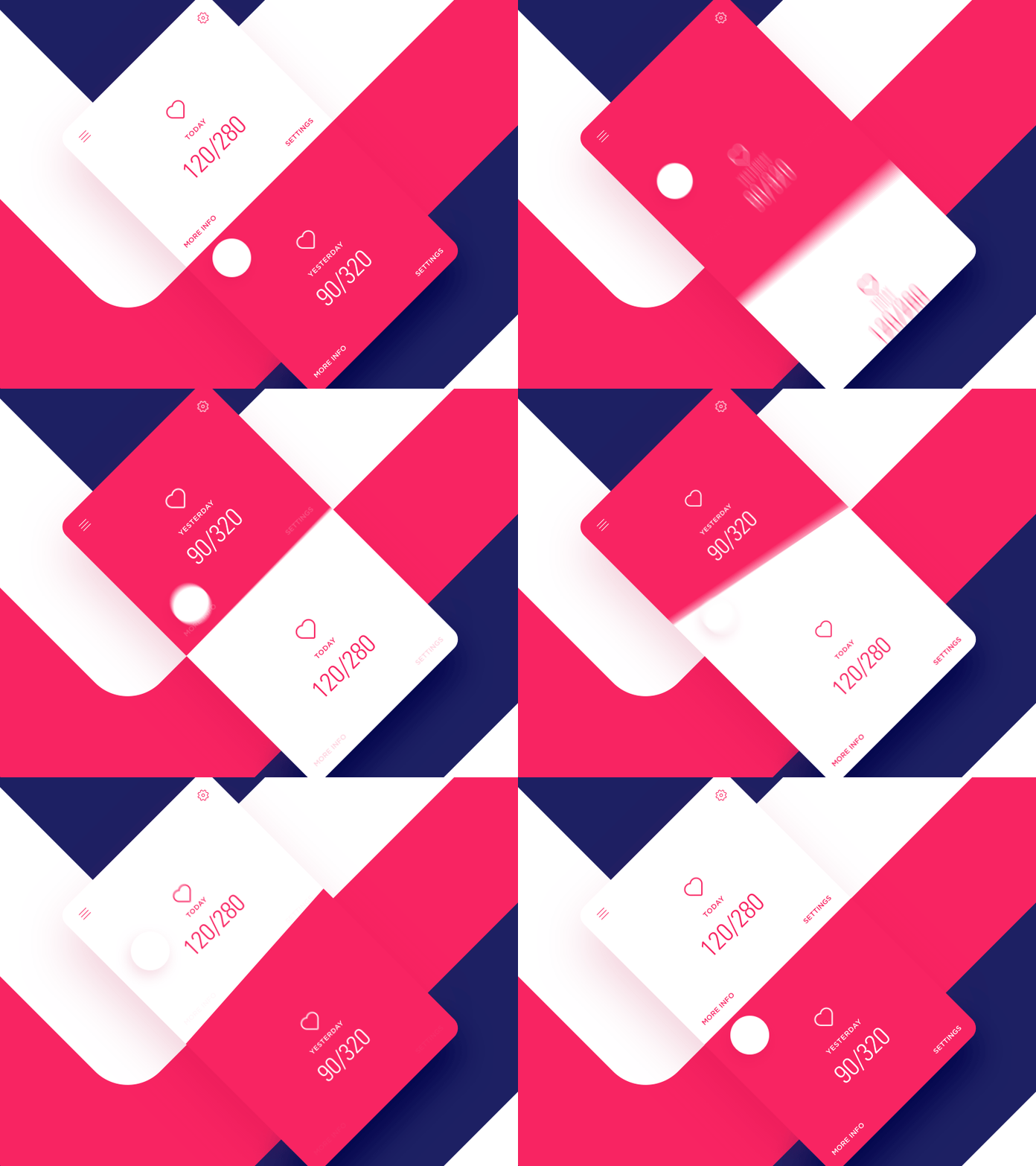
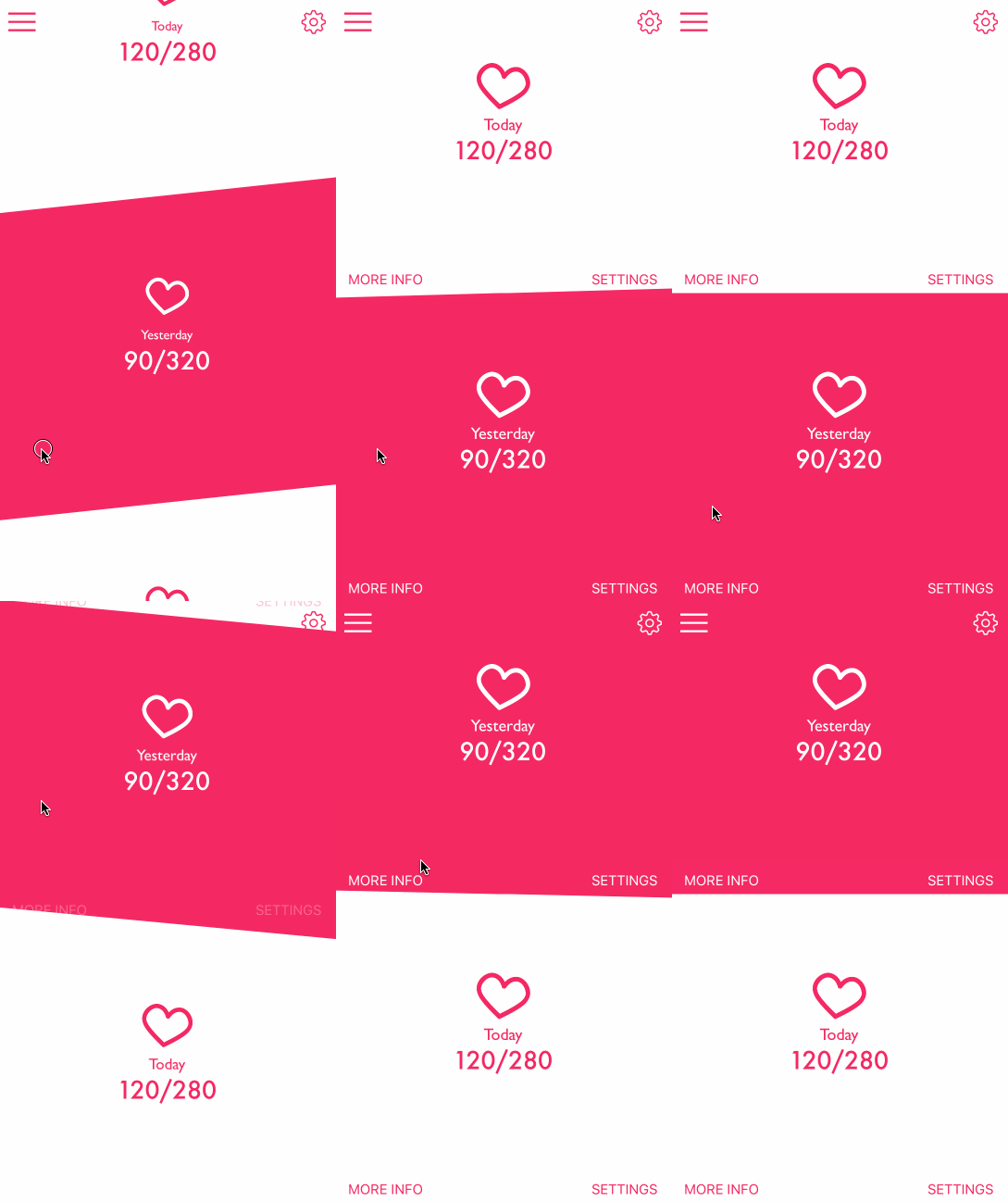
Page view controller with bounce effect inspired by motion design by Stan Yakushevish.
 |
 |
|---|
Quickstart
Create a queue of UIViewControllers to display
let pagesQueue: [UIViewController]() = ... // your view controllers here
Create a BouncyPageViewController passing initial view controllers
let pageViewController = BouncyPageViewController(initialViewControllers: Array(pagesQueue[0...1]))
Assign closures for providing next/pevious view controllers
pageViewController.viewControllerAfterViewController = self.viewControllerAfterViewController
pageViewController.viewControllerBeforeViewController = self.viewControllerBeforeViewController
Vend the next ViewController from the queue
func viewControllerAfterViewController(prevVC: UIViewController) -> UIViewController? {
    if let idx = self.pagesQueue.index(of: prevVC), idx + 1 < self.pagesQueue.count {
        return self.pagesQueue[idx + 1]
    }
    return nil
}
Assign a didScroll callback closure
pageViewController.didScroll = self.pageViewControllerDidScroll
Update the UI using the offset and progress
func pageViewControllerDidScroll(pageViewController: BouncyPageViewController, offset: CGFloat, progress: CGFloat) {
    for vc in pageViewController.visibleControllers() {
        let vc = (vc as! ViewController)
        vc.progress = progress

    }
}
Configuration
How much pages overlap eachother, more inset - higher bounce
public var pageContentInset: CGFloat = 30
How long the bounce animates when you release the page
public var pageBounceAnimationDuration: TimeInterval = 1
How far you can scroll the last page until it snaps back (half of the page by default)
public var overscrollBounceMultiplier: CGFloat = 0.5
Example
To run the example project, clone the repo
$ pod install
and run as usual.
Installation
Requirements
iOS 9+
Swift 3
Carthage
To use latest release add this to Cartfile:
git "https://github.com/BohdanOrlov/BouncyPageViewController"
Then run in terminal:
$ carthage update
CocoaPods
BouncyPageViewController is available through CocoaPods. To install it, simply add the following line to your Podfile:
pod "BouncyPageViewController"
Due to Swift 3, you have to add this to the end of Podfile:
post_install do |installer|
    installer.pods_project.targets.each do |target|
        target.build_configurations.each do |config|
            config.build_settings['SWIFT_VERSION'] = '3.0'
        end
    end
end
Author
Bohdan Orlov, [email protected]
License
BouncyPageViewController is available under the MIT license. See the LICENSE file for more info.
Explore related projects
Loading…