
Ayyouboss0011/SherlockMaps
Ayyouboss0011/SherlockMaps has 96 GitHub stars and 12 forks. GitHot measured 0 stars in 24 hours. Last checked 2026-11-16 20:08 UTC. Last push 2026-11-14.
What you can do
- Search Google Maps with any query
- Company name, category, address, phone, website, rating, review count, Plus Code, opening hours and attributes
- Optional review extraction
- Deduplication and website URL validation
Measured star growth
- in 24h
- 0
- in 7 days
- Update delayed
- in 15 days
- Update delayed
- in 1 month
- Update delayed
Net star changes over overlapping periods, not daily totals. Missing measurements are left blank. Stars measure attention, not software quality.
About
Powerful Google Maps Crawler / Scraper tool with REST API, Docker support & multi-format export
Developer ToolsREADME.md
Original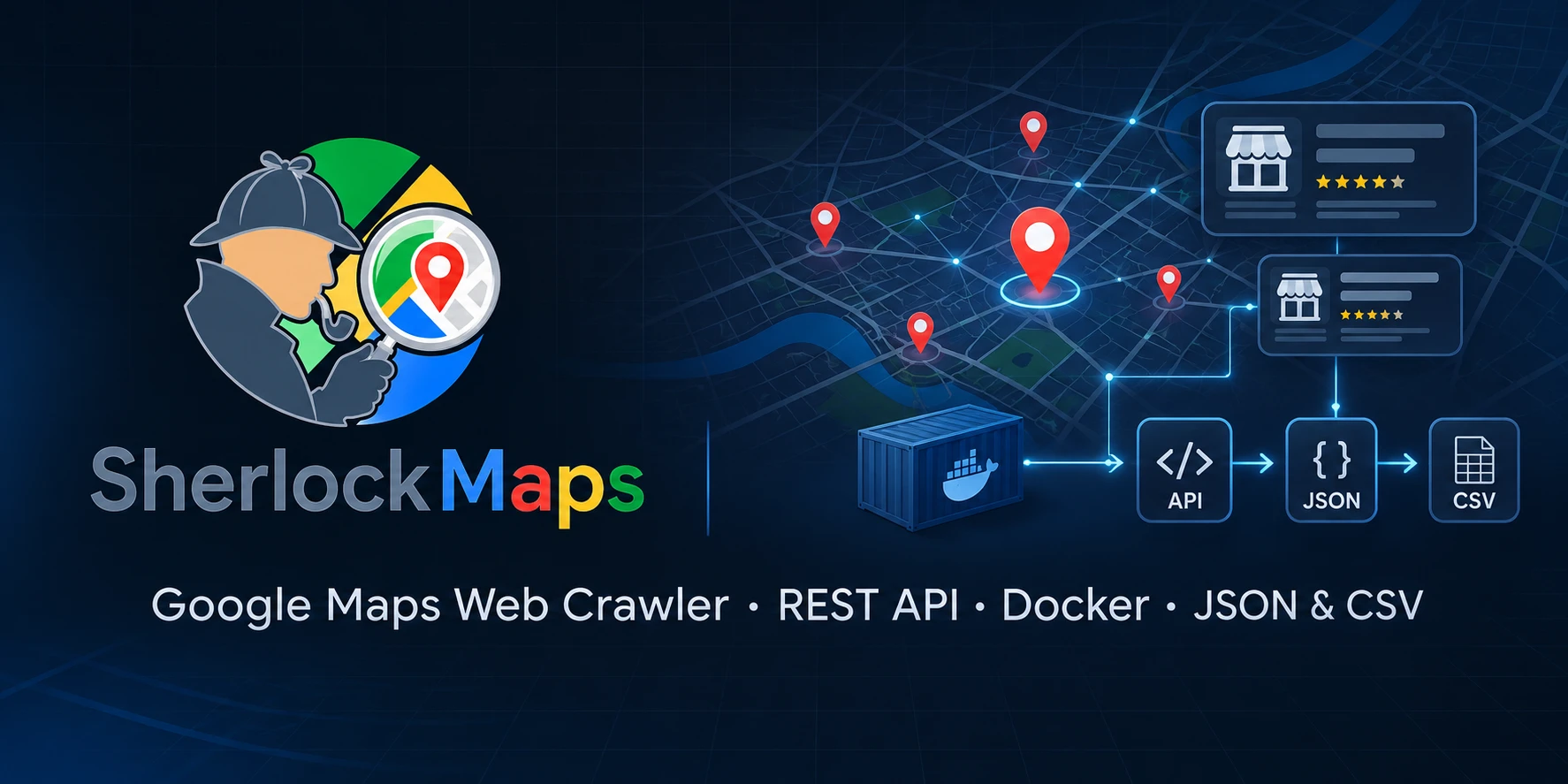
Sherlock Maps
Turn Google Maps searches into clean, enriched lead lists — self-hosted and open source.




Sherlock Maps is a self-hosted Google Maps crawler and lead-generation suite. It extracts business names, categories, addresses, phone numbers, websites, ratings, reviews, opening hours and attributes — then enriches companies with email addresses from their websites.
Use the Next.js dashboard to start crawls, inspect results, export CSV/JSON and run email campaigns. Use the REST API or Python library when you want to build your own workflow.
Why Sherlock Maps?
- Self-hosted and open source — your data stays on your infrastructure.
- No per-result fees — no paid scraper API and no credit-based pricing.
- Full lead pipeline — Google Maps → company data → email enrichment → export or outreach.
- Developer-friendly — REST API, Python library, Docker Compose and a typed Next.js UI.
- Reproducible browser setup — bundled cookie-consent extension plus optional local Chrome profile.
Features
Crawling
- Search Google Maps with any query
- Company name, category, address, phone, website, rating, review count, Plus Code, opening hours and attributes
- Optional review extraction
- Deduplication and website URL validation
- Configurable result limits and scroll behavior
Lead enrichment
- Crawl company websites for email addresses
- Follow contact, imprint and about pages
- Deduplicate emails and keep source metadata
- Auto-trigger email enrichment after a map crawl
Dashboard
- Live crawler status and KPIs
- Job history with expandable company results
- Search, inspect and export leads
- SMTP settings, email templates and campaign history
- Do-not-contact blacklist with CSV/XLSX import
Deployment
- One-command Docker Compose stack
- Persistent jobs, results, SMTP data and Chrome profile
- REST API with Swagger UI
- JSON, CSV, pretty-printed and file output
- Local Python + Next.js development workflow
Quick start
Docker Compose (recommended)
git clone https://github.com/Ayyouboss0011/SherlockMaps.git
cd SherlockMaps
cp .env.example .env
docker compose up -d --build
Open:
- Dashboard: http://localhost:3008
- API: http://localhost:6970
- Swagger UI: http://localhost:6970/docs
Start a crawl from the dashboard or with the API:
curl -X POST http://localhost:6970/crawl \
  -H "Content-Type: application/json" \
  -d '{
    "prompt": "restaurants berlin",
    "auto_email_crawl": true,
    "max_results": 50
  }'
Check progress and export results:
curl http://localhost:6970/status
curl "http://localhost:6970/results?format=csv" -o leads.csv
The first build downloads Playwright and Chromium, so it can take a few minutes.
The default ports can be changed in .env. See the
quick start guide for local development and more commands.
Screenshots


Dashboard and enriched company results.


Campaign composer and SMTP/template settings.
Screenshots use fictional demo data. No real leads, email addresses or SMTP credentials are shown.
How it works
flowchart LR
    A[Google Maps] --> B[Playwright crawler]
    B --> C[Company extractor]
    C --> D[Deduplication + URL validation]
    D --> E[Company results]
    E --> F[Email enrichment]
    E --> G[CSV / JSON export]
    F --> H[REST API + job store]
    H --> I[Next.js dashboard]
    F --> J[Email campaigns]
- Search — navigate to Google Maps with your search term.
- Scroll and extract — load result cards and open each detail page.
- Clean — deduplicate companies and validate websites.
- Enrich — optionally crawl company websites for email addresses.
- Deliver — inspect in the dashboard, use the API or export CSV/JSON.
More detail: Architecture.
Use cases
- Lead generation — build targeted local-business lists for agencies and sales teams.
- Local SEO — audit categories, ratings, reviews and websites across a market.
- Market research — compare competitors, categories and opening hours by city.
- CRM enrichment — add websites and contact emails to an existing lead database.
REST API & Python
The API is documented interactively at /docs. A typical flow:
API=http://localhost:6970

# Start a crawl
curl -X POST "$API/crawl" \
  -H "Content-Type: application/json" \
  -d '{"prompt": "cafes berlin", "auto_email_crawl": true}'

# Poll the job
curl "$API/crawl/JOB_ID"

# Get results
curl "$API/crawl/JOB_ID/results"
Use the crawler as a Python library:
from core.crawler import run_crawler

results = run_crawler(
    prompt="restaurants berlin",
    headless=False,
    output_format="json",
)

for company in results:
    print(company.name, company.website)
Full endpoint reference: REST API.
Configuration
| Variable | Default | Description |
|---|---|---|
API_PORT |
6970 |
Docker host port for the API |
UI_PORT |
3008 |
Docker host port for the dashboard |
OUTPUT_FORMAT |
json |
json, csv, pretty, file, print |
HEADLESS |
false |
Run Chromium without a window |
TRACK_REVIEWS |
true |
Extract review data |
CHROME_PROFILE_PATH |
core/Chrome_Profile |
Optional local Chrome profile |
See Configuration for the complete list.
Chrome profile & extensions
Your personal Chrome profile — cookies, logins and extensions — stays local and
is never committed. The crawler uses core/Chrome_Profile by default and also
supports CHROME_PROFILE_PATH and use_persistent_profile for API crawls.
The repository bundles I still don't care about cookies in
core/extensions/, so every user gets the same cookie-banner handling without
sharing a profile. Add your own unpacked extensions to core/extensions/.
Deployment
- Docker Compose — quick start
- Local backend + UI — quick start
- Reverse proxy / ports — configuration
- Troubleshooting — troubleshooting
The API has no authentication by default. Keep it on localhost or a trusted network, or put it behind an authenticated reverse proxy.
Roadmap
- Google Maps company extraction
- Email enrichment
- REST API + Next.js dashboard
- Docker Compose deployment
- Static demo with sample data
- n8n / Google Sheets / CRM integrations
- Additional locales
- PyPI package
Have an idea or found a bug? Open an issue.
Contributing
Contributions are welcome. Read CONTRIBUTING.md for setup, branch naming, screenshot updates and the PR checklist.
Good first issues are labeled good first issue.
License
Sherlock Maps is released under the MIT License.
The bundled cookie-consent extension is GPL-3.0. See THIRD_PARTY_NOTICES.md.
Responsible use
Sherlock Maps is intended for research and internal business use. Scraping Google Maps may be subject to Google's Terms of Service and local law. Respect rate limits, privacy rights and anti-spam rules. The email blacklist exists to help you honor opt-outs.
If Sherlock Maps saves you time, a ⭐ helps other developers find it.