
AumGupta/KWGT-Widgets
AumGupta/KWGT-Widgets has 560 GitHub stars and 50 forks. GitHot measured +1 stars in 24 hours. Last checked 2026-11-17 03:49 UTC. Last push 2025-06-09.
Measured star growth
- in 24h
- +1
- in 7 days
- Collecting history
- in 15 days
- Collecting history
- in 1 month
- Collecting history
Net star changes over overlapping periods, not daily totals. Missing measurements are left blank. Stars measure attention, not software quality.
About
Free KWGT Widget Collection [Unlocked]
Developer ToolsREADME.md
Original KWGT Widgets


This repository hosts a collection of custom KWGT widgets. New widgets will be added periodically as the collection evolves.
[!NOTE] Star this repository to stay updated on our progress! The widgets are actively being developed, and we welcome and appreciate contributions. All widgets are fully unlocked and customizable.
Installation (Android)
Download:
- Go to the
widgetsfolder and download the.kwgtfiles (optionally move them toKwgt/Kustom/widgets). - Download the custom font from the
fontsfolder (if requiered).
- Go to the
Import:
- Add a KWGT widget to your home screen.
- Open KWGT, select Load Preset, and import the downloaded
.kwgtfile (skip if already inKwgt/Kustom/widgets).
Click to see instructions on installaiton via Computer.
- Download the files:
- Clone or download the repository:
git clone https://github.com/AumGupta/KWGT-Widgets.git - Alternatively, download the repository as a
.zipfile from the GitHub page and extract it.
- Clone or download the repository:
- Transfer to your Android device:
- Connect your device to your computer via USB or use a file transfer tool.
- Copy the
.kwgtfiles from theWidgetsfolder to your device's storage atKwgt/Kustom/widgets. - If applicable, copy the custom font file (
.ttfor.otf) to your device atKwgt/Kustom/fonts.
- Import into KWGT:
- Follow the same steps as above for importing into the KWGT app and applying the font.
Widget Gallery
[!TIP] Visit the website for better view of all the widgets. Detailed information about the widgets can be then found in the following.
New INTERSTELLAR themed widgets added!
Interstellar Analog Khaki Field Murph Auto
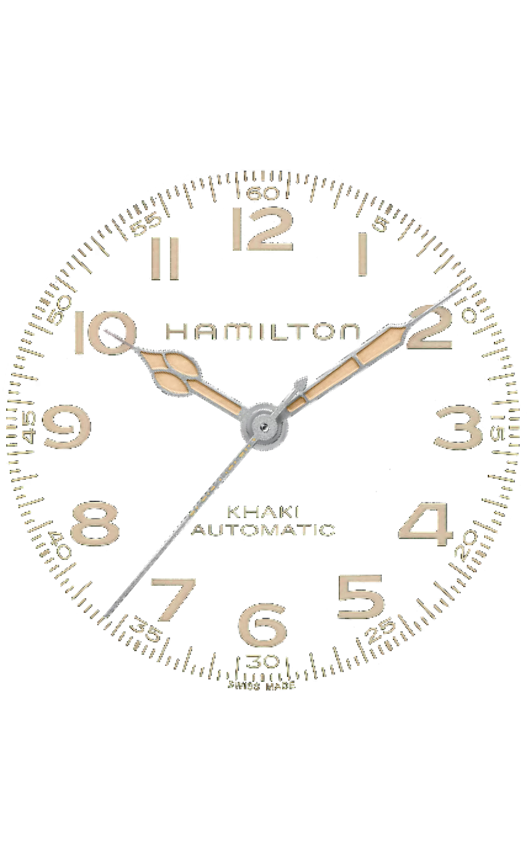
My favorite Interstellar widget! It is the Hamilton Khaki Field Murph Auto Widget.
Key Feature: Resizable (No scaling, everything adjusts as per widget dimensions).
Interstellar Endurance
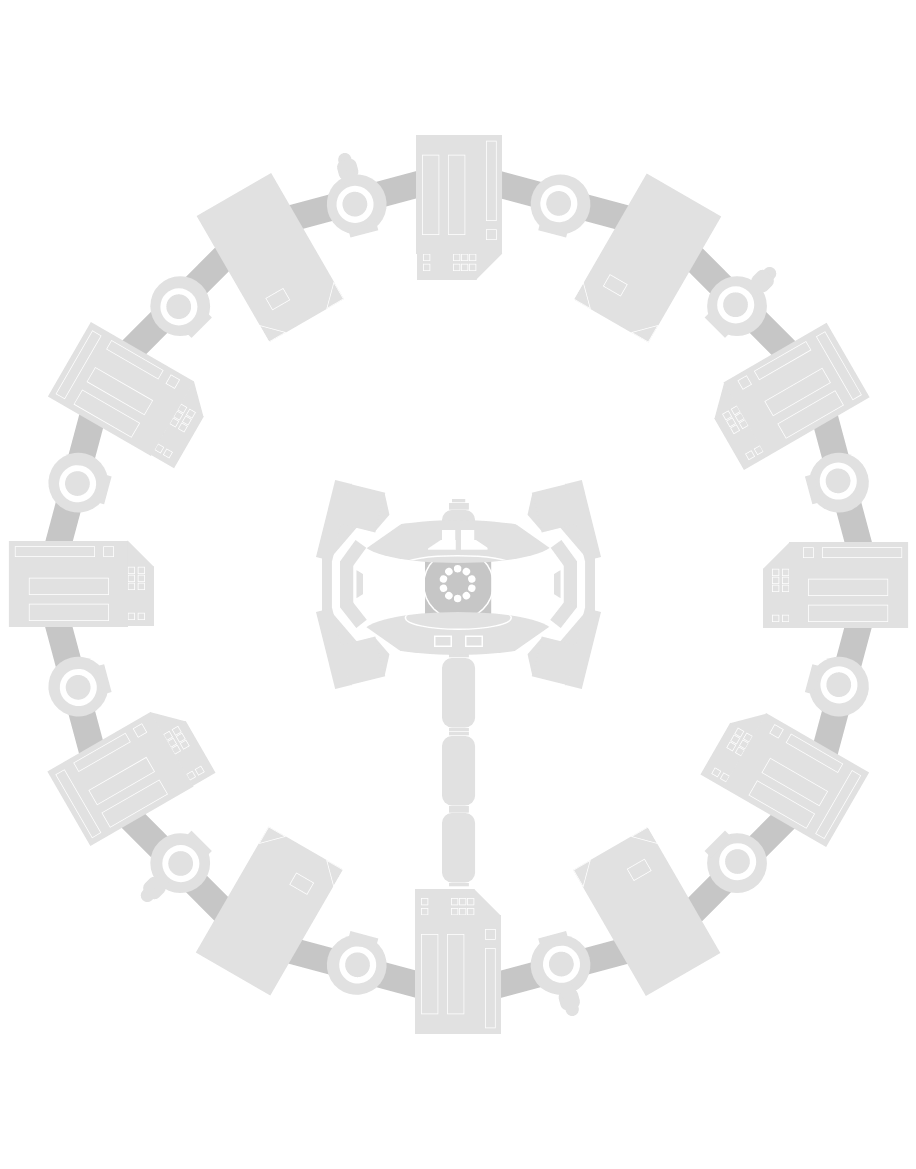
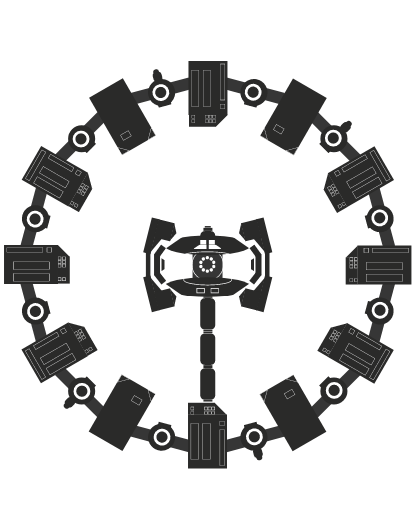
Light Dark Straight out of INTERSTELLAR, a rotating Endurance Widget which is the interplanetary spacecraft built by NASA as part of Project Endurance.
Key Feature: Automatically adapts to wallpaper color (Light if wallpaper is dark and vice versa).
Interstellar Endurance Analog
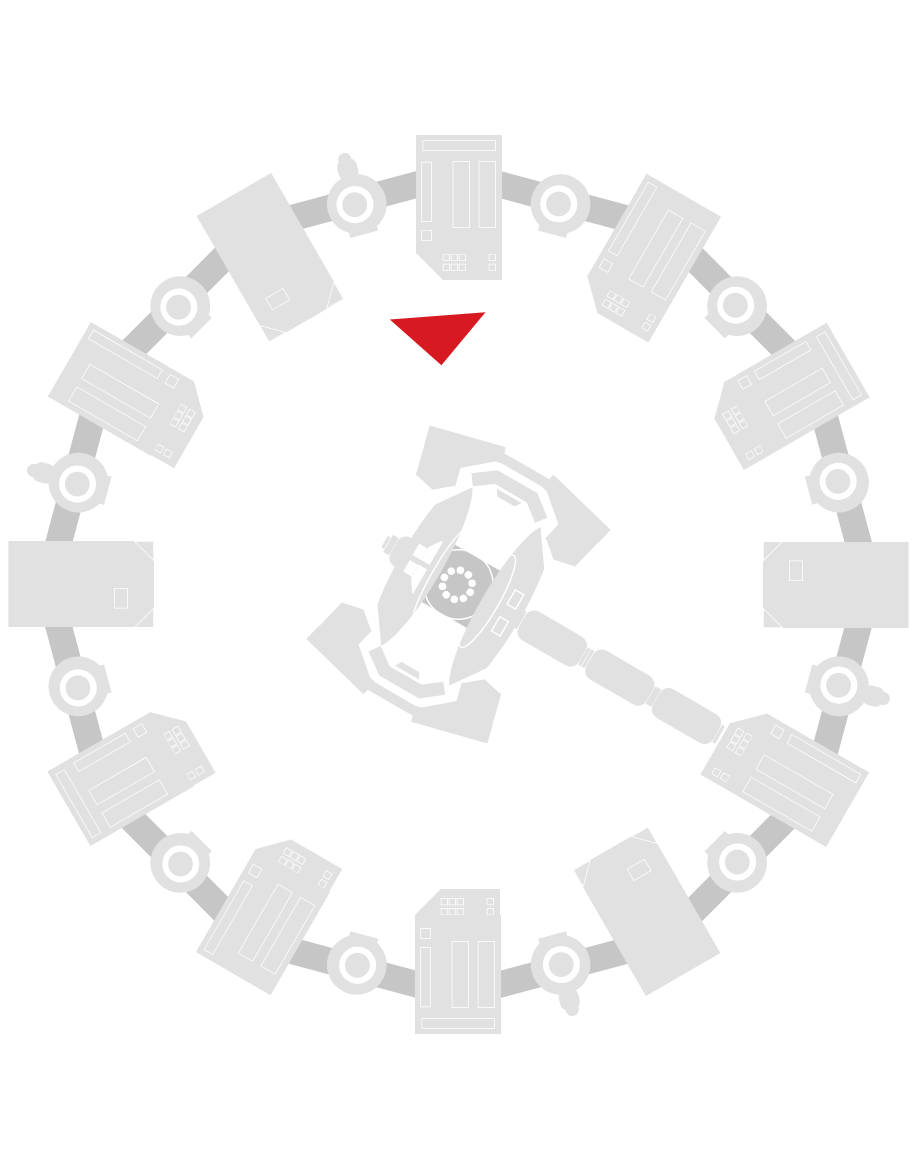
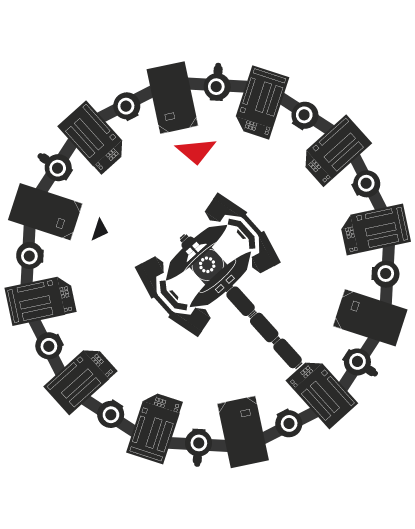
Light Dark Analog clock with Endurance spacecraft acting as the seconds hand. Hours and minutes reflected bt small triangle indicators.
Key Feature: Automatically adapts to wallpaper color.
Interstellar Endurance Analog 2
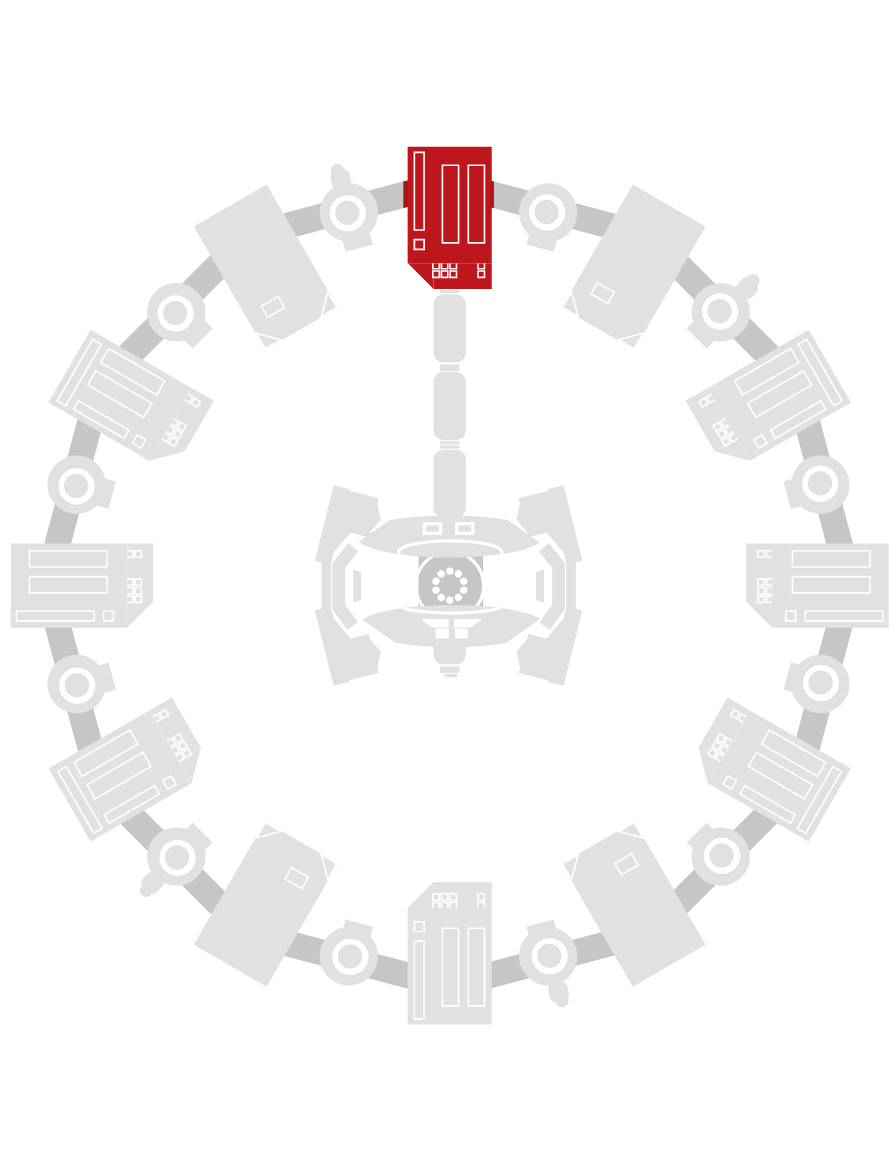
No rotation in the Endurance as now it acts as the dial of the clock, each module corresponding to hours.
Key Features:
- The color of the module changes to red for corresponding hour value.
- Minutes indicated by a triangular minute hand.
Interstellar Analog
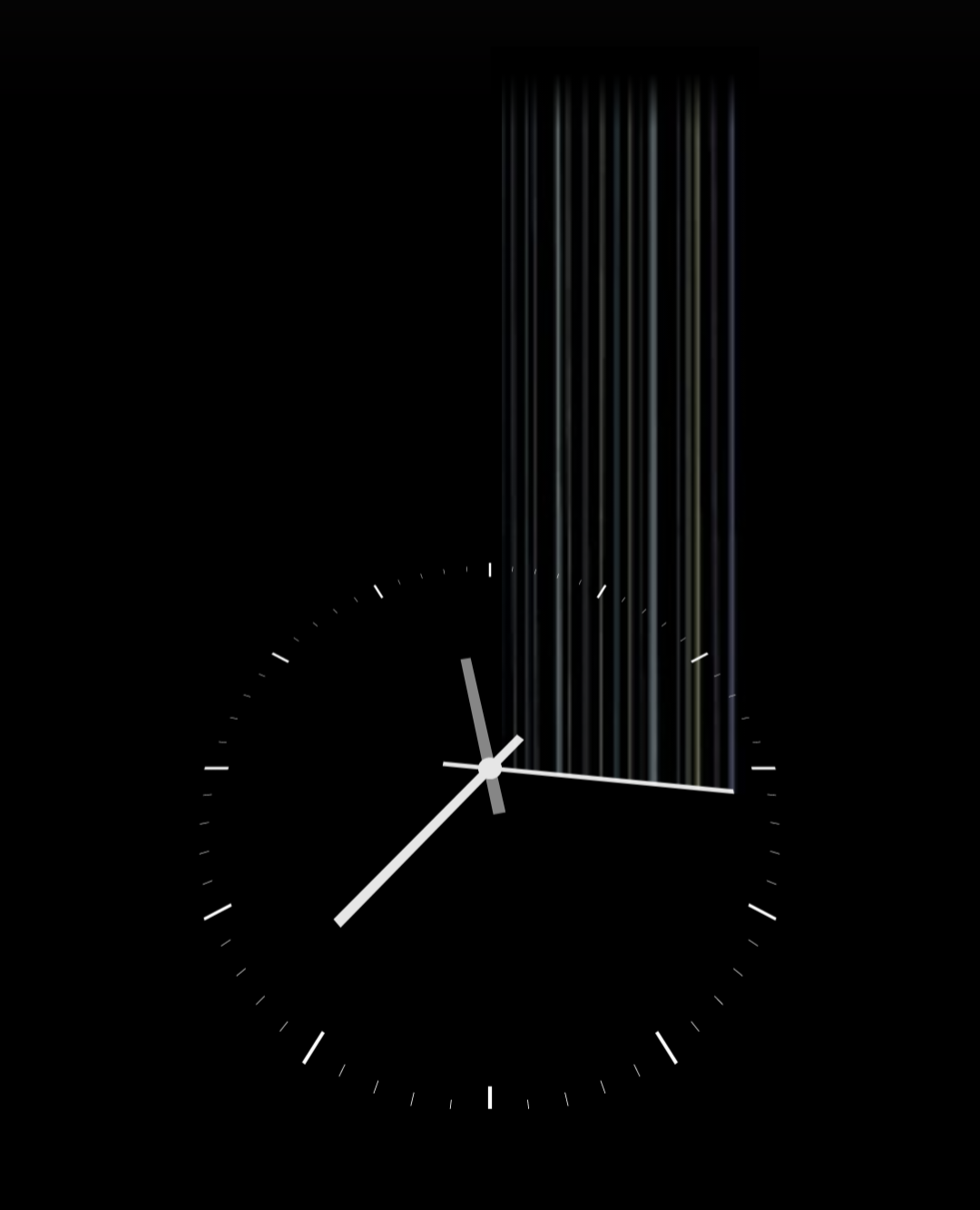
A 3D-tilted clock widget inspired by Interstellar, where gravitational waves manipulate the second hand to bridge communication between dimensions, symbolizing the link between gravity and time inside the tesseract
Note: I am still perfecting this one. If you have any other ideas to improve this one, I'd love to see them. I never lock these, so go ahead and modify.
More INTERSTELLAR themed widgets coming soon!
NOTHING OS Inpired widgets ahead!
Nothing Analog
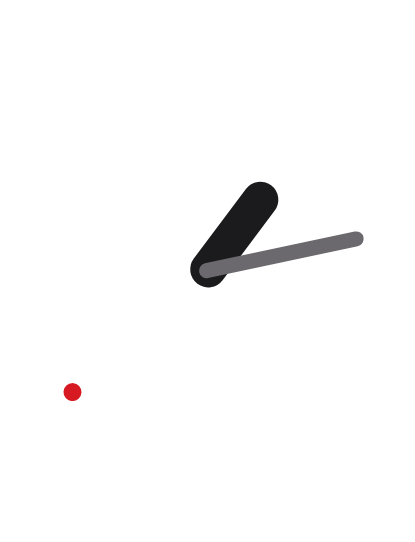
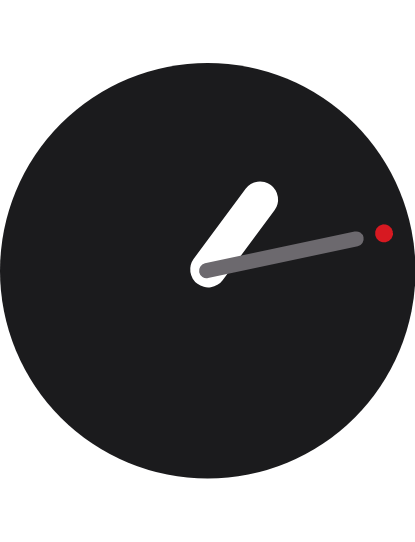
Light Dark Nothing OS themed Analog clock widget with dynamic themes.
Key Feature: Automatically adapts to system theme.
Nothing Analog 2
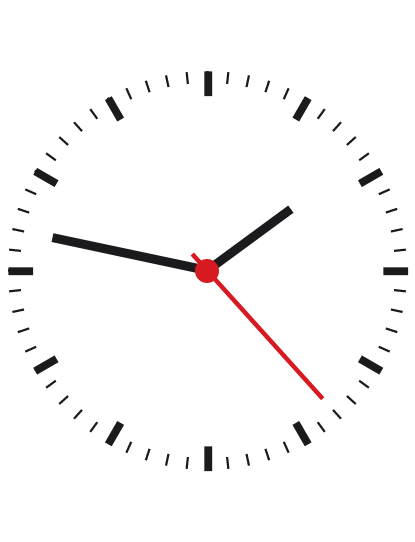
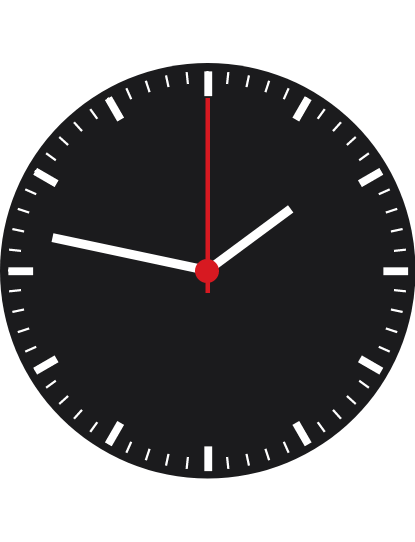
Light Dark Nothing OS themed Analog clock widget with dynamic themes.
Key Feature: Automatically adapts to system theme.
Nothing Analog 3
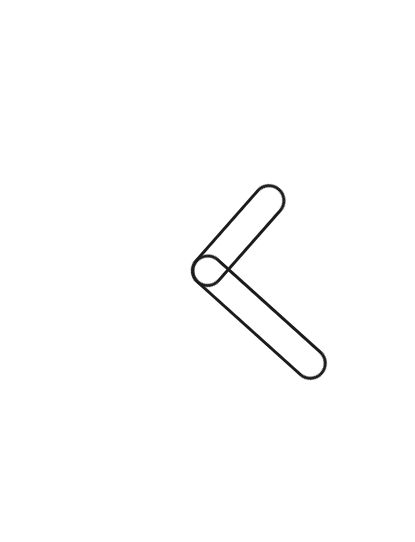
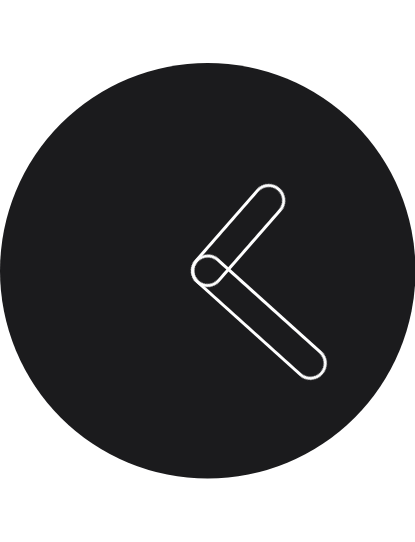
Light Dark Nothing OS themed Analog clock widget with dynamic themes.
Key Feature: Automatically adapts to system theme.
Nothing Analog 5
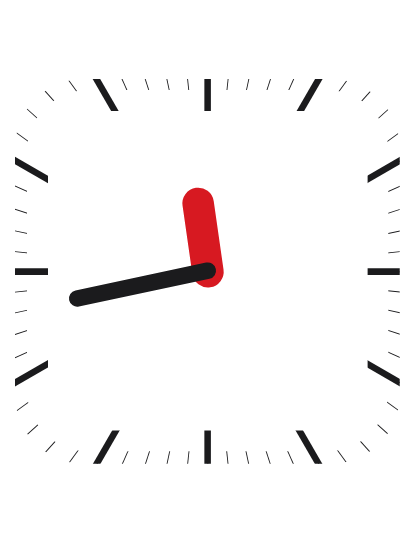
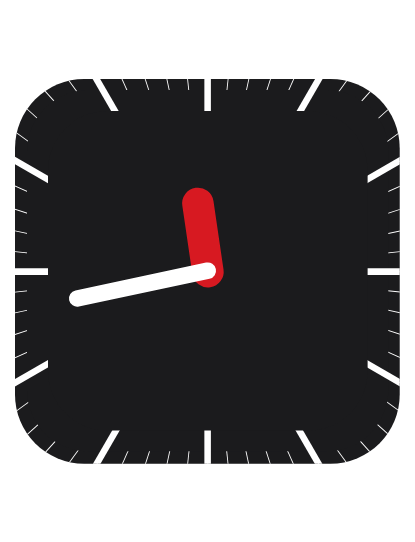
Light Dark Nothing OS themed Analog clock widget with dynamic themes.
Key Feature: Automatically adapts to system theme.
Nothing Analog 5 Transparent
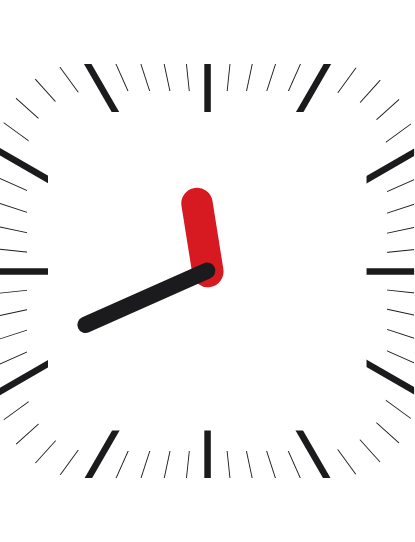
Light Dark Nothing OS themed Transparent analog clock widget with dynamic themes.
Key Feature: Automatically adapts to wallpaper color Dark/Light [Note: Needs to be refreshed after changing wallpaper].
Nothing Battery
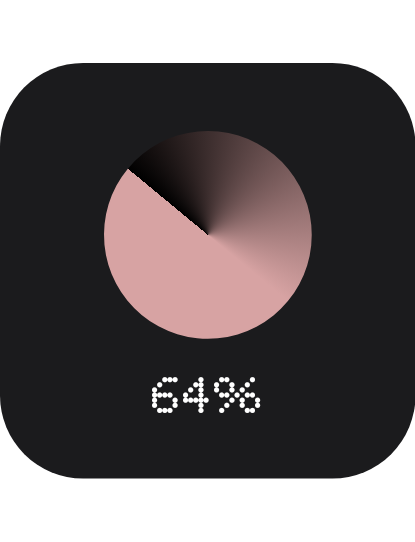
Nothing OS themed battery widget with dynamic themes.
Key Feature: Automatically adapts to system theme.
Nothing Battery2
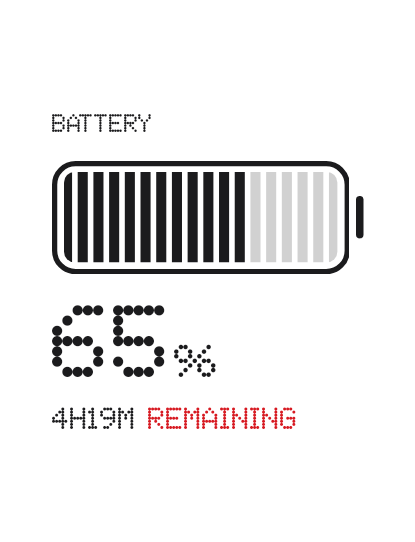
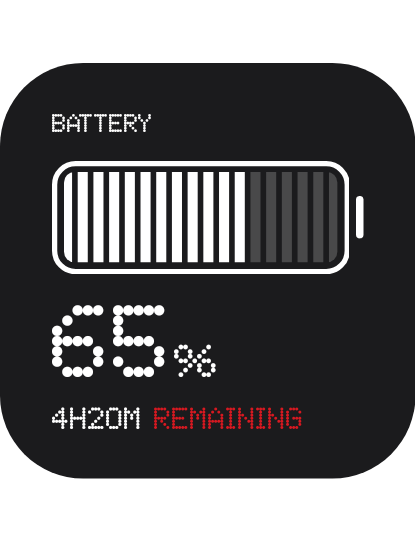
Light Dark Nothing OS themed battery widget with dynamic themes.
Key Feature: Automatically adapts to system theme.
Nothing Battery Mini
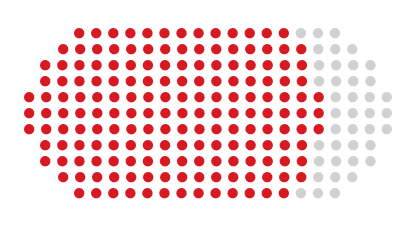
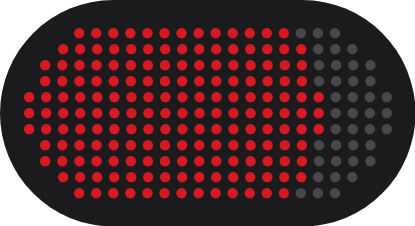
Light Dark Nothing OS themed Mini Battery widget with dynamic themes.
Key Feature: Automatically adapts to system theme.
Nothing CPU
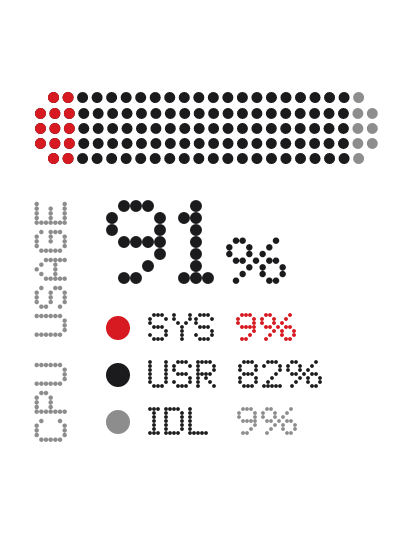
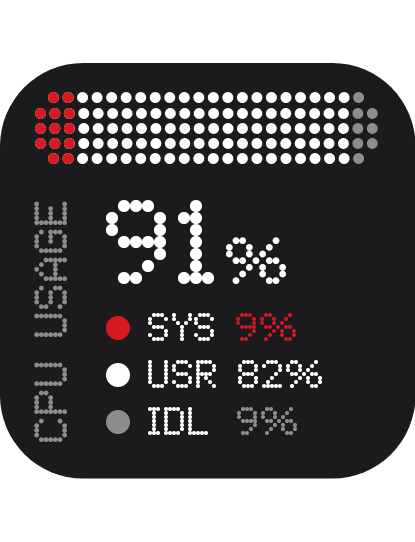
Light Dark Nothing OS themed CPU Monitor widget that shows sytem, user and idle percentages with dynamic themes.
Key Feature: Automatically adapts to system theme.
Nothing Date Time
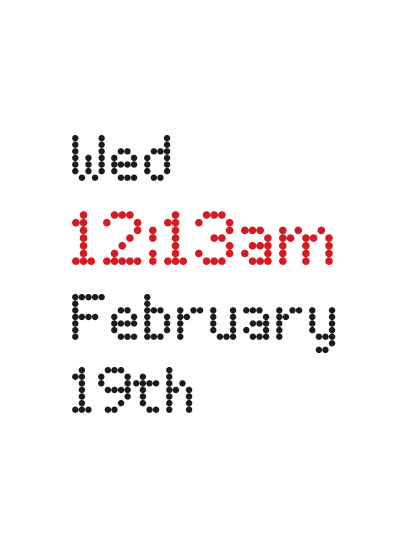
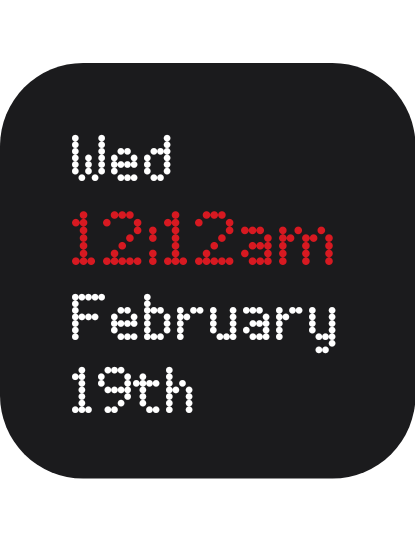
Light Dark Nothing OS themed minimal date-time widget with dynamic themes.
Key Feature: Automatically adapts to system theme.
Nothing Date Time2
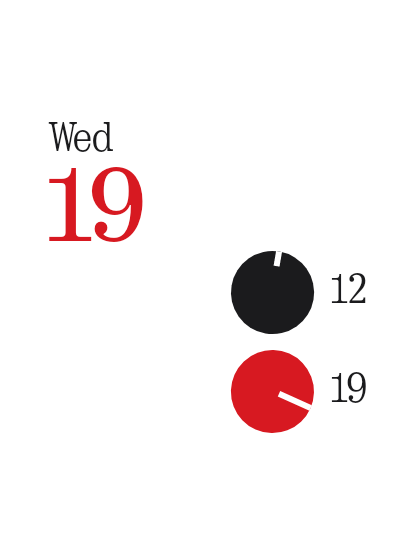
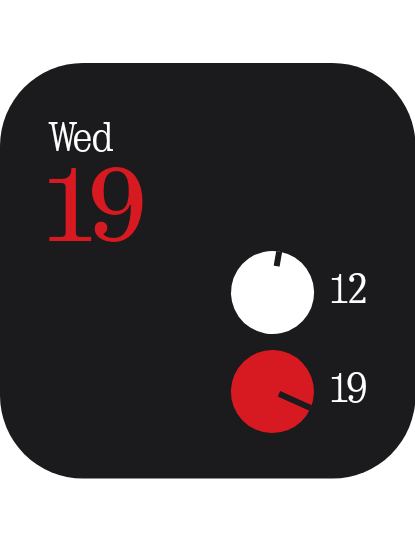
Light Dark Nothing OS themed date-time widget with dynamic themes.
Key Feature: Automatically adapts to system theme.
Nothing Date Time3

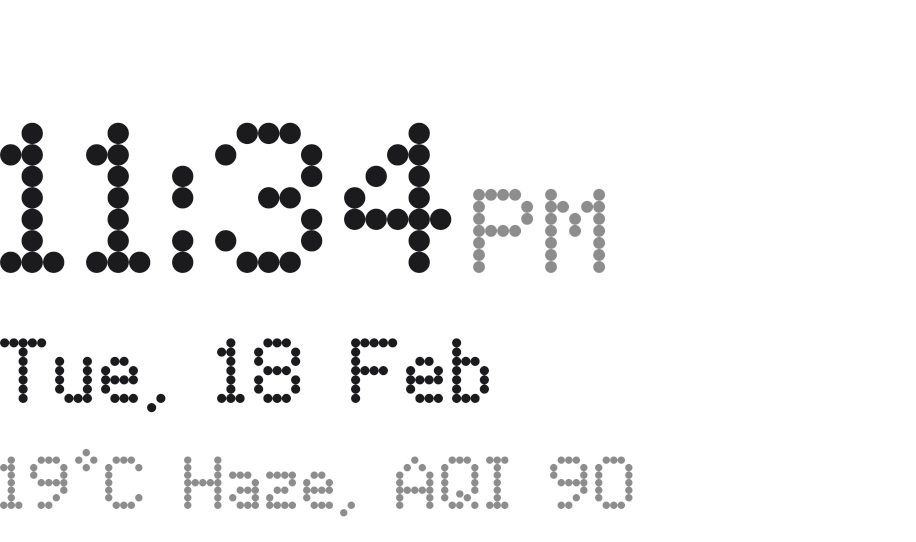
Light Dark Nothing OS themed date-time+Temperatur+AQI widget with dynamic themes.
Key Feature: Automatically adapts to wallpaper color Dark/Light [Note: Needs to be refreshed after changing wallpaper]..
Nothing Digital
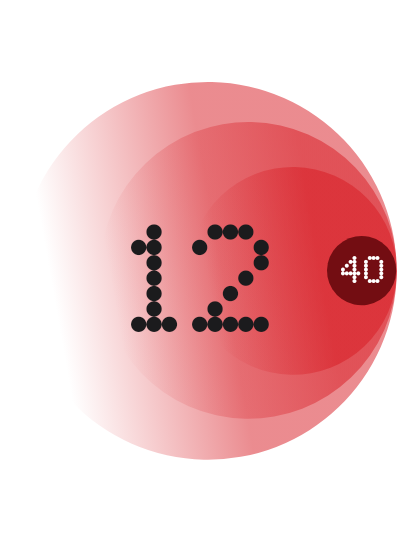
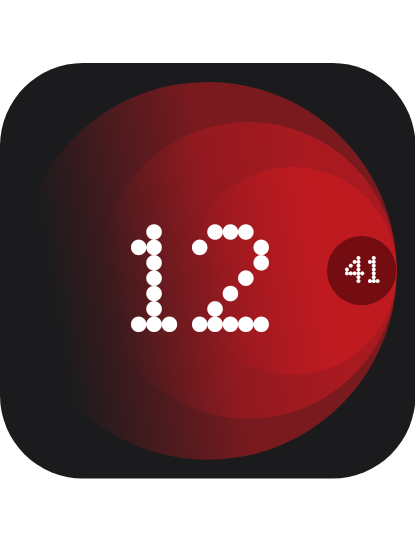
Light Dark Nothing OS themed Digital Clock widget with dynamic themes.
Key Feature: Automatically adapts to system theme.
Nothing Digital2
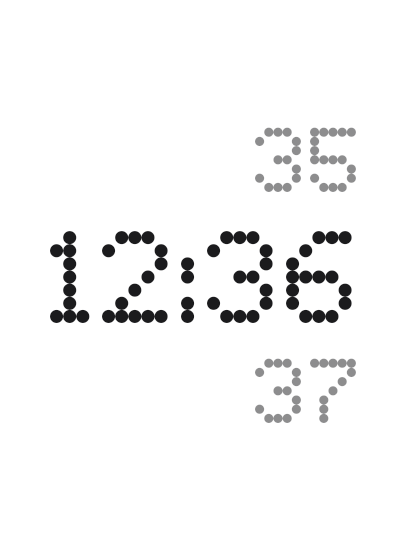
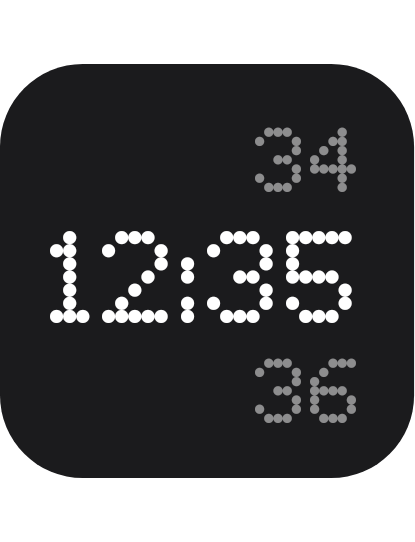
Light Dark Nothing OS themed Digital Clock widget with dynamic themes.
Key Feature: Automatically adapts to system theme.
Nothing Digital3
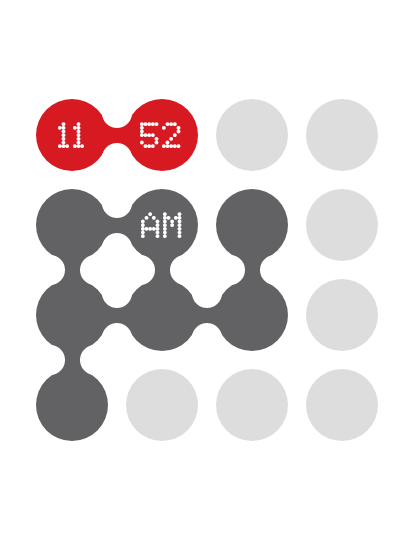
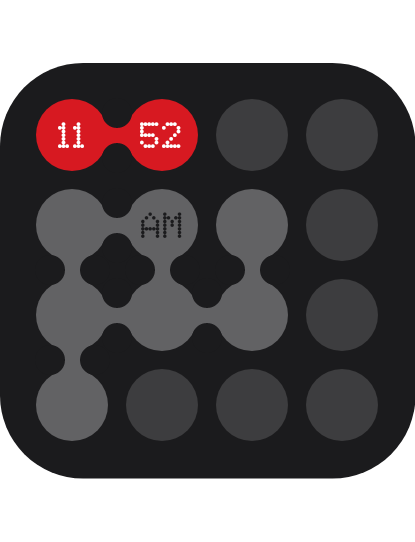
Light Dark Nothing OS themed Digital Clock widget with dynamic themes.
Key Feature: Automatically adapts to system theme.
Nothing Digital4
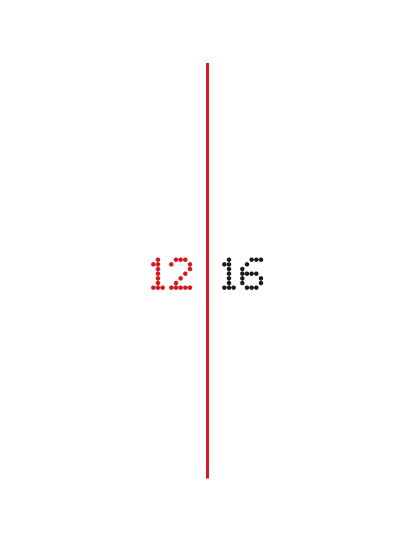
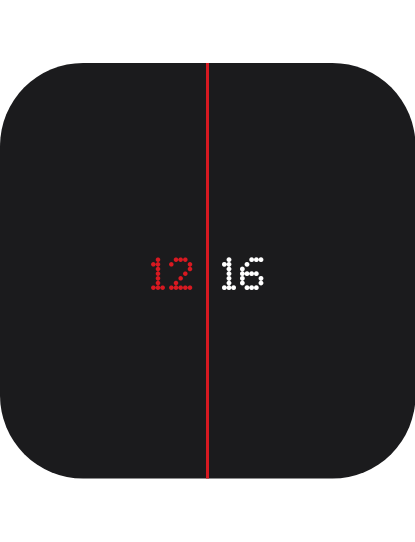
Light Dark Nothing OS themed digital clock widget with dynamic themes.
Key Feature: Automatically adapts to system theme.
Nothing Digital Clock
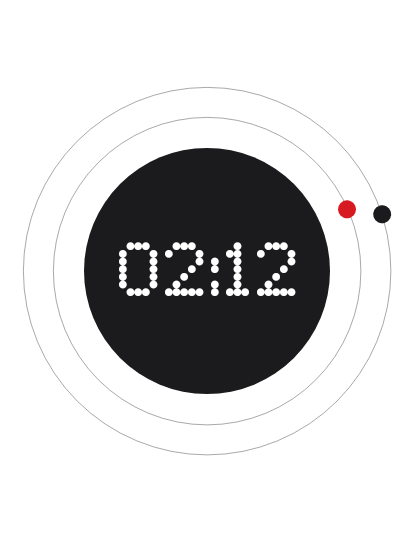
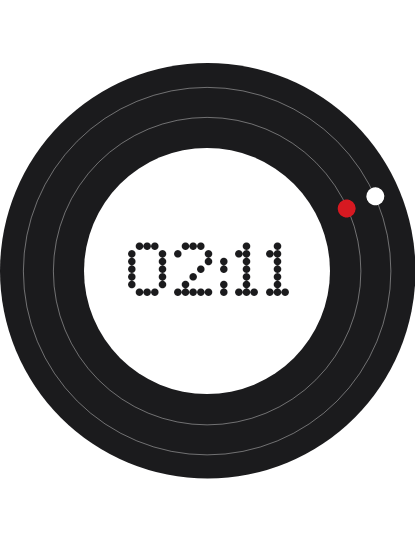
Light Dark Nothing OS themed Digital+Analog clock widget with dynamic themes.
Key Feature: Automatically adapts to system theme.
Nothing Future Clock
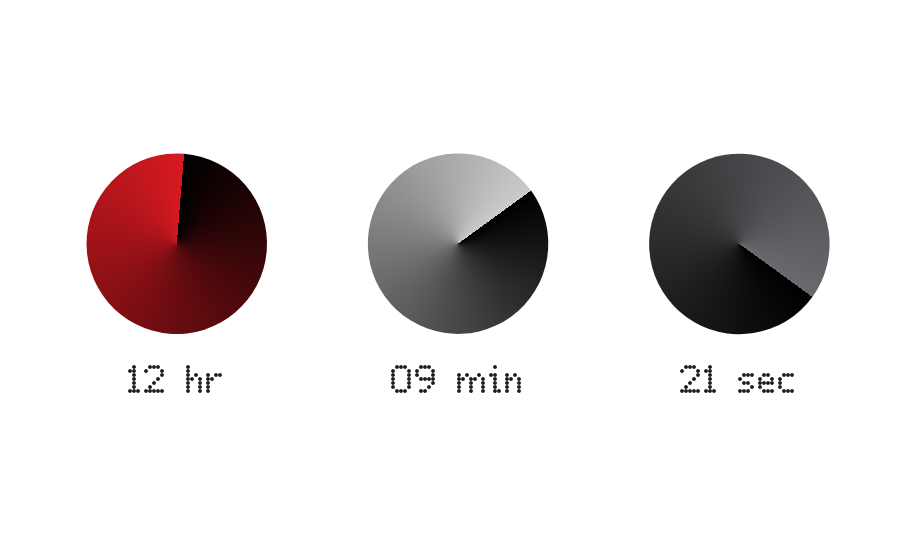
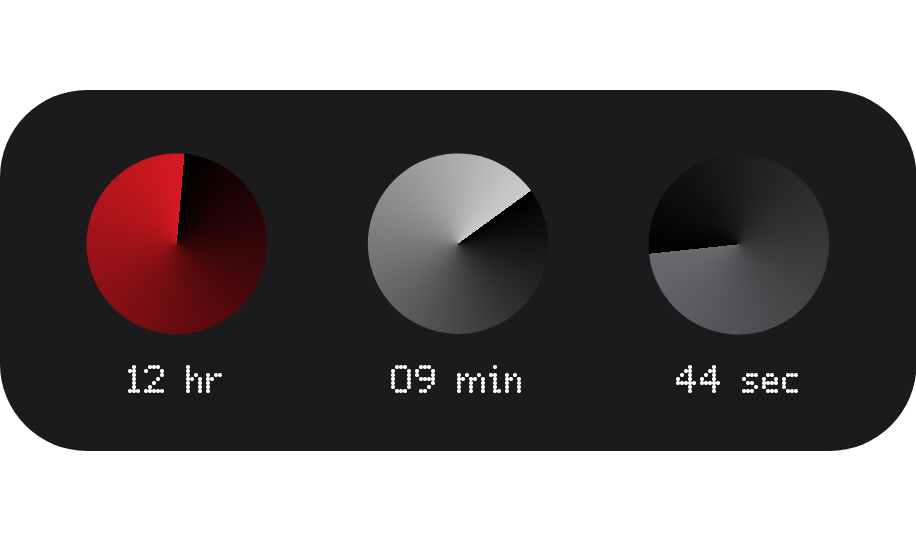
Light Dark Nothing OS themed futuristic clock widget with dynamic themes.
Key Feature: Automatically adapts to system theme.
Nothing Master Widget
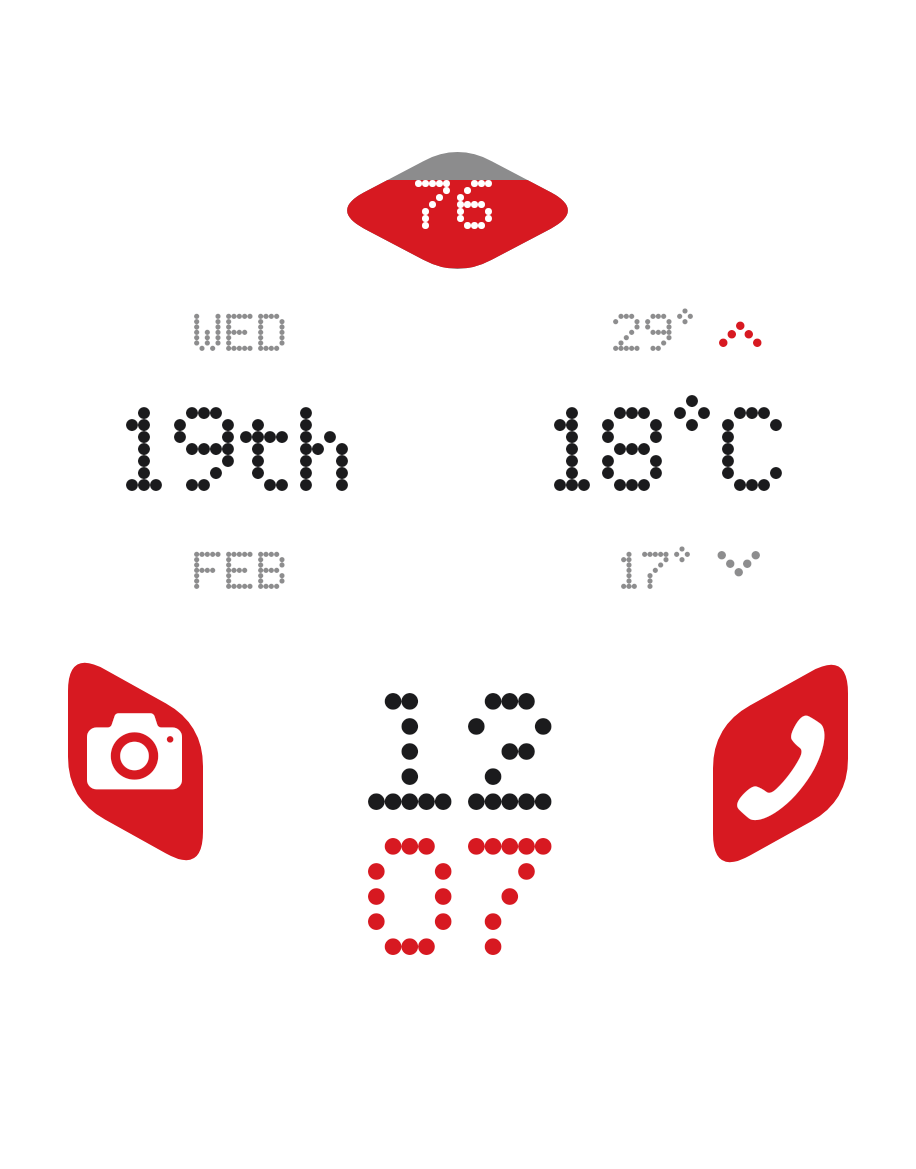
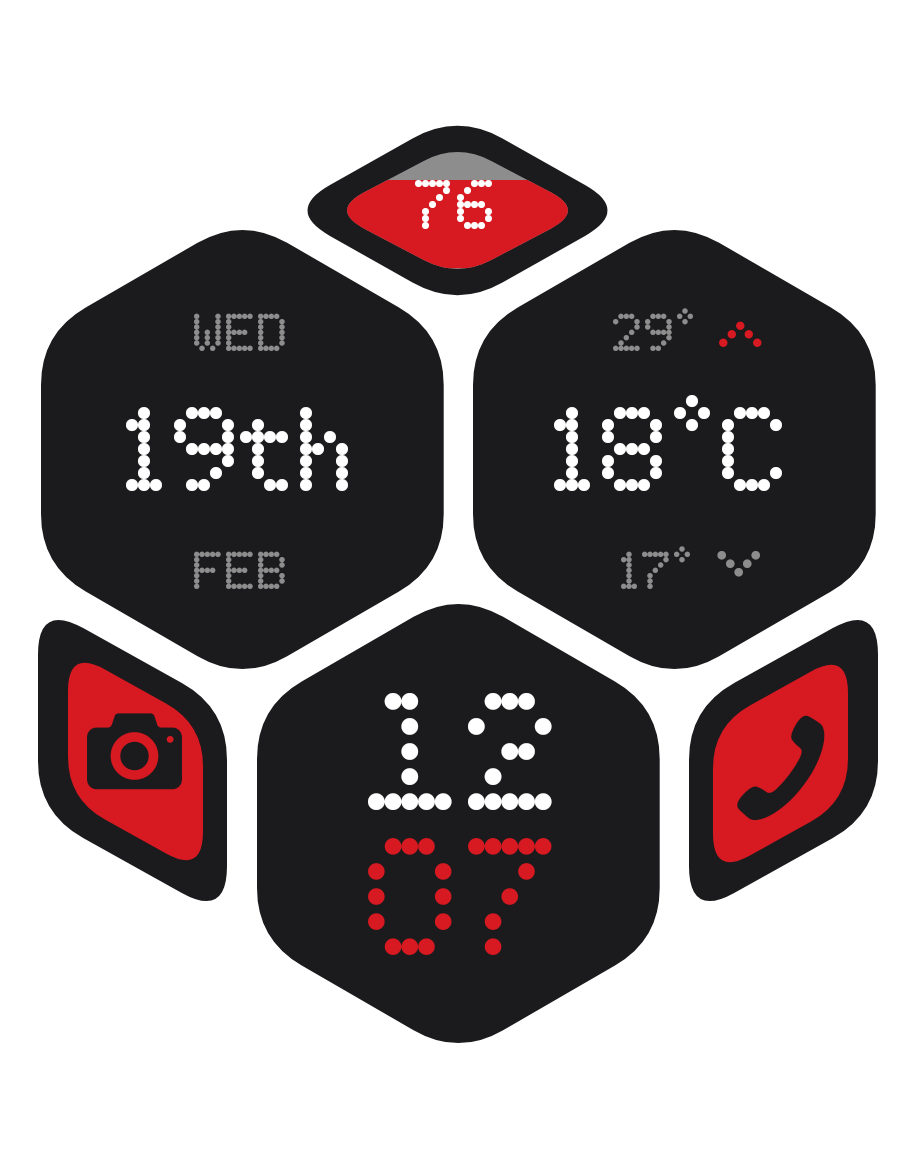
Light Dark Nothing OS themed MASTER widget All-in-one with dynamic themes.
Key Feature: Automatically adapts to system theme.
Nothing Media Player
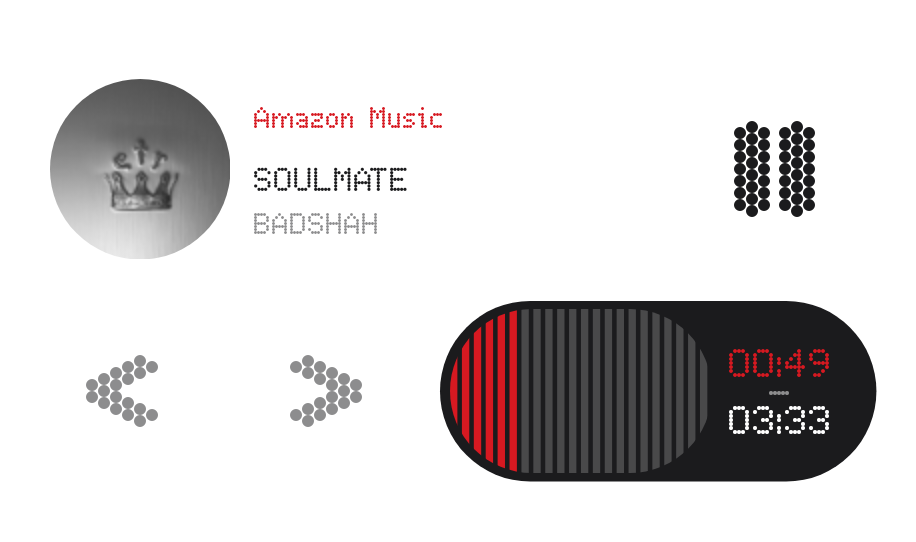
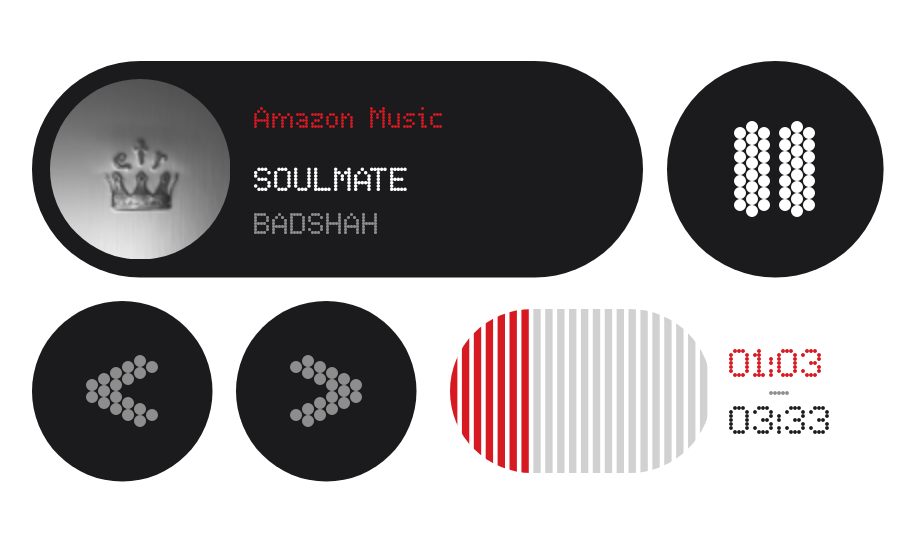
Light Dark Nothing OS themed Media Player widget with dynamic themes.
Key Feature: Automatically adapts to system theme.
Nothing Media Player2
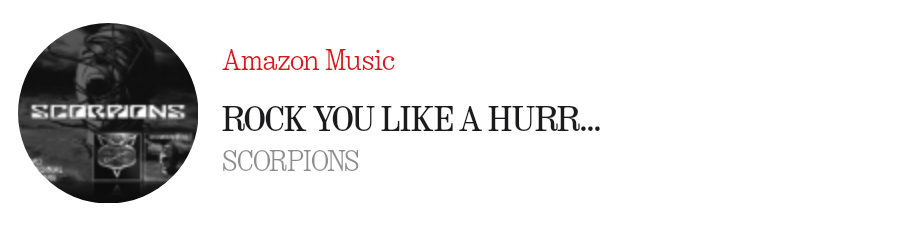
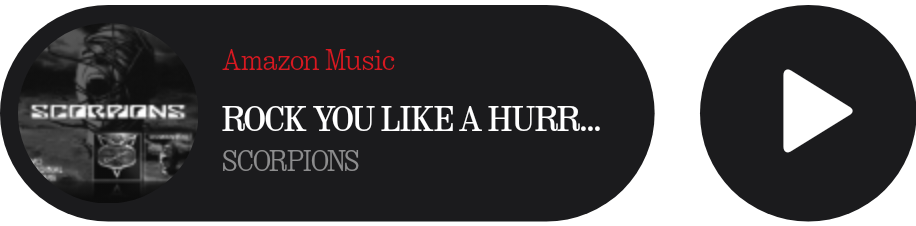
Light Dark A clean Nothing OS themed mini media player widget with dynamic themes.
Key Feature: Automatically adapts to system theme.
Nothing Media Player3
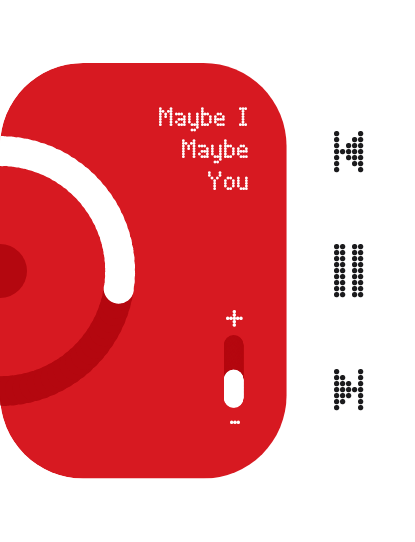
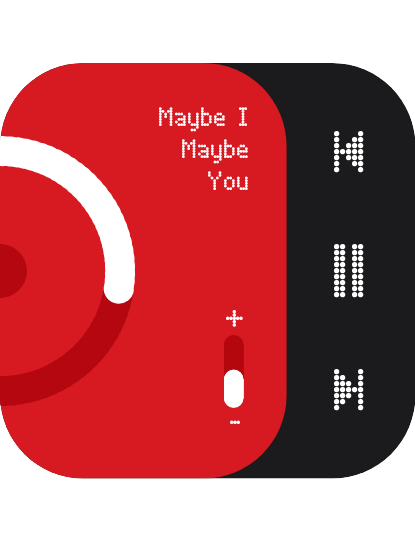
Light Dark A clean medial player widget widget with dynamic themes.
Key Feature: Minimalist and aesthetically pleasing design.
Nothing Mini Calender

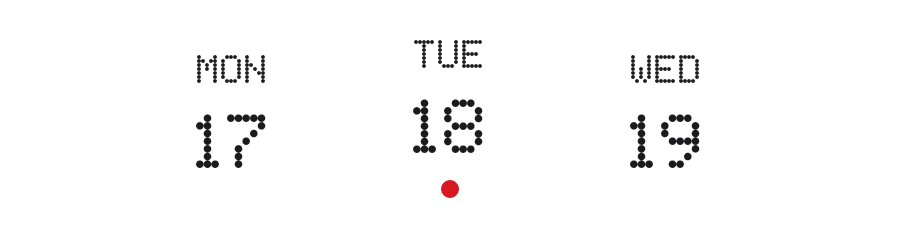
Light Dark A clean Nothing OS themed 5-day calender widget with dynamic themes.
Key Feature: Automatically adapts to wallpaper color Dark/Light [Note: Needs to be refreshed after changing wallpaper].
Nothing Sun Info
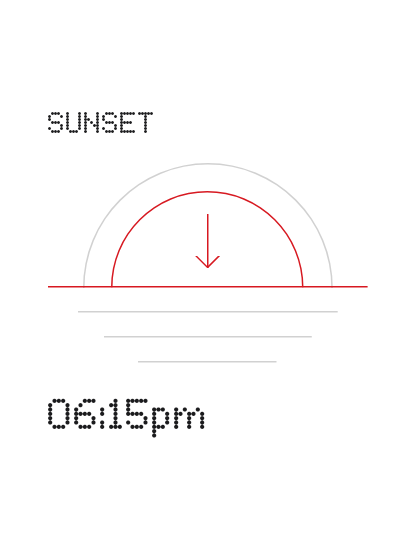
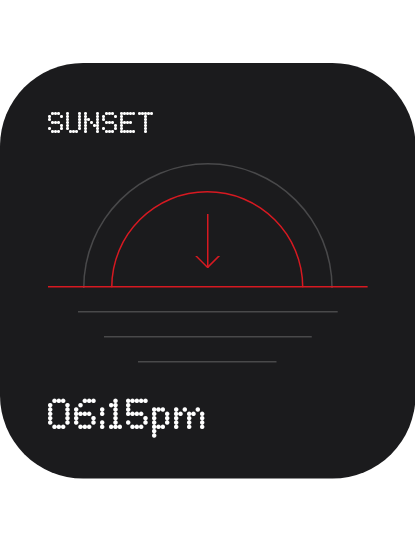
Light Dark Nothing OS themed sunrise and sunset time widget with dynamic themes.
Key Feature: Automatically adapts to system theme.
Nothing Temp
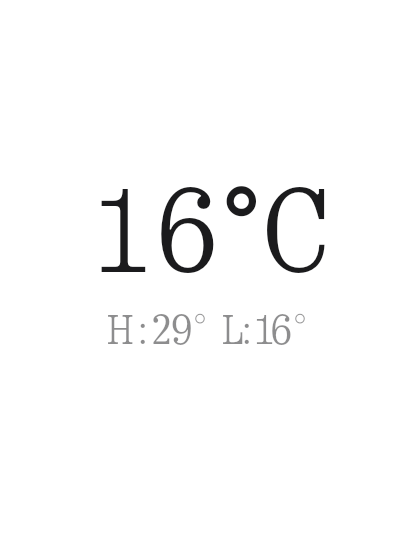
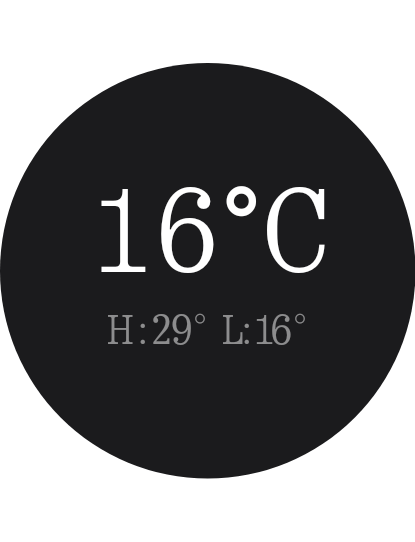
Light Dark Nothing OS themed temperature widget with dynamic themes.
Key Feature: Automatically adapts to system theme.
Material You inspired widgets:
Material3 Expanded Media Player
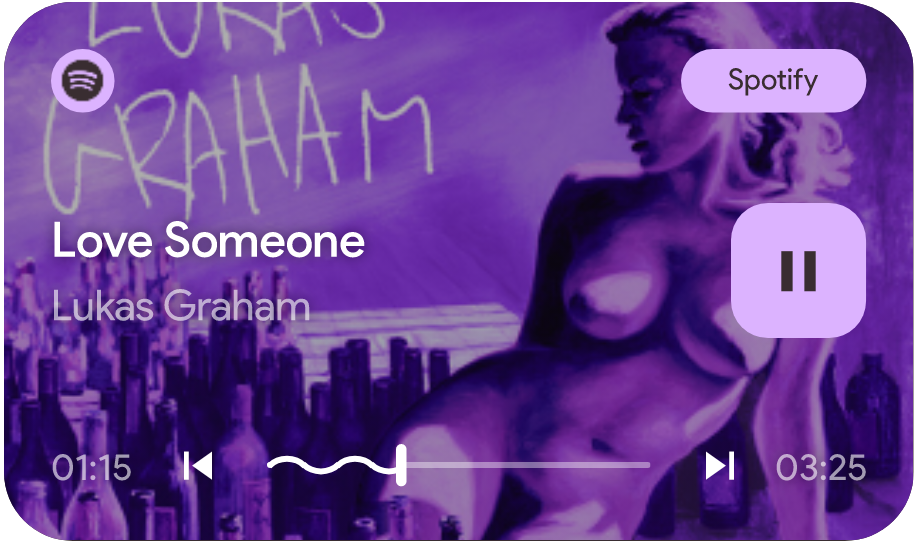
A fully customizable media player widget based on Material You theme.
Key Features:
- Dynamic accent color theming based on song cover.
- Integrated progress bar with wave effect.
- Top right container shows music app name.
Material3 Media Player Output
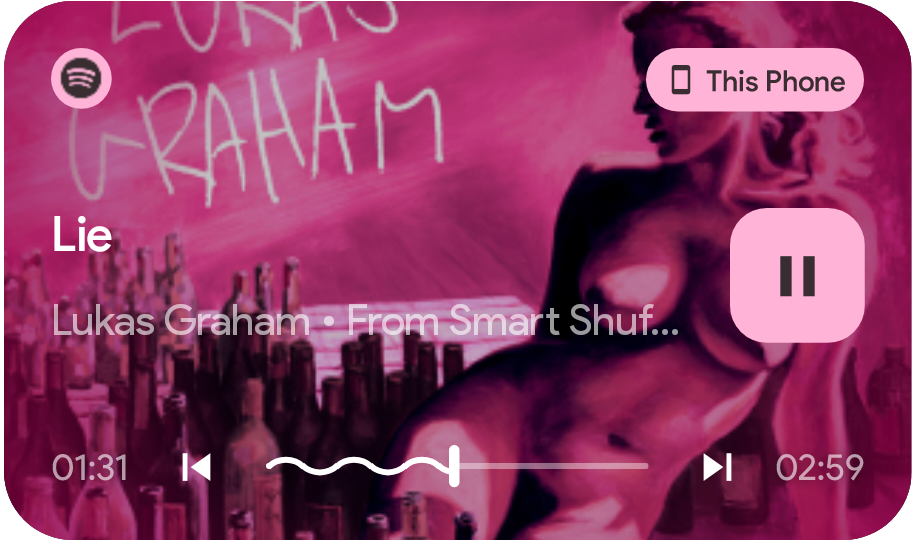
- Key Difference: Top right container shows output device (Phone/Bluetooth Device name).
Mini Media Player
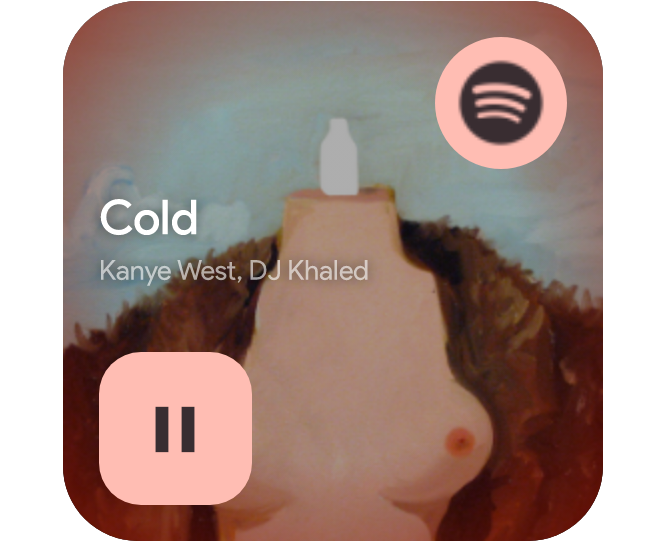
A mini media player widget based on Material You theme.
Key Feature: Dynamic accent color theming based on song cover.
Minimal Media Player
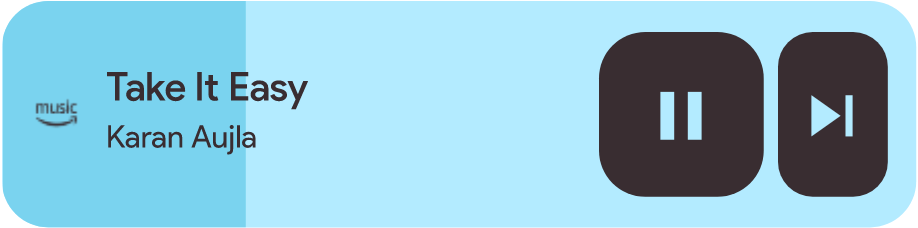
Minimal media player widget based on Material You theme.
- Key Feature: Dynamic accent color theming based on system theme.
Minimal Media Player 2
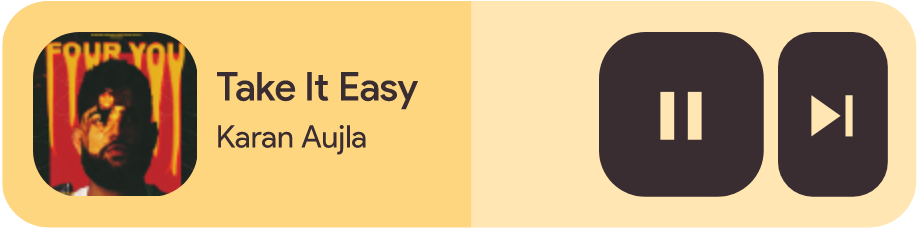
- Key Difference: Dynamic accent color theming based on song cover.
Minimal Media Player 3
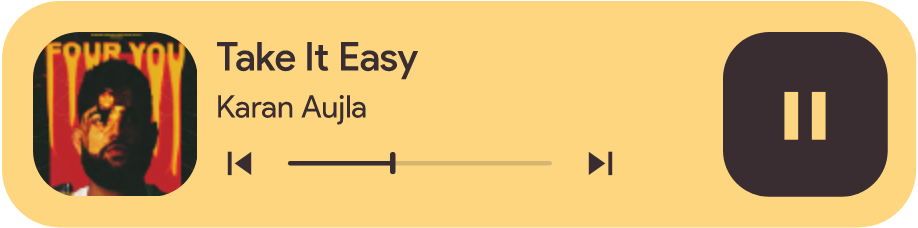
- Key Difference: Dynamic accent color theming based on song cover.
Material Notification Widget
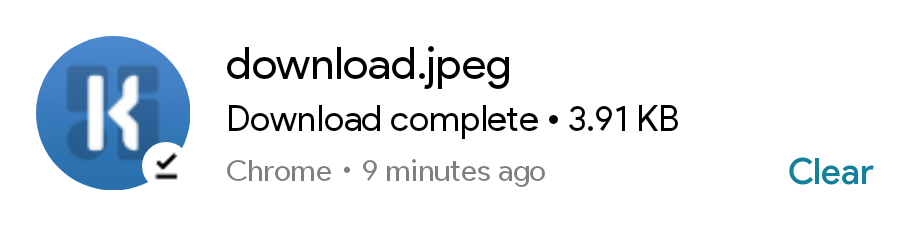

Light Dark Empty State Material themed widget that shows details of top-most notification.
Key Features:
- Dynamic theme based on system theme (Dark/Light).
- Clear button removes the current notification.
- Clicking on the widget opens the notification.
iOS inspired widgets:
iOS Battery Widget
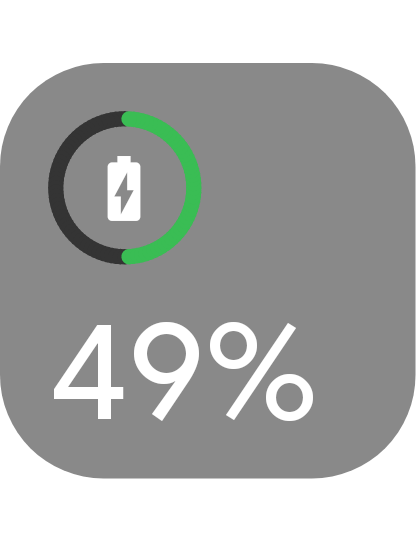
A Battery widget inspired by Apple iOS.
Key Feature: Progress color and icon based on battery level and status (Charging or not).
More iOS widgtes coming sooon...
Other COOL widgets:
Clean Time Date Info
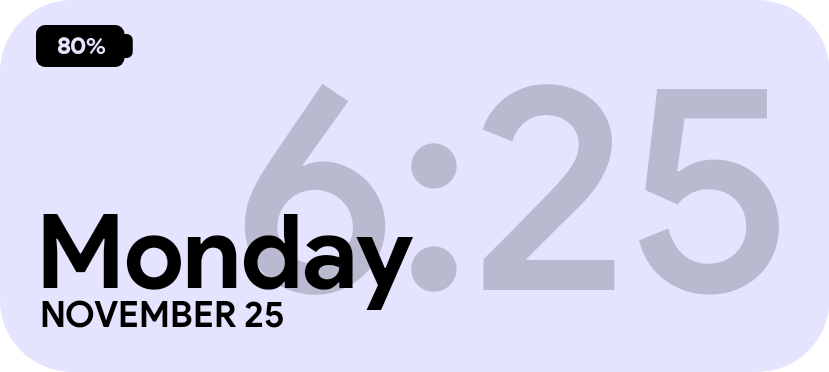
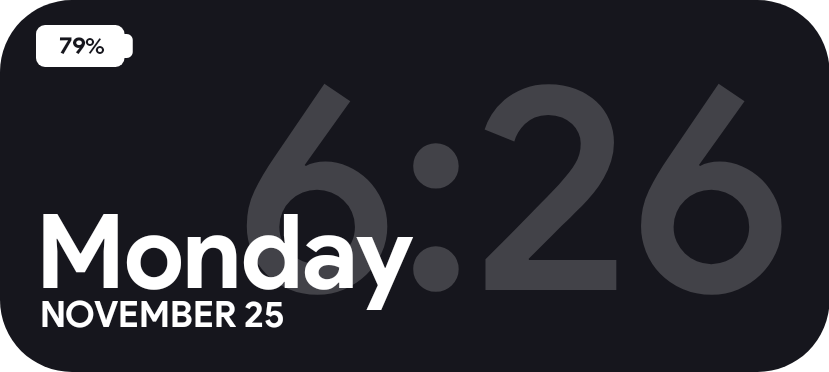
Light Dark A clean time, date and battery information widget.
Key Feature: Dynamic theme based on system theme.
Universal Media Player
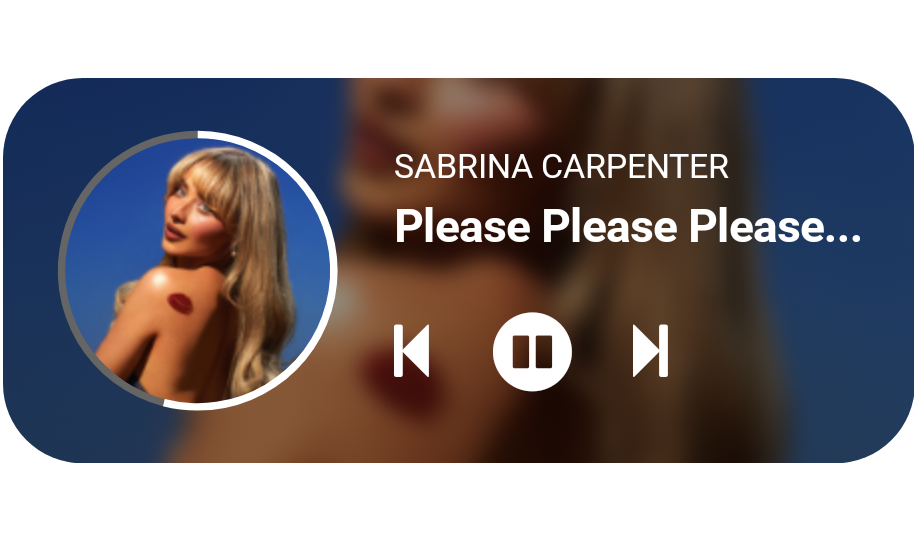
A fully customizable universal media player widget.
Key Features:
- Blurred song cover fill in the background.
- Integrated progress bar on the album cover border.