
ArkGravity/burrow
ArkGravity/burrow has 71 GitHub stars and 4 forks. GitHot measured 0 stars in 24 hours. Last checked 2026-11-16 03:10 UTC. Last push 2026-11-13.
What you can do
- Shared SSO: connect Web and SPA applications through OIDC Authorization Code, with PKCE S256 required by default.
- SAML IdP: signed SP-initiated Redirect requests and double-signed POST responses, with a manually configured Jenkins example.
- Password authentication: temporary-password changes and optional TOTP MFA; MFA is disabled by default and applies to all accounts when enabled.
- Access management: users, groups, custom roles, permissions, audited changes and a portal of authorized applications.
Measured star growth
- in 24h
- 0
- in 7 days
- Update delayed
- in 15 days
- Update delayed
- in 1 month
- Update delayed
Net star changes over overlapping periods, not daily totals. Missing measurements are left blank. Stars measure attention, not software quality.
About
Lightweight, self-hosted OIDC identity provider for small teams. Go + React, password + mandatory TOTP, RBAC, and shared SSO. MIT licensed.
Self-hostedREADME.md
Original
Burrow


English · 简体中文
A lightweight OpenID Connect and SAML identity provider for small teams and self-hosted services. Burrow centralizes accounts, shared SSO and application access in a single-organization, single-instance service. Its Go backend and React UI ship as one binary, or run with PostgreSQL through Docker Compose.
Releases · Installation · Documentation · Changelog
Features and scope
- Shared SSO: connect Web and SPA applications through OIDC Authorization Code, with PKCE S256 required by default.
- SAML IdP: signed SP-initiated Redirect requests and double-signed POST responses, with a manually configured Jenkins example.
- Password authentication: temporary-password changes and optional TOTP MFA; MFA is disabled by default and applies to all accounts when enabled.
- Access management: users, groups, custom roles, permissions, audited changes and a portal of authorized applications.
- Localized UI: English and Simplified Chinese, with light, dark and system themes.
- Simple deployment: one binary with an embedded UI; PostgreSQL in production and SQLite for development and tests, without Redis or a queue.
Inspired by Casdoor and independently implemented, Burrow focuses on password login, downstream OIDC and the agreed SAML subset. Upstream identity federation, Refresh Tokens and cross-application logout are outside its current scope. Applications manage their own sessions and business permissions; see protocol boundaries. SAML scope and current interoperability evidence are documented separately.
Screenshots
The application portal groups authorized services by protocol: Grafana and Nightingale under OIDC, and Jenkins under SAML.
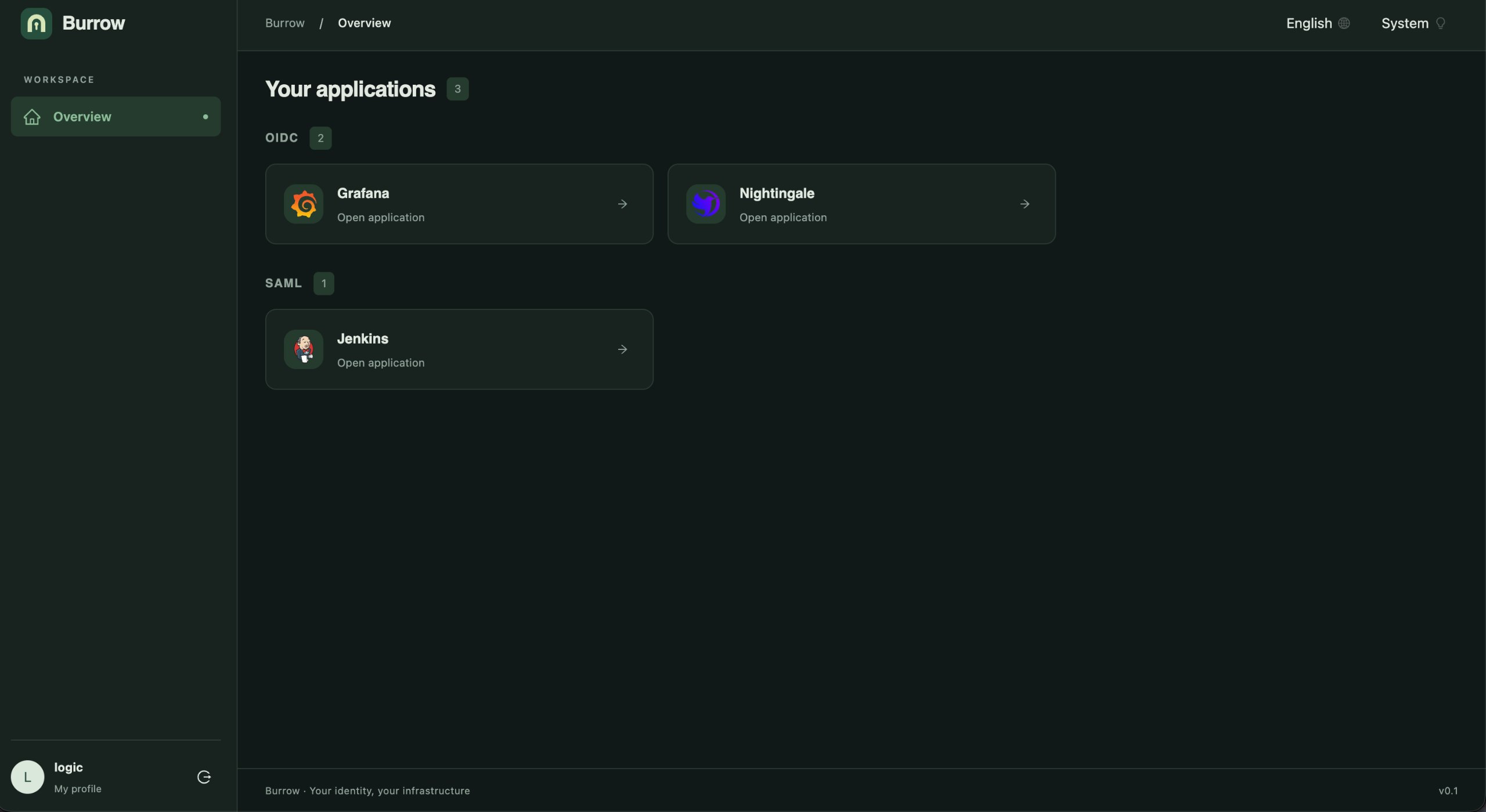
Application, role, group and user management
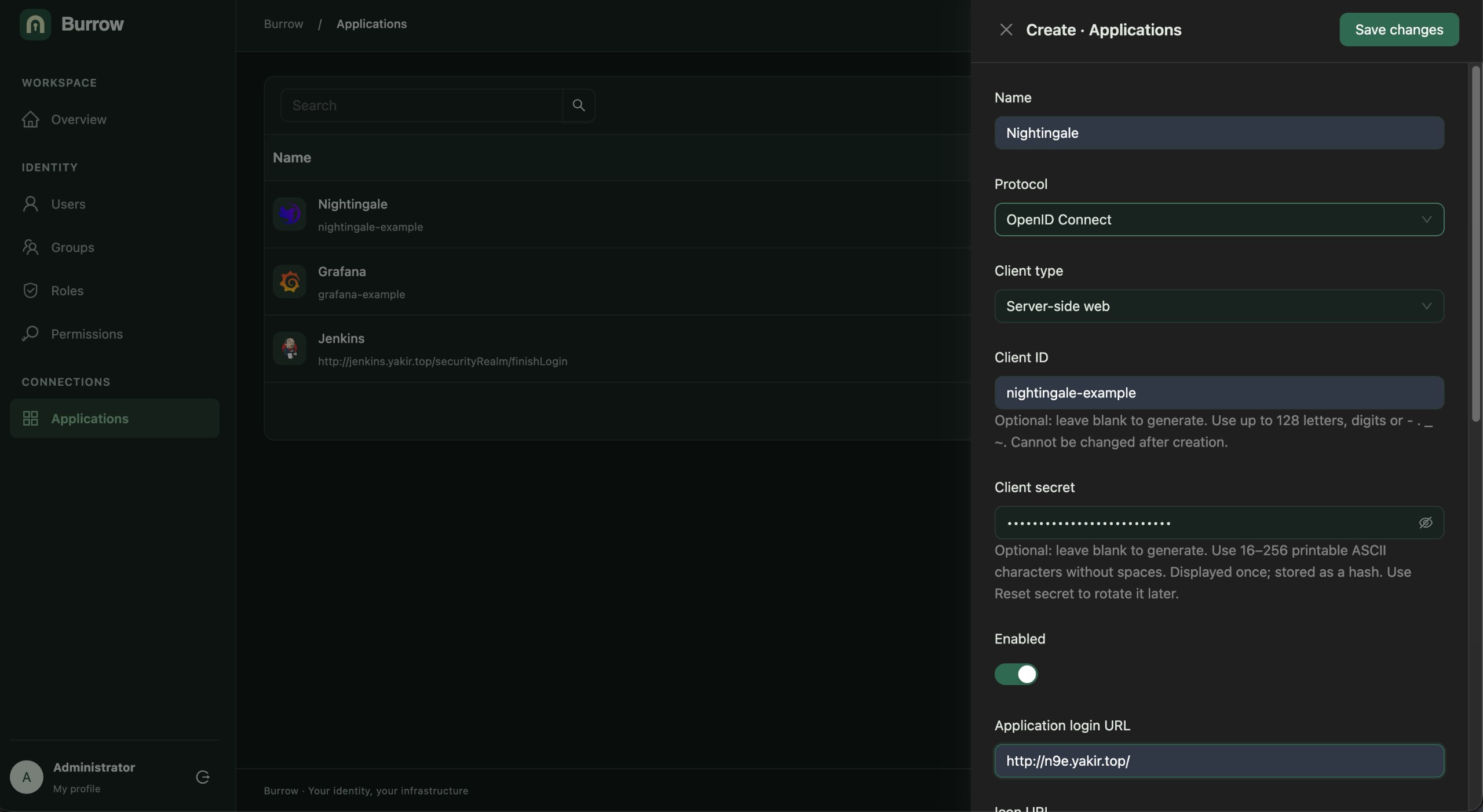
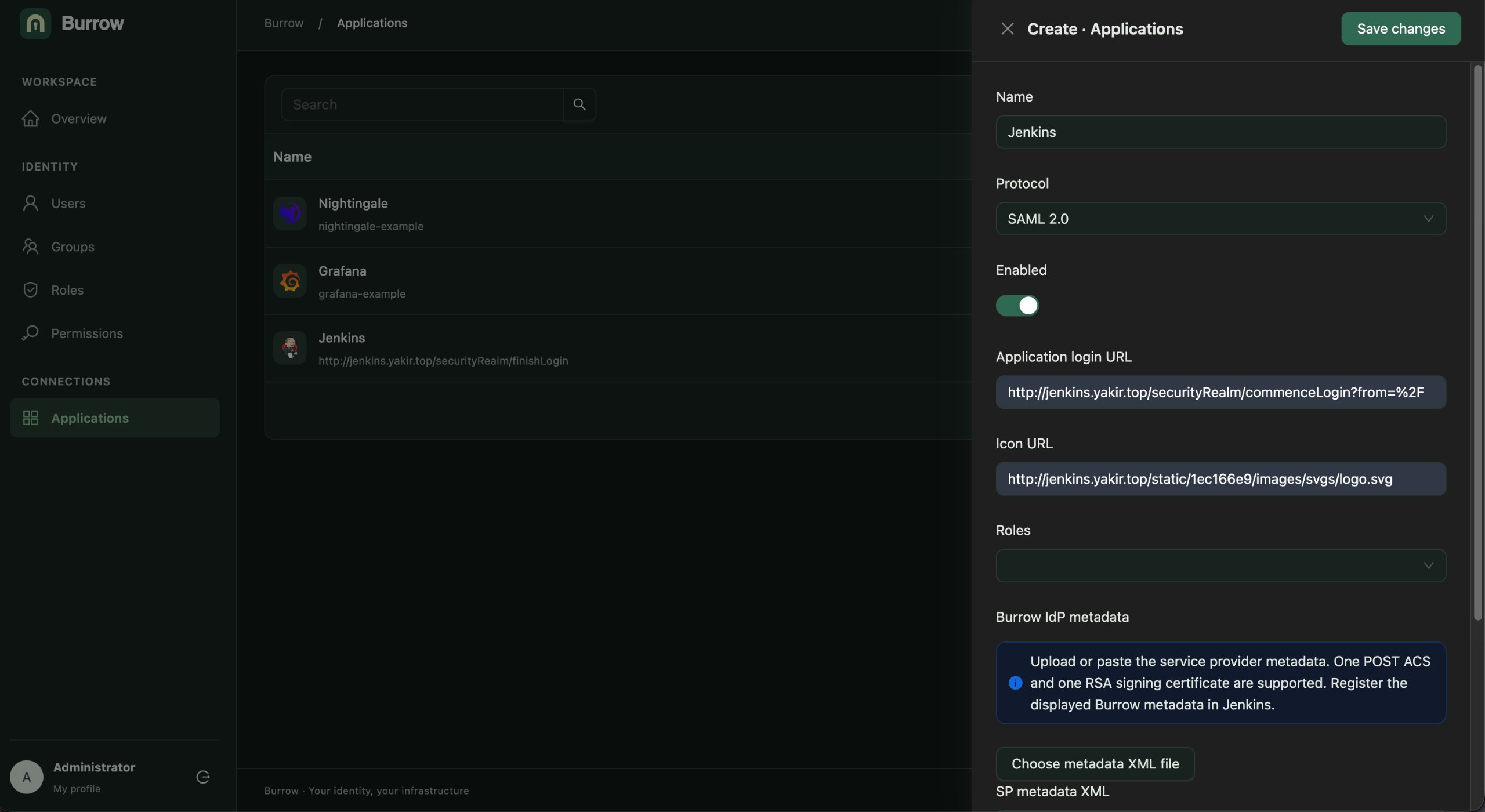
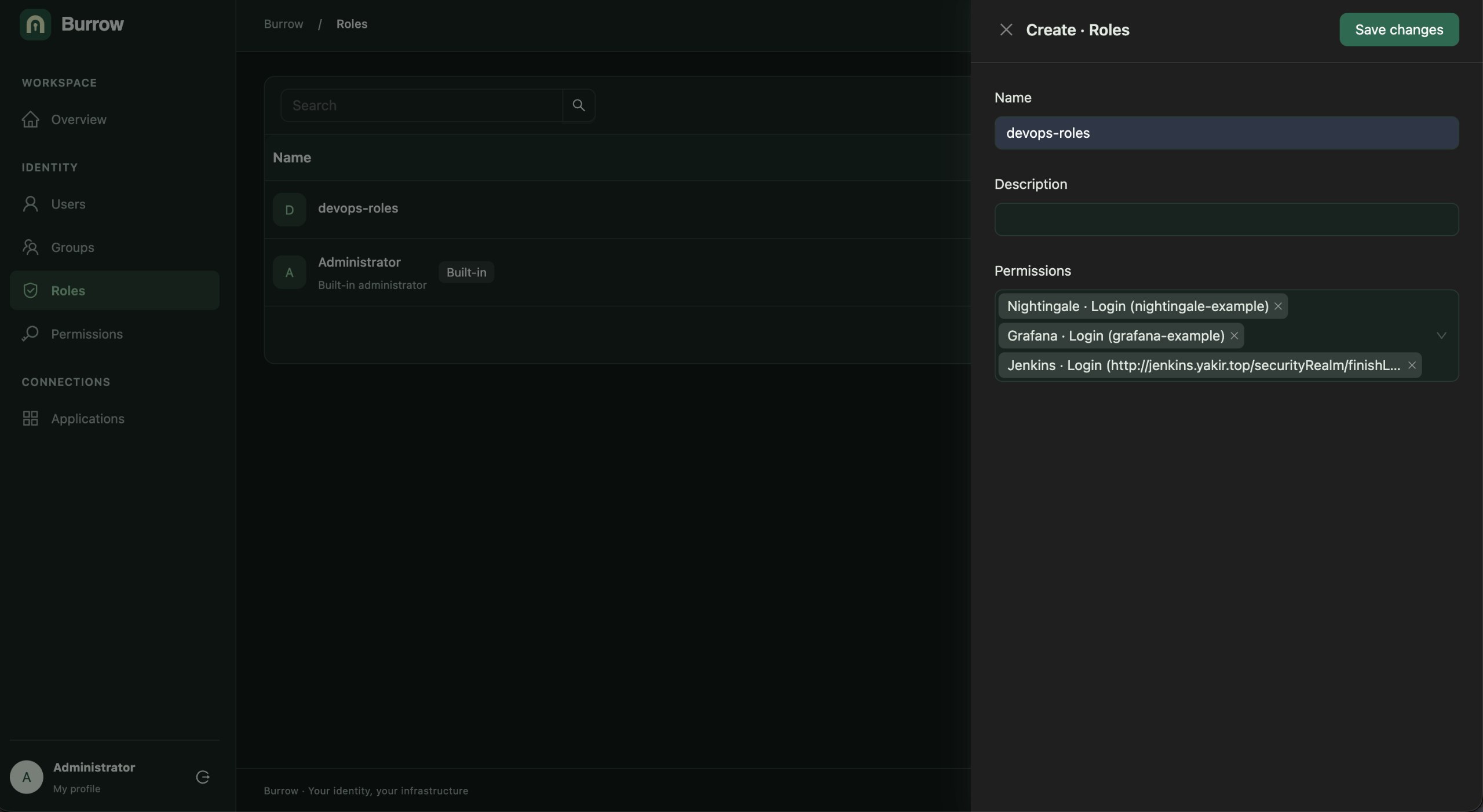
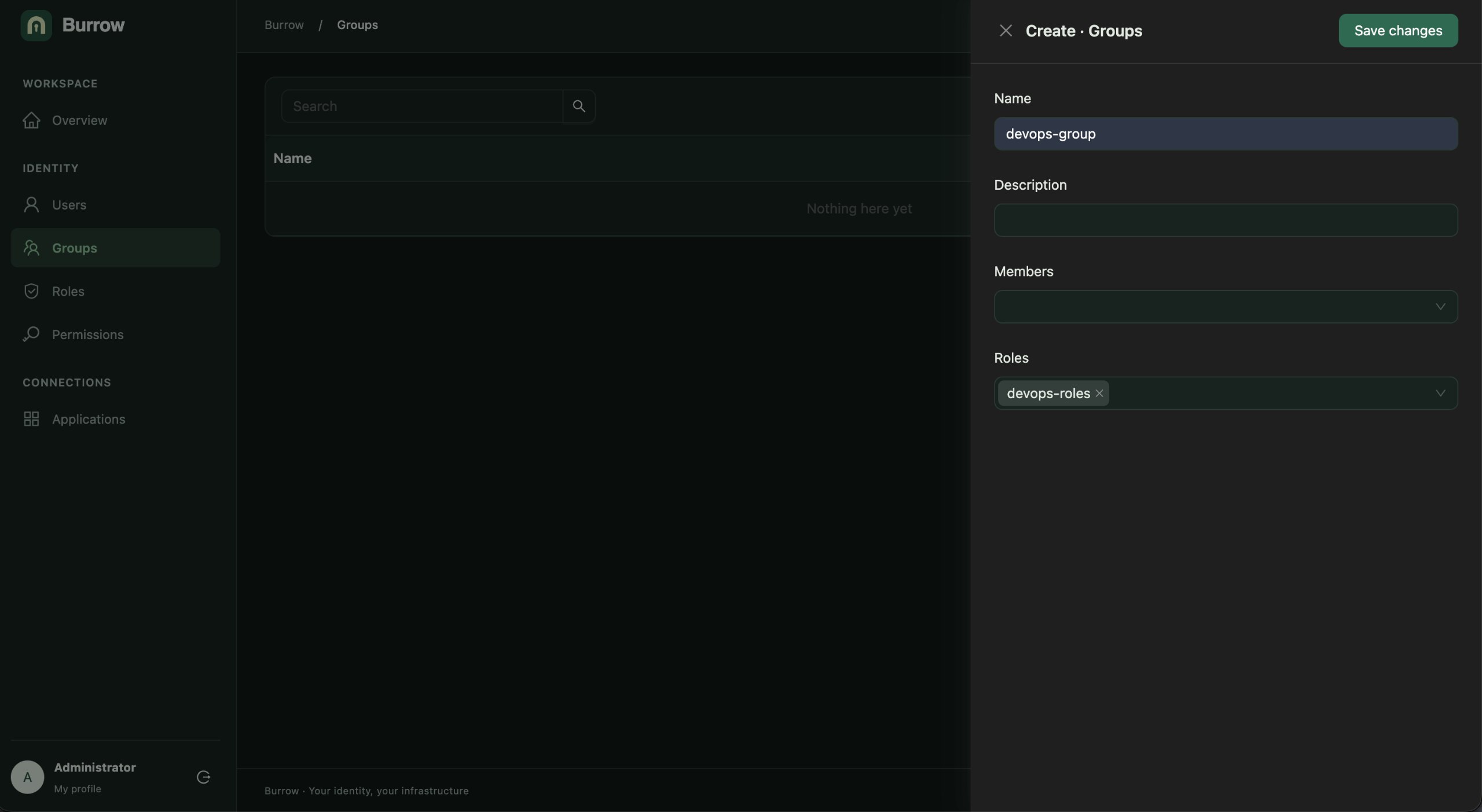
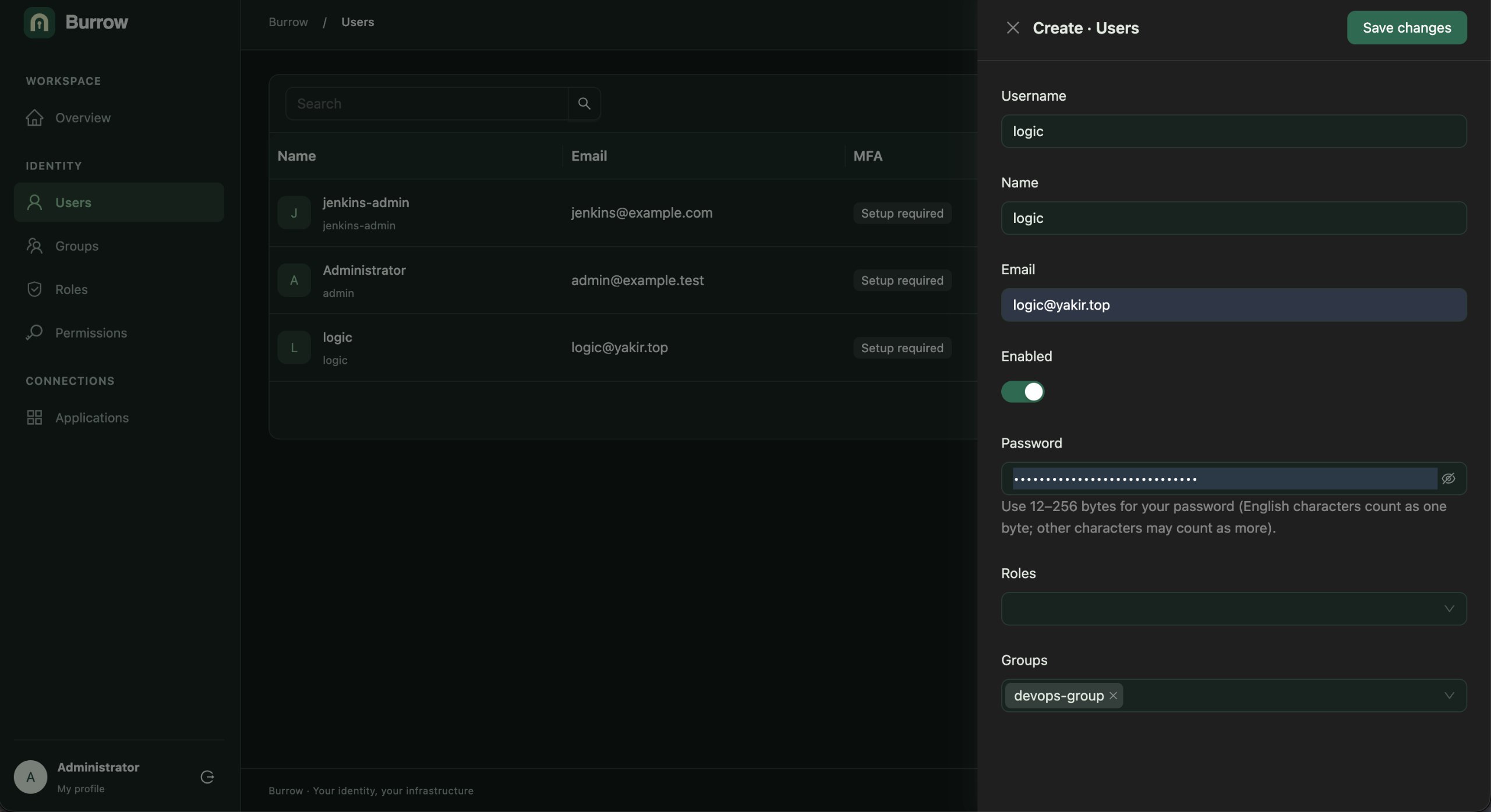
Capture details and verification scope.
Install and sign in
Docker Compose is recommended. Published images and Linux amd64/arm64 binaries include the frontend; Go and Bun are not needed to run them. For Compose, install Docker Engine and Compose v2, then download the deployment archive from Releases. This example pins a release:
BURROW_RELEASE=v1.0.0
tar -xzf "burrow_${BURROW_RELEASE}_deploy.tar.gz"
cd "burrow_${BURROW_RELEASE}_deploy"
cp .env.example .env
Edit .env before starting: set production mode and your HTTPS issuer, use
independent master-key and administrator-password values, and set the PostgreSQL
password consistently in POSTGRES_PASSWORD and BURROW_DB_DSN. Keep the image
version supplied by the archive and configure your TLS reverse proxy.
Installation instructions cover secret generation and proxy settings.
docker compose --profile local-db config --quiet
docker compose --profile local-db pull
docker compose --profile local-db up -d --no-build --pull never
Open your configured HTTPS issuer, sign in as admin with your configured
administrator password, and change the temporary password. Compose runs migration
and seed before the server. For binary installation, MFA and upgrades, follow the
installation guide.
Connect applications
- Create users, groups and ordinary roles.
- Choose OIDC or SAML when registering an application. For OIDC, configure a Web or SPA client with exact callback URLs and any required browser origins. For SAML, import the service provider metadata and configure its trust in Burrow's IdP metadata. Set the application's login URL for portal access.
- Add its
app:<id>:loginpermission to a role and assign the role to users or groups. - Users see authorized applications grouped by OIDC or SAML in their portal; each application starts its own authentication request.
Administrator is the only built-in role. New users have no roles by default; profiles and the portal only require authentication. Application access requires an explicit role grant unless the user is an administrator.
See Web / SPA examples and Grafana / Nightingale / Harbor setup, plus the Jenkins SAML guide.
Development and contributions
Install Go, Bun, Make and a C compiler using the versions in the development guide. From a source checkout:
make deps
make migrate
make seed
make run       # backend: http://localhost:8080
Run make web-dev in another terminal and open http://localhost:5173.
The development guide covers local credentials,
configuration, builds and checks. See Contributing for issues and pull requests,
and Security for private vulnerability reports.
Documentation and license
- Documentation index
- Configuration and MFA policy
- Backup, upgrades and MFA recovery
- Verification scope and checkpoints
Burrow is released under the MIT license.