
AnonMiraj/fig has 28 GitHub stars and 2 forks. GitHot measured 0 stars in 24 hours. Last checked 2026-11-15 16:05 UTC. Last push 2024-09-14.
What you can do
- Shape Drawing: Easily draw paths, shapes, and curves.
- Styling: Apply stroking, dashing, and other styles to shapes.
- Text Support: Render fonts and text with customizable attributes.
- Export Options: Save your graphics in PNG, PPM, or SVG formats.
Measured star growth
- in 24h
- 0
- in 7 days
- Update delayed
- in 15 days
- Update delayed
- in 1 month
- Update delayed
Net star changes over overlapping periods, not daily totals. Missing measurements are left blank. Stars measure attention, not software quality.
About
FIG (Fortran Intuitive Graphics)
Creative & MediaREADME.md
OriginalFIG
FIG is a Fortran library designed to offer intuitive vector graphics capabilities. It supports a variety of shapes, paths, and text, with output options including PNG, PPM, and SVG.
Features
- Shape Drawing: Easily draw paths, shapes, and curves.
- Styling: Apply stroking, dashing, and other styles to shapes.
- Text Support: Render fonts and text with customizable attributes.
- Export Options: Save your graphics in PNG, PPM, or SVG formats.
Requirements
- A modern Fortran compiler (such as gfortran).
libcairoand its dependencies for rendering. Install libcairo.
Example program
Here’s a simple example to get you started:
program test_fig
   use fig
   implicit none
   type(drawing) :: canva
   type(circle) :: circ

   call canva%init()
   canva%background = FIG_COLOR_BLACK

   circ%c%x = 0.5
   circ%c%y = 0.5

   circ%r = 25
   circ%stroke_color = FIG_COLOR_TAN
   circ%fill_color = FIG_COLOR_RED
   circ%stroke_width = 3
   call canva%add_shape(circ)

   circ%r = 15
   circ%stroke_color = FIG_COLOR_CYAN
   circ%fill_color = FIG_COLOR_GRAY
   circ%stroke_width = 2
   call canva%add_shape(circ)

   ! Export the drawing to PNG and SVG formats
   call draw_to_png(canva, 100, 100, "png_test")
   call draw_to_svg(canva, 200, 300, "svg_test")

end program test_fig
result :
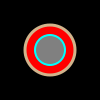
Note: FIG uses relative coordinates by default. To use absolute coordinates, set FIG_ABSOLUTE_COORDINATES = .true..
For a comprehensive list of shapes and their attributes, refer to the Shapes source file and Path source file.
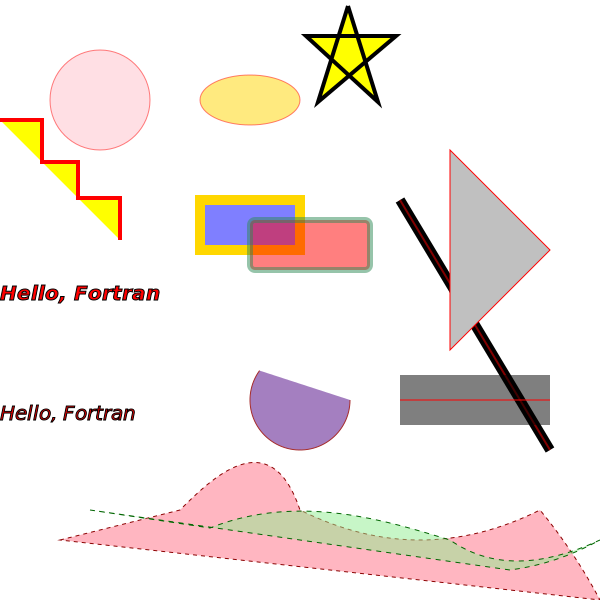
Gallery
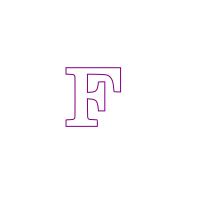
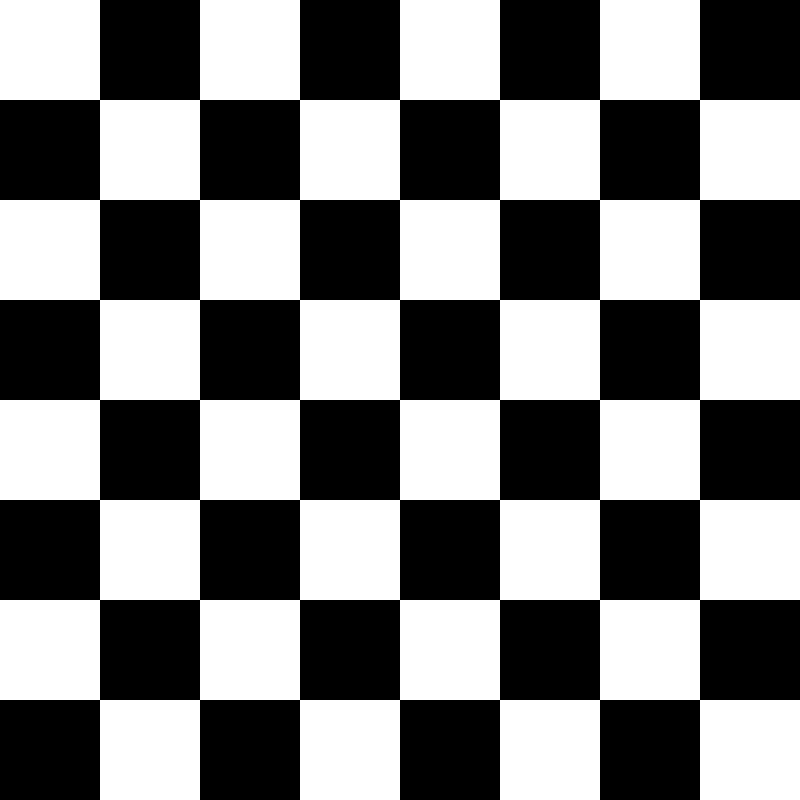
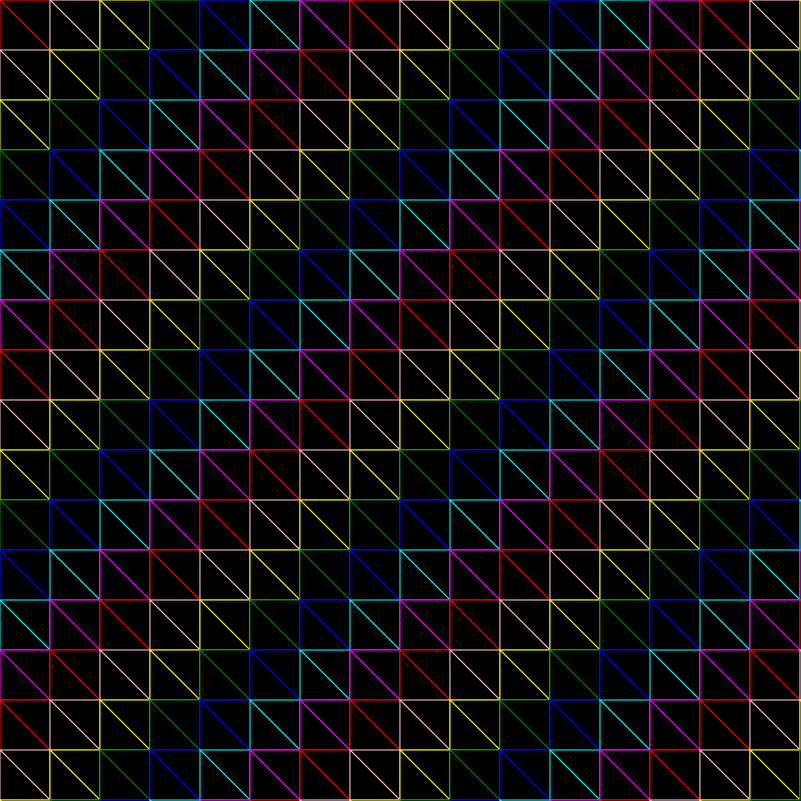
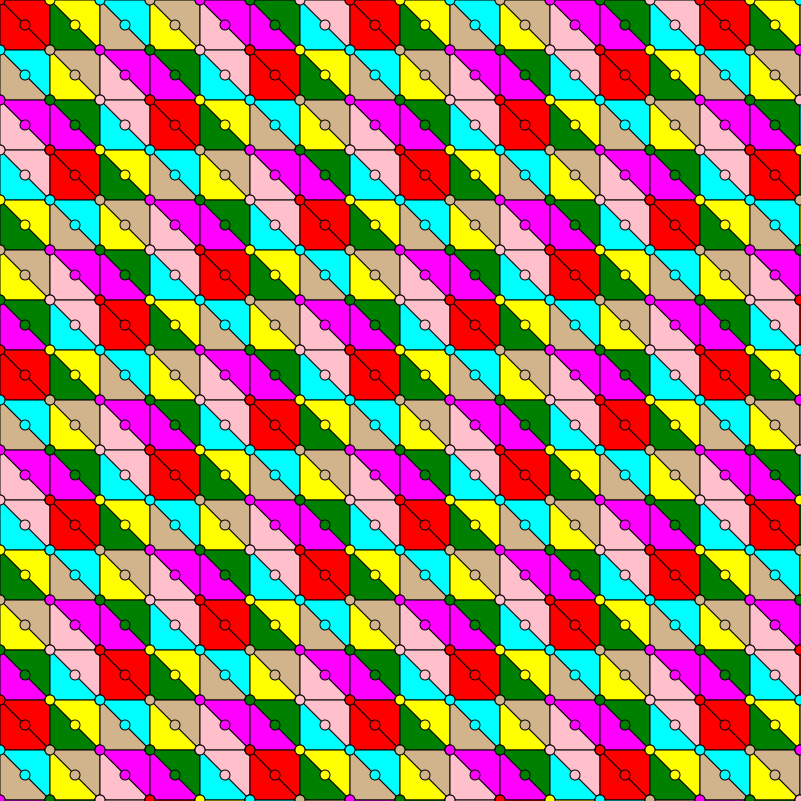
Below are some examples of images created using FIG.
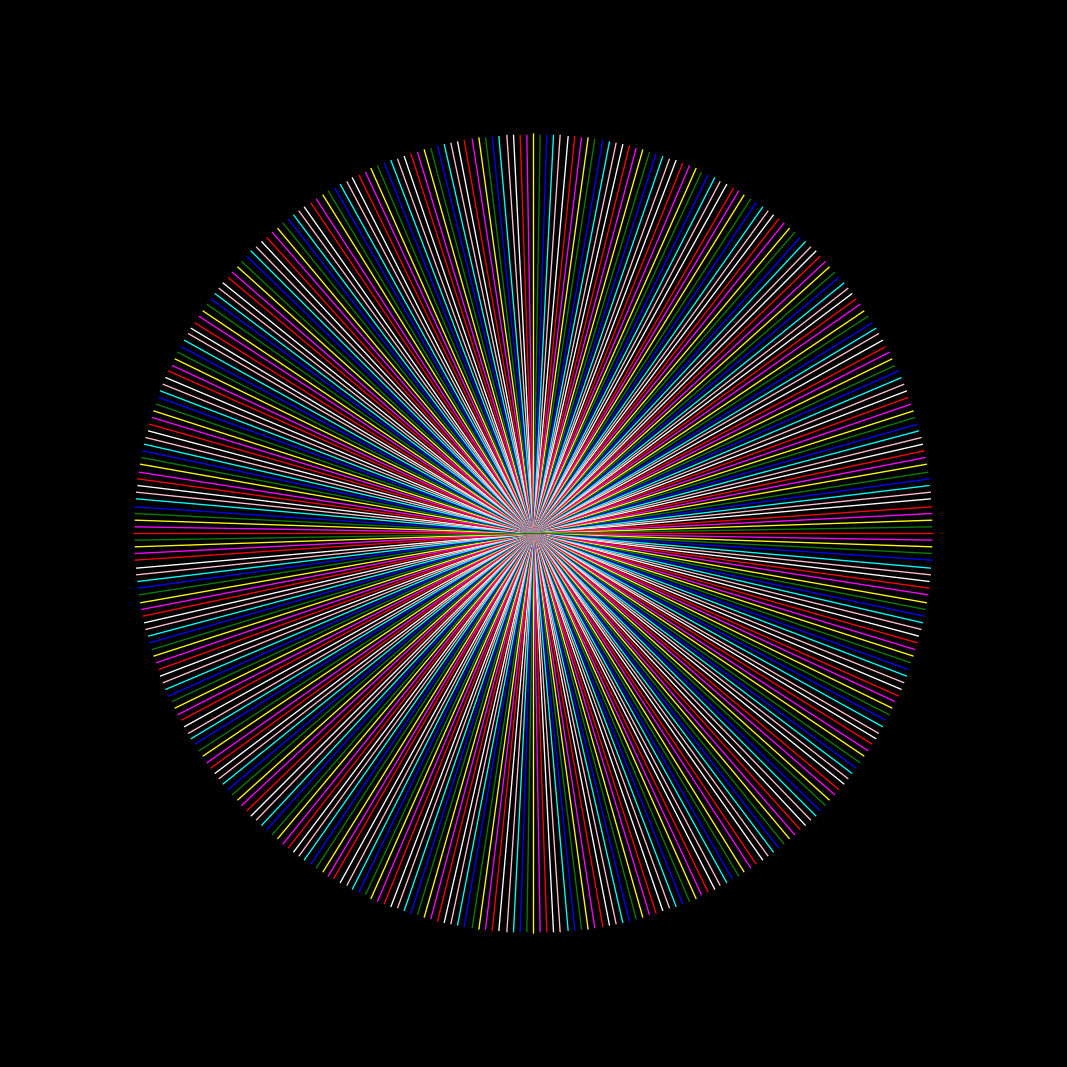
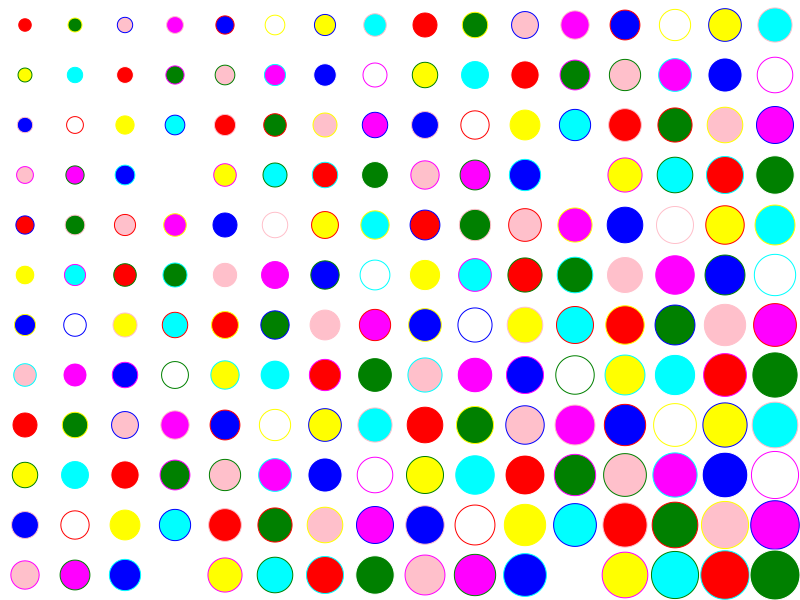
More Examples
fpm
To use fig within your own fpm project, add the following dependency to your project fpm.toml file:
[dependencies]
fig= {git = "https://github.com/AnonMiraj/fig" }
To-Do List
- Add support for additional backends, making
cairooptional. - Implement gradient support.
- Add PNG file reading capability.
- Implement transformations (rotations, scaling, etc.).