Projects View on GitHub
AlexW00/Zettel
AlexW00/Zettel has 70 GitHub stars and 6 forks. GitHot measured 0 stars in 24 hours. Last checked 2026-11-15 22:05 UTC. Last push 2026-08-08.
What you can do
- Single-note focus: Edit one note at a time with full-screen interface
- Tag system: Organize notes with hashtags (#tag)
- Themes: Light, dark, and system theme options
- File integration: All notes are just simple MarkDown files
Measured star growth
- in 24h
- 0
- in 7 days
- Update delayed
- in 15 days
- Update delayed
- in 1 month
- Update delayed
Net star changes over overlapping periods, not daily totals. Missing measurements are left blank. Stars measure attention, not software quality.
About
Zettel - Quick Notes for iOS/macOS
ProductivityREADME.md
OriginalZettel
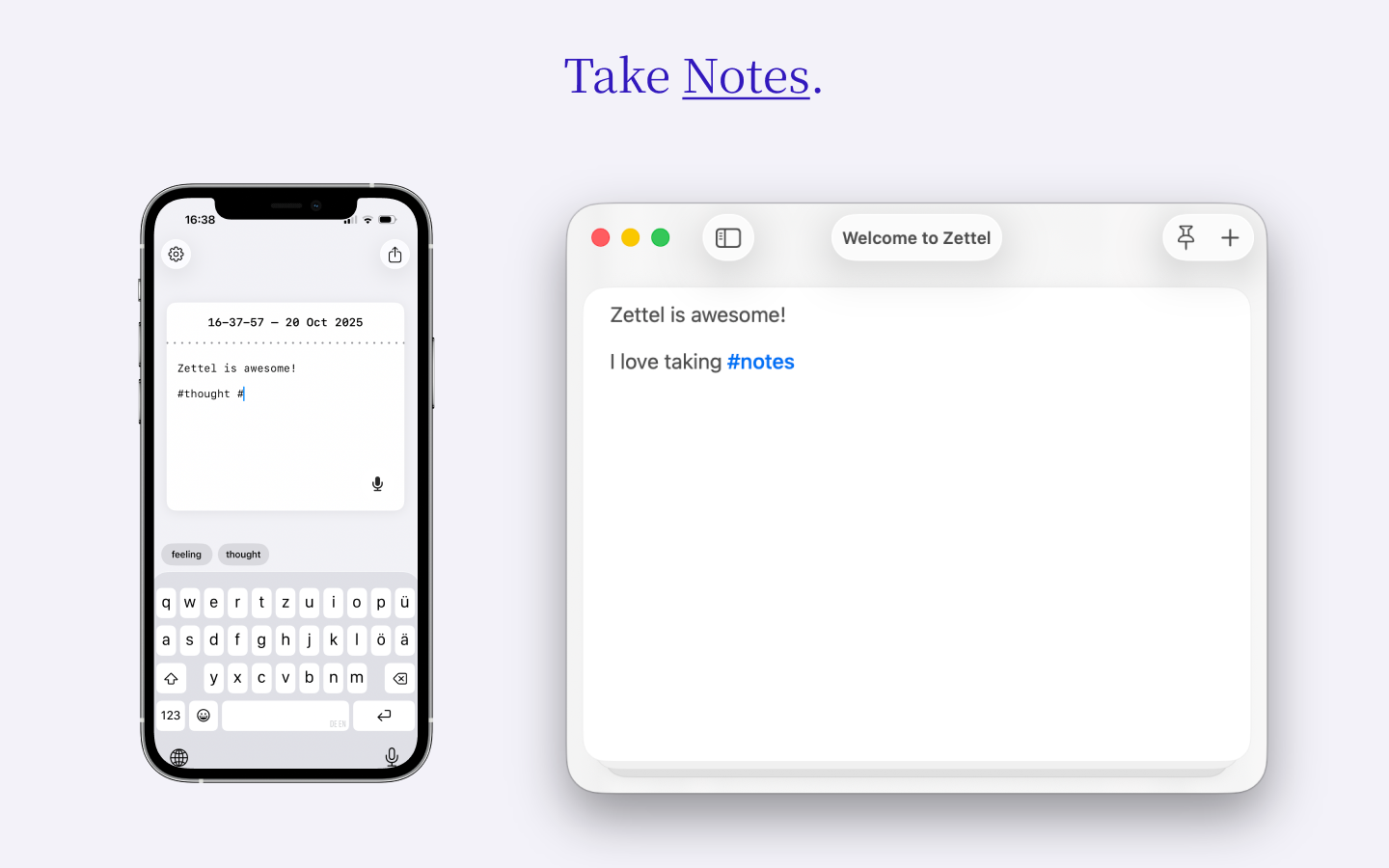
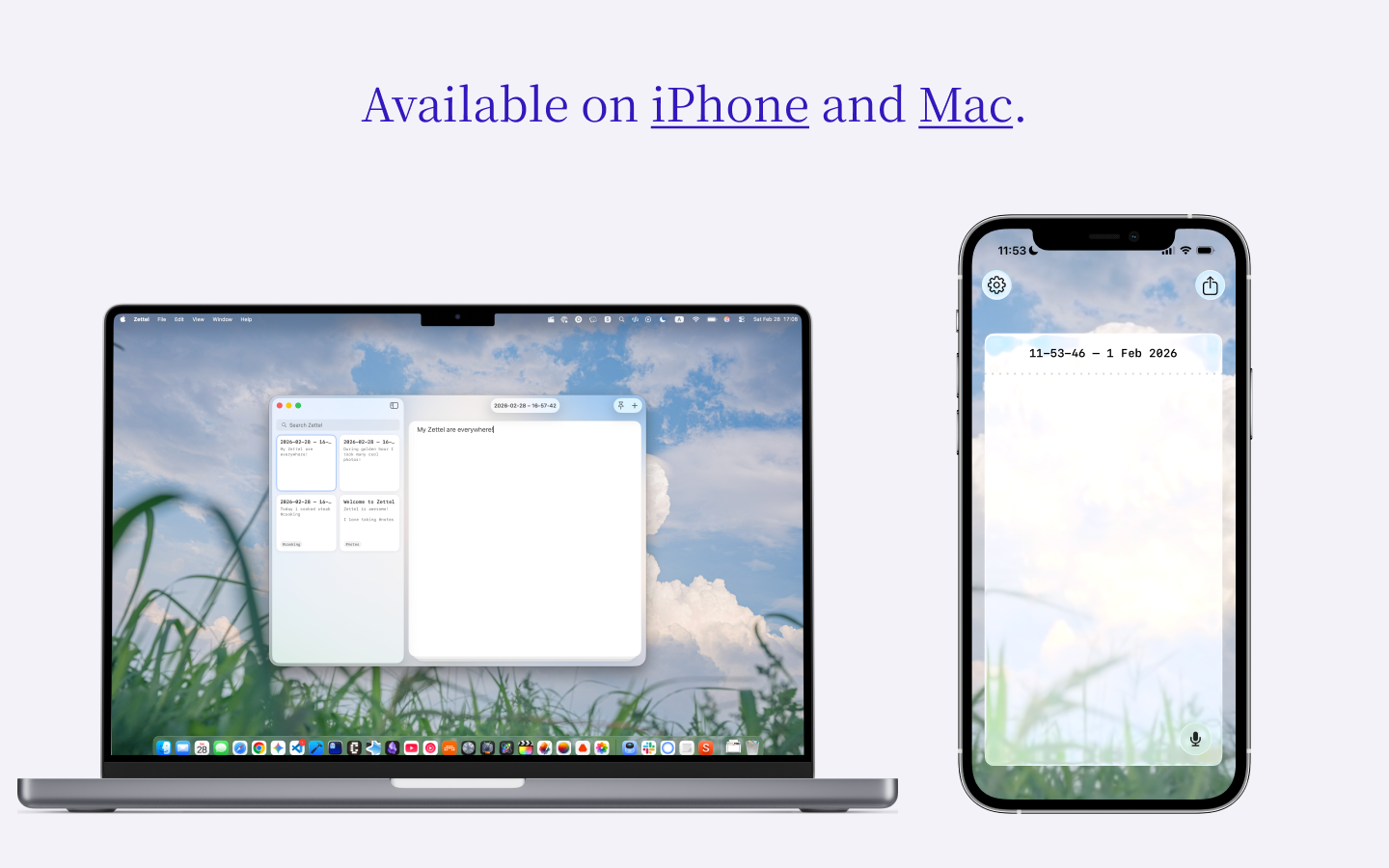
Zettel is a minimal, distraction-free local note-taking app available for iPhone and Mac.
App Store
You can download Zettel:
- iOS / macOS: App Store
Features
- Single-note focus: Edit one note at a time with full-screen interface
- Tag system: Organize notes with hashtags (#tag)
- Themes: Light, dark, and system theme options
- File integration: All notes are just simple MarkDown files
Requirements
iOS
- iOS +26
macOS
- macOS 26+
Dev Setup
Clone the repository
git clone [email protected]:AlexW00/Zettel.git
cd Zettel
Configure your environment
cp .env.example .envEdit
.envwith your Apple Developer details:DEVELOPMENT_TEAM: Your Apple Developer Team ID (found in Apple Developer portal)BUNDLE_IDENTIFIER: Your unique bundle identifier (e.g.,com.yourcompany.Zettel)
Building
./build.sh ios
# or
./build.sh macos
Or run the configuration and build separately:
./configure.sh  # Configure project with your environment
# Then build in Xcode or use xcodebuild directly
Development Scripts
./configure.sh- Configure Xcode project with environment variables./build.sh <ios|macos>- Configure and build for the specified platform./clean.sh- Reset project configuration to clean state
Contributing
See CONTRIBUTING.md for development setup and contribution guidelines.