
Alchemist-Aloha/StashFlow
Alchemist-Aloha/StashFlow has 82 GitHub stars and 5 forks. GitHot measured 0 stars in 24 hours. Last checked 2026-11-15 05:50 UTC. Last push 2026-11-13.
What you can do
- 📱 Cross-platform support for Android, desktop, and web.
- 🧭 Flexible navigation with customizable primary tabs and responsive layouts.
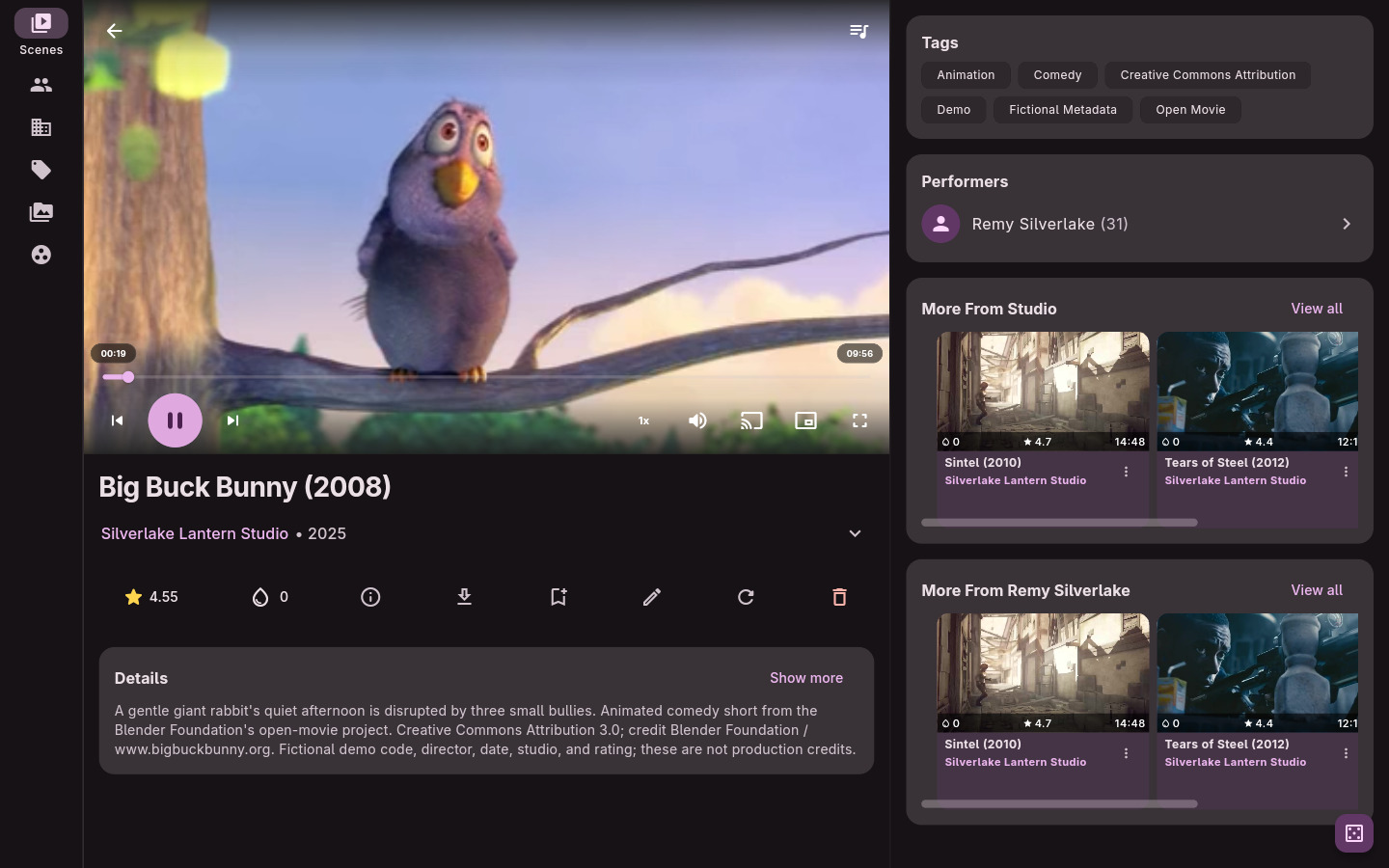
- 🎬 Playback tools including queue continuity, autoplay next, PiP, background audio, cast support, and subtitle controls.
- 🖼️ Media browsing for scenes, markers, images, galleries, performers, studios, tags, and groups.
Measured star growth
- in 24h
- 0
- in 7 days
- Collecting history
- in 15 days
- Collecting history
- in 1 month
- Collecting history
Net star changes over overlapping periods, not daily totals. Missing measurements are left blank. Stars measure attention, not software quality.
About
Multi-platform client for a Stash server, with modern Material 3 UI.
Self-hostedREADME.md
Original
StashFlow
A modern, multi-platform client for your Stash server. Built for fast browsing, playback, and library management across Android, Desktop (Windows, macOS, Linux), iOS, and the Web.
The app is primarily tested on Android, Linux and Windows. The MacOS and iOS builds are offered as is. The web build is best treated as a demo because browser restrictions limit authentication and playback behavior. For the full experience, use a native build.


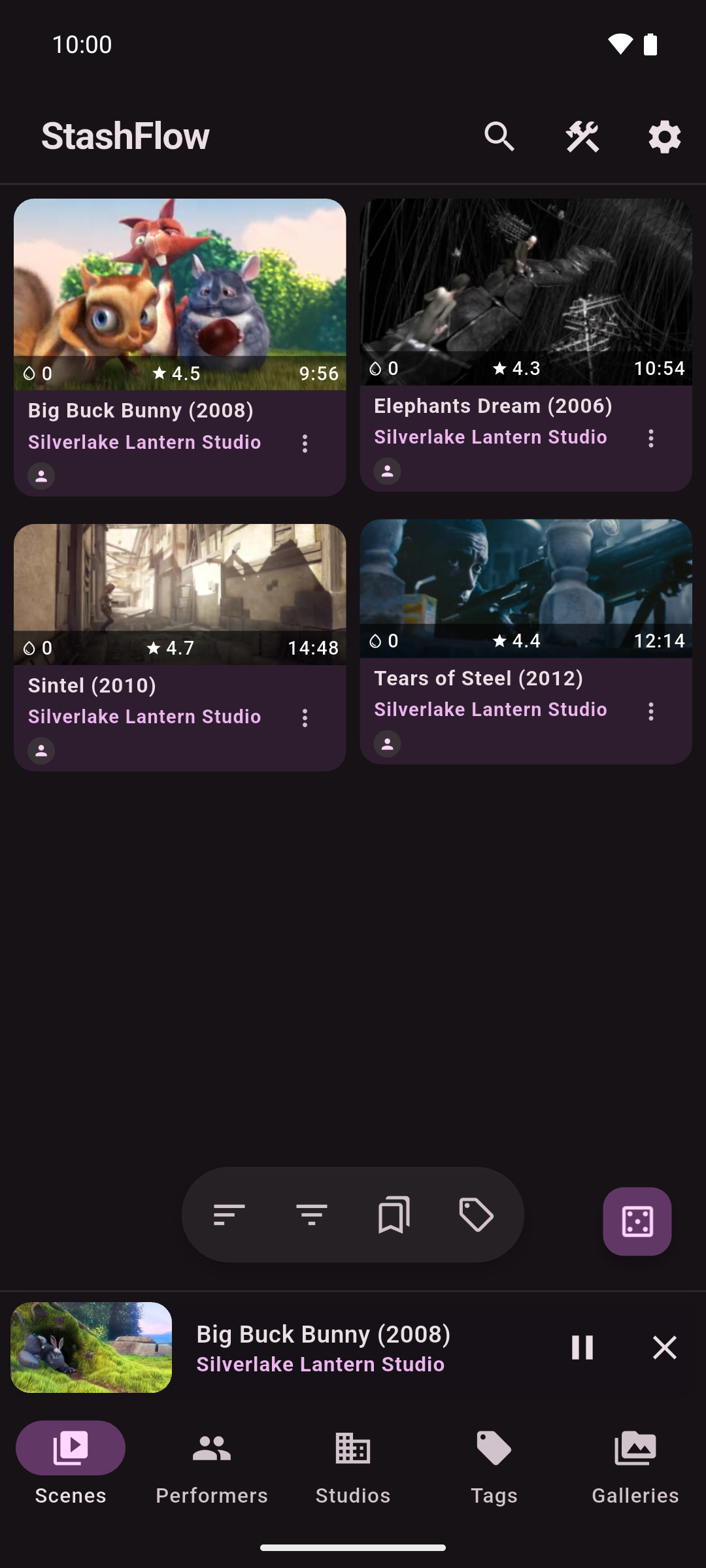
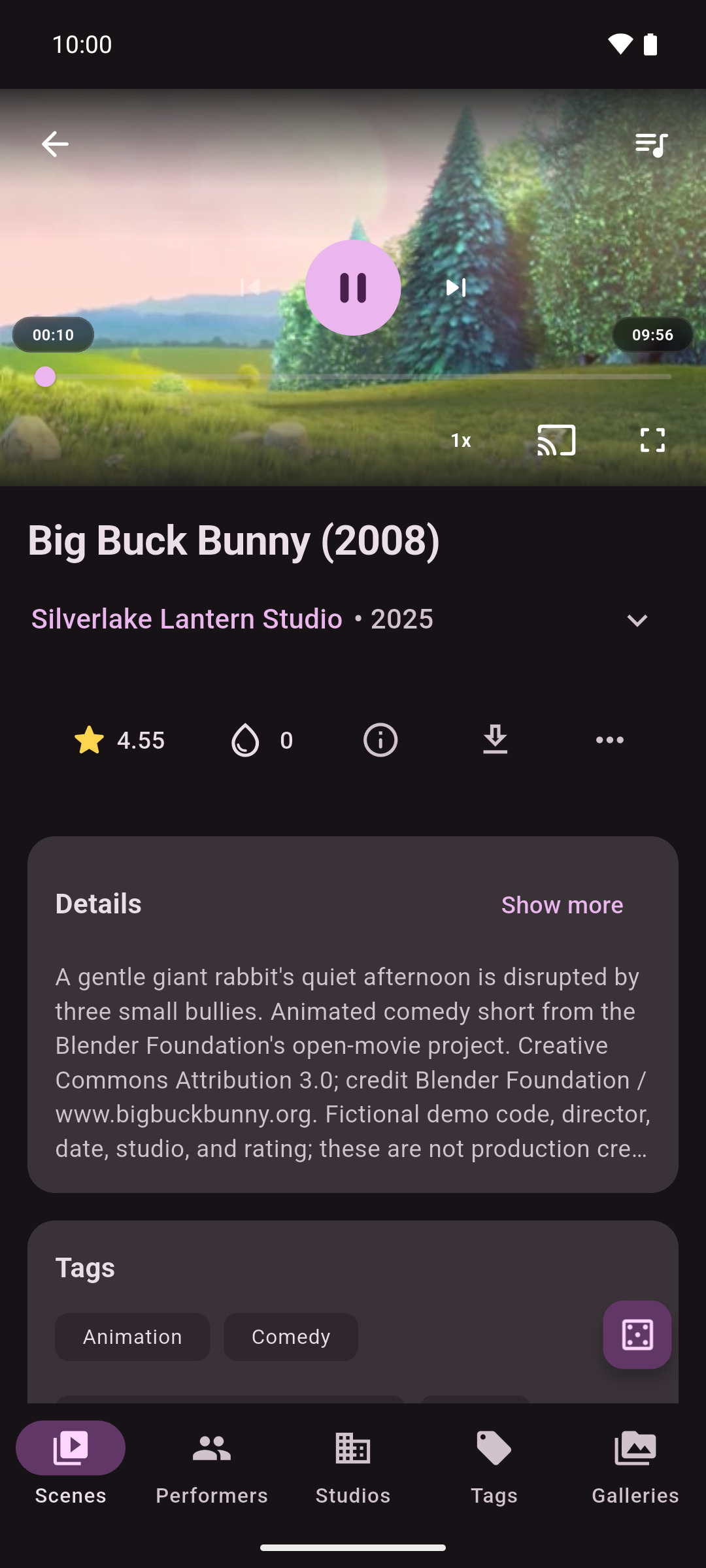
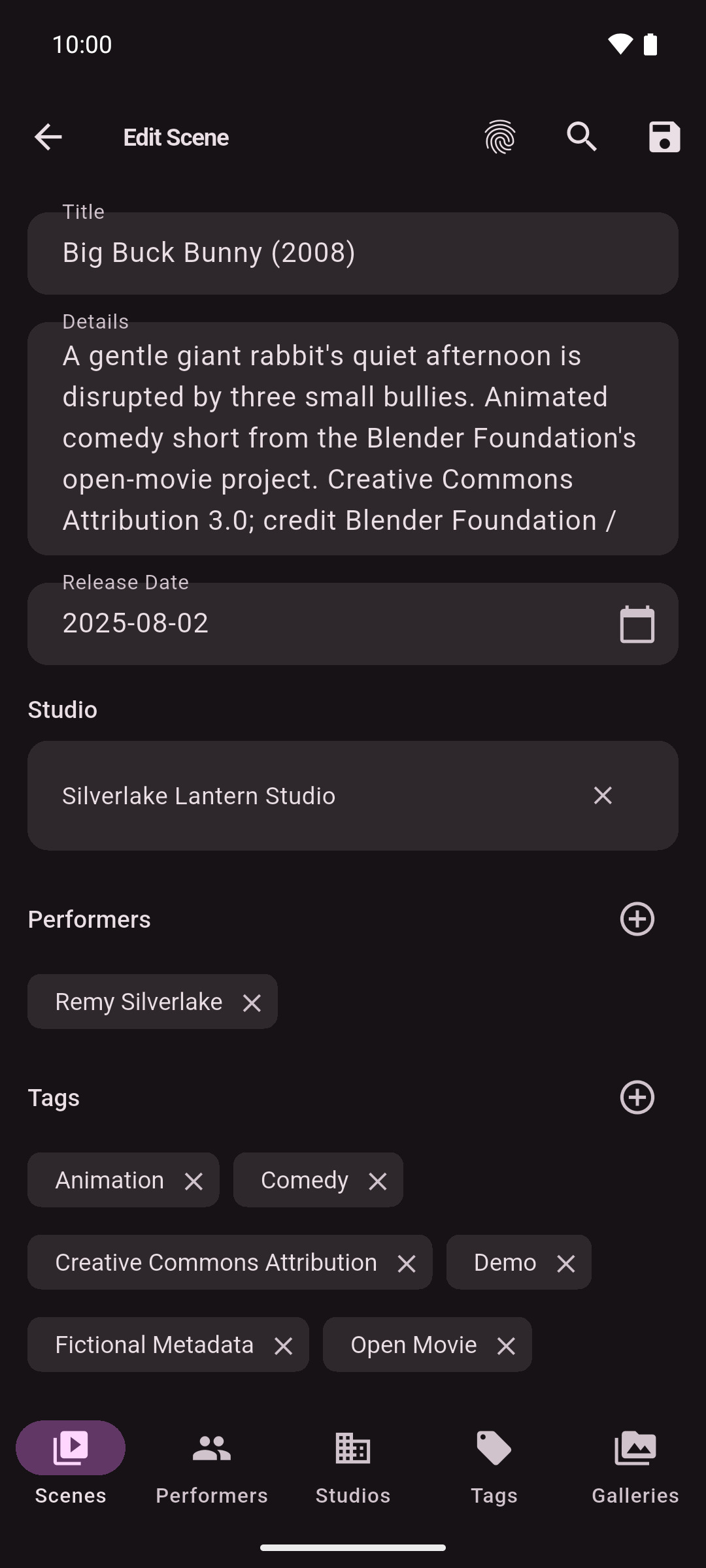
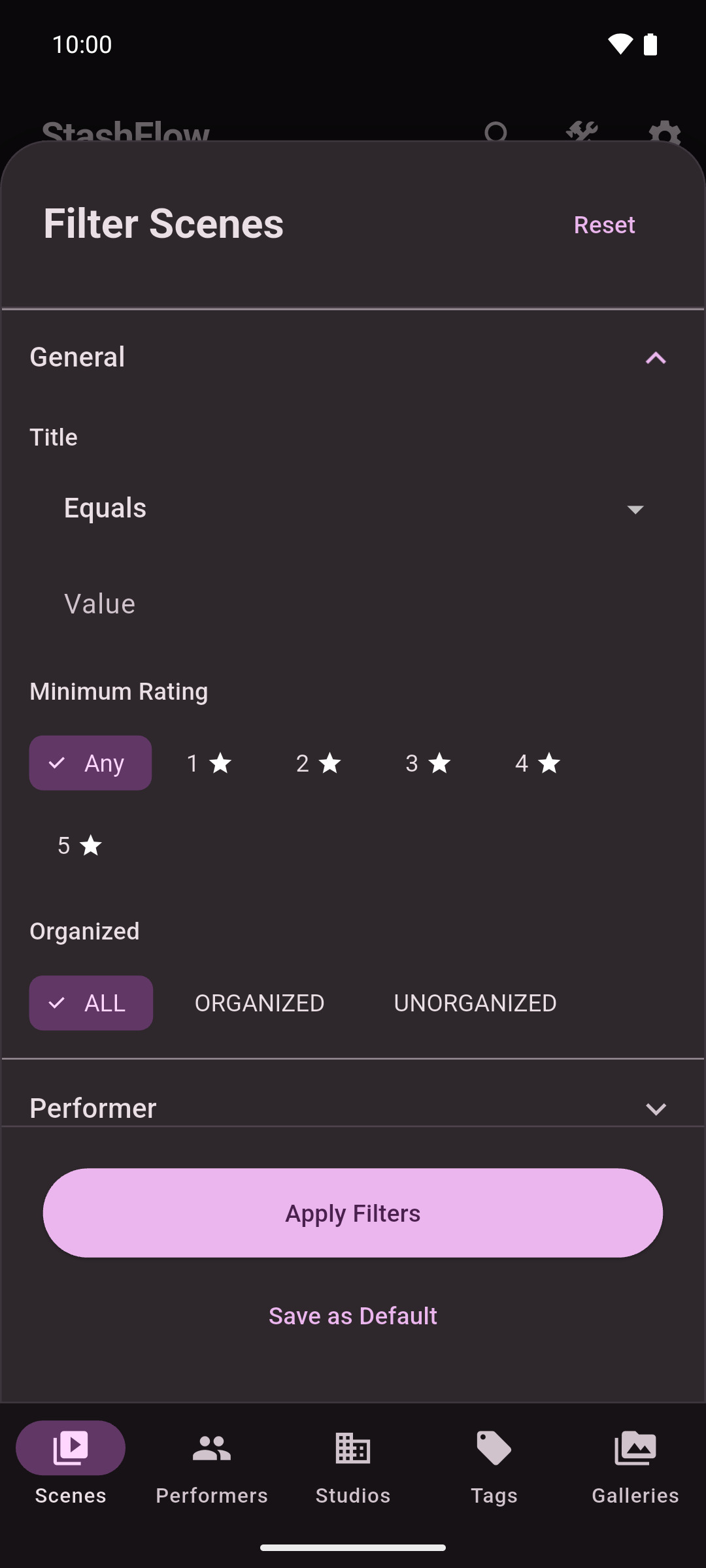
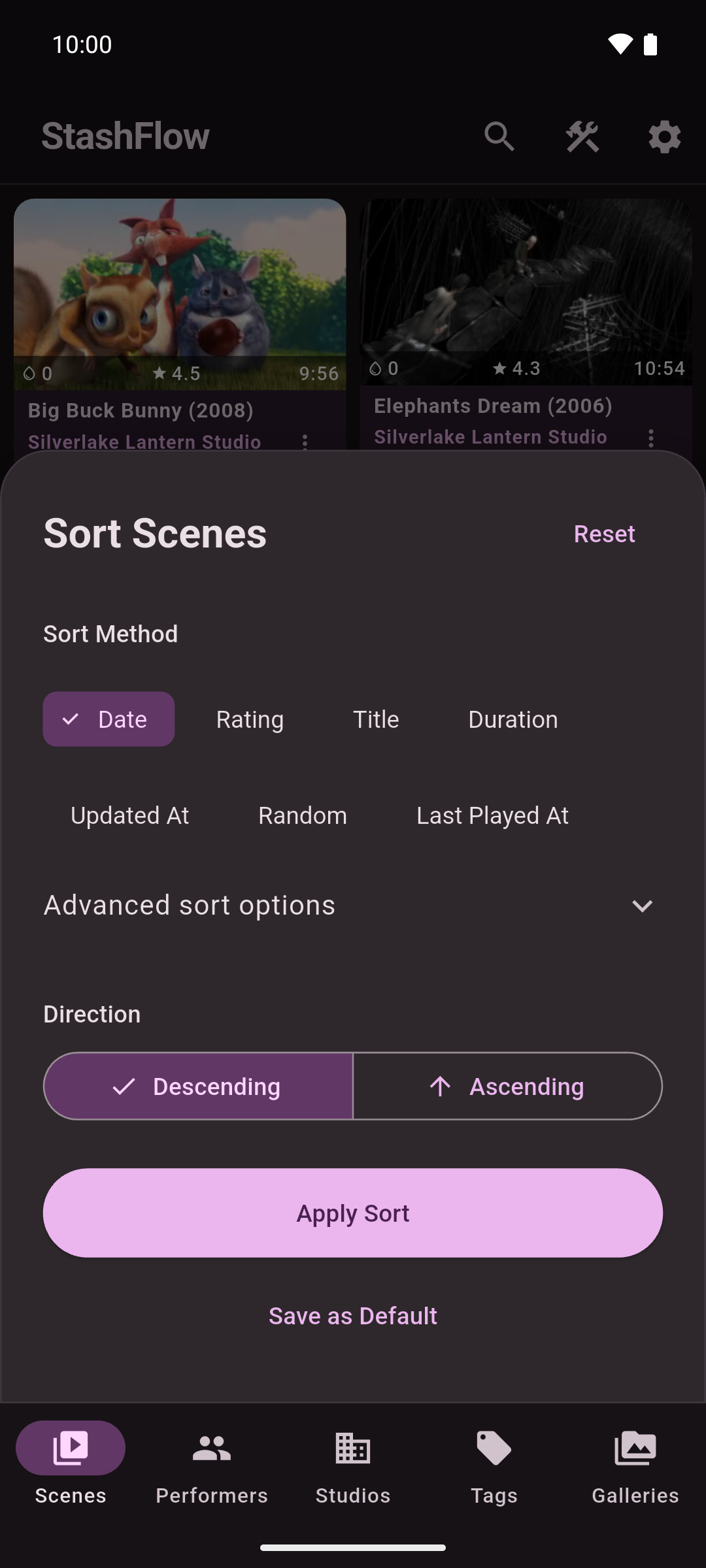
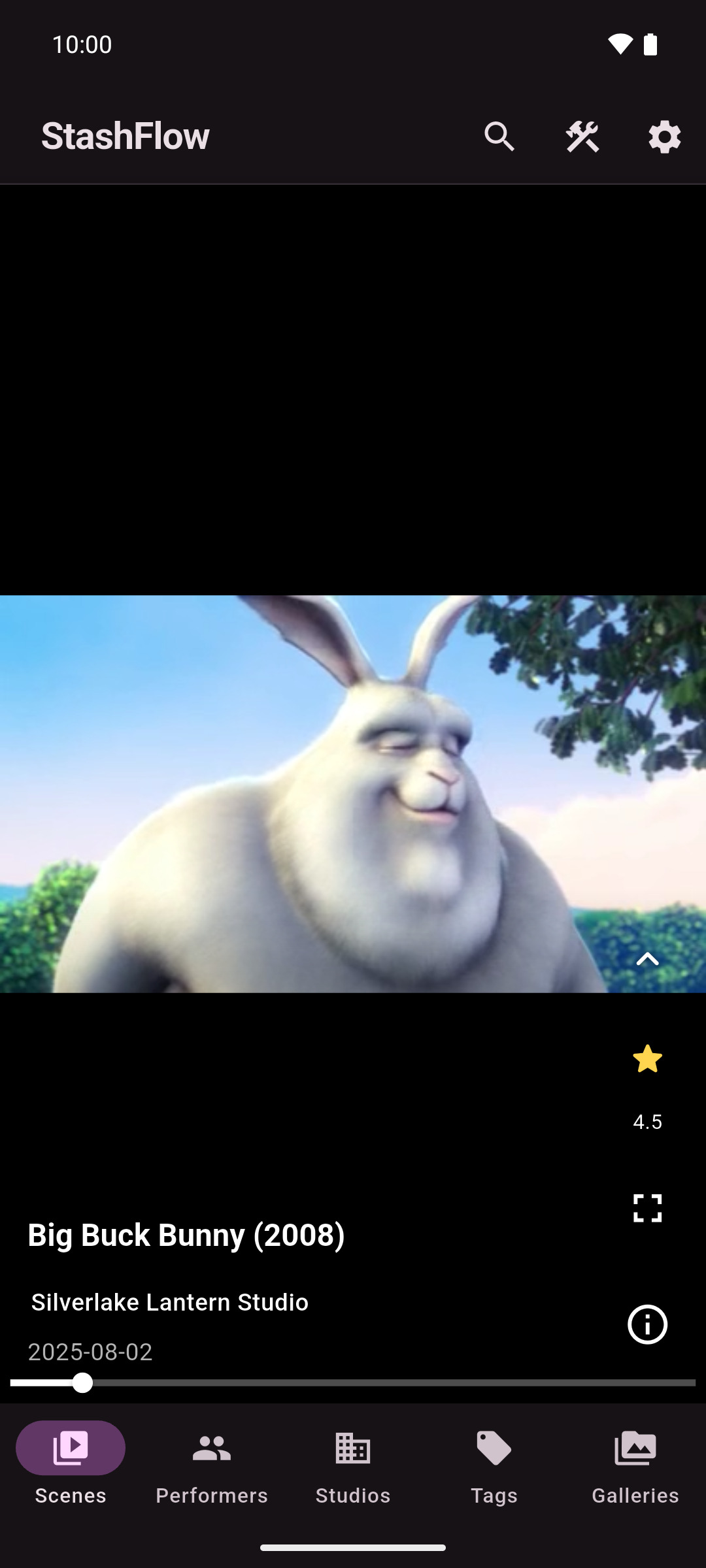
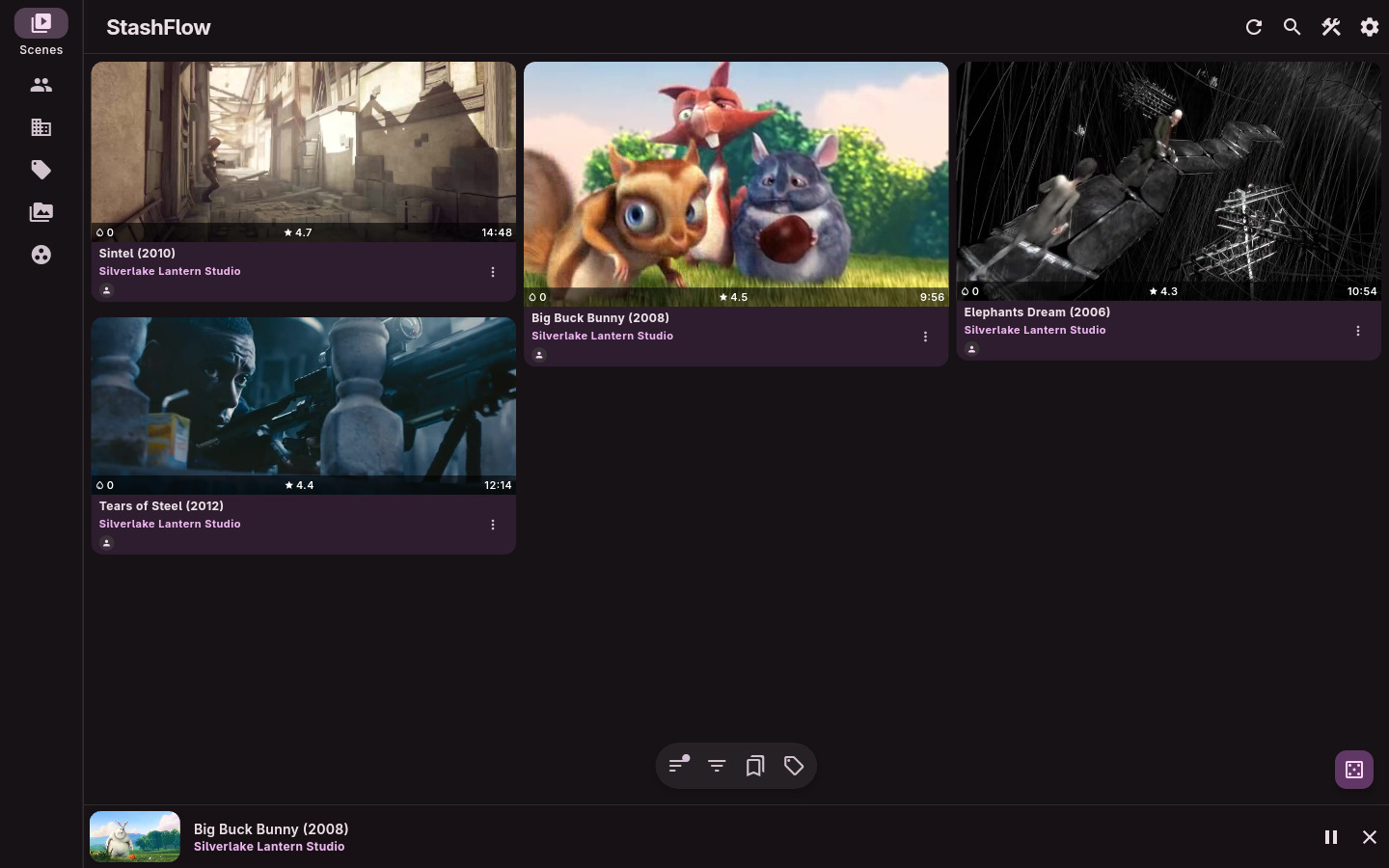
📸 Screenshots
Android mobile
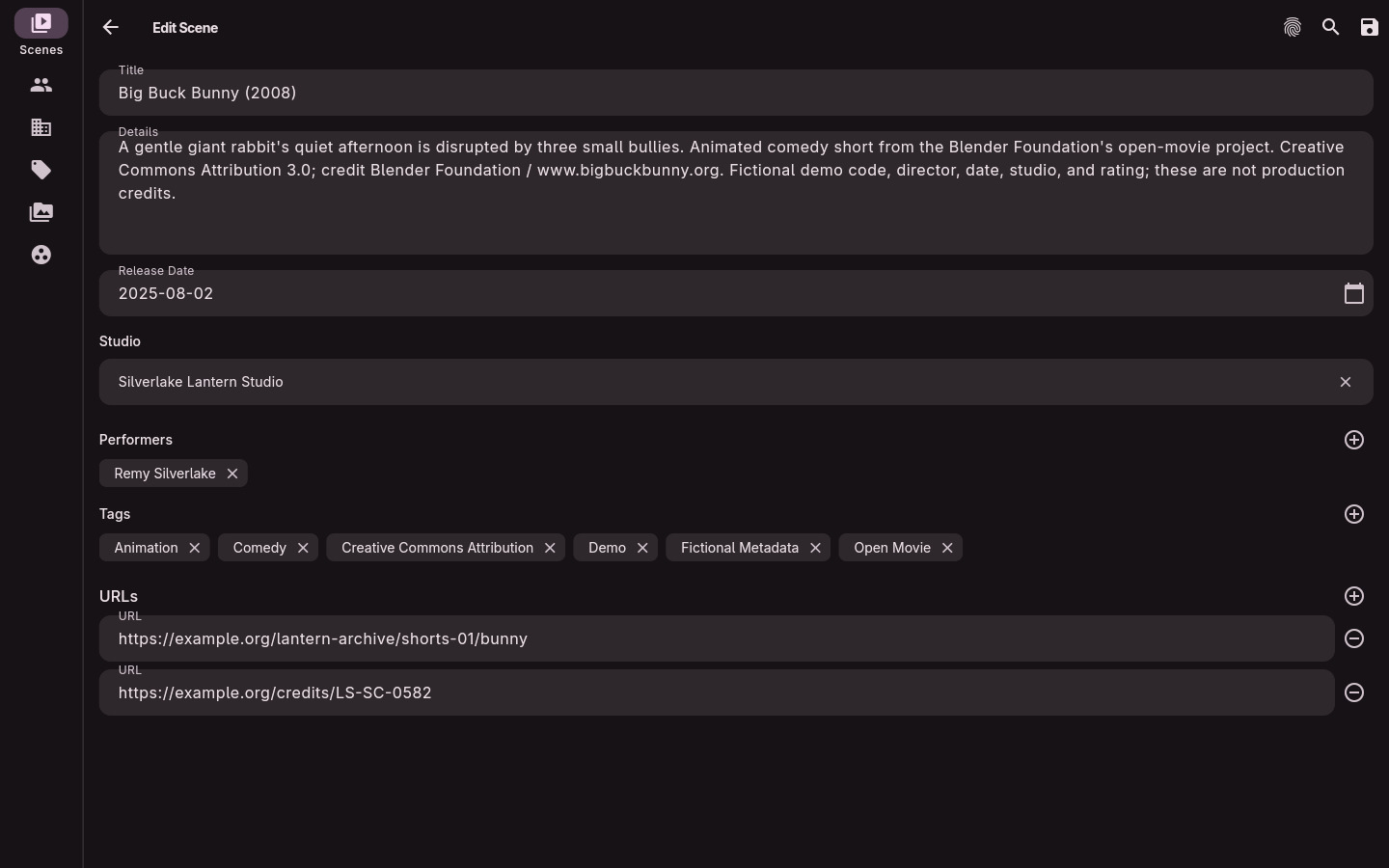
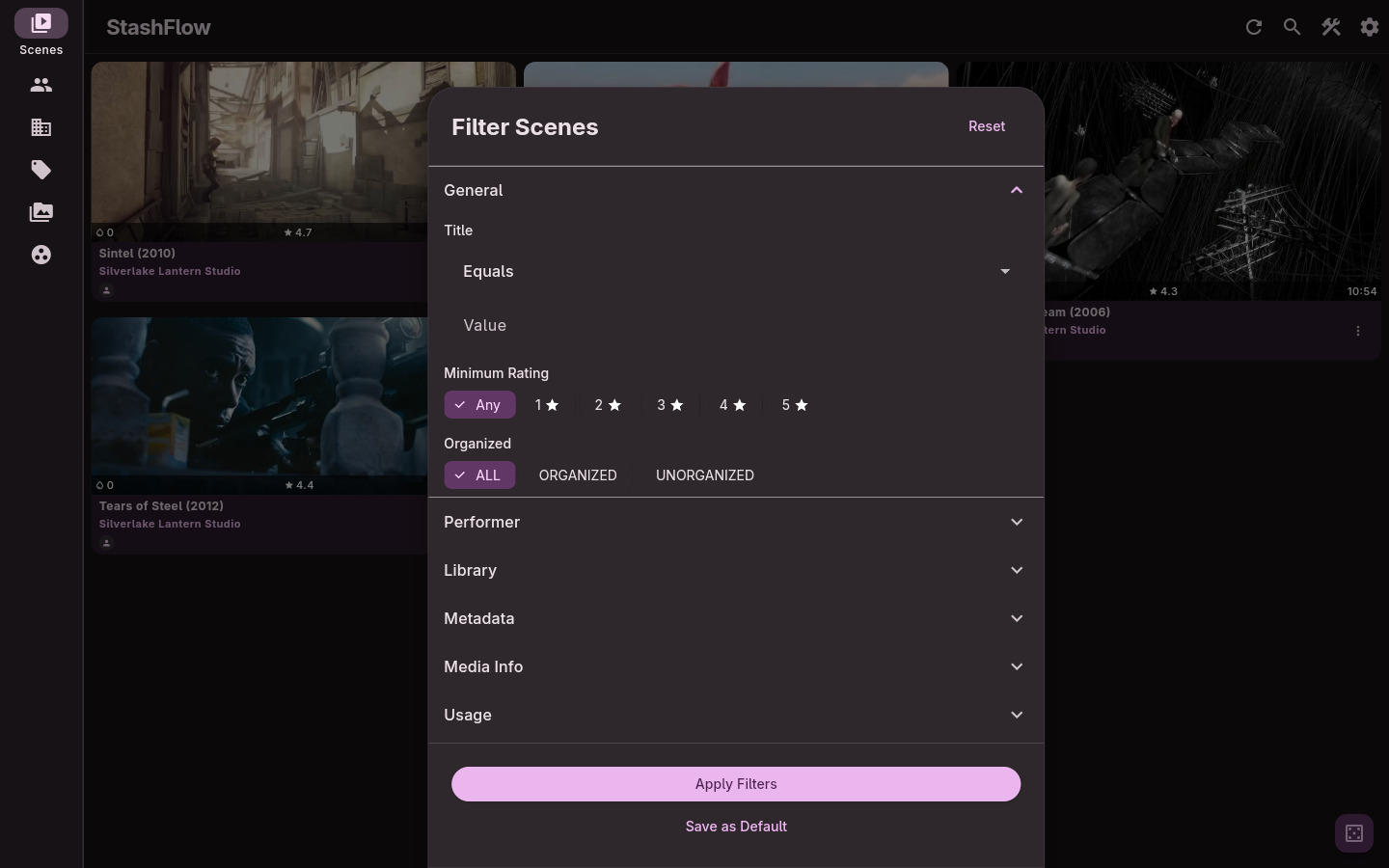
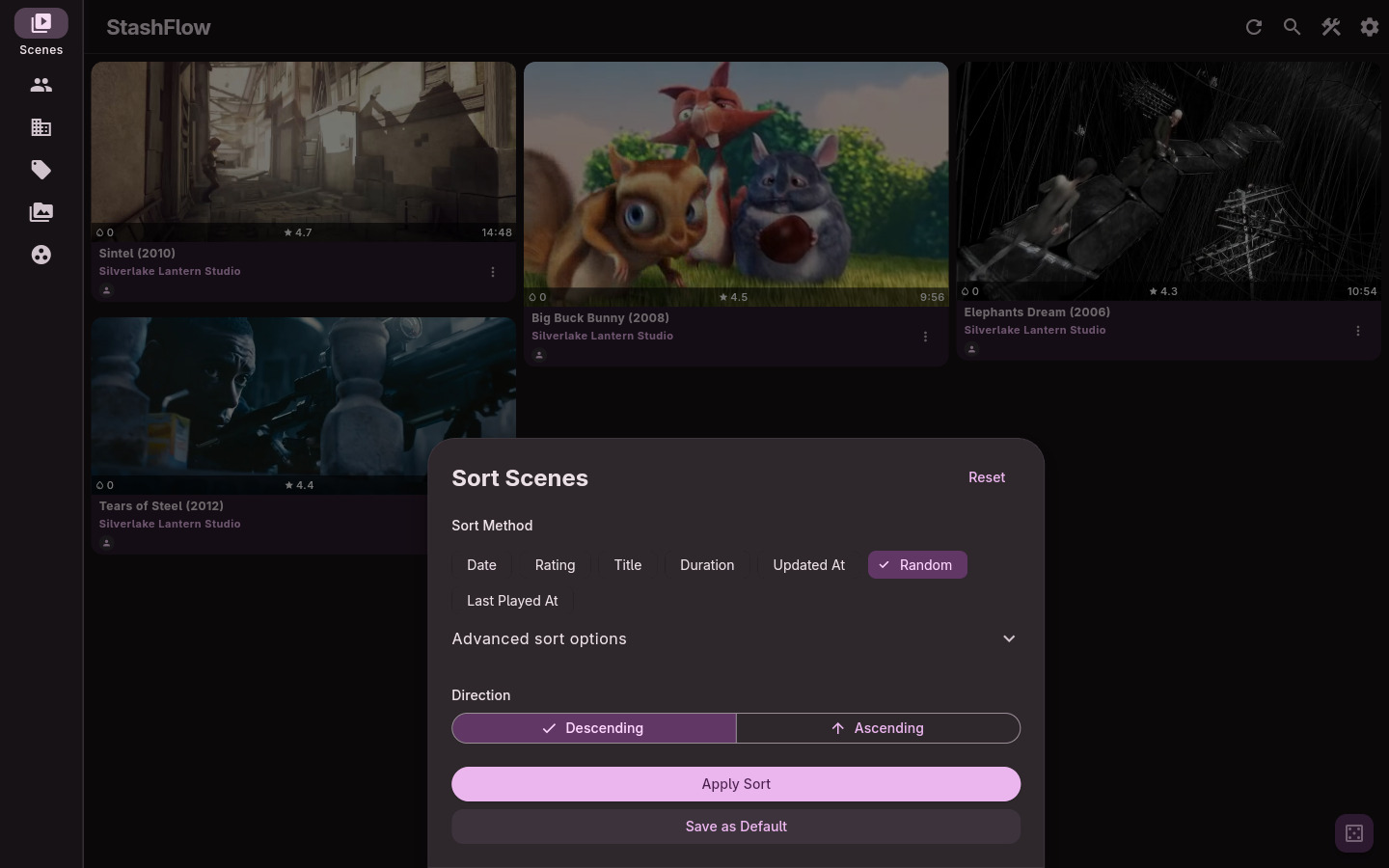
Linux desktop
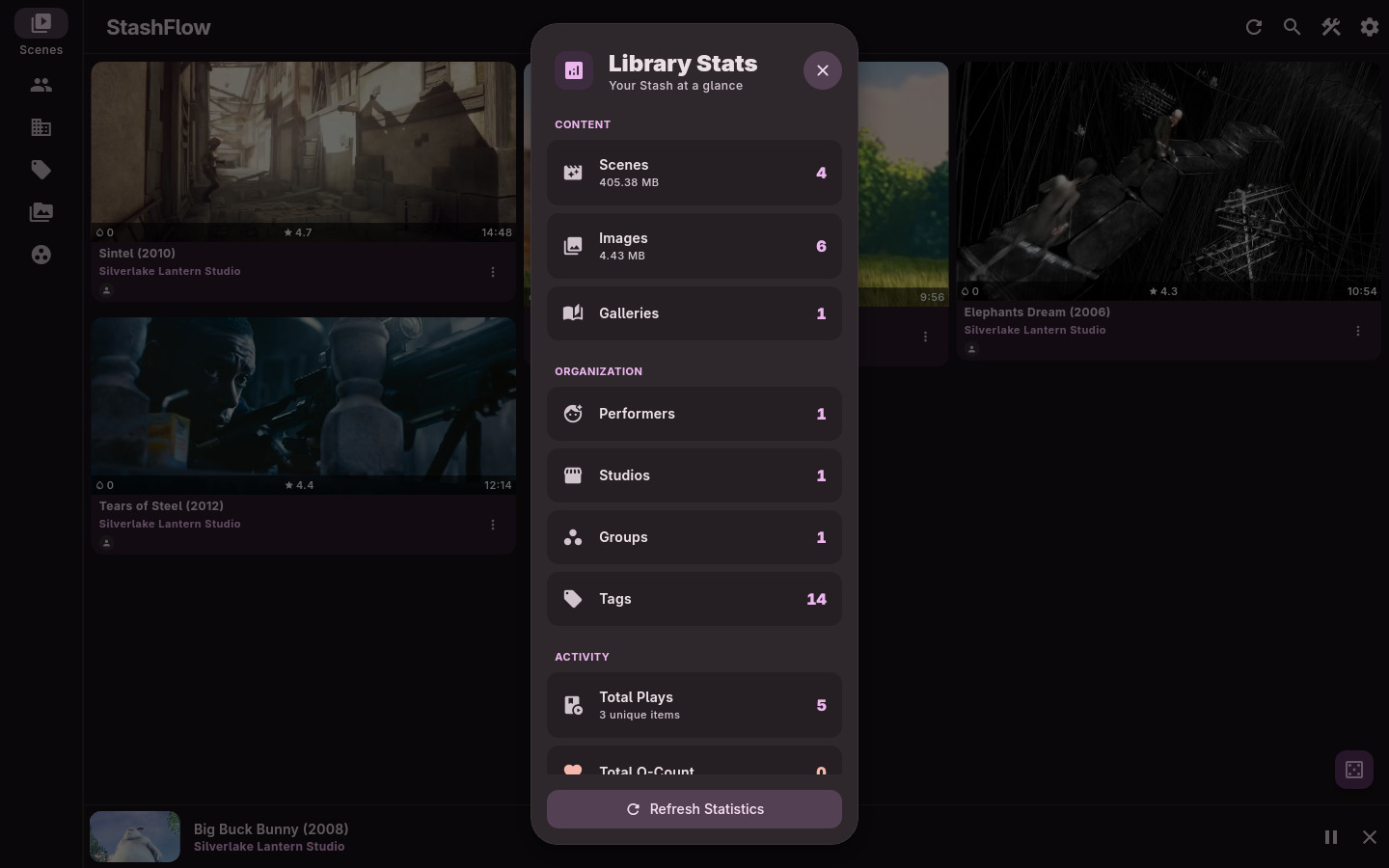
✨ Key Features
- 📱 Cross-platform support for Android, desktop, and web.
- 🧭 Flexible navigation with customizable primary tabs and responsive layouts.
- 🎬 Playback tools including queue continuity, autoplay next, PiP, background audio, cast support, and subtitle controls.
- 💬 On-device transcription and translation to generate subtitles even when a scene has none. Choose Transcribe in the subtitle menu, then download compatible models in the dialog or Settings → Playback. Speech and text stay on-device; generation requires native playback and is unavailable on web or while casting. Speed and accuracy depend on your hardware and models.
- 🖼️ Media browsing for scenes, markers, images, galleries, performers, studios, tags, and groups.
- 🔎 Filtering and sorting with saved per-page defaults and server-side presets.
- 🛠️ Editing and scraping for scene metadata, entity associations, and match merging.
- ⚙️ Settings coverage for server profiles, interface, playback, storage, security, keybinds, and developer options.
- 🌐 Localized UI with multiple supported languages.
🚀 Getting Started
📱 Android
- Download: Grab the latest APK from the Releases page.
- Connect: Open the app ➔ Settings ➔ Enter your credentials.
💻 Desktop (Windows, macOS, Linux)
- Download: Download the appropriate installer for your OS from the Releases page.
- Setup: Install and launch ➔ Enter your credentials in Settings.
🌐 Web
- Access: Visit the Live Web App Demo or host your own build.
- Note on Limitations: The web version serves primarily as a demo.
- Authentication: Only API Key login is supported due to browser CORS restrictions.
- Playback: Video playback is limited by browser codec support.
- Recommendation: Use the Android or Desktop versions for the complete feature set and optimal performance.
🤓 For Developers
Build
Build the project for the platform you need:
# Get dependencies
flutter pub get

# Regenerate code (GraphQL & Notifiers)
dart run build_runner build

# Build flutter app
flutter build apk --debug --split-per-abi
flutter build windows --debug
flutter build linux --debug
📚 Internal Docs
For more info, see: