
AidenAI-IO/aico-link
AidenAI-IO/aico-link has 77 GitHub stars and 8 forks. GitHot measured +2 stars in 24 hours. Last checked 2026-11-17 00:31 UTC. Last push 2026-11-12.
Measured star growth
- in 24h
- +2
- in 7 days
- Collecting history
- in 15 days
- Collecting history
- in 1 month
- Collecting history
Net star changes over overlapping periods, not daily totals. Missing measurements are left blank. Stars measure attention, not software quality.
About
AI Agent hardware for mobile phone
AIREADME.md
OriginalAico Link Firmware
Website: aico.link | Docs: Documentation Hub | Community: Join the Discord
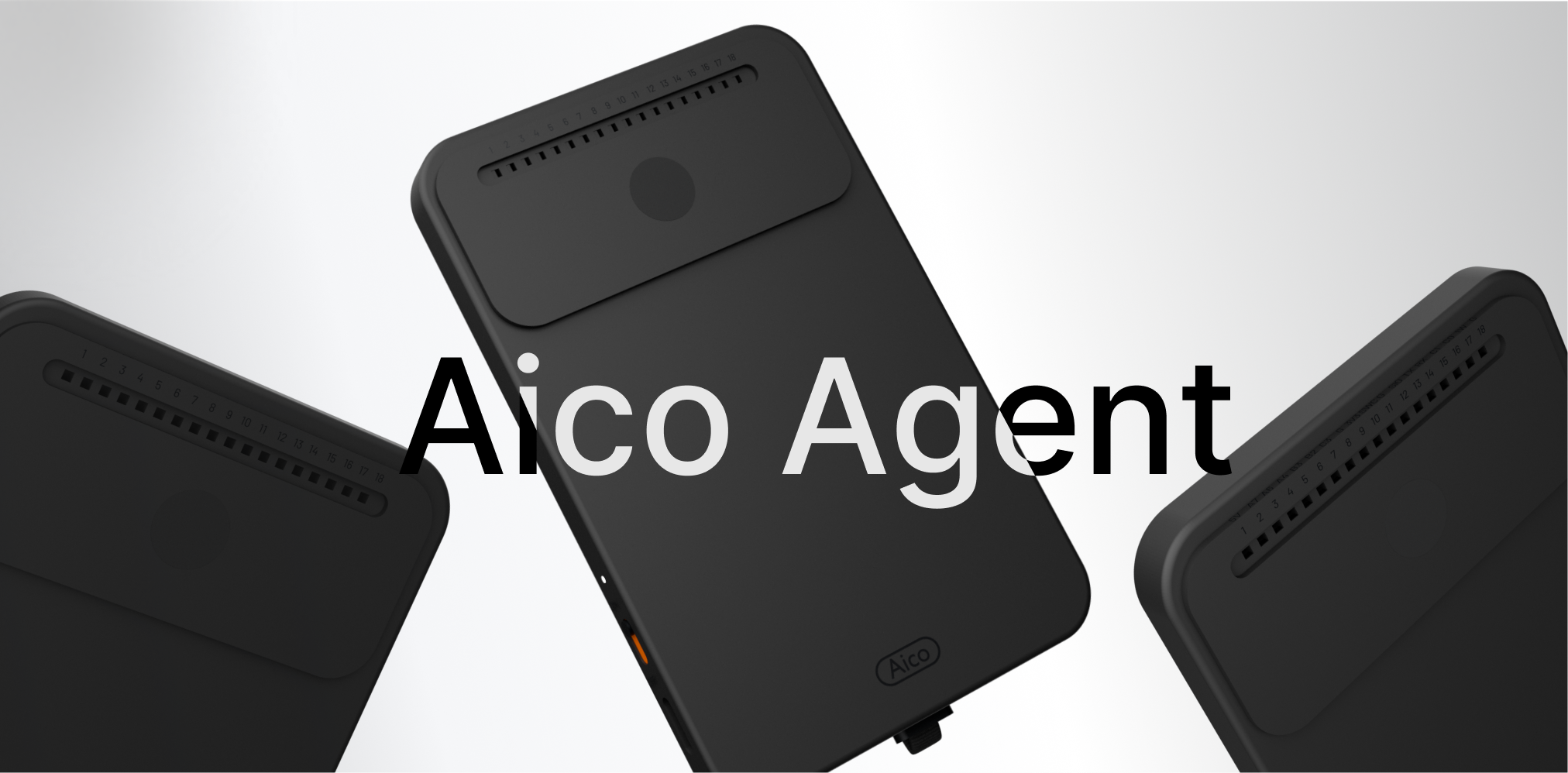
Aico Link is the hardware. Aico is the AI Agent that runs on it. This repository provides Aico Link firmware, hardware services, and the Aico runtime. The board observes a target device through HDMI capture and controls it through USB HID, so Aico can operate normal mobile or desktop apps without relying on app-specific automation APIs.
This repository contains the firmware overlay, C++ hardware services, the Go Agent, OTA tooling, tests, and benchmark support.
A legacy self-assembled hardware setup is
no longer maintained; the last firmware commit that supports it is
ad07c4d363f2948048415ed3af0b5e4da86bcac0.
What Aico Does
Aico Link connects to a phone or computer over USB-C:
- the target device's display output is captured over HDMI through an HDMI-to-CSI bridge;
- the board exposes a composite USB gadget with keyboard, pointer/touch, auxiliary control HID, and USB ECM networking;
- the Go Agent sends screenshots to a configured multimodal model, decides the next action, and writes keyboard, pointer/touch, and Android extension or Consumer Control reports to
/dev/hidg0,/dev/hidg1, and/dev/hidg2; - voice mode records audio on the board, applies VAD, then uses configured STT, LLM, and TTS providers.
The basic control path does not require jailbreak, ADB, developer mode, or a custom app on the target device. It does require a target that can output video to the capture path and accept USB HID input. iOS control also requires AssistiveTouch to be enabled.
Key Features
1. True Portability
Most mobile agent projects are lab prototypes that require a laptop or desktop to run. Aico Link is:
- Pocket-sized — Powered entirely by your phone's USB-C port (future versions will be credit-card-sized and magnetically attach to phone backs)
- Plug-and-play core control — HDMI observation and USB HID control work without pairing or a companion app. Optional Phone Bridge, BLE Wake, and notification features require the companion app and their documented setup.
- Production-ready — Designed for daily use, not just research prototypes
2. Fully Open
- Open-source firmware — Complete C++ services and Go agent code
- Flexible model backends — Configure registered providers such as OpenAI, OpenRouter, Kimi, Volcengine, DeepSeek, or Ollama; use OpenRouter for Anthropic Claude and Google Gemini models
- Exportable data — Your memory, skills, and learned behaviors are yours to keep and migrate
- Community-driven — Contributions welcome; flash custom firmware freely
3. Privacy-First
- No Aico backend — All services (LLM, STT, TTS) are user-configured external endpoints
- Zero data collection — We never see your screen, conversations, or behavior
- Self-hostable — Run your own models; keep everything on your infrastructure
- Auditable — Open-source code under community scrutiny
4. Adaptive Intelligence
- Persistent memory — Aico remembers device-specific context, user preferences, and past interactions
- Self-improving skills — Skills update based on usage patterns and new workflows
- Personalized over time — The more you use Aico, the better it understands your habits and needs
5. Real-Time Voice Interaction
- Hardware VAD (Voice Activity Detection) — Wake-word-free voice control with sub-100ms latency
- Streaming STT/TTS — Natural conversation flow with live transcription and speech synthesis
- Audio feedback — Aico speaks responses and status updates
Repository Scope
- Firmware integration: Debian rootfs overlay and business package, systemd services, USB gadget setup, Wi-Fi/config portal defaults, and full
update.imggeneration. - C++ services:
frame_serviceowns HDMI capture and exposes screenshots over Unix domain sockets;audio_serviceowns recording/playback and volume state. - Go Agent: the device-side LLM runtime, voice loop, skills, memory, and built-in screenshot/HID/audio/shell tools.
- USB networking: The board exposes
usb0at192.168.42.1for the device config page and local board-to-phone communication. - OTA: A/B partition updates, signed manifests, health confirmation, and
abctldiagnostics.
The firmware has no required Aico-hosted backend. Screenshots, audio, and text are sent only to the model/STT/TTS/search endpoints you configure.
Architecture
Target display
    -> HDMI / HDMI-to-CSI bridge / CSI
    -> /dev/video0
    -> frame_service
    -> screenshot tool
    -> Go Agent
    -> HID tools
    -> /dev/hidg0, /dev/hidg1, and /dev/hidg2
    -> target device input

Board audio
    -> audio_service
    -> VAD / STT or audio attachment
    -> Go Agent / LLM
    -> TTS
    -> audio_service playback
At runtime, the Agent is intentionally decoupled from C++ service internals: Frame and Audio capabilities go through Unix domain sockets, while device control goes through the Linux USB gadget HID device nodes.
Quick Start
For the fastest hardware-free experience, start Config Web and Agent Web with the Try Aico on PC guide:
docker compose up --build
Open http://localhost:8000 for Config Web and http://localhost:8080 for
Agent Web. The sandbox can also connect to MobileGym, an ADB target, or another
compatible environment bridge. For benchmark suites and reports, see
Benchmark.
First-time hardware users should start with Newcomer Quickstart. It walks through flashing, Wi-Fi setup, Agent configuration, voice verification, and troubleshooting; its wiring steps apply only to the legacy self-assembled board.
Clone the repository (the BSP is included in pico-sdk/; --recursive also
initializes the MobileGym dependency):
git clone --recursive [email protected]:AidenAI-IO/aico-link.git aico-link-firmware
cd aico-link-firmware
Build and audit the Debian ARM application bundle:
scripts/debian-apps/build-apps.sh all
Build the full firmware image:
./debian_build.sh
Flash a prebuilt or locally built update.img on Linux. The guarded helper
checks the digest and requires an explicit confirmation because a factory
flash overwrites userdata:
FLASH_TOOL=pico-sdk/tools/linux/Linux_Upgrade_Tool/upgrade_tool
IMAGE=output/debian/image/update.img
SHA256=$(awk '{print $1}' "${IMAGE}.sha256")
scripts/flash.sh inspect --tool "${FLASH_TOOL}"
sudo scripts/flash.sh flash \
  --tool "${FLASH_TOOL}" \
  --image "${IMAGE}" \
  --sha256 "${SHA256}" \
  --confirm-erase-all-data
The repository-root upgrade_tool/upgrade_tool is a macOS Mach-O binary and
is not executable on Linux. For a locally built image, the Linux tool path and
image path above are the usual defaults. On macOS, use the repository-root
tool directly:
./upgrade_tool/upgrade_tool uf ./output/debian/image/update.img
Documentation
The full documentation is organized under docs/:
- Documentation Hub
- Product Names and Technical Identifiers
- Try Aico on PC
- Newcomer Quickstart
- Hardware & Wiring (legacy self-assembled board)
- Firmware Build & Flashing
- Build & Development Environment
- Deployment to Device
- Testing & Verification
- Architecture Overview
- Frame Service
- Audio Service
- USB HID & Device Control
- Go Agent
- Agent Configuration Reference
- Tools HTTP API
- UI Grounding
- OTA
- Benchmark
- SkillOpt
- Troubleshooting
Contributing
Contributions are welcome for firmware, services, Agent runtime, skills, tests, benchmarks, and documentation. Before contributing, read LICENSE; it defines the dual-license terms, contribution license grant, patent terms, and hardware-design licensing notes for this repository.
Do not commit secrets, device-specific credentials, or local environment files.
License
This repository is distributed under the dual-license terms described in LICENSE, with the AGPL-3.0 text included in LICENSE-AGPL-3.0. Third-party components keep their own licenses; see NOTICE for details.