
1111mp/nvm-desktop
1111mp/nvm-desktop has 1,413 GitHub stars and 75 forks. GitHot measured 0 stars in 24 hours. Last checked 2026-11-08 05:39 UTC. Last push 2026-11-02.
Node Version Manager Desktop - A desktop application to manage multiple active node.js versions.
Measured star growth
- in 24h
- 0
- in 7 days
- Update delayed
- in 15 days
- Update delayed
- in 1 month
- Update delayed
Net star changes over overlapping periods, not daily totals. Missing measurements are left blank. Stars measure attention, not software quality.
README.md
OriginalNVM Desktop
The right Node.js version for every project.
A desktop app and command-line companion for managing Node.js on macOS, Windows, and Linux.
Download · Quick start · CLI · Report an issue
English · 简体中文
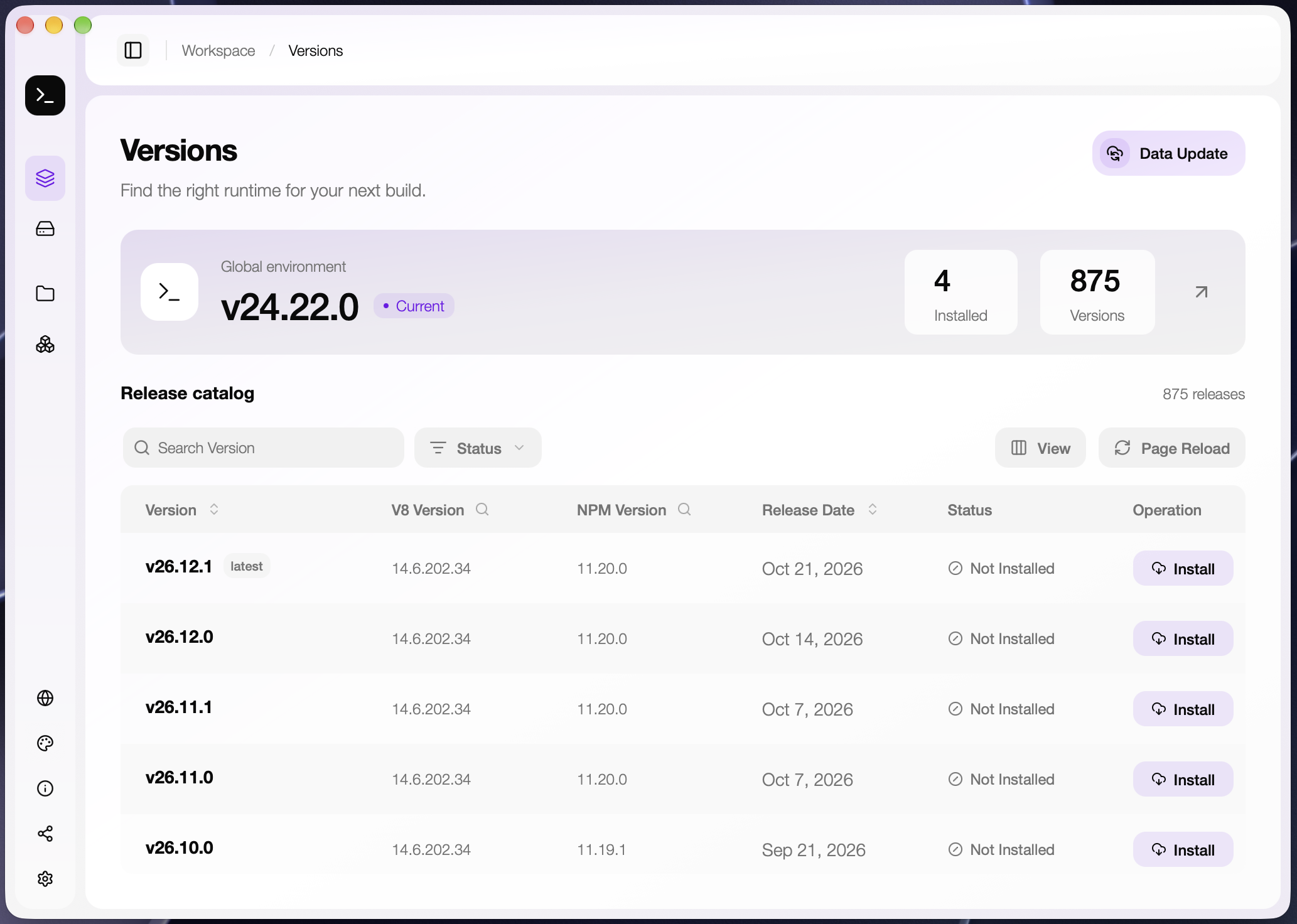
One workspace, multiple Node.js versions
Work on a legacy service, a new application, and a collection of related repositories without making them share the same runtime. NVM Desktop lets you install versions, choose a global default, pin a version to a project, or manage several projects as a group.
Use NVM Desktop to browse and organize your environments. Use nvmd in your terminal for commands and scripts.
| Capability | What it gives you |
|---|---|
| Version management | Browse releases, choose an architecture, install, and uninstall Node.js. |
| Project runtimes | Assign a version to a project folder instead of changing the global default. |
| Project groups | Keep related projects on a shared version and change it from one place. |
| GUI and CLI | Manage versions visually or from the terminal. |
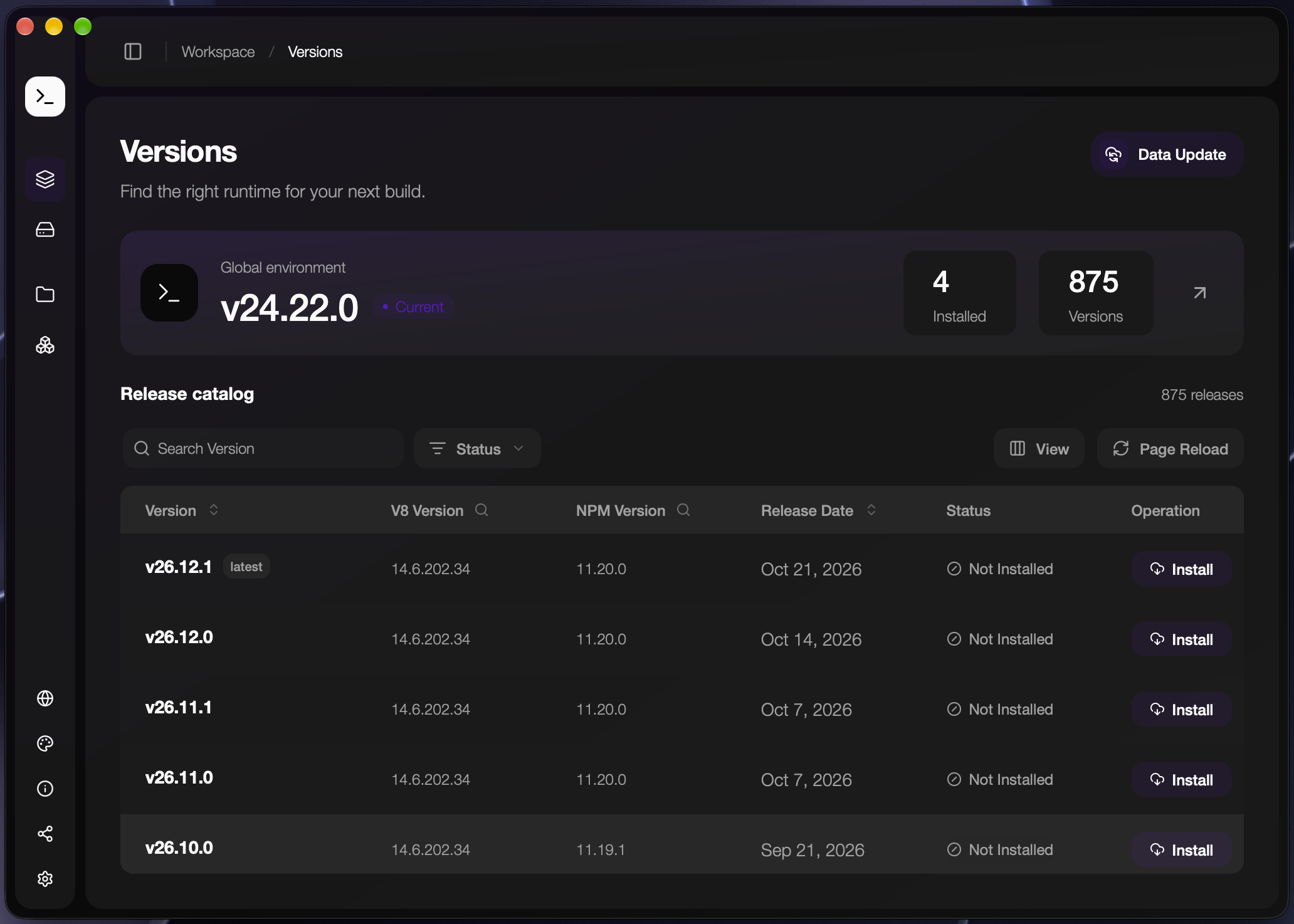
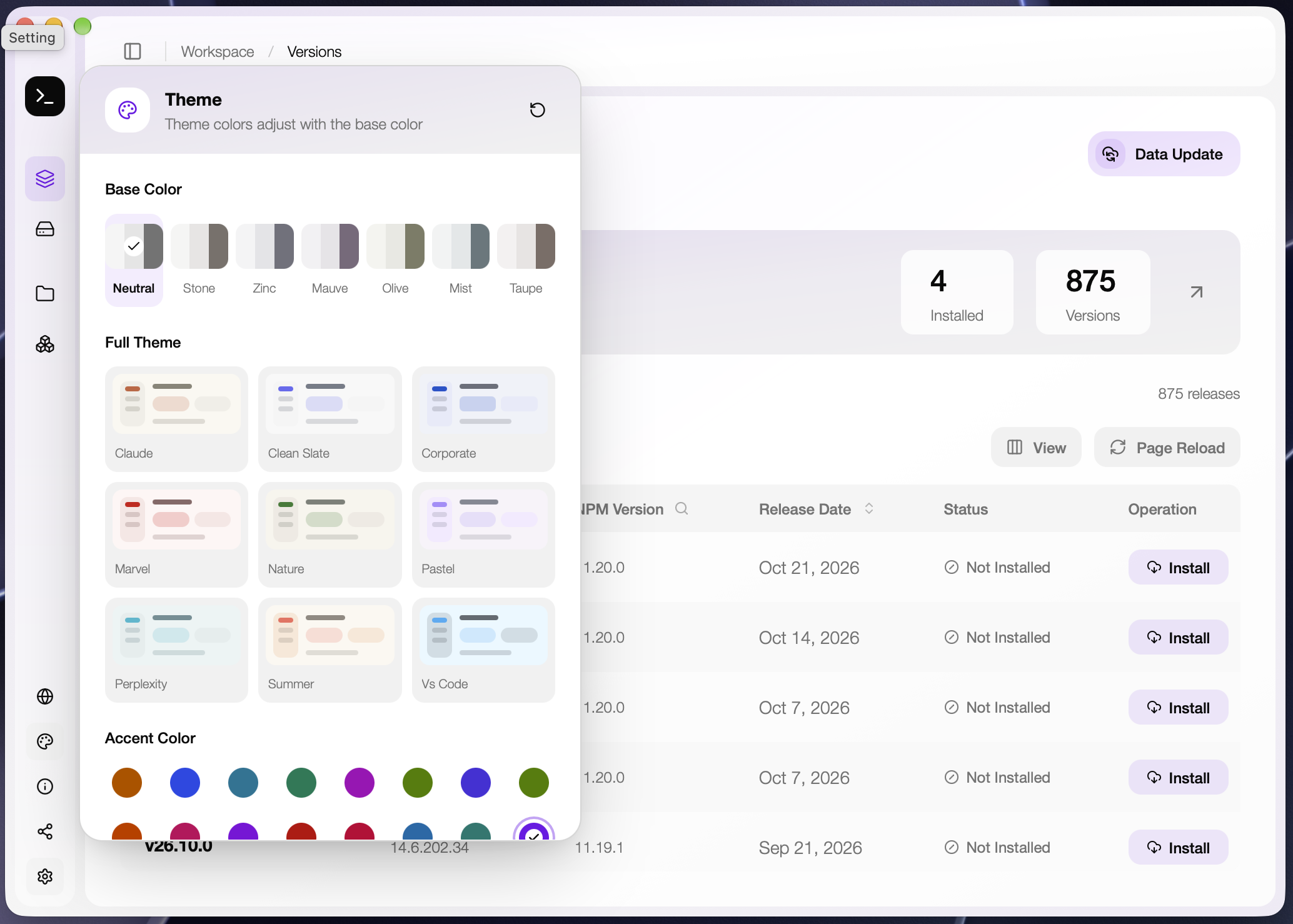
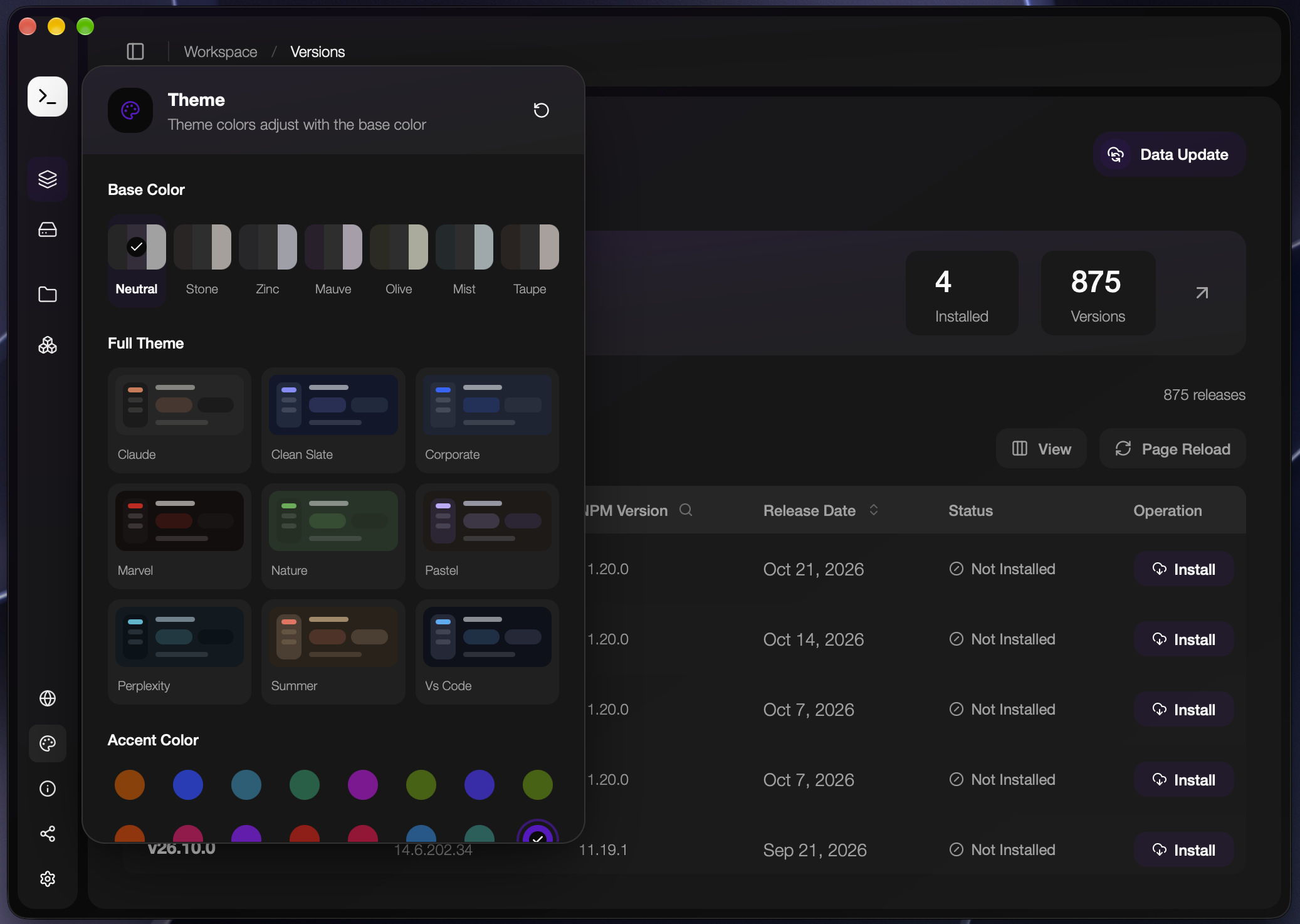
| Appearance | Light, dark, and system modes with base palettes, accents, full themes, and adjustable corners. |
| Configuration | Customize mirrors, proxies, project defaults, and import/export options. |
Screenshots
Node.js version management
Theme customization
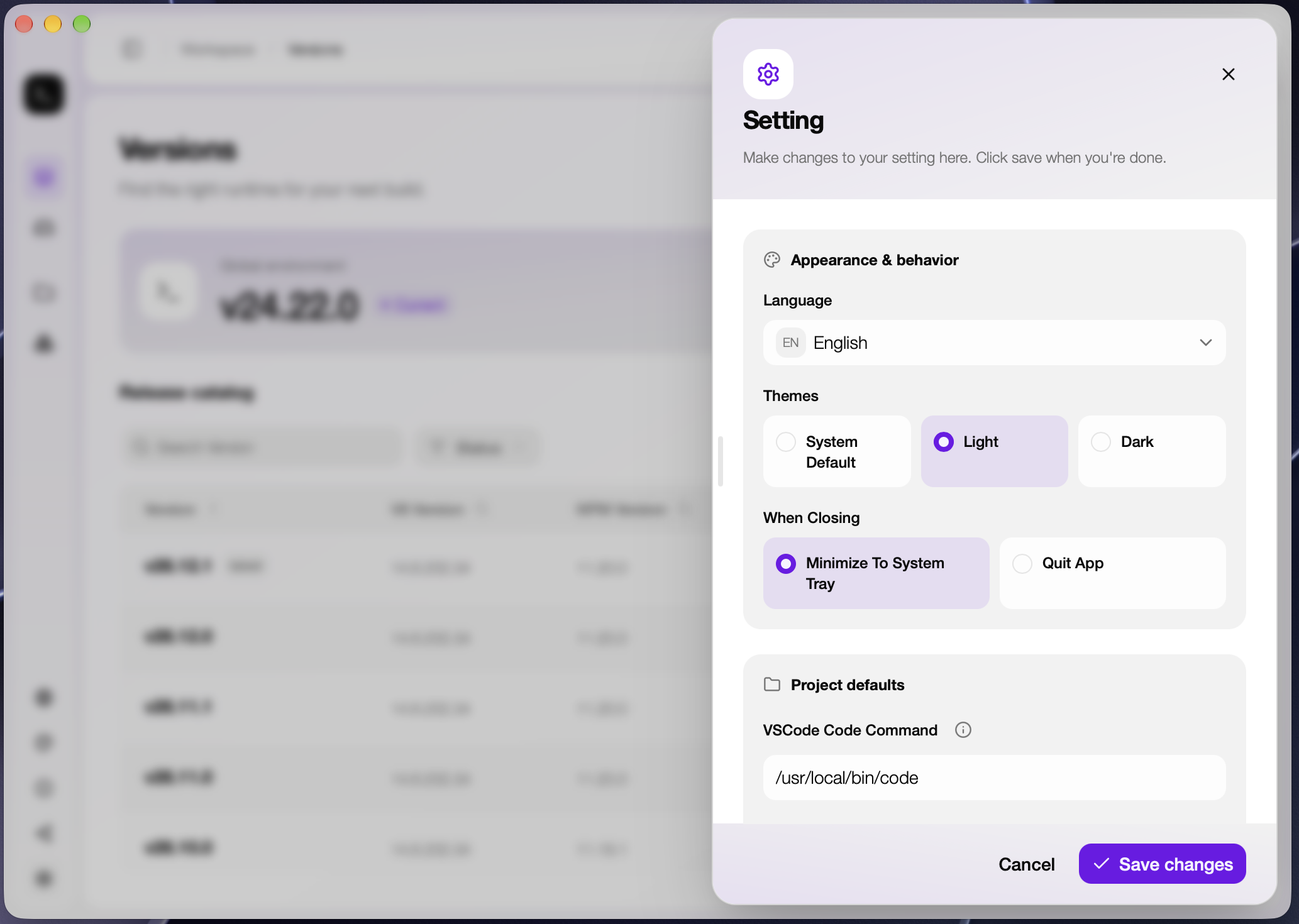
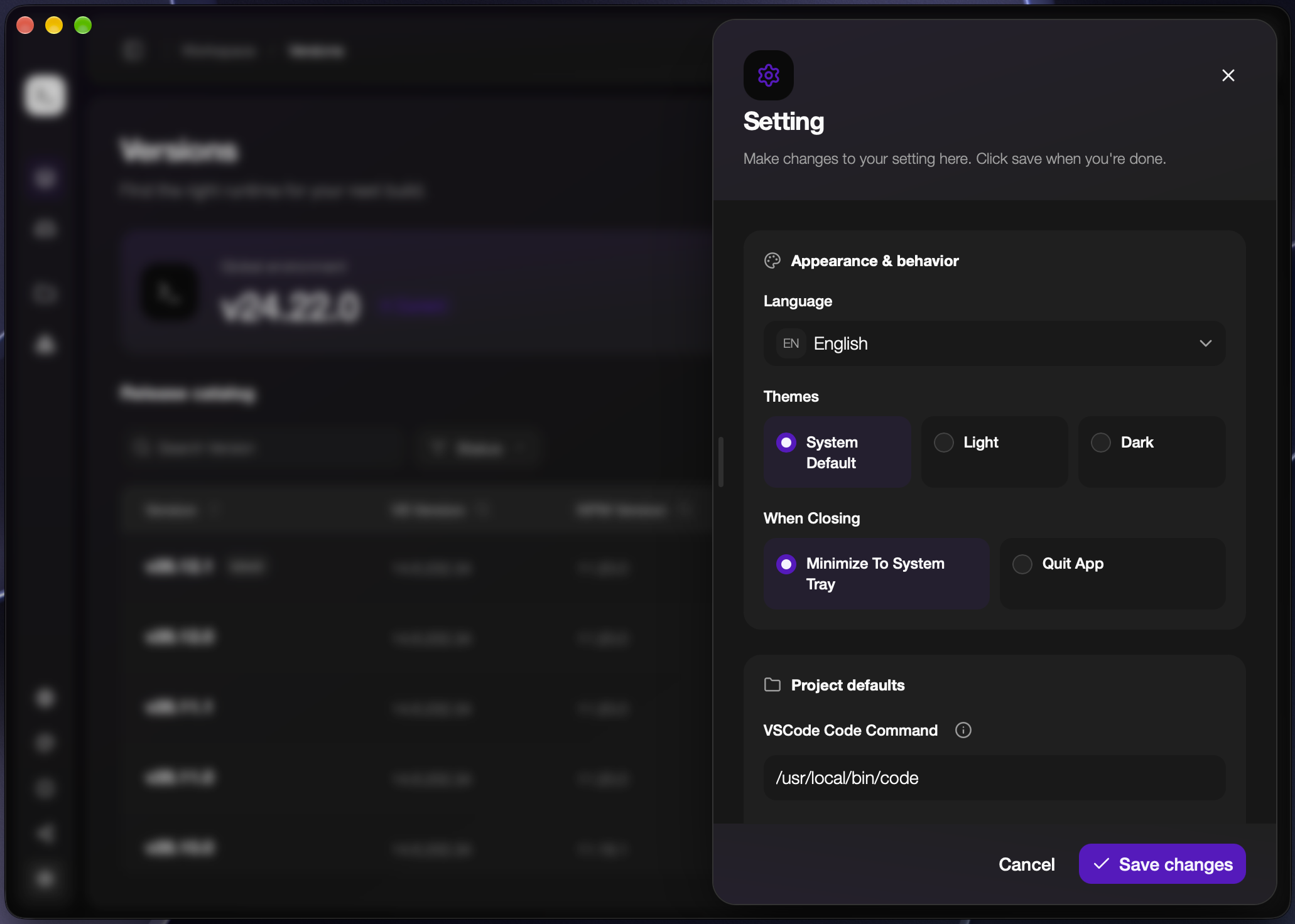
Settings
Quick start
1. Install the desktop app
Download the package for your operating system and architecture from GitHub Releases, install it, and launch NVM Desktop. The first-launch guide walks you through shell setup and your first runtime.
2. Connect your terminal
macOS and Linux — add the following to your shell startup file, such as ~/.zshrc for Zsh or ~/.bashrc for Bash:
export NVMD_DIR="$HOME/.nvmd"
export PATH="$NVMD_DIR/bin:$PATH"
Open a new terminal after saving the file.
Windows — check that the following directory is in your user PATH, then open a new terminal:
%USERPROFILE%\.nvmd\bin
Confirm that the command-line tool is available:
nvmd --version
3. Install and select Node.js
Open Versions, choose a release and architecture, and install it. In Installed, apply an installed version as the global default.
You can also use the terminal. These commands use an example version; replace it with the version you need:
nvmd install 20.18.0
nvmd use 20.18.0
node --version
npm --version
Your everyday workflow
Find and manage runtimes
Use Versions to browse and filter available releases. Use Installed to see local runtimes, switch your global default, and remove versions you no longer need. Installation reports download and extraction status in the app.
Give each project its own version
- Open Projects and add a project folder.
- Choose an installed Node.js version for that project.
- Open a terminal in the project directory and run
node --version.
The app stores the project's version in a version file. The default filename is .nvmdrc; you can change it in Settings, for example to .nvmrc or .node-version. The configured version file in the current directory takes priority over the global default.
To set a project version from its directory:
nvmd use 20.18.0 --project
Keep related projects together
Create a group in Groups, choose its Node.js version, and select the projects it should manage. Changing the group's version updates its associated projects. Each project belongs to at most one group.
Project folders must exist and be writable so the app can update their version files.
Command line
The bundled nvmd tool supports terminal workflows alongside the desktop app.
| Task | Command |
|---|---|
| Install a version | nvmd install 20.18.0 |
| List installed versions | nvmd list |
| Set the global default | nvmd use 20.18.0 |
| Set the current project's version | nvmd use 20.18.0 --project |
| Show the current version | nvmd current |
| Uninstall a version | nvmd uninstall 20.18.0 |
| Locate an executable | nvmd which node or nvmd which npm |
| Show command help | nvmd --help |
After changing versions in the terminal, refresh the relevant page in the app to update its displayed information. The CLI is maintained in nvmd-command.
Make it yours
The controls at the bottom of the sidebar open appearance, Tip, configuration, settings, and app updates.
Appearance. Use a Base Color on its own, add an Accent Color, or choose a Full Theme. Accent colors and full themes are alternative choices. Adjust the corner radius in the theme customizer and choose light, dark, or system mode in Settings.
Settings. Configure language, window-close behavior, the editor command, project version filename, installation directory, download mirrors, and proxy access.
Configuration. Export your settings, appearance, and project/group configuration, or import a saved configuration. Project import can optionally synchronize version files. Configuration export is not a backup of installed Node.js runtimes or project source files.
Help and updates. Open Tip for usage notes and copyable commands. The updater provides release notes, download progress, and installation/restart actions.
Common questions
Why is nvmd missing, or why does node still use another installation?
Open a new terminal after changing PATH. Check that the NVM Desktop bin directory is on PATH and comes before other Node.js installations. After selecting a runtime, compare nvmd which node with which node on macOS/Linux or where.exe node on Windows.
Why does a project use a different version from the global default?
The configured version file in the current project directory takes priority over the global default. Check the project's assigned version, group membership, and version filename in Settings.
Are globally installed npm packages shared between versions?
By default, global npm packages are isolated per Node.js version. Install the tools you need for each runtime. If you deliberately want a shared location, configure npm with npm config set prefix "/path/to/shared-global" and make sure that location is on your PATH.
What should I check when downloads or project updates fail?
For downloads, check your network, mirror, and proxy settings. For project updates, check that the folder still exists and that you can write its configured version file. If the issue persists, open an issue with your app version, operating system, steps to reproduce, and error message.
Data and configuration
The default data directory is ~/.nvmd on macOS/Linux and %USERPROFILE%\.nvmd on Windows. The desktop app also supports overriding its data directory with NVMD_HOME; the runtime installation directory can be changed in Settings.
| Location | Contents |
|---|---|
bin/ |
Command-line tool and executable shims. |
versions/ |
Installed Node.js runtimes in the default installation layout. |
default |
Global default version. |
projects.json |
Project version assignments. |
groups.json |
Project groups. |
setting.json |
App settings. |
Development and contributions
The desktop app uses Tauri, Rust, React, TypeScript, Tailwind CSS, and Base UI. To work locally, install Rust and your platform's Tauri build dependencies, use the Node.js version in .node-version, and use the pnpm version declared in package.json.
pnpm install
pnpm check
pnpm dev
pnpm check prepares the bundled command-line resources. It also generates runtime-manifest.json; startup compares its bundle ID with the local runtime-state.json and synchronizes missing or outdated runtime files without hashing binaries. Use pnpm check --force to refresh cached resources. pnpm dev launches the desktop development app. For frontend-only work, use pnpm ui:dev; native Tauri operations require the desktop app.
Before submitting a pull request:
pnpm type-check
pnpm oxlint
pnpm format:check
node --test tests/*.test.mjs
pnpm ui:build
Build a desktop package with pnpm build. Bundles are written to src-tauri/target/release/bundle.
Bug reports and focused pull requests are welcome. For interface changes, include screenshots and describe the operating systems and theme modes you verified.
License
Explore related projects
codecrafters-io/build-your-own-x
Master programming by recreating your favorite technologies from scratch.
561,075 starspublic-apis/public-apis
A collective list of free APIs
497,318 starsmorluto/rea
Reverse engineer anything with agents, from app behavior down to native binaries.
443,648 starsopenclaw/openclaw
The AI that really does things. Any OS. Any Platform. The lobster way. 🦞
394,215 stars