
apt-mirror
apt-mirror
464스타
apt-mirror 공식 소스 코드입니다.
에디터, 터미널, CLI, Git 도구로 개발 환경을 개선하세요.
apt-mirror
apt-mirror 공식 소스 코드입니다.

apt69
Privilege Escalation: Weaponizing CVE-2019-1405 and CVE-2019-1322

aptakube

현대적이고 가벼운 멀티 클러스터 Kubernetes GUI입니다. Windows, macOS, Linux에서 사용할 수 있습니다.
aptakube
Kubernetes 사양 탐색기

aptible

컨테이너용 Cron
침투 테스트 도구 모음입니다. 하나의 저장소에서 모두 클론할 수 있으며, 최신 침투 테스트 도구를 포함합니다.

aptogo
OpenCV build for iPhone with example project

aptonic
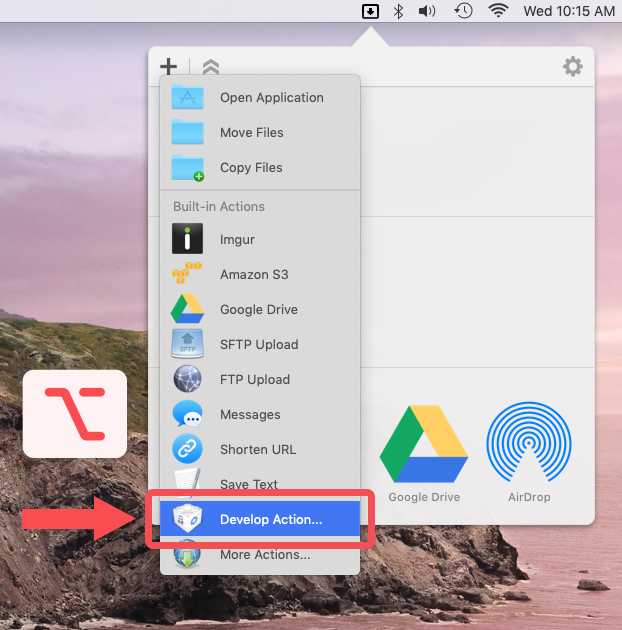
Add-on actions and API Docs for Dropzone 5

APTortellini
Killing your preferred antimalware by abusing native symbolic links and NT paths.

aptos-labs

Aptos는 더 나은 기술과 사용자 경험을 통해 블록체인의 폭넓은 사용을 지원하도록 구축된 레이어 1 블록체인입니다.

apuigsech
Go library and command line to seek for secrets on various sources.

apurvmishra99
Scrape posts from any group or user into a .csv file without needing to register for any API access

apvarun
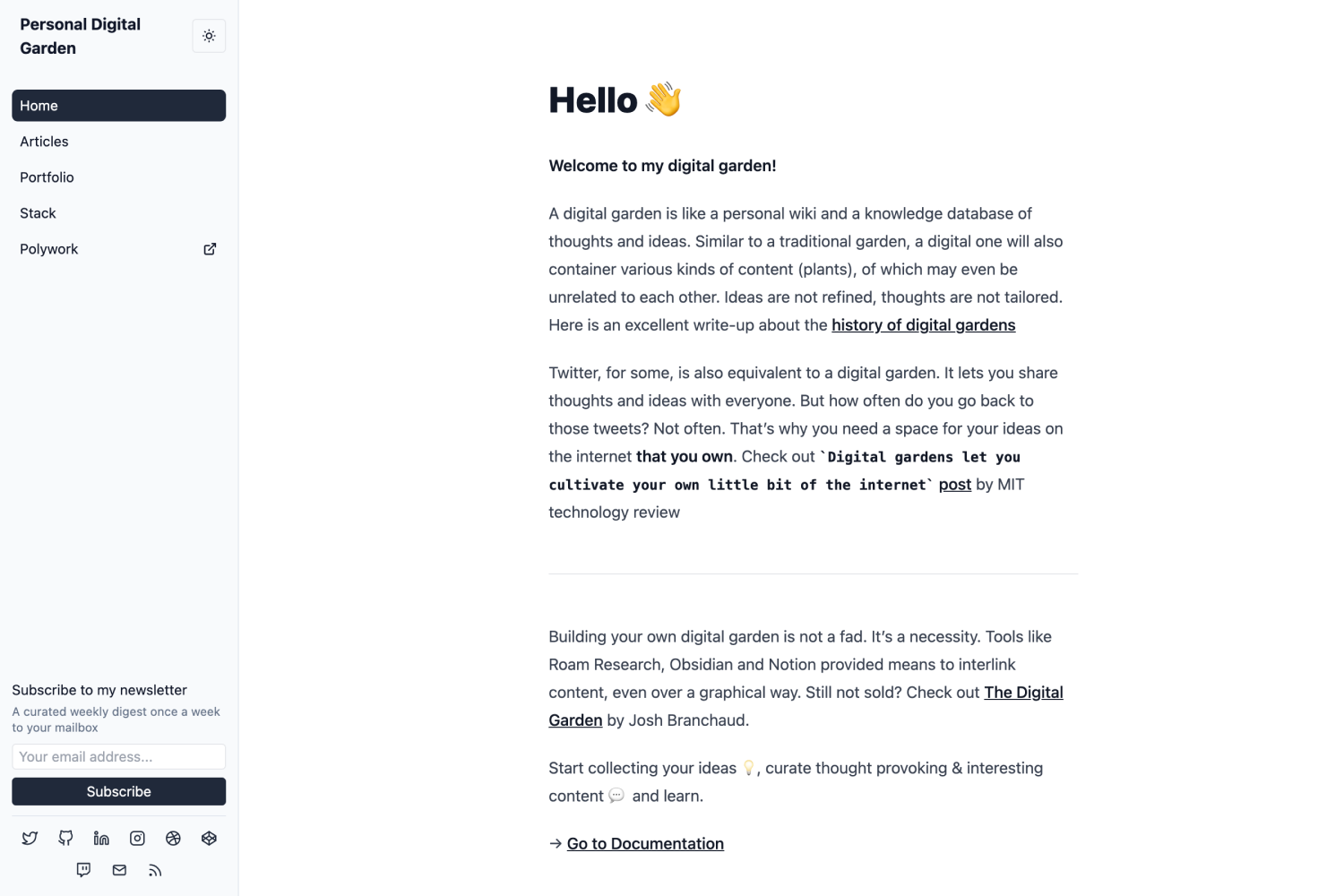
Build your own personal Digital Garden effortlessly with this Hugo theme
apvarun
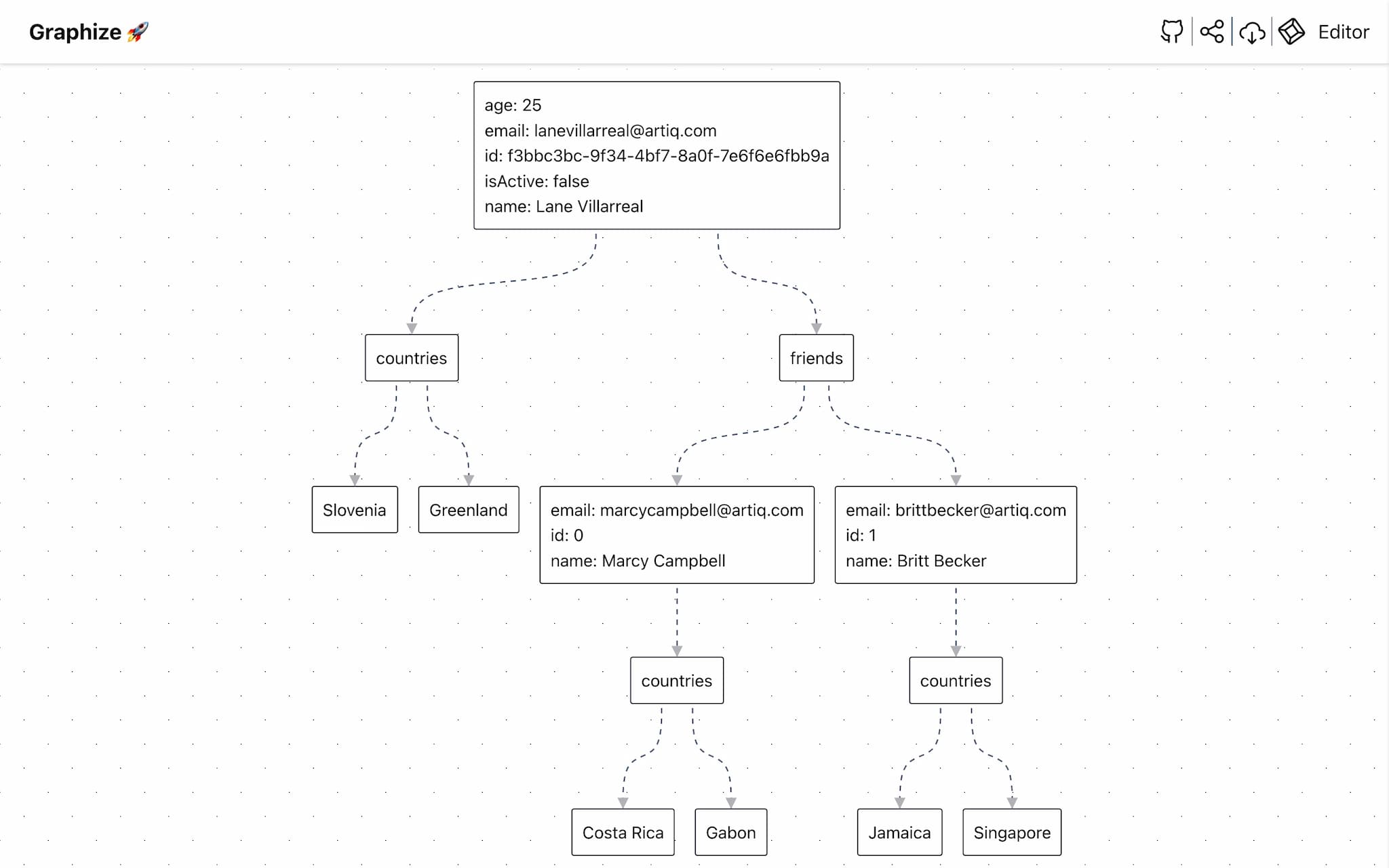
Visualize and download JSON / YAML content
apvarun

더 나은 알림 메시지를 위한 순수 JavaScript 라이브러리
This is a Anti-Cheat bypass written in c++ by Apxaey, and makes use of Microsoft's undocumented Native API. I tested this specifically on VAC, however it should bypass any other usermode anticheats. This is by no means a complete 'bypass'; rather it should be used in conjunction with other bypass techniques. Using this with unique code, should ensure you stay undetected by user-mode anti-cheats such as VAC.. I have provided a YouTube tutorial on how to make this software which i highly recommend you watch. If you like my stuff, feel free to join my discord server https://discord.gg/GVyENvk
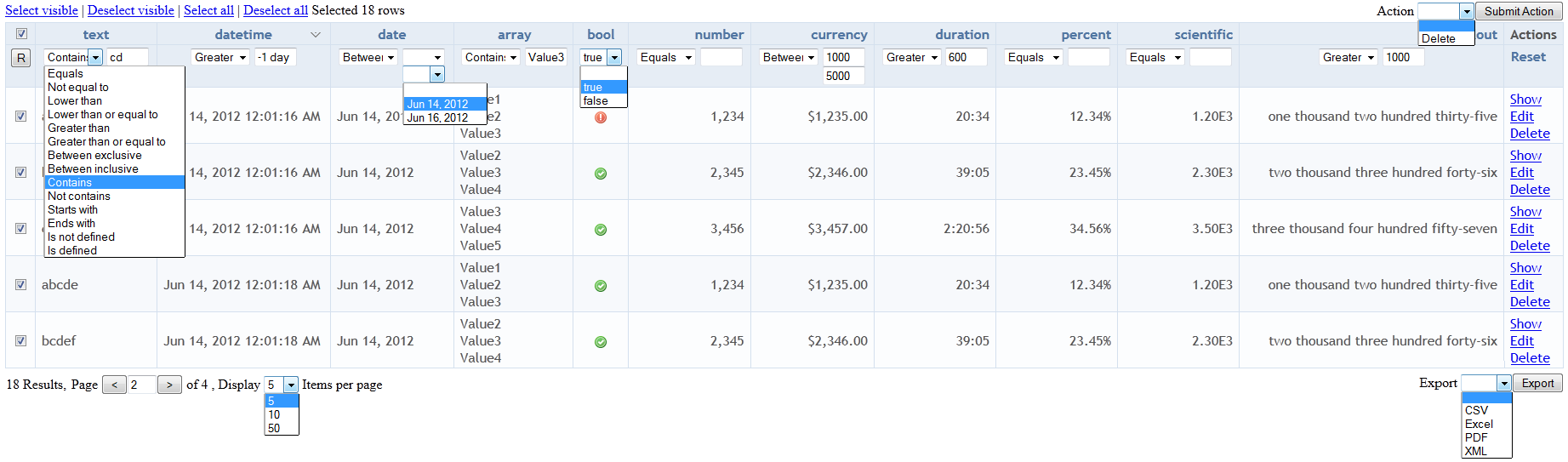
Symfony Datagrid Bundle입니다.

aqeelanwar

얼굴 데이터셋을 마스크 처리된 데이터셋으로 변환합니다

aqi00

『Android Studio 개발 실전: 기초부터 앱 출시까지』 도서 수록 소스 코드(주석을 전면 추가한 버전)입니다.

AqibJavedZeepalm
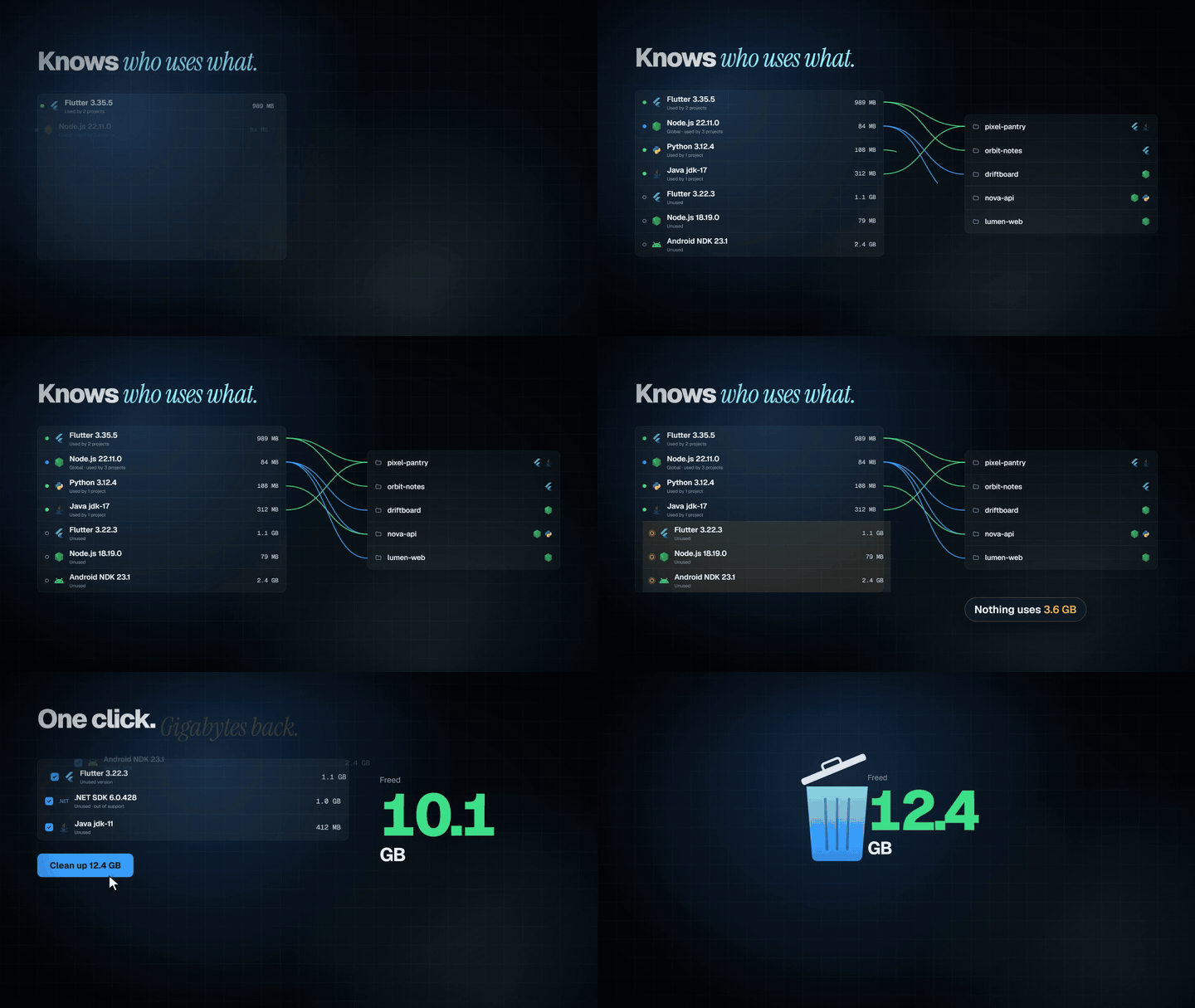
Free, open-source app for Windows and macOS that finds every SDK and toolchain on your machine (Flutter, Node.js, Android SDK, Xcode simulators, Java, Python, .NET, Gradle), shows which projects use each version, fixes broken setups in one click and frees disk space.

aqiongbei
电话攻击(电话轰炸、可代替短信轰炸)、留言攻击工具 | 已删库

aqiu384
Fusion tool framework for Megami Tensei games

aqntks
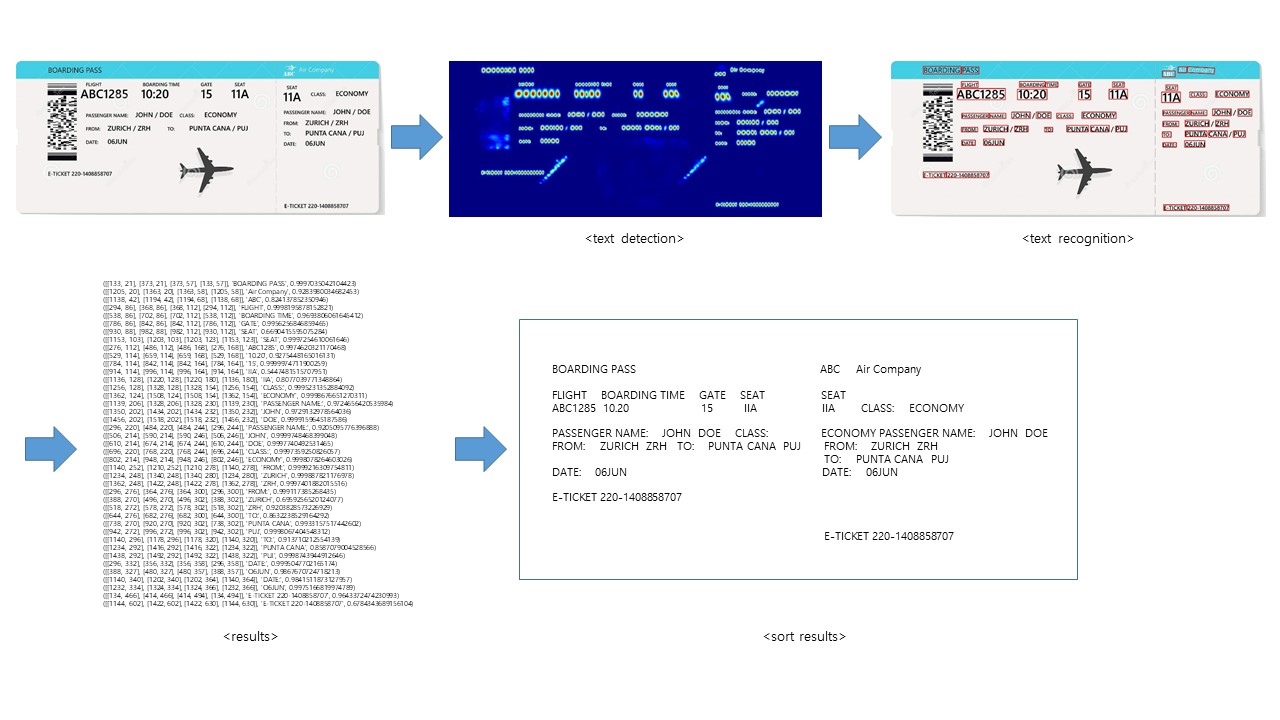
Proceed with text detection only in the selected area of the image

Gooey Hover Effects on Images with Three.js


