
zmrlft/GreenWall
소개
GitHub 기여 그래프를 사용자 지정해 기여 기록에 다양한 패턴을 그릴 수 있습니다.
웹 및 앱측정된 스타 증가
- in 24h
- +3
- in 7 days
- +5
- in 15 days
- +8
- in 1 month
- 기록 수집 중
서로 겹치는 기간의 순증가량이며 일별 합계가 아닙니다. 측정값이 없으면 비워 둡니다. 스타는 관심도를 나타내며 품질을 보장하지 않습니다.
README.md
OriginalREADME (English)
中文: README (中文)
Contents
Project Milestones
In early November, this project was recommended by YiFeng Ruan(阮一峰), and officially featured in Tech Enthusiast Weekly Issue 372; in mid-November, it was recommended by the well-known influencer "it咖啡馆" and featured in GitHub Weekly Hotspots Issue 93; in December, it was successfully selected as an "interesting project" by the renowned open-source community HelloGitHub 
How to Use
Make sure Git is installed on your computer.

Download the app, open it, and first grab a Personal Access Token (PAT) so you can sign in to GitHub. You can follow this guide: how to get your PAT.
Image → Contribution Heatmap
- Upload any image (PNG/JPG/SVG) and turn it into a contribution heatmap.
- Choose rows (1–7) and columns (1–52) to fit your image’s shape.
- Pick a mode:
- Auto – works for most photos and grayscale images.
- Binary – best for black‑on‑white text or line art.
- Fine‑tune with brightness invert, threshold, scaling filter, and stroke recovery.
- Hover on the calendar to place the pattern, click to apply, right‑click to cancel.
Quick guide
| # | What you have | Recommended settings |
|---|---|---|
| 1 | Black text on white background | Mode: Binary; Invert: on; Smoothing: Nearest; Threshold: 0–10; Recovery 1: 12–24; Dilation: 0–1 |
| 2 | Low‑contrast photo or drawing | Mode: Auto; Smoothing: Bilinear; Threshold: 0–15 |
| 3 | Very thin lines (≤2px) | Mode: Binary; Invert: on; Smoothing: Nearest; Recovery 1: 20–28; Dilation: 1–2 |
| 4 | Bright/noisy photo | Mode: Auto; Smoothing: Bilinear; Threshold: 5–20 |
Tips
- Use “Target rows” to keep tall images from being flattened.
- If Binary mode looks too empty, increase “Binary stroke recovery” or add “Stroke dilation”.
- For sharp text, keep “Scaling filter” on “Nearest (preserve sharp edges)”.
Examples
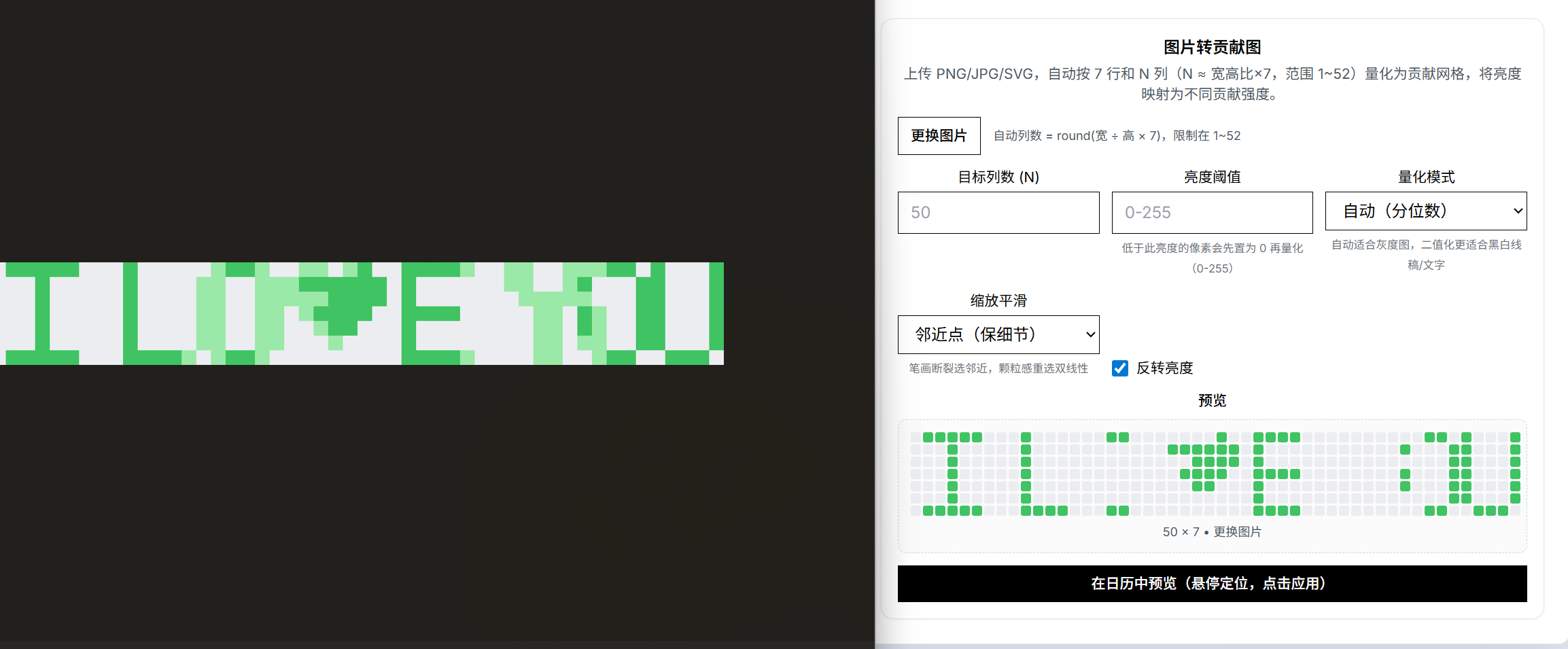
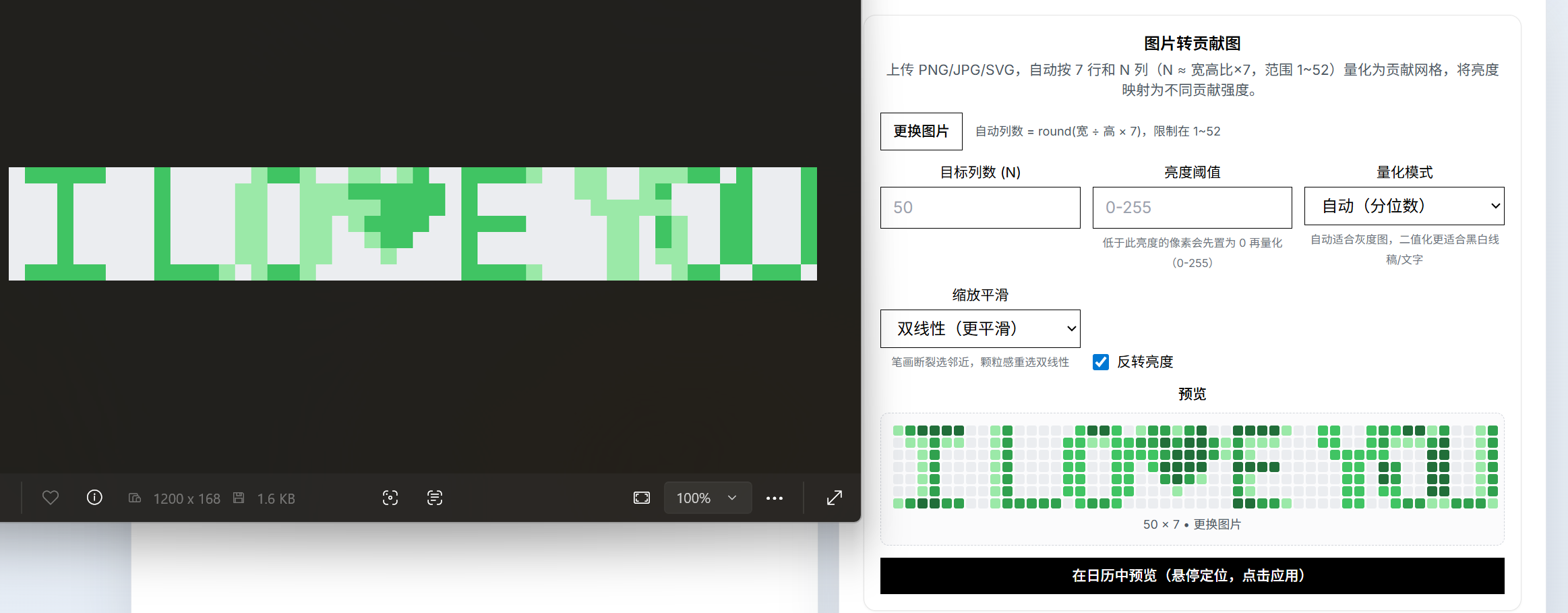 – Black text, Binary mode
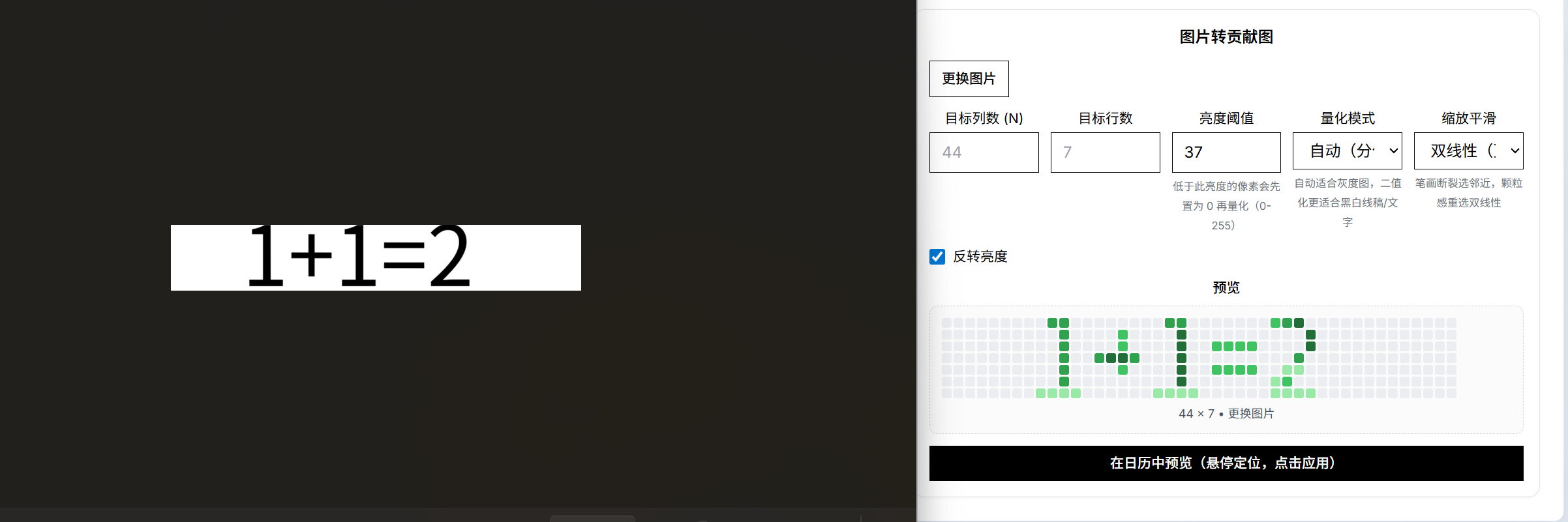 – Grayscale photo, Auto mode
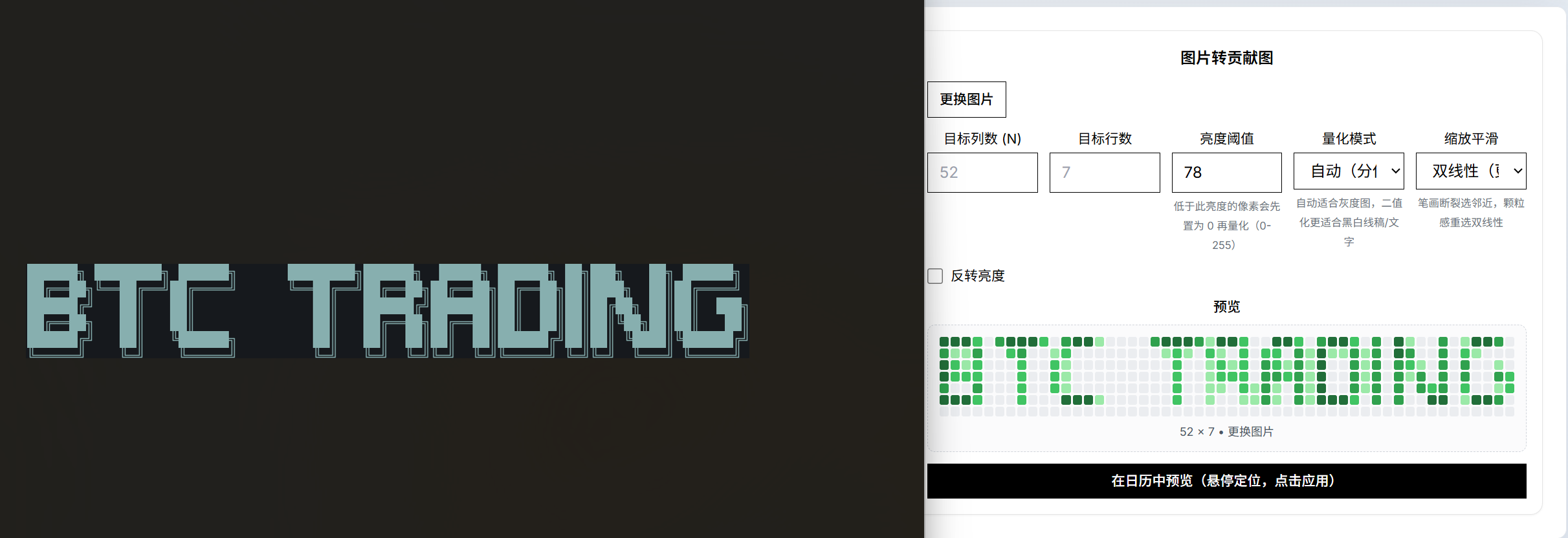 – Thin line art, Binary + dilation
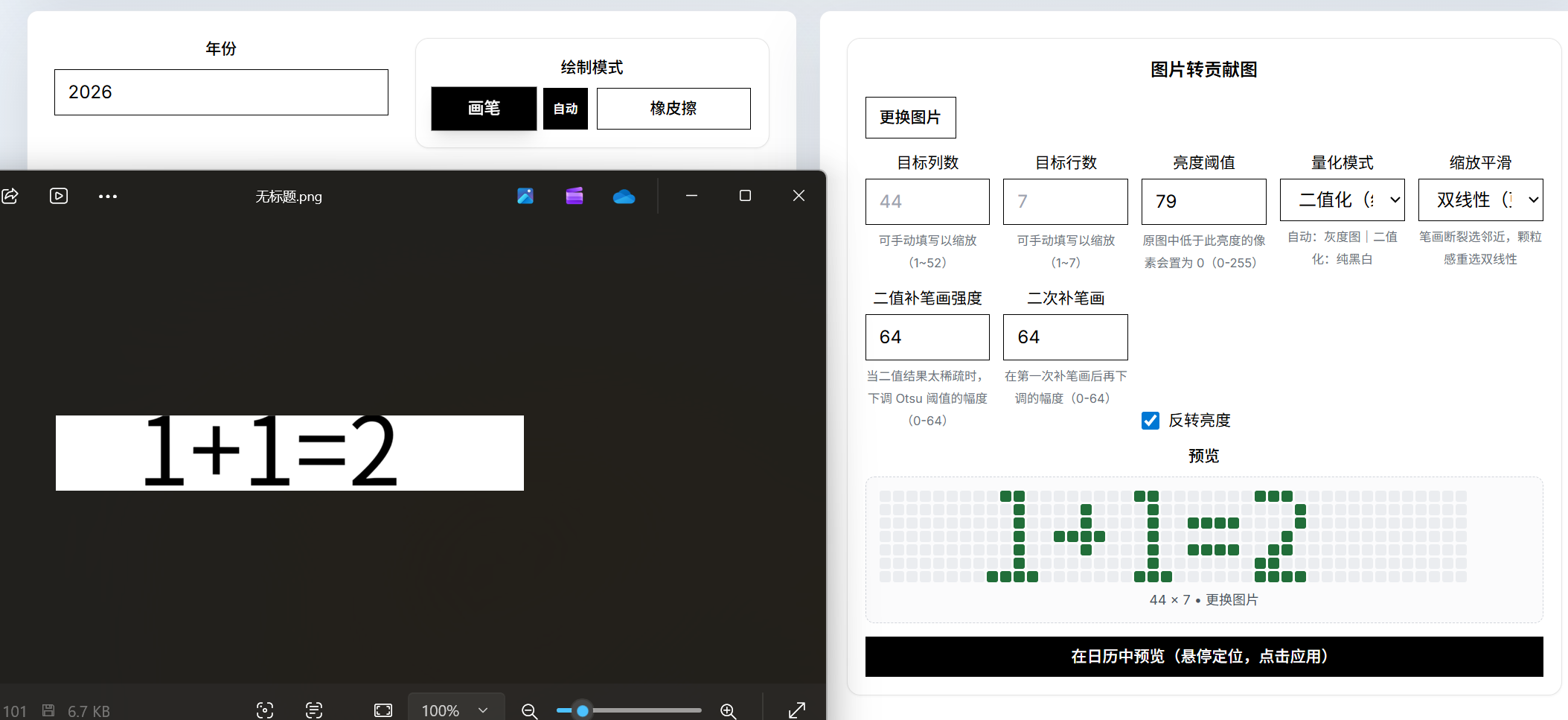 – Balanced photo, Auto mode
 – Over‑exposed photo (try higher threshold or invert off)
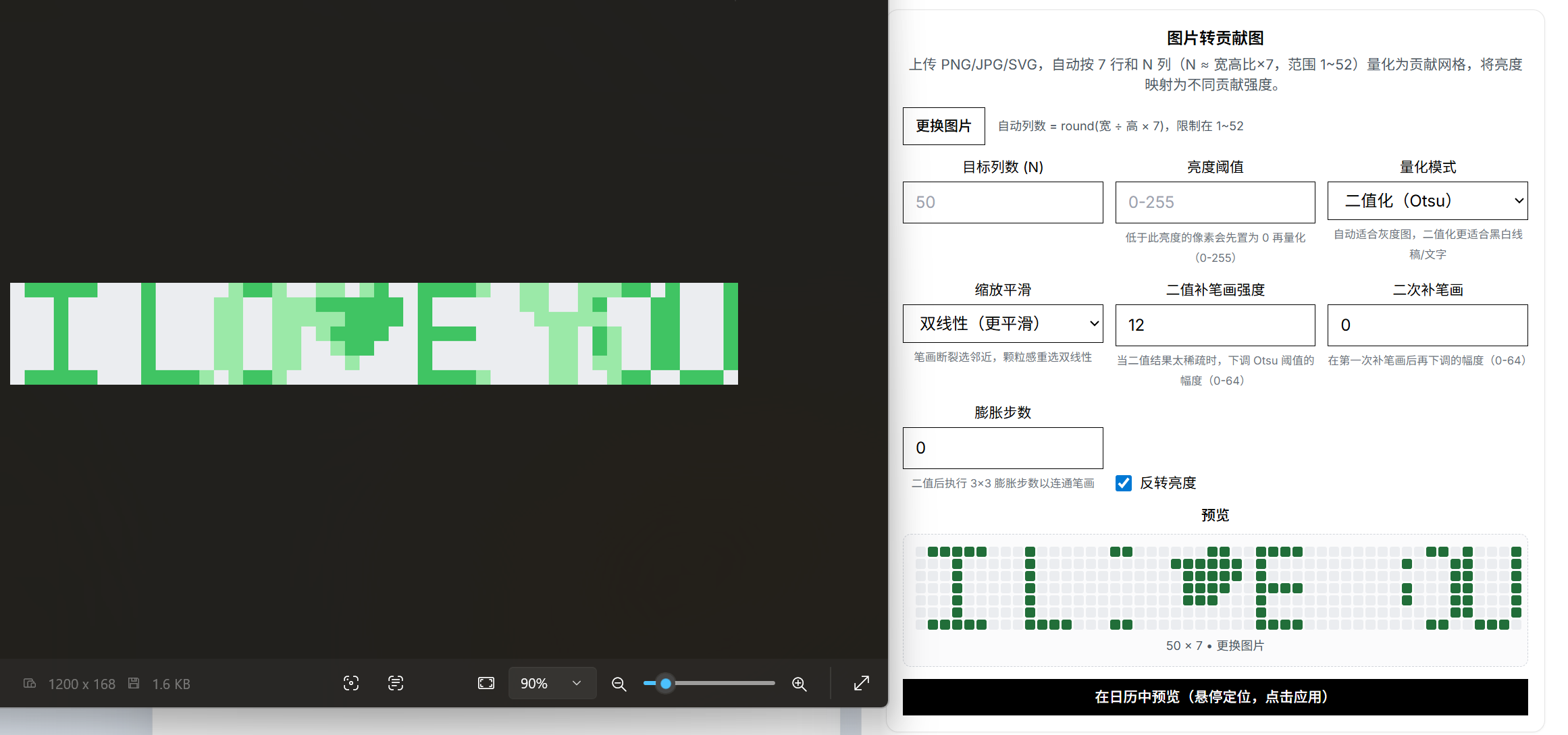 – Low contrast (increase threshold or use Binary + recovery)
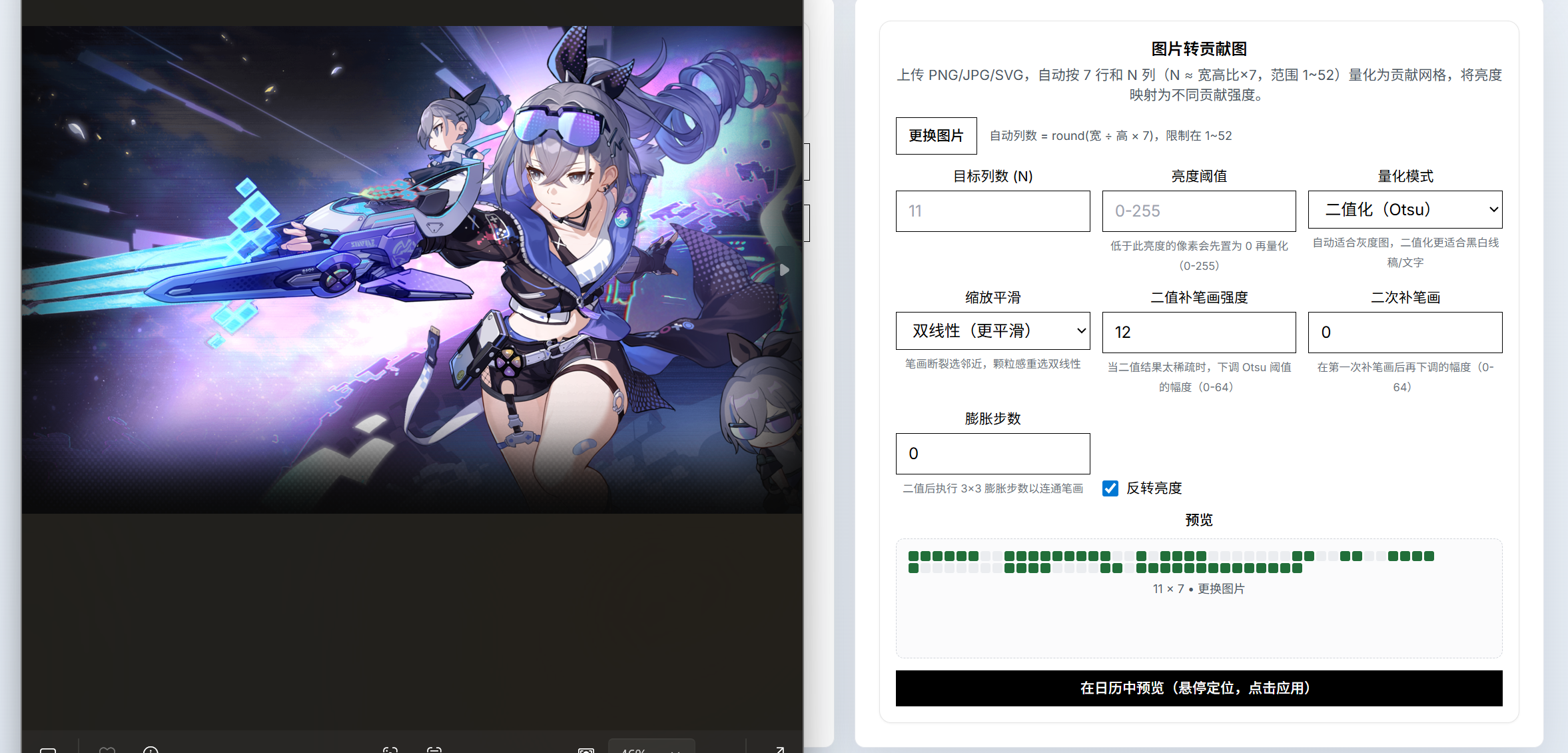 – Noisy background (crop or smooth, then raise threshold)
Once you’re logged in you’ll see your avatar and name in the upper-left corner. Drag across the calendar to paint your design. When you’re satisfied, click Create Remote Repo. You can edit the repo name and description, choose whether it’s public or private, and then press Generate & Push to let the app create and push the repository for you automatically.
Heads-up: GitHub may take anywhere from 5 minutes to 2 days to show the contributions on your profile. You can keep the repo private and enable “Include private contributions” in your profile settings so others can’t see the repo content but the contribution streak still counts.
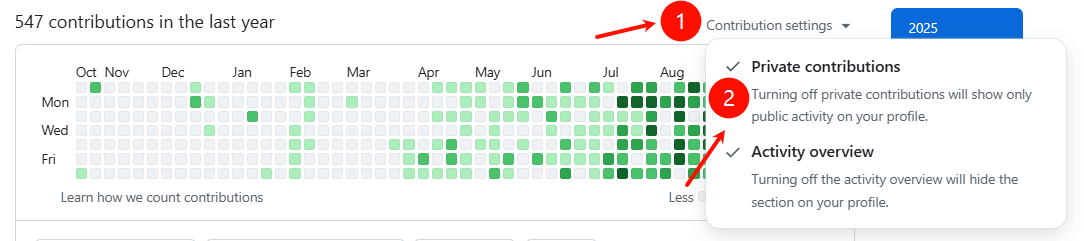
Quick Tips
- Right-click while painting to toggle between the brush and the eraser.
- Use the brush intensity control to switch between different shades of green.
- Copy and Paste Feature: Click the "Copy Mode" button to enter copy mode. Drag to select an area on the calendar and press
Ctrl+Cto copy. The app will show a "Copy successful" message. After copying, the selected pattern will follow the mouse as a preview. Left-click or pressCtrl+Vto paste to the target location, right-click to cancel the paste preview. PressCtrl+Vto quickly restore the last copied pattern.
Platform Notes
Windows/Linux
Download and run the application directly.
macOS
Since this application is not yet signed, you may encounter security restrictions on first launch. Follow these steps to resolve:
cd the-directory-where-green-wall.app-is-located
sudo xattr -cr ./green-wall.app
sudo xattr -r -d com.apple.quarantine ./green-wall.app
Tip: You don't need to execute all of these commands. Try them in order from top to bottom, and stop once one resolves the issue.
Warning: The commands will not automatically launch the application. You need to manually double-click the app to start it (the commands only modify file attributes).
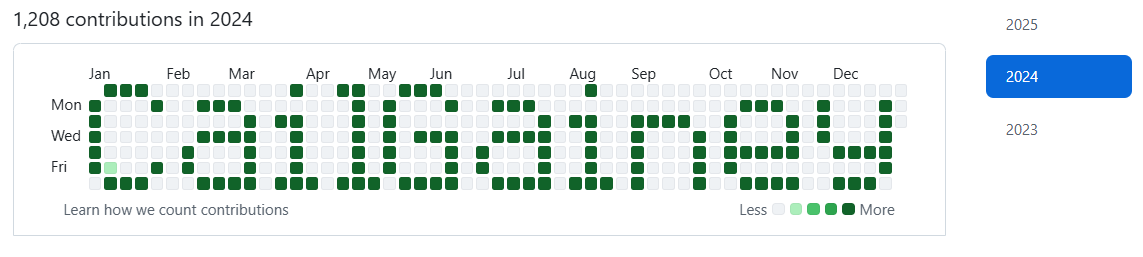
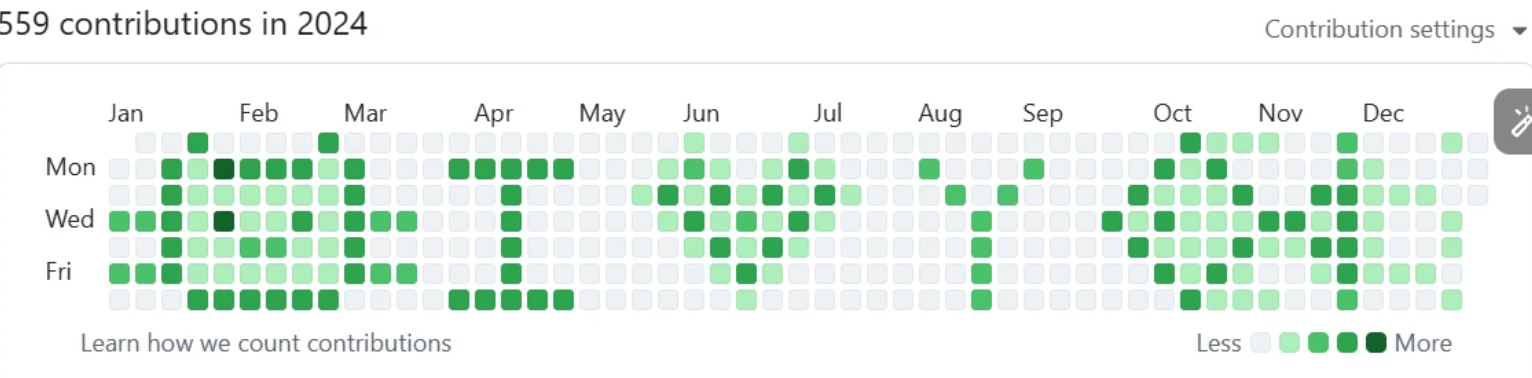
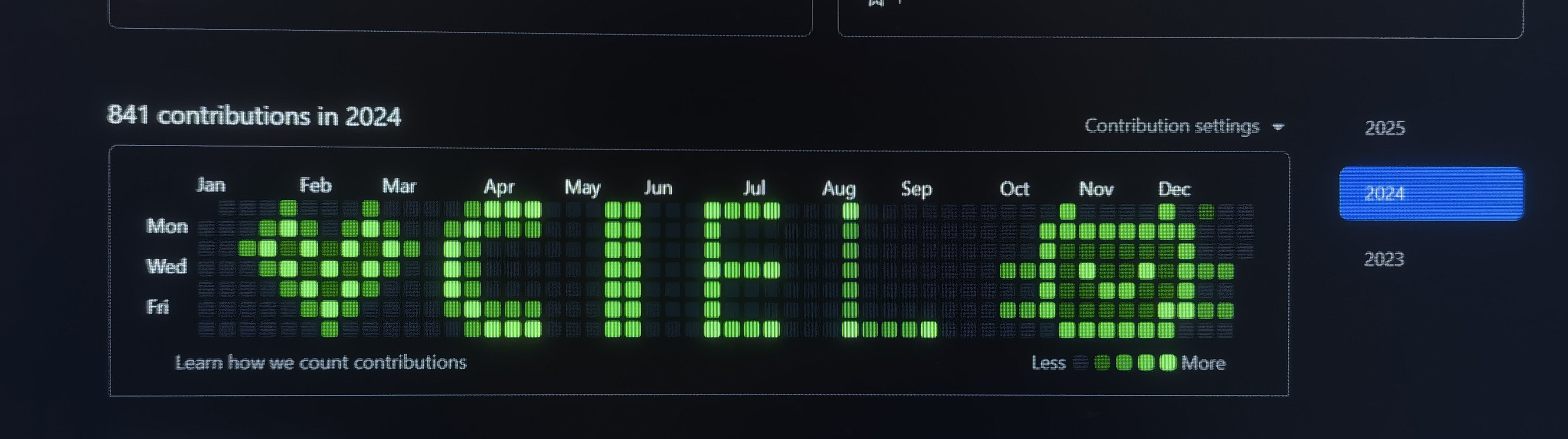
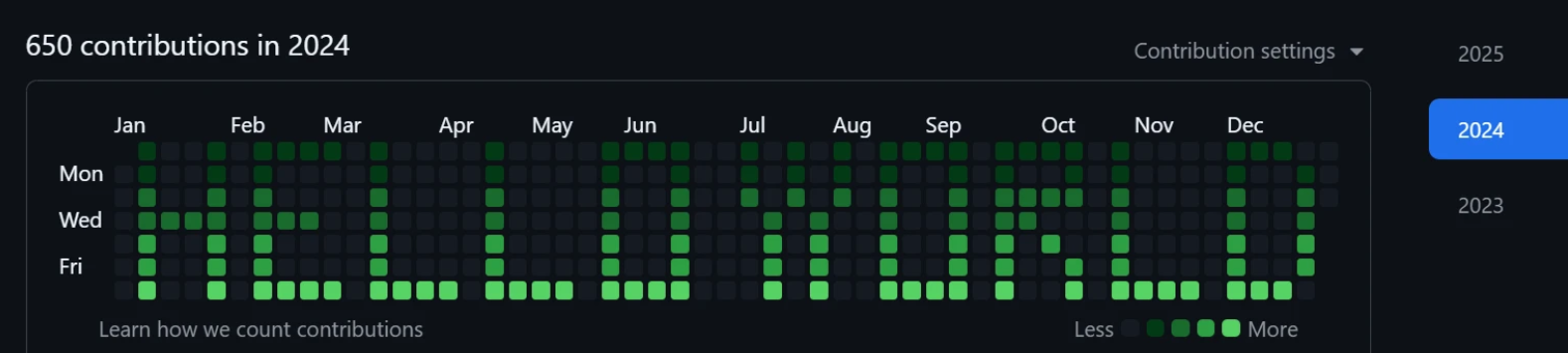
Rendering Examples
 |
 |
|---|---|
 |
 |
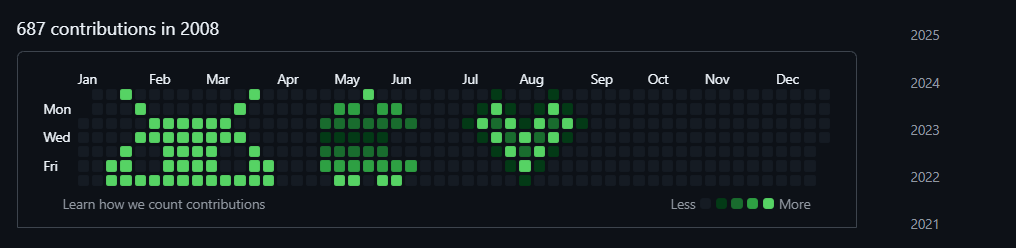 |
Development Guide
Environment setup
- Install Go 1.24+
- Install Node.js (v22+)
- Install Git
Install dependent tools
go install github.com/wailsapp/wails/v2/cmd/[email protected]
Project workflow
Clone the repository and enter the directory:
git clone https://github.com/zmrlft/GreenWall.git
cd GreenWall
Install front-end dependencies:
cd frontend && npm install
Start the development environment:
wails dev
Build:
wails build
Output path: build/bin/
Star History
Disclaimer
This project is provided for educational, demonstration, and research purposes related to GitHub contribution mechanics. Misuse (for example to falsify job applications) is the user's responsibility.
관련 프로젝트 살펴보기
불러오는 중…