ynqa/promkit
ynqa/promkit has 472 GitHub stars and 11 forks. Star changes are not measured yet. Last checked 2026-11-13 23:30 UTC. Last push 2026-09-26.
What you can do
- Application-owned composition — Implement the Prompt lifecycle and combine only the widget states an application needs. Key bindings, focus, validation, background work, and other event policy remain in the application instead of framework-owned presets.
- Optional runtime and terminal lifecycle — Use the asynchronous prompt runtime when useful, and independently manage raw mode, the alternate screen, cursor visibility, and mouse capture with TerminalSession.
- Viewport-aware rendering — promkit-core handles wrapping or truncation, vertical pane allocation, cursor scrolling, clipping, resizing, and screen-to-widget hit testing.
- Reusable widget states — promkit-widgets provides text editing and display, list and checkbox selection, prefix search, spinners, trees, JSON and YAML documents, and CSV tables.
측정된 스타 증가
- in 24h
- 기록 수집 중
- in 7 days
- 기록 수집 중
- in 15 days
- 기록 수집 중
- in 1 month
- 기록 수집 중
서로 겹치는 기간의 순증가량이며 일별 합계가 아닙니다. 측정값이 없으면 비워 둡니다. 스타는 관심도를 나타내며 품질을 보장하지 않습니다.
소개
Make interactive prompt in Rust
개발 도구README.md
Originalpromkit


A toolkit for building your own interactive prompt in Rust.
Getting Started
Put the package in your Cargo.toml.
[dependencies]
promkit = { version = "0.17.0", features = ["runtime", "texteditor"] }
Features
- Application-owned composition — Implement the
Promptlifecycle and combine only the widget states an application needs. Key bindings, focus, validation, background work, and other event policy remain in the application instead of framework-owned presets. - Optional runtime and terminal lifecycle — Use the asynchronous prompt
runtime when useful, and independently manage raw mode, the alternate screen,
cursor visibility, and mouse capture with
TerminalSession. - Viewport-aware rendering —
promkit-corehandles wrapping or truncation, vertical pane allocation, cursor scrolling, clipping, resizing, and screen-to-widget hit testing. - Reusable widget states —
promkit-widgetsprovides text editing and display, list and checkbox selection, prefix search, spinners, trees, JSON and YAML documents, and CSV tables. - Efficient large-content projection — JSON, YAML, and table widgets can project only the visible terminal viewport instead of rebuilding all content on every redraw.
- Feature-gated modules — No Cargo features are enabled by default. Choose the runtime, terminal session, capabilities, and individual widgets needed by the application.
- Cross-platform terminal support — UNIX and Windows are supported through crossterm.
Concept
See here.
Projects using promkit
Examples/Demos
promkit provides a runtime and reusable widgets for building interactive terminal applications. The examples own their event policies and demonstrate how applications can compose the widgets they need.
Table of contents
| Example | Description |
|---|---|
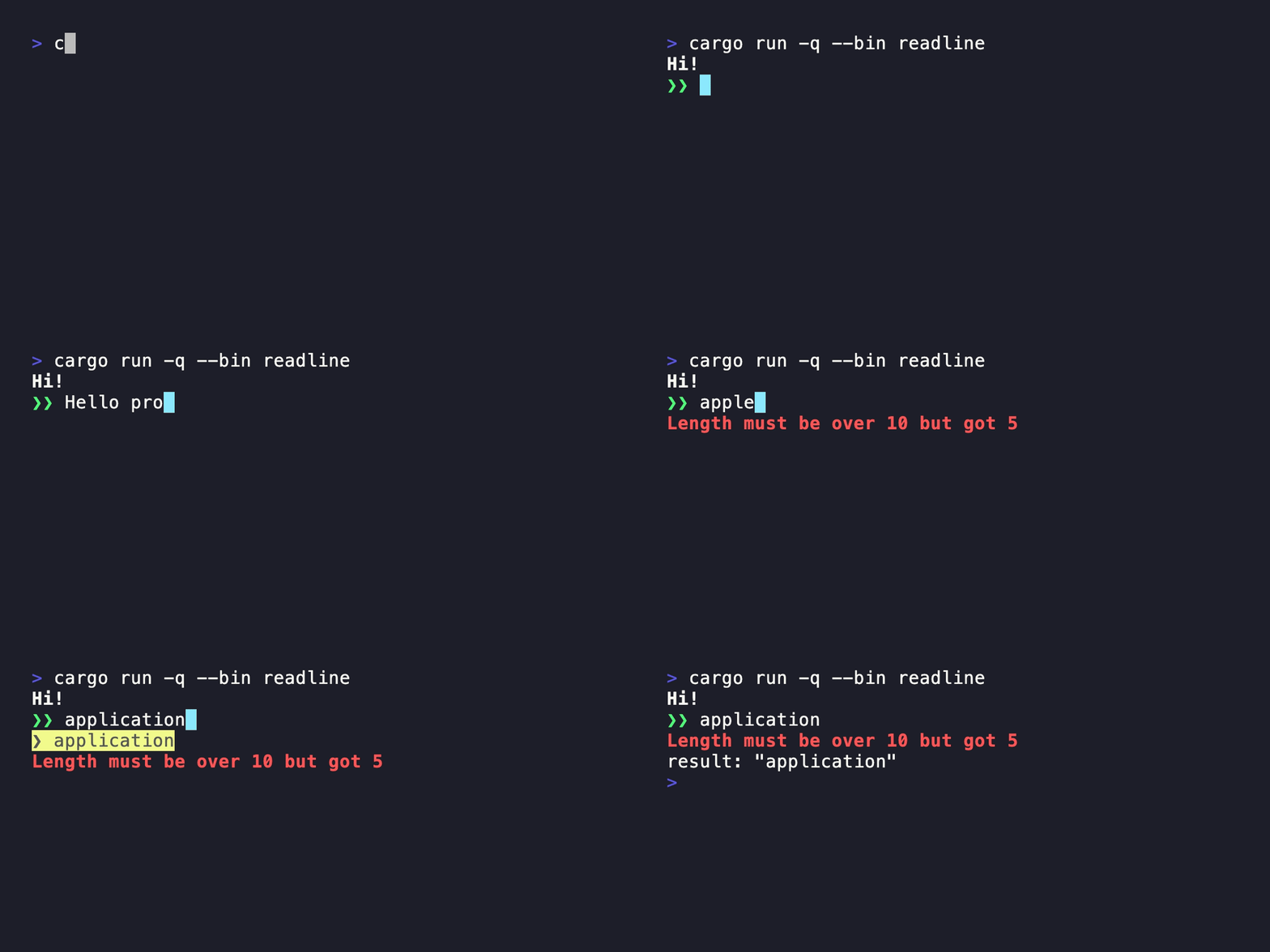
| Readline | Single-line editing with history and completion |
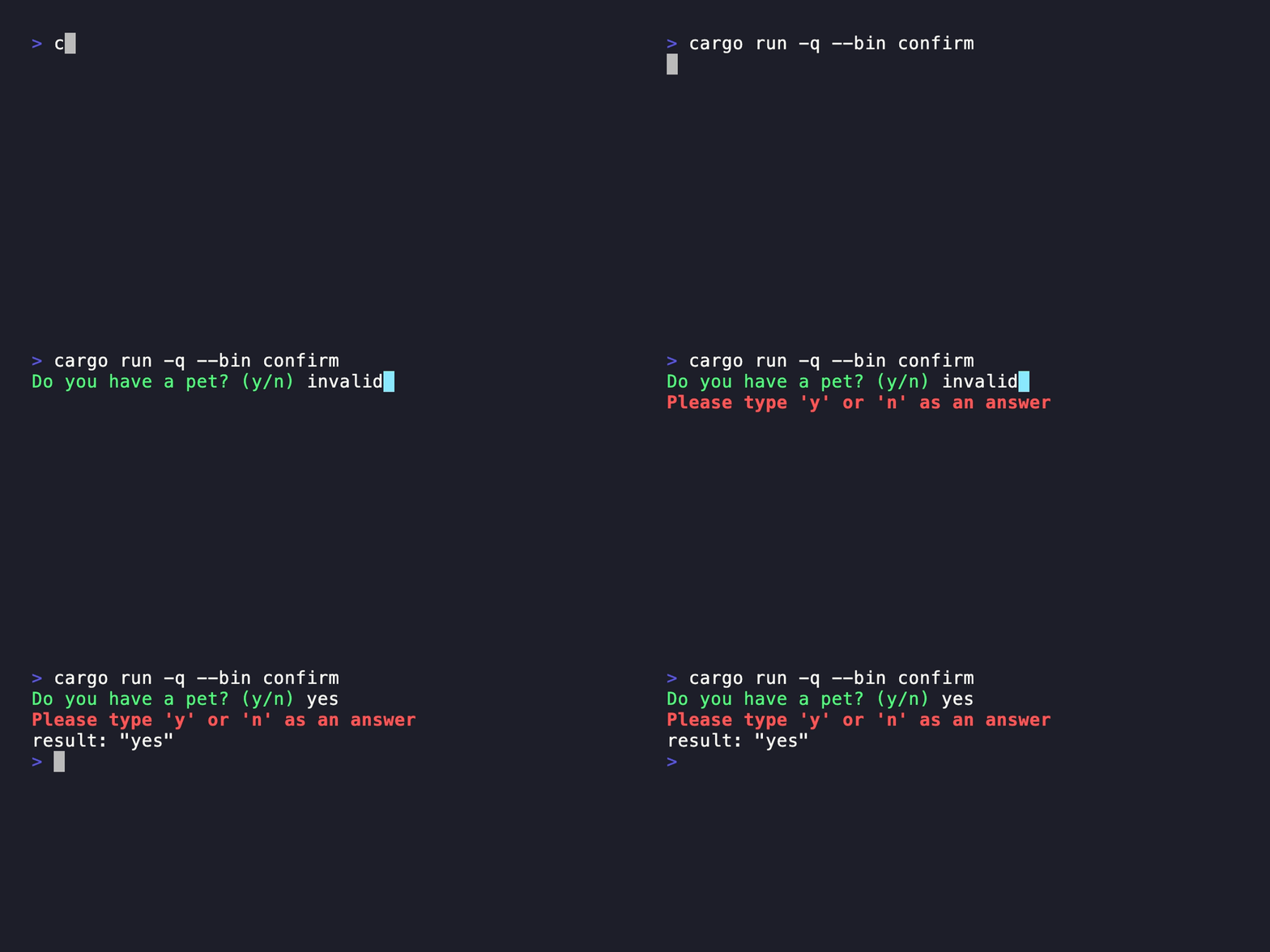
| Confirm | Validated yes-or-no input |
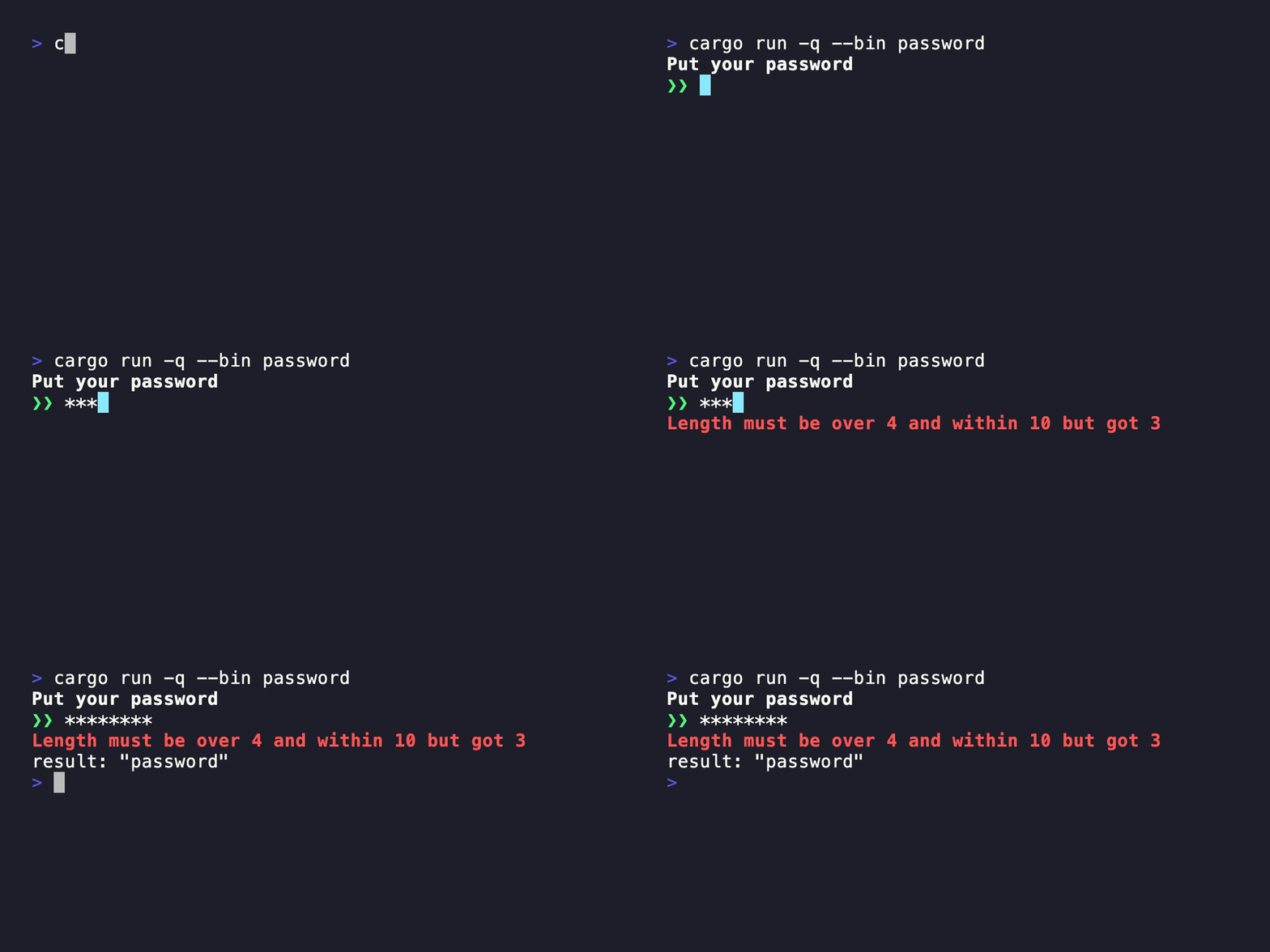
| Password | Masked input with validation |
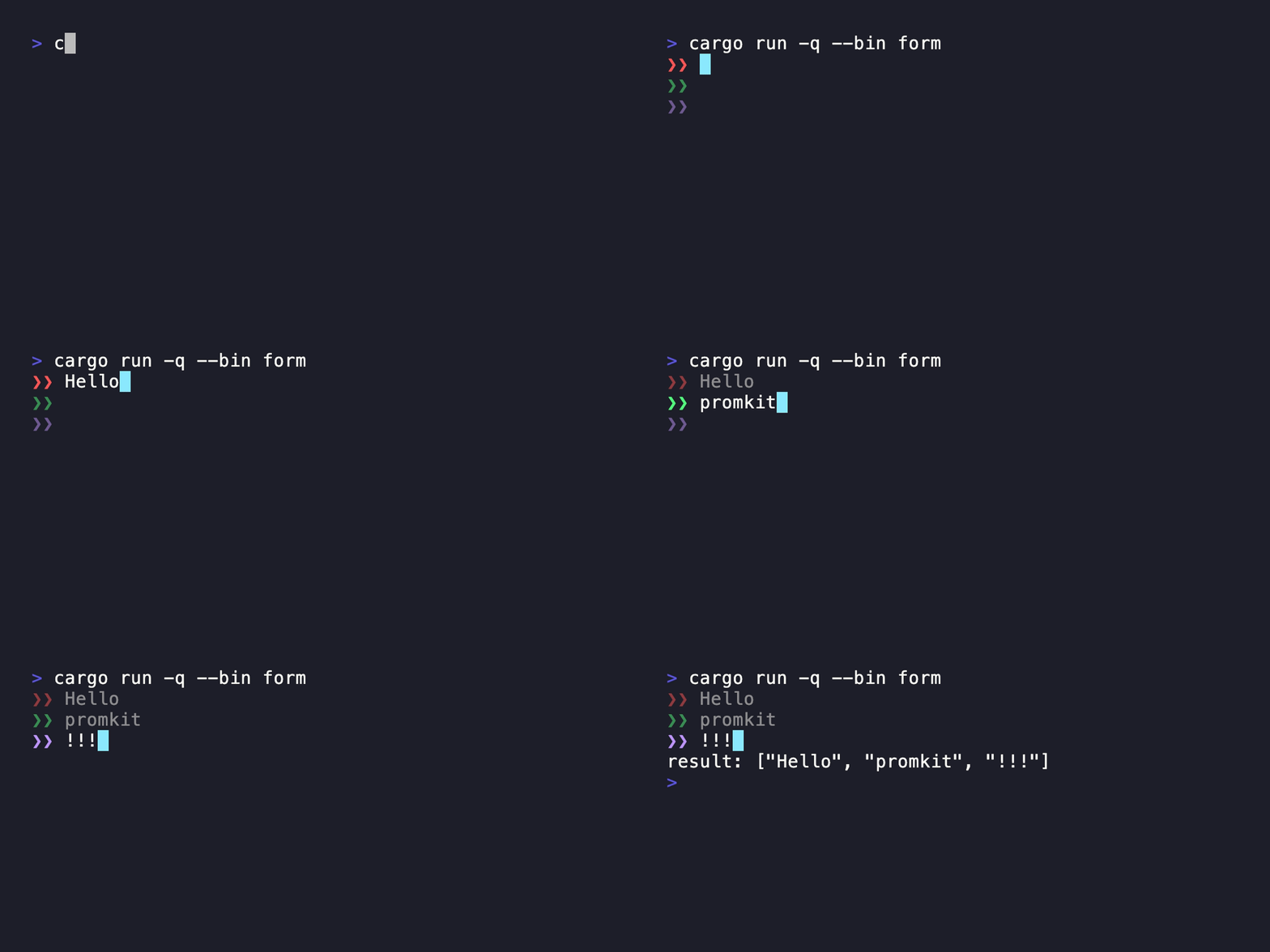
| Form | Multiple editable fields in one prompt |
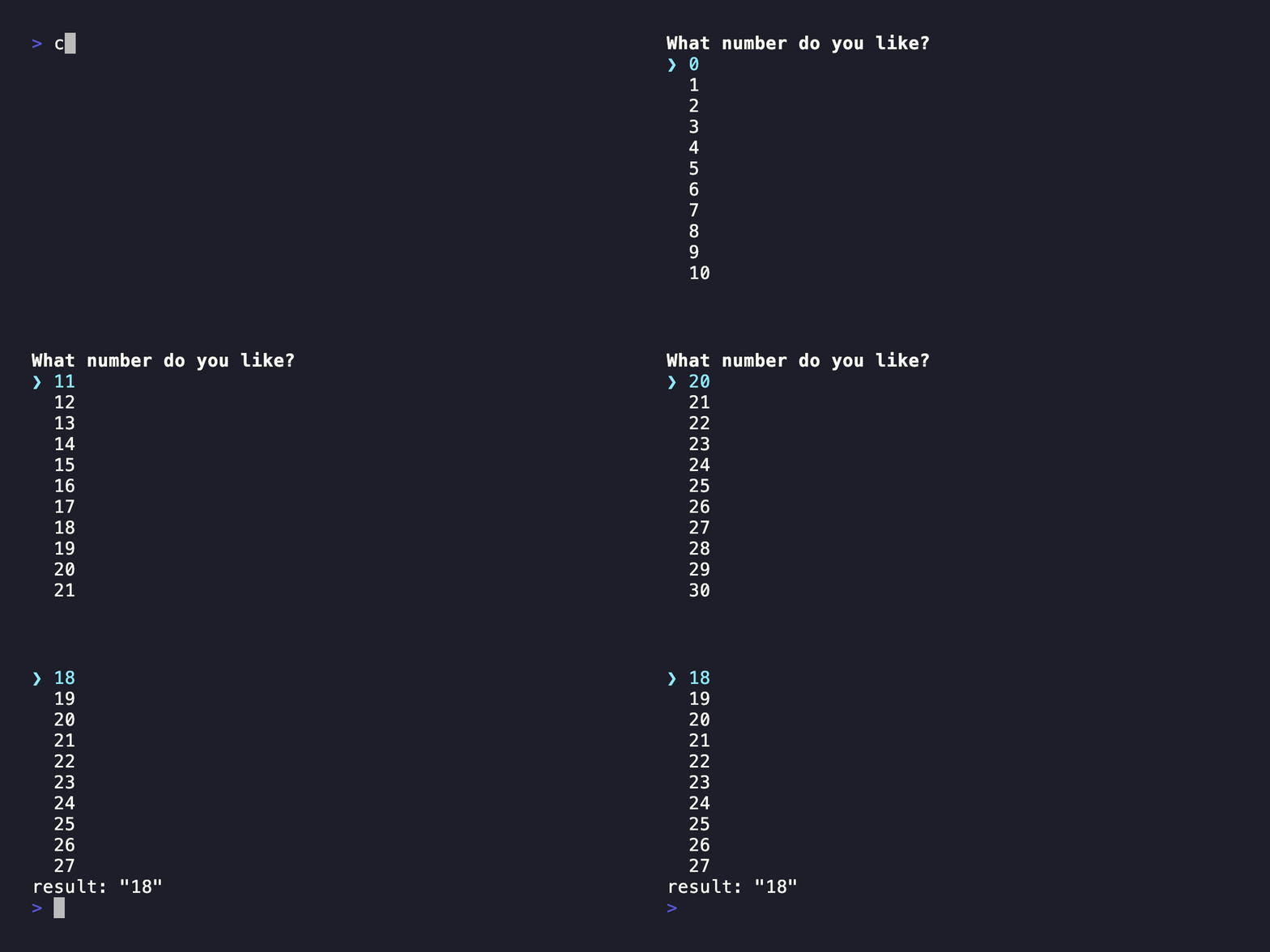
| Listbox | Keyboard-driven single selection |
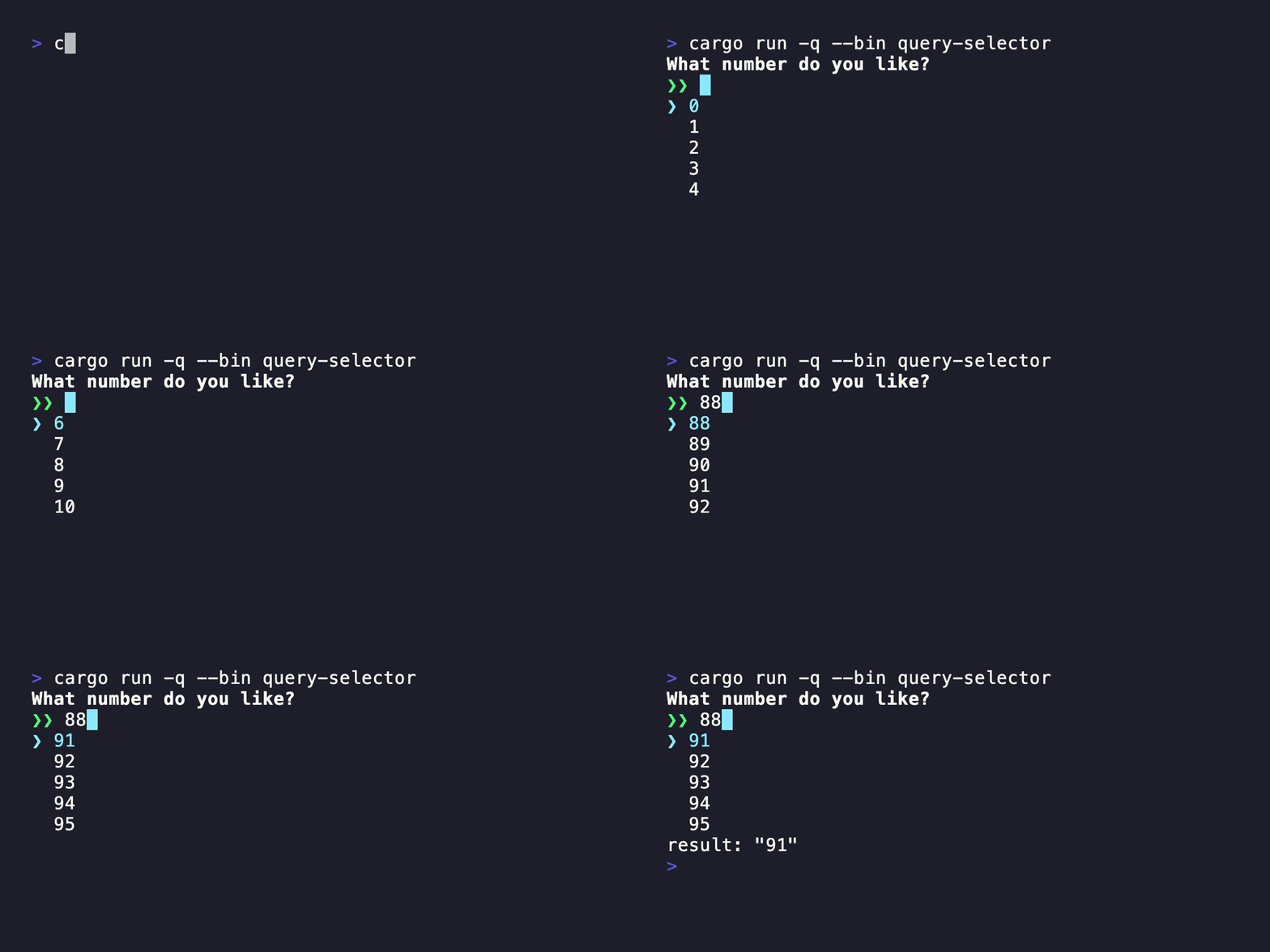
| QuerySelector | Prefix search over selectable candidates |
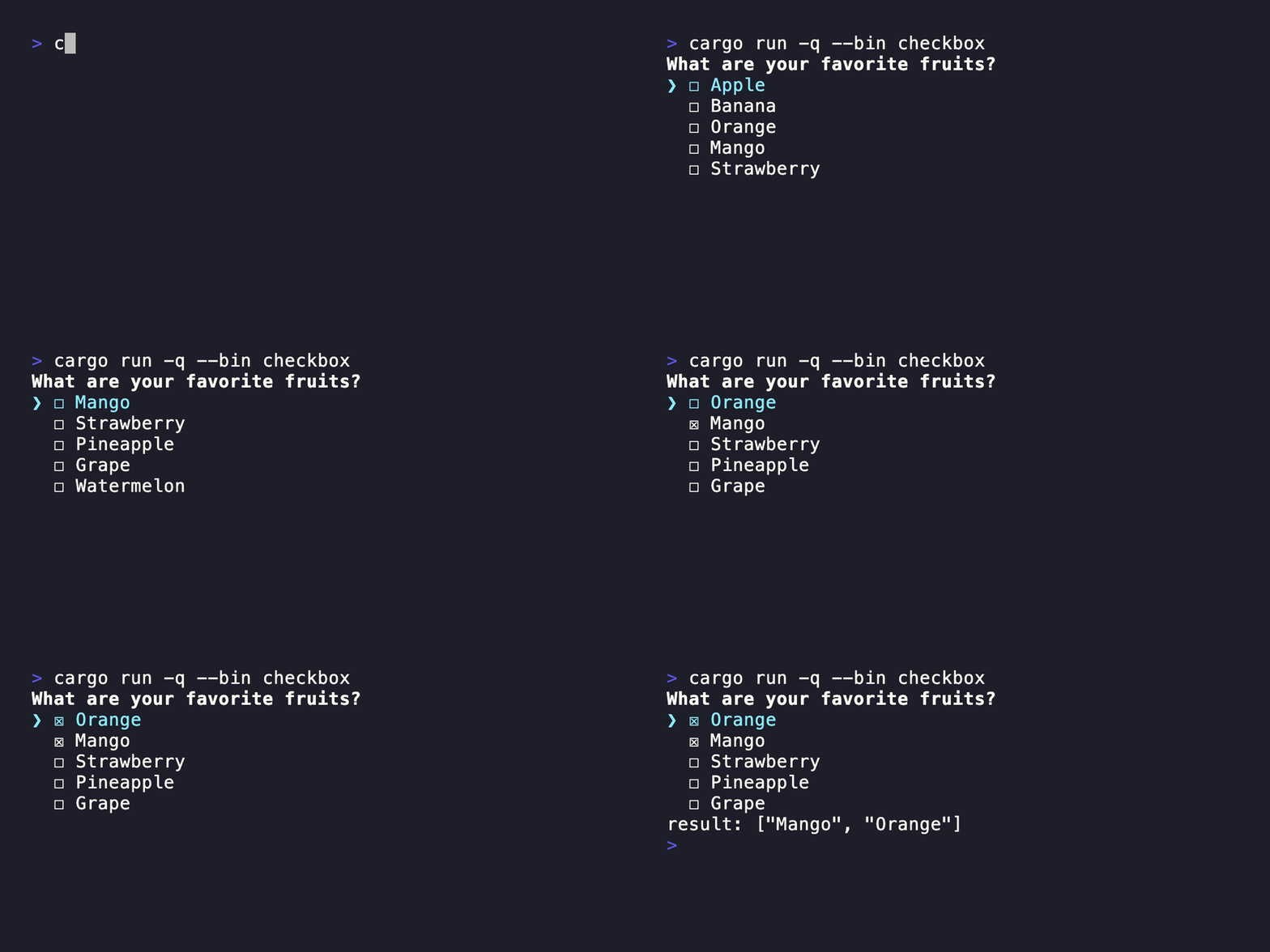
| Checkbox | Keyboard-driven multiple selection |
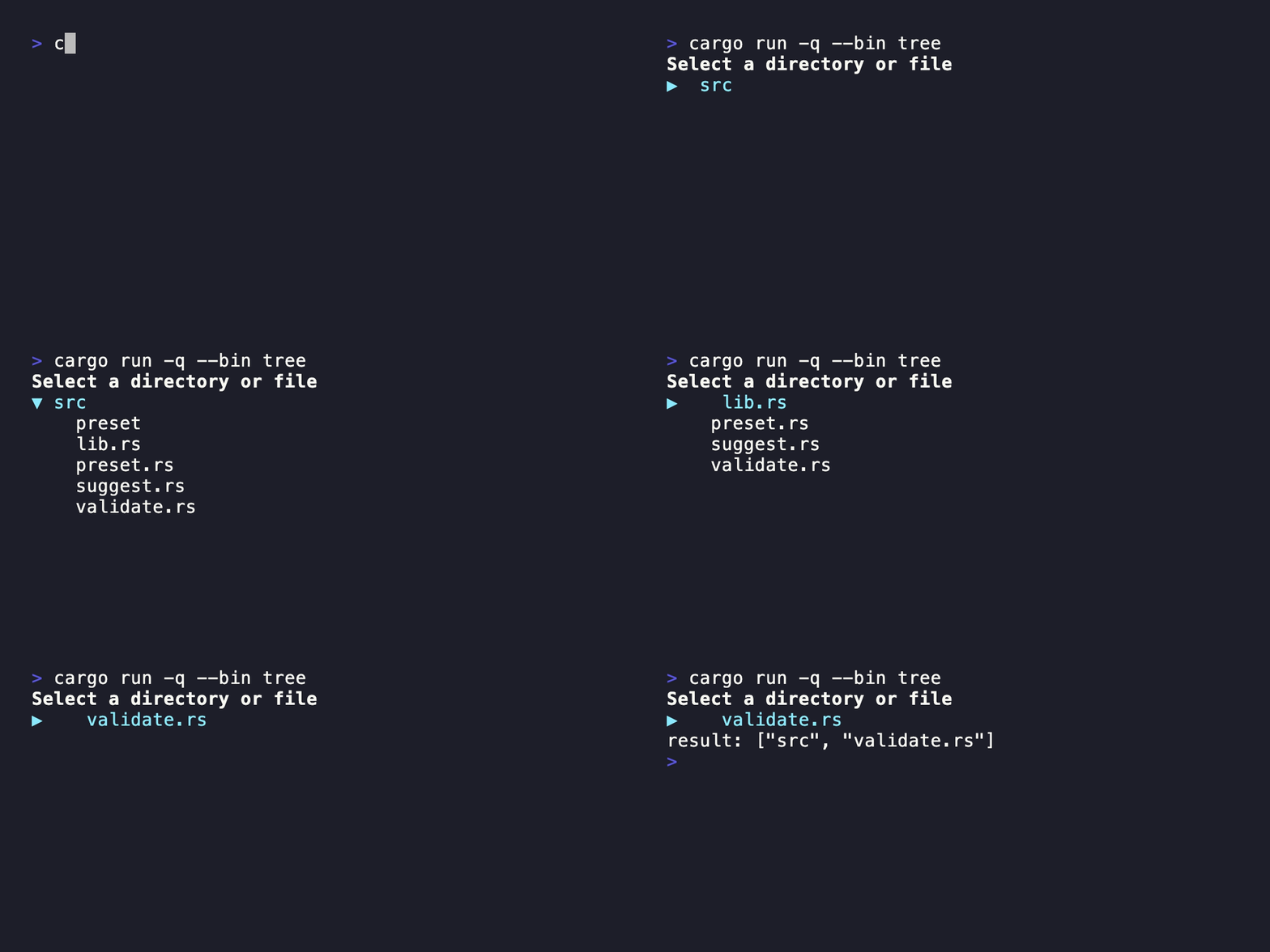
| Tree | Navigation and folding for hierarchical data |
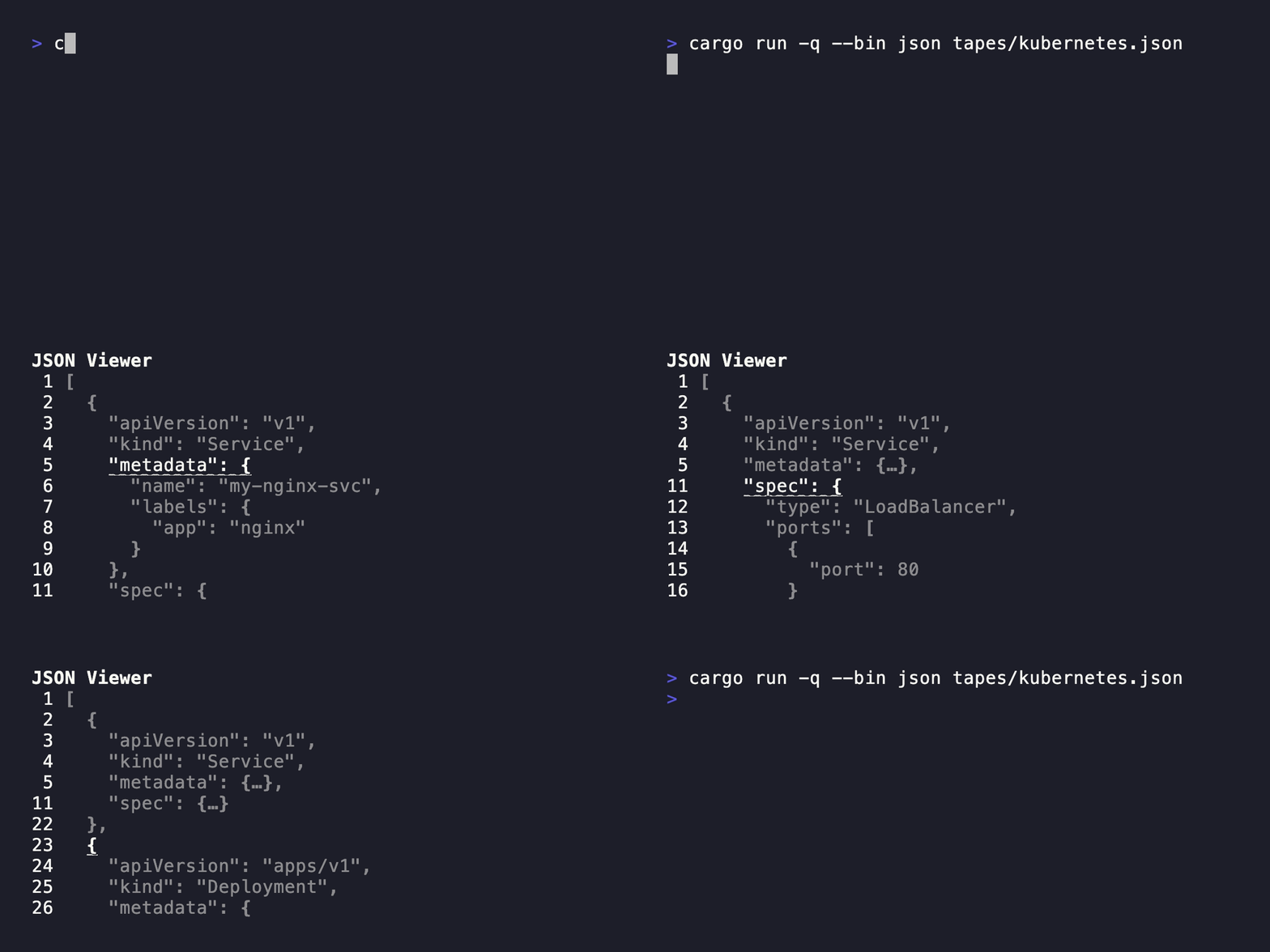
| JSON | Line-numbered navigation and folding for JSON |
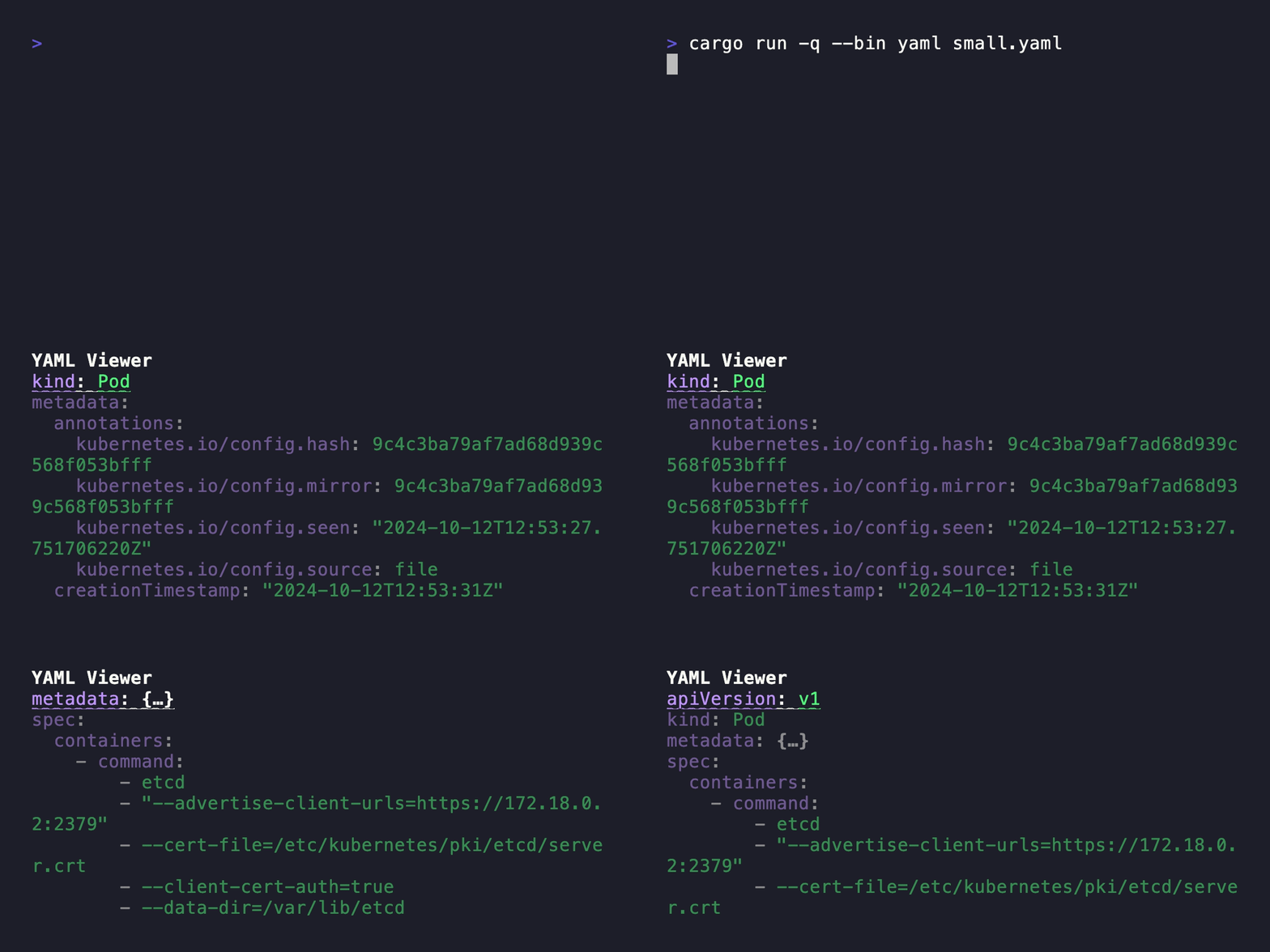
| YAML | Line-numbered navigation and folding for YAML |
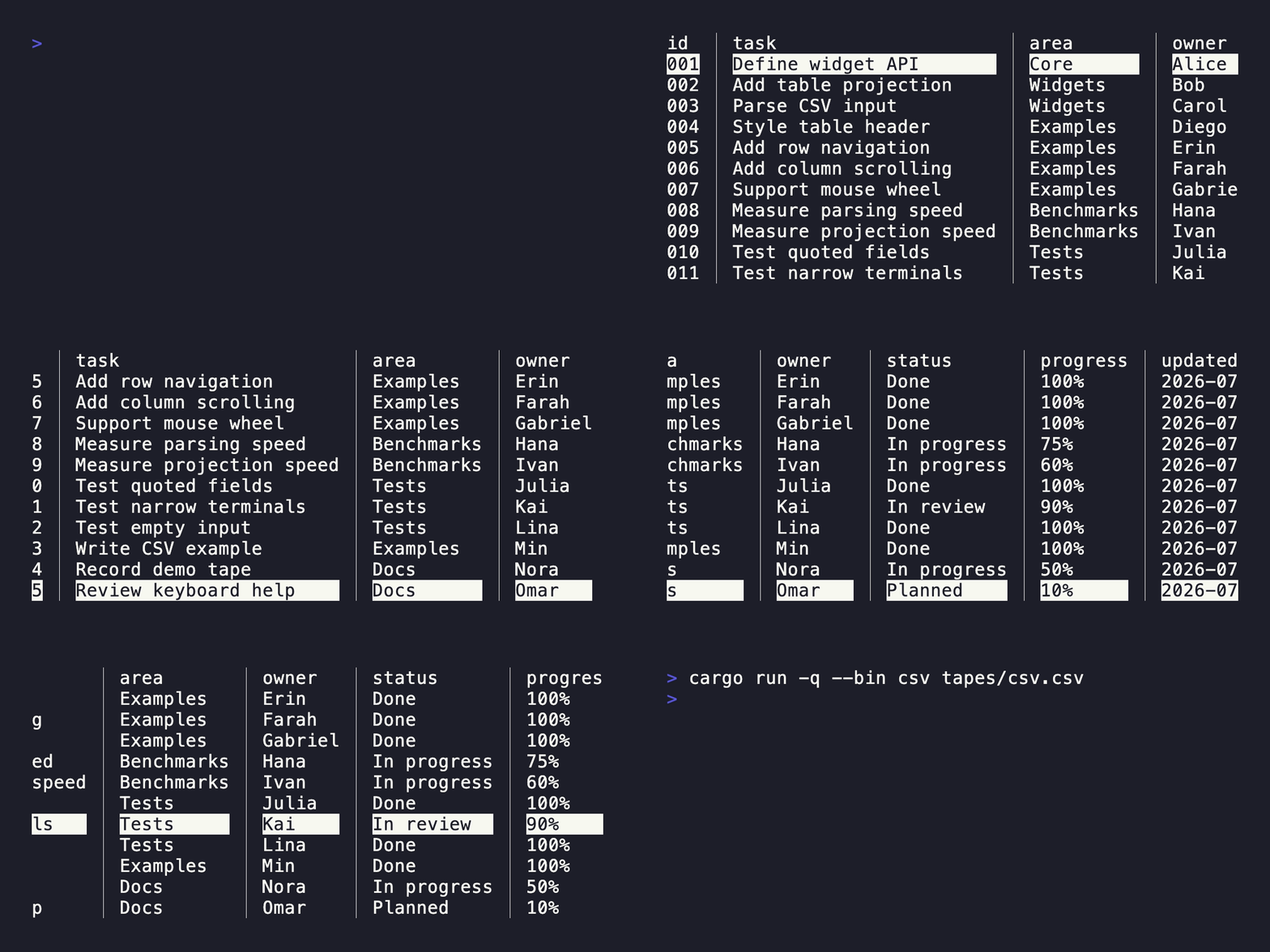
| CSV | Vertical and horizontal navigation for tabular data |
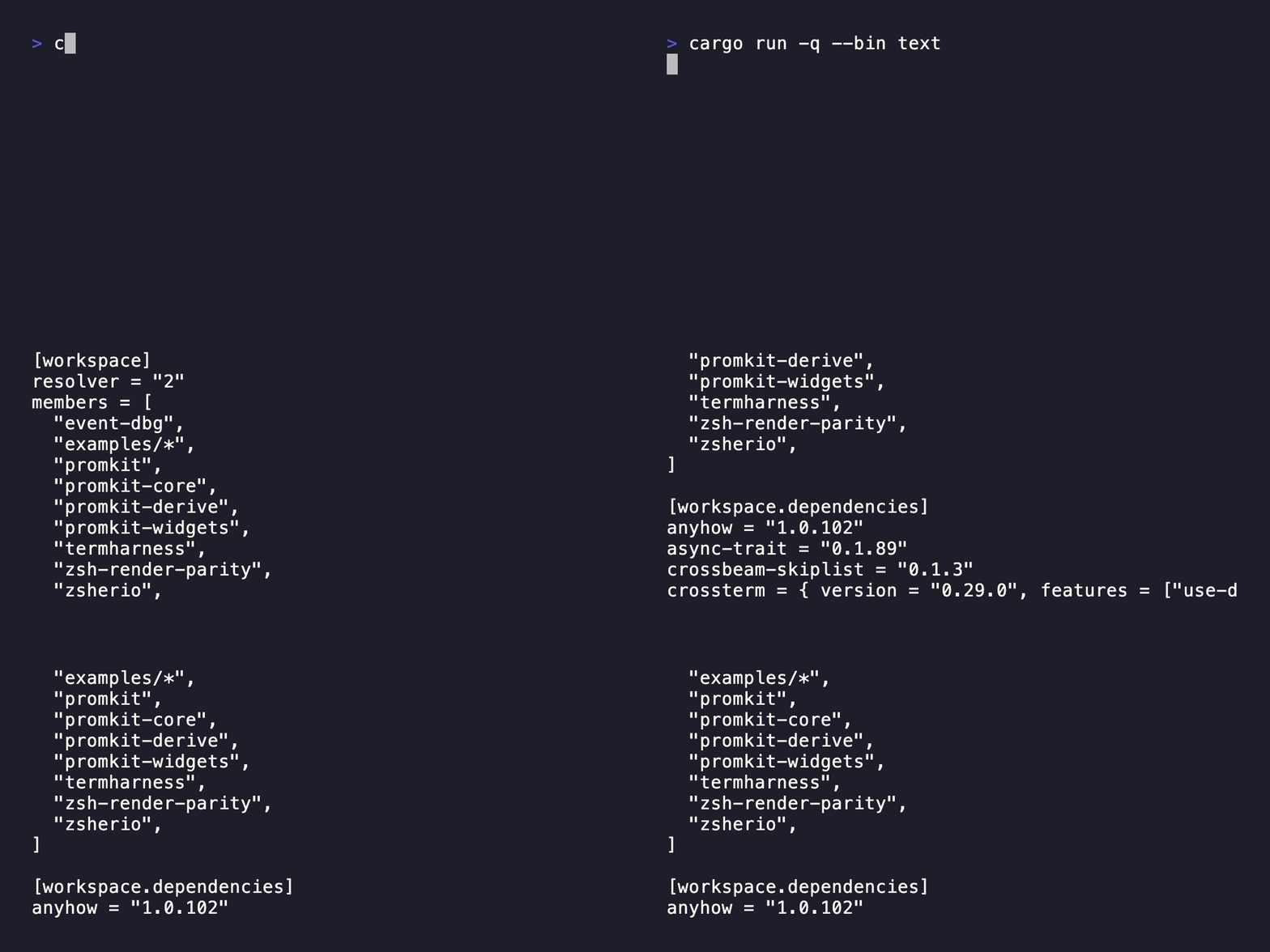
| Text | Scrollable styled text |
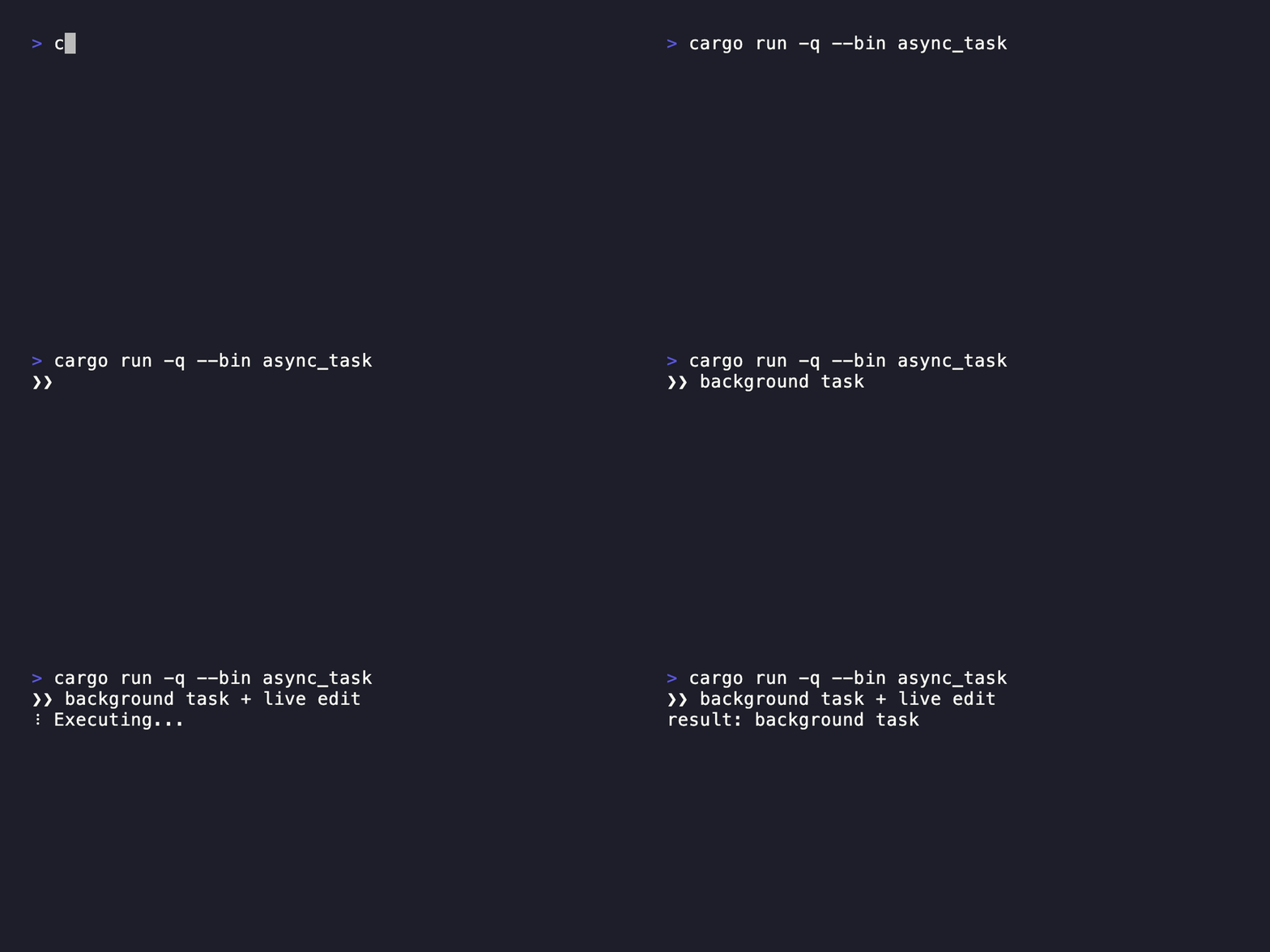
| Async Task with Spinner | Background work with live input and progress feedback |
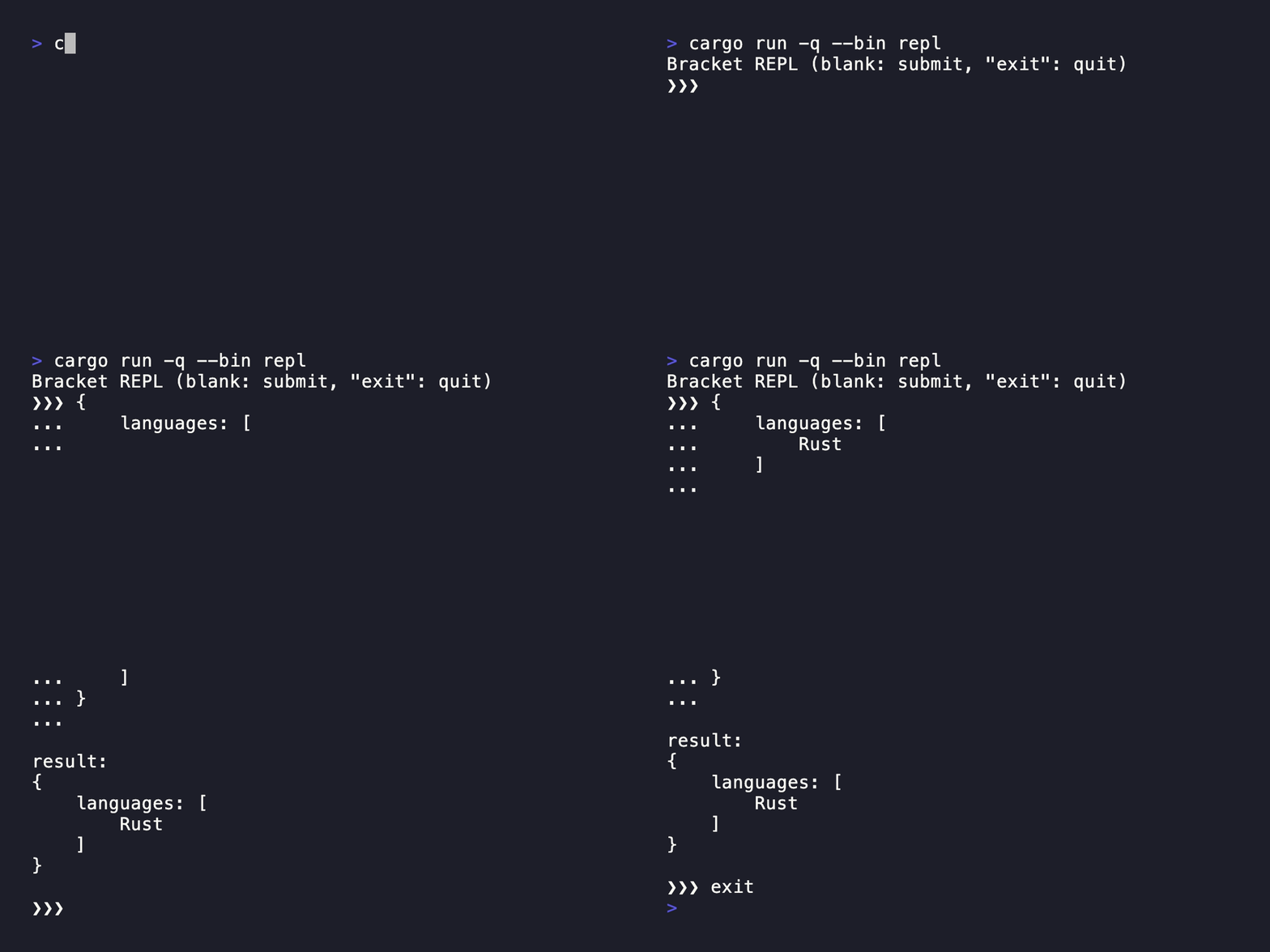
| Multiline REPL | Multiline editing in an interactive loop |
Each section includes a command, source link, and recorded demo.
Demo GIFs and their VHS tapes are stored in tapes/.
Regenerate them with bash scripts/render_tapes_gif.sh (requires VHS).
Readline
Command
cargo run --bin readline
Confirm
Command
cargo run --bin confirm
Password
Command
cargo run --bin password
Form
Command
cargo run --bin form
Listbox
Command
cargo run --bin listbox
QuerySelector
Command
cargo run --bin query-selector
Checkbox
Command
cargo run --bin checkbox
Tree
Command
cargo run --bin tree
JSON
Command
cargo run --bin json ${PATH_TO_JSON_FILE}
YAML
Command
cargo run --bin yaml ${PATH_TO_YAML_FILE}
CSV
Command
cargo run --bin csv ${PATH_TO_CSV_FILE}
Text
Command
cargo run --bin text
Advanced Examples
These examples demonstrate how to compose widgets and rendering primitives for application-specific event loops and asynchronous workflows.
Async Task with Spinner
Command
cargo run --bin async_task
Multiline REPL
Command
cargo run --bin repl