
wbopan/moffee
wbopan/moffee has 1,329 GitHub stars and 64 forks. GitHot measured 0 in 7 days. Last checked 2026-11-09 06:29 UTC. Last push 2026-07-27.
moffee: Make Markdown Ready to Present
측정된 스타 증가
- in 24h
- 업데이트 지연
- in 7 days
- 0
- in 15 days
- 업데이트 지연
- in 1 month
- 업데이트 지연
서로 겹치는 기간의 순증가량이며 일별 합계가 아닙니다. 측정값이 없으면 비워 둡니다. 스타는 관심도를 나타내며 품질을 보장하지 않습니다.
README.md
Original

moffee
Make Markdown Ready to Present.


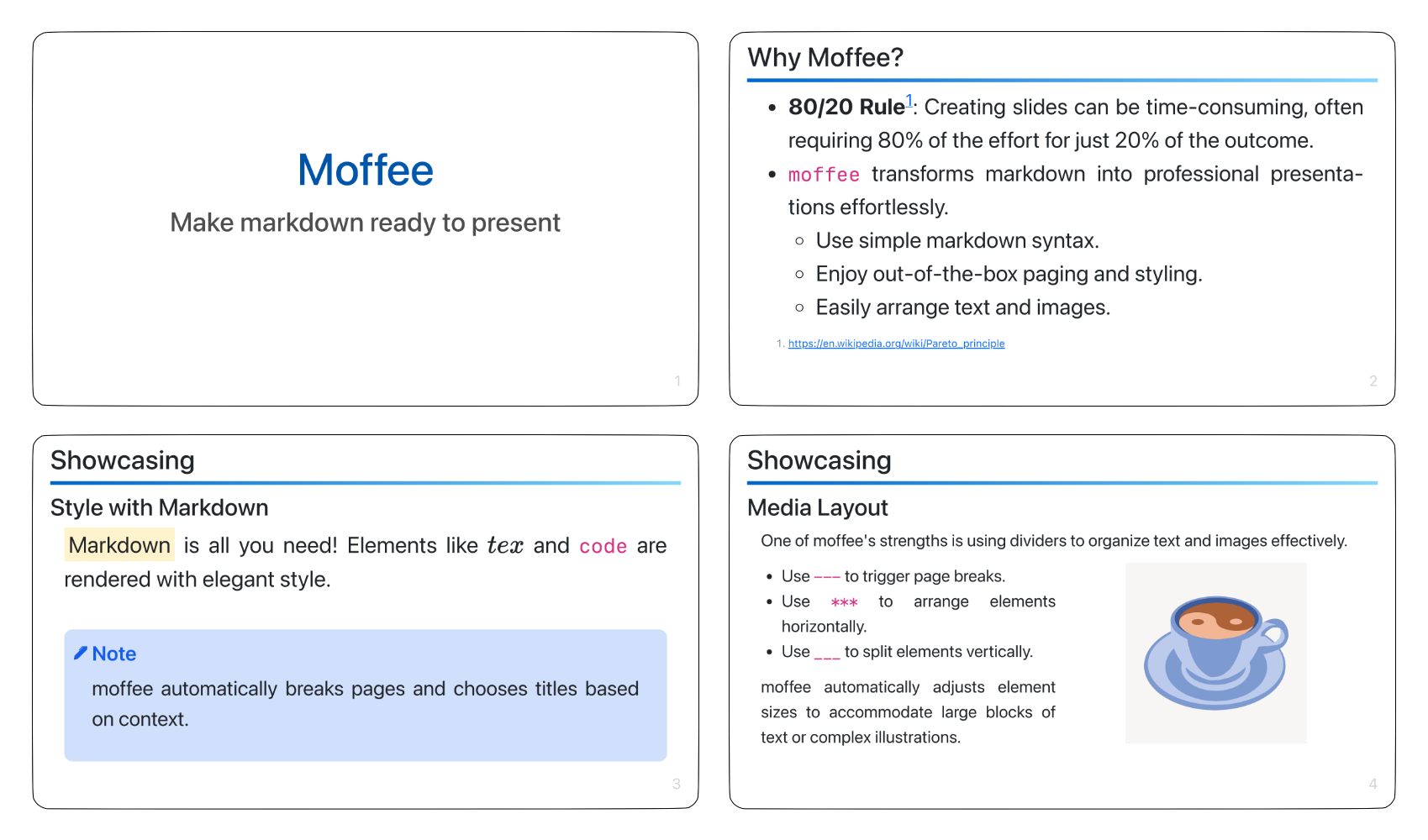
moffee is an open-source slide maker that transforms markdown documents into clean, professional slide decks.
- moffee handles layout, pagination, and styling, so you can focus on your content.
- There's little to learn. moffee uses simple syntax to arrange and style content to your liking.
- A live web interface updates slides as you type, allowing you to start a slideshow or export it to PDF.
An Example
Click to expand input markdown document (29 lines)
# moffee
## Make markdown ready to present
@(layout=centered)
## Why moffee?
- **80/20 Rule**[^1]: Creating slides can be time-consuming, often requiring 80% of the effort for just 20% of the outcome.
- `moffee` transforms markdown into professional presentations effortlessly.
- Use simple markdown syntax.
- Enjoy out-of-the-box paging and styling.
- Easily arrange text and images.
[^1]: https://en.wikipedia.org/wiki/Pareto_principle
## Showcasing
### Style with Markdown
==Markdown== is all you need! Elements like $tex$ and `code` are rendered with elegant style.
!!! note
moffee automatically breaks pages and chooses titles based on context.
### Media Layout
One of moffee's strengths is using dividers to organize text and images effectively.
===
- Use `---` to trigger page breaks.
- Use `<->` to arrange elements horizontally.
- Use `===` to split elements vertically.
moffee automatically adjusts element sizes to accommodate large blocks of text or complex illustrations.
<->

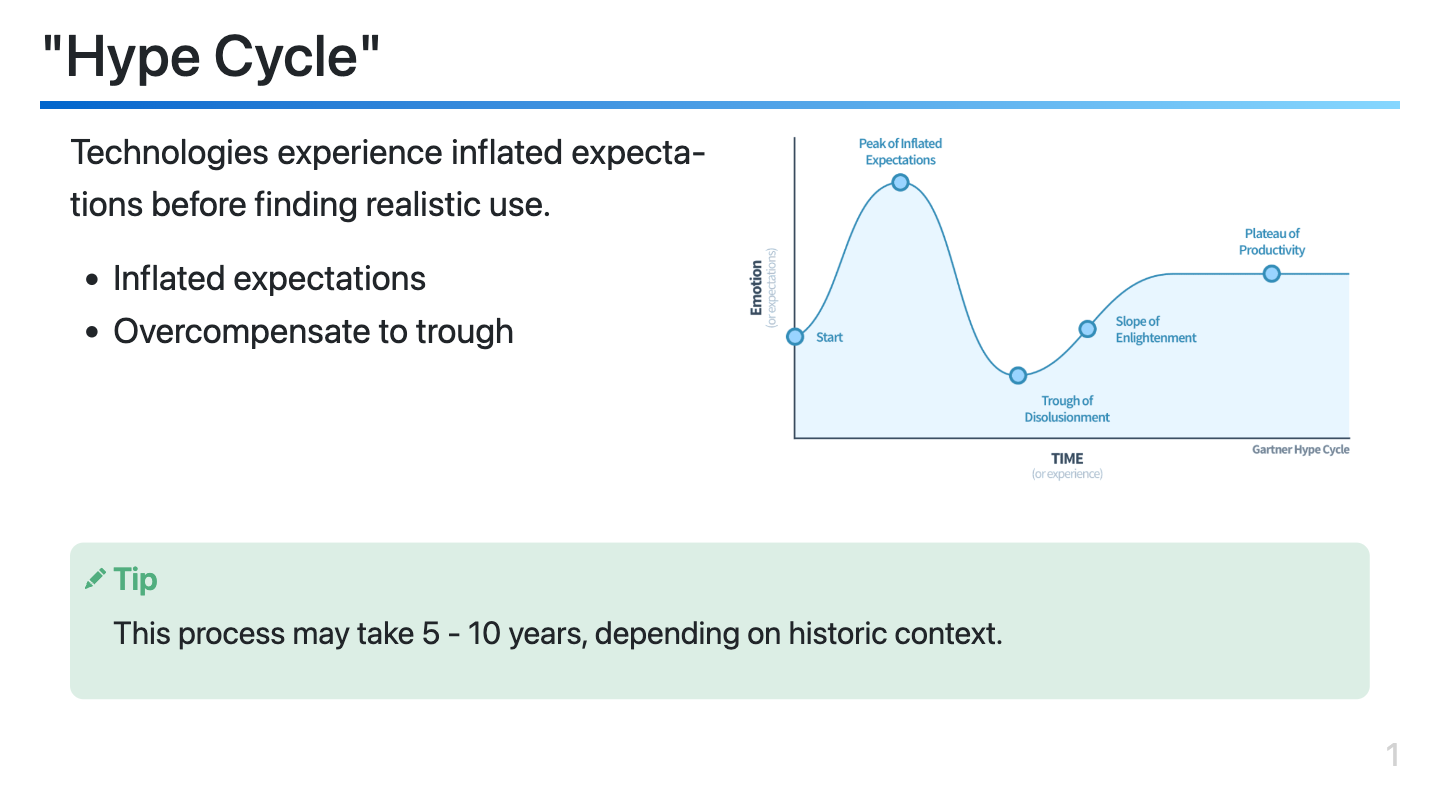
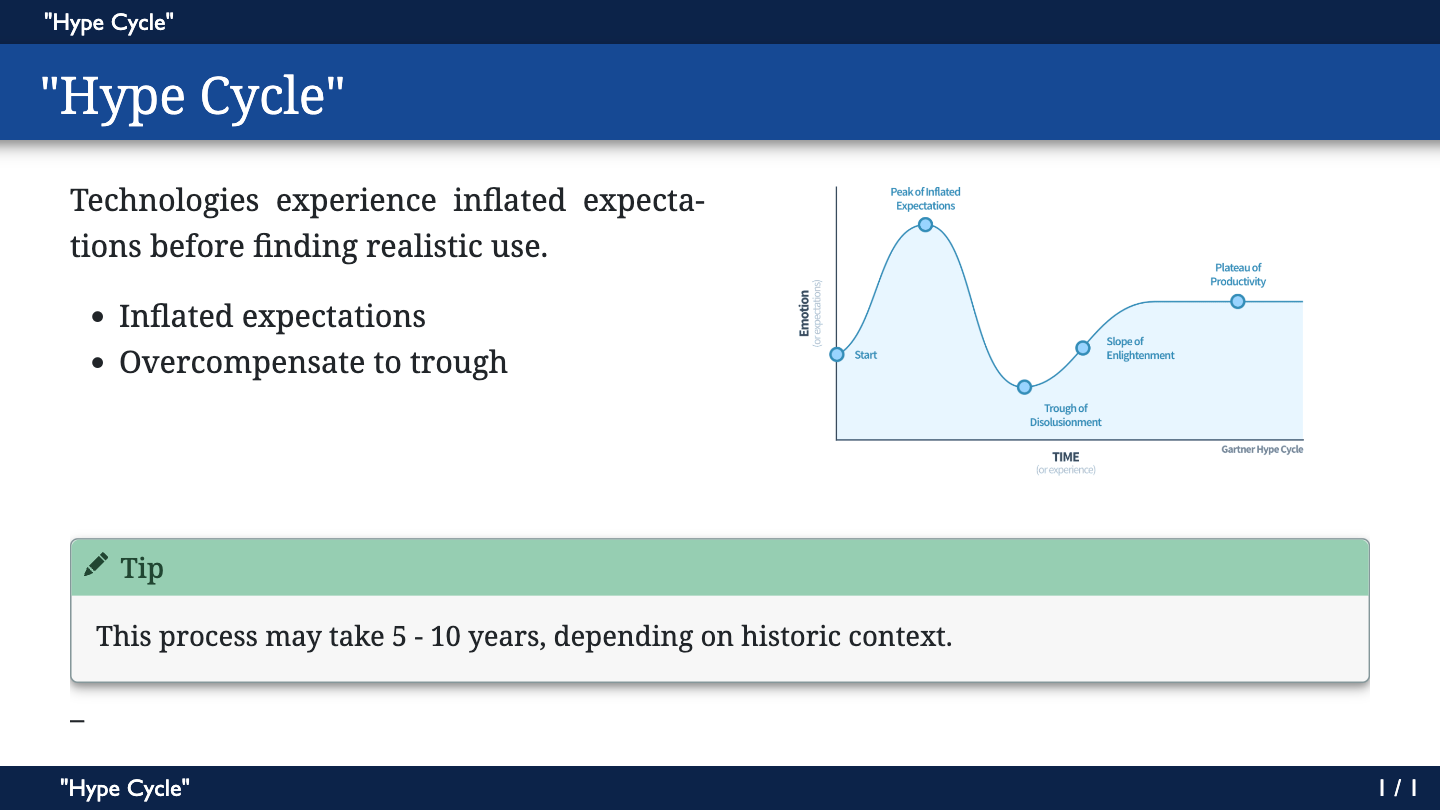
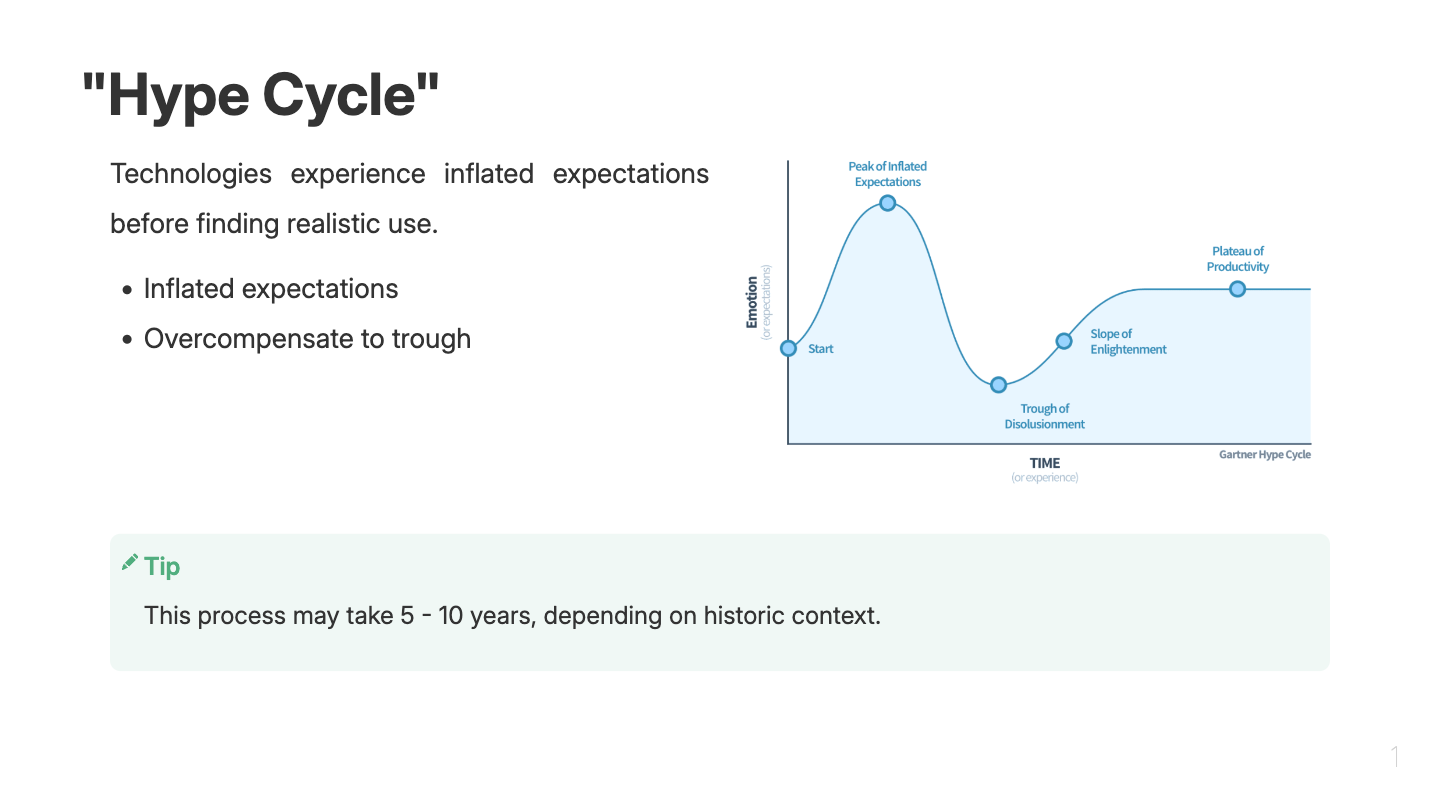
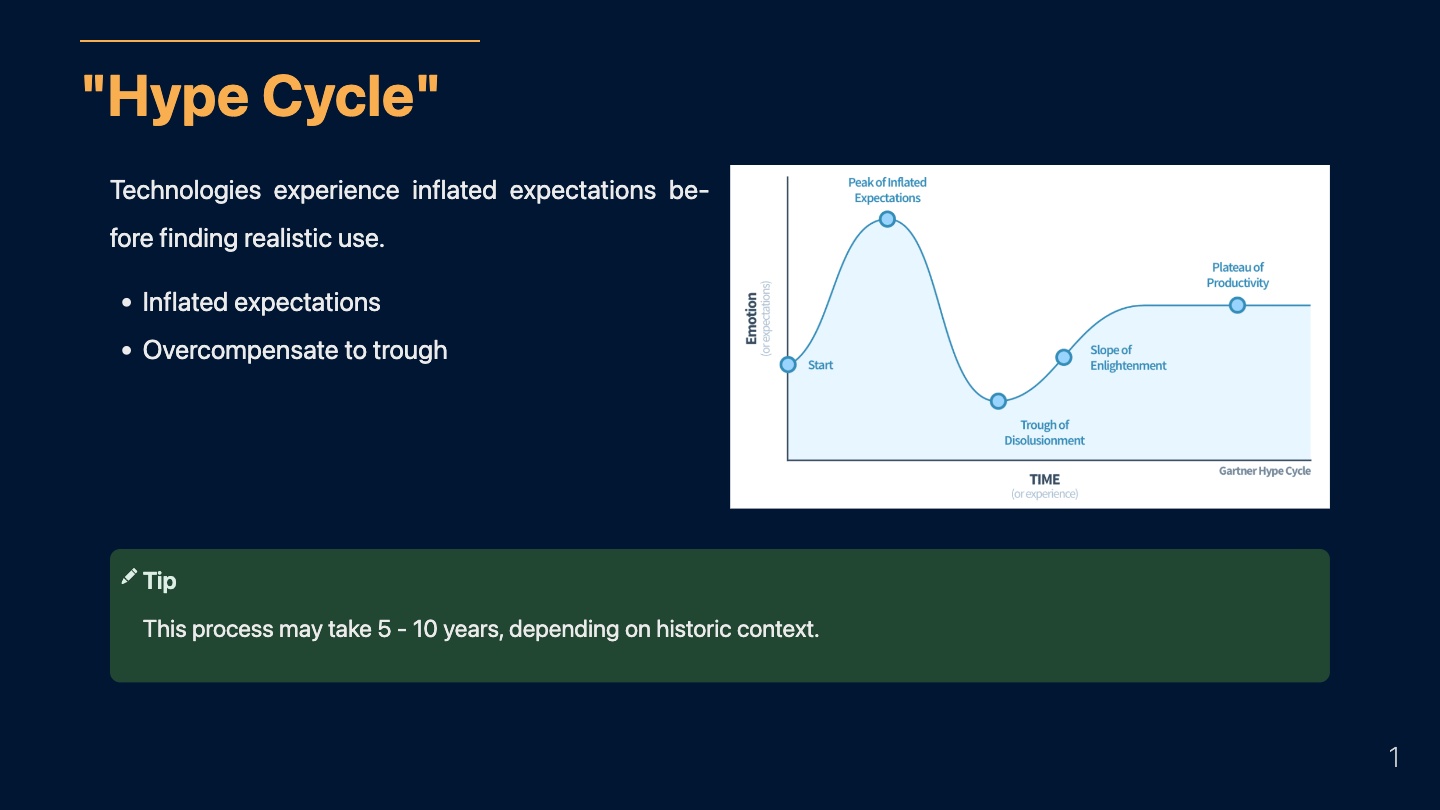
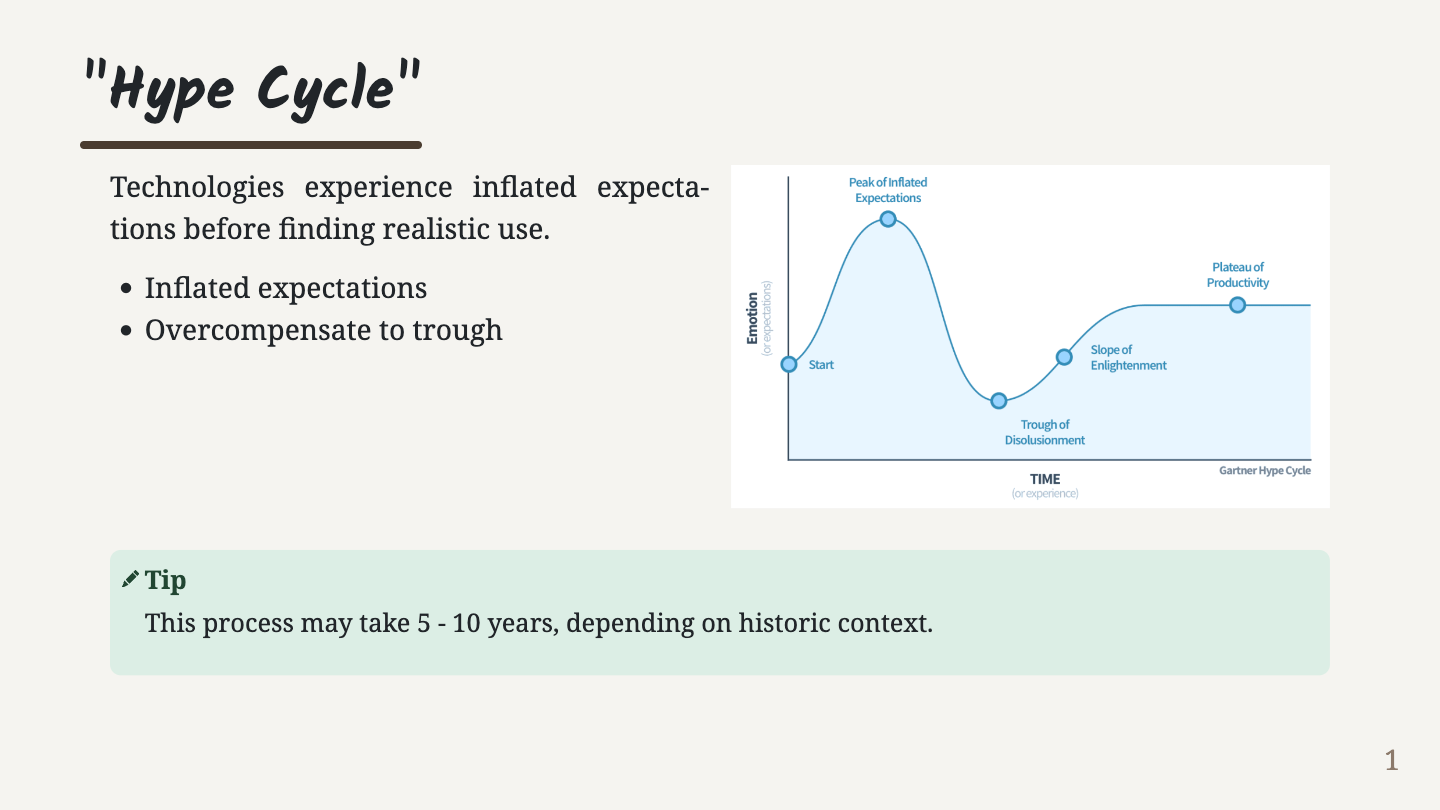
Or you can use other built-in themes:
| default | beam | robo |
 |
 |
 |
| blue | gaia | |
 |
 |
Installation
moffee is written in Python and is recommended to install with pipx. See our documentation for step-by-step instructions.
pipx install moffee
# or `pip install moffee`
Preview slides in a live web server or export to HTML:
moffee live example.md # launch a server
# or
moffee make example.md -o output_html/ # export to HTML
Usage
To start, write in standard markdown. moffee supports most extended syntax found in Obsidian Flavored Markdown. See the syntax documentation for more details.
# Markdown Title
Use **bold** and *italic* for emphasis.

- Extended syntax like ~~strikethroughs~~ is supported.
To create a new slide, begin a new heading:
## Page 1
Some text

## Page 2
This sentence will appear on the second slide.
Alternatively, use --- to manually trigger a new slide:
## Page 1
Text on the first slide
---
Text on the next slide.
You'll notice the second slide shares the Page 1 title. moffee selects the most suitable title for each slide.
In addition to ---, moffee supports <-> and === for in-slide layout. Use <-> to separate elements horizontally:
Text on the left.
<->

=== places elements vertically and takes precedence over <->. Use them together for flexible layouts:
Top bun
===
Patty on the left
<->
Lettuce on the right
===
Bottom bun
Options and Styles
Front matter is used to define moffee's behavior. Here are some common used options. Refer to Configuration for the full list.
---
theme: default # Other available themes are "beam", "robo", "blue" and "gaia"
layout: content # HTML template. Use "centered" for centered alignment.
resource_dir: "." # Relative URLs are based on this directory.
aspect_ratio: "16:9" # Aspect ratio of the slides
---
Any CSS property can be set in the front matter. For example, set a dark gray background for all slides:
---
layout: content
background-color: darkgray
color: white
---
moffee also supports local style decorators with the syntax @(property=value). Use these within the document to set attributes for specific slides:
# A refined landing page
Our journey begins here
@(layout=content, background-image='url("https://placehold.co/600x400")')
Contributing
Find moffee helpful? are the best motivation to keep me improving. So thank you! ;)
To submit bug/feature requests/PR, please see CONTRIBUTING.md.
License
MIT License © 2024 Wenbo Pan